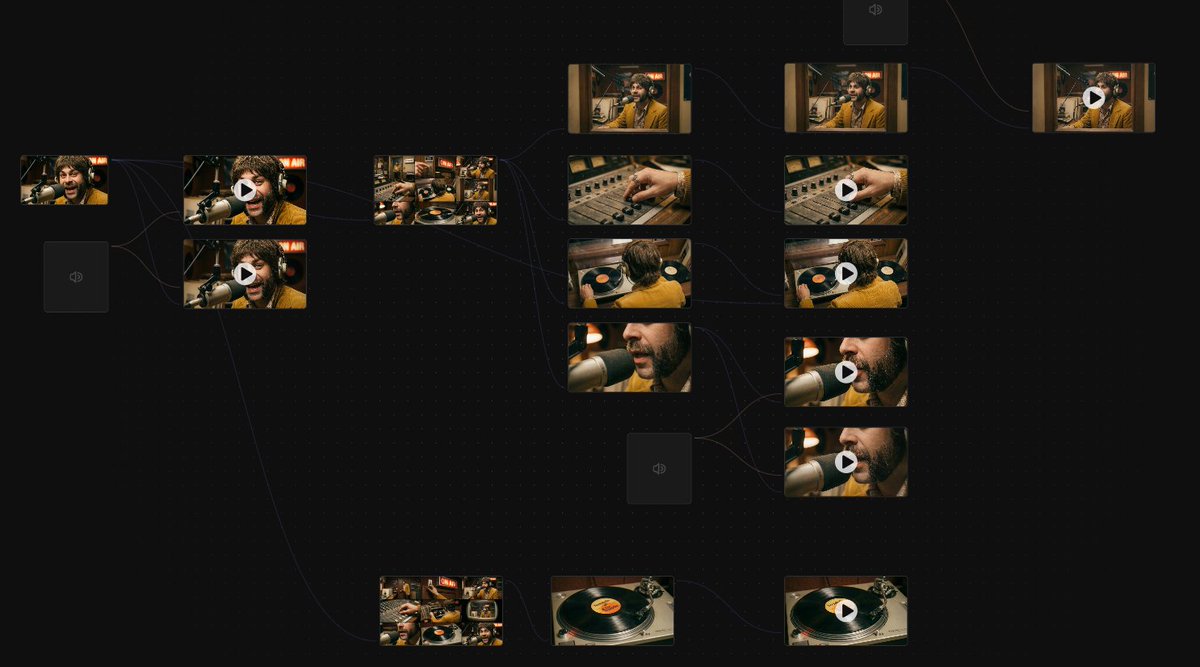
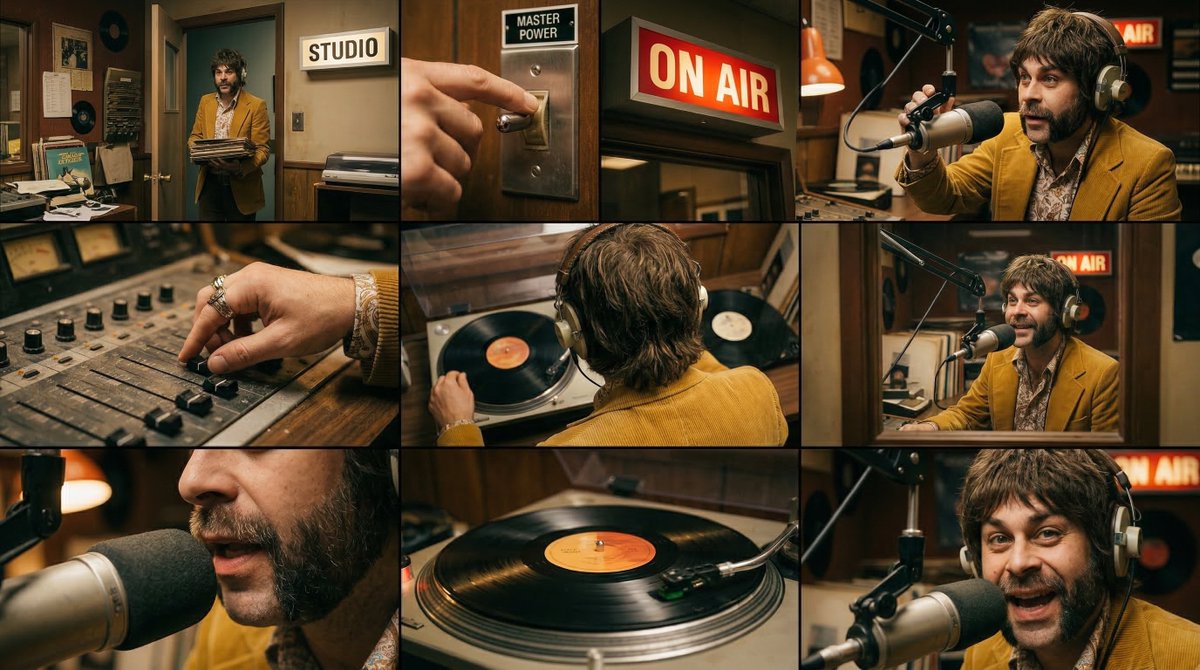
Grok 2.0 makes some sick images, but how do you animate ’em with AI?
I got 7 killer examples + everything you need to know to make your own 🧵👇
(Bookmark this for later)
I got 7 killer examples + everything you need to know to make your own 🧵👇
(Bookmark this for later)
First, make the images. I posted a thread about it yesterday, so if you missed it, here’s the link.
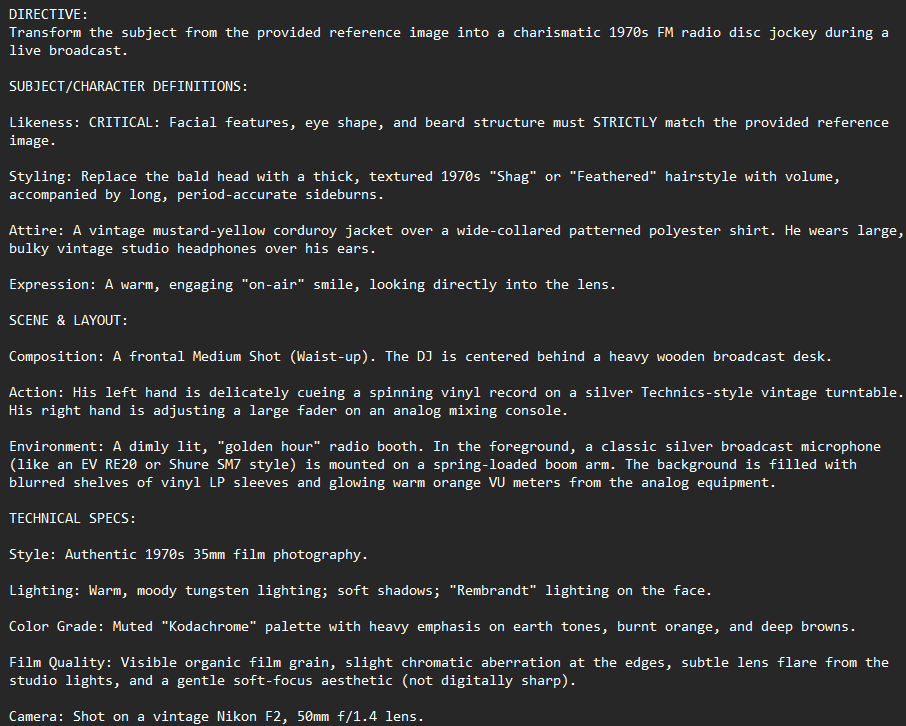
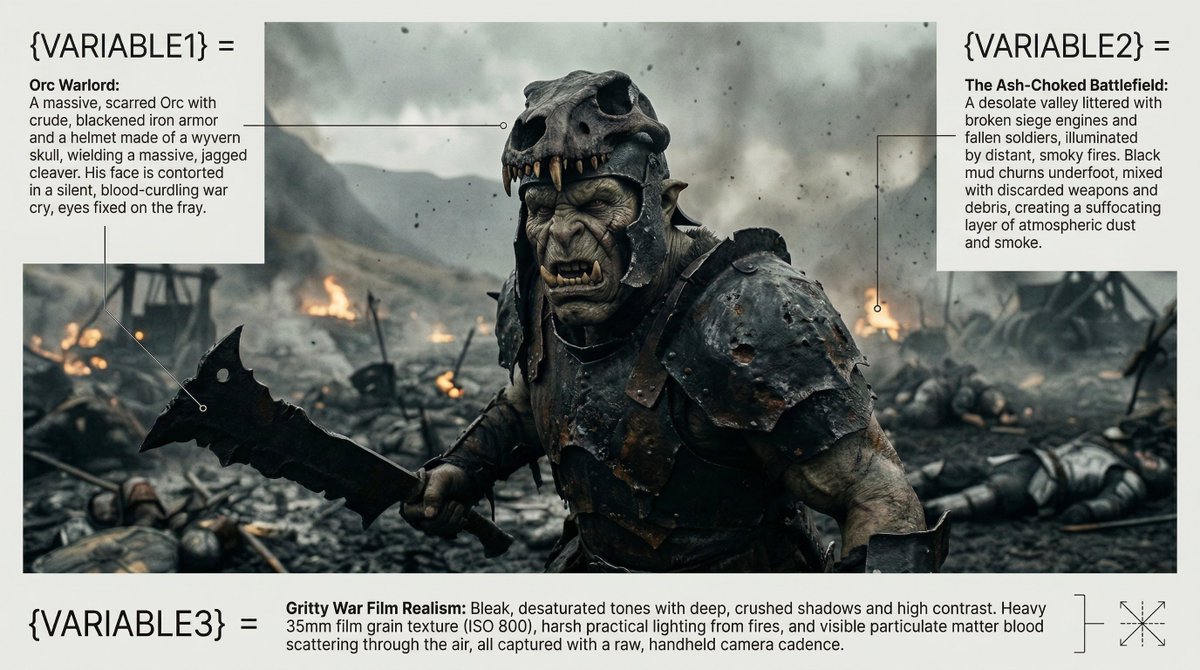
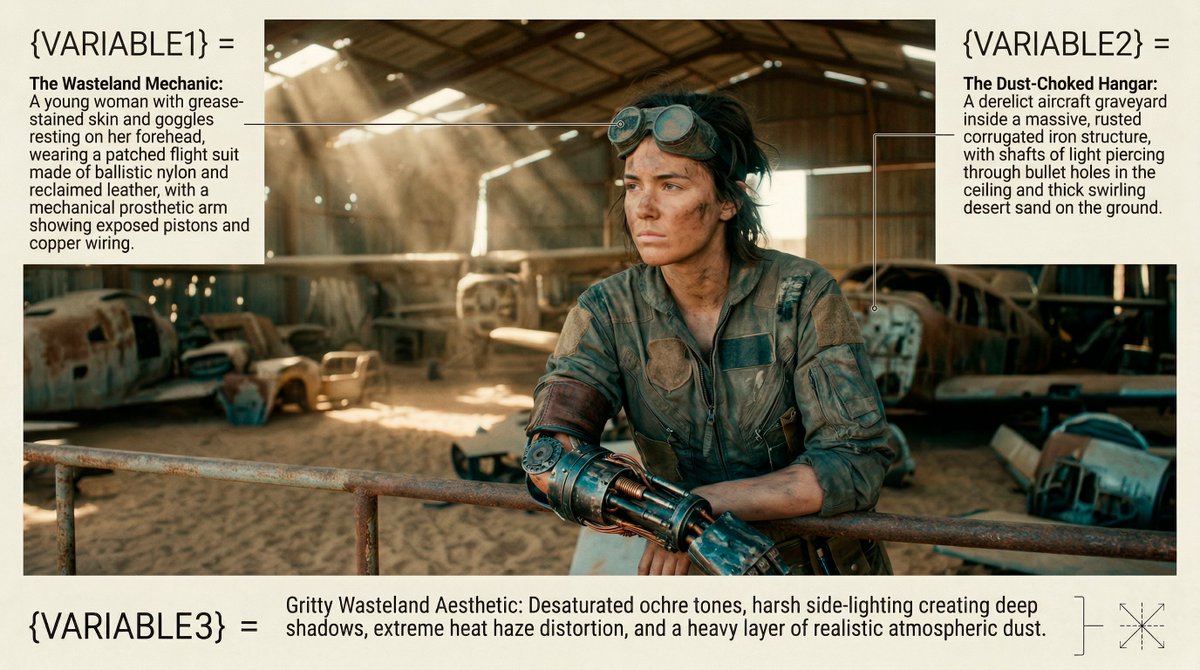
You’ll find all the prompts for the pics I’m gonna use in the clips. Just open Grok and tell it ya wanna make an image with whatever prompt:
You’ll find all the prompts for the pics I’m gonna use in the clips. Just open Grok and tell it ya wanna make an image with whatever prompt:
https://x.com/techhalla/status/1823998267031465984
Grab the image you got, we need to boost its realism and resolution to get the best results. I’d recommend @Magnific_AI for that. Check out the difference, 100% ready to animate.
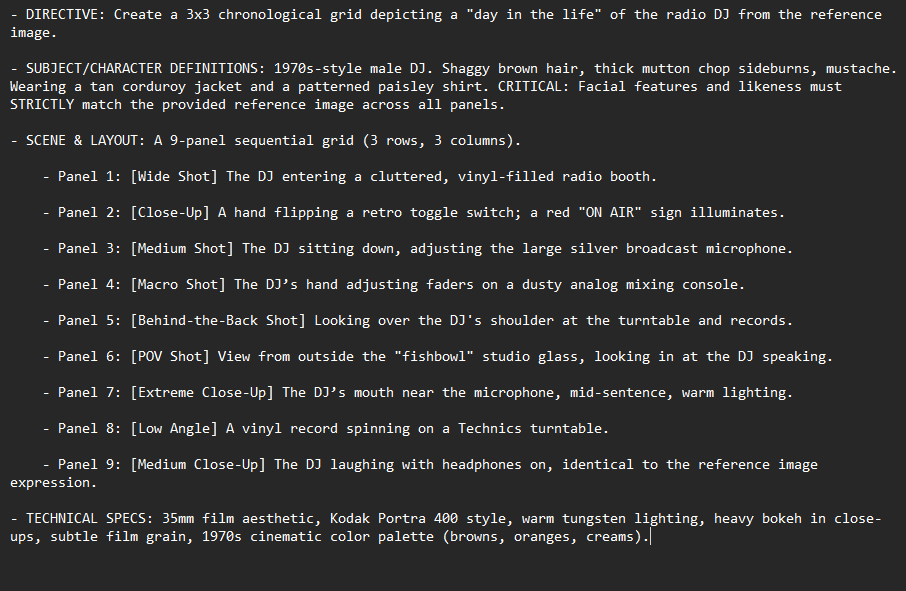
Images are ready! Now, use my prompt generator GPT to create prompts and upload one.
Just describe what you want in the clip, and it’ll structure it perfectly.
Check it out here:
Plus, 7 examples with their prompts next!
Just describe what you want in the clip, and it’ll structure it perfectly.
Check it out here:
Plus, 7 examples with their prompts next!
https://x.com/techhalla/status/1818592999443415364
1. Animated with @runwayml Gen3.
Prompt:
A slow dolly-in camera follows a woman with pigtails holding a baseball bat as she walks down a dimly lit hallway. The lighting shifts to a menacing red, creating a tense, noir-style atmosphere with echoing footsteps adding suspense.
Prompt:
A slow dolly-in camera follows a woman with pigtails holding a baseball bat as she walks down a dimly lit hallway. The lighting shifts to a menacing red, creating a tense, noir-style atmosphere with echoing footsteps adding suspense.
2. Animated with @LumaLabsAI
Prompt:
Cinematic sweeping camera: The camera glides through a foggy village as a giant, glowing-eyed creature looms over rooftops. The ground shakes as it reaches down. Ominous clouds reflect its eerie glow. Dark fantasy
Prompt:
Cinematic sweeping camera: The camera glides through a foggy village as a giant, glowing-eyed creature looms over rooftops. The ground shakes as it reaches down. Ominous clouds reflect its eerie glow. Dark fantasy
3. Animated with Luma
Prompt
First-person dynamic camera: From a soldier's perspective, the camera moves forward between two rows of Roman soldiers in a tense standoff, with spears ready. Dust rises and the sun casts a harsh light. Epic, historical battle animation.
Prompt
First-person dynamic camera: From a soldier's perspective, the camera moves forward between two rows of Roman soldiers in a tense standoff, with spears ready. Dust rises and the sun casts a harsh light. Epic, historical battle animation.
4. Animated with Runway
Prompt:
Slow panning close-up: A serene woman in a kimono listens to music with bright red wireless headphones. Pink smoke swirls around, partially hiding a Japanese temple. The scene contrasts modern with the traditional setting, creating a calm vibes
Prompt:
Slow panning close-up: A serene woman in a kimono listens to music with bright red wireless headphones. Pink smoke swirls around, partially hiding a Japanese temple. The scene contrasts modern with the traditional setting, creating a calm vibes
5. Animated with Runway
Prompt:
Epic wide-angle: The camera circles a warrior princess in shining armor, standing in a sunlit desert with ancient ruins. Her cape billows as she surveys the horizon, bathed in golden sunset. Fantasy, heroic animation.
Prompt:
Epic wide-angle: The camera circles a warrior princess in shining armor, standing in a sunlit desert with ancient ruins. Her cape billows as she surveys the horizon, bathed in golden sunset. Fantasy, heroic animation.
6. Animated with Runway
Prompt:
Over-the-shoulder dynamic: The camera follows a woman as she plays a handheld game with intense focus, surrounded by flashing arcade lights. Immersive, gaming-focused, and energetic.
Prompt:
Over-the-shoulder dynamic: The camera follows a woman as she plays a handheld game with intense focus, surrounded by flashing arcade lights. Immersive, gaming-focused, and energetic.
7. Animated with Runway
Prompt:
Handheld camera: A lively beach party with dancing and a playful clown performing a magic trick. Ocean waves crash in the background. Energetic, warm, and bright colors. Real footage.
Prompt:
Handheld camera: A lively beach party with dancing and a playful clown performing a magic trick. Ocean waves crash in the background. Energetic, warm, and bright colors. Real footage.
Give it a try and let me know! Feel free to share your results in the comments or ask for tips to improve your prompts.
Follow me on @techhalla for more content like this, and don’t forget to like, repost, and bookmark the main post—it helps a ton!
Follow me on @techhalla for more content like this, and don’t forget to like, repost, and bookmark the main post—it helps a ton!
https://x.com/techhalla/status/1824382973858234465
• • •
Missing some Tweet in this thread? You can try to
force a refresh