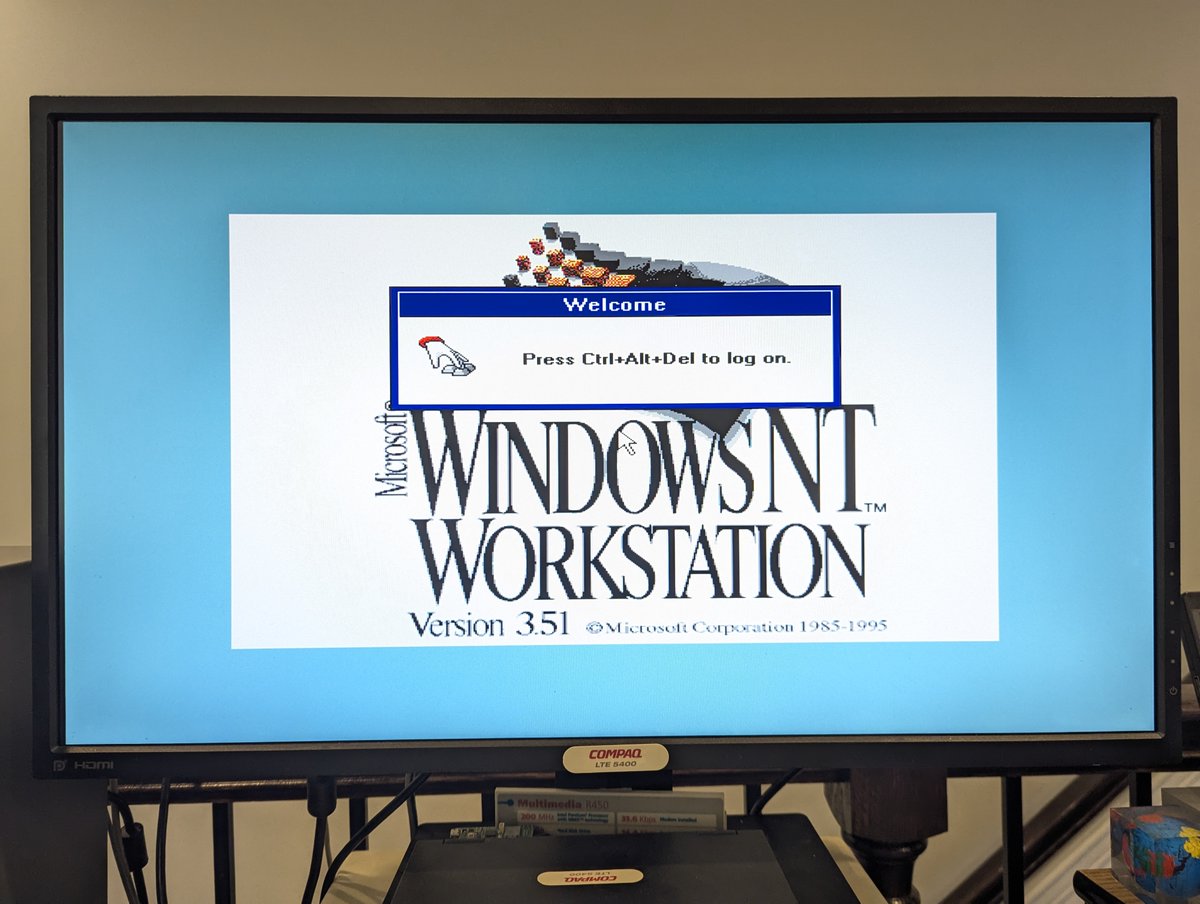
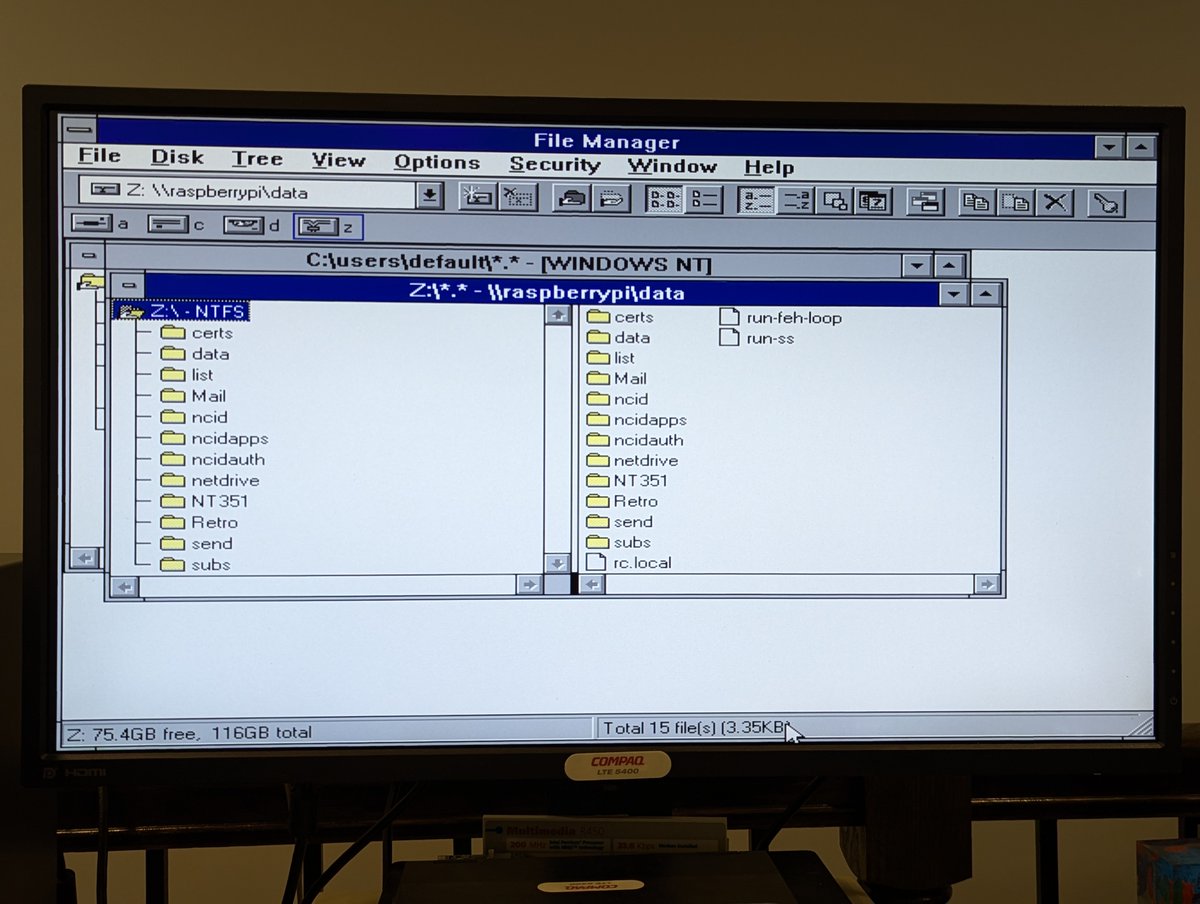
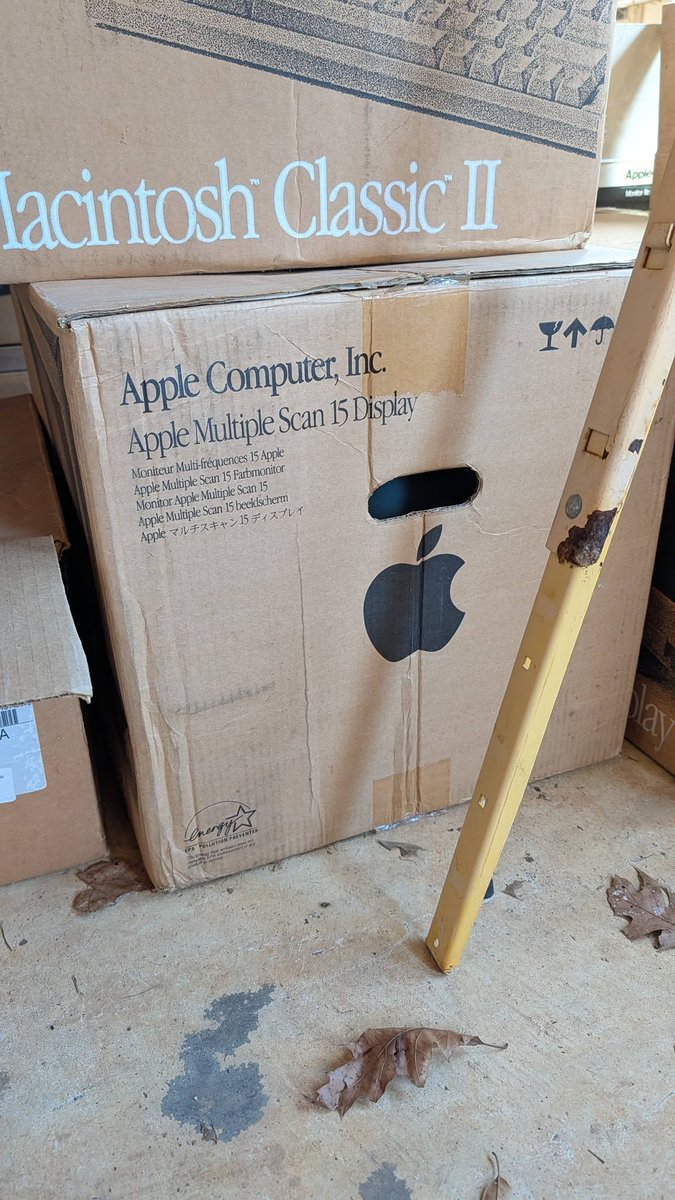
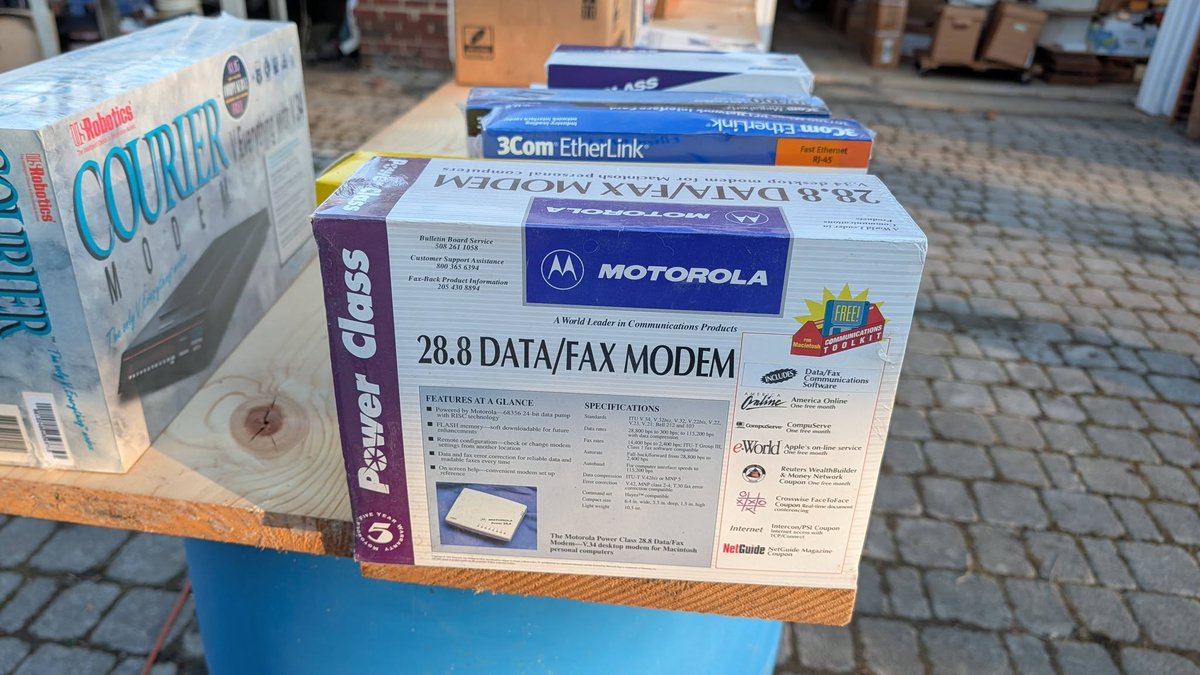
Time for another OS install on the eMachines T2341. This time, it's Windows NT 3.51. Prepare to be underwhelmed by this install š. I'll explain more, let's do a š§µ
So, similar to other NT installs, I copied the contents of the i386 directory to a FAT16 drive partition. Running winnt /b, we are able to do a diskless install from there! Phase 1 of 3 completes pretty quickly.
Time for the "DOS-based" portion of the install, we'll call it Phase 2. During this part, we get to choose the install location and get to choose to convert the partition to NTFS if so desired. I elected to do just that.
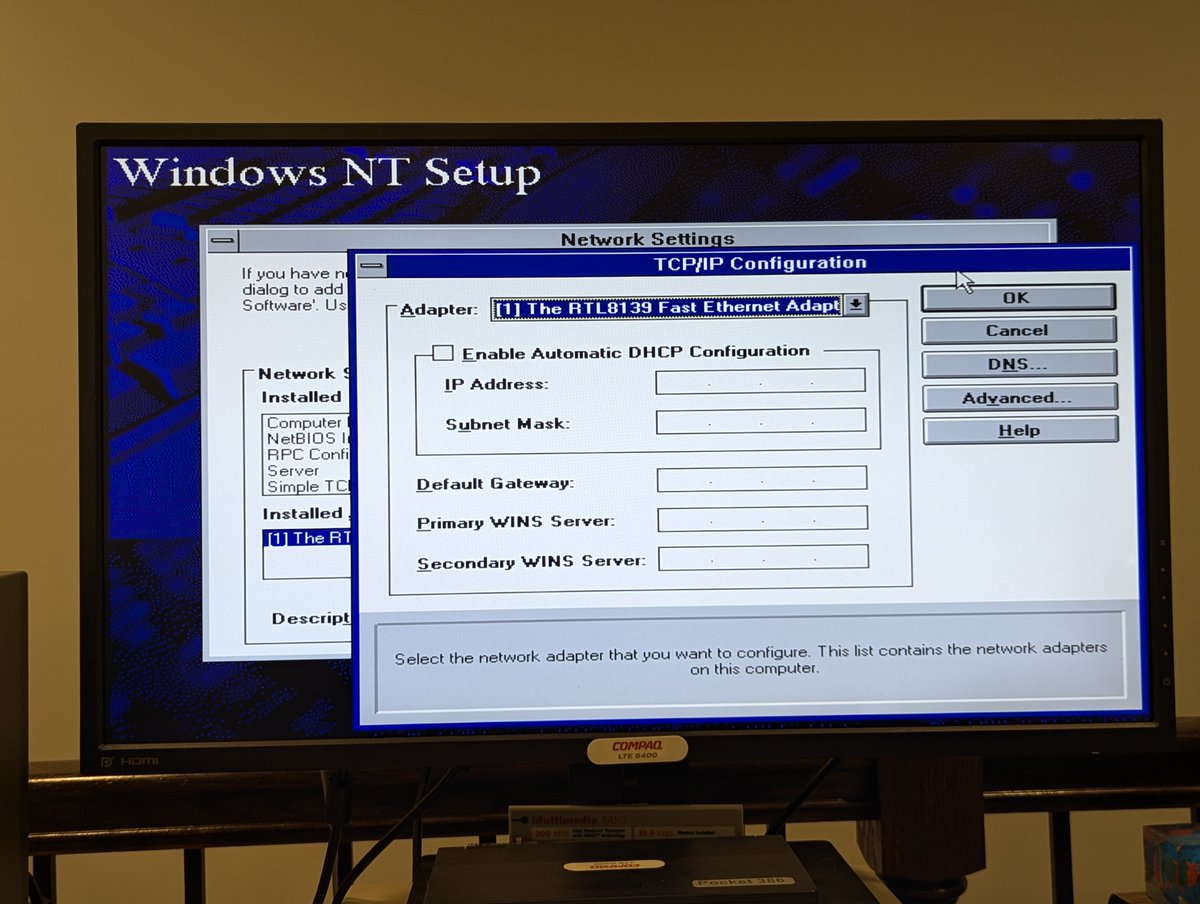
Now on to Phase 3, the "graphical" install. We get to choose what to install, and I also set up my network card. I needed a drivers disk, which I found on the Retro Web. Here's a link for the interested! theretroweb.com/drivers/840
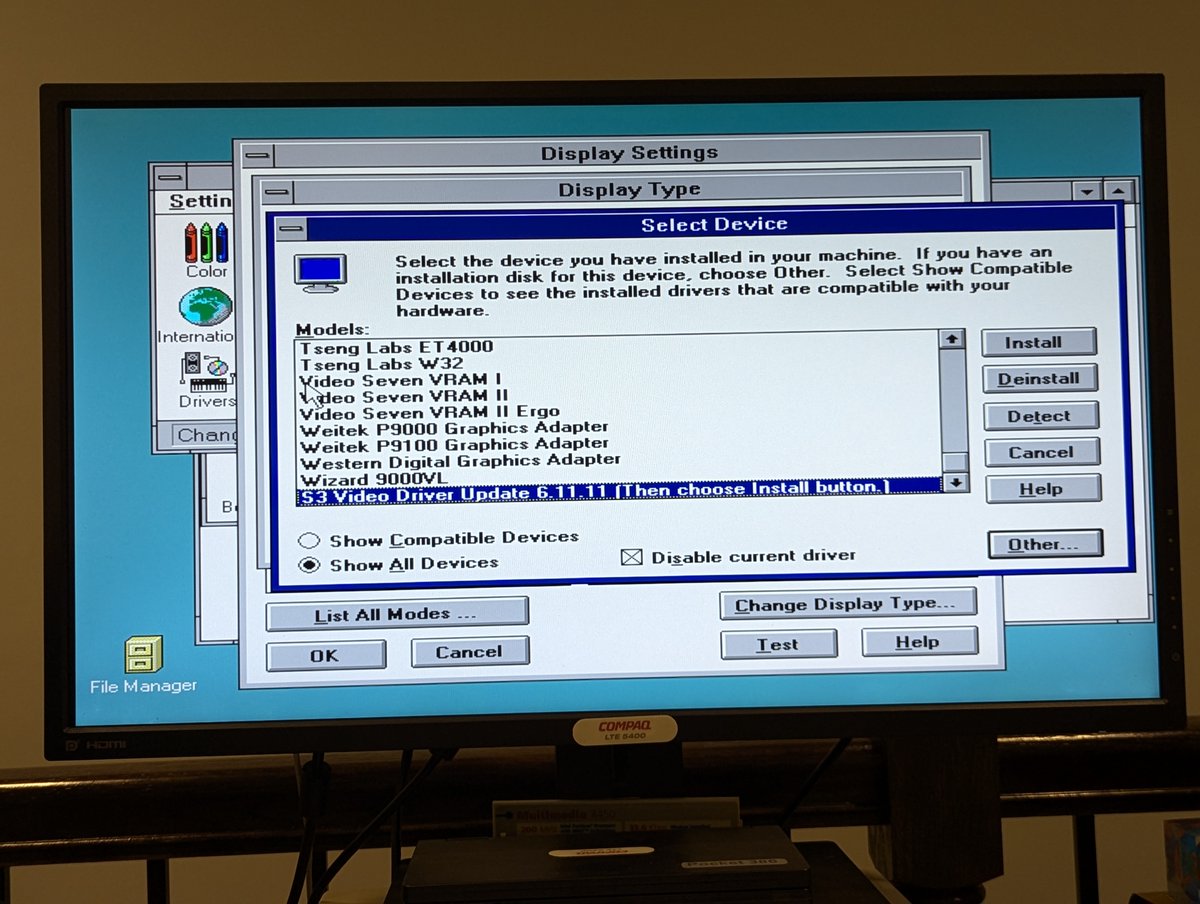
During Phase 3, we also get to choose the video mode. Unfortunately, the stock S3 drivers won't work well, and there aren't any good drivers for a S3 ProSavageDDR for WinNT 3.51. As such, you're best to press "Cancel" here, or you'll end up in video mode hell otherwise.
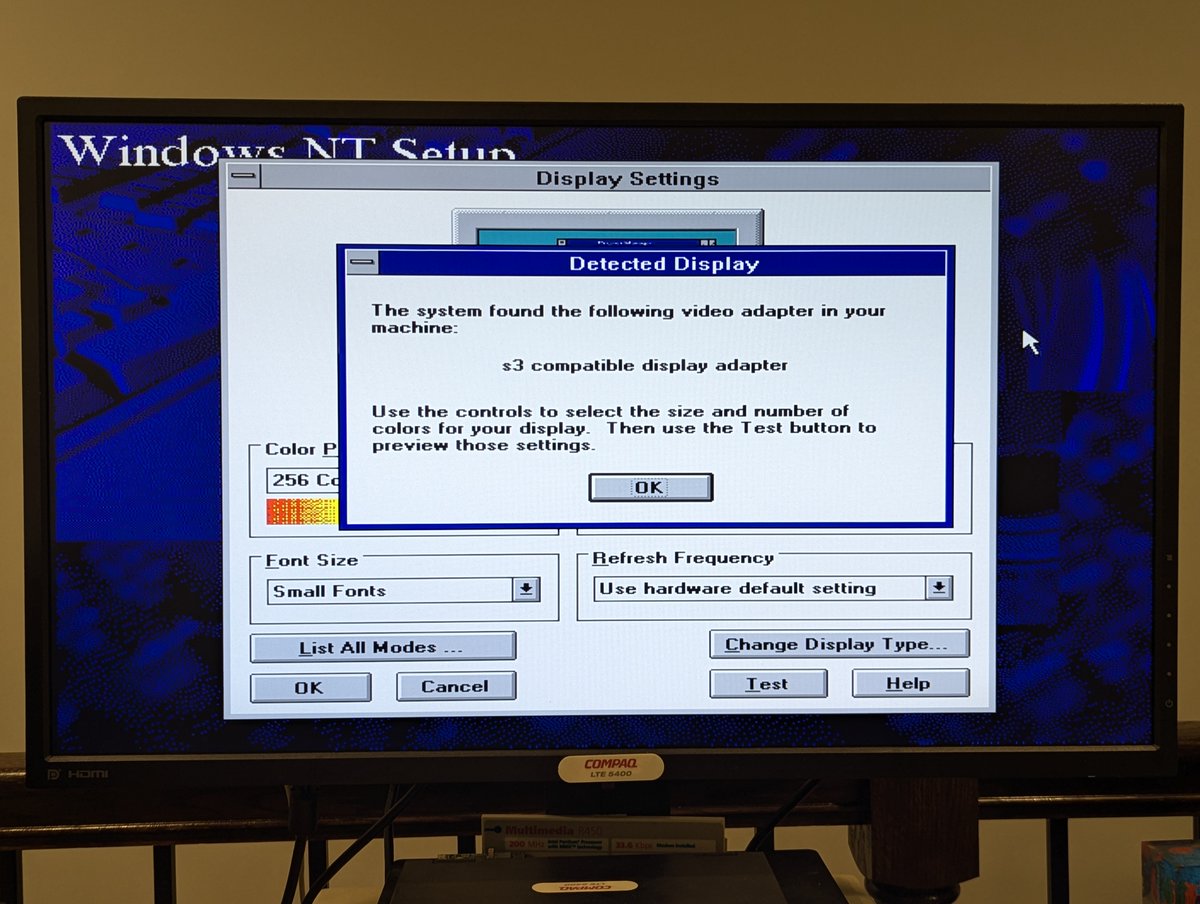
For the curious, I did try a few different options for video drivers, including Windows NT 4.0 drivers, and also drivers for an S3 Savage card, but that is NOT the same as the ProSavage, so it didn't work. And as for sound, we didn't even try to get the AC'97 audio going.
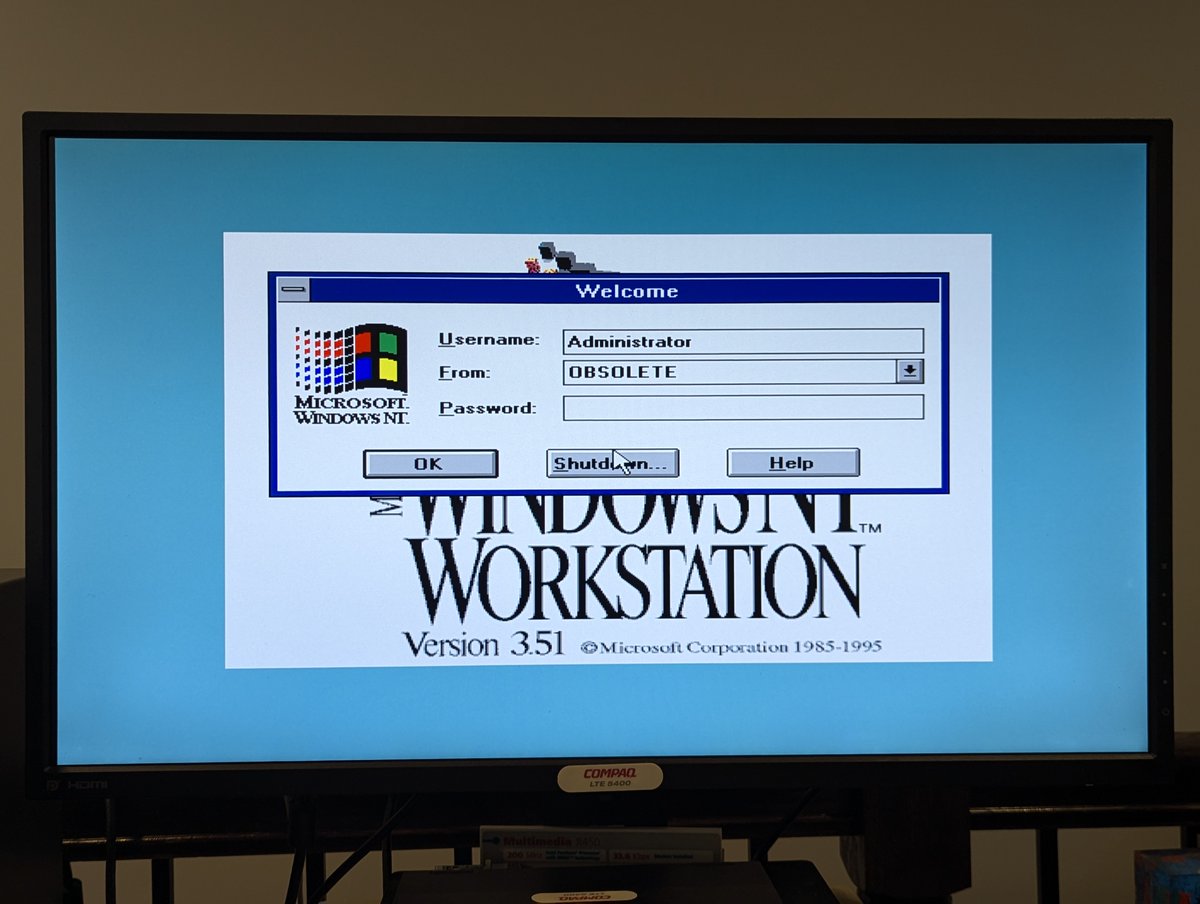
So, where does that leave us? Well, at 640x480x16 colors, with no audio, but at least we have network! Fair to say, this Athlon XP 2400+ system was NEVER designed for WinNT 3.51. But we had fun anyway... right? RIGHT! Thanks for following along!
@threadreaderapp unroll
⢠⢠ā¢
Missing some Tweet in this thread? You can try to
force a refresh

Sometimes curiosity gets the best of us, and that happened when I saw this Xircom Parallel Port Multiplexor III for sale. What does it do? It lets you use a printer and Xircom parallel port Ethernet adapter at the same time. Does it do it "well"? Let's find out! š§µ time!
As you might have seen from the intro pic, I'm going to use my AST Premium Exec 386SX/25 to test this out. This machine doesn't have any PCMCIA slots, so I do use a Xircom Pocket Ethernet III to get it online!
I've got these two cute little Compaq LTE Elite 4/75 systems. I'm just about done setting up one of them.. how about we set up the other one here, in real time! Time for a š§µ
So, first off, we are going to have a minor complication. These laptops have a near 100% failure of their floppy drives, the dreaded Citizen W1D drive. Fortunately, I've installed an OpenFlops W1D to replace it.. basically a Gotek replacement for the Citizen W1D!
The very first thing we need install is the diagnostics partition. We will also need other software for Windows for Workgroups 3.11. So I went online and grabbed the needed Compaq SoftPaqs for diagnostic setup, as well as video, PCMCIA drivers, and a few other odds and ends!
It's been a little while since we have had the Dell Precision 220 Workstation on the desk. I've had several requests to install Haiku on this Dual Pentium III beast. Let's get it done! Time for a š§µ
So, first, this PC already has a lot of OSes! We'll create a 4GB BeOS partition to install Haiku, and add it to the list of OSes to boot!
I downloaded the latest stable version, which appears to be R1/beta5, and burned it to a DVD!

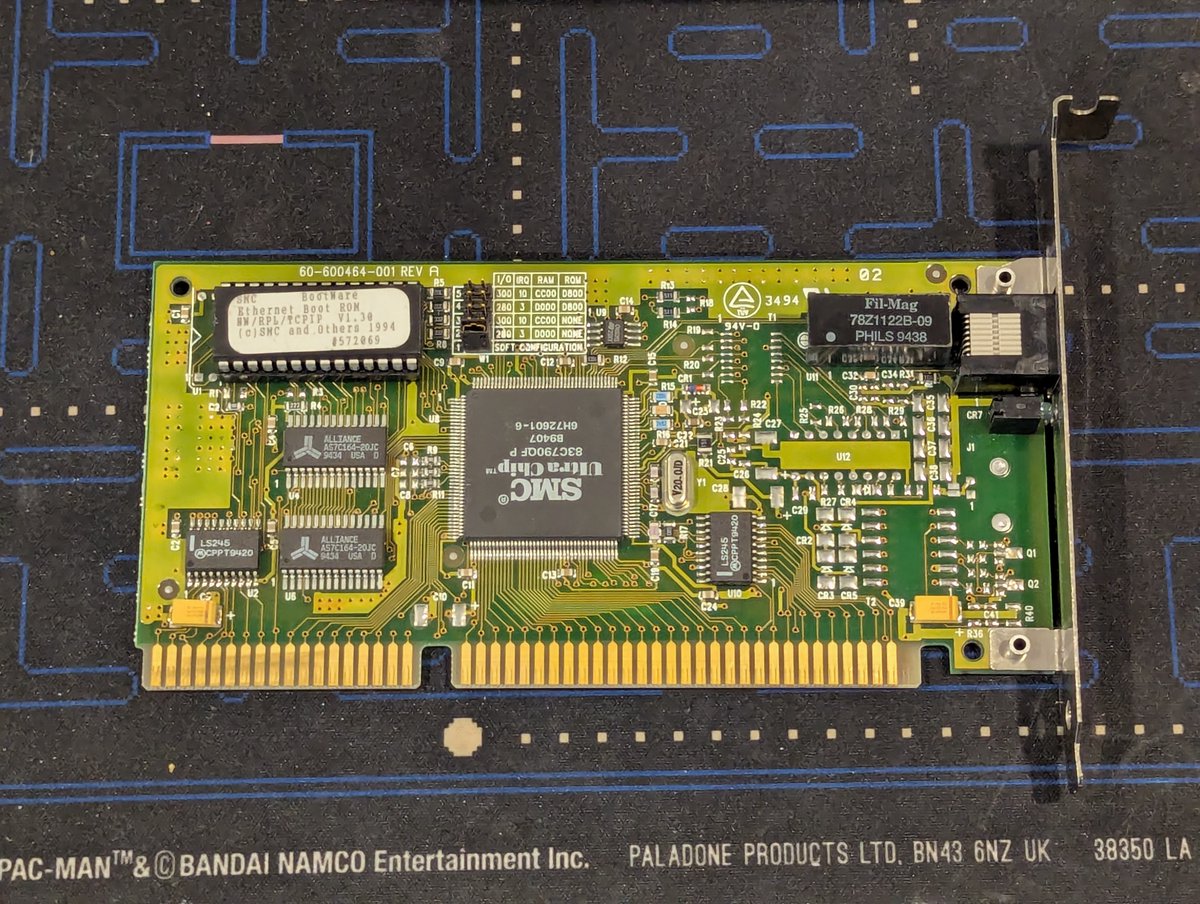
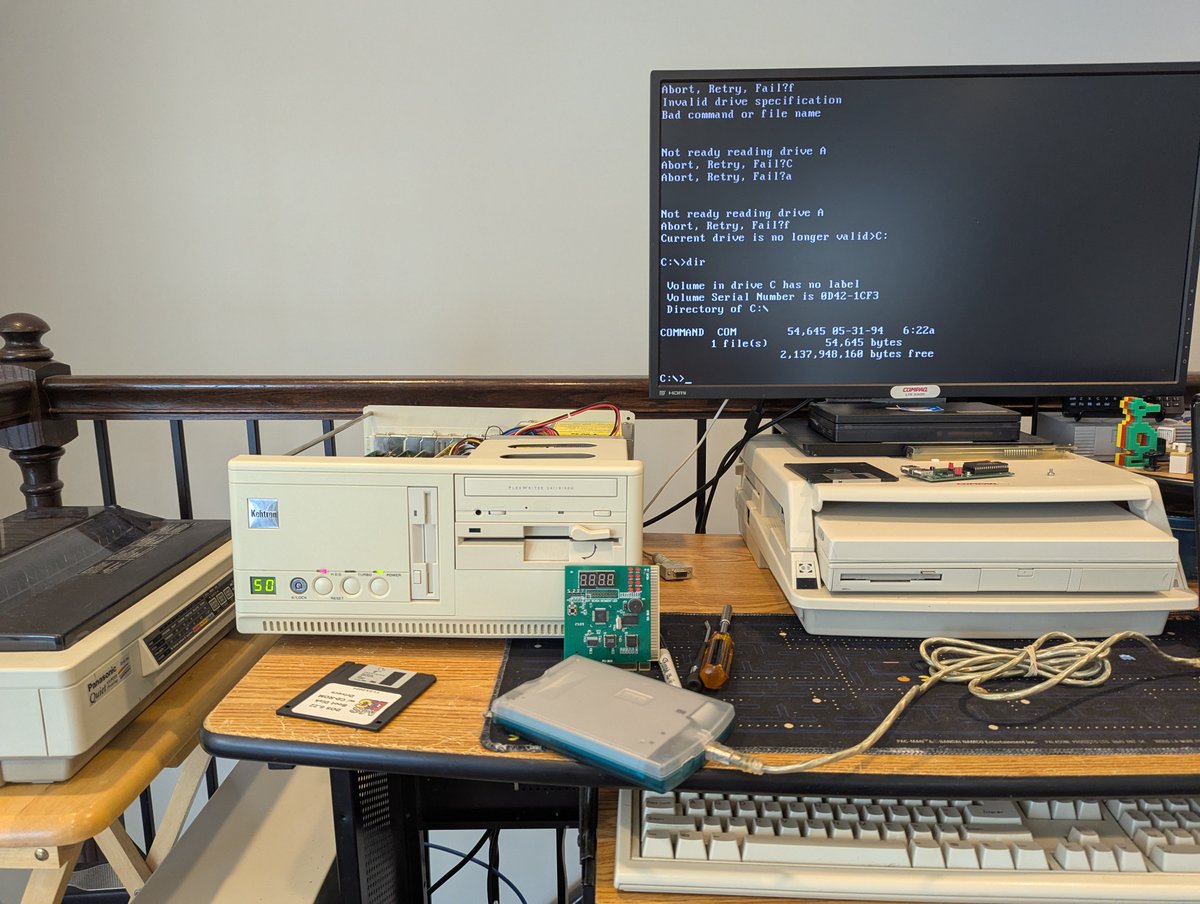
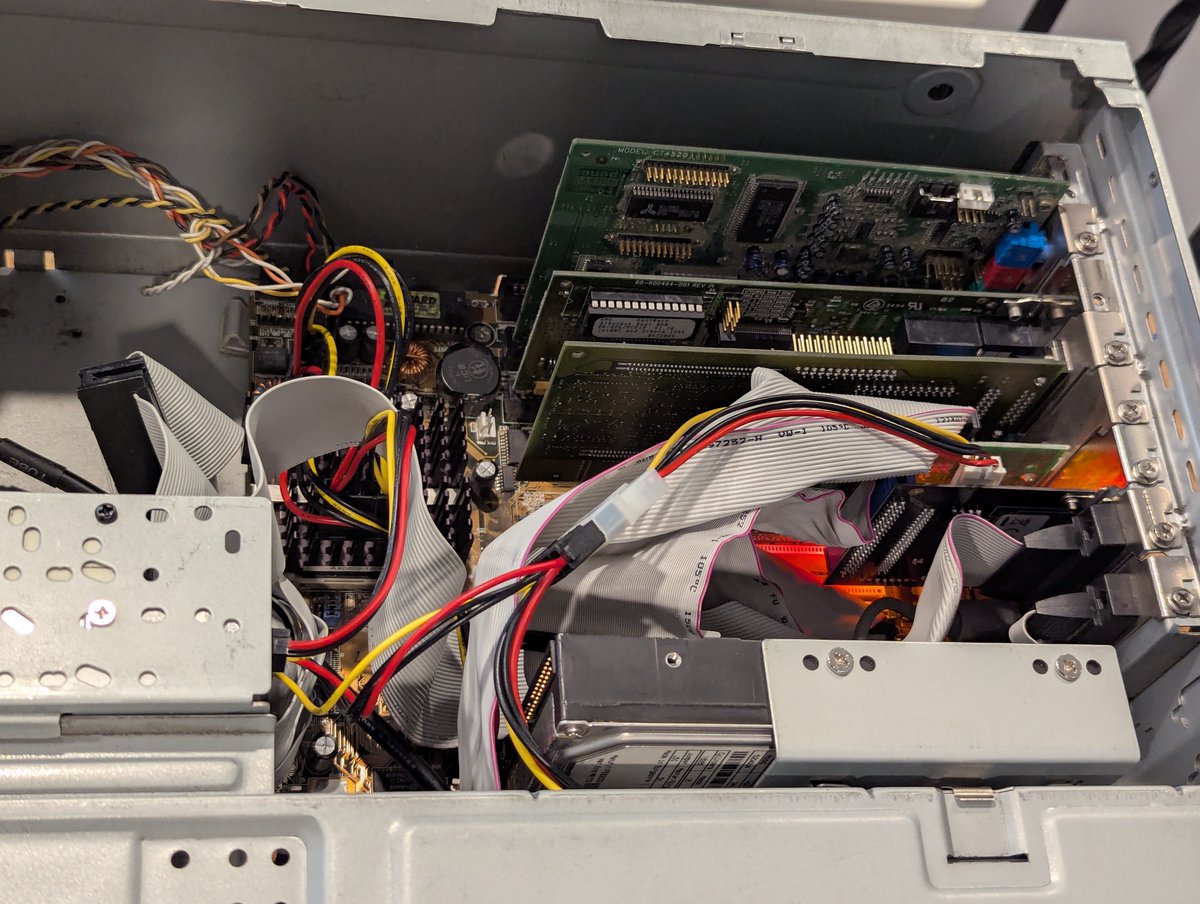
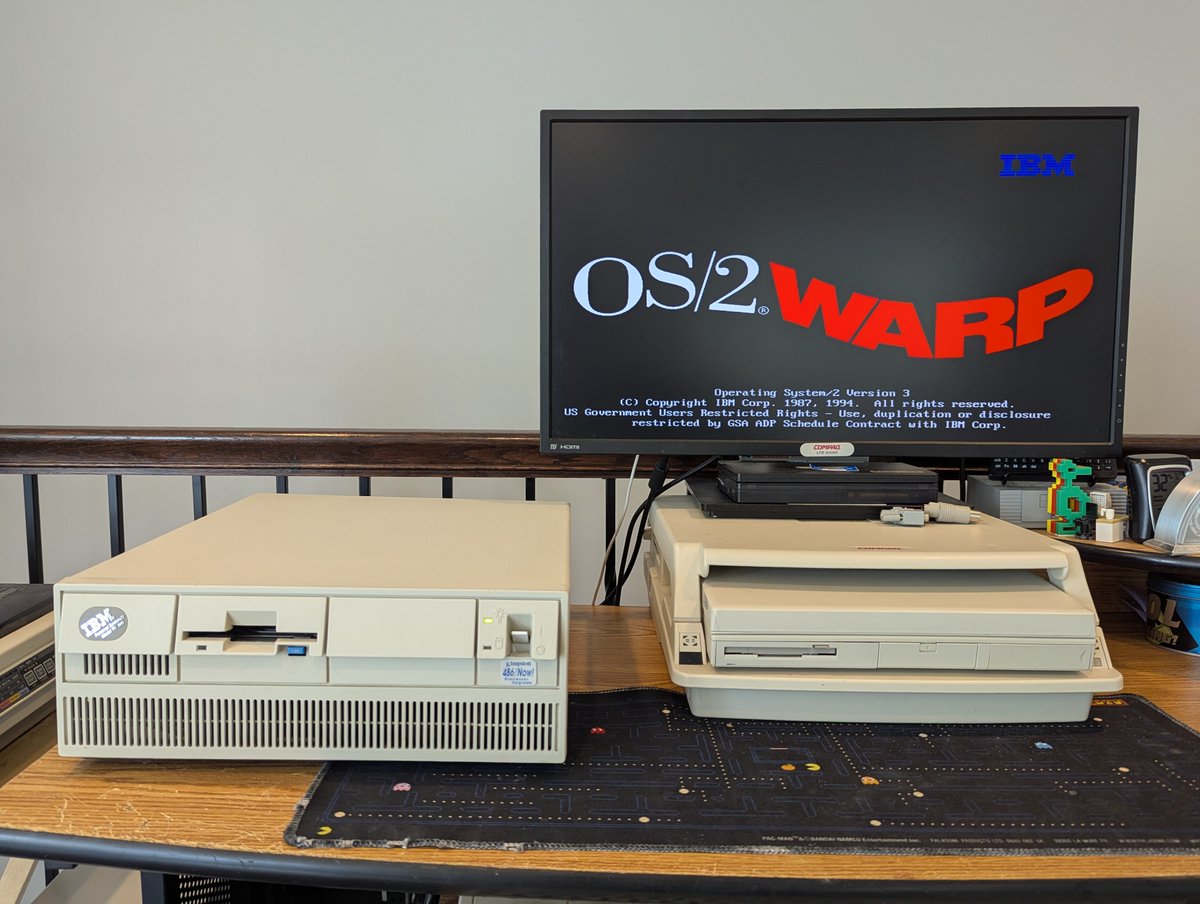
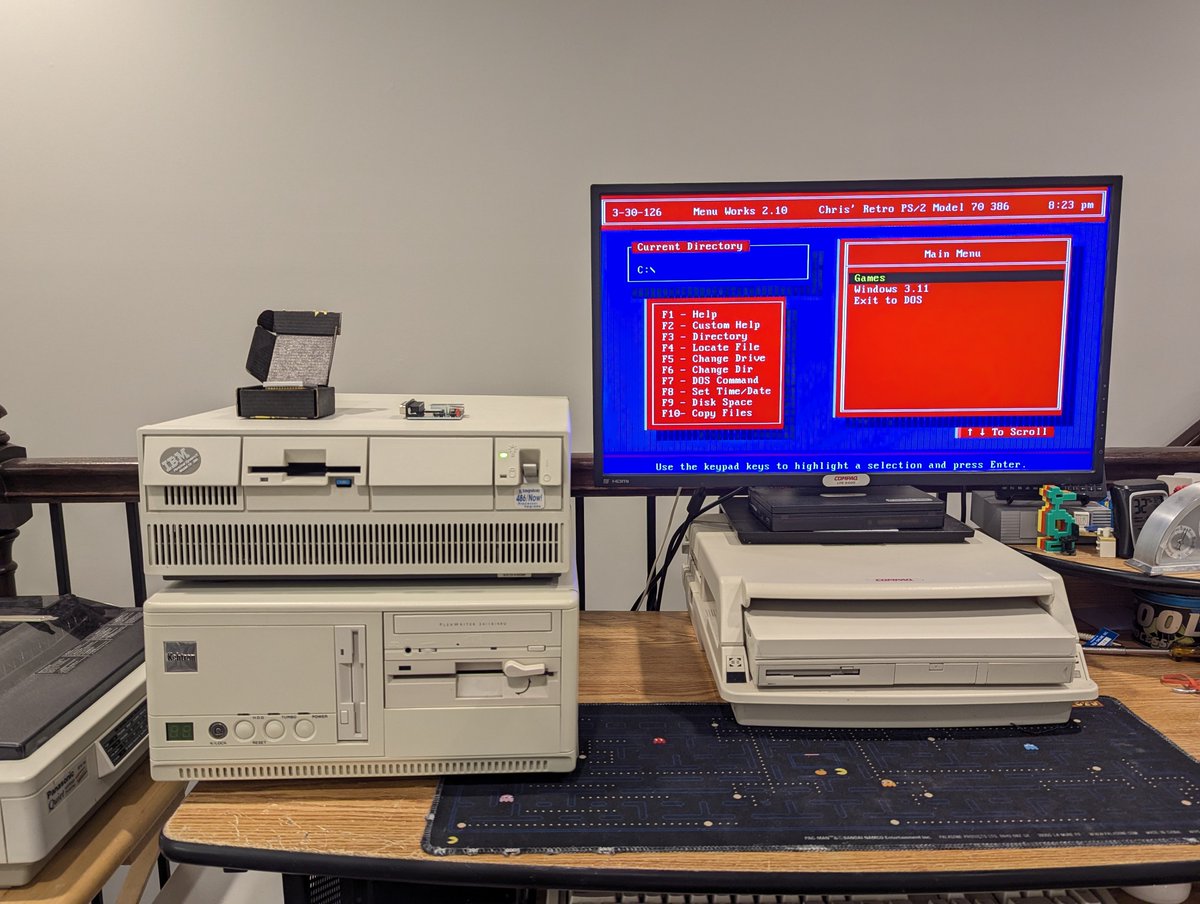
Let's test this Microchannel 3Com network card that I picked up for my IBM PS/2 Model 70 386 (with a 486 upgrade). Time for a quick š§µ
So, this card is a 3Com EtherLink/MC TP. As per usual, the Ardent Tool of Capitalism has a nice writeup on the card, as well as drivers! Looking at the drivers disk, it appears we have LAN Manager, NDIS, and Netware drivers. Pretty limited, but this is an older card.
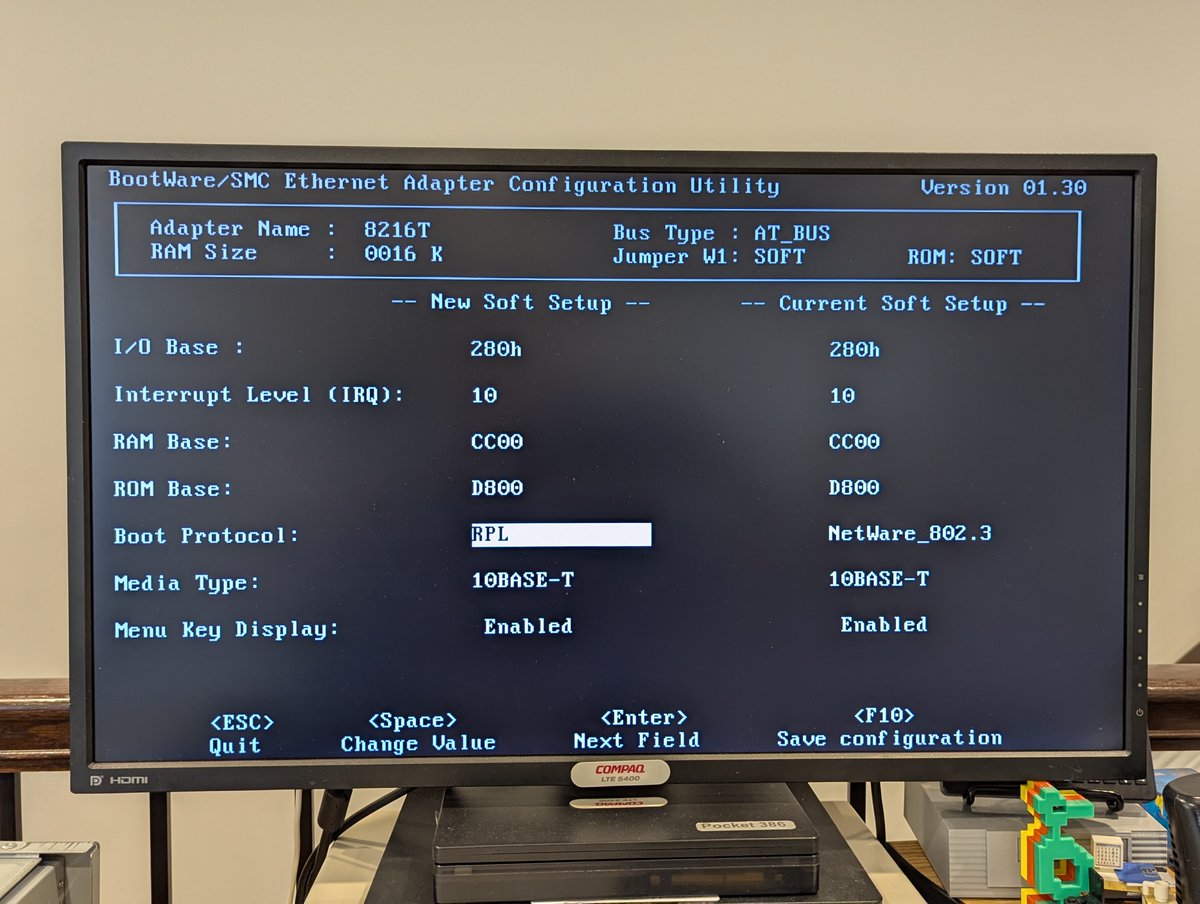
Time to get this installed. And of course, this is Microchannel, so, on powerup, the PS/2 is immediately angry. I did copy the "adapter configuration file" to my PS/2 Reference disk. Running auto configure, the card gets detected, and we can see the settings. Nice!
Last week, I triaged and repaired around 20 or so LTE 5000 systems that I picked up at the System Source swap meet. Today, I spent some time swapping around parts and "making them better." Let's talk about it briefly in a š§µ here!
By far, the most common repair needed was screen sliders, latches, casings, and bezels. I spent a fair amount of time replacing and "placing" these based on what I had in stock, or based on spare parts machines from the haul. It's the little things that count š
Also, I had some very "yellow" keyboards that I went ahead and swapped out with spares. Might as well!