RetroTech Chris Profile picture
Dec 21 4 tweets 3 min read Read on X
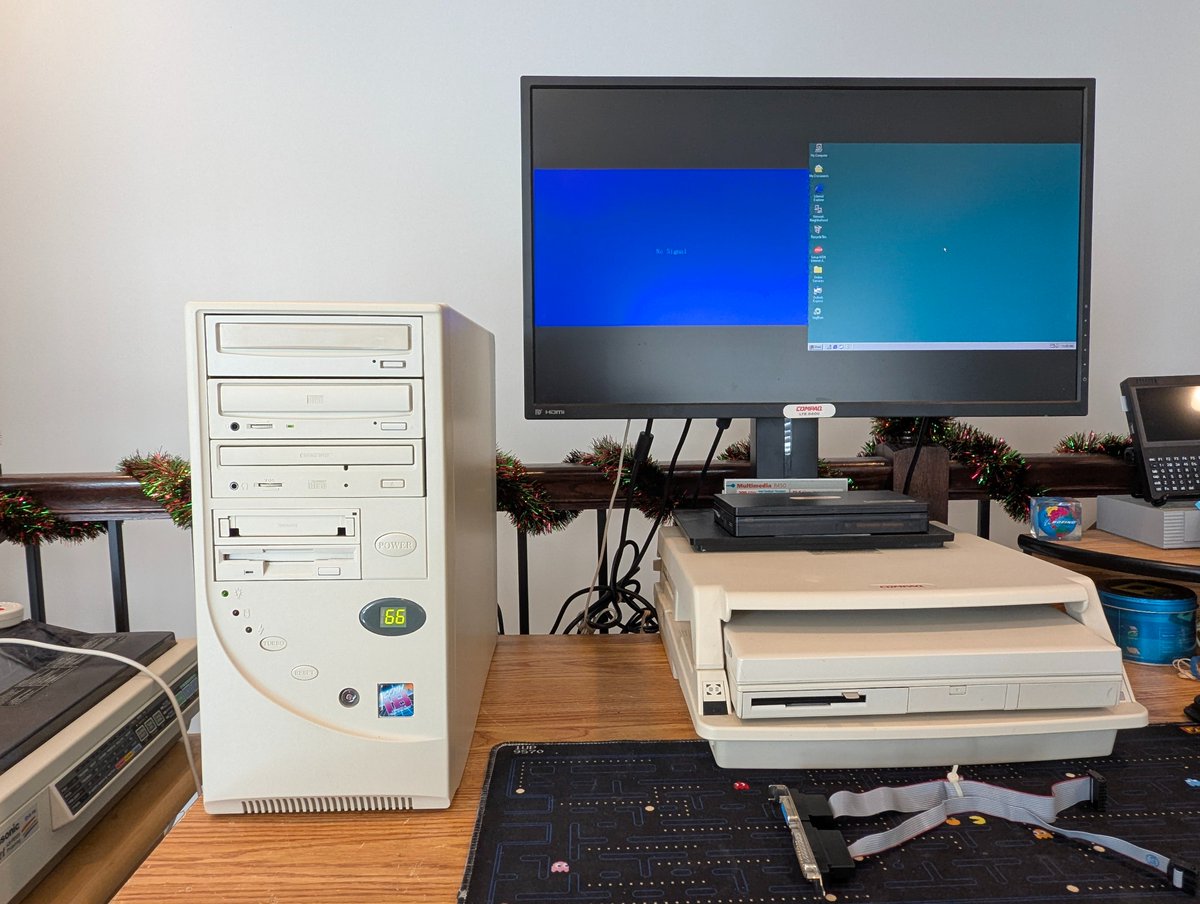
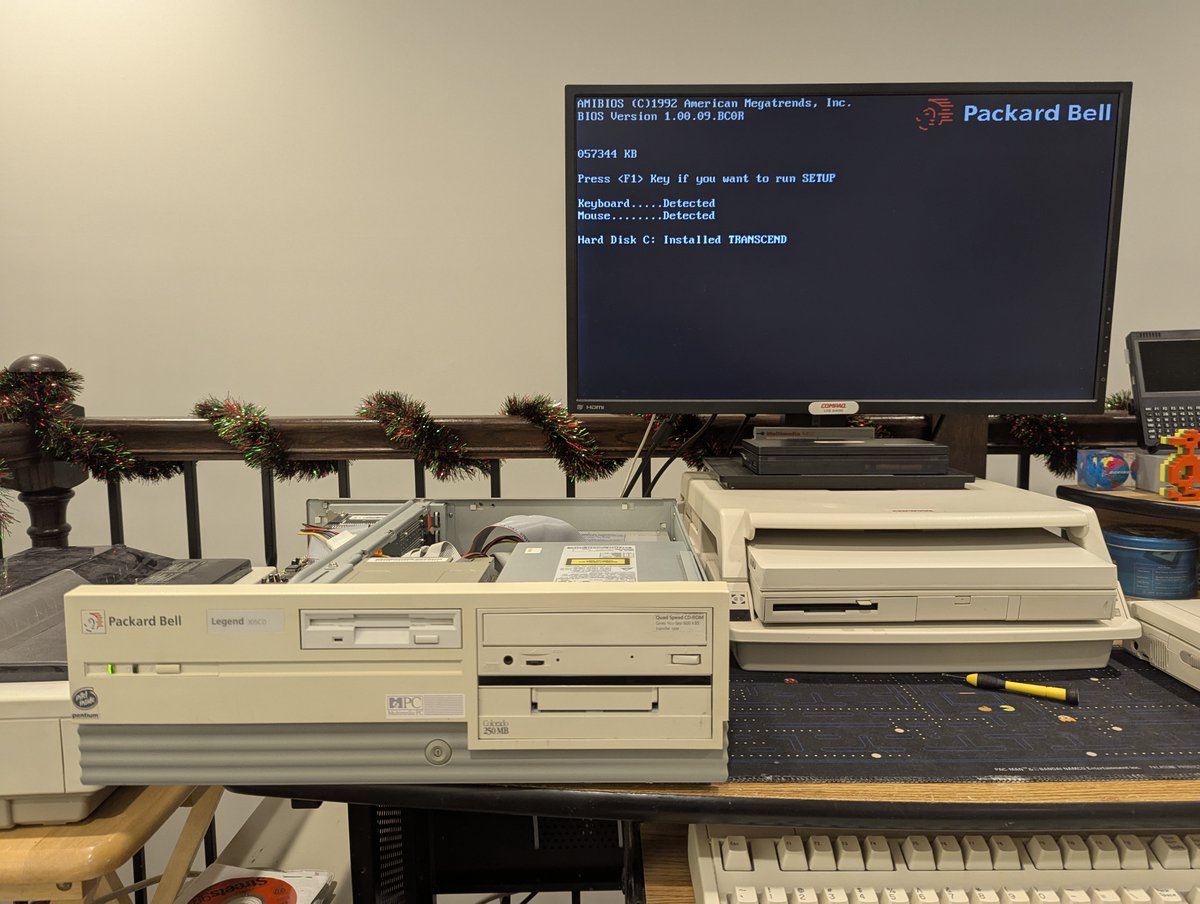
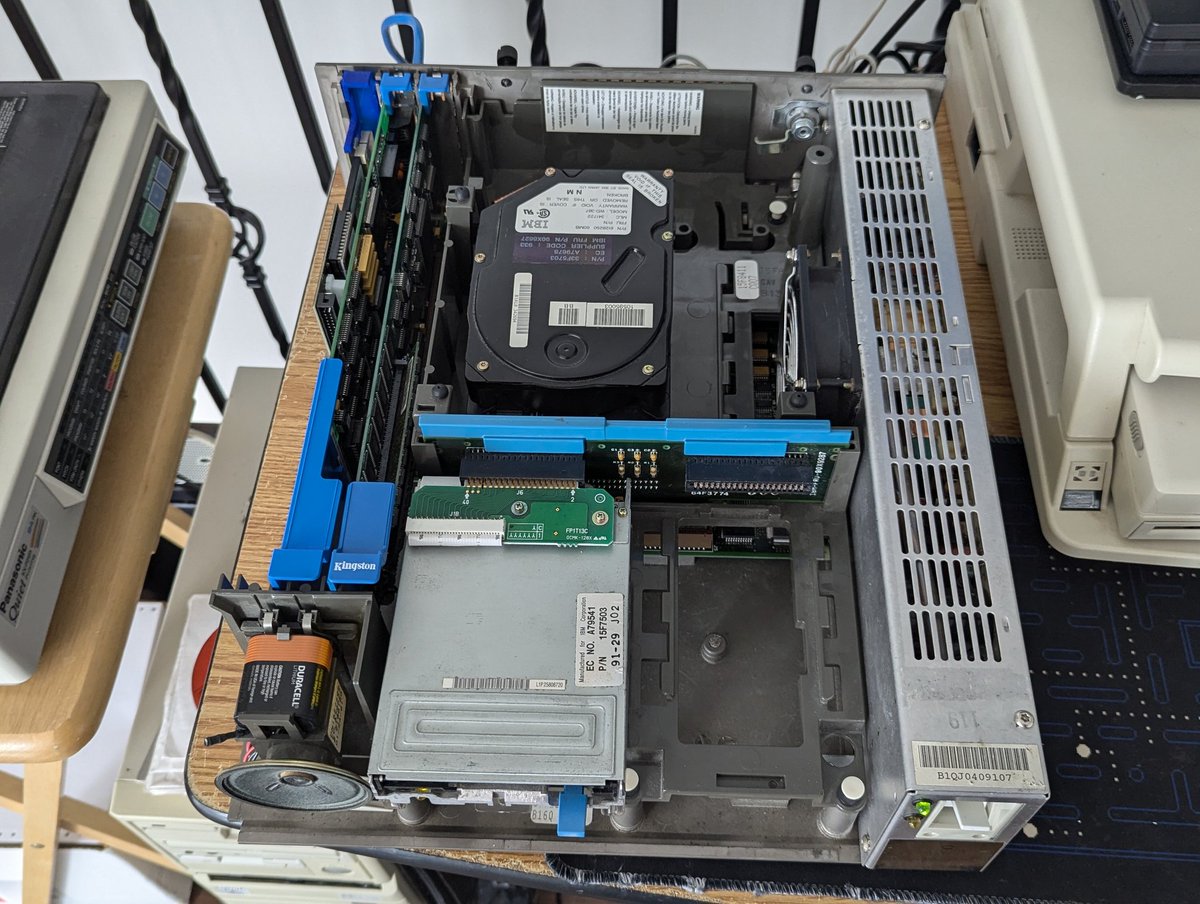
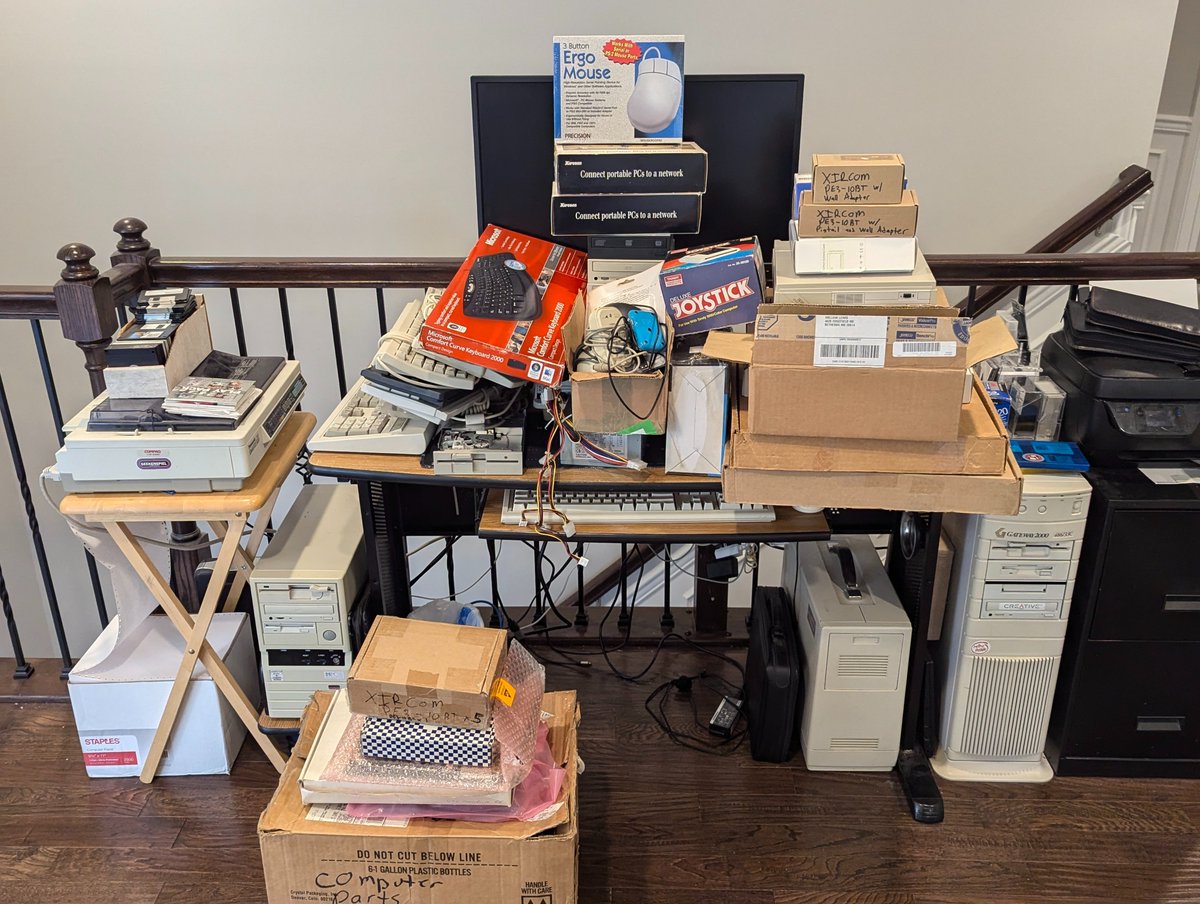
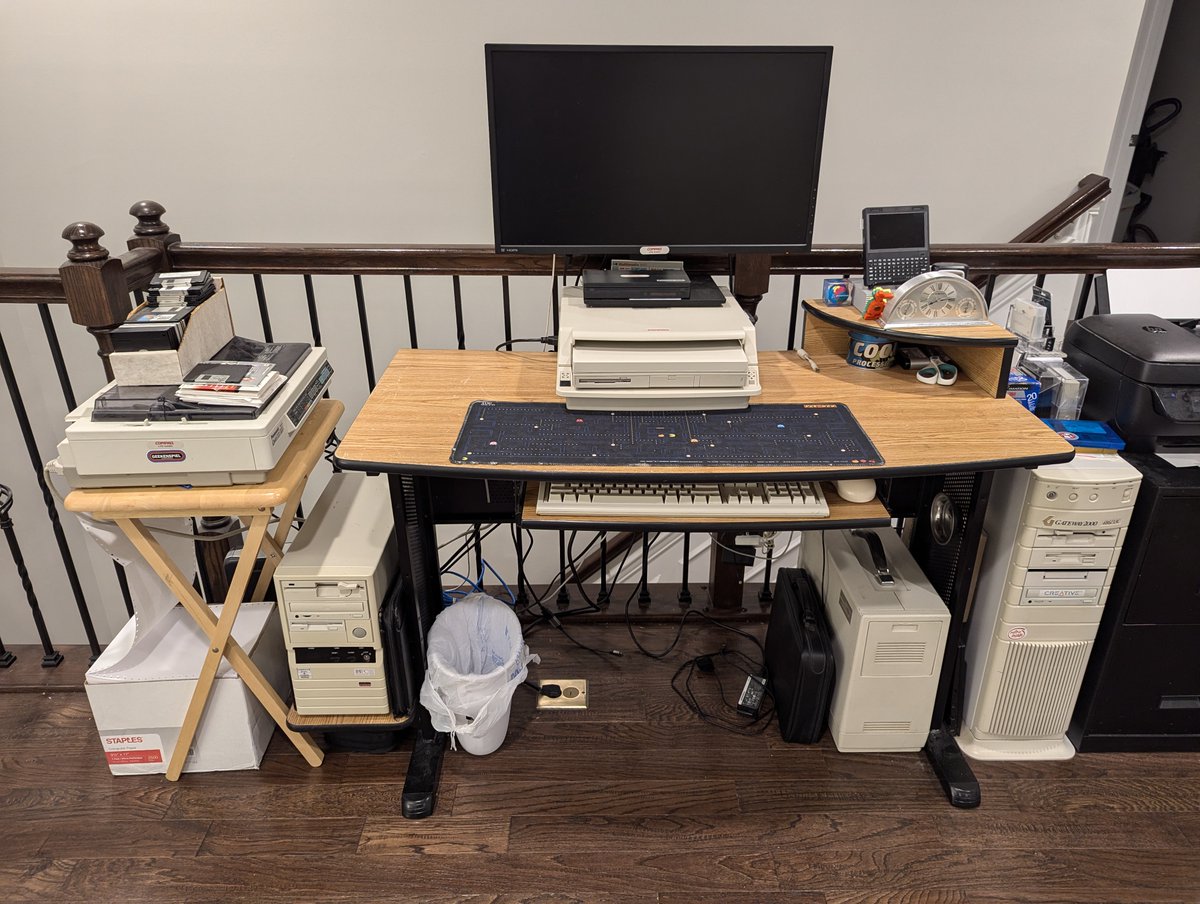
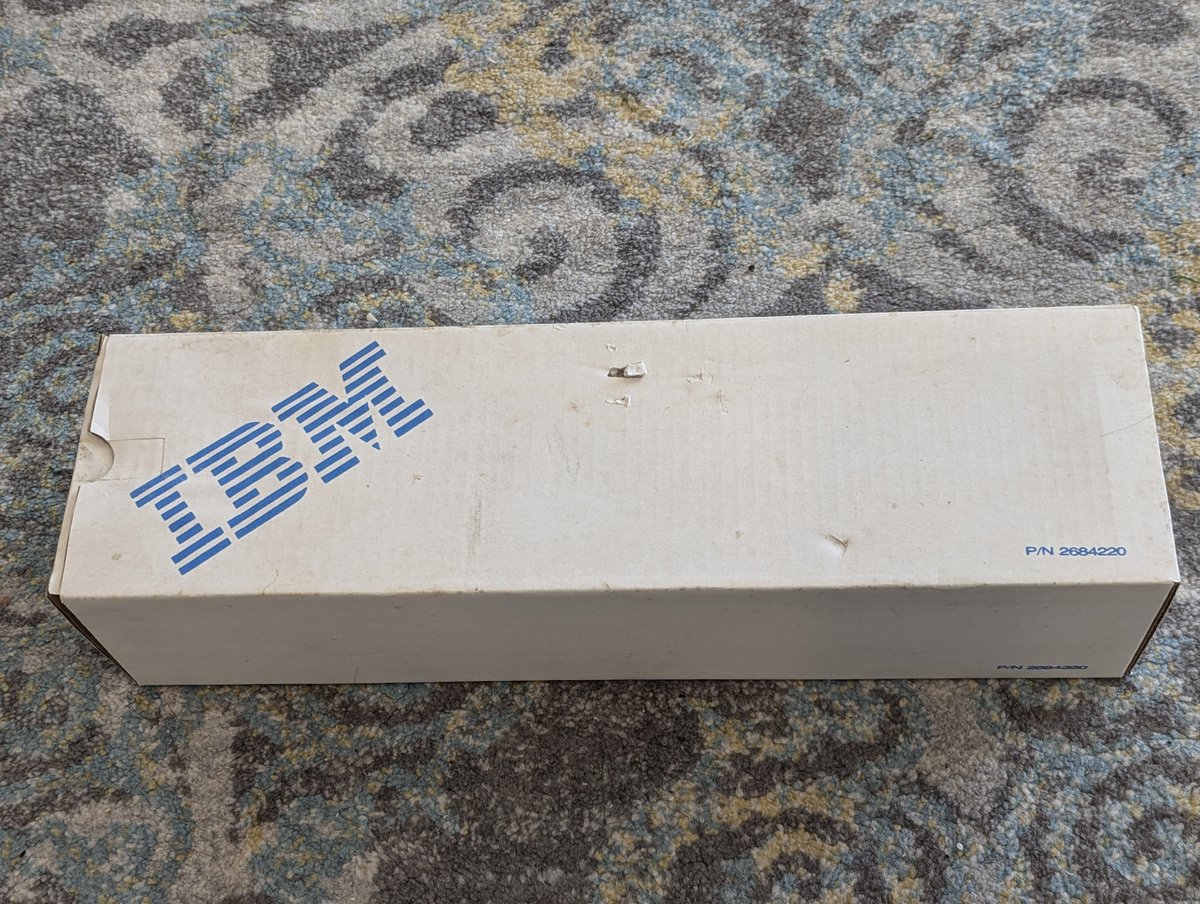
I'm getting this 486 DX2/66 ready to do an activity that will require two serial ports. However, when I went to connect up a second serial device, it wasn't getting detected. However, the IDC cable is not defective, and the serial port is good. What could be wrong? 🧵 time! Image
Image
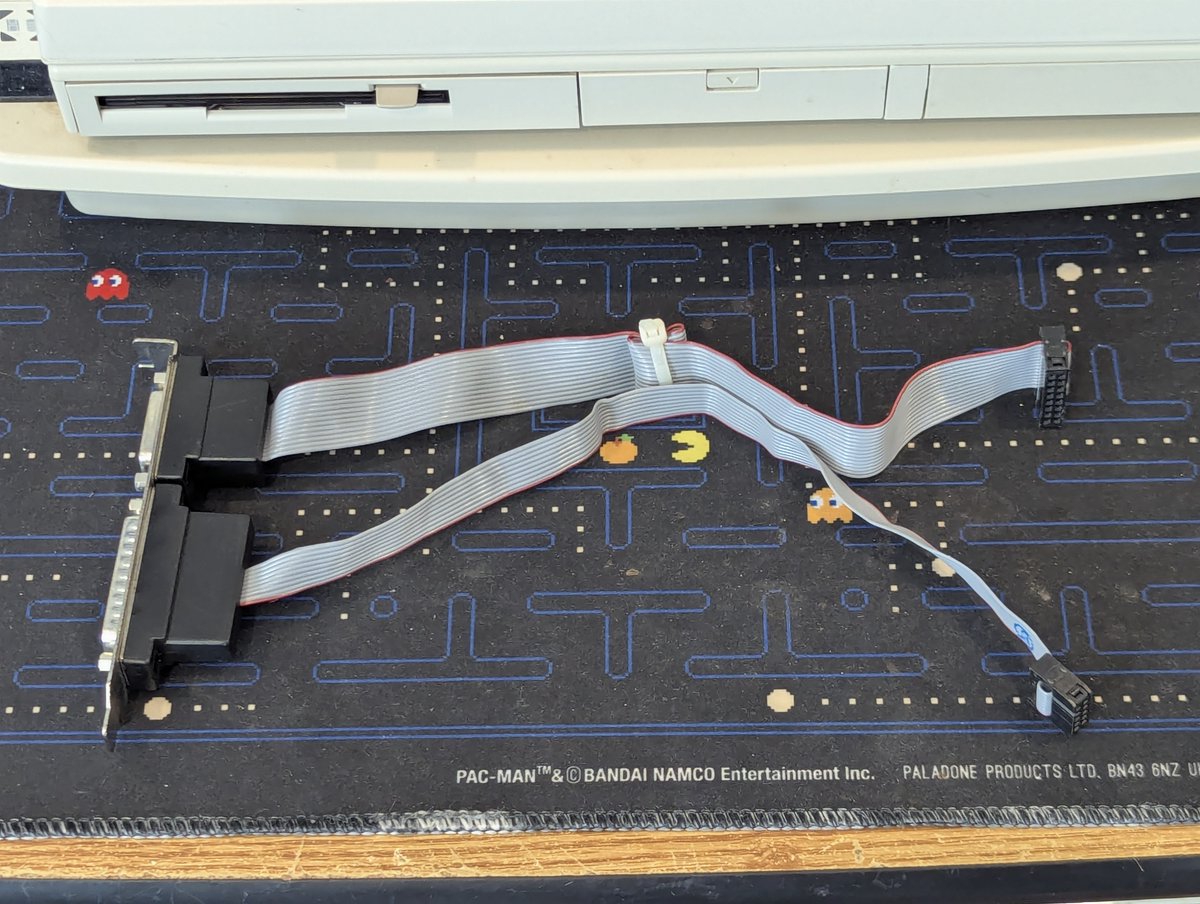
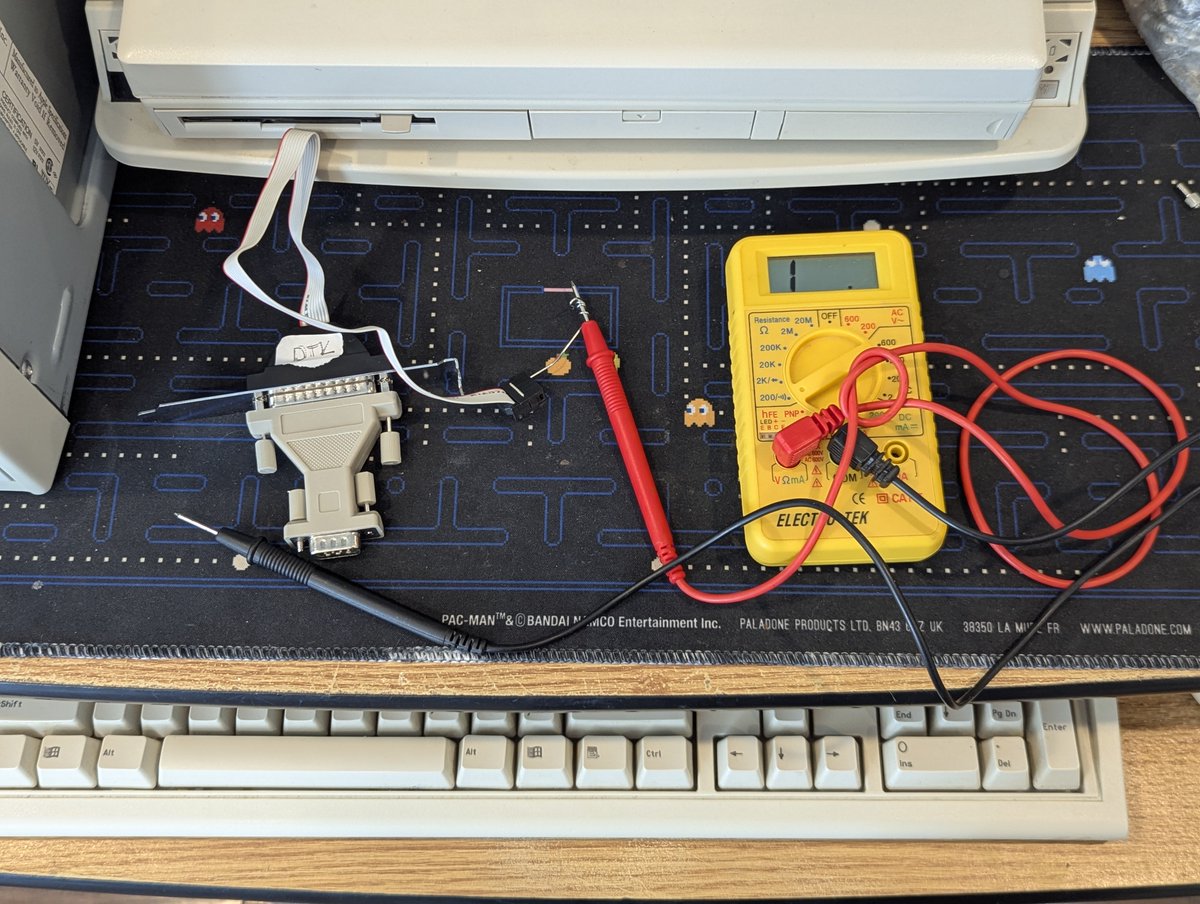
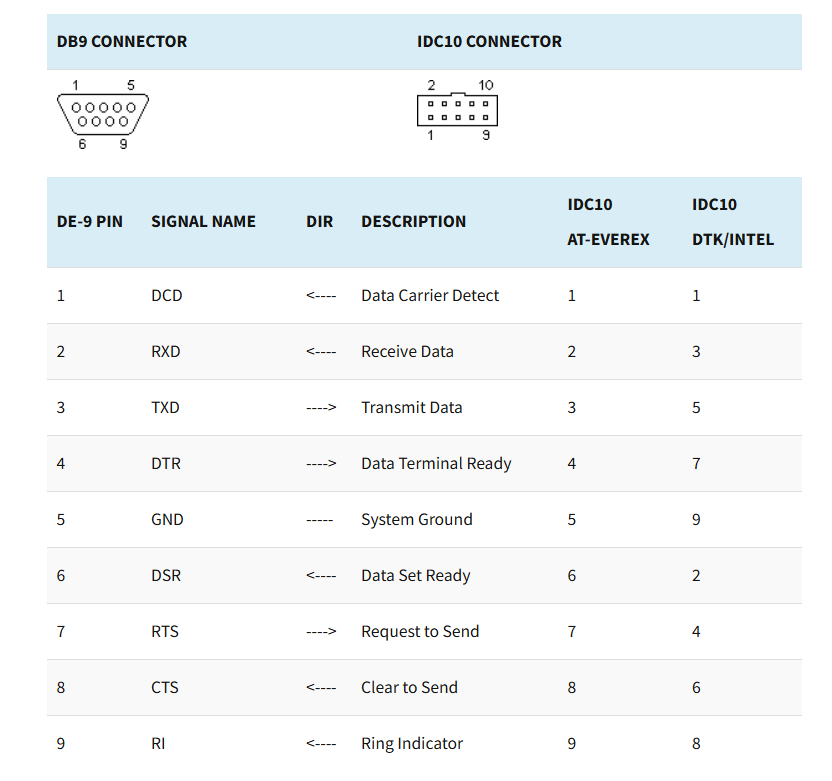
The issue? When it comes to these serial connectors, there are actually two different standards! There is AT-Everex, and DTK/Intel. If you get a multimeter out, you can figure out what type of connector you have! Image
Image
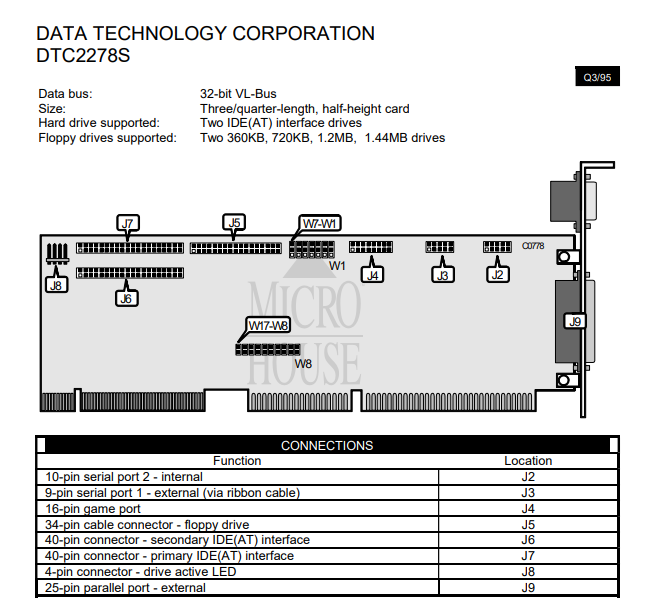
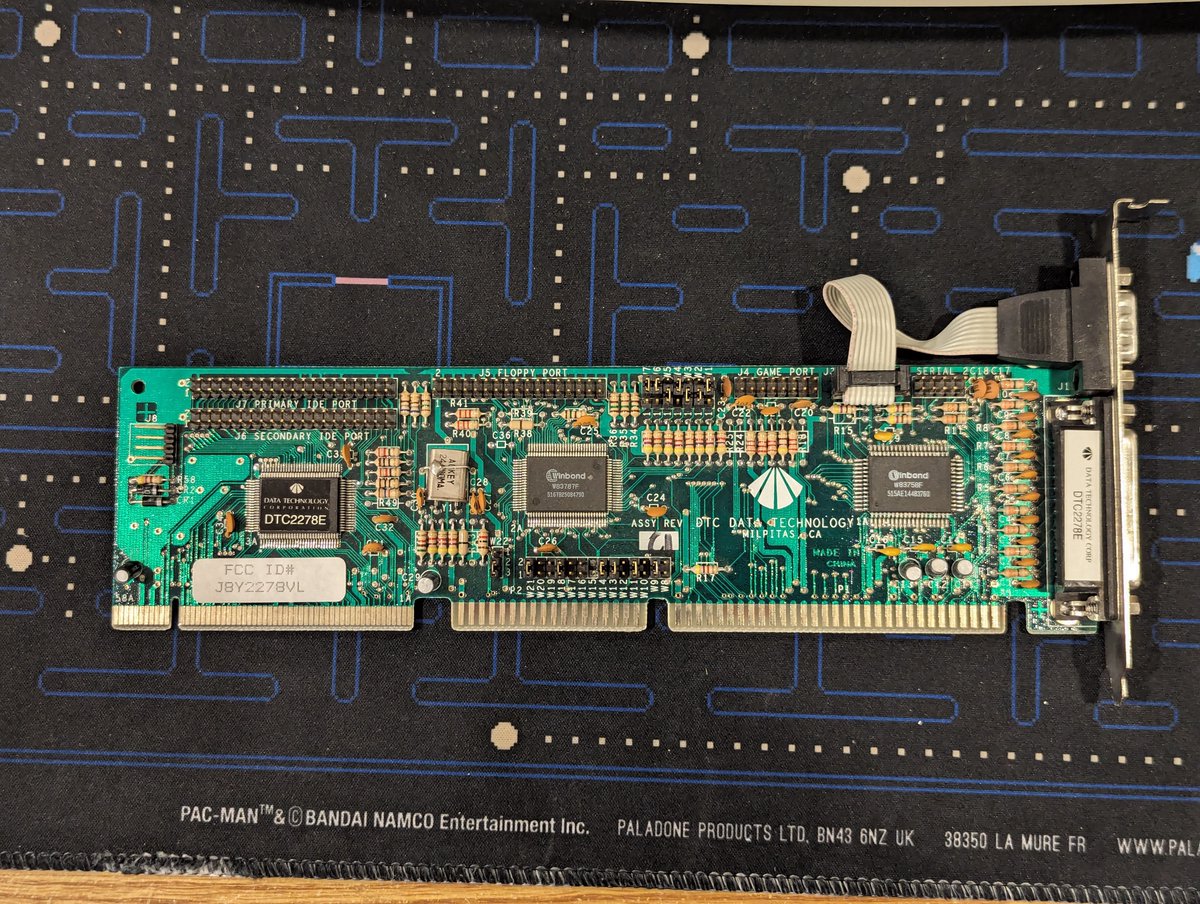
And, apparently my DTC 2278 controller uses the DTK/Intel standard. And perhaps the manual for this card would flag that, not sure. We do have this jumper setting guide, it doesn't say anything about it, but that is not surprising. Image
Image
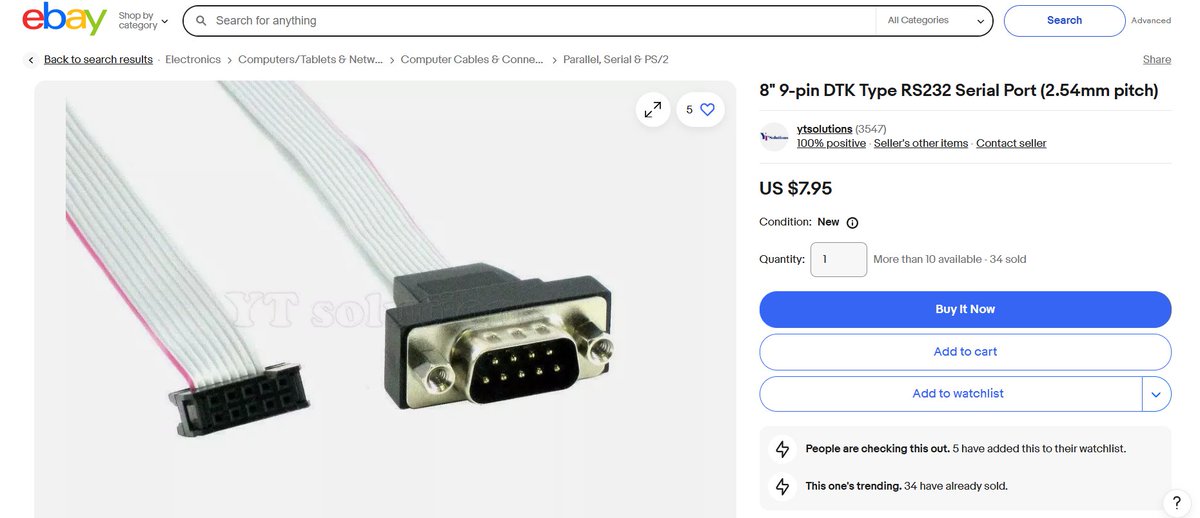
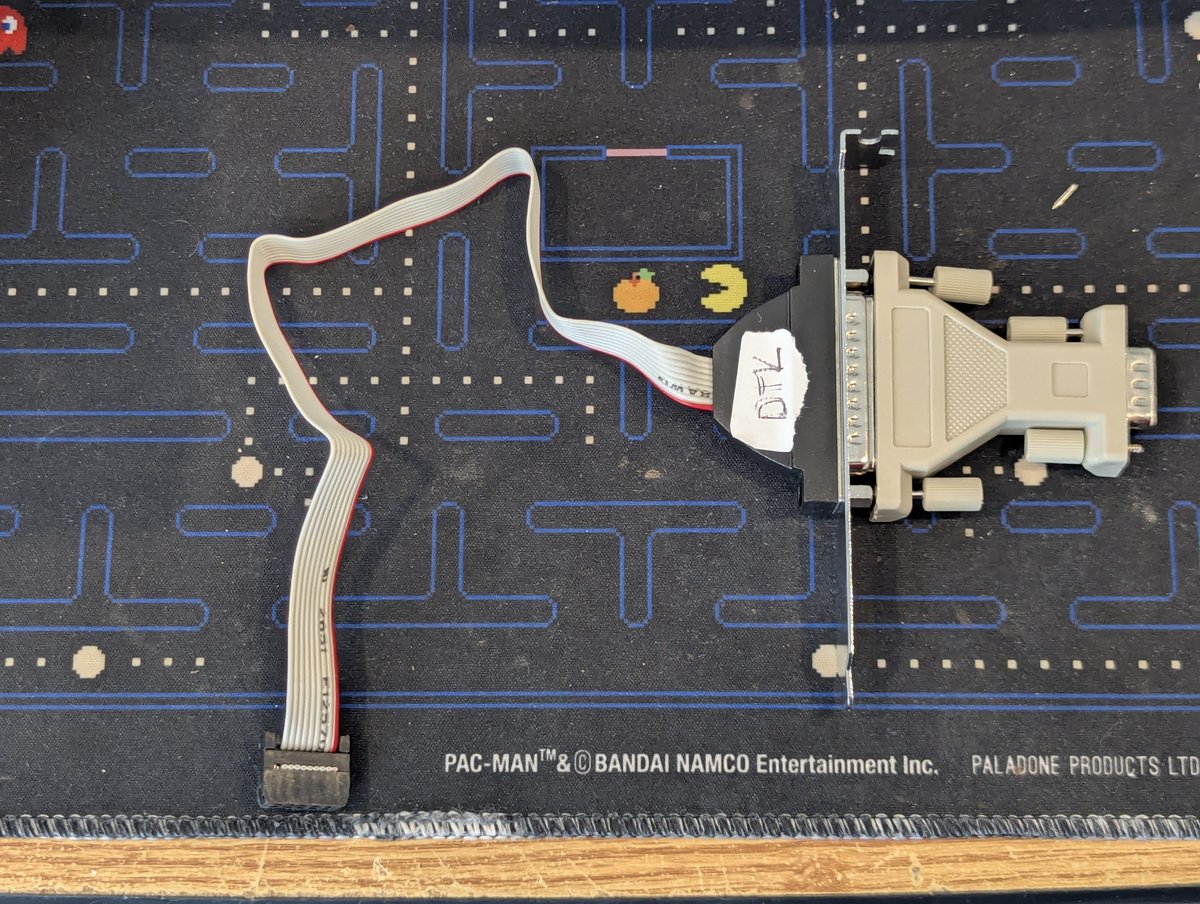
So, as such, I've put this 25 pin connector in for now. I would like a 9 pin connector, and they are available for sale, so we will see!

Anyway, thanks for following along!

@threadreaderapp unroll. Image
Image

• • •

Missing some Tweet in this thread? You can try to force a refresh

 

Keep Current with RetroTech Chris
RetroTech Chris Profile picture

Stay in touch and get notified when new unrolls are available from this author!

Read all threads

This Thread may be Removed Anytime!

PDF

Twitter may remove this content at anytime! Save it as PDF for later use!

Try unrolling a thread yourself!

how to unroll video
  1. Follow @ThreadReaderApp to mention us!

  2. From a Twitter thread mention us with a keyword "unroll"
@threadreaderapp unroll

Practice here first or read more on our help page!

More from @RetroTechChris

Dec 20
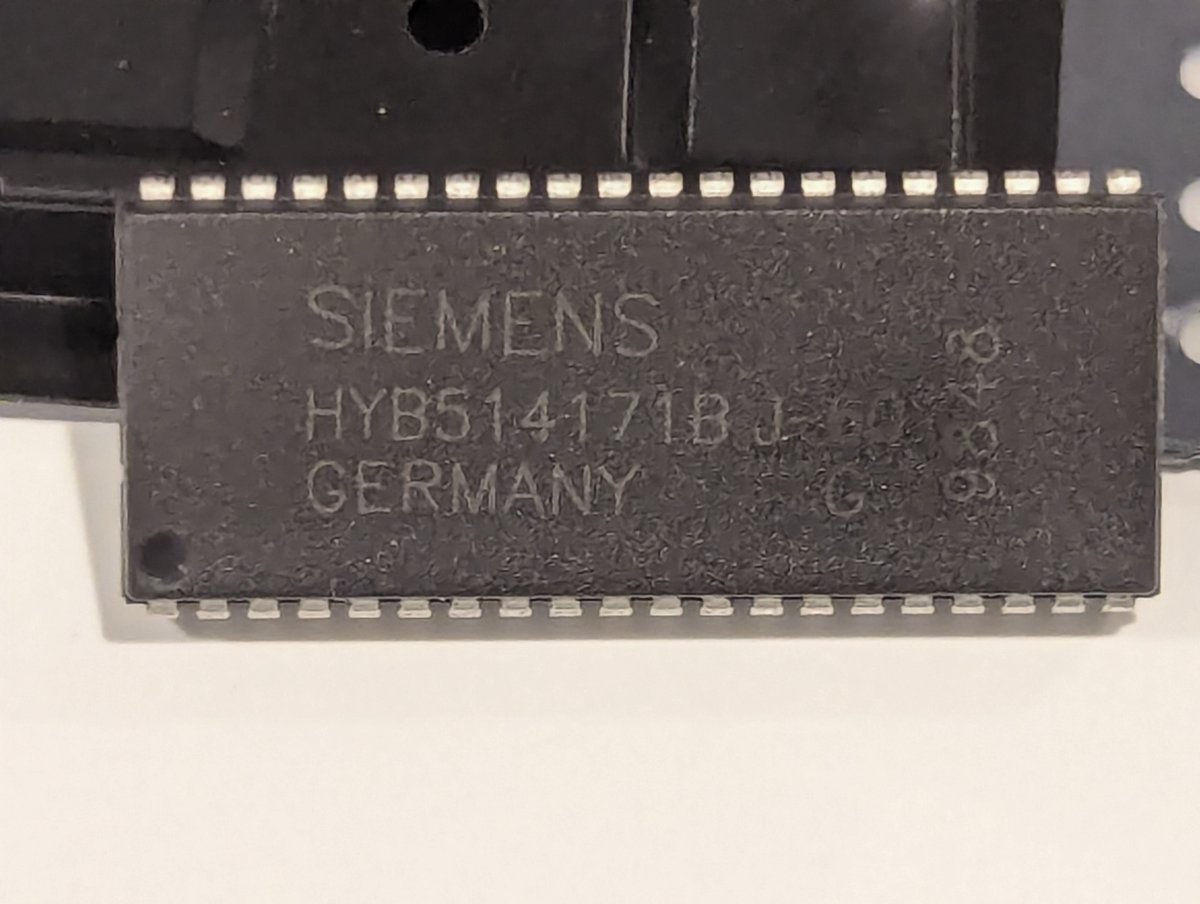
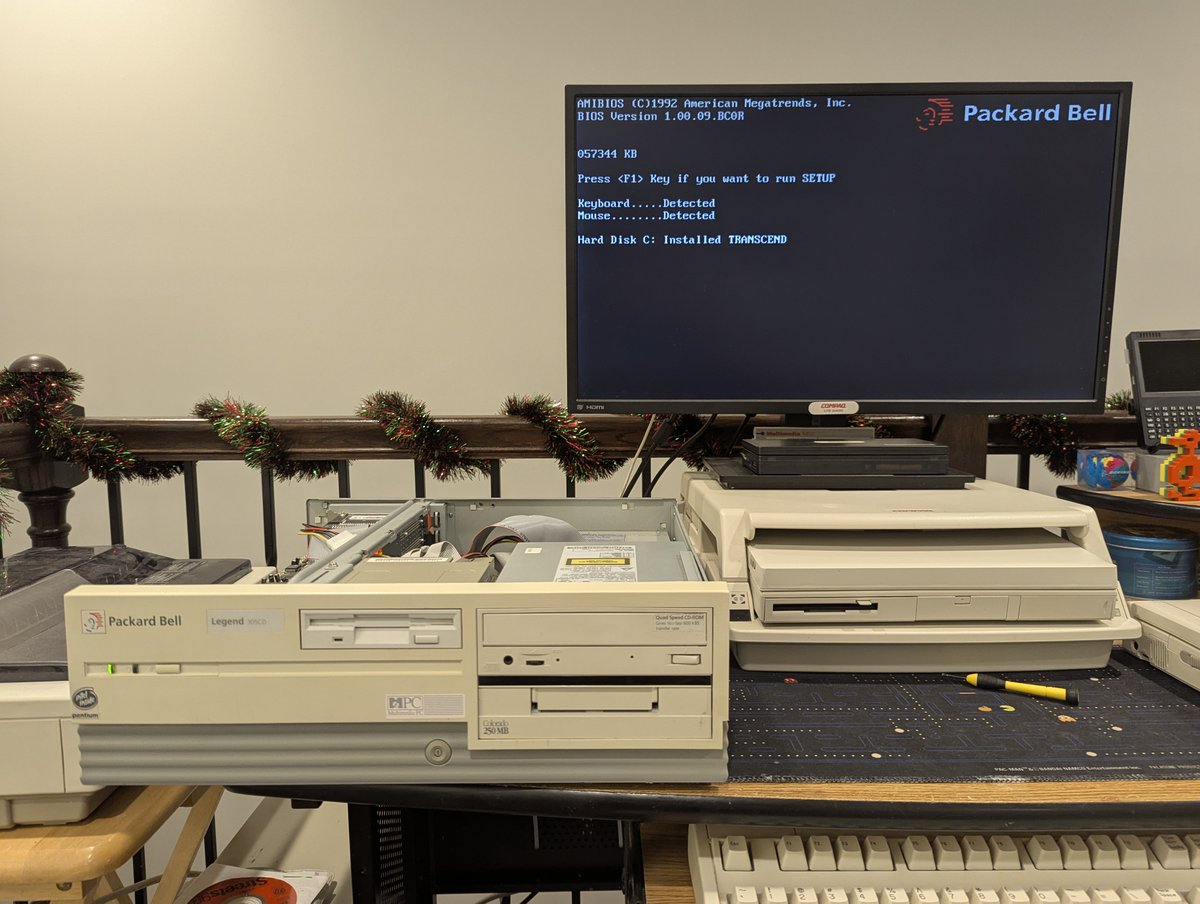
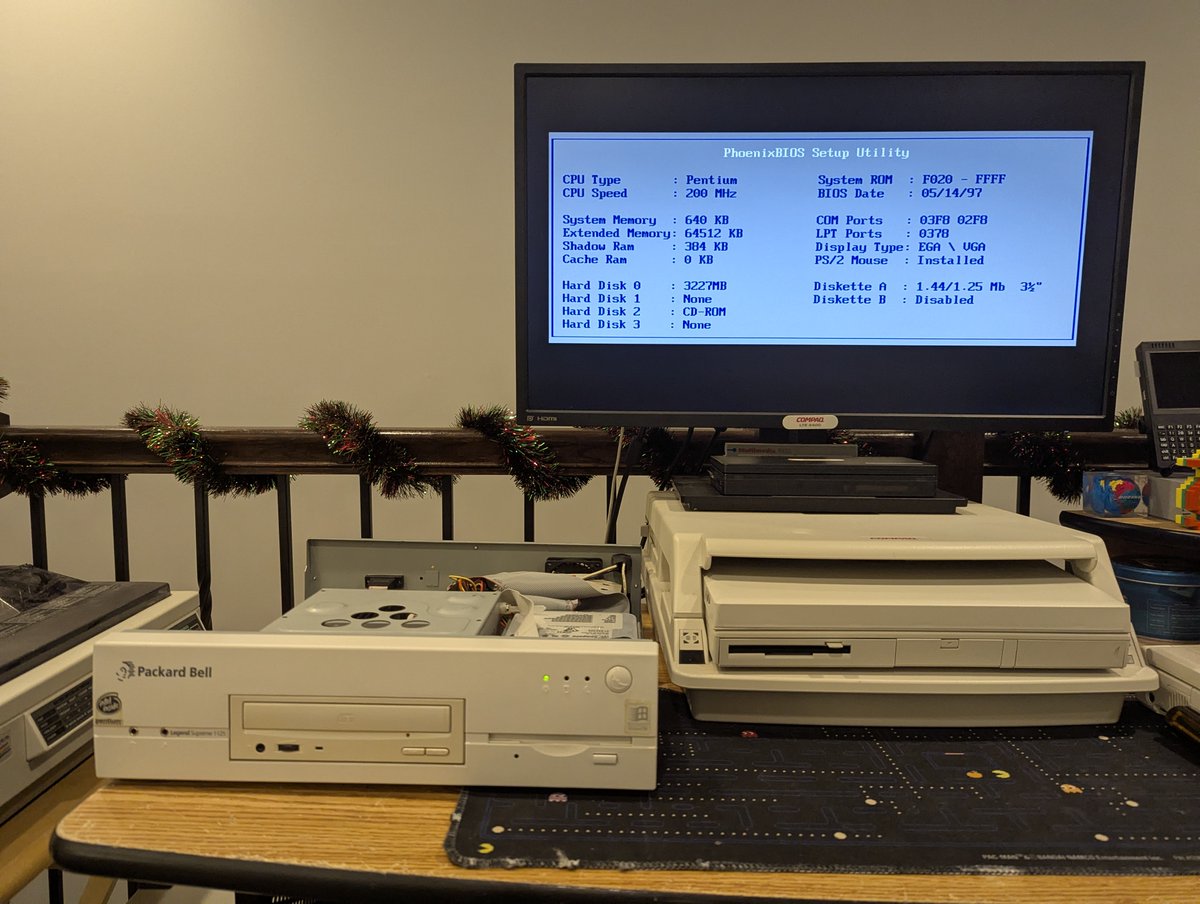
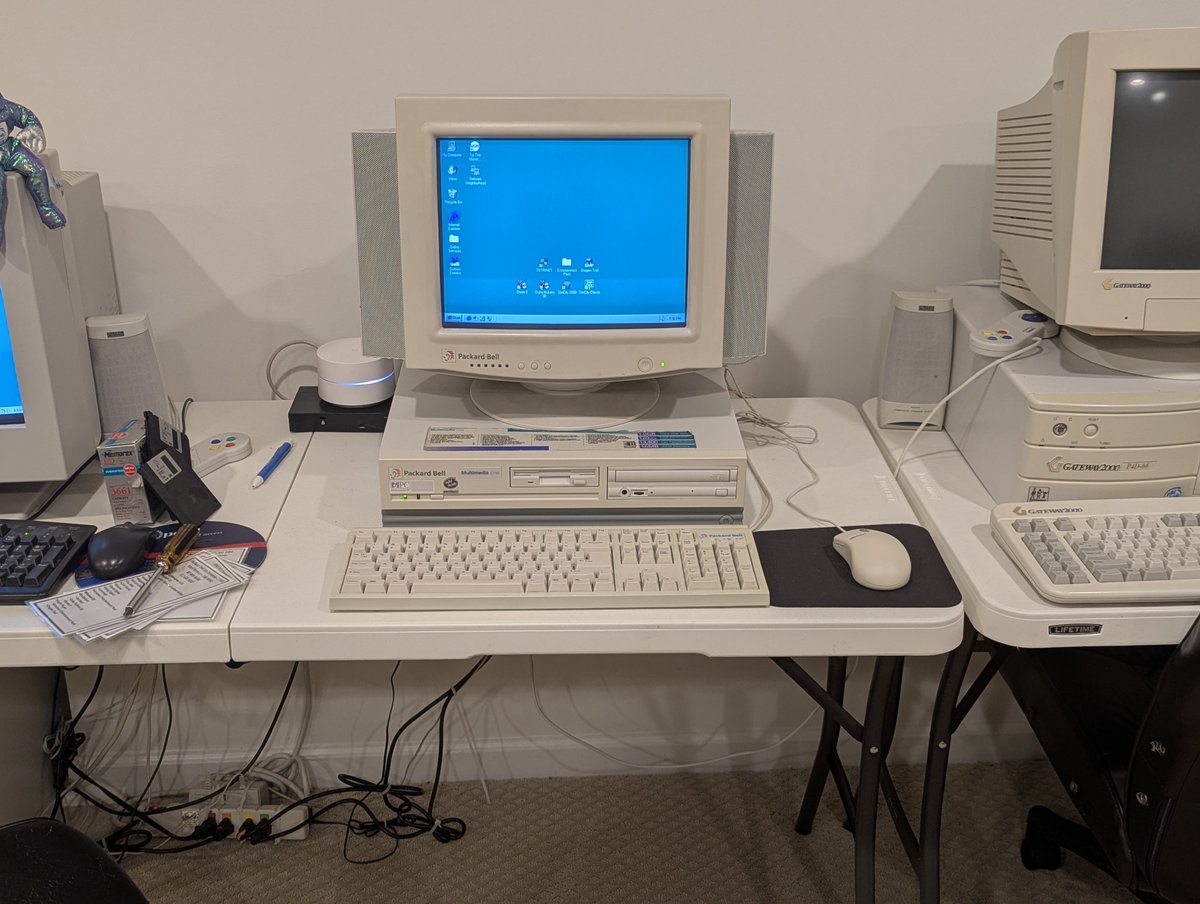
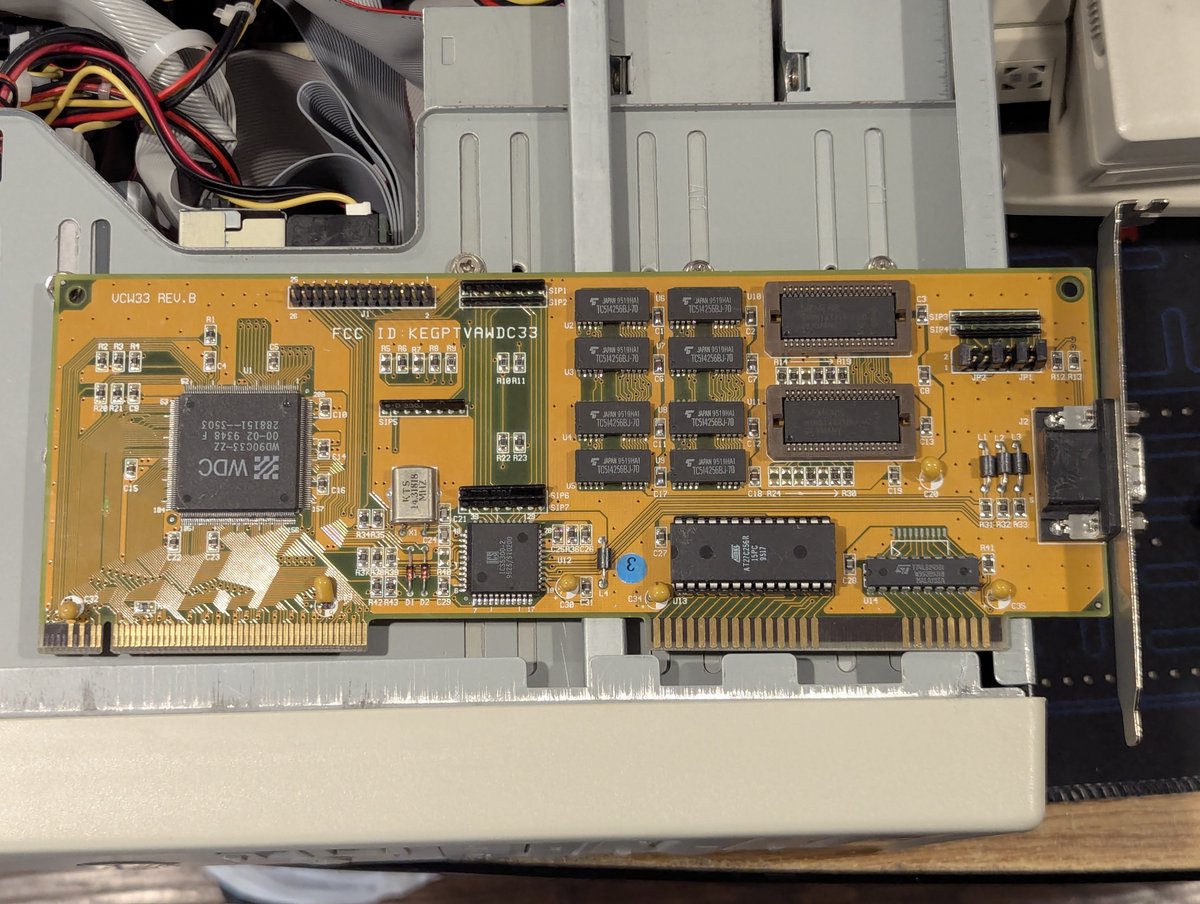
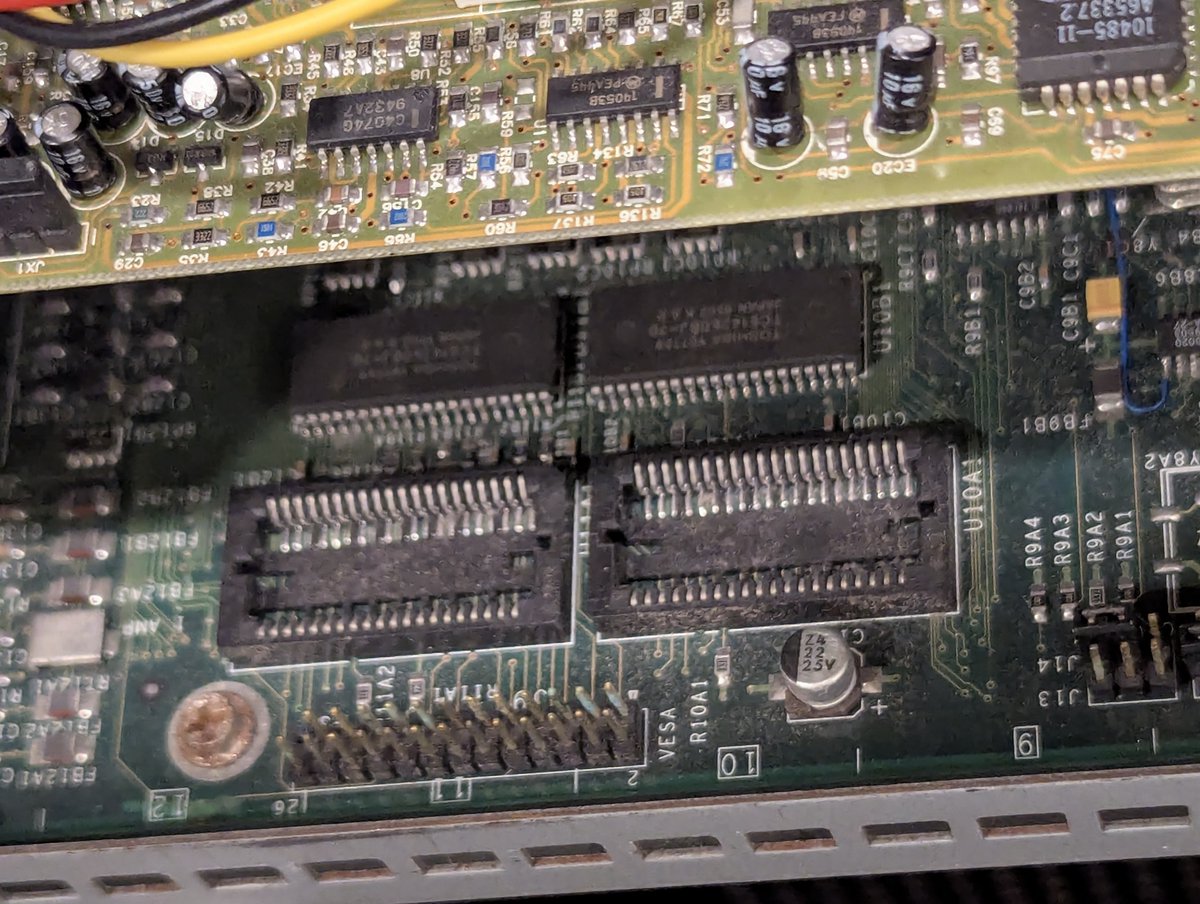
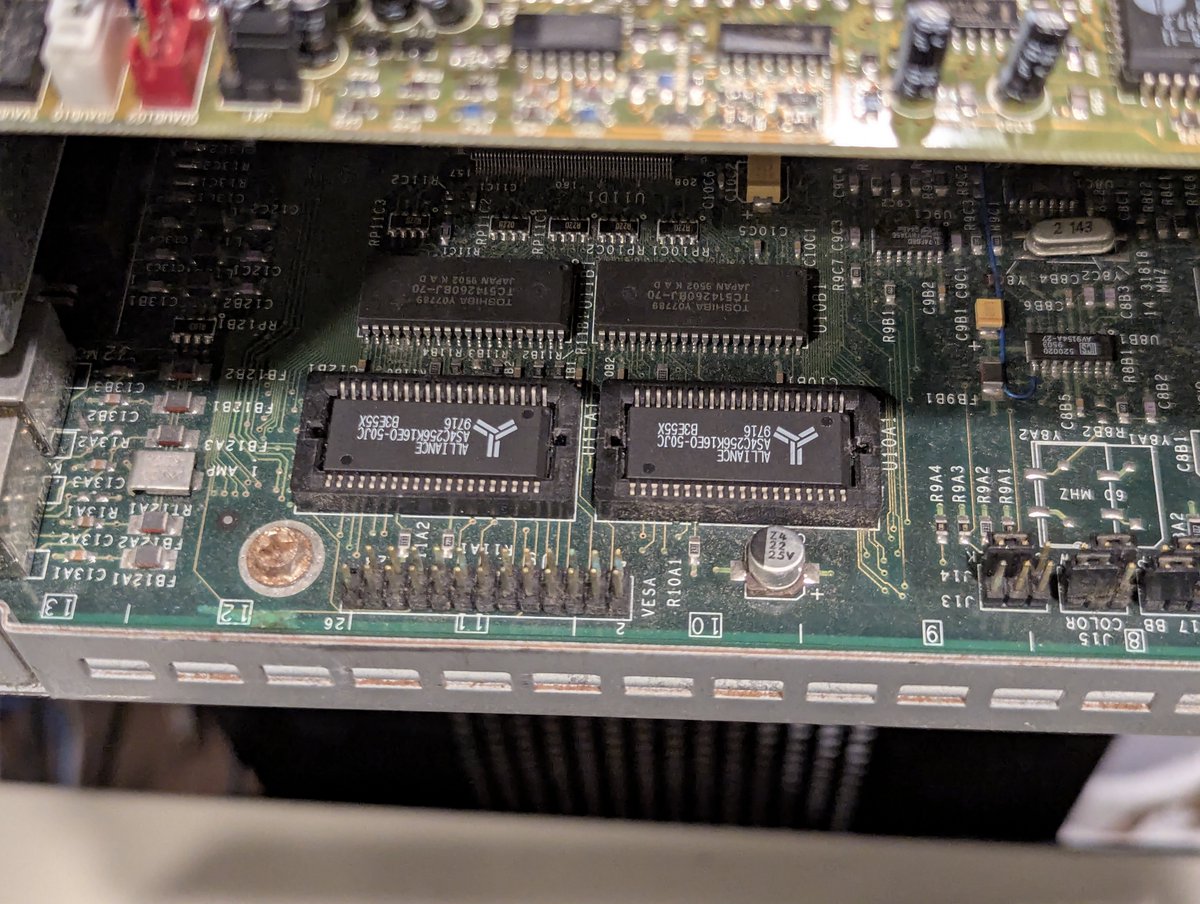
I had a bunch of 512KB PDSO40 chips (used for video memory upgrades) laying around and decided to go around and upgrade some of my PCs. Somehow, 3 of the 4 I upgraded ended up being Packard Bells 😂. And I used up my spare chips, so that is good! Let's look at it in a 🧵 here! Image
Image
Image
Image
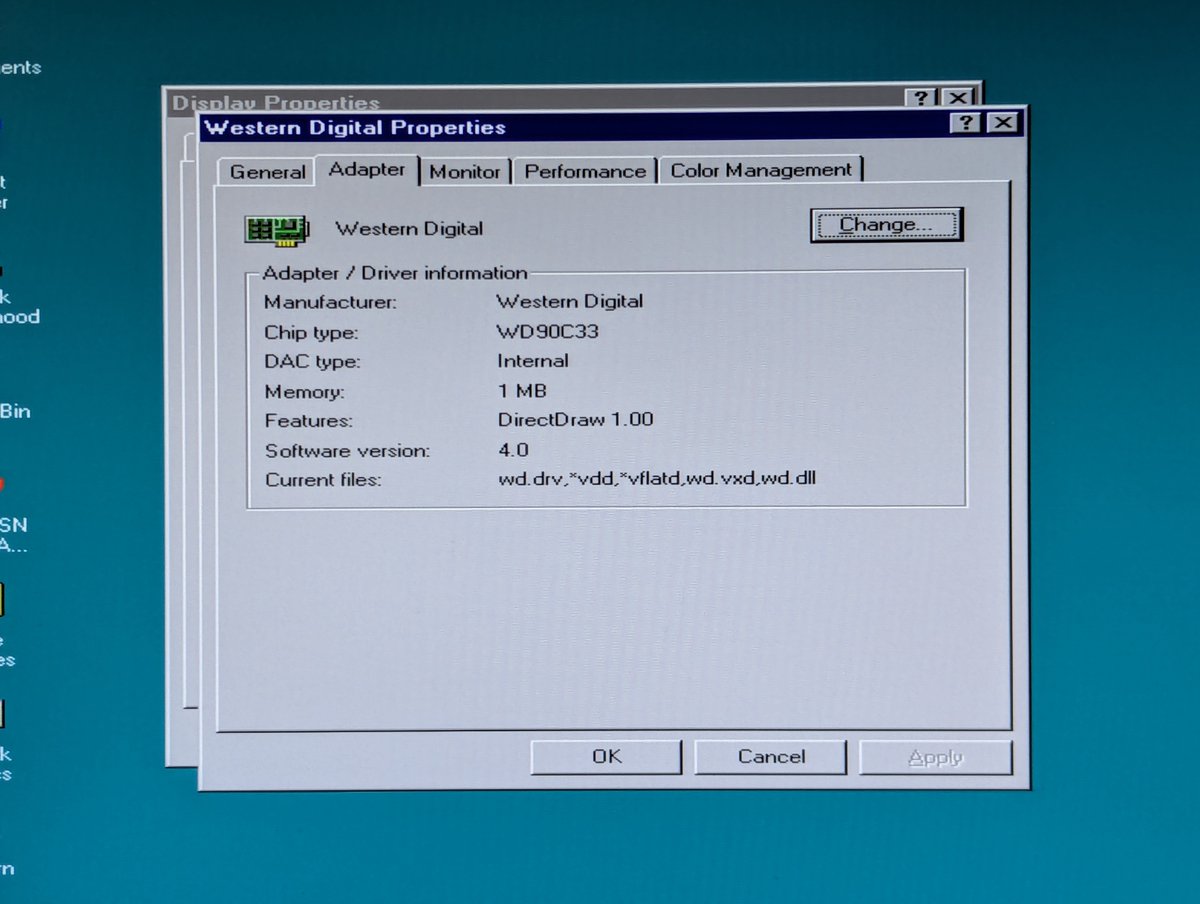
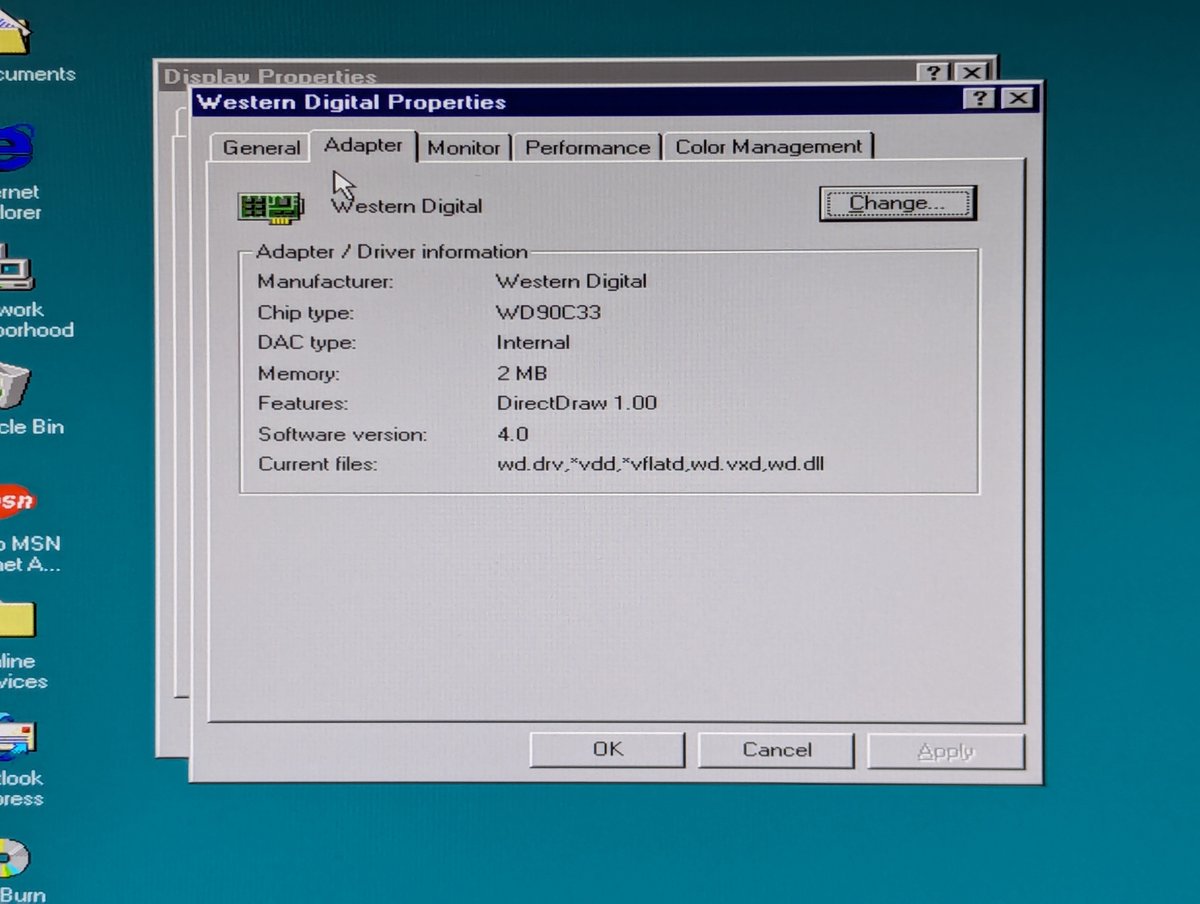
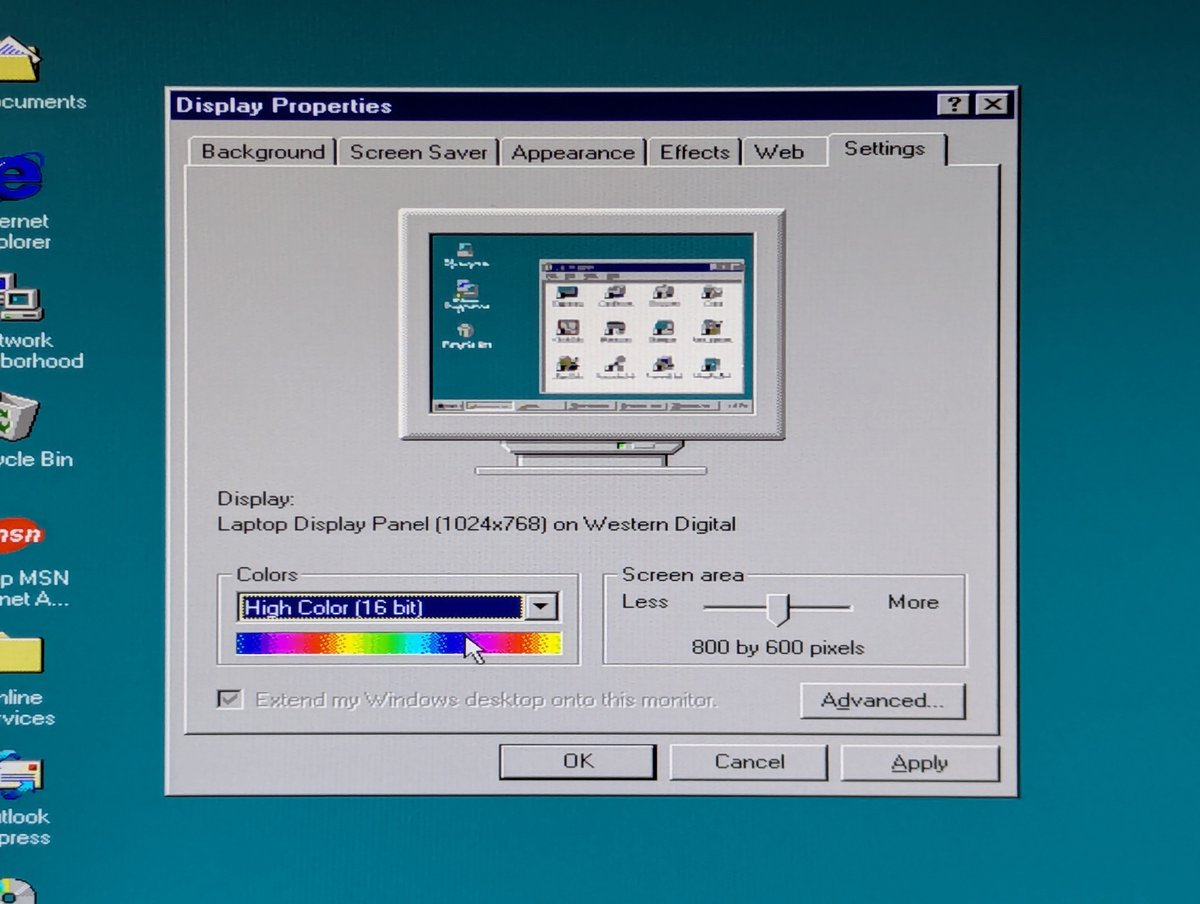
First, I upgraded the Western Digital video card in my 486 DX2/66 that we have see a lot of lately. Unfortunately, this doesn't give me any additional useful video modes. If I try to bump to high color for 1024x768, it bumps me down to 256 colors. Oh well. I'll leave it 🤷‍♂️ Image
Image
Image
Image
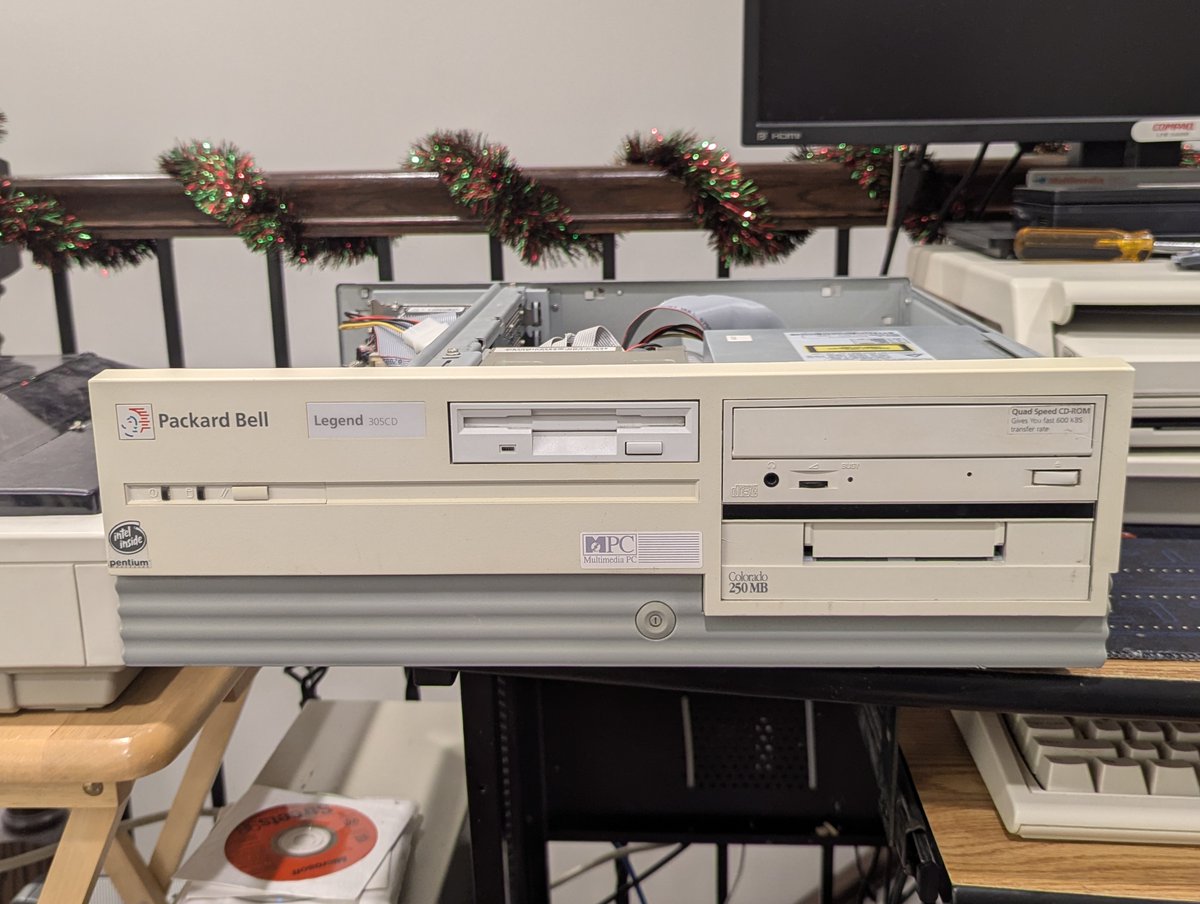
Next up was the Packard Bell Legend 305CD. And, wow, this did help, let's talk about how... Image
Image
Image
Image
Read 7 tweets
Dec 19
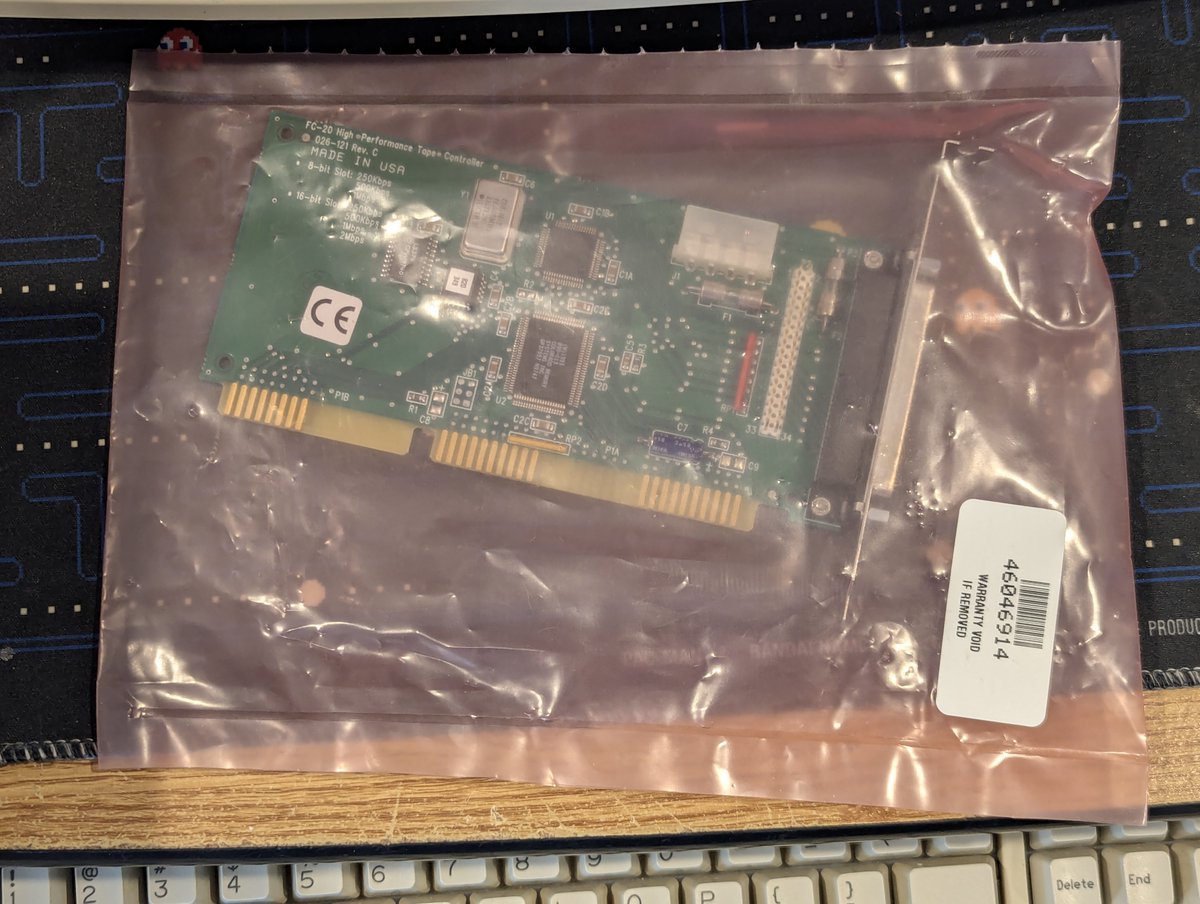
In my recent #DOScember video about my 486 DX2/66, I talked about a possible future tape controller upgrade, and how I probably wasn't going to do it. Well, apparently I have no self control 😂. My controller arrived today, let's talk about it in a 🧵 here! Image
Image
Image
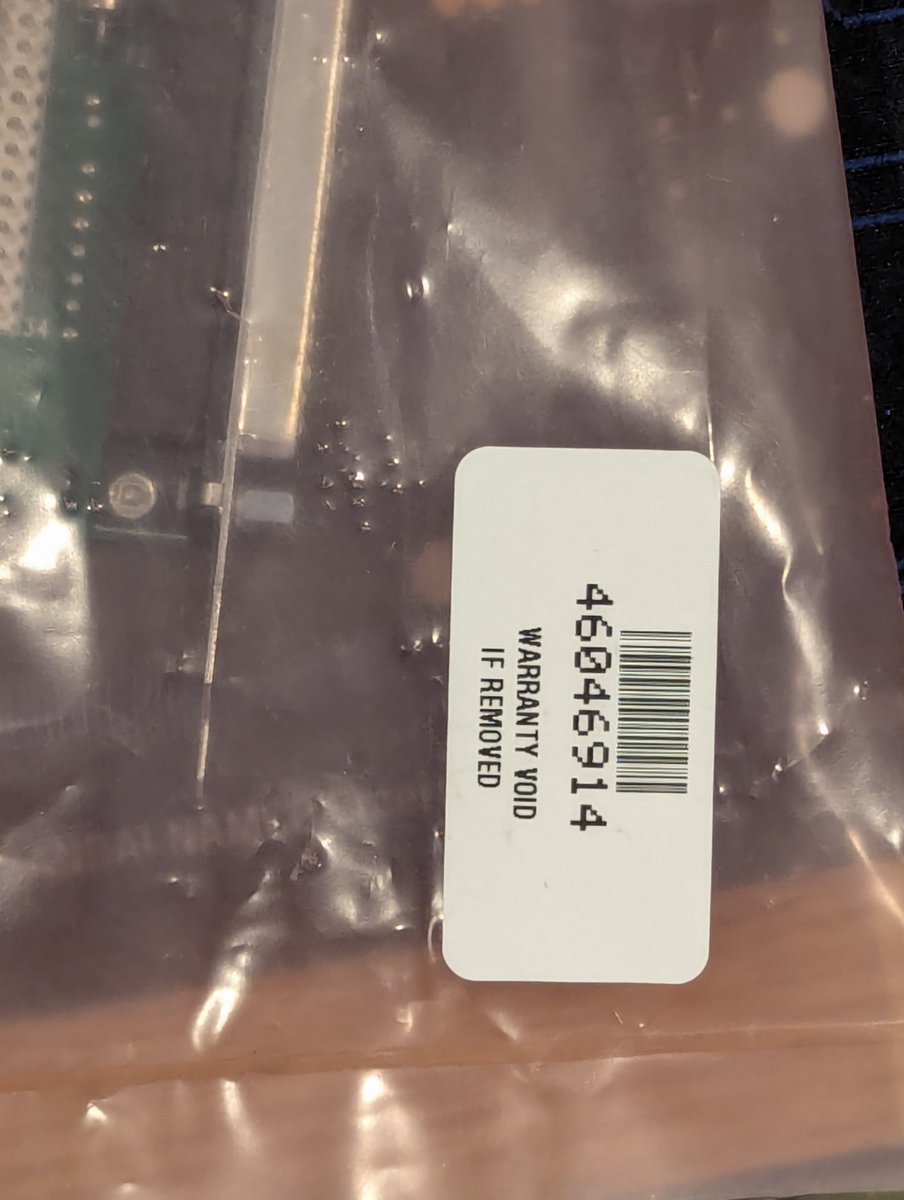
So, I ended up purchasing an FC-20 Controller from eBay, from a distributor called Radwell. They included a bag of candy. Based on the feedback they left, I think they think a lot of themselves 😂. Apparently this has a 2 year warranty, but the warranty is on the anti static bag? Image
Image
Image
Image
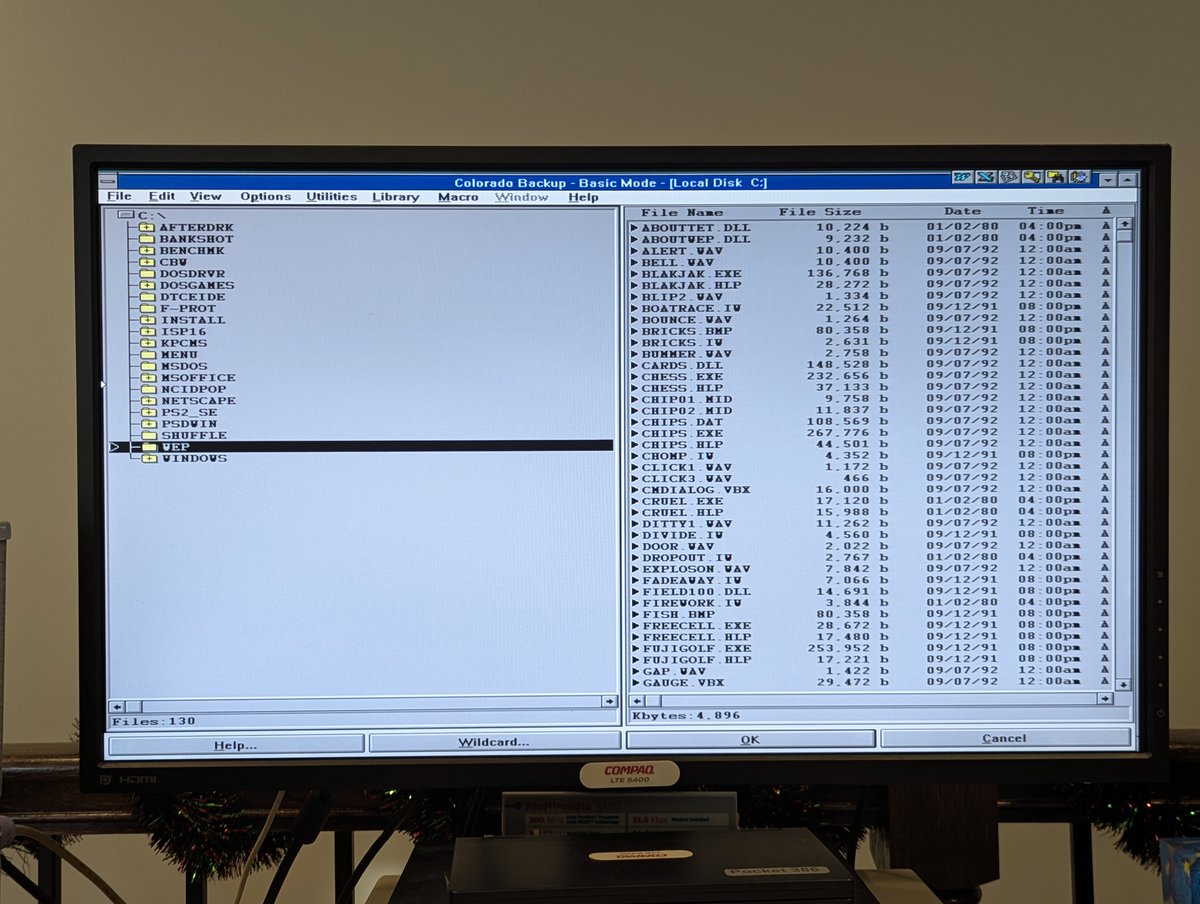
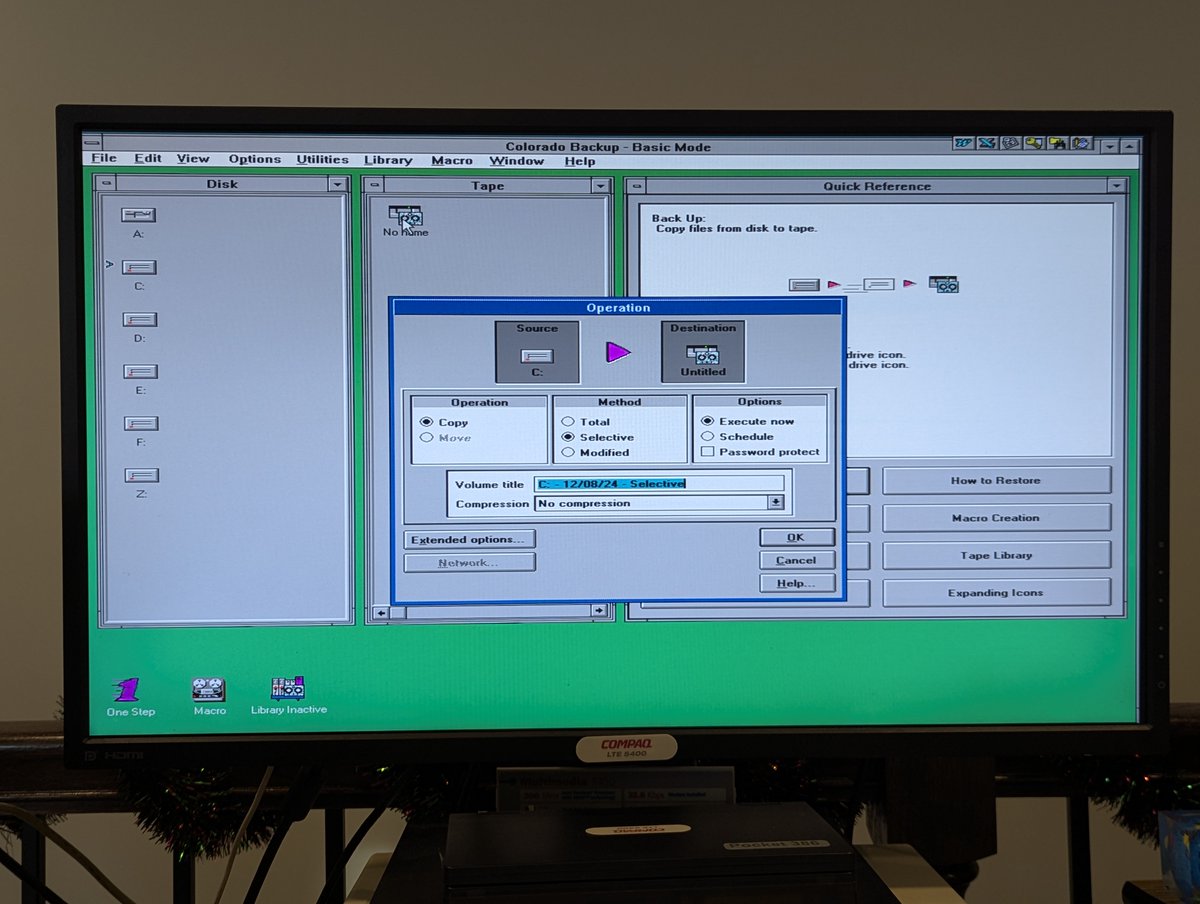
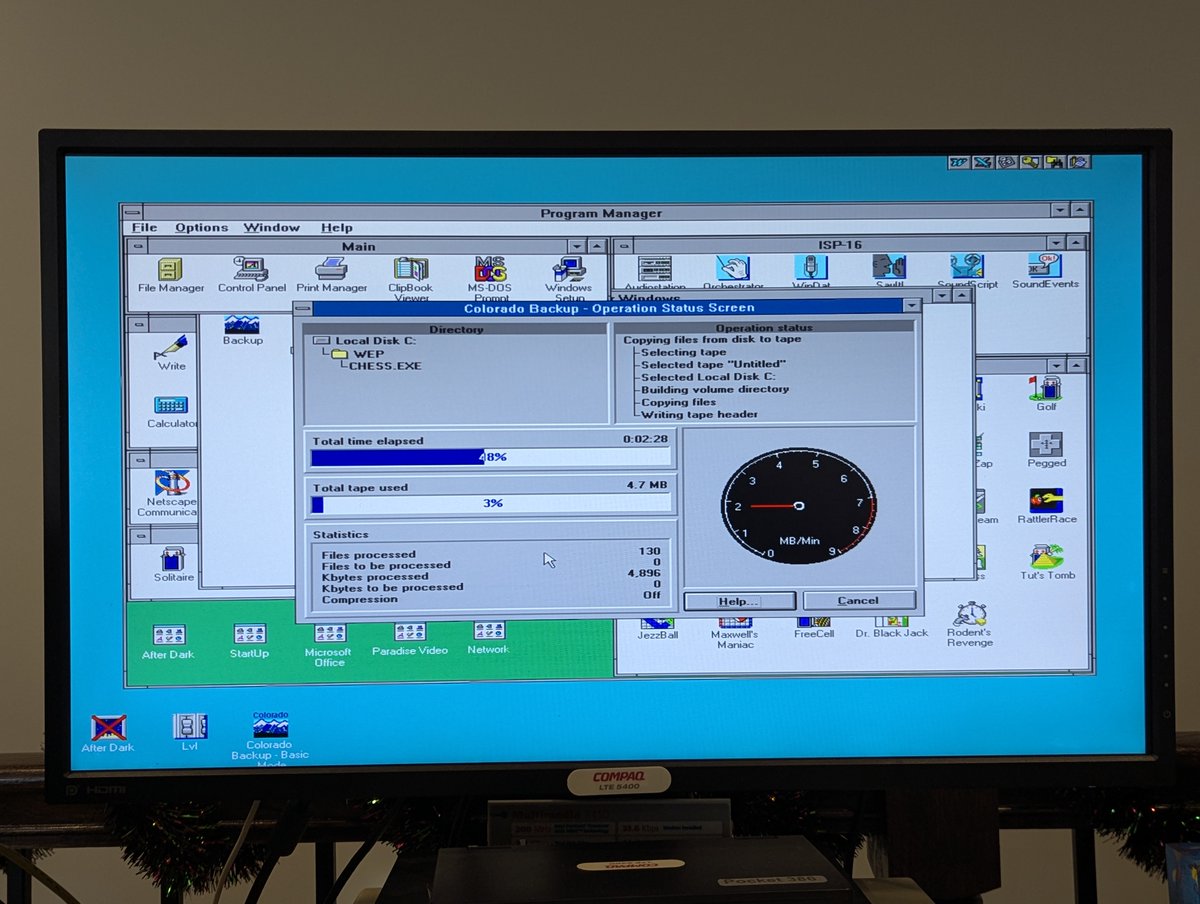
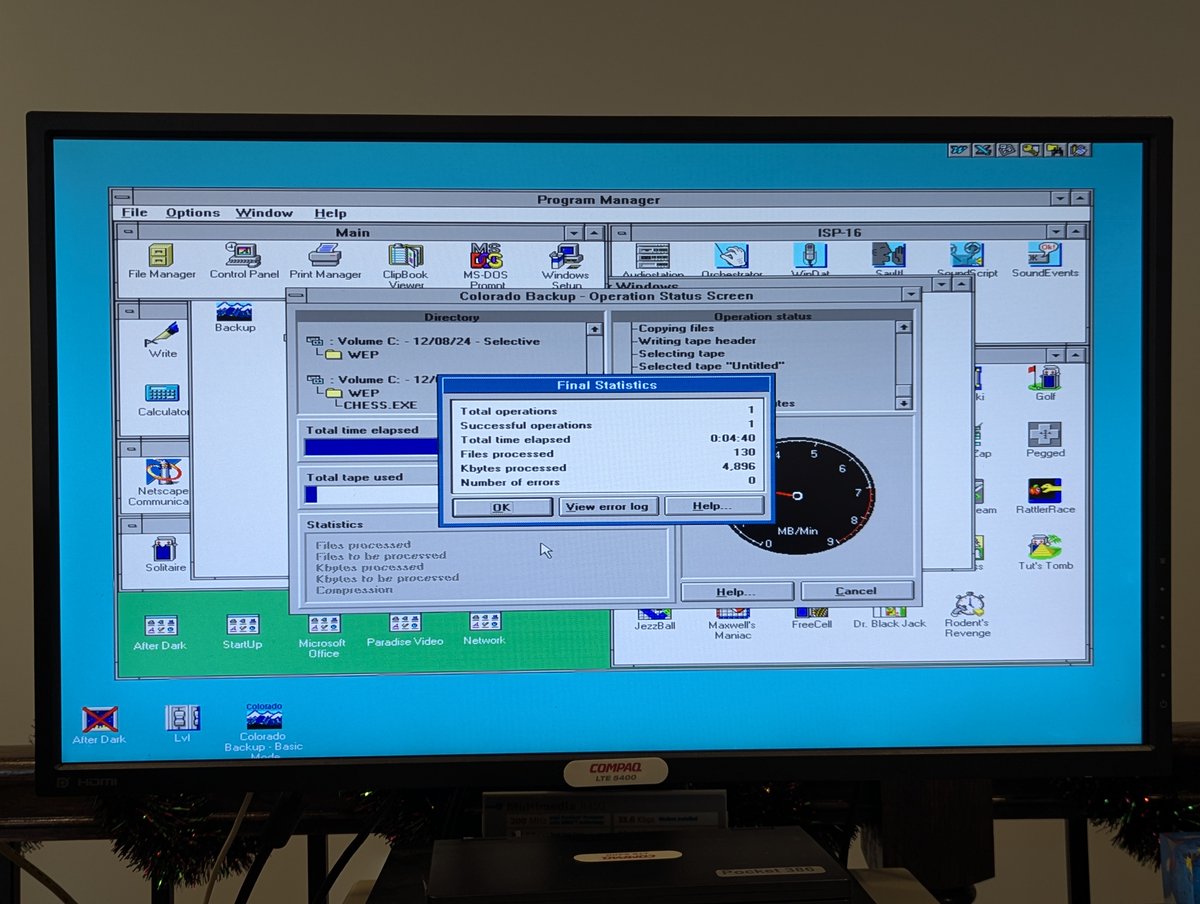
Let's do a trial run before we install the controller. We'll back up my Windows Entertainment Pack install, which is around 5MB. Looks like our baseline for backup is going to be 2MB per minute. Noted! Image
Image
Image
Image
Read 10 tweets
Dec 19
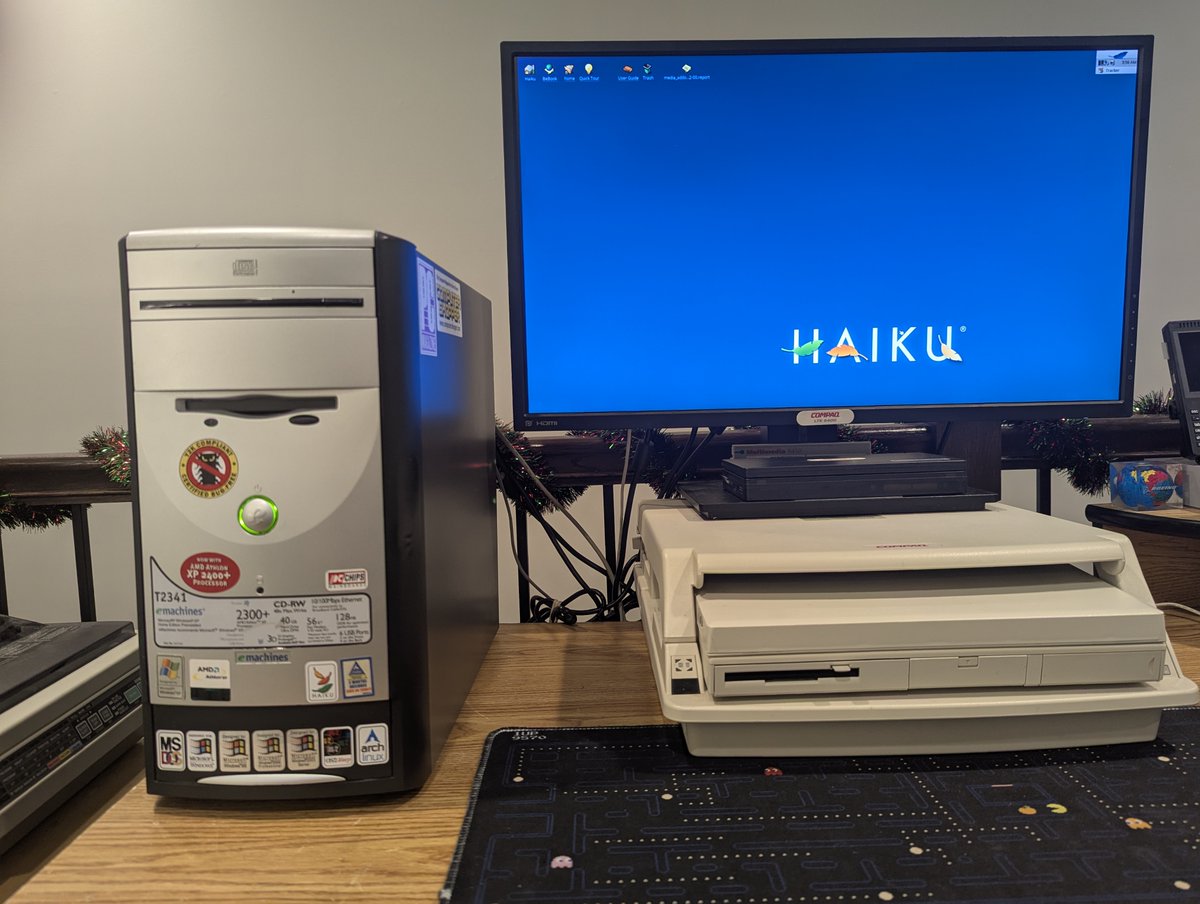
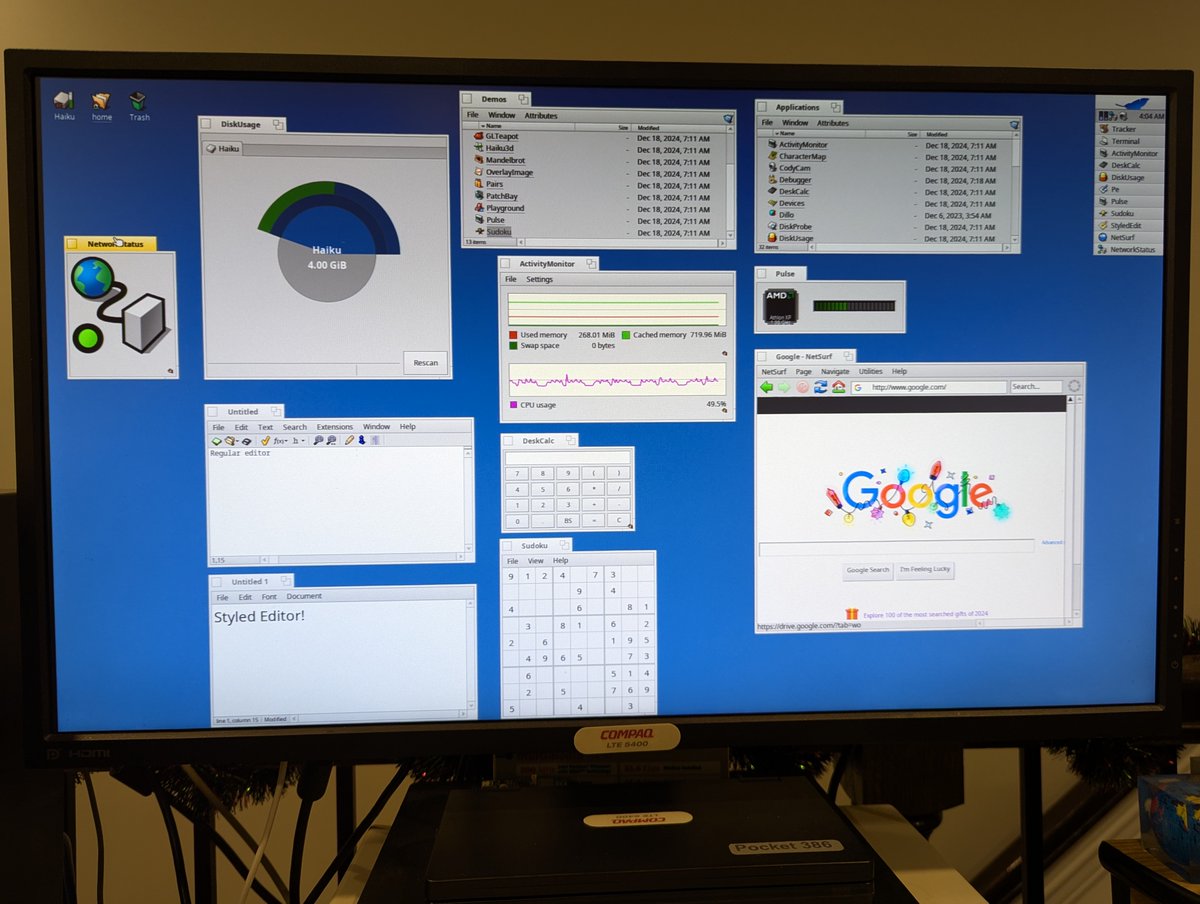
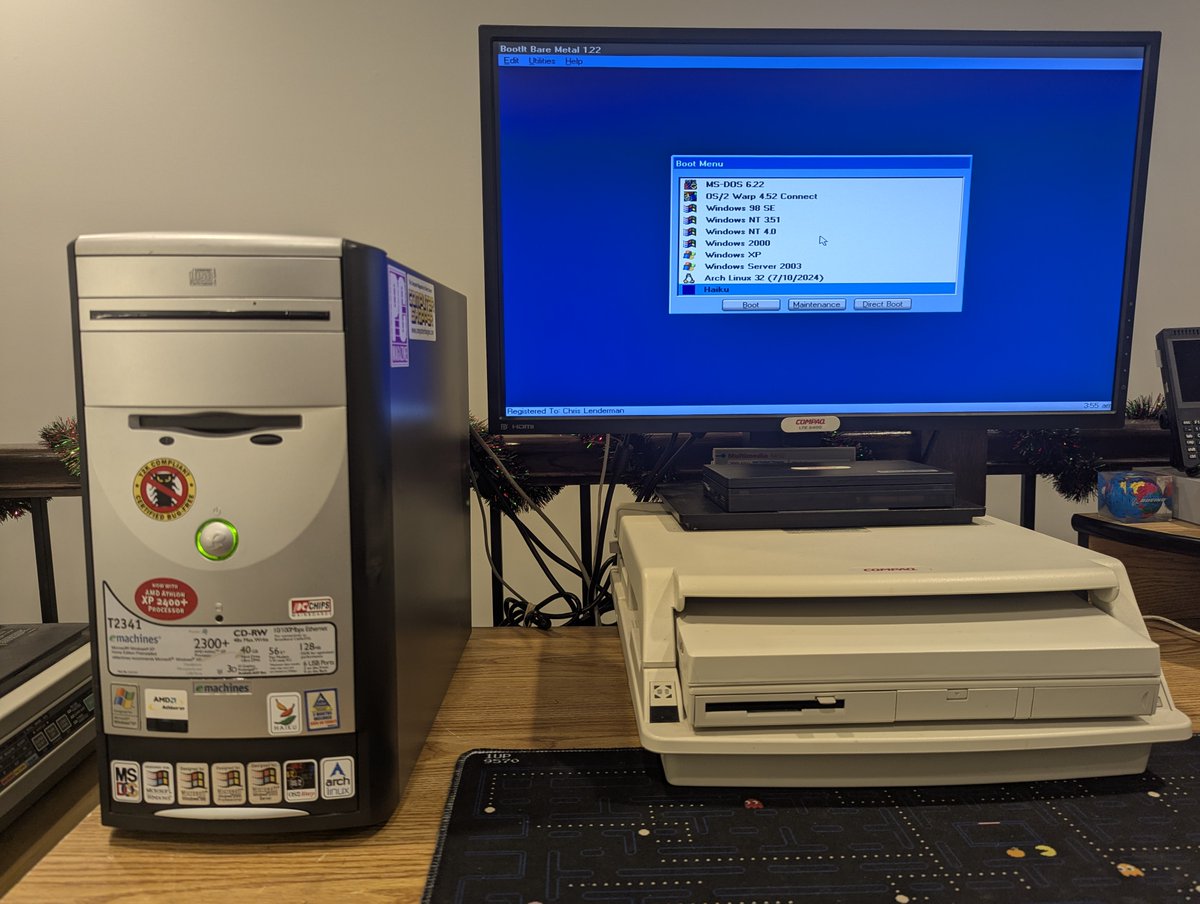
I just finished getting Haiku configured on my eMachines T2341 (AMD Athlon XP 2400+), and I must say, once configured, it is seriously good! Anyway, let's talk about my setup and some of the configuration challenges I had in a very long 🧵 here. Buckle up! Image
Image
First of all, this is one of many OSes I have installed on this system, and I will say, it plays nicely with the rest! Image
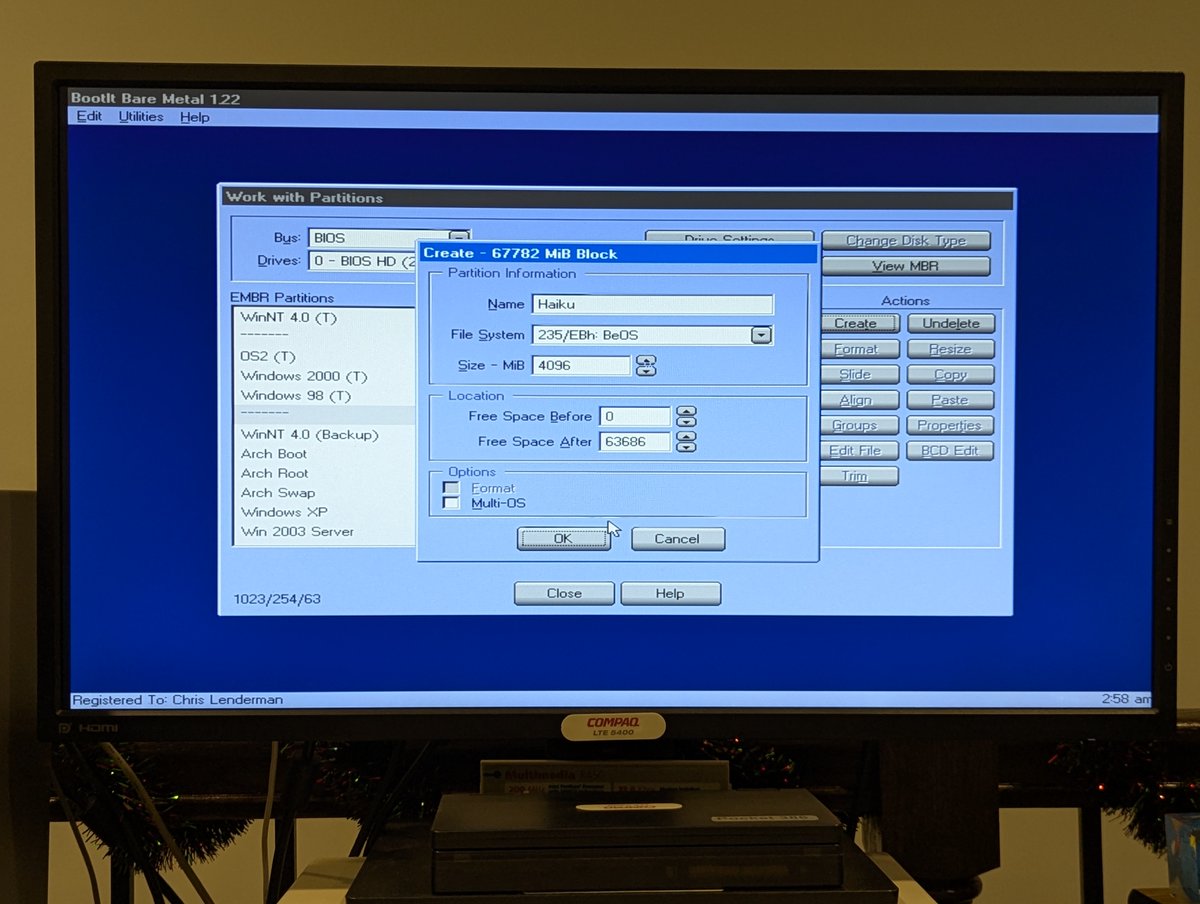
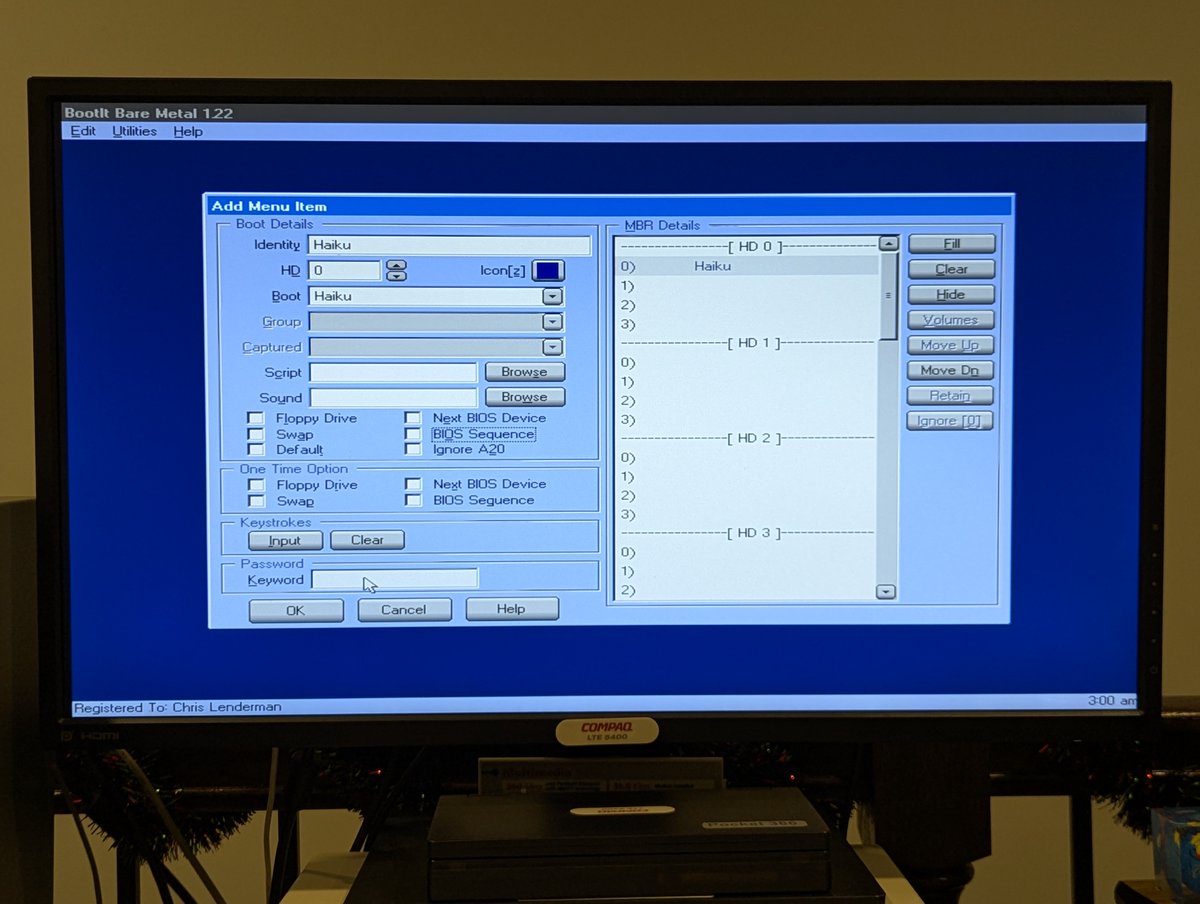
So, prepping for install, I set aside a 4GB BeOS partition in BootIt Bare Metal and set up a boot entry for Haiku. Image
Image
Read 29 tweets
Dec 17
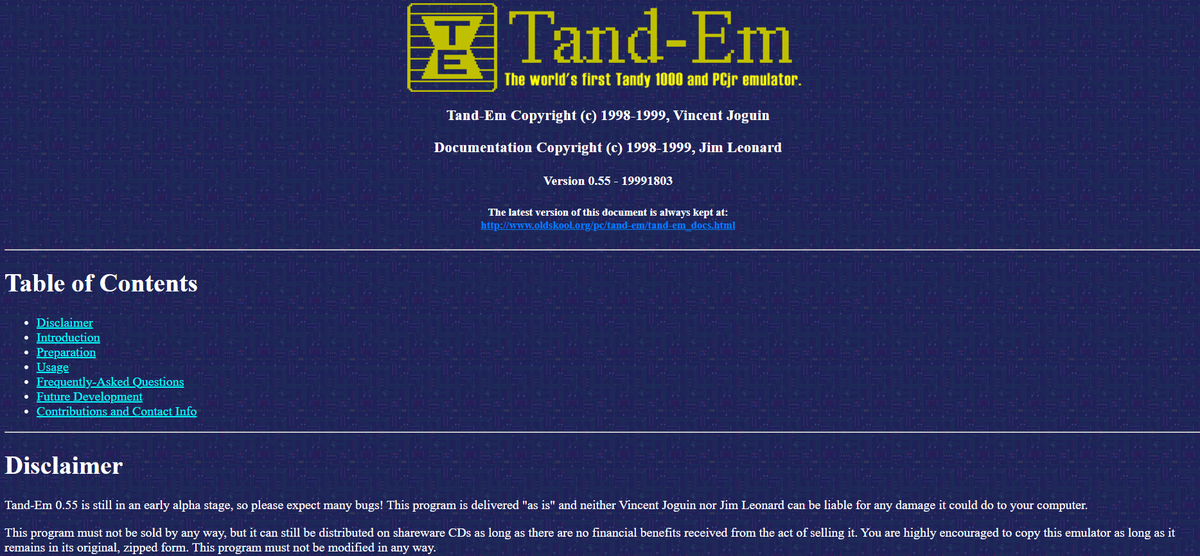
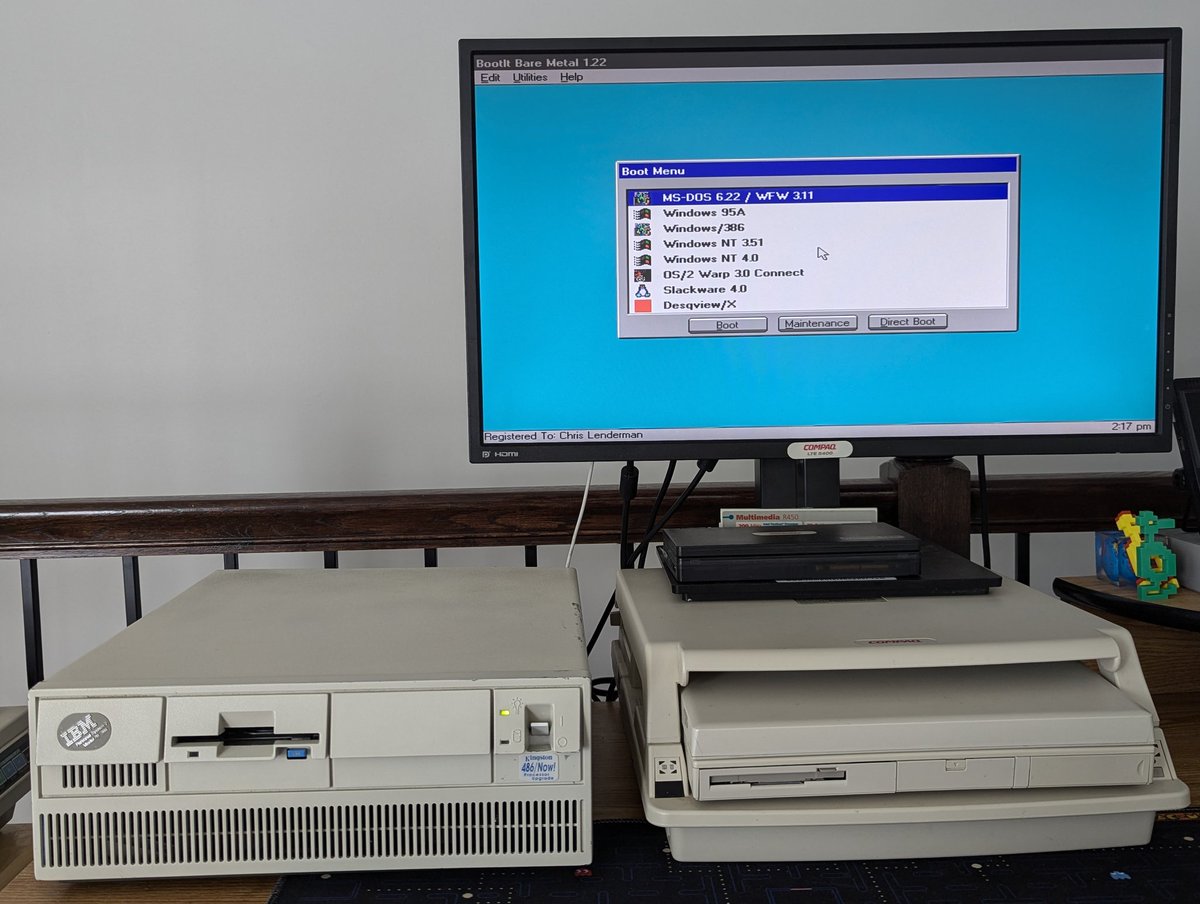
Wait... there's a Tandy 1000 emulator for retro PCs?? Why, yes, yes there is, and it is called Tand-Em! Let's take a look at how I turned my Compaq LTE 5400 into a Tandy 1000 in a #DOScember 🧵 here!
So, as mentioned, the name of the emulator is Tand-Em, and, you can read all about it here! oldskool.org/pc/tand-em/Image
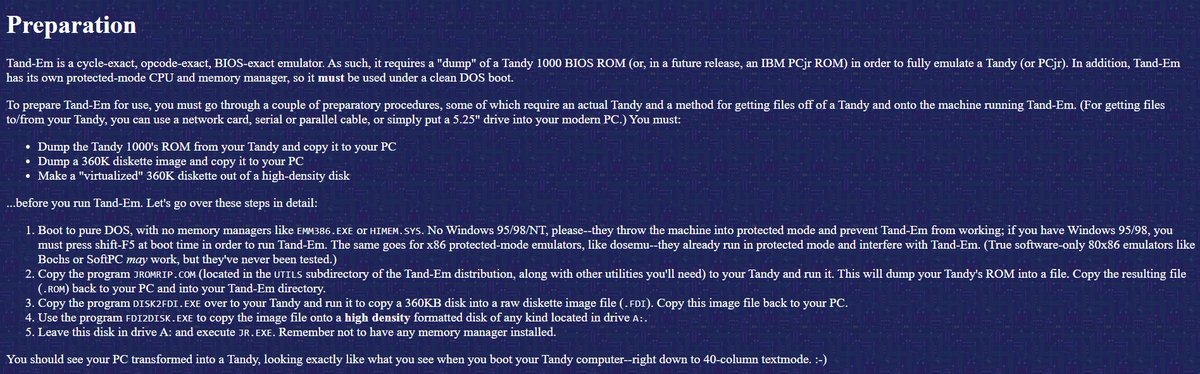
Setup is pretty straight forward. Steps 3 and 4 are optional if you just use one of the images included in the distribution. Let's go through the steps together! Image
Read 9 tweets
Dec 7
A while back, I installed a TON of different OSes on my IBM PS/2 Model 70 386 w/ 486 DX/33 upgrade. This machine has an McIDE-CF, 16MB RAM, an IBM LAN Adapter/A, and 80MB ESDI drive. Forgive me, but I am going to make a 🧵 of all of the install procedures for ease of reference! Image
Image
Image
Image
First, we have DOS 6.22/Windows for Workgroups 3.11:
Next, we have Win95A. I didn't go into details, but it is 100% straight forward:
Read 11 tweets
Nov 30
Hooray, the retro inventory is finished, and the desk is clear! Let's talk about the final group of items inventoried in a 🧵 here! Image
Image
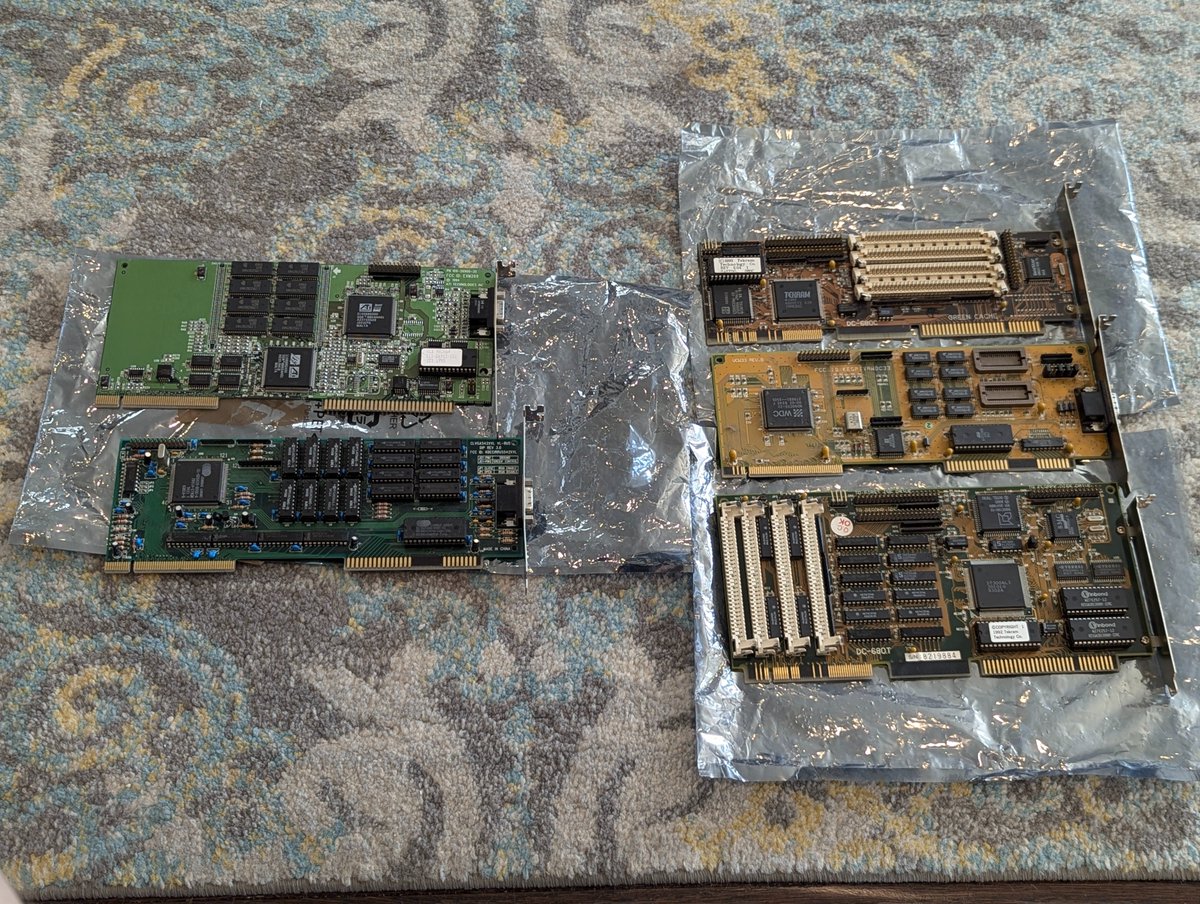
First up, we have the VESA Local Bus cards! Several video cards, and we saw the Tekram cards earlier today! That Western Digital video card is really good, we have talked about it on here in the past! Image
Next, I have this spare power adapter for my IBM PC Convertible. I may never need it, but if I do, I have it! Image
Image
Read 13 tweets

Did Thread Reader help you today?

Support us! We are indie developers!


This site is made by just two indie developers on a laptop doing marketing, support and development! Read more about the story.

Become a Premium Member ($3/month or $30/year) and get exclusive features!

Become Premium

Don't want to be a Premium member but still want to support us?

Make a small donation by buying us coffee ($5) or help with server cost ($10)

Donate via Paypal

Or Donate anonymously using crypto!

Ethereum

0xfe58350B80634f60Fa6Dc149a72b4DFbc17D341E copy

Bitcoin

3ATGMxNzCUFzxpMCHL5sWSt4DVtS8UqXpi copy

Thank you for your support!

Follow Us!

:(