Let's take a few minutes and look at this newly written Modern Generic SVGA driver for Windows 3.1. We'll check it out in Oracle VM Virtualbox 5.2.44 first in a 🧵 here (I do plan to try real hardware next!)
First, I will say this is off to a GREAT start. The author has done a nice job at logging some of the issues that are present... and this driver has A LOT of promise!
Installation is pretty easy! Copy over vbesvga.drv and vbevdd.386 that you can download from the releases page of the project to your windows\system directory: github.com/PluMGMK/vbesvg…
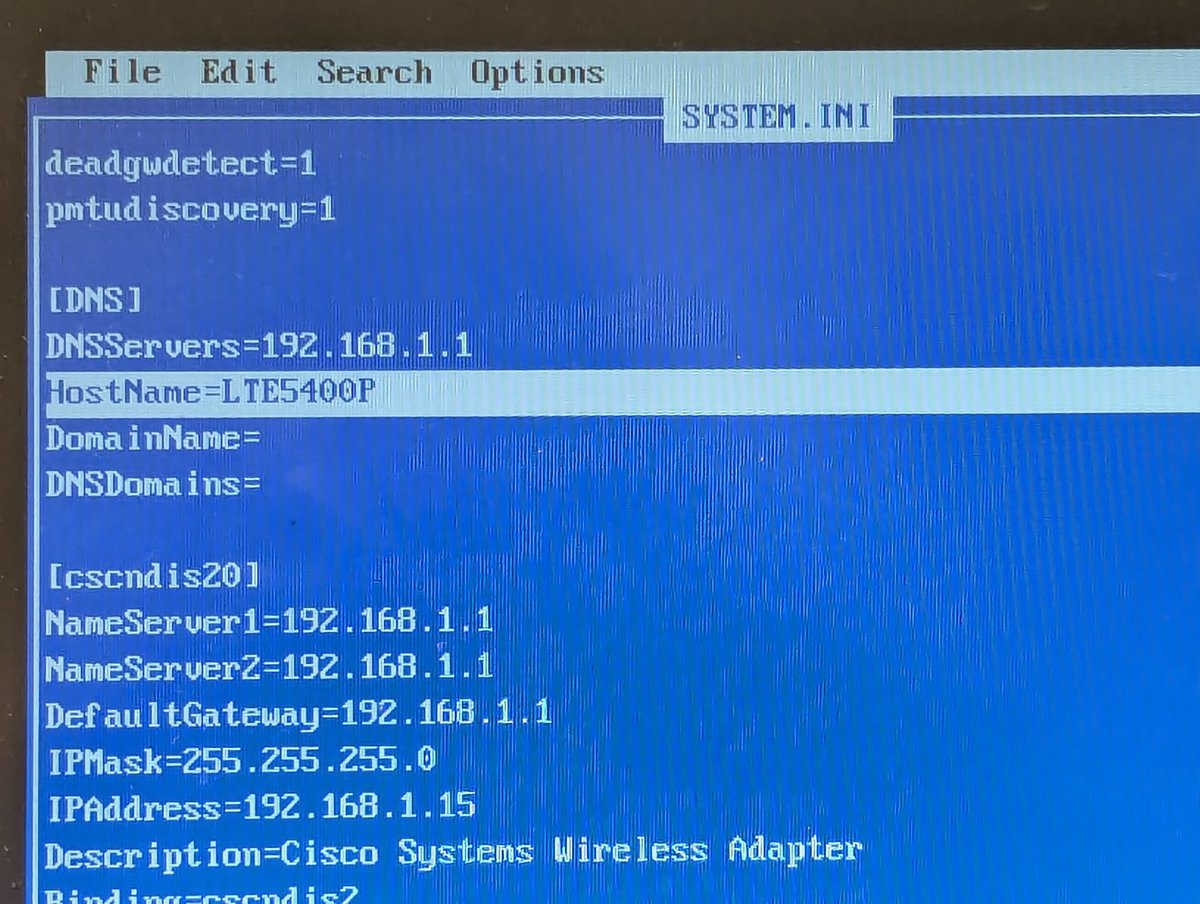
From there, you have to modify system.ini in your windows directory. I updated the video driver, added the right file under the 386 Enhanced section, and also added a special section for the driver itself. I started out with some pretty ambitious defaults 😂
I noticed on first fire up that the .386 driver name didn't quite match the instructions, so I renamed it.
Alright, here we go. Looks like my settings were a little ambitious 😂. Let's scale down to 1024x768 with a depth of 16
Hey, look at that! Colors are rich! A few observations: 1) the "stray green lines" are a common bug with network file sharing and some vid drivers, we can turn that off. 2) Perf is a little slow, but WOW, this is a GREAT start 3) Something is up with the MS office logo bkgrnd.
Another issue, and this is a known one: switching back to full screen from DOS windows has issues. I have the same problem with the standard "SVGA256 VESA patch" that I use with Win 3.1x, so this is parity as far as I am concerned.
How about 8 bit color depth? Well, it's a little more nuanced, but I am sure it will get there!
For comparison, this is what the virtual machine looks like with the "SVGA VESA Patch". There are a couple versions of the patcher that are mentioned here: forums.virtualbox.org/viewtopic.php?…
Anyway, that's my first take! I look forward to having a look as this progresses. And, yes, I think I will get out some real hardware next! You can also read more details about the project here:
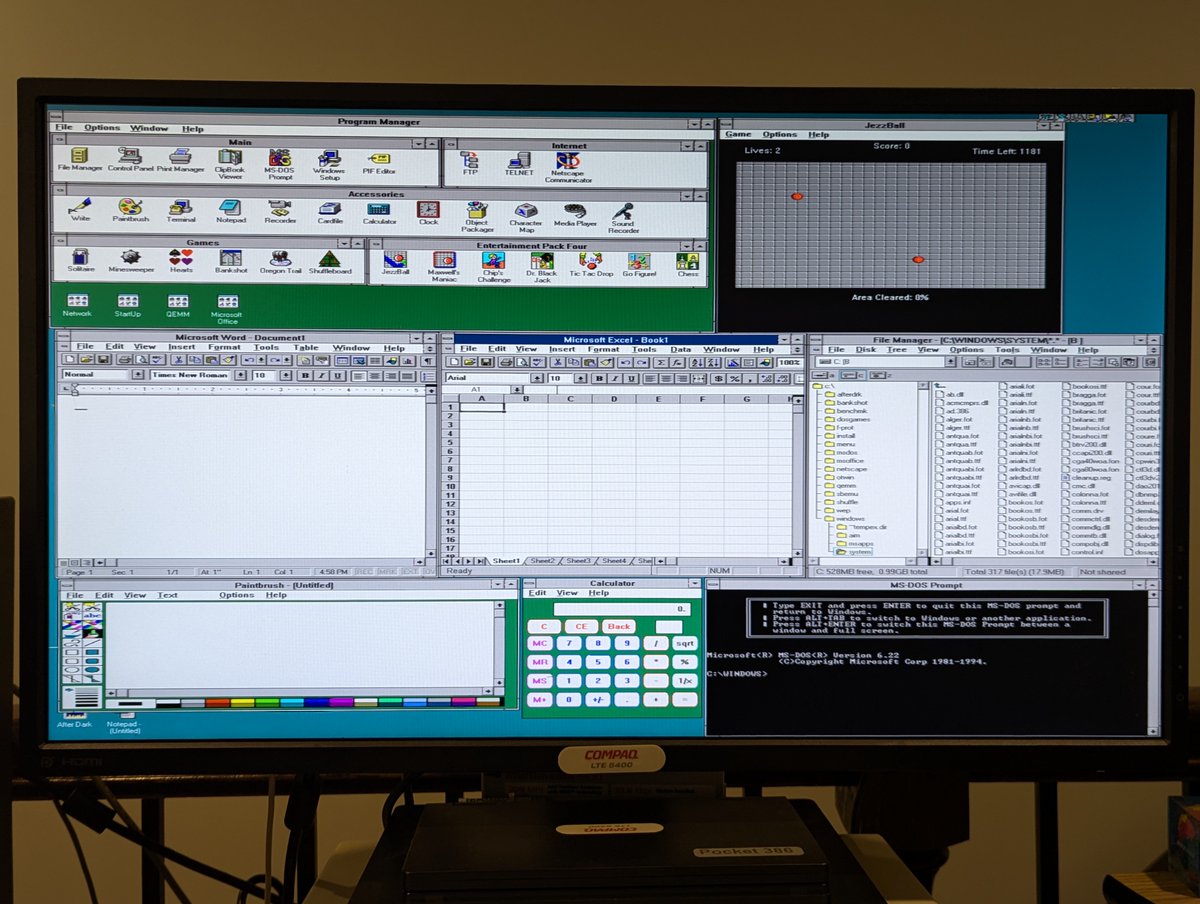
We're going to reach "Productivity Level 1000" in Windows 3.11 for Workgroups with this newly-developed
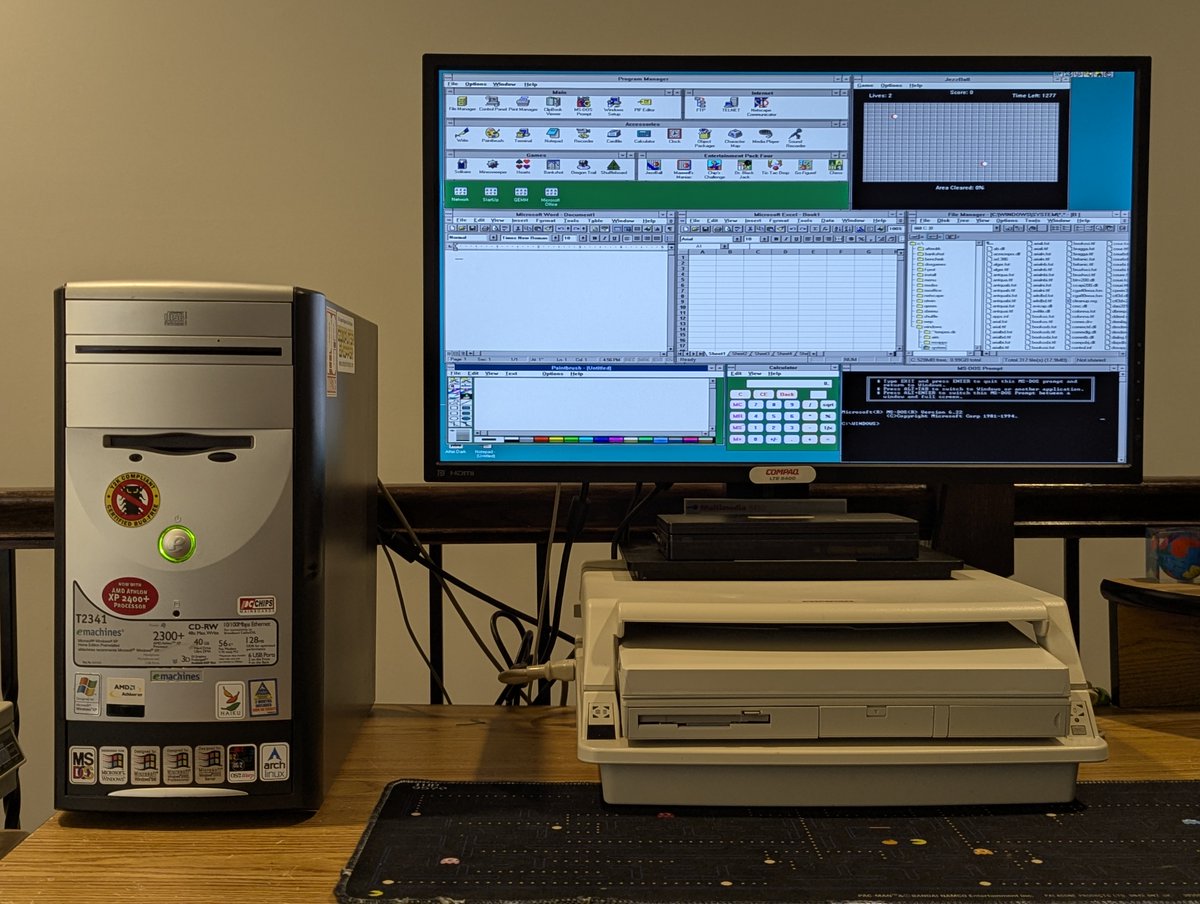
Win3.1 video driver, now running on my eMachines T2341. Let's talk about it in a 🧵 here!
So, for starters, I learned about this driver today, and tried it in virtualization. I wanted to try it on real hardware too!
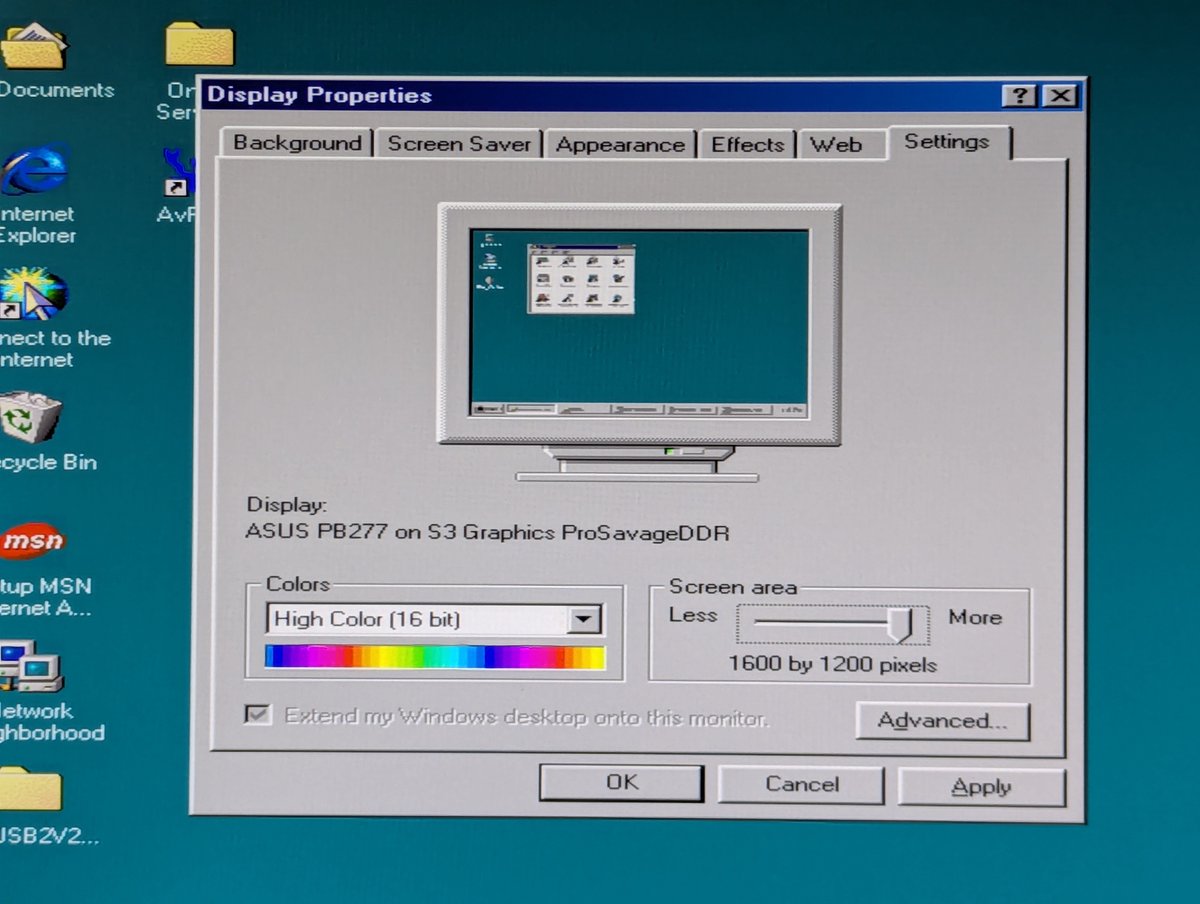
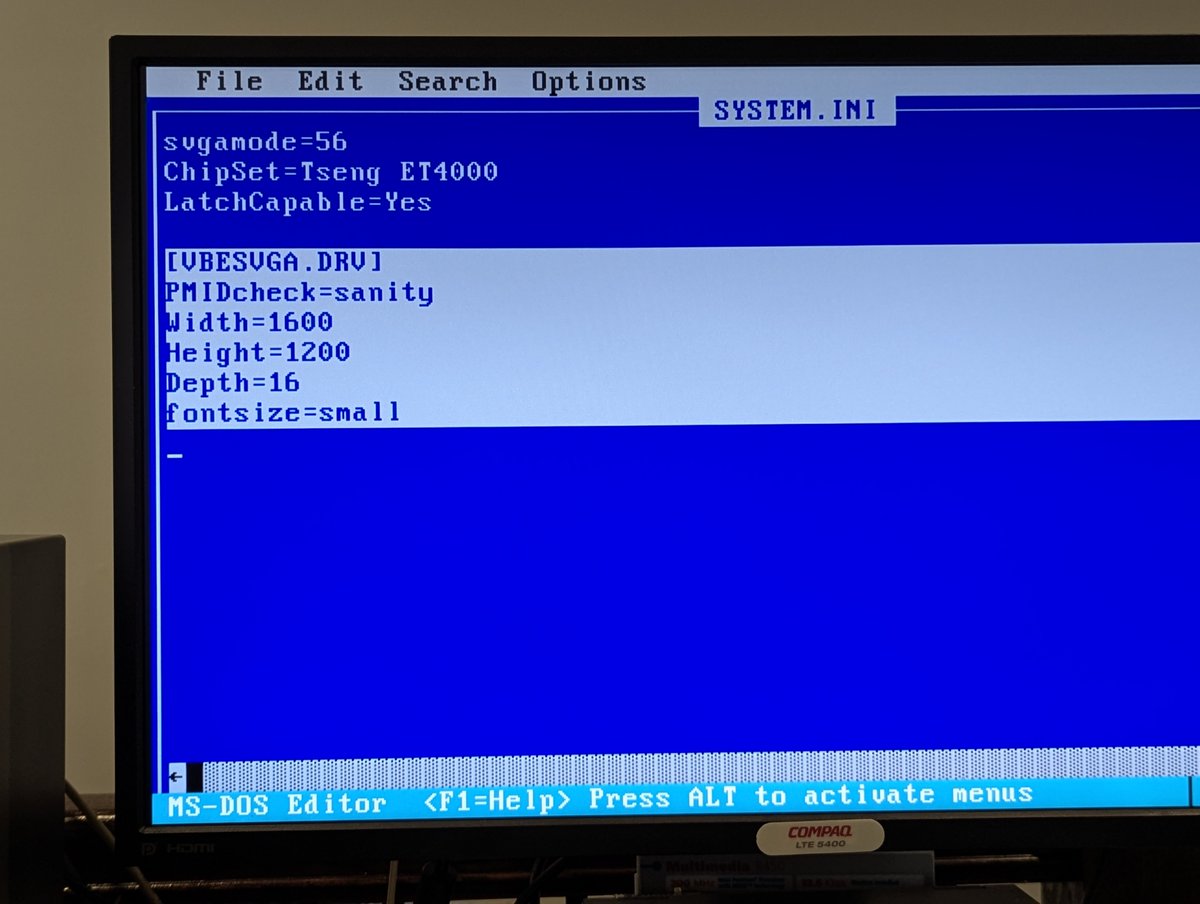
To get things started, I booted Windows 98 to see what the "max" video resolution would be for this card. And it looks to be 1600x1200. Okay! So, I set the parameters accordingly using the same manner discussed in my earlier thread.
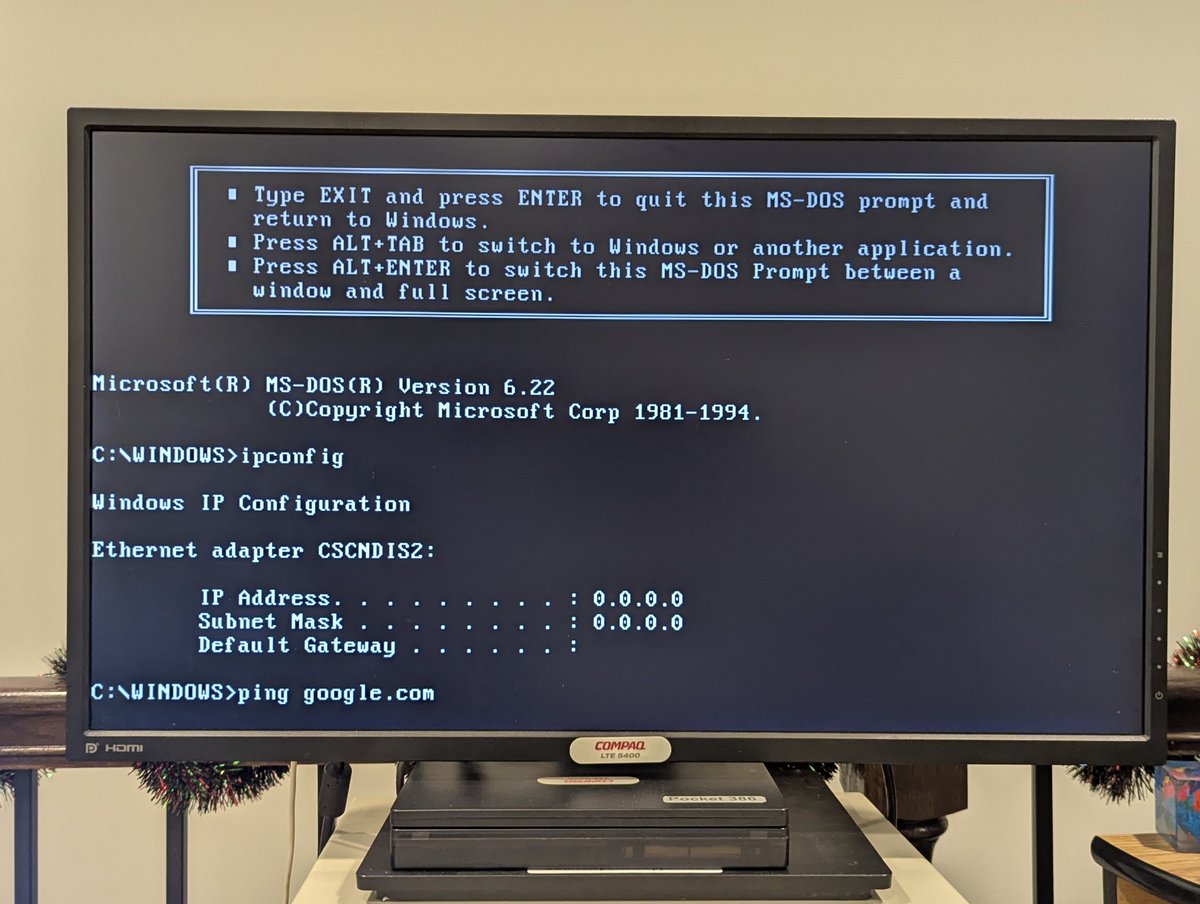
Haha, oops. I'm testing out the LTE 5000 fleet, and it looks like I gave two of them the same name 😅. I renamed one system, but I bet it will take a router reboot to fix this!
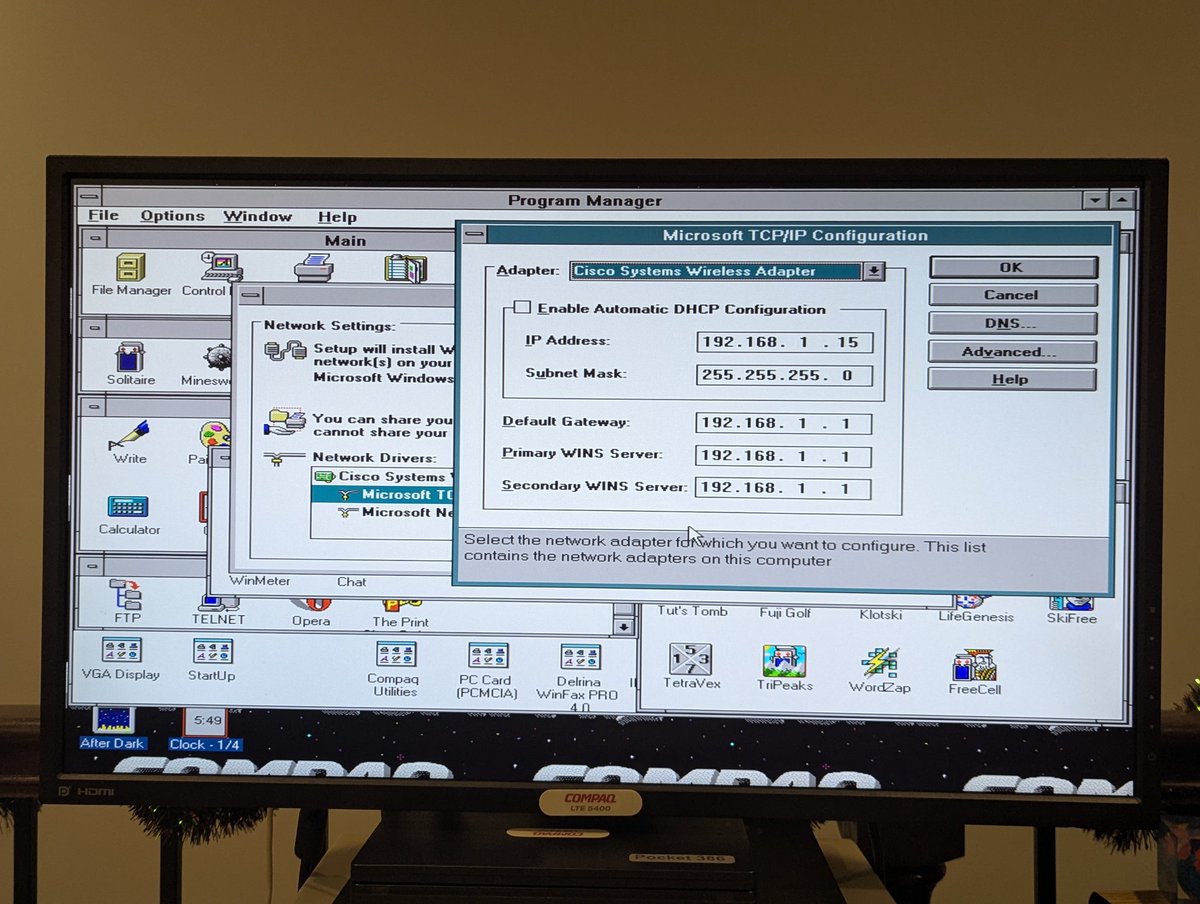
Actually, wait a minute! Why the hell did I harcode the IP address? I bet that I did that and cloned it, probably was having some issue. Okay, easy fix 😂
Ugh, maybe not. Okay, this system has been flaky, I think I'm going to reload Win3.11 on it
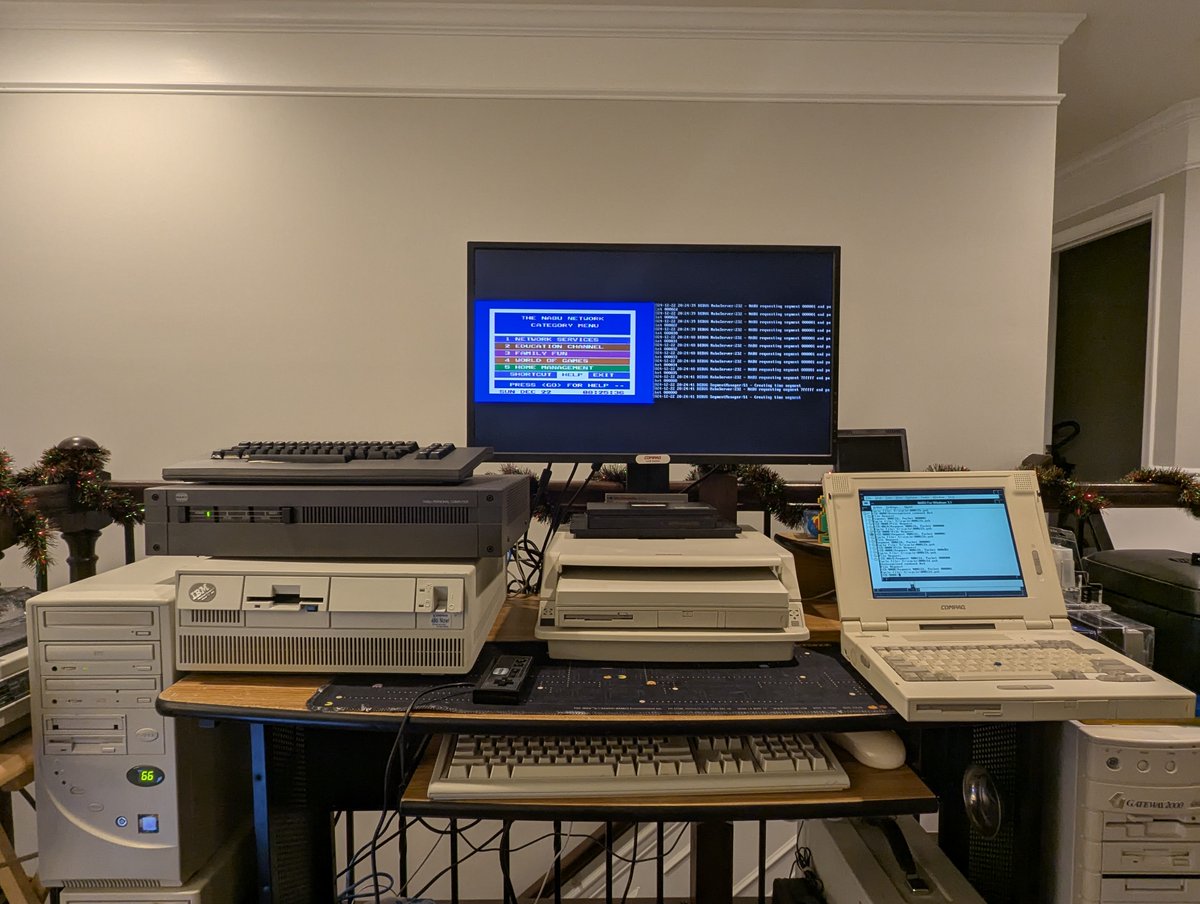
I have some updates on my Windows 3.1 16-bit NABU Application, and also on my 486 DX2/66 which I wanted to get in a position to drive the NABU. Let's do a quick 🧵
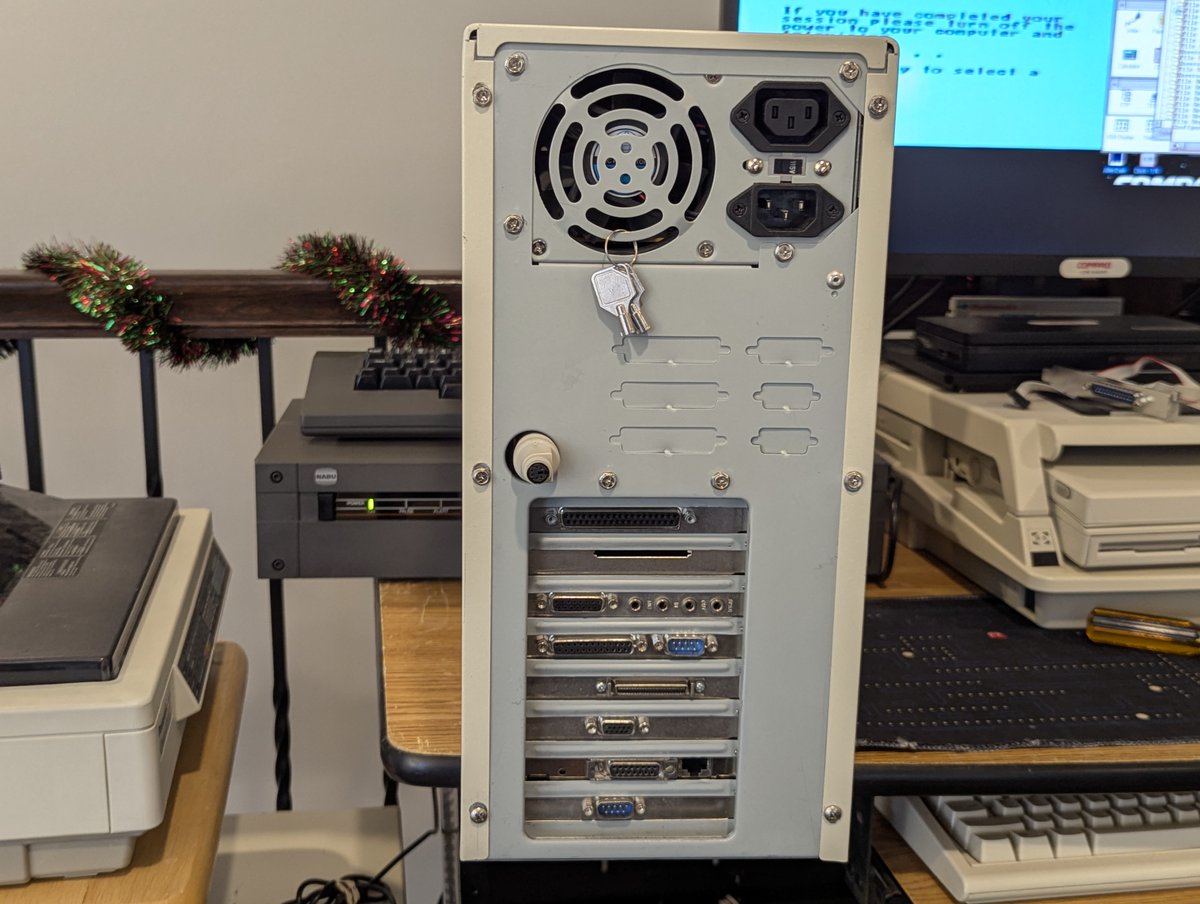
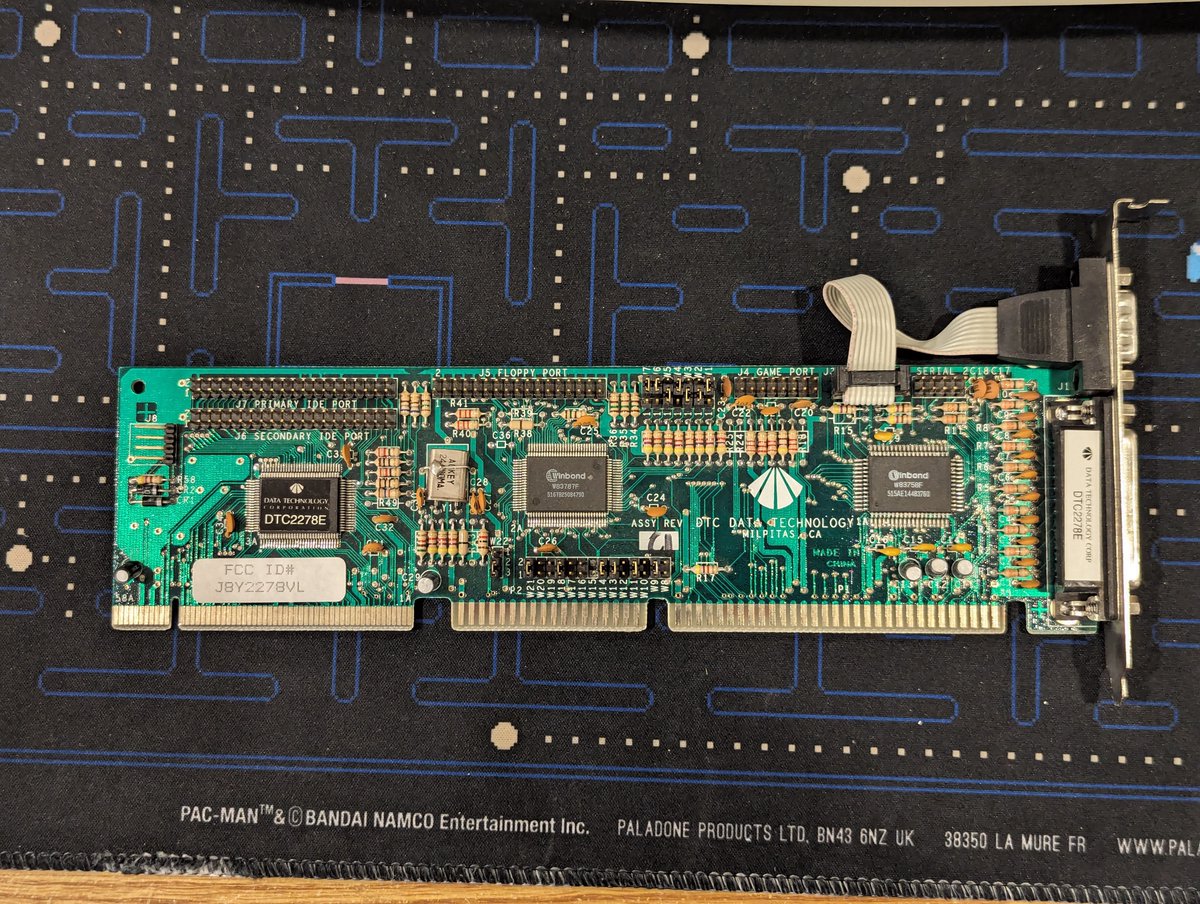
So, first, for the 486, I got a 9 pin connector that follows the right standard to work with this system. My DTC controller card uses the DTK standard. I installed in the bottom slot. We talked about different serial connector standards here:
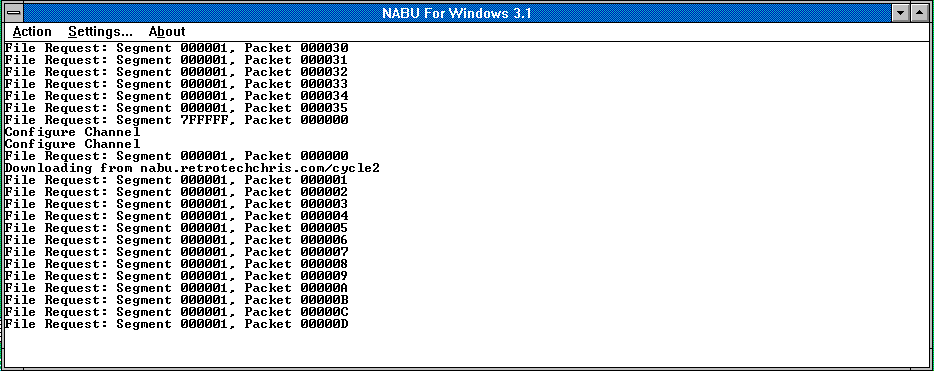
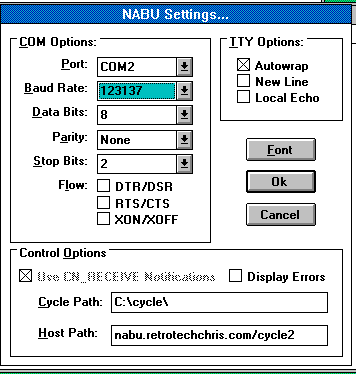
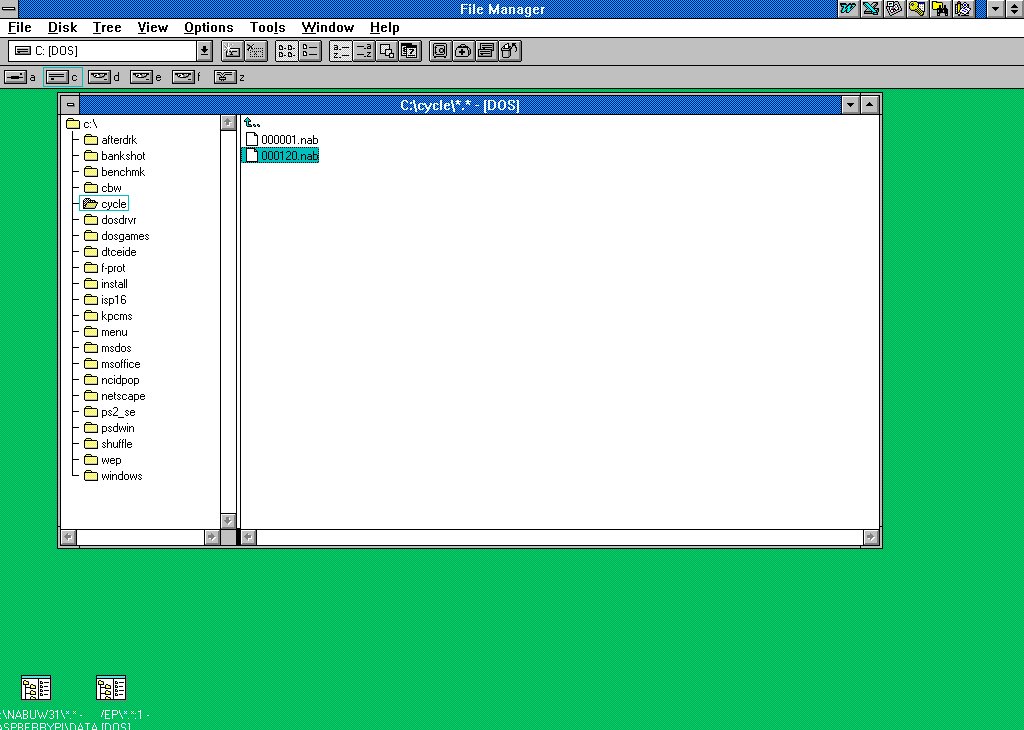
As for the application, I added support to download files from the Internet to feed the NABU! The website has to be HTTP (I don't support HTTPS/SSL), but it works well! Files get cached locally and don't get downloaded again if present on disk.
It's not every day that I write a Windows 3.1 16-bit application, but yesterday was one of those days 😂. Let's talk about it, and discuss the NABU a bit, in a 🧵here.
So, a few days ago, I mentioned that I was getting my 486 ready to run something, and that I needed an extra serial port. And then I disappeared for a few days 😅.
Well, that "something" is the NABU software adaptor, which is needed to run the NABU, since NABU originally ran over the cable network. There are several great options out there for modern machines, with the flagship one being available here: nabu.ca
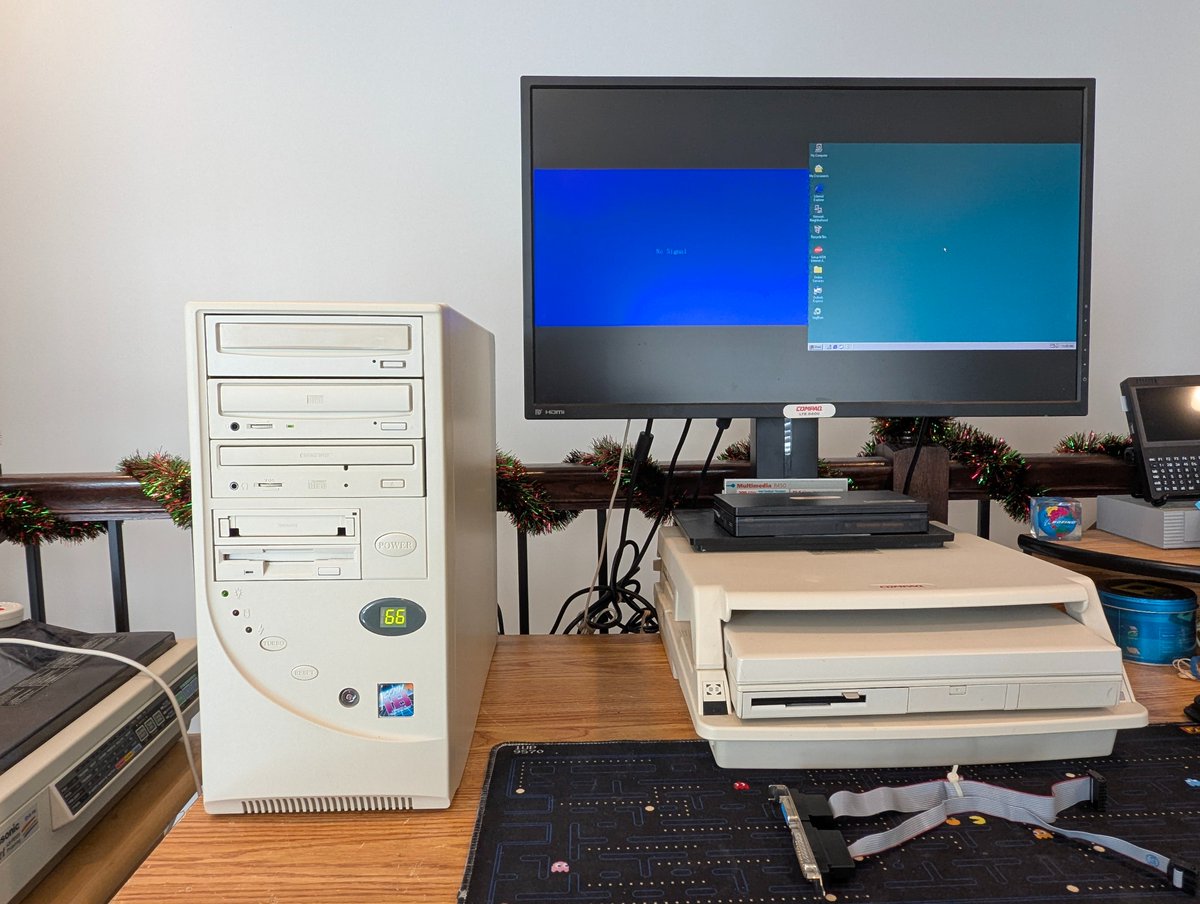
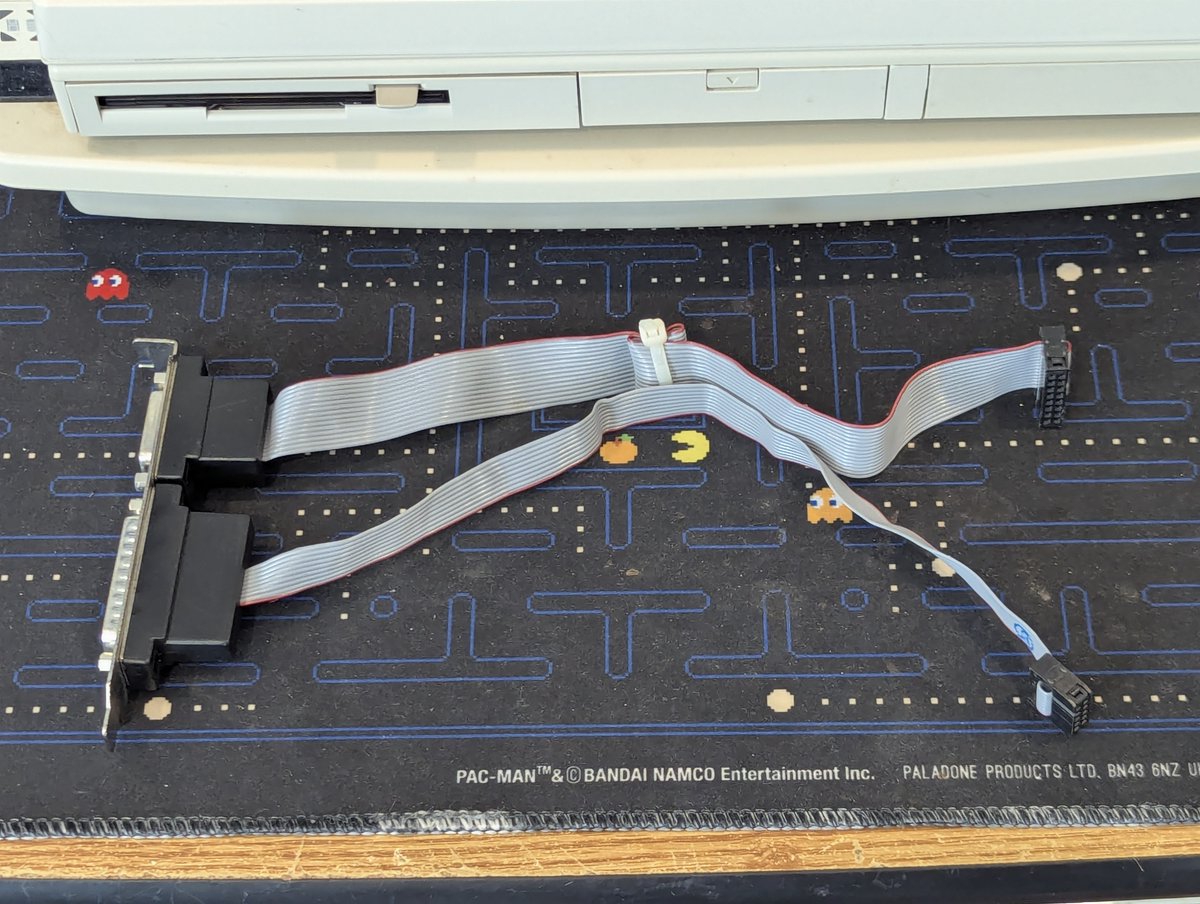
I'm getting this 486 DX2/66 ready to do an activity that will require two serial ports. However, when I went to connect up a second serial device, it wasn't getting detected. However, the IDC cable is not defective, and the serial port is good. What could be wrong? 🧵 time!
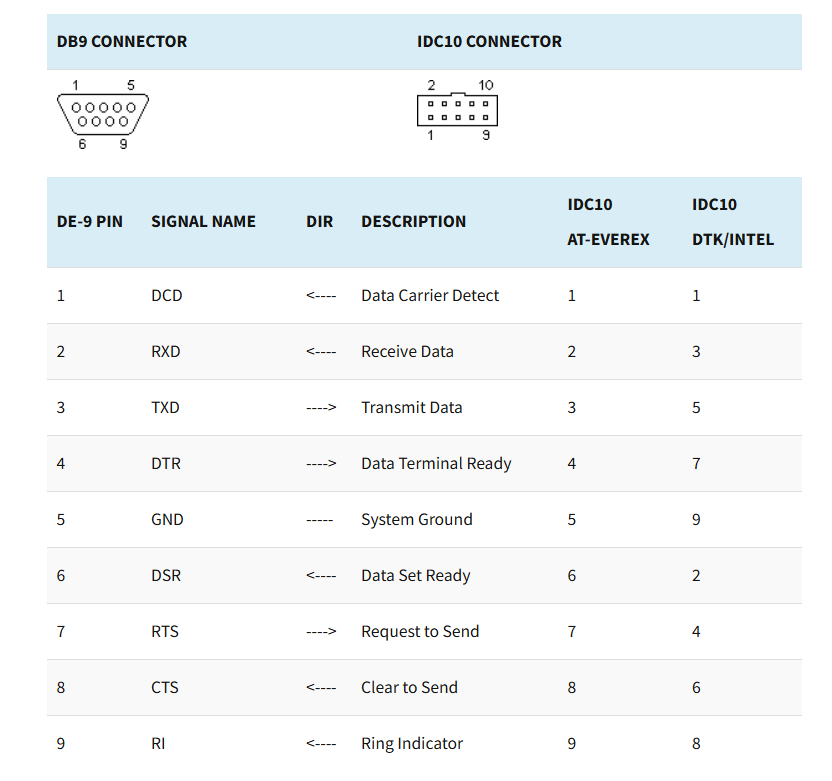
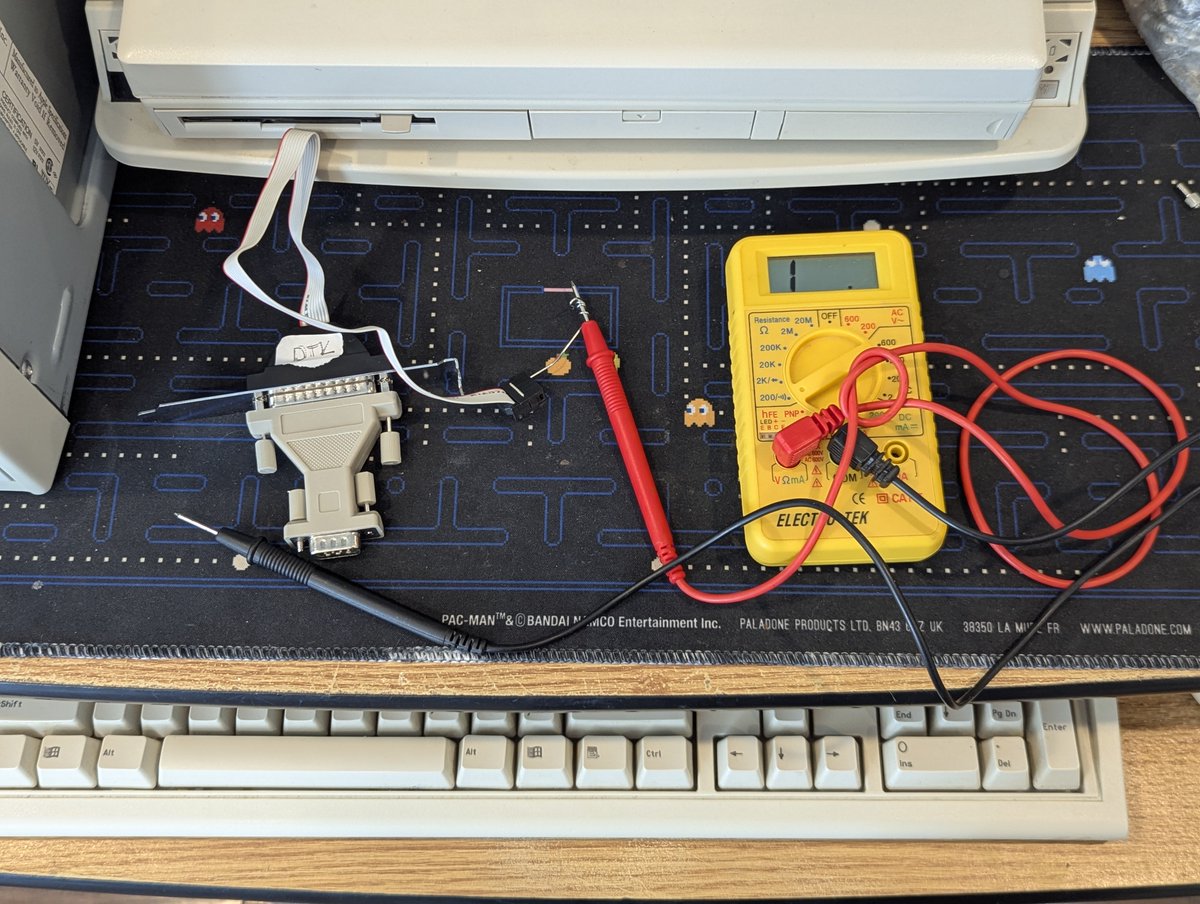
The issue? When it comes to these serial connectors, there are actually two different standards! There is AT-Everex, and DTK/Intel. If you get a multimeter out, you can figure out what type of connector you have!
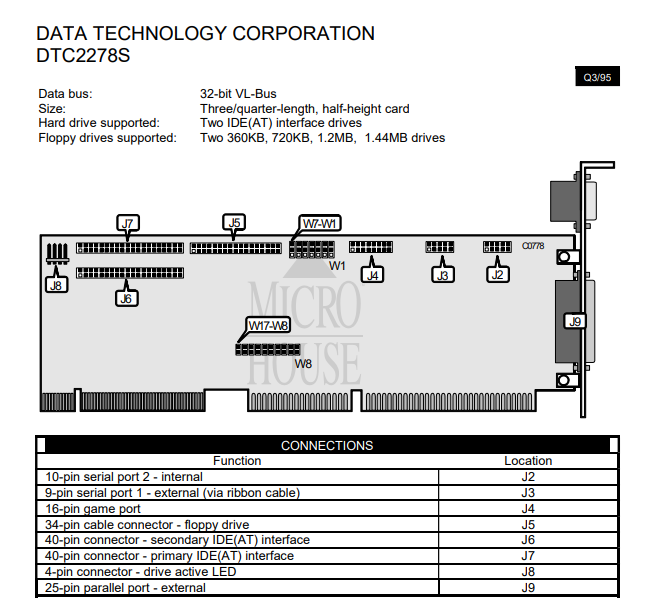
And, apparently my DTC 2278 controller uses the DTK/Intel standard. And perhaps the manual for this card would flag that, not sure. We do have this jumper setting guide, it doesn't say anything about it, but that is not surprising.
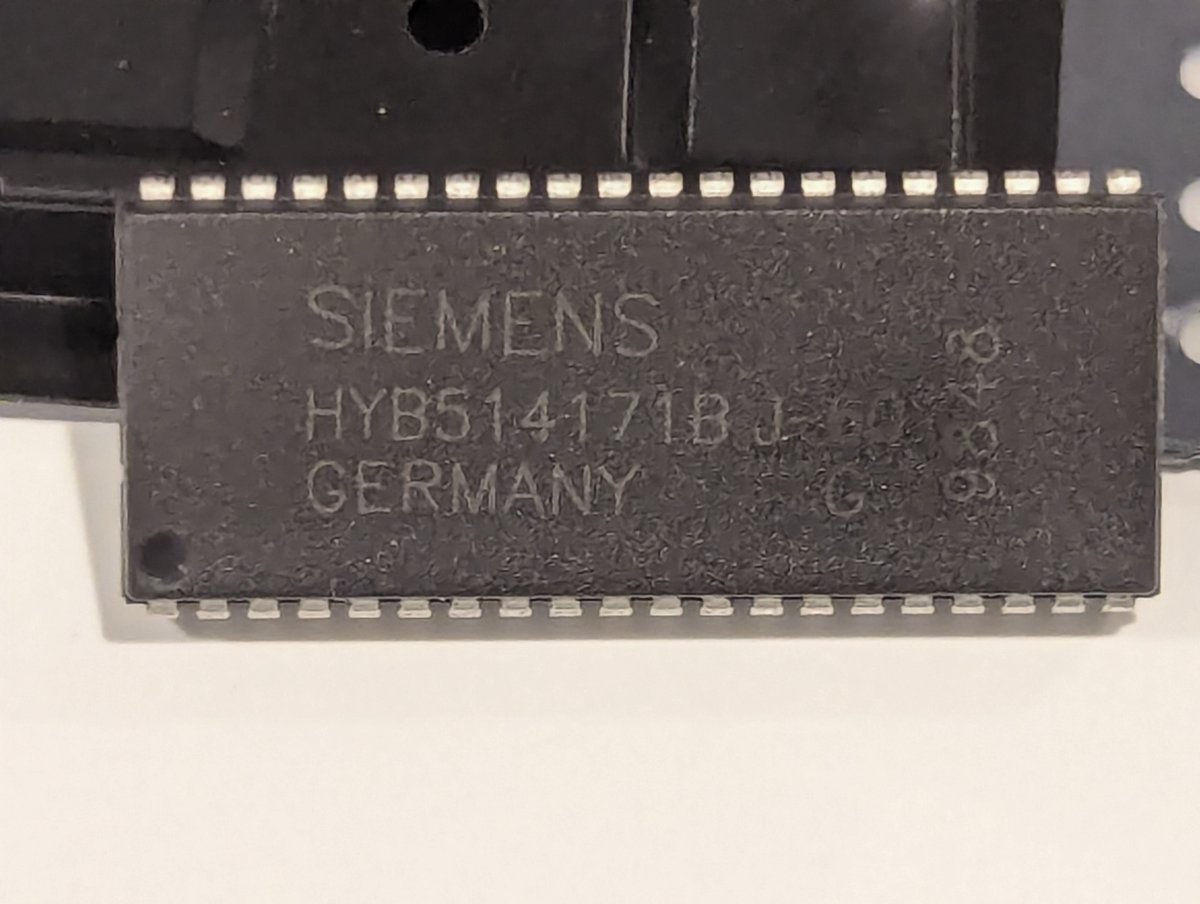
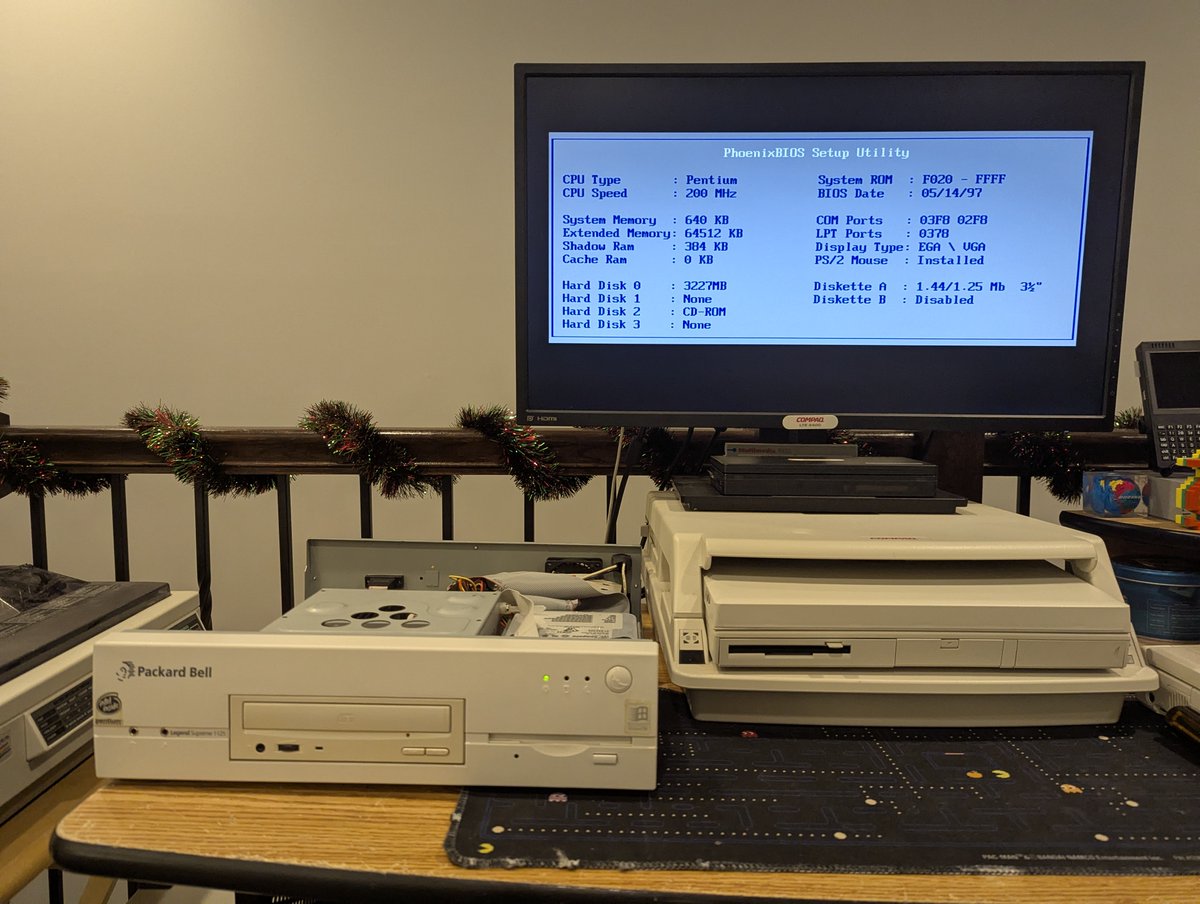
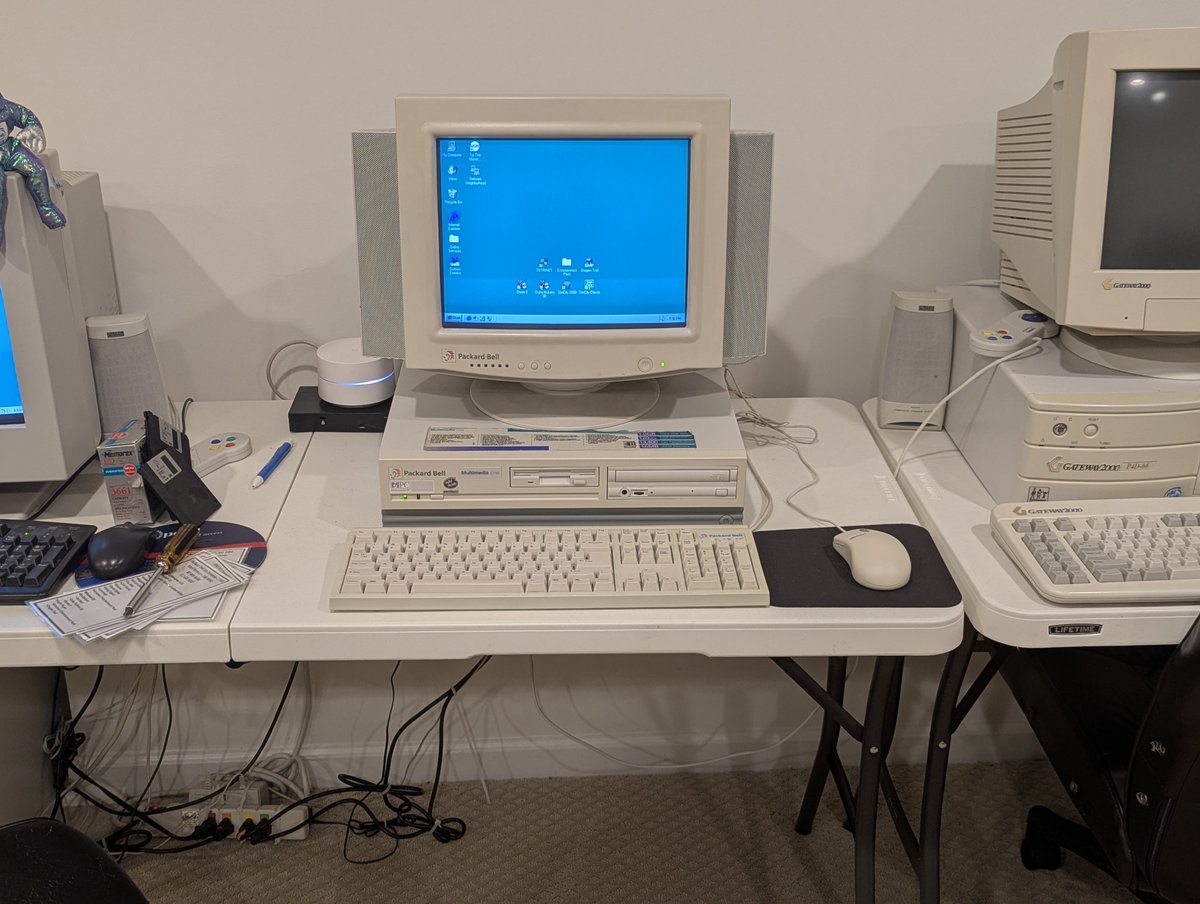
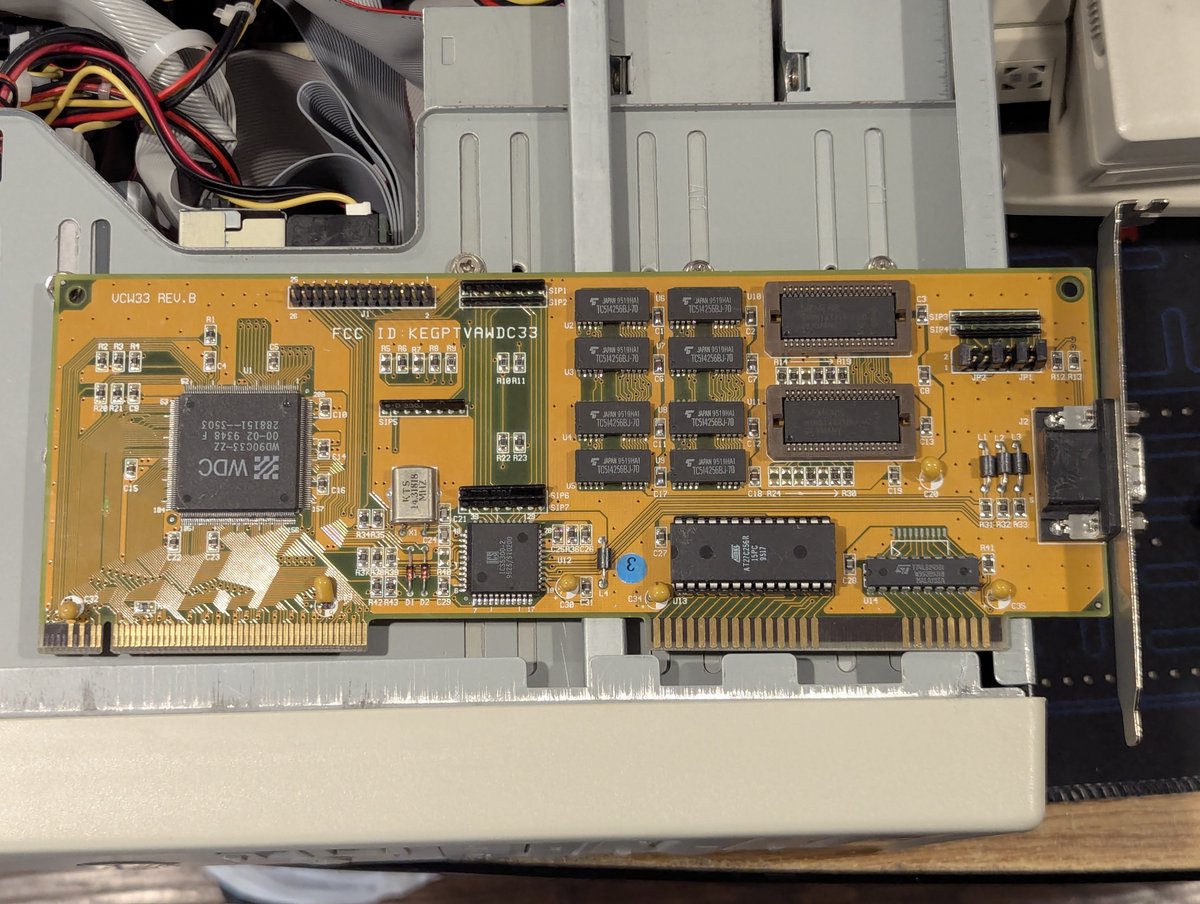
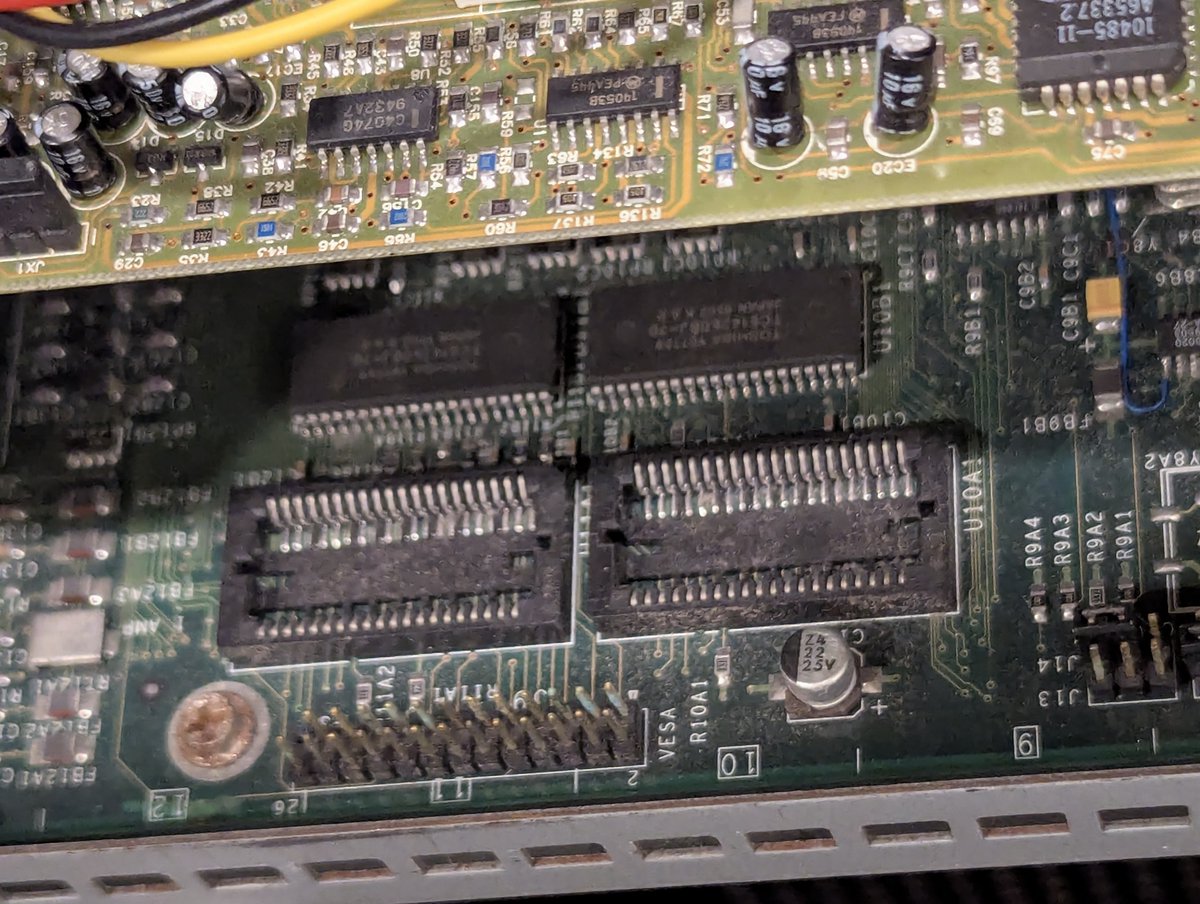
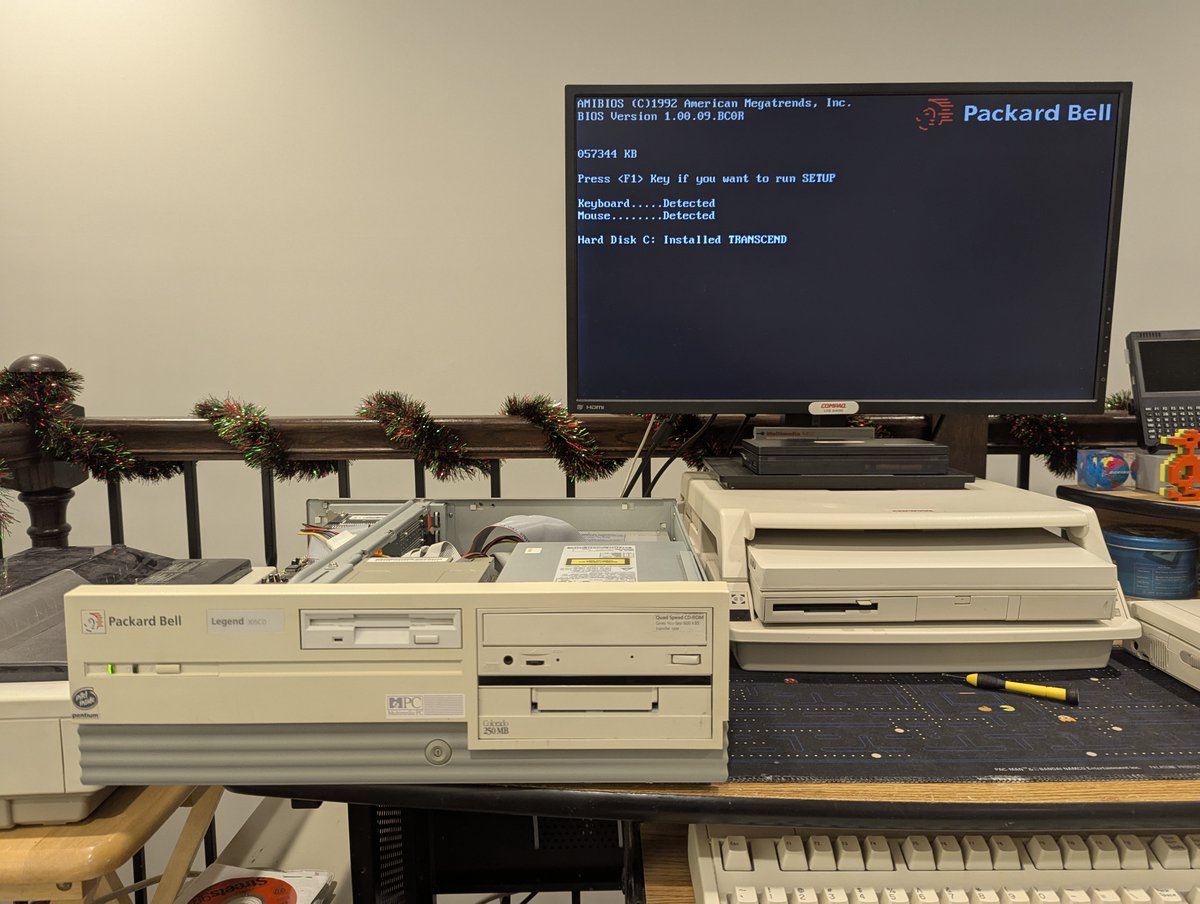
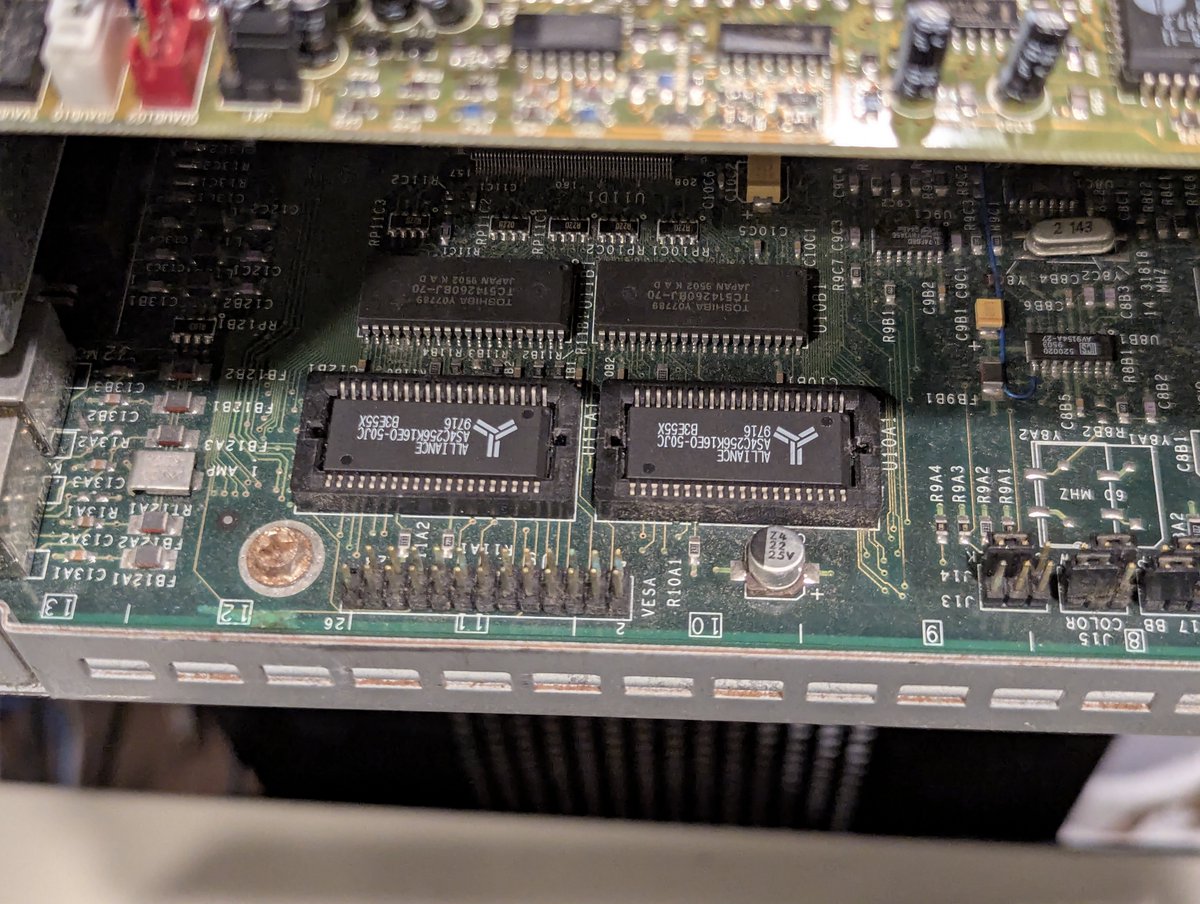
I had a bunch of 512KB PDSO40 chips (used for video memory upgrades) laying around and decided to go around and upgrade some of my PCs. Somehow, 3 of the 4 I upgraded ended up being Packard Bells 😂. And I used up my spare chips, so that is good! Let's look at it in a 🧵 here!
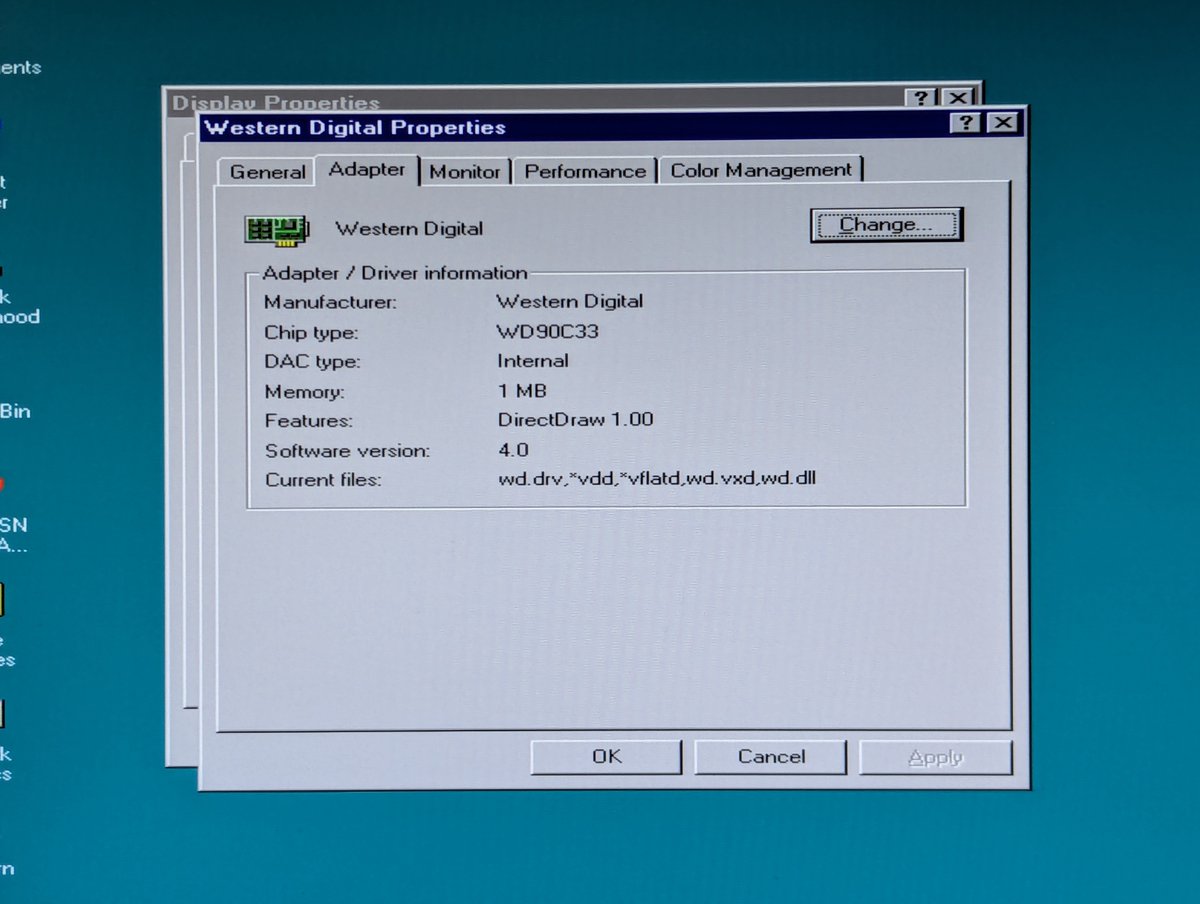
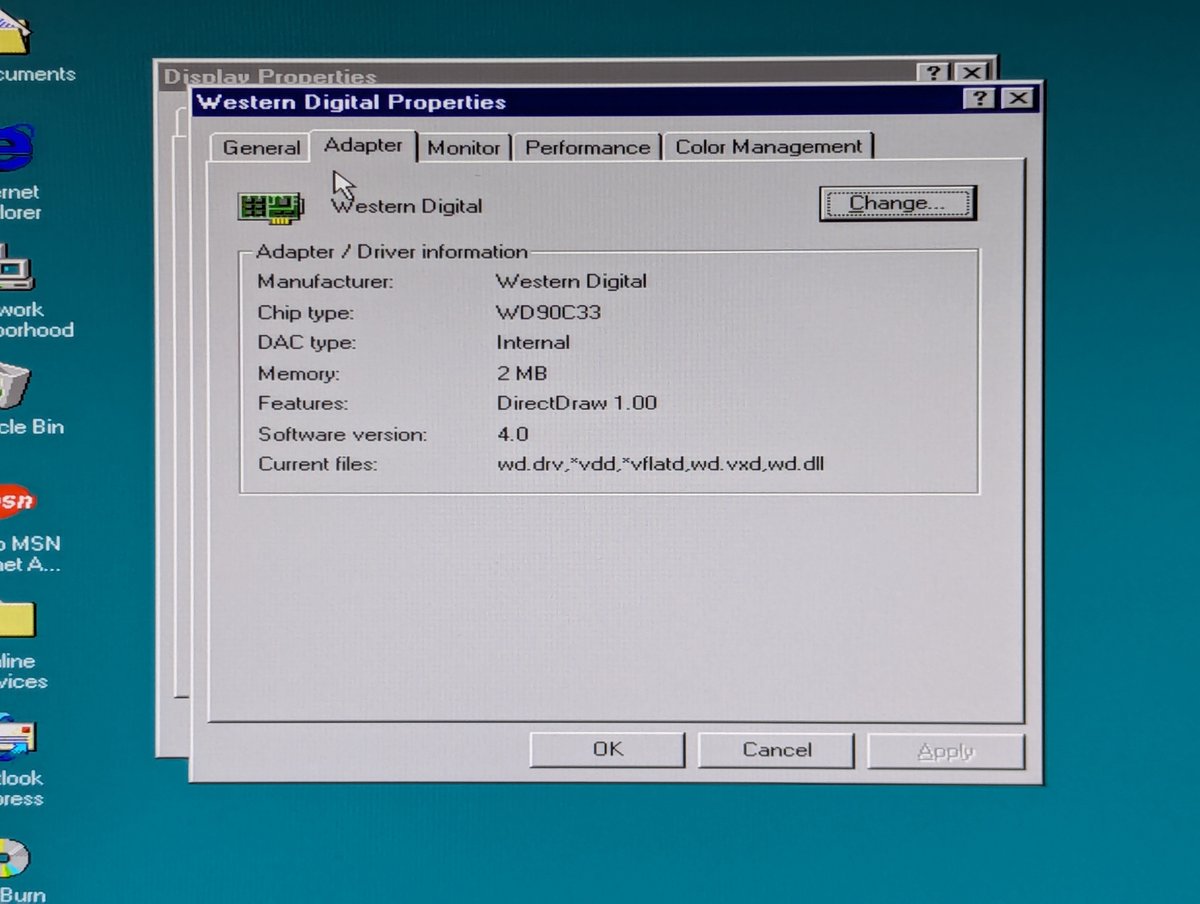
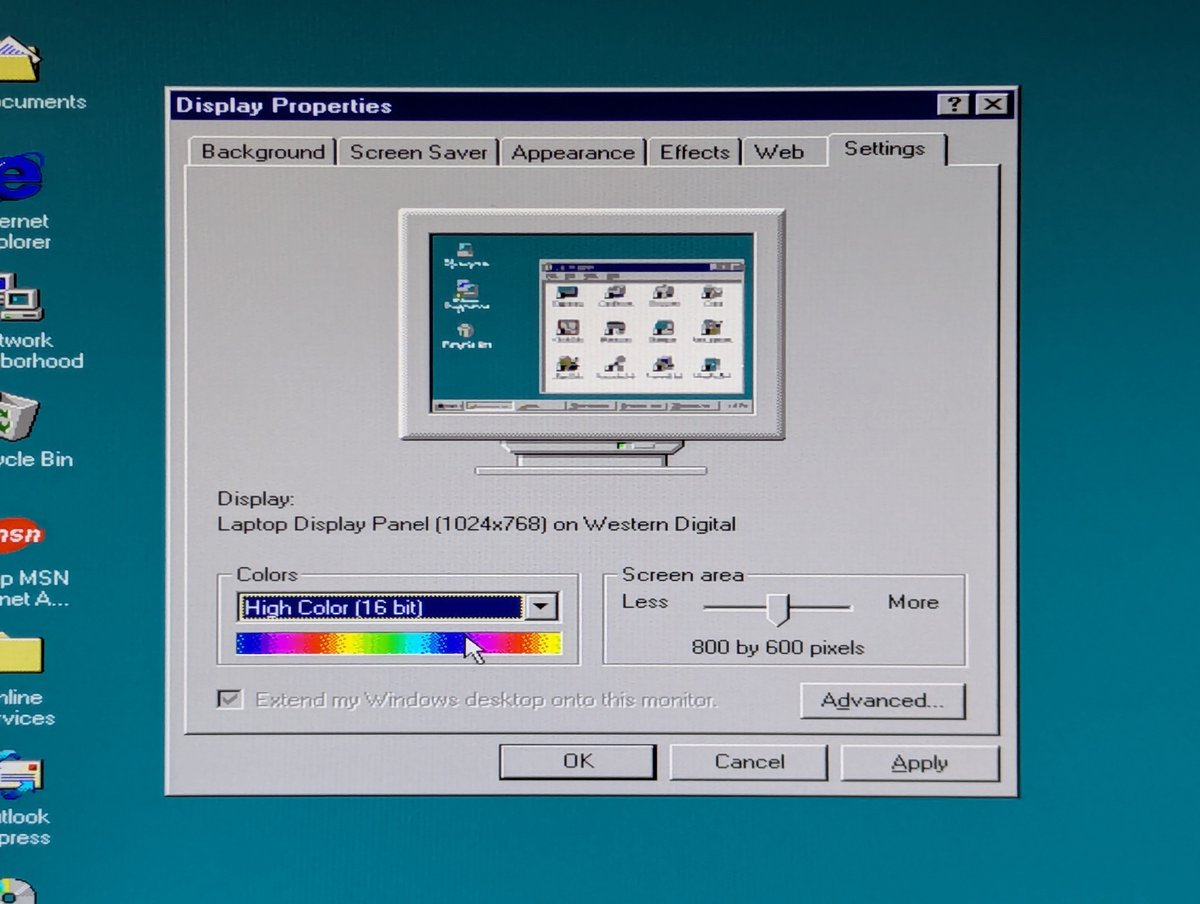
First, I upgraded the Western Digital video card in my 486 DX2/66 that we have see a lot of lately. Unfortunately, this doesn't give me any additional useful video modes. If I try to bump to high color for 1024x768, it bumps me down to 256 colors. Oh well. I'll leave it 🤷♂️
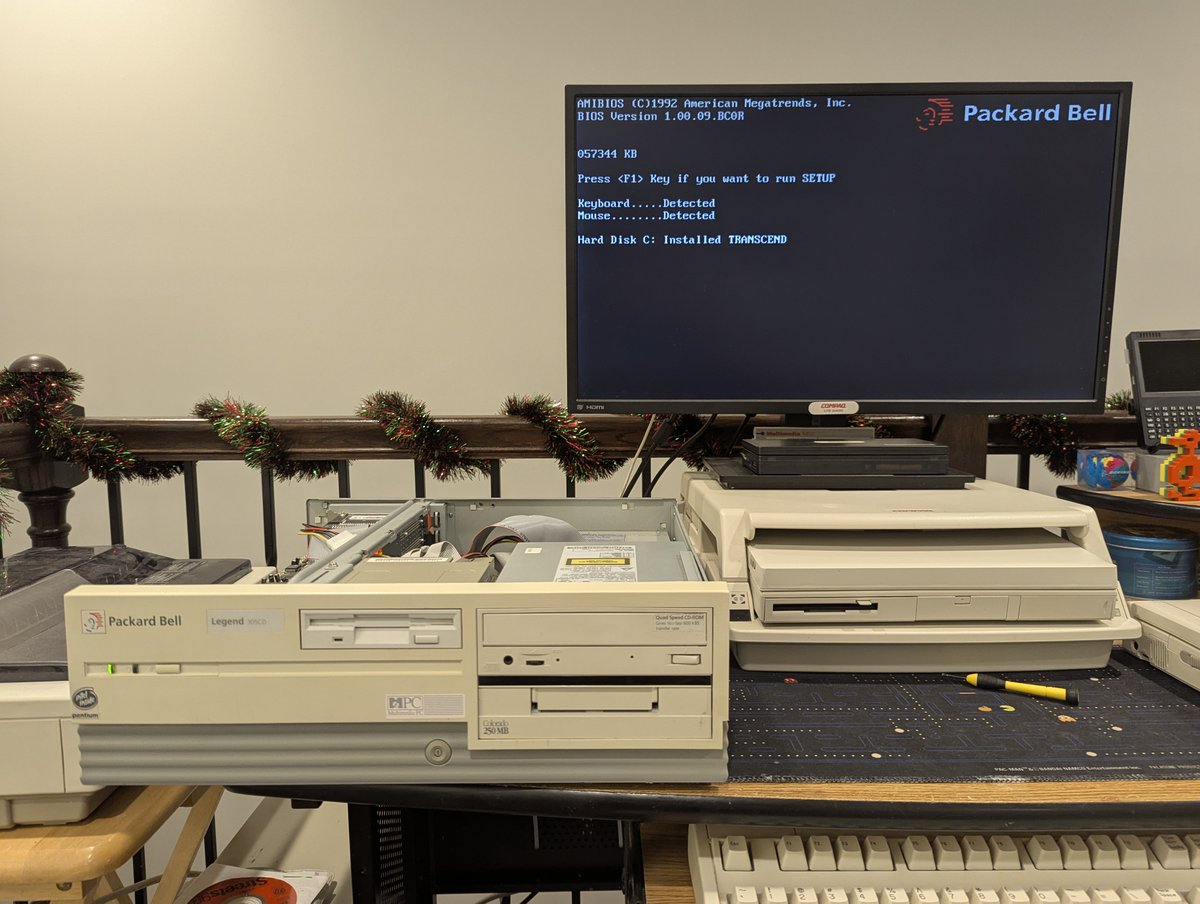
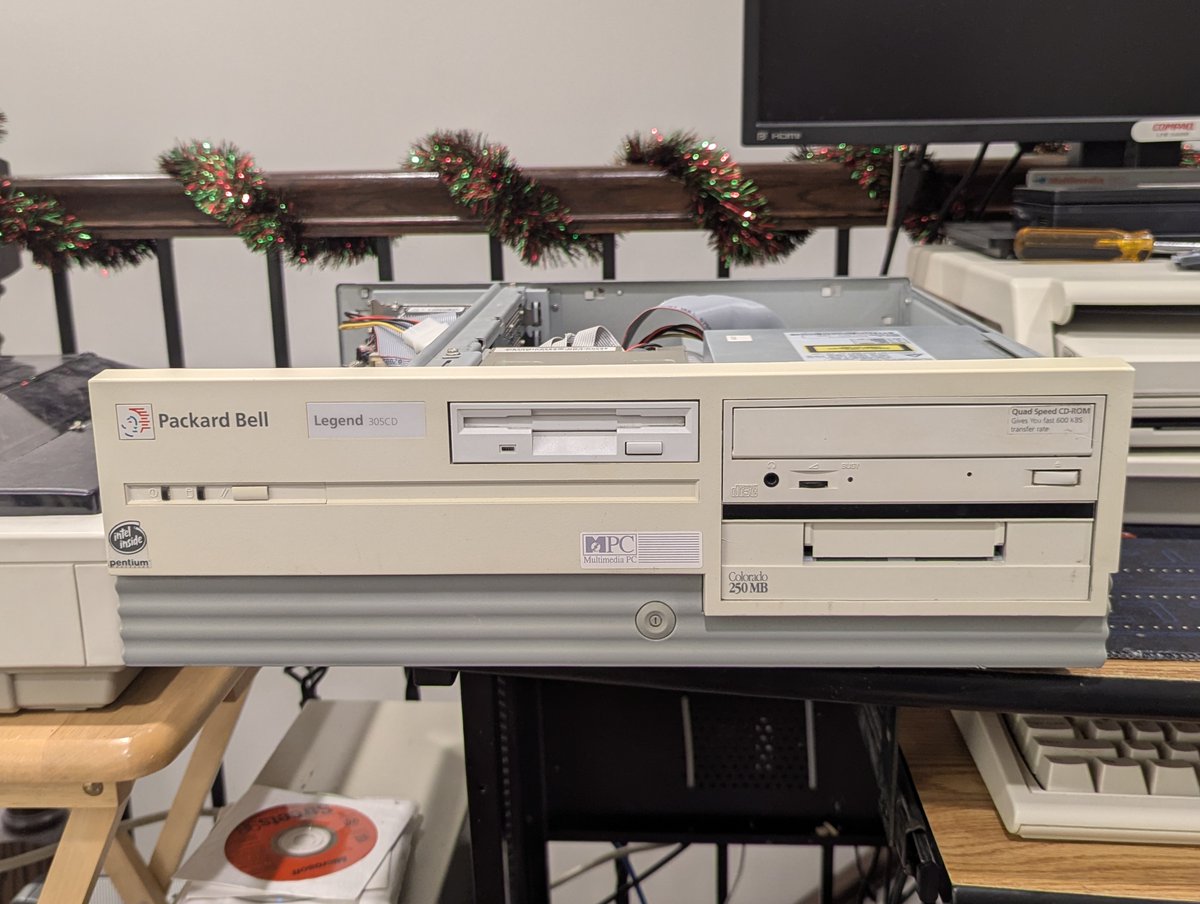
Next up was the Packard Bell Legend 305CD. And, wow, this did help, let's talk about how...