RetroTech Chris Profile picture
Feb 1, 2025 • 7 tweets • 5 min read • Read on X
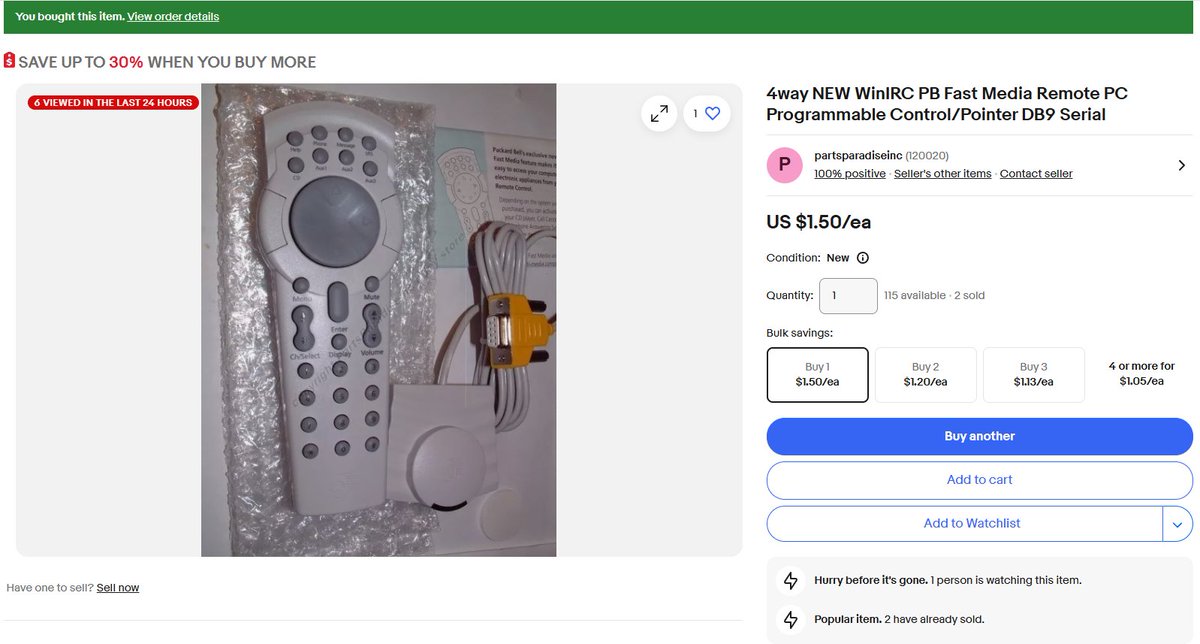
My latest purchase cost me a whopping $1.50 plus shipping. It's a Fast Media Remote Control for my new Packard Bell, and it's kindof neat! Let's talk about it in a 🧵 here!
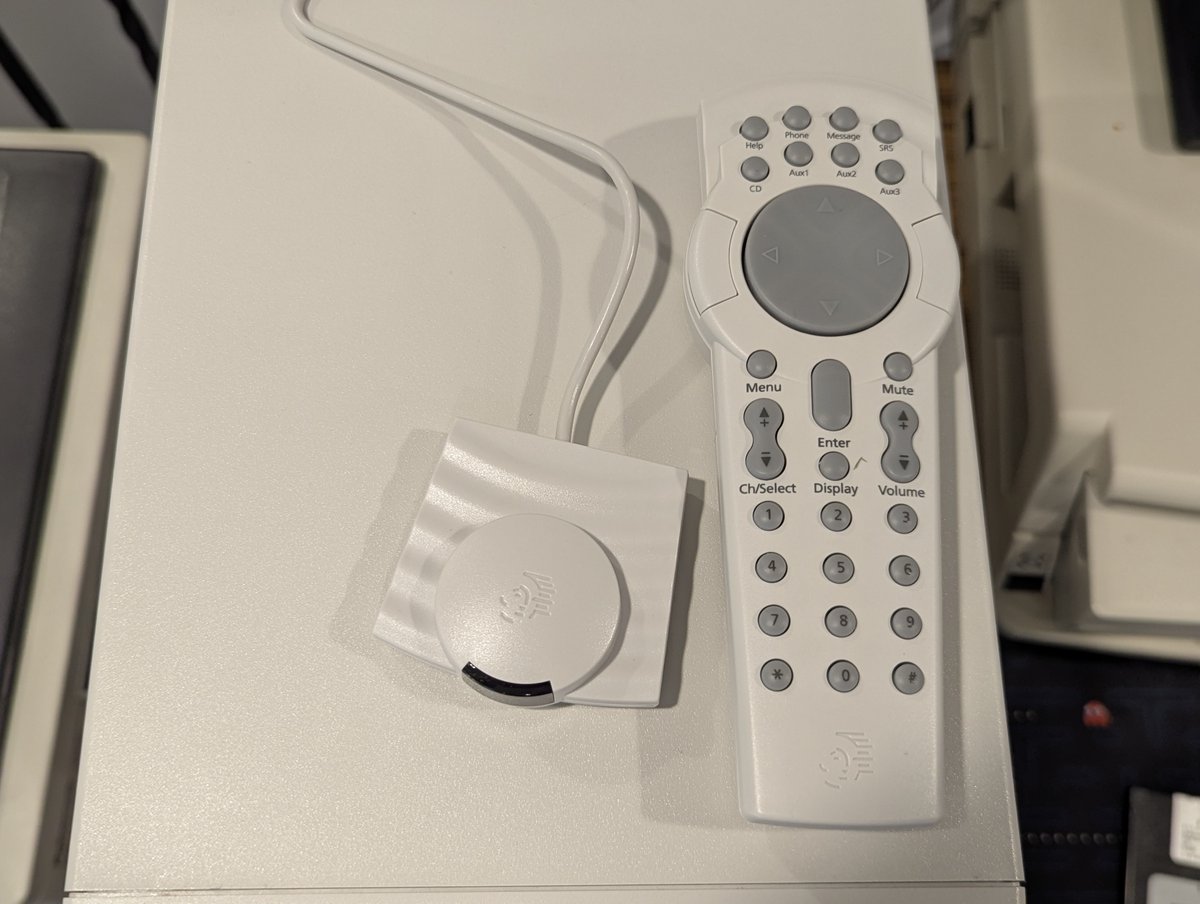
First of all, here it is up close! I received an infrared receiver that connects via the serial port, as well the remote and a manual. And, yes, it really cost $1.50... plus $8 or so to ship. With this remote, you can control the mouse and multimedia applications. Image
Image
Image
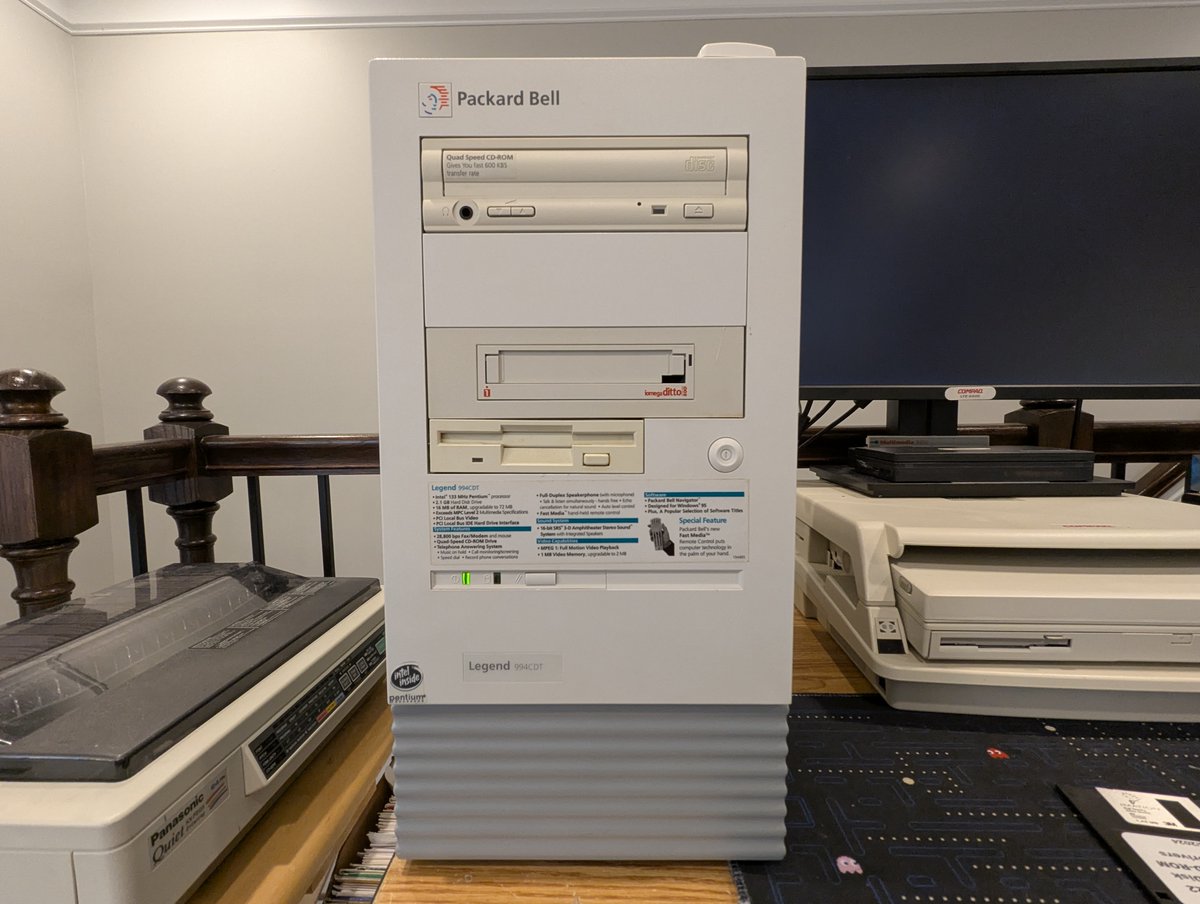
So, what inspired me to buy this? I saw it featured on the sticker on the front of the machine, and got curious! Image
Image
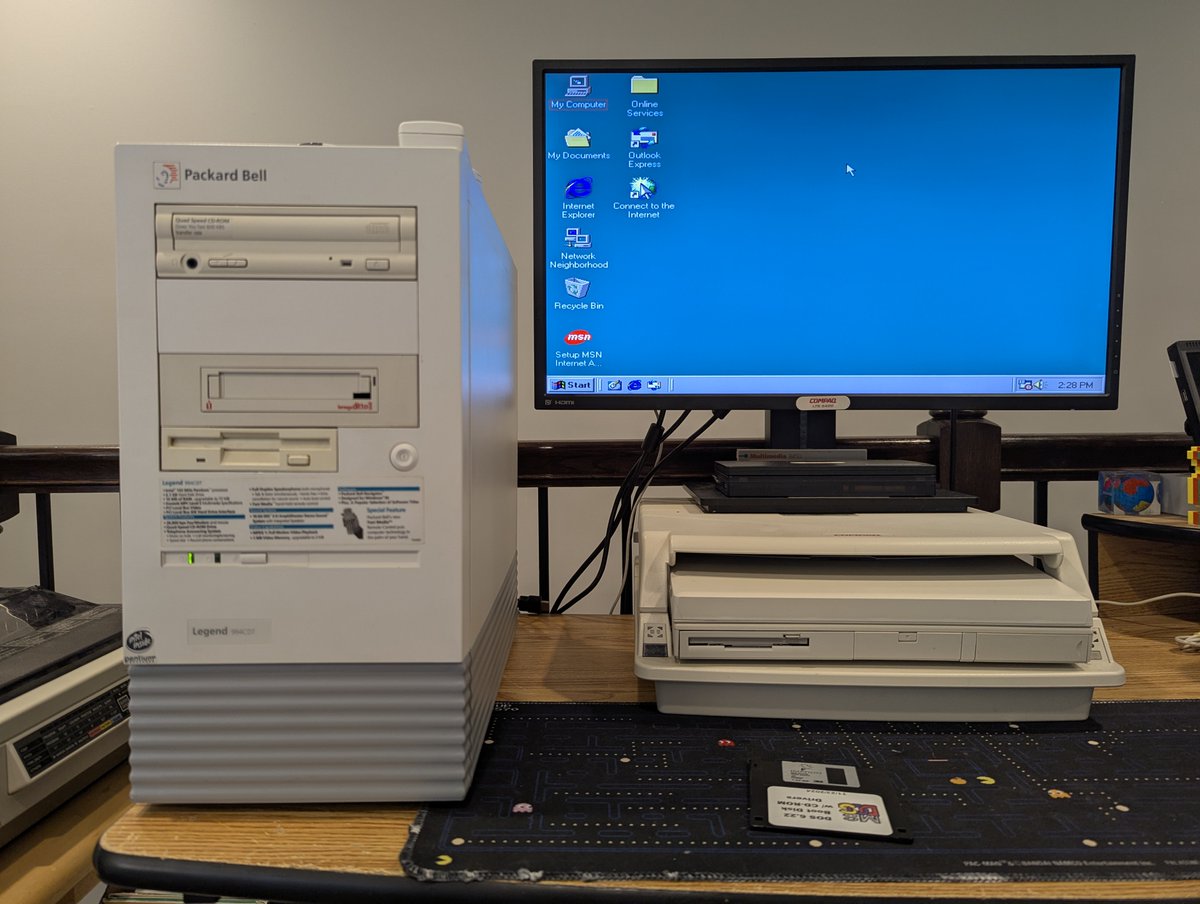
Before trying this out, I took the opportunity to install a clean copy of Windows 98 SE on the Packard Bell, and also adjust the default screen resolution. Looking good! Image
Image
Image
Image
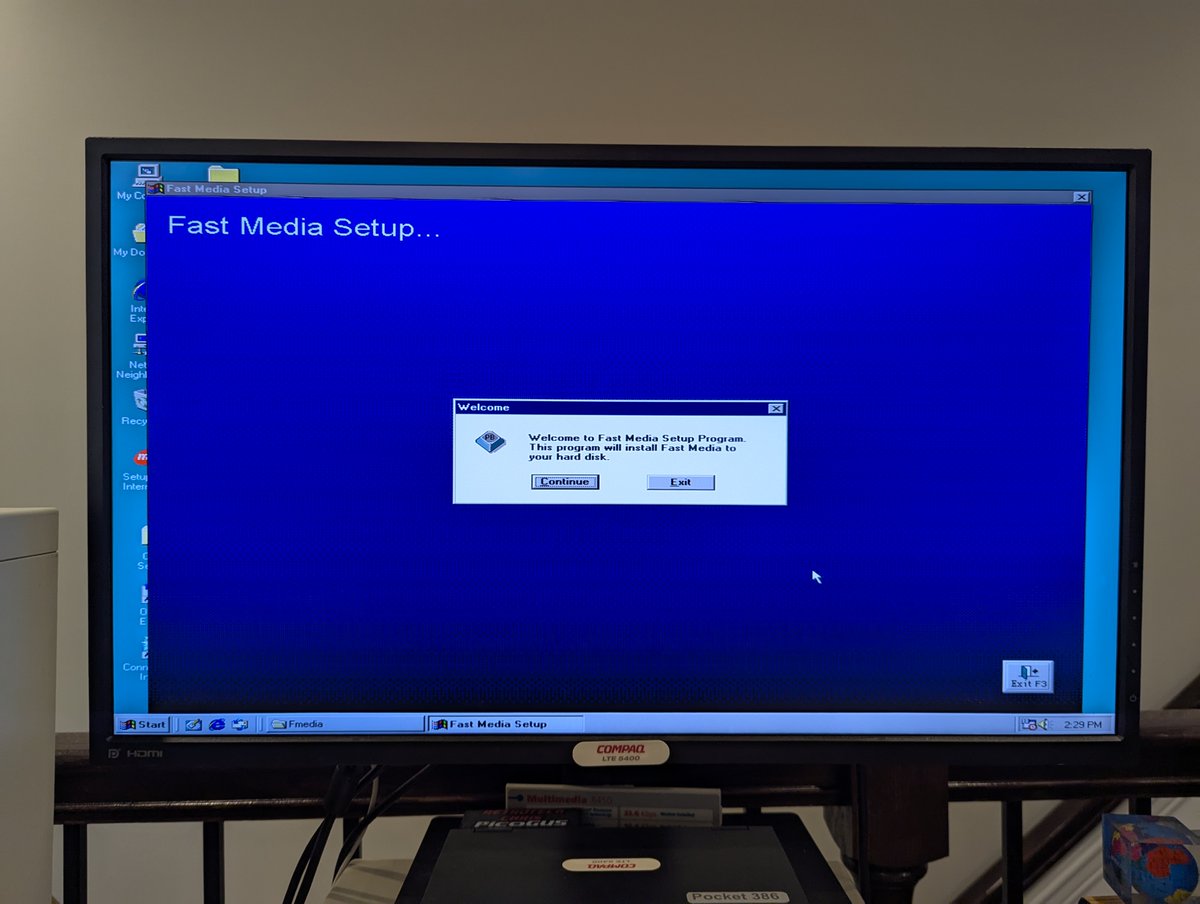
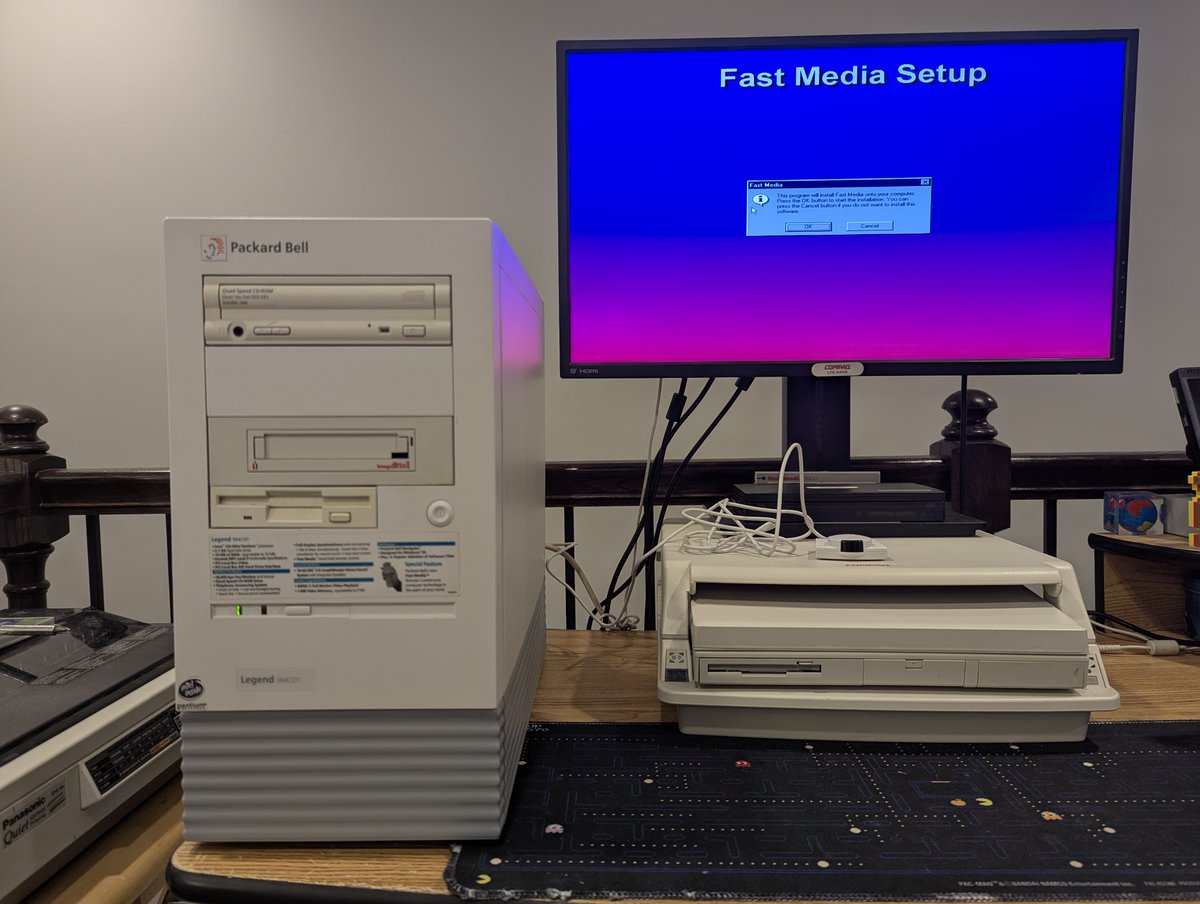
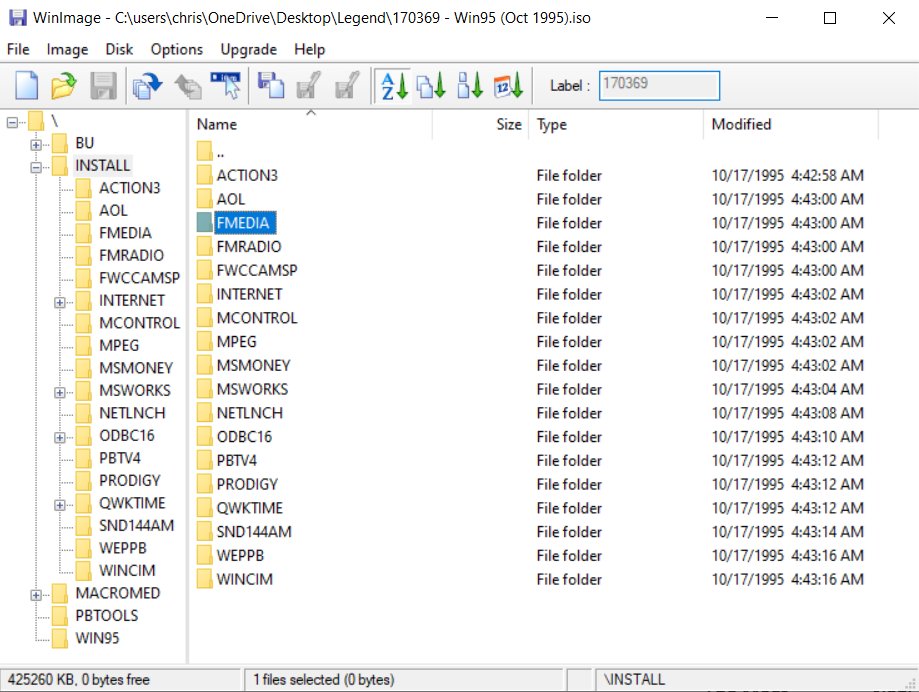
From there, I found the "FMEDIA" directory on the Master CD that I used recently to install Windows '95 on this system, and installed it! This version worked pretty well, but didn't seem to want to control the volume. Wonder if we can fix that! Image
Image
Image
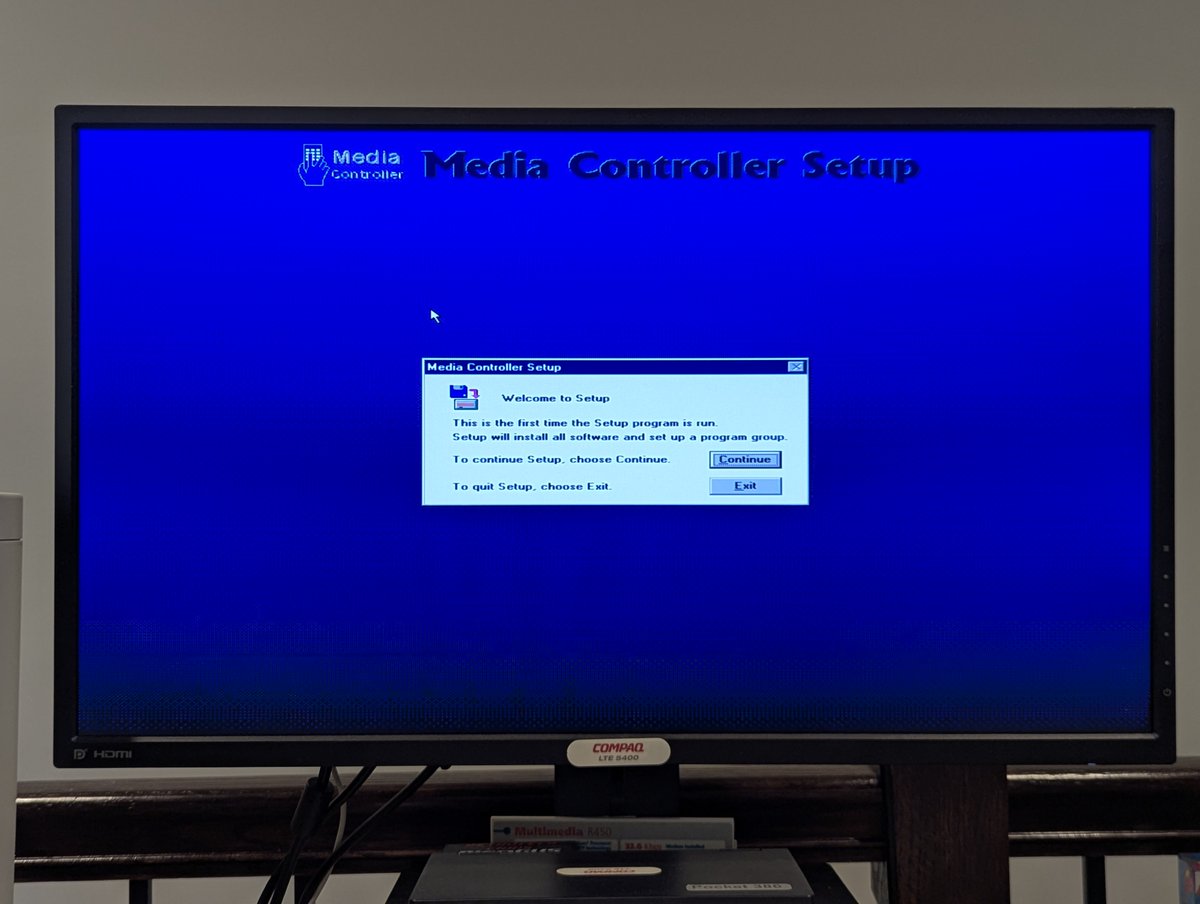
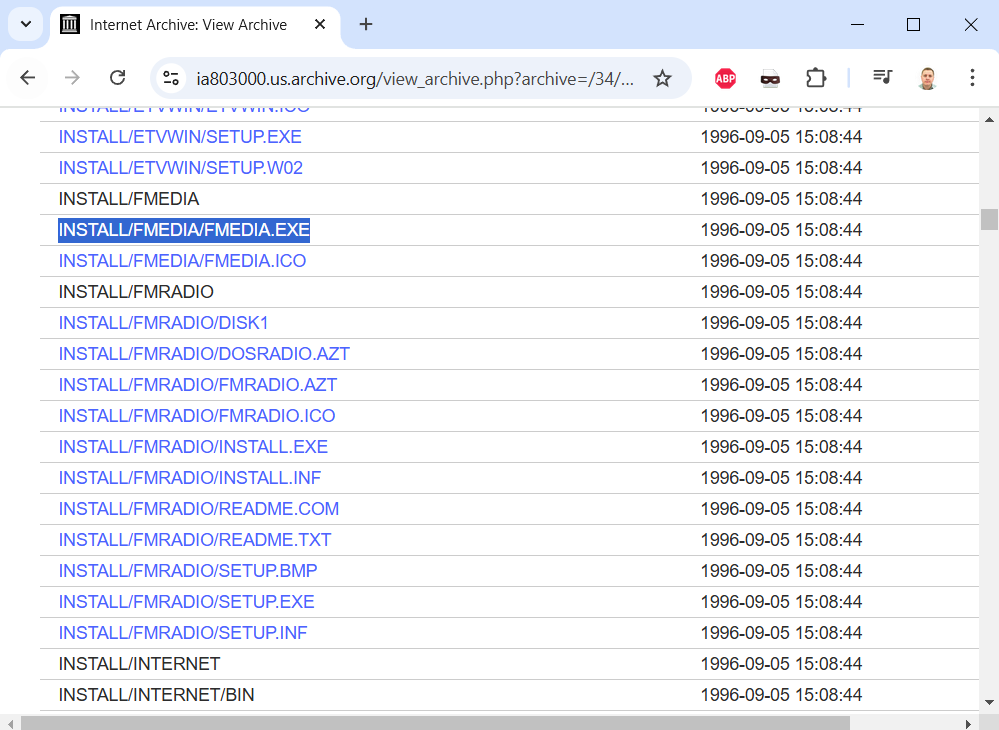
Why... yes, we can.. in a very odd way. What did I do? I found a NEWER Packard Bell Master CD (I went with 170802-03 - Win95A (Sept 1996)) and copied the FMEDIA.EXE installer from it, and ran it. And, yes, I had to install this OVER TOP of the existing install for it to work. Image
Image
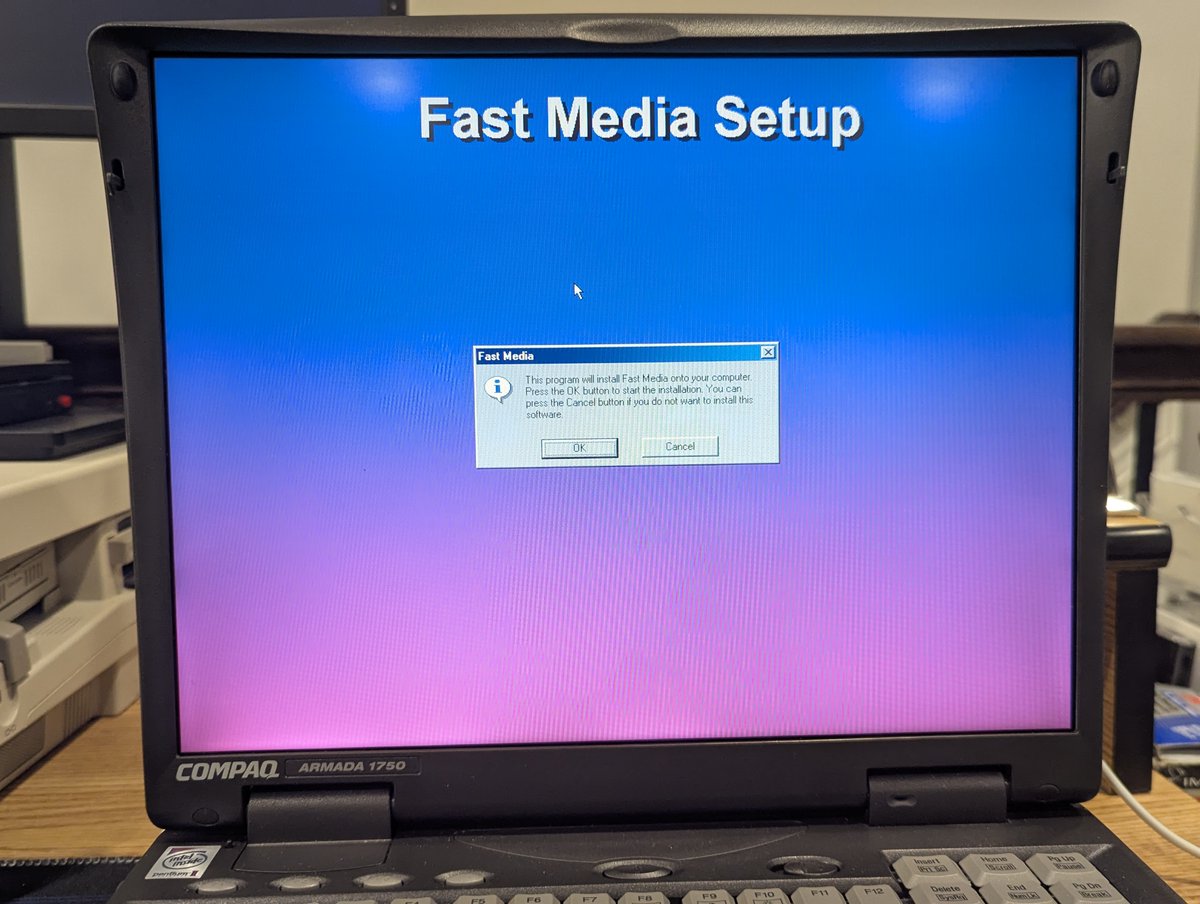
And with that, we arrived at the video you saw in the first post of the thread! Now, I do want to try a few other things, such as using this remote on my Compaq Armada. On first blush, it didn't work, but I will try again. Thanks for following along!

@threadreaderapp unroll Image

• • •

Missing some Tweet in this thread? You can try to force a refresh

怀

Keep Current with RetroTech Chris

RetroTech Chris Profile picture

Stay in touch and get notified when new unrolls are available from this author!

Read all threads

This Thread may be Removed Anytime!

PDF

Twitter may remove this content at anytime! Save it as PDF for later use!

Try unrolling a thread yourself!

how to unroll video
  1. Follow @ThreadReaderApp to mention us!

  2. From a Twitter thread mention us with a keyword "unroll"
@threadreaderapp unroll

Practice here first or read more on our help page!

More from @RetroTechChris

Feb 28
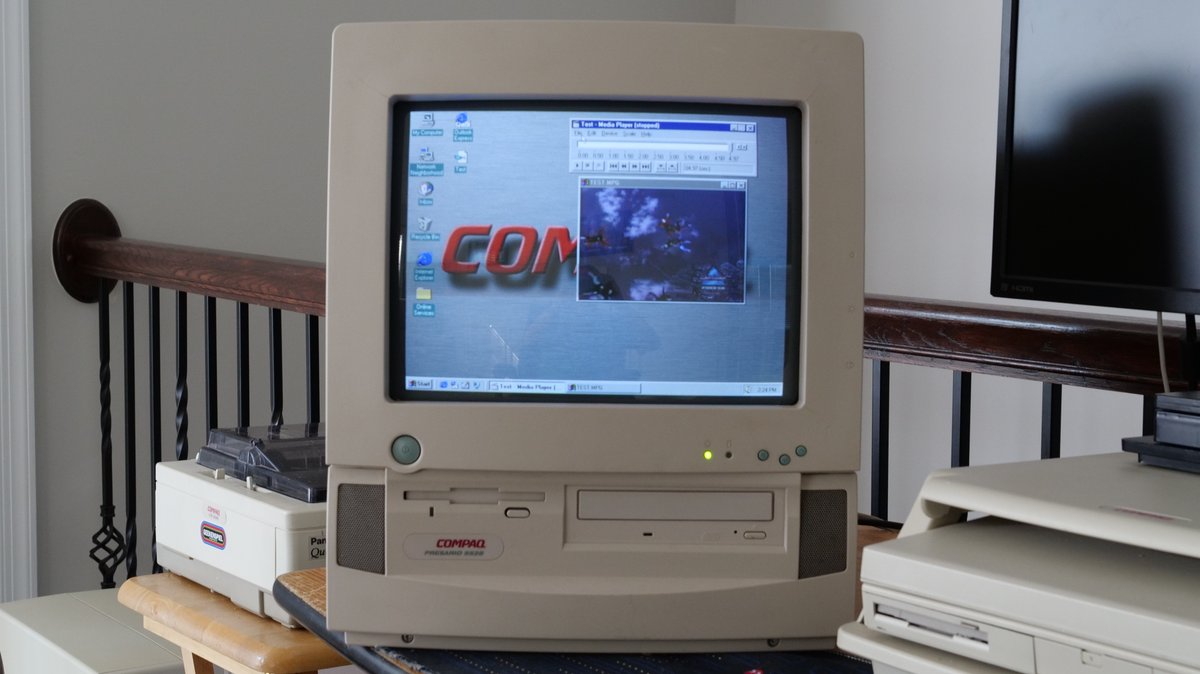
Oookay, the Compaq Presario 5528 is back on the desk! I wanted to spend some more time looking at the MPEG-1 decoder card under Windows 95 OSR 2.5. And I have good news! Time for a quick 🧵 Image
As some may recall, here was the next thing I was going to try: copying over the Windows 95A Media Player to Windows 95 OSR2.5. But as it ends up, that wasn't necessary!! I'll explain.
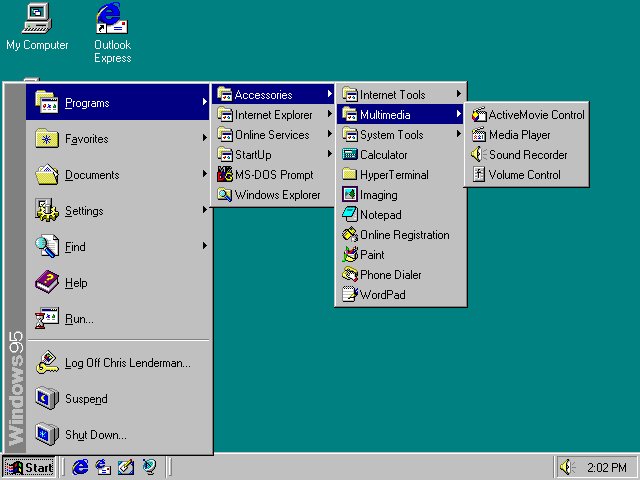
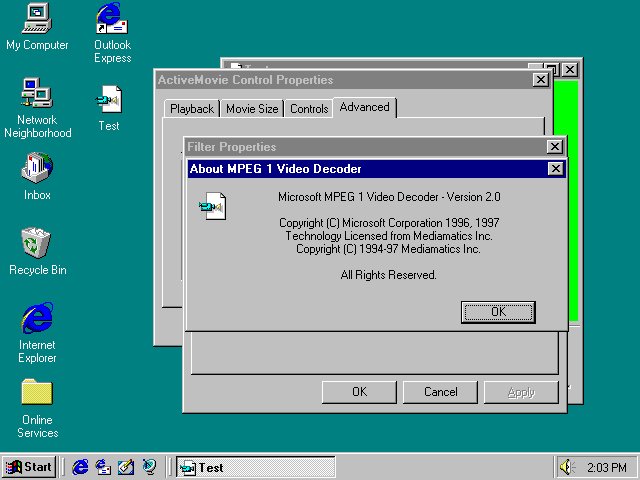
I noticed something on my Win95 OSR 2.5 install. It looks like the Internet Explorer desktop update installed ActiveMovie Control. And it looks like it is using a default Microsoft software decoder. HOWEVER, notice that standard Windows Media Player is also installed! Image
Image
Read 5 tweets
Feb 28
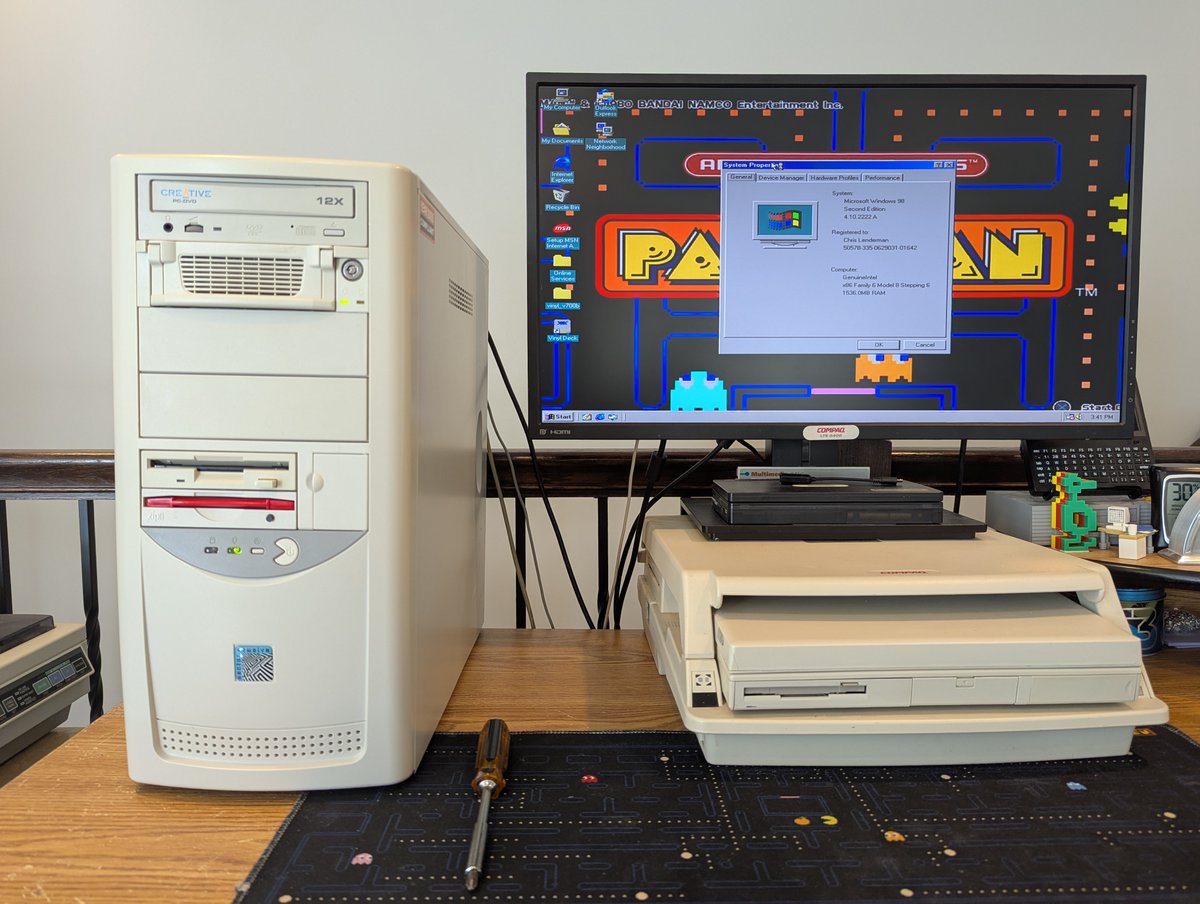
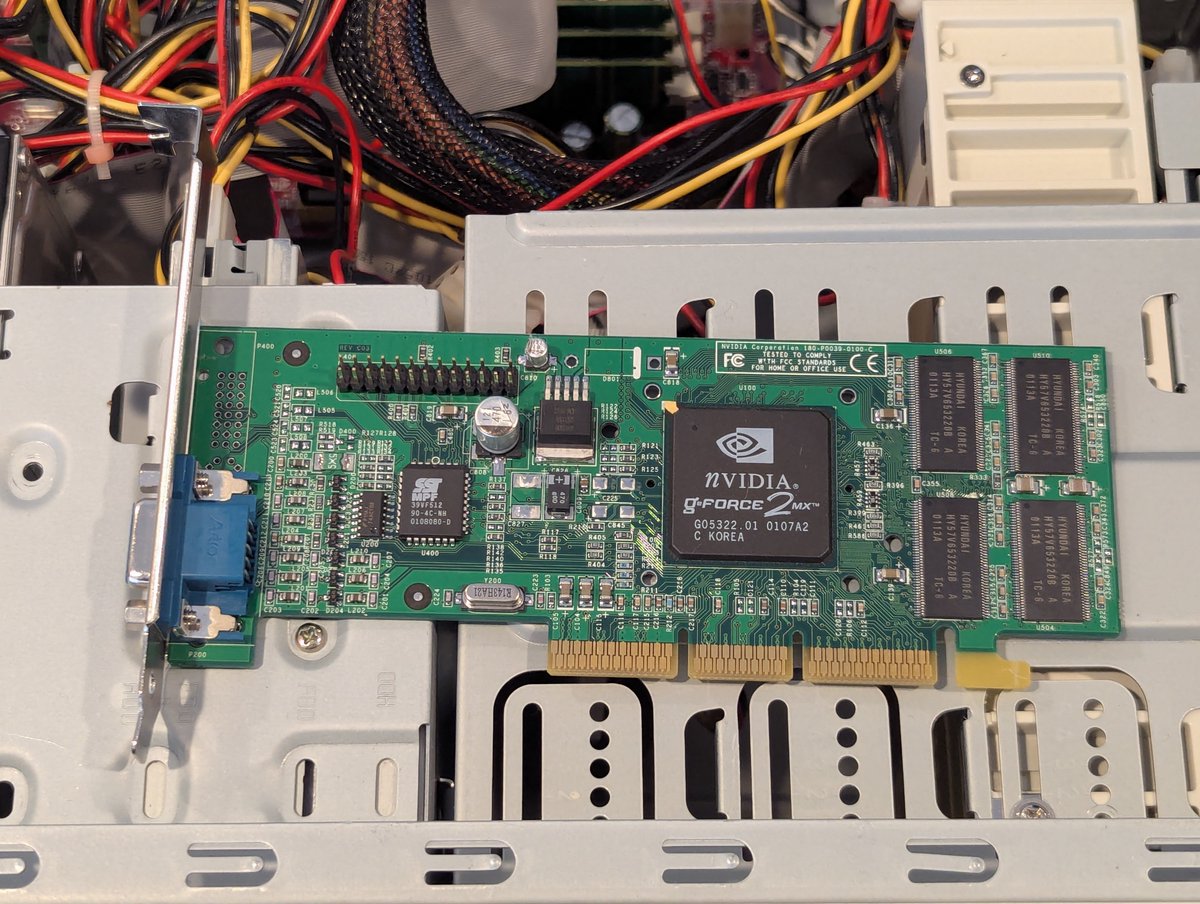
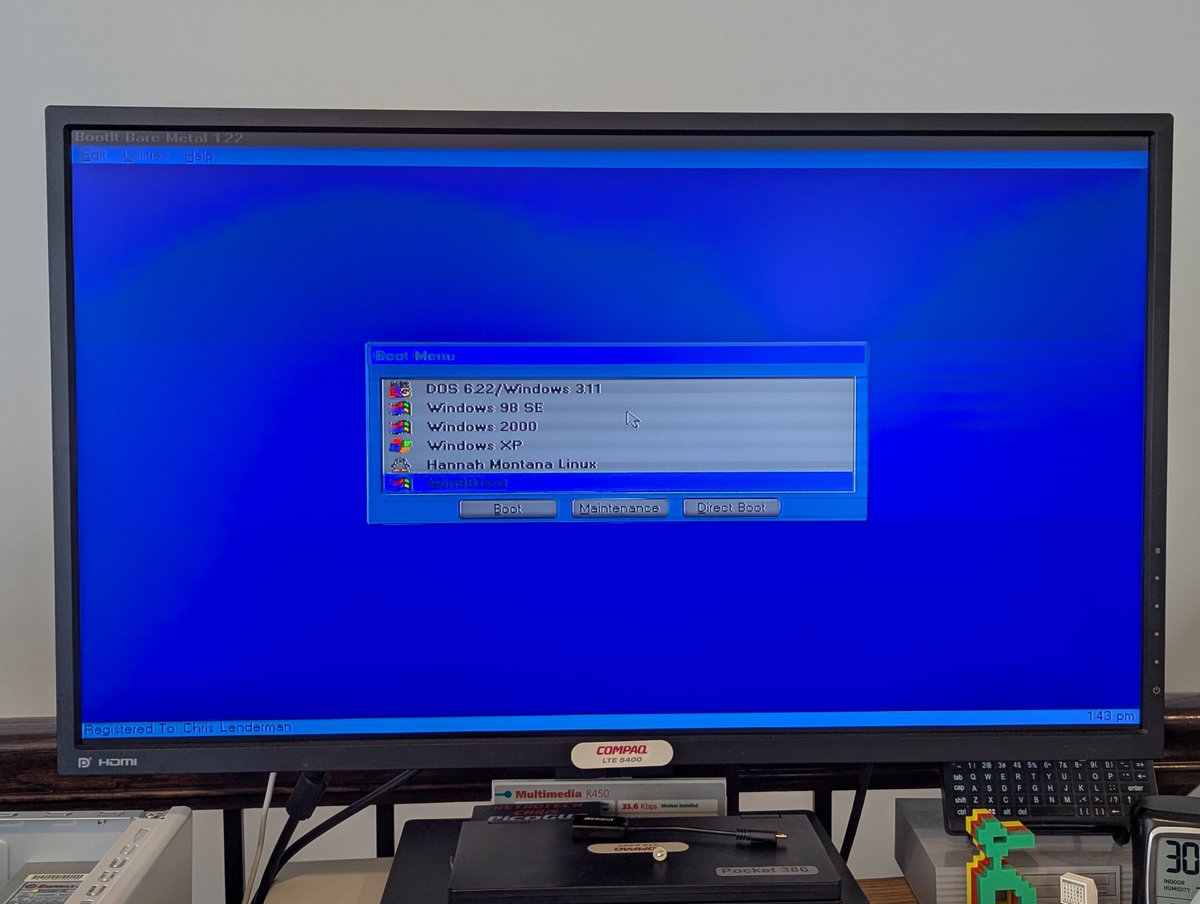
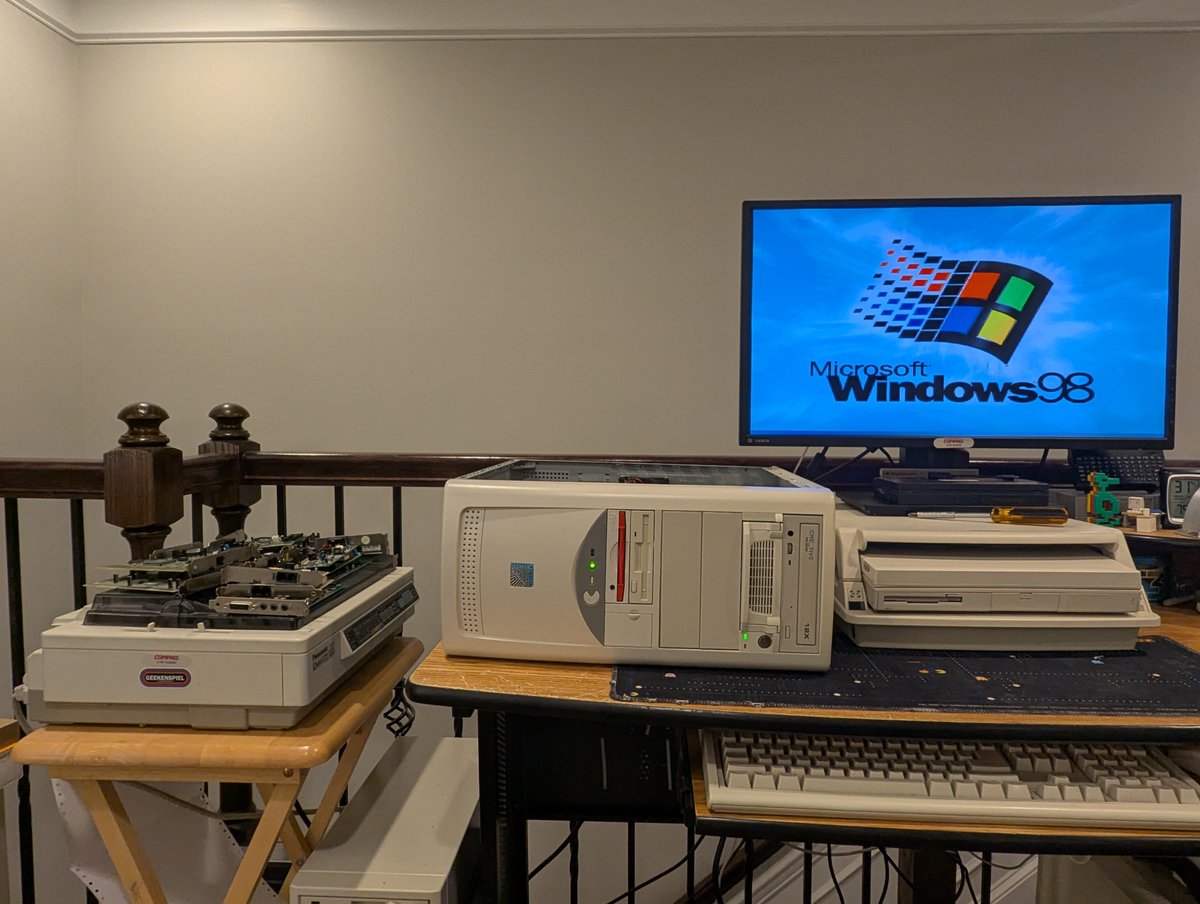
Okay, it's a new day, let's test some more interface cards. We'll use the Pacman PC again. Time for a 🧵 Image
Image
Image
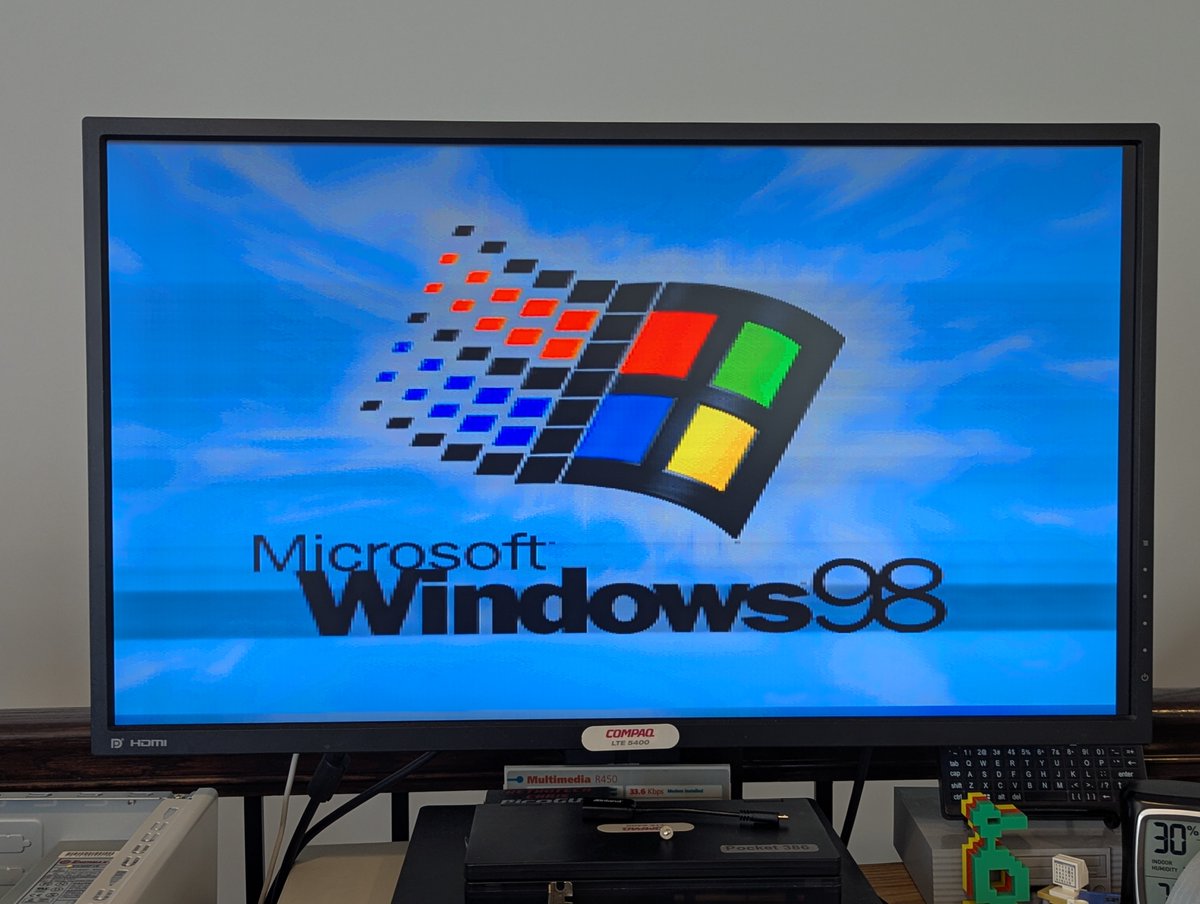
Let's start with the NVIDIA GeForce2 MX. Oh my.. maybe this card has bad caps. NEXT! Image
Image
Image
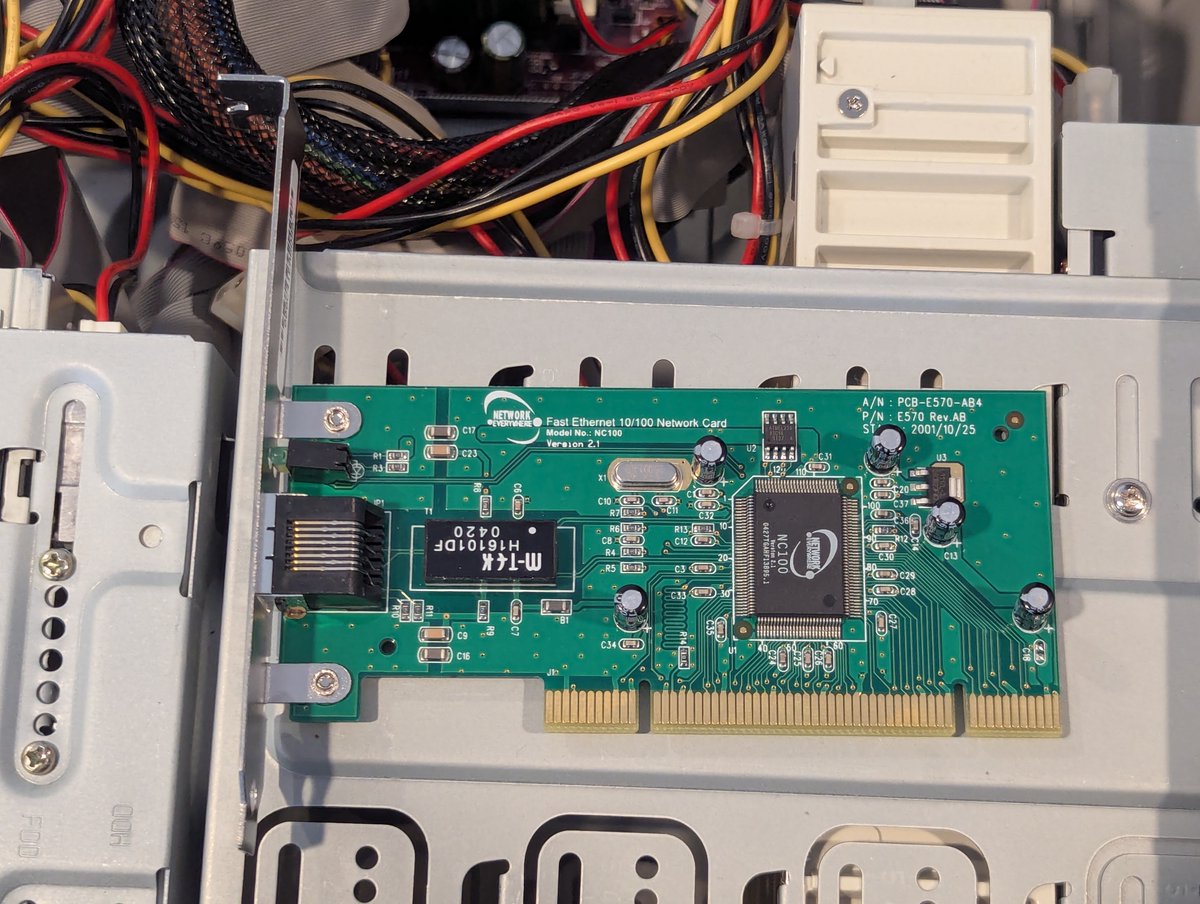
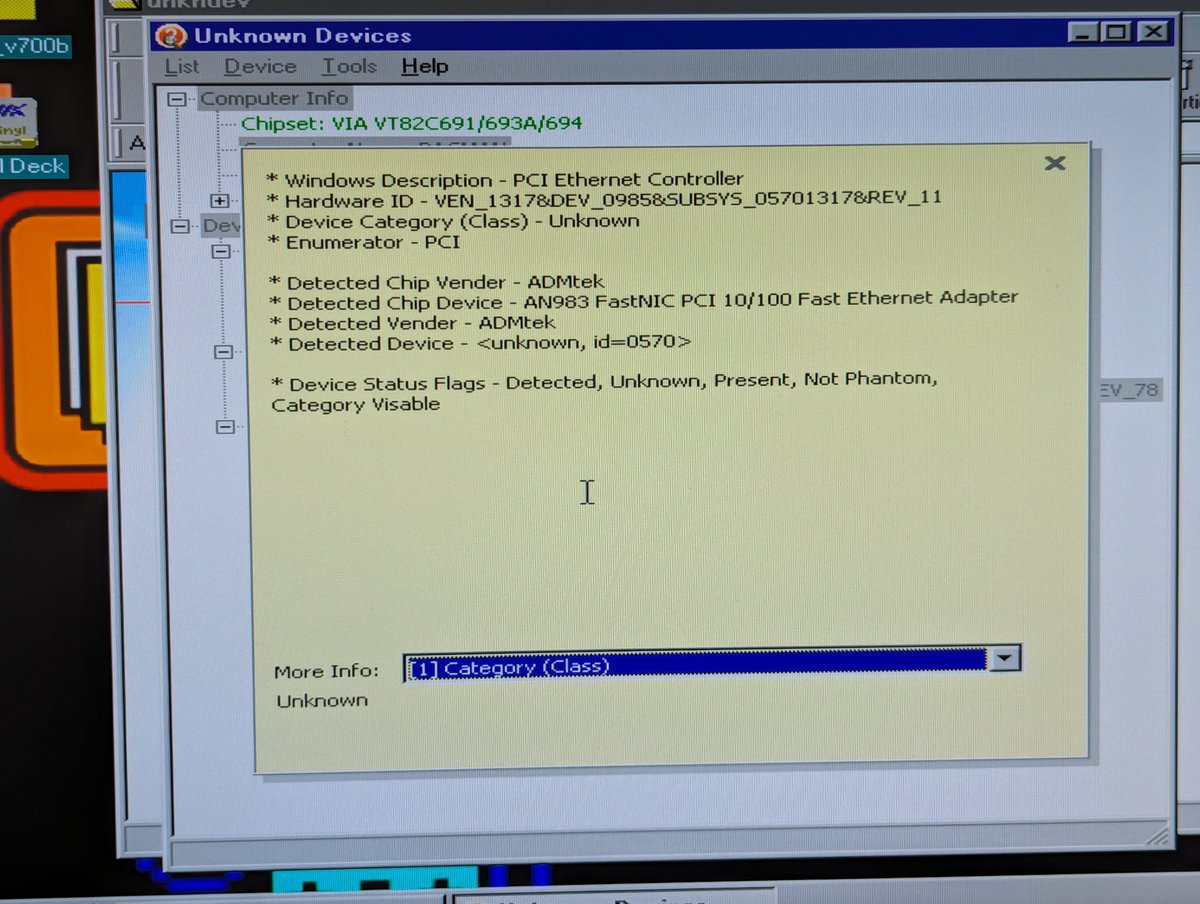
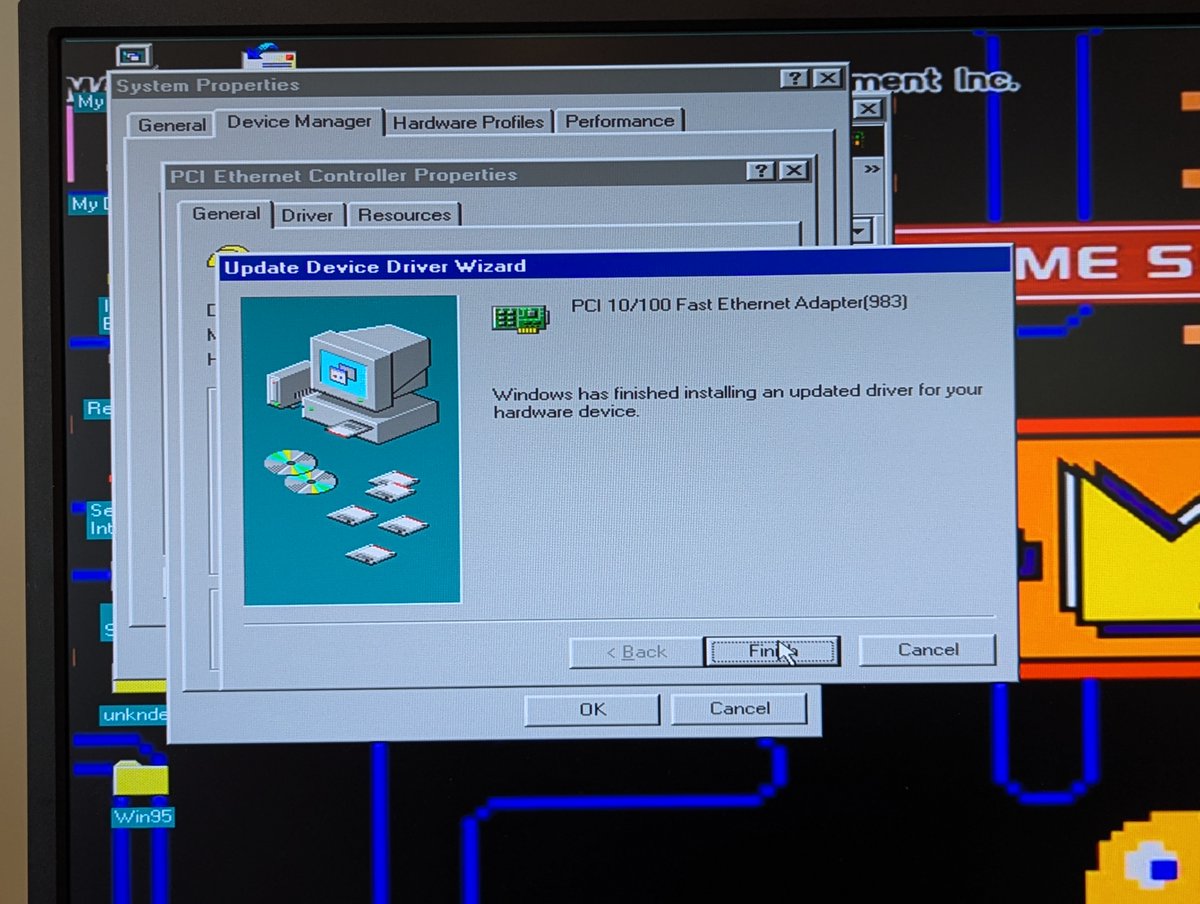
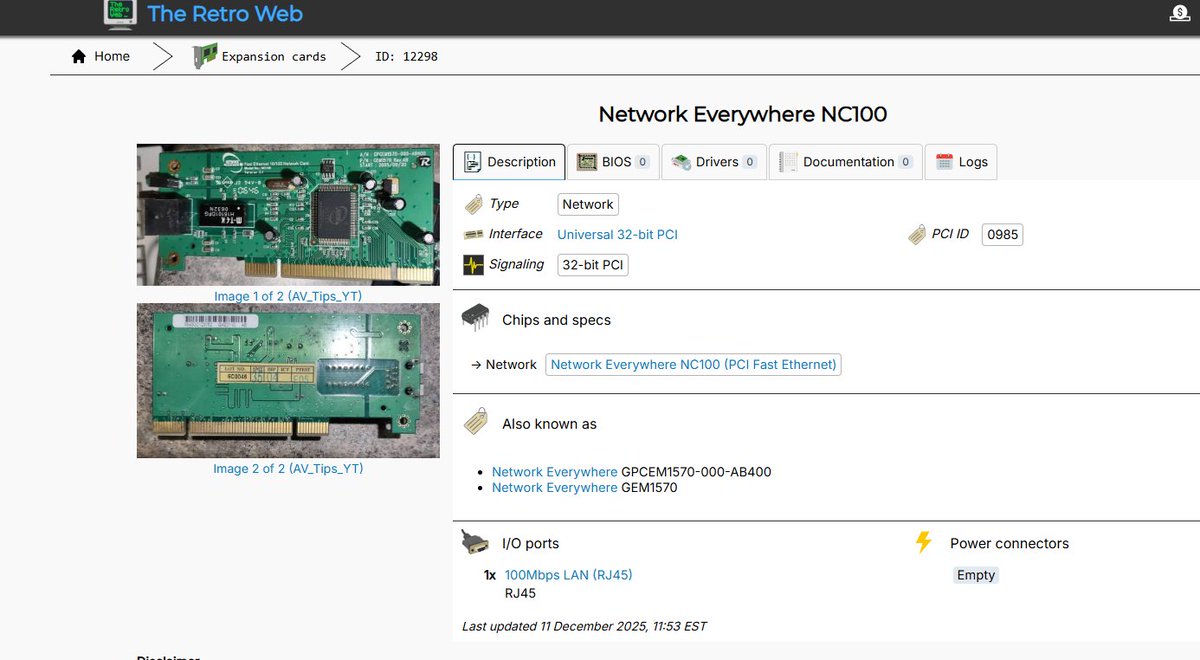
Next let's test this Network Everywhere Fast Ethernet 10/100 Network Card. No drivers on The Retro Web? Uh oh. Image
Image
Image
Image
Read 10 tweets
Feb 28
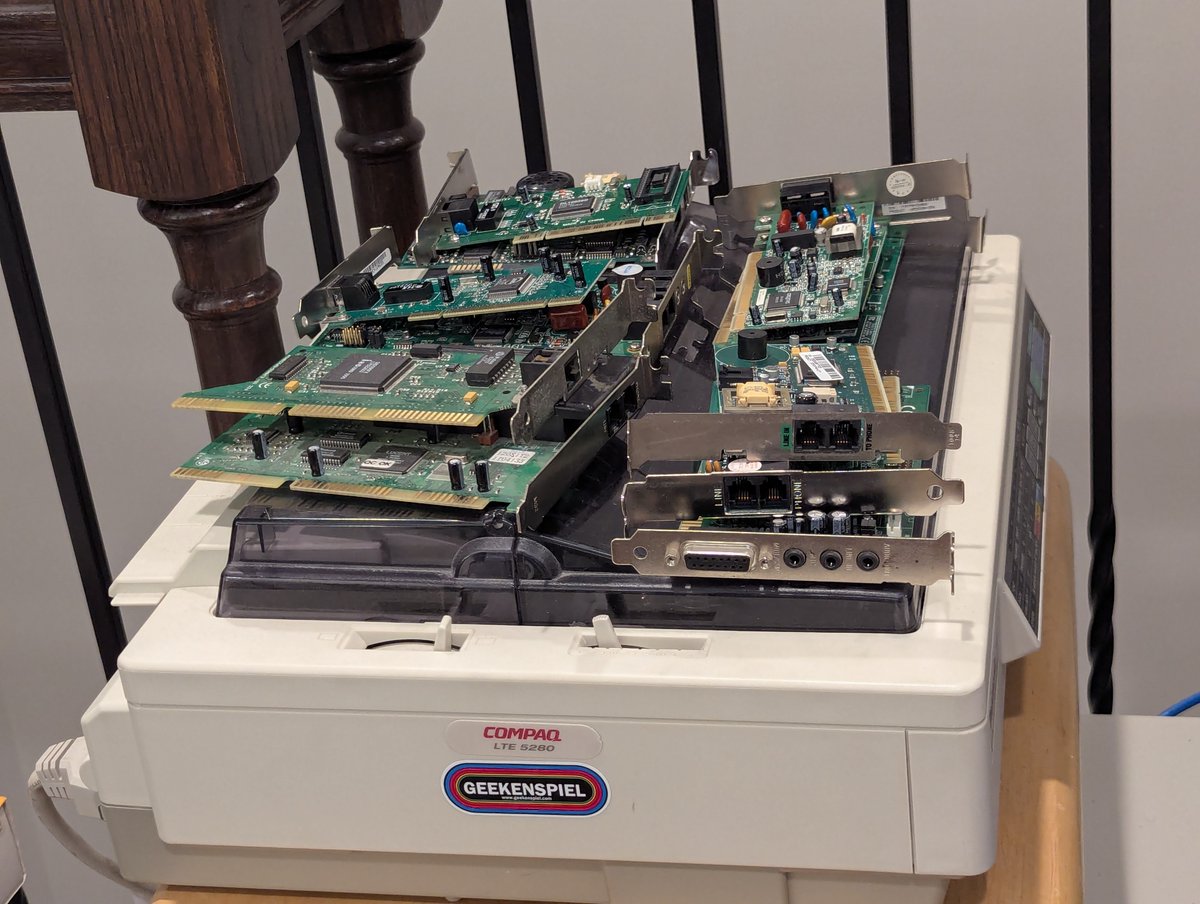
Well, looks like we have some modems to test. We better get going šŸ˜‚. I'm not going to do a full "dial" test, but we will see if we can at least configure them! Time for a 🧵 Image
Image
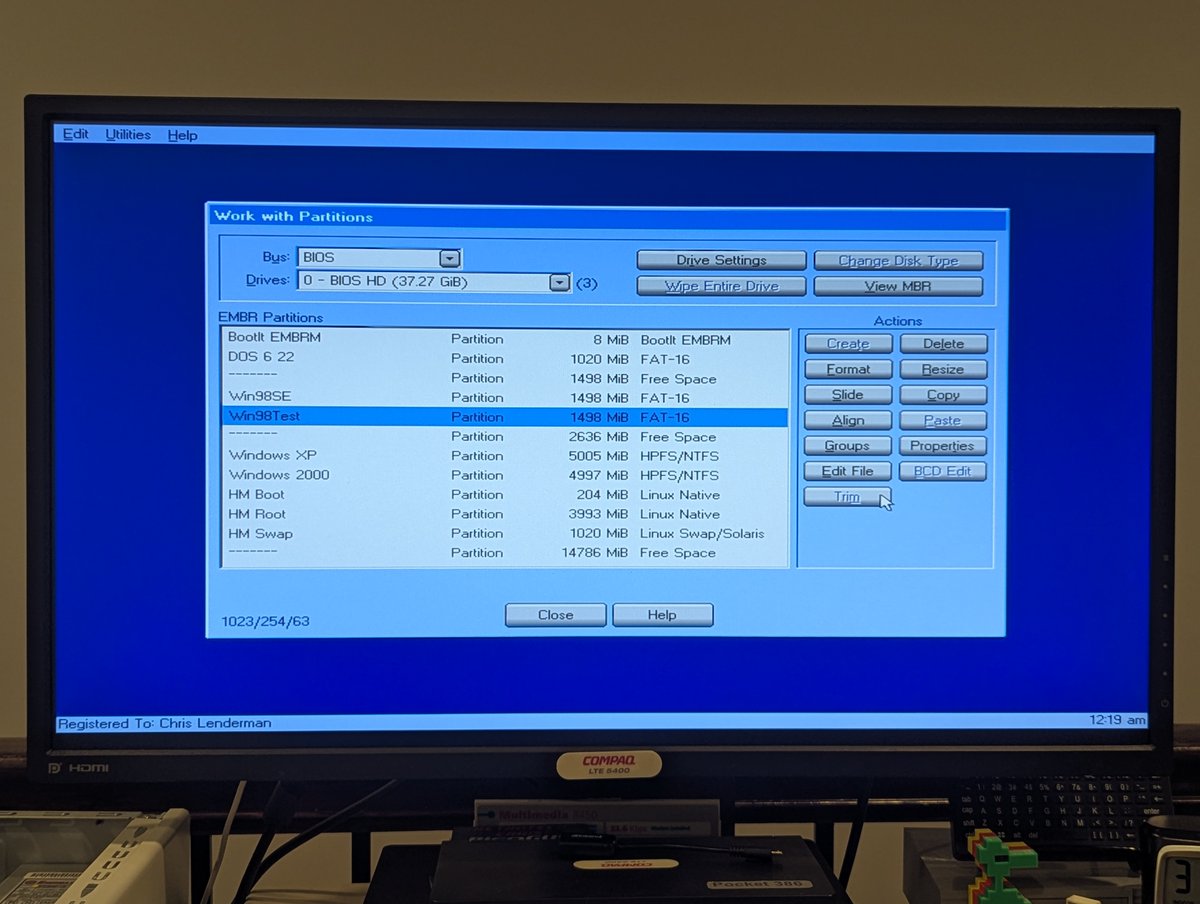
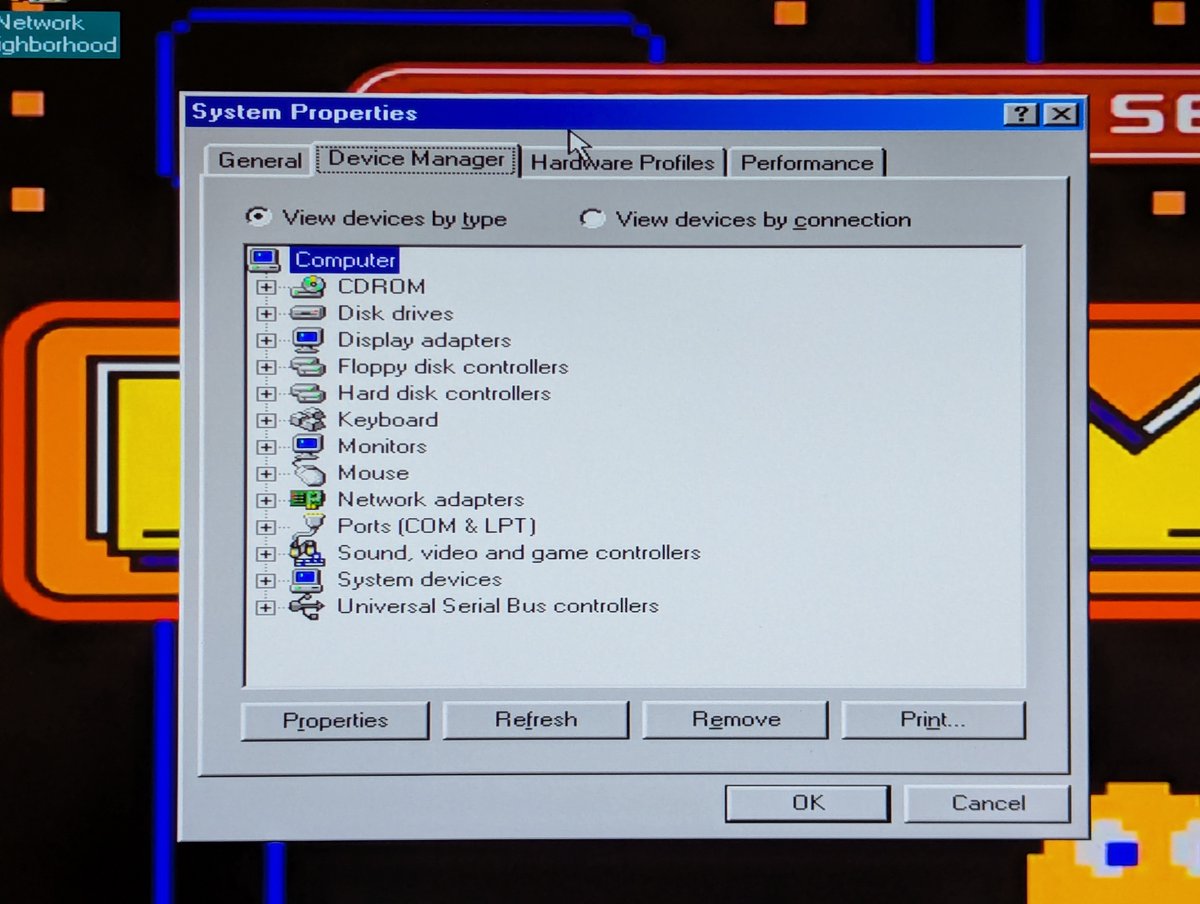
First things first, just like they taught in science class, always start with a baseline! So, I am going to make a copy of my Windows 98 installation so that we don't foul up the main install, and we'll check out device manager. Looking good! Let's roll. Image
Image
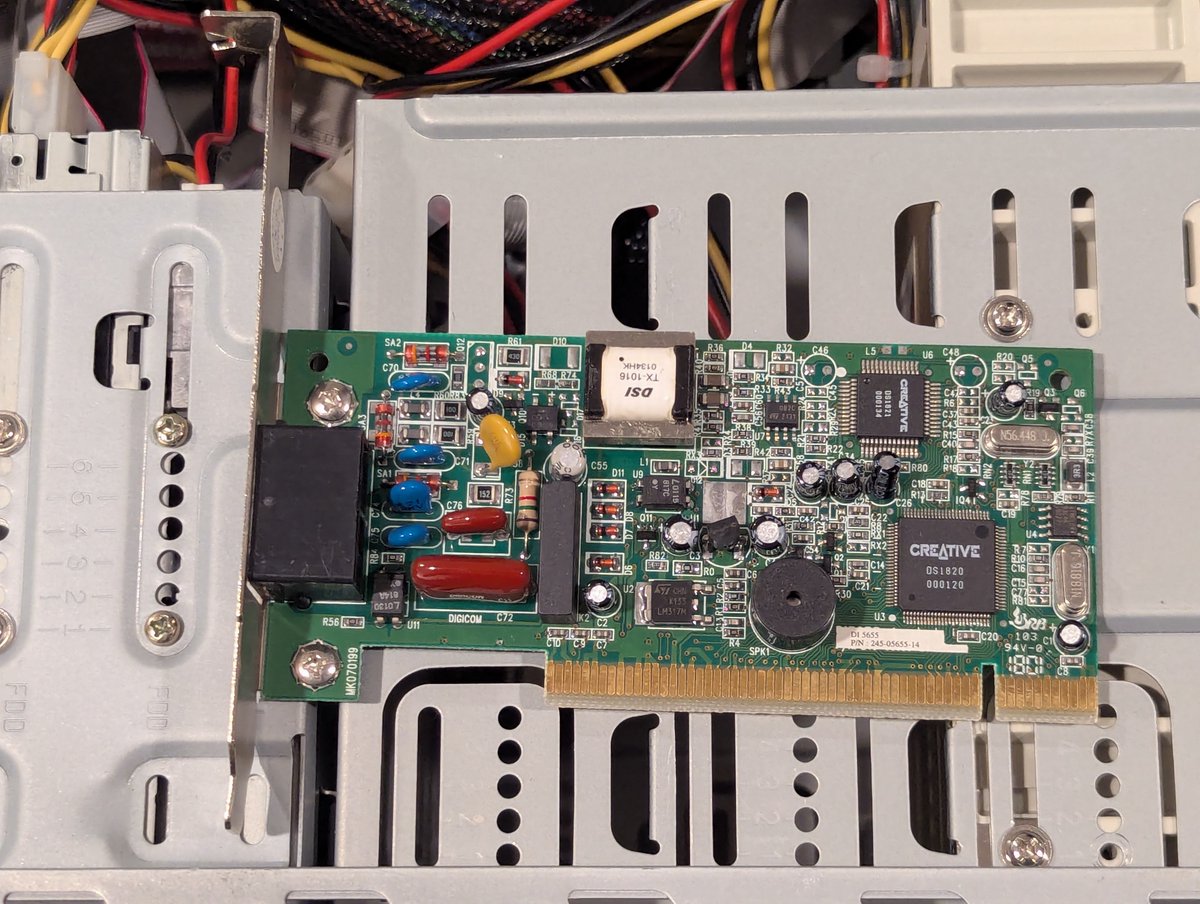
First modem out the gate is this Creative Modem Blaster V.90 PCI DI5655. We are going to use the Pacman PC to do the testing since it has a very convenient shared ISA/PC slot. In it goes! Image
Image
Read 18 tweets
Feb 24
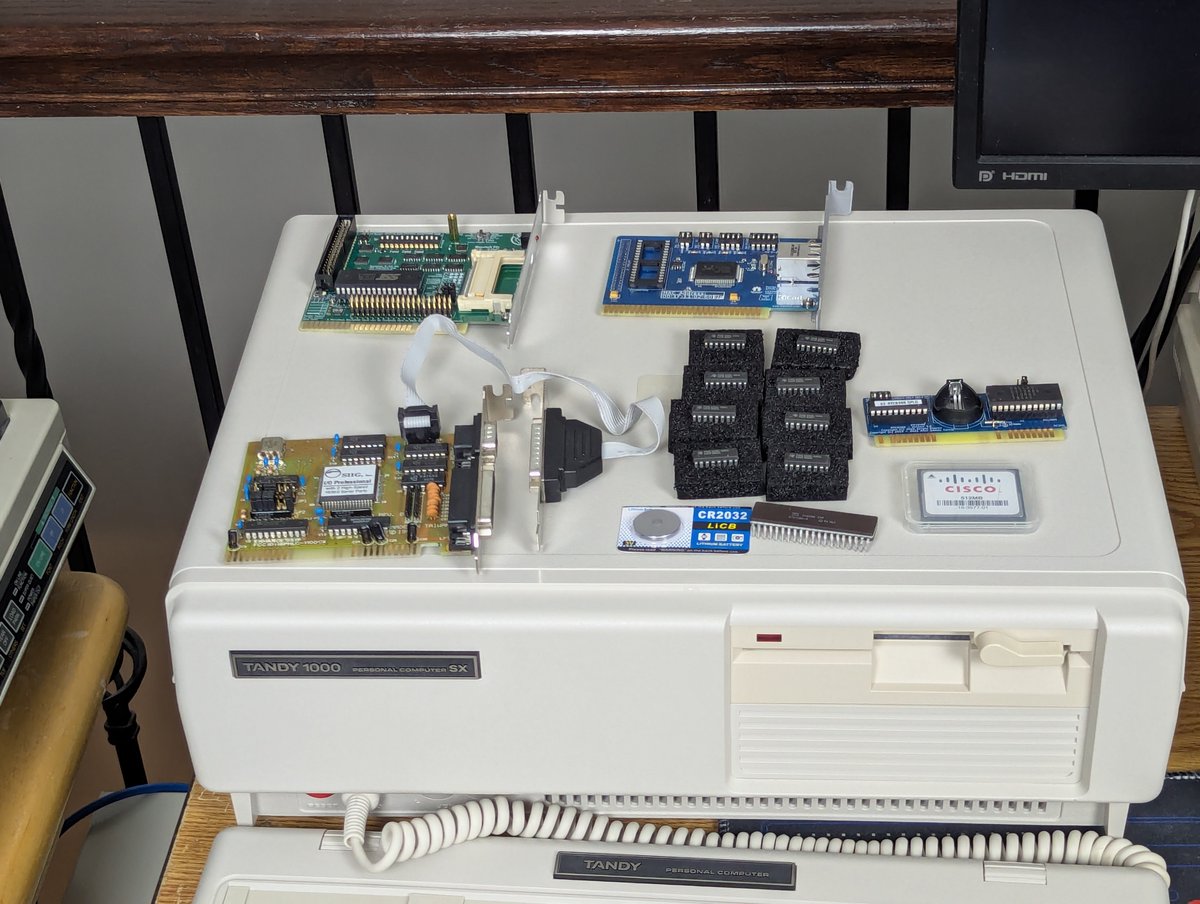
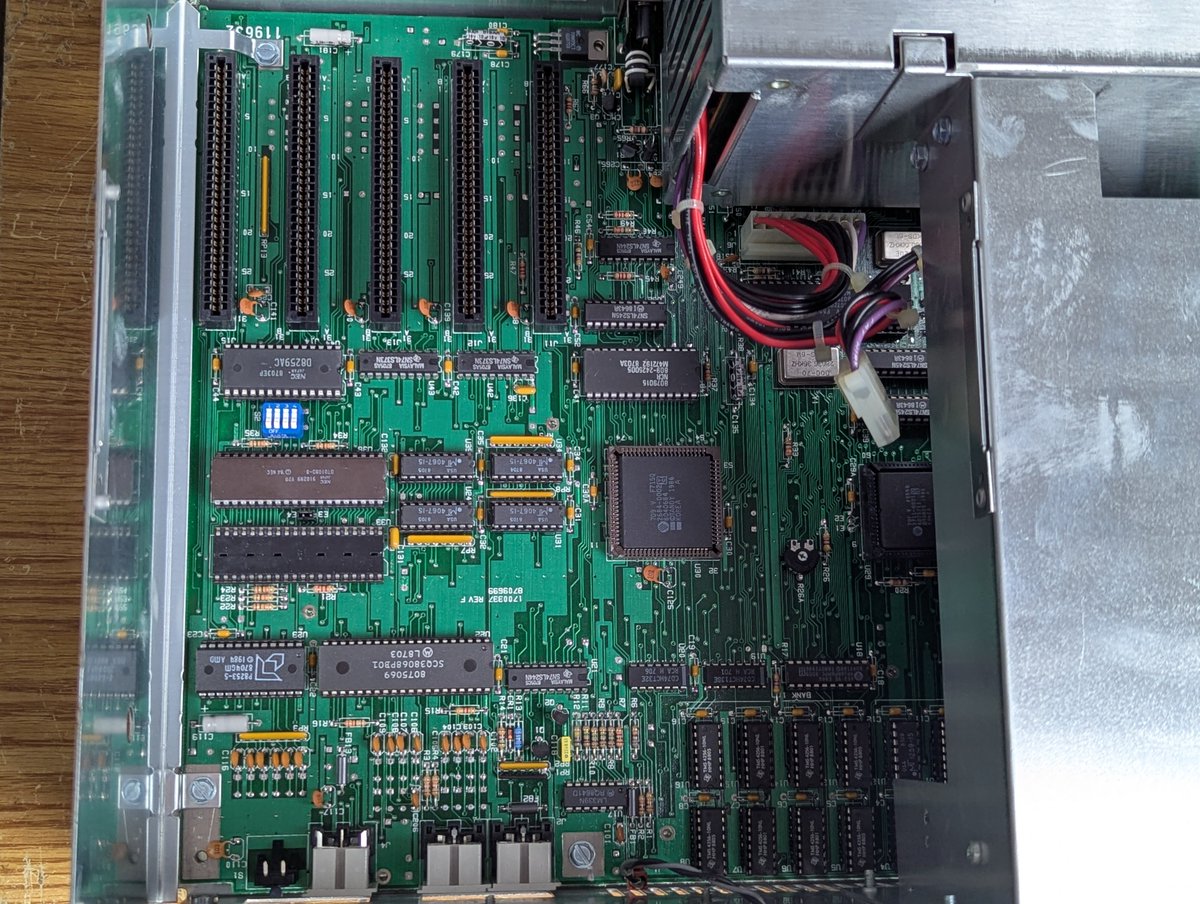
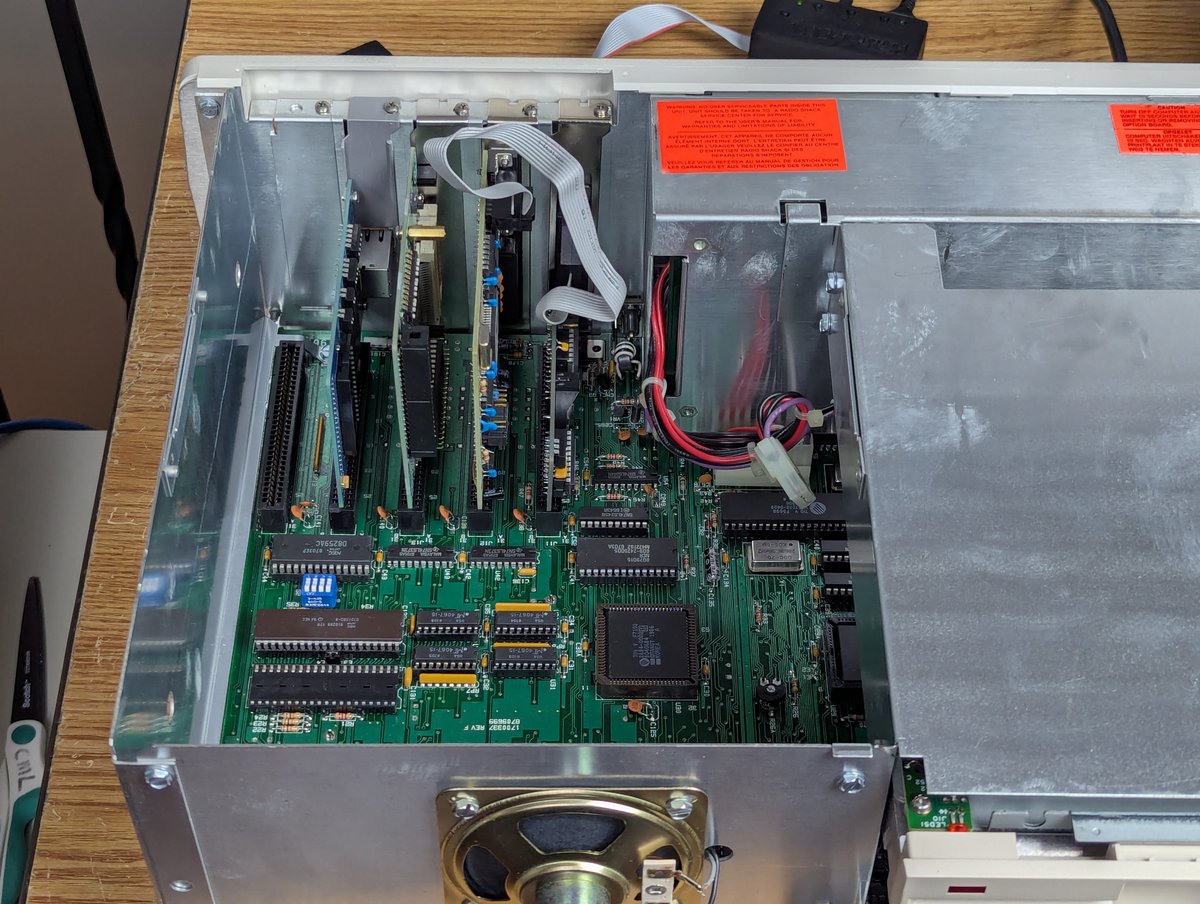
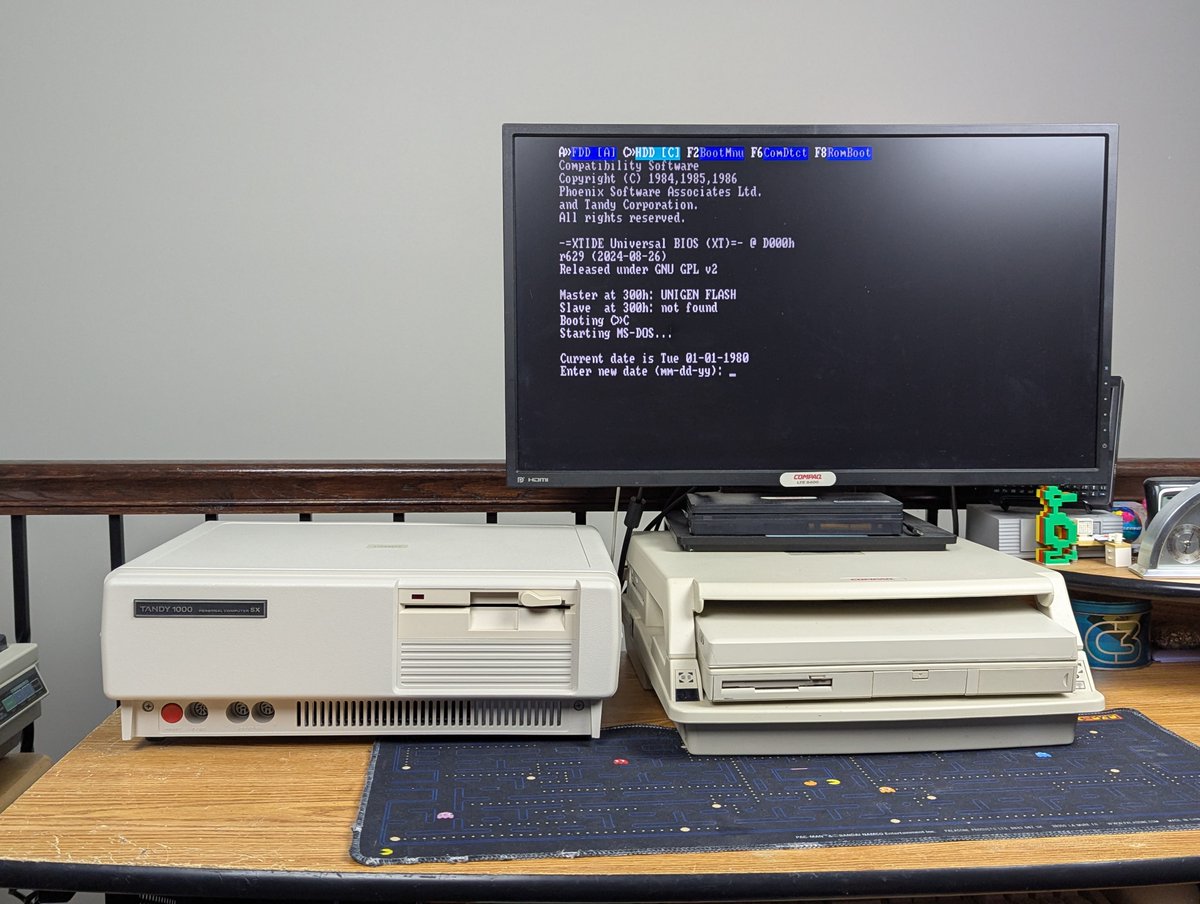
My new old stock Tandy 1000 SX is now all configured! As mentioned earlier, I'm going to made a video about it at SOME point. But let's talk about the fun I had today with getting it set up. Was setup 100% trouble free? No. But was it the Tandy's fault? Also, no. Time for a 🧵 Image
Image
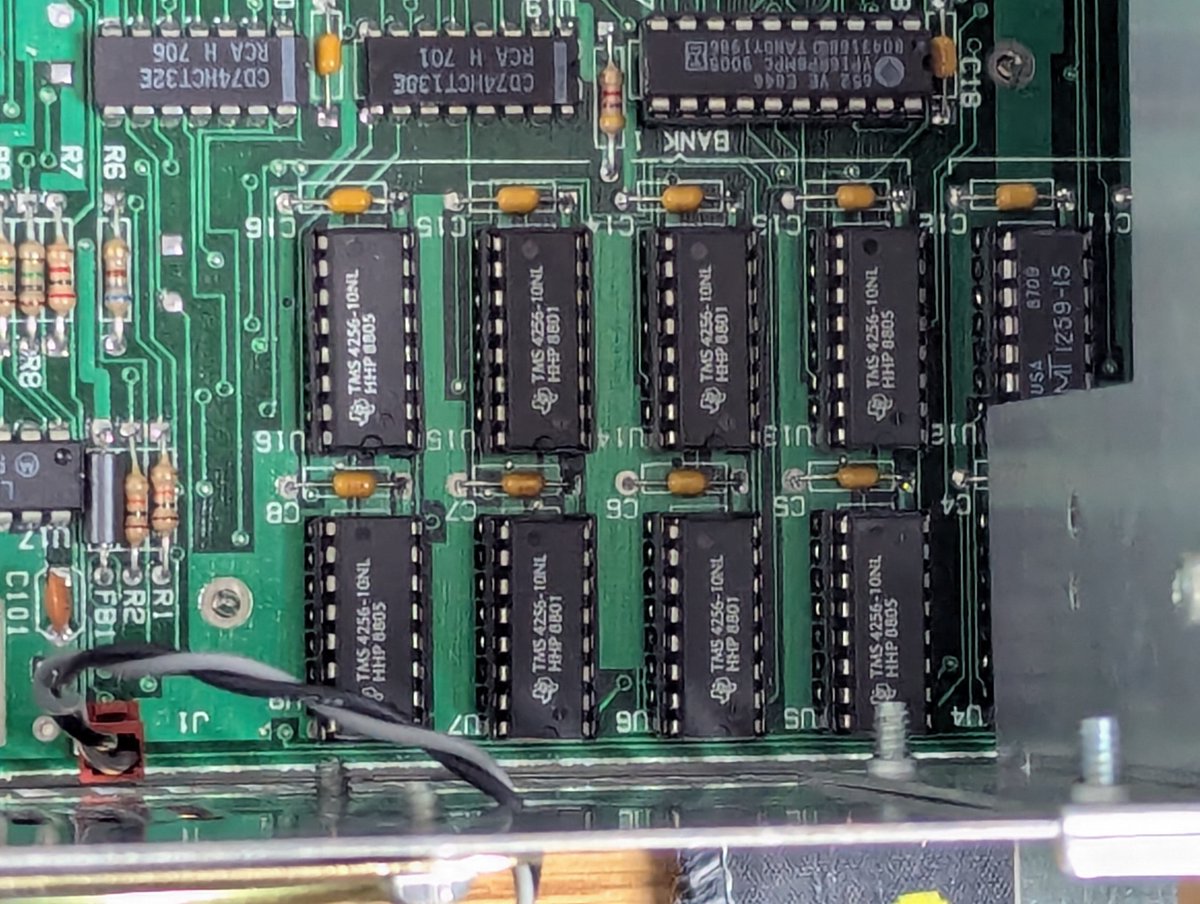
The first thing I did was to populate this gorgeous motherboard with a full 640K RAM, and also popped in a NEC V20 processor for the 8088. Flawless! No issues whatsoever with this! Image
Image
Image
Image
Next up, I jammed in some cards. Network. XTIDE. Multi I/O. Real Time Clock. On boot, we see the XTIDE option ROM screen, so we are now cooking! Image
Image
Read 14 tweets
Feb 23
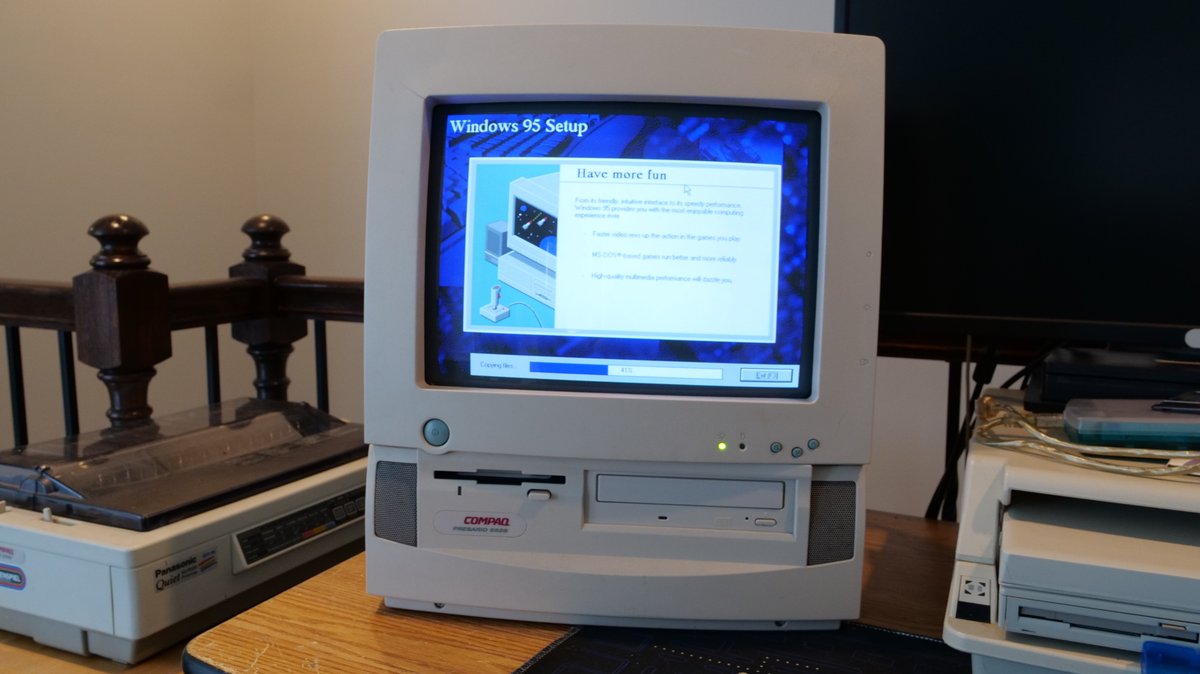
Well, after spending way too much time this weekend trying to get my MPEG-1 decoder working on the Presario 5528 from a fresh Windows 95 install, I finally was successful. Let's talk briefly about it in a 🧵 here! Image
Image
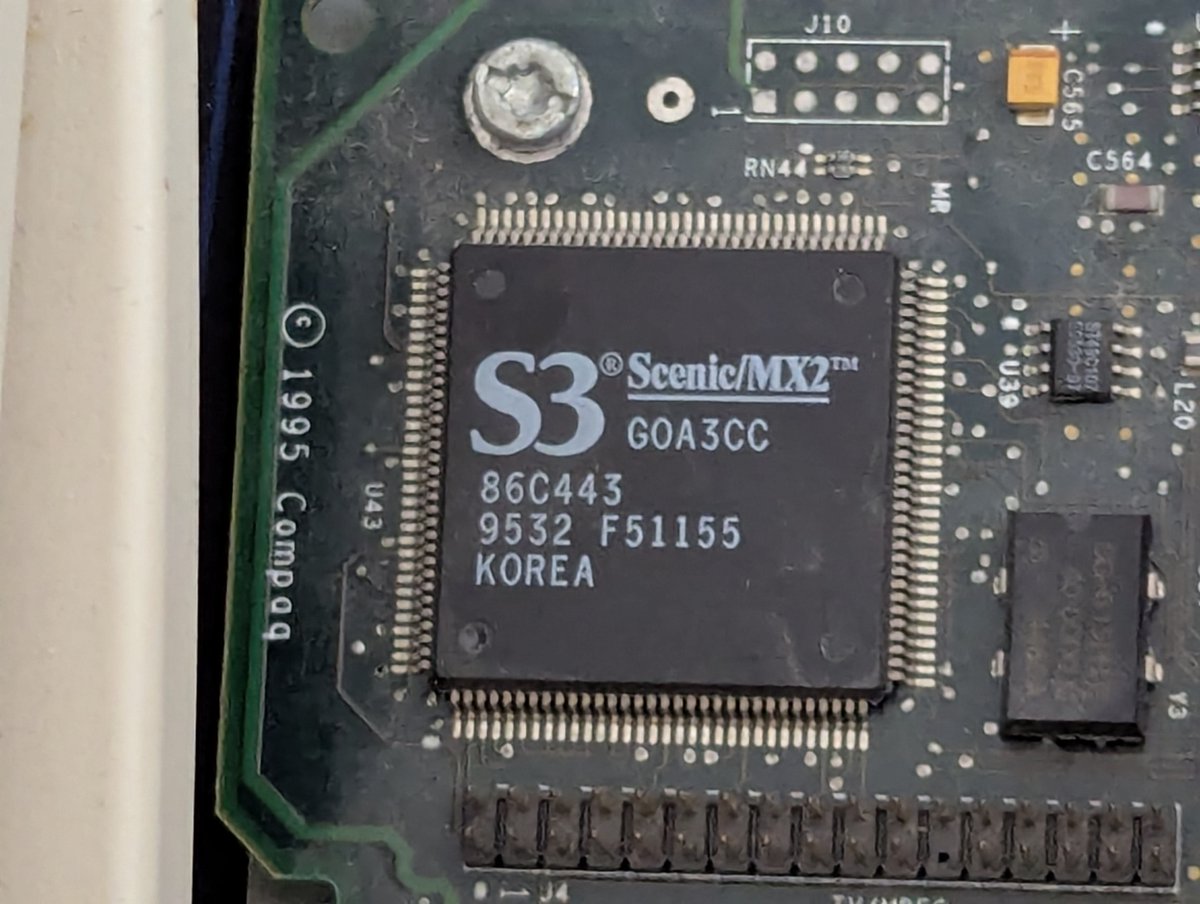
So, first some background: what's the story with MPEG-1 decoders? Well, back when PCs weren't quite powerful enough to play full-motion video, hardware options like this were popular. This machine has a S3 Scenic/MX2 (86C443) chip to do just that. Image
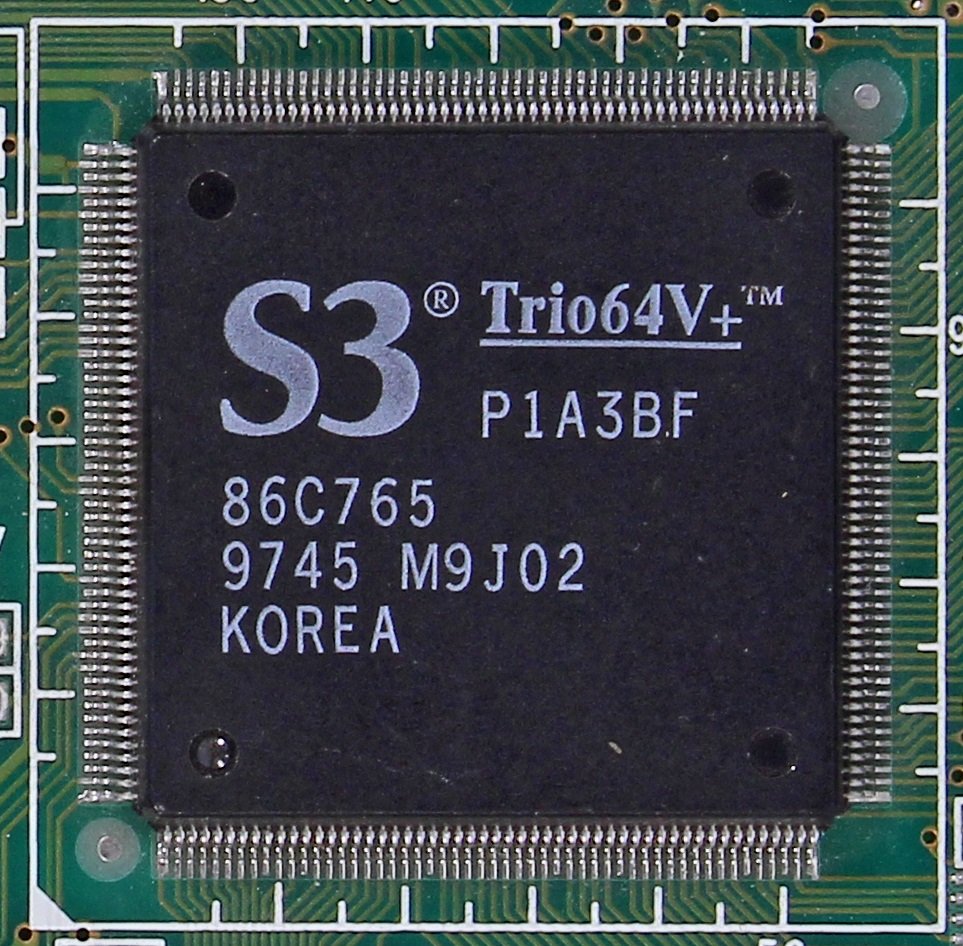
For this particular system, this chip pairs with an S3 Trio64V+ (8C765) via the S3 Scenic Highway bus. That said, it's fair to say that MOST S3 Trio64V+ cards did NOT pair with a Scenic/MX2, as this MPEG-1 option chip seemed to be FAIRLY short lived. Image
Read 16 tweets
Feb 16
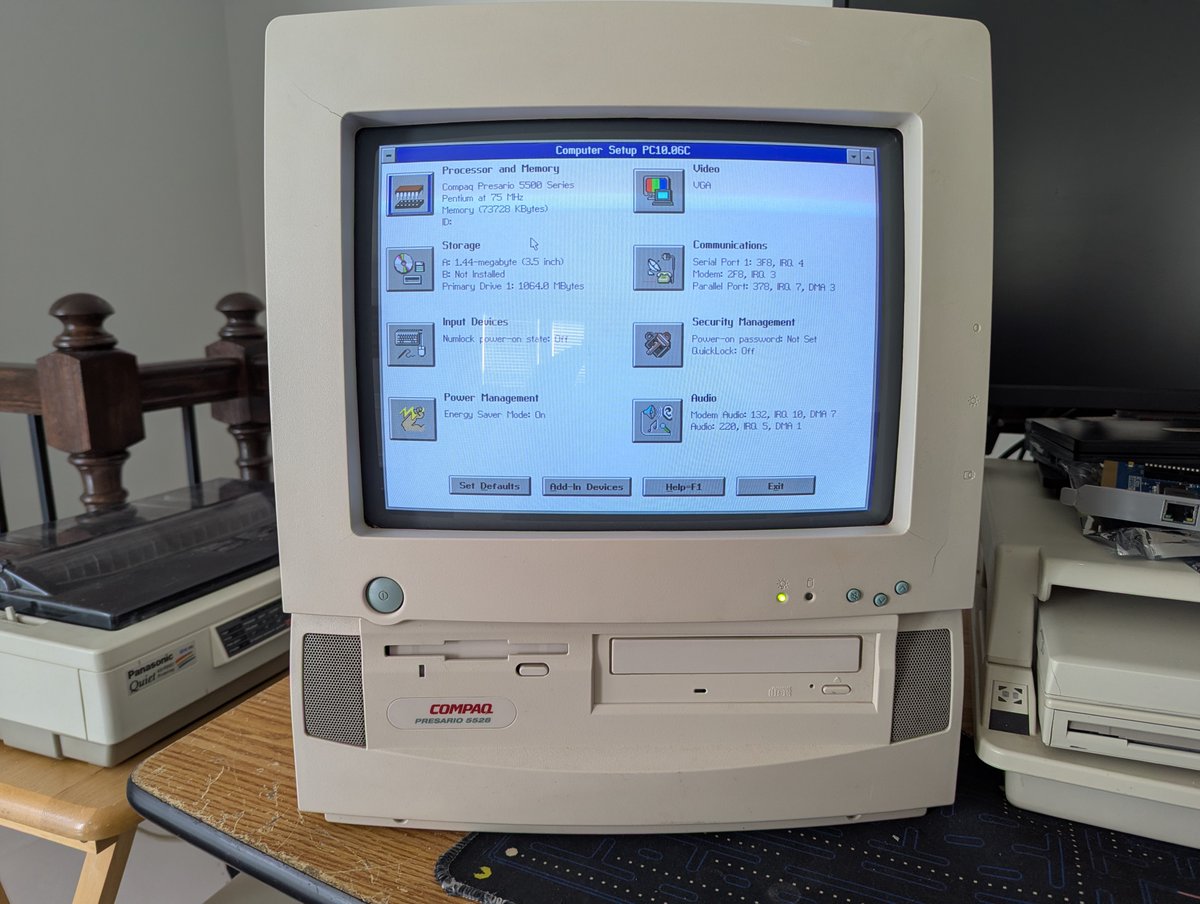
Okay, let's play with this "new to me" Compaq Presario 5528 All In One that I picked up this morning. Going to build this thread as we go! But let's get this kicked off! 🧵 Image
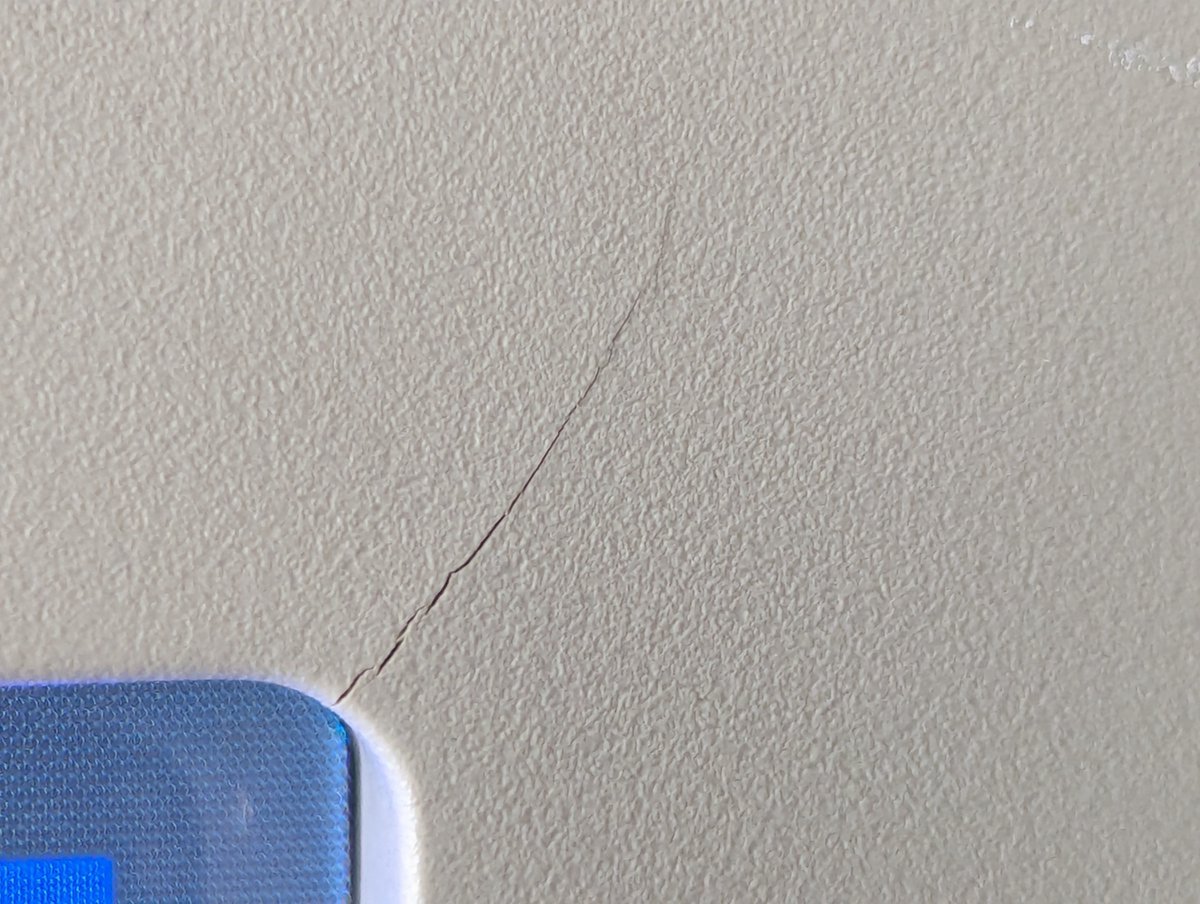
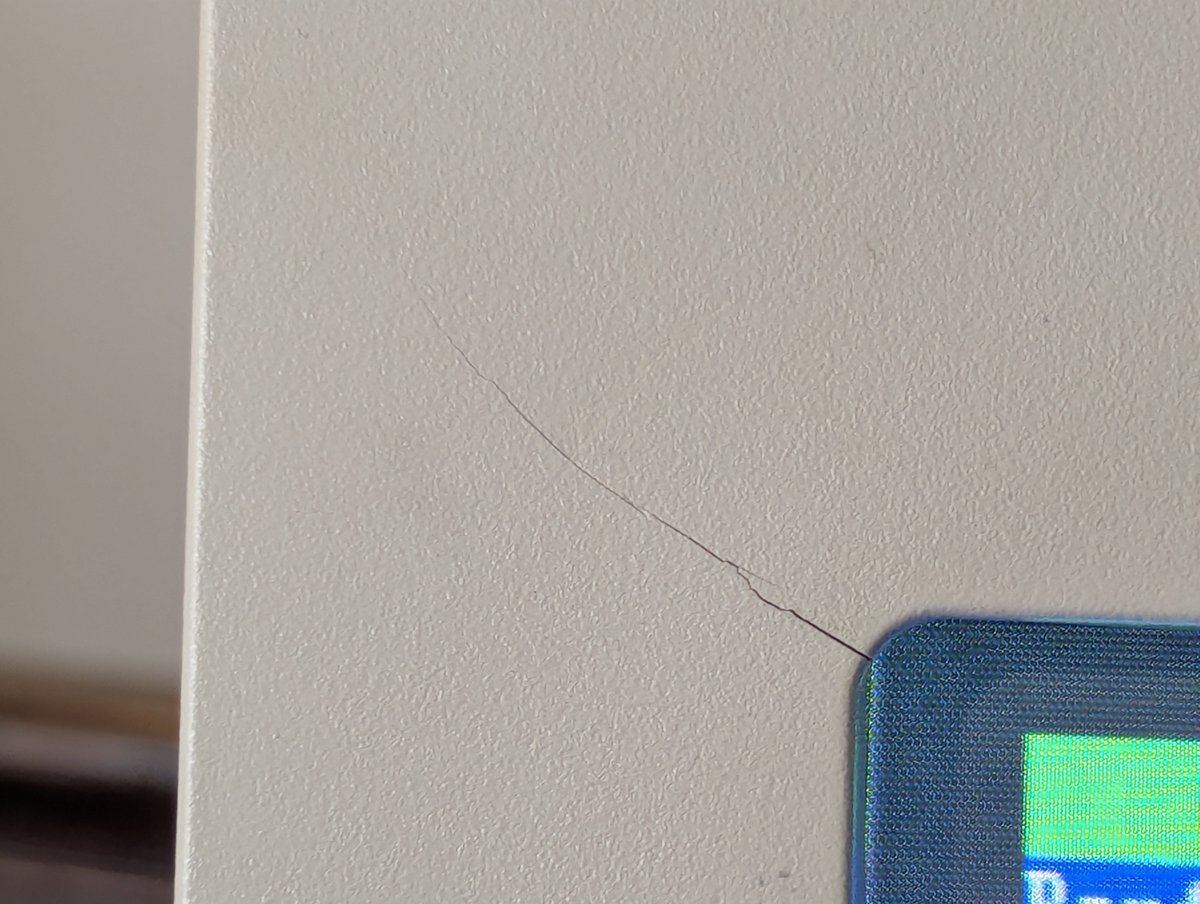
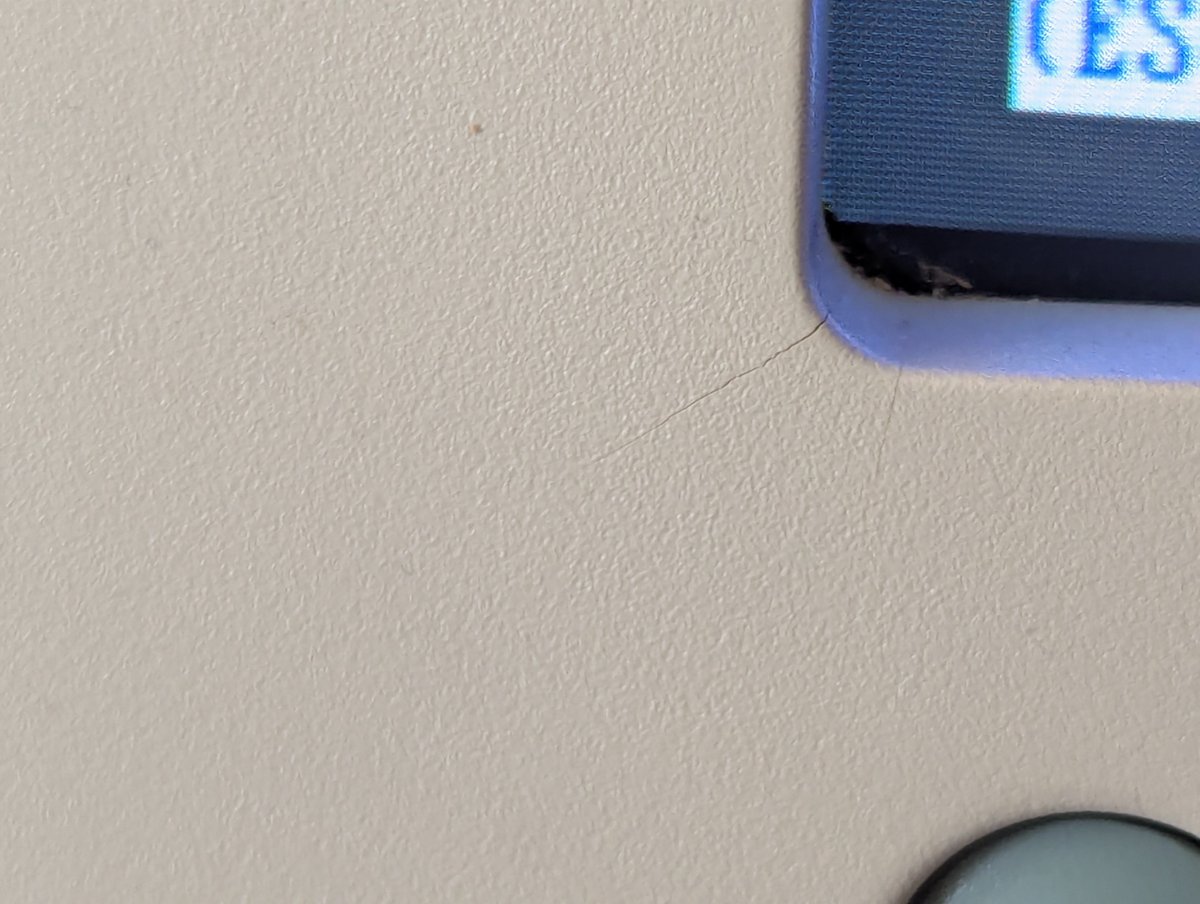
As we saw from the first picture, this is a Pentium 75 system with 72MB RAM and a 1.0 GB HDD. As we look at the bezel, we can see it is not in perfect shape. But perhaps we can fix that up later! Image
Image
Image
Image
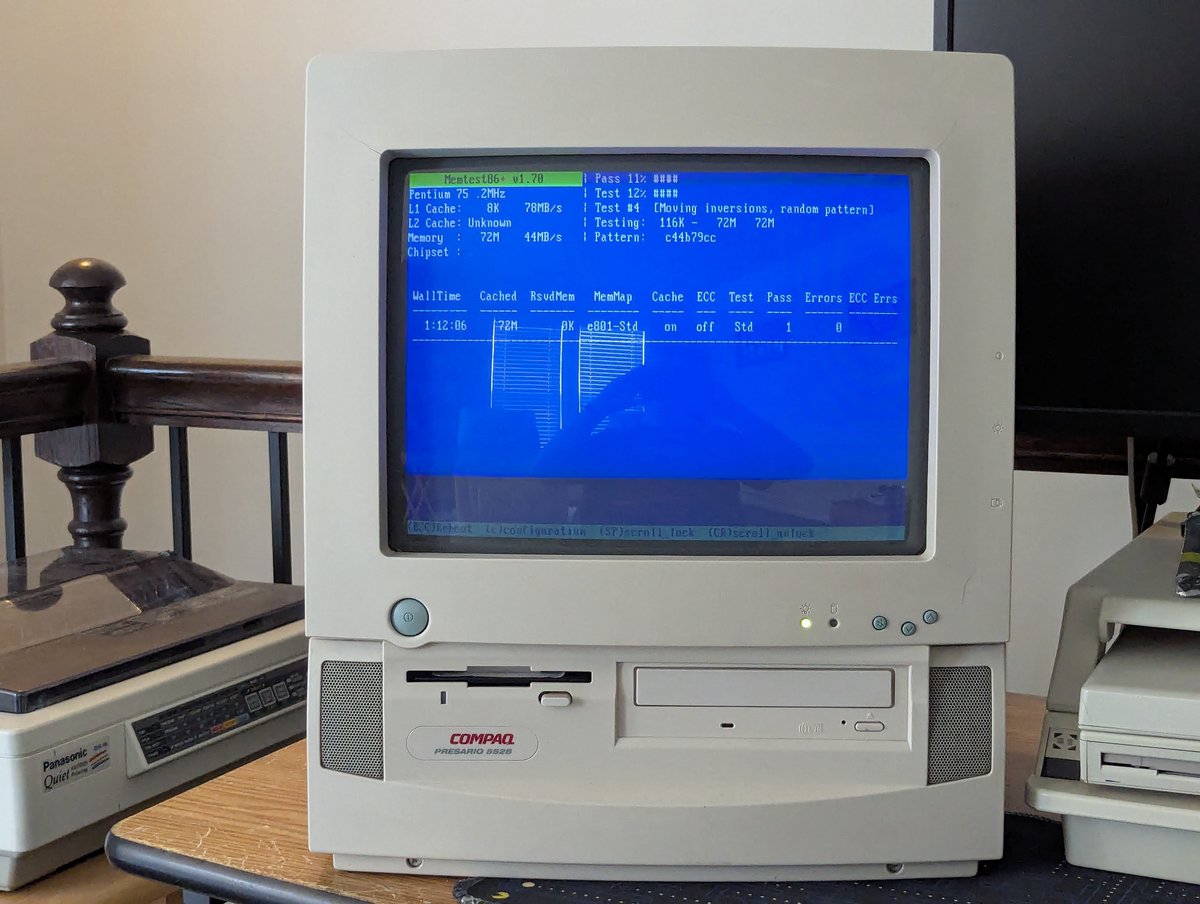
The first thing I did was run MemTest86+ which passed. From there, I got out my "good camera" because, as we can quickly see, we're going to need to be able to adjust shutter speed here šŸ˜‚ Image
Image
Read 34 tweets

Did Thread Reader help you today?

Support us! We are indie developers!


This site is made by just two indie developers on a laptop doing marketing, support and development! Read more about the story.

Become a Premium Member ($3/month or $30/year) and get exclusive features!

Become Premium

Don't want to be a Premium member but still want to support us?

Make a small donation by buying us coffee ($5) or help with server cost ($10)

Donate via Paypal

Or Donate anonymously using crypto!

Ethereum

0xfe58350B80634f60Fa6Dc149a72b4DFbc17D341E copy

Bitcoin

3ATGMxNzCUFzxpMCHL5sWSt4DVtS8UqXpi copy

Thank you for your support!

Follow Us!

:(