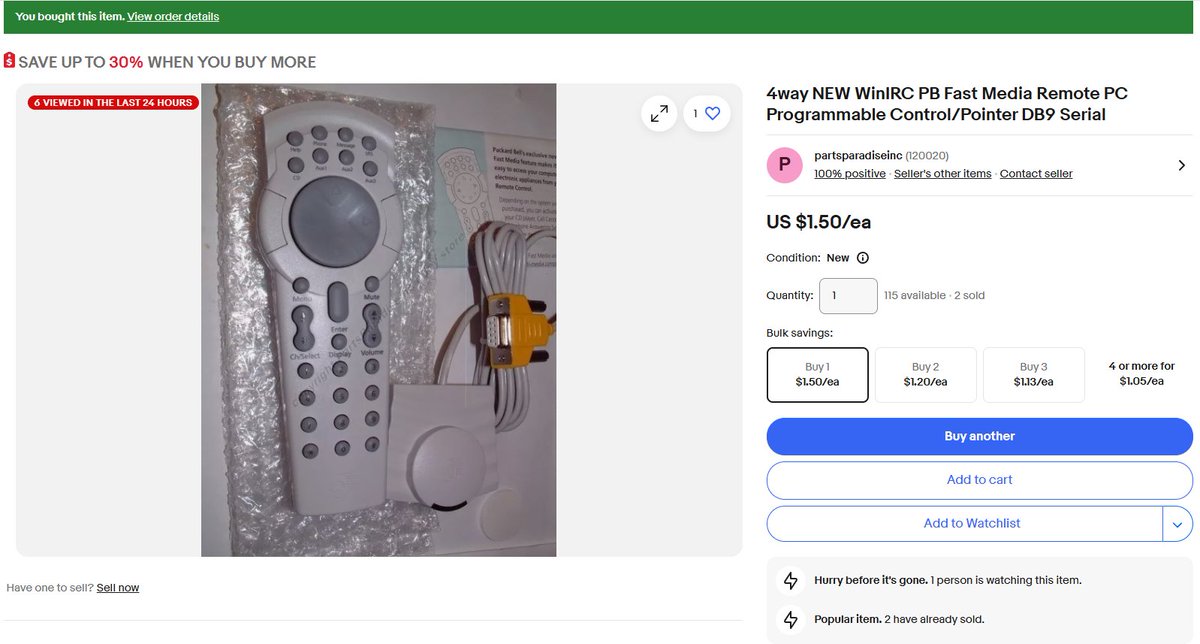
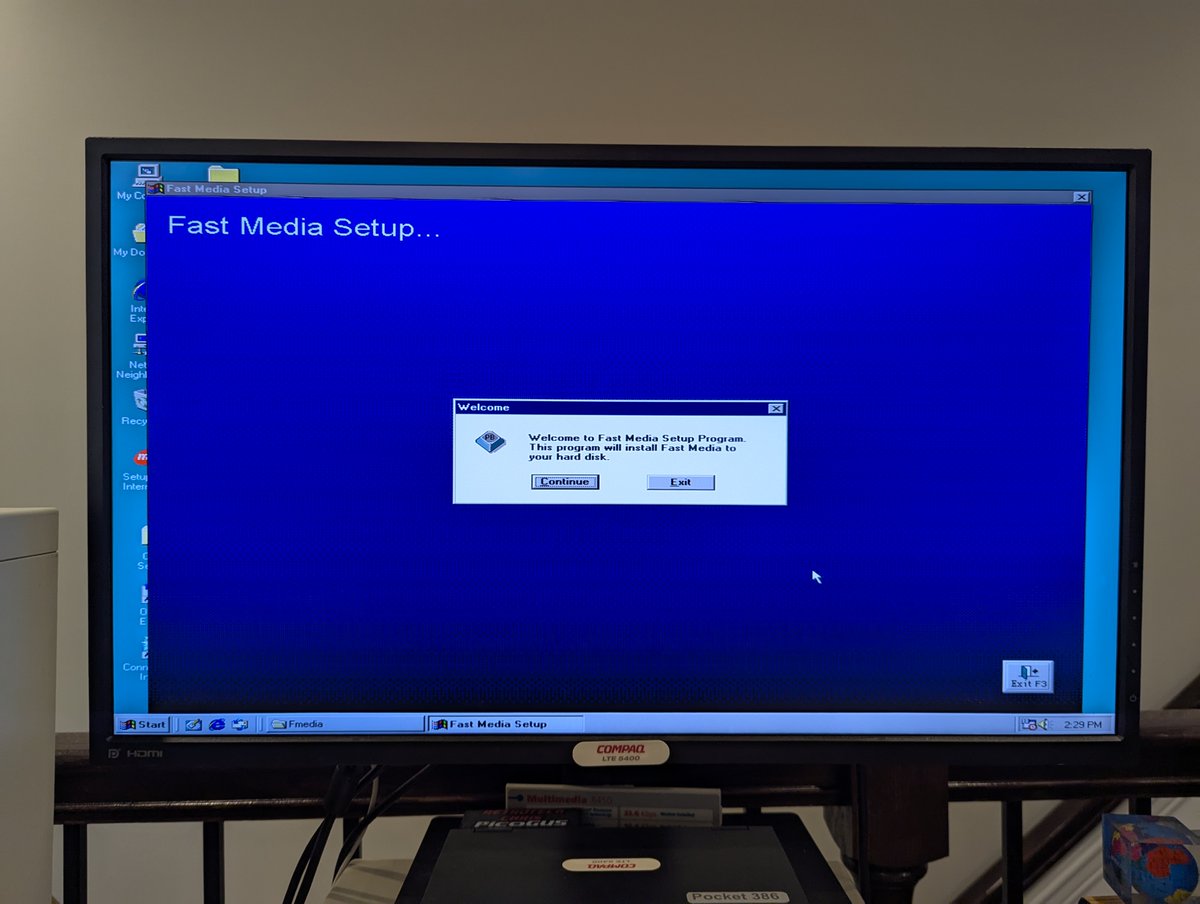
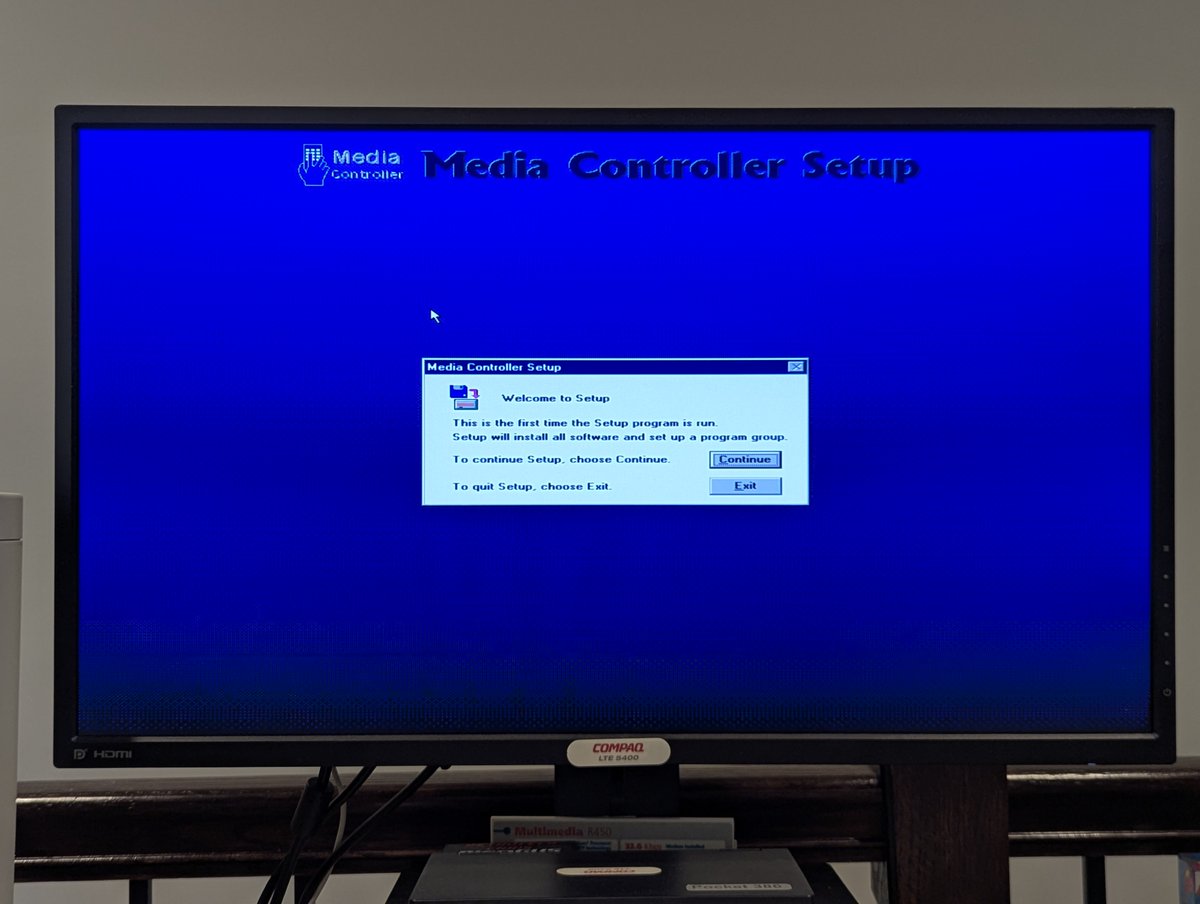
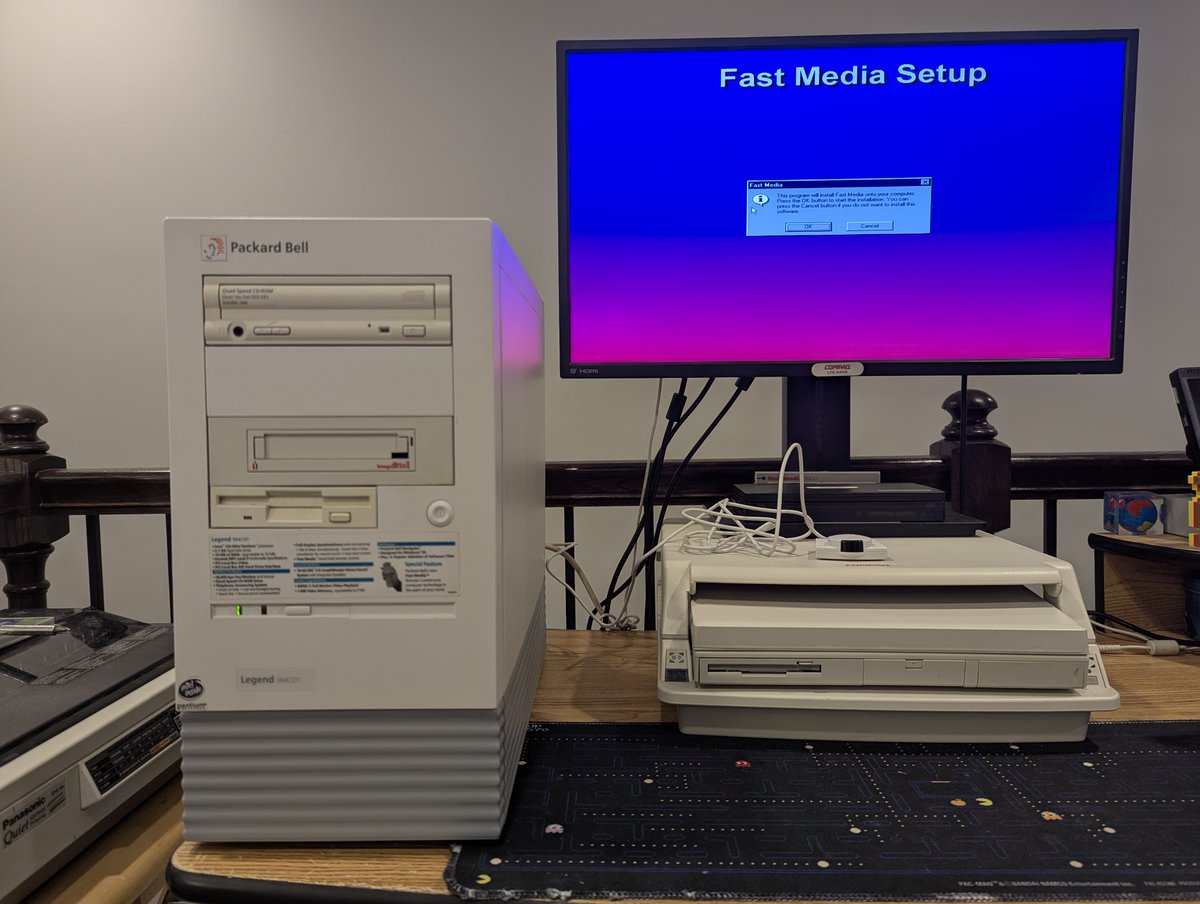
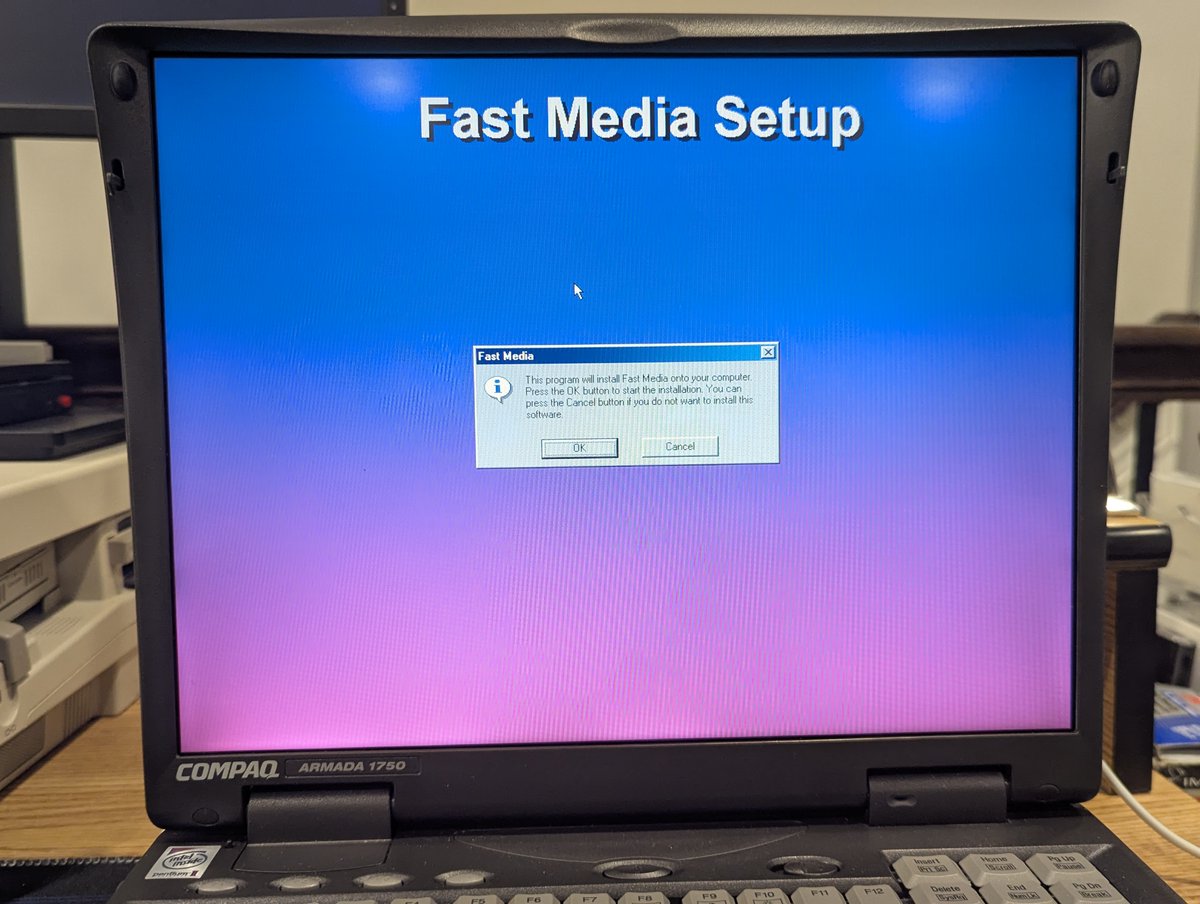
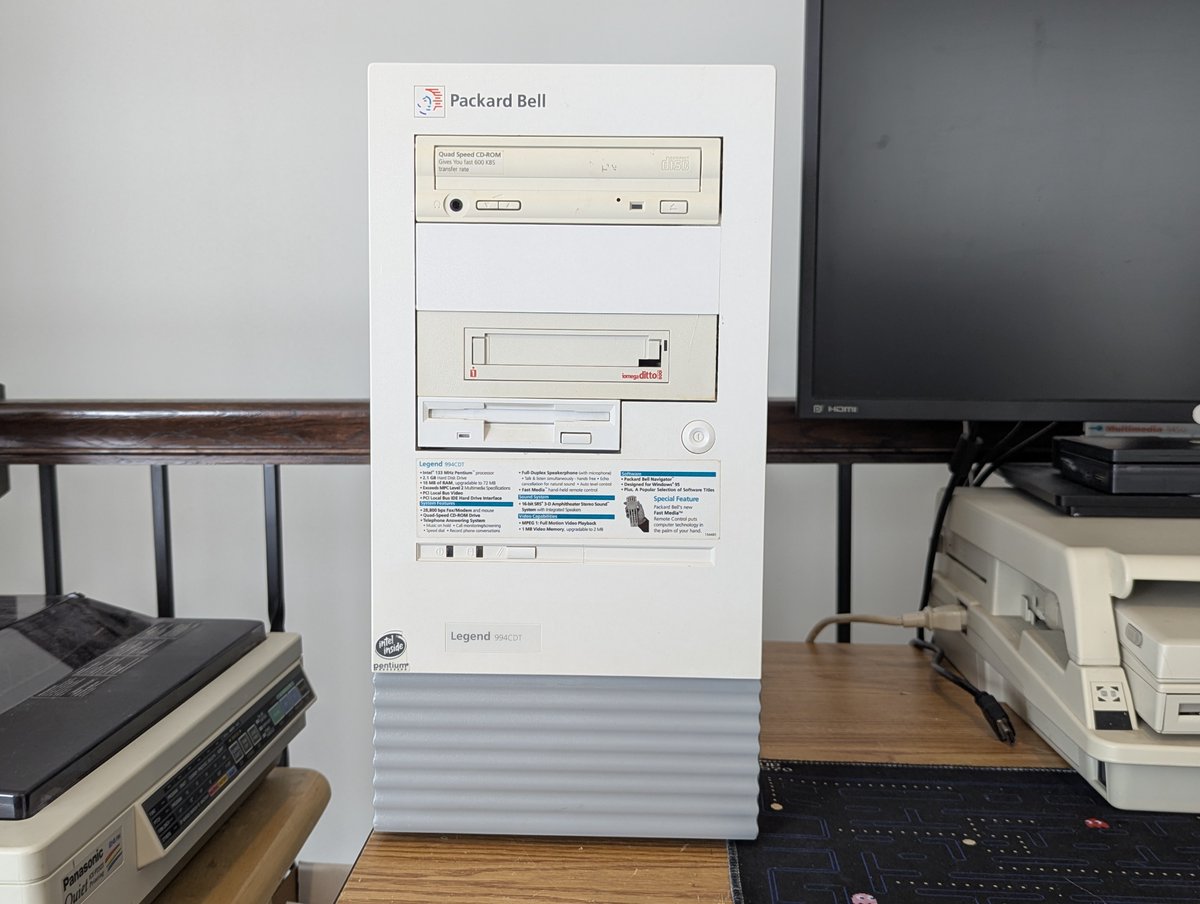
My latest purchase cost me a whopping $1.50 plus shipping. It's a Fast Media Remote Control for my new Packard Bell, and it's kindof neat! Let's talk about it in a 🧵 here!
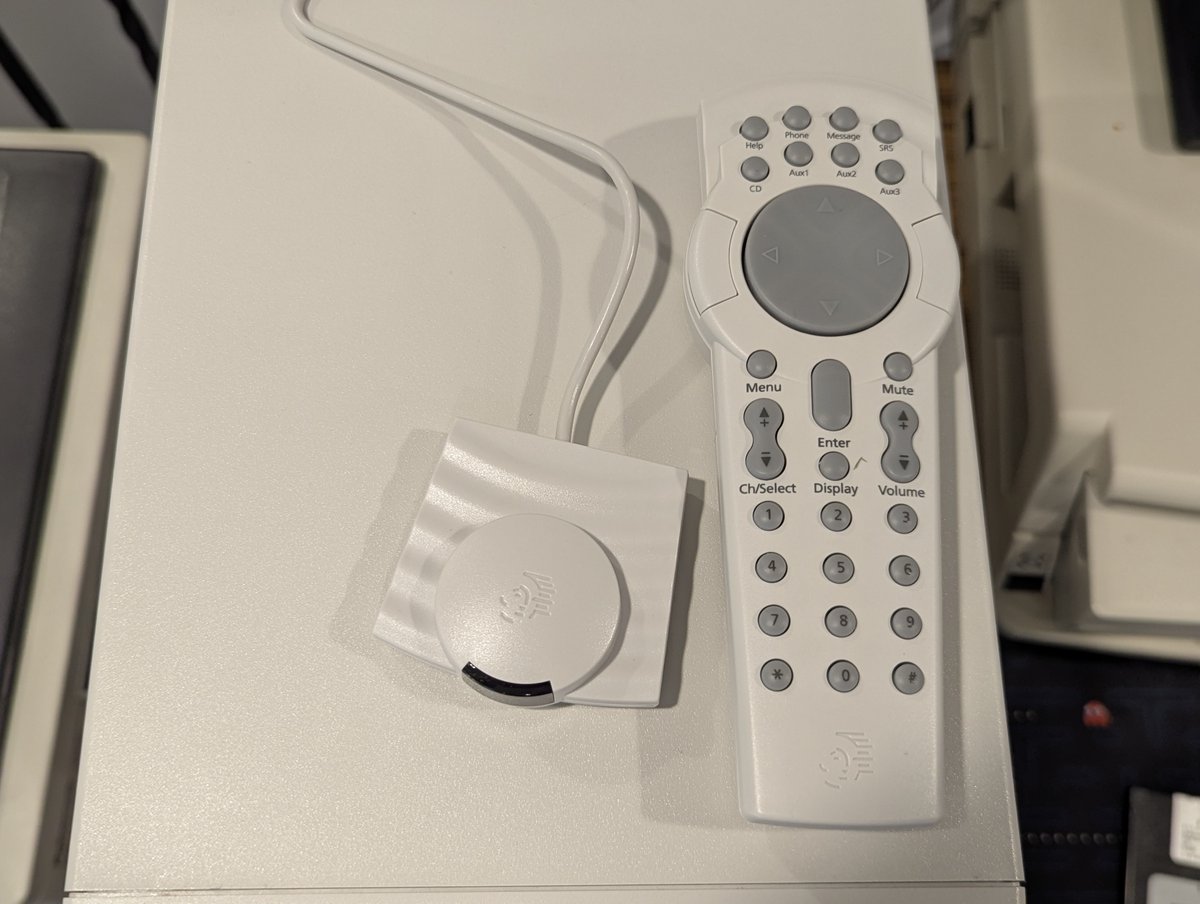
First of all, here it is up close! I received an infrared receiver that connects via the serial port, as well the remote and a manual. And, yes, it really cost $1.50... plus $8 or so to ship. With this remote, you can control the mouse and multimedia applications.
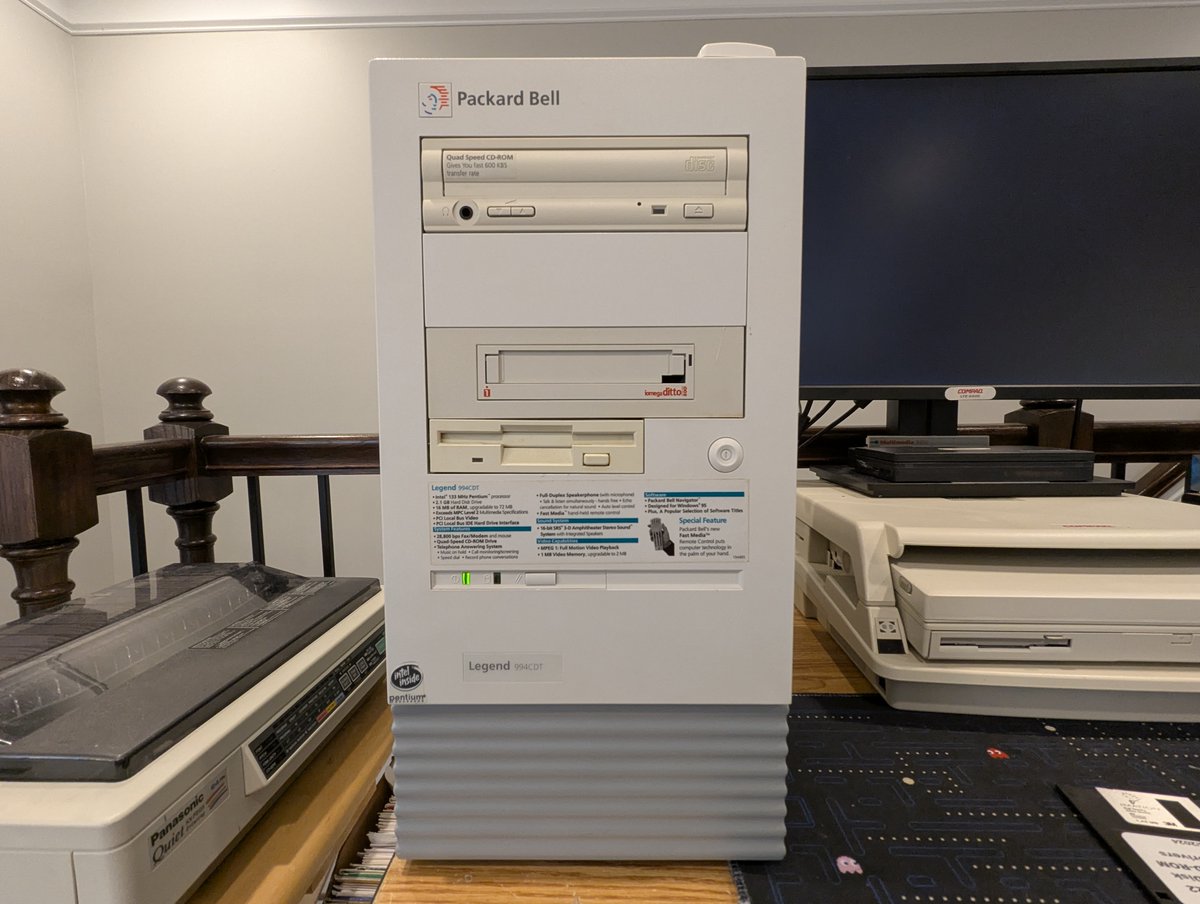
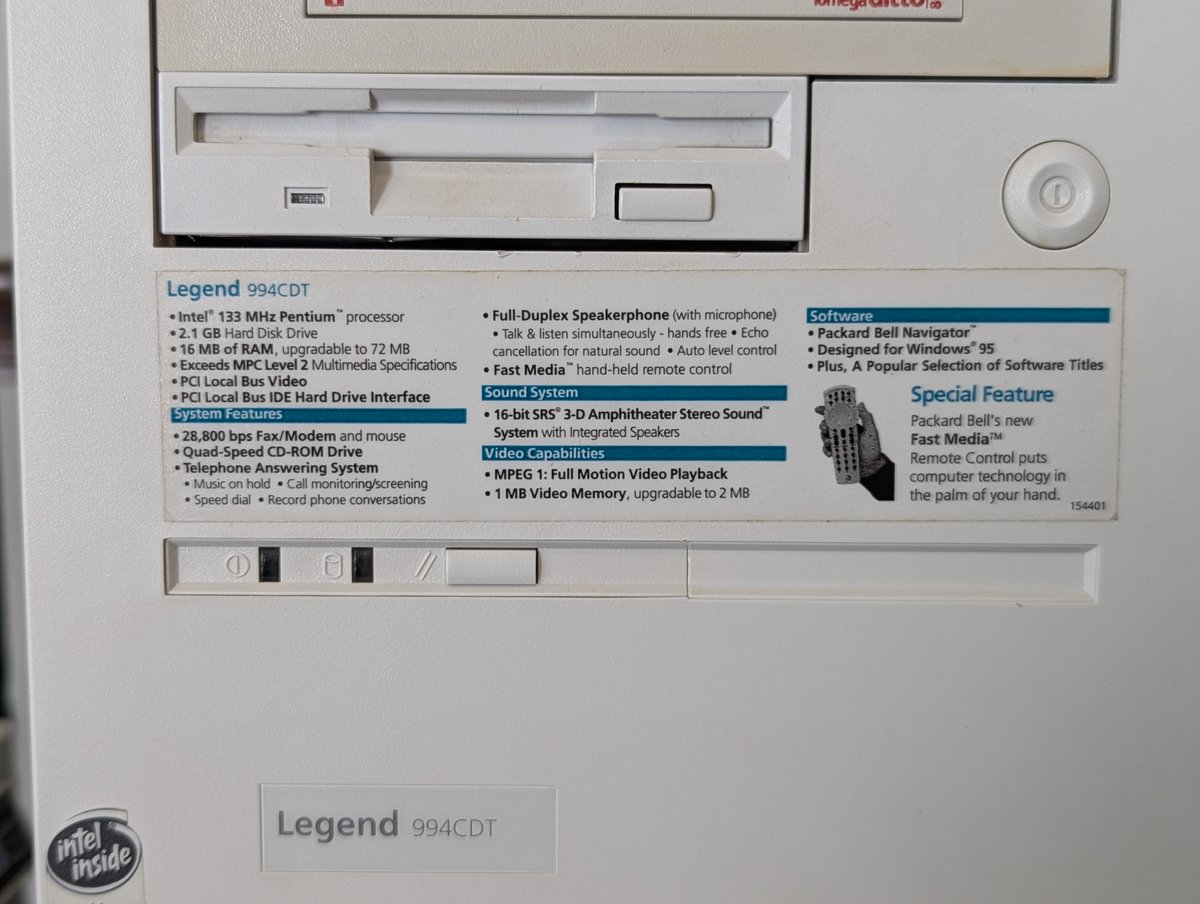
So, what inspired me to buy this? I saw it featured on the sticker on the front of the machine, and got curious!
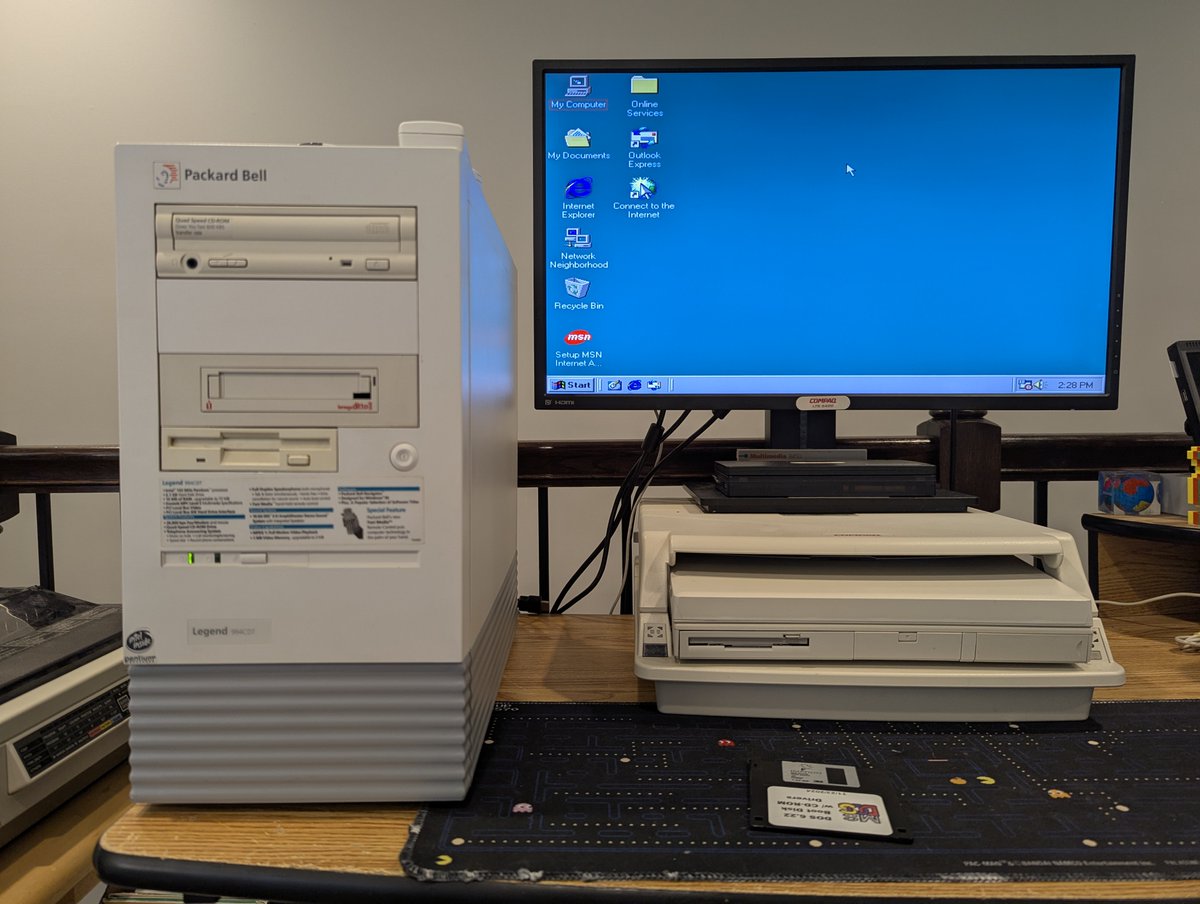
Before trying this out, I took the opportunity to install a clean copy of Windows 98 SE on the Packard Bell, and also adjust the default screen resolution. Looking good!
From there, I found the "FMEDIA" directory on the Master CD that I used recently to install Windows '95 on this system, and installed it! This version worked pretty well, but didn't seem to want to control the volume. Wonder if we can fix that!
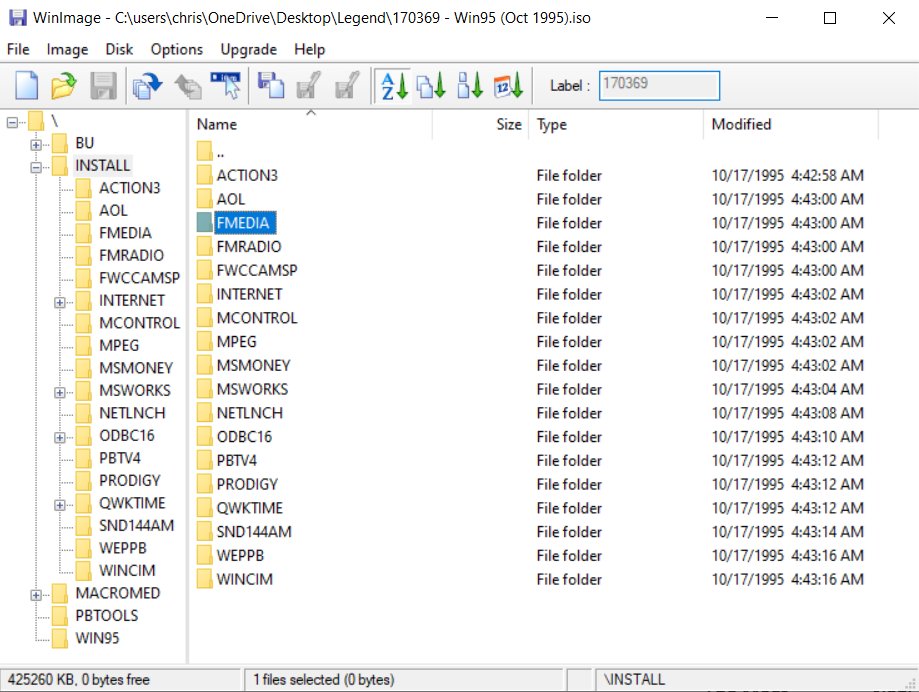
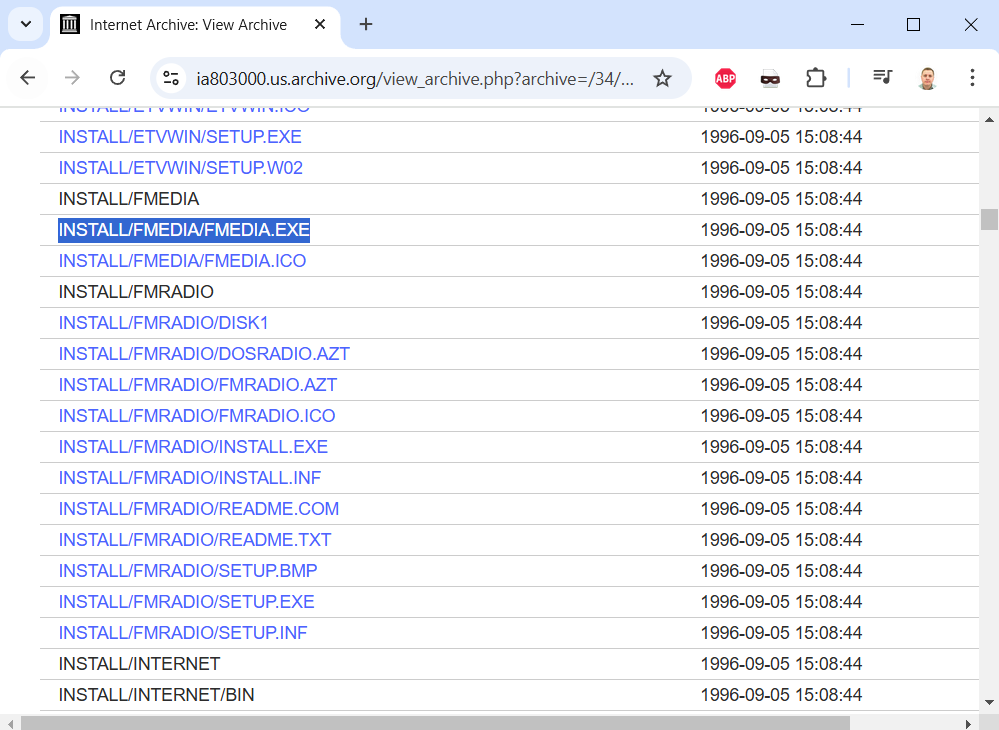
Why... yes, we can.. in a very odd way. What did I do? I found a NEWER Packard Bell Master CD (I went with 170802-03 - Win95A (Sept 1996)) and copied the FMEDIA.EXE installer from it, and ran it. And, yes, I had to install this OVER TOP of the existing install for it to work.
And with that, we arrived at the video you saw in the first post of the thread! Now, I do want to try a few other things, such as using this remote on my Compaq Armada. On first blush, it didn't work, but I will try again. Thanks for following along!
@threadreaderapp unroll
• • •
Missing some Tweet in this thread? You can try to
force a refresh

I figured out how to get my Packard Bell Fast Media remote on my Compaq systems. And the change I had to make is the most Packard Bell thing ever 😂. Let's talk about it in a brief 🧵 here.
So, first, throwback to yesterday where I left off a thread saying I was working to get this going on my Compaq Armada 1750. That's the context!
And from there, we had to install two versions of the Fast Media Software... Here was the first one: x.com/RetroTechChris…... and here was the second one: x.com/RetroTechChris…. This rings true for the Compaqs as well.
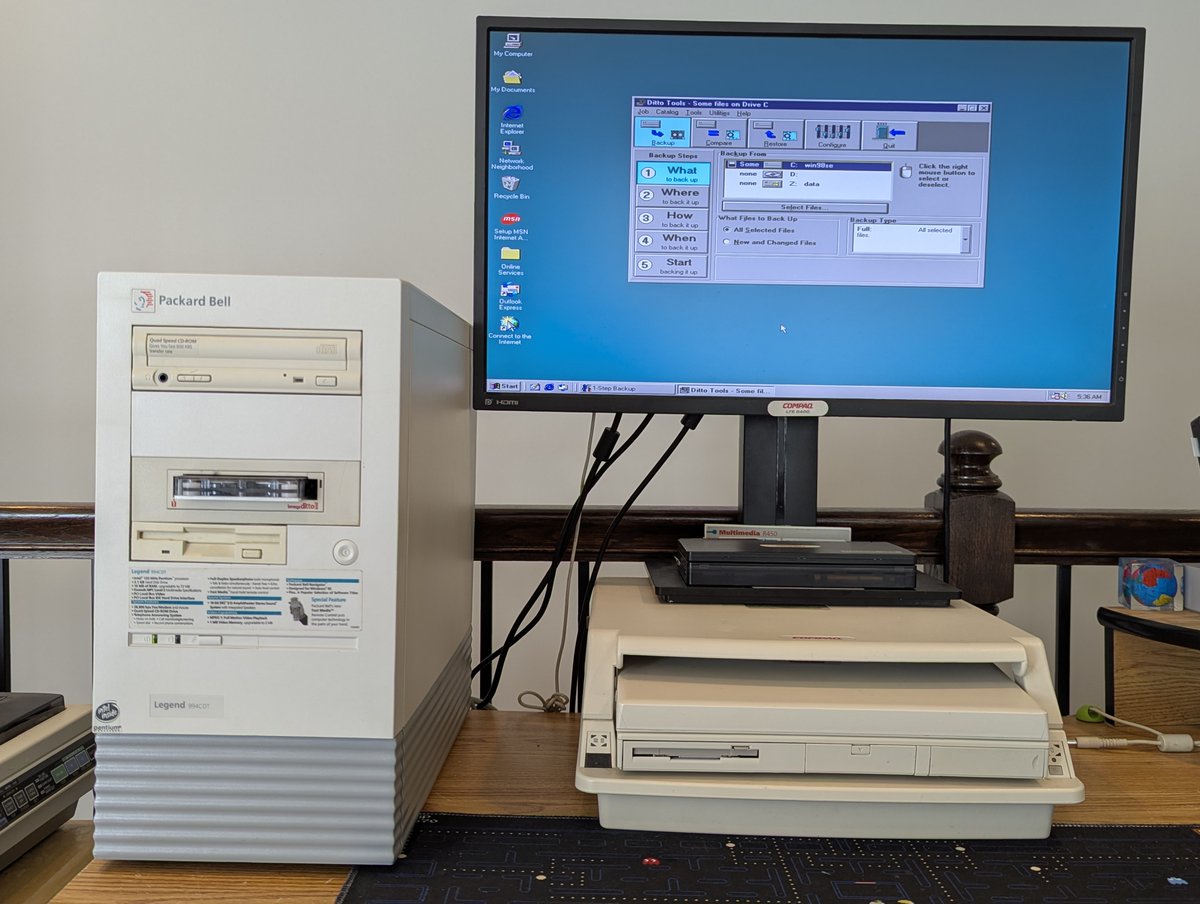
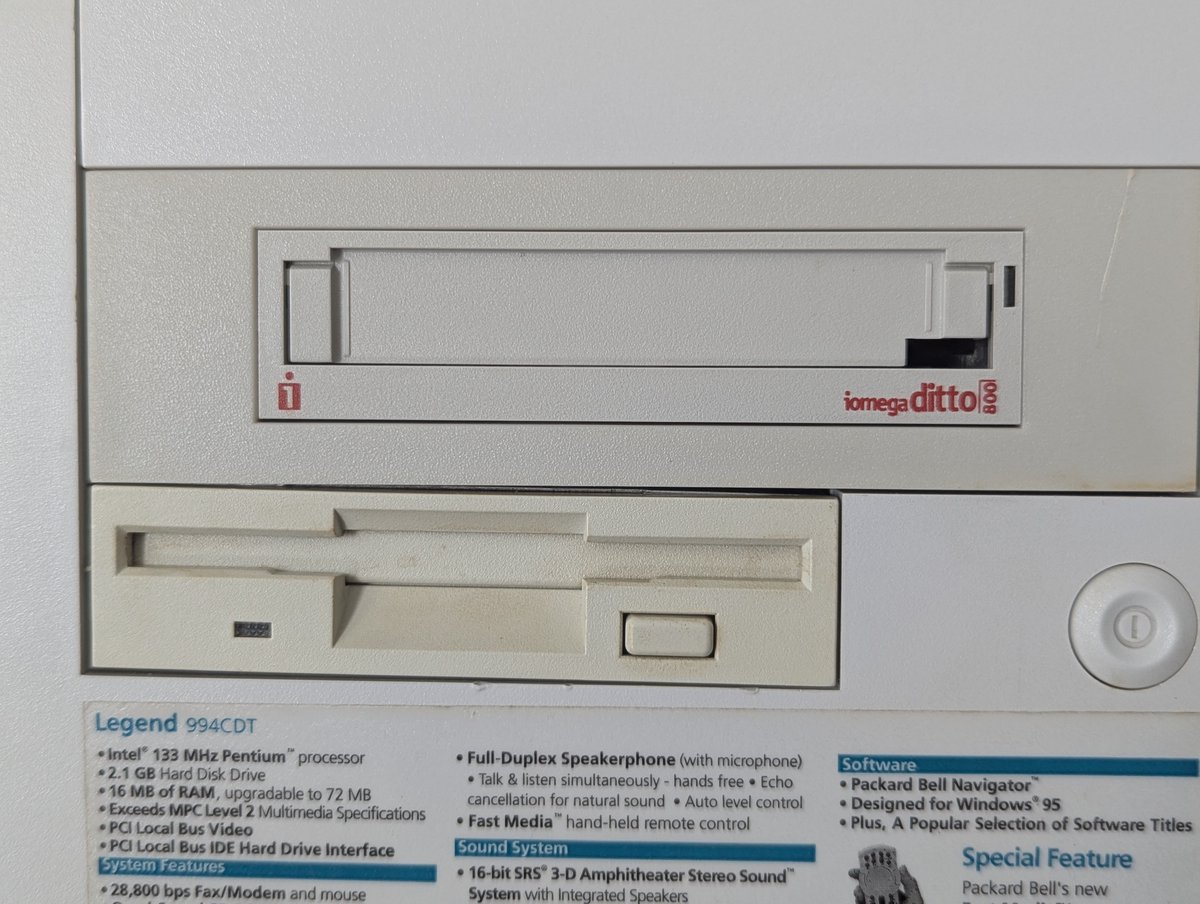
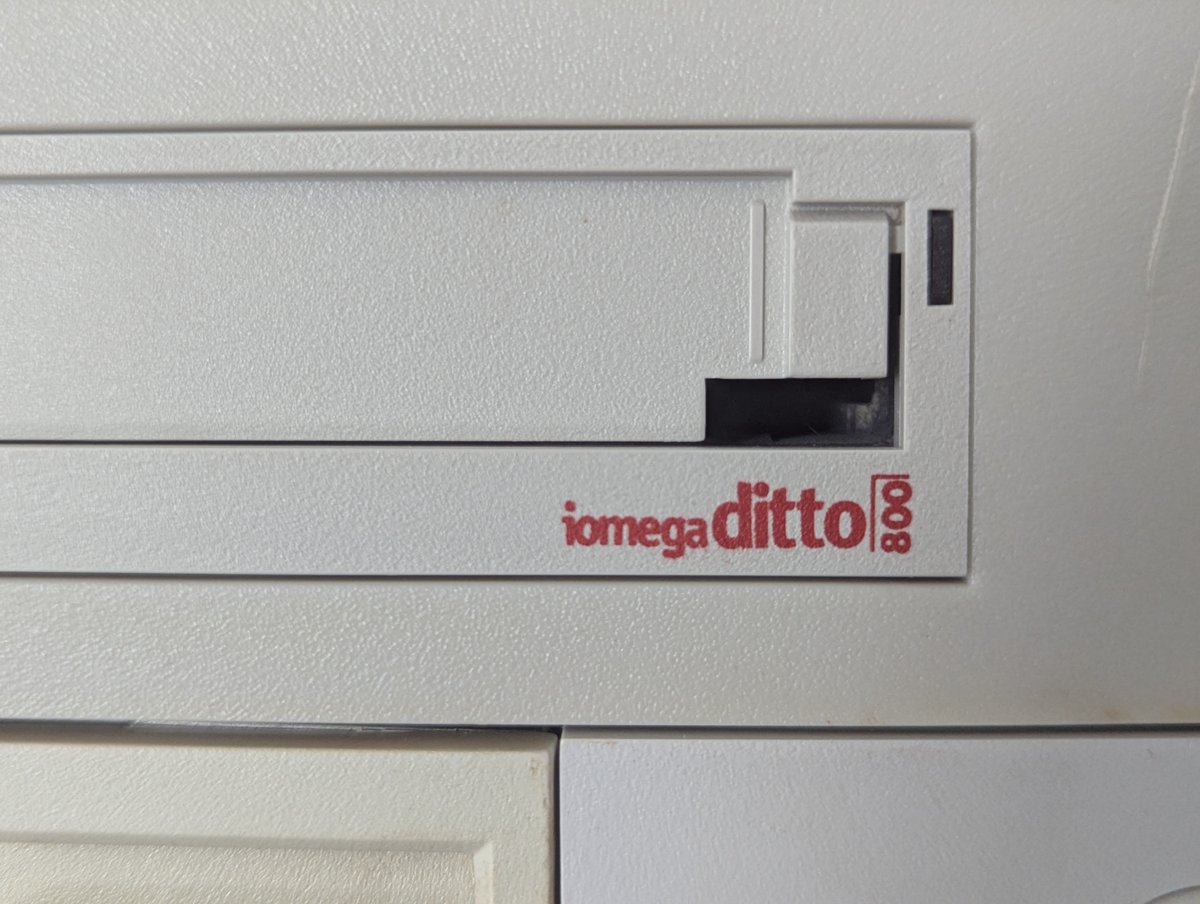
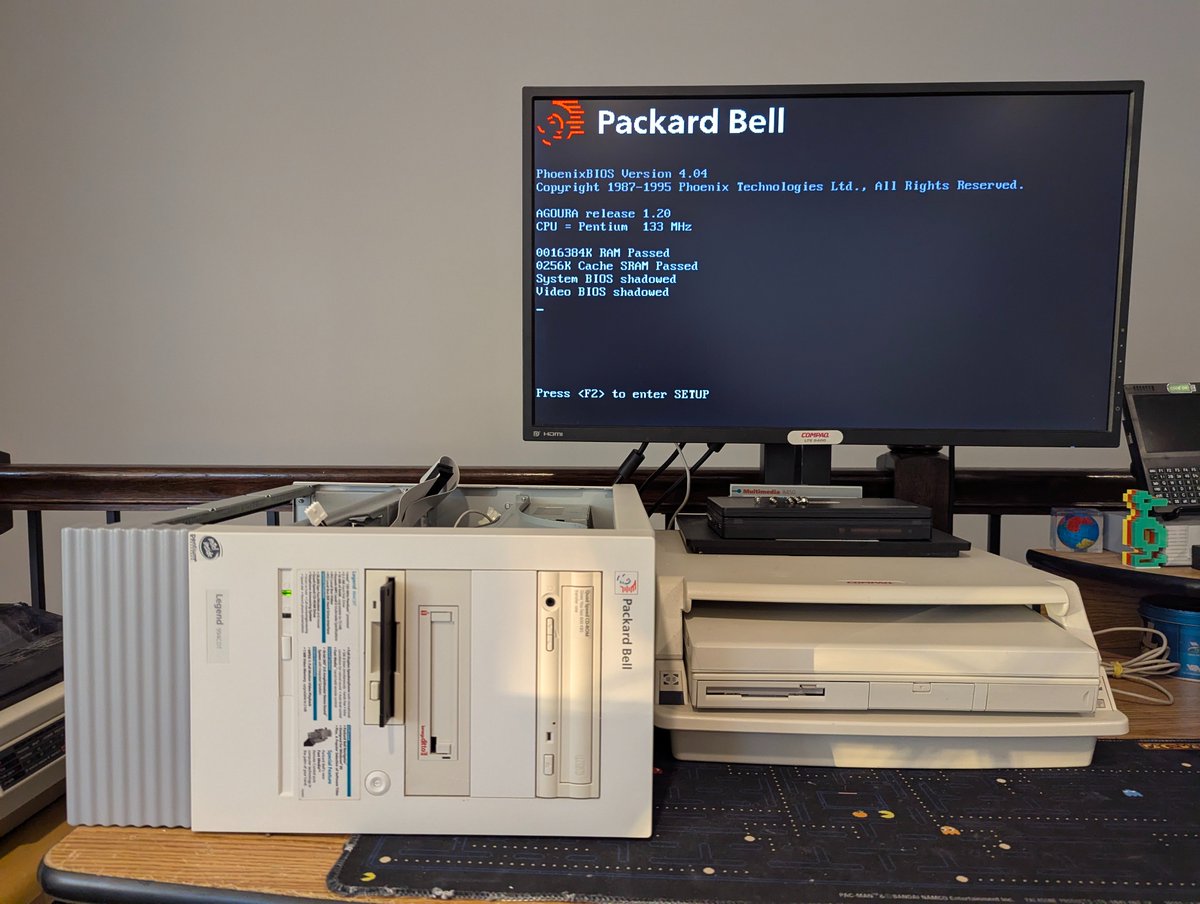
My "new" Packard Bell Legend 994CDT has an Iomega Ditto 800 tape drive. I decided to check it out this morning, but things didn't quite go to plan. Let's talk about it in a 🧵 here.
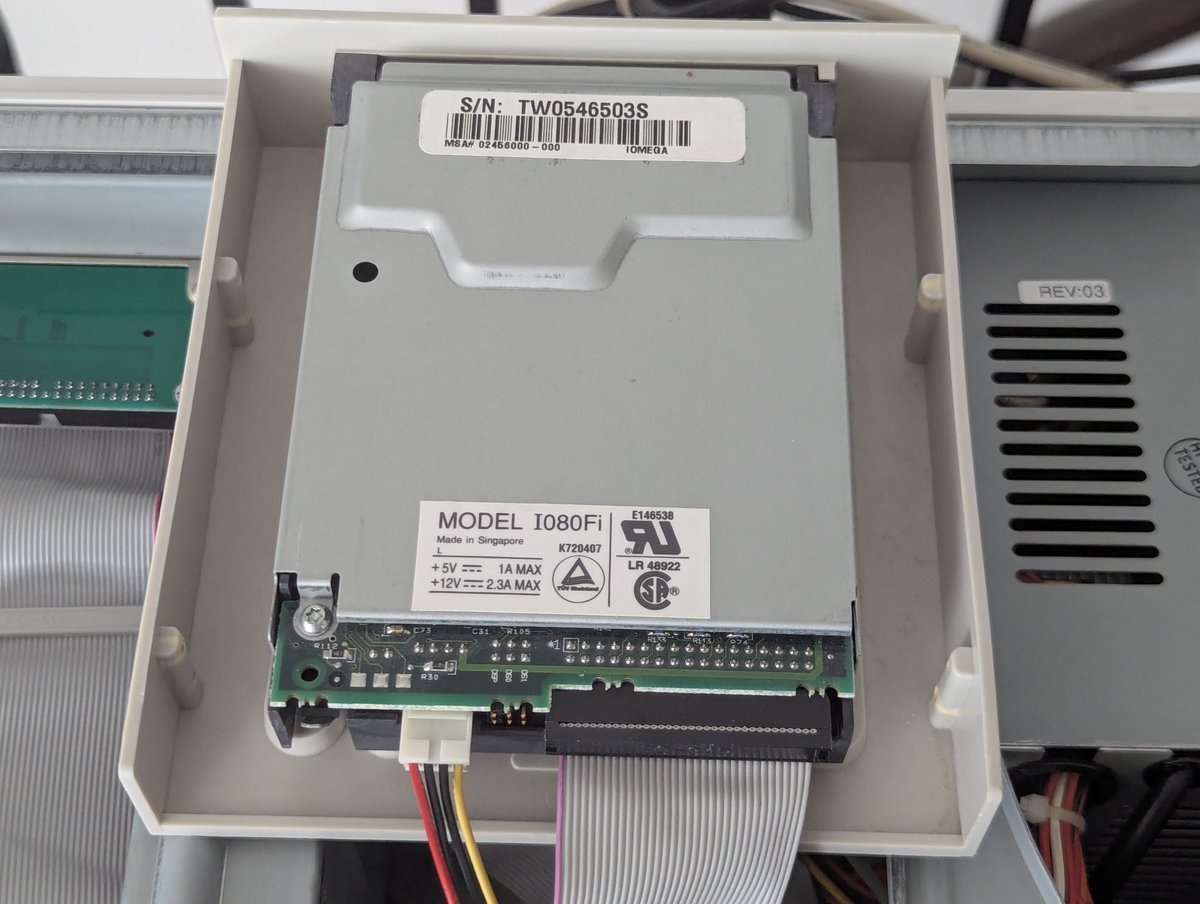
Here's the drive itself. It can fit into either a 3.5" or 5.25" drive bay. The drive itself is marked with the identifier IO80FI. It plugs into the floppy controller or an Iomega Ditto Dash ISA accelerator card if you have one!
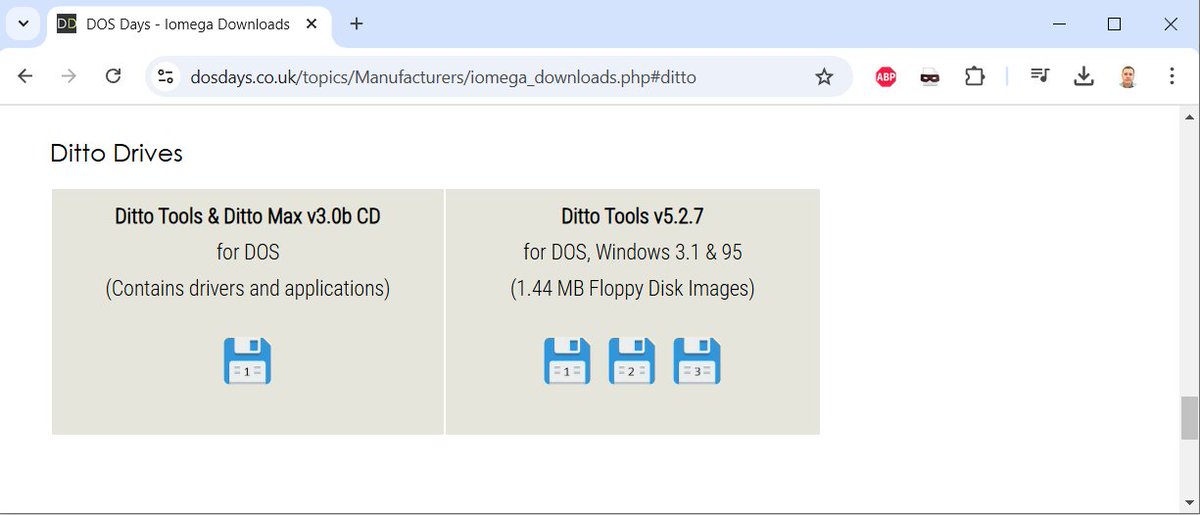
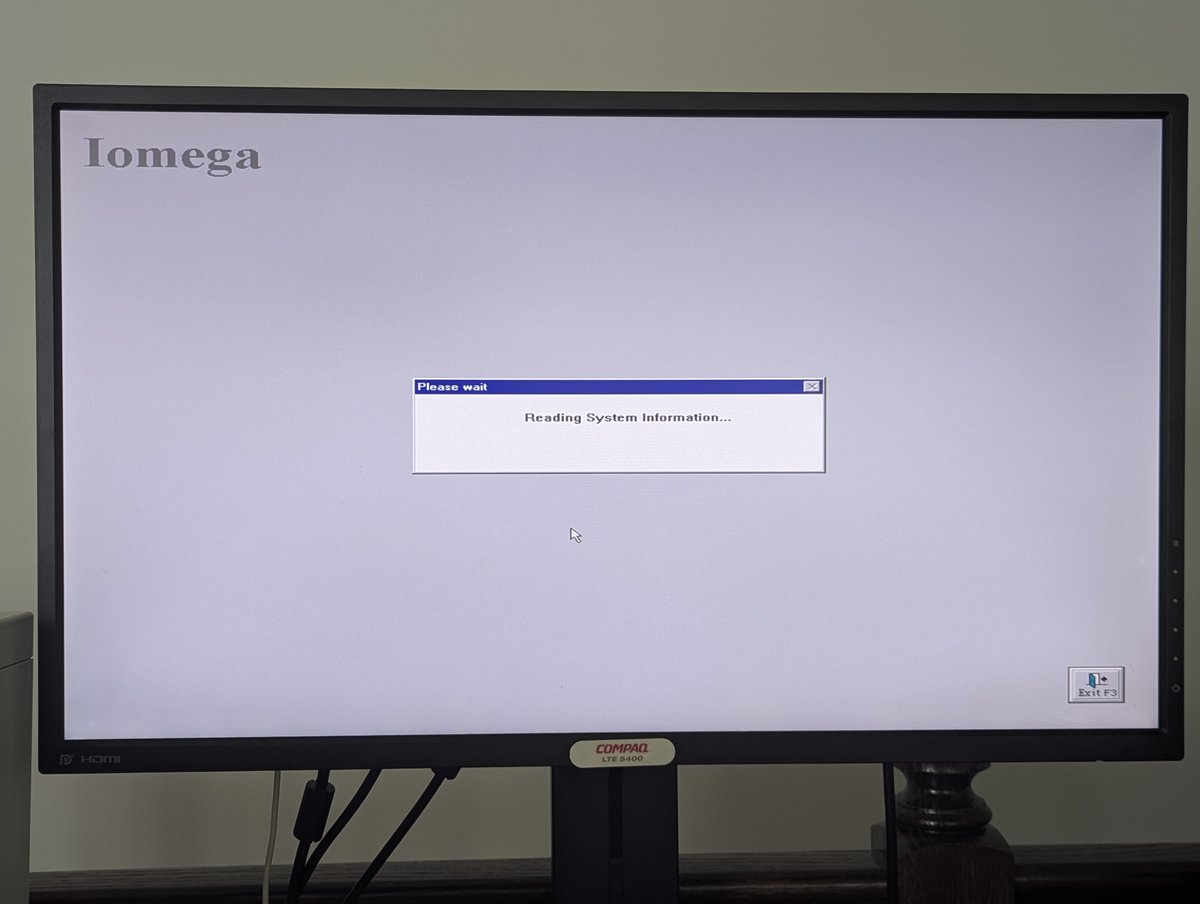
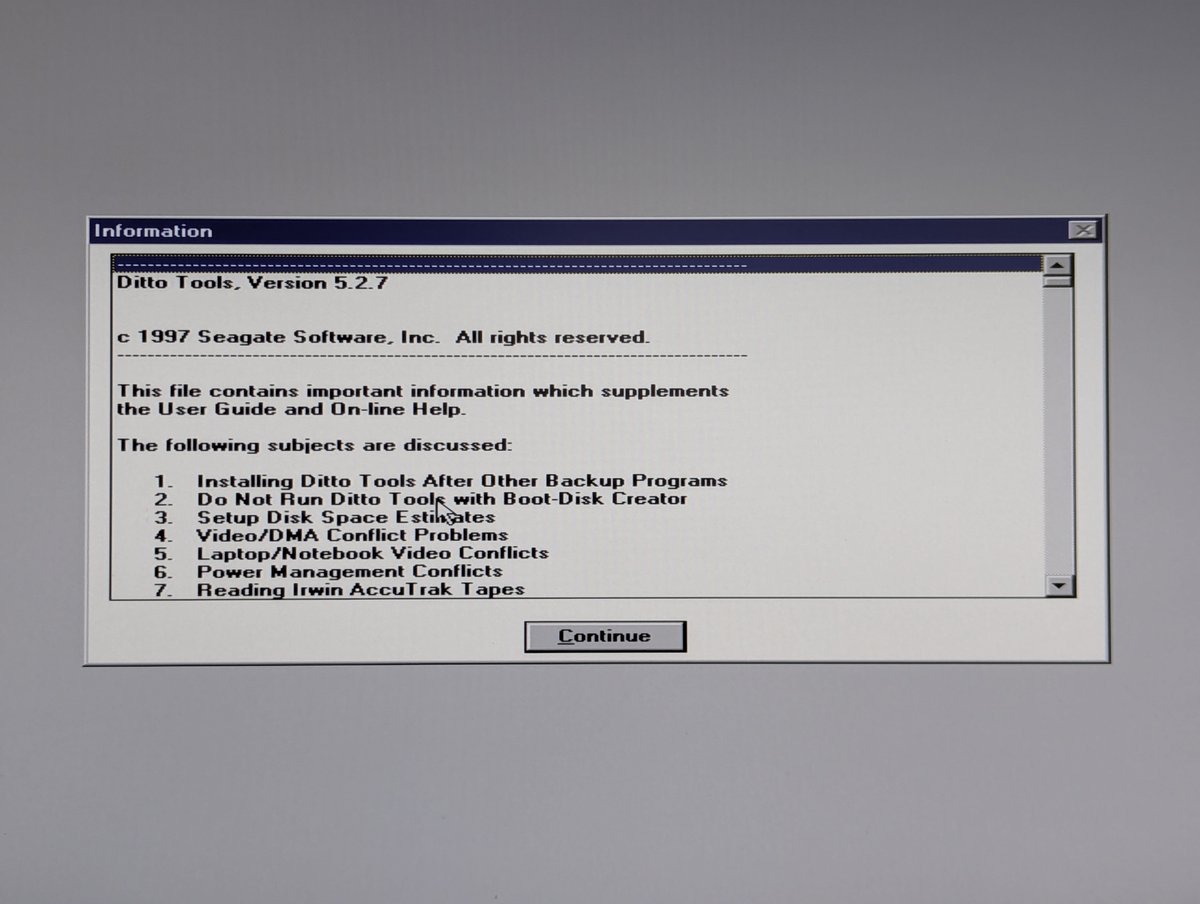
I found Ditto Tools 5.2.7 online and started to install them. This has got to be the most "bland" Iomega installer I have ever seen. When I got to the end I realized why: this software appears to be put together by Seagate and not Iomega!
A few days ago, I posted about a $30 Packard Bell Legend 994CDT for sale on Facebook Marketplace. Well, apparently, I just had to have it 😂. I've been toying with it for the past few days, let's talk about what I have learned about it so far in a 🧵 here!
So, first, the specs. Here they are, minus the hard drive, which is fine. I don't have the remote, maybe there is one out there! But yea, this is a nice Pentium 133 MHz system with 16MB of memory.
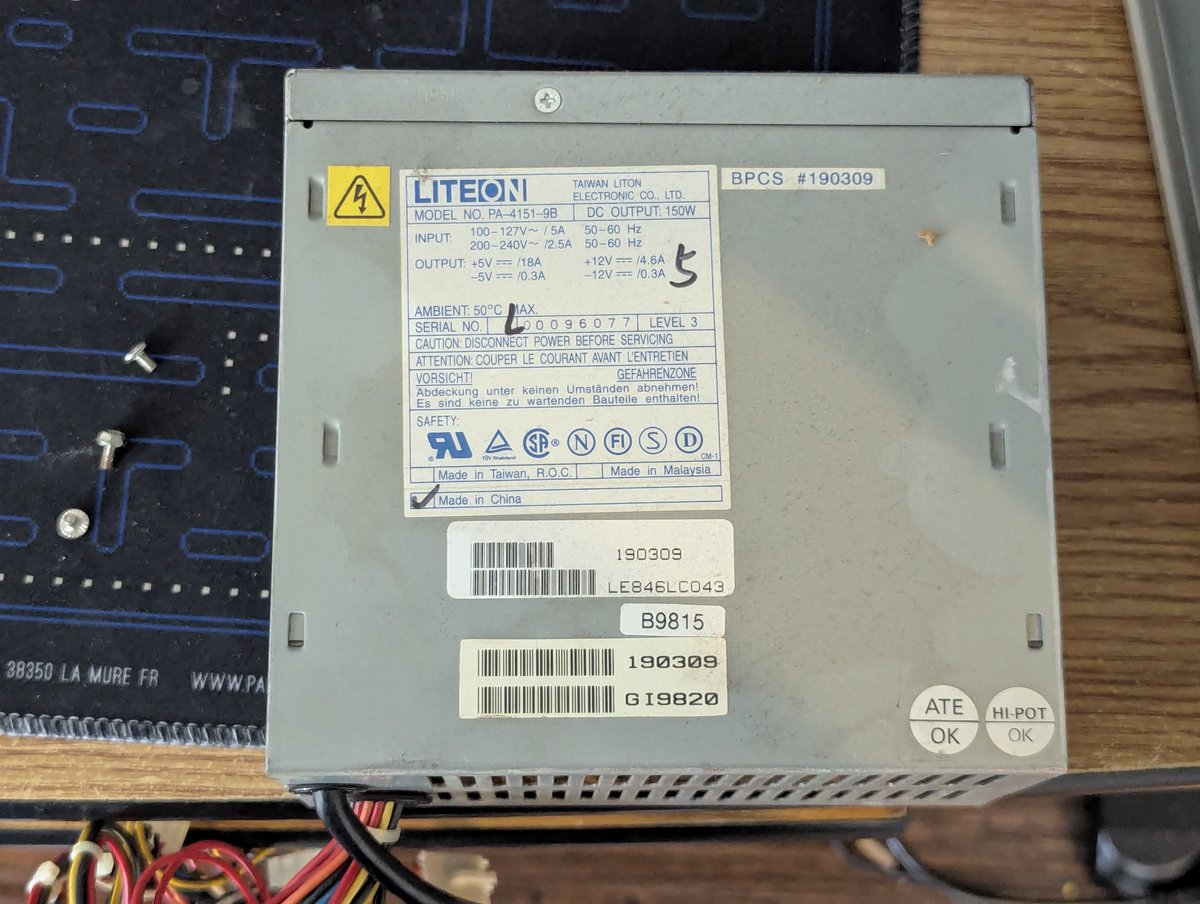
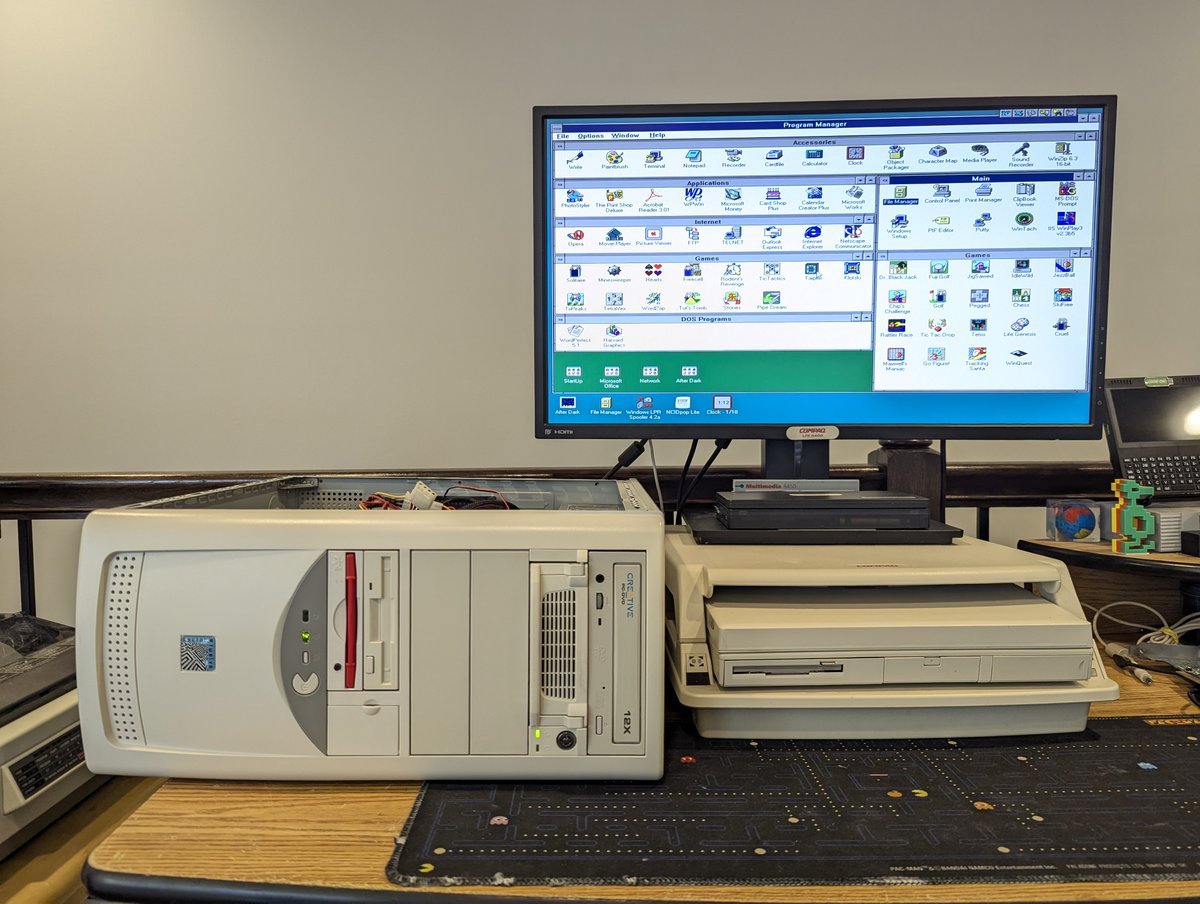
This was missing a power supply. I figured "might as well pull one from its "cousin that I have that I posted about a few minutes ago 😂
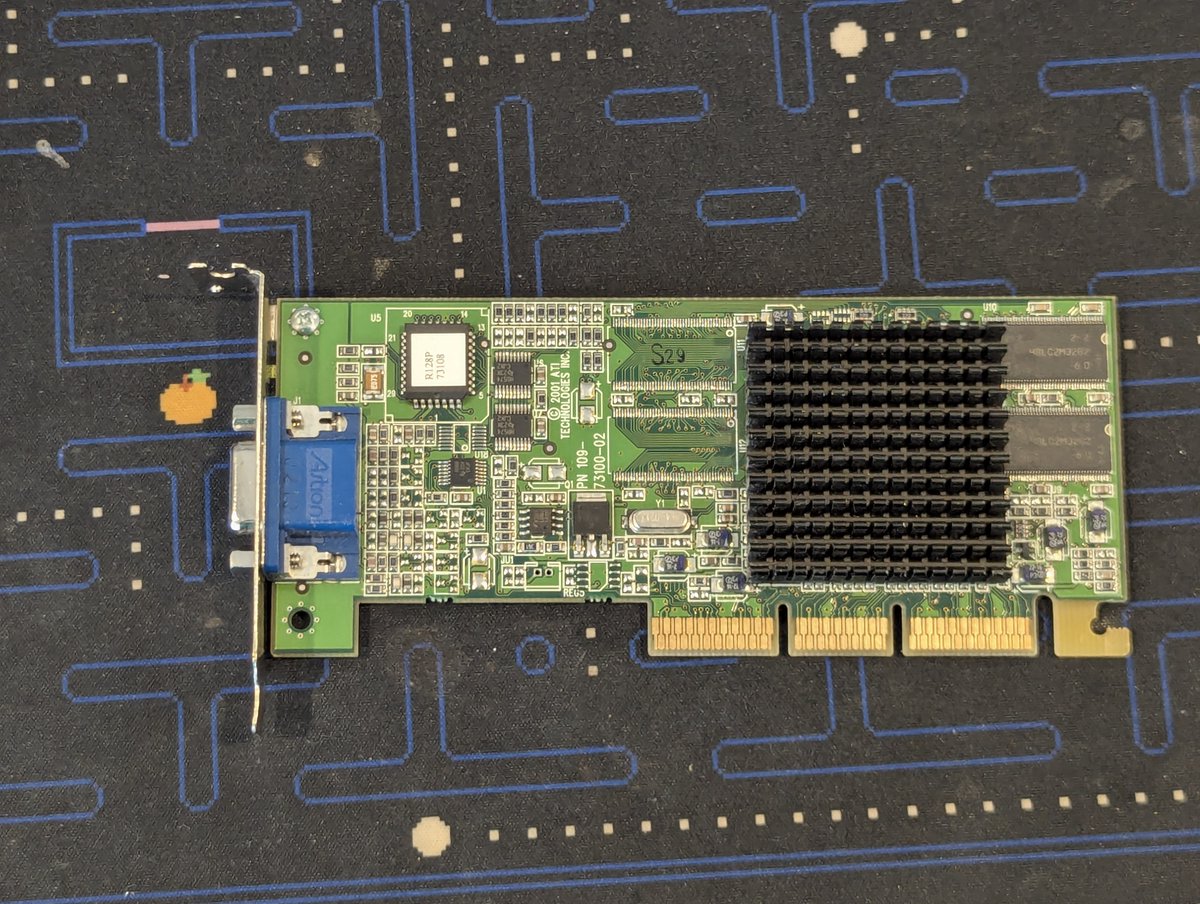
I picked up a half height ATI Rage 128 AGP card a few weeks back for potential future use! And it might meet my use case! Let's talk about it in a 🧵 here!
So, first of all, the reason I bought it is for potential use with an ITX Llama board that I ordered a little while back. If I decide to put this thing in a compact case, I'd need a half height card. I'm just keeping my options open 😂
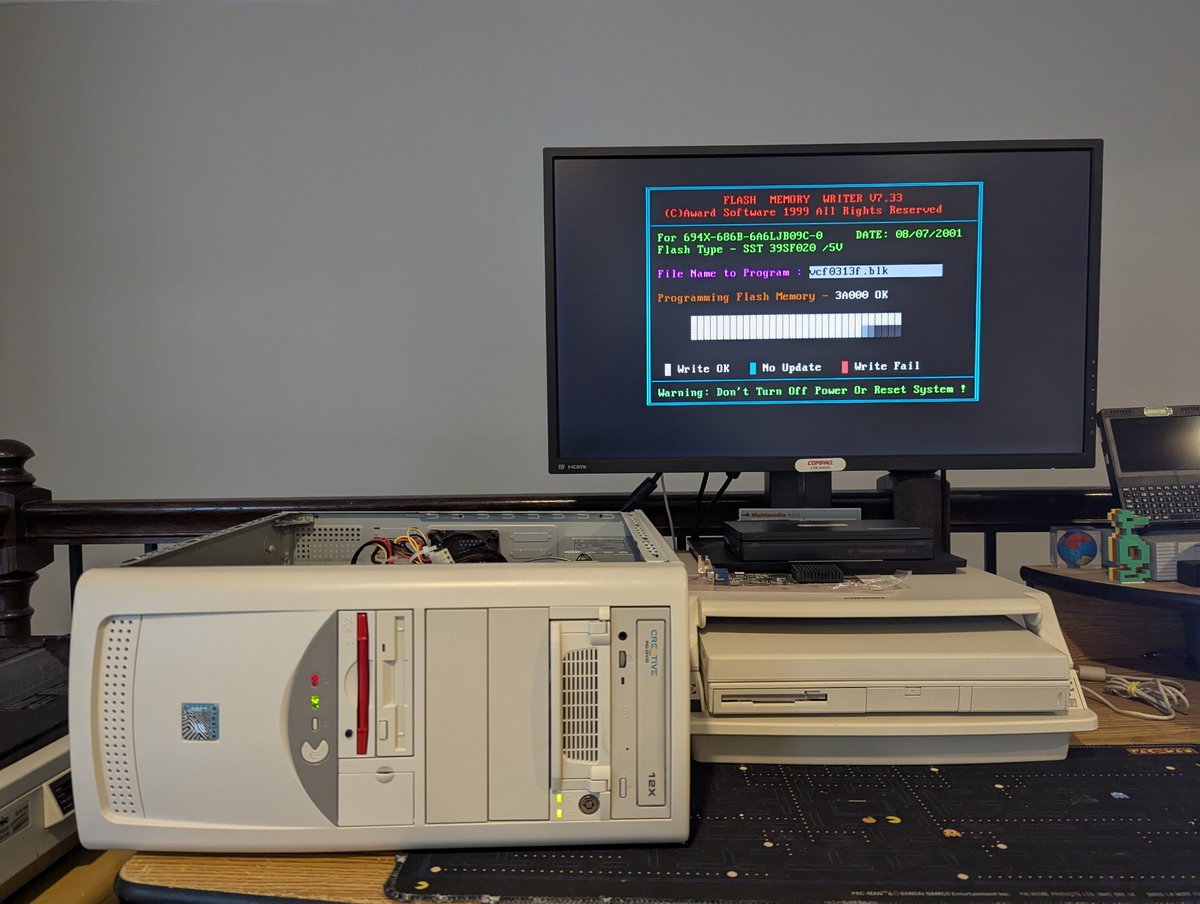
Anyway, as you saw in the opening shot, I'm going to test this in the Pacman PC. I made a "backup" copy of the OSes I plan to test this with: DOS/Win3.1x, Win95, and Win98. I suspect these will be the OSes I run on the ITX Llama. I also had to remove the bracket from the card.
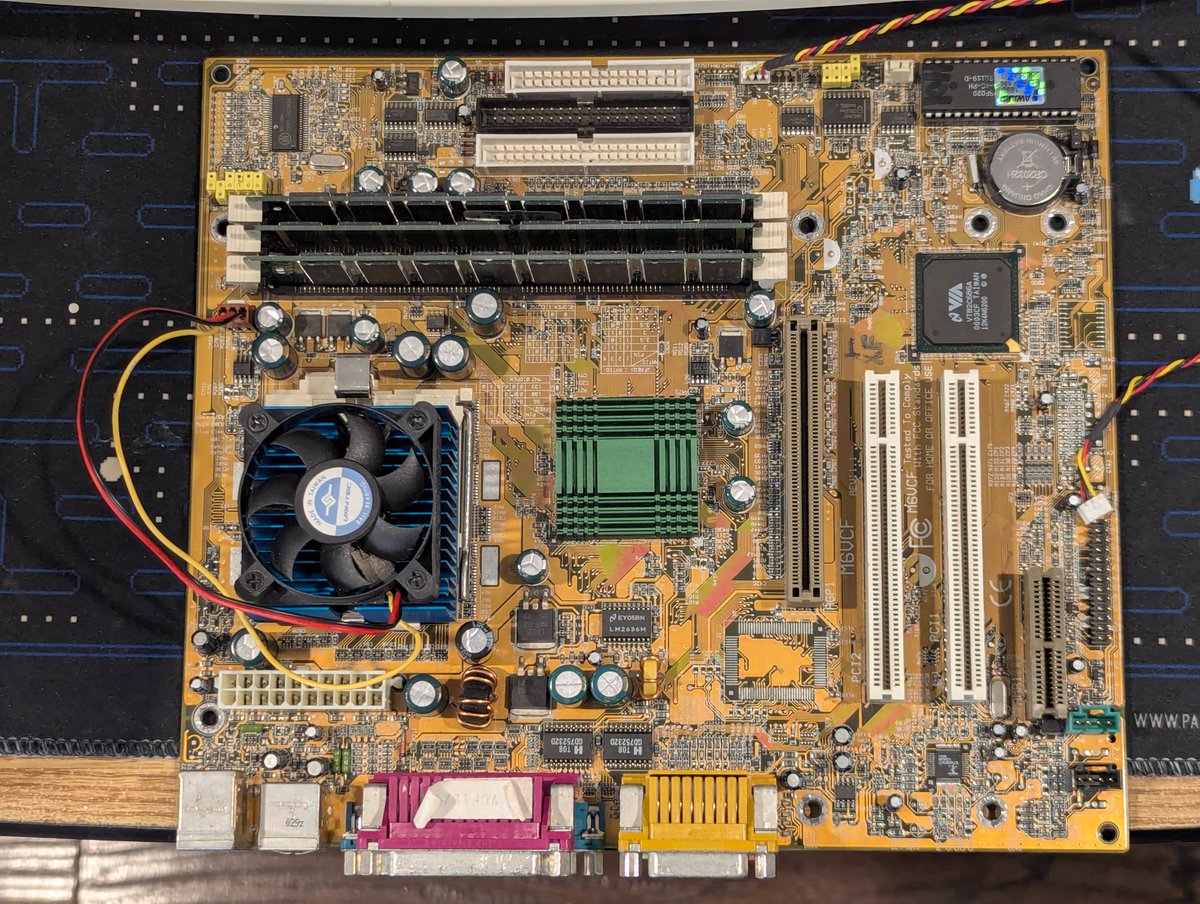
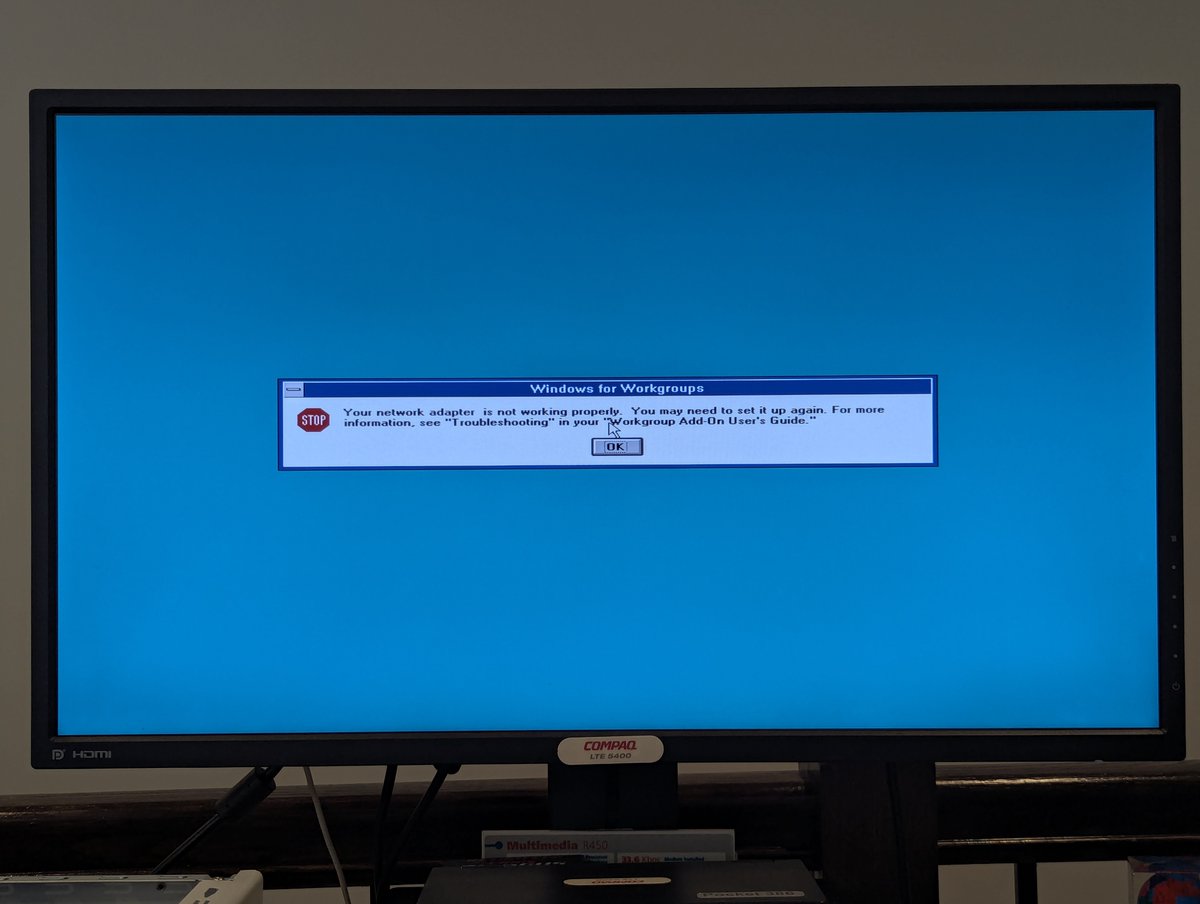
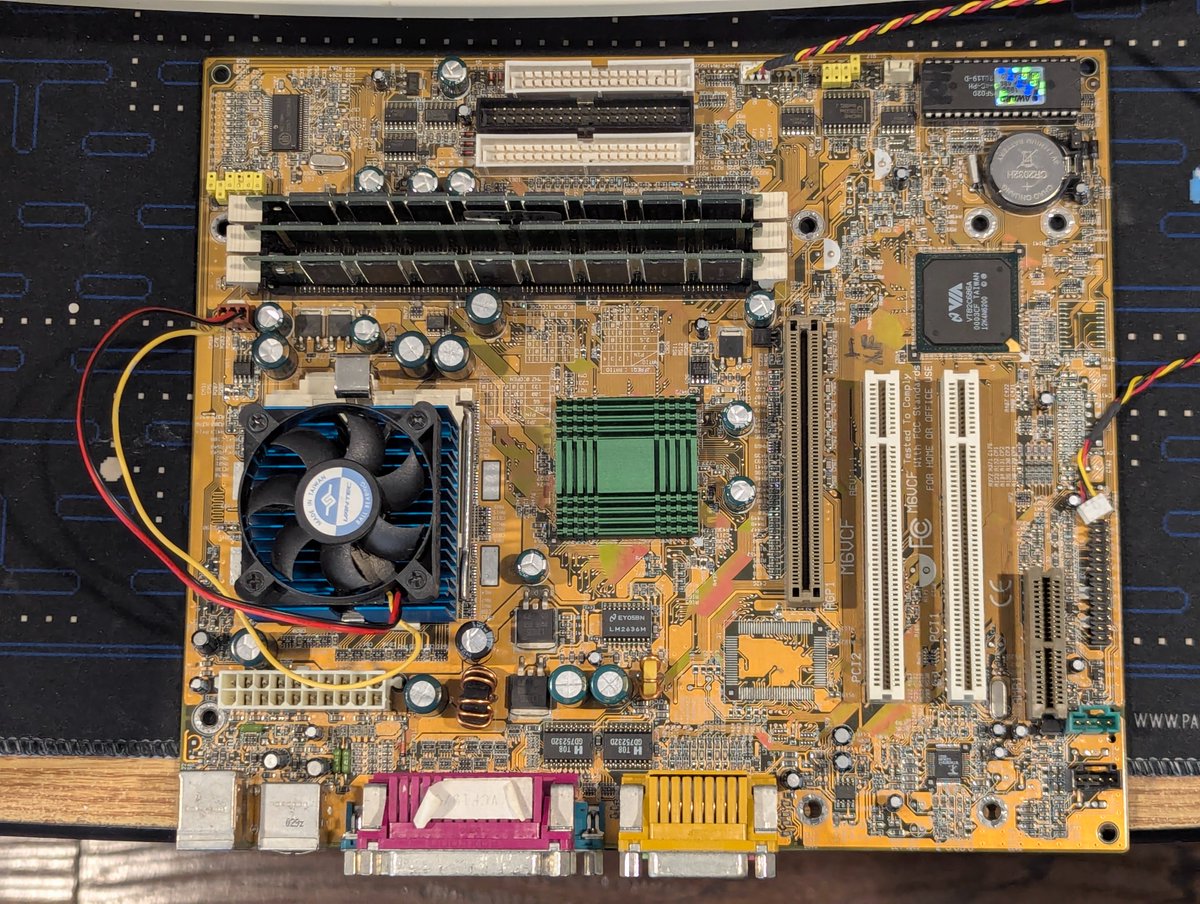
There's something wonky going on with the second PCI port on the motherboard in the Pacman PC. I've tried a few things, but I bet this board needs a recap. Let's talk about it in a 🧵 here.
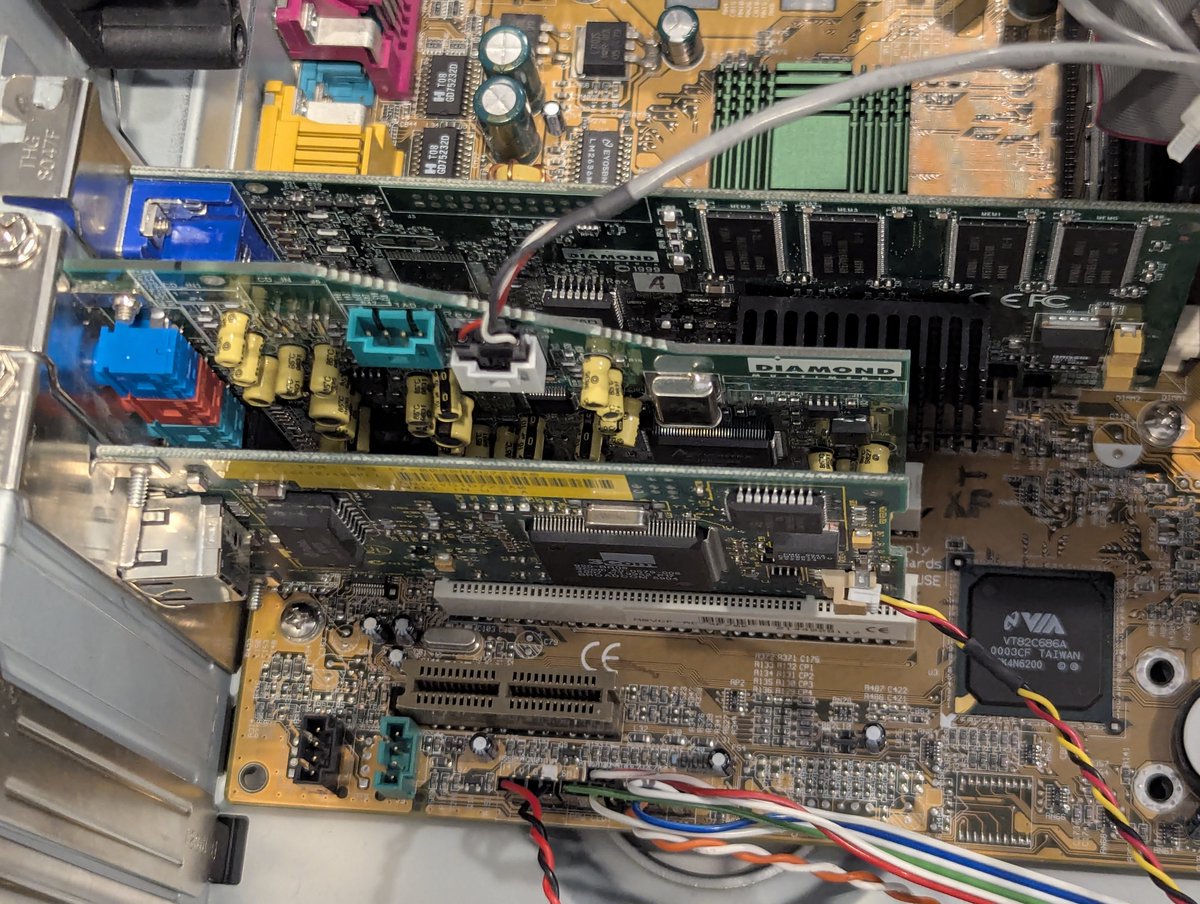
So, as you saw from my first photo, there are two PCI slots. I have a 3Com network card and a Aureal Vortex AU8820 sound card for Windows 3.11 sound compatibility. But when I move either card into the second slot, more than not, it ceases to work.
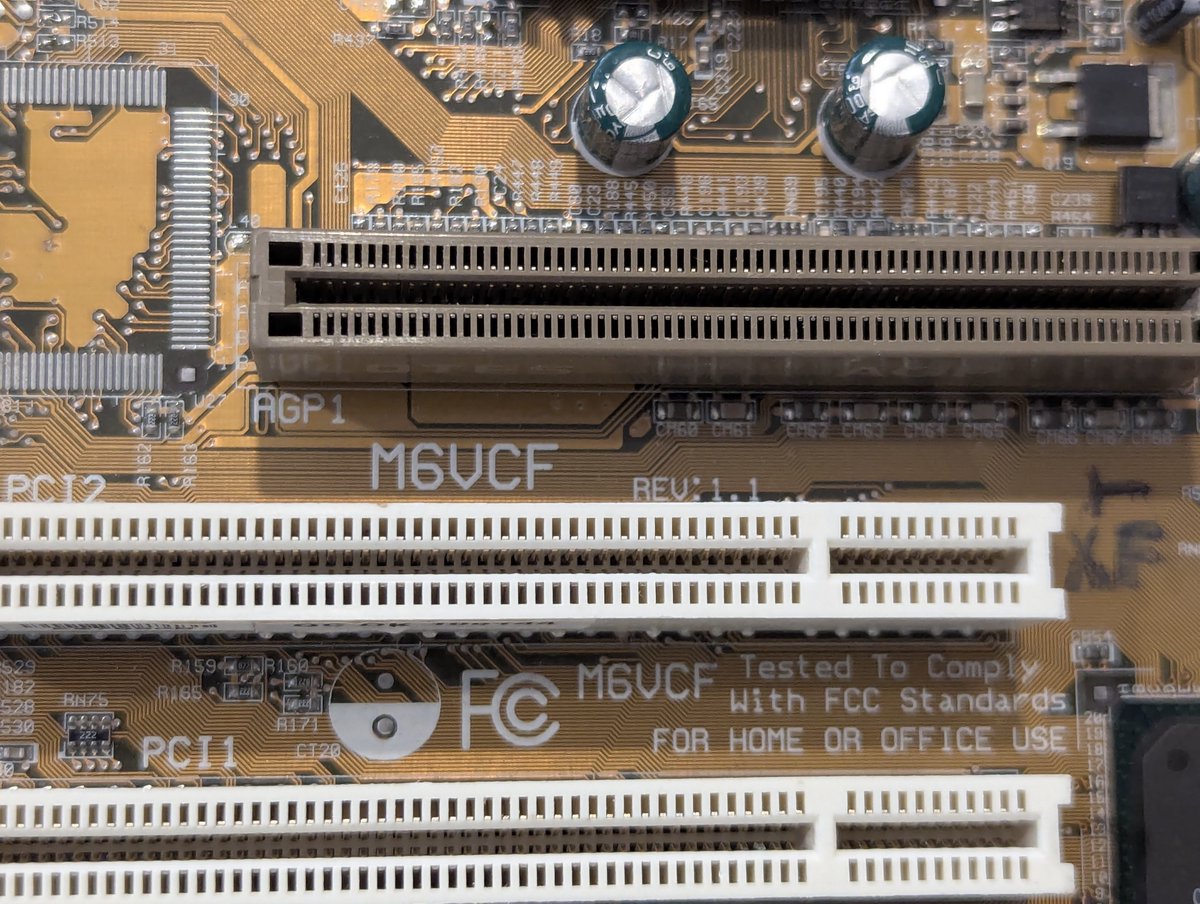
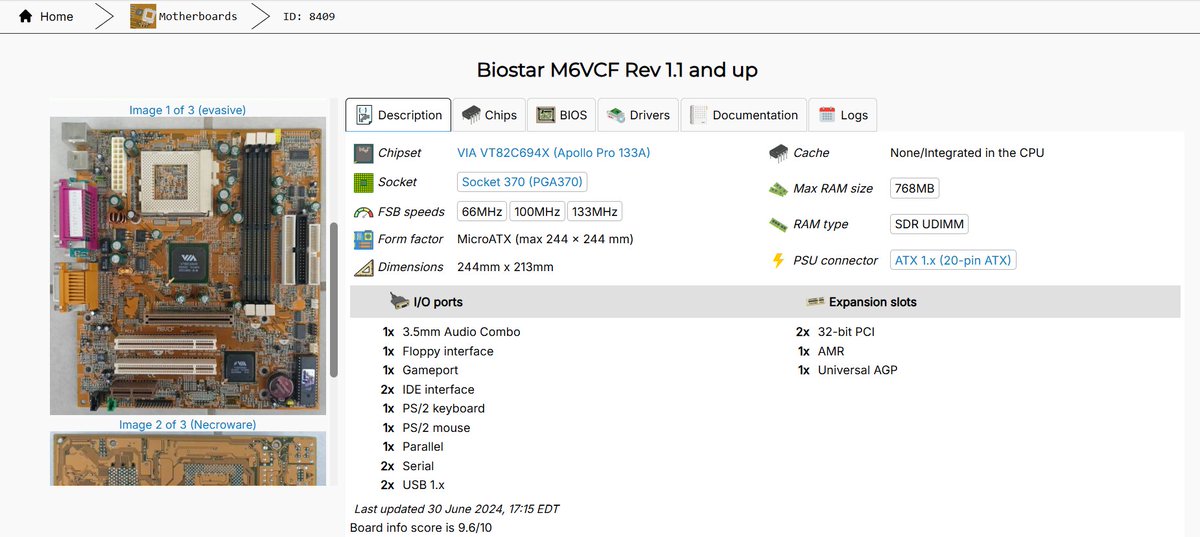
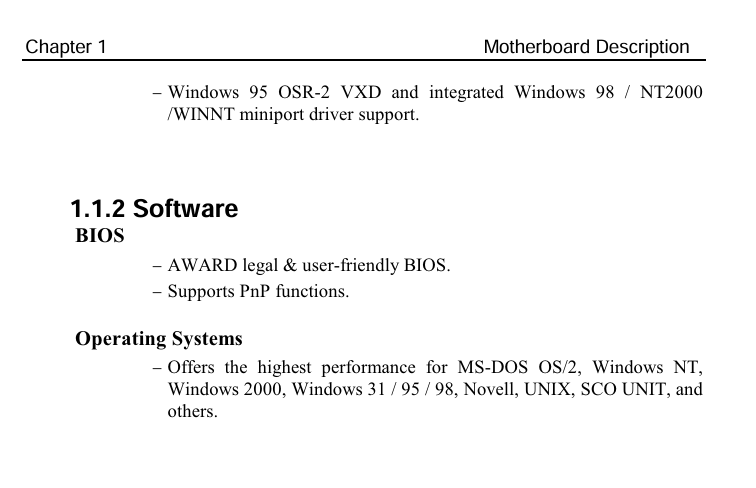
The motherboard is a Biostar M6VCF Rev 1.1. Lots of great info on The Retro Web about it. And in reading the manual, I love how the BIOS is "legal & user friendly" 😂
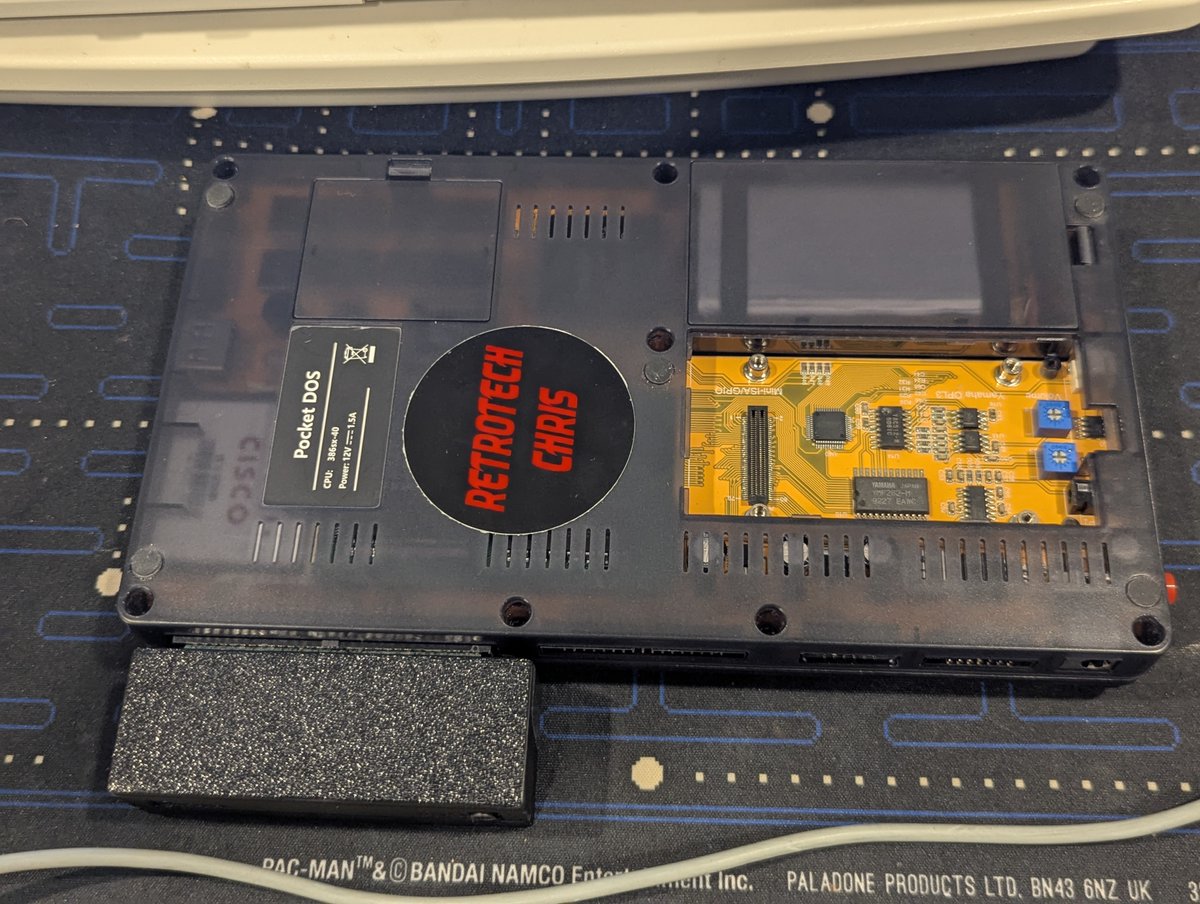
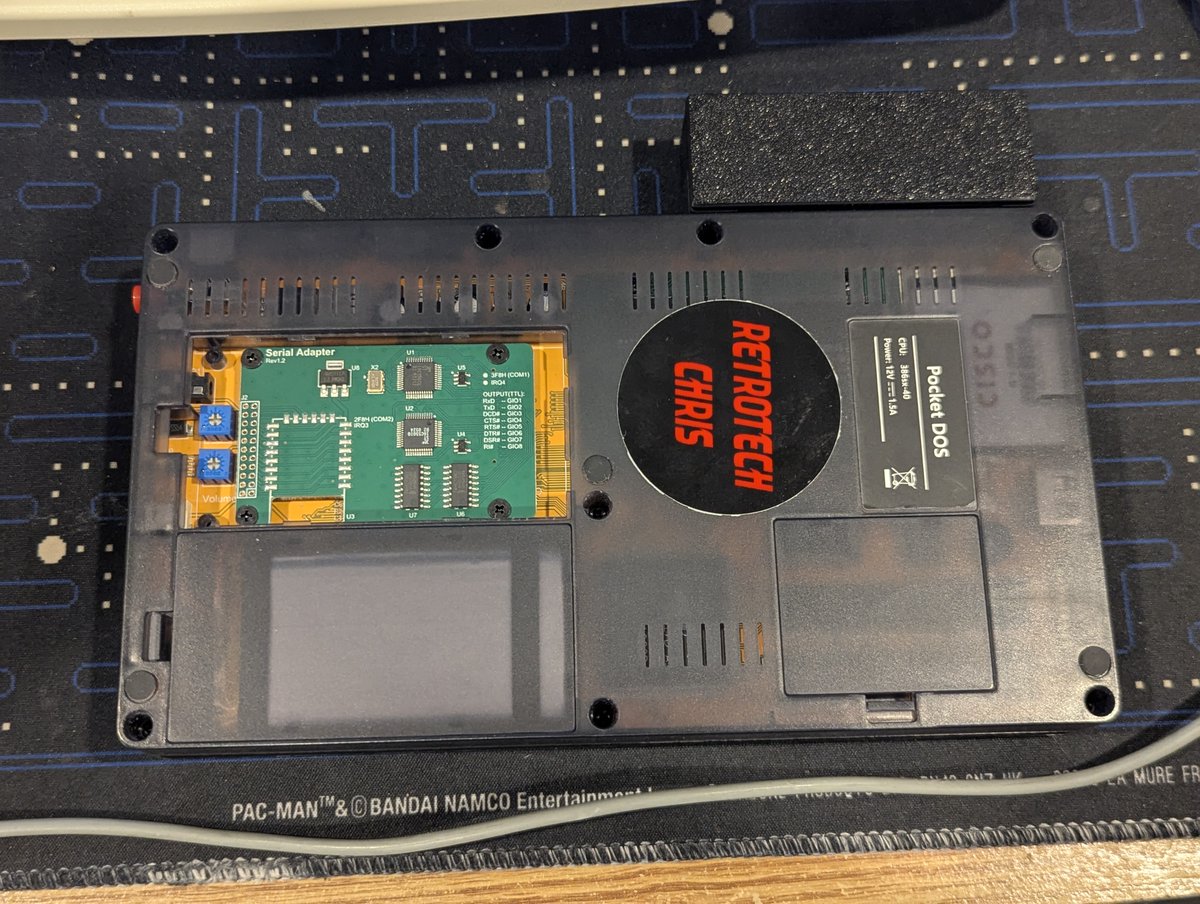
I got a new accessory for my Pocket 386 today! Let's talk about it briefly in a 🧵 here!
So, the majority of Pocket 386 systems were bundled with a serial port, I believe. I was an early adopter though, so mine didn't have one. We remedied that today! I also had a nice 3D enclosure to put the serial connector in. Looking good!
Installation was a snap...literally... and four screws to hold in the card.