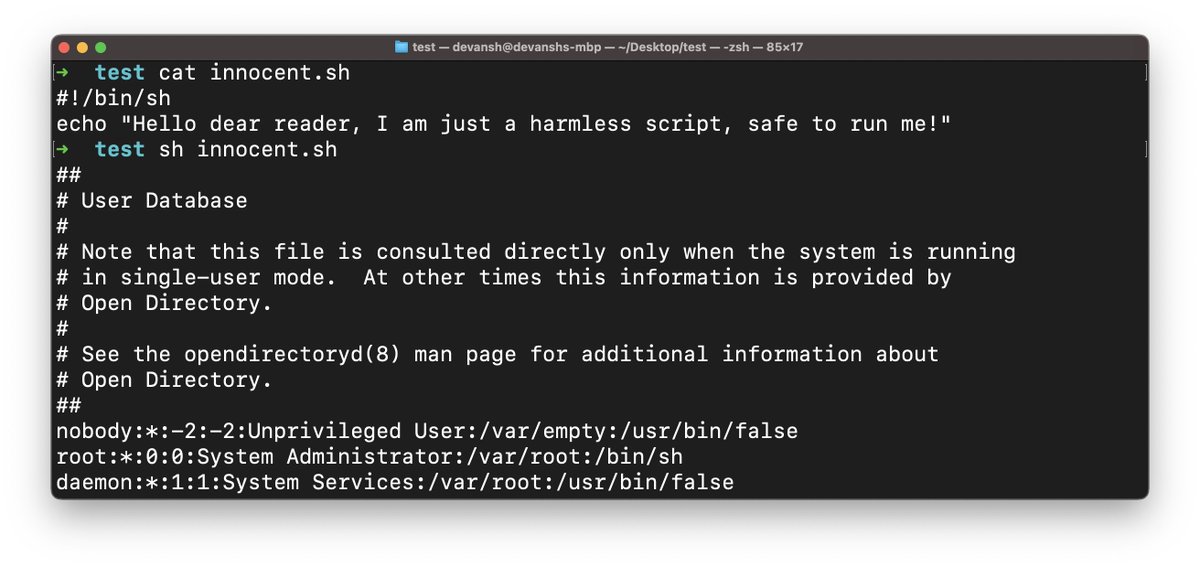
HTTP: The Hacker's Guide
(Almost) Exhaustive list of topics you should know about HTTP as a Hacker.
(Almost) Exhaustive list of topics you should know about HTTP as a Hacker.

Module 1: HTTP Foundations

1.1 The Pre-Web Era

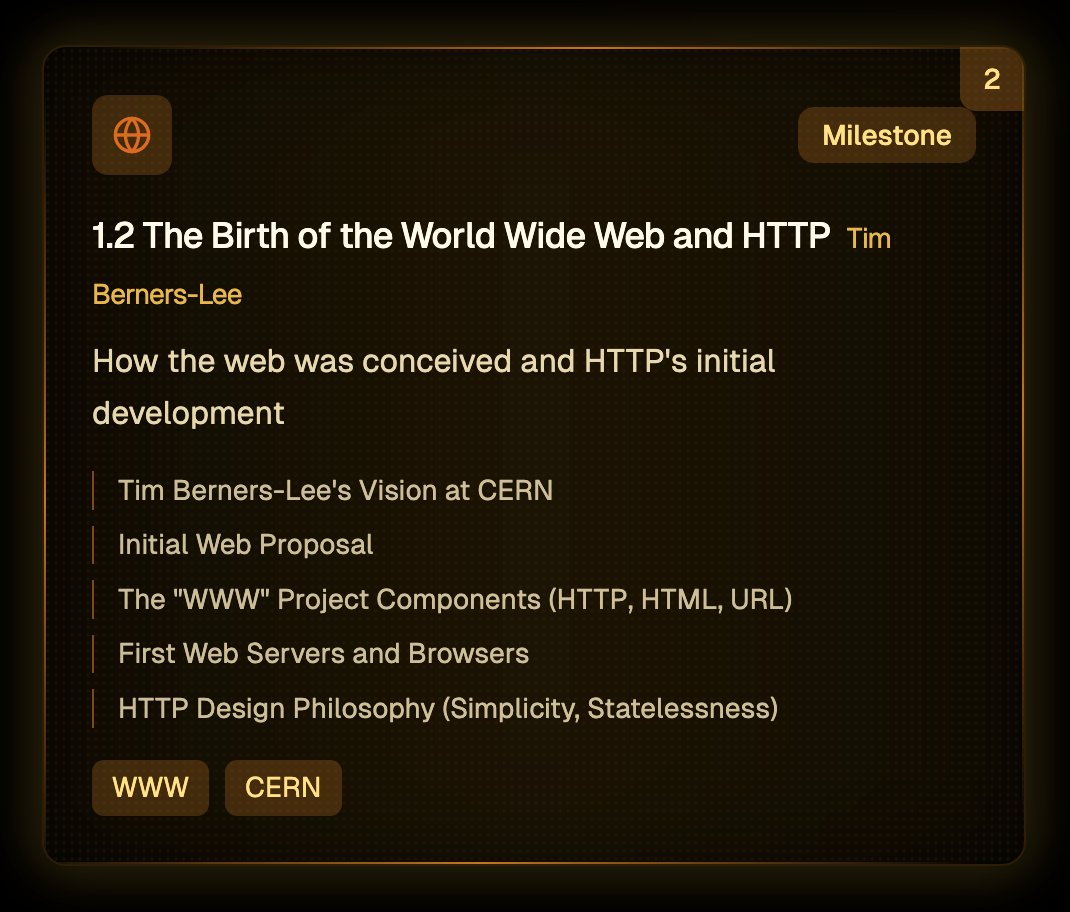
1.2 The Birth of the World Wide Web and HTTP
1.3 HTTP 0.9

1.4 HTTP 1.0

1.5 The Standardization of HTTP

Module 2: Core HTTP Concepts

2.1 Understanding the Request-Response Model

2.2 HTTP Request Methods

2.3 HTTP Status Codes

2.4 HTTP Headers

2.5 HTTP Body

2.6 Connection Management in HTTP 1.x

2.7 URLs and URIs

Module 3: Advanced HTTP Features

3.1 Caching

3.2 Cookies

3.3 Sessions

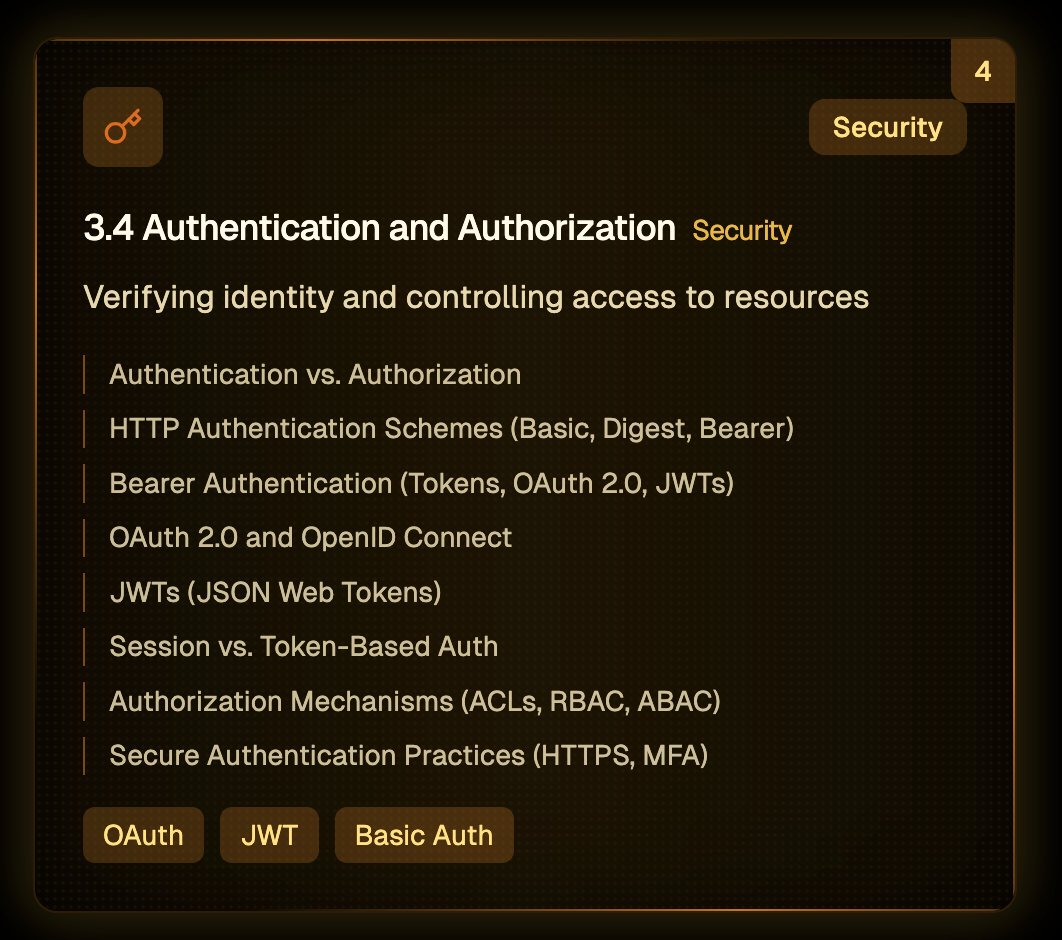
3.4 Authentication and Authorization
3.5 HTTPS (HTTP Secure)

3.6 Content Negotiation

3.7 Redirection

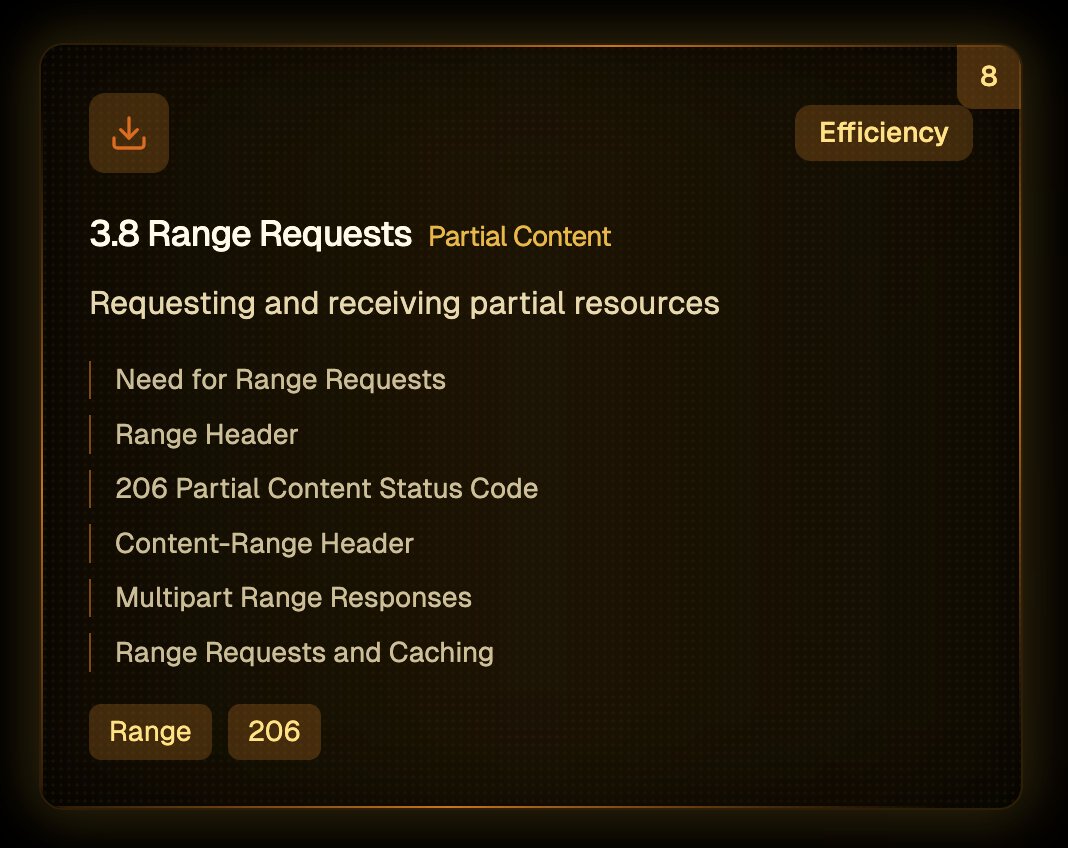
3.8 Range Requests
Module 4: HTTP/2
4.1 Motivation for HTTP/2

4.2 Key Features of HTTP/2

4.3 HTTP/2 Implementation and Deployment

4.4 HTTP/2 and Security Considerations

4.5 Transitioning to HTTP/2

4.6 HTTP/2 Performance Optimization

4.7 HTTP/2 Protocol Internals

4.8 HTTP/2 in Practice

Module 5: HTTP/3 & Beyond

5.1 Motivation for HTTP/3

5.2 Key Features of HTTP/3 and QUIC

5.3 HTTP/3 Implementation and Deployment

5.4 HTTP/3 and Security Considerations

5.5 The Future of HTTP - Post-HTTP/3 Trends

5.6 QUIC Protocol Deep Dive

5.7 HTTP/3 Security and Privacy

Module 6: HTTP Security

6.1 Common HTTP Security Vulnerabilities (Part 1)

6.1 Common HTTP Security Vulnerabilities (Part 2)

6.2 HTTP Security Headers

6.3 Secure Coding Practices for HTTP Applications

6.4 HTTP Security in Different Contexts

6.5 Transport Layer Security (TLS)

6.6 Authentication and Authorization Security

6.7 Security Testing and Monitoring

These are actually screenshots from the course platform I was creating last week. Content inside each module, chapter, subchapter is also ready, but no bandwidth to keep working on the platform, so sharing in the form of thread instead.
• • •
Missing some Tweet in this thread? You can try to
force a refresh