I'm sure you've seen tons of animated videos of people using ChatGPT 4o.
Wanna learn how to make your own? I’ll show you how in this thread 🧵👇
Bookmark this for later—it’s packed with prompts and all the tools you’ll need.
Wanna learn how to make your own? I’ll show you how in this thread 🧵👇
Bookmark this for later—it’s packed with prompts and all the tools you’ll need.
First, create your characters. I uploaded a photo to ChatGPT and asked it to turn me into a 2.5D cartoon in a T-pose, fine lines, same outfit, green screen background.
Once I had my style, I asked for 3 more custom characters to match.
Once I had my style, I asked for 3 more custom characters to match.


Once that was done, I generated a few scenes too. I just told it to keep the same style, described each setting, and asked for a 16:9 aspect ratio. Easy—and they came out great.
I’m upscaling everything with @Magnific_AI, gotta have that extra detail!
I’m upscaling everything with @Magnific_AI, gotta have that extra detail!

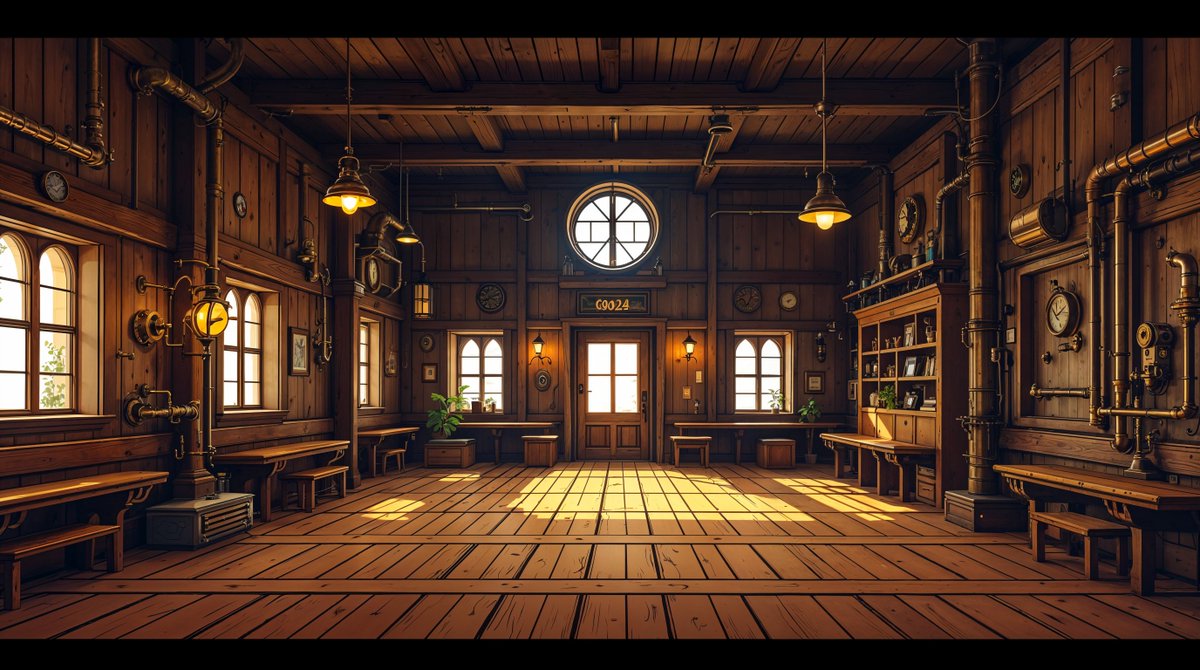
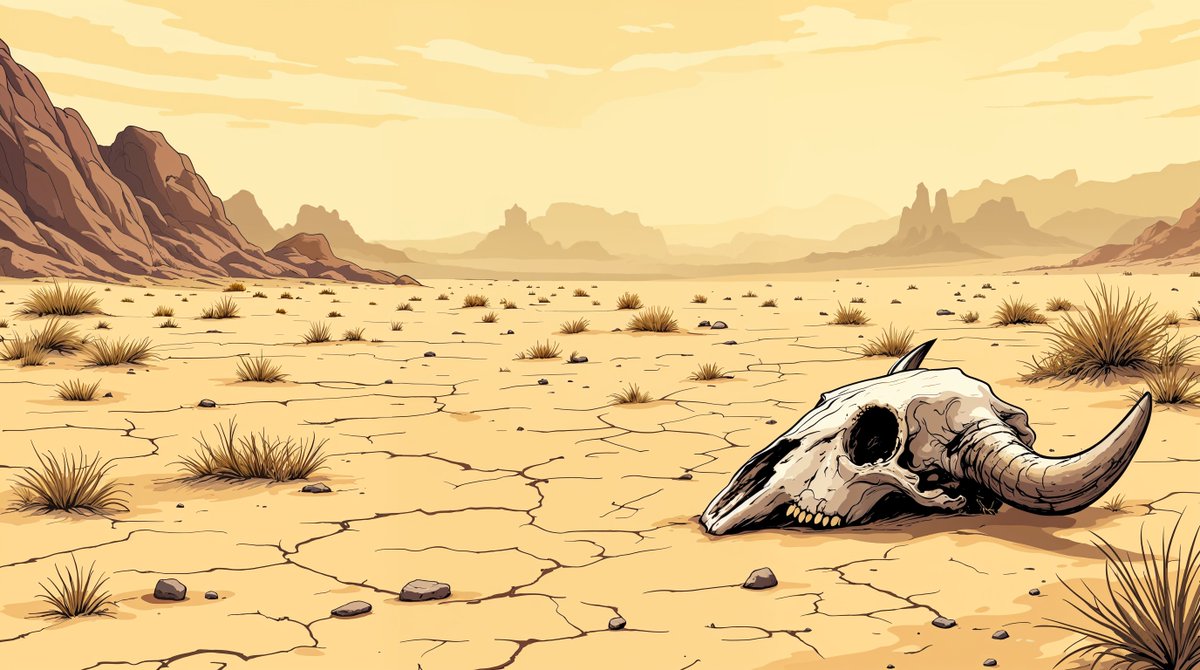
And now comes the best part—you can create perfect compositions with every element in the scene. Just ask ChatGPT! You can even have it tweak the setting to fit. It’s wild.
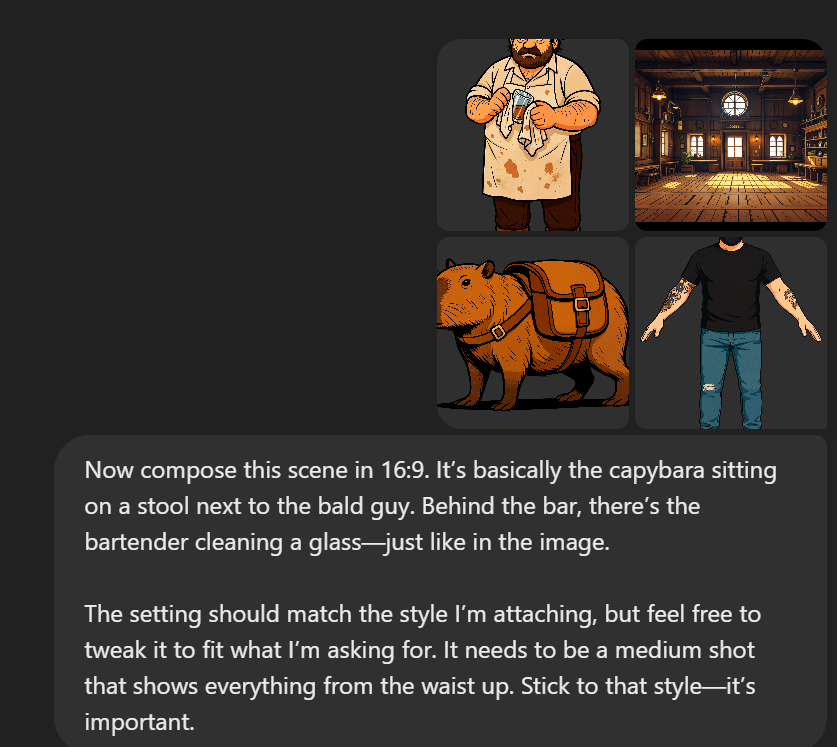

Repeat this as many times as you need to build your story. That way, you’ll have all the still frames ready for animation later.
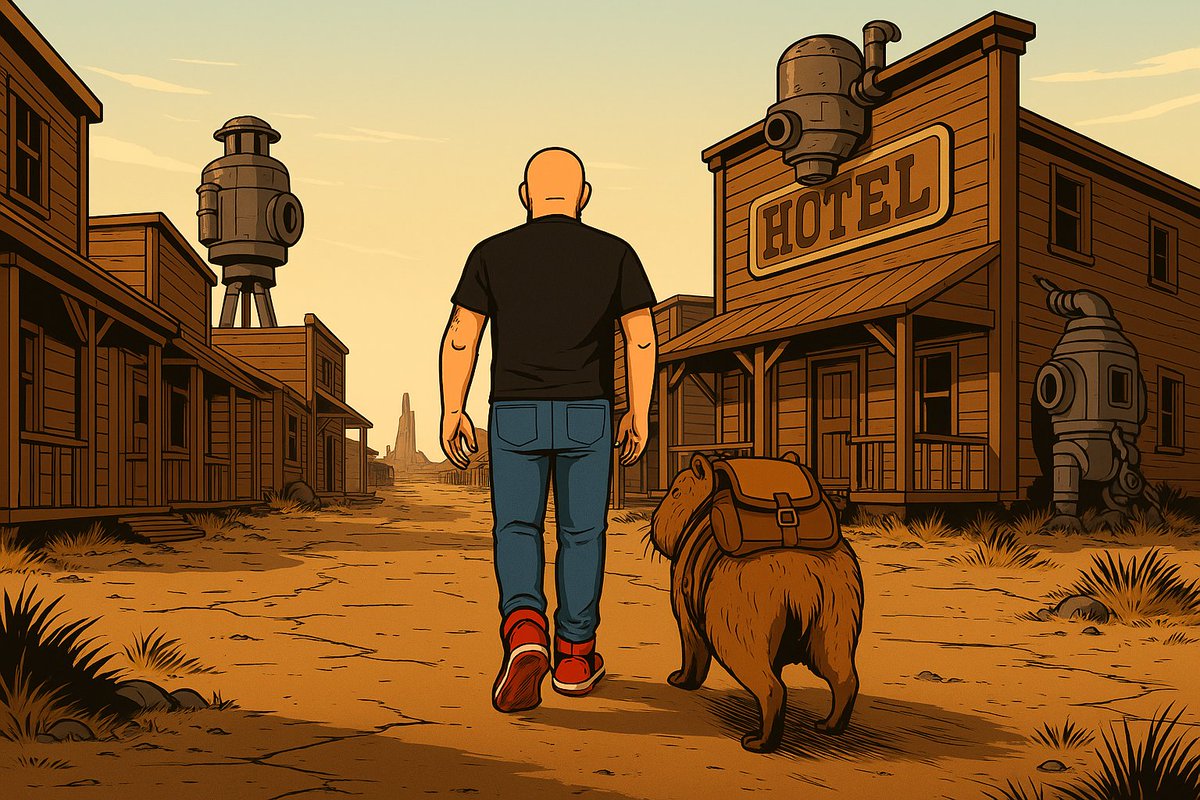
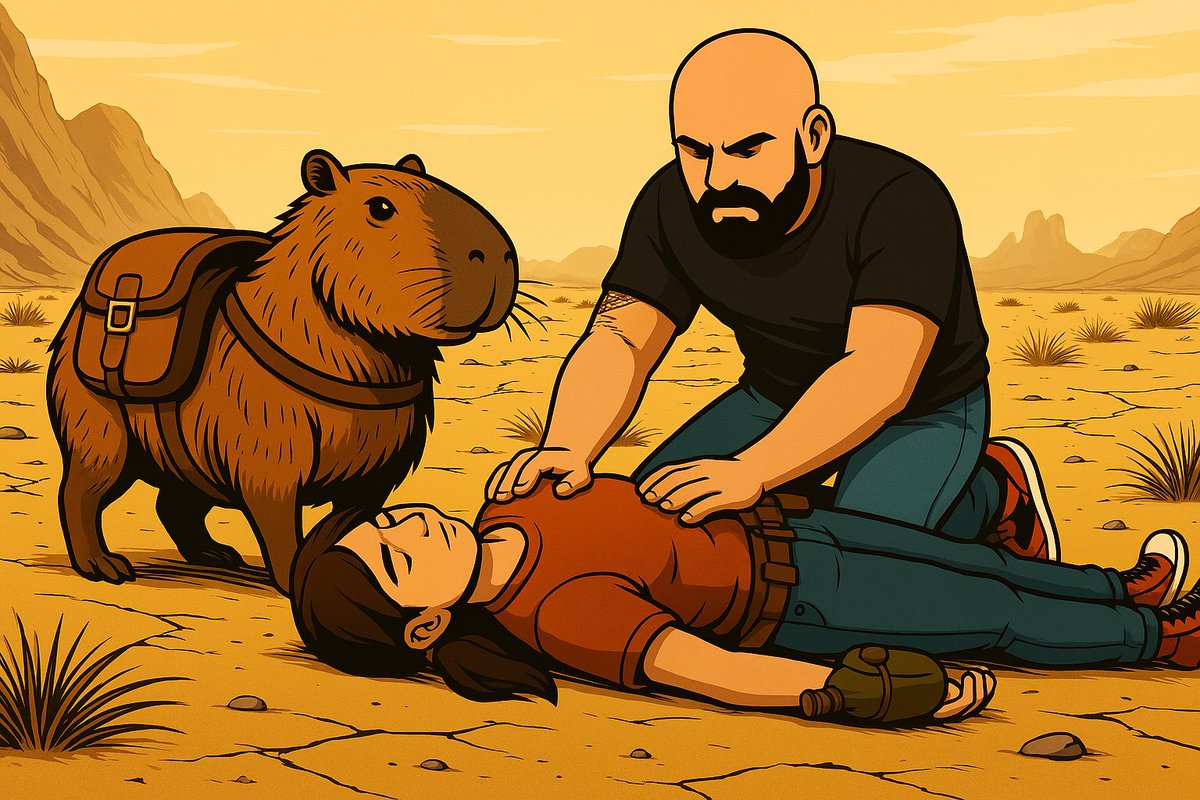
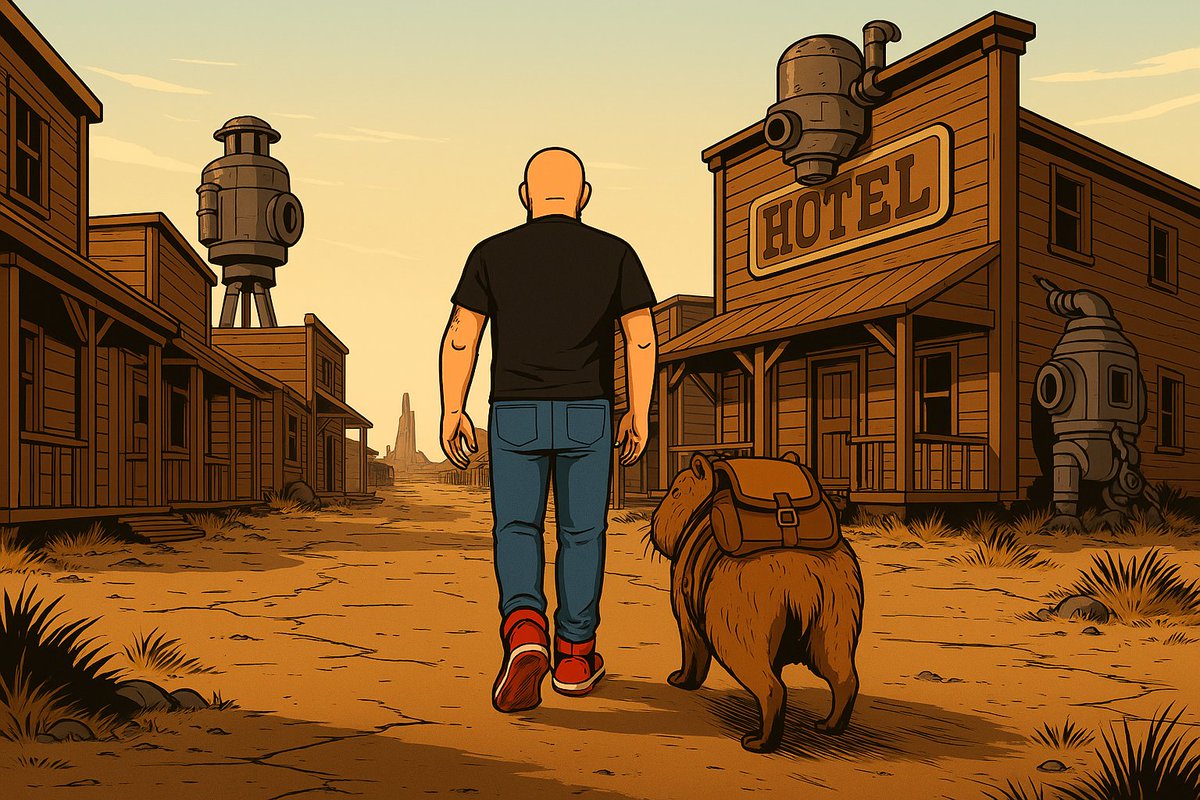
But wait—there’s more! Once you’ve got your composition set, you can ask ChatGPT to create new frames from different angles while keeping spatial consistency.
Seriously, this is a game-changer.
Seriously, this is a game-changer.
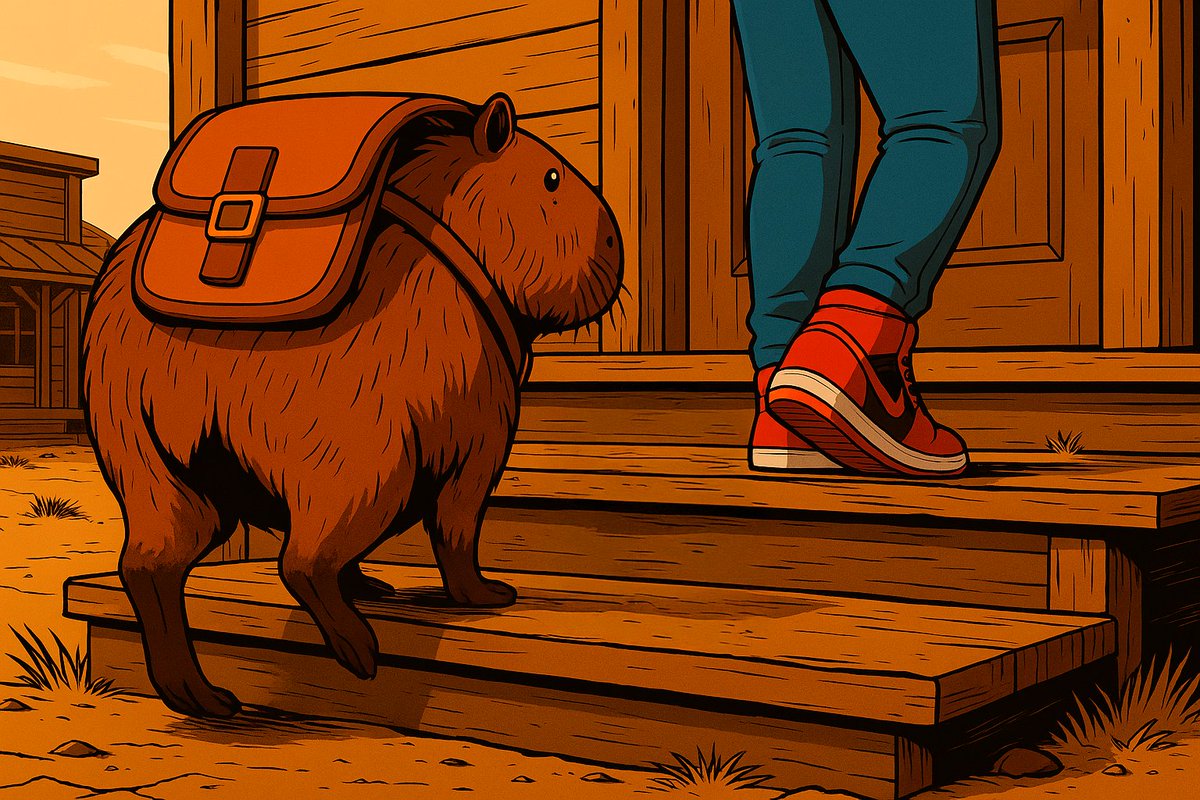

Now comes the easy part—thanks to @Kling_ai v1.6, we’re about to get some amazing animations that’ll bring our story to life. And that’s not all—you can even add sound effects!
I’ll drop the access link in a sec, but first, here are a few examples.
I’ll drop the access link in a sec, but first, here are a few examples.
Try out Kling now through this link and grab the discount! If it’s your first time, it’s only $3.88... what a deal!
https://x.com/techhalla/status/1868320133678244131
Hope you liked it! If you did, follow me at @techhalla and don’t forget to like, repost, bookmark, and drop your thoughts on the main post—it really helps a lot!
https://x.com/techhalla/status/1906433147211768140
If you want to learn more about generative AI, I post daily workflows using different tools that can help you out whether you're just getting started or looking to sharpen your skills!
Here’s a recent example:
Here’s a recent example:
https://x.com/techhalla/status/1906615734911787072
And as you can see, I always keep you posted on the latest in generative AI! Just like these examples of what you can do with Gen-4, Runway’s new model!
https://x.com/techhalla/status/1906807994009993473
What a week it’s been! Non-stop action—this new stuff from Higgsfield AI is insane!
https://x.com/techhalla/status/1906987208168390756
• • •
Missing some Tweet in this thread? You can try to
force a refresh