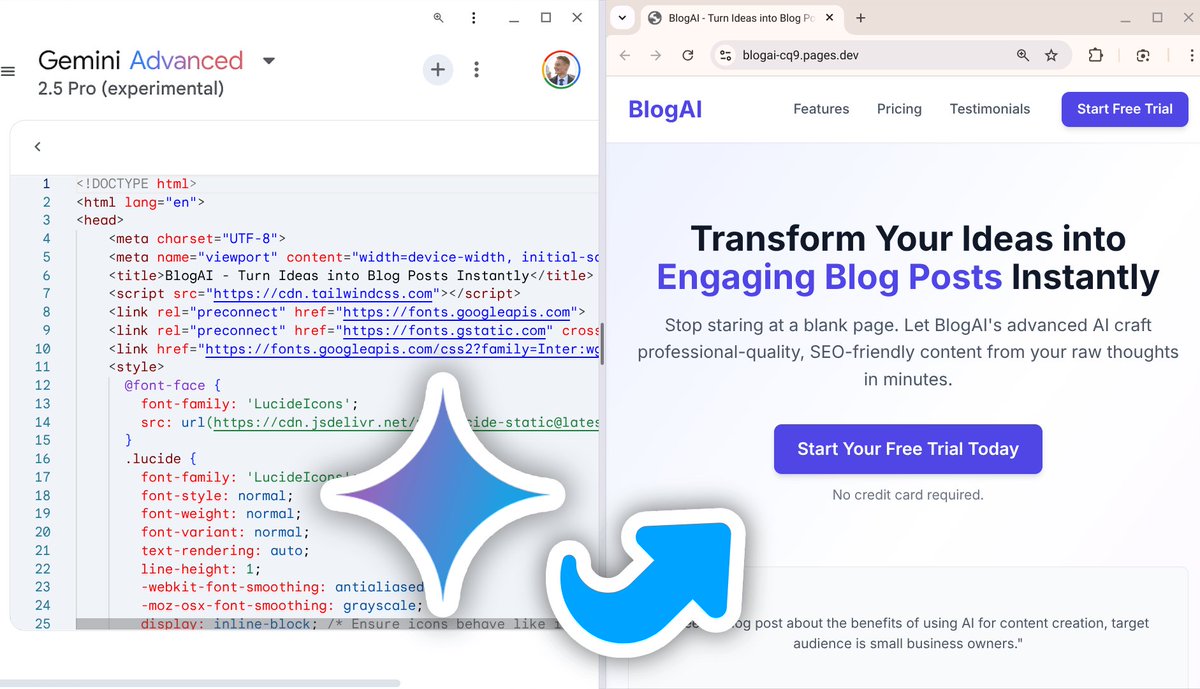
You can create a landing page with Gemini 2.5 Pro and deploy it for free.
Perfect for basically starting any project in 3 minutes.
Step by step below
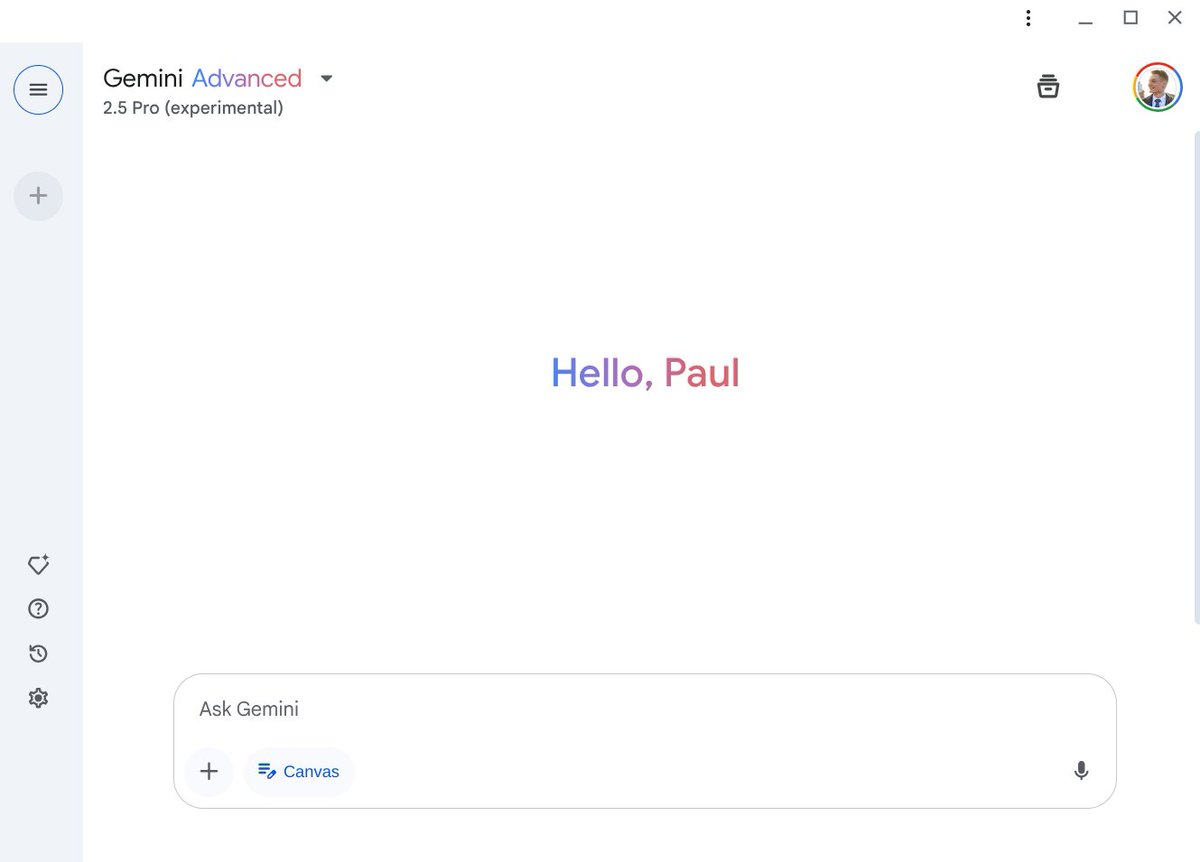
1. Open Gemini
Select 2.5 Pro from the list of Gemini templates.
Also activate the Canvas feature below the text field.
(Works with a free account!)
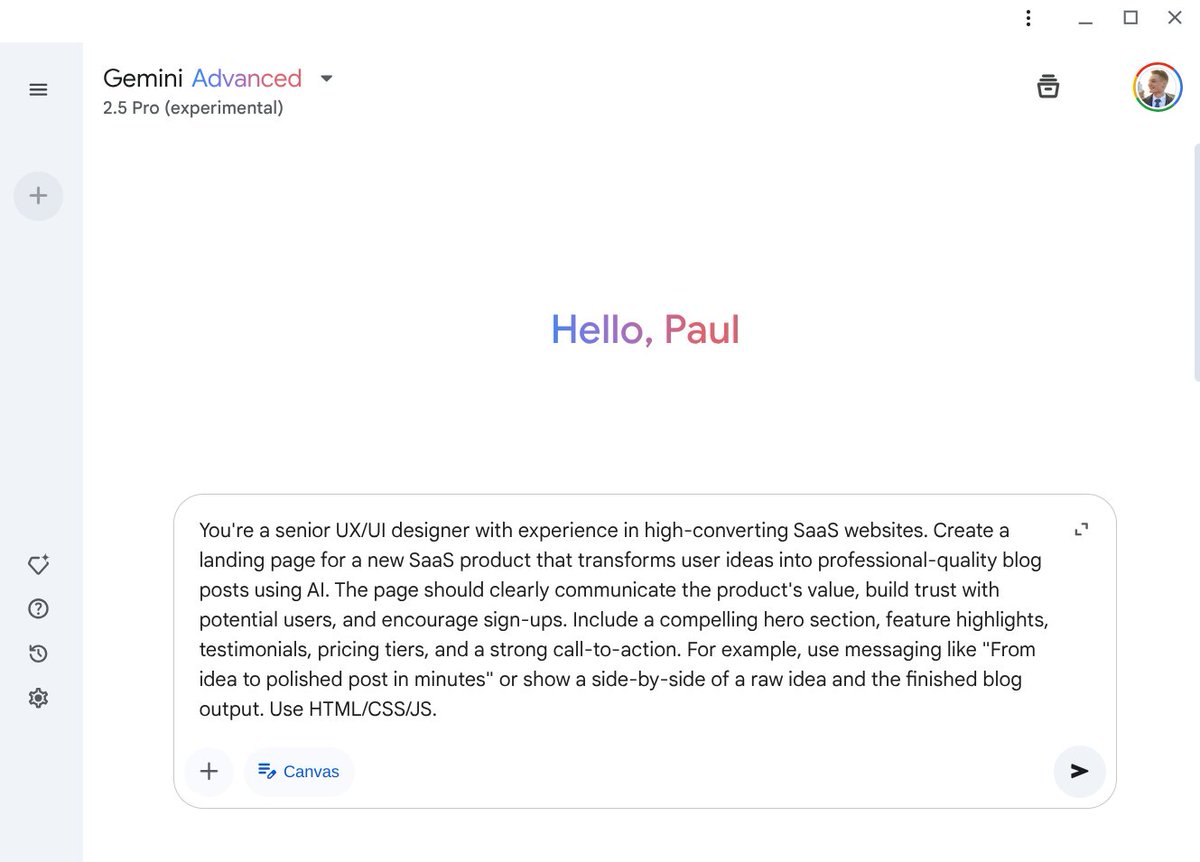
2. Type your prompt
Use the prompt below to generate your landing page:
“You're a senior UX/UI designer with experience in high-converting SaaS websites.
Create a landing page for a new SaaS product that transforms user ideas into professional-quality blog posts using AI.
The page should clearly communicate the product's value, build trust with potential users, and encourage sign-ups. Include a compelling hero section, feature highlights, testimonials, pricing tiers, and a strong call-to-action.
For example, use messaging like "From idea to polished post in minutes" or show a side-by-side of a raw idea and the finished blog output.
You can automate your Excel data processing by using it for free.
With just one prompt I have:
→ Generated the macro
→ Sorted the data
→ Automatically calculated important values
Steps and template below:
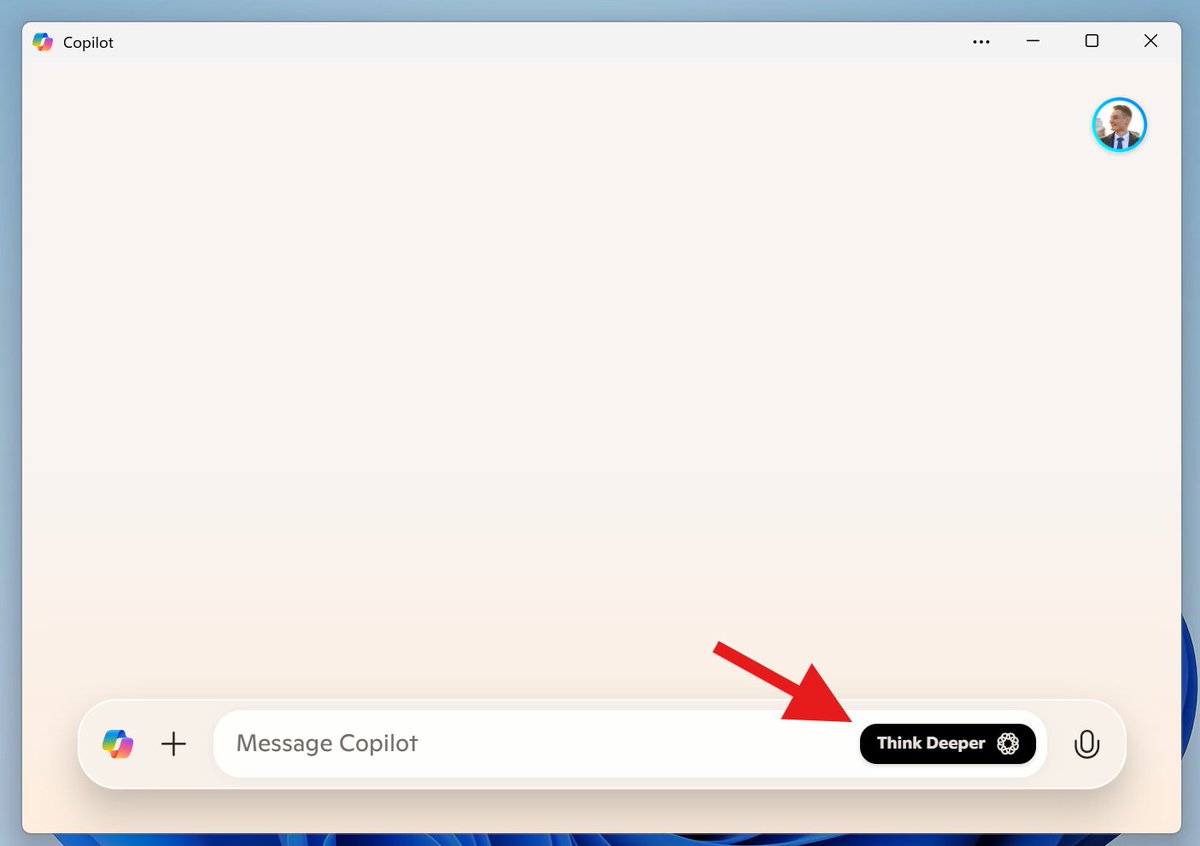
1. Activate “Think Deeper"
Open Copilot (copilot .microsoft .com) and click on the Think Deeper icon in the text field.
(You can also use the Copilot in Windows 11).
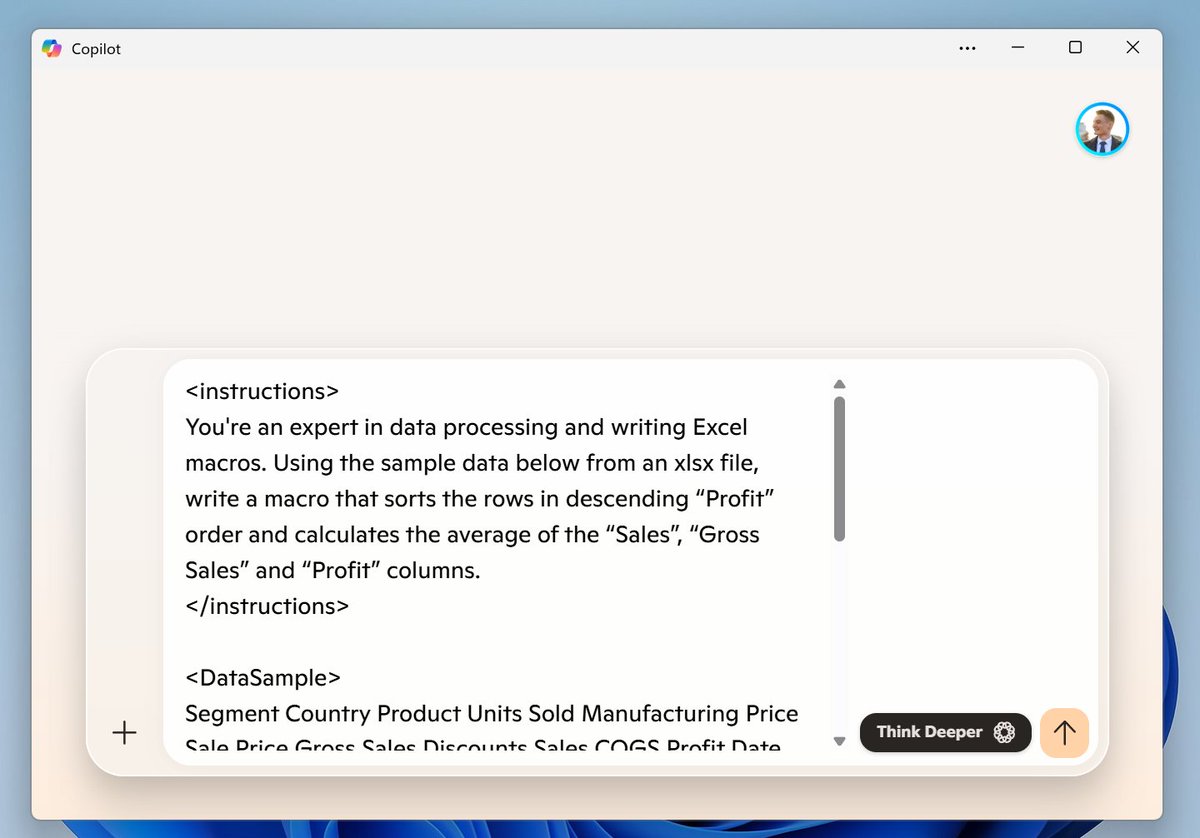
2. Use this prompt template
Prompt:
You're an expert in data processing and writing Excel macros. Using the sample data below from an xlsx file, write a macro that sorts the rows in descending “Profit” order and calculates the average of the “Sales”, “Gross Sales” and “Profit” columns.