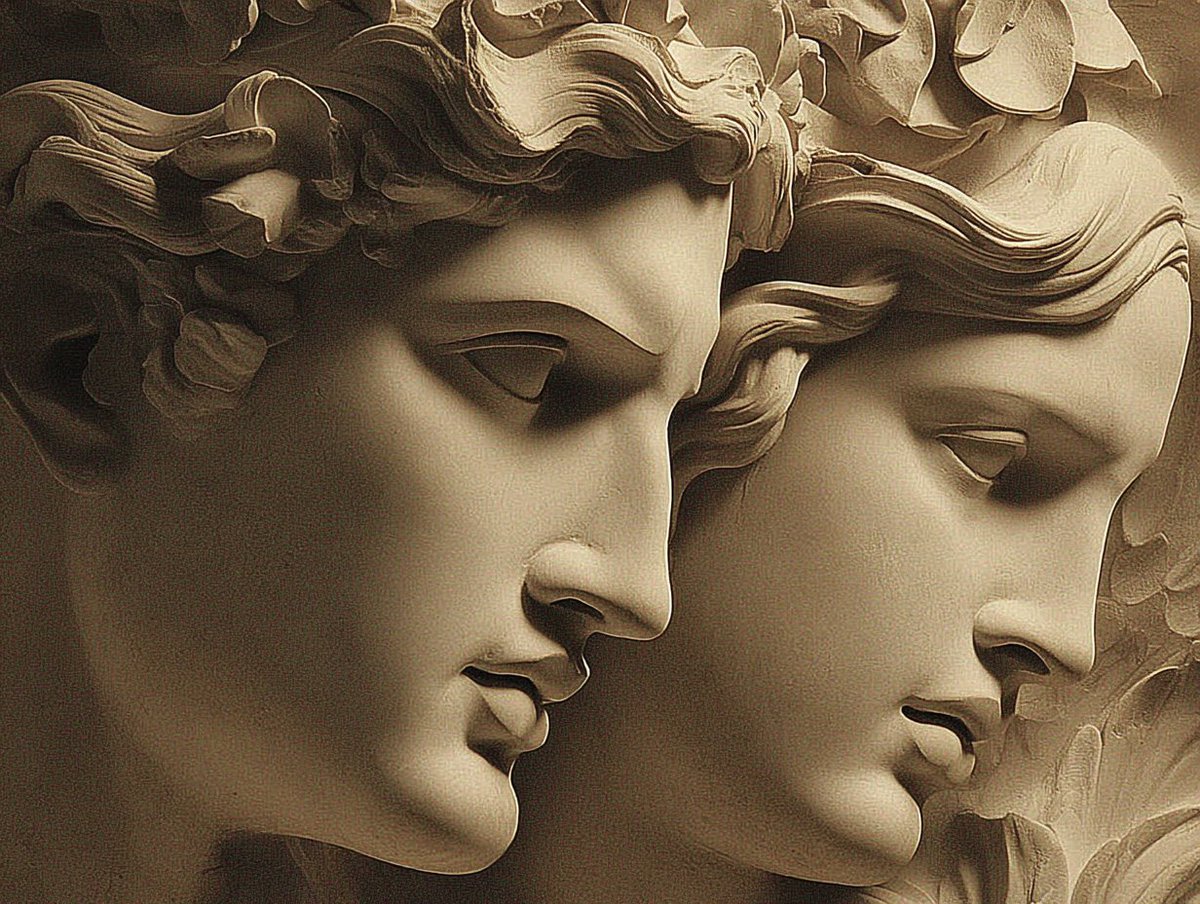
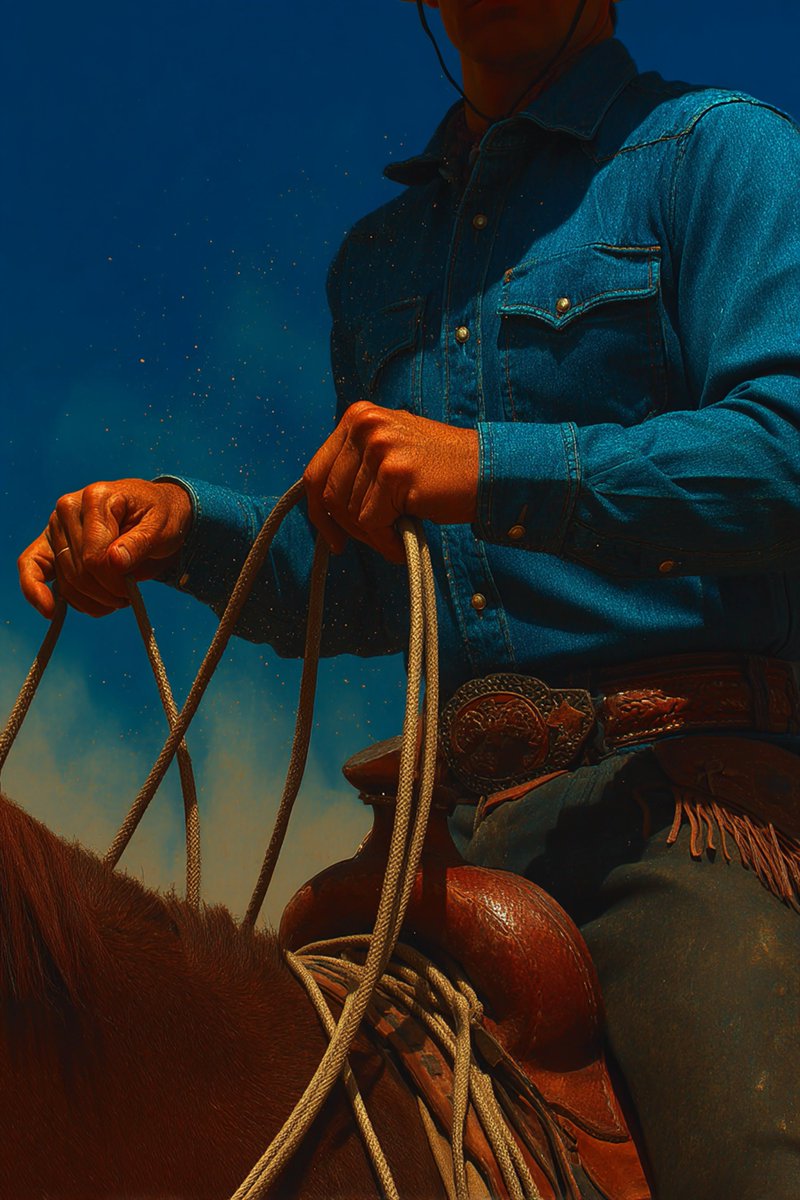
Create a frosted glass logo in ChatGPT 4o.
Prompts and reference photos included below.
Let's jump into it (or bookmark this for later):
Prompts and reference photos included below.
Let's jump into it (or bookmark this for later):
First step: Create a glass logo in ChatGPT.
To do this, you'll need a reference material, which I've attached for you below.
To do this, you'll need a reference material, which I've attached for you below.

After uploading the reference material and a simple black & white version of your logo to ChatGPT (in that order), use the following prompt:
"Apply the simple glass material in the left image to the logo in the right image. Put it on a plain black background."
Like this:
"Apply the simple glass material in the left image to the logo in the right image. Put it on a plain black background."
Like this:
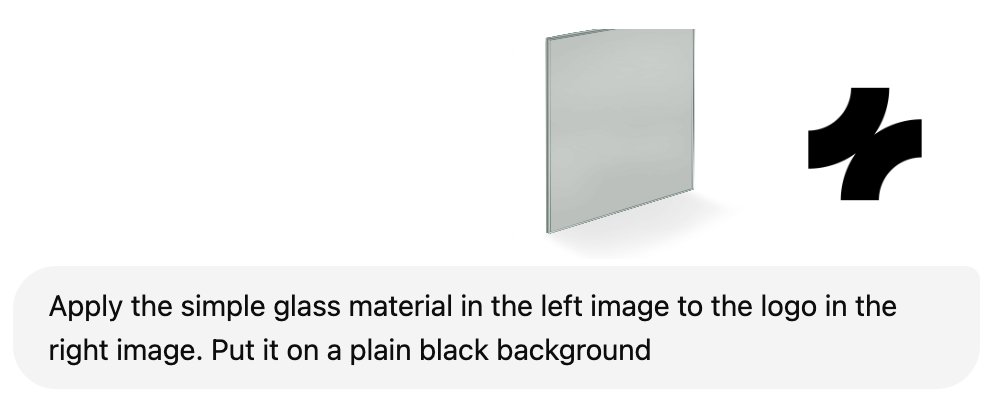
This yields us the following results:

Now, we'll want to remove the black background in order to achieve the frosted effect.
There are a number of ways to do this. I used Photoshop to remove it in a single click.
Just google "free background remover" and you'll find endless options to do this quickly.
There are a number of ways to do this. I used Photoshop to remove it in a single click.
Just google "free background remover" and you'll find endless options to do this quickly.

Now, I've chosen to use Figma for the following step, but Photoshop works too.
I've generated some backgrounds in Midjourney, which you can grab here for this step.
I'll show you what to do with them in the next step.
I've generated some backgrounds in Midjourney, which you can grab here for this step.
I'll show you what to do with them in the next step.

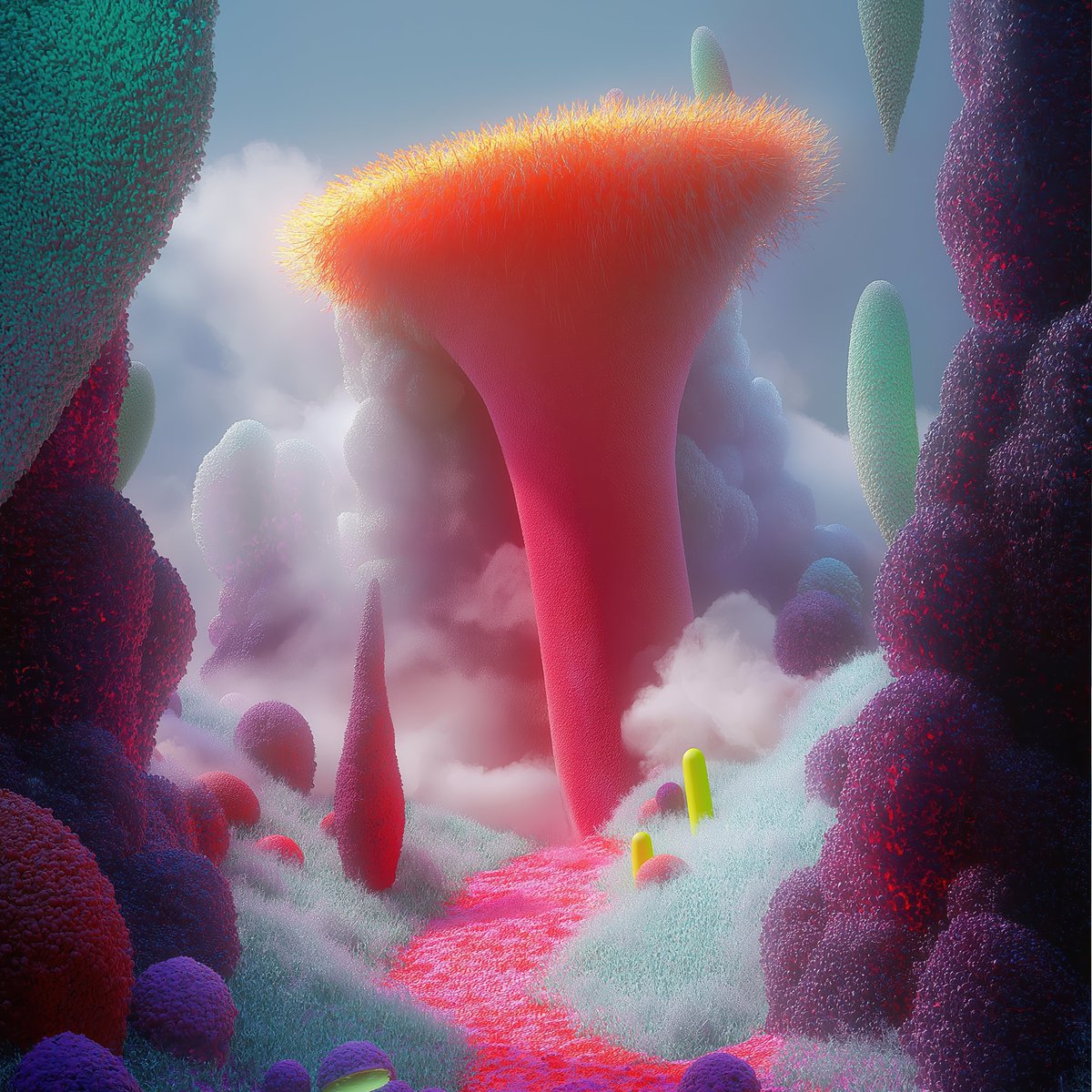
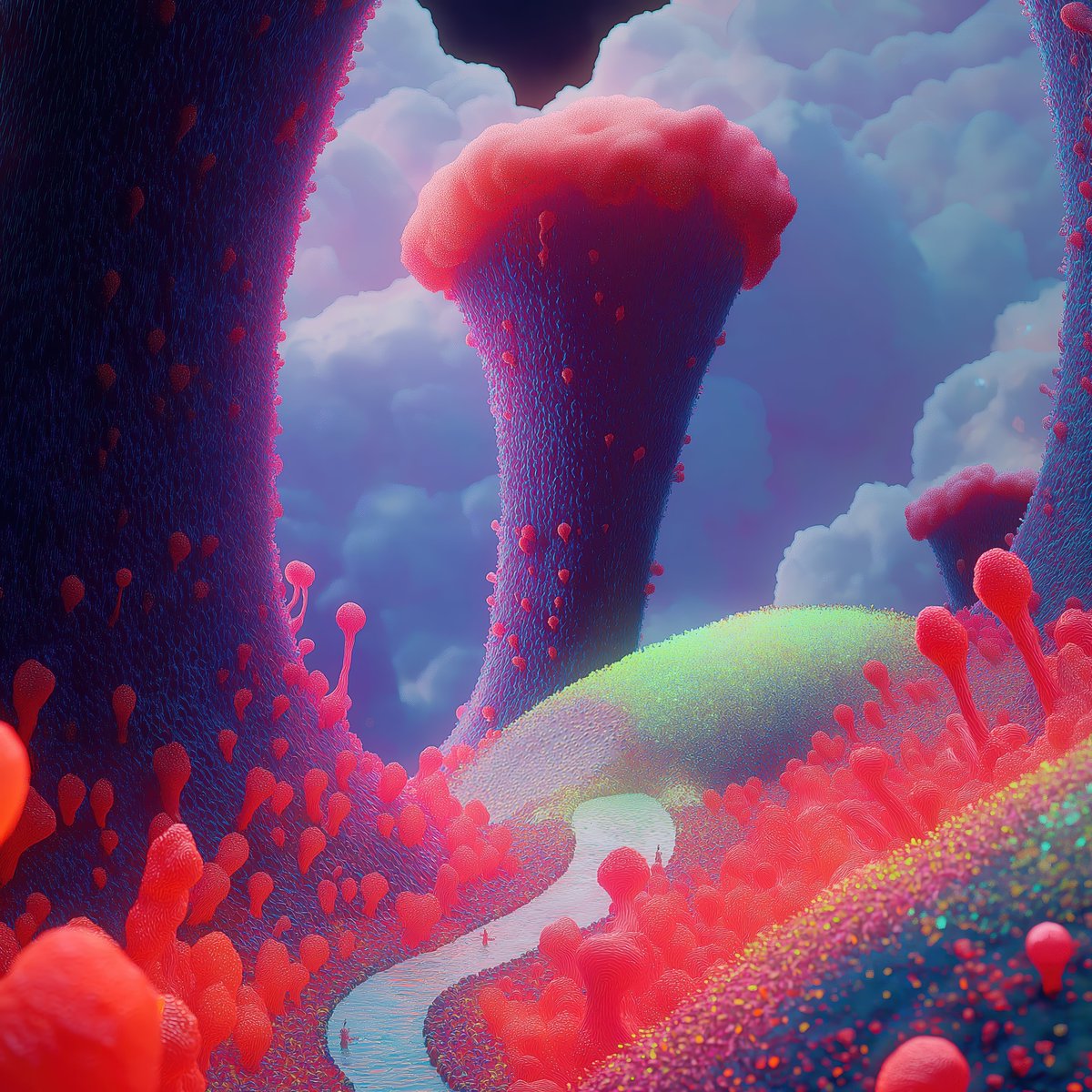
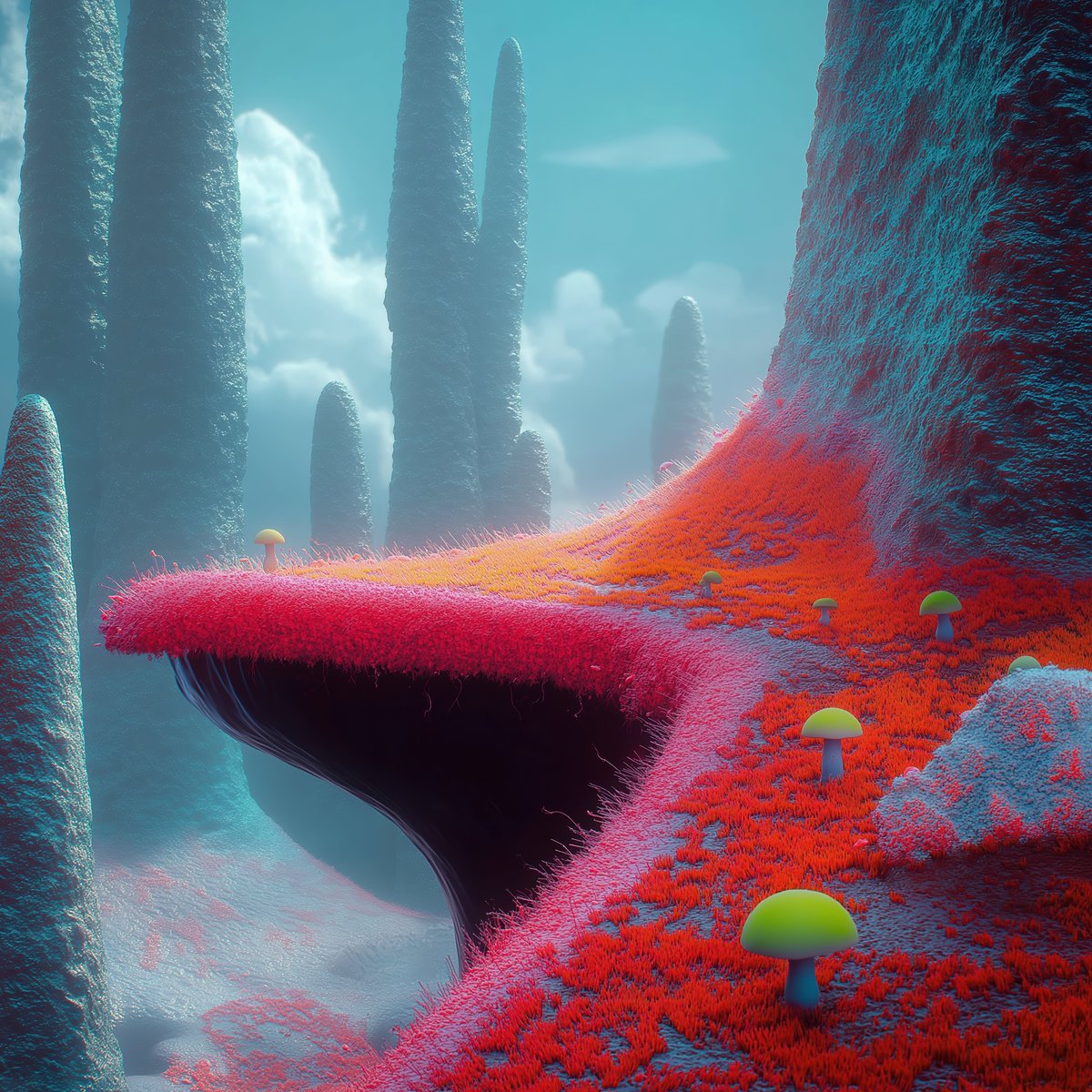
We're going to drag our logo on top of our background image, and give the logo a blend mode of "Plus Lighter".
I walk you through this step by step below.
I walk you through this step by step below.
Now we need to create frosted glass.
What I'm about to outline may look complicated, but watch the video and you'll see it's simple and takes seconds.
1. Duplicate the logo.
2. Move it below the original logo.
3. Add the duplicated logo to a group.
4. Apply a mask to the duplicated logo.
5. Duplicate the background.
6. Move the duplicated background inside the masked logo.
7. Align the duplicated background vertically and horizontally.
8. Add a layer blur to the duplicate background.
What I'm about to outline may look complicated, but watch the video and you'll see it's simple and takes seconds.
1. Duplicate the logo.
2. Move it below the original logo.
3. Add the duplicated logo to a group.
4. Apply a mask to the duplicated logo.
5. Duplicate the background.
6. Move the duplicated background inside the masked logo.
7. Align the duplicated background vertically and horizontally.
8. Add a layer blur to the duplicate background.
At this point, you can technically be done.
But when it comes to frosted glass, I like to add some noise.
You can technically add the noise to just the logo, but I want it over the whole photo.
Watch how I do it:
But when it comes to frosted glass, I like to add some noise.
You can technically add the noise to just the logo, but I want it over the whole photo.
Watch how I do it:
And you're done! 🥳
As always, really hope you enjoyed this tutorial!
As always, really hope you enjoyed this tutorial!
• • •
Missing some Tweet in this thread? You can try to
force a refresh