
This guy literally simplified my 11 years of marketing lessons into minimalistic visuals.
1. Big money is made by selling status.
1. Big money is made by selling status.

2. Marketing is not about which product you sell. Marketing is about which story you tell.

3. Don’t confuse your customers with too many options.

Before we continue, I want to thank @meetgamma for partnering with me on this post.
50M+ users are already using Gamma not only to create AI presentations, but also websites, social media content, documents, and more.
🔗 gamma.app
50M+ users are already using Gamma not only to create AI presentations, but also websites, social media content, documents, and more.
🔗 gamma.app
4. Do not order them to buy your stuff. Show them a dream.

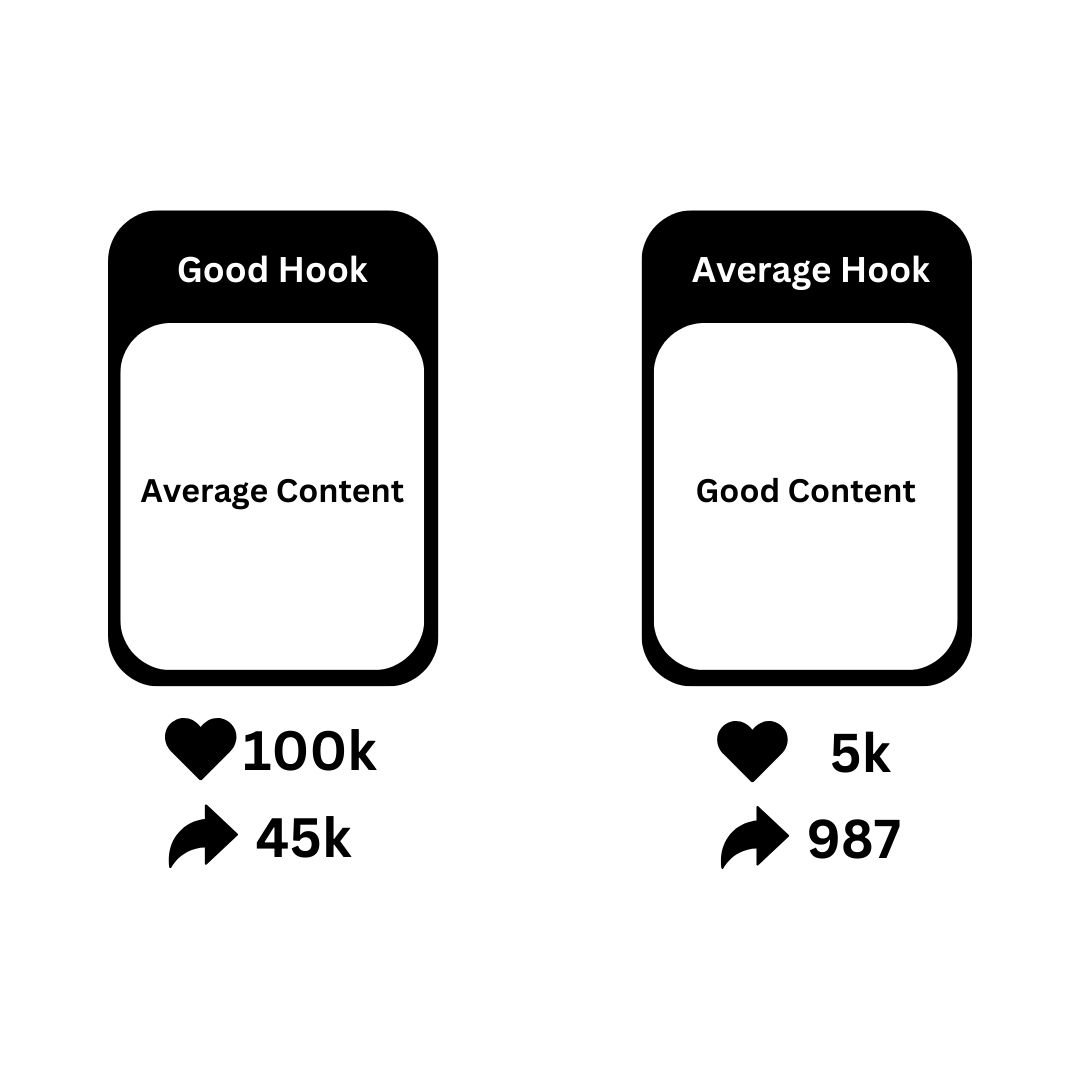
5. Good hook with average content goes viral. Average hook with good content flops.
6. Your product should complete your customer’s life.

7. Sell Benefits. Not features.

8. People don't care about your product. They care about what your product can do for them.

9. What do you think you need to create content V/S What do you actually need to create content

10. Attract the audience with short-form content. Keep the audience with long-form content.

11. Selling prevention is hard. Selling a cure is easy.

12. Scarcity drives demand.

That's the Wrap up🤩
If you found this helpful!
👉 Repost and share with your Network!
Follow me @riyazmd774 for more useful content.
If you found this helpful!
👉 Repost and share with your Network!
Follow me @riyazmd774 for more useful content.
https://x.com/riyazmd774/status/1936387514098659698?t=bFdWGXU-FnxhUkAzgaSUSg&s=19
• • •
Missing some Tweet in this thread? You can try to
force a refresh




