Md Riyazuddin Profile picture
185k+ LinkedIn • Digital entrepreneur sharing insights on AI, tech tools online business, and Marketing. DM for Collaboration ✨ ✉️ riyaz774ai@gmail.com

Mar 31 11 tweets 6 min read
🚨 BREAKING: Claude just changed how job applications work.

🚨 BREAKING: Claude just changed how job applications work.

🚨 BREAKING: Claude just changed how job applications work.

Most people apply… and get ignored.
I use Claude to apply like a top recruiter wrote it.

Tailored CV.
Personalized cover letter.
Smart interview prep.

These are 11 powerful prompts for Claude that turn any job description into a winning application in minutes 👇

(Save this)Image 1. Break down what actually matters in the JD.

Most people skim job descriptions.
Top candidates reverse-engineer them.

Use this prompt to extract exactly what recruiters are looking for 👇

Prompt:

“Act as a recruiter. Analyze this job description and extract:
• key skills required (technical + soft skills)
• core responsibilities (day-to-day expectations)
• hiring intent (what problem they’re solving)
• must-use keywords for ATS optimization
• traits of a standout candidate

Present everything in a clean, structured table. JD: [paste]”

Result:

→ You get a recruiter-level breakdown of the role
→ Clear keywords to include in your CV
→ Exact skills and outcomes to highlight
→ A deeper understanding of what the company actually wants

Now you’re not guessing you’re aligning your entire application with their expectations.
Mar 27 12 tweets 3 min read
BREAKING 🚨: Don’t replace your iPhone when the battery starts draining.

BREAKING 🚨: Don’t replace your iPhone when the battery starts draining.

BREAKING 🚨: Don’t replace your iPhone when the battery starts draining.

Apple won’t say this out loud…
But your settings are draining your battery faster than they should.

I tested this myself.

Same iPhone.
Same usage.

Battery jumped from 6 hours → 10 hours just by fixing a few settings.

No new phone.
No paid apps.
No tricks.

Here’s exactly what I changed 👇 1/ First thing, check who's the main culprit.

Settings → Battery

Scroll down and see which app is consuming your battery the most.

Usually it's not the app you use a lot. But the problematic app is the one running hidden in the background.
Mar 26 15 tweets 5 min read
🚨Goodbye Android..!

Apple has finally launched iOS 26.4

This is the biggest upgrade to iOS in history

Here are amazing features you won't believe in the new update 🤯: Image 1. What's new in iOS 26.4:

Improved keyboard accuracy when typing quickly..! Image
Mar 20 8 tweets 2 min read
My wife had 5 jobs in 6 years.

Every interviewer asked: "Why so many moves?"

She'd explain: layoffs, acquisitions, toxic culture.

Never got the offer.

"They think I'm a job hopper. I can't change my history."

I told her: "You don't need to. Just reframe it."

Here's how: Her LinkedIn experience section looked like this:

2024: Company A (8 months)
2023: Company B (11 months)
2022: Company C (10 months)
2021: Company D (14 months)
2020: Company E (12 months)

Recruiters saw: "Job hopper. Flight risk. Won't stay."

They were focusing on DURATION.

Wrong focus.
Mar 18 9 tweets 2 min read
Stop using your iPhone like it's a regular phone

Stop using your iPhone like it's a regular phone

Stop using your iPhone like it's a regular phone

You're only actually using 10% of iOS's capabilities.

Here are 8 hidden features in the iPhone that will level up your daily use 1. The Secret Button

Stop reaching your hand up to the top of the screen every little bit.

How to use it:

Go to Settings > Accessibility > Touch > Back Tap (Back Tap).

Let double-tapping the back of the phone take a screenshot or open the camera.

The Apple logo has now become a real button you can use..!
Mar 15 12 tweets 3 min read
Stop paying for Google One

I once got really stressed out because Google Drive was full and I couldn't receive any more emails.

I was about to subscribe and pay for Google One just to increase the storage.

Turns out, it wasn't necessary.

I freed up space in 20 minutes for free...!

And here's the method: First thing you need to know.

The 15 GB space on Google is shared between:

Gmail

Google Drive

Google Photos

All of them together.. that's why it fills up so fast.

And Google doesn't tell you who's eating up the most space. On purpose.. so they'll make you pay..!
Mar 14 8 tweets 2 min read
Your phone disappeared.. You opened Find My Device from the laptop.

"Last seen: 3 hours ago.. Location: So-and-so Street."

After that? No updates.. The device went offline.

The thief immediately turned off the internet.. Classic move.

Back in the day, that was the end of the story.

Now? No. Find My Device Network. Android now has

It's similar to Apple's AirTag, but free and built into the system.

Even if your phone is offline, they can find it via Bluetooth.

From another Android phone passing near yours.

No internet.

No GPS.

Just Bluetooth.
Mar 13 8 tweets 2 min read
Stop telling ChatGPT "Write me an email"

Bad request = Bad result.

Use these commands instead and you'll see the magic: 1/ Professional Email Writer

Act as a first-rate communications specialist. Rewrite this email to make it professional, clear, concise, and polite while preserving my original intent. Enhance the tone, structure, grammar, and overall flow of the text. My email: [Paste the email]
Mar 5 11 tweets 2 min read
During a job interview, if they ask: “Why should we hire you over other candidates?”

THE GOLDEN RESPONSE:  The “Generic Answer” Trap

In 2026, saying things like “I’m hardworking, passionate, and a quick learner” instantly weakens your position.

Why?

Because every candidate says the same thing.

Hiring managers aren’t looking for effort.

They’re looking for impact.
Mar 4 7 tweets 3 min read
Stop spending $600 on a Mac Mini.

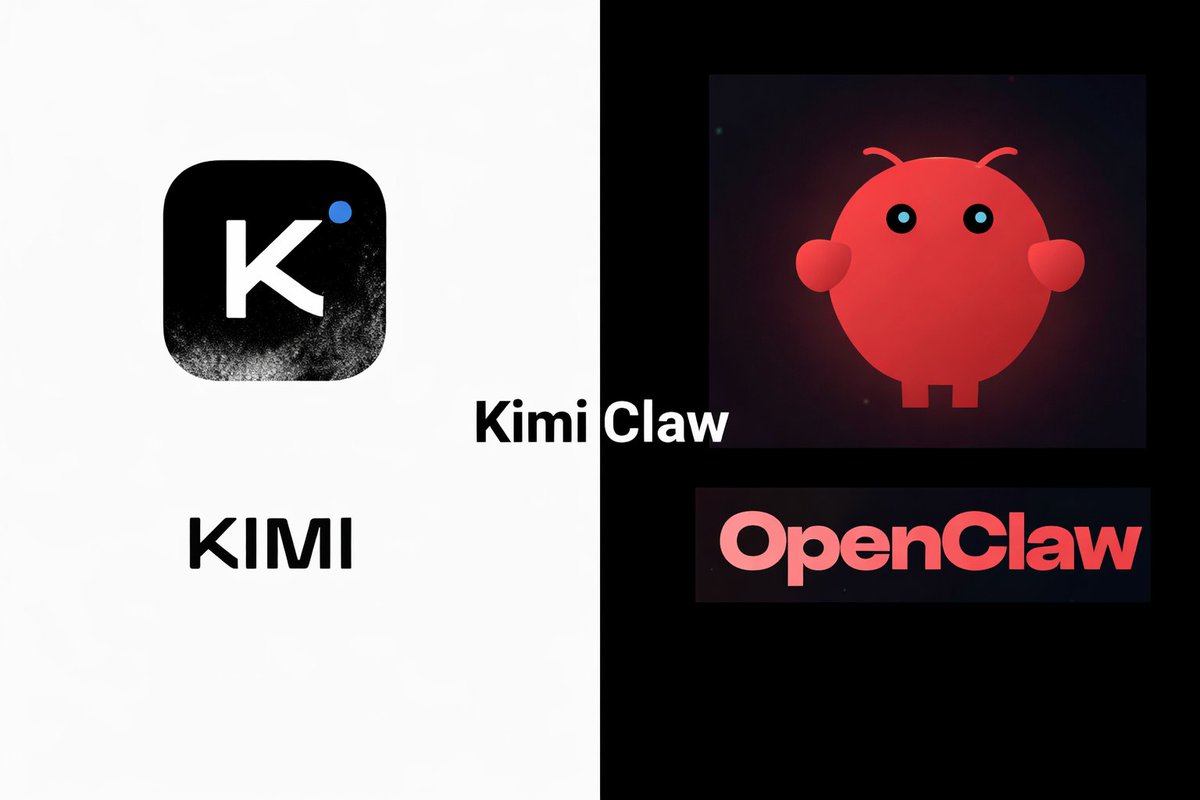
This OpenClaw setup takes less than 1 min and it’s 25x cheaper. Image Kimi just dropped Kimi Claw, the more practical OpenClaw option for everyone.
It comes with:

• 1M token context window
• 40GB cloud storage
• Persistent memory
• 5000+ community skills

The best part is it doesn’t have any security risks like OpenClaw as it runs on your browser and your local files stay safe
Mar 3 10 tweets 2 min read
During a job interview, if they ask: “What are your salary expectations?”

USE THE GOLDEN RESPONSE:  “Based on my research and the value I’ll bring to this role, I’m looking for something in the range of [X to Y].
But I’m flexible depending on the full compensation package and growth opportunities.
What range did you have in mind?”
Mar 3 8 tweets 1 min read
🚨 BREAKING: Claude can now build resumes like $300/hour executive resume writers for free.

Here are 7 Claude prompts to land your dream job 10x faster: 1/ Brutal Recruiter Audit

"Act as a senior recruiter who screens 300 resumes per week. Identify exactly why my resume may be ignored within 10 seconds. Flag weak positioning, vague impact, and structural issues. Resume: [paste]. Target role: [insert role]."
Mar 2 16 tweets 3 min read
During a job interview, if they ask: “Do you have any questions for us?”

USE THE GOLDEN RESPONSE:  The "Passive" Penalty

In 2026, saying you have "no questions" is interpreted as a lack of curiosity or business acumen. The interview isn't over until you walk out the door. This is your chance to flip the script and interview them.
Feb 24 9 tweets 2 min read
My wife’s iPhone 17 battery started draining faster than ever.

She was ready to buy a new phone.
I changed 7 settings instead.
Now her battery lasts all day.

how to FIX bad battery life in 7 steps: 1. See what’s actually killing your battery:

Go to Settings → Battery → Battery Health & Charging → Battery Usage.

Check:
– Which apps use the most battery in the last 24 hours / 10 days
– “Background Activity” under app names

If Instagram, YouTube, or Maps show high “Background Activity,” they’re draining your battery even when you’re not using them. Turn off background refresh for these apps.
Feb 24 8 tweets 2 min read
MY WIFE WAS STRESSED ABOUT MONEY EVERYDAY.

BILLS PAID. ZERO SAVINGS.
Then I uploaded our expenses to Claude and things finally stabilized.

(The key change is at the last point read carefully)

Here are the 7 prompts I used : 1. Reality Check Audit

“Here are our last 3 months of expenses [paste]. Categorized by essentials, lifestyle, subscriptions, fees, and leaks.”
Feb 18 18 tweets 6 min read
1 Billion People use Google Maps.

But most people still don't know its full potential.

Here are 14 amazing features you can't miss: Image 1. How To use Google Maps Offline
Feb 16 10 tweets 4 min read
CLAUDE CODE IS INCREDIBLY POWERFUL.

HERE ARE 9 POWERFUL WAYS TO
UNLOCK ITS FULL POTENTIAL Image 1. Do more in parallel

Spin up 3-5 git worktrees at once, each running its own Claude session in parallel. It's the single biggest productivity unlock, and the top tip from the team. Image
Feb 16 13 tweets 4 min read
🚨 BREAKING: You can run Claude Code completely free now.

No API bills.
No rate limits.
No data leaving your device.

Just Claude Code running locally fast, private, and 100% yours.

Here’s how to set up Claude Code on your own machine (free + fully private): 👇 STEP 1: Select Your Local “Brain” (Ollama)

First you need a local engine that can run AI models and handle tool or function calls.

Here we will use Ollama so download

Once it’s installed, Ollama runs quietly in the background on both Mac and Windows. ollama.com
Feb 11 16 tweets 3 min read
Your phone isn't "accidentally" listening to you. It's a feature, not a bug.

My Wife talked about a specific lipstick brand once 10 minutes later, she had an ad. It’s called "Shadow-Logging," and it’s happening through 5 settings you’ve never touched.

Here is how to kill the eavesdropping for good: The Illusion of Silence

Most people think "Hey Siri" or "OK Google" only works when you say the phrase. In reality, the hardware is in a "low-power listening state" 24/7. To process the wake word, it has to analyze everything else first.
Feb 8 12 tweets 4 min read
More than 200 million people use a Mac on a daily basis.

But 99% have no idea what it’s truly capable of.

Here are 12 amazing things your Mac can do: 1. Screen Recording

You can use the built-in Screenshot app for screen recording.

Shortcut: Shift + Command + 5
Feb 7 16 tweets 5 min read
The Notes app on your iPhone is one of the most powerful tools available.

But 99% of people don’t know its true potential.

Here are 15 amazing features you must know: 1. Document Scanning

• Long-press on the Notes app until the submenu appears.
• Select "Scan Documents."
• Scan your document and tap save.