I recently picked up another AST Premium Exec 386 laptop... but not so much for the laptop, but really in search of some spare parts for my other Premium Exec 386 laptop. Let's talk about it and explore it in a 🧵 here! 


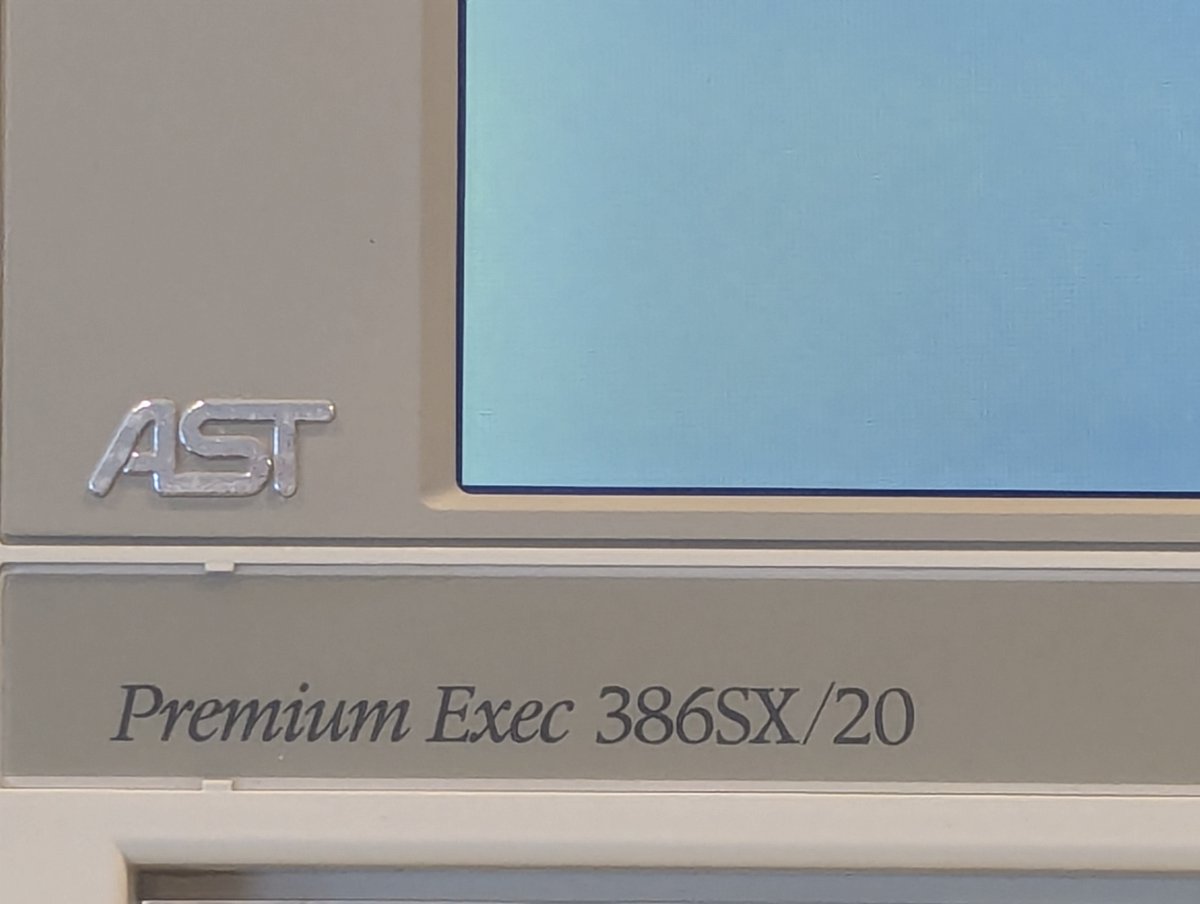
First of all, unlike my Premium Exec 386SX/25 Color, this Premium Exec 386SX/20 is greyscale. It's still really nice though! I imagine that the color variants of these laptops was pretty rare, given the cost at the time.
One of my motivations for buying it was to get a nice power adapter. My aftermarket Delta Electronics adapter was looking worse for the wear, and none of my AST OEM adapters work. I think they need a recap (anyone want to help?)


I've also noticed that these darn power adapters are prone to pin breakage, so one must be careful! Fortunately, both of my "good" Delta adapters have "good" pins.

One thing that this new laptop has is a "keyboard stand." I've found it just be an annoying "bump" that makes the laptop unlevel, but will leave it on for now.


This laptop was sold to me with a known bad HDD. The auto detection gets it totally wrong, the Conner CP-2024 drive in this system is a 20MB drive. Let's see if we can get that sorted.

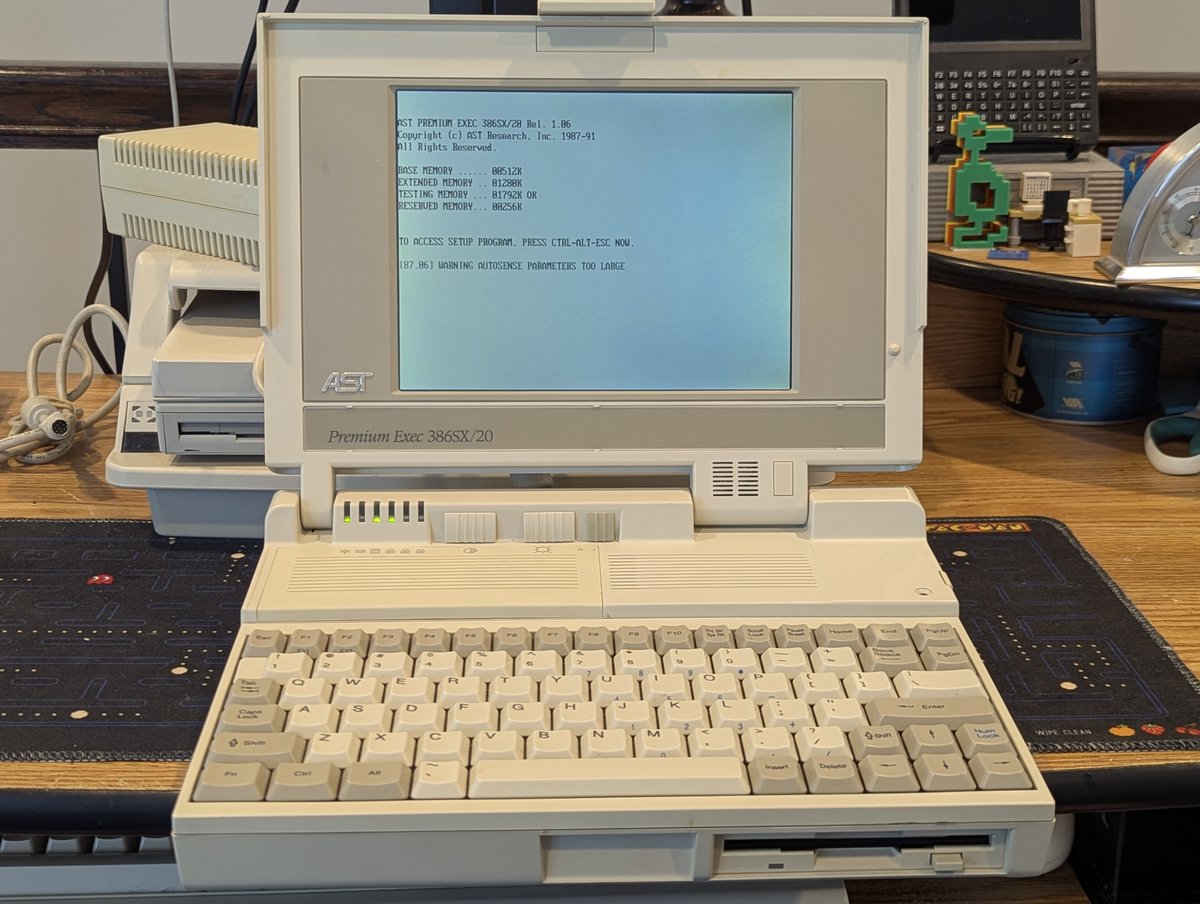


So, in an attempt to get this drive going, I took it out and used some "percussive maintenance." And with that, it does boot now! Well, that's kindof cool!


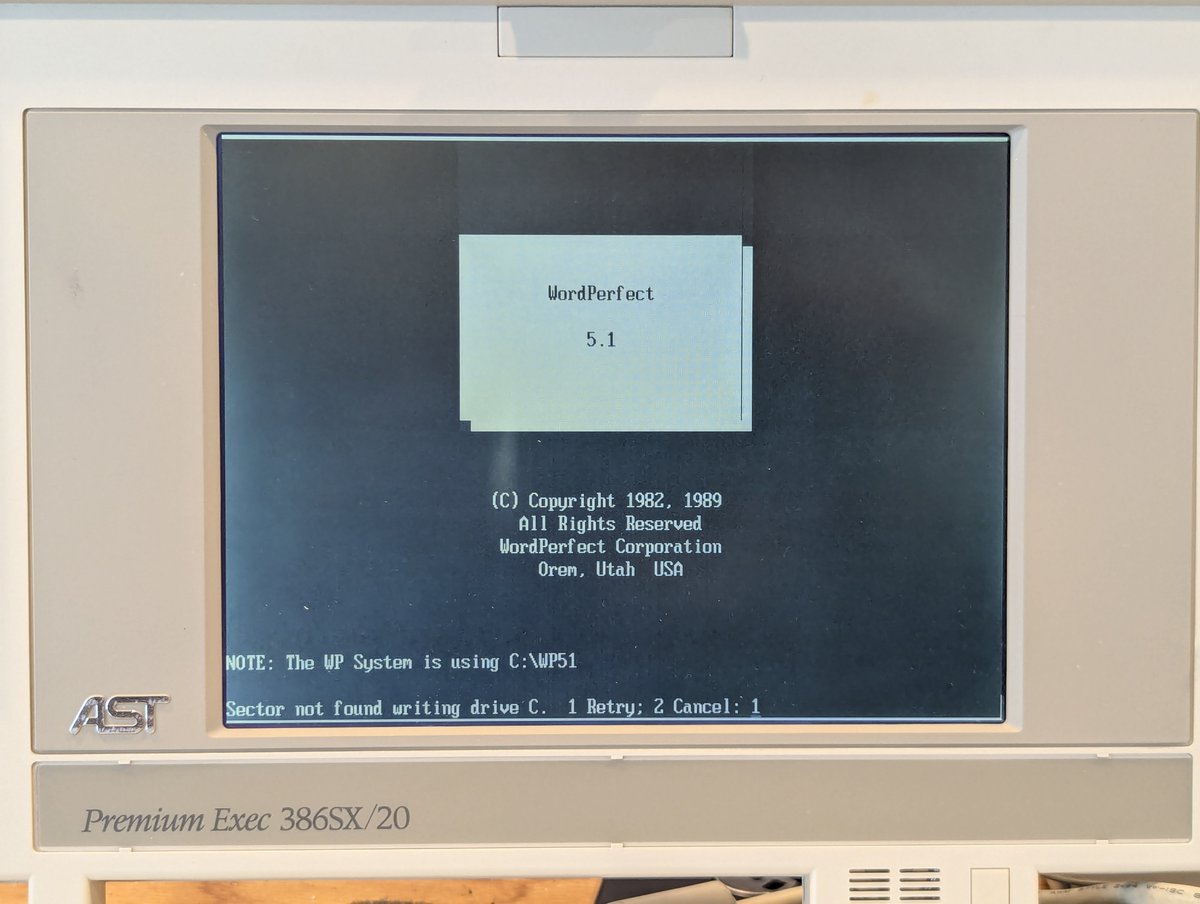
This laptop did have some software on it, and some personal data 😅. Applications installed including F-Prot anti virus, some application for filling out government forms, Lotus 123, and WordPerfect 5.1. Uh oh, is WordPefect complaining about missing HDD sectors??


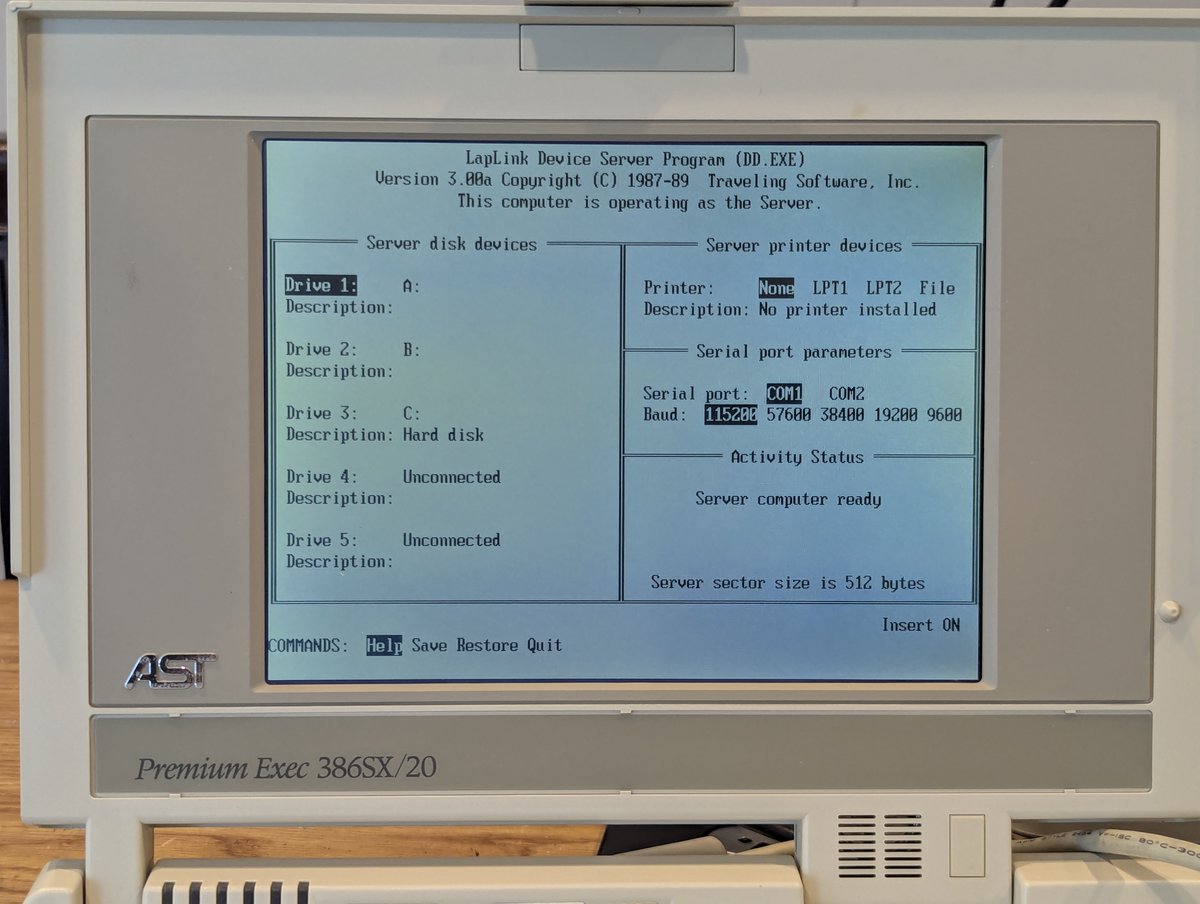
Oh! This laptop also had LapLink installed on it!
So, another reason I bought this machine was in hopes of doing a keyboard swap with my crumbling keyboard on the other laptop. But it looks like the design is different. Oh well.


I do have some other parts laptops as well that are not in great shape, maybe we can steal a few parts from them!
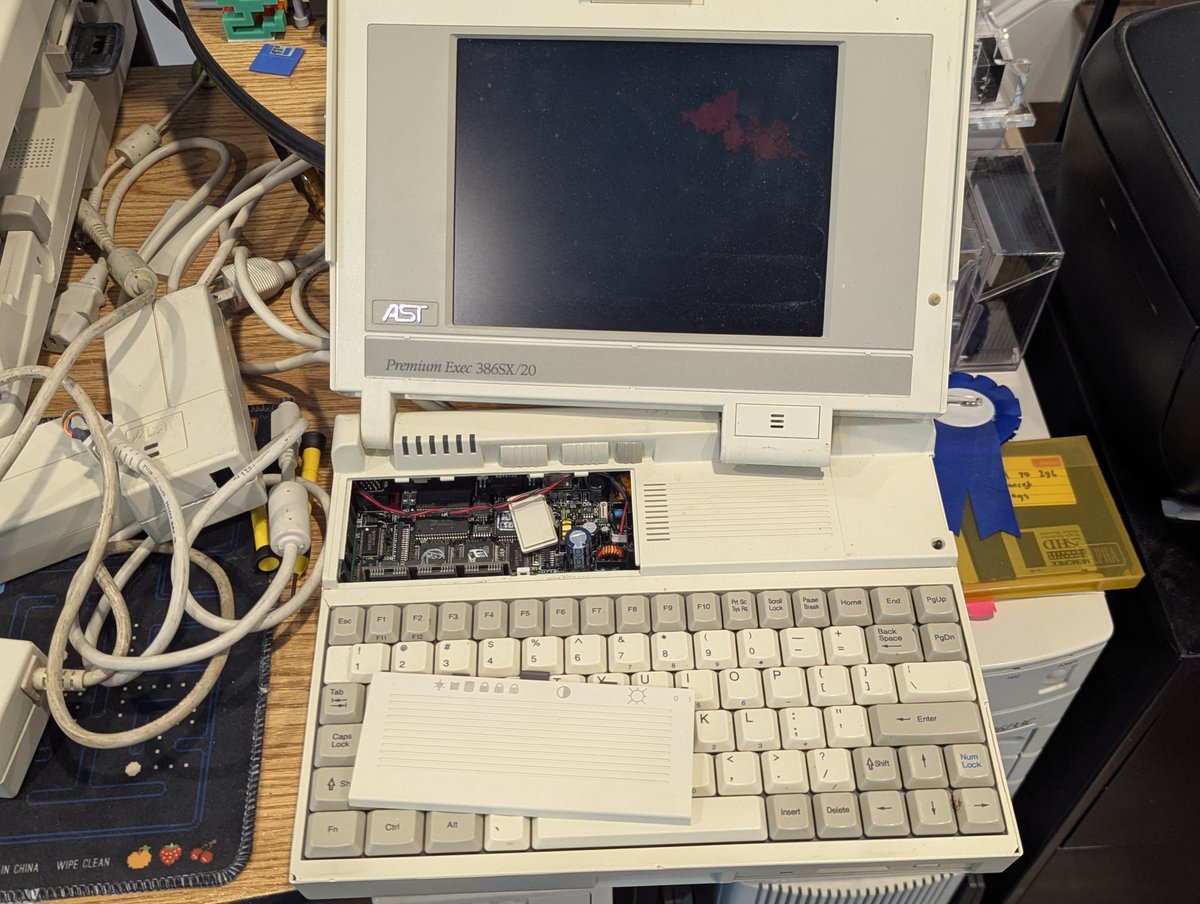
Don't mind if we do 😂. I have two 4MB memory chips we can install, and also a modem! I got these installed into the new laptop, no issues there!


As for the modem "slot cover," well, it's in need of a Retr0brite. I put it in the bin, and we'll grab it later.


I took this opportunity to consolidate my spare parts for these AST laptops. I do have several 1MB memory chips, a 64MB HDD, some FDDs, another crumbly keyboard, and a few dead AST power bricks. Oh, and one parts machine that was in decent enough shape to keep intact.


Here's the inside of an AST power brick. Once again, if anyone wants to take a shot at helping me fix these, please do reach out. I have three of them in need of repair.

Here are some other components I have. The batteries are dead, but will hold onto them for now. And I have an AST branded case for this second laptop. Great!


So, as noted, we did have a 64 MB HDD in the spares, and a failing 20MB HDD. I tried to swap in the 64MB drive, but alas it is no good. Oh well, we tried.


So, given that the 20MB drive was failing, I wanted to try and swap in a CF card. I was able to detect it and format it, but the darn thing wouldn't boot no matter what I tried.


And, yes, I did try other CF cards too, as well as changing up some BIOS settings. No luck! Neither the 32MB, 64MB, or 512MB cards would boot. Tried a different adapter too. No luck.
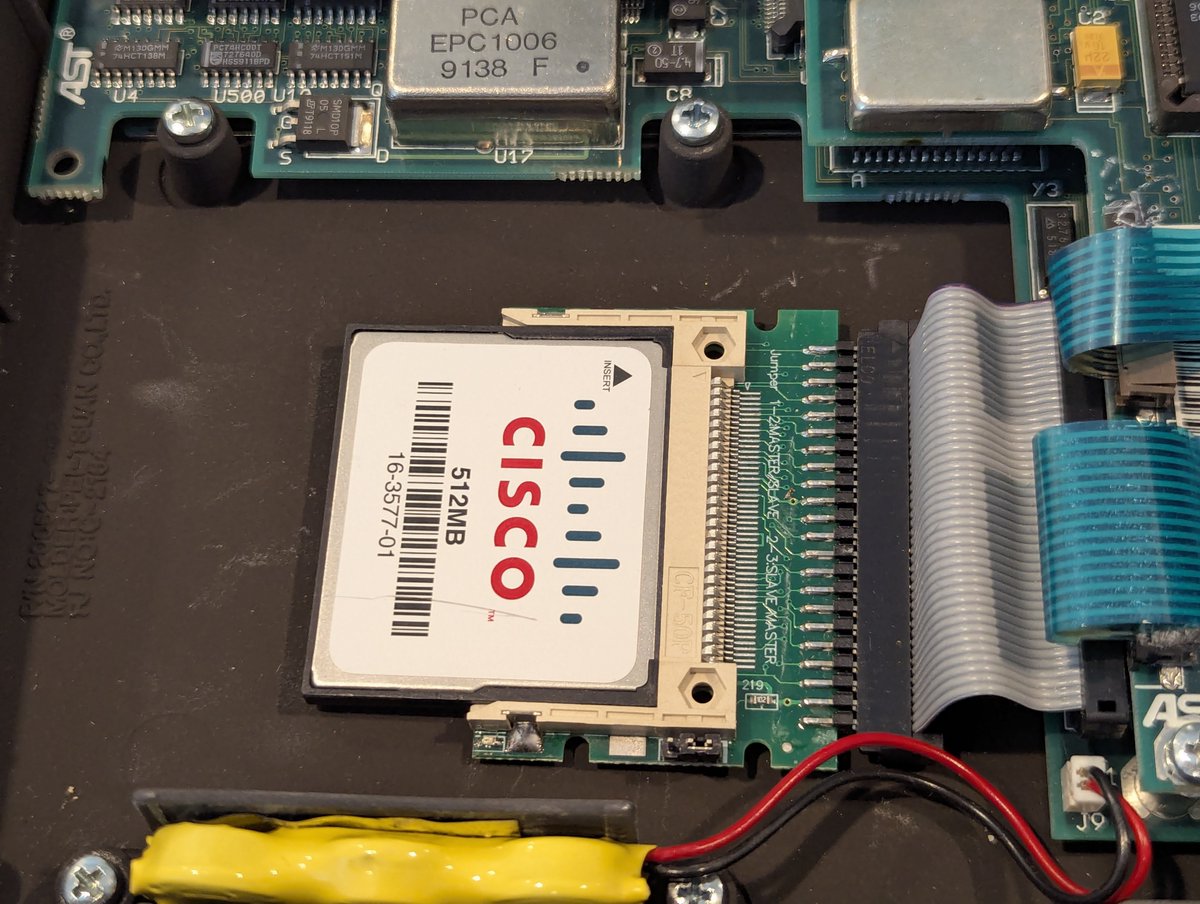

So, with that, I thought I would try and format the 20 MB HDD. It took a few tries, but finally I got it formatted and bootable. This won't be a long term solution, but once again, this was supposed to just be a parts laptop anyway 😂

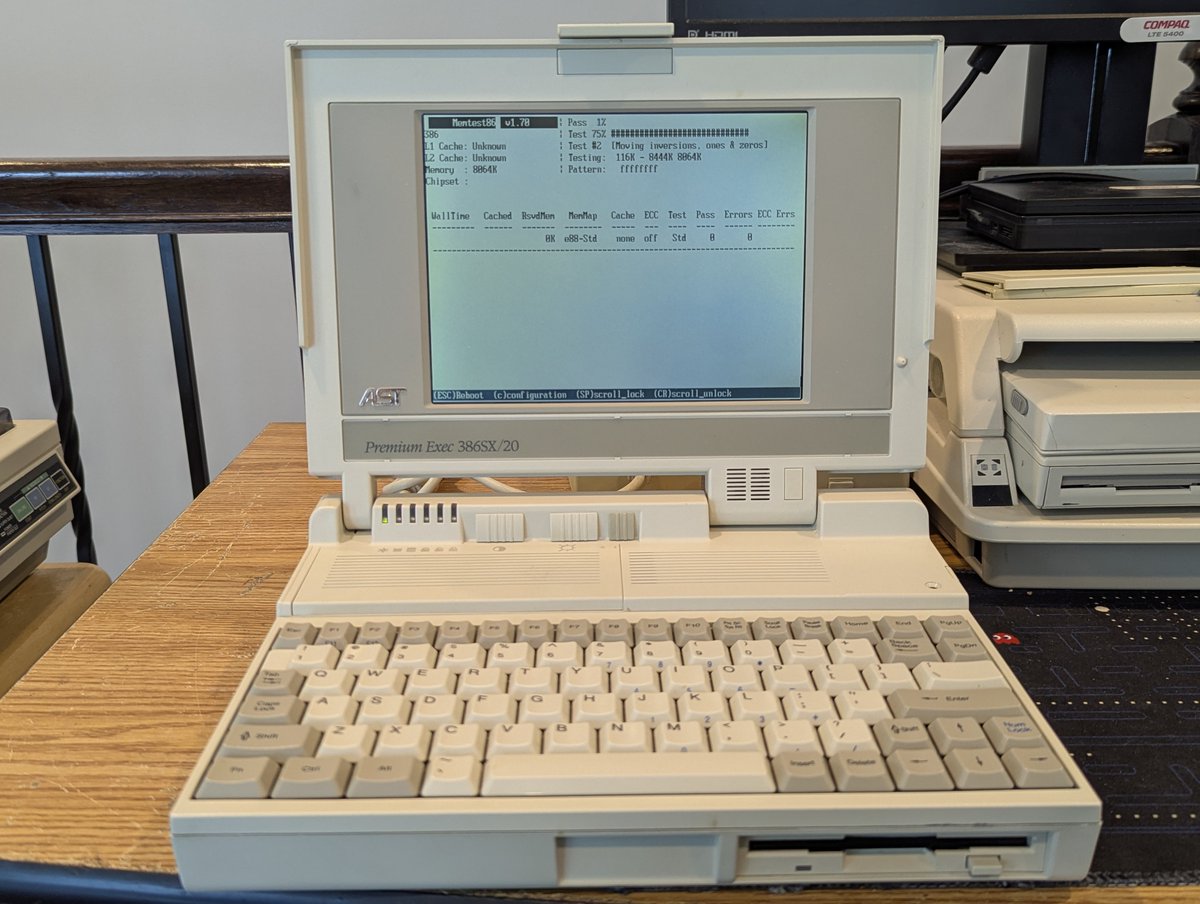
To rule out other issues, I am running MemTest on the laptop right now. As of writing this post, it is 72% of the way through (I took this picture earlier). Anyway, maybe I will try and pick up a small capacity HDD, we will see. Thx for following along!
@threadreaderapp unroll
@threadreaderapp unroll
• • •
Missing some Tweet in this thread? You can try to
force a refresh