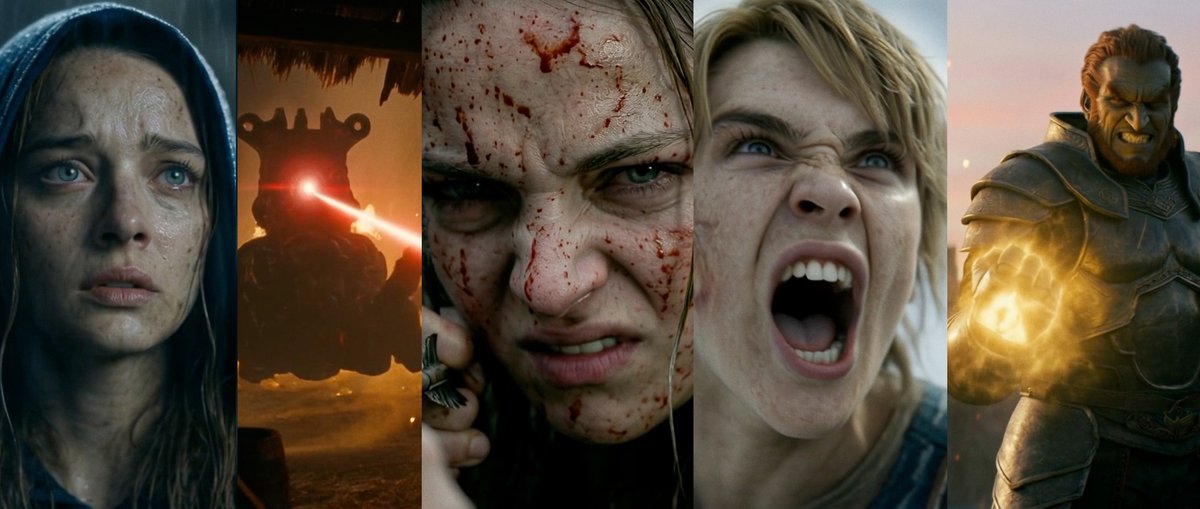
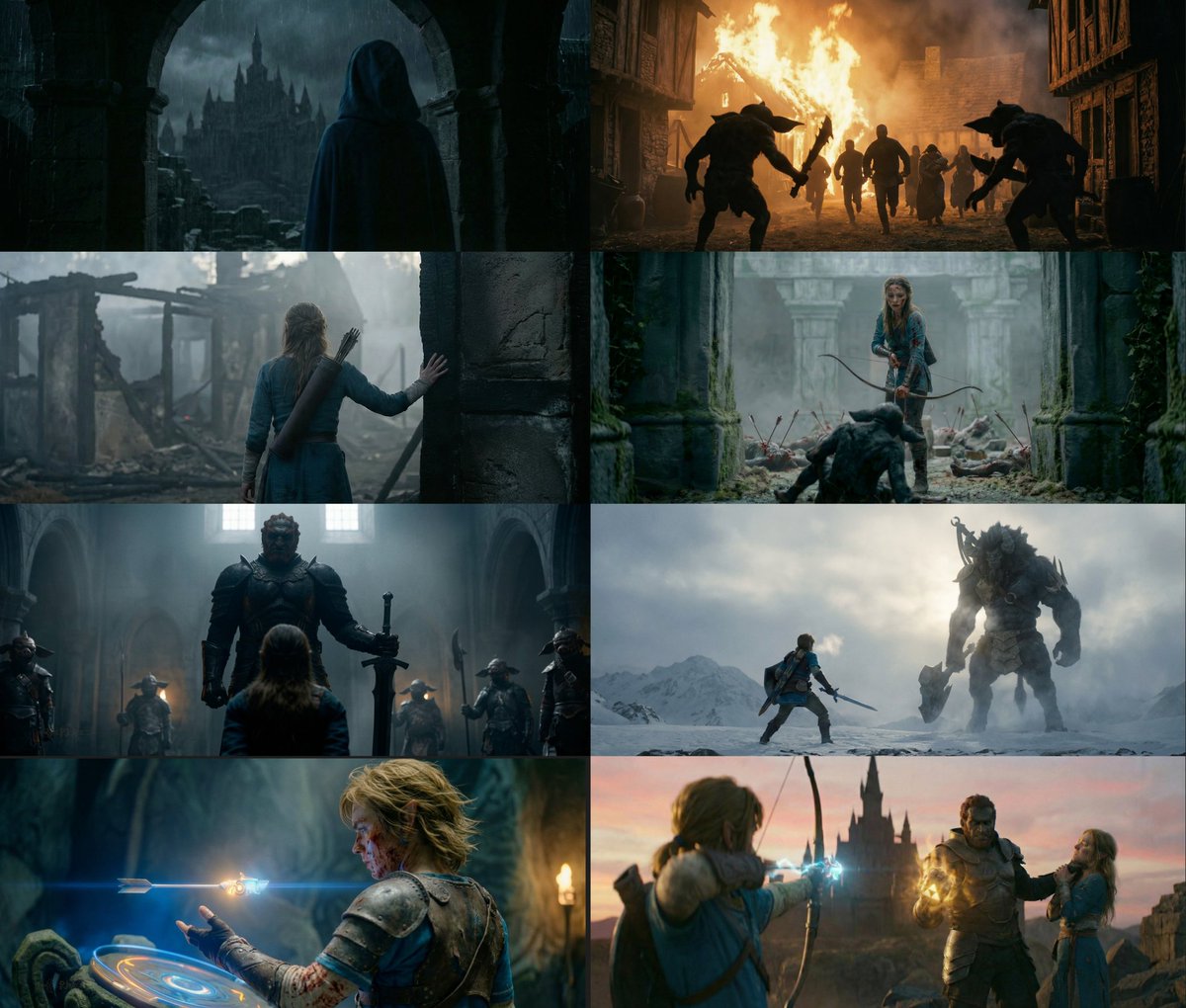
We made a 25-minute FULLY AI TV show in 3 months, and I’m sharing all our secrets for free 👀
See EXACTLY how we brought Jonah’s story to life.
Here's how to create a full TV show in 15 easy steps.
Copy my PROMPTS and process below 👇🏼🧵
See EXACTLY how we brought Jonah’s story to life.
Here's how to create a full TV show in 15 easy steps.
Copy my PROMPTS and process below 👇🏼🧵
If you told my 13-year-old self I’d be making a biblical epic with just a computer and a few friends, I’d say that’s the coolest job ever.
The tech isn’t fully lifelike yet, but it’s wild how far we’ve come and what’s already possible.
Hope you learn from our process 🙌🏼👇🏼
The tech isn’t fully lifelike yet, but it’s wild how far we’ve come and what’s already possible.
Hope you learn from our process 🙌🏼👇🏼
Step 1: Script.
We collaborated with Kingstone Comics to craft a 42-scene screenplay that remains faithful to the Bible while also working cinematically.
It was built as a pilot episode, structured, visually appealing, and tailored for AI production.
We collaborated with Kingstone Comics to craft a 42-scene screenplay that remains faithful to the Bible while also working cinematically.
It was built as a pilot episode, structured, visually appealing, and tailored for AI production.
Step 2: Organization
We used Figma as the central hub, housing all research, style refs, and image generations.
A shared Google Sheet tracked the production stage per scene.
From script to final frame, this provided us with a bird’s-eye view, fast and clean.
We used Figma as the central hub, housing all research, style refs, and image generations.
A shared Google Sheet tracked the production stage per scene.
From script to final frame, this provided us with a bird’s-eye view, fast and clean.
Step 3: Historical Research.
We researched Nineveh and Joppa in the 8th century BC, examining how people dressed and the overall visuals.
Some elements were simplified to maintain consistency across generations, but all designs were grounded in actual historical events.
We researched Nineveh and Joppa in the 8th century BC, examining how people dressed and the overall visuals.
Some elements were simplified to maintain consistency across generations, but all designs were grounded in actual historical events.
Step 4: Character Development.
We developed each main character based on historical research, then locked their look using multi-angle reference images.
We also finalized a unique prompt for each character and stored it for later use in customGPT training and image generation.
Here's an example of an Imagen character prompt:
We developed each main character based on historical research, then locked their look using multi-angle reference images.
We also finalized a unique prompt for each character and stored it for later use in customGPT training and image generation.
Here's an example of an Imagen character prompt:
Step 5: Visual Style & Prompt Testing.
We tested different tools and prompt styles to find the most cinematic and consistent results.
We locked in a pipeline built around Imagen and Kling, with support from MidJourney, Veo2, and later Veo3.
Prompt example:
shot type: [Medium Shot], straight-on side profile, 2.39:1 Cinemascope aspect ratio;
aperture: T2.0 for subject isolation with subtle environmental blur;
characters:
**HELMSMAN** — A rugged Middle Eastern male with dark brown eyes and furrowed brows, lean but powerful; short tousled dark hair, square jawline, and a thick beard. His bare arms are marked with old rope burns and scars. Wearing a knee-length linen tunic subtly dyed in faded grey, cinched with a wide leather belt. Leather sandals, reinforced and strapped tight.
**SHIP CAPTAIN** — A weathered Middle Eastern male with a broad, muscular build, thick dark beard streaked with grey, and short curly dark hair damp with seawater. Wearing a faded blue knee-length linen tunic, wide leather belt with bronze fittings, and sturdy leather sandals reinforced for stability. A bronze signet ring on his hand.
pose/motion: Helmsman leans slightly toward the Captain, right hand gesturing mid-air as if questioning; Captain’s arms loosely crossed, gaze fixed ahead;
ENVIRONMENT (depth layers):
foreground (blurred): edge of fluttering sail cloth, catching pink light;
midground (sharp focus): Helmsman and Captain, side profiles fully visible;
background (soft bokeh): horizon glowing pink-orange behind mast rigging; soft waves break across blurred waterline;
ENVIRONMENT (atmosphere):
setting: [Ship Deck at Sunset];
lighting: angled pink-red light grazing faces and shoulders from port side, adding golden highlights to beard and linen;
mood: Subtle confrontation, brewing tension under serene sunset.
We tested different tools and prompt styles to find the most cinematic and consistent results.
We locked in a pipeline built around Imagen and Kling, with support from MidJourney, Veo2, and later Veo3.
Prompt example:
shot type: [Medium Shot], straight-on side profile, 2.39:1 Cinemascope aspect ratio;
aperture: T2.0 for subject isolation with subtle environmental blur;
characters:
**HELMSMAN** — A rugged Middle Eastern male with dark brown eyes and furrowed brows, lean but powerful; short tousled dark hair, square jawline, and a thick beard. His bare arms are marked with old rope burns and scars. Wearing a knee-length linen tunic subtly dyed in faded grey, cinched with a wide leather belt. Leather sandals, reinforced and strapped tight.
**SHIP CAPTAIN** — A weathered Middle Eastern male with a broad, muscular build, thick dark beard streaked with grey, and short curly dark hair damp with seawater. Wearing a faded blue knee-length linen tunic, wide leather belt with bronze fittings, and sturdy leather sandals reinforced for stability. A bronze signet ring on his hand.
pose/motion: Helmsman leans slightly toward the Captain, right hand gesturing mid-air as if questioning; Captain’s arms loosely crossed, gaze fixed ahead;
ENVIRONMENT (depth layers):
foreground (blurred): edge of fluttering sail cloth, catching pink light;
midground (sharp focus): Helmsman and Captain, side profiles fully visible;
background (soft bokeh): horizon glowing pink-orange behind mast rigging; soft waves break across blurred waterline;
ENVIRONMENT (atmosphere):
setting: [Ship Deck at Sunset];
lighting: angled pink-red light grazing faces and shoulders from port side, adding golden highlights to beard and linen;
mood: Subtle confrontation, brewing tension under serene sunset.
Step 6: Shotlist.
We created the full shotlist using Gemini.
By uploading the script, we generated a structured breakdown of all 42 scenes and 291 shots—mapping out pacing and key moments before generation even began.
We created the full shotlist using Gemini.
By uploading the script, we generated a structured breakdown of all 42 scenes and 291 shots—mapping out pacing and key moments before generation even began.
Step 7: CustomGPT Training.
We built a custom “JonahGPT” model trained on the script, shot list, character and location descriptions, and our exact prompt structures.
This let us produce fast and consistent outputs that aligned with the project’s tone and visual language.
We built a custom “JonahGPT” model trained on the script, shot list, character and location descriptions, and our exact prompt structures.
This let us produce fast and consistent outputs that aligned with the project’s tone and visual language.
Step 8: Image Generation & Animatic.
We used Imagen to create 5–20 options per shot, plus extra B-roll for each scene.
This gave us enough material to curate the best frames while maintaining visual consistency.
We curated final frames for each shot—selecting the most cinematic and consistent images, then added dialogue and organized everything in Figma.
Using Runway, we animated these stills into a rough animatic to test pacing, spot inconsistencies, and identify missing shots before moving into inpainting and final animation.
We used Imagen to create 5–20 options per shot, plus extra B-roll for each scene.
This gave us enough material to curate the best frames while maintaining visual consistency.
We curated final frames for each shot—selecting the most cinematic and consistent images, then added dialogue and organized everything in Figma.
Using Runway, we animated these stills into a rough animatic to test pacing, spot inconsistencies, and identify missing shots before moving into inpainting and final animation.
Step 9: Inpainting & Upscaling.
About 70% of all images needed inpainting, despite using locked prompts.
We fixed artifacts, outfit errors, and visual glitches using Freepik, Photoshop, Canva, and Kontext.
This step was essential for visual consistency before upscaling.
For upscaling, we used a mix of Topaz and Magnific.
Each shot was reviewed after inpainting, then upscaled to preserve detail and sharpness across scenes.
This ensured the film held up visually even at longer runtime and higher resolutions.
About 70% of all images needed inpainting, despite using locked prompts.
We fixed artifacts, outfit errors, and visual glitches using Freepik, Photoshop, Canva, and Kontext.
This step was essential for visual consistency before upscaling.
For upscaling, we used a mix of Topaz and Magnific.
Each shot was reviewed after inpainting, then upscaled to preserve detail and sharpness across scenes.
This ensured the film held up visually even at longer runtime and higher resolutions.
Step 10: Animation.
Animation was done in Kling, starting with 2.0 and switching to 2.1 mid-production.
Each shot had to flow into the next, so we adjusted timing, camera movement, and transitions to match the dialogue and action.
We also followed core cinematic principles like the 180 rule to maintain spatial clarity and narrative cohesion.
Animation was done in Kling, starting with 2.0 and switching to 2.1 mid-production.
Each shot had to flow into the next, so we adjusted timing, camera movement, and transitions to match the dialogue and action.
We also followed core cinematic principles like the 180 rule to maintain spatial clarity and narrative cohesion.
Step 11: Consistency Check.
Despite locked prompts, we encountered consistency issues with faces, body shapes, facial hair, and outfit details.
Without a dedicated consistency coordinator, we had to revisit and redo many shots.
Lesson learned: at this scale, consistency needs to be someone’s full-time job.
Despite locked prompts, we encountered consistency issues with faces, body shapes, facial hair, and outfit details.
Without a dedicated consistency coordinator, we had to revisit and redo many shots.
Lesson learned: at this scale, consistency needs to be someone’s full-time job.
Step 12: Voice Performance + Lipsync
We worked with voice actor Toby Ricketts to record all character performances. Using a real actor was key to giving the film its cinematic feel.
We used ElevenLabs to assign a distinct voice to each character, transforming Toby's original recordings. His performances remained intact, with tone, rhythm, and emotion, but each voice took on its own identity.
Once animation was locked, we moved into lip sync using Runway Act One and HeyGen.
Depending on the shot, we either used Toby’s original video or created a custom HeyGen avatar.
We worked with voice actor Toby Ricketts to record all character performances. Using a real actor was key to giving the film its cinematic feel.
We used ElevenLabs to assign a distinct voice to each character, transforming Toby's original recordings. His performances remained intact, with tone, rhythm, and emotion, but each voice took on its own identity.
Once animation was locked, we moved into lip sync using Runway Act One and HeyGen.
Depending on the shot, we either used Toby’s original video or created a custom HeyGen avatar.
Step 13: Score.
We worked with composer Andrés Galindo Arteaga, who began scoring from the animatic stage.
As the edit evolved, he adjusted the music to fit the final cut, giving the film emotional weight and pacing that felt intentional and cinematic.
We worked with composer Andrés Galindo Arteaga, who began scoring from the animatic stage.
As the edit evolved, he adjusted the music to fit the final cut, giving the film emotional weight and pacing that felt intentional and cinematic.
Step 14: Sound Design.
Sound was handled by Zakhar Semirkhanov, who joined the project in its later stages of production.
He created all sound elements and handled the final mix, except for the voice performances.
Sound was handled by Zakhar Semirkhanov, who joined the project in its later stages of production.
He created all sound elements and handled the final mix, except for the voice performances.
Step 15: Editing.
Editing was a continuous process that ran alongside animation.
It helped us spot inconsistencies or weak shots that needed to be reanimated, inpainted, or even fully regenerated.
The edit was where everything came together—or fell apart.
Editing was a continuous process that ran alongside animation.
It helped us spot inconsistencies or weak shots that needed to be reanimated, inpainted, or even fully regenerated.
The edit was where everything came together—or fell apart.
What we learned:
– Tools evolve too fast. Midway through, Veo 3 was launched, making earlier shots feel outdated. We upgraded, but couldn’t redo everything.
– Consistency needs a dedicated role.
– We’d now use @runwayml References for character continuity, and Act II for performances
- This is why I think it's better to focus on short content right now, the longer your AI content is, the more the tools will change halfway through production.
– Tools evolve too fast. Midway through, Veo 3 was launched, making earlier shots feel outdated. We upgraded, but couldn’t redo everything.
– Consistency needs a dedicated role.
– We’d now use @runwayml References for character continuity, and Act II for performances
- This is why I think it's better to focus on short content right now, the longer your AI content is, the more the tools will change halfway through production.
Big thanks to Art A. Ayris from Kingstone Comics for trusting us with this adaptation.
Core team:
Executive Producers – Art A. Ayris, @PJaccetturo, @tawnyholguin
Director – Sina Dolati
Creative Producer – Olga Baranova @olgabrnv
Director of Digital Photography – Marco Isle @ai_artworkgen
Technical Director – Mauricio Tonon
Core team:
Executive Producers – Art A. Ayris, @PJaccetturo, @tawnyholguin
Director – Sina Dolati
Creative Producer – Olga Baranova @olgabrnv
Director of Digital Photography – Marco Isle @ai_artworkgen
Technical Director – Mauricio Tonon
Additional thanks to:
@burkaygur , @gorkemyurt & the team at @FAL
@tonypu_klingai & the team at @Kling_ai
The entire @freepik team
Rodrigo Ribeiro, Winston and John Meta
@burkaygur , @gorkemyurt & the team at @FAL
@tonypu_klingai & the team at @Kling_ai
The entire @freepik team
Rodrigo Ribeiro, Winston and John Meta
Tools used:
Imagen 3, @midjourney , @ChatGPTapp
Kling 2.1, Veo3, Runway, FAL
HeyGen, Runway Act One, CapCut AI
@freepik , Flux Kontext, Photoshop AI, Canva AI
@topazlabs, @Magnific_AI
Gemini, Figma, ElevenLabs, Adobe Premiere
Imagen 3, @midjourney , @ChatGPTapp
Kling 2.1, Veo3, Runway, FAL
HeyGen, Runway Act One, CapCut AI
@freepik , Flux Kontext, Photoshop AI, Canva AI
@topazlabs, @Magnific_AI
Gemini, Figma, ElevenLabs, Adobe Premiere
If you want to watch the full episode, it's available to watch on Kingstone's website!
Give it a watch! It was a blast to make! 😁 👇🏼
kingstonestudios.uscreen.io/programs/jonah
Give it a watch! It was a blast to make! 😁 👇🏼
kingstonestudios.uscreen.io/programs/jonah
And lastly, if you want to be a part of the team that makes the next biblical epic, apply here!
Even if you've applied with us in the past, please reapply. This is a separate list for those who want to work on more Bible AI TV shows
form.typeform.com/to/r5zdIzPi
Even if you've applied with us in the past, please reapply. This is a separate list for those who want to work on more Bible AI TV shows
form.typeform.com/to/r5zdIzPi
That wraps this thread!
If you want to stay up to date with the latest in AI tips and our projects, level up your content by subscribing to my free newsletter!
pjace.beehiiv.com
If you want to stay up to date with the latest in AI tips and our projects, level up your content by subscribing to my free newsletter!
pjace.beehiiv.com
• • •
Missing some Tweet in this thread? You can try to
force a refresh