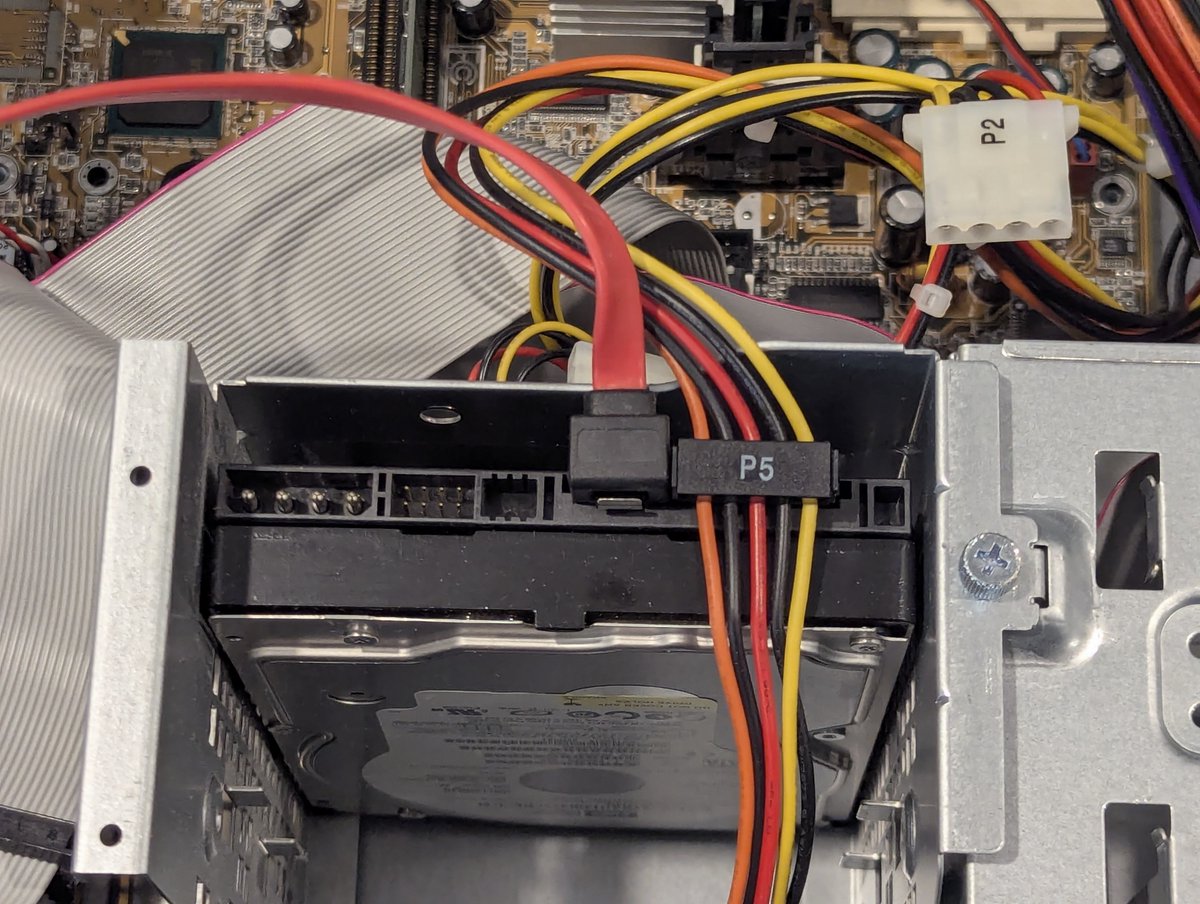
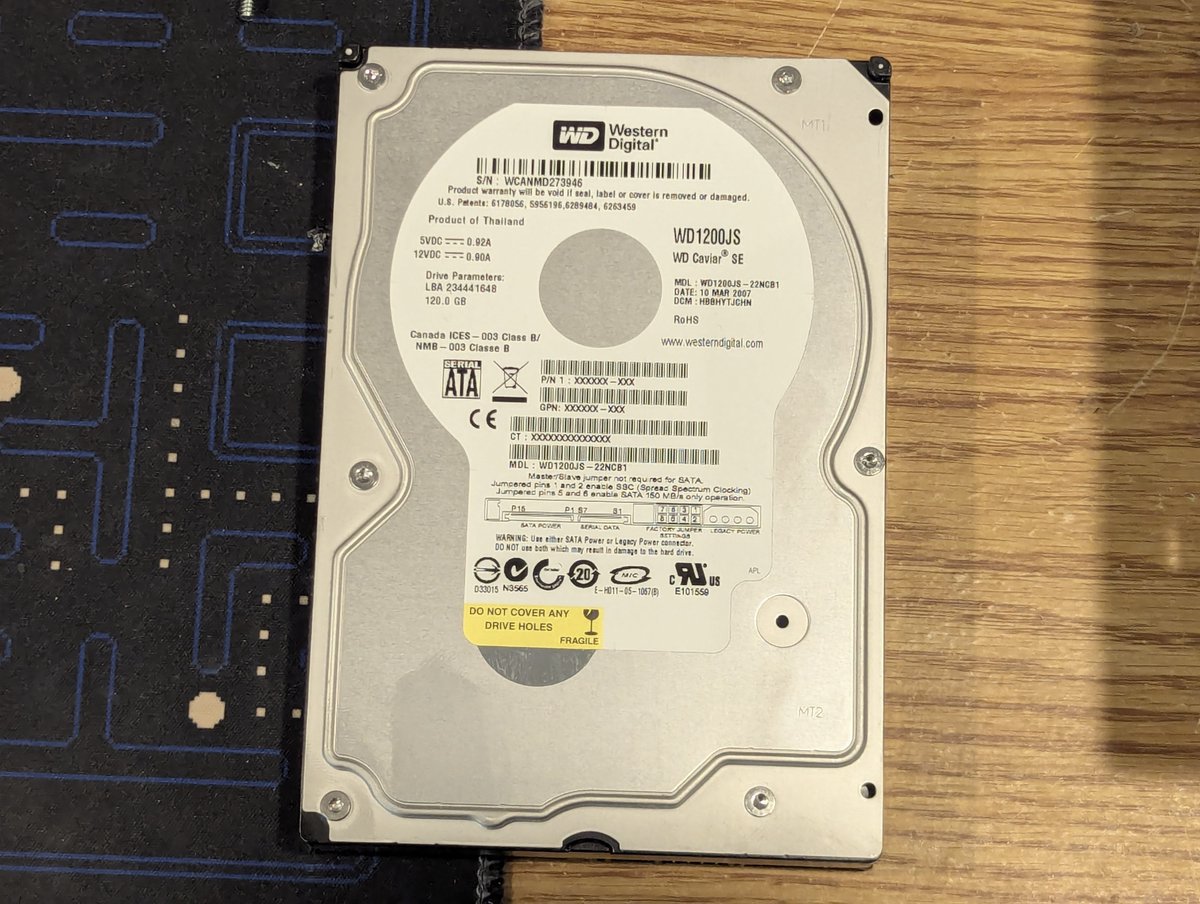
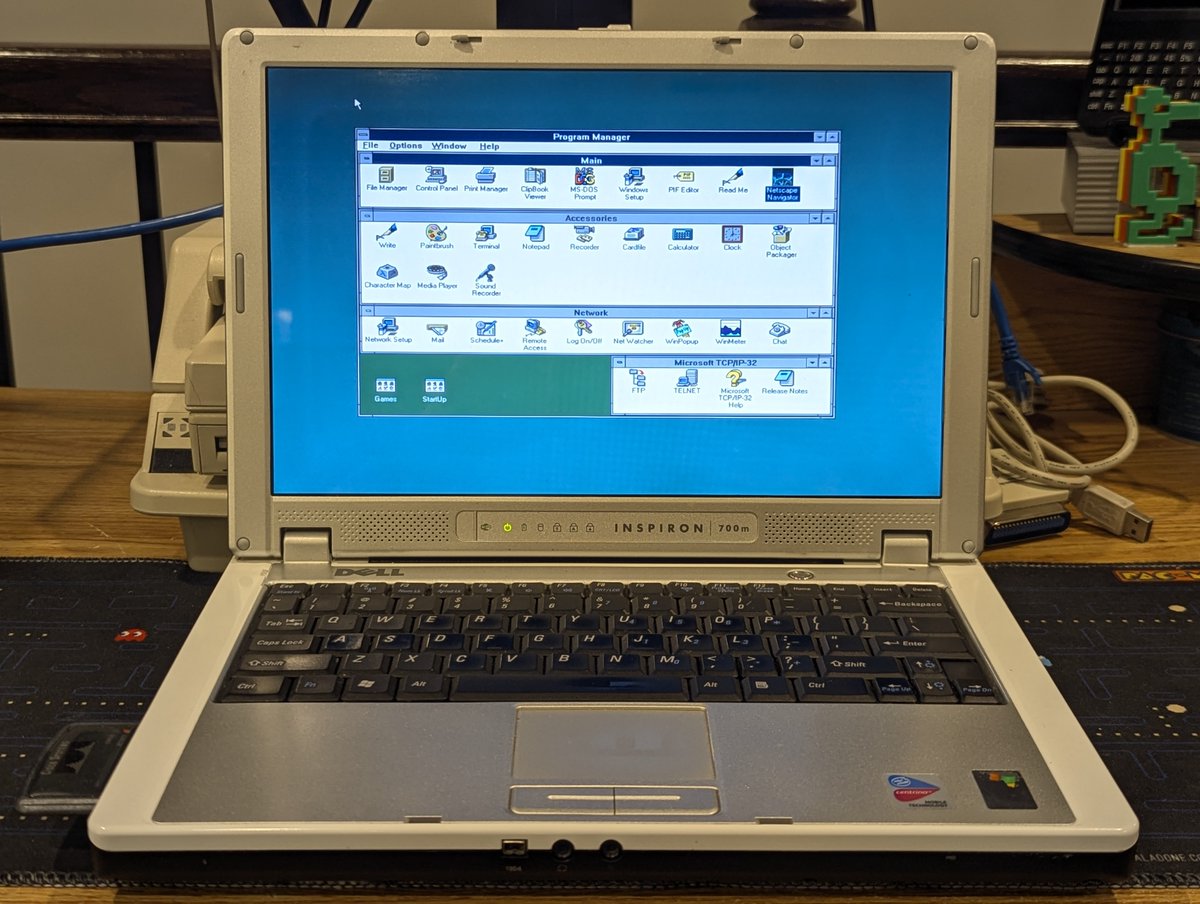
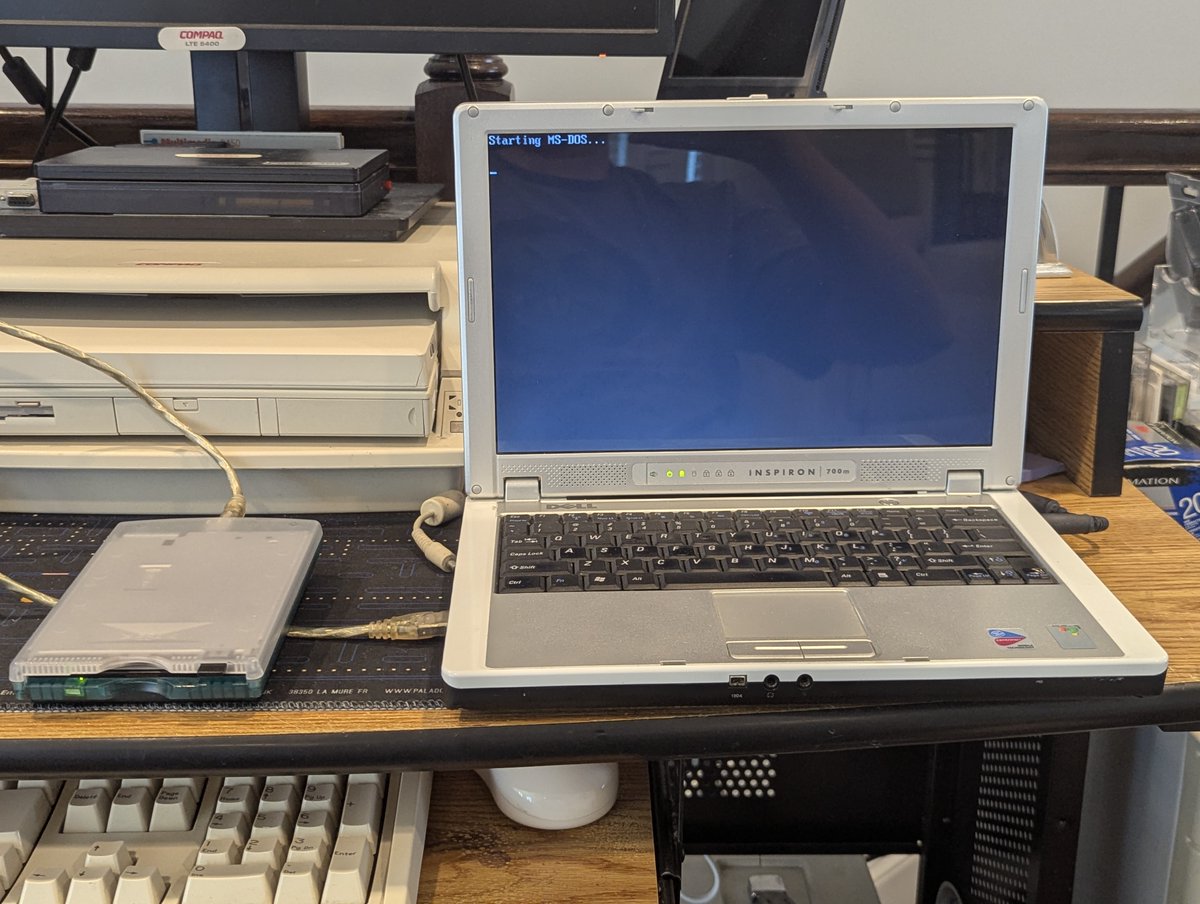
I recently received this Dell Inspiron 700m from my friend Bill. Originally a Windows XP system. I thought "maybe I could make this a mean DOS/Windows For Workgroups 3.11 system." Let's give it a shot in a 🧵 here, I bet we can get pretty close! 
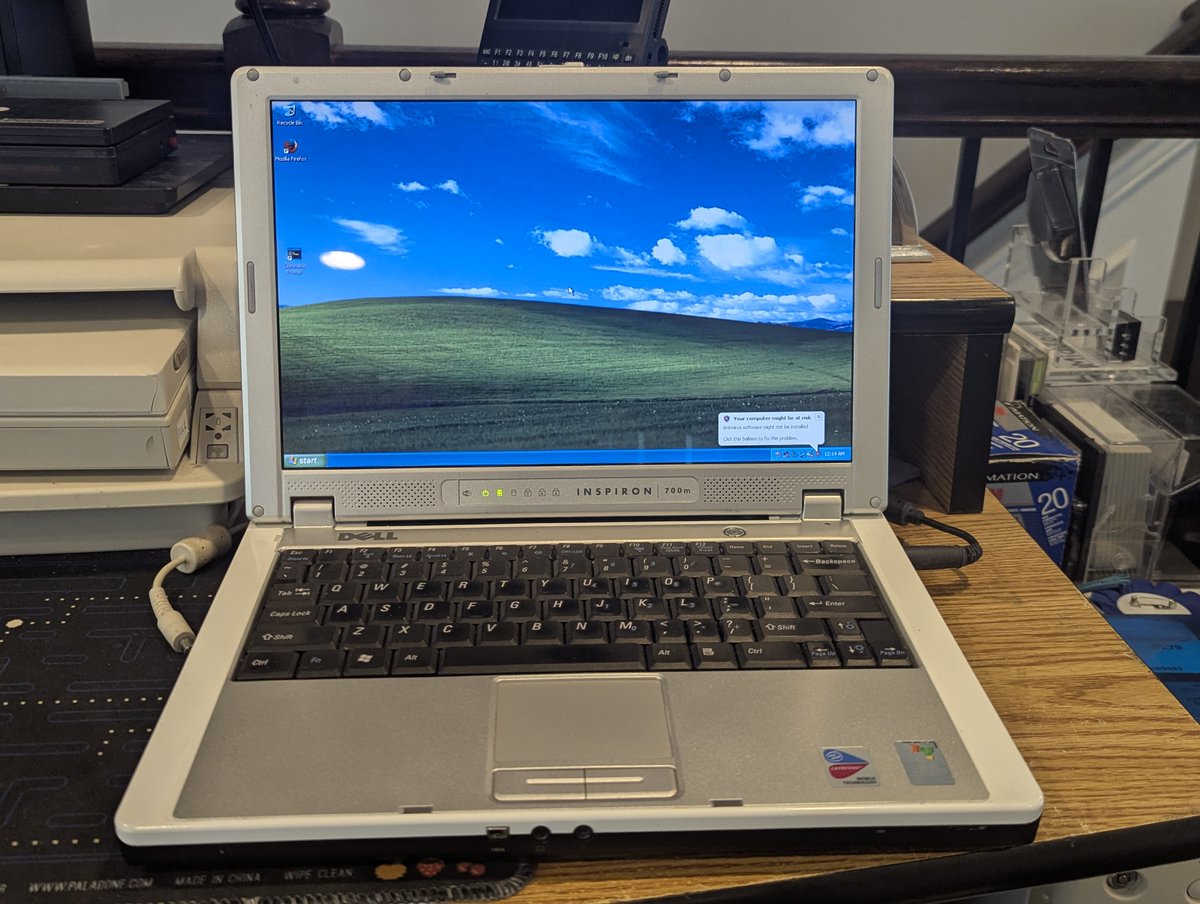
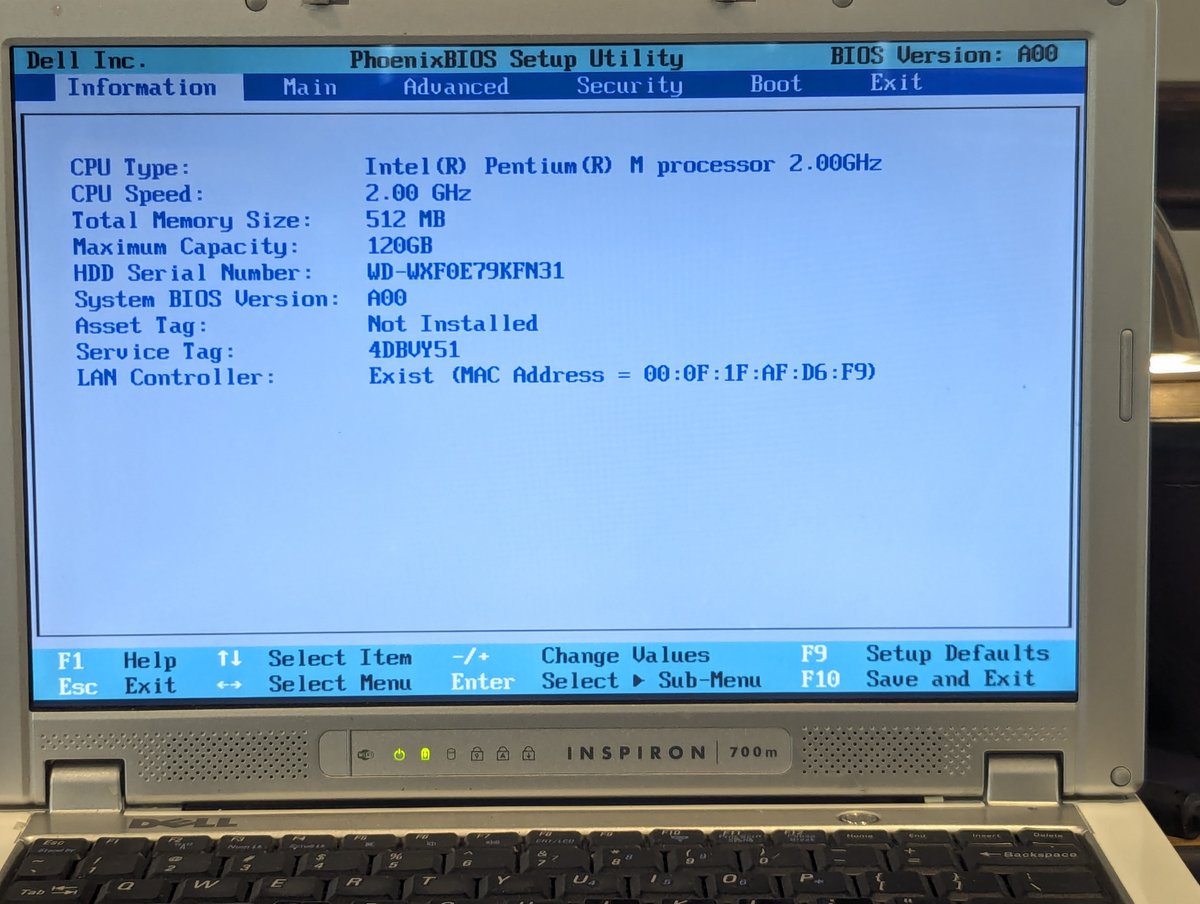
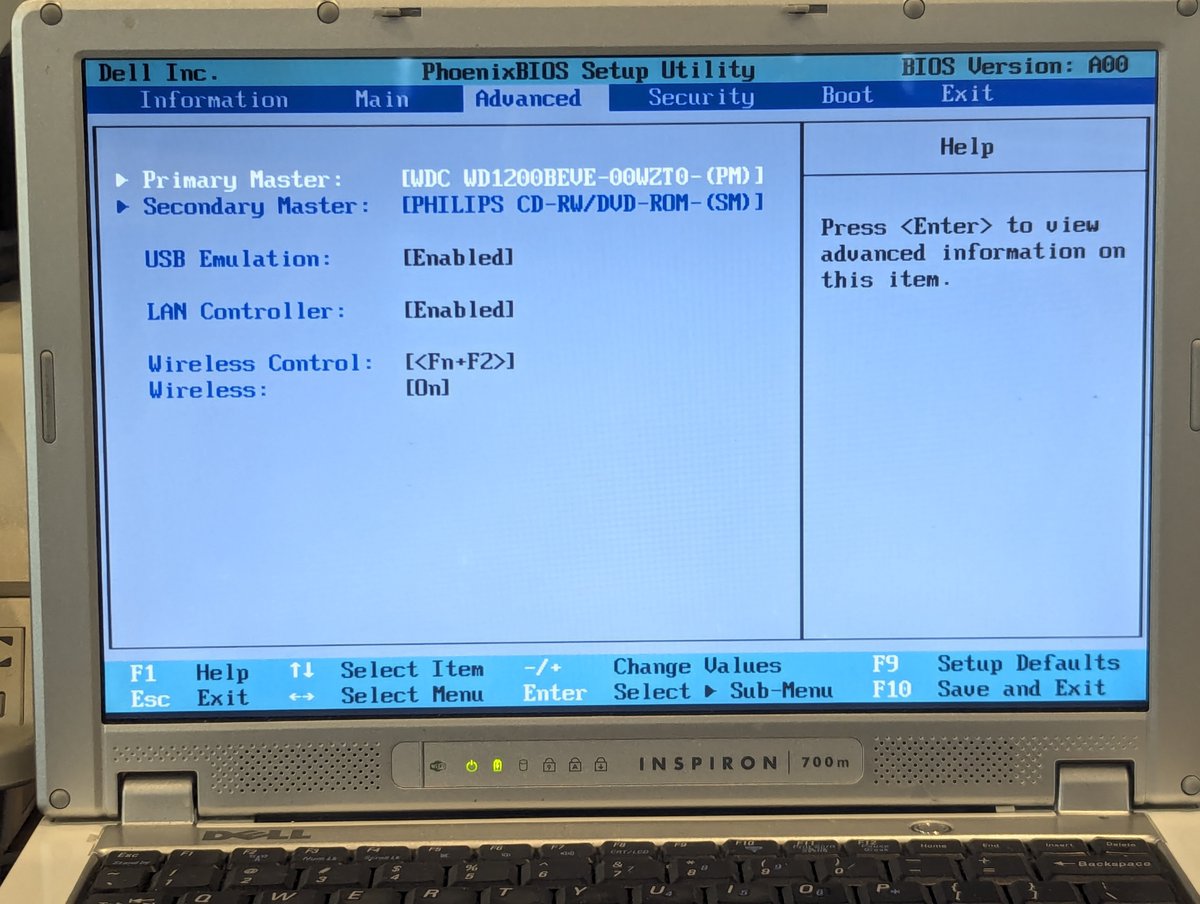
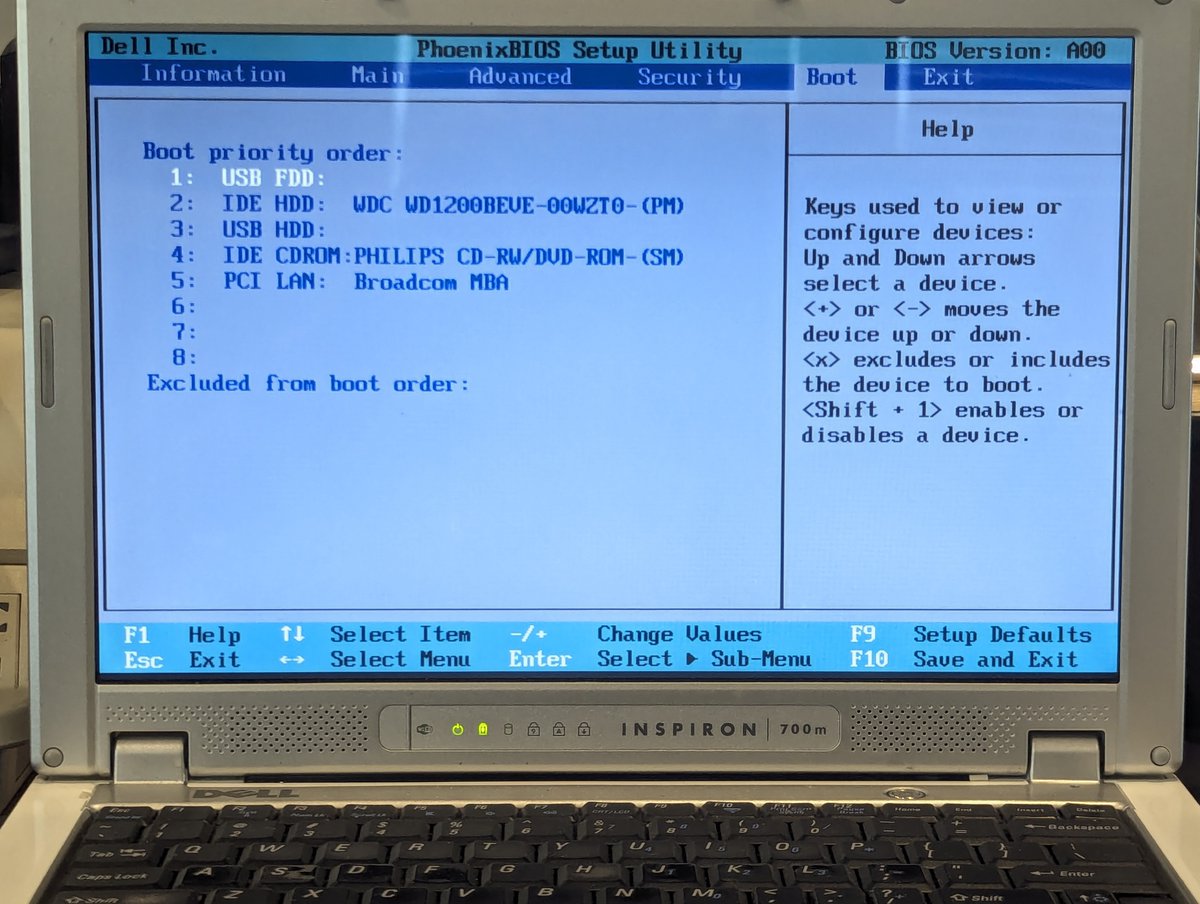
First thing I did was to look in the BIOS. This system is a Pentium M 2.0 GHz with 512MB of memory. The optical is a CD-RW/DVD. Okay, this should be more than adequate for what we want to do here 😂. Oh... and look, we can boot from a USB floppy drive! Okay, let's do that.
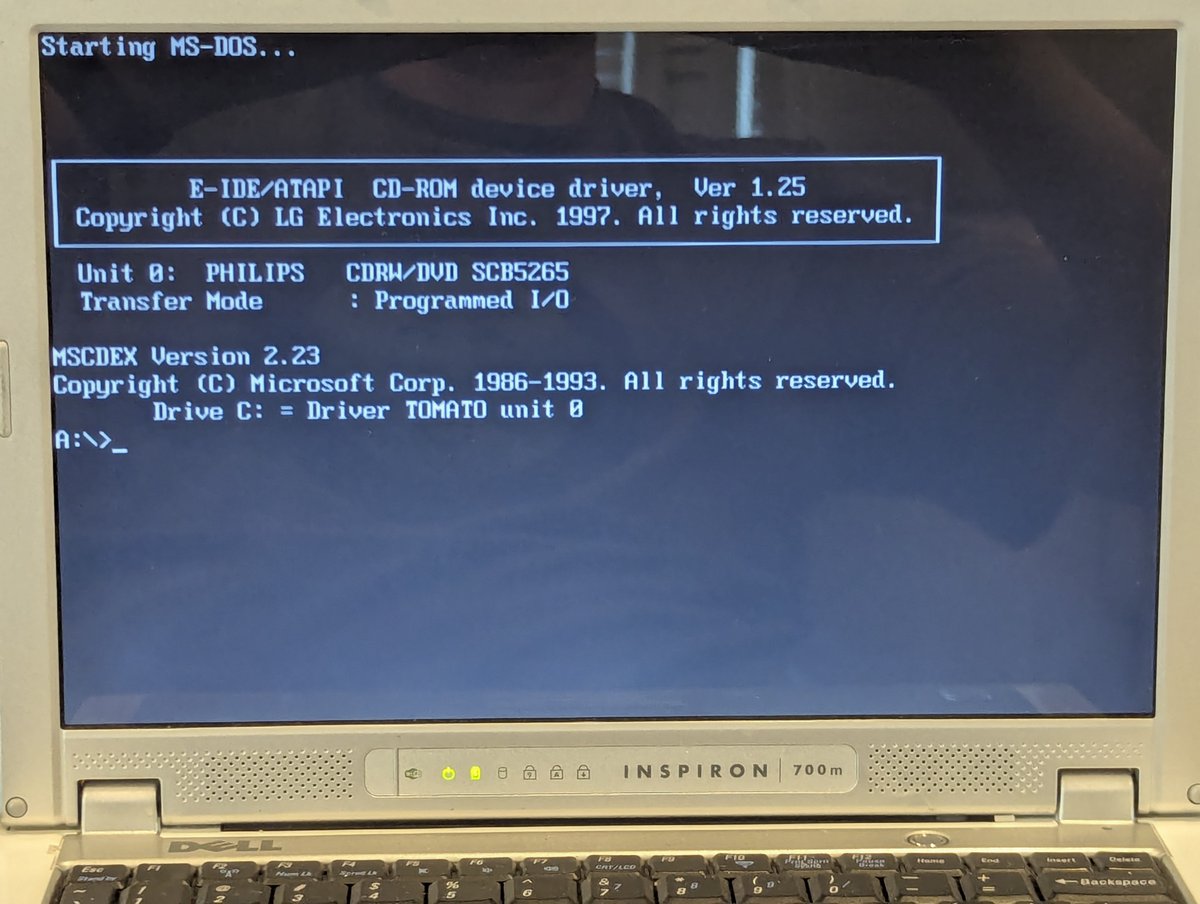
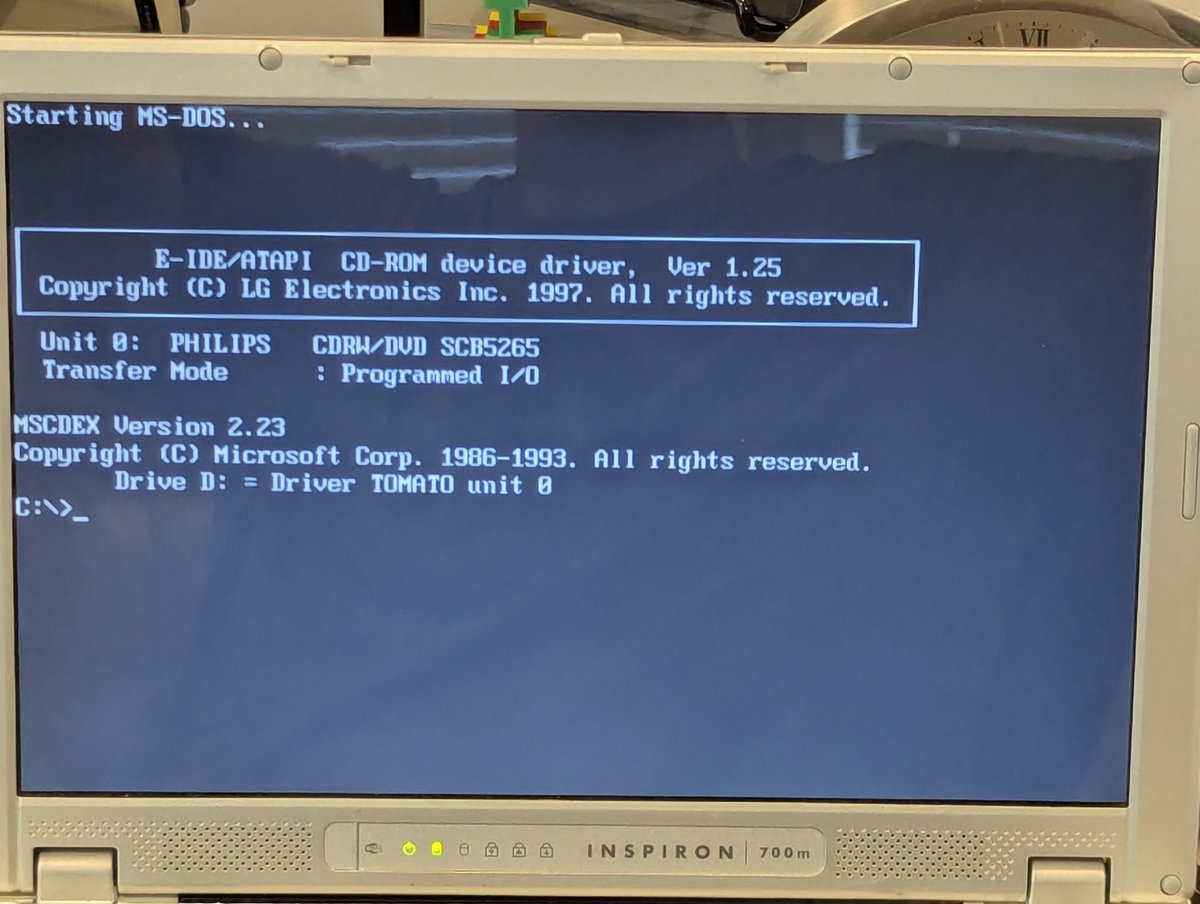
First thing I thought I would do is to boot DOS 6.22. And... look at that, I even had the right drivers set up to detect the optical drive. Win!
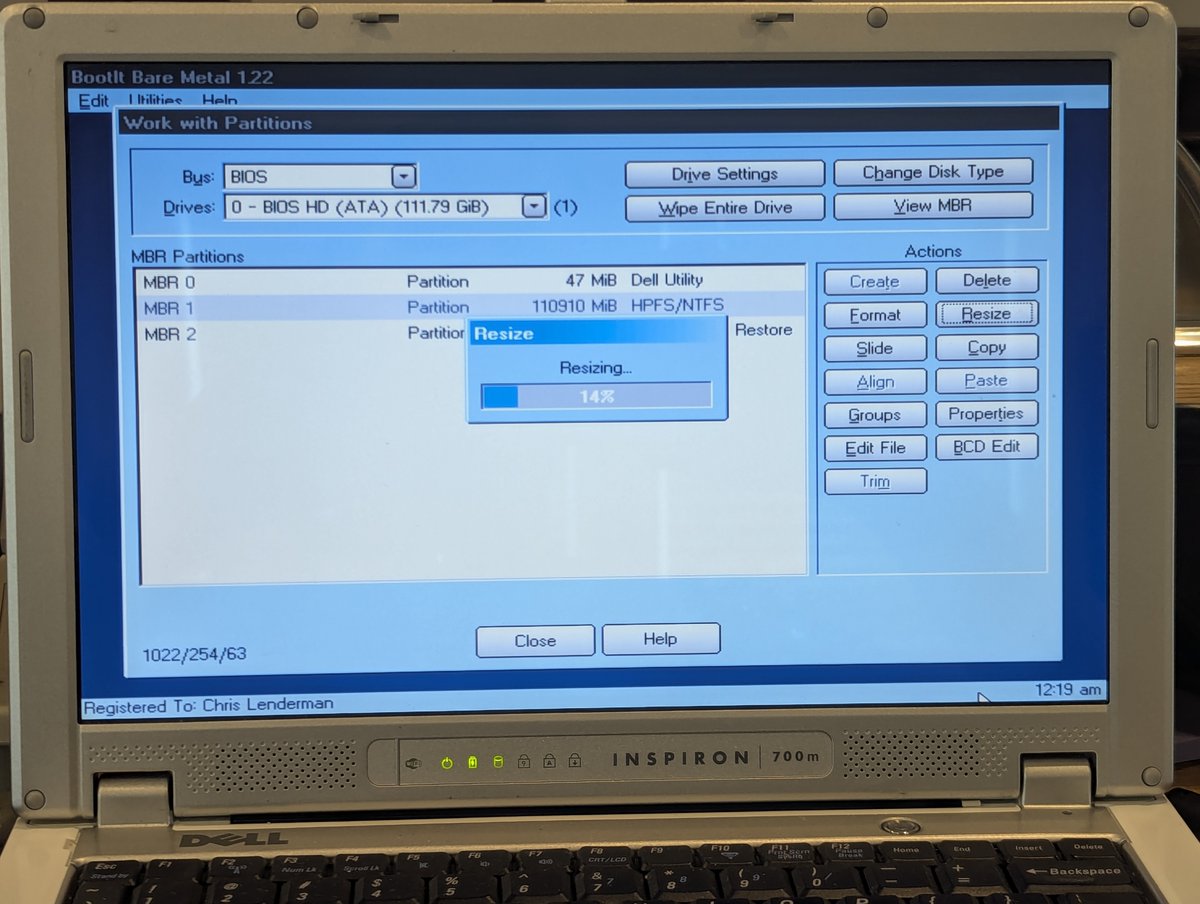
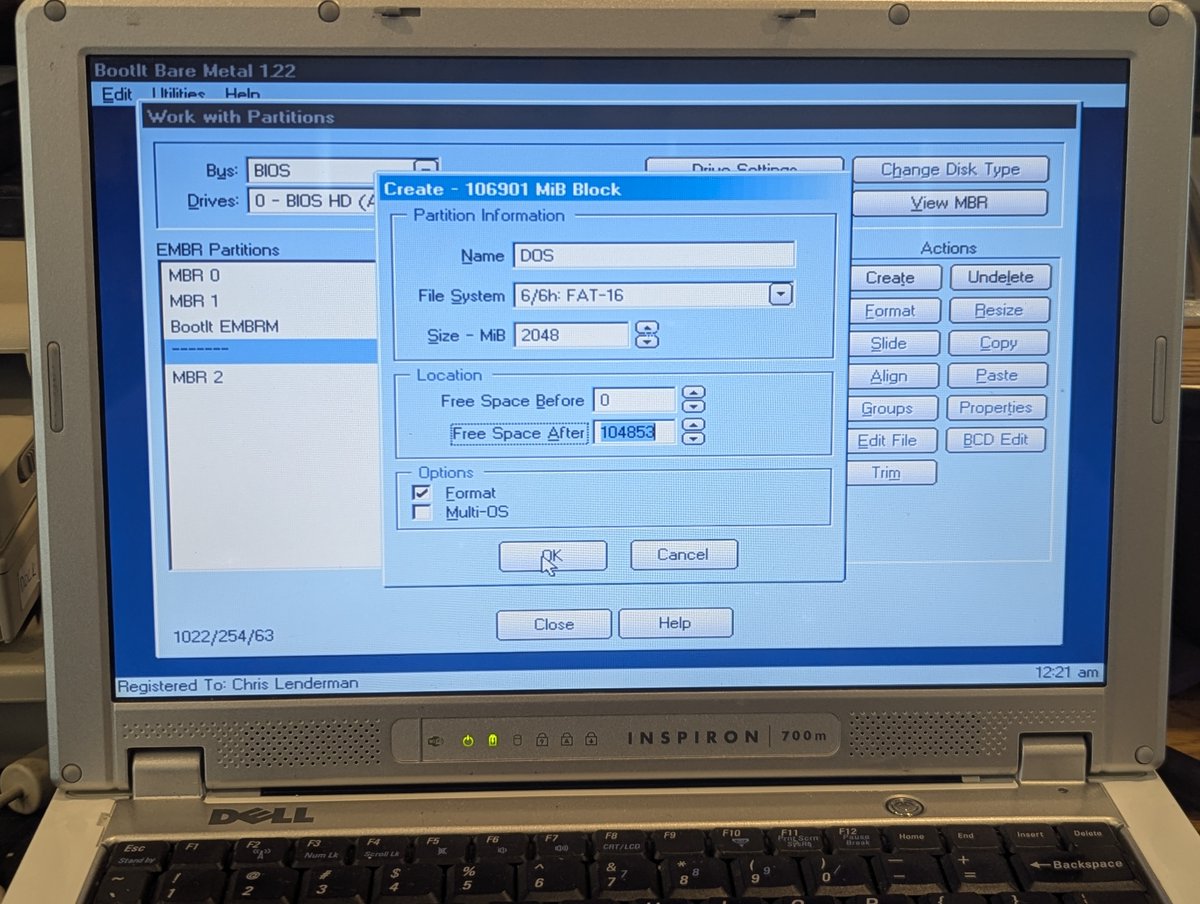
So, next up, I installed, yes, you guessed it, BootIt Bare Metal. I carved out a nice 2GB space for a DOS partition, and we are now ready to rock and roll!
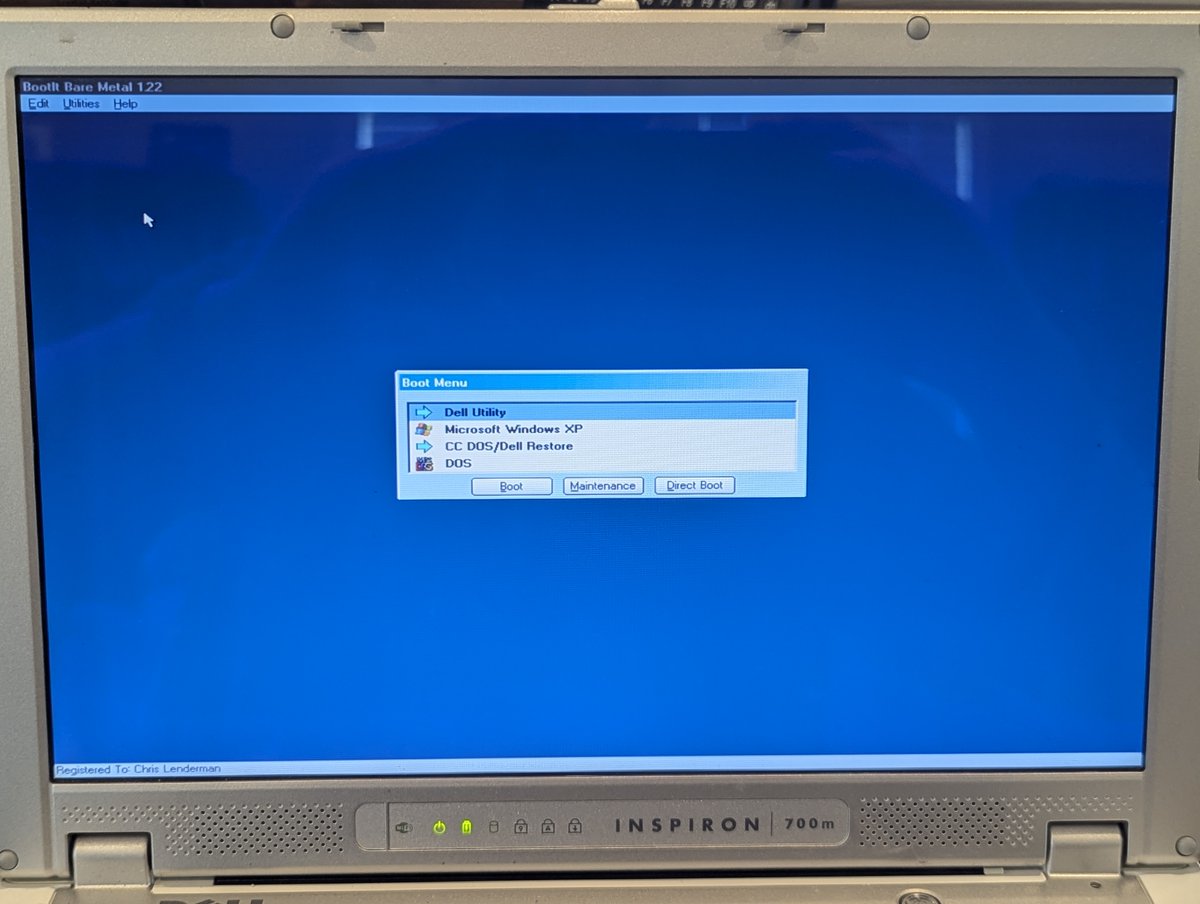
I went about the steps of doing a "sys C:" to make the HDD bootable (not shown), and copied over some files, and from there we can now boot off of drive C:. Also.. hi 😂..this shiny screen is reflective, you will probably see me again 🤣
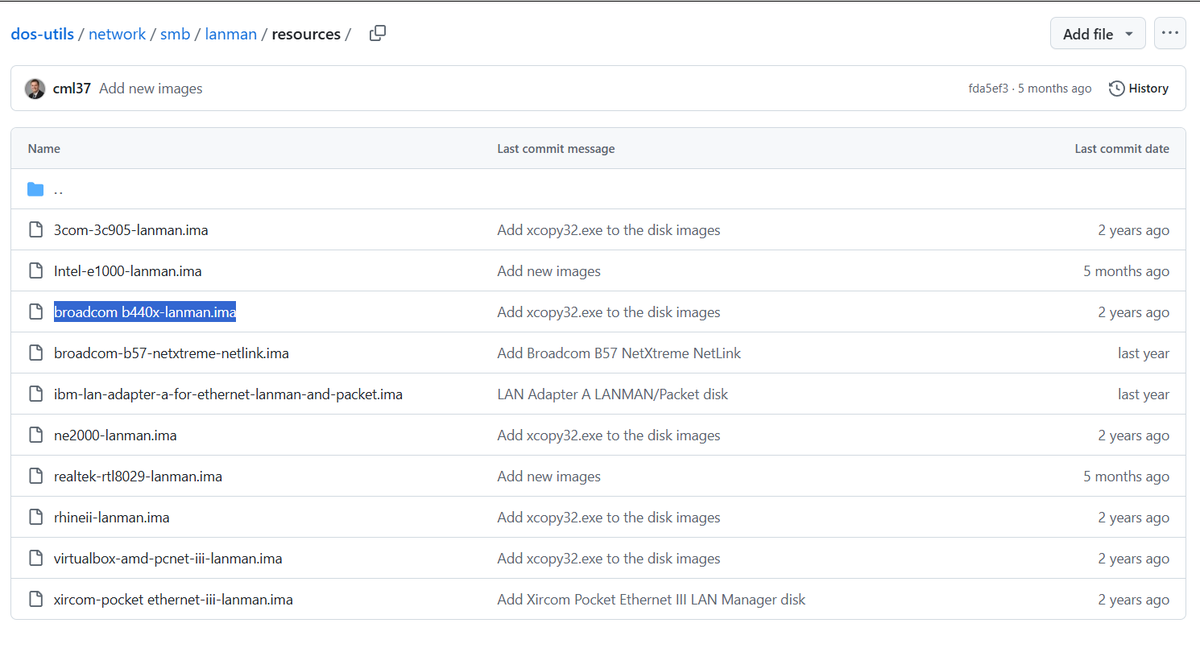
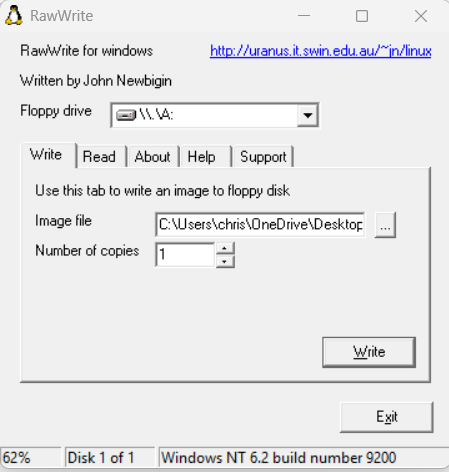
Next up, I wanted to copy some files over. I just assume use the Broadcom B440x network interface in this beast to do such, and I already had a MS LAN Manager image ready to go. So I wrote it out using rawrite for Windows, booted up, and copied some files off the Raspberry Pi!
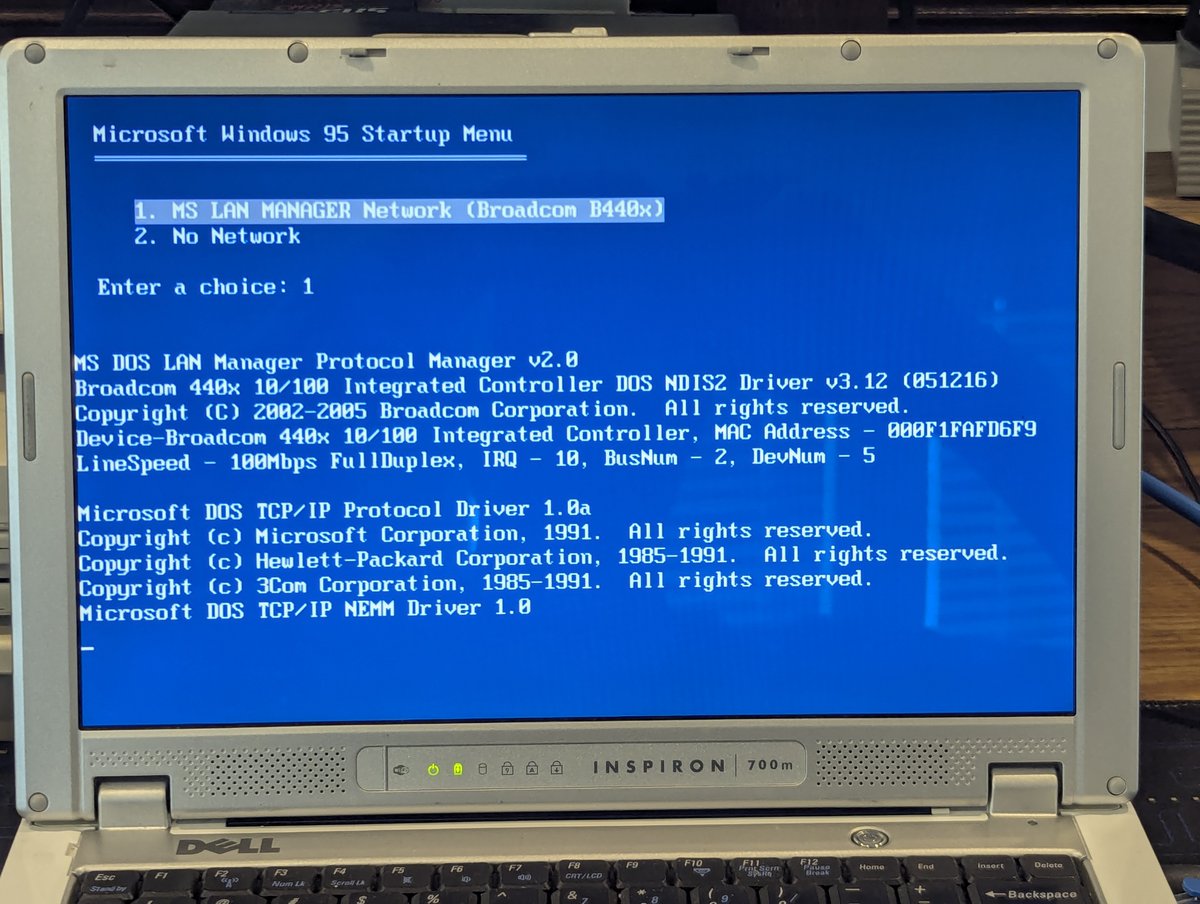
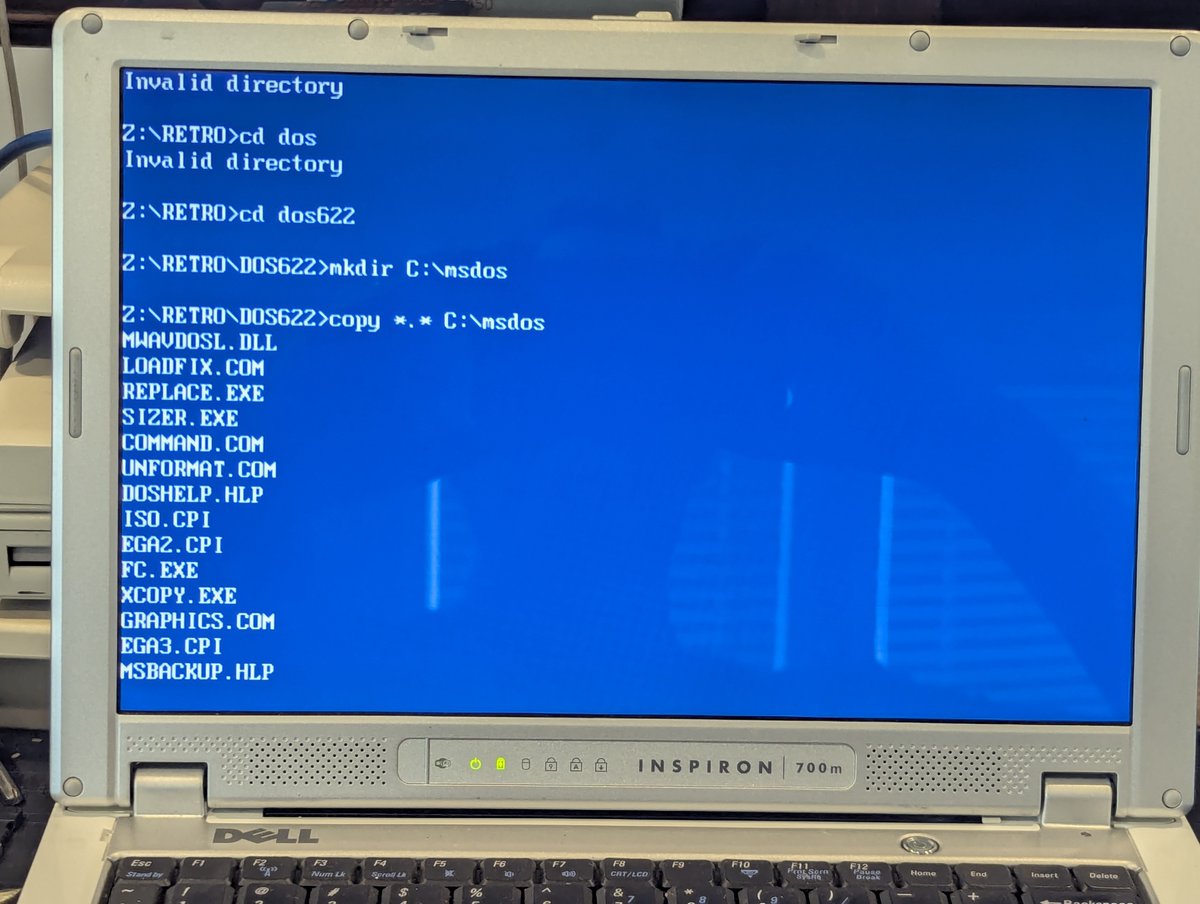
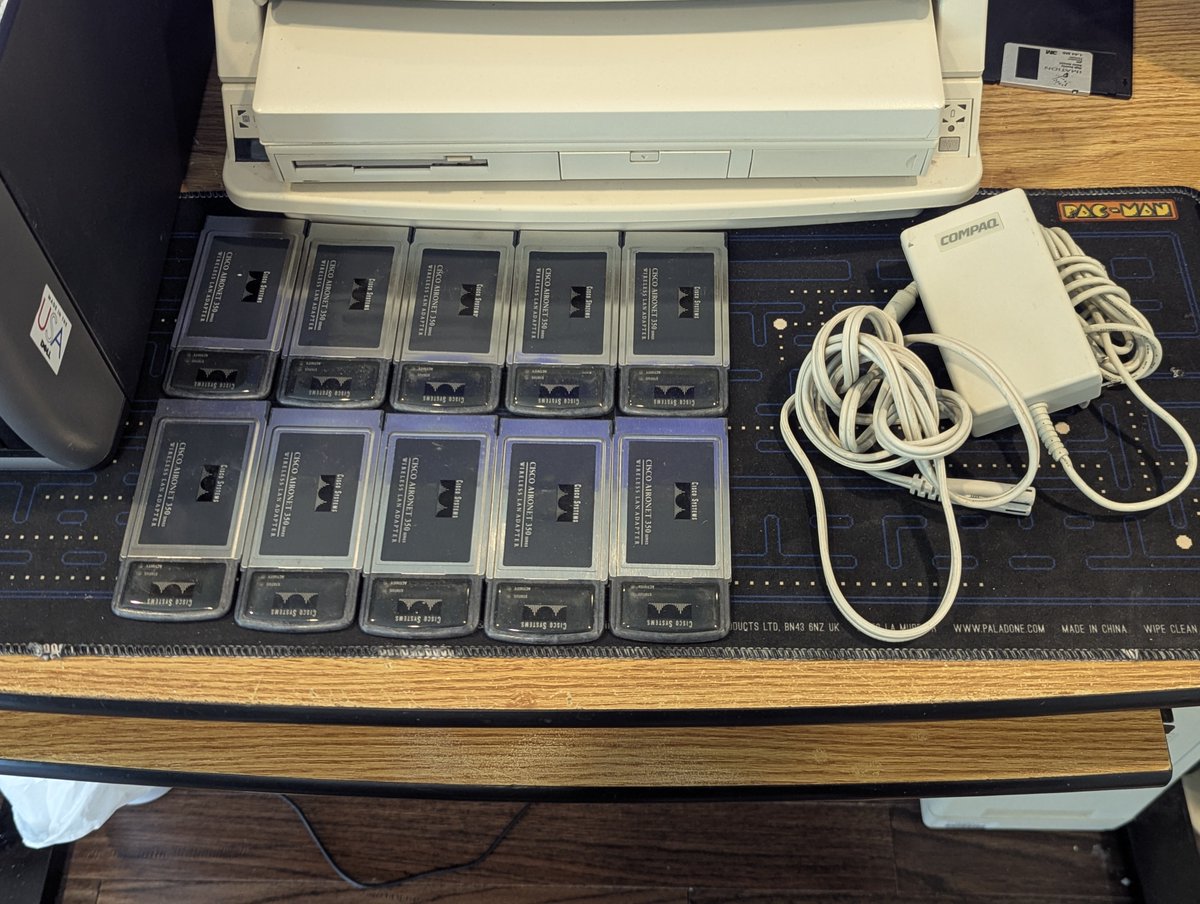
Next, I wanted to set up a wireless network card in DOS. The integrated WiFi is too "new" for DOS, but you may have noticed from the opening picture that I put a Cisco Aironet 350 in this system! I found some SystemSoft CardSoft PCMCIA drivers online too... will they work?


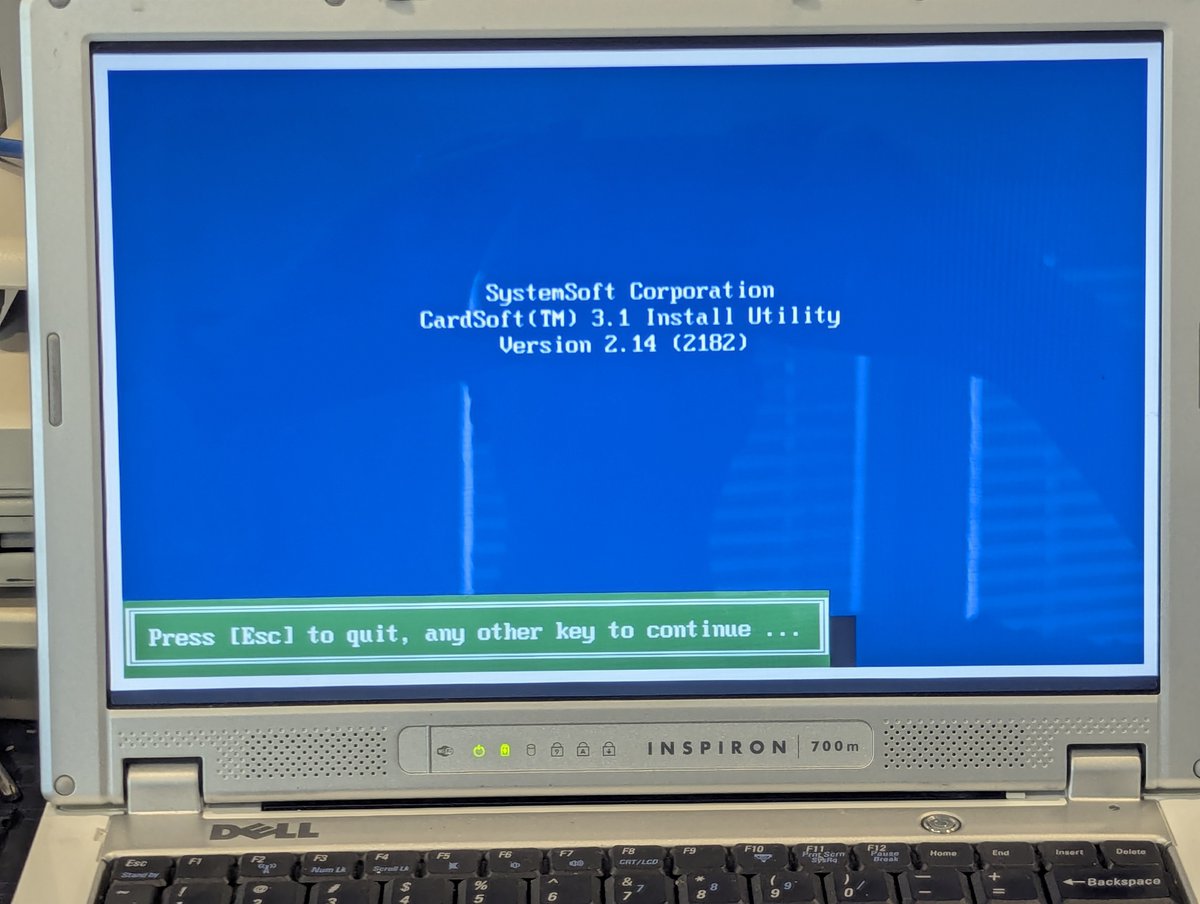
The answer: kindof. I ran the installer you saw in the last pic, but nothing got detected. HOWEVER, I found the docs for the integrated Texas Instruments PCI7240 PCMCIA controller online, and it is compatible with the Intel 82365SL standard. Hmm... can we improvise?
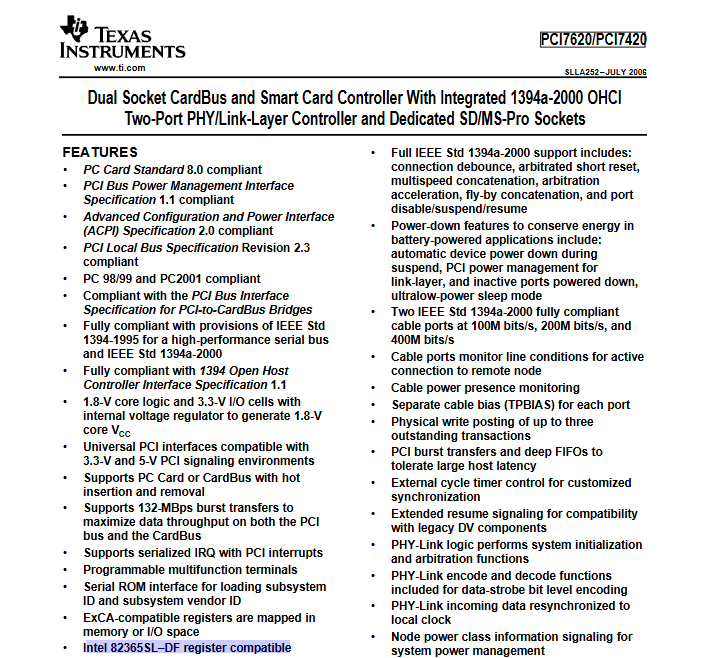
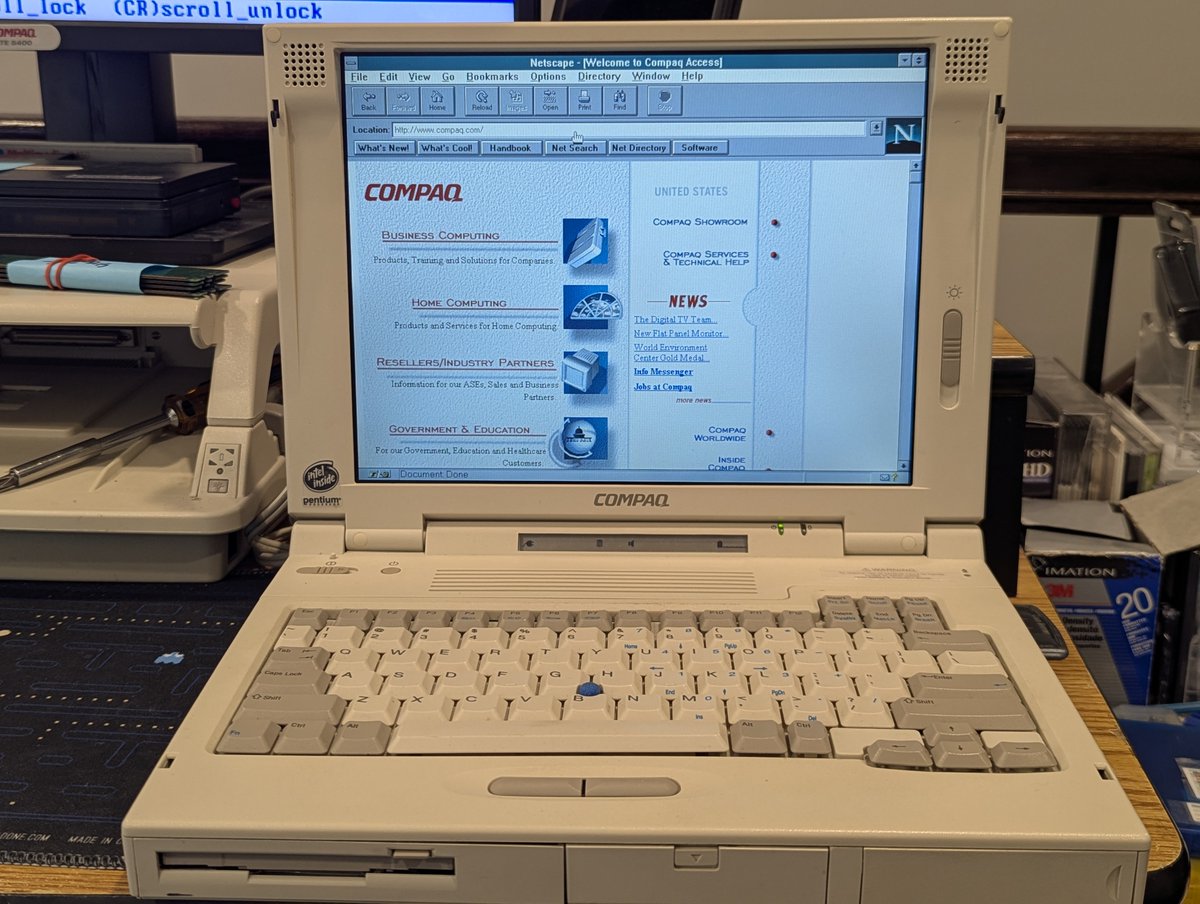
Yes. Yes we can. I fired up a LTE 5400 for inspiration to see the order that drivers needed to be listed, copied over the drivers from the installer by hand, and swapped in the "SS365LP.EXE" driver for the first line of needed drivers.. and IT FREAKING WORKED! Awesome!
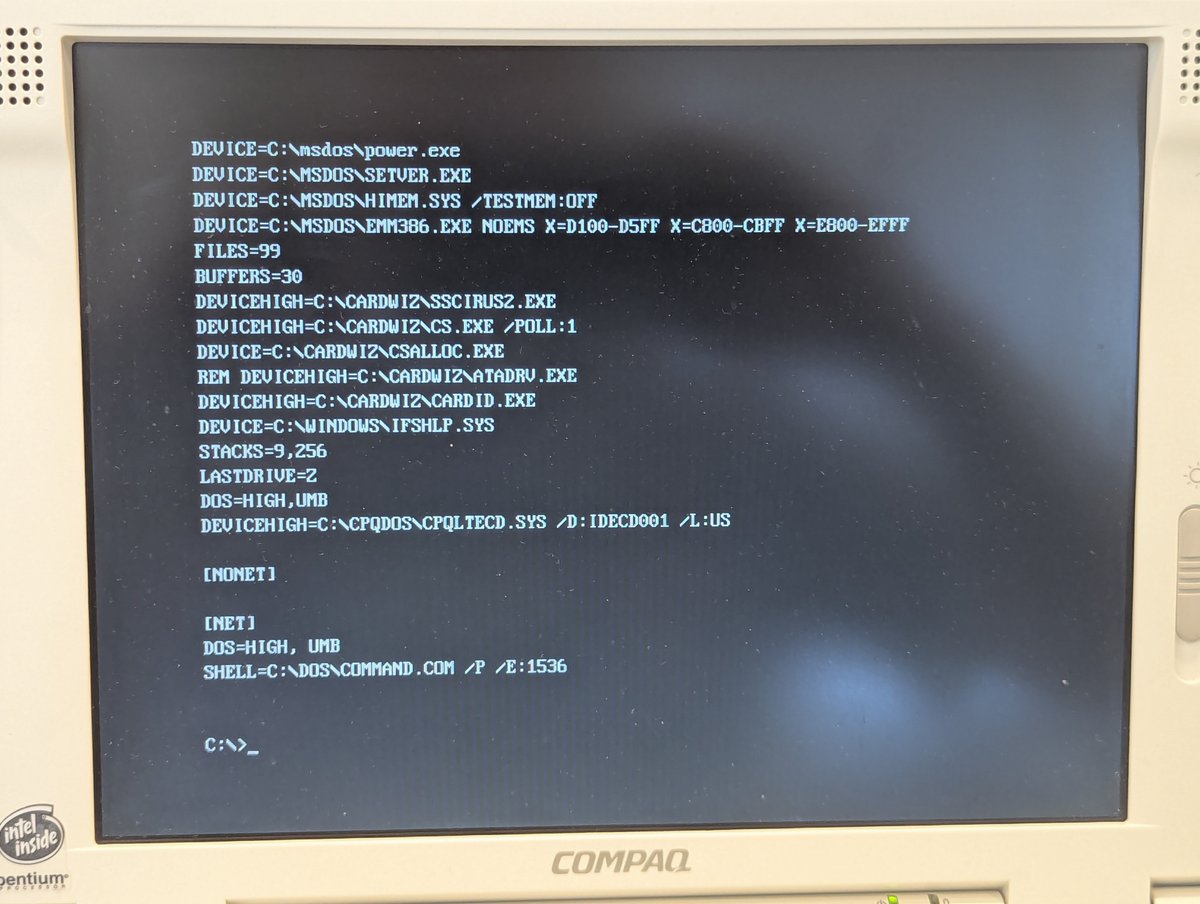
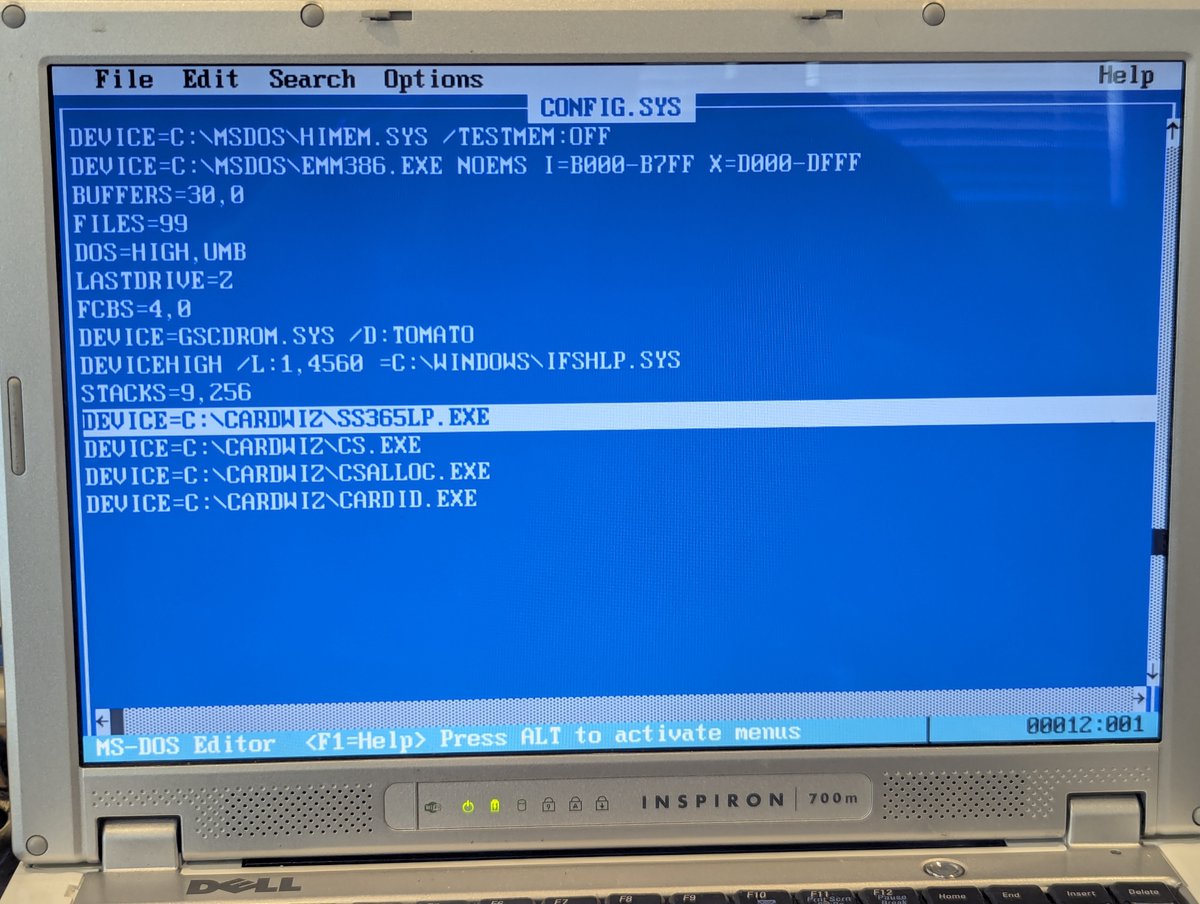
From there, I installed Windows for Workgroups 3.11 and started to configure the network card!
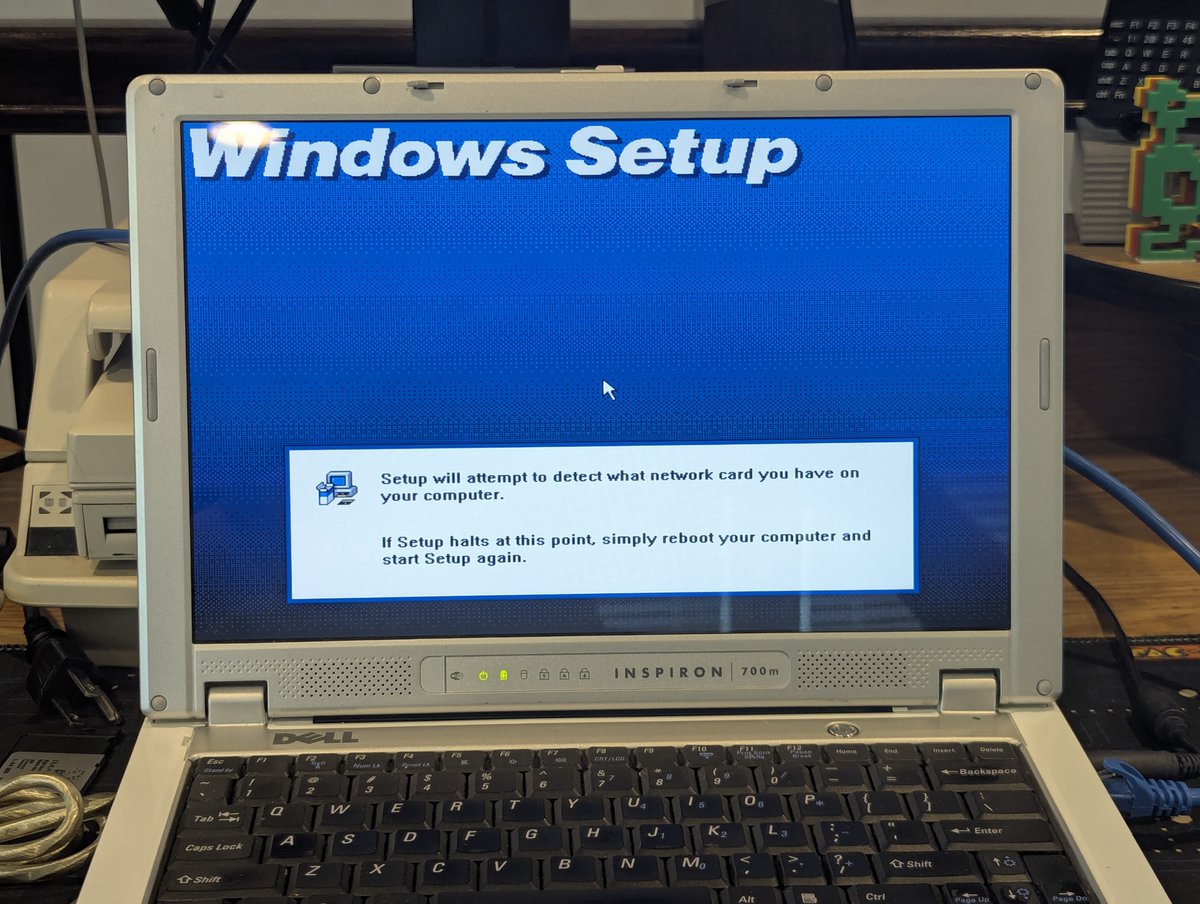
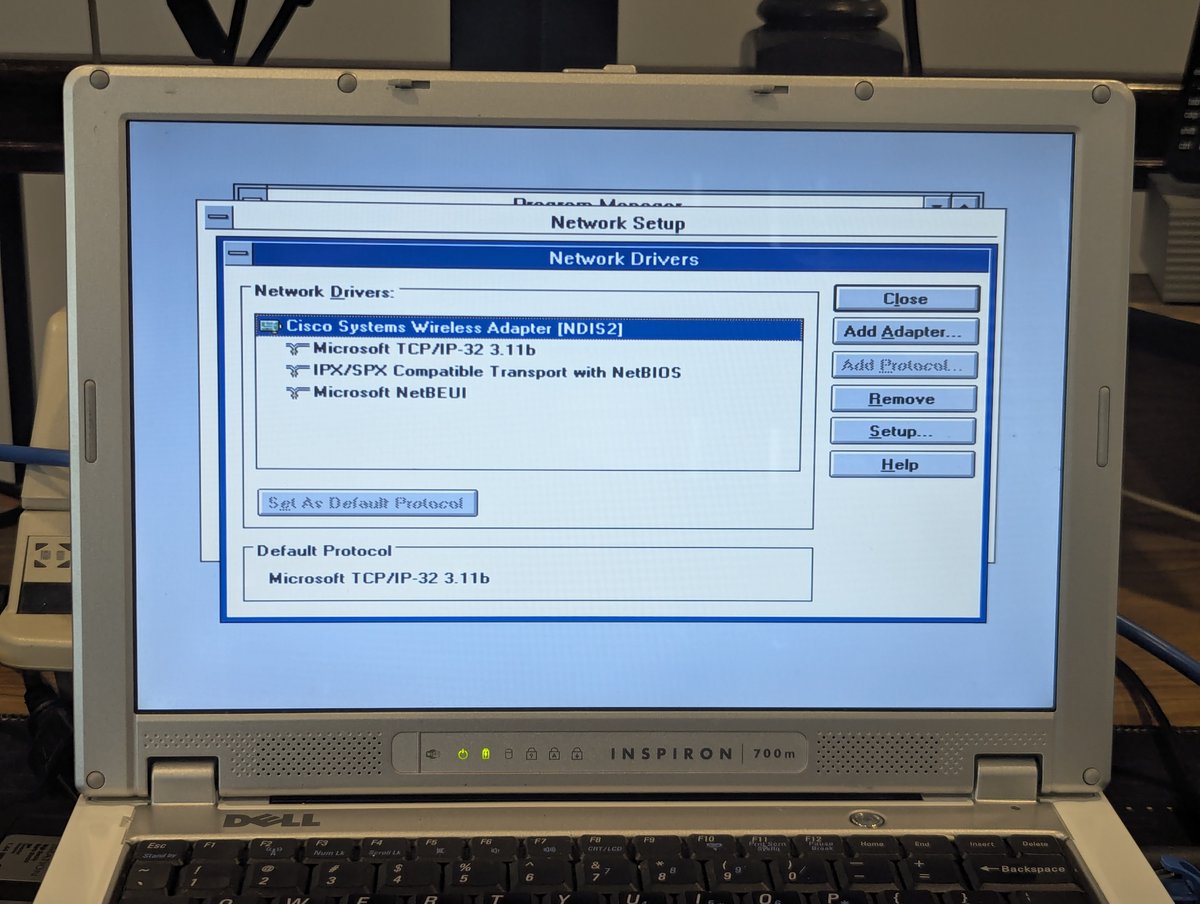
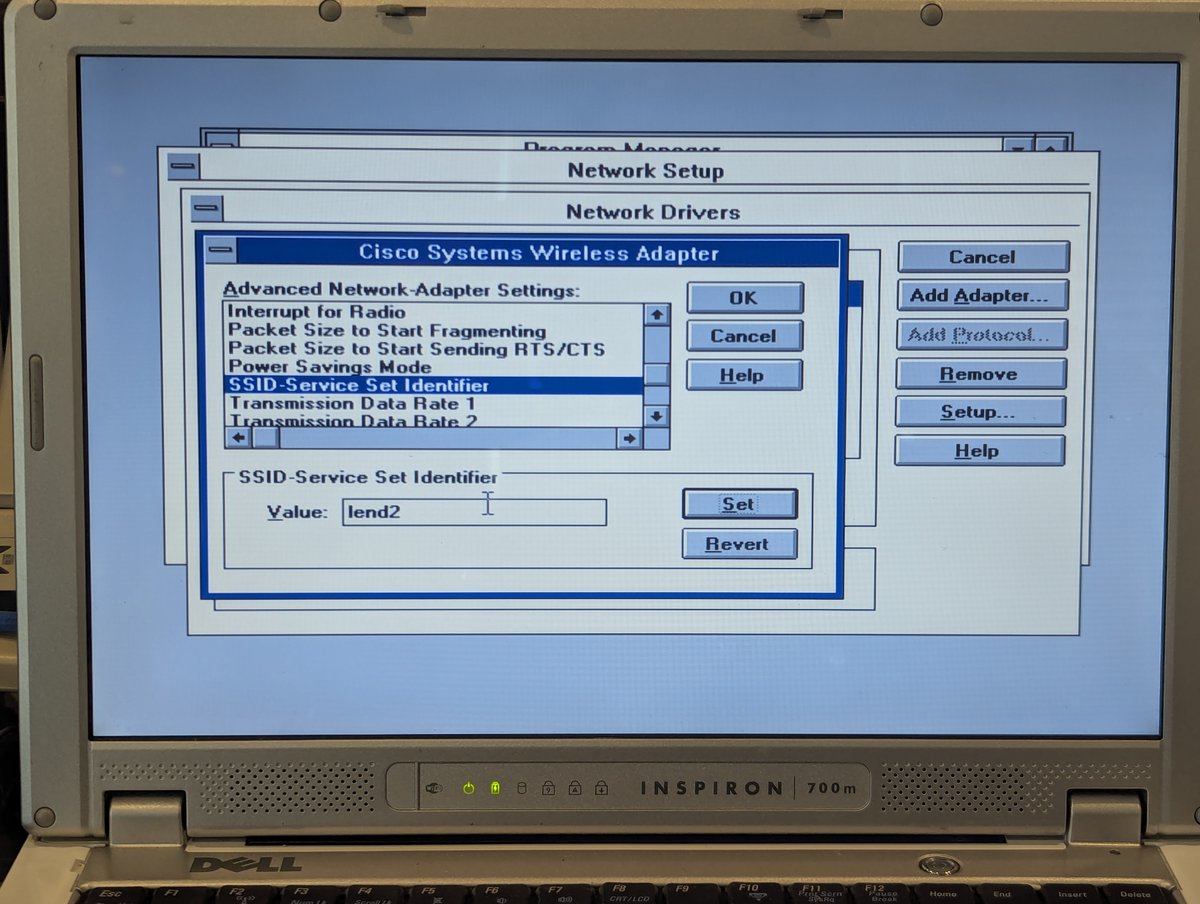
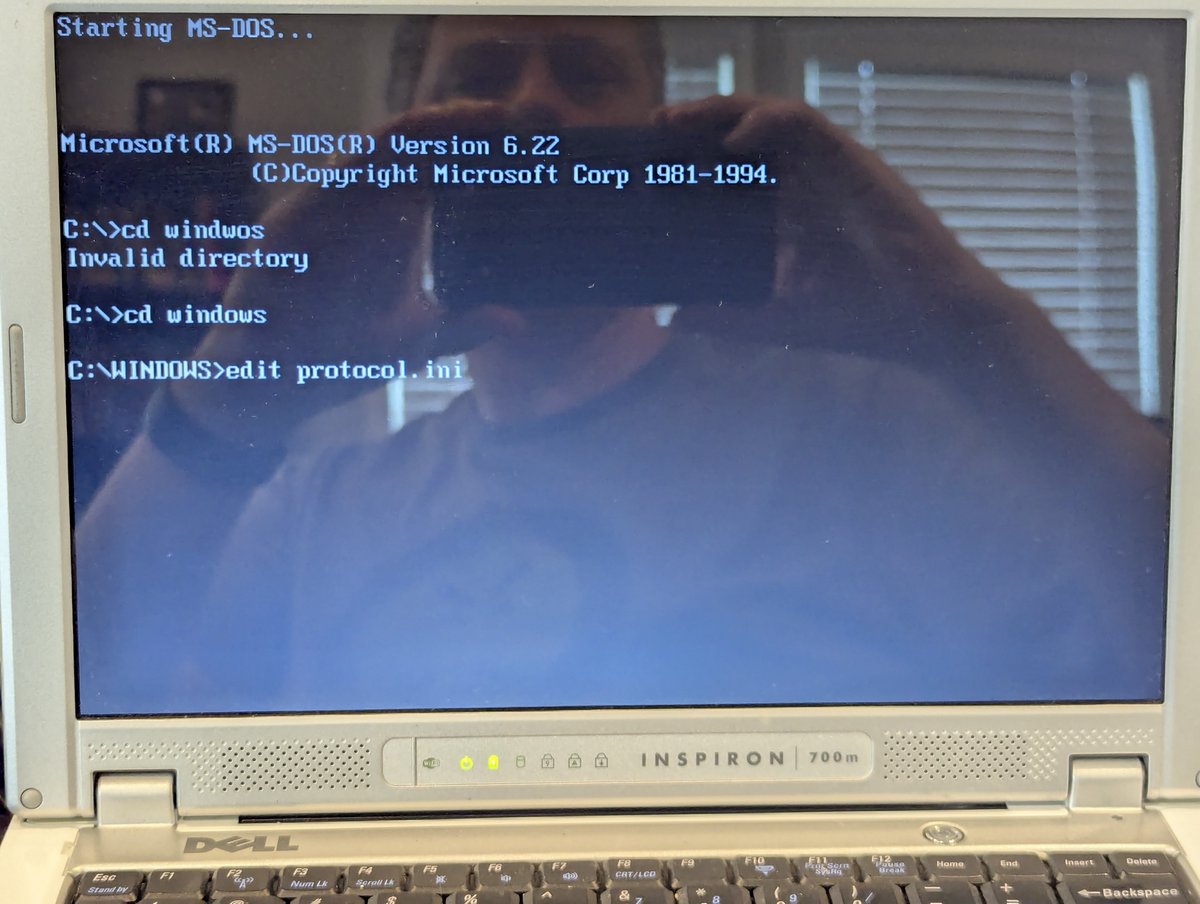
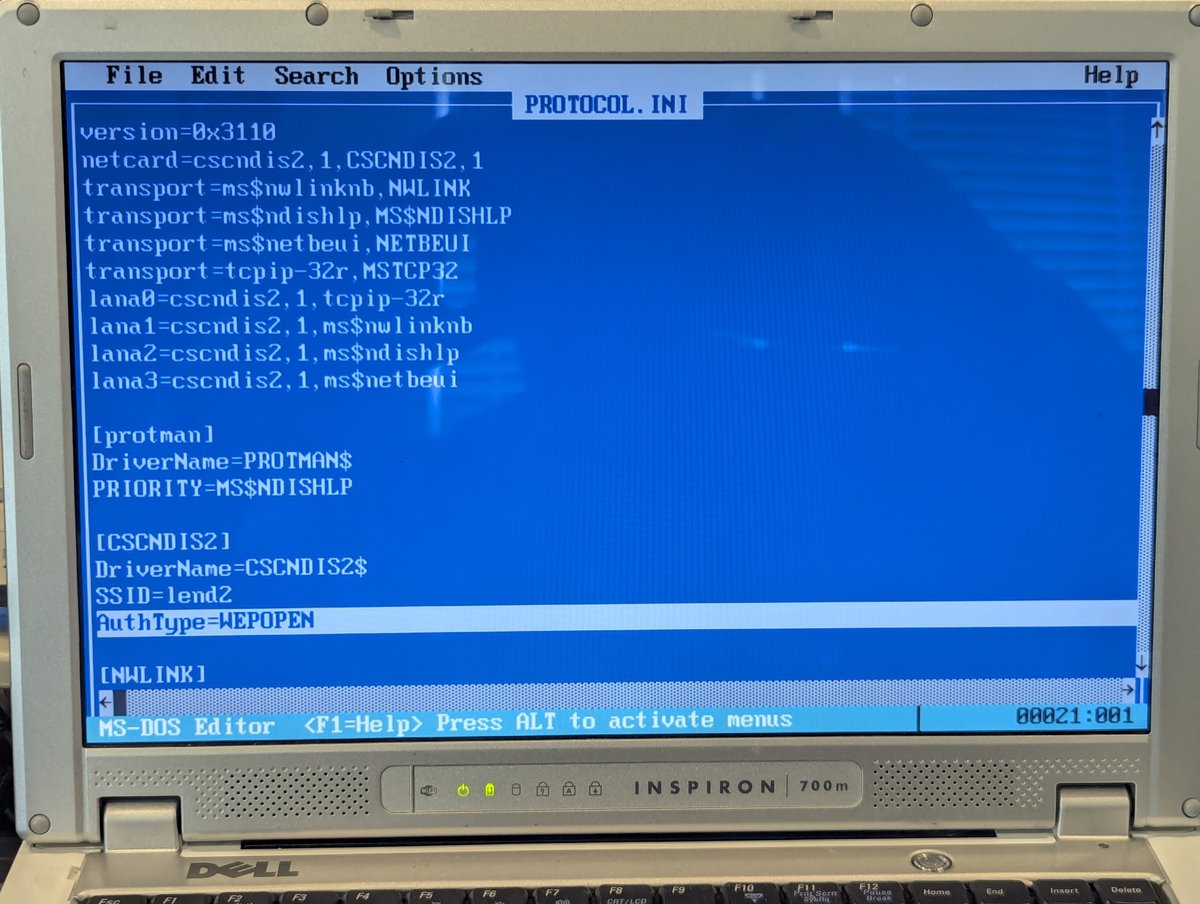
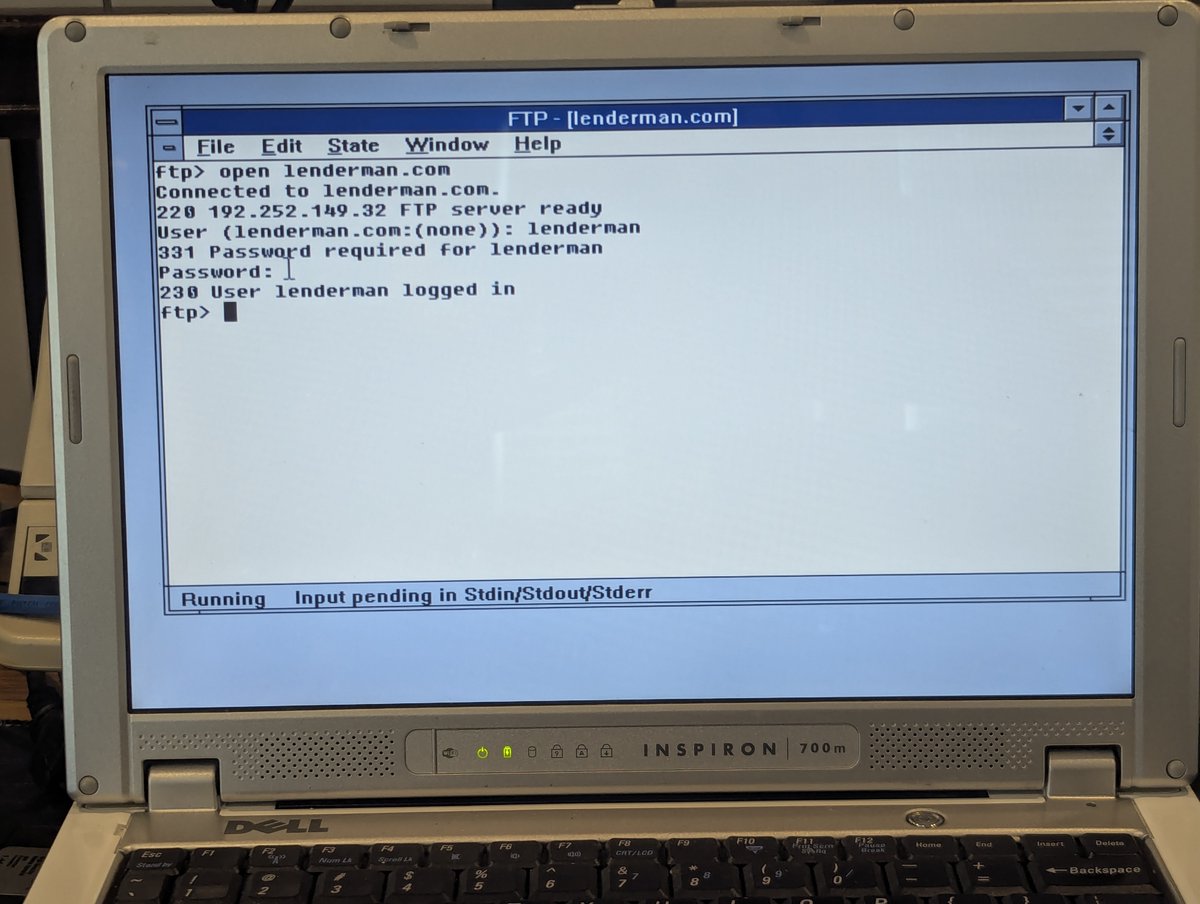
My network is set up for 802.11b with 128-bit WEP. We just need to set the SSID and manually add one line to C:\windows\protocol.ini to make this work (AuthMode=WEPOPEN). The WEP key is set at the card level, so it gets picked up. And... look at that, we can FTP to my web host!
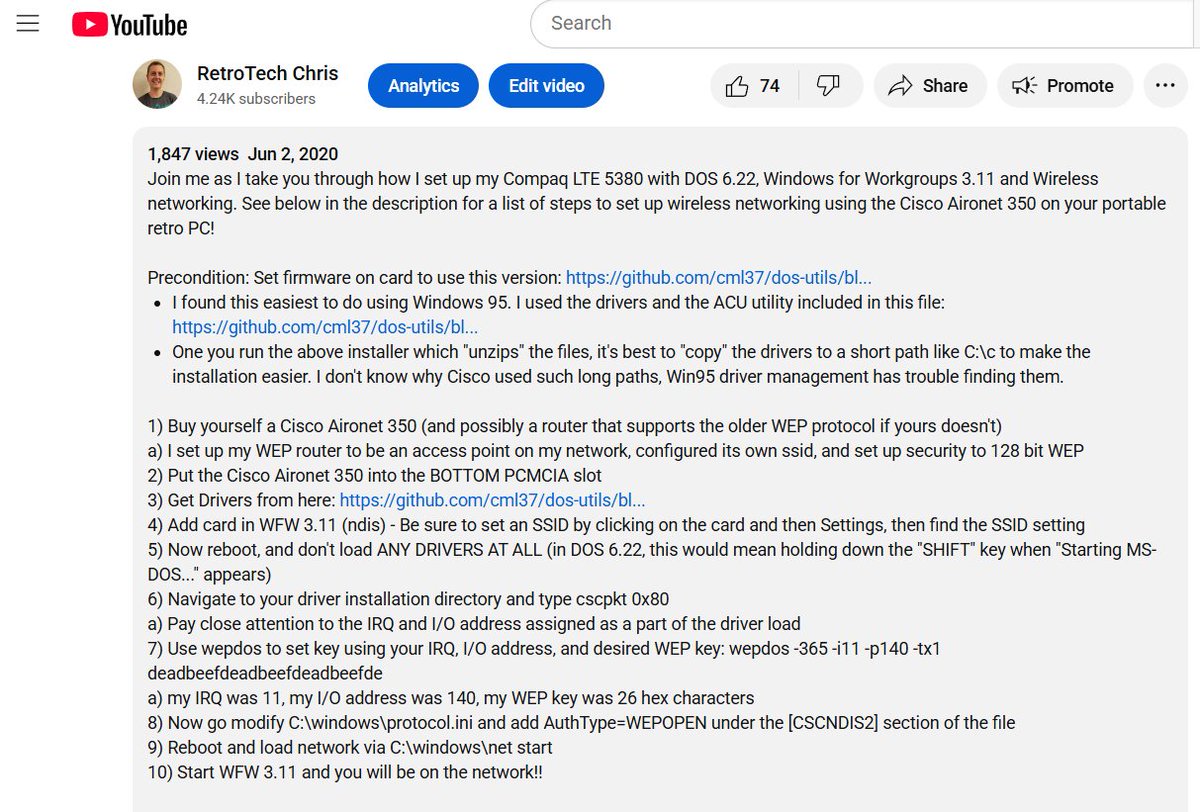
As an aside, it was just yesterday where we covered how to set the WEP key in DOS, here's a throwback to that thread 😂
https://x.com/RetroTechChris/status/1948922621900267723
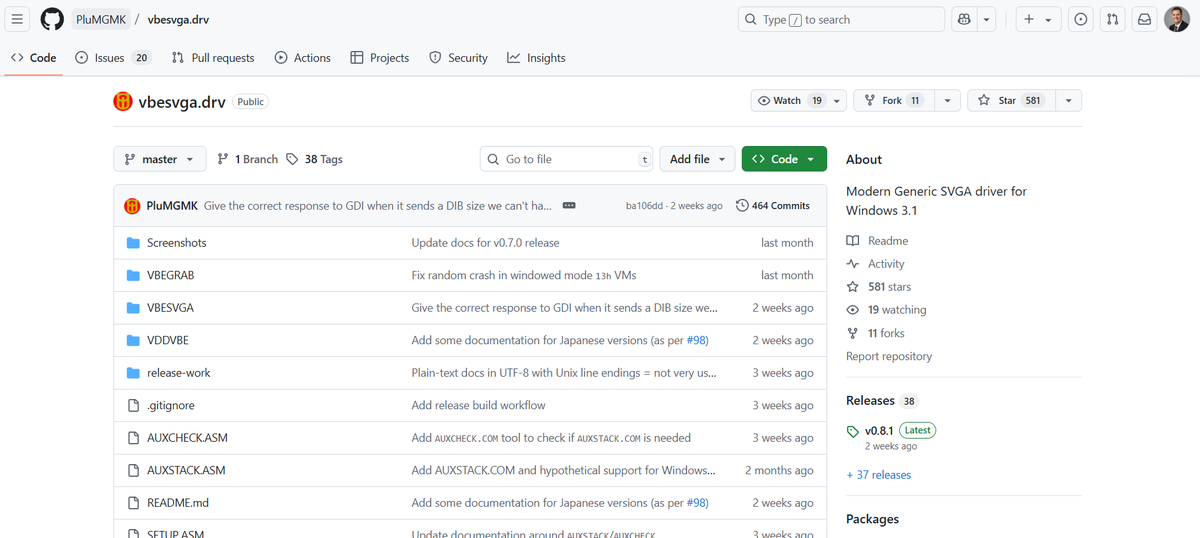
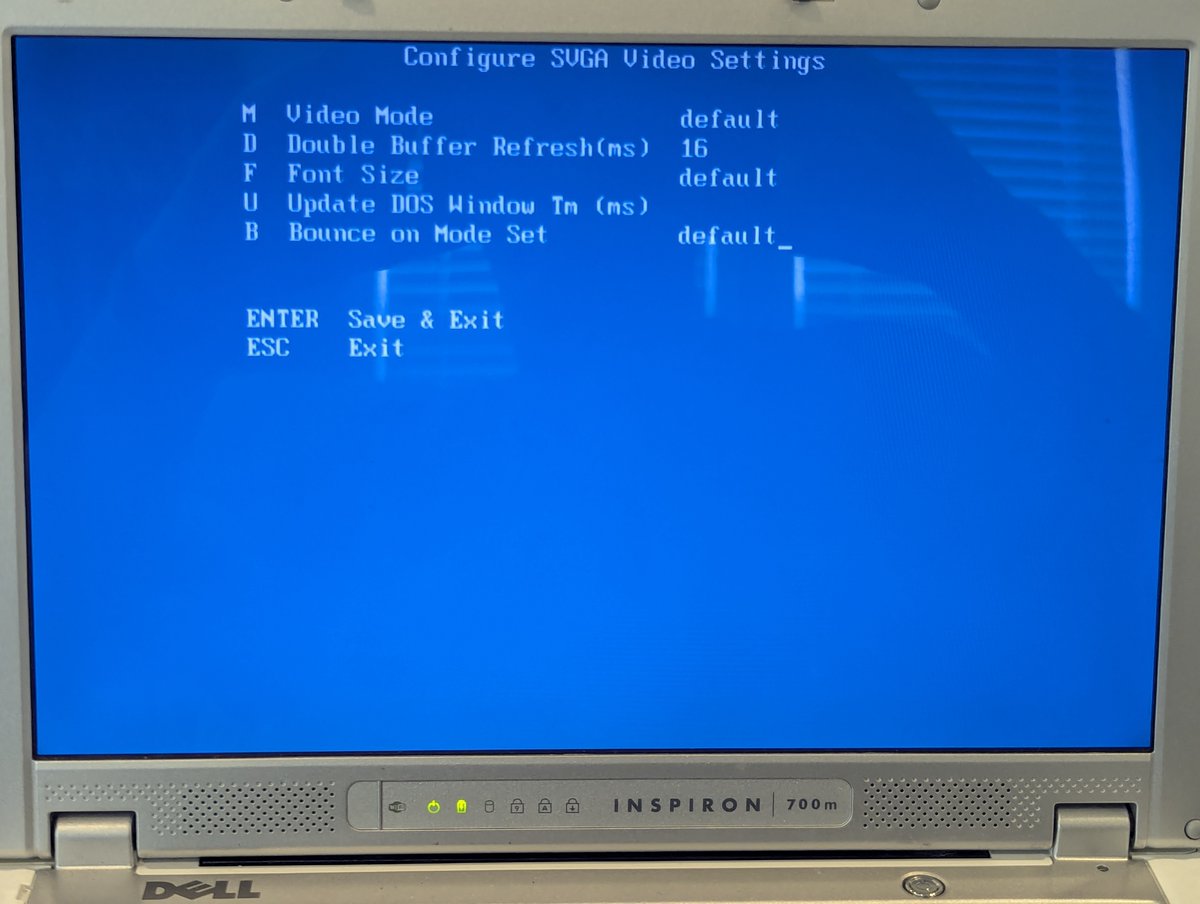
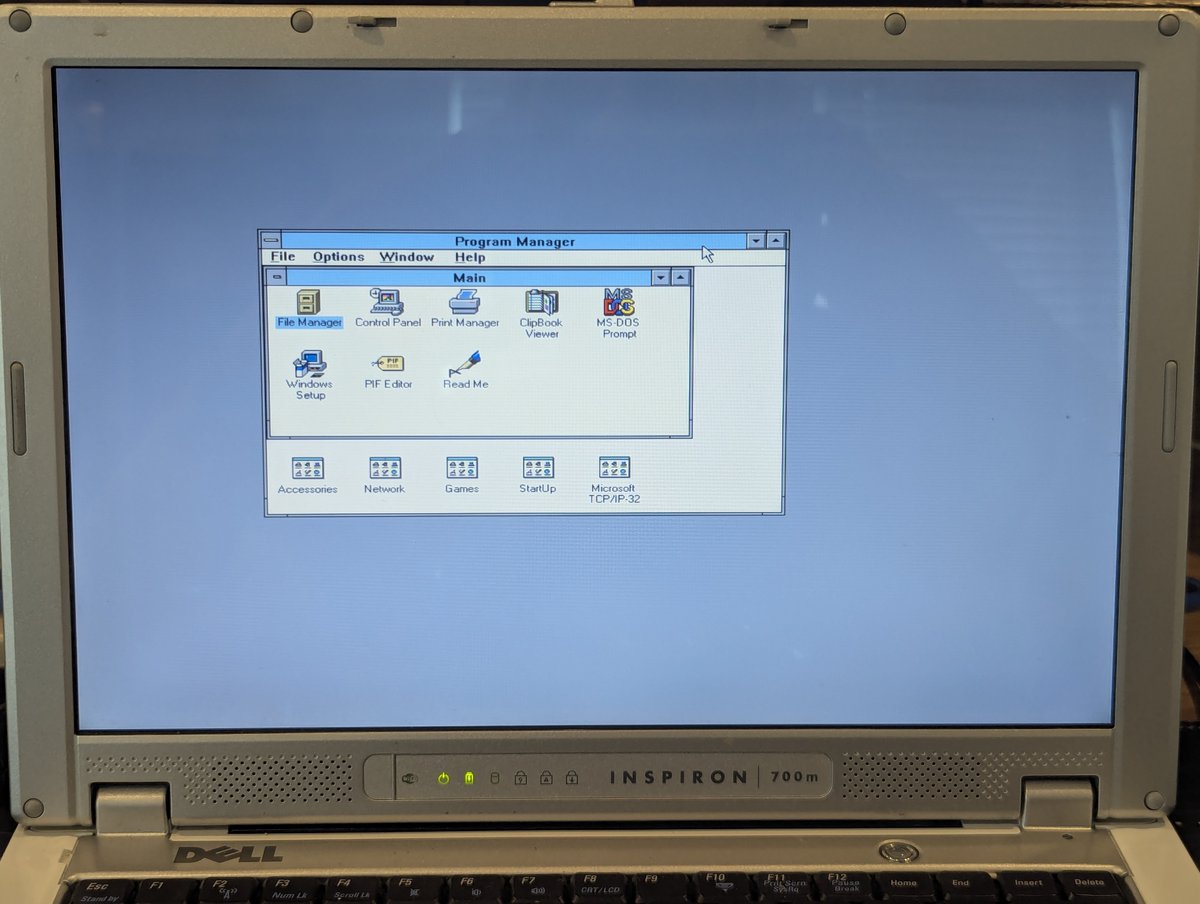
Let's move on and set up video. Using the amazing and relatively new vbesvga driver, this is a piece of cake. This driver even has an installer now. We're set to 1024x768 in no time flat!
Let's move on and try to set up sound. I still lament the loss of the "turkeys4me" website by watlers_world. I do have an archived Intel ICH AC'97 driver from there though, and my friend Matt put what we could find on for posterity. archive.org
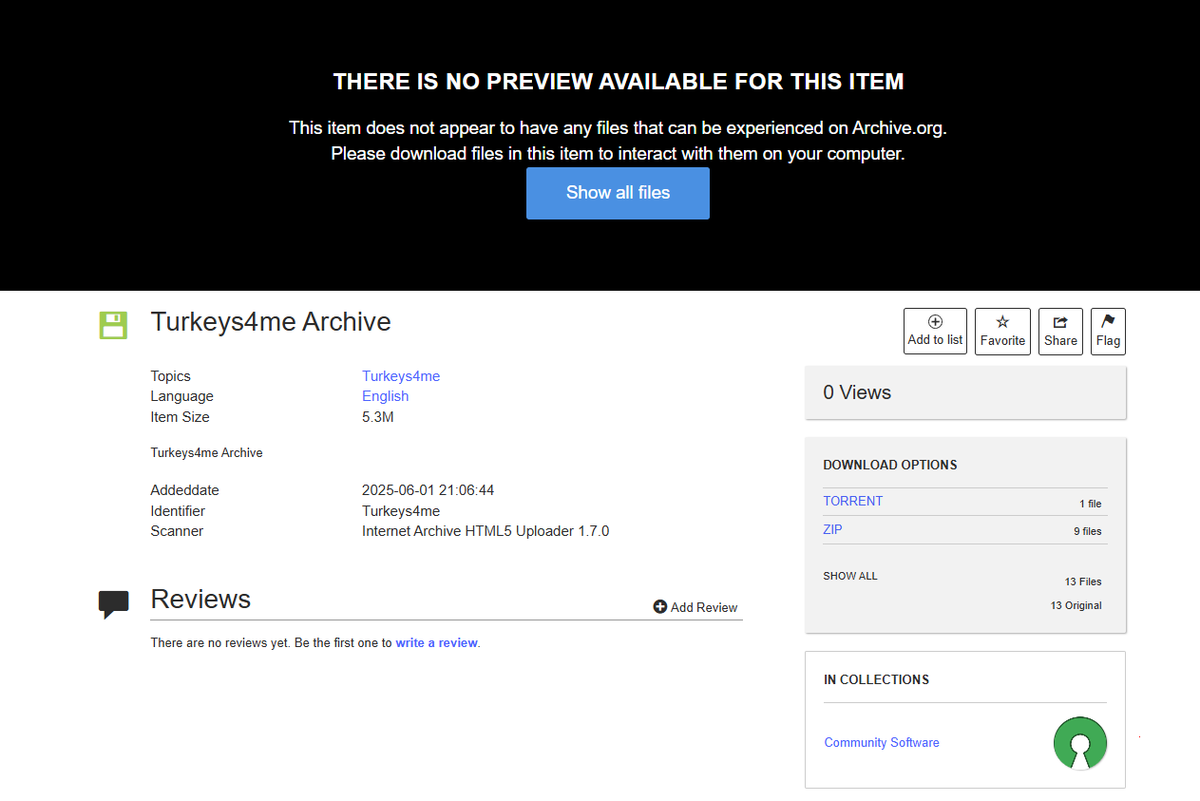
Anyway, sadly, no luck. I tried every way to Sunday with changing settings, etc. and the driver just won't work. Perhaps I need to tweak it a bit since it is ICH4 compatible which is newer than ICH. Who knows. Oh well, we tried.

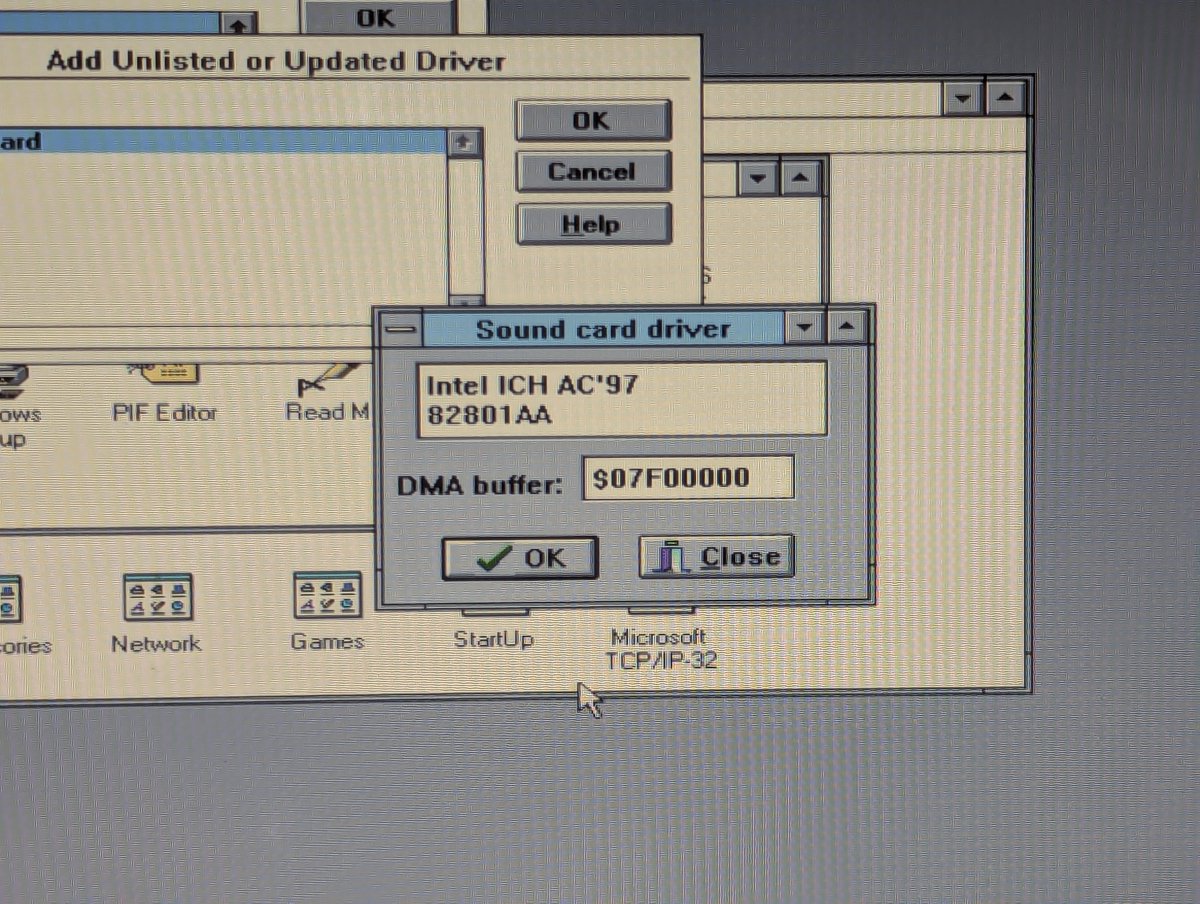
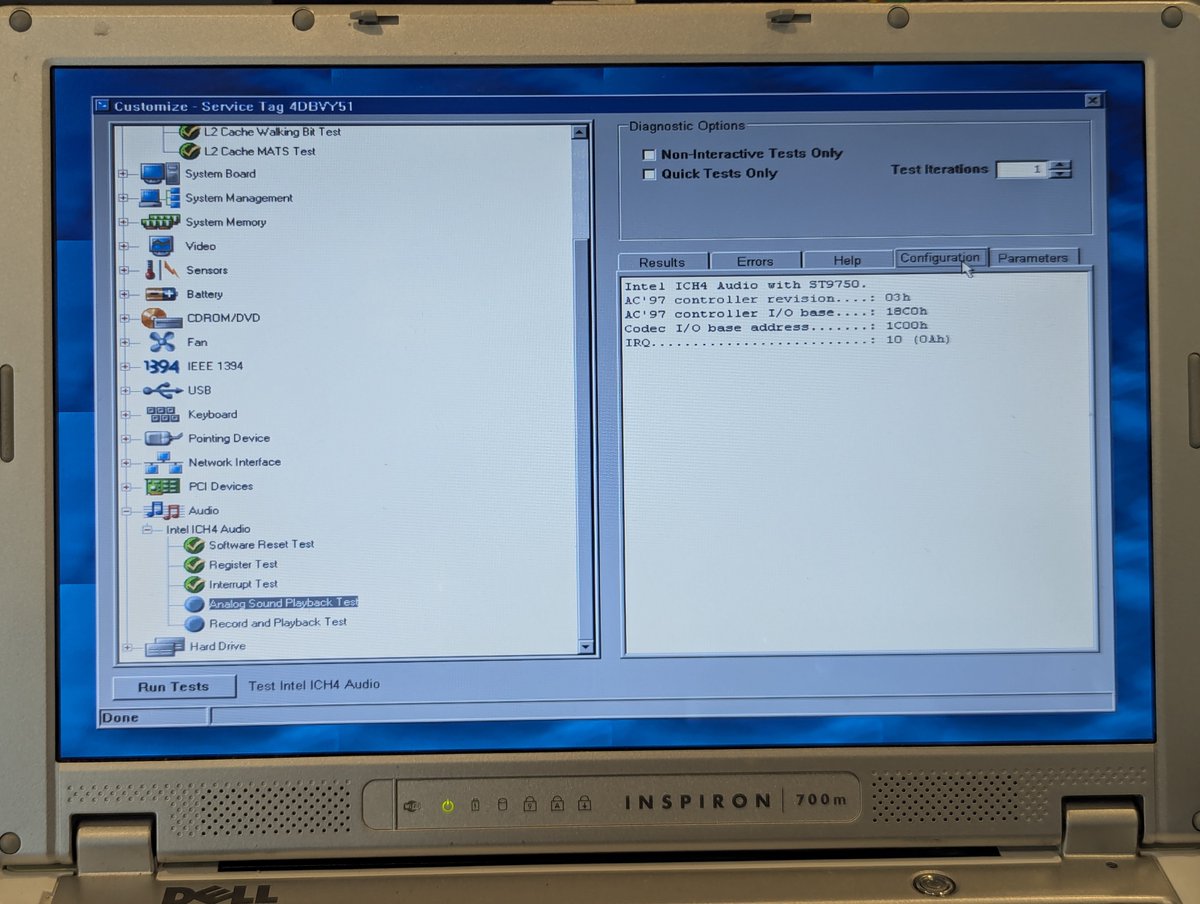
Let's at least see if we can get SOME sound working. So I installed SBEMU in DOS and did the requisite configs. And the card is detected! Well, good, that's at least something. Maybe I can steal SBEMU code in the future 🤣
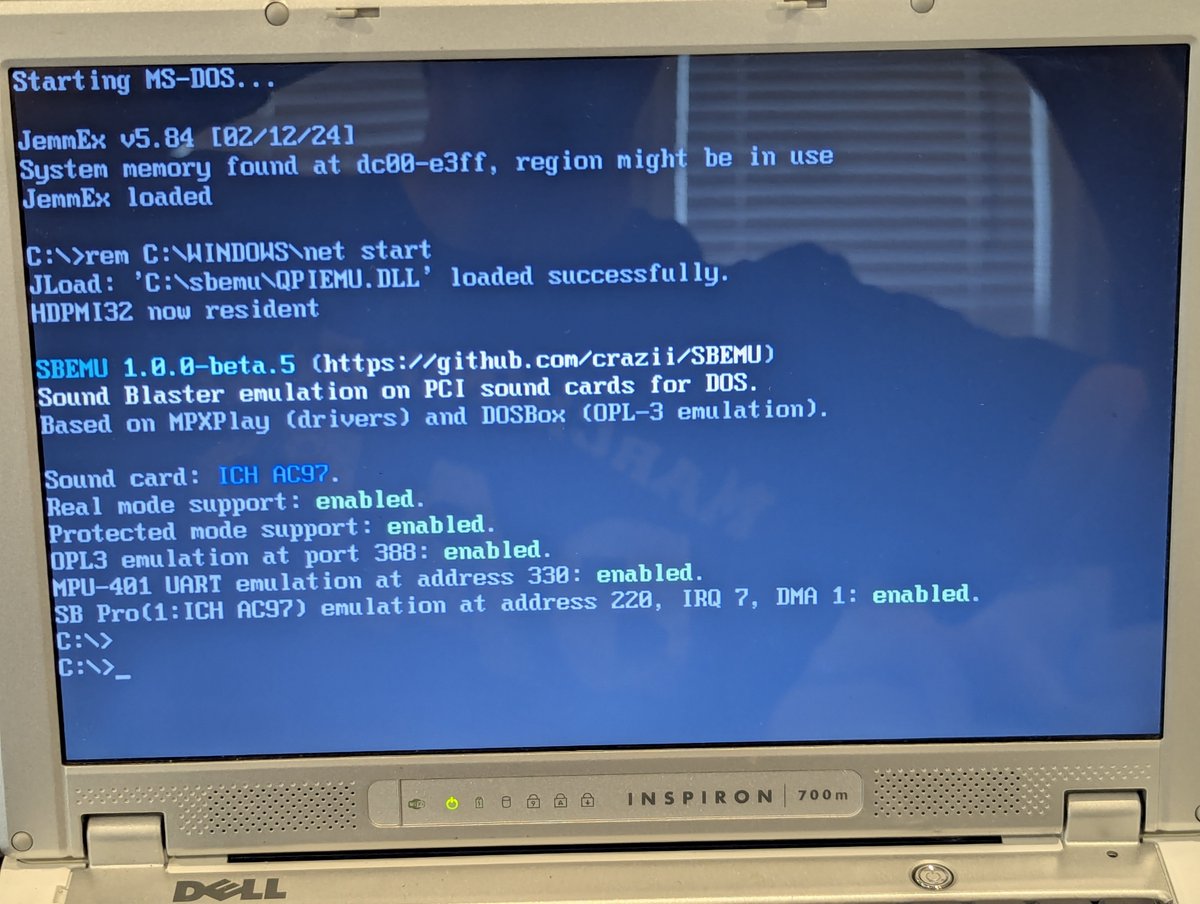
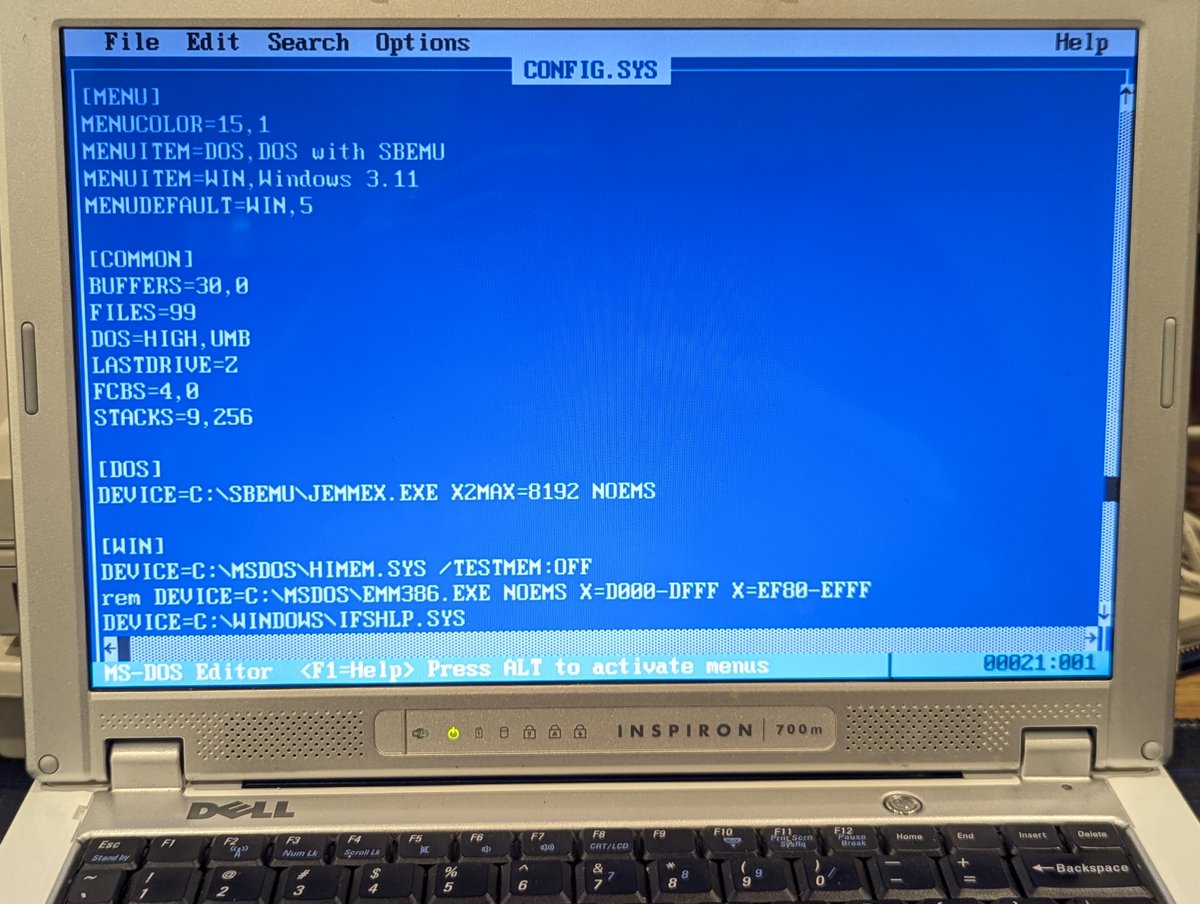
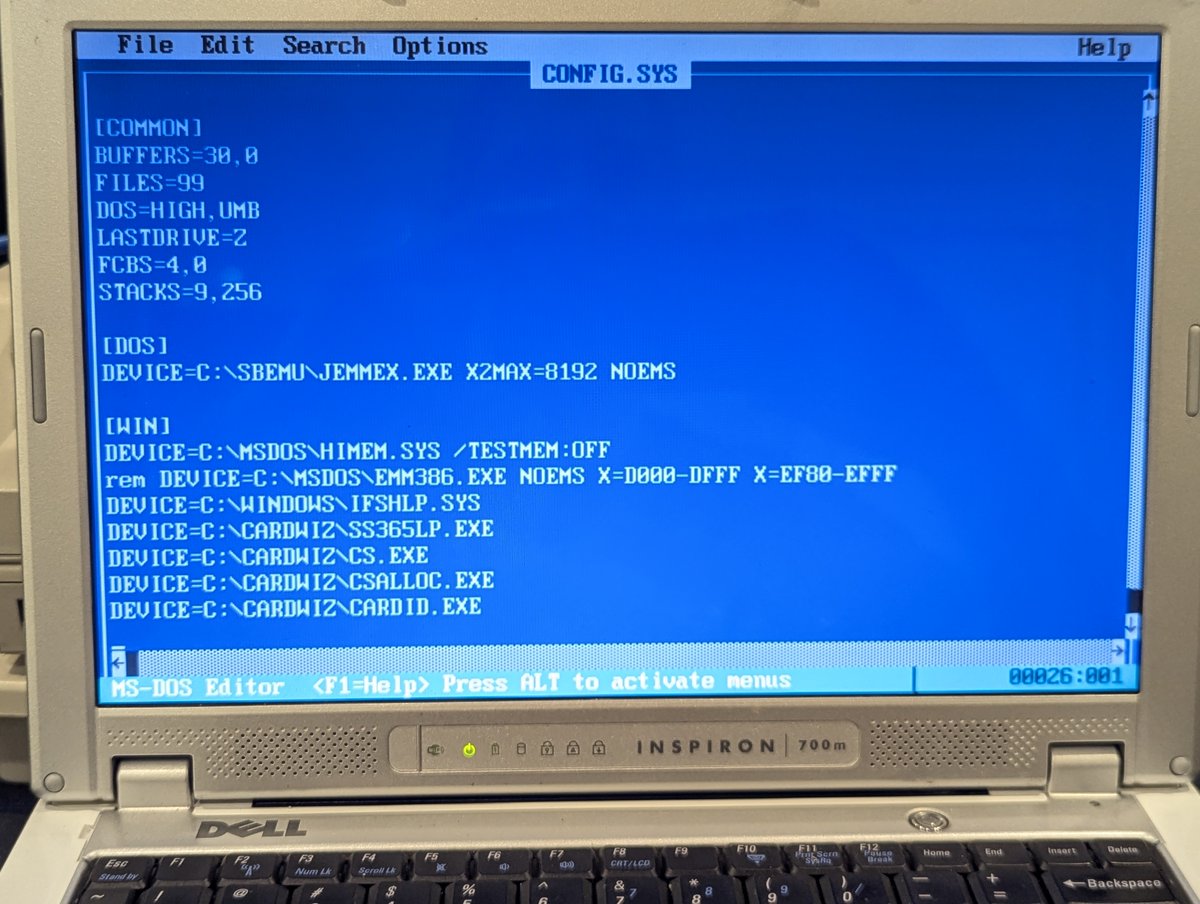
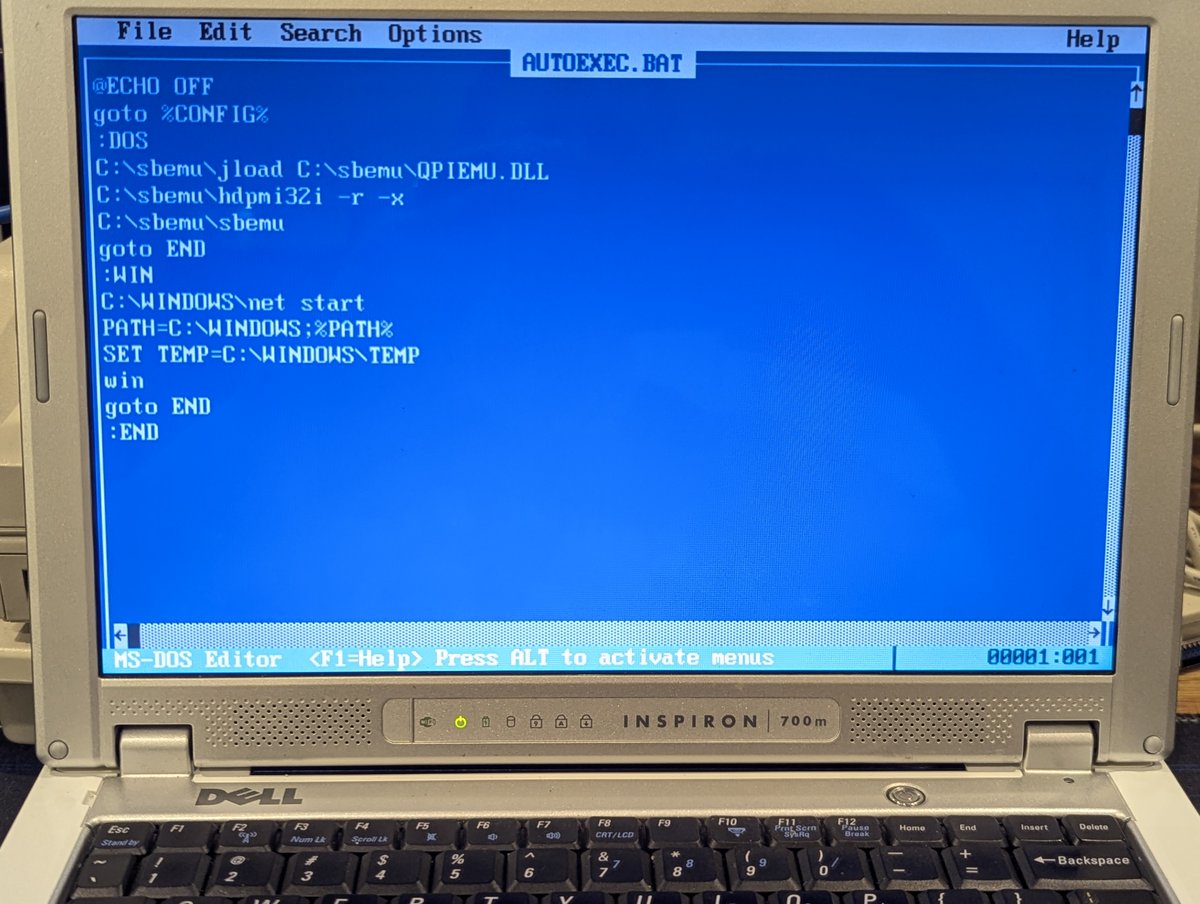
Here's a quick demo of Commander Keen with SBEMU. Sounds GREAT!!
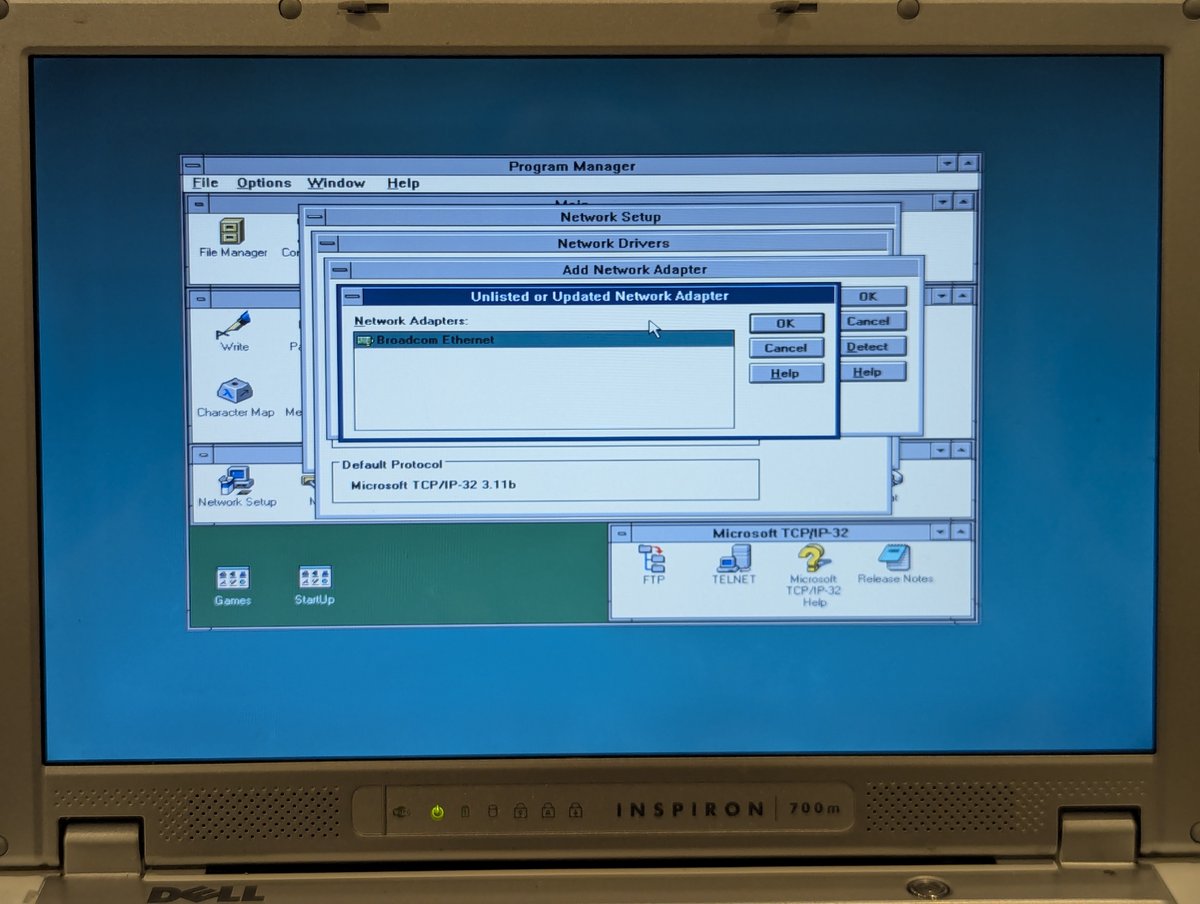
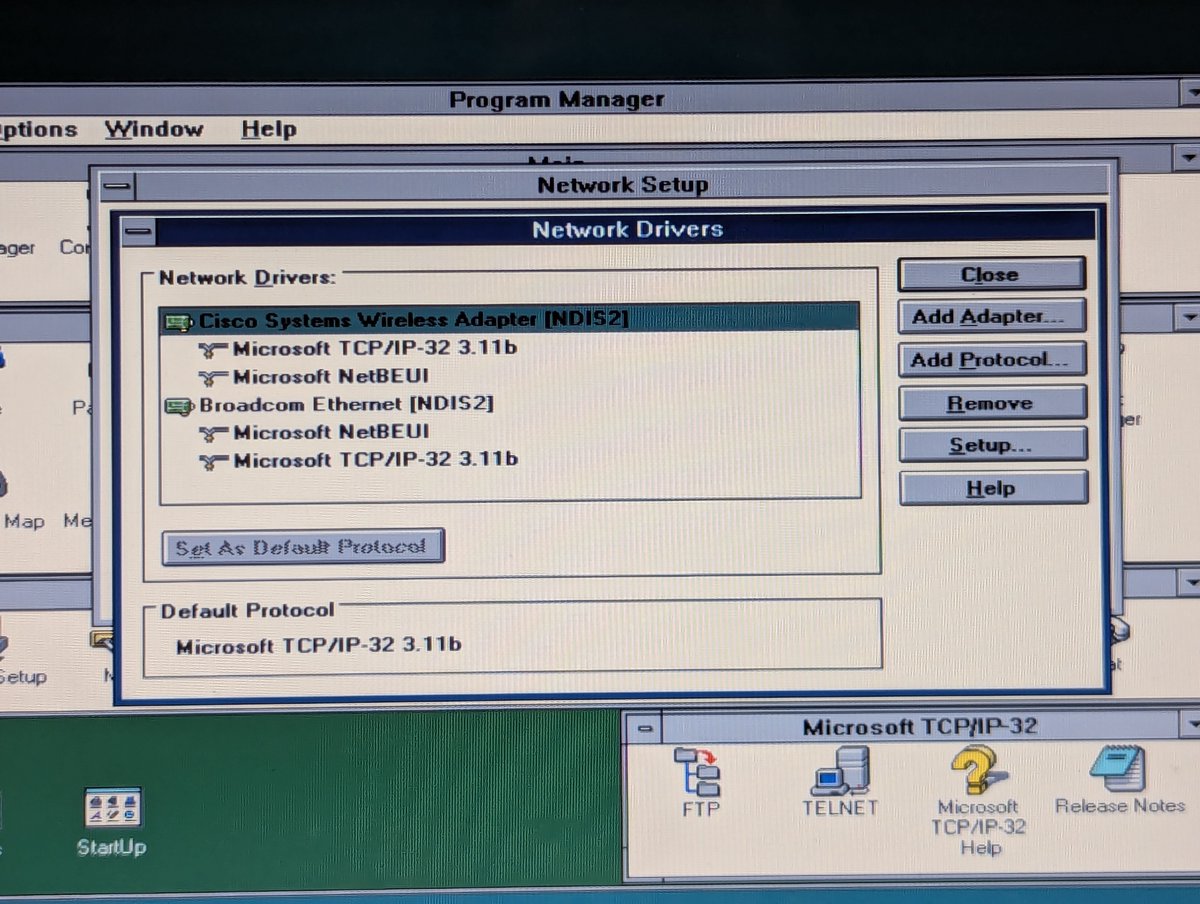
I thought I might as well configure the Broadcom B440X network card too. We have to do some legwork to make an oemsetup.inf file. I referenced a past video of mine to remember what to do 😂. Basically we can steal an oemsetup.inf from Broadcom 57xx drivers and repurpose it.

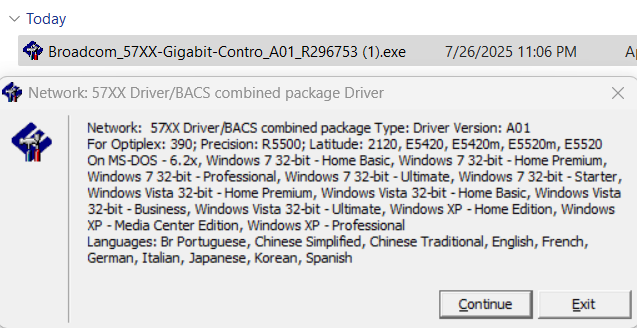
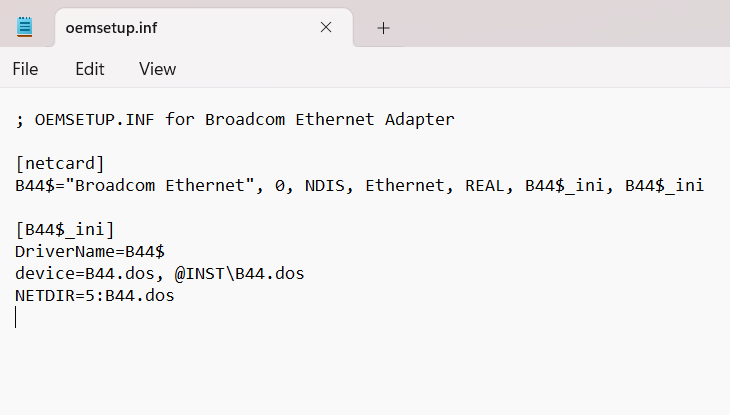
With the legwork done, I can now add the card. Unfortunately, the two cards fight each other on startup. I think there are some conflicts that I still need to resolve in the upper memory region that is causing instability. Oh well, we'll tackle that another day.
So, anyway, that is it! Getting "newer" machines to run DOS & Win3.X software is always interesting, and systems of this era are fairly problematic. We resolved most issues, maybe we will revisit this another day too. Thanks for following along!
@threadreaderapp unroll
@threadreaderapp unroll

• • •
Missing some Tweet in this thread? You can try to
force a refresh