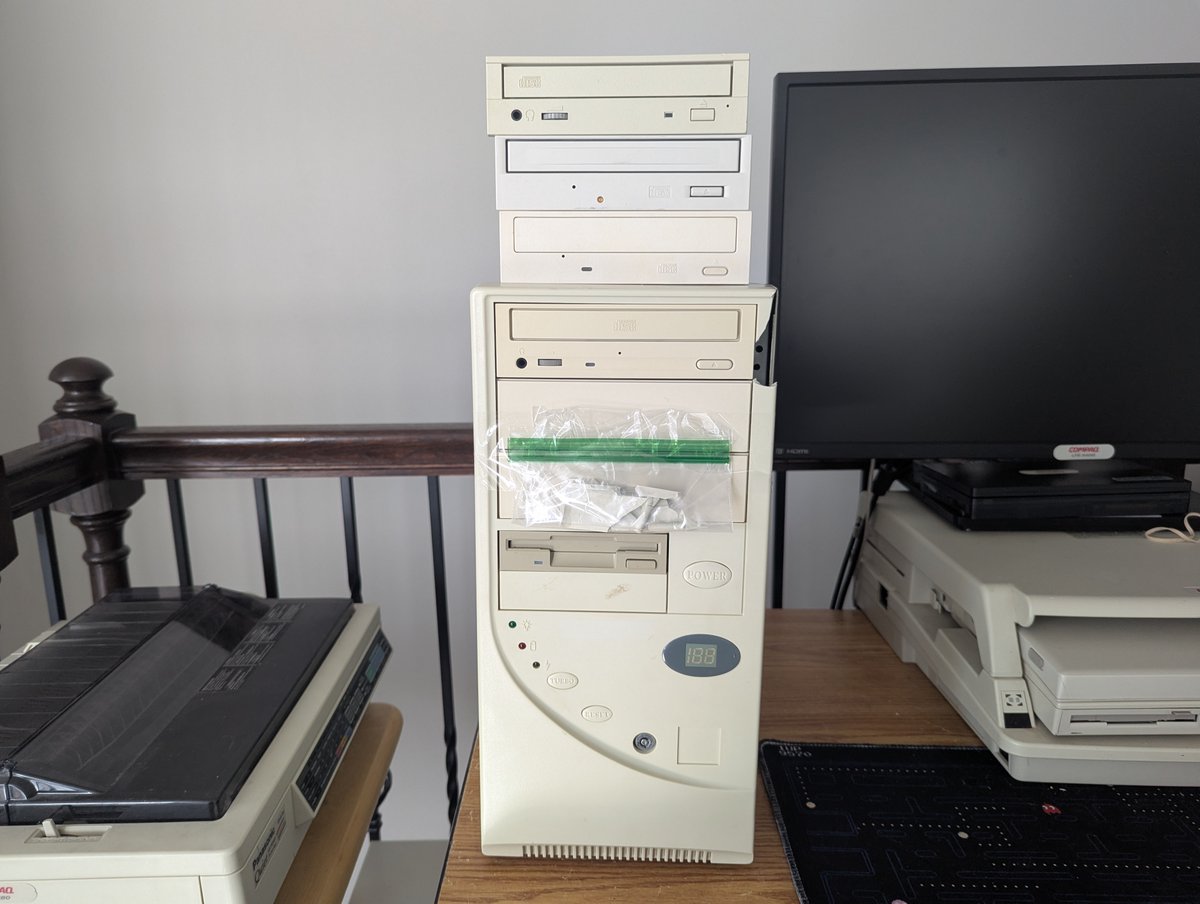
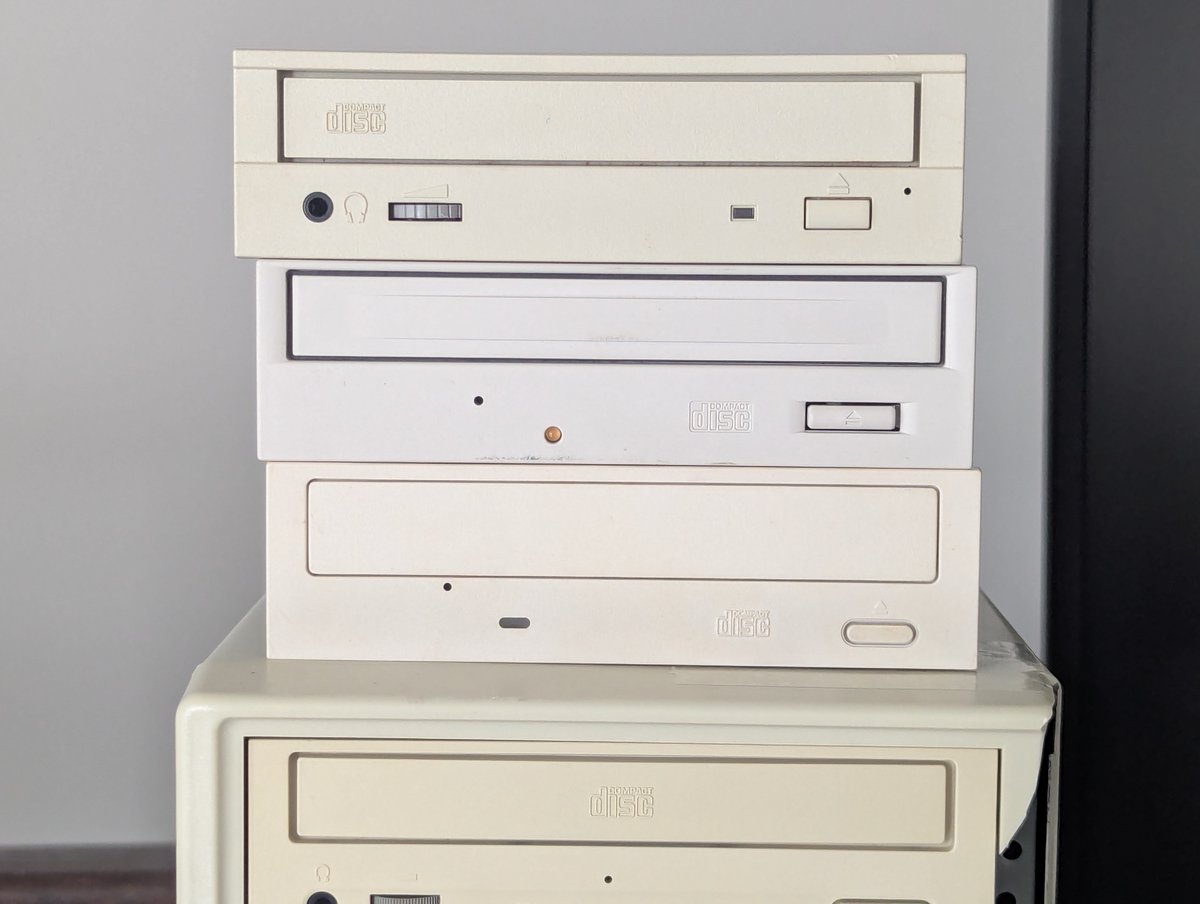
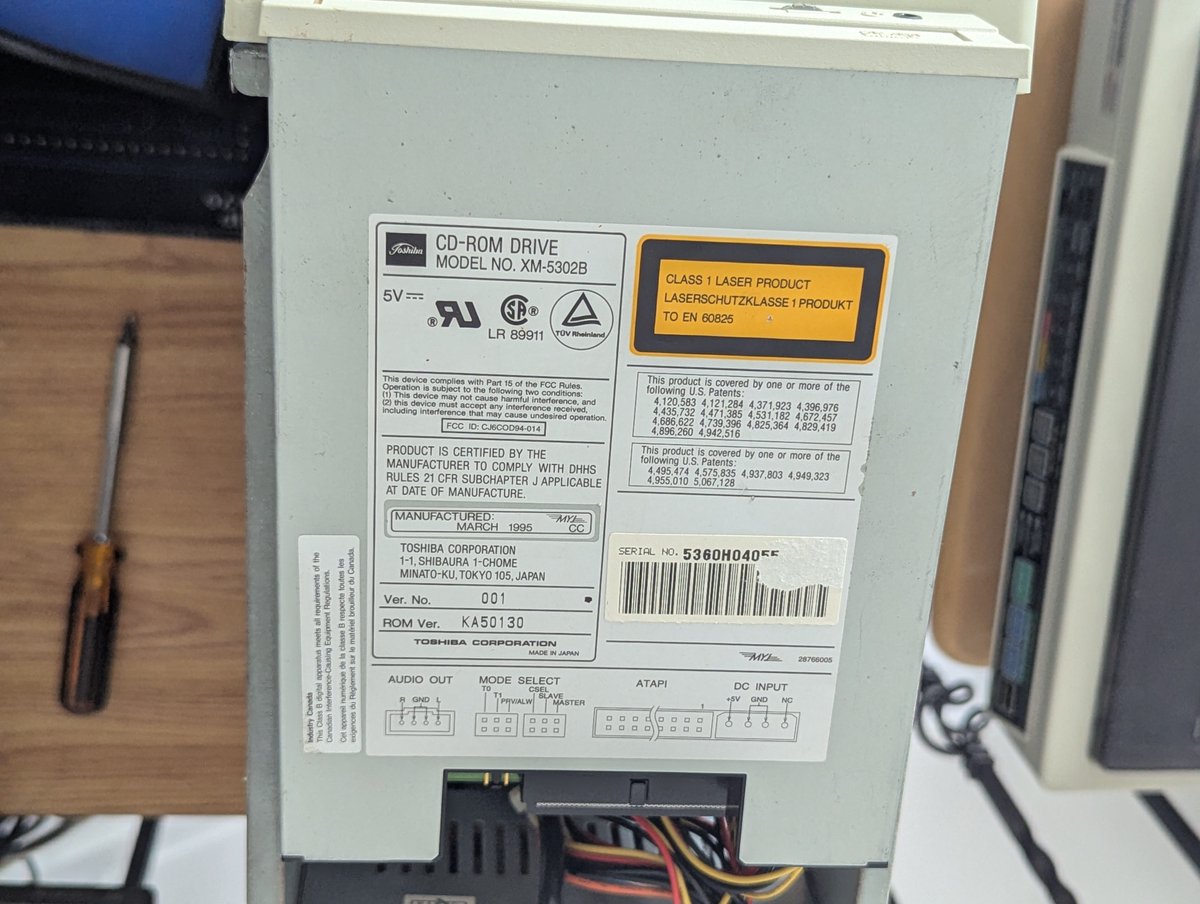
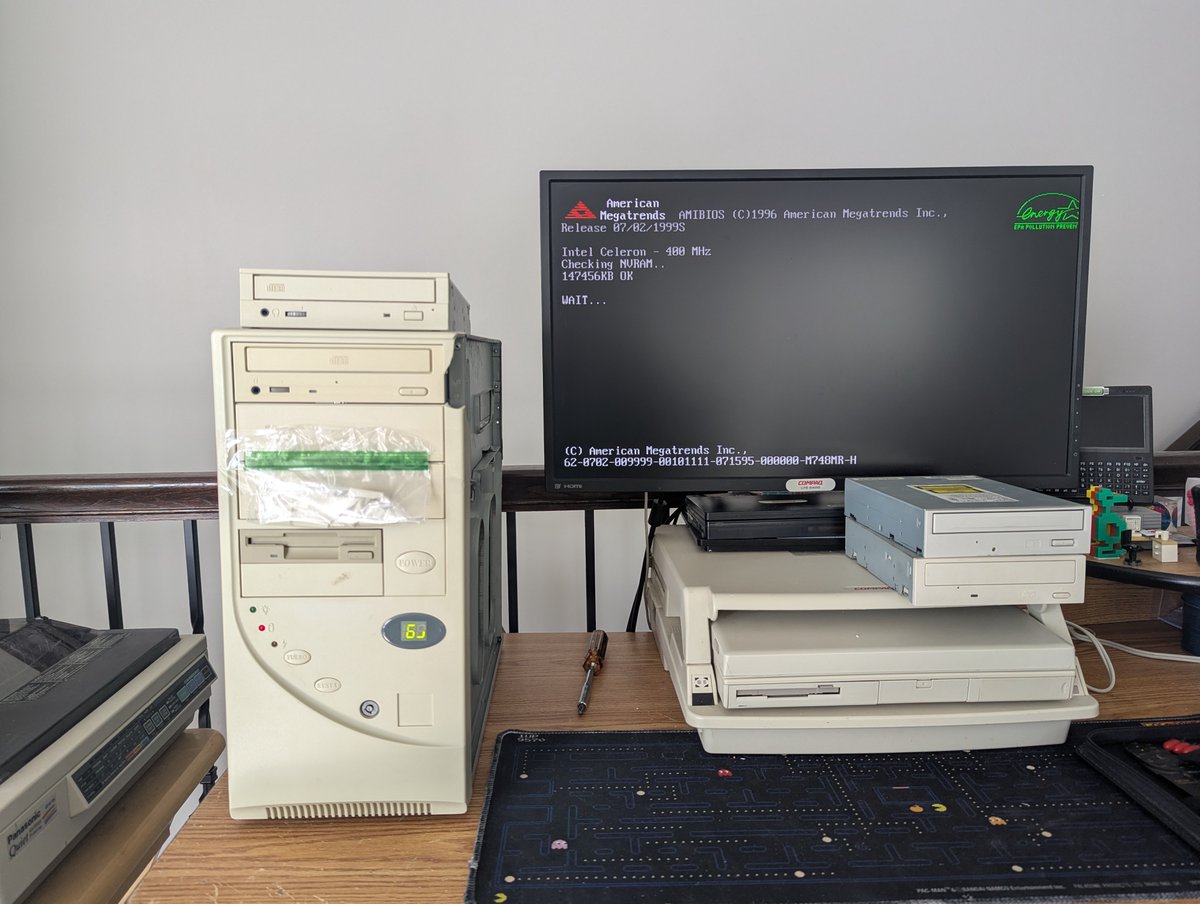
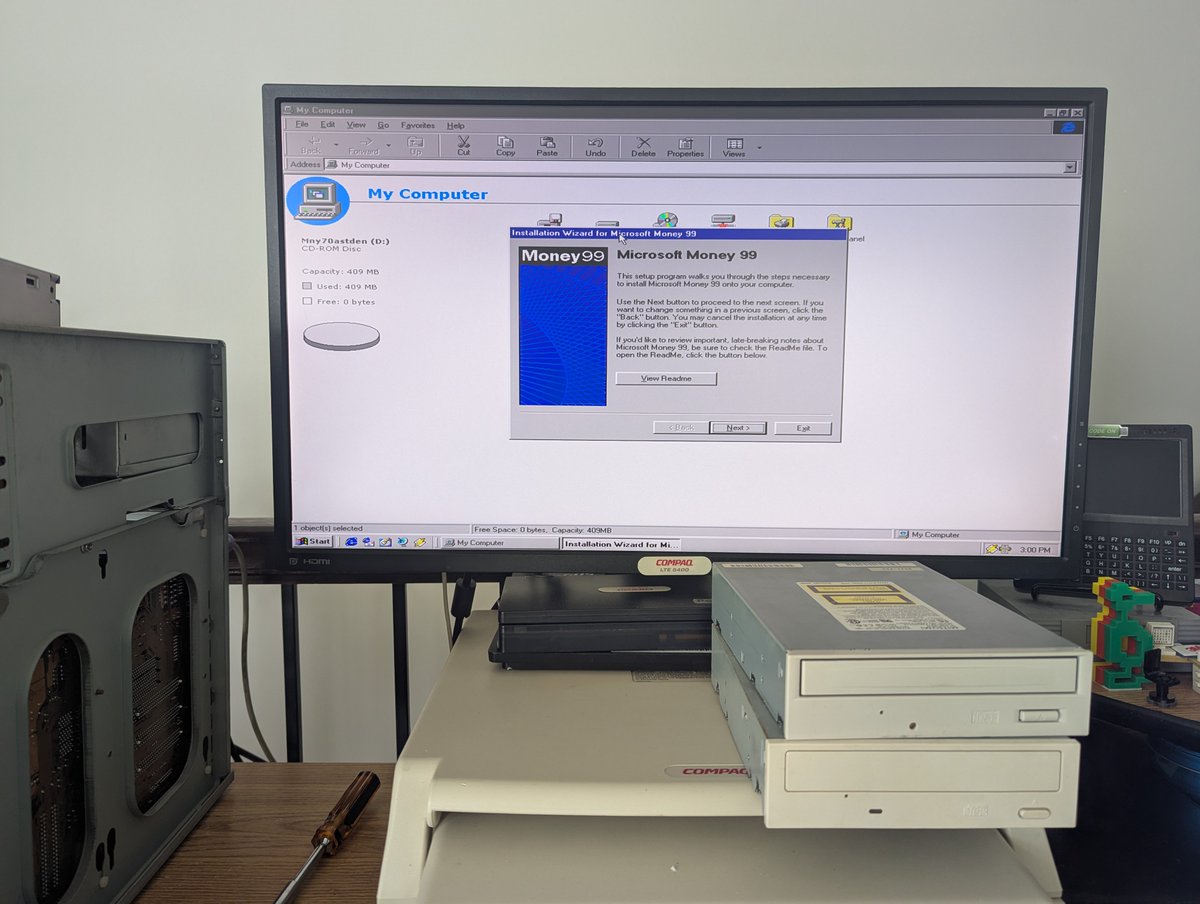
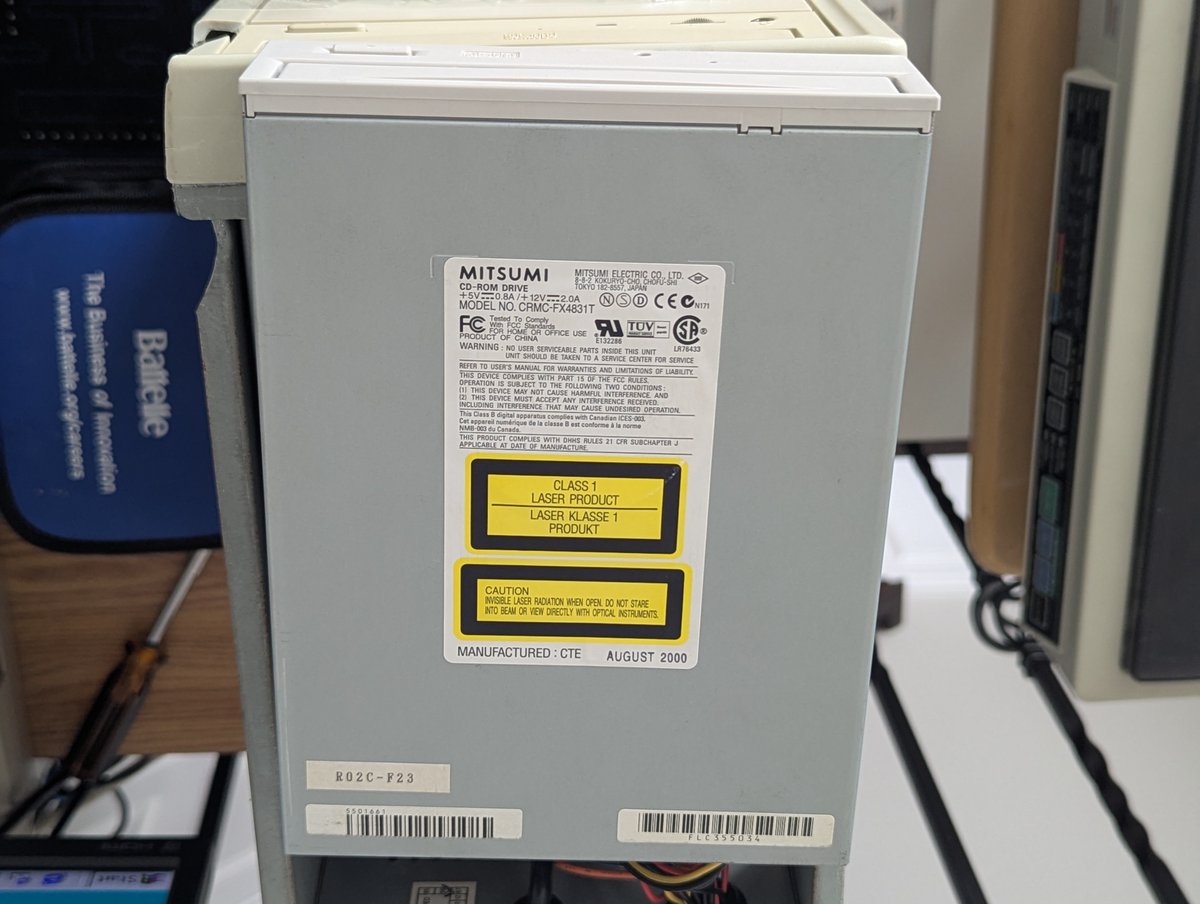
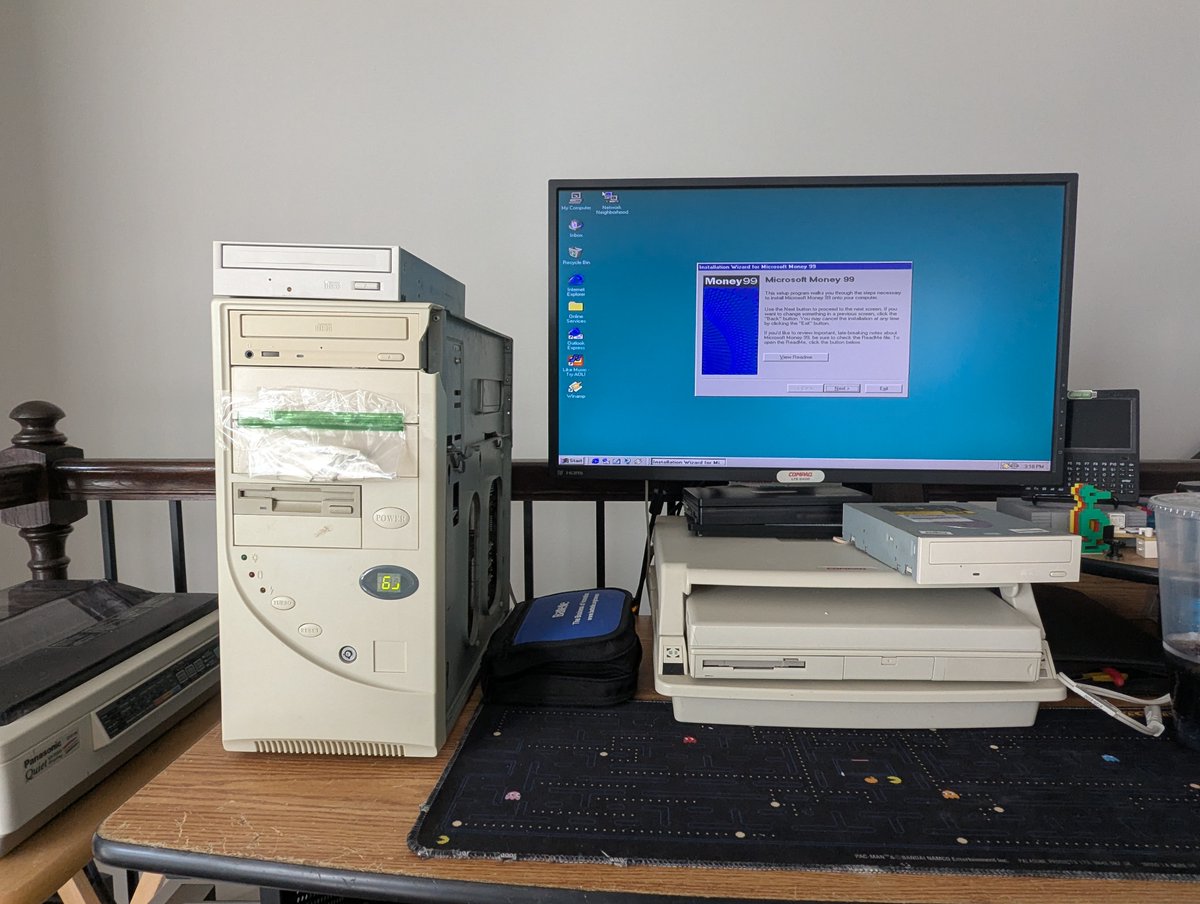
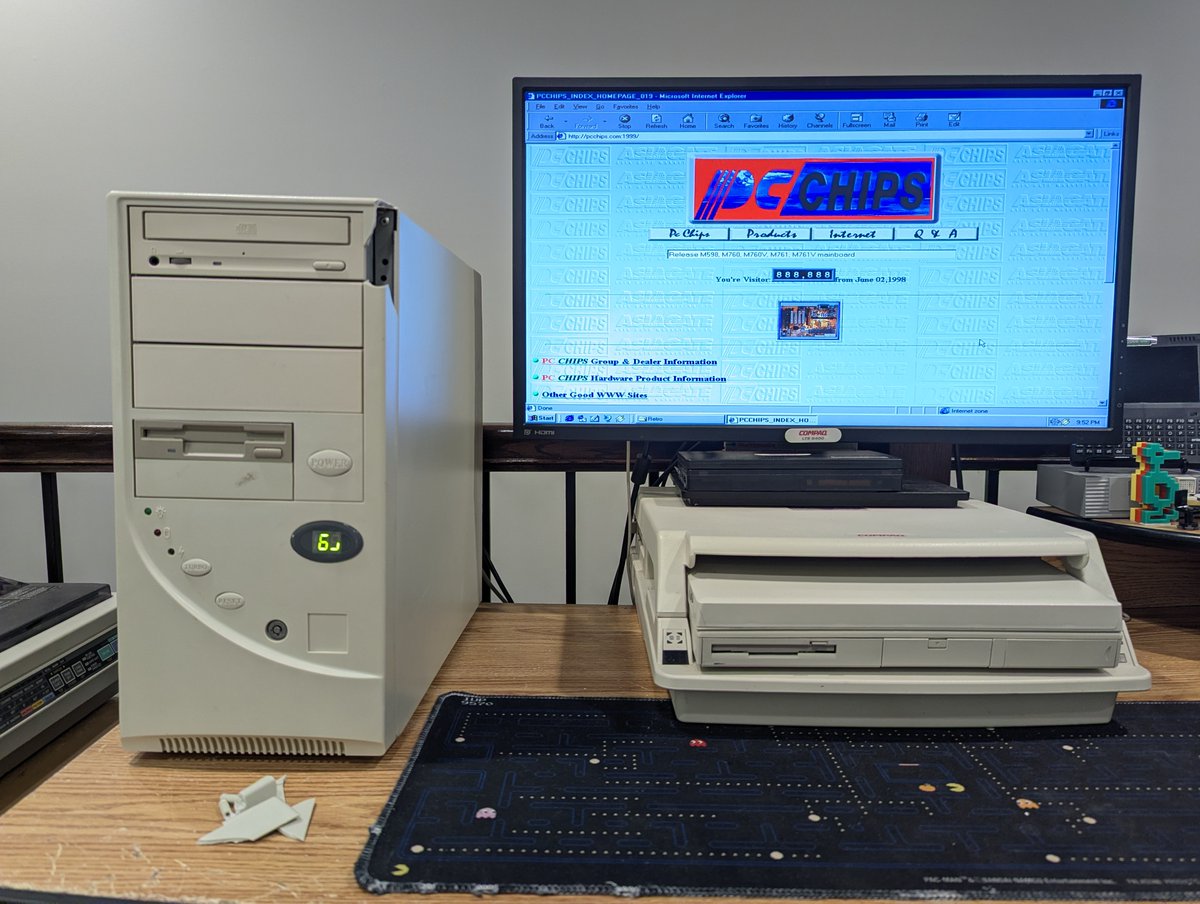
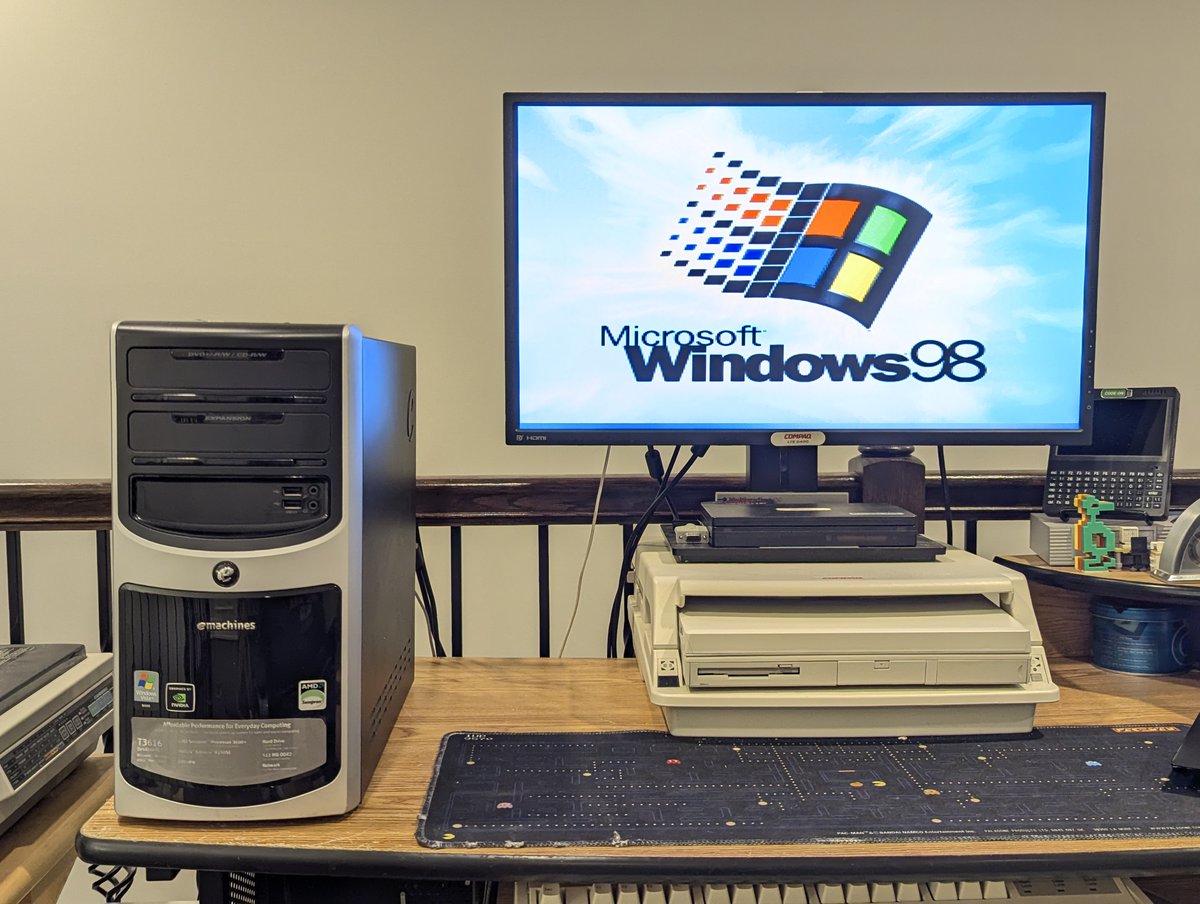
I recently picked up this "eMachines" from my friend Bill to bring to the next local meetup and plop on the "free" table. I thought I'd spruce it up a little bit in the meantime, since, well, I enjoy doing just that 😂. Let's talk about it in a 🧵 here! 
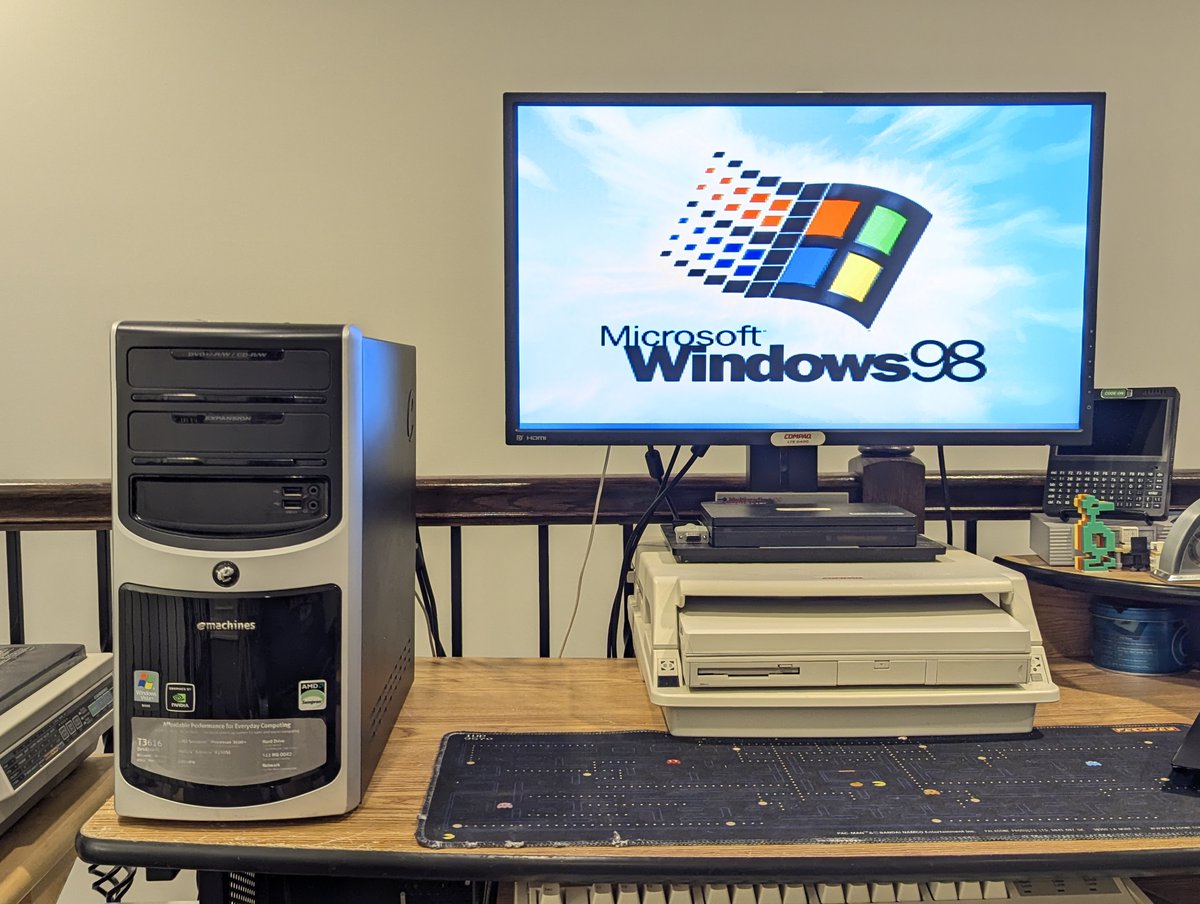
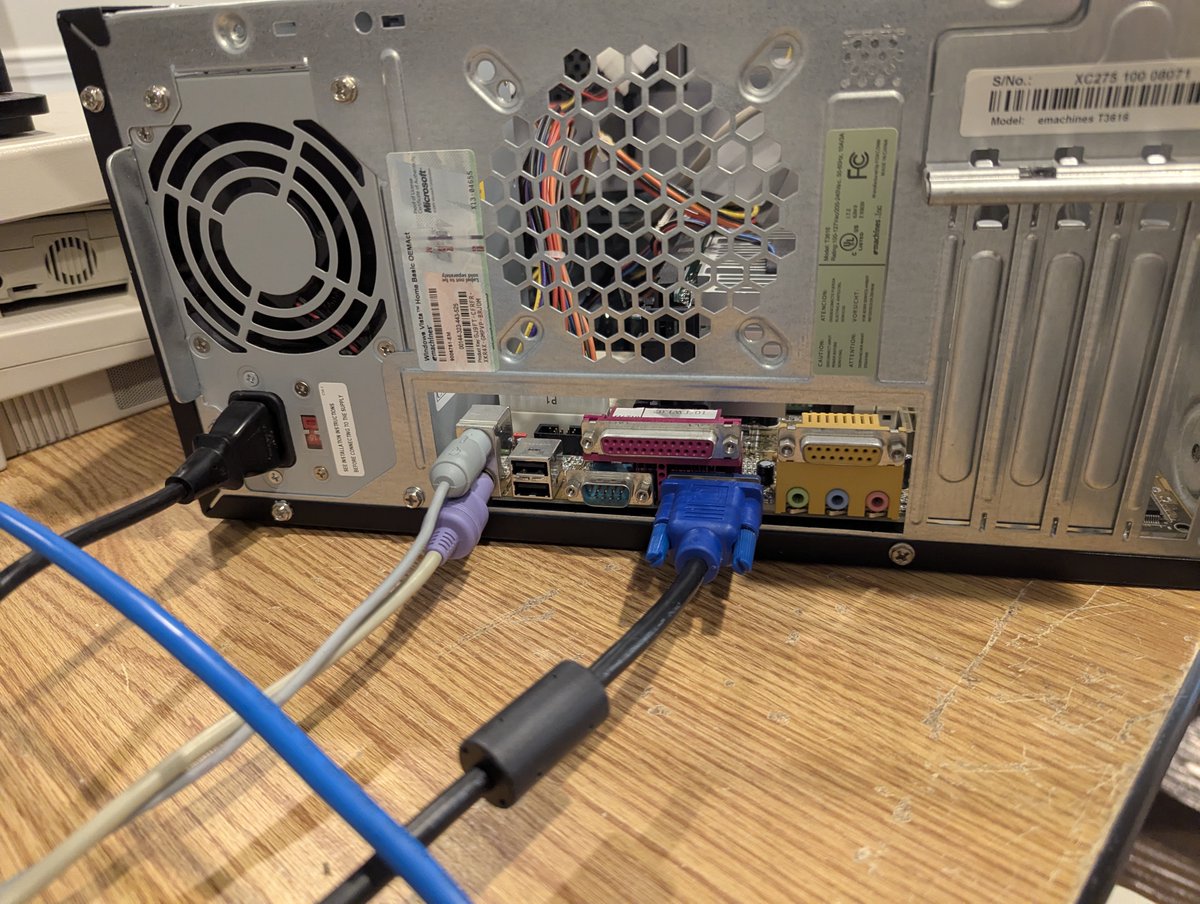
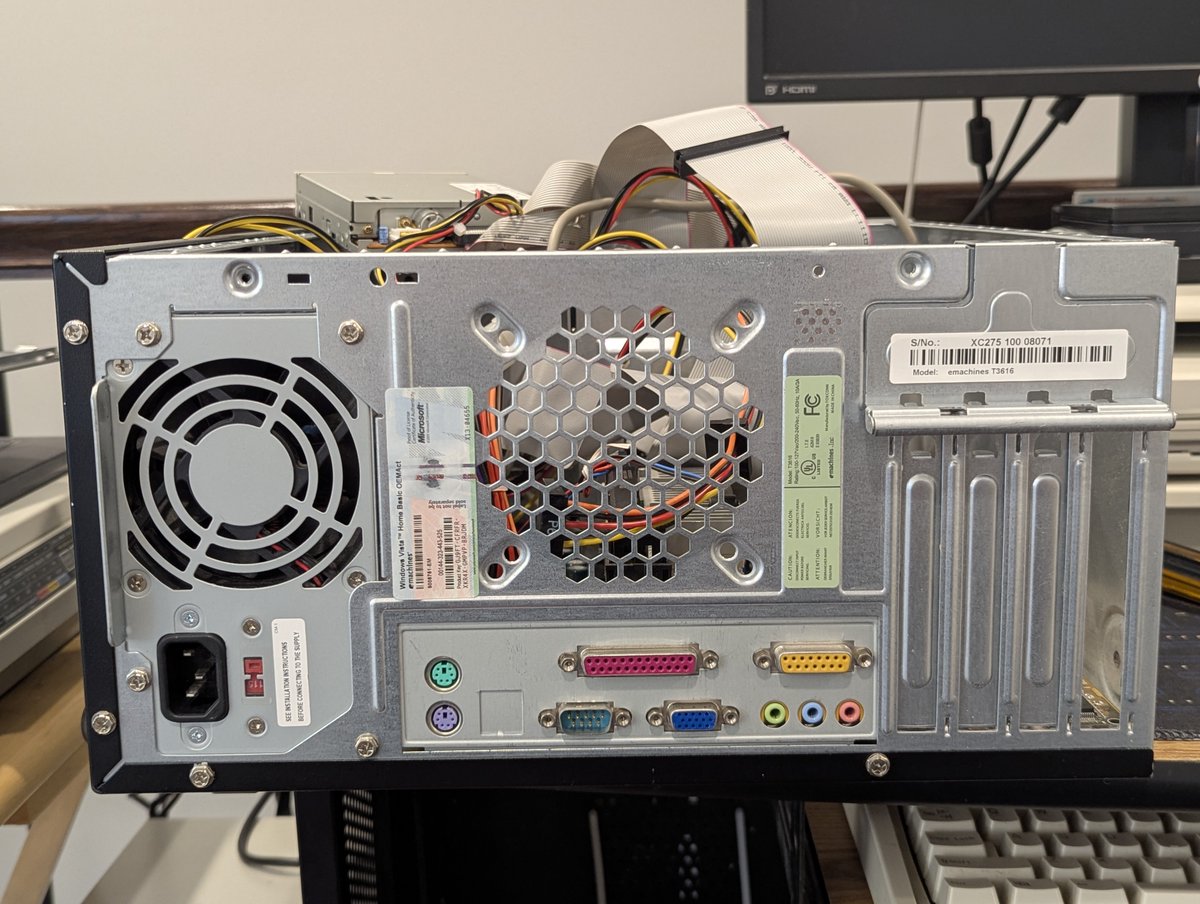
So, first and foremost, this isn't actually an eMachines. The original mobo died and it was replaced with a Biostar M6TWL and a Pentium III 600 MHz CPU. Does that makes this thing a "reverse sleeper"? 🤣

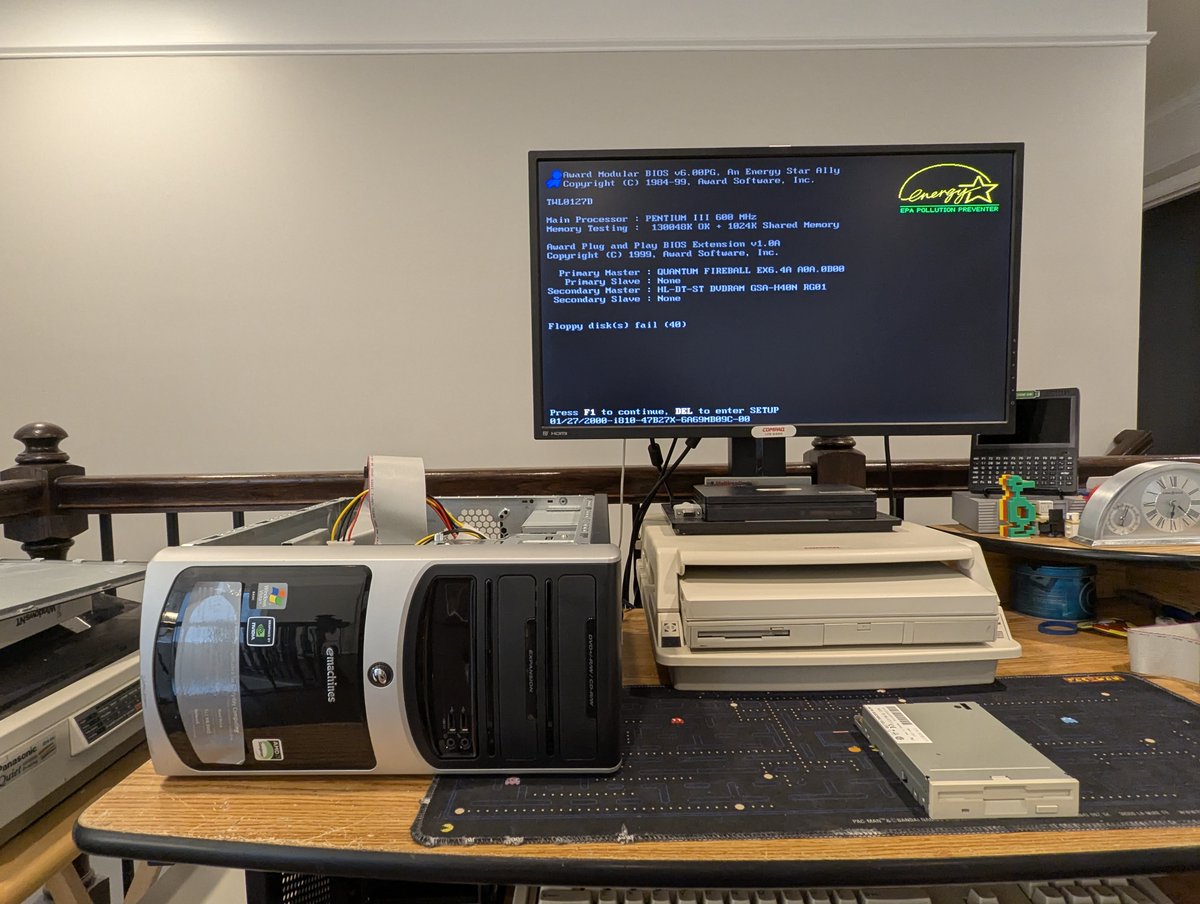
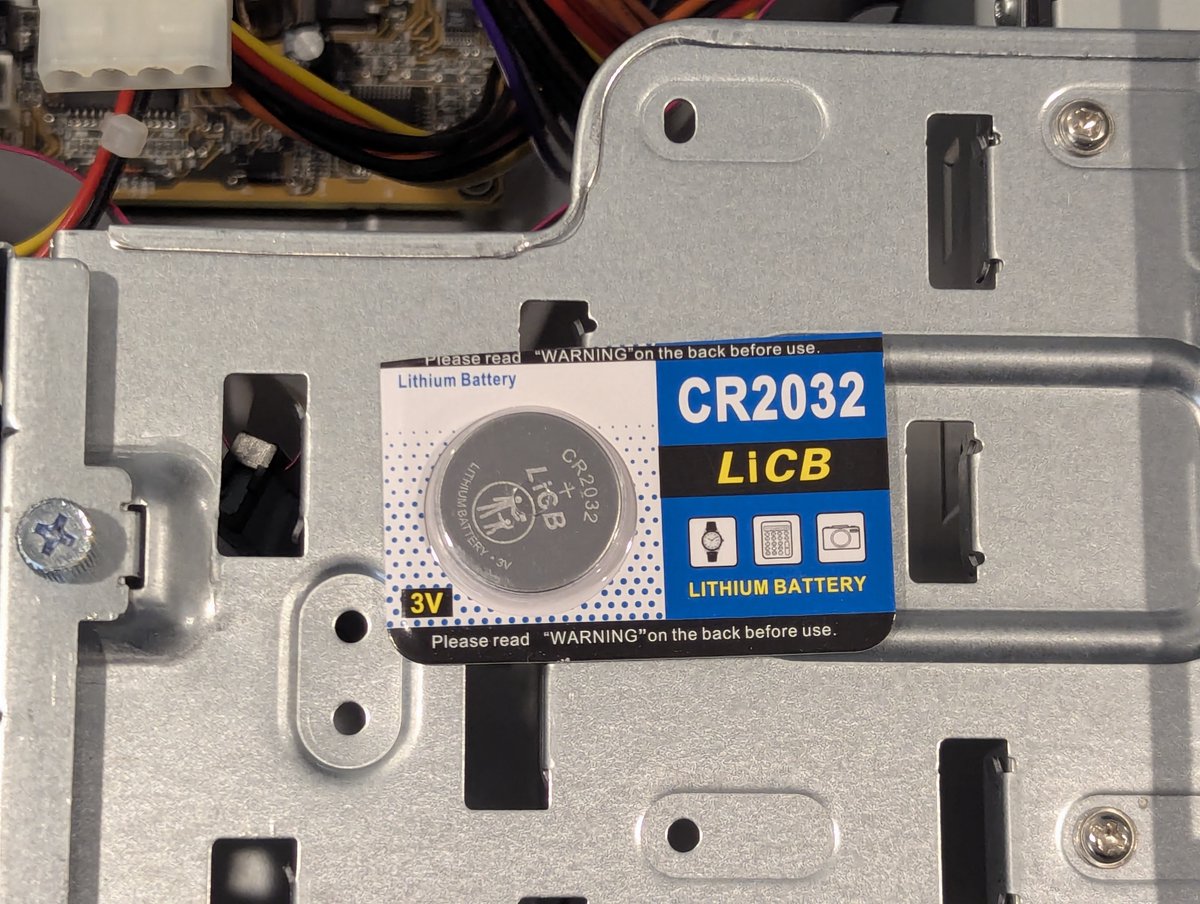
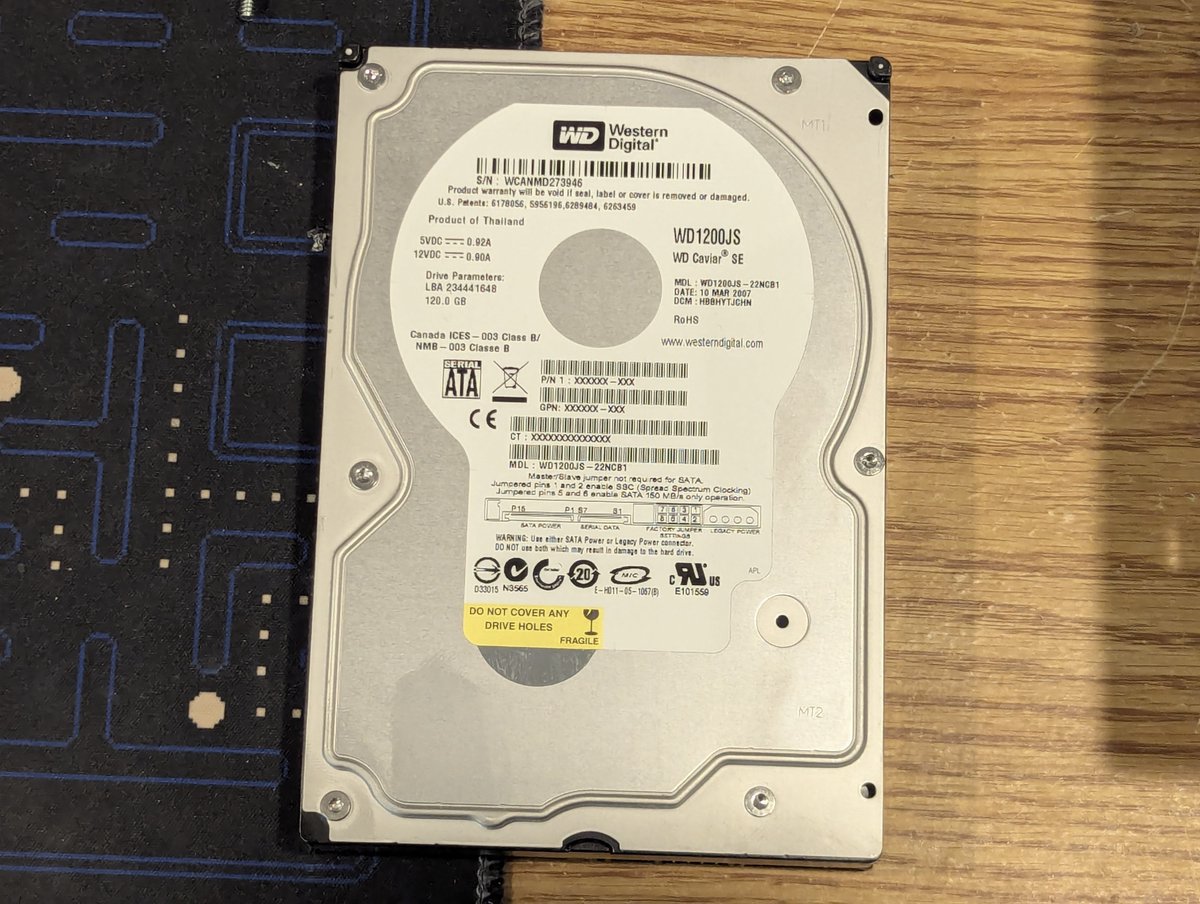
Given this, we have a little bit of work to do. First, unrelated, but the CMOS battery is dead. Also, there is a SATA Western Digital 120GB HDD installed, but that won't work without some sort of adapter, since the motherboard only supports IDE.
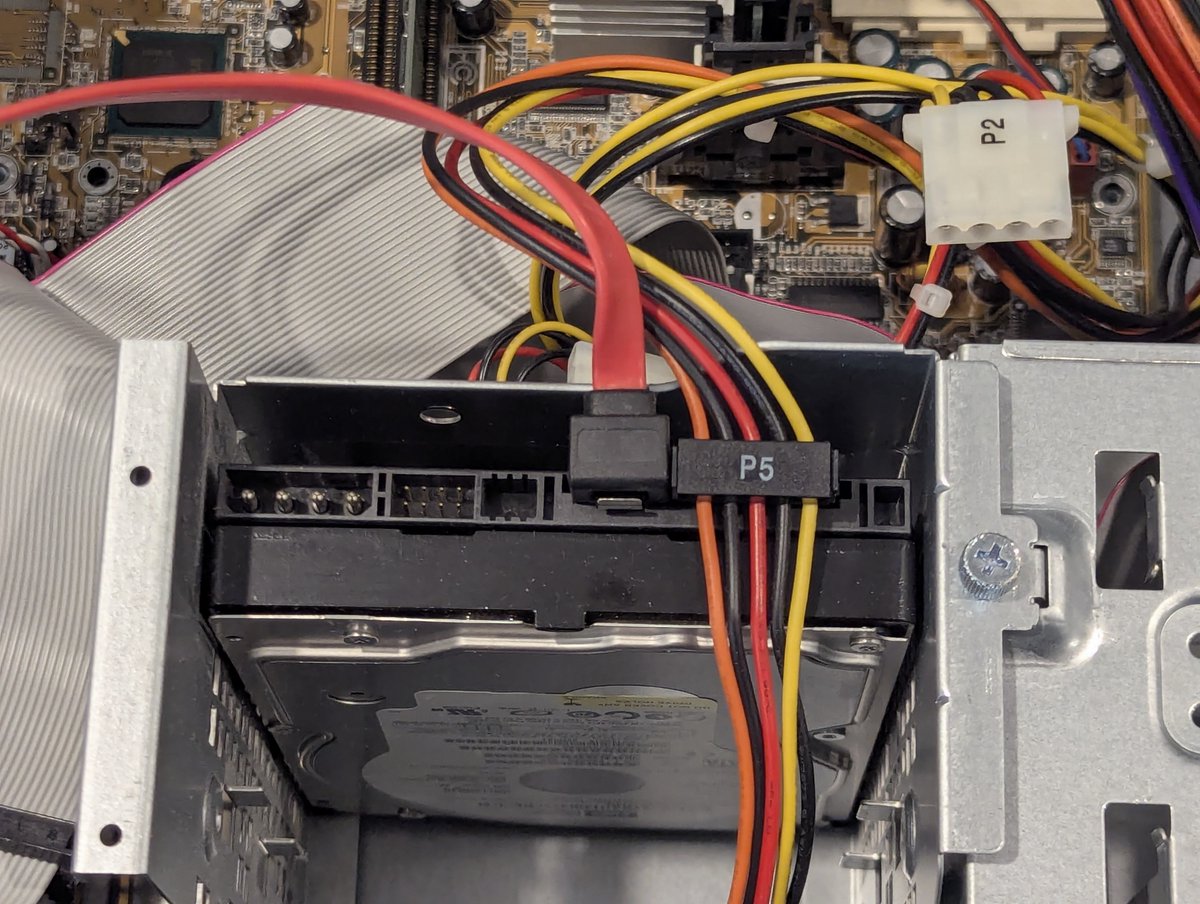
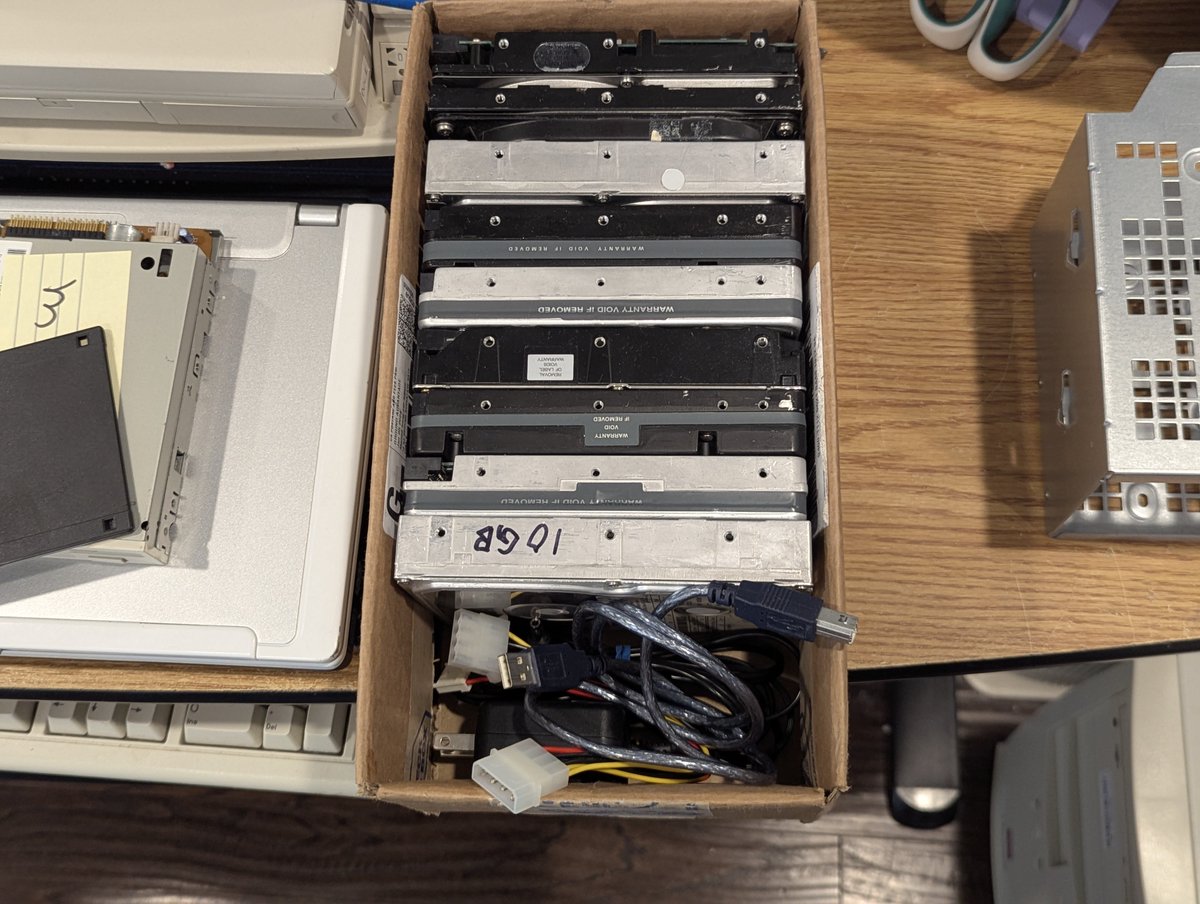
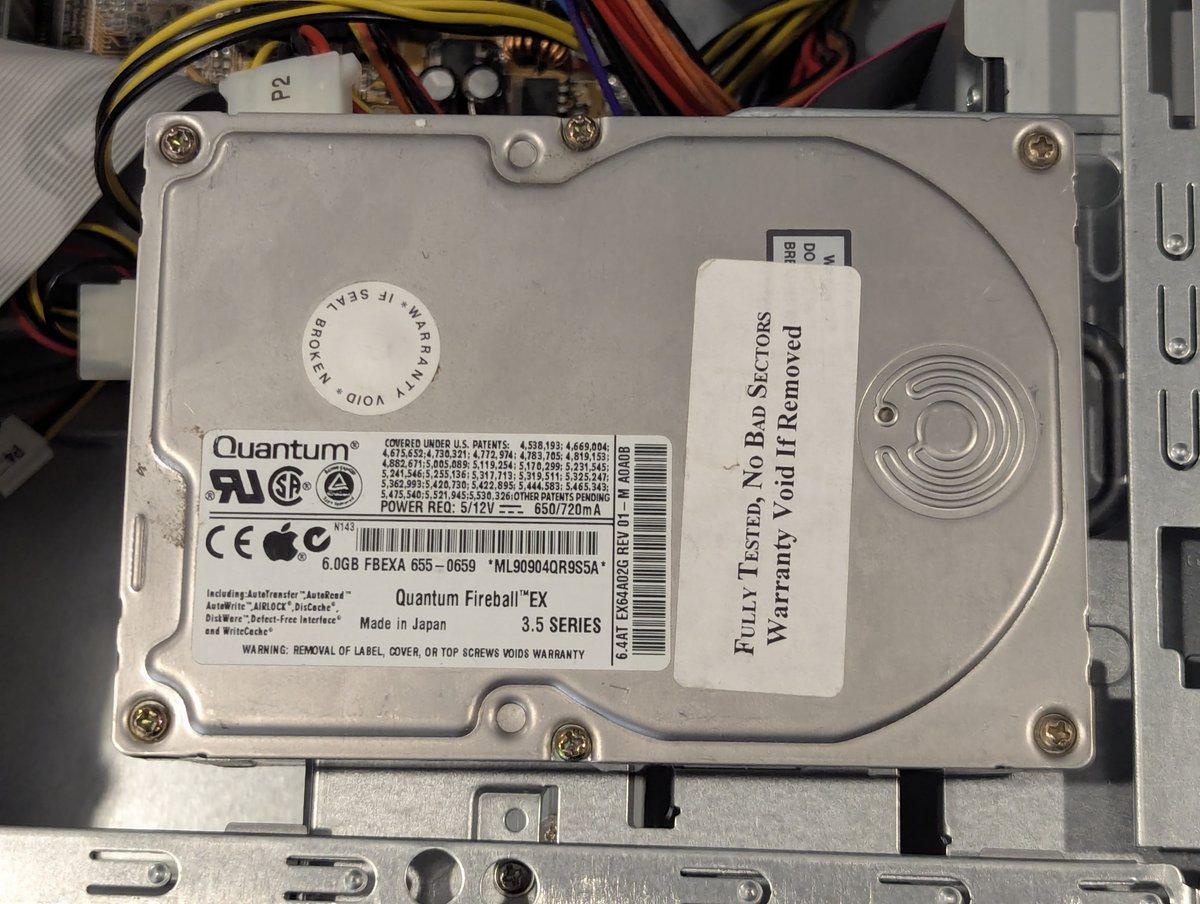
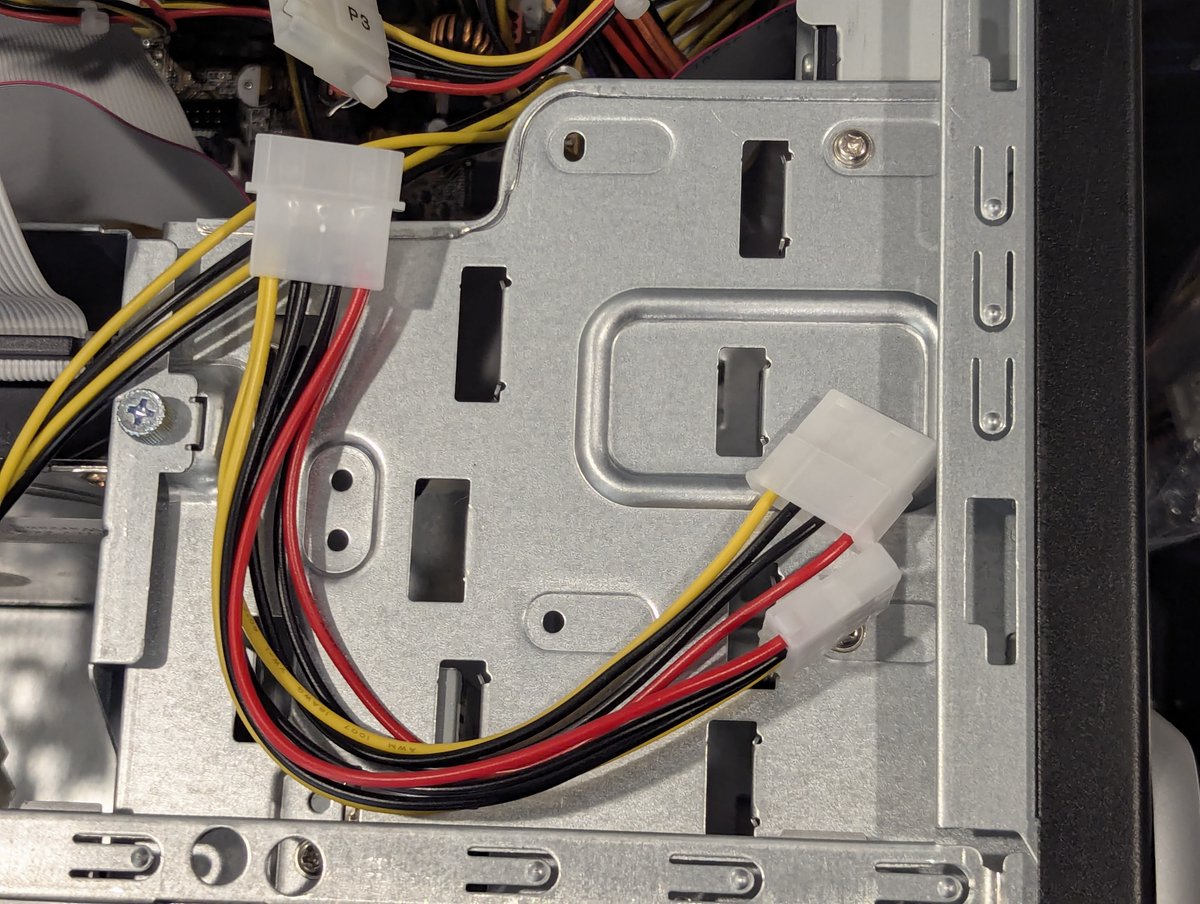
As such, I went to the hard drive box, and picked out this 6.4GB Quantum. Also, the Molex cables on this power supply won't reach the hard drive as is, so we will use this splitter as an extension cable!
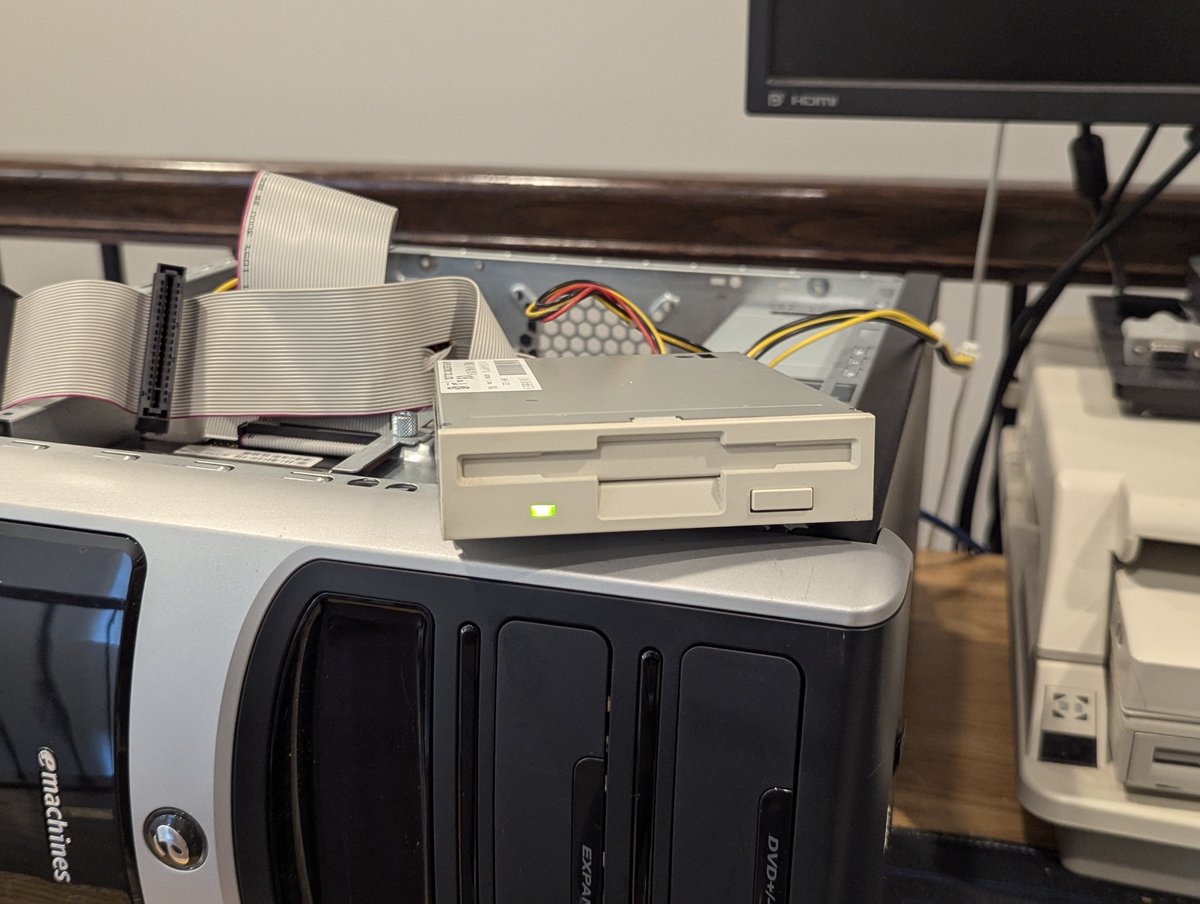
Although this case doesn't really support it, I am going to temporarily install a floppy disk drive for ease of setup as well. So, here it is!
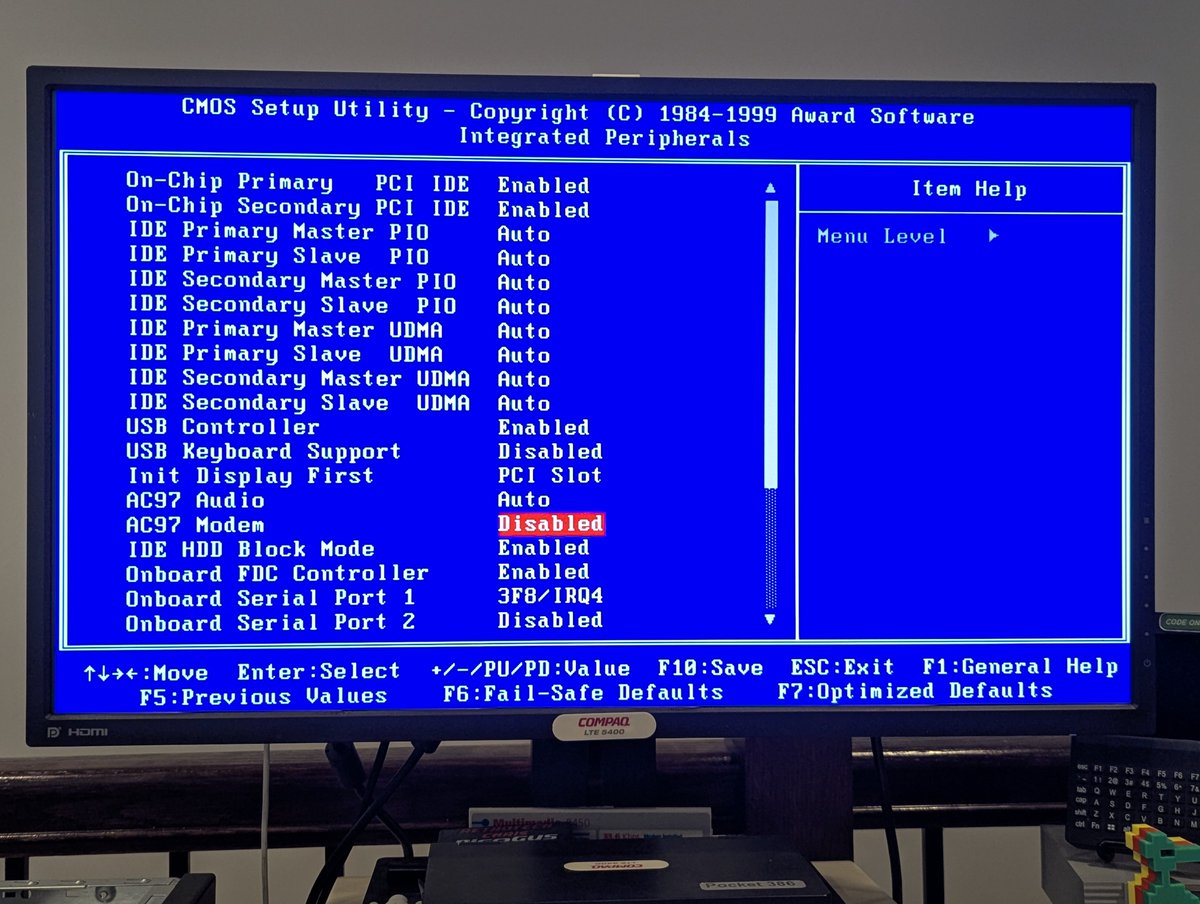
Here are some of the BIOS setup pages. Pretty cool that you can turn on and off the AC'97 features in BIOS. And just look at that little CPU fan spin 😂

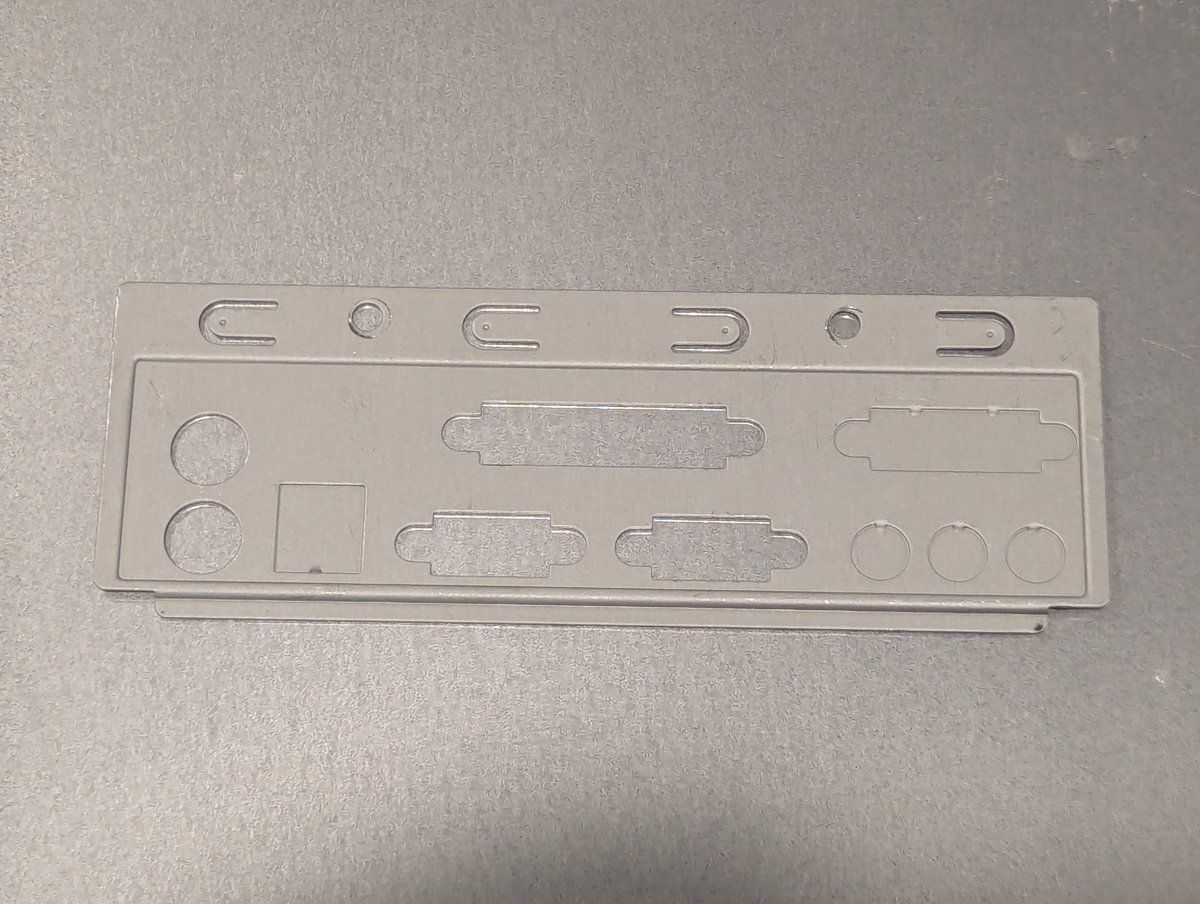
Now here is a curiosity. This system was missing its I/O shield. I think I have perhaps TWO SPARE I/O shields total in my entire collection, that I got from various cases over the years. And it just so happens that I have the right one for this motherboard. Win!
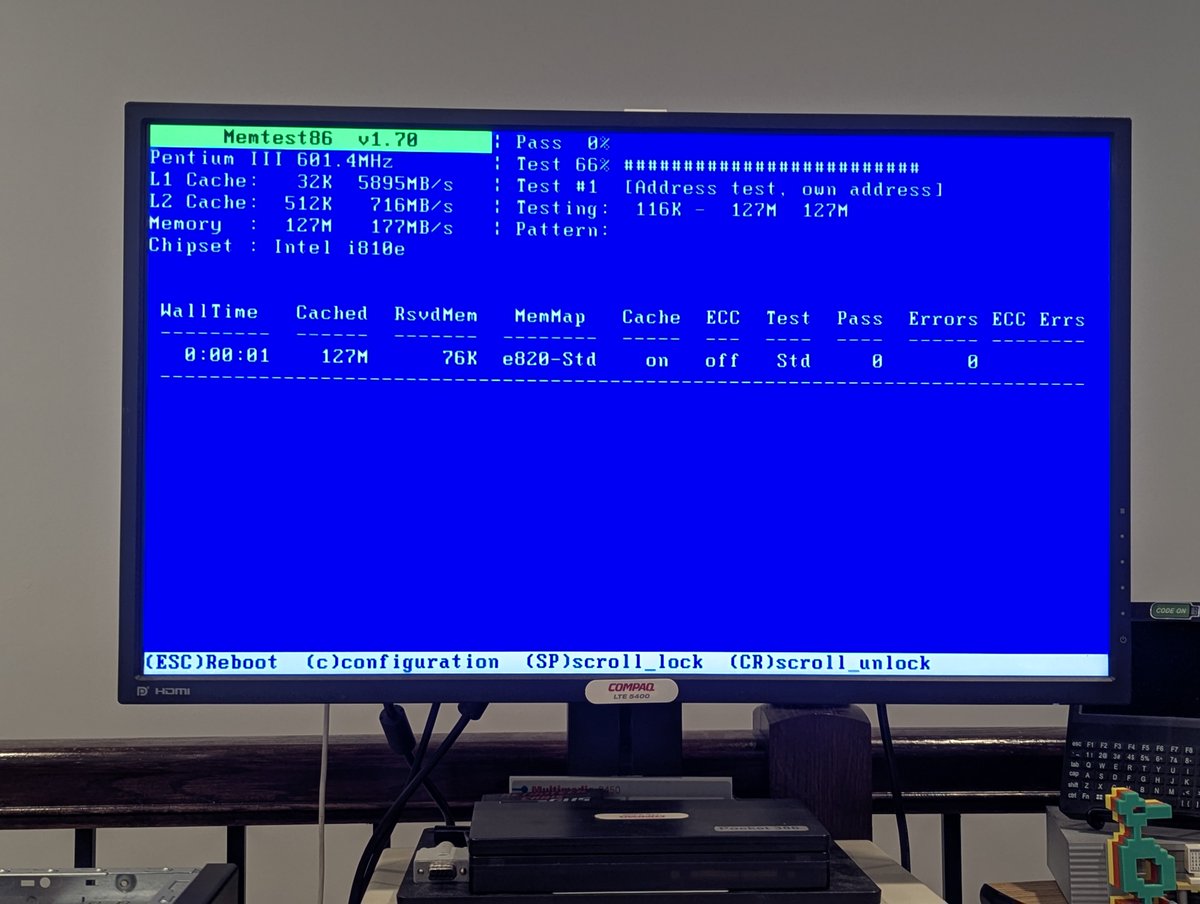
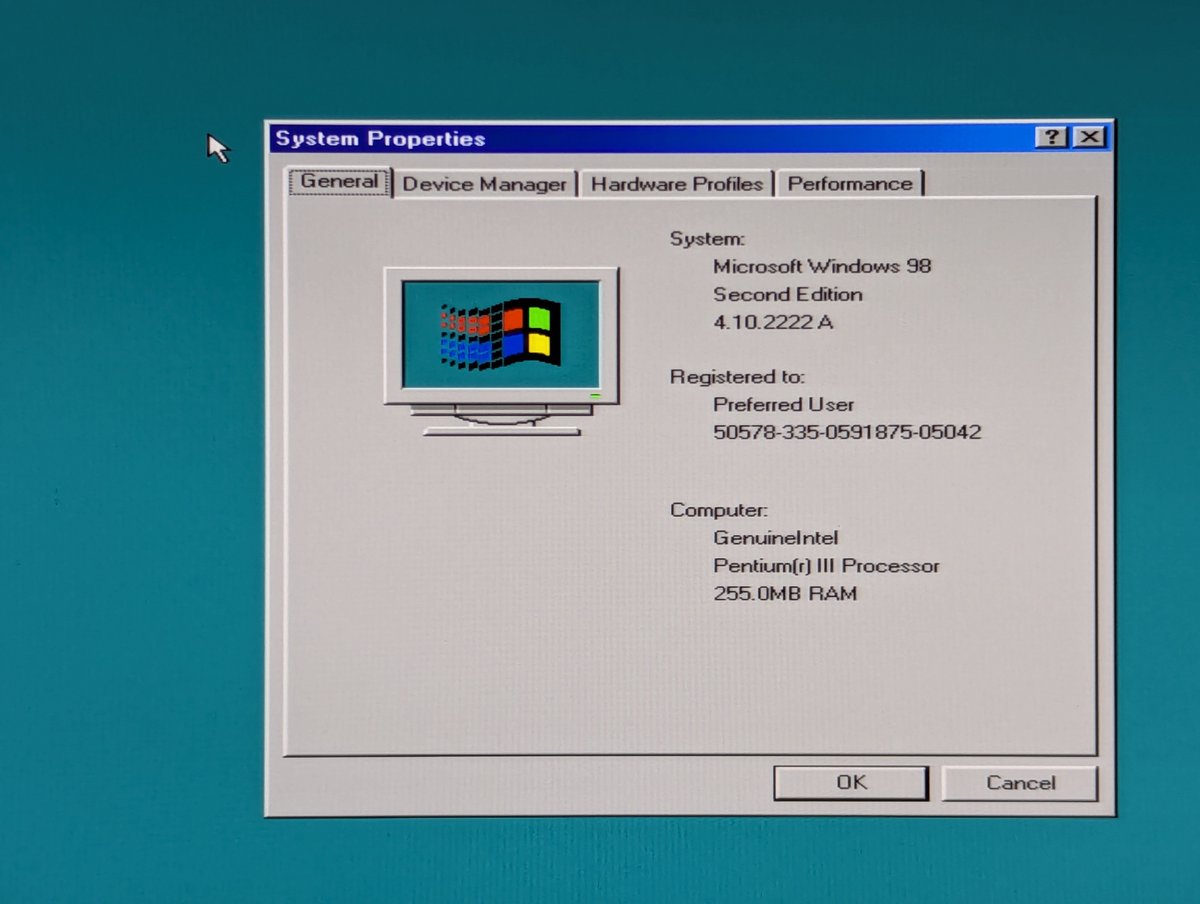
Since we have a bunch of memory, I thought I would upgrade this system. However, it doesn't seem to be recognizing the 256MB DIMMs I installed. I popped one out, and it shows 128MB as we see here, and with two installed, it shows 256MB total. Here we go again...
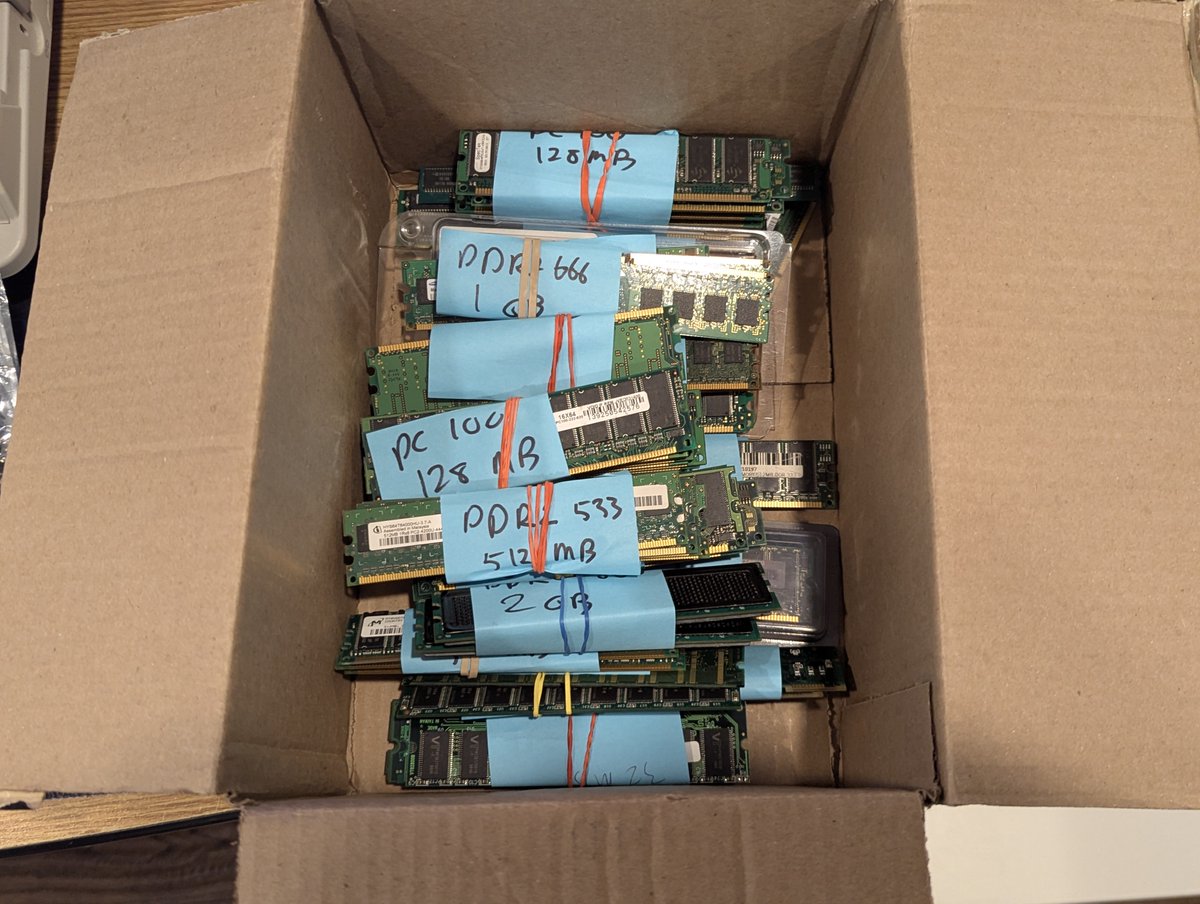
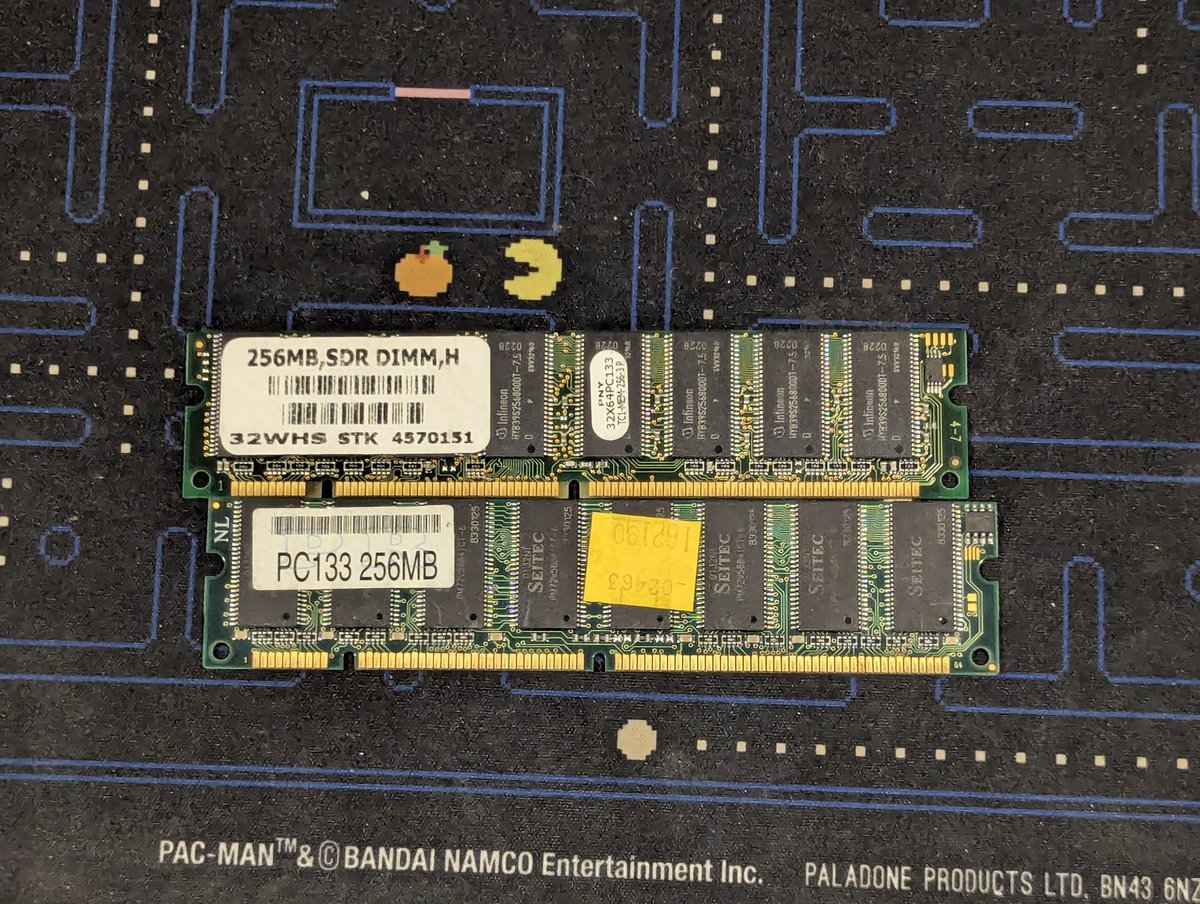
Rather than fiddle with that any more, I just installed two matching 128MB chips. That's enough for what we are going to do anyway.
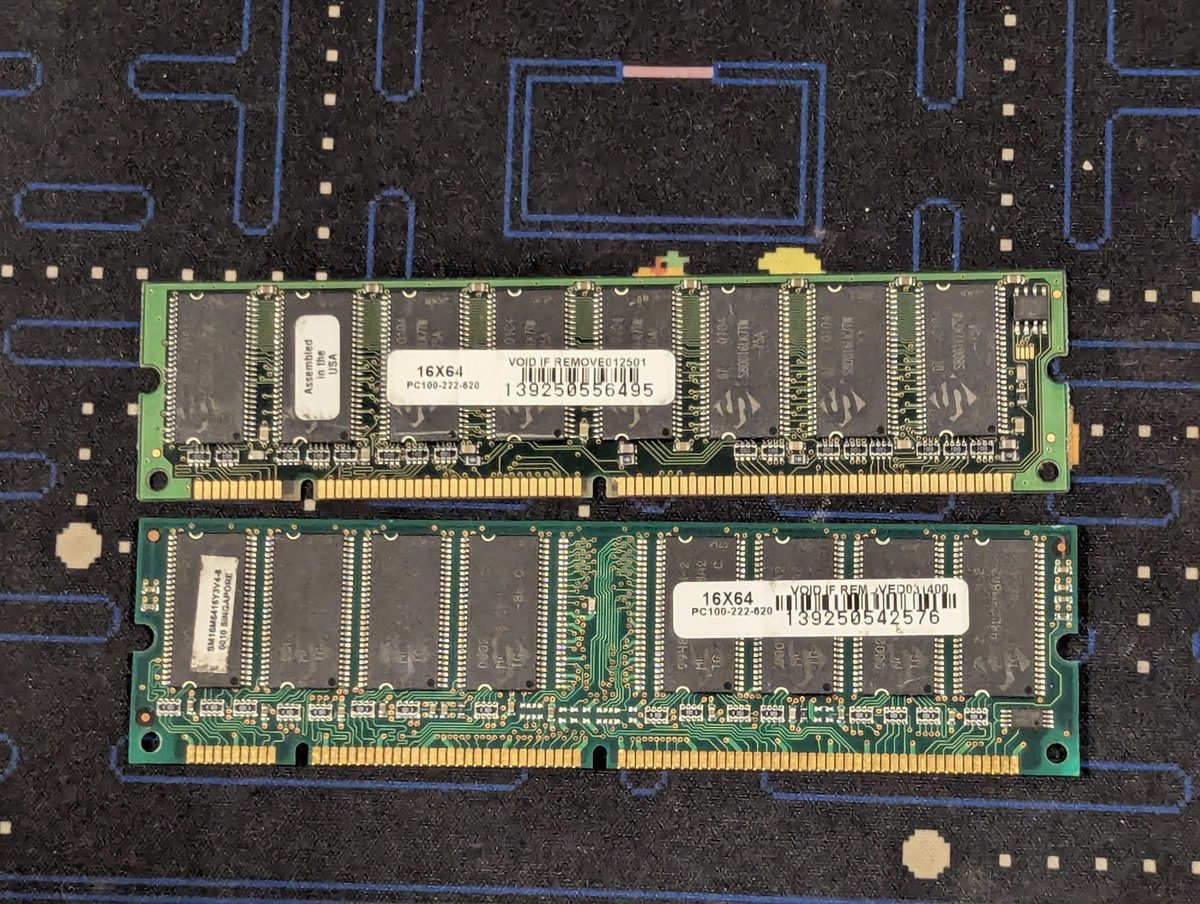
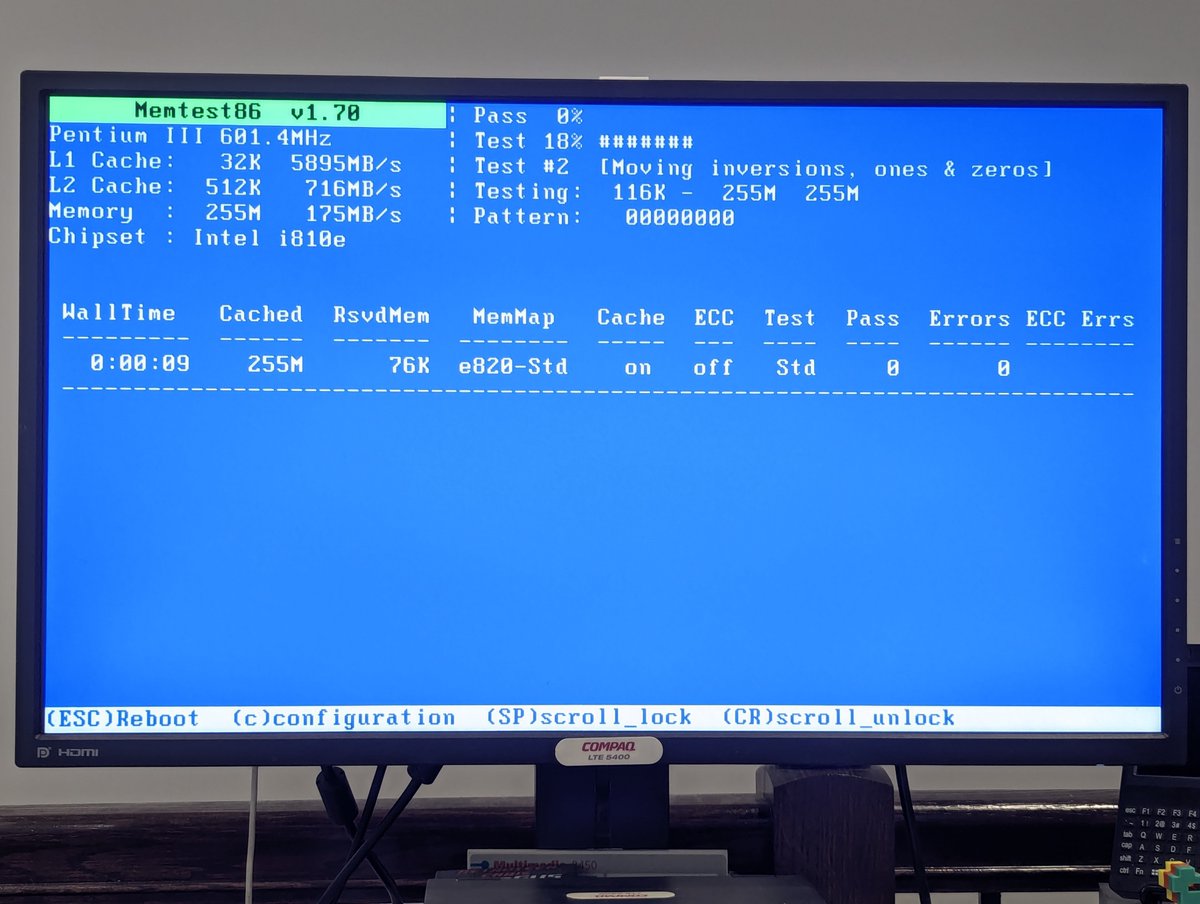
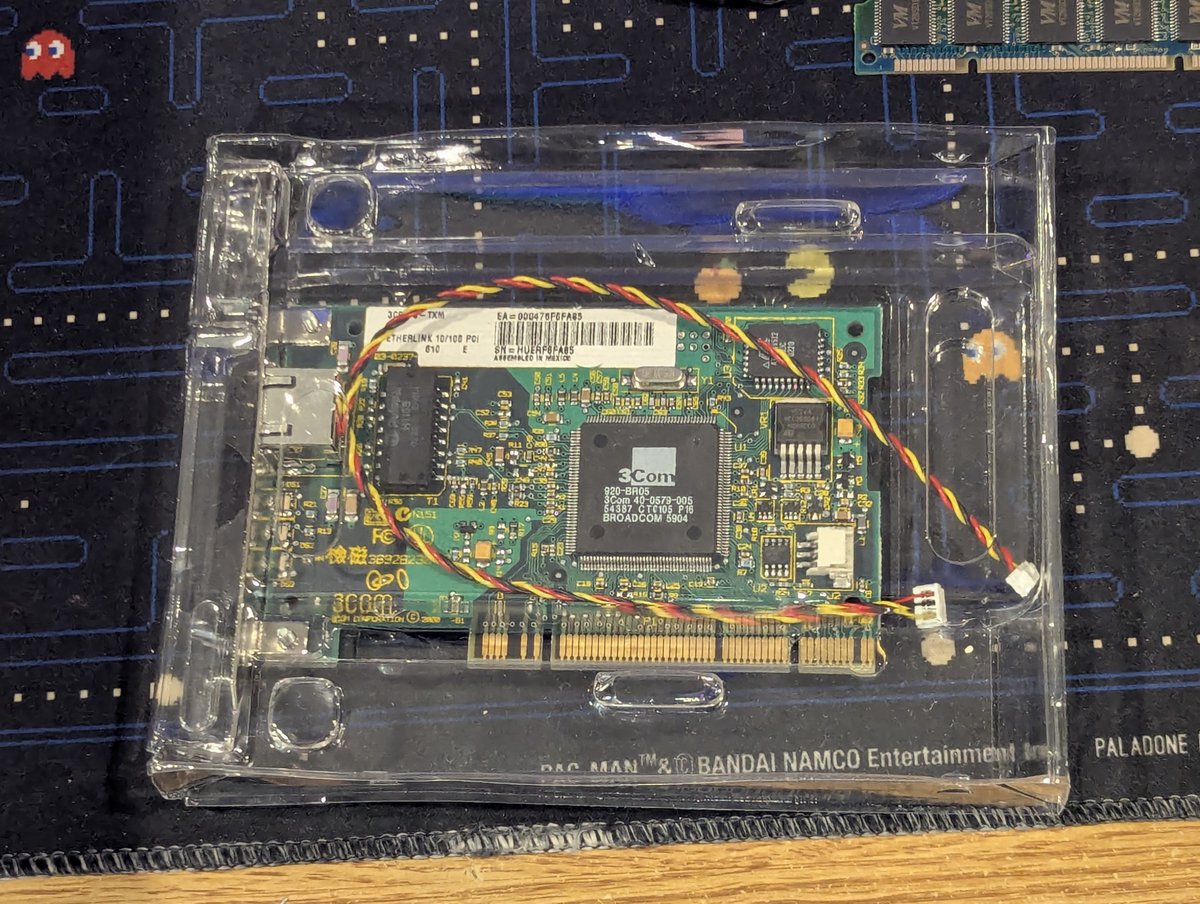
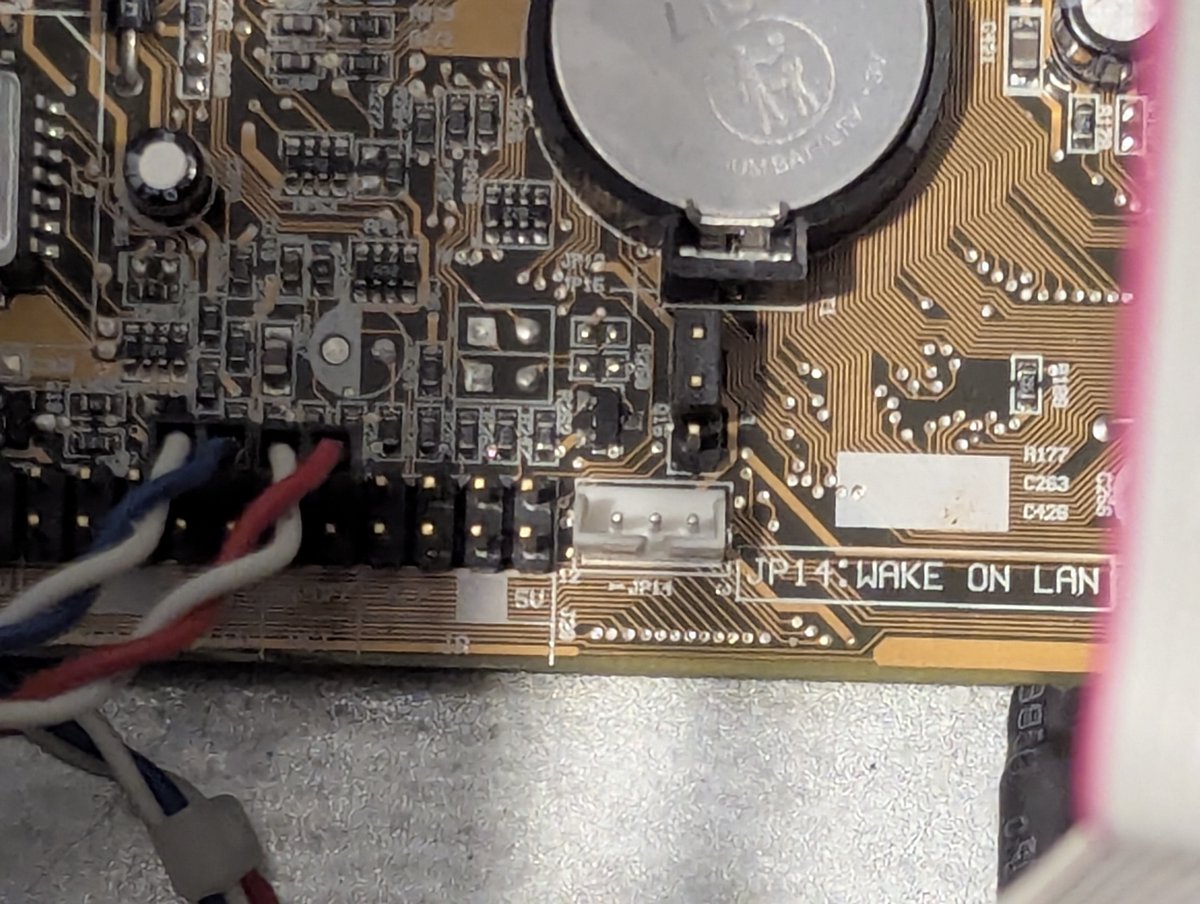
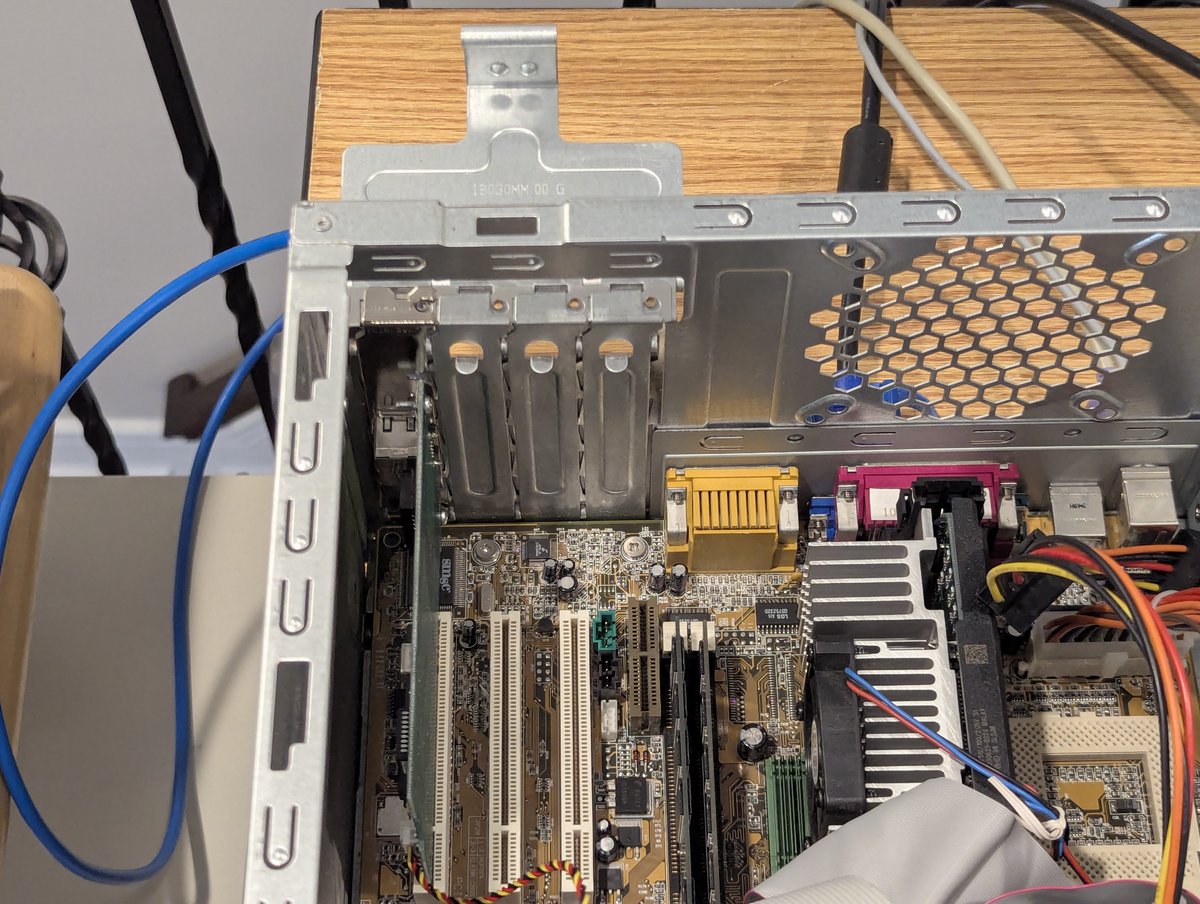
With that out of the way, I figured we can install a network card. I have this nice new old stock 3Com PCI card laying around. And the reason I chose this one? This motherboard has Wake on LAN! I got the card installed and the Wake on LAN connector all connected up!
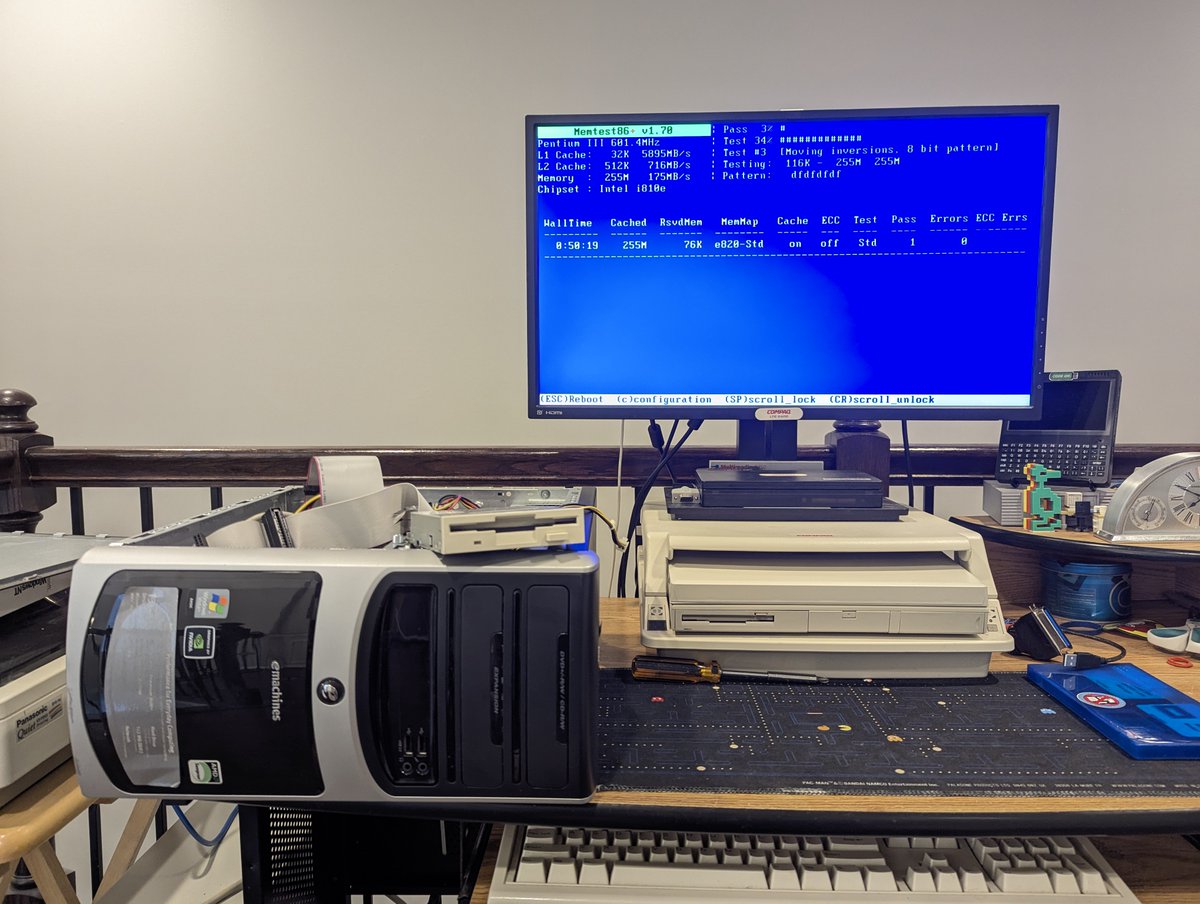
After all of this fun, I did run a full round of MemTest86+, and it passed. So I got out my Win98 boot disc and Win98SE install disc. I set the system to boot from CD ROM, and copied the installer files to the hard drive.
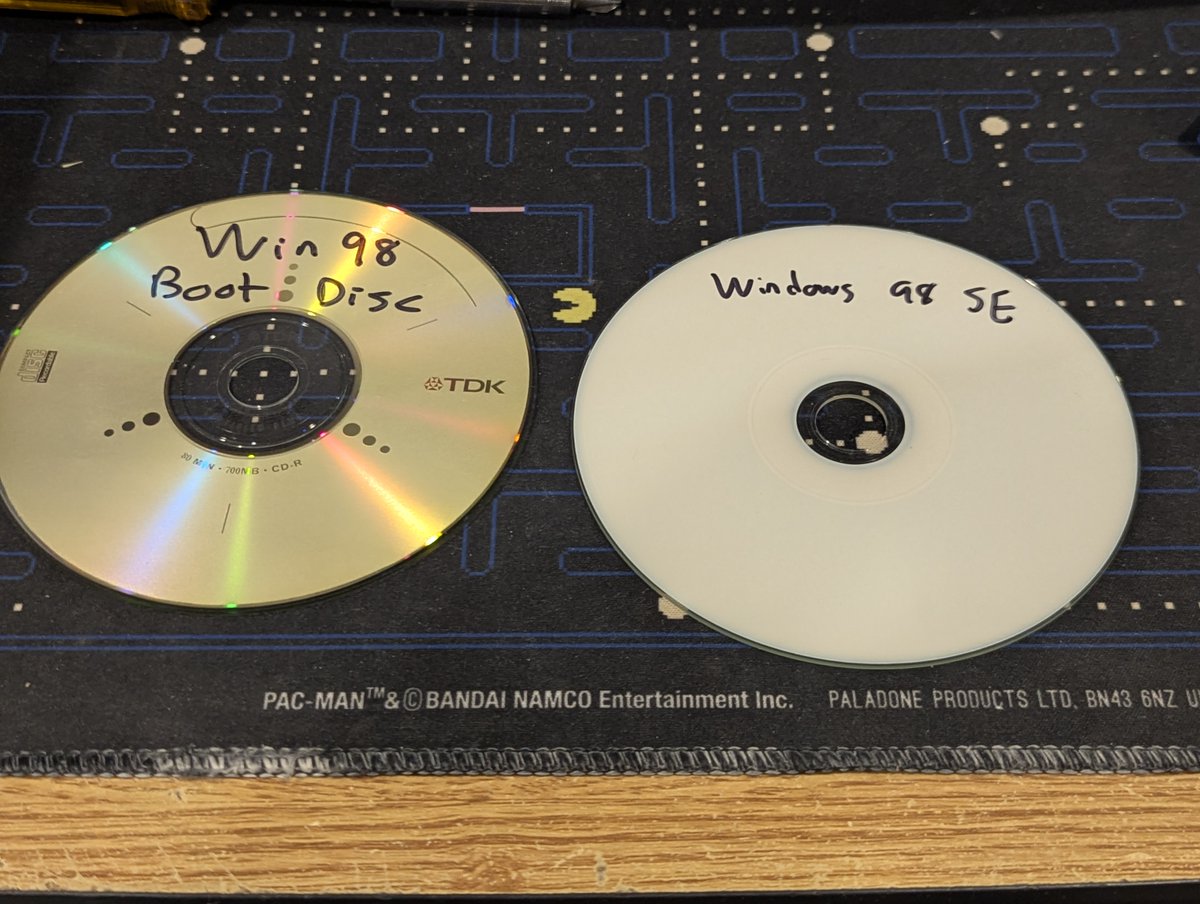
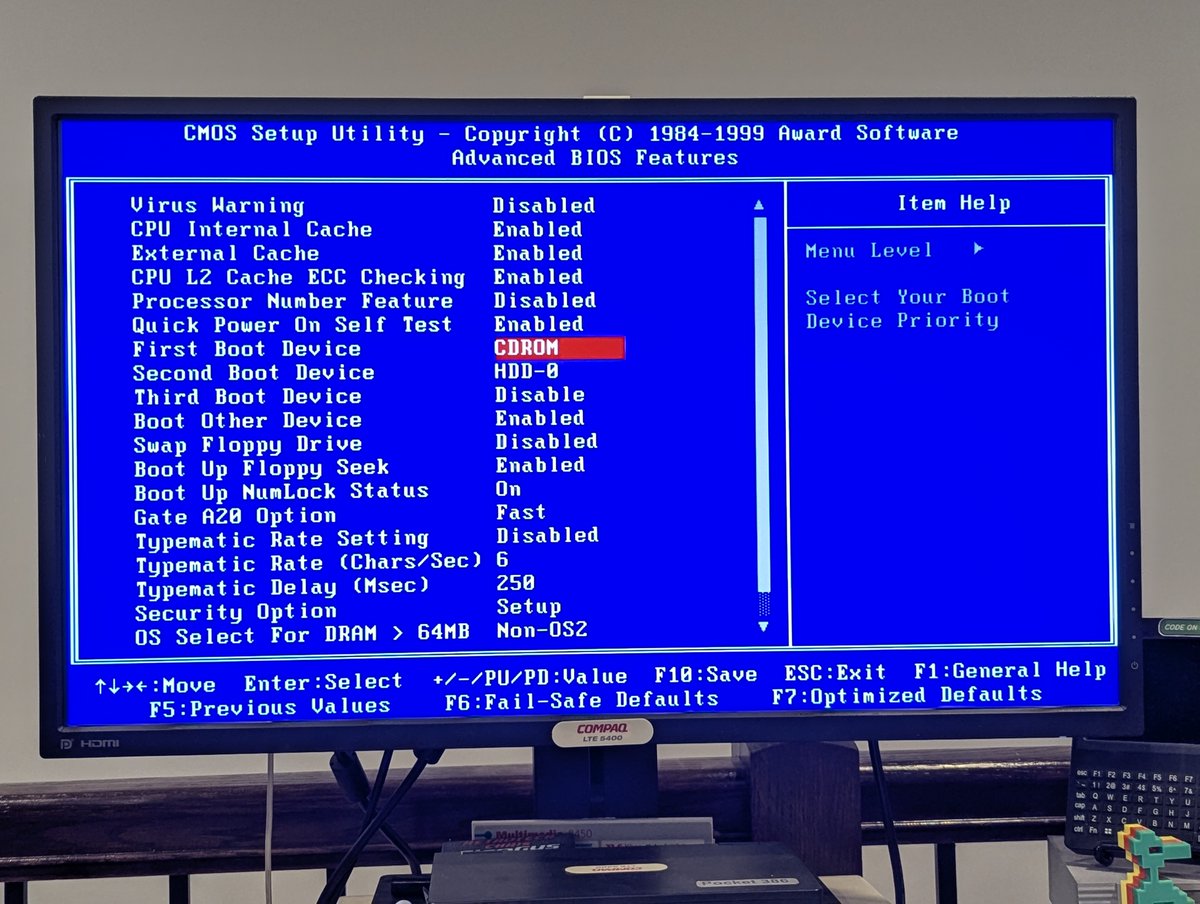
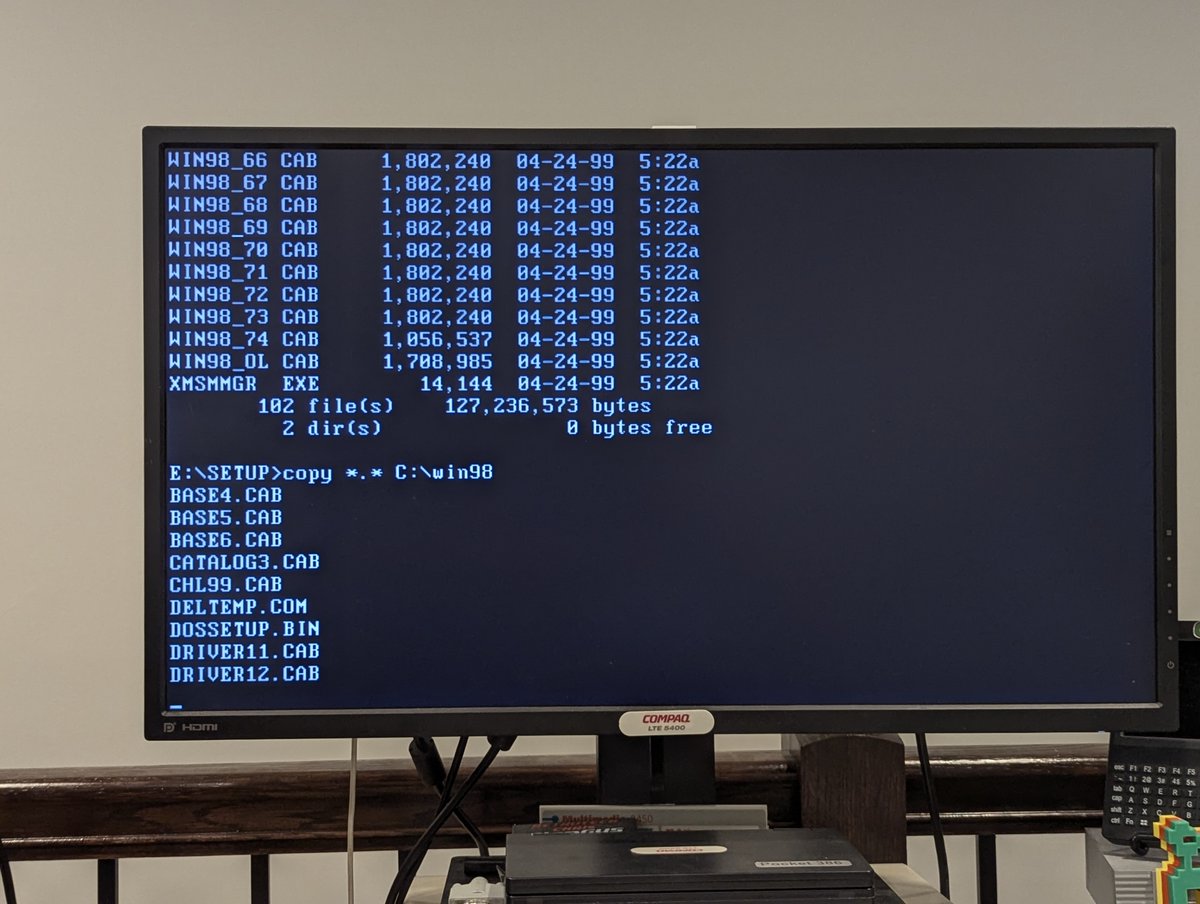
From there, I kicked off install! I got a little bored during the install, and noticed that this front panel pops off. I have no idea why, but hey, it is a thing 🤣🤣
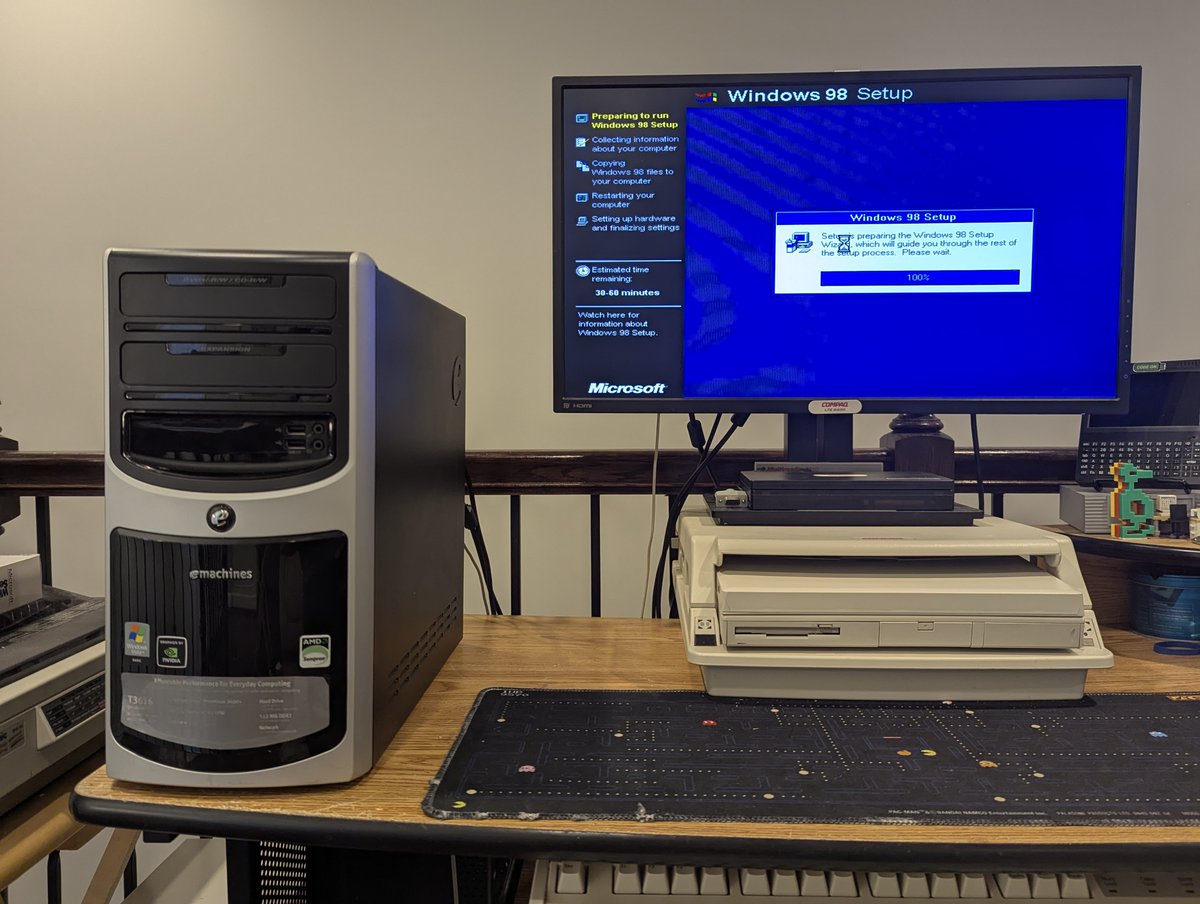
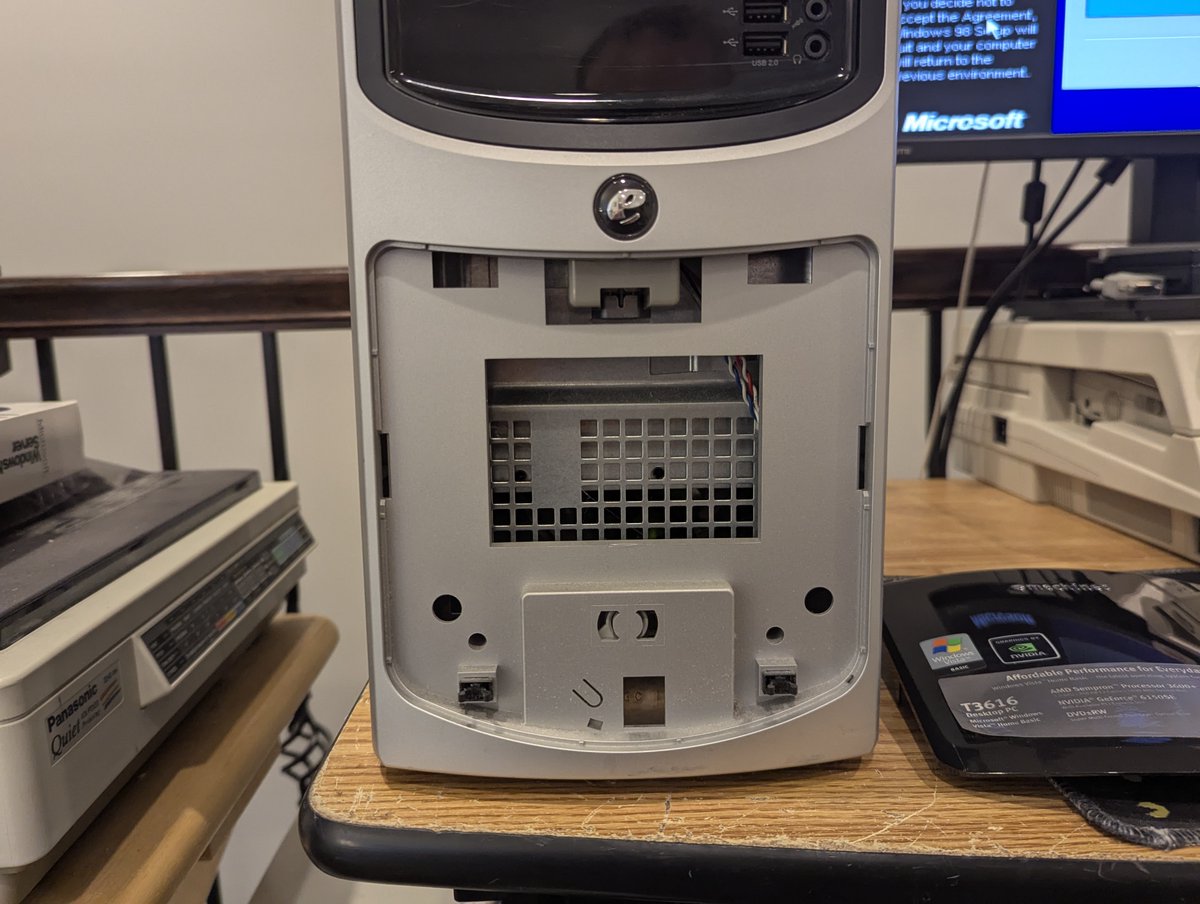
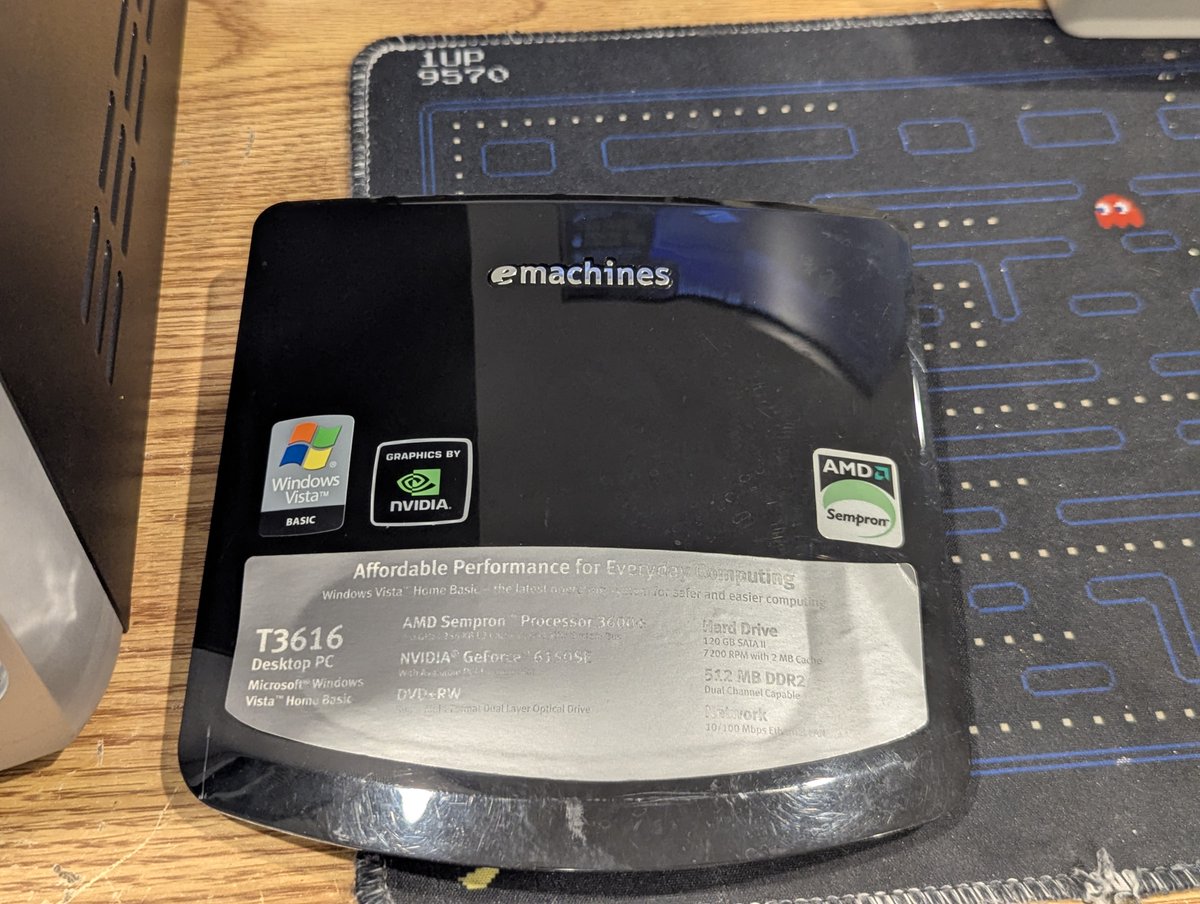
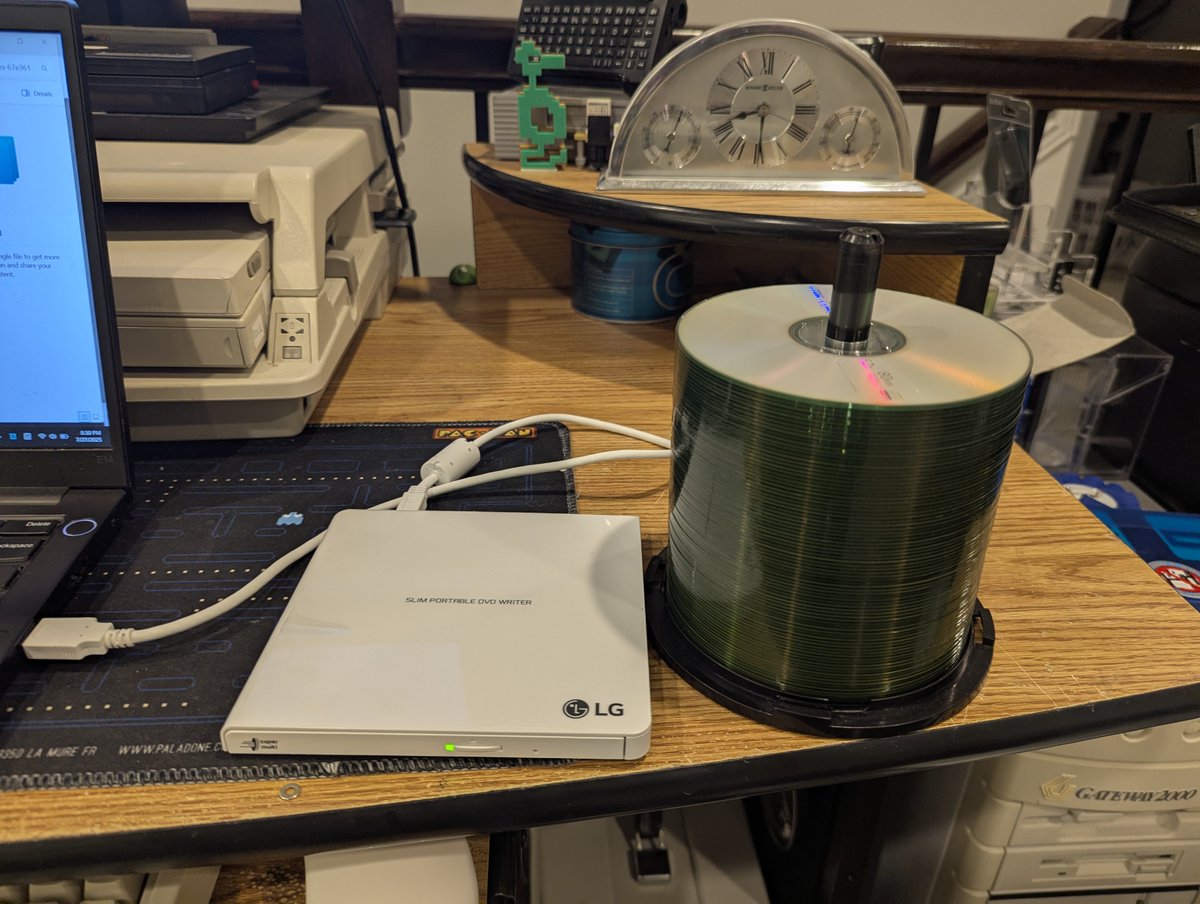
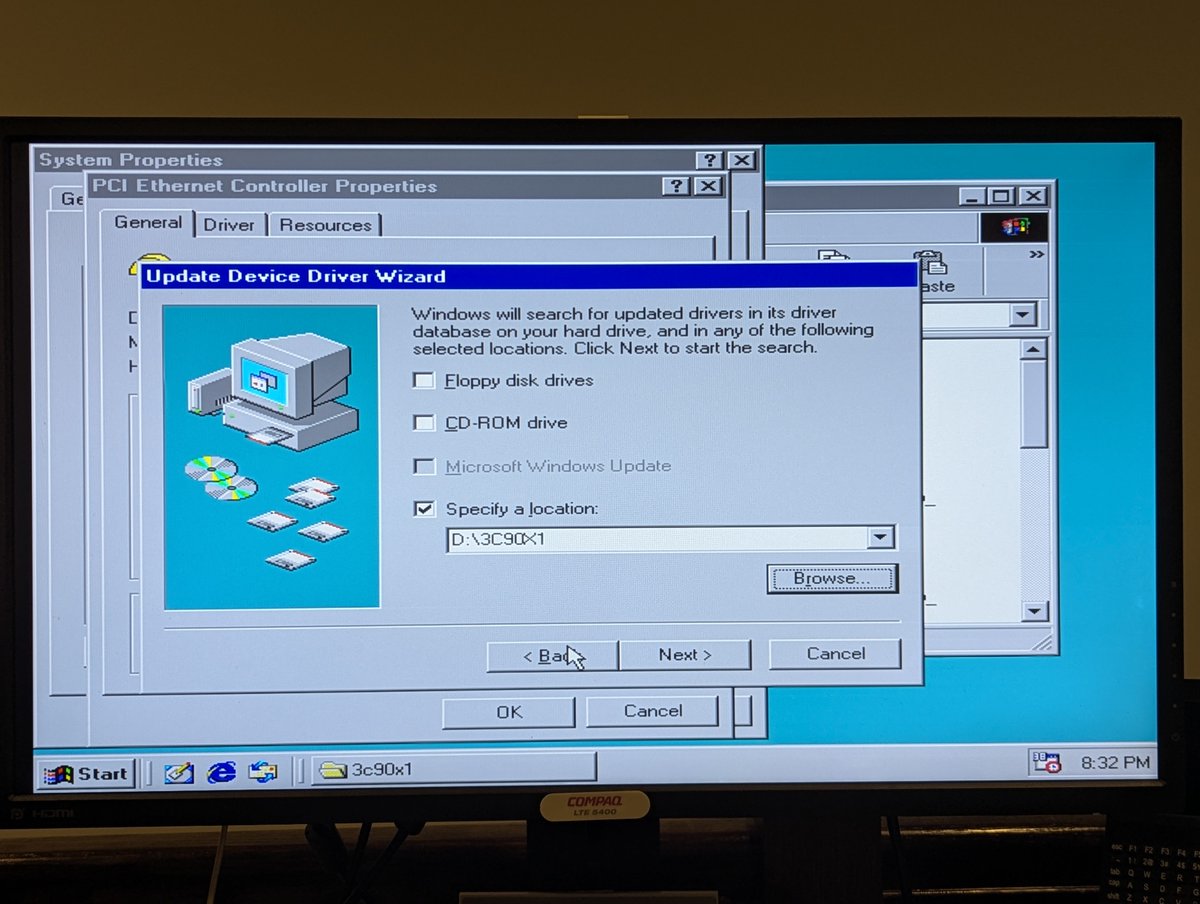
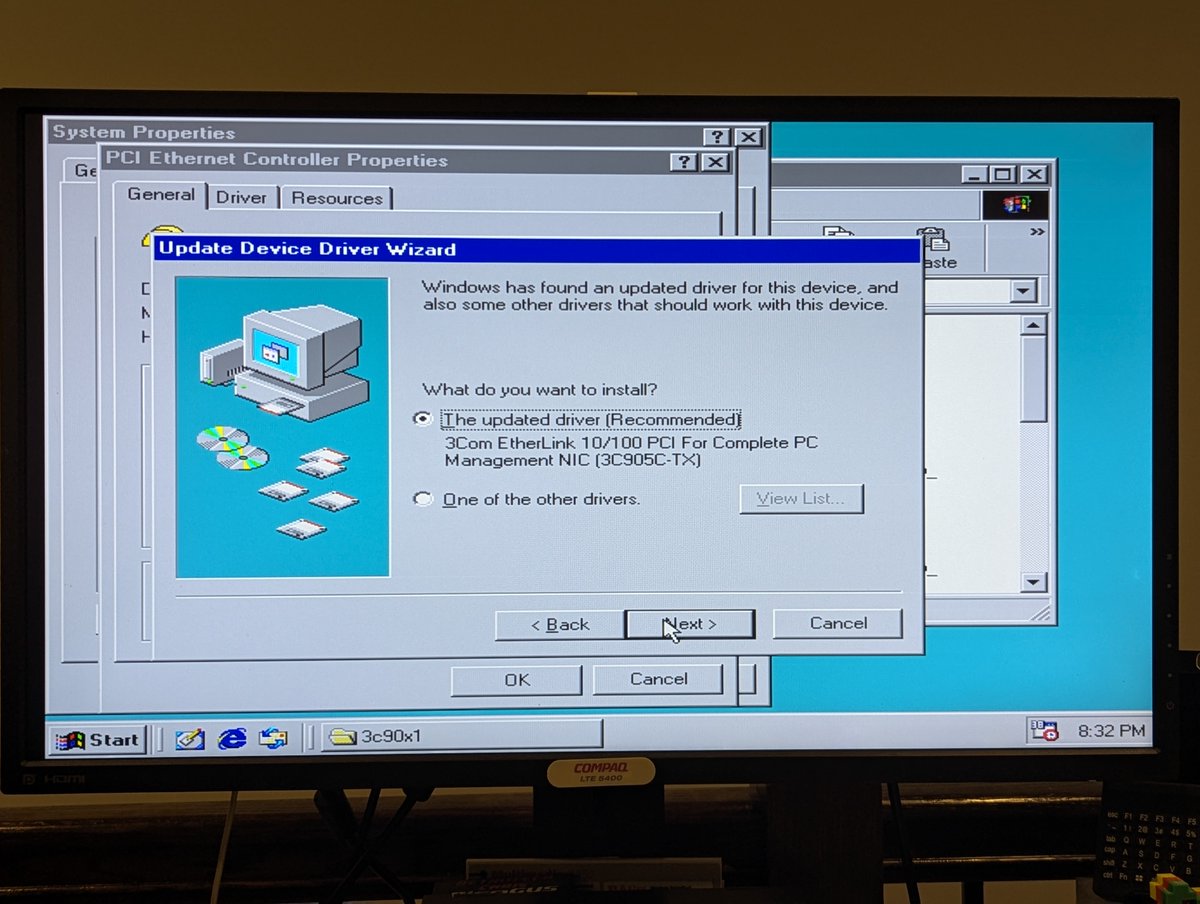
Next up, I needed drivers for the network card. Since I had that big spool of CDs that I picked up from Savers a few weeks ago, I just assumed use one to burn network card drivers. And from there, installation was a breeze!
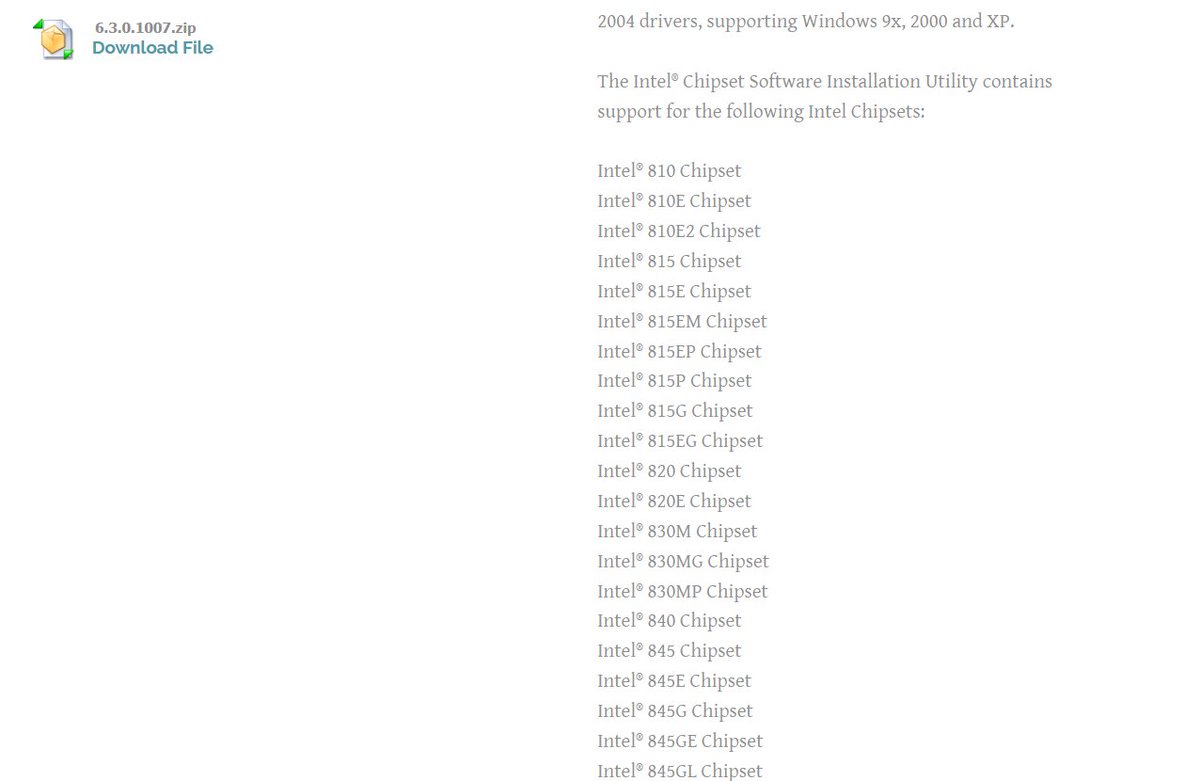
After that, I decided to install the Intel chipset drivers. As always, thanks to Phil's Computer Lab for making files like this so readily available!
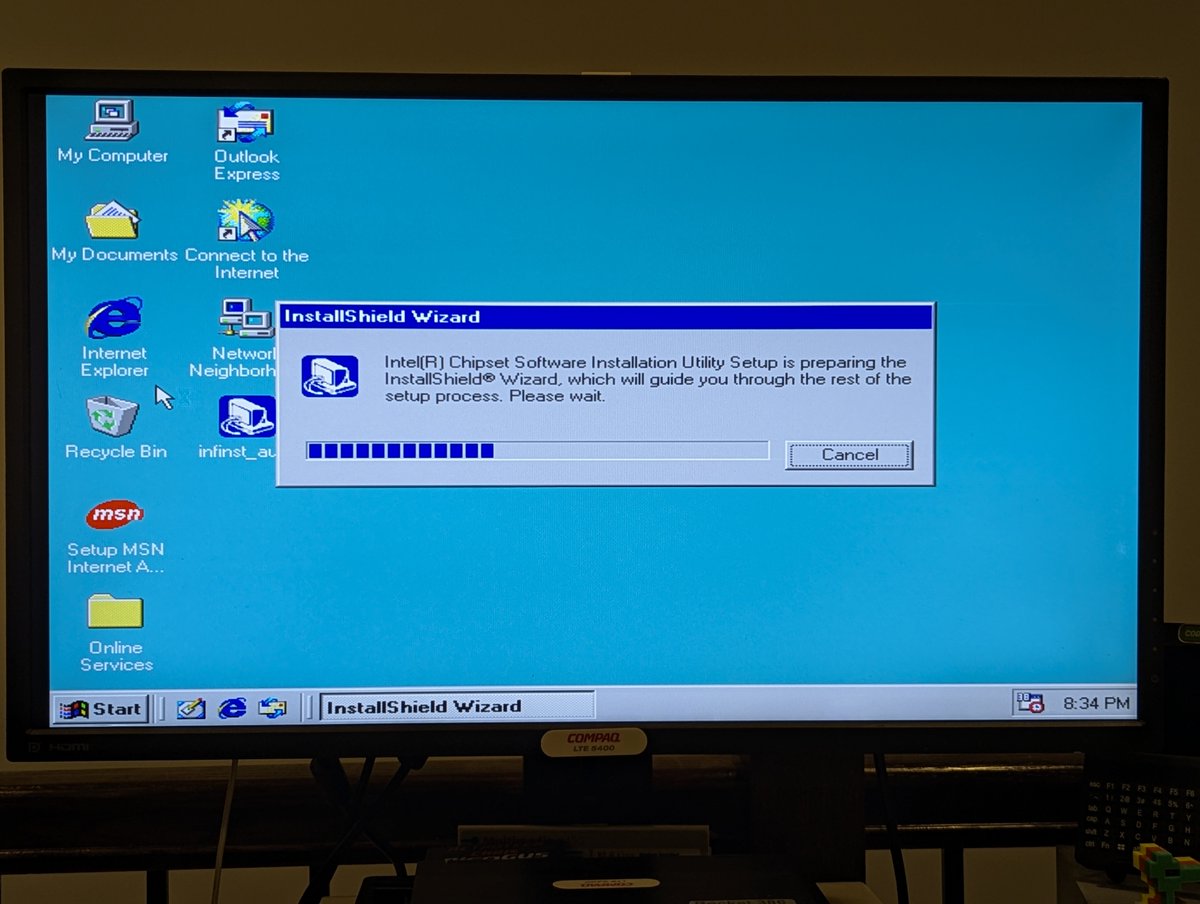
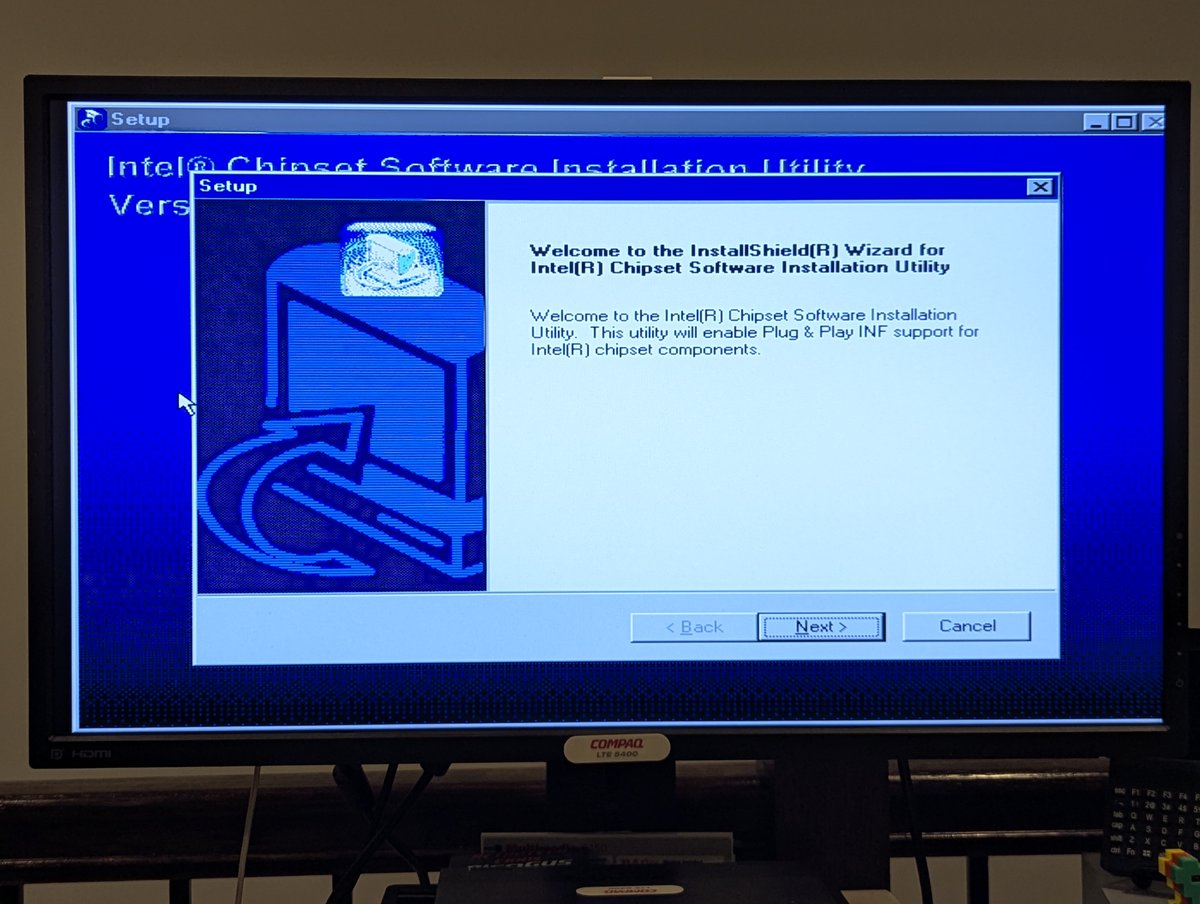
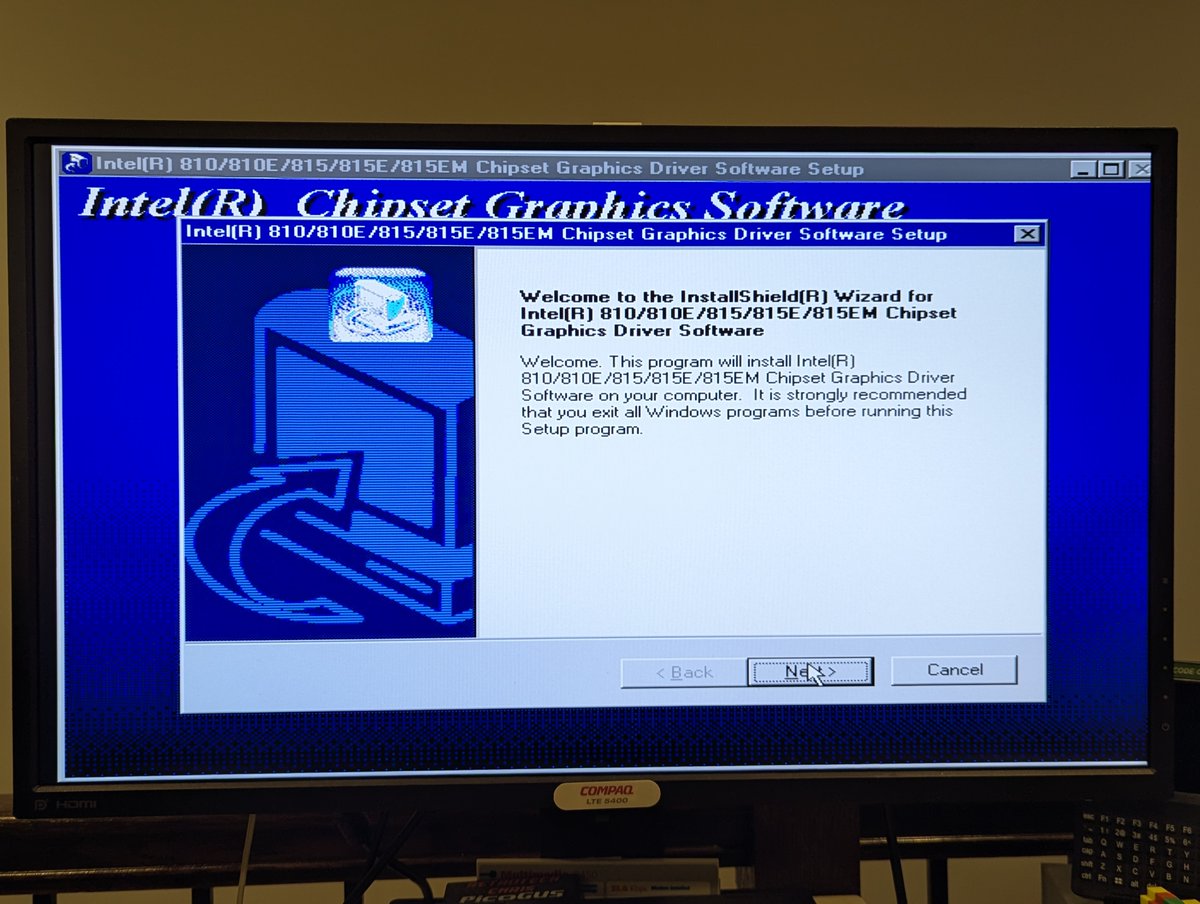
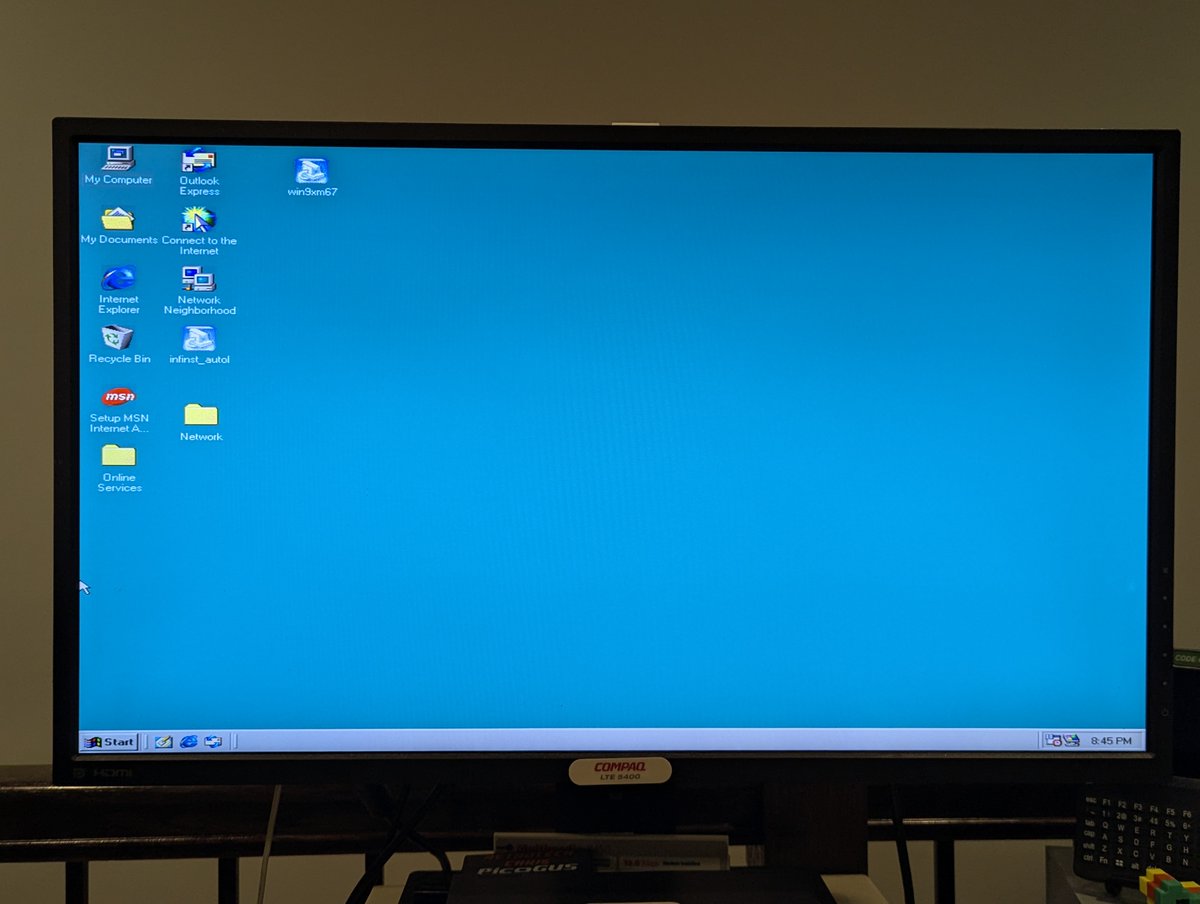
Next up, I used Unknown Devices to point out what I had suspected as far as missing drivers were concerned: 810e graphics and AC'97 audio. I started with graphics, and, wow, what an improvement!
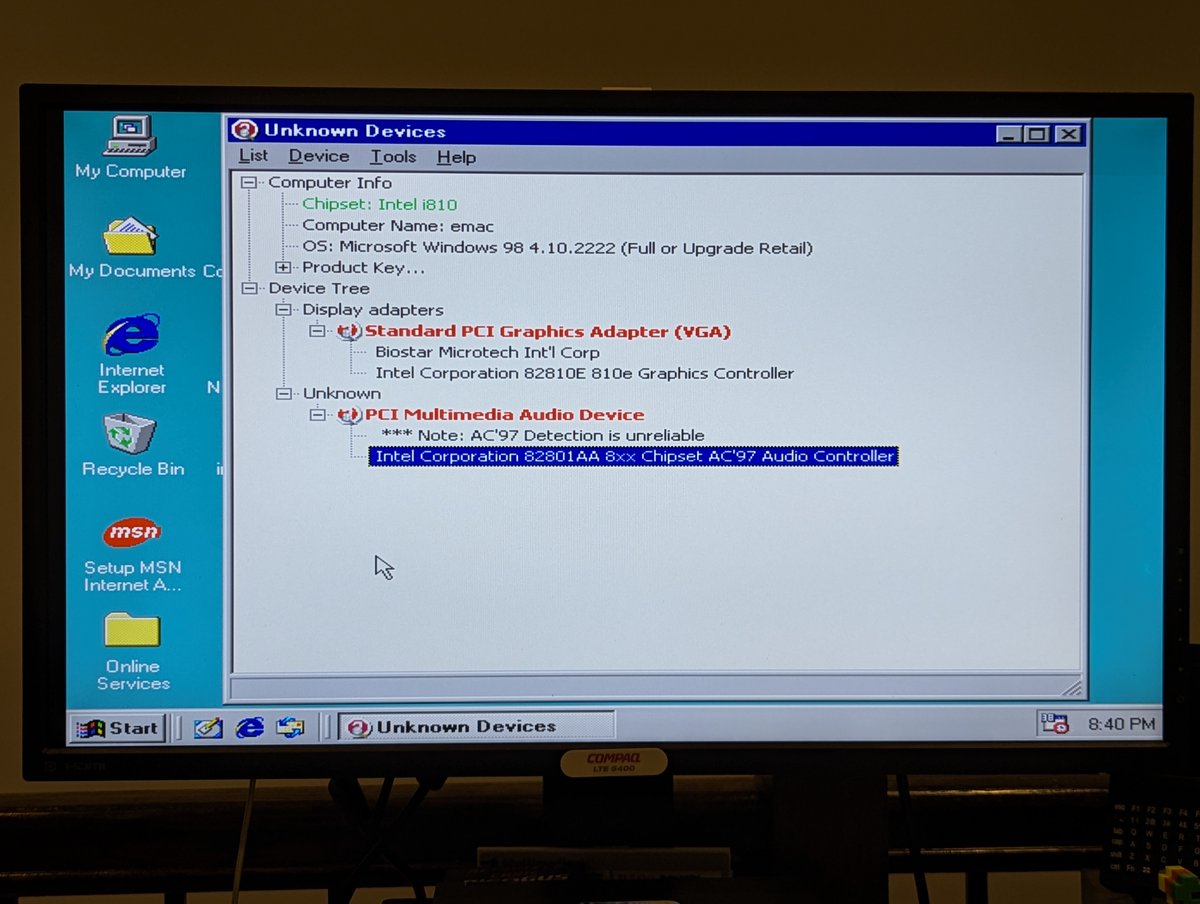
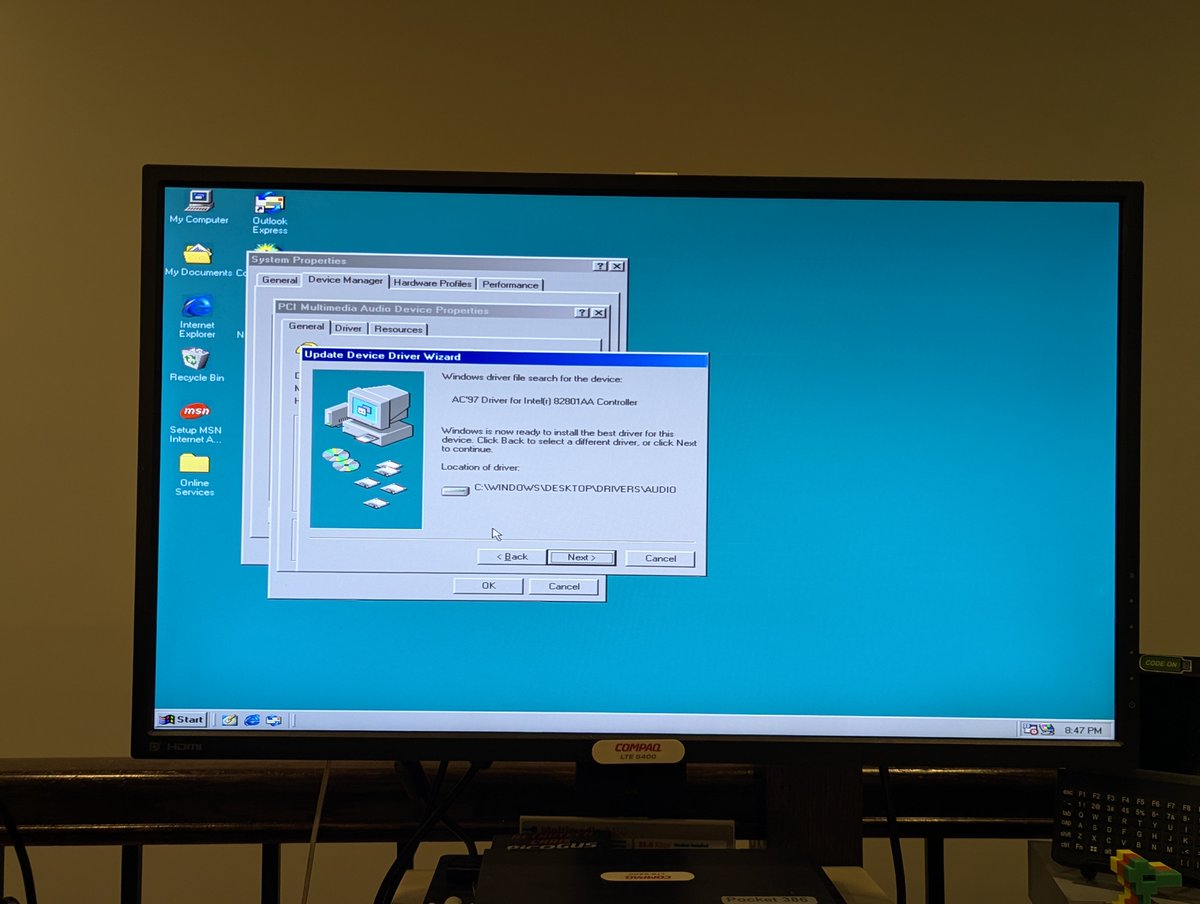
AC'97 audio drivers installed without a hitch too, and now we have sound!
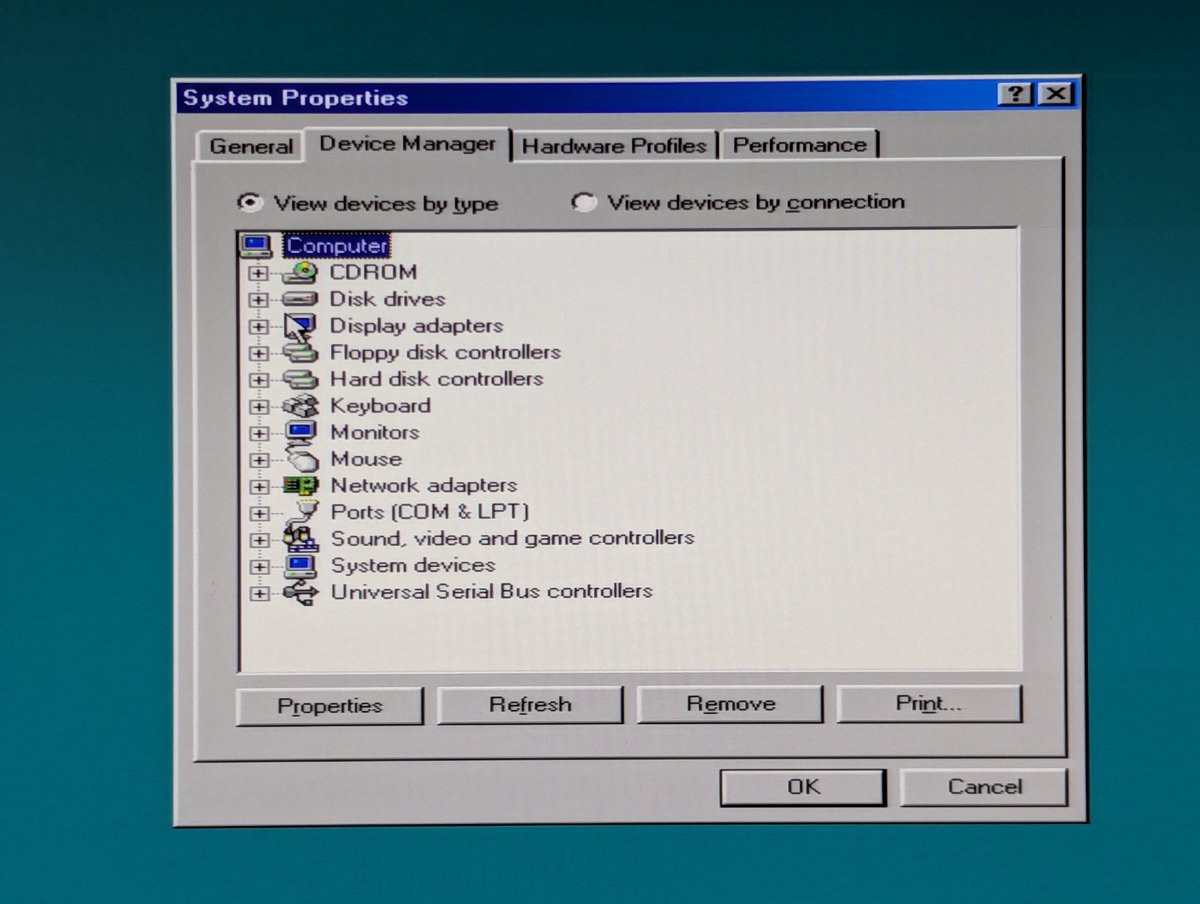
When it was all said and done, we have ZERO yellow exclamation marks in Device Manager. This really turned out to be a nice little PC!
Anyway, hope you enjoyed the thread, thanks for following along, see you soon!
@threadreaderapp unroll
Anyway, hope you enjoyed the thread, thanks for following along, see you soon!
@threadreaderapp unroll
• • •
Missing some Tweet in this thread? You can try to
force a refresh