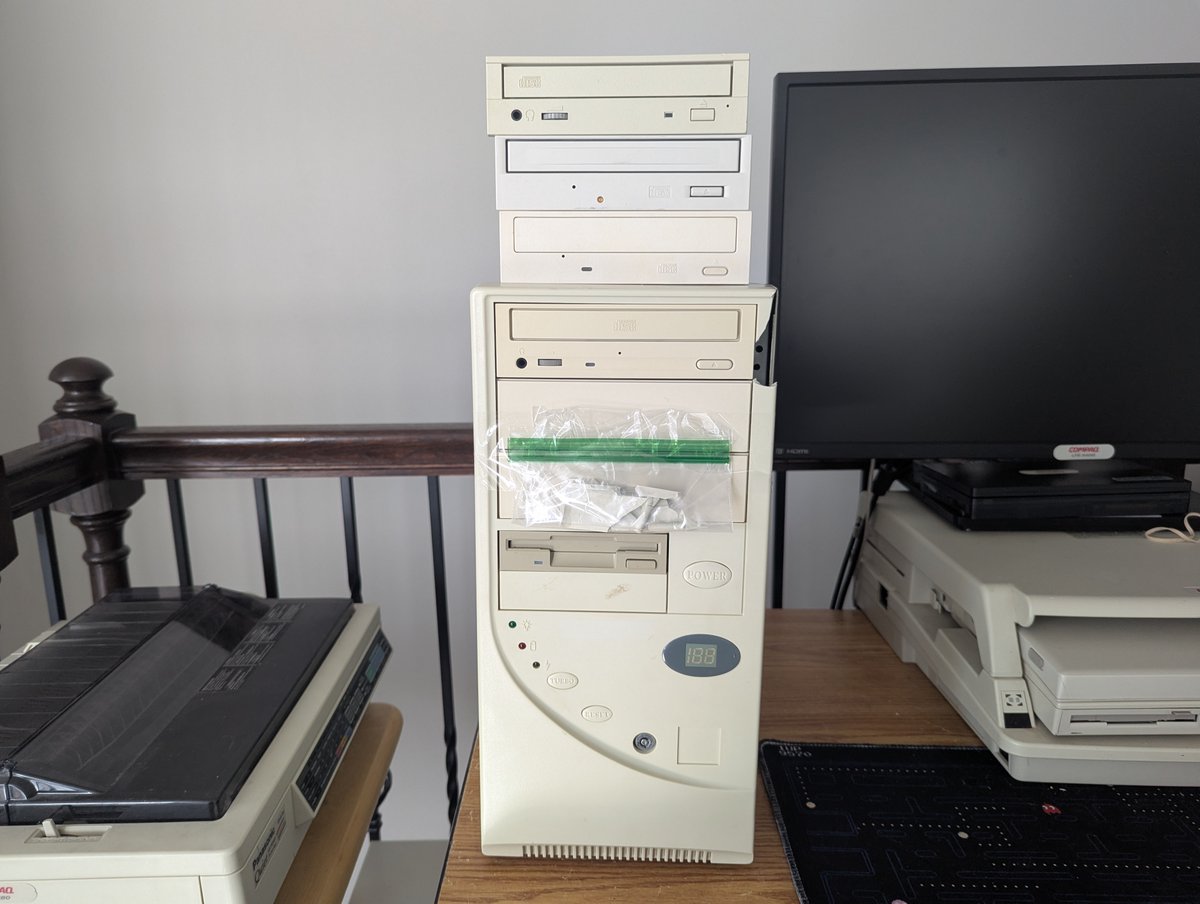
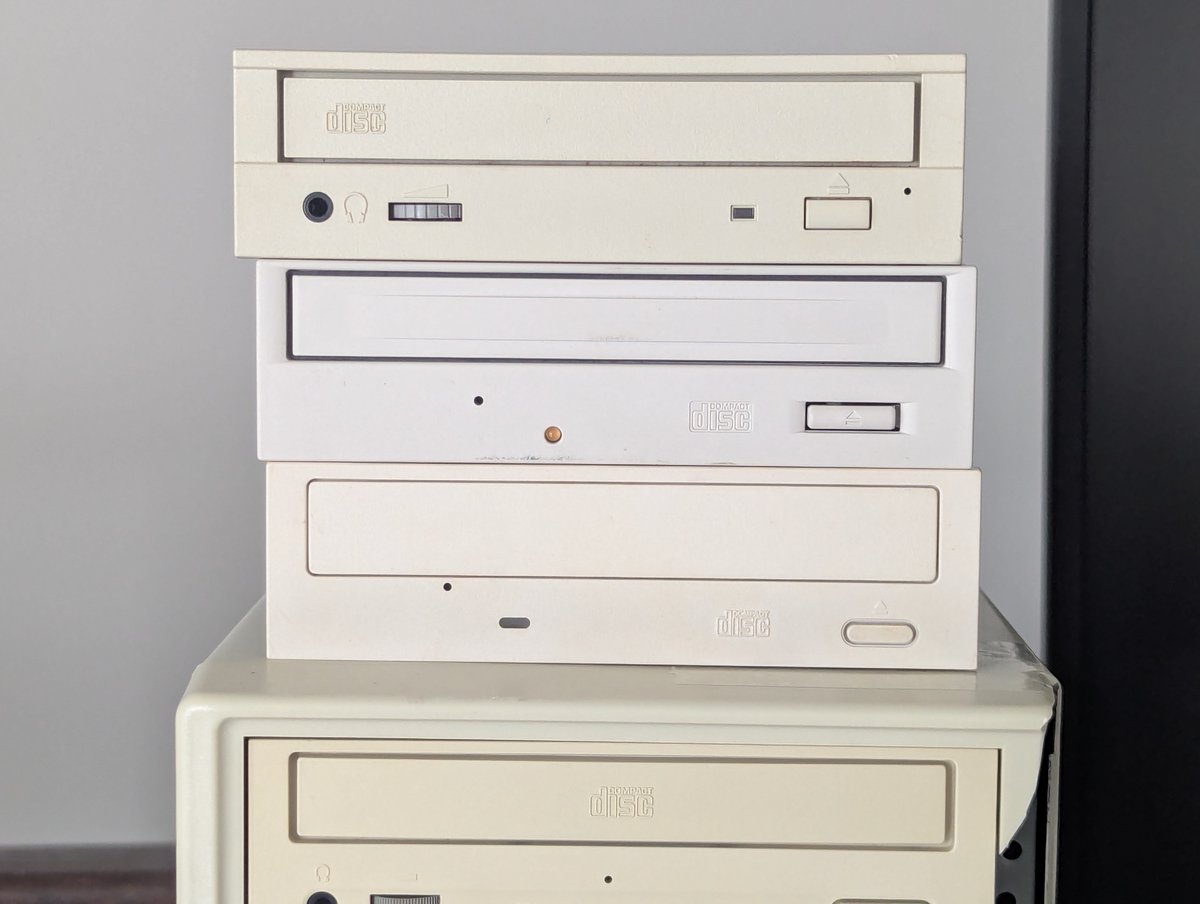
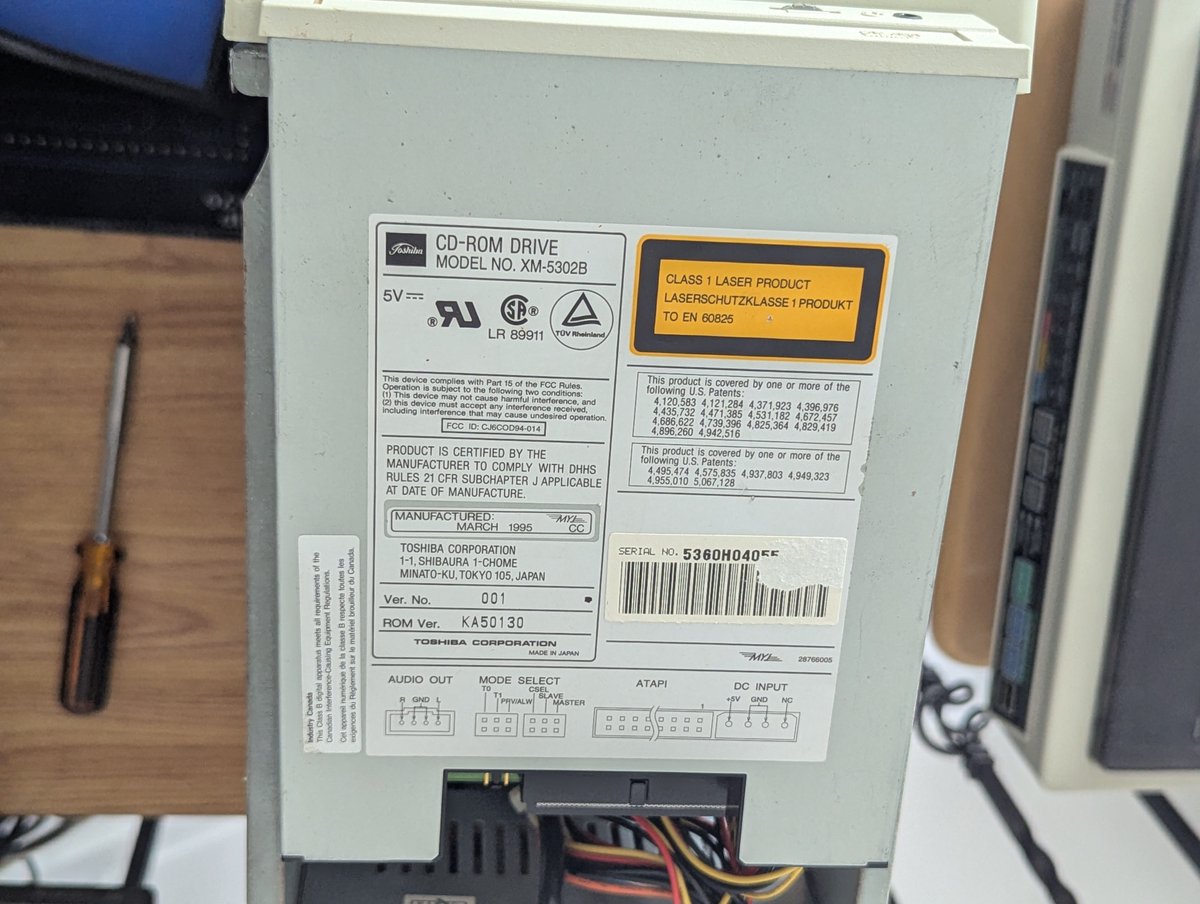
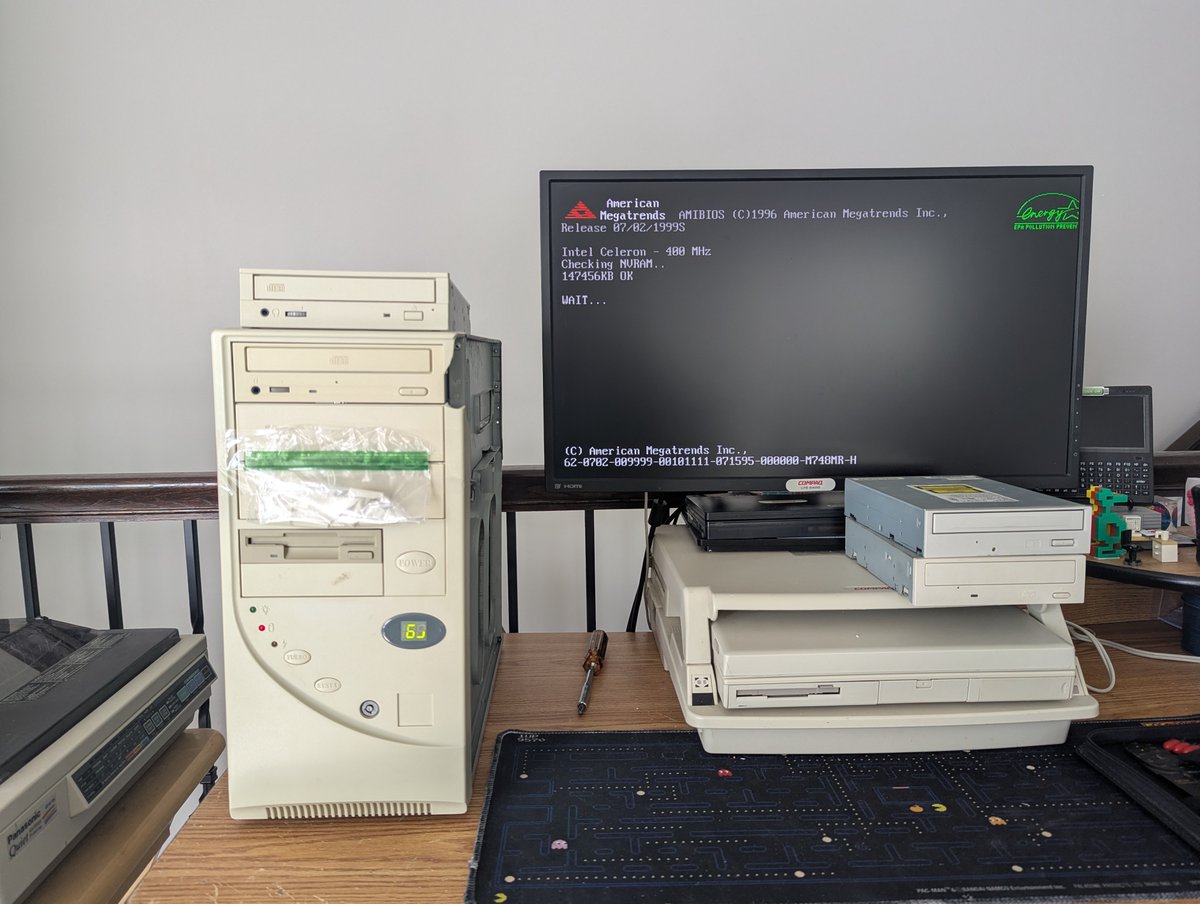
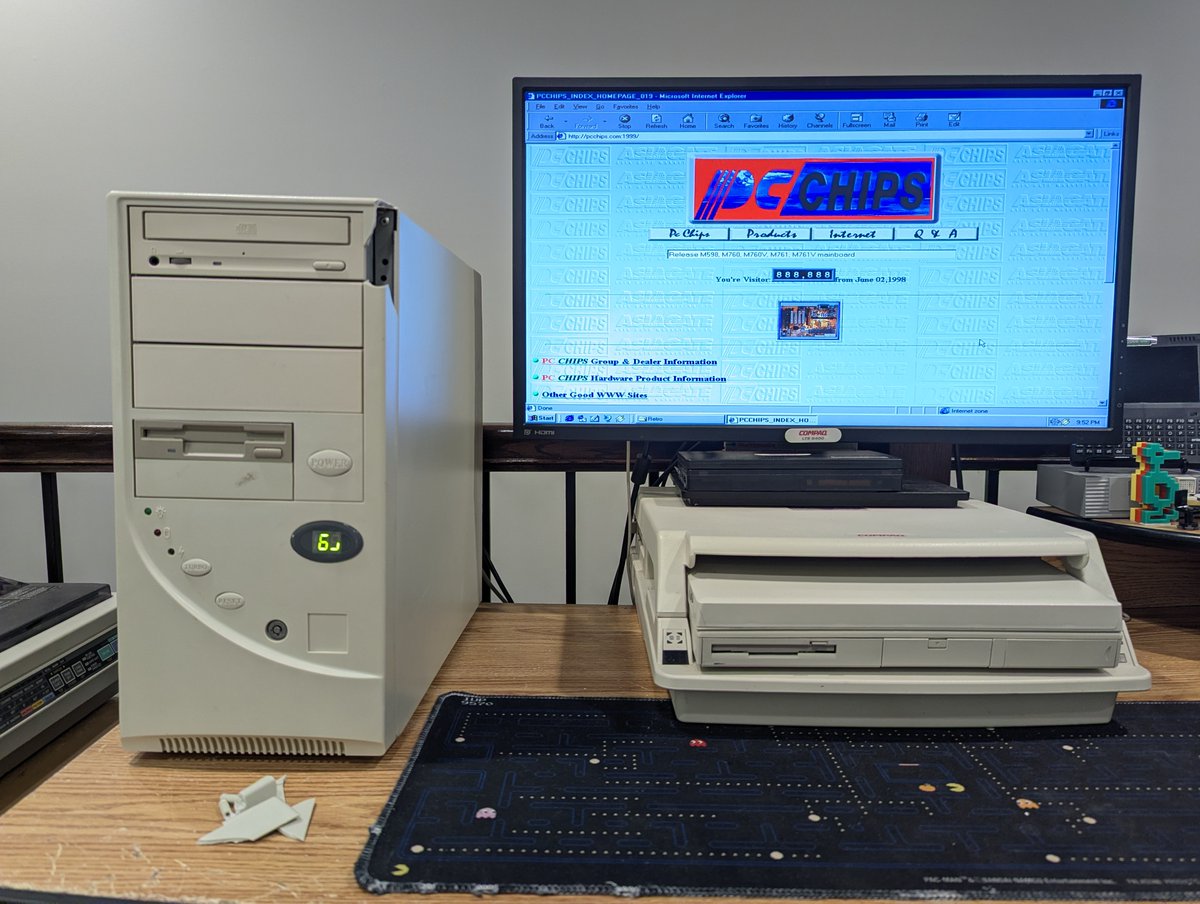
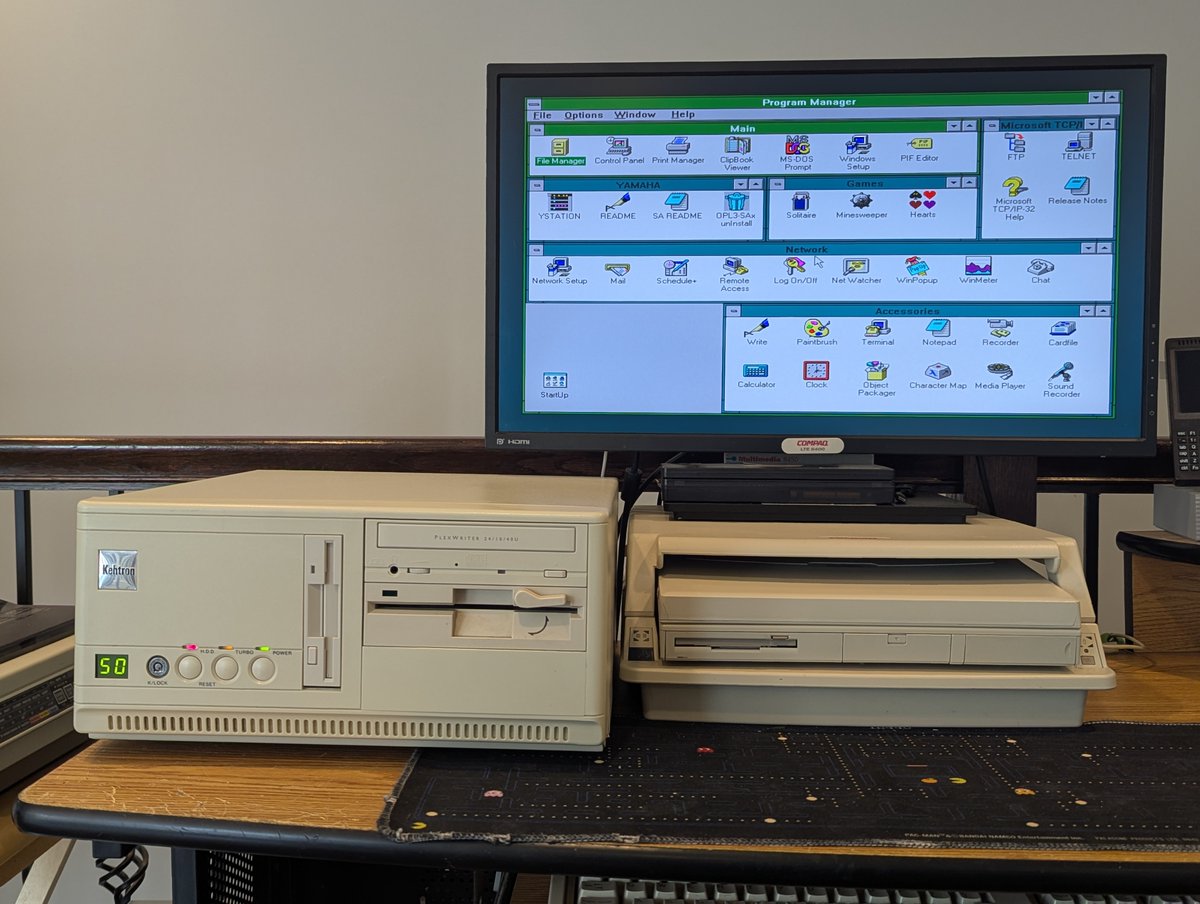
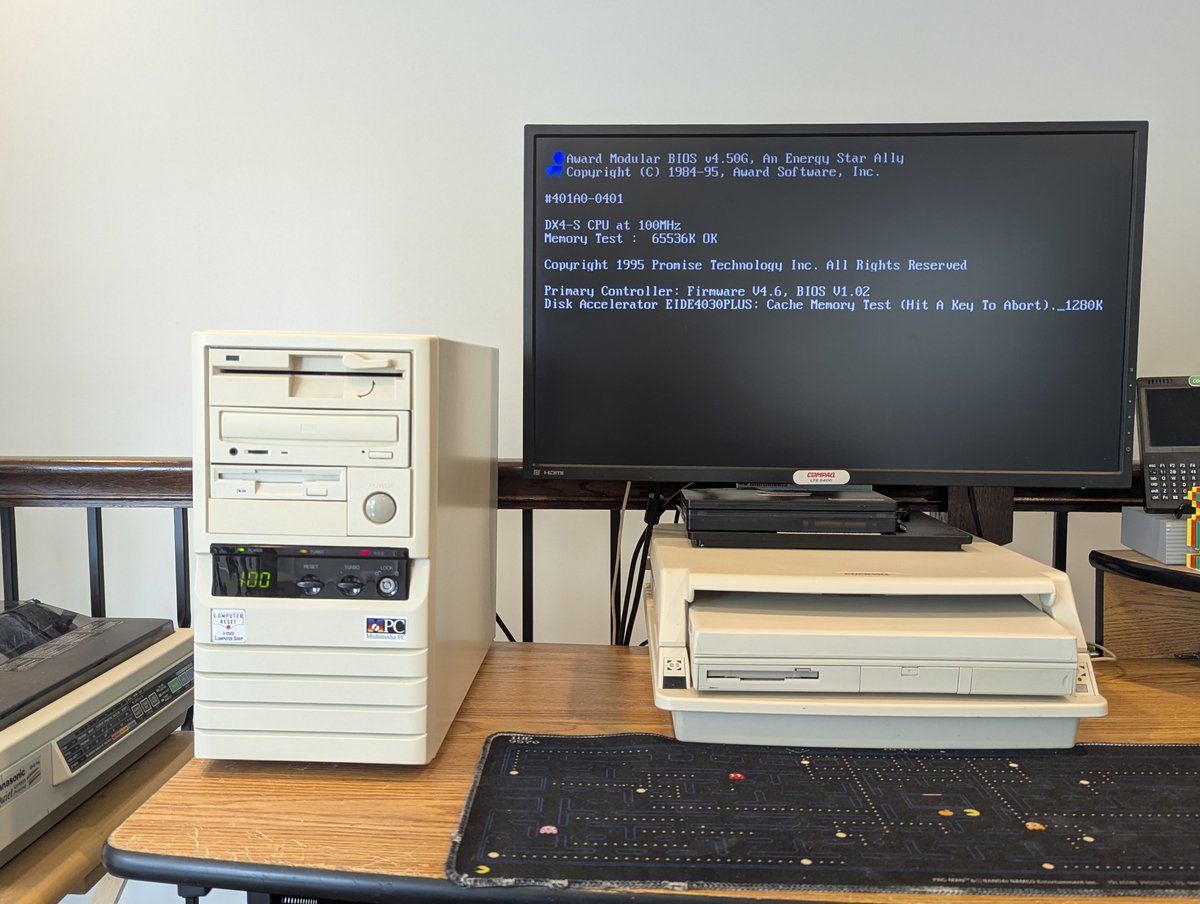
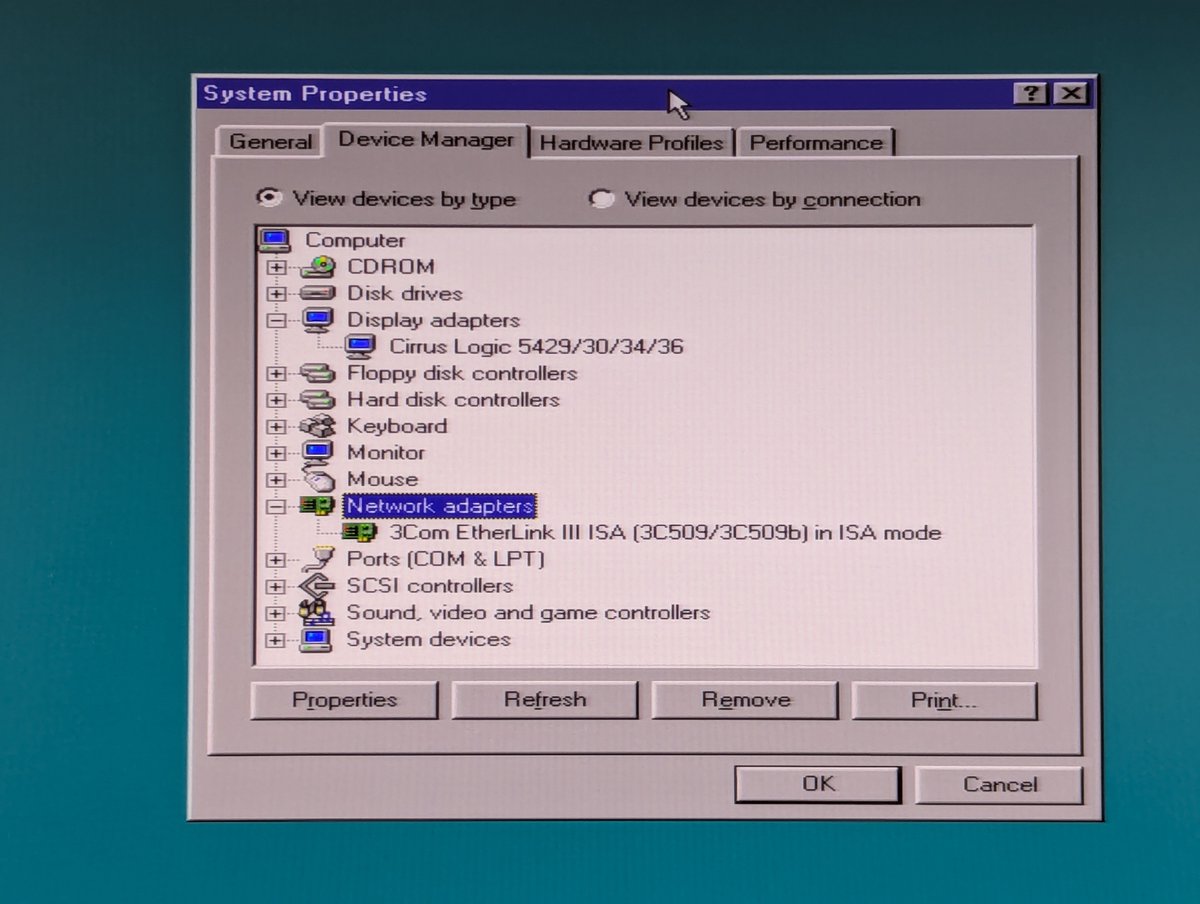
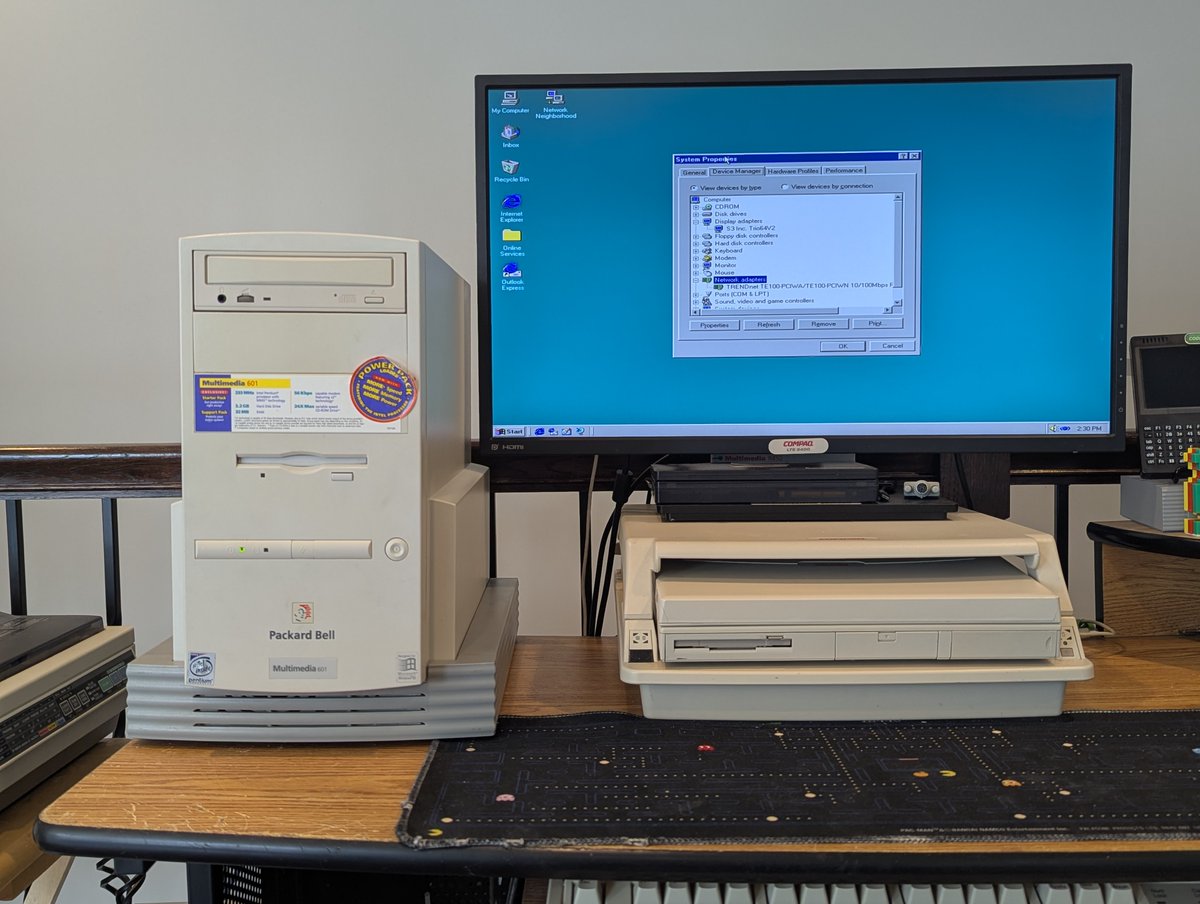
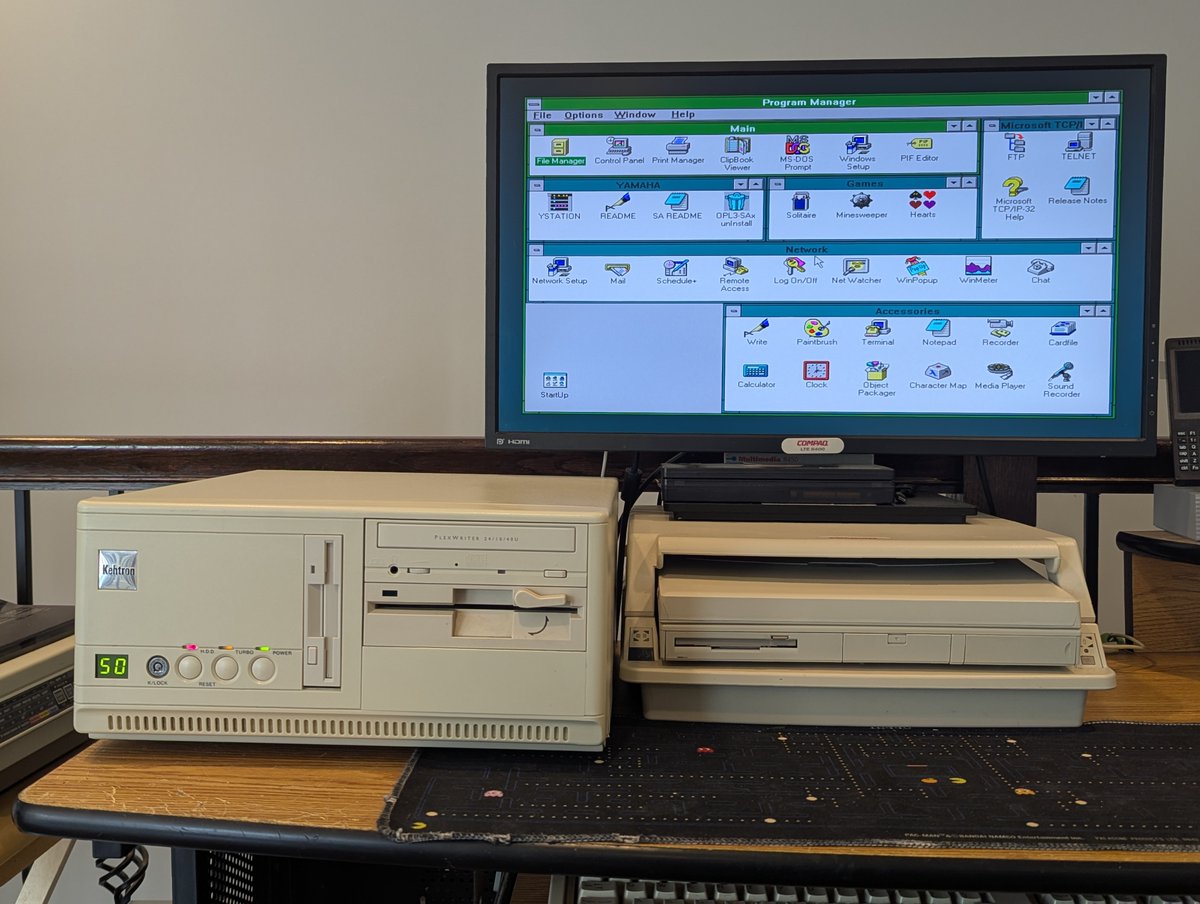
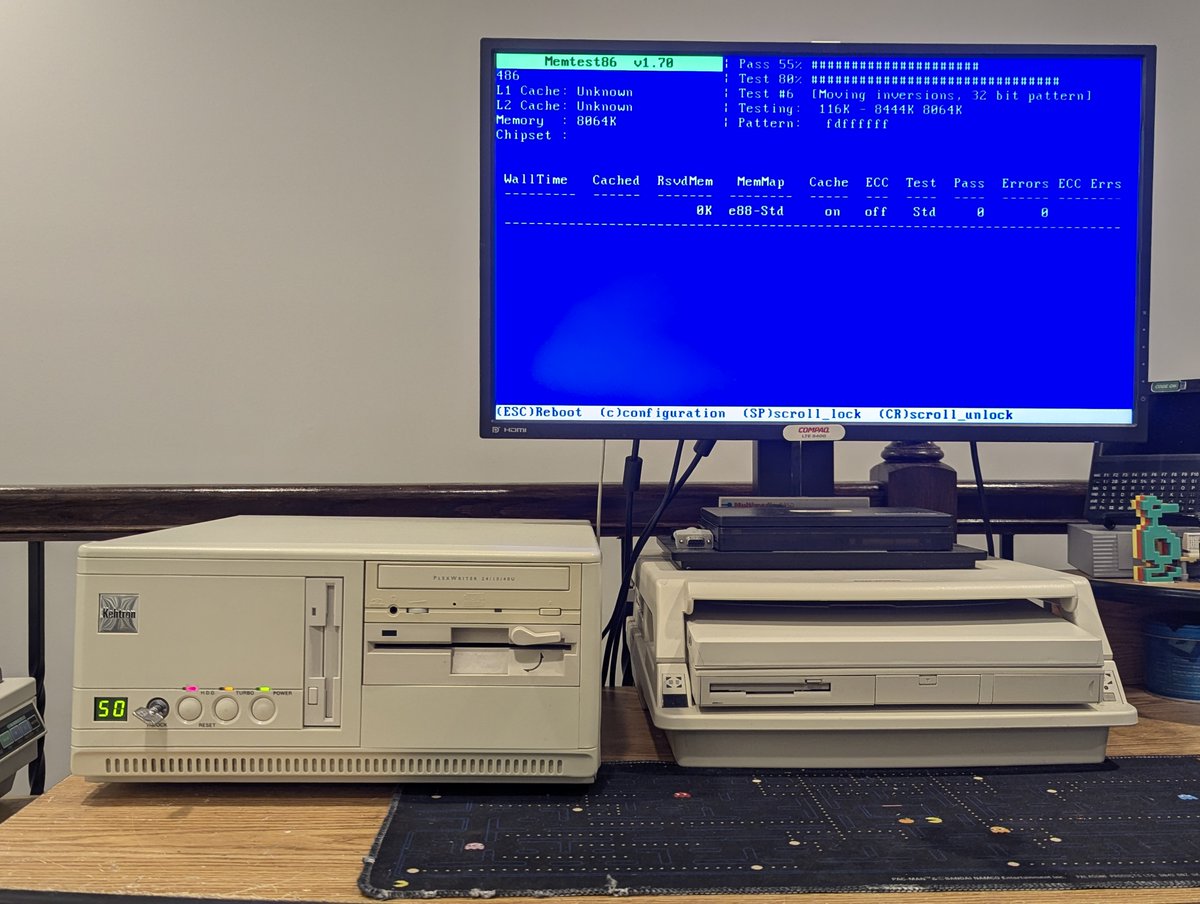
I already have too many PCs, but I had to have this cute little guy... and there is also a good nostalgic reason for having it! This 386 (now 486) PC needed a lot of work to get it running, let's talk about it in a 🧵 here! 
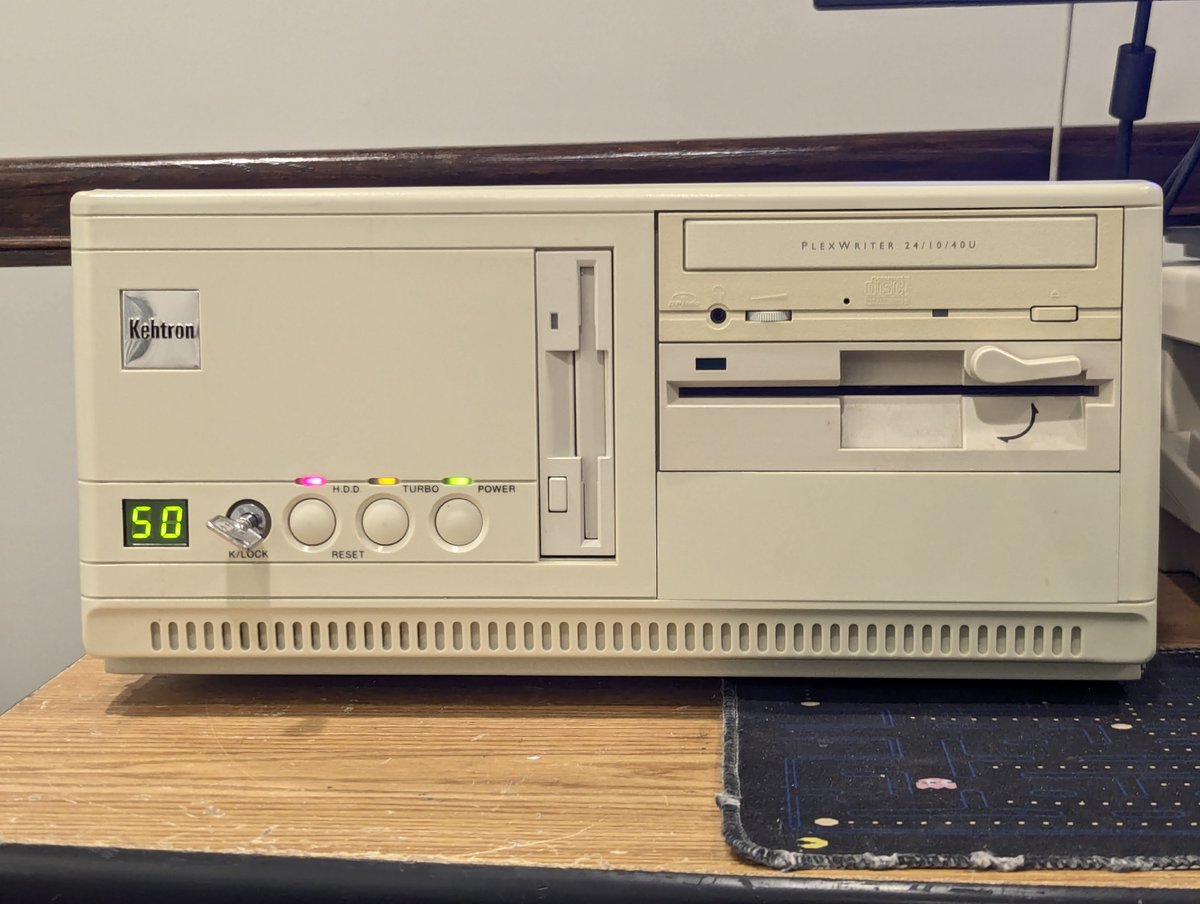
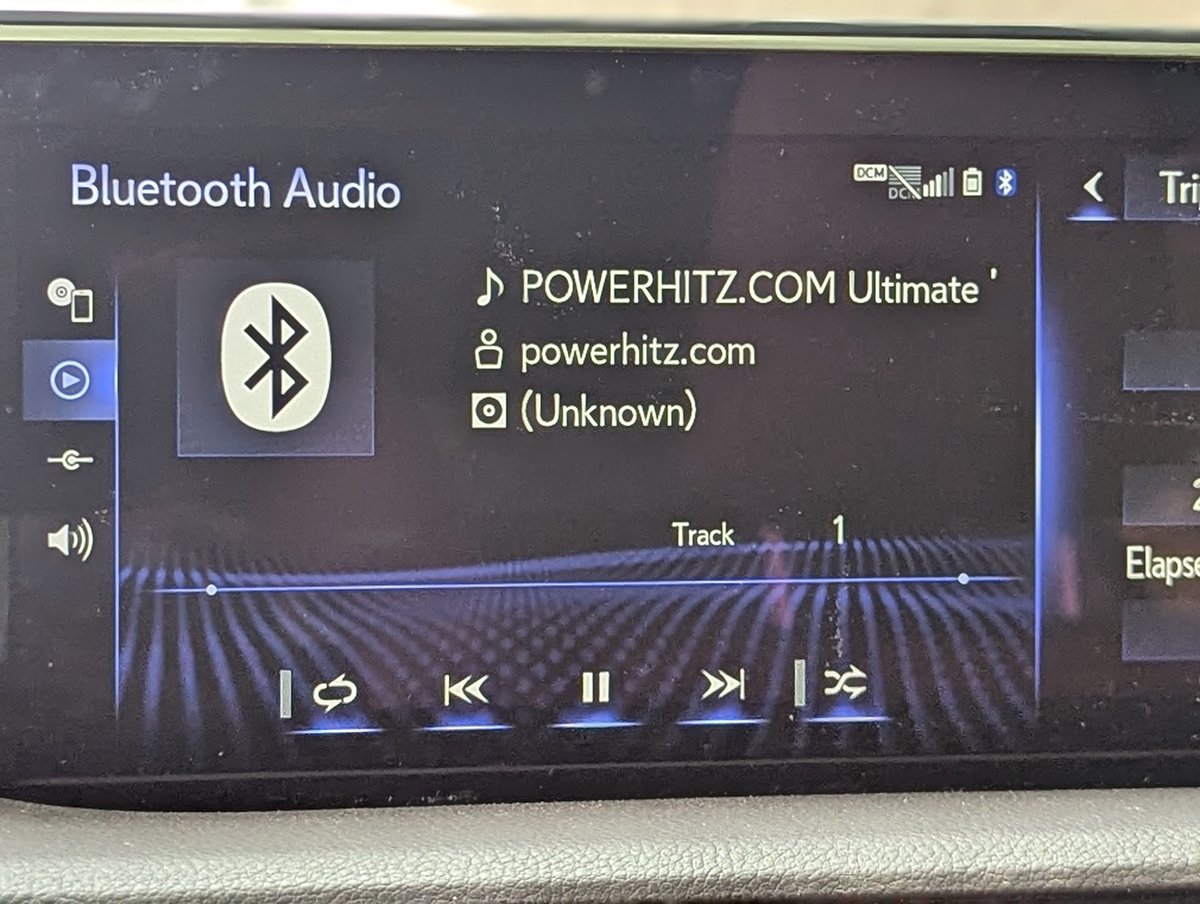
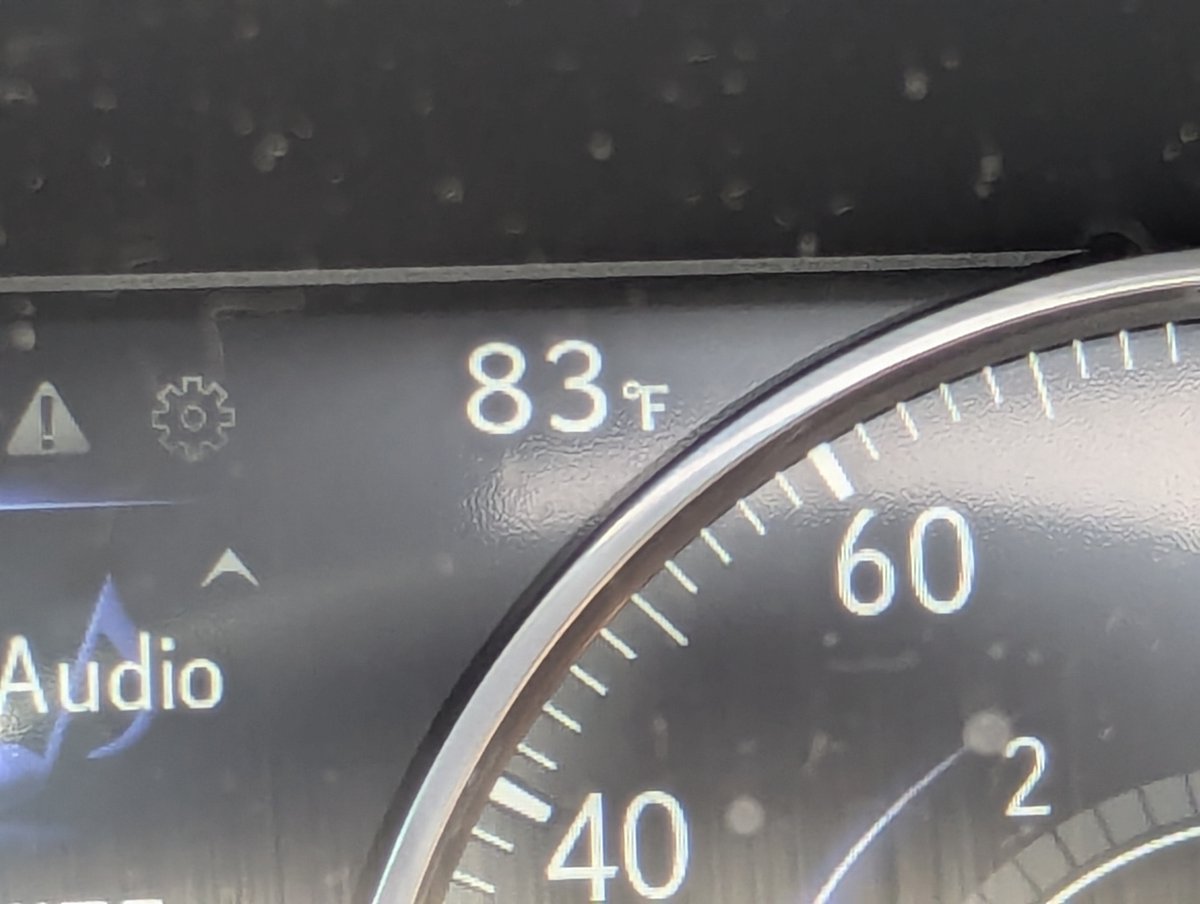
First, in case you missed it, here's the nostalgic reason. Kehtron is a part of my childhood. And this PC was available locally. The weather was also PERFECT yesterday for making an hour drive to get it and rocking out to some 80s tunes on the way 😂
https://x.com/RetroTechChris/status/1951100235561726359

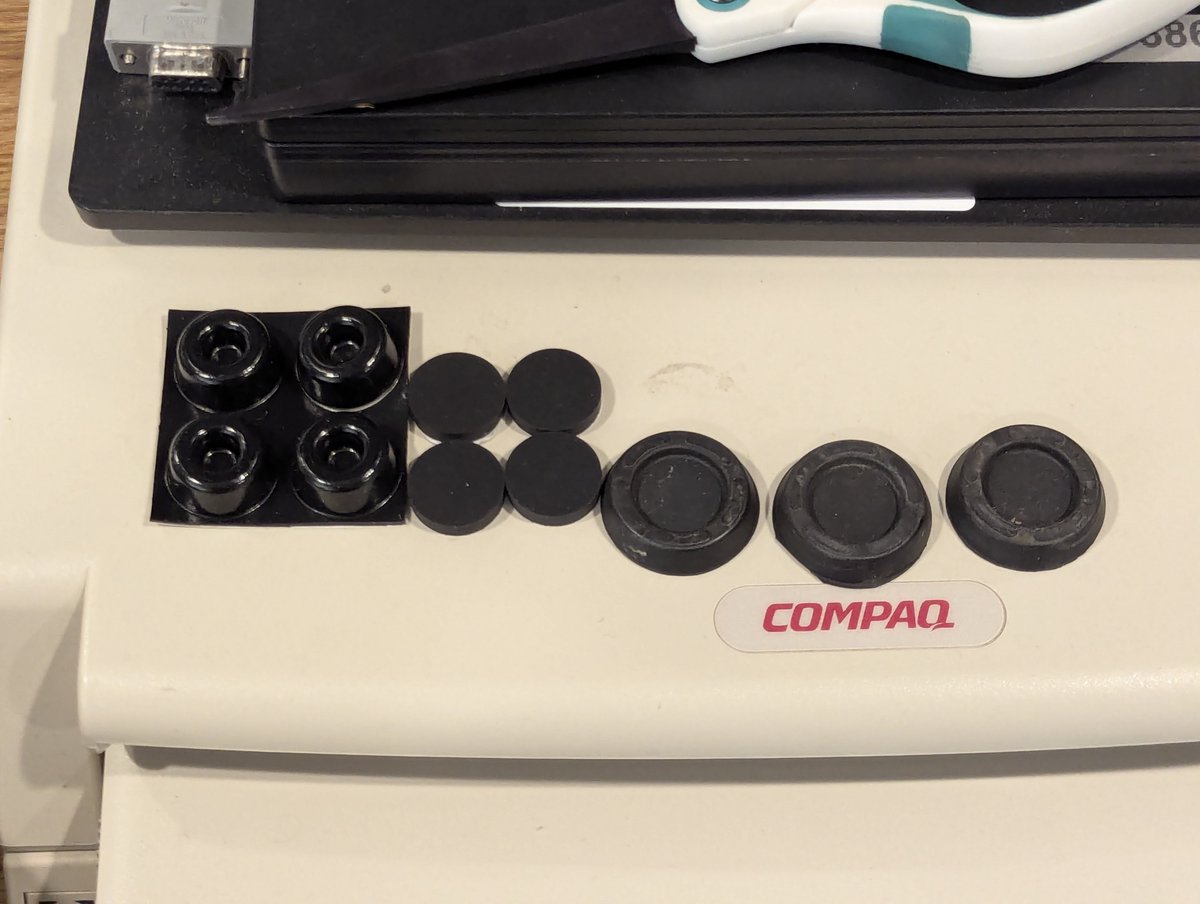
Okay, first order of business, I put this on the table and it was rocking back and forth. I soon discovered why! I didn't have a matching foot so I used a little bit of Goof Off to remove the adhesive. And PSA, like with most chemicals, always work in a ventilated area.
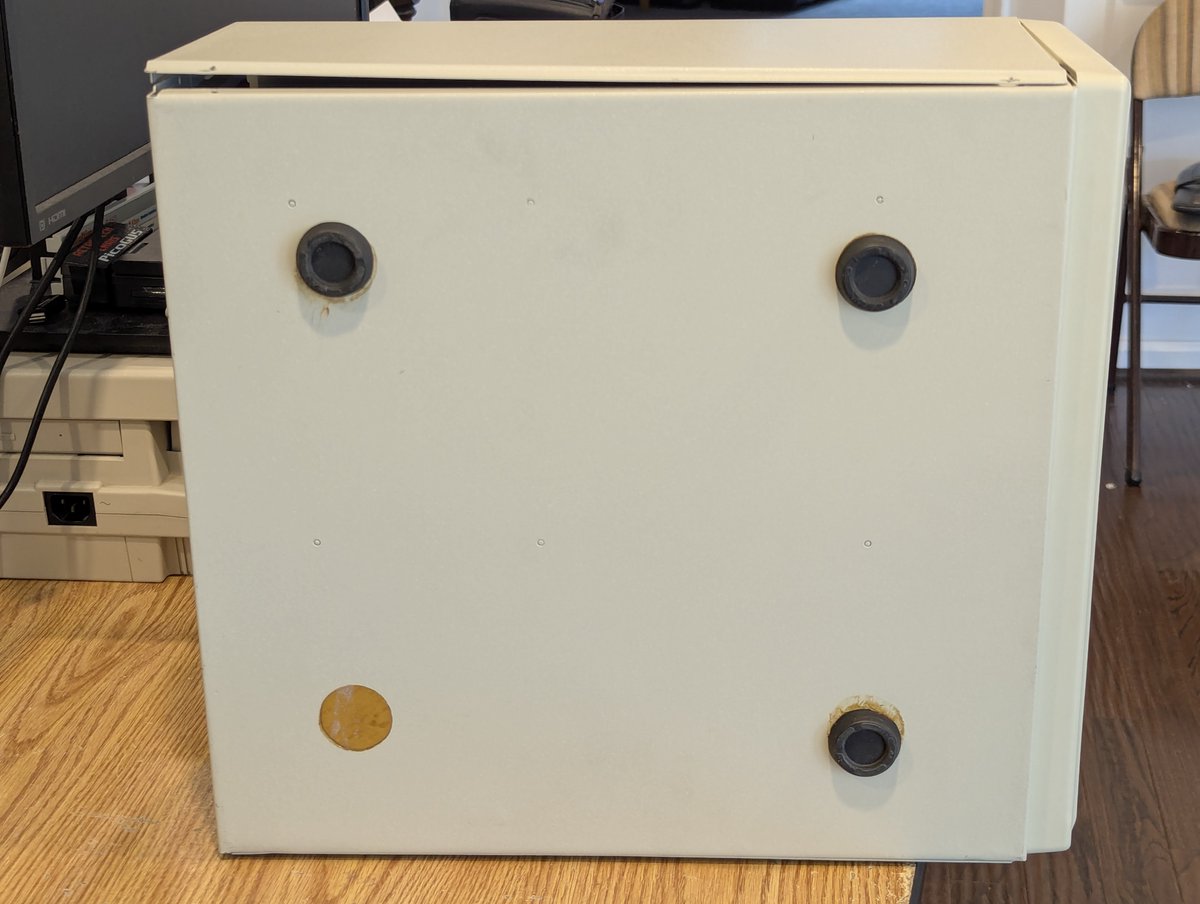


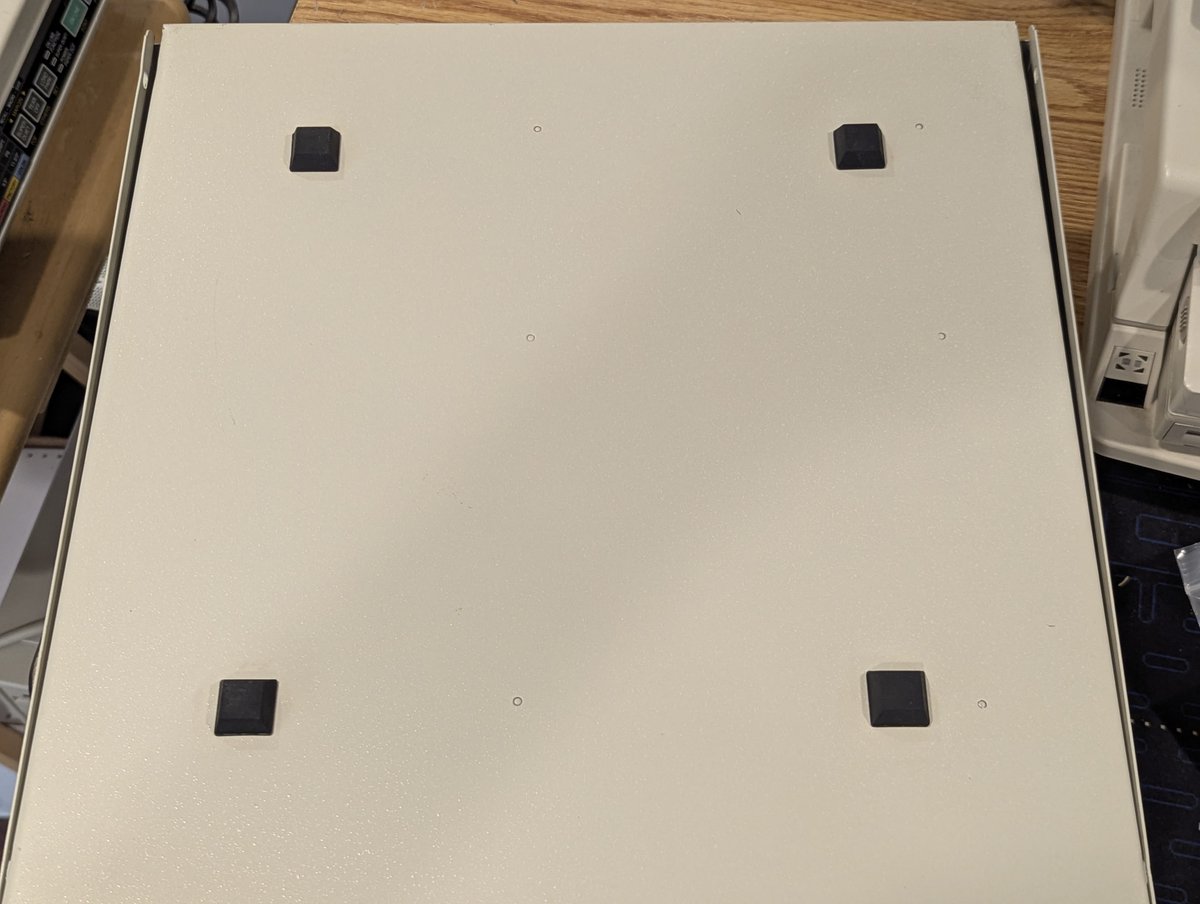
I had some choices for feet, and just went with the square ones I had because I was lazy. Ah, much better now! And as we can see, the removed feet were pretty big compared to the ones I installed!
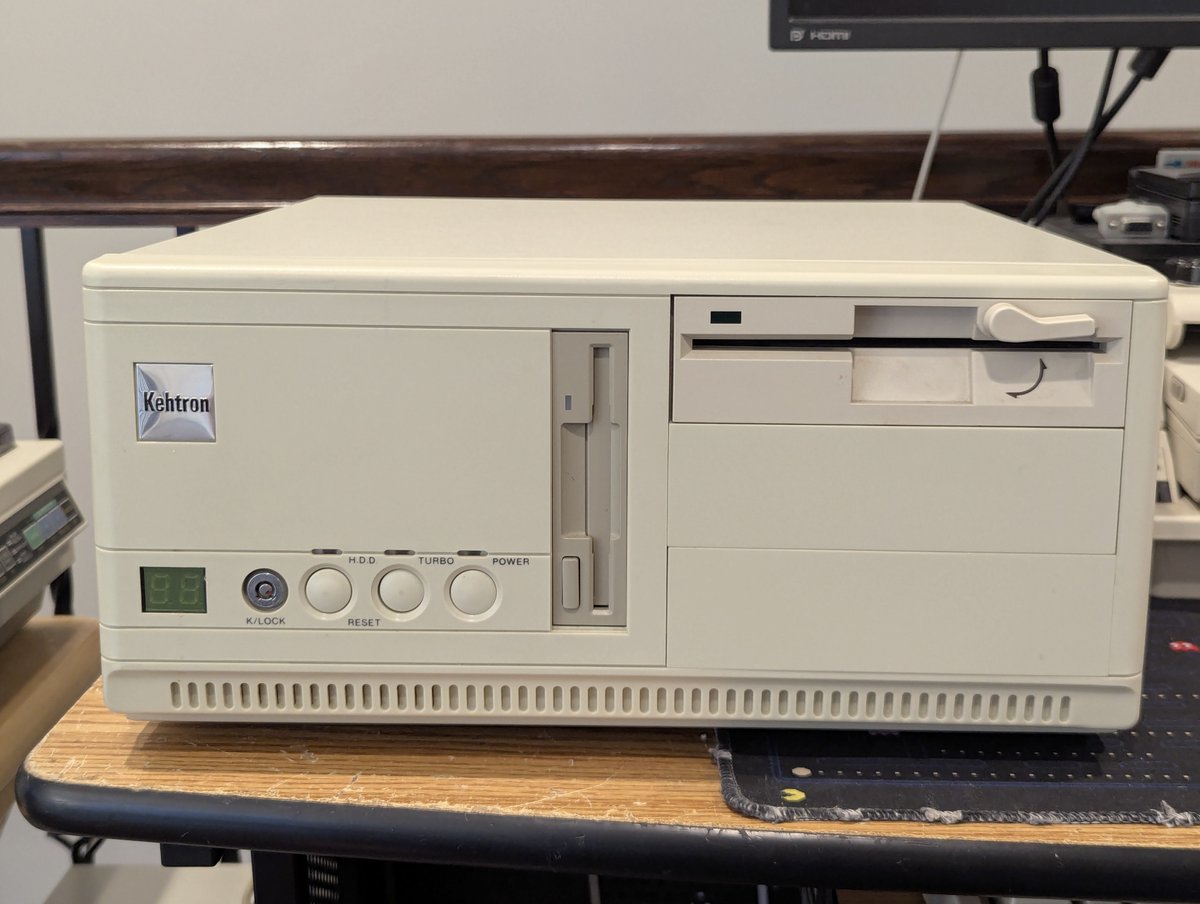
Time for power on... and.... NOTHING. Granted, I already knew this... I had stopped at my friend @wrljet's house for a quick power on test on the way back home from picking this up and this is what we got. Time to investigate.

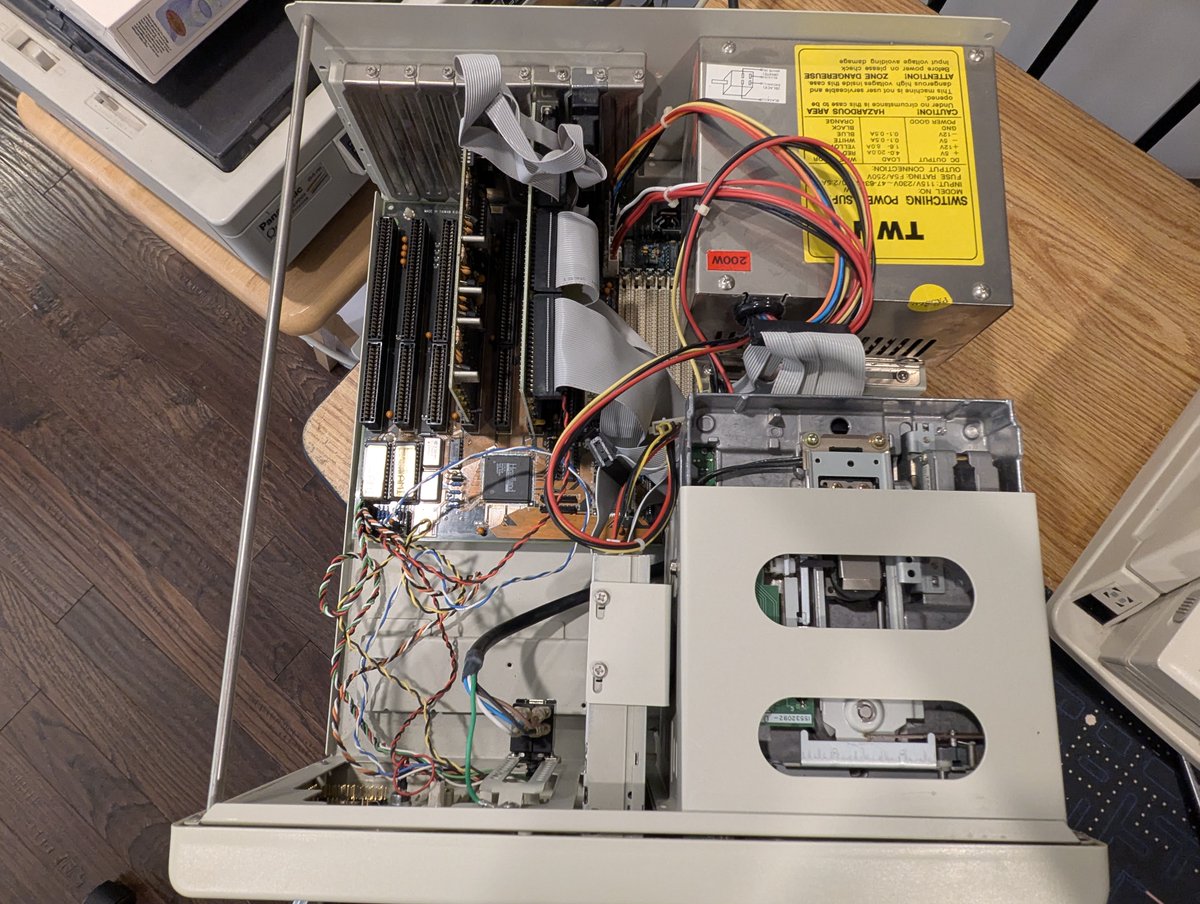
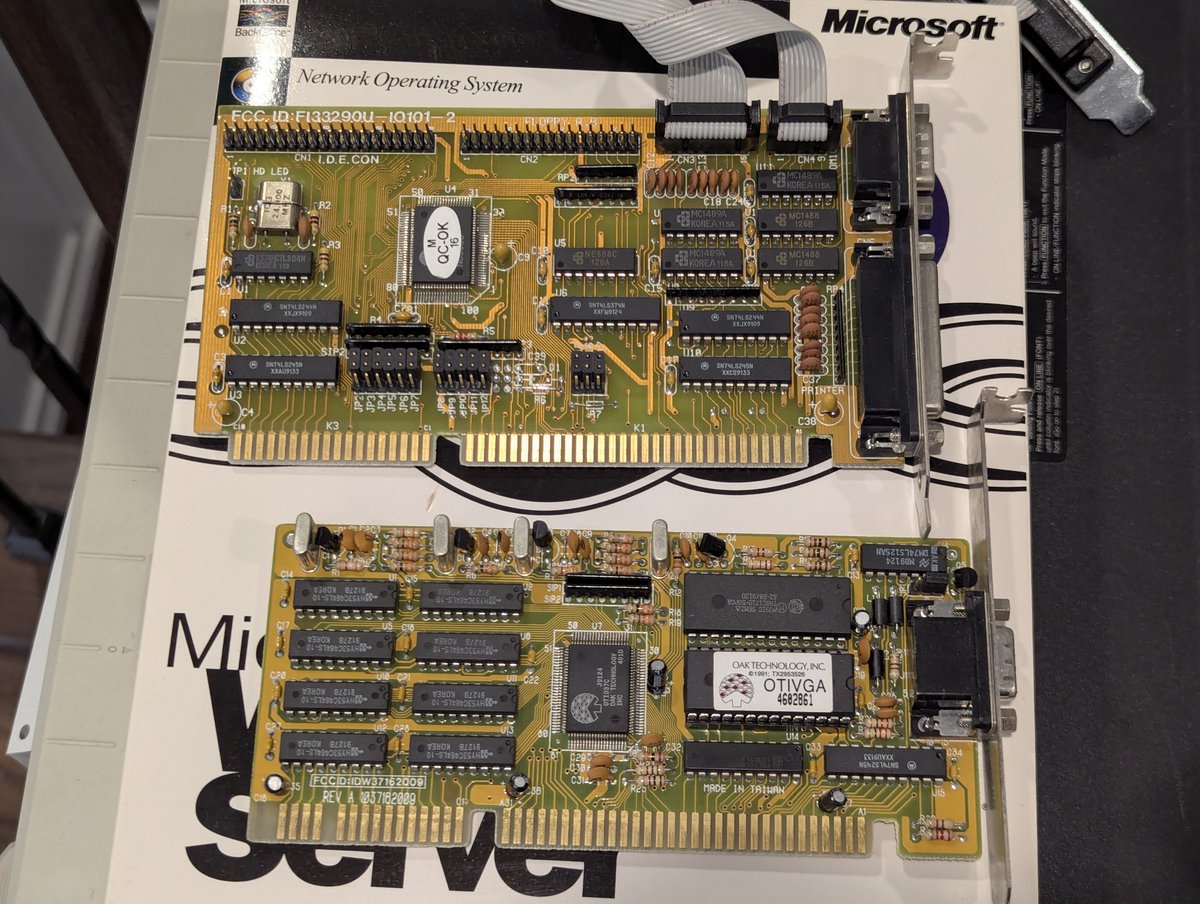
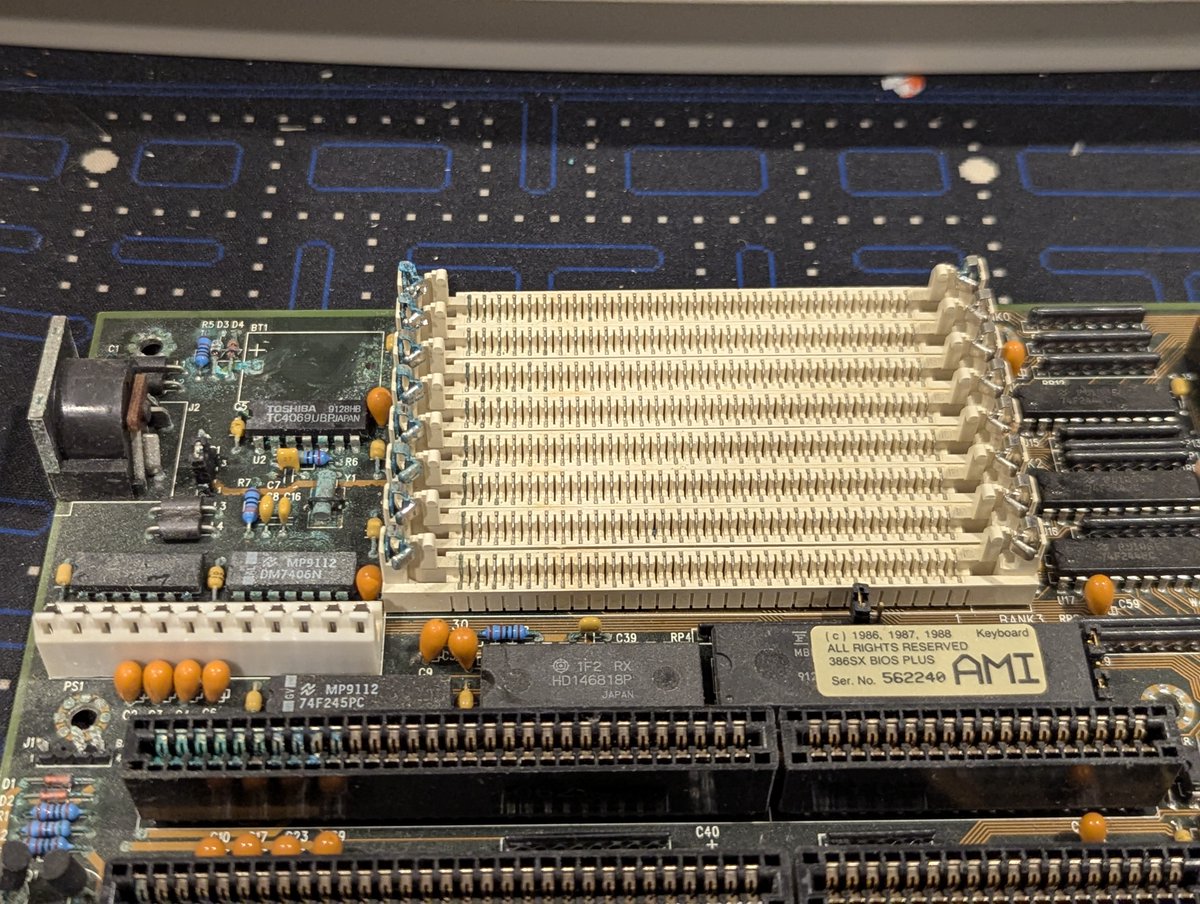
I took the cards out (a generic multi I/O card and Oak video card), and the motherboard out and... uh oh... VARTA'd. Hmm...not good.
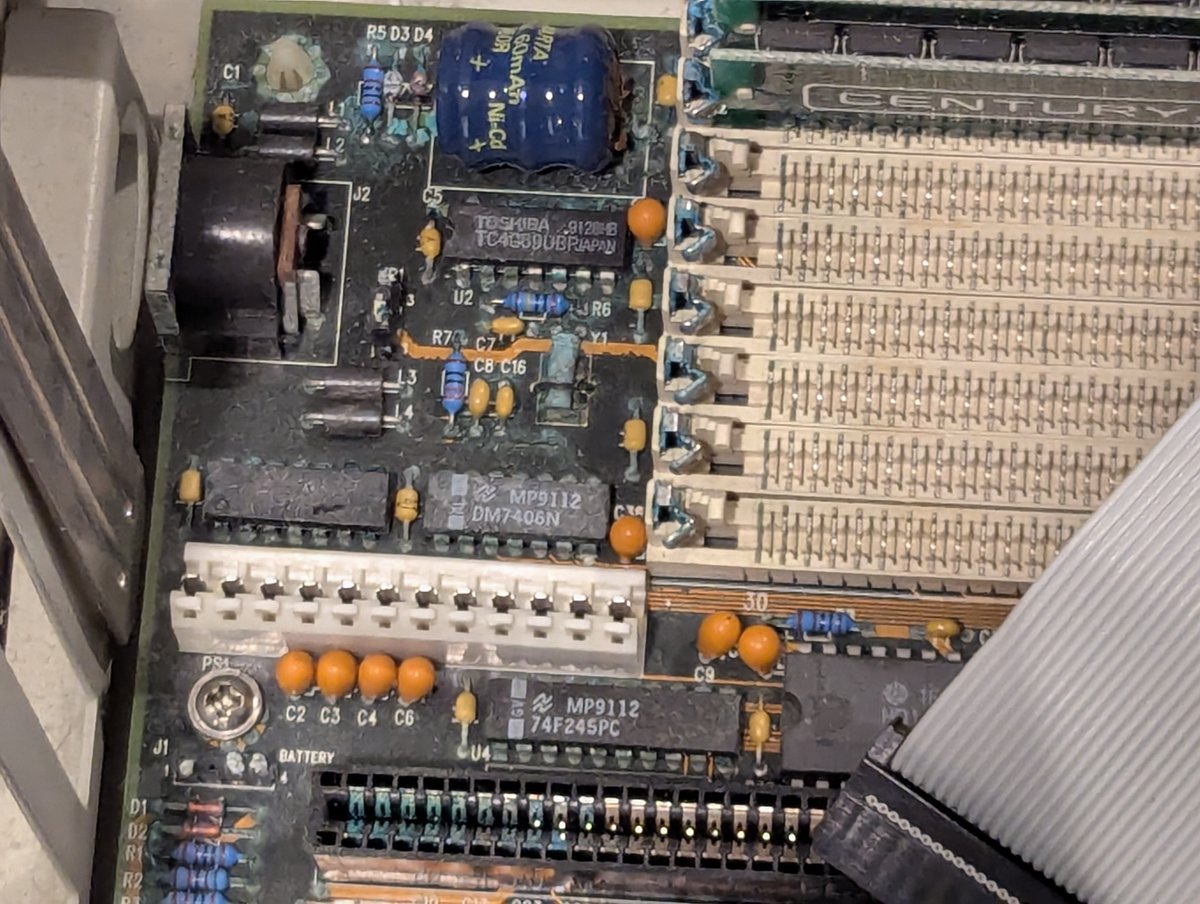
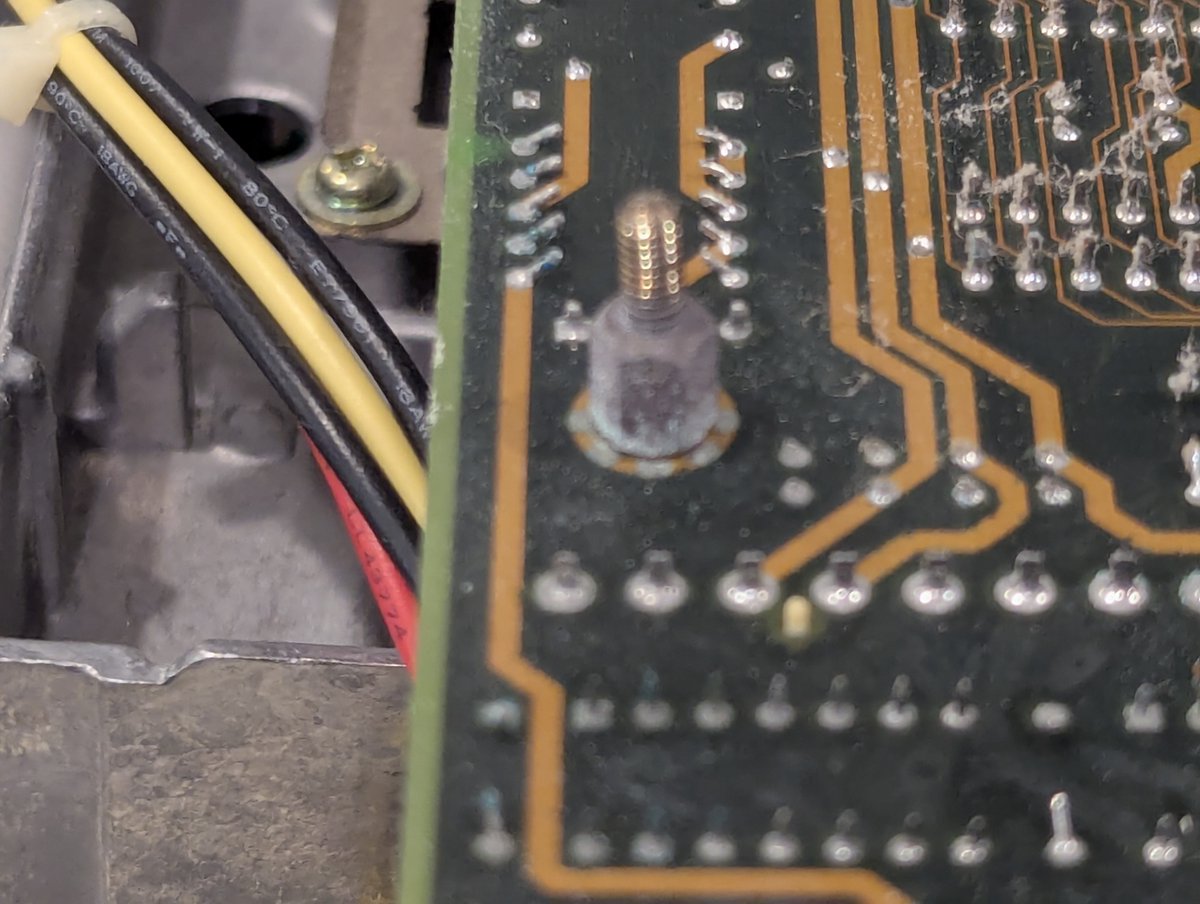
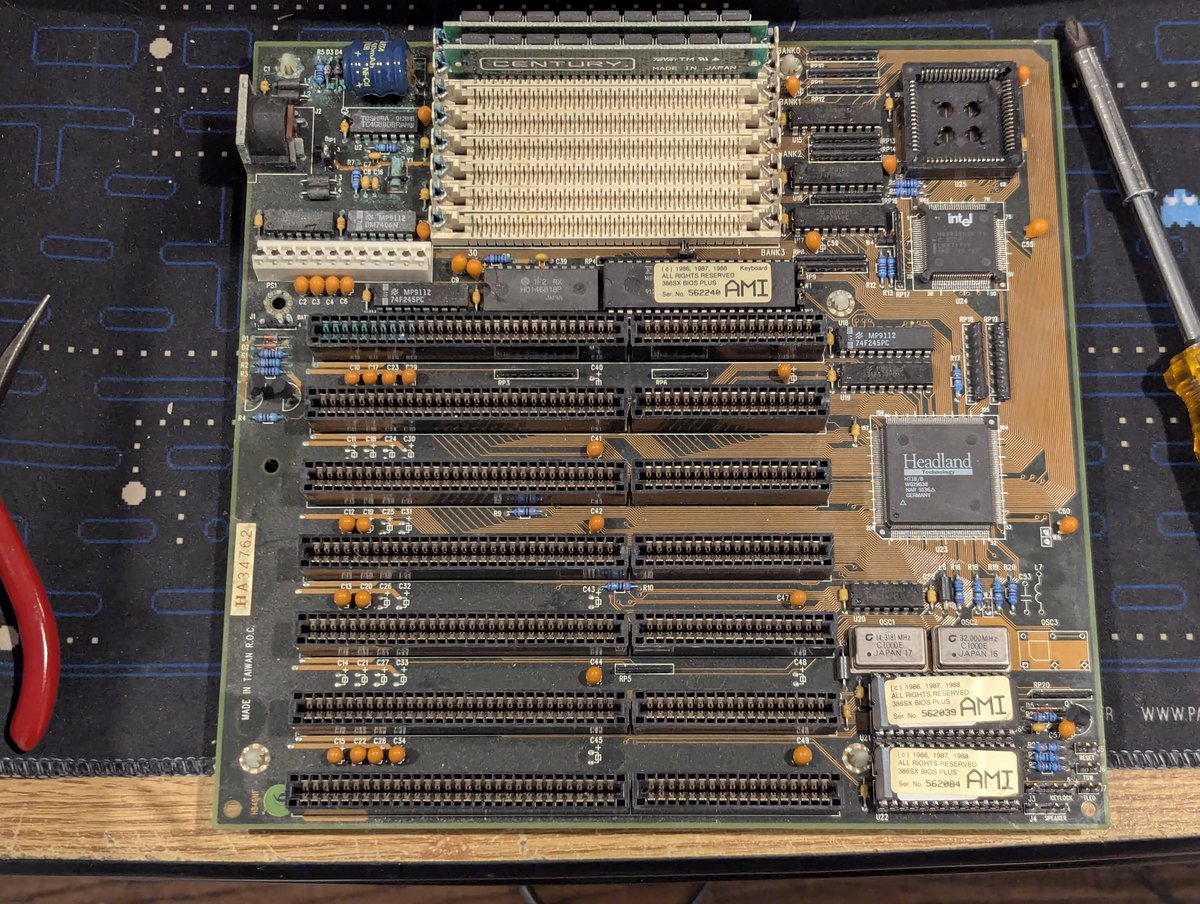
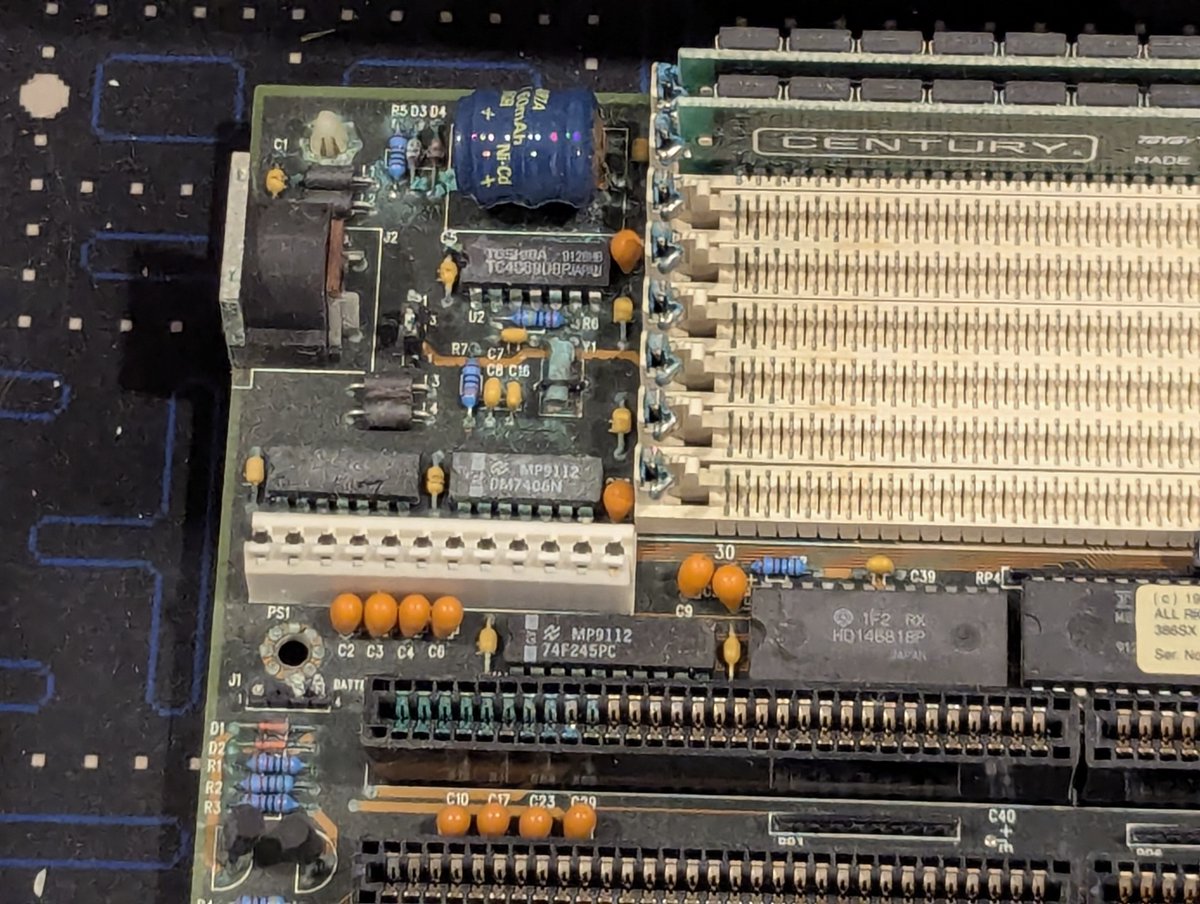
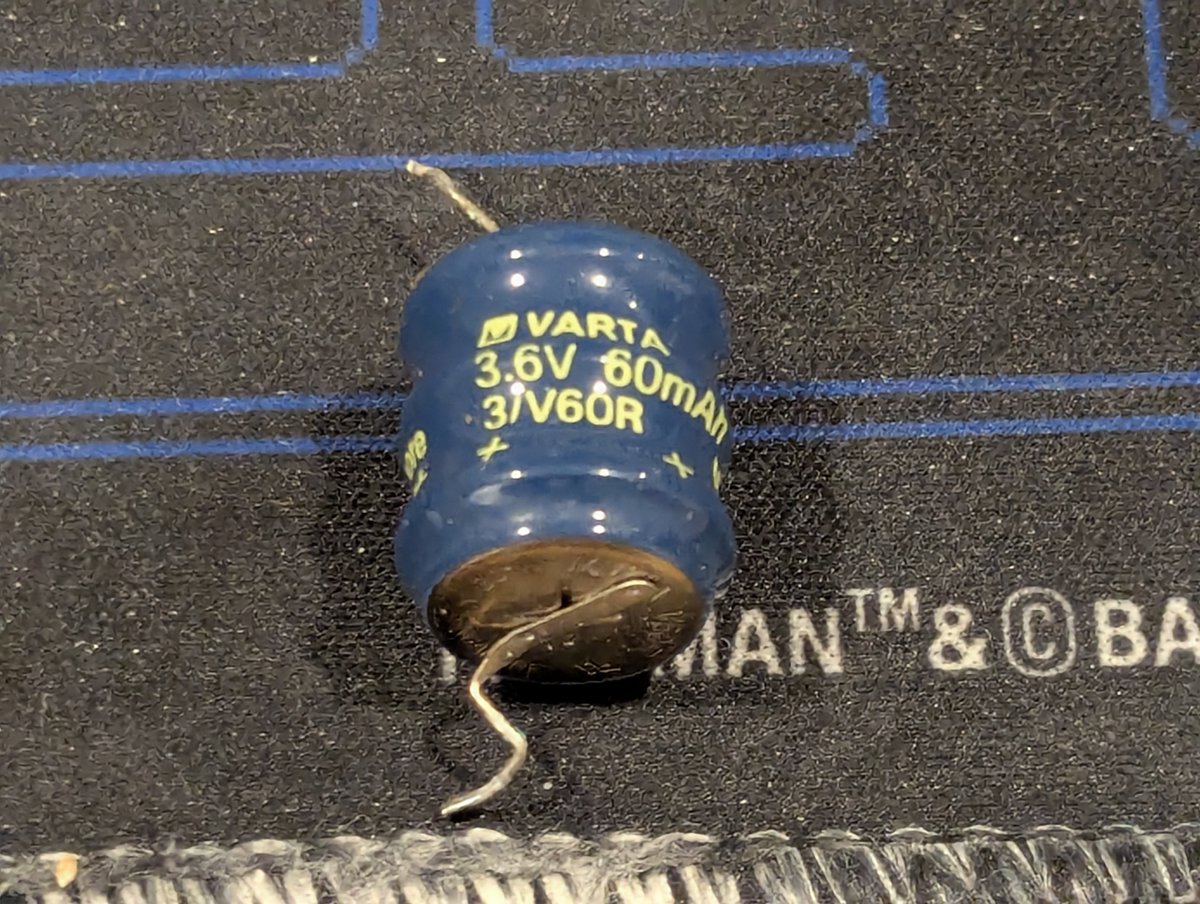
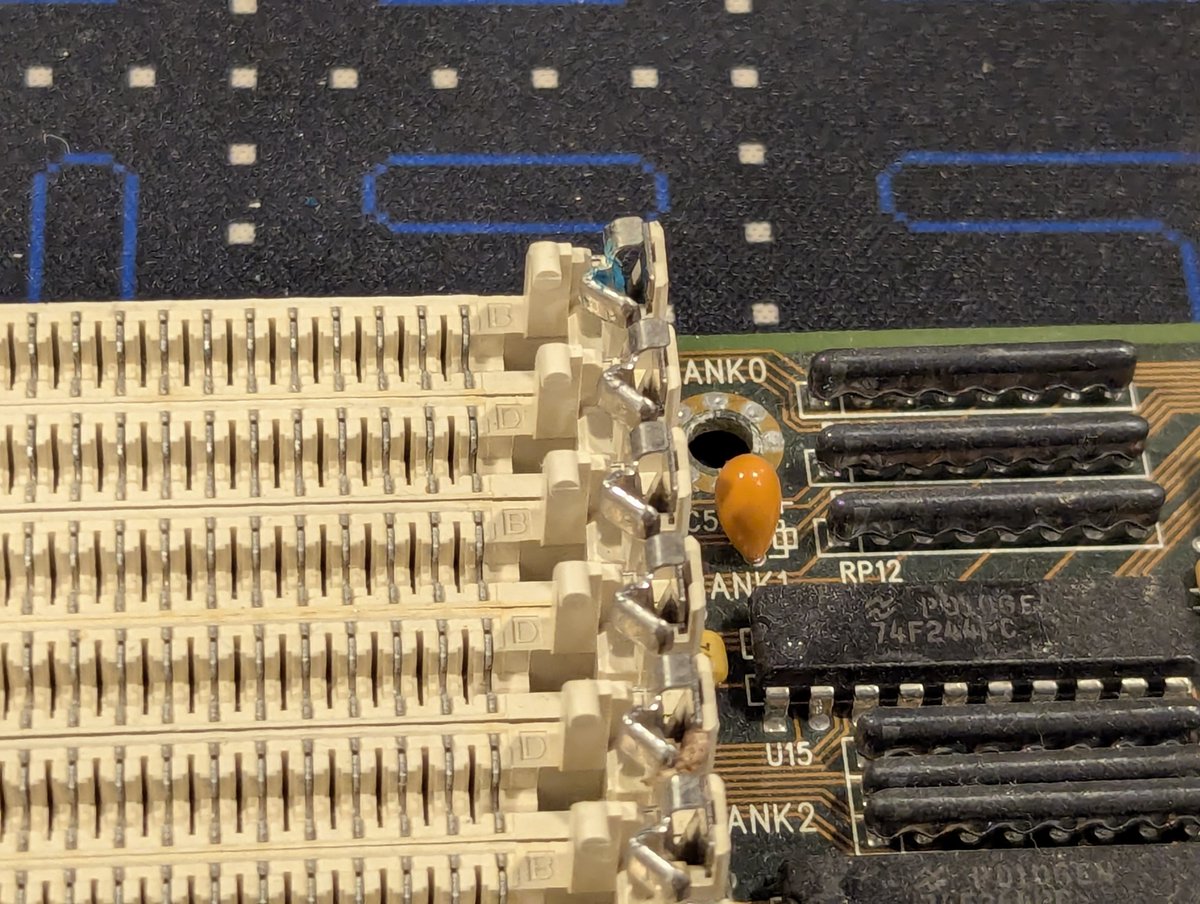
Here's a closeup of the worst area. I went ahead and took the battery out. Just look at all of the green. And... how the heck did it travel all the way over to right clip on the top SIMM slot? One of life's little mysteries 😂
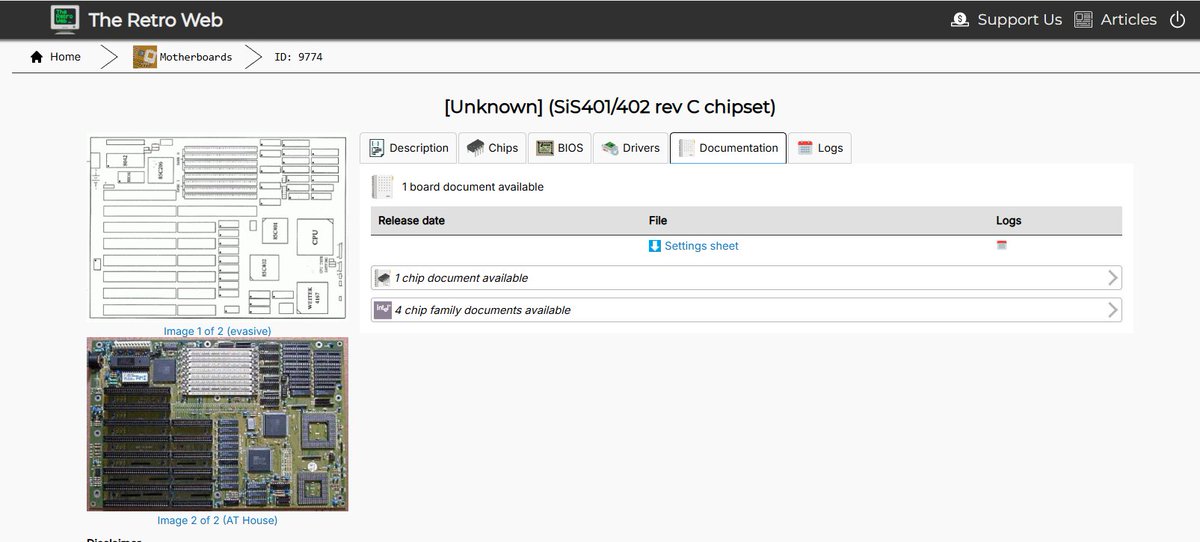
Well, fortunately, this is a case where @wrljet had me covered. He generously gifted me this 486 motherboard with a 486DX/50 processor. No.. not a DX2... a DX!! I'm excited to have this. Board is a Sis401/402 board, with the only identifiable marking being "rev C". Mystery!
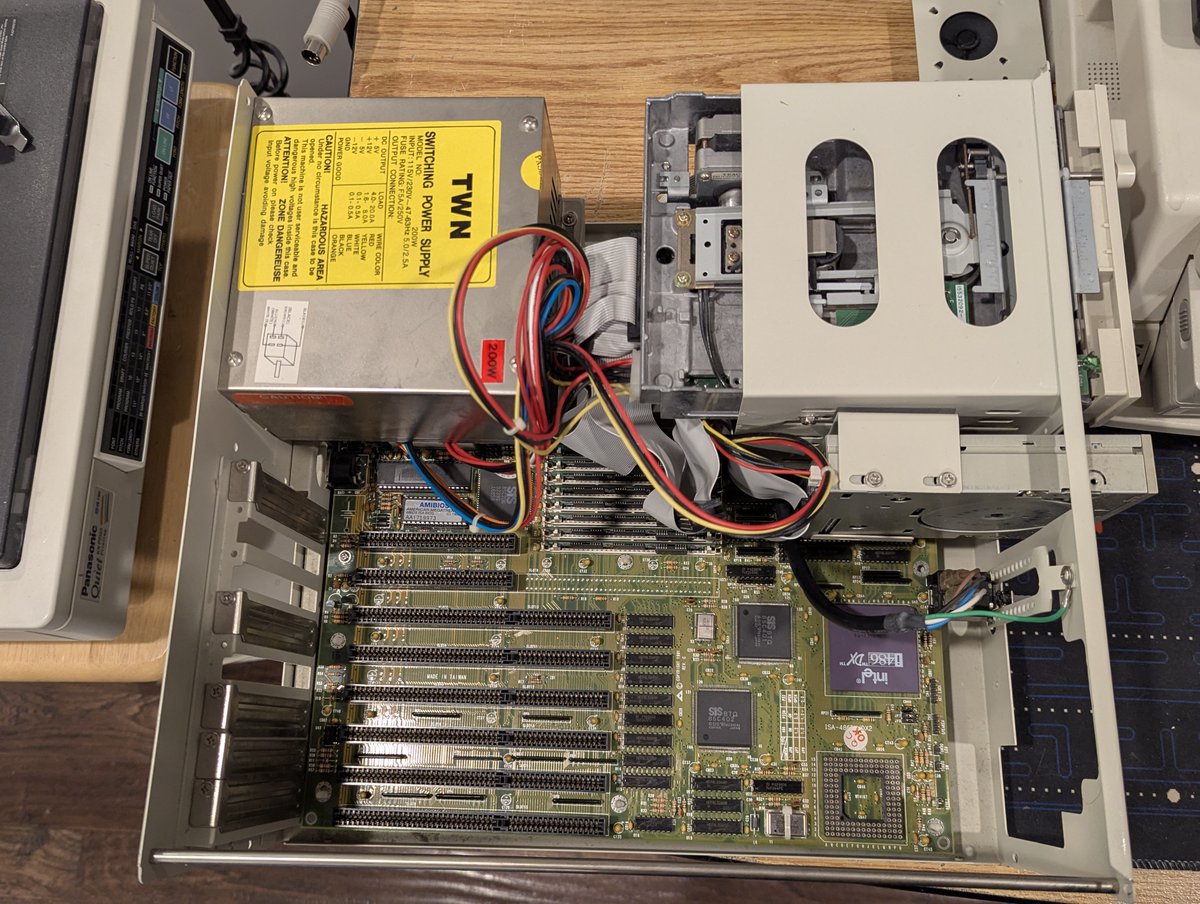
So, okay, board installed, power on, and I get "video error" beeps (2 long, 7 short). Guess that Oak video card is no good. I swapped in a Tseng Labs ET4000AX card and we have life!
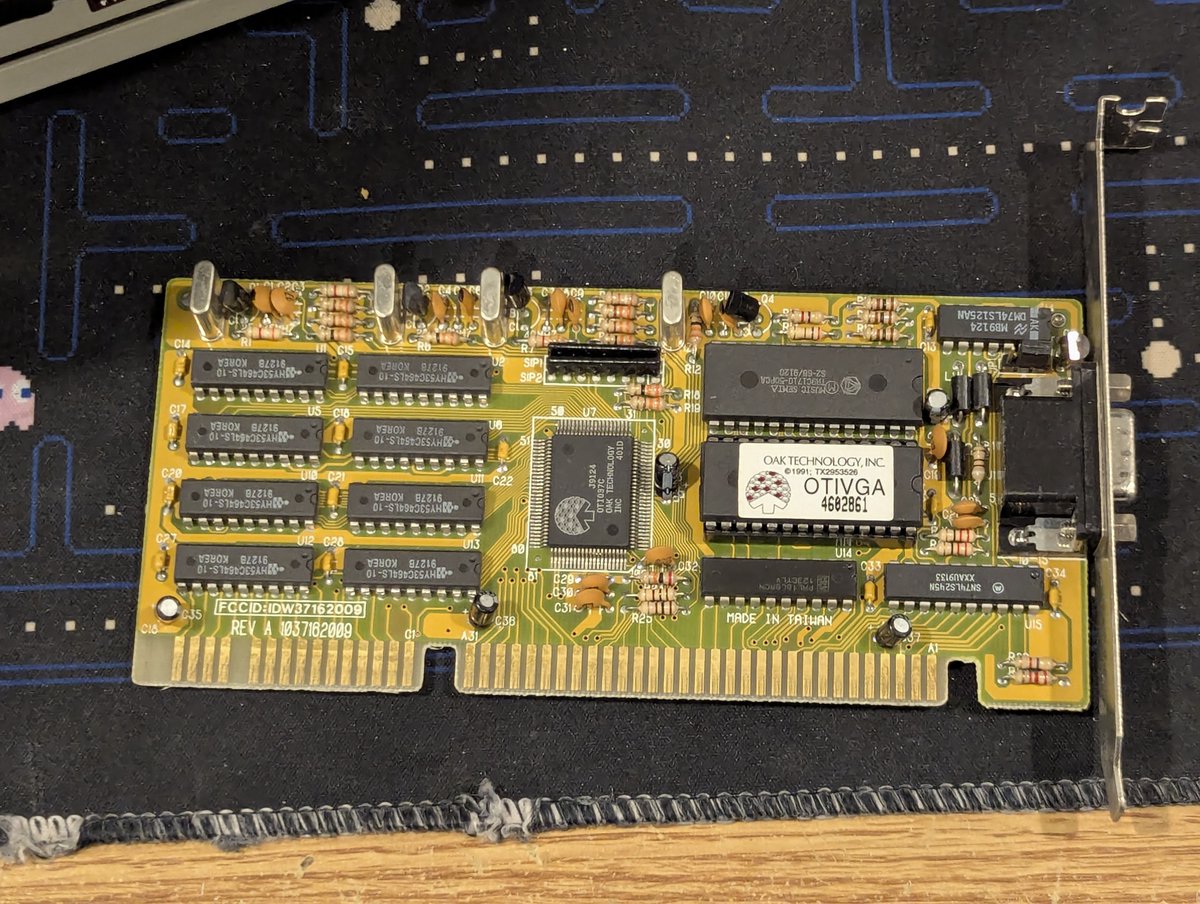
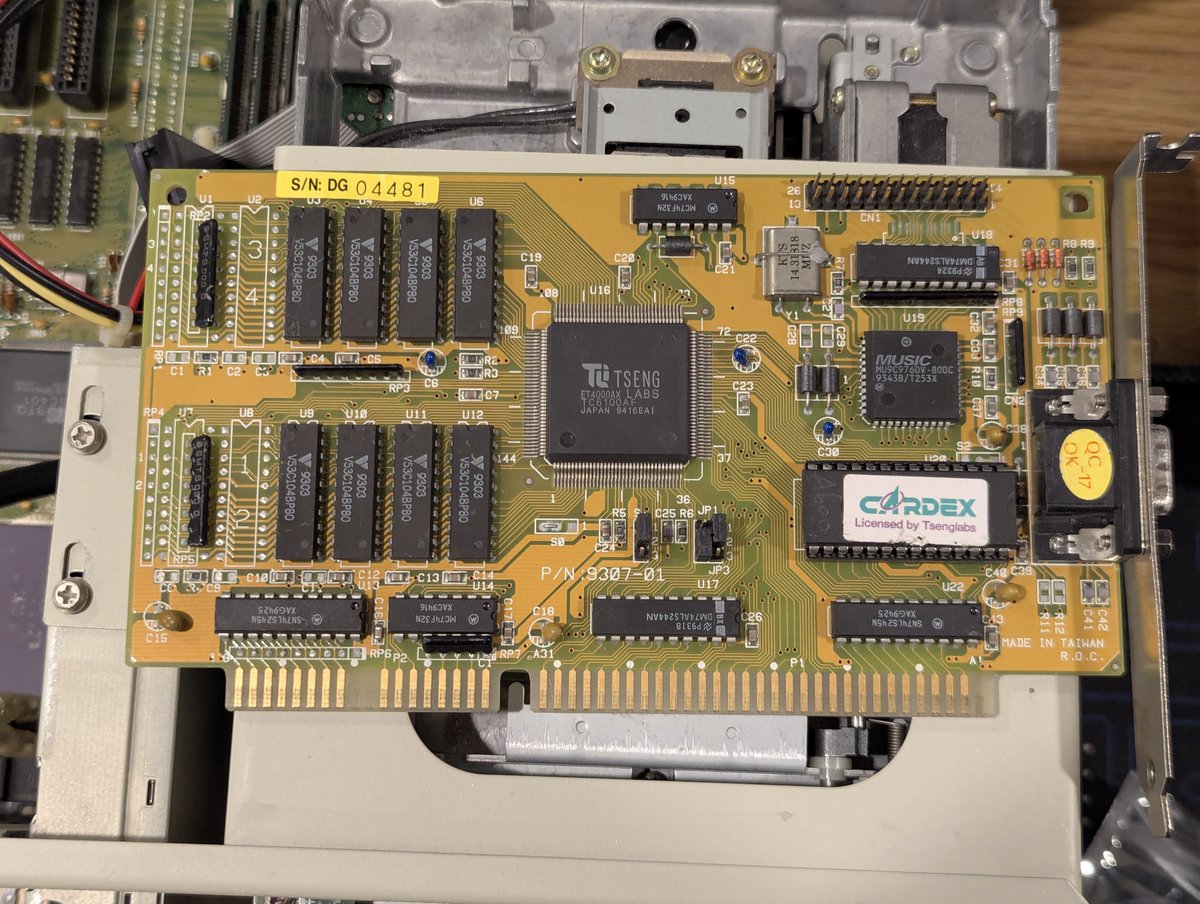
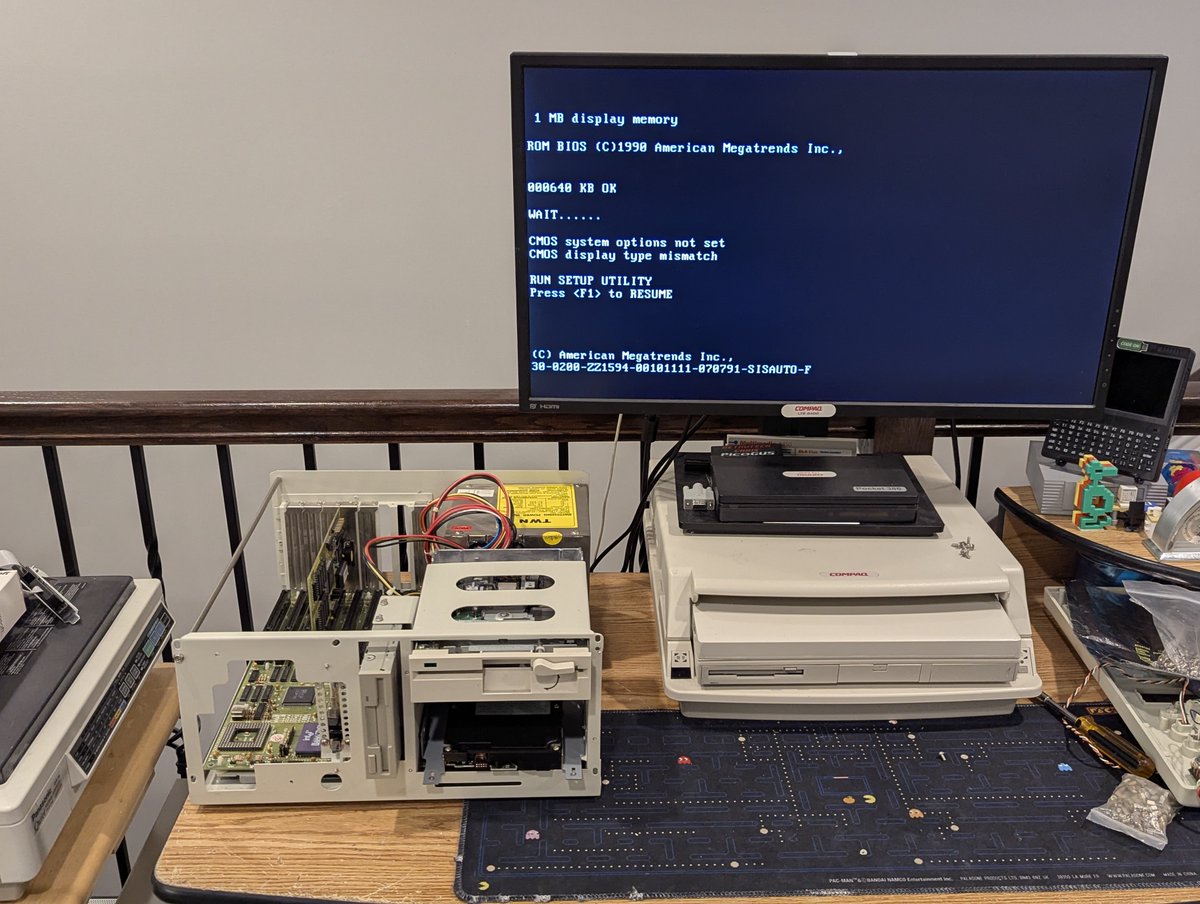
So, I got to thinking, could this be the reason the 386 motherboard that was installed didn't POST? It's a 386SX-16 board. I tried it with the Tseng Labs video card, and still nothing. Okay, we are going to set that aside for another time.
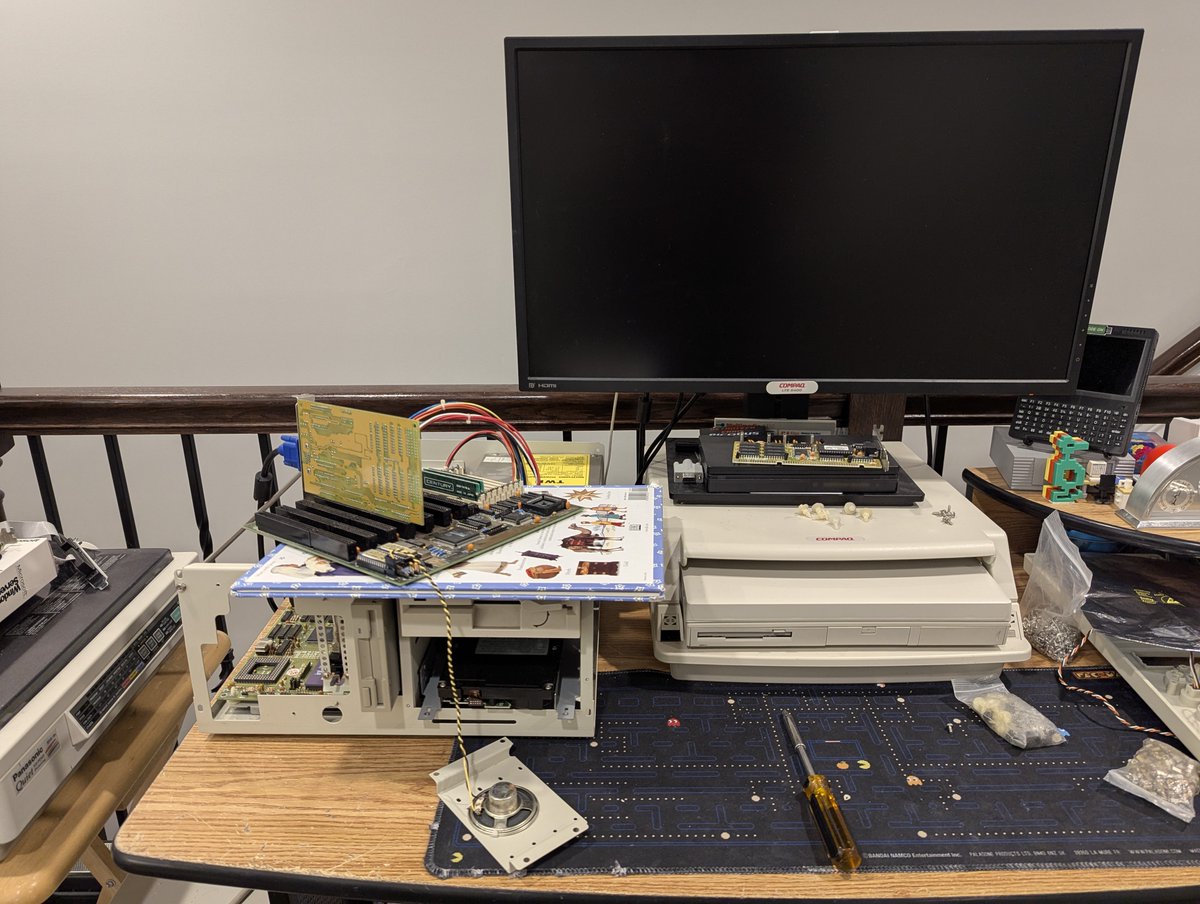
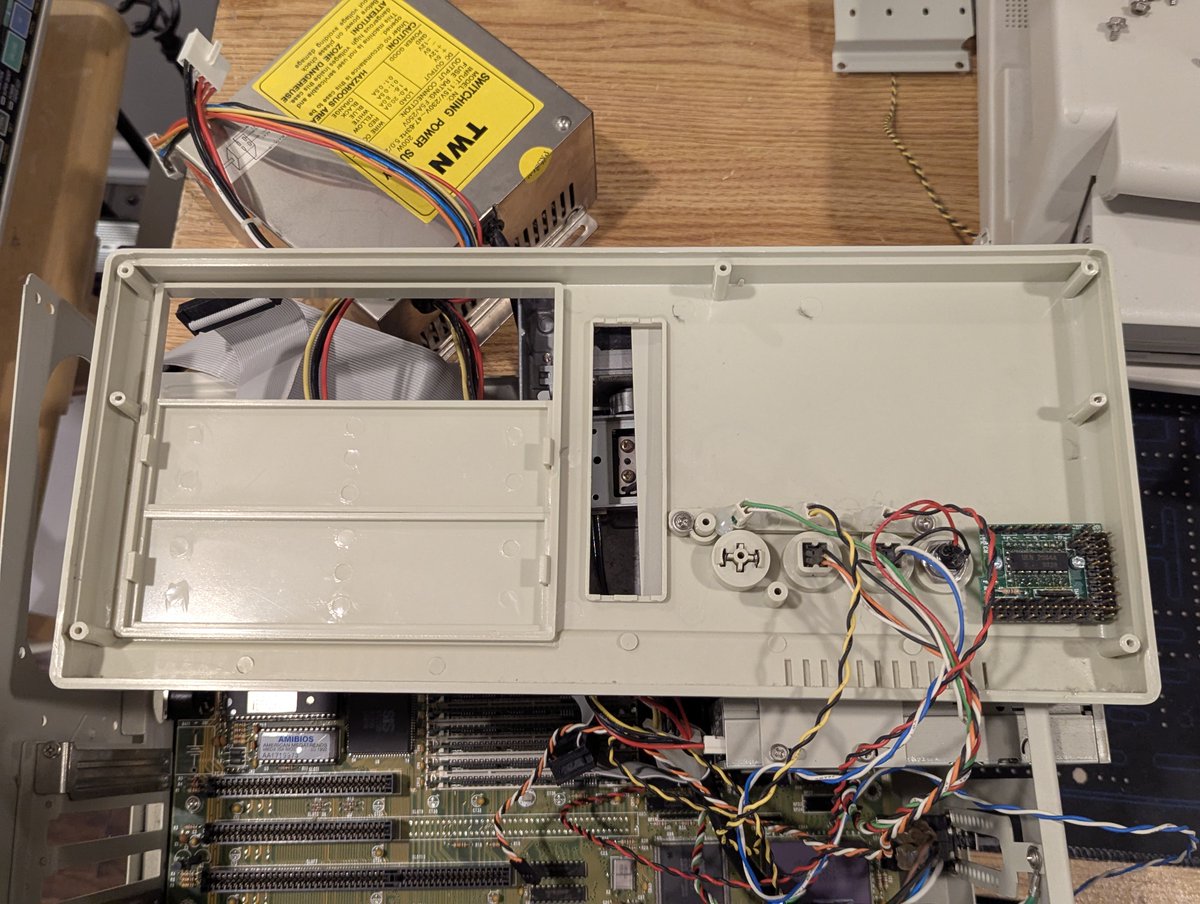
The next order of business was to get the front panel 7 segment display going. I had to pop off the front cover. I couldn't find a guide for this display, but through trial and error, got it to display "50". I won't connect the turbo switch to the display, so this works.
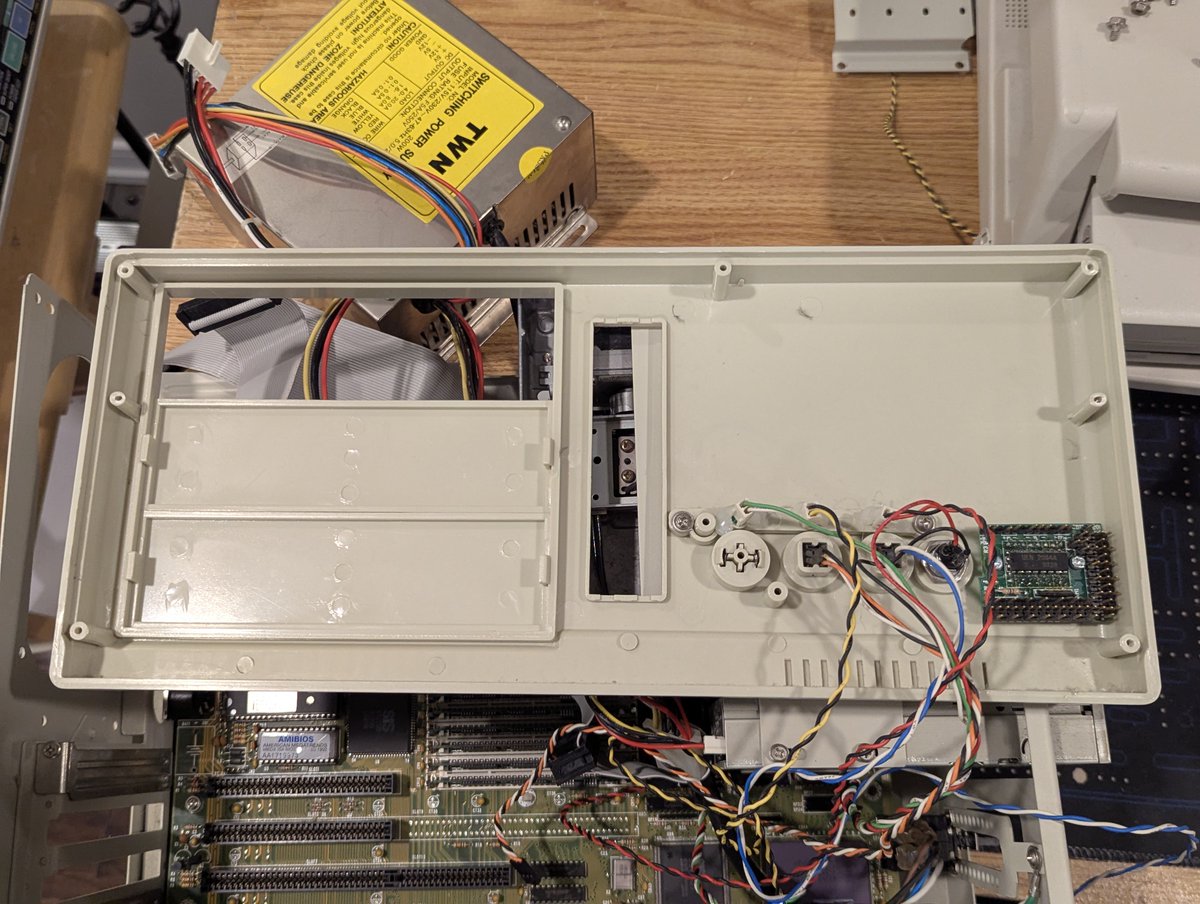
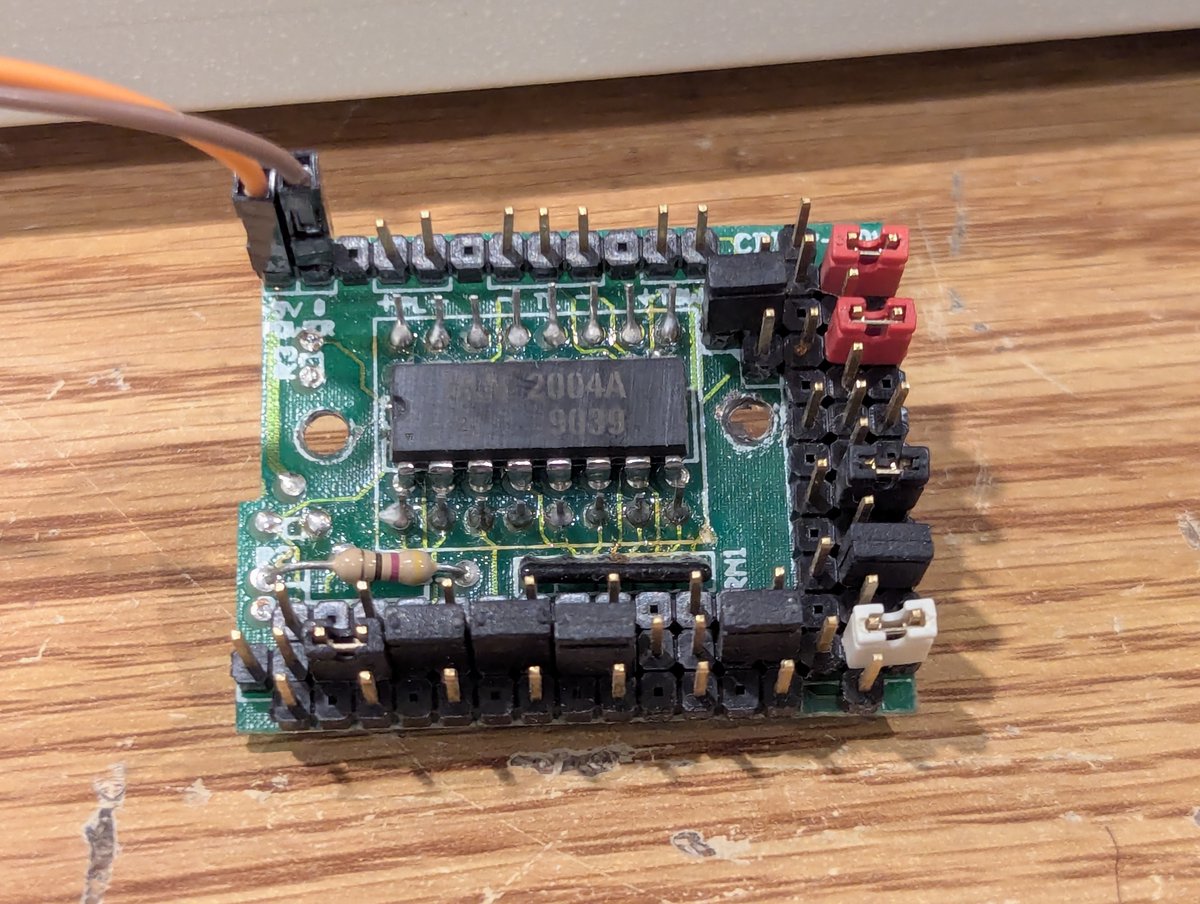
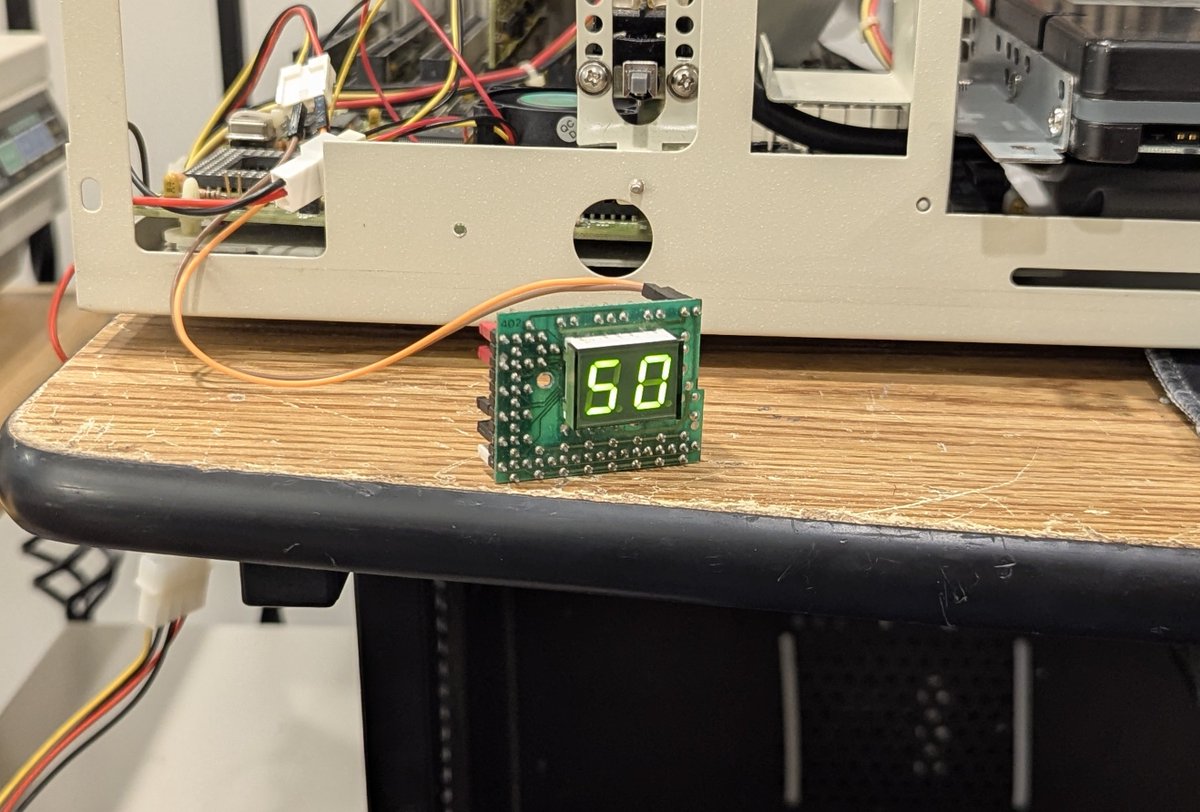
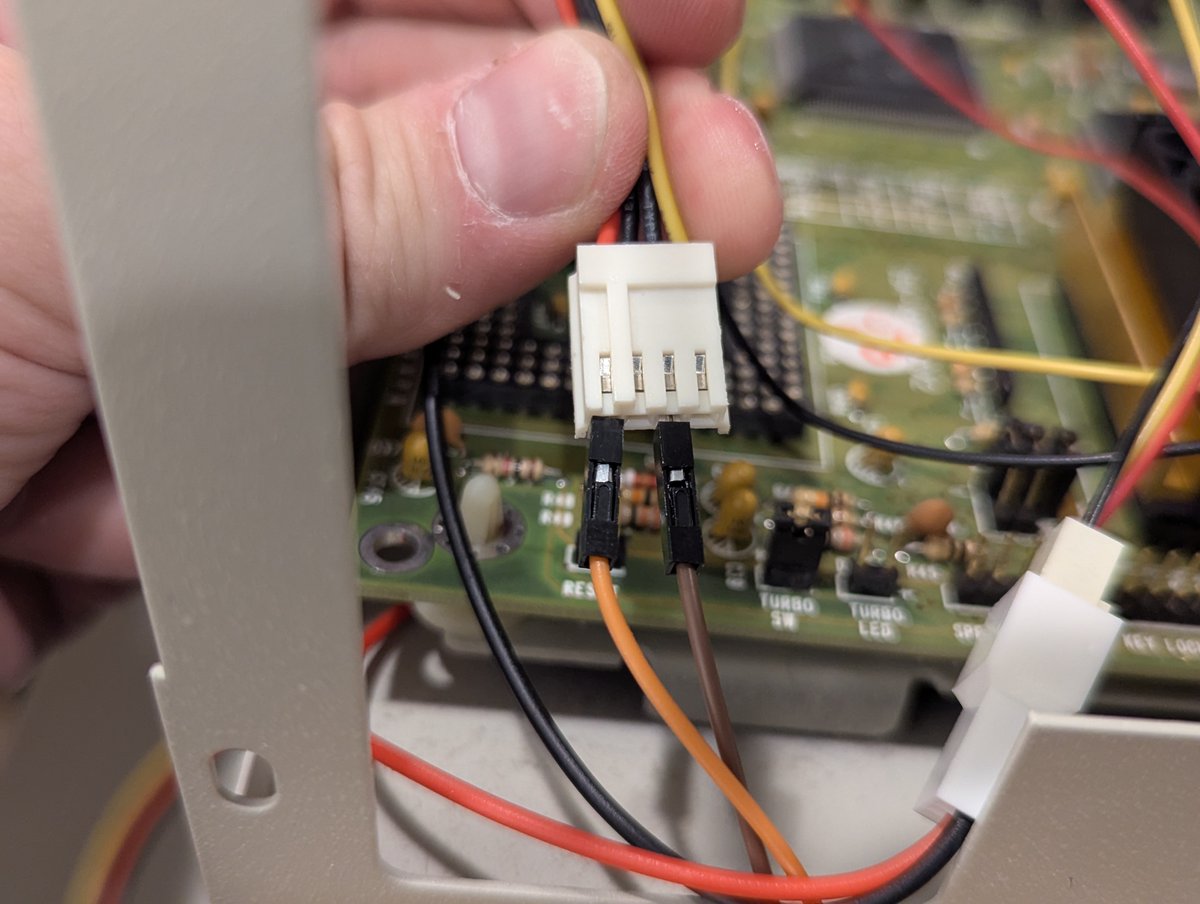
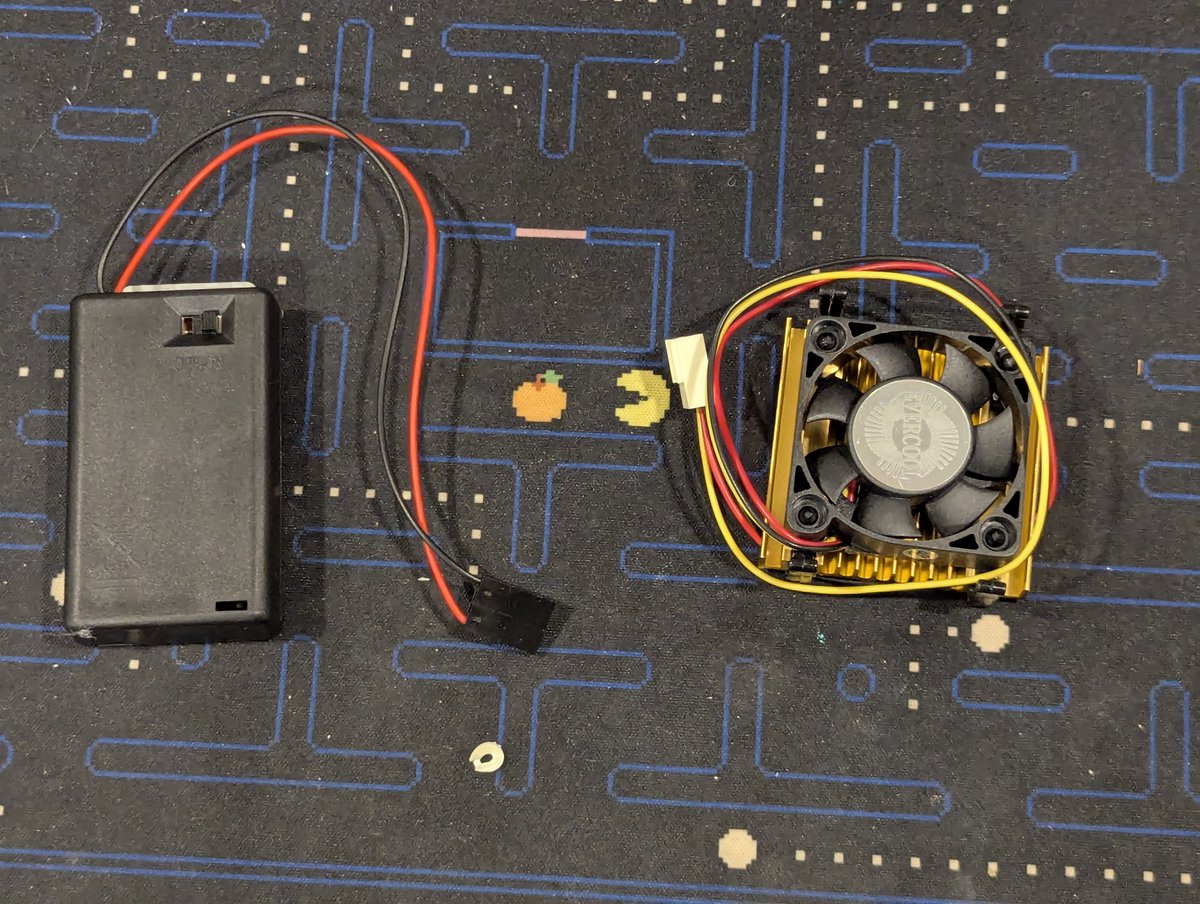
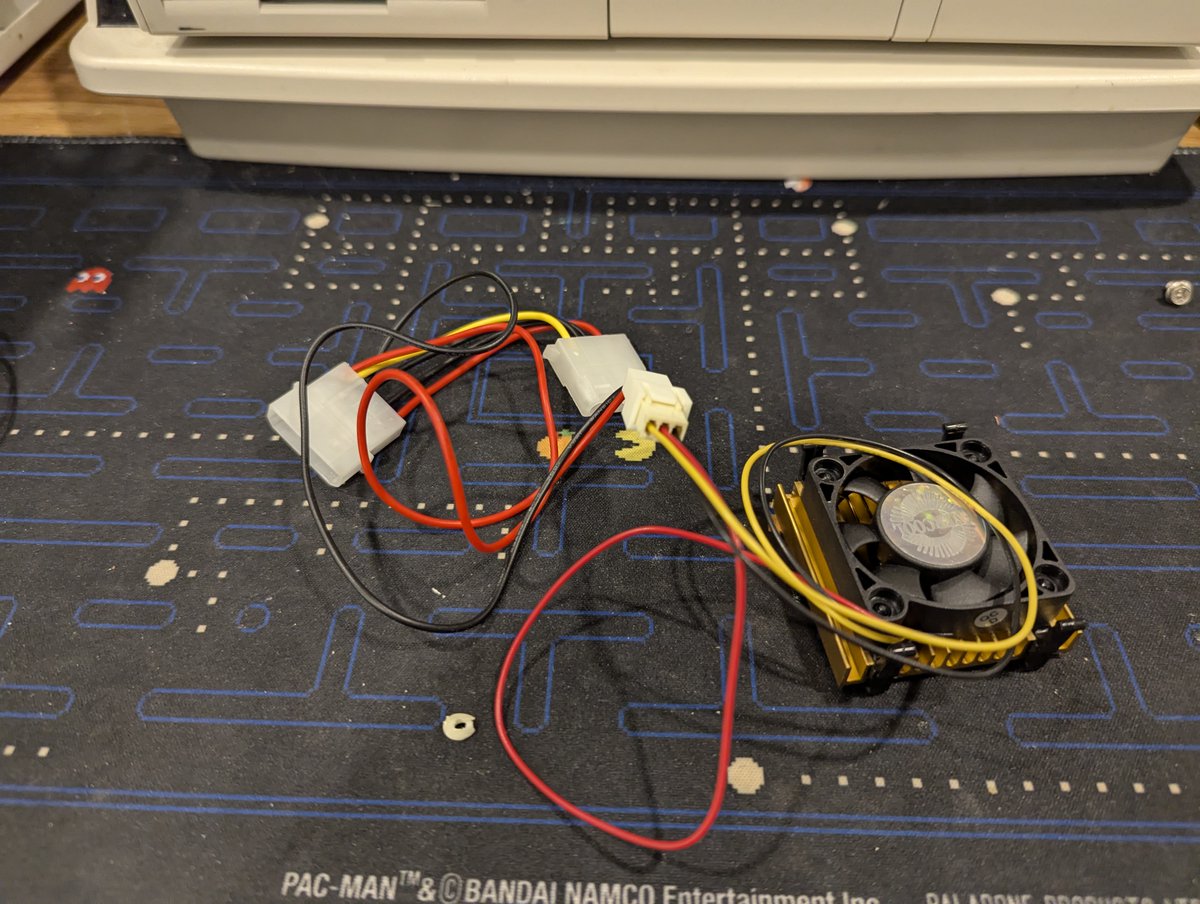
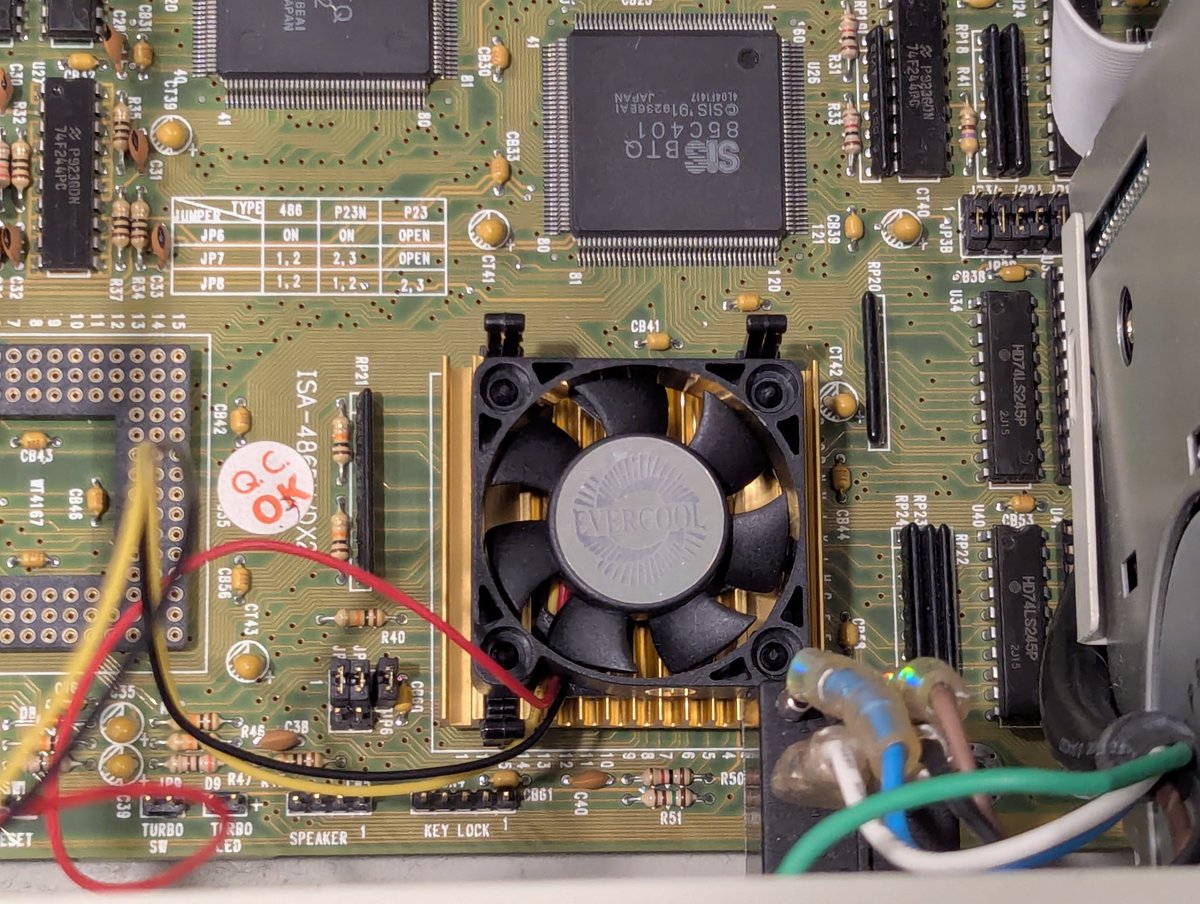
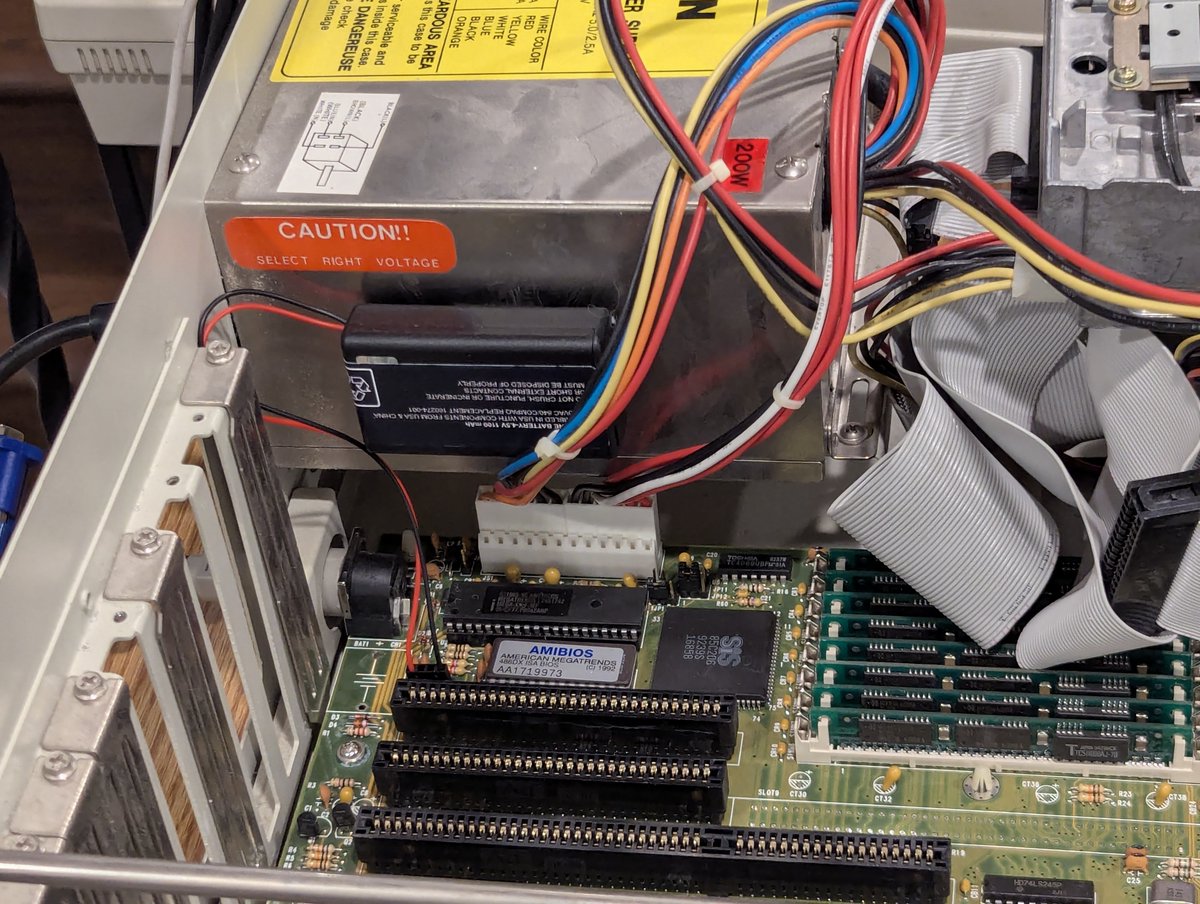
Next up, let's equip this board with an external battery and CPU fan. There we go, nice and installed!
Next, I thought I would check on the HDD. It was sadly pretty poorly mounted (which was a theme for this PC: lots of mismatched and missing screws). The hard drive is a Seagate ST351A/X, which is a 43MB IDE drive. Nice, and well suited for that original 386SX-16 motherboard.
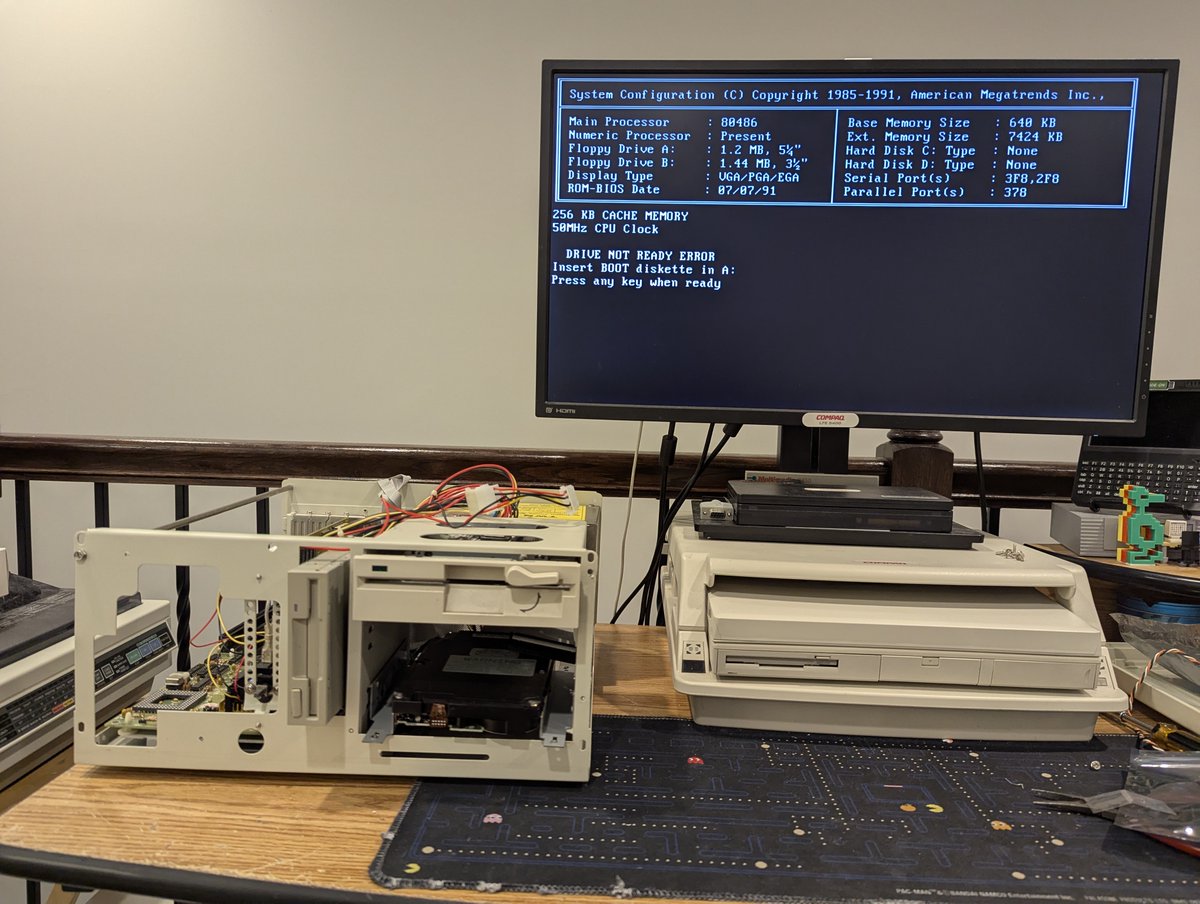
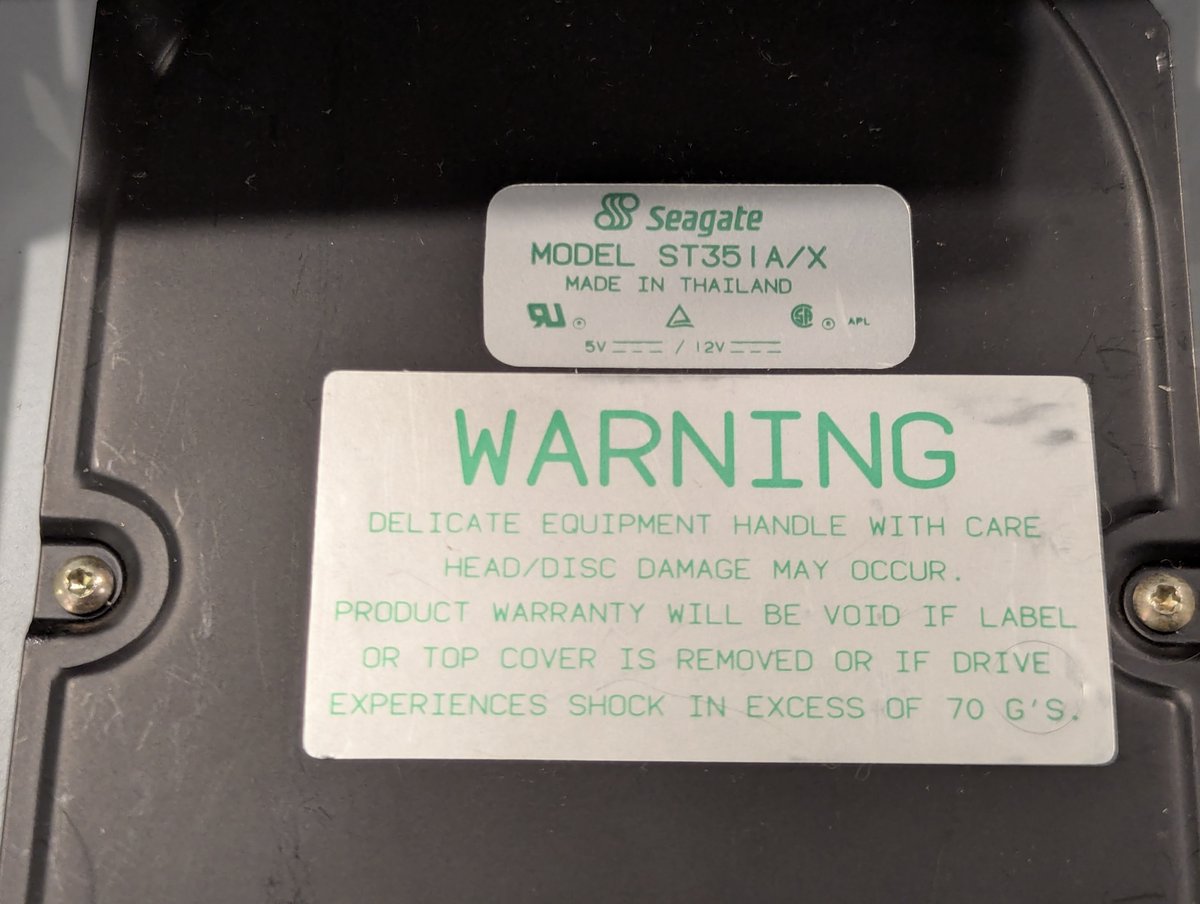
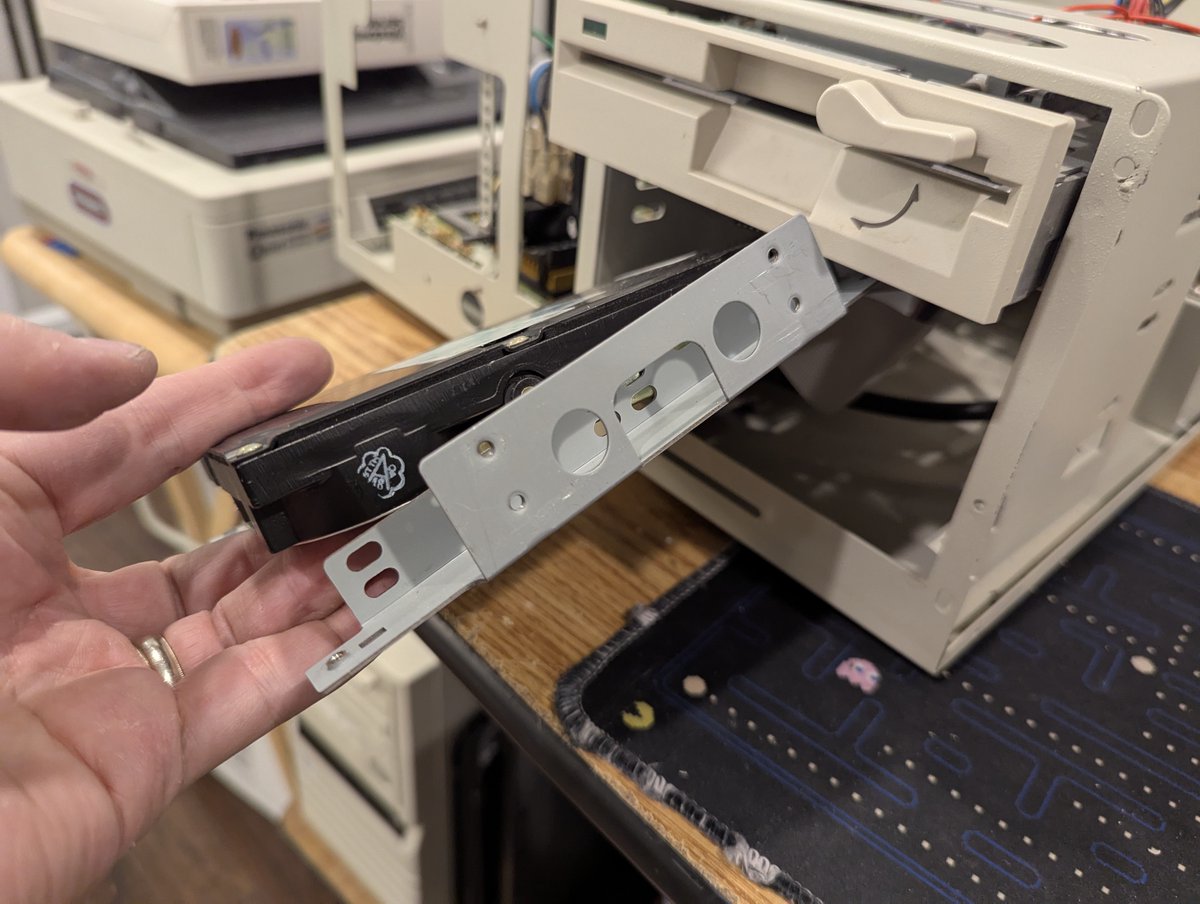
So, part of the reason this drive was poorly mounted was inconsistent screw holes on the sides. However, if mounted from the bottom with this drive, you'd be a-ok
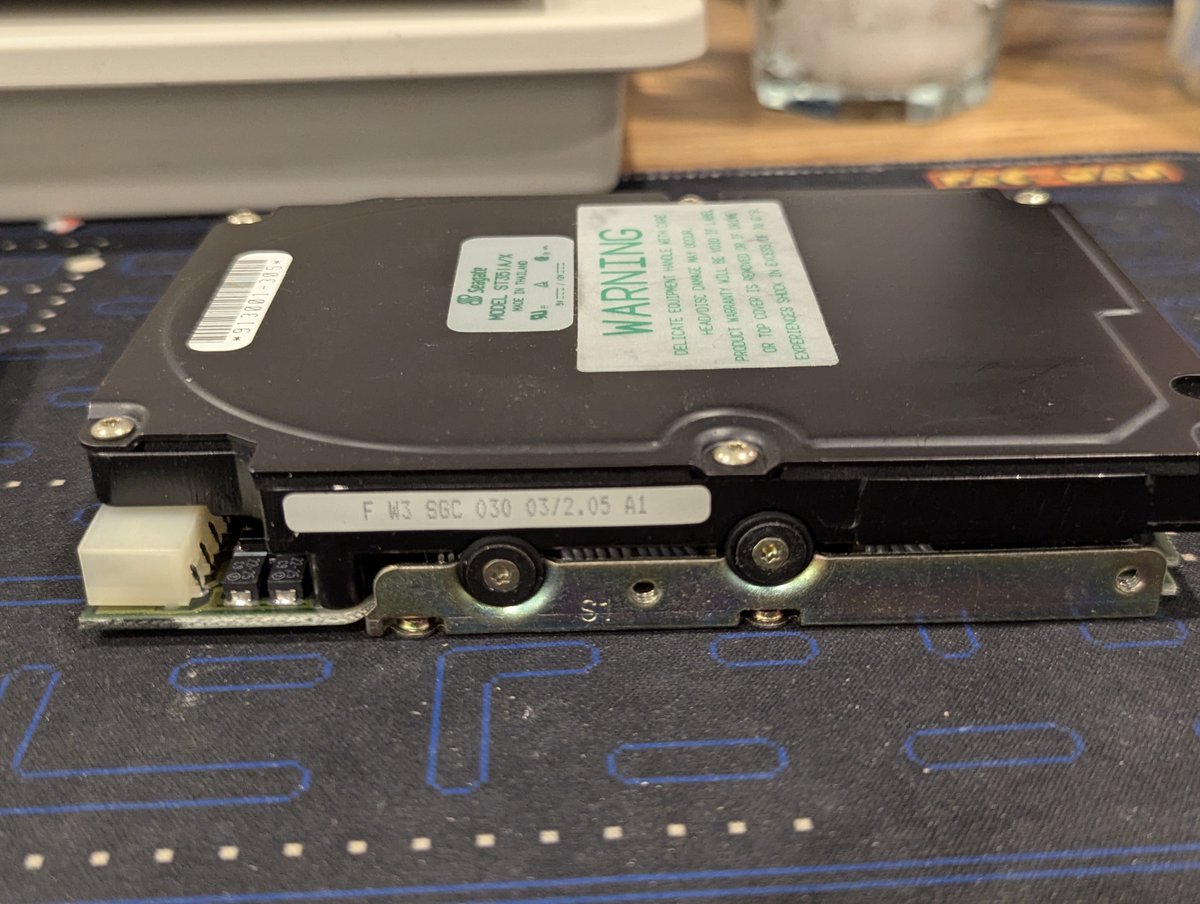
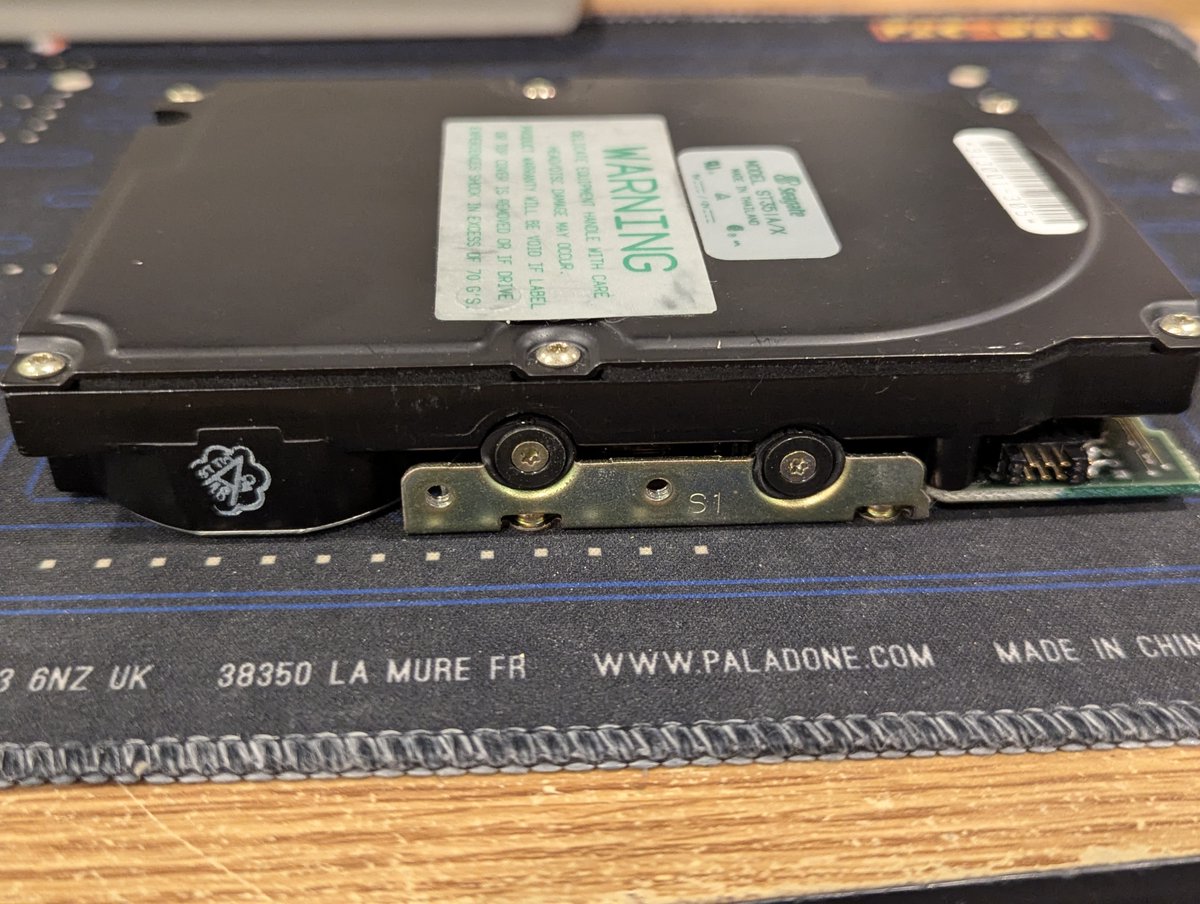
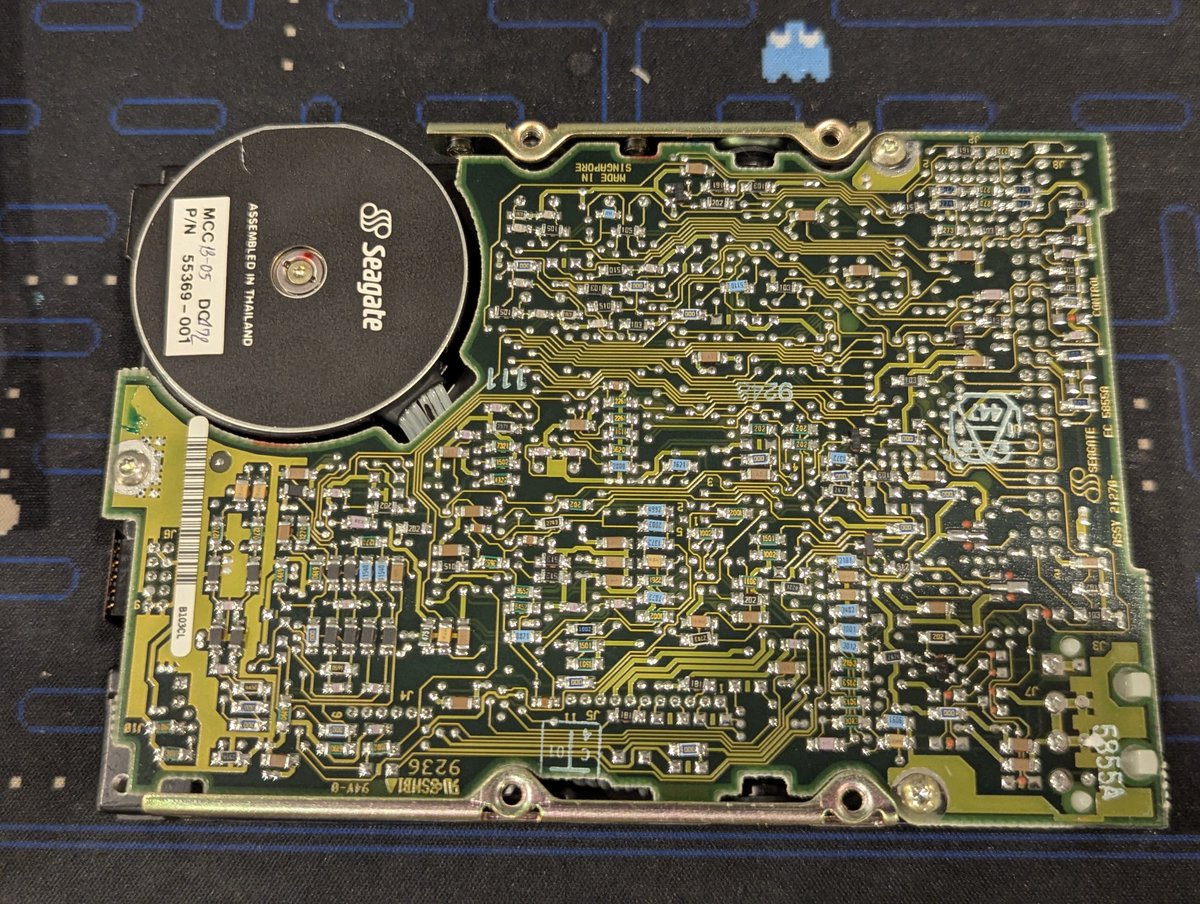
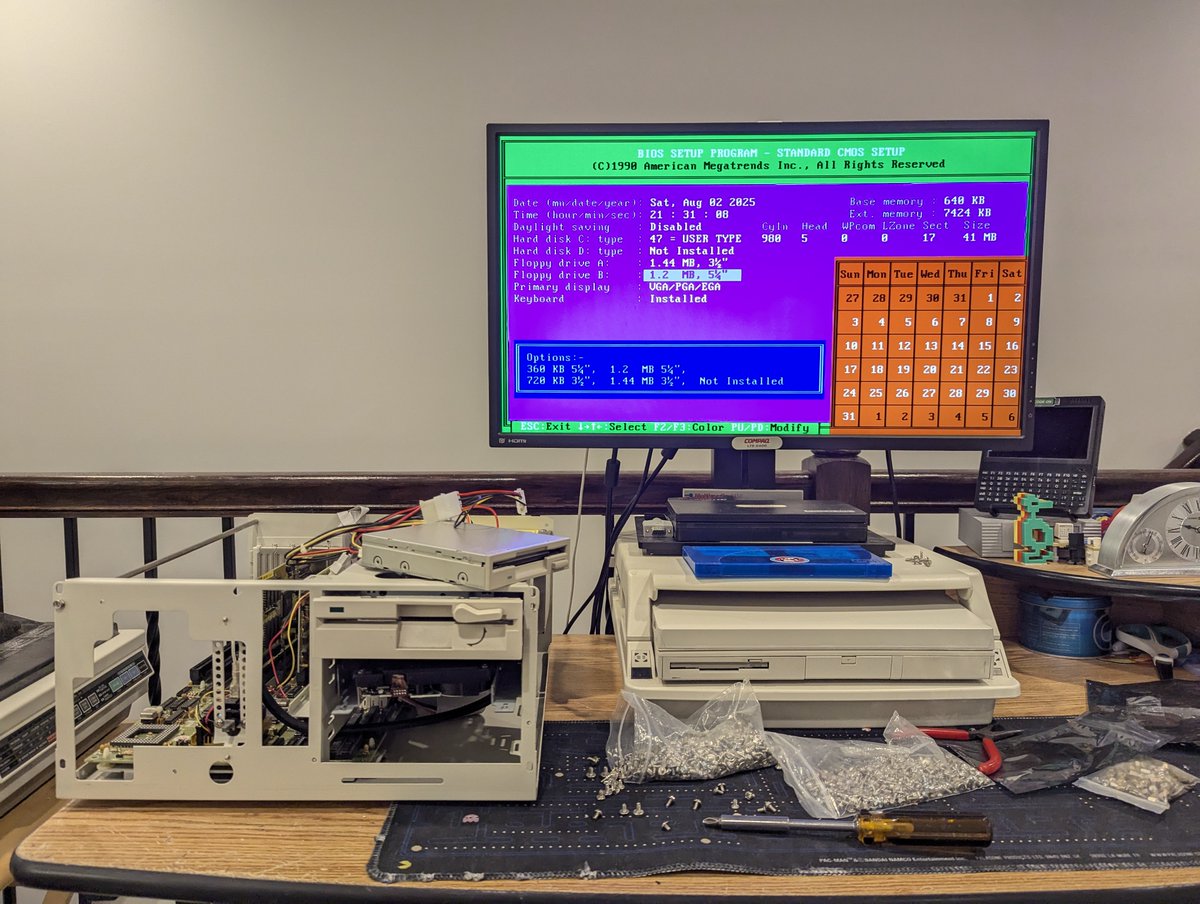
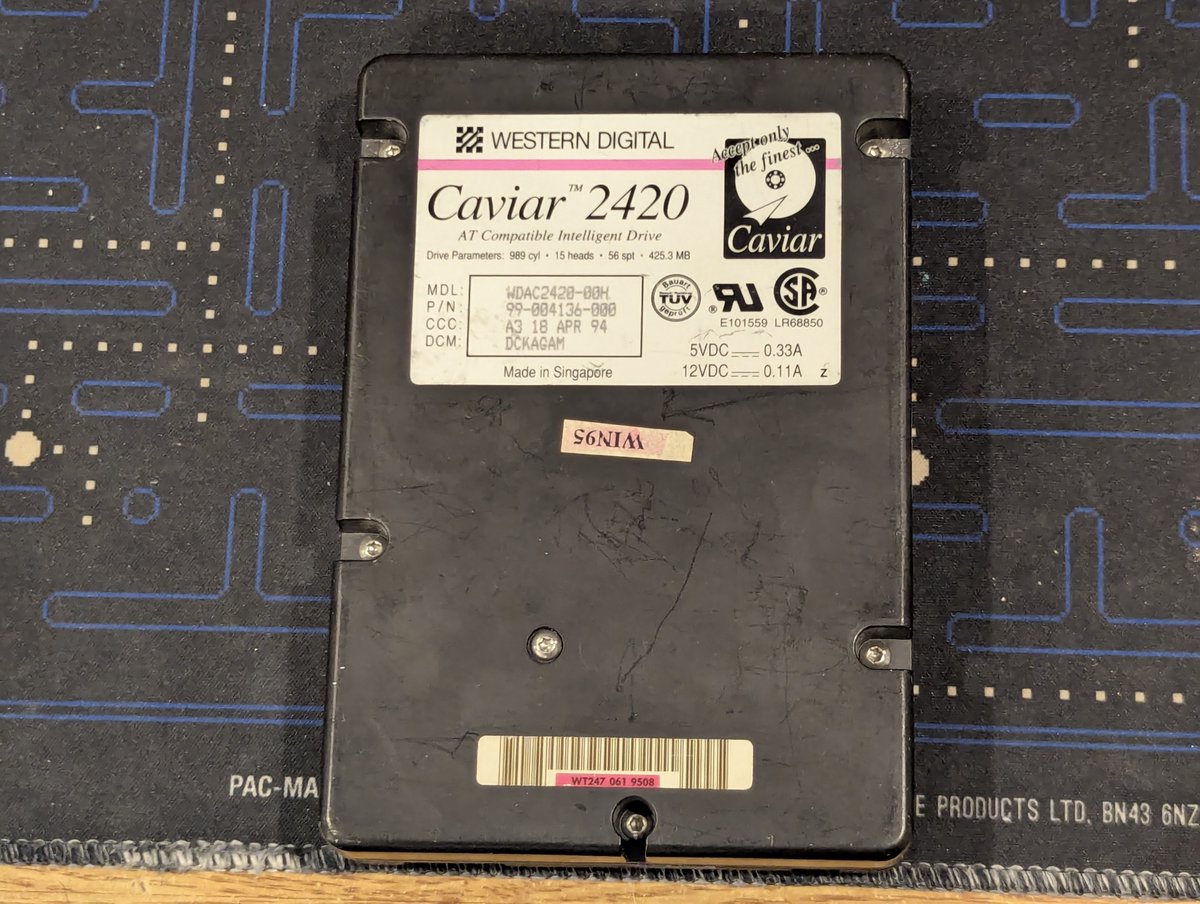
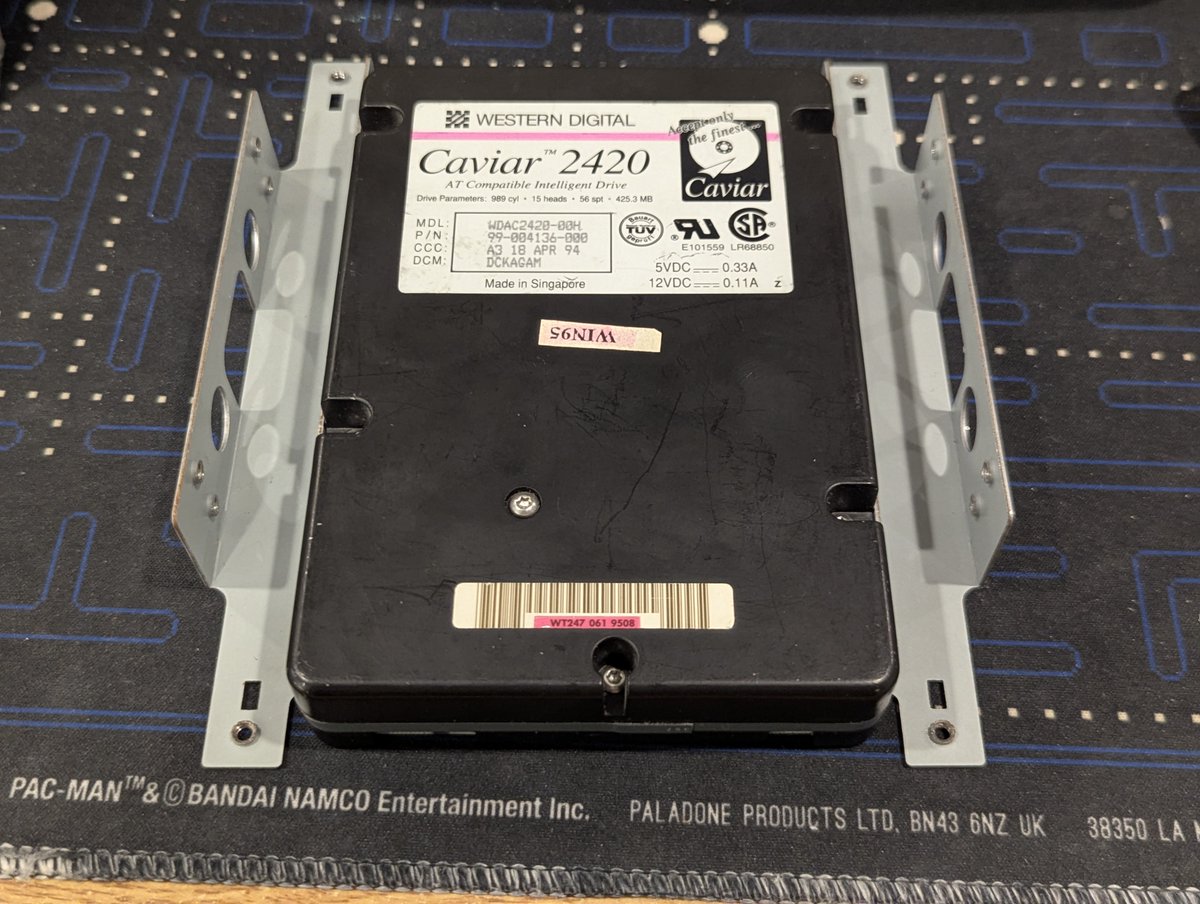
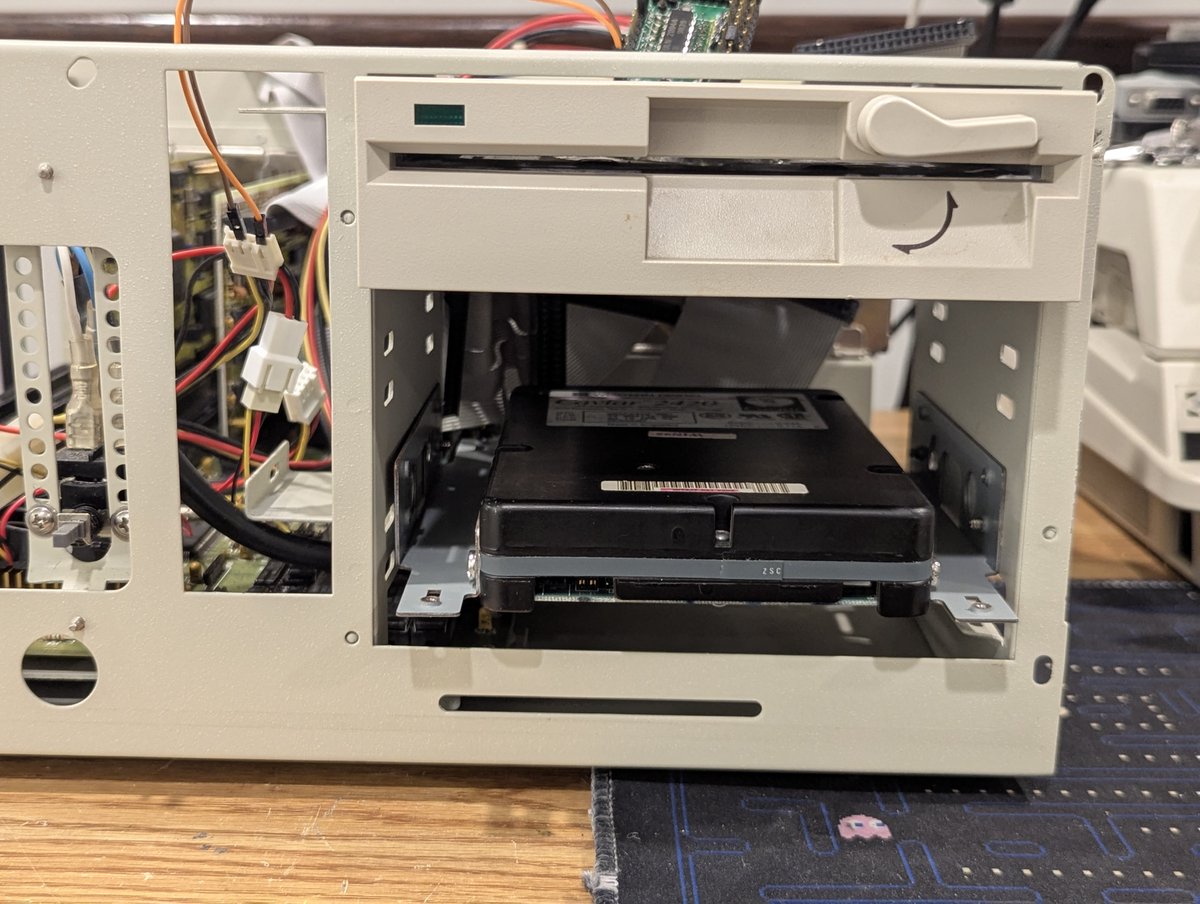
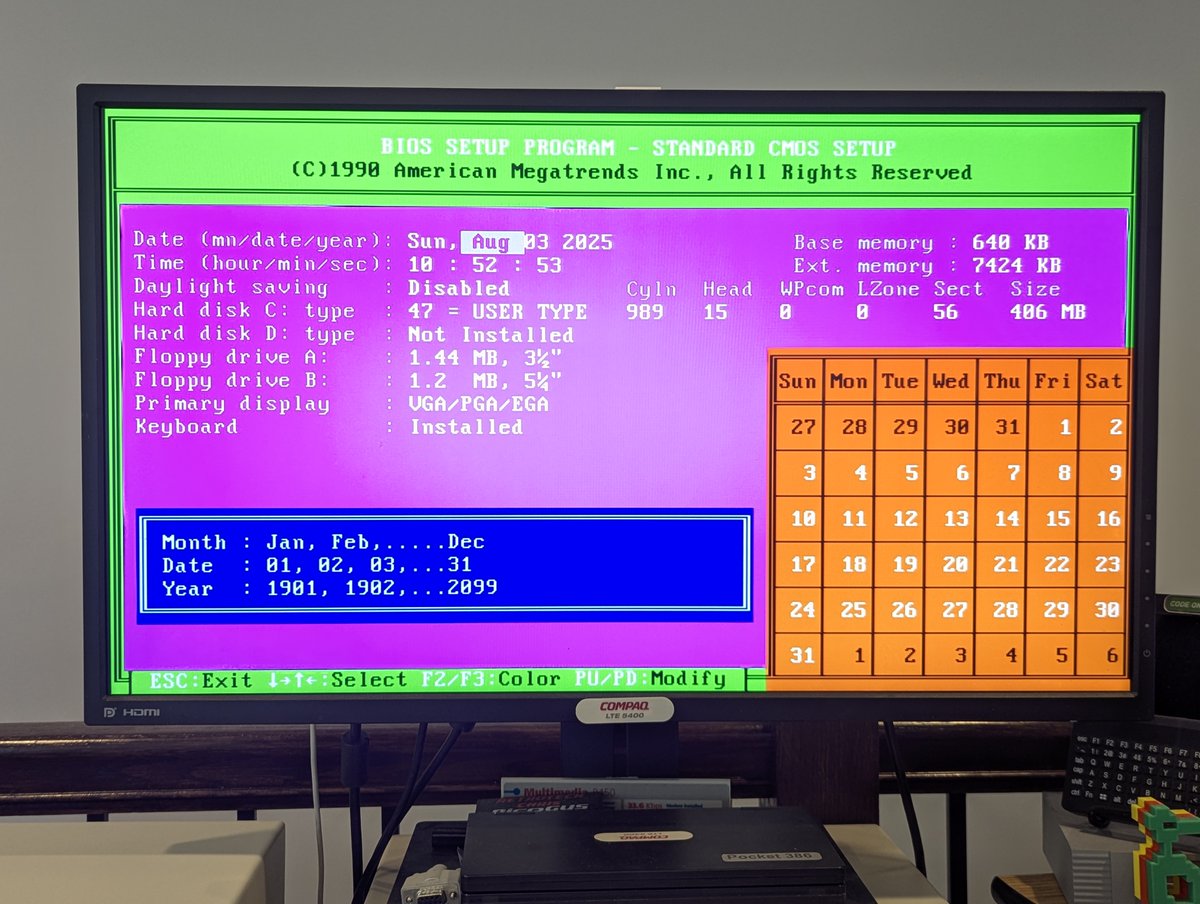
Well, since this is now a 486, and since it has an older AMI BIOS (528 MB limit without "software fixes"), and since I couldn't find a MR BIOS upgrade for this SiS chipset (boo!), I am going to go with a 420 MB HDD for this system. And it mounts cleanly!
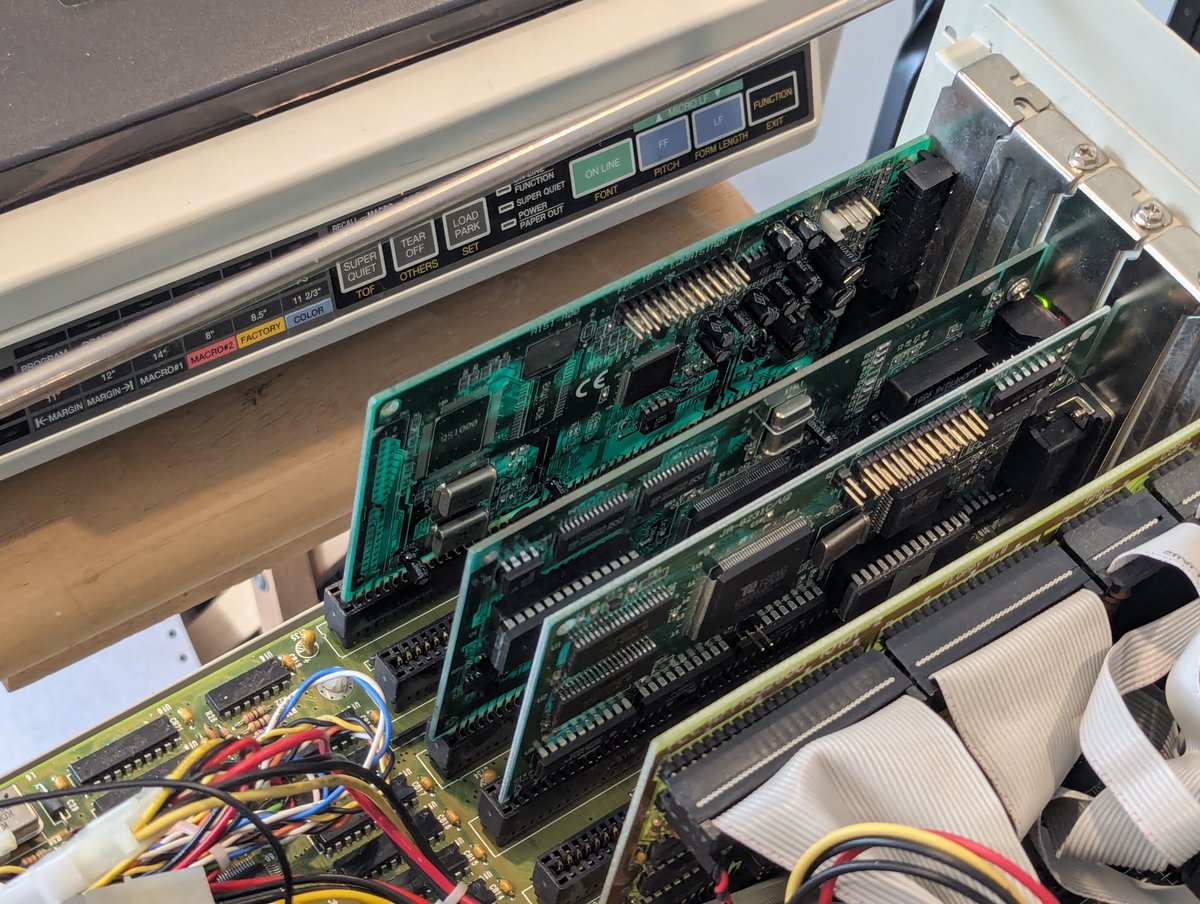
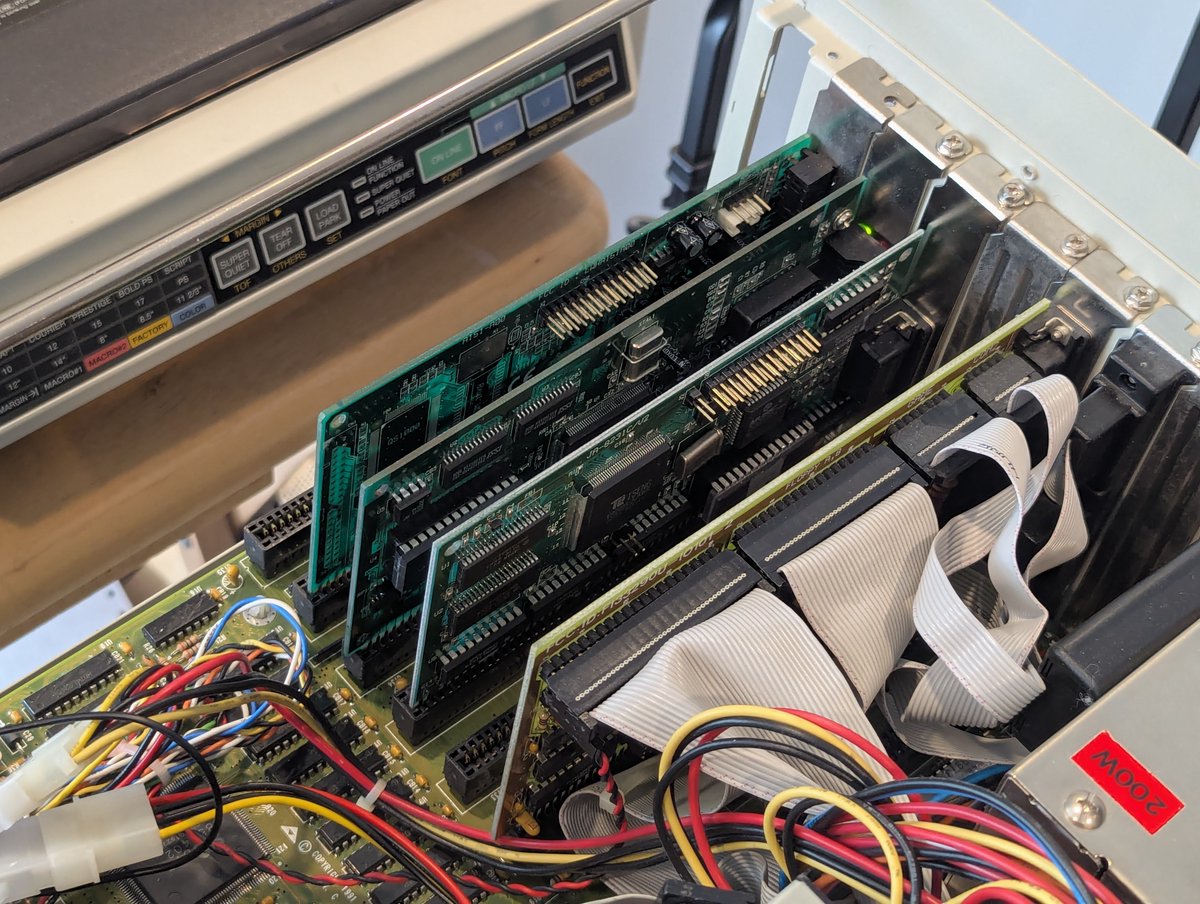
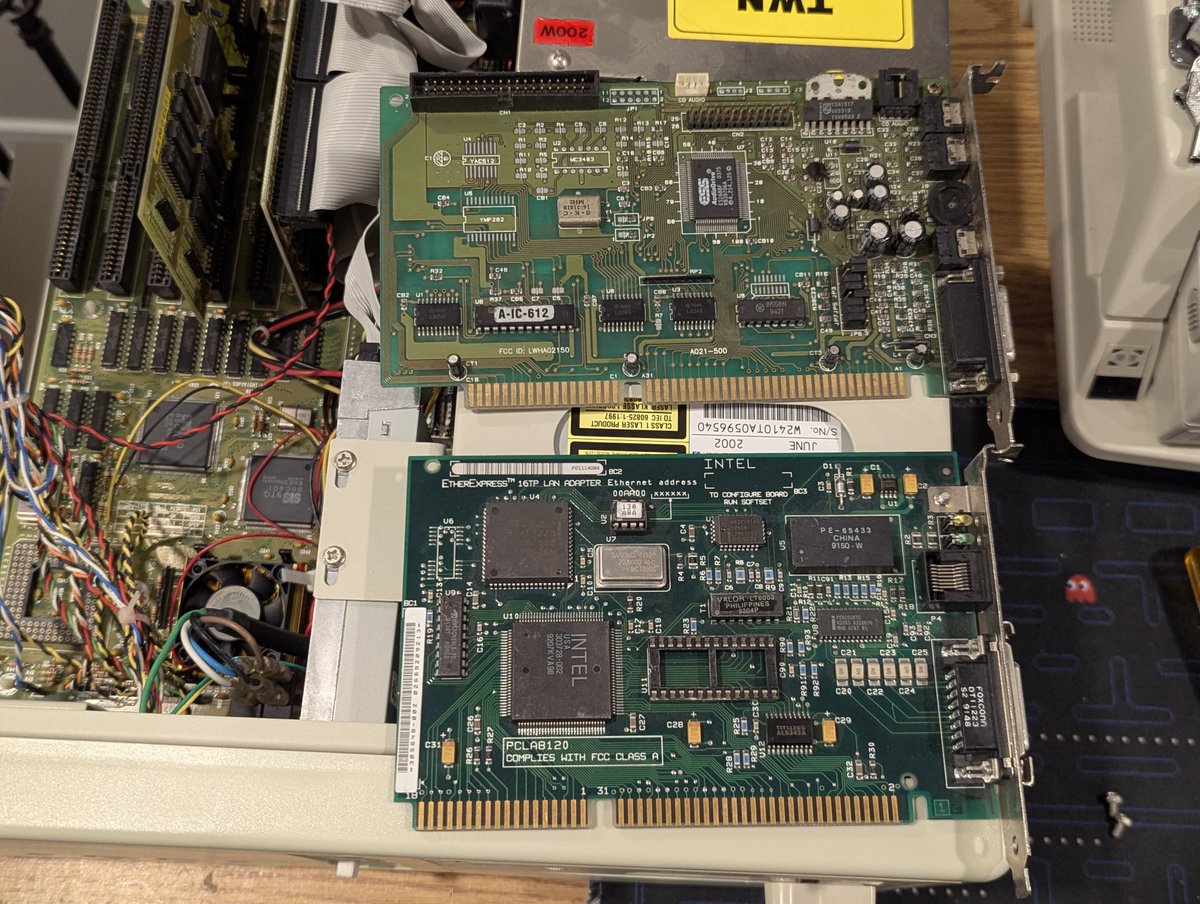
While we have this open, let's put in a sound card and network card too! This sound card isn't fancy, but has a nice ESS 1688F chip. And the network card is an Intel EtherExpress 16TP. Those slots are getting populated now!

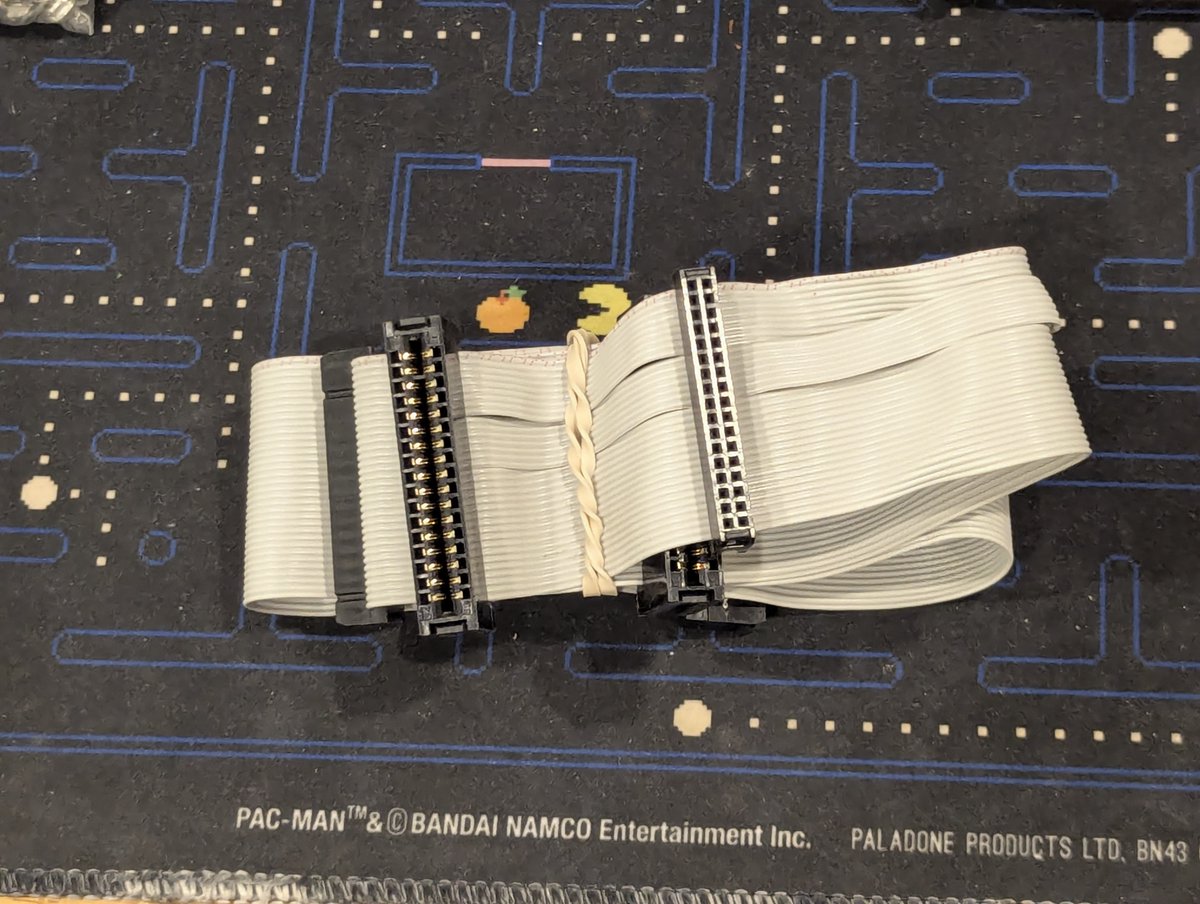
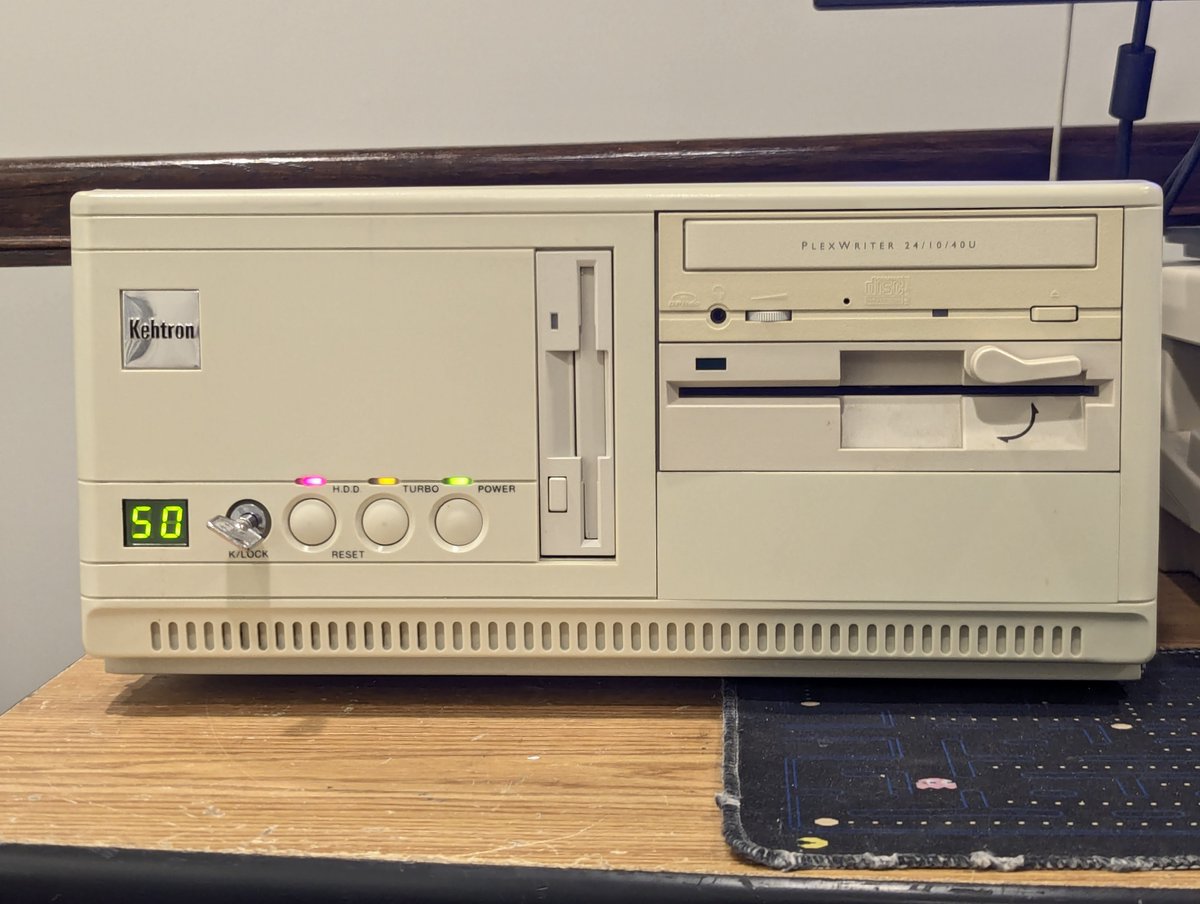
I also wanted the 3.5" drive to be drive A: and the 5.25" drive to be drive B:. But the connections on the ribbon cable were too close, so I swapped in a new FDD cable. Oh.. I also put in a Plextor optical (needs a retr0brite).. and a color-matched FDD too.
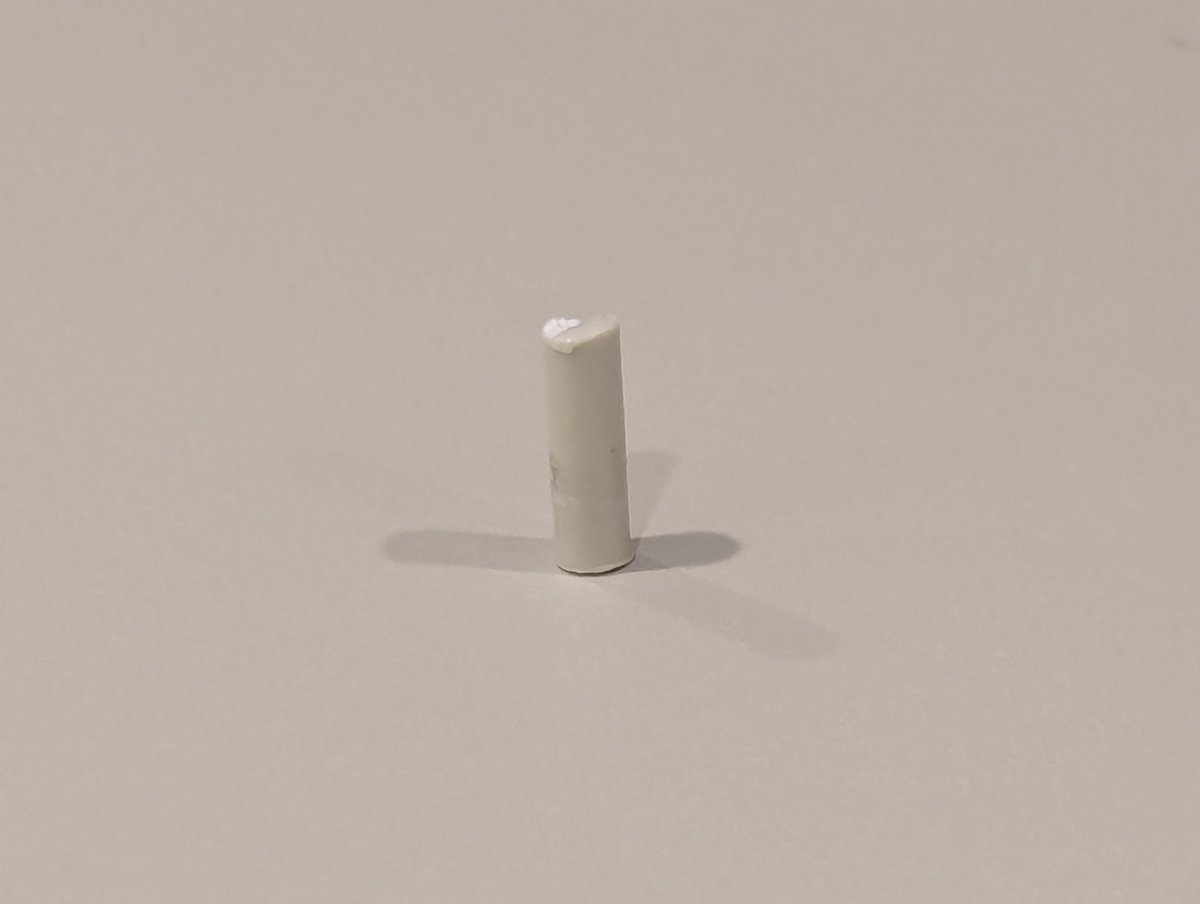
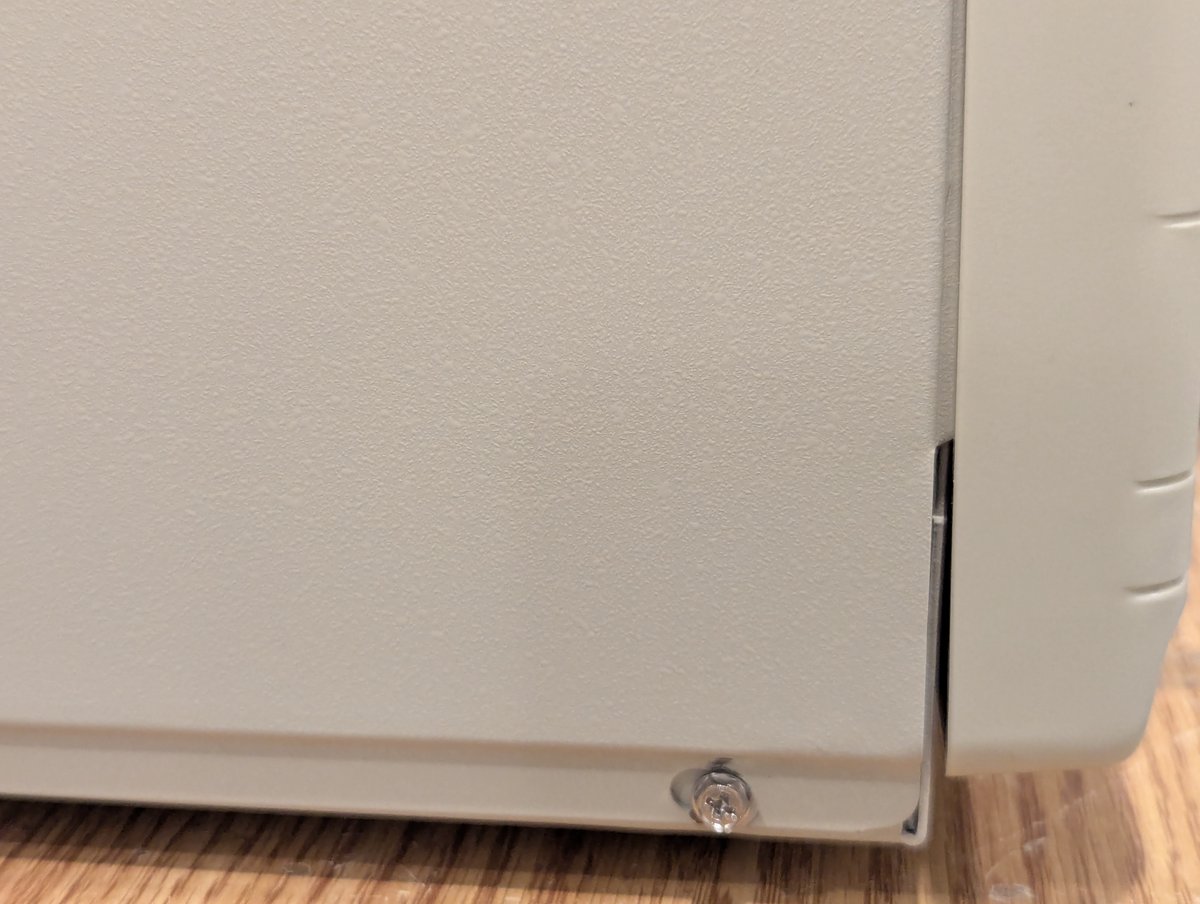
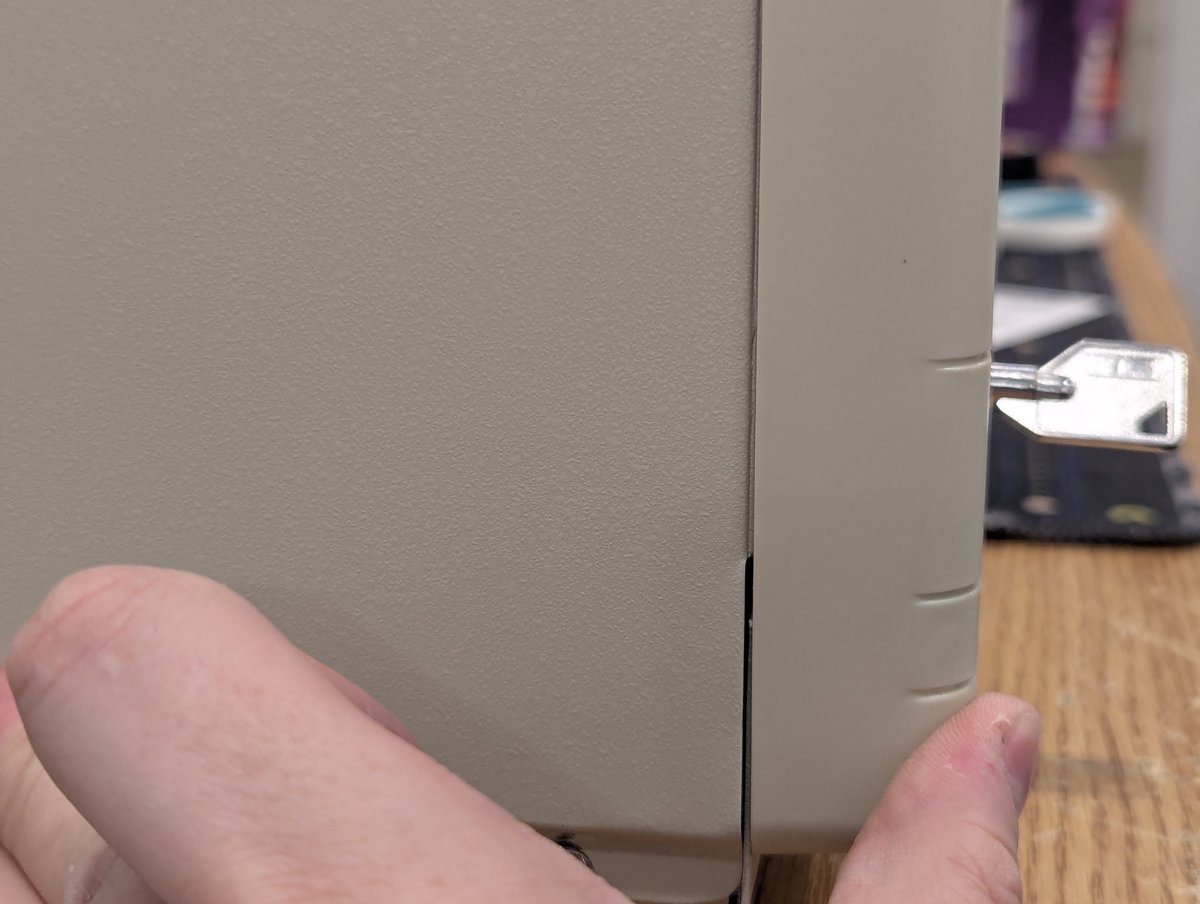
So, there was one casualty in all of this... I over torqued one of the screws that holds on the front faceplate, and it snapped when I tried to loosen it. UGH! It is a little bit noticeable, but the front panel is secure enough as is. Maybe I will "weld" this back later.
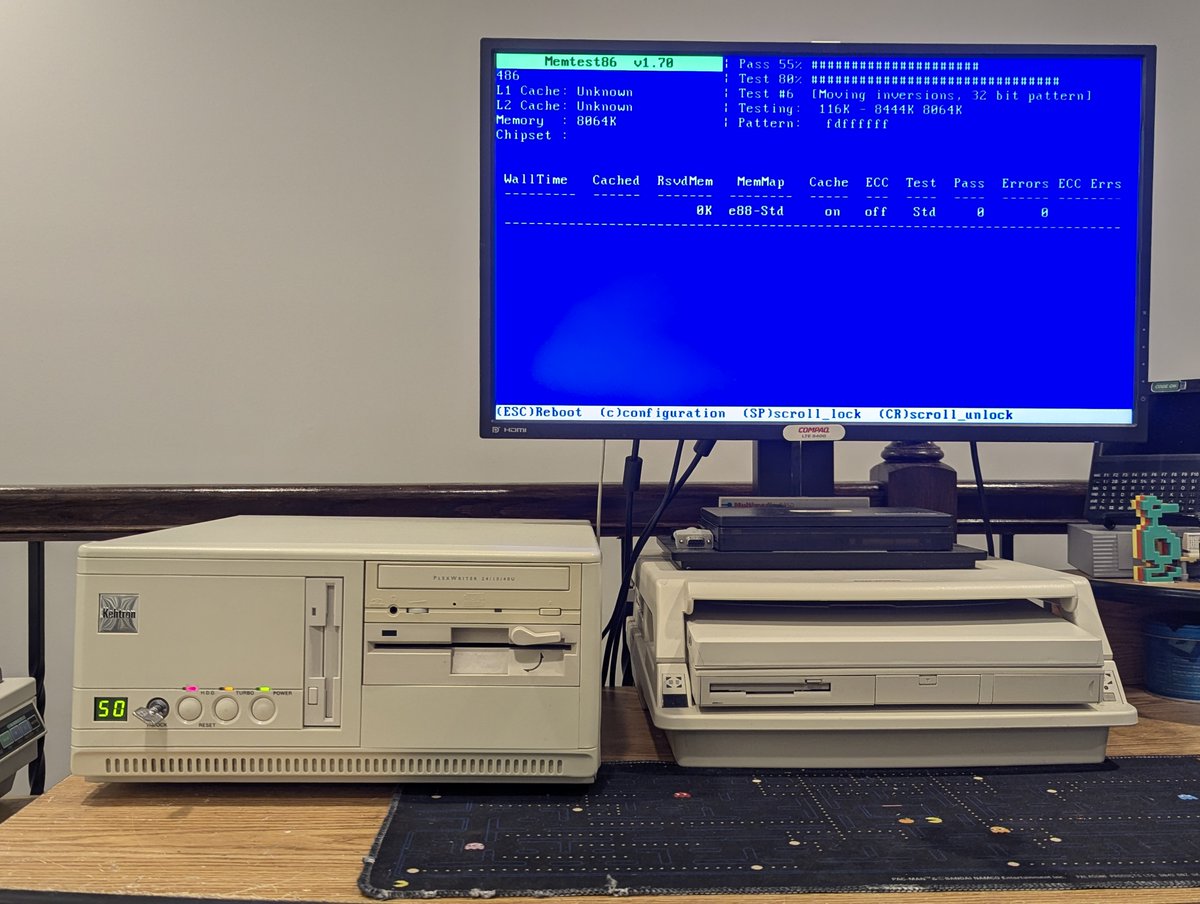
So, overall, I'm glad I made the hour drive to pick up this beauty. I did run MemTest86+ on it, and the 8MB of memory passed. Next, we'll put some software on this, but this thread is already too long. So, as such, thx for reading, and see you soon!
@threadreaderapp unroll
@threadreaderapp unroll
• • •
Missing some Tweet in this thread? You can try to
force a refresh