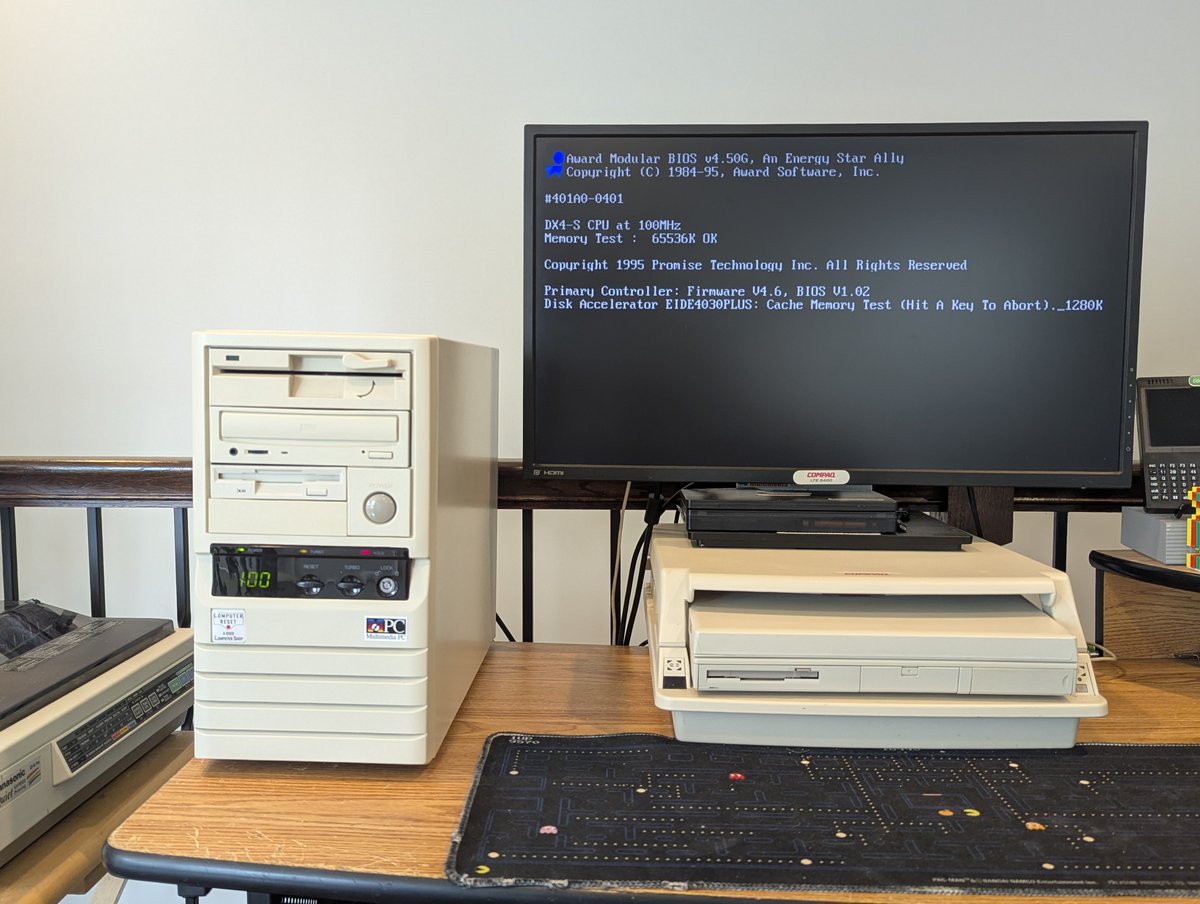
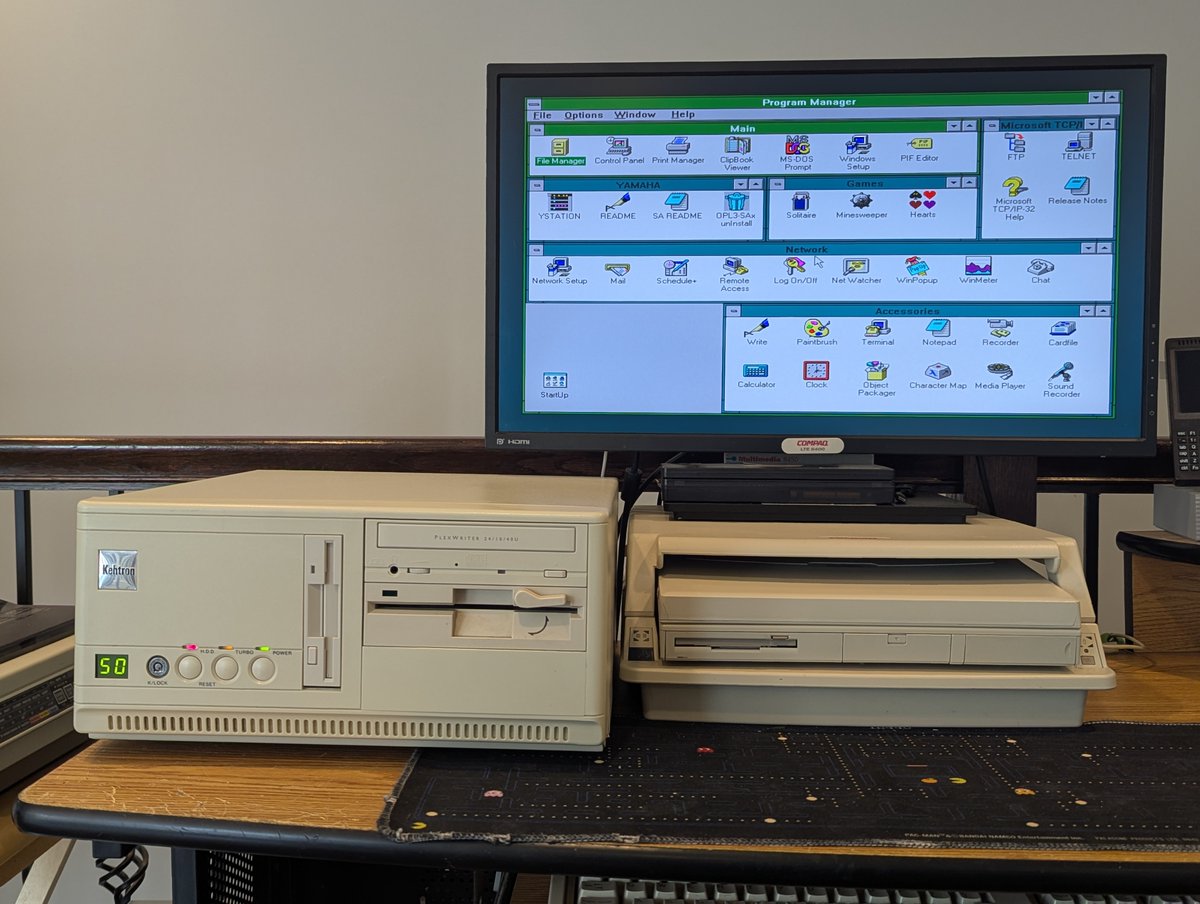
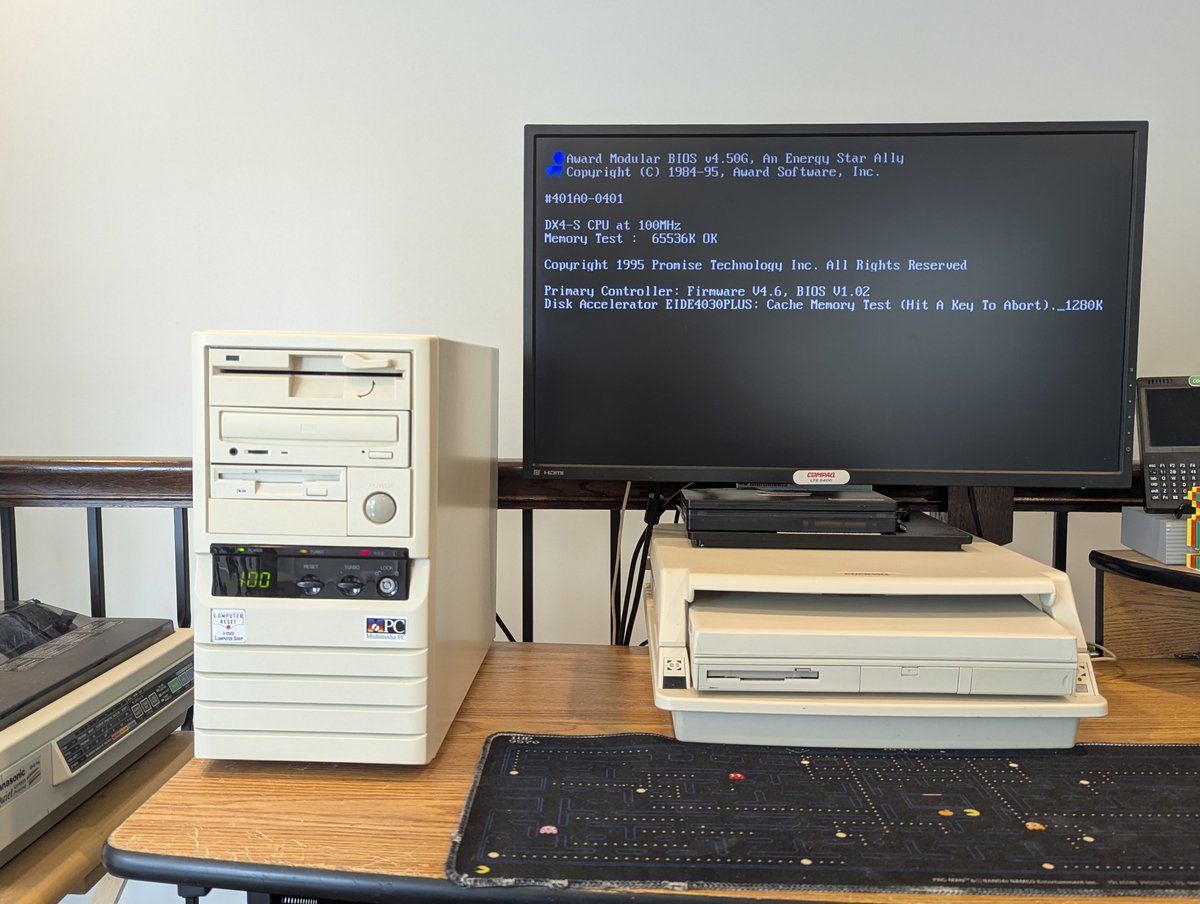
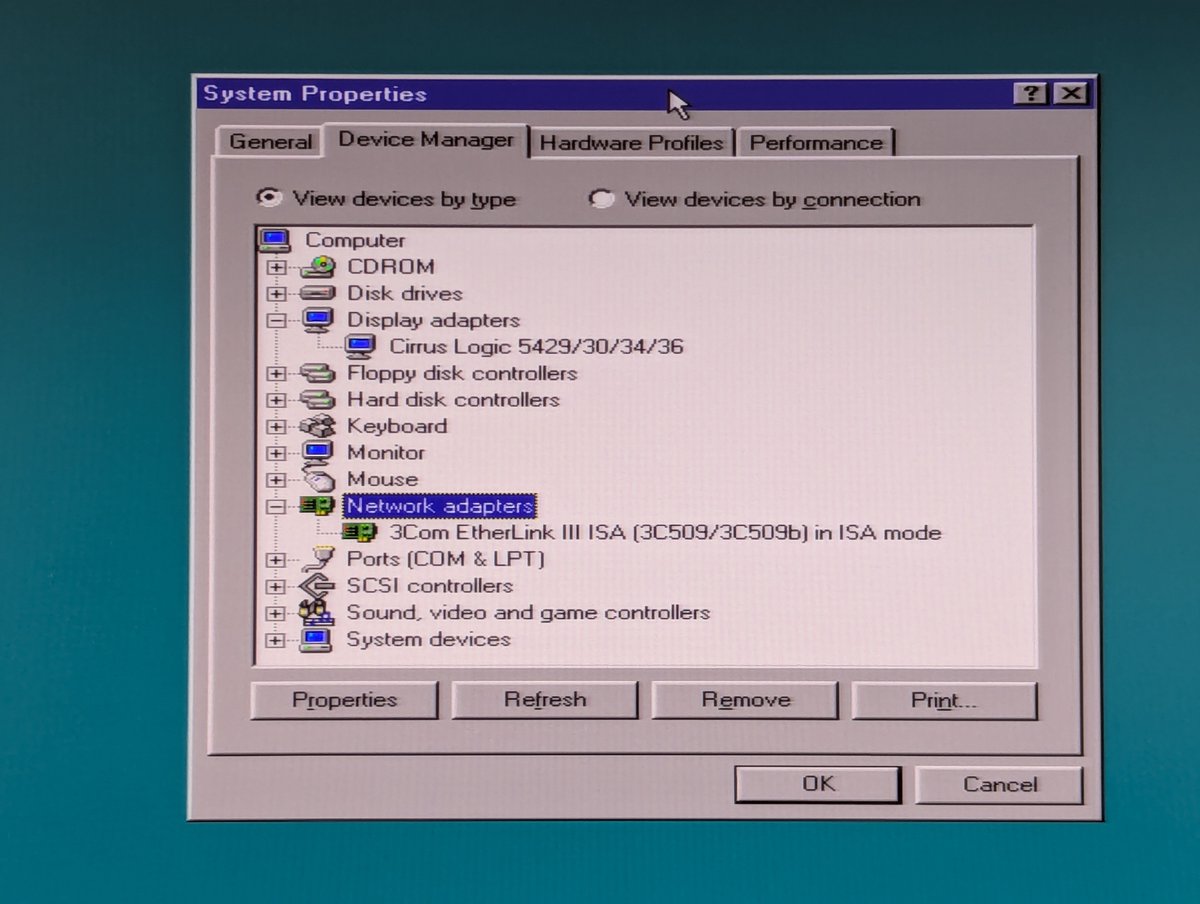
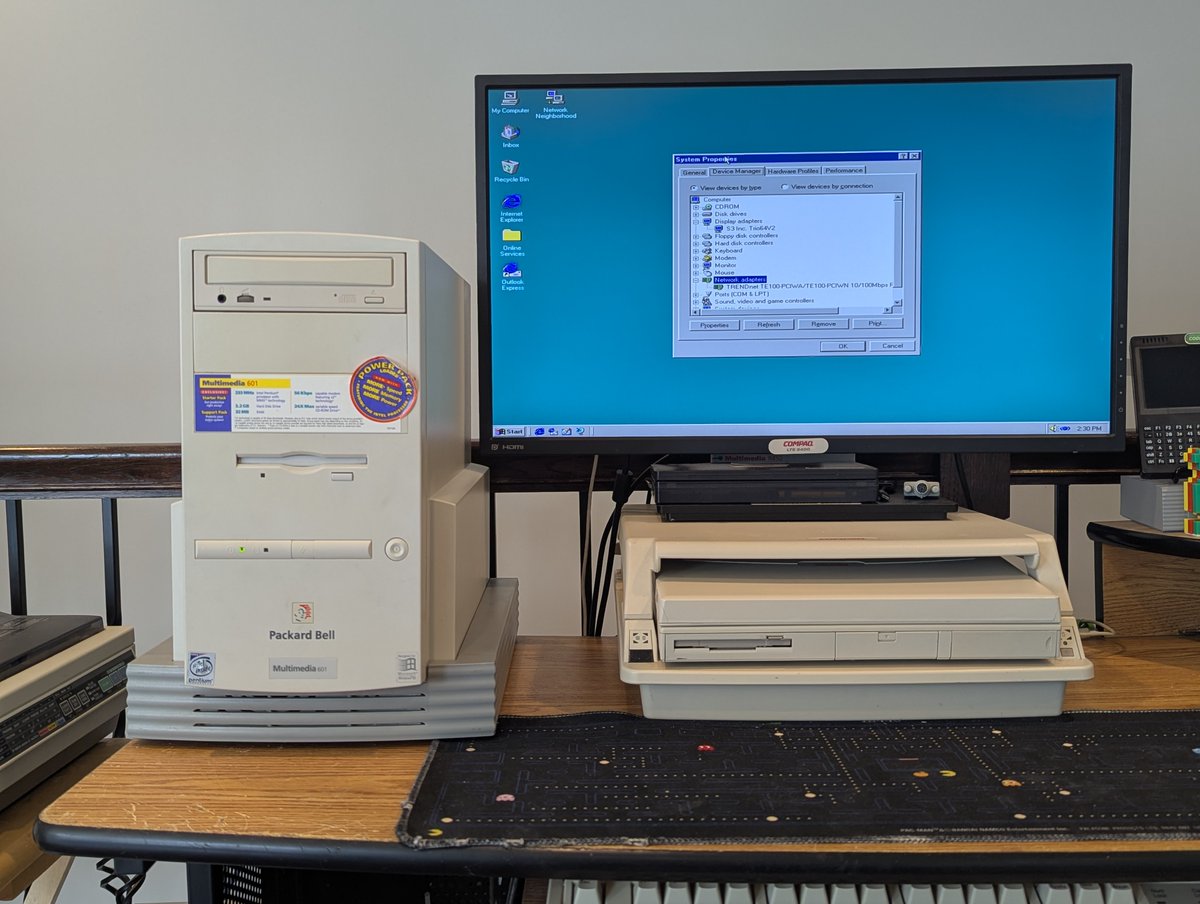
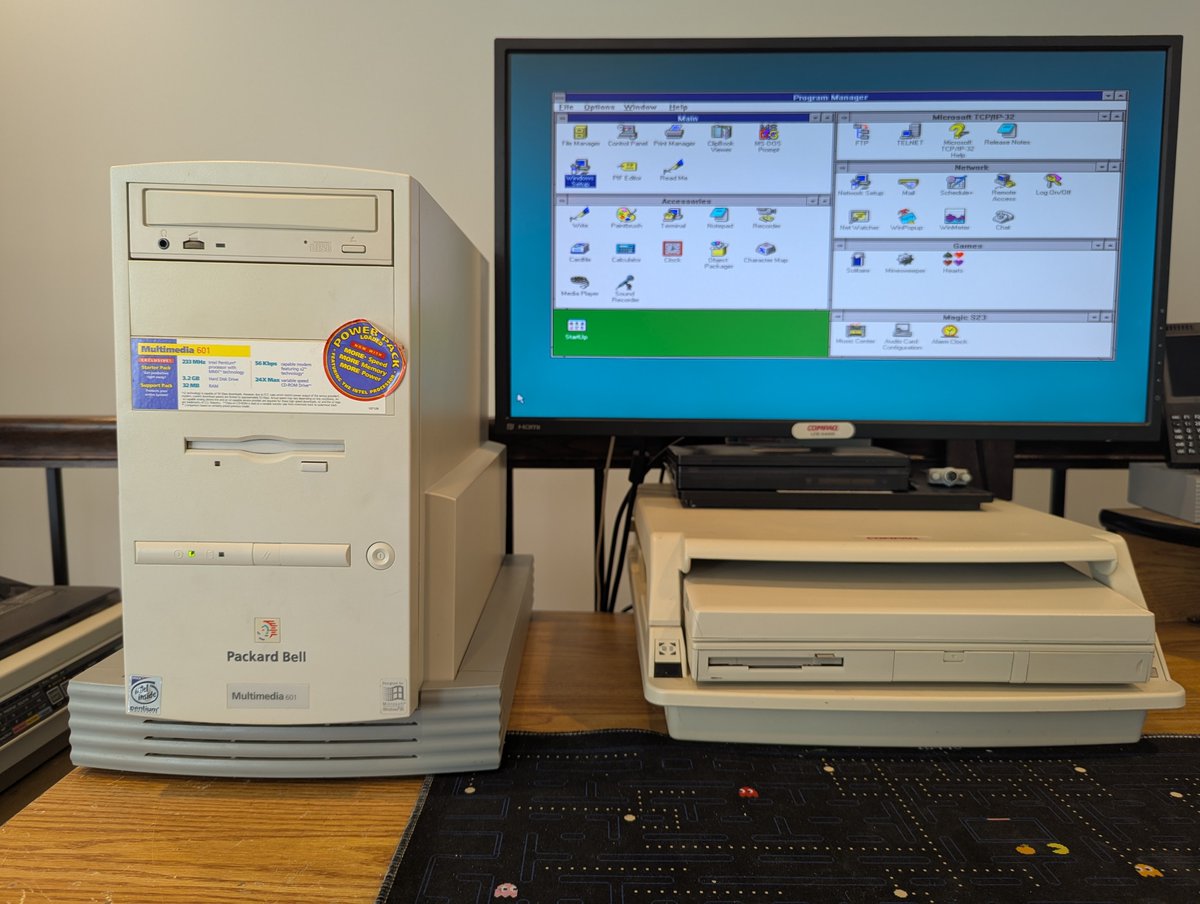
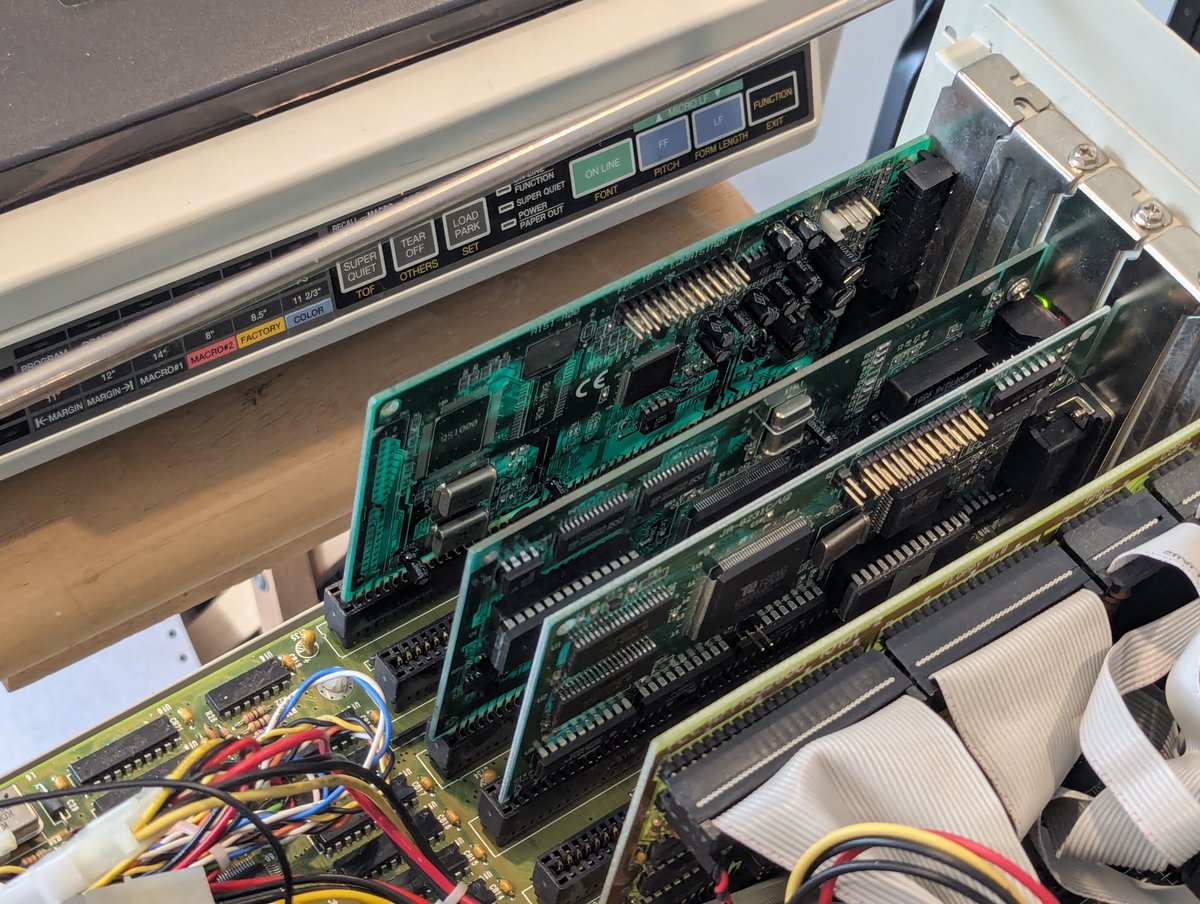
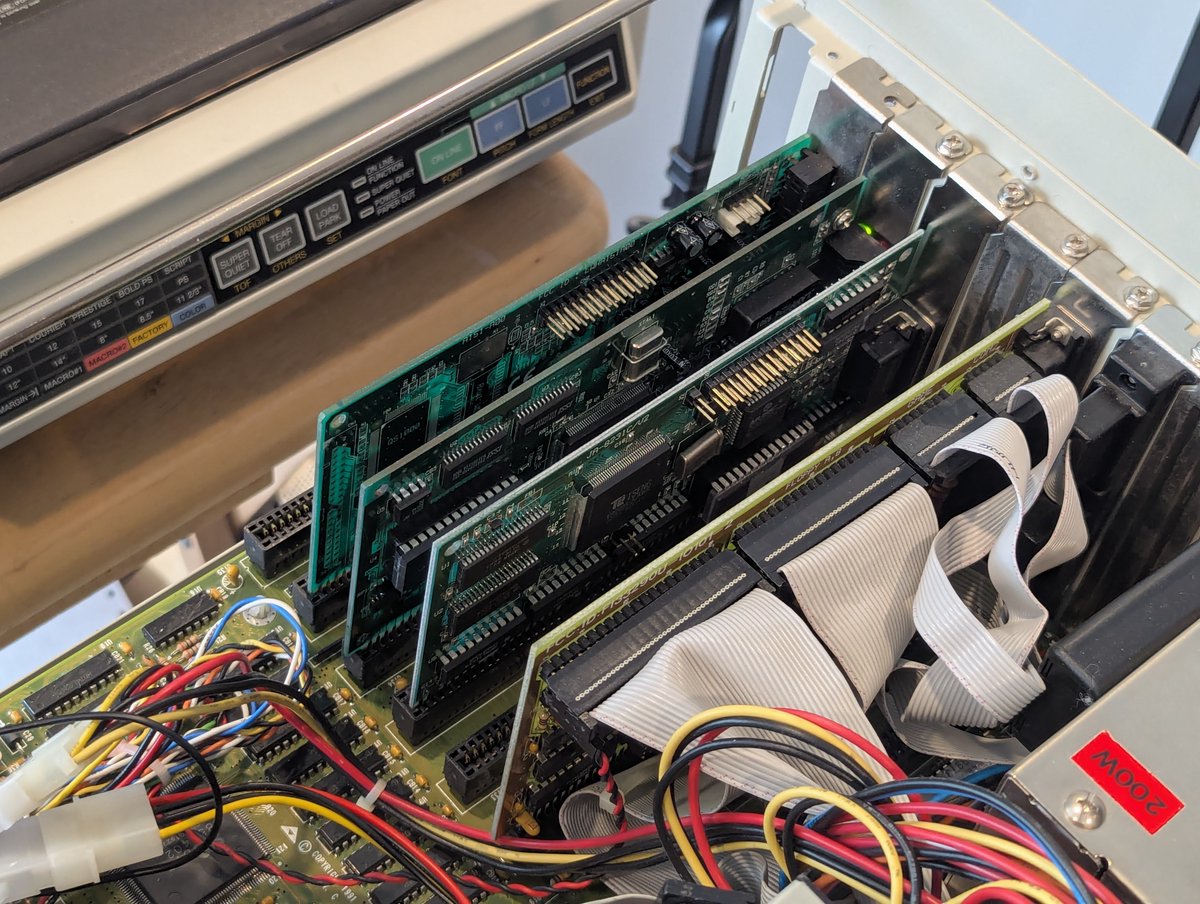
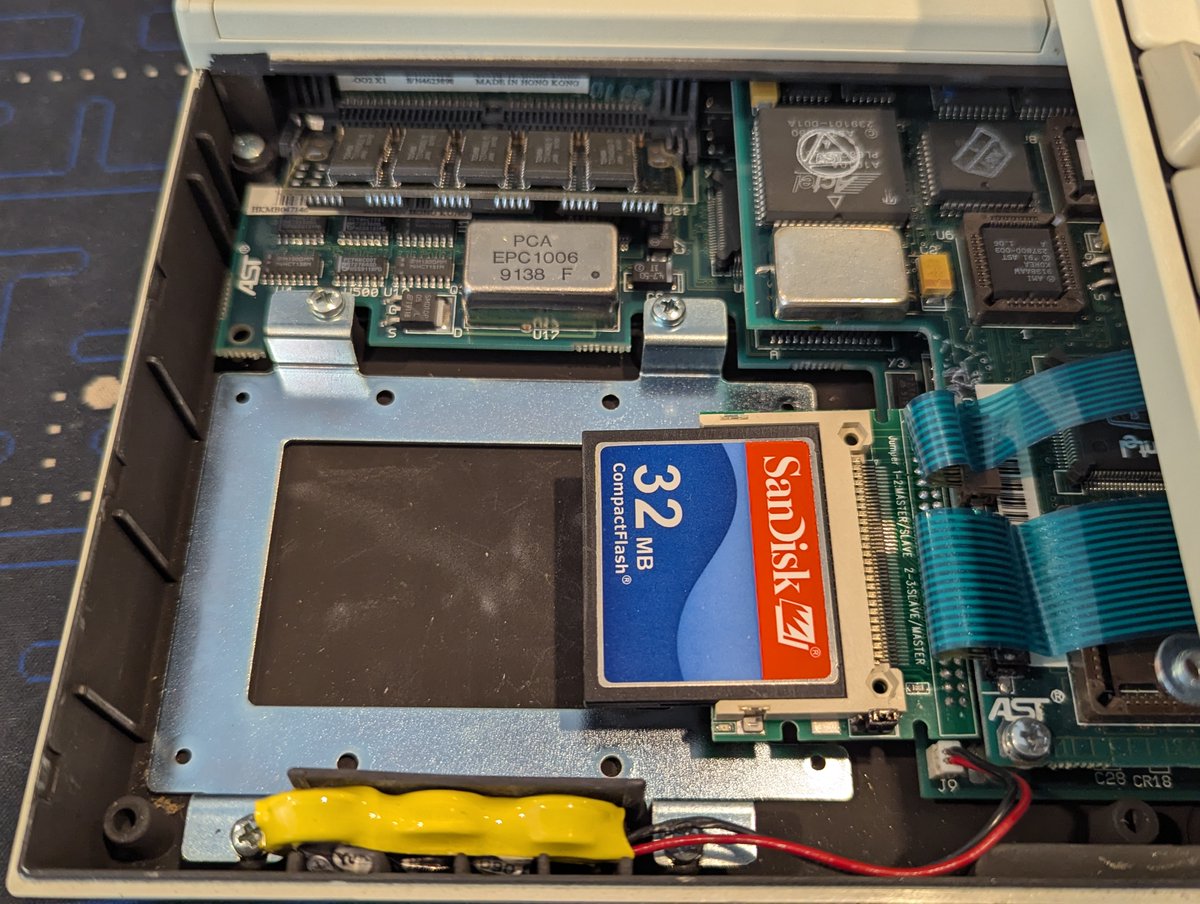
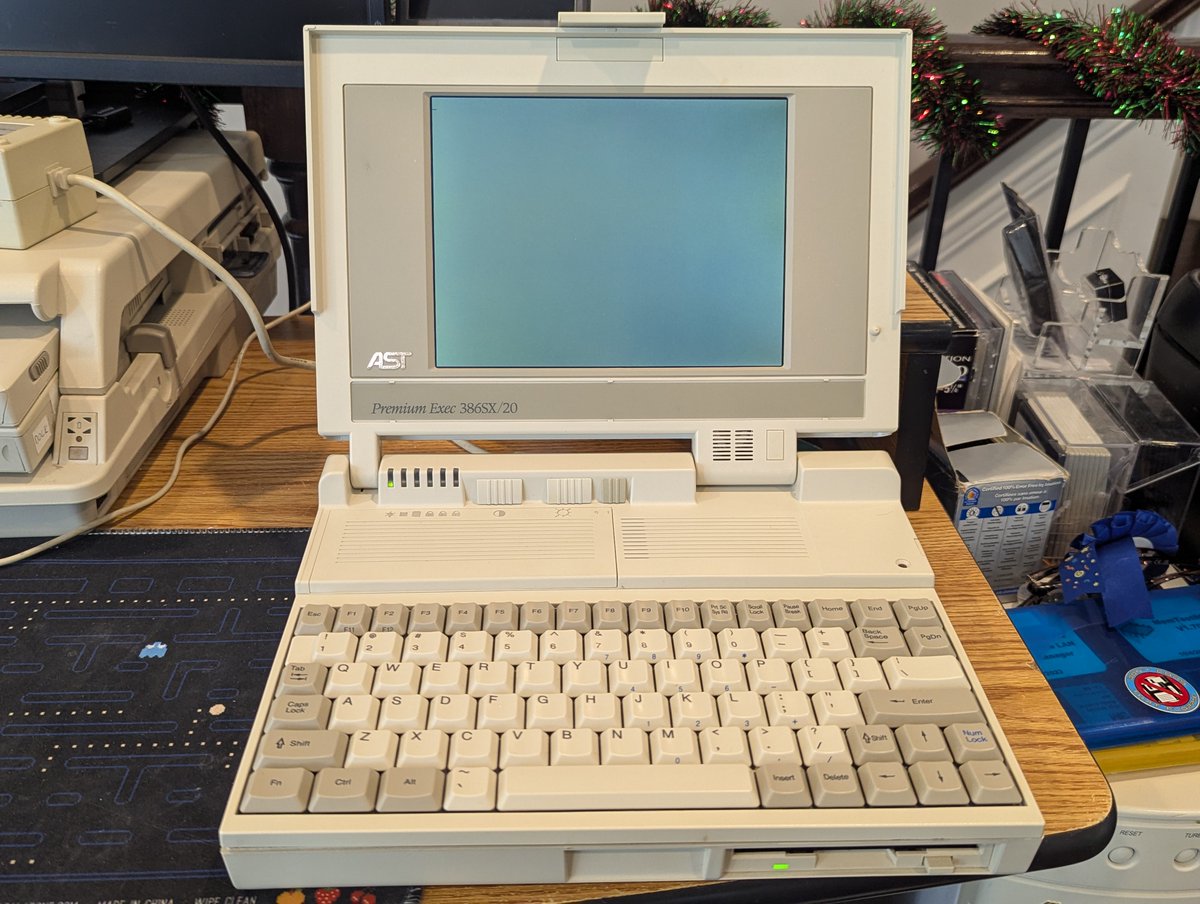
I have a bunch of ISA 16-bit sound cards to test! Let's test them (or at least try to test them) and select one to put in the new Re-Enlightened PC. Let's go! 🧵 


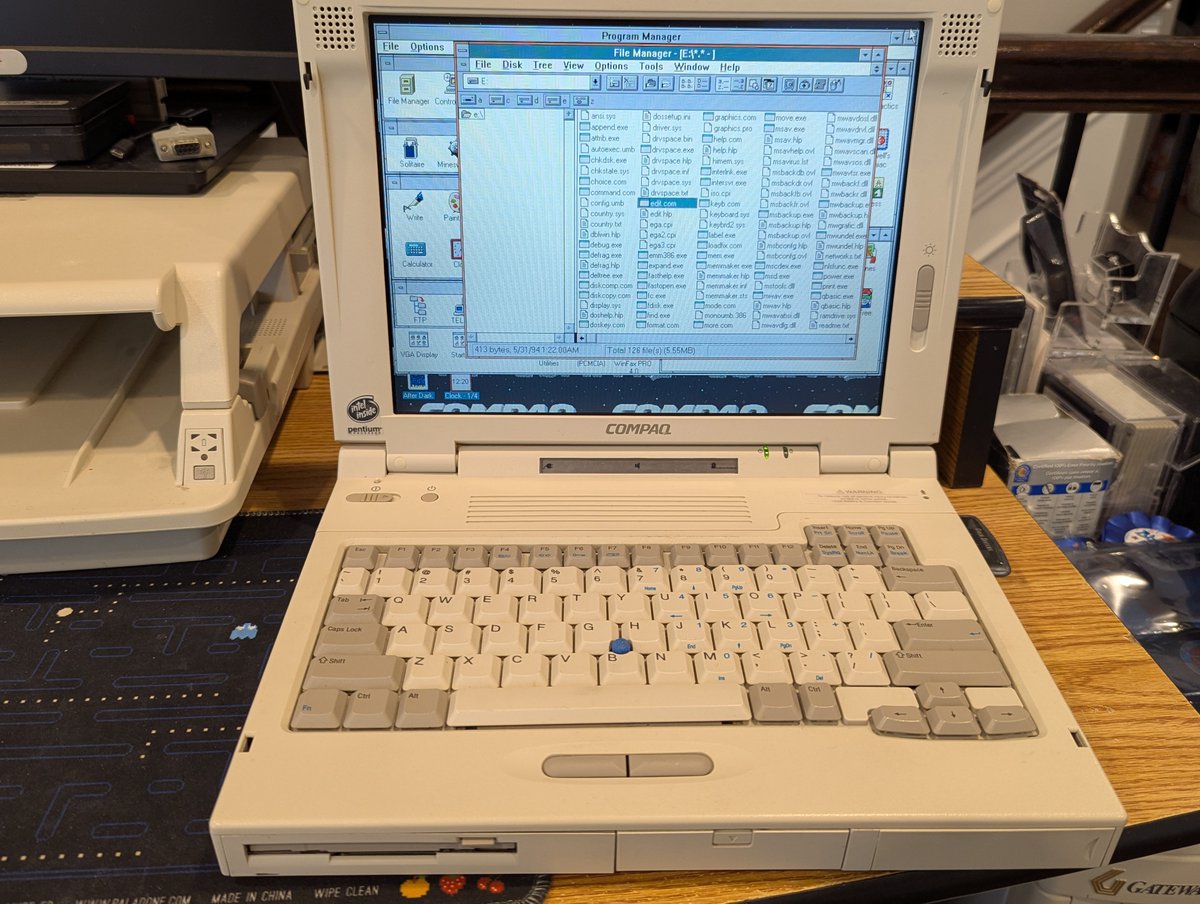
Before we get too far into this, I copied over DOS/Win3.1x drivers that we will need for the five different sound cards, and also made a backup of my DOS/Win3.1x partition, since we'll most certainly be screwing it up. I also copied over some games to test in DOS.


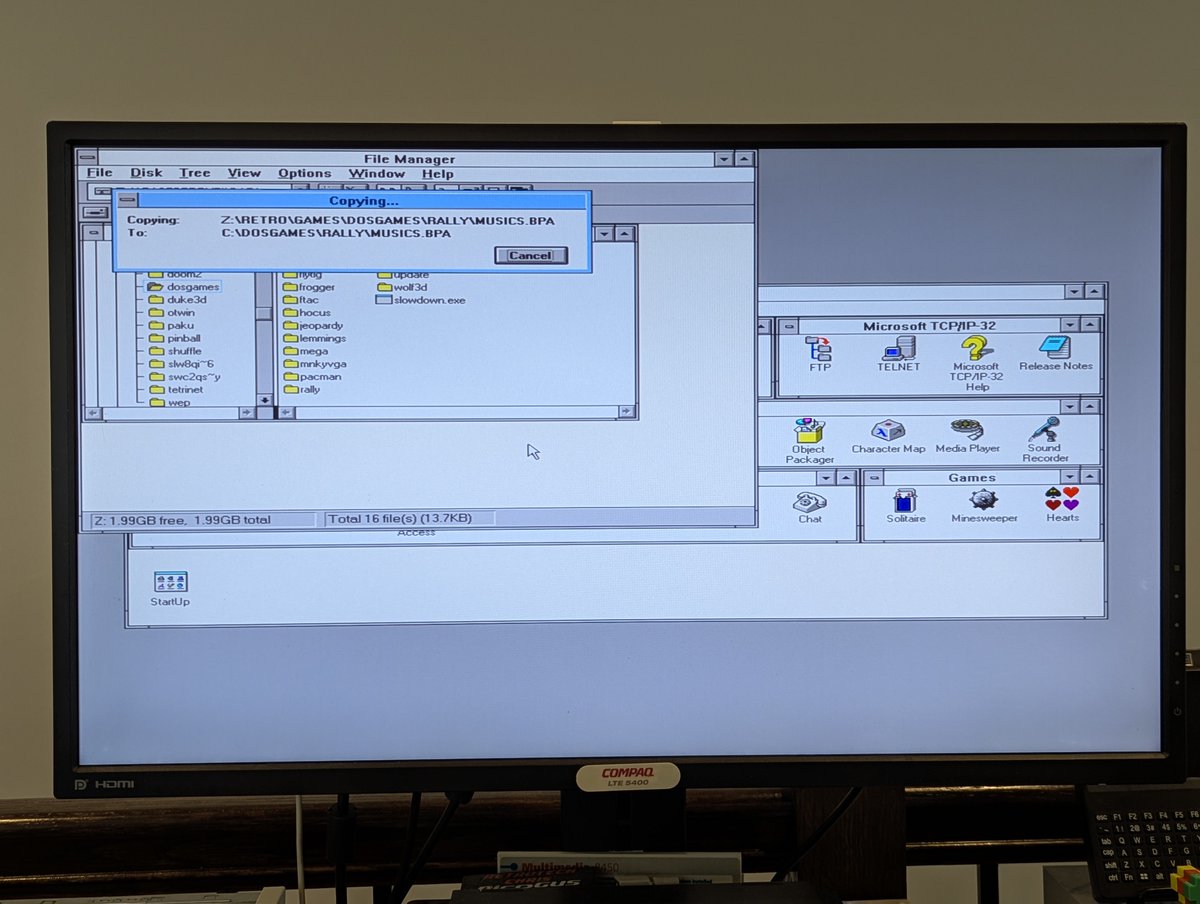
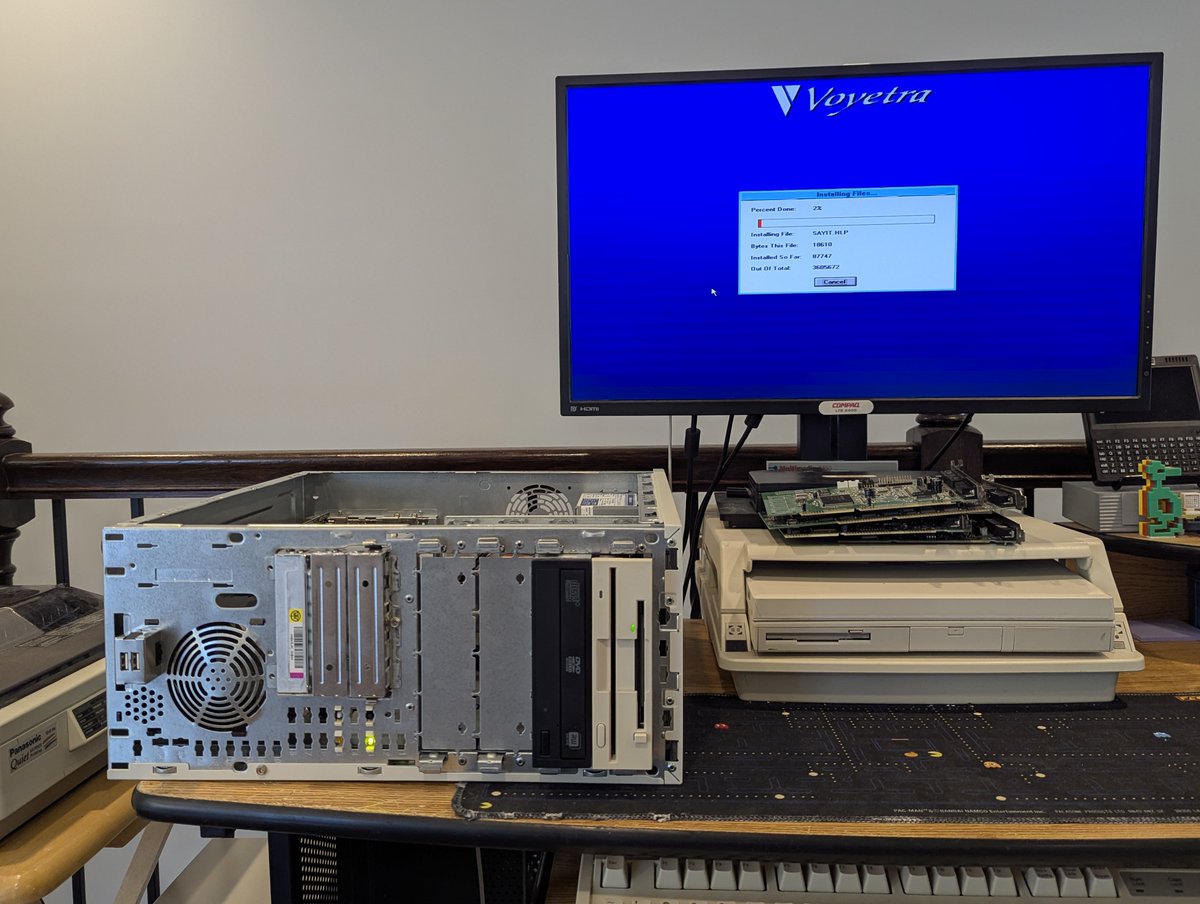
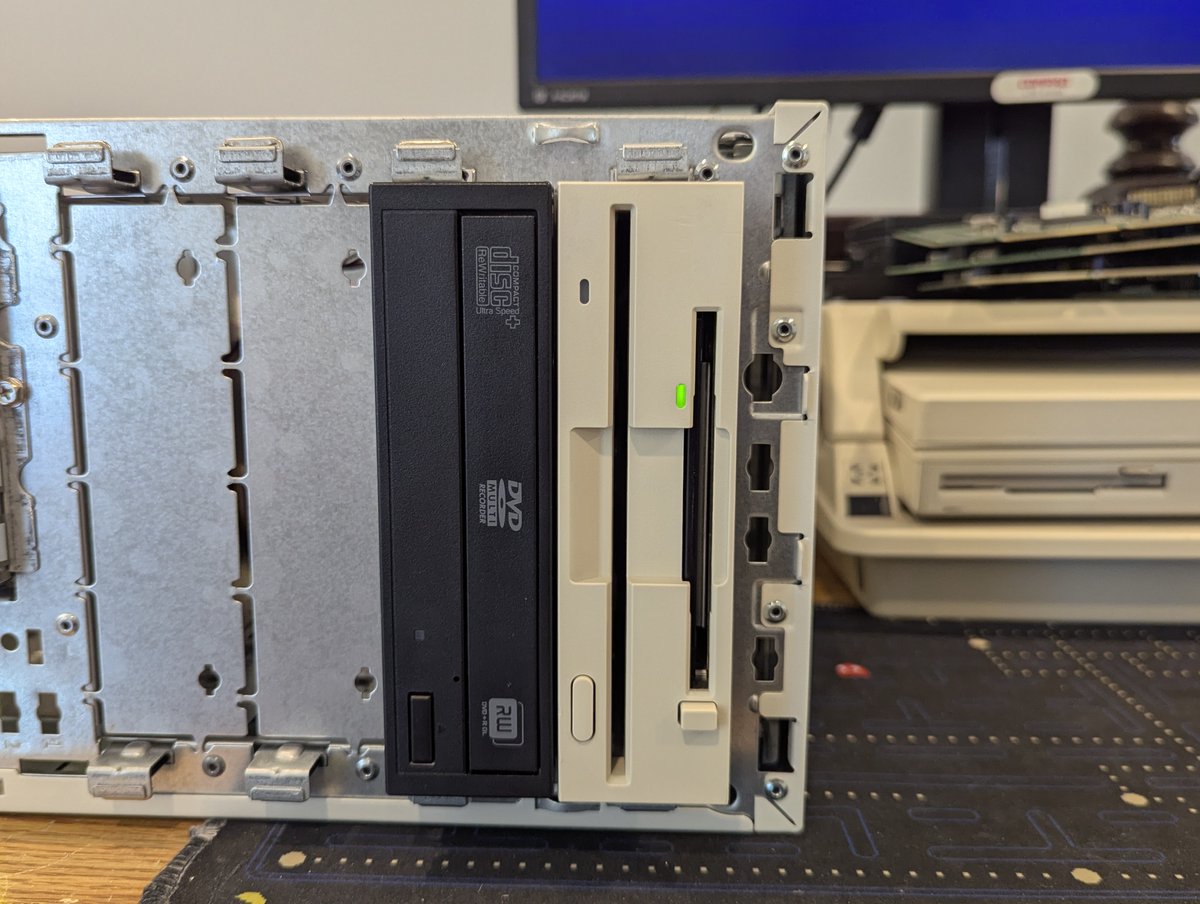
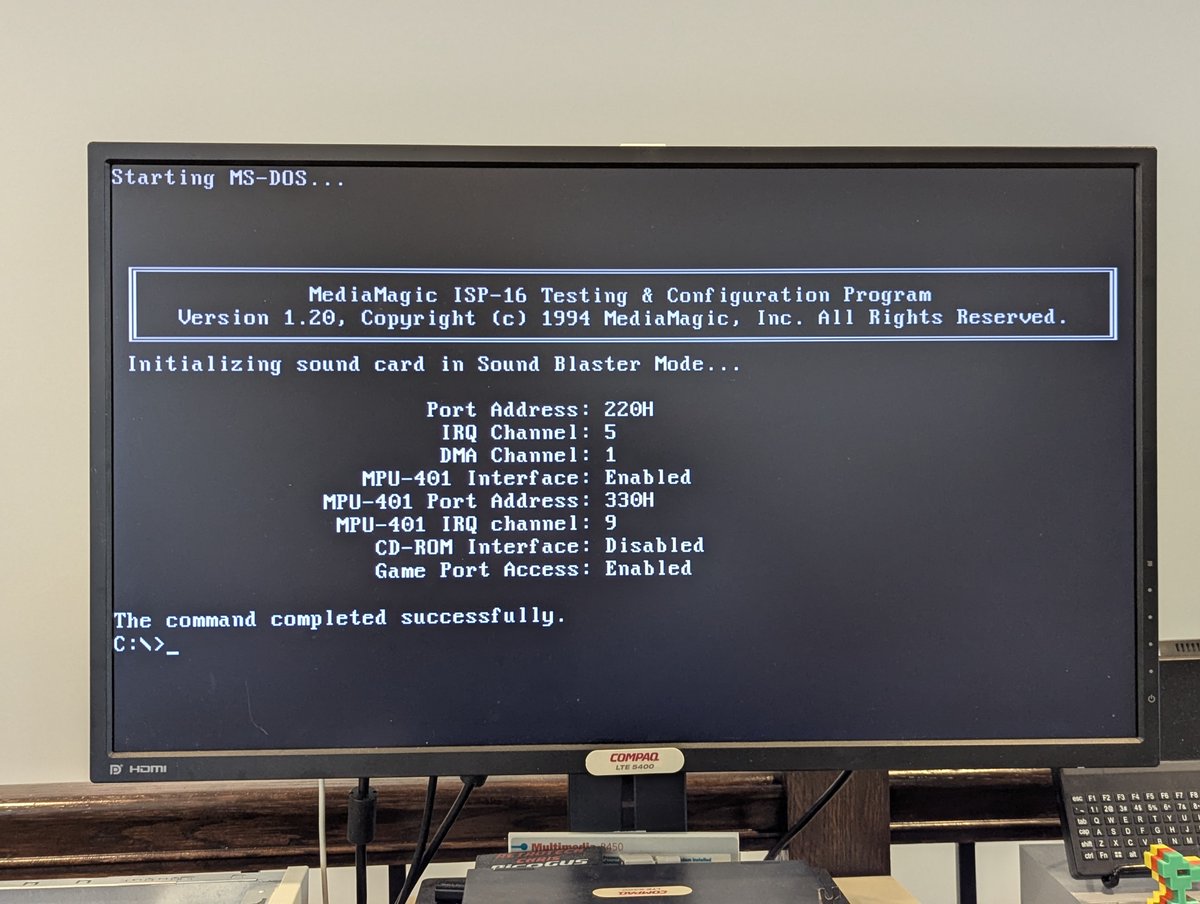
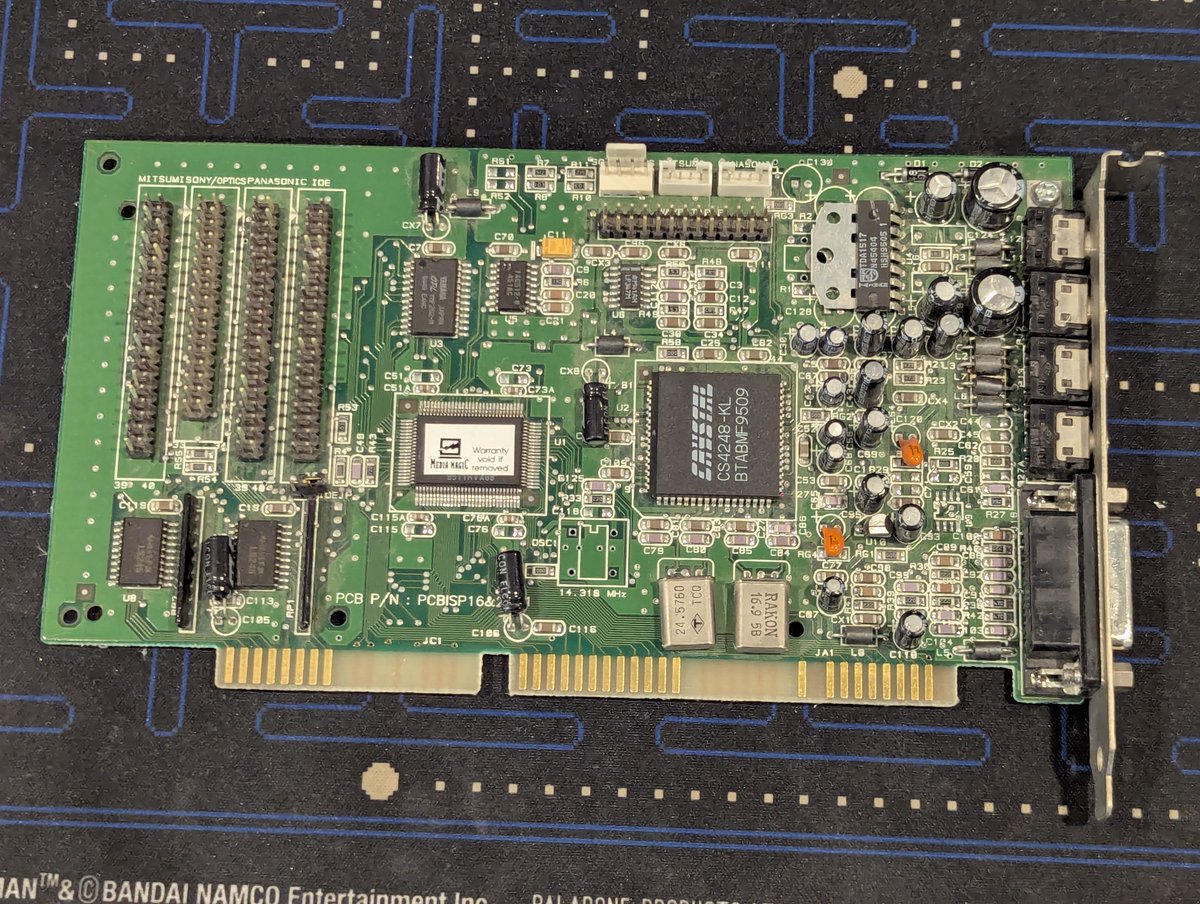
The first card we are going to test is one I have set up before: A MediaMagic ISP-16. I started to install drivers, and realized that they HAD to install from a floppy disk, so I copied them there!
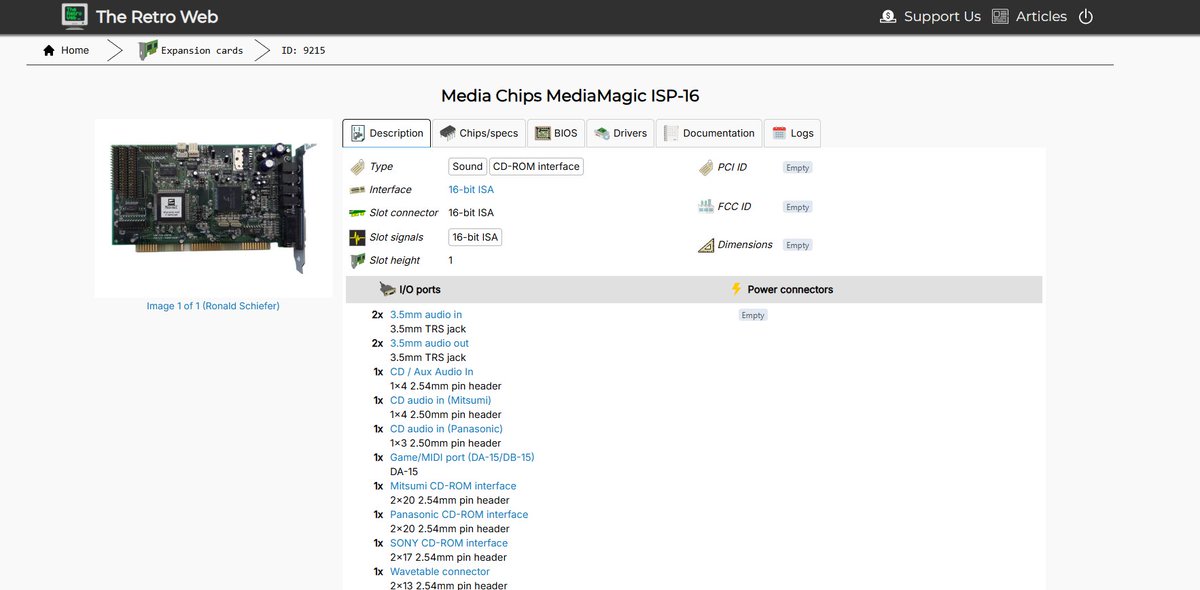
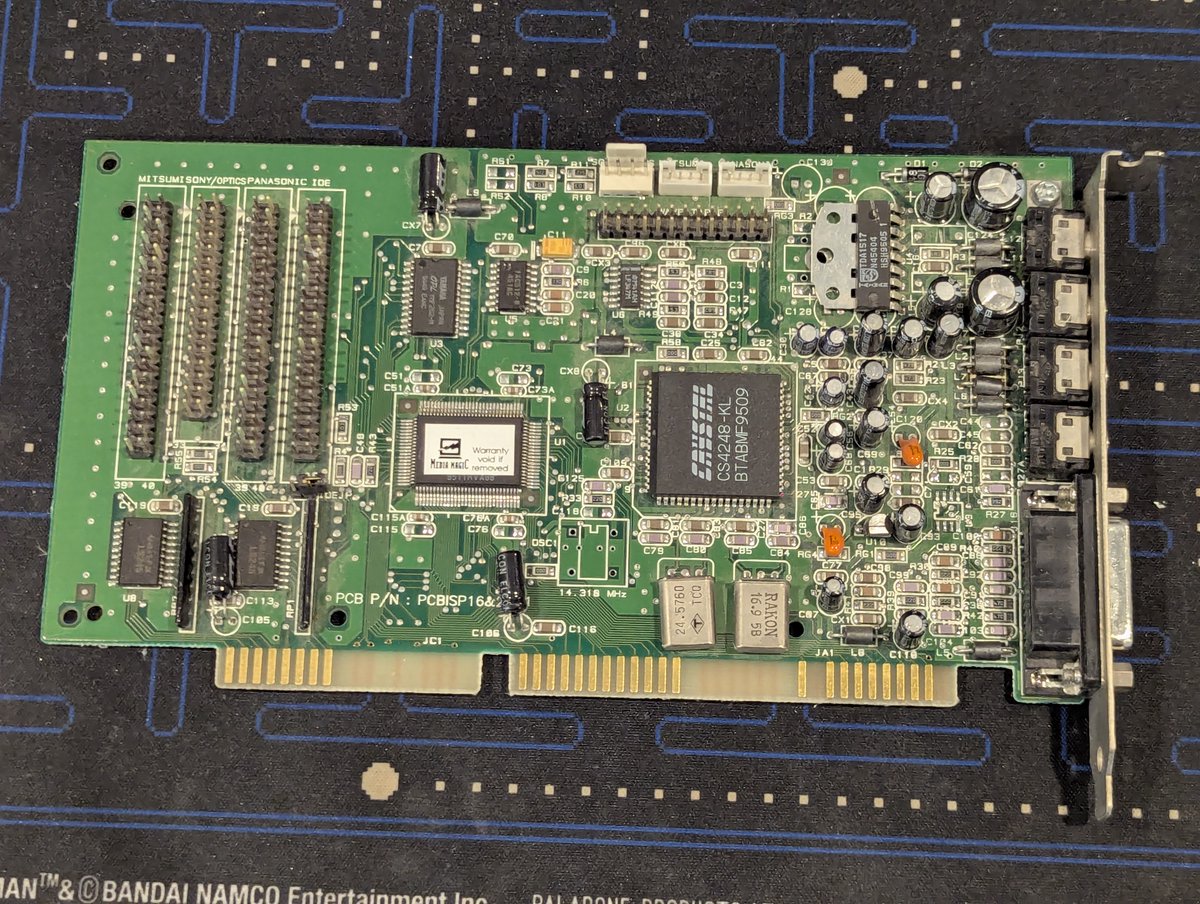
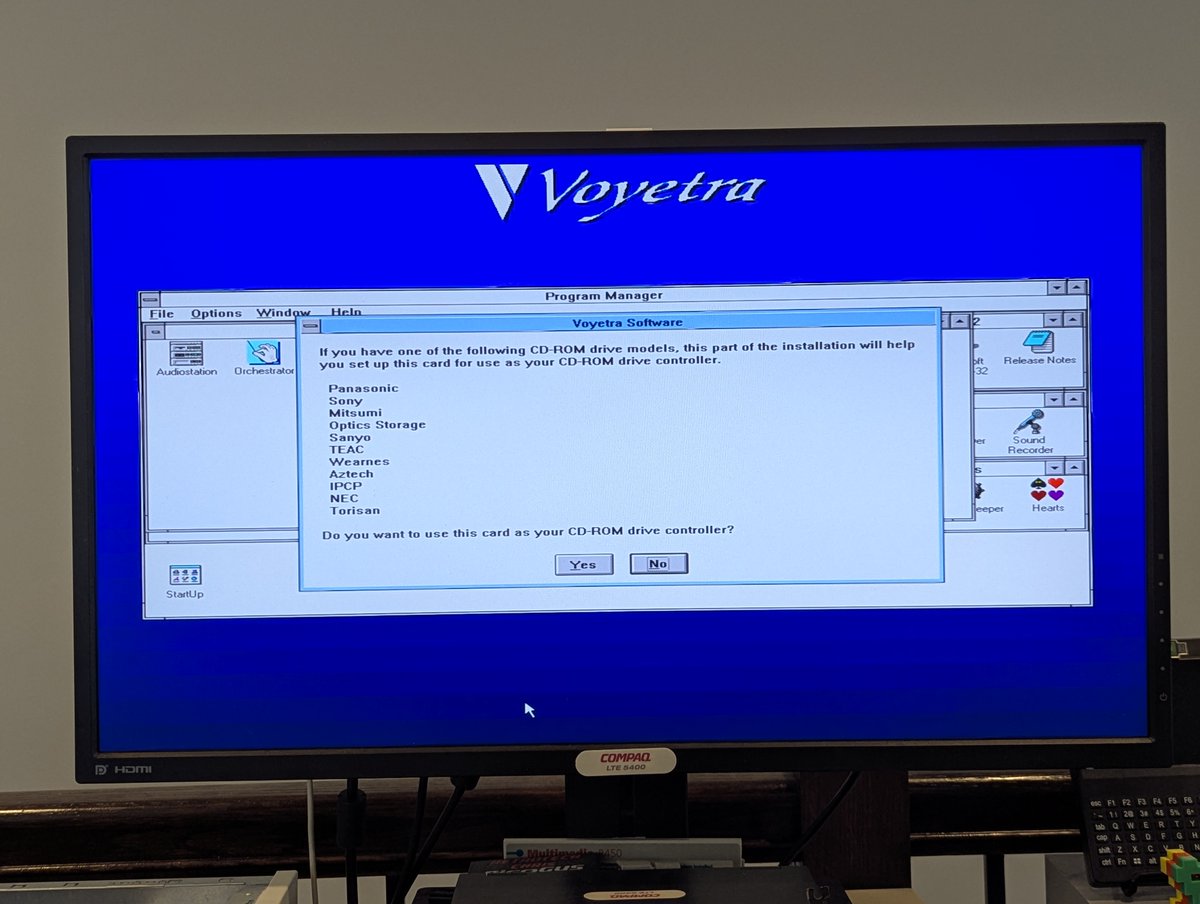
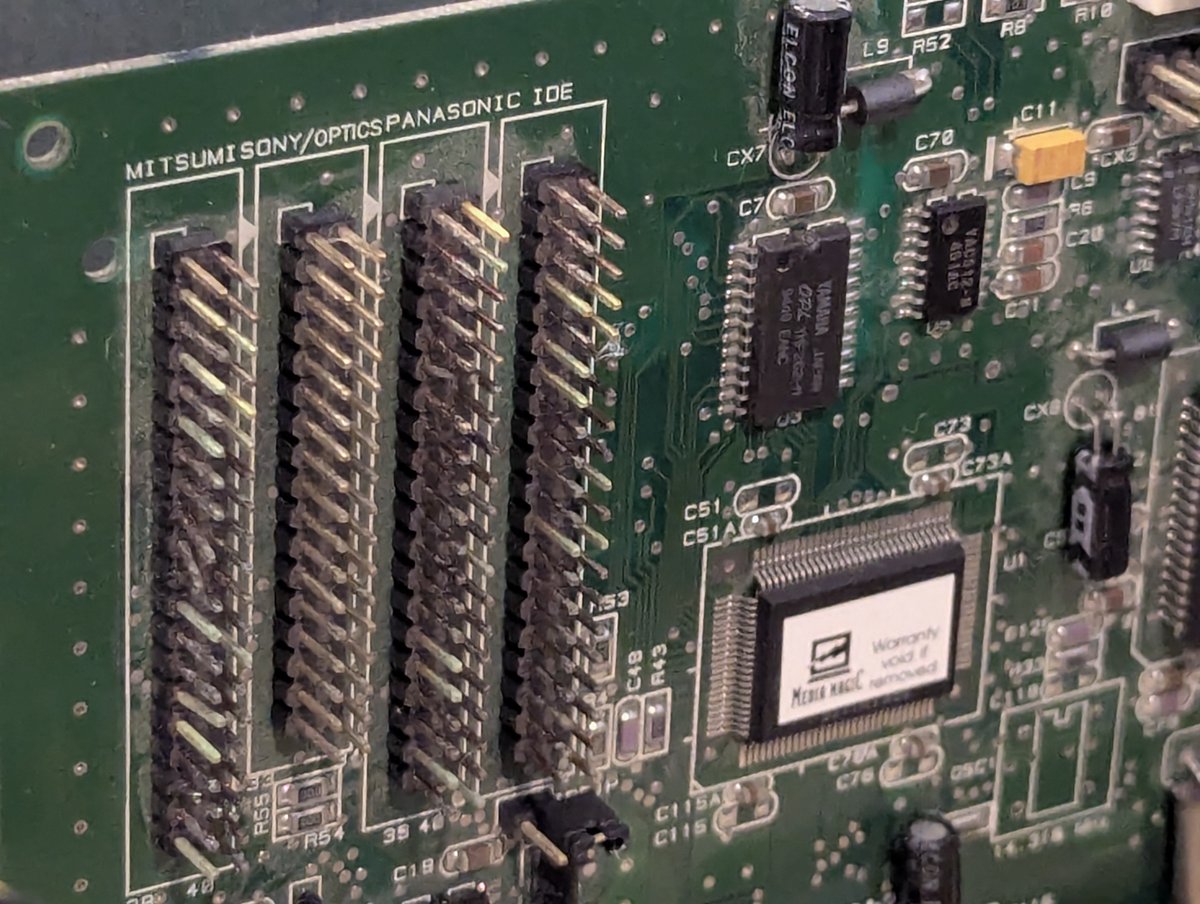
I configured the settings for the card, and was also asked if I wanted to configure a CD-ROM. This card supports the proprietary versions of Sony, Mitsumi, and Panasonic CD-ROMs, and also IDE CD-ROMs if so configured!

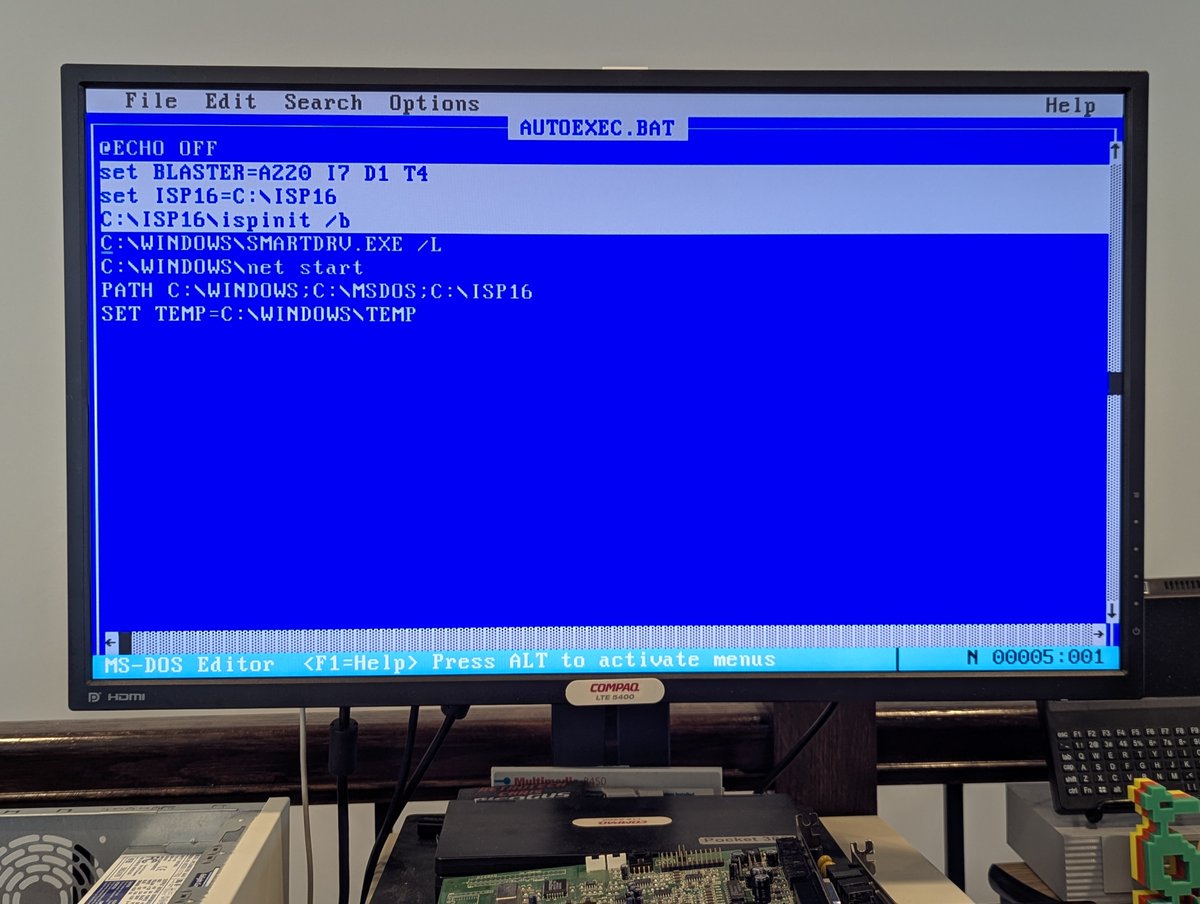
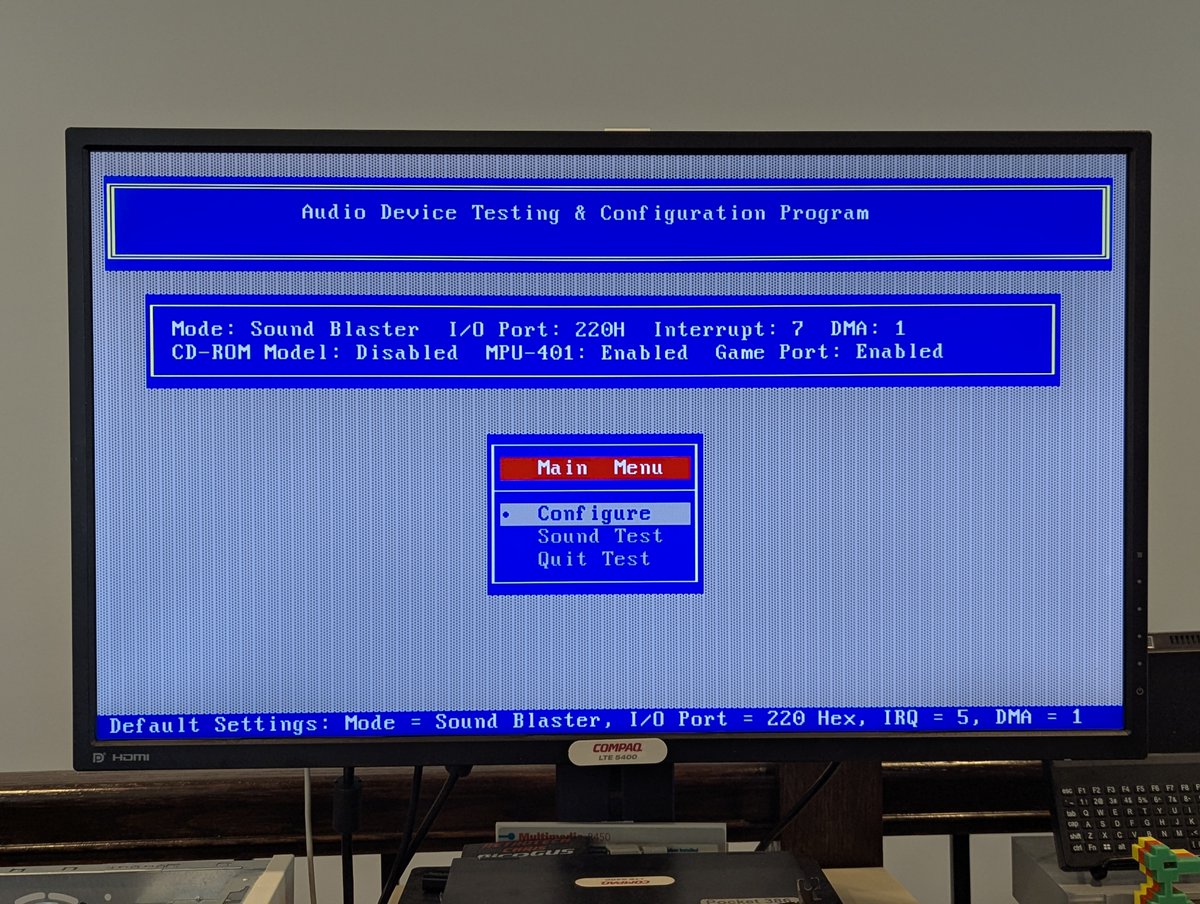
Once drivers are installed, they add a few entries to autoexec.bat. I launched the configuration utility to bump up volumes levels a little.
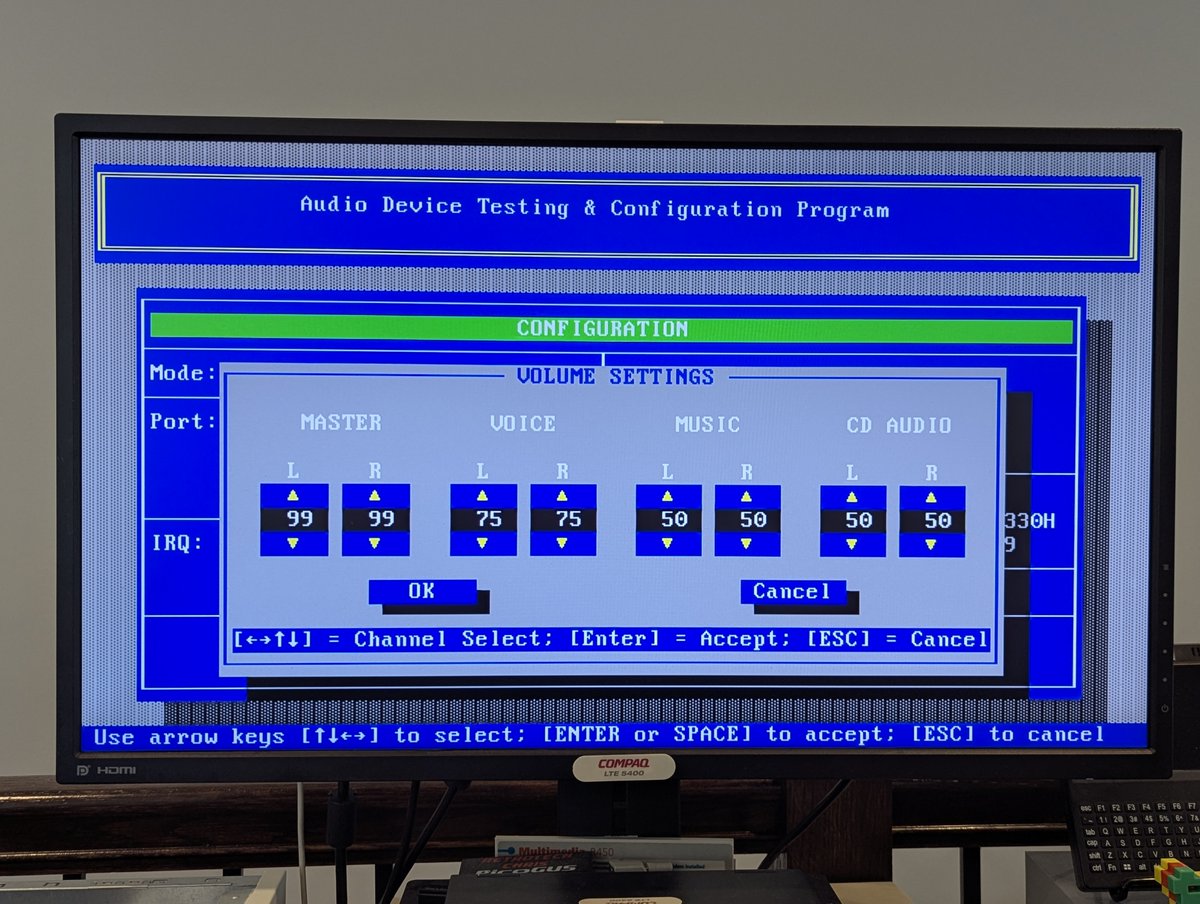
I launched Commander Keen in Goodbye Galaxy for a quick audio test. Pass!
When I launched Windows for Workgroups 3.11, we had an IRQ conflict as you can hear! I tried a few adjustments, and settled on something that works. Great!
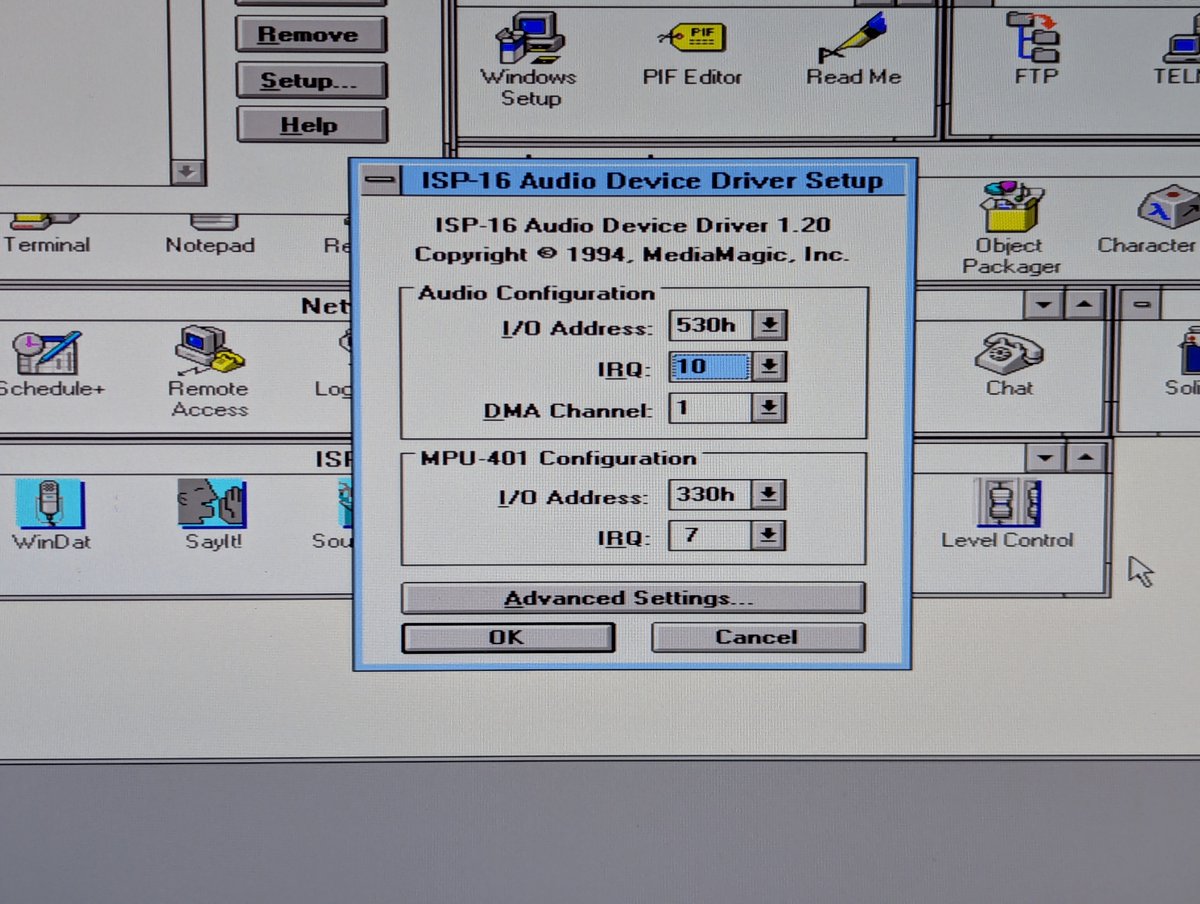
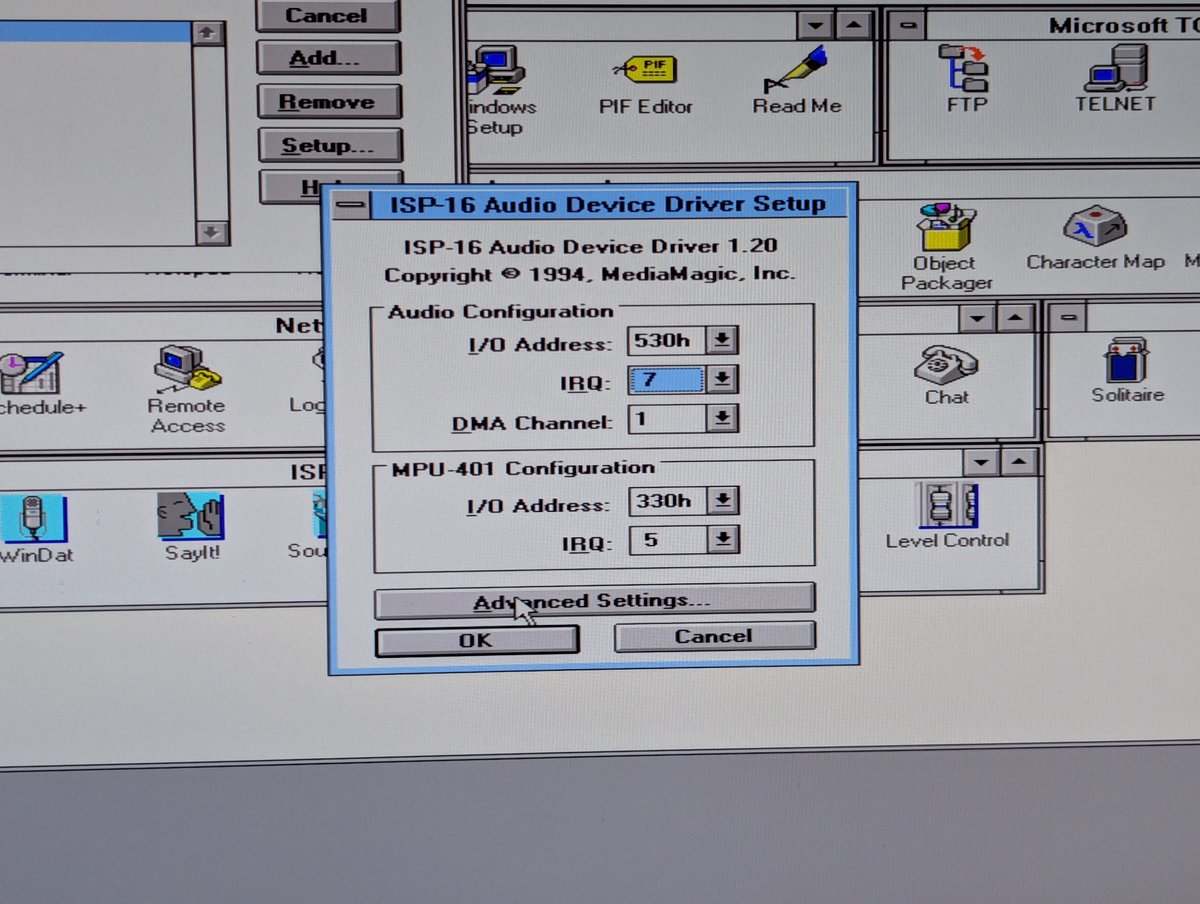
To celebrate the successful configuration of this card, I did a quick clip of part of canyon.mid. Enjoy!
Next up, we have a Creative Sound Blaster 16 Value PnP. This was one of the "later SB16s" as I recall... and... well... okay.. "budget."
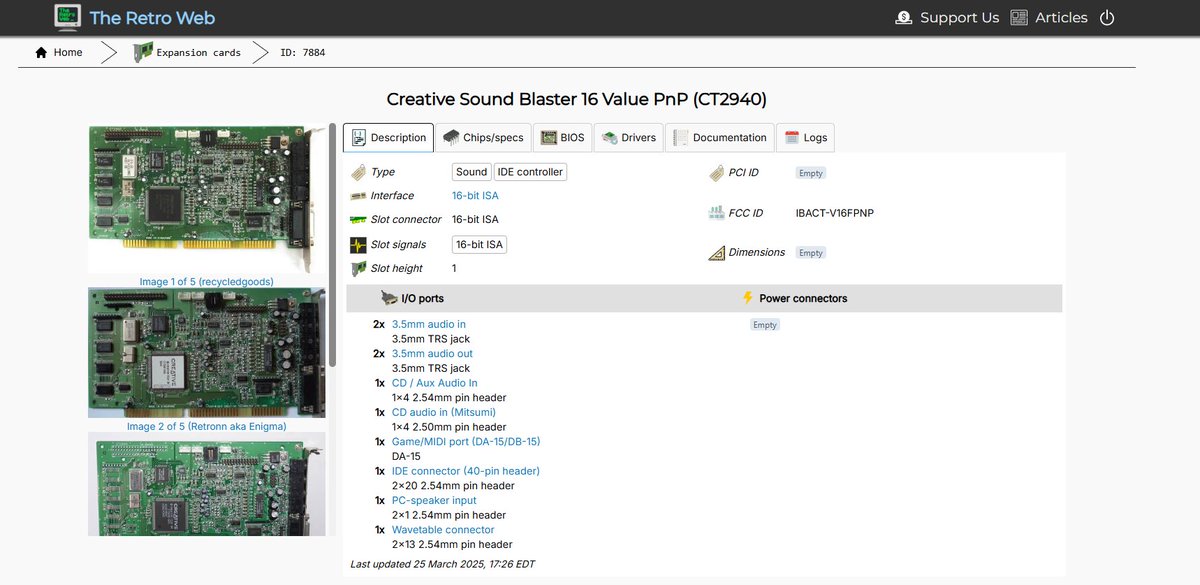

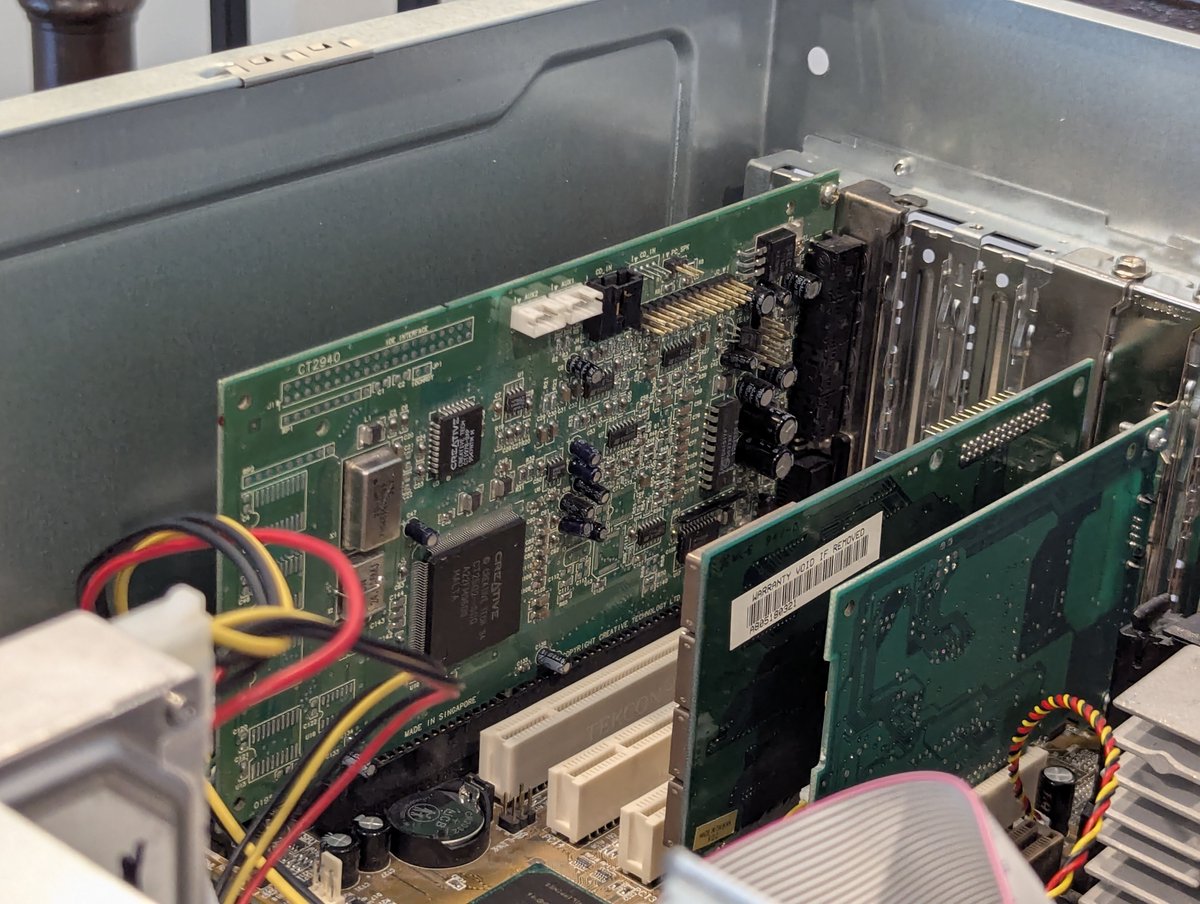
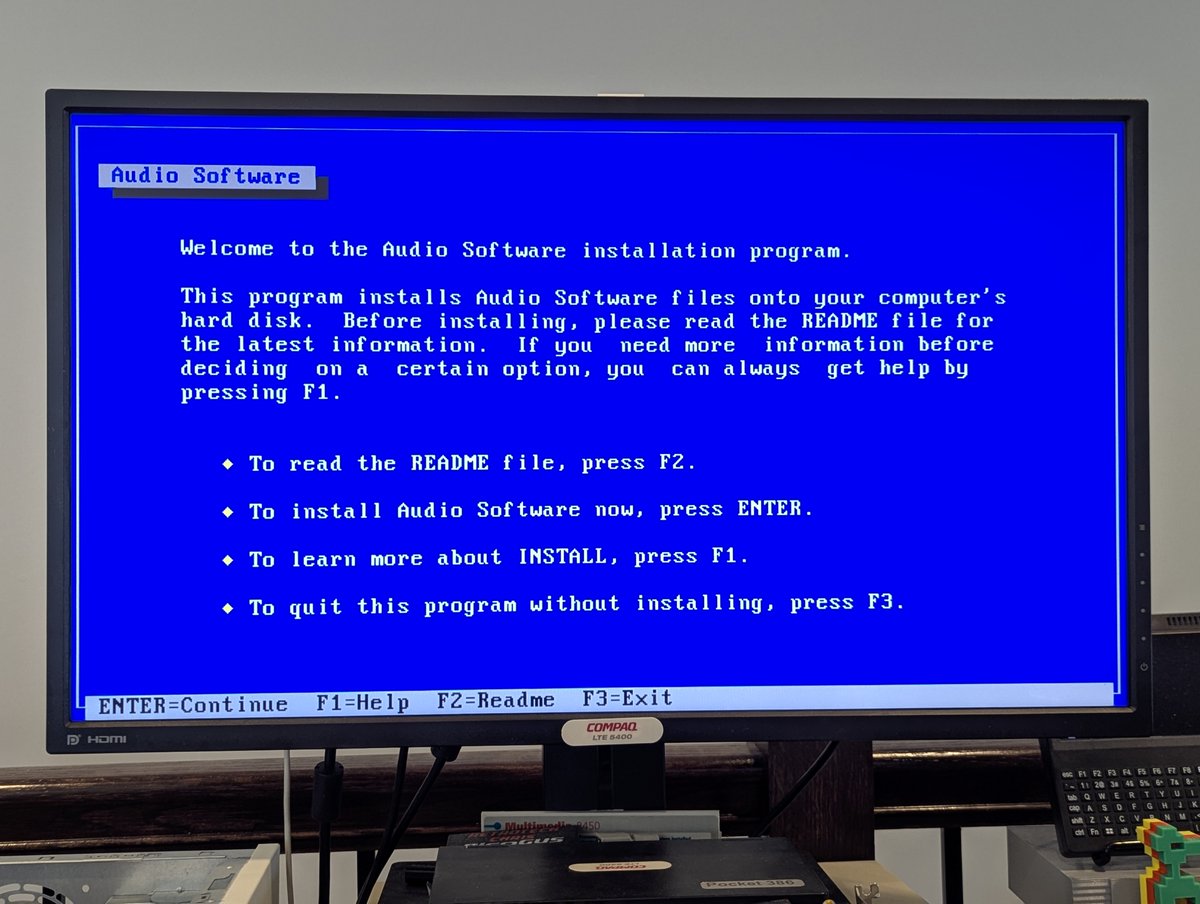
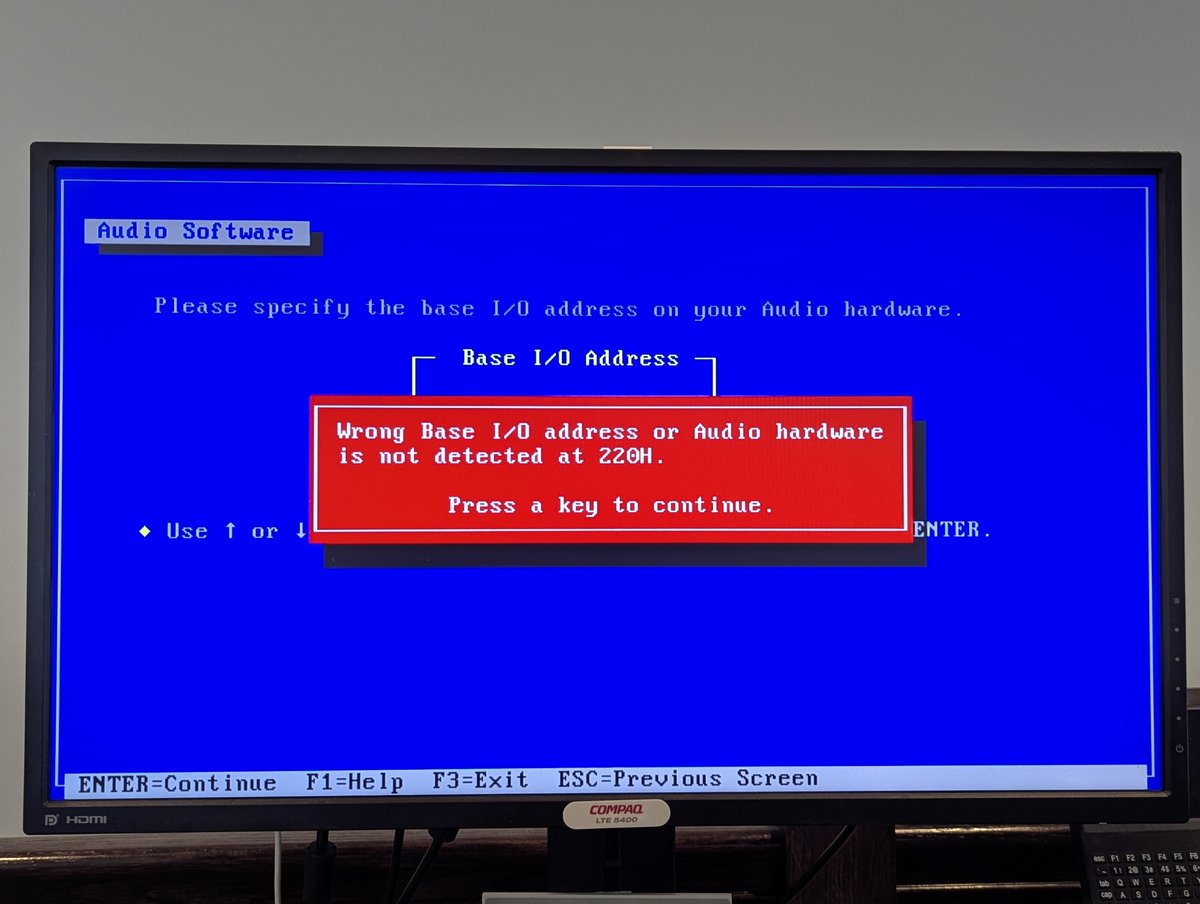
The installation for this card failed pretty fast. We need the CTCM or some other Plug and Play utility here to make this work. Let's move on for now and come back to this.
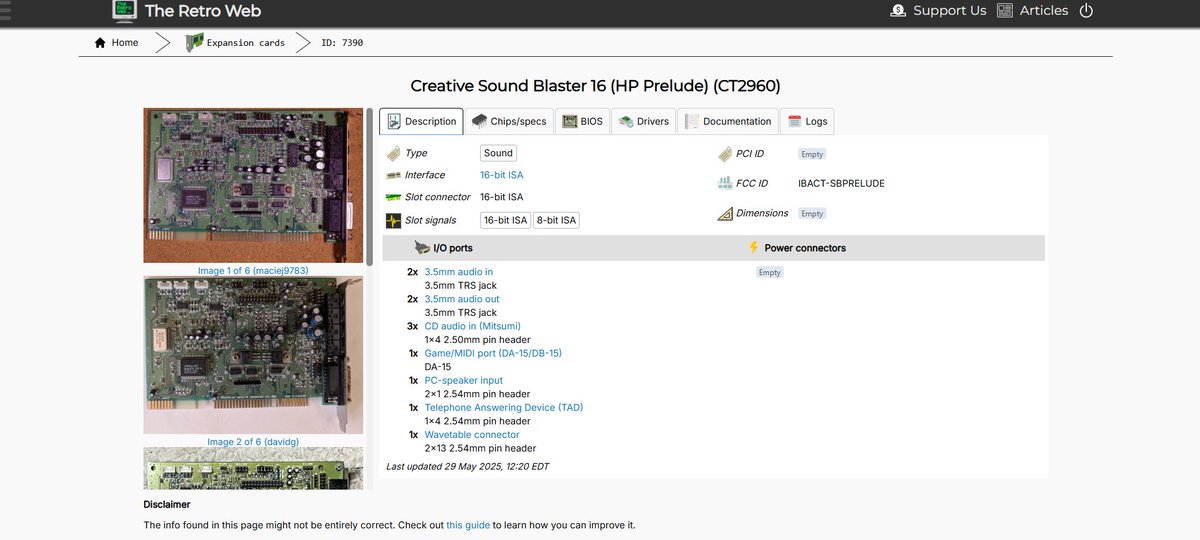
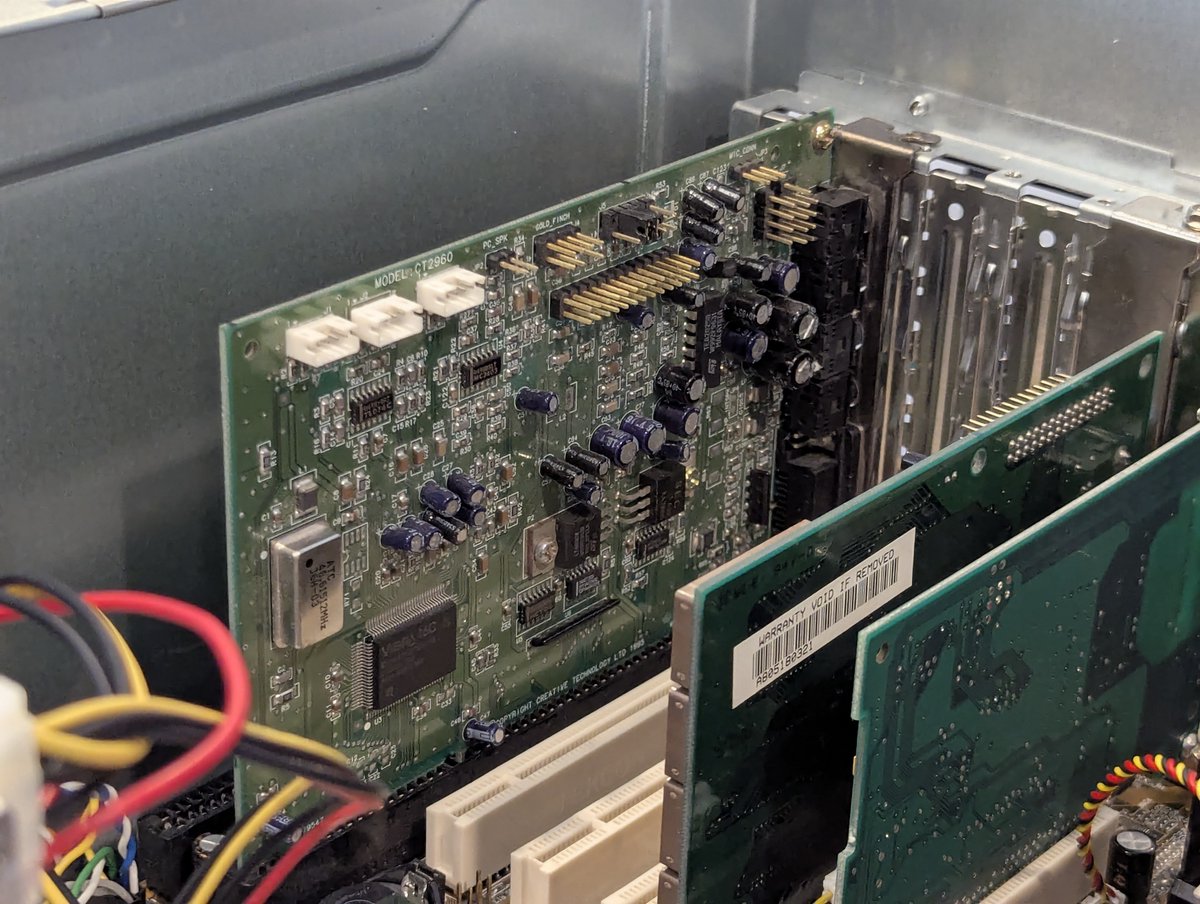
Let's move on to this Sound Blaster 16 Vibra based card!

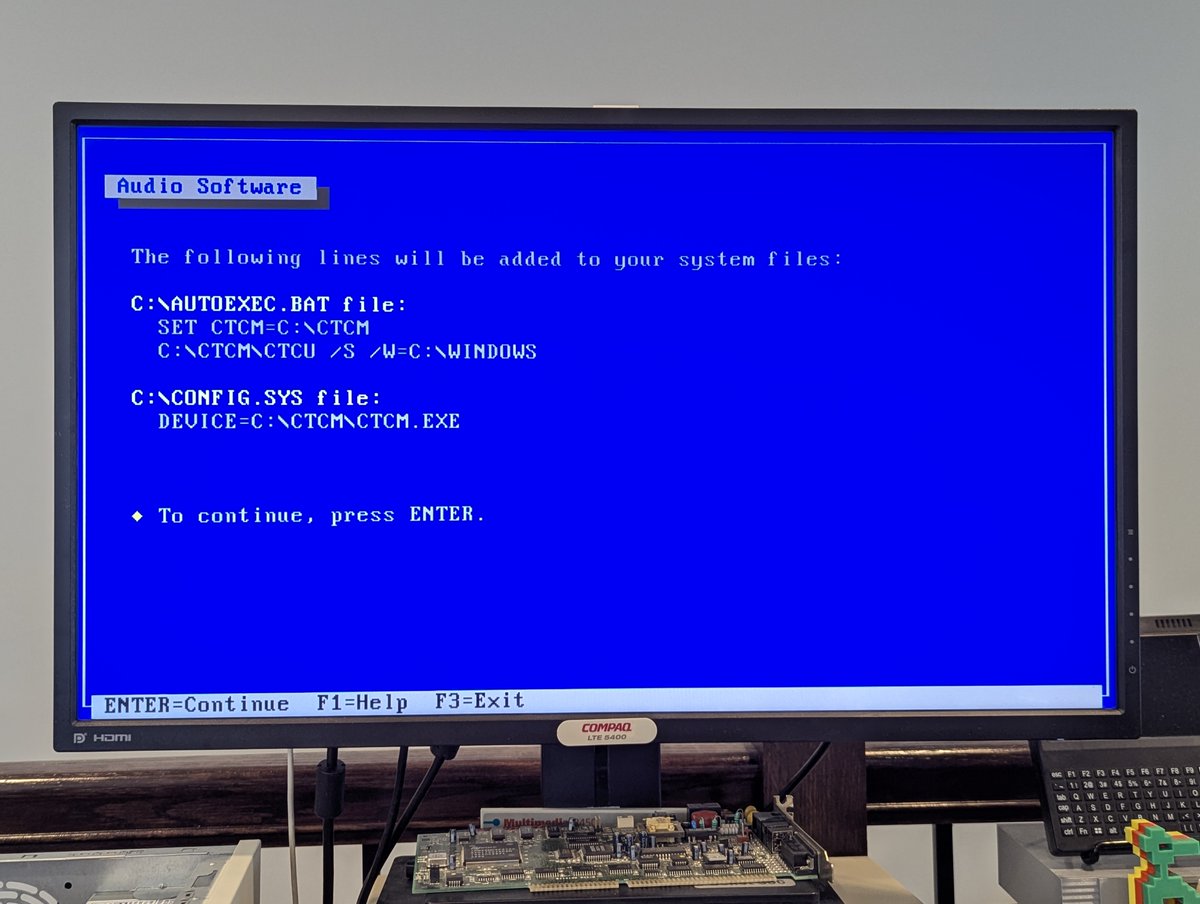
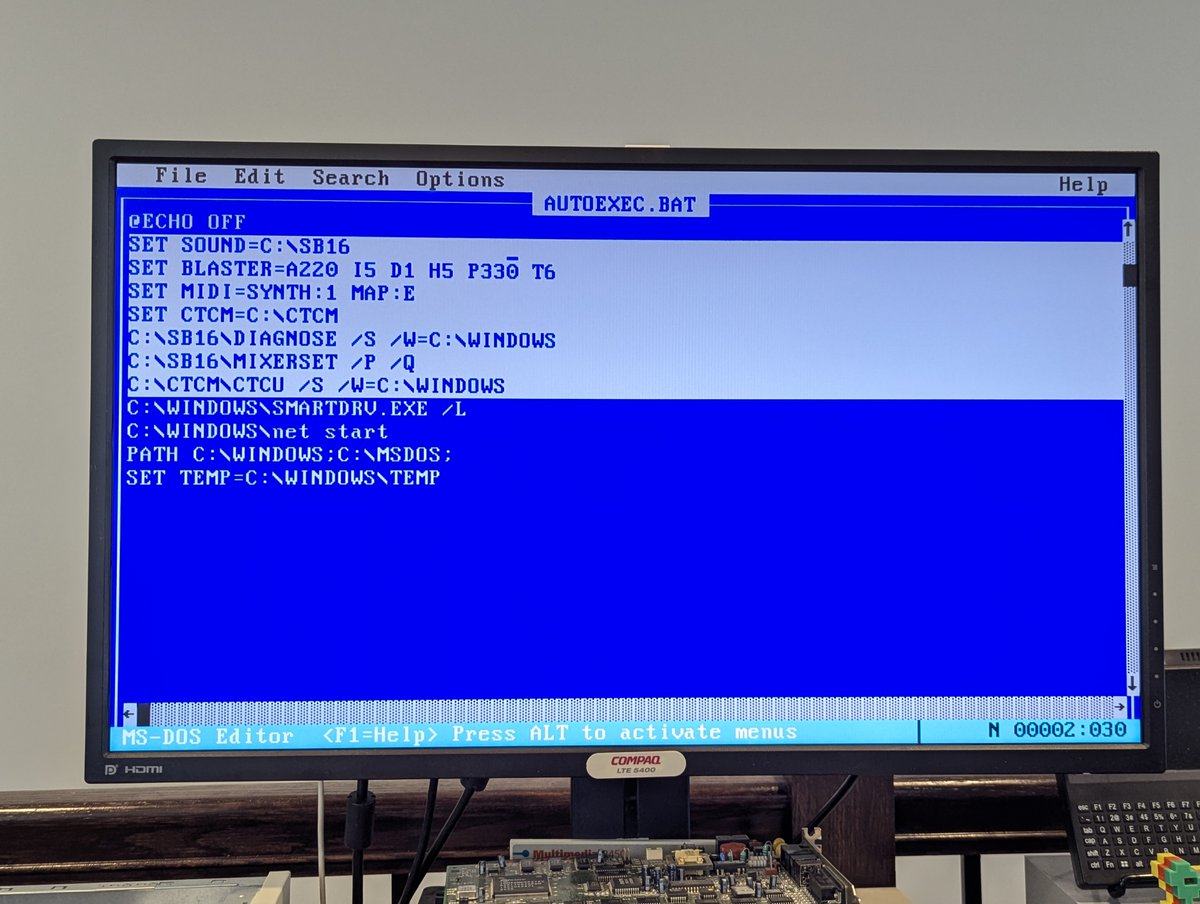
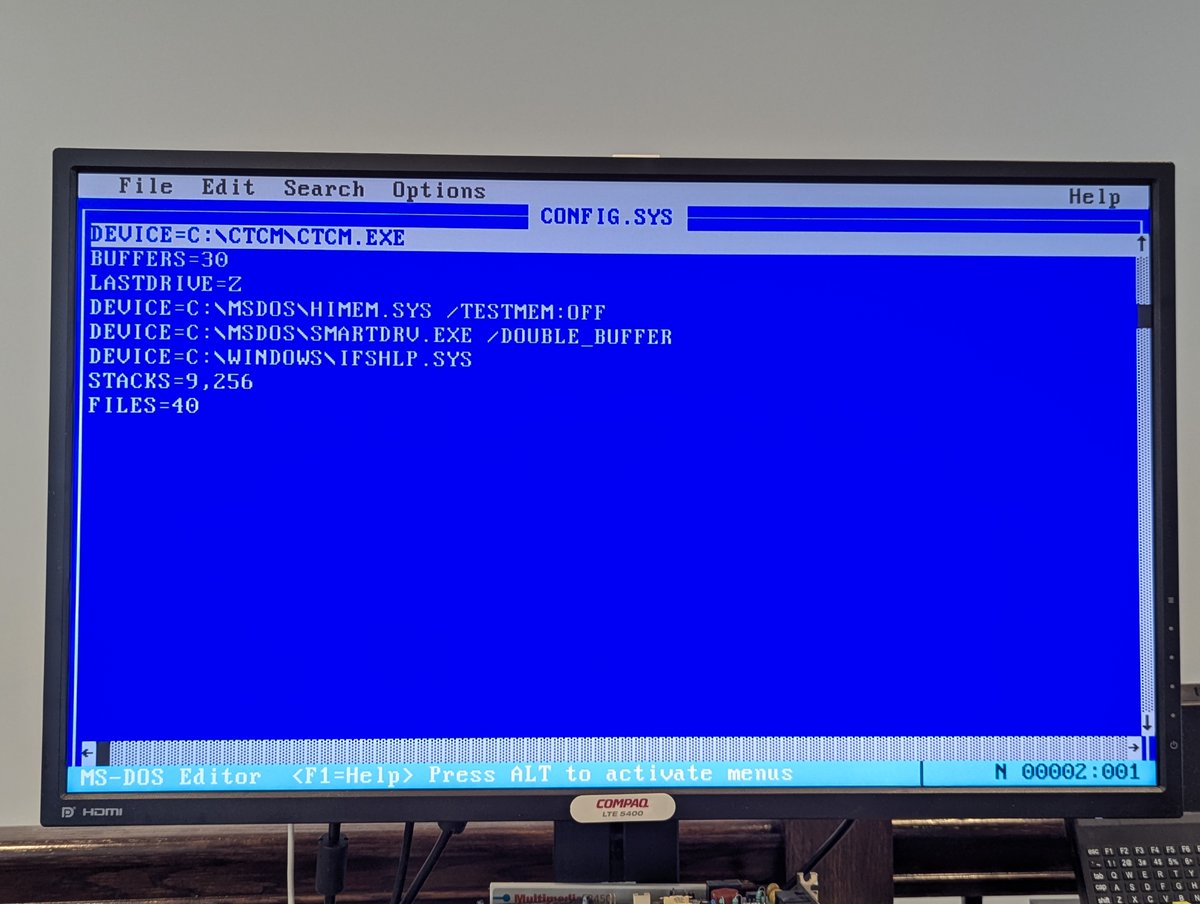
For this card, which wanted to install CTCM first, installation went off without a hitch! We can see the modifications the installer made to autoexec.bat and config.sys
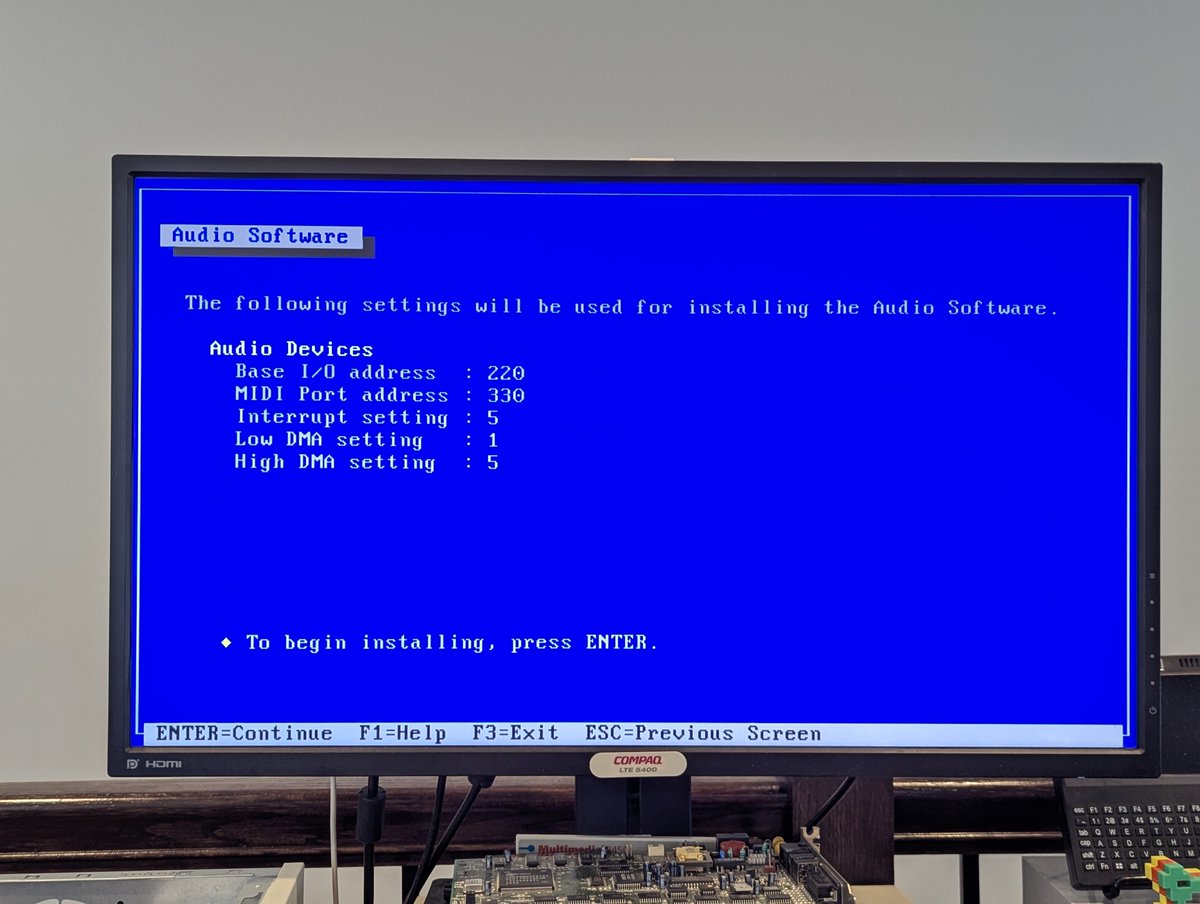
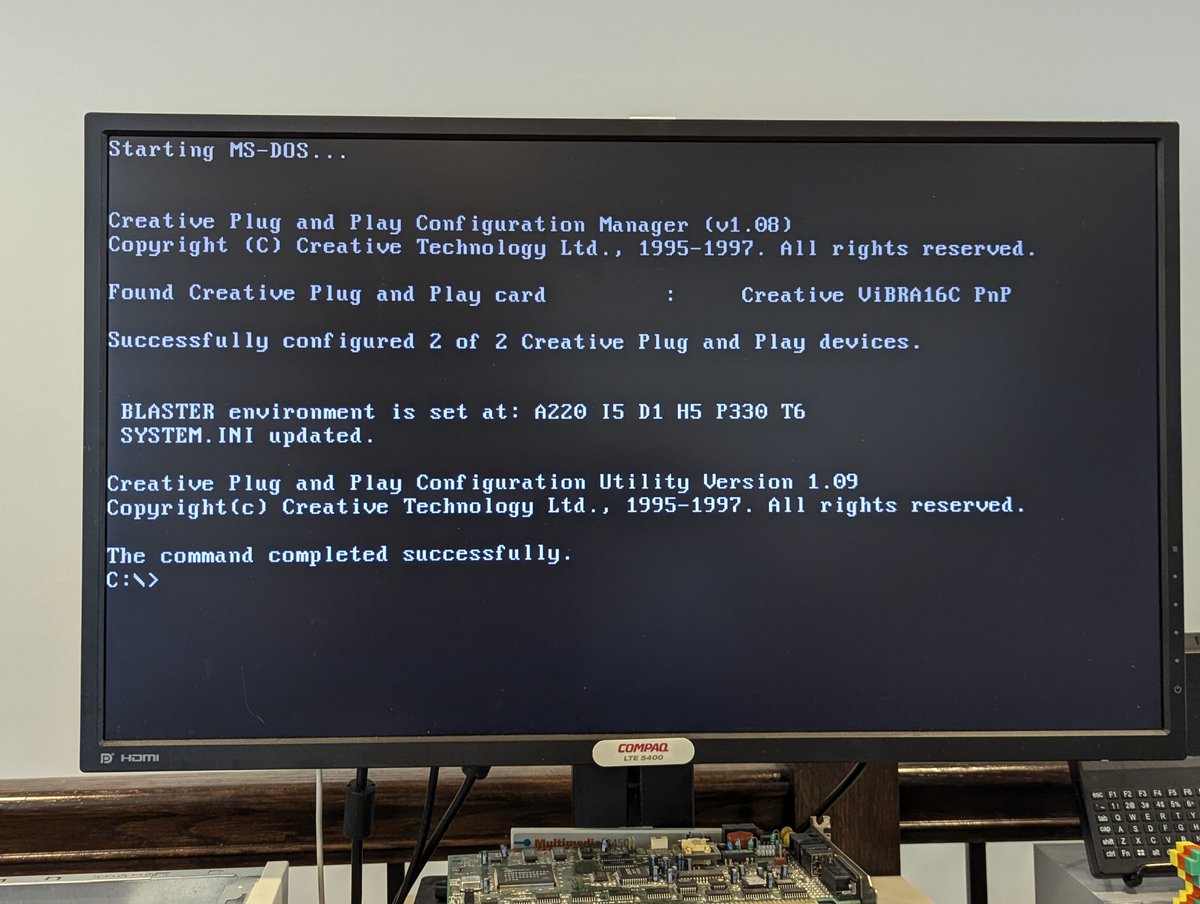
Here we can see where the card get detected on bootup. Yep, it's a "Vibra 16C" card.
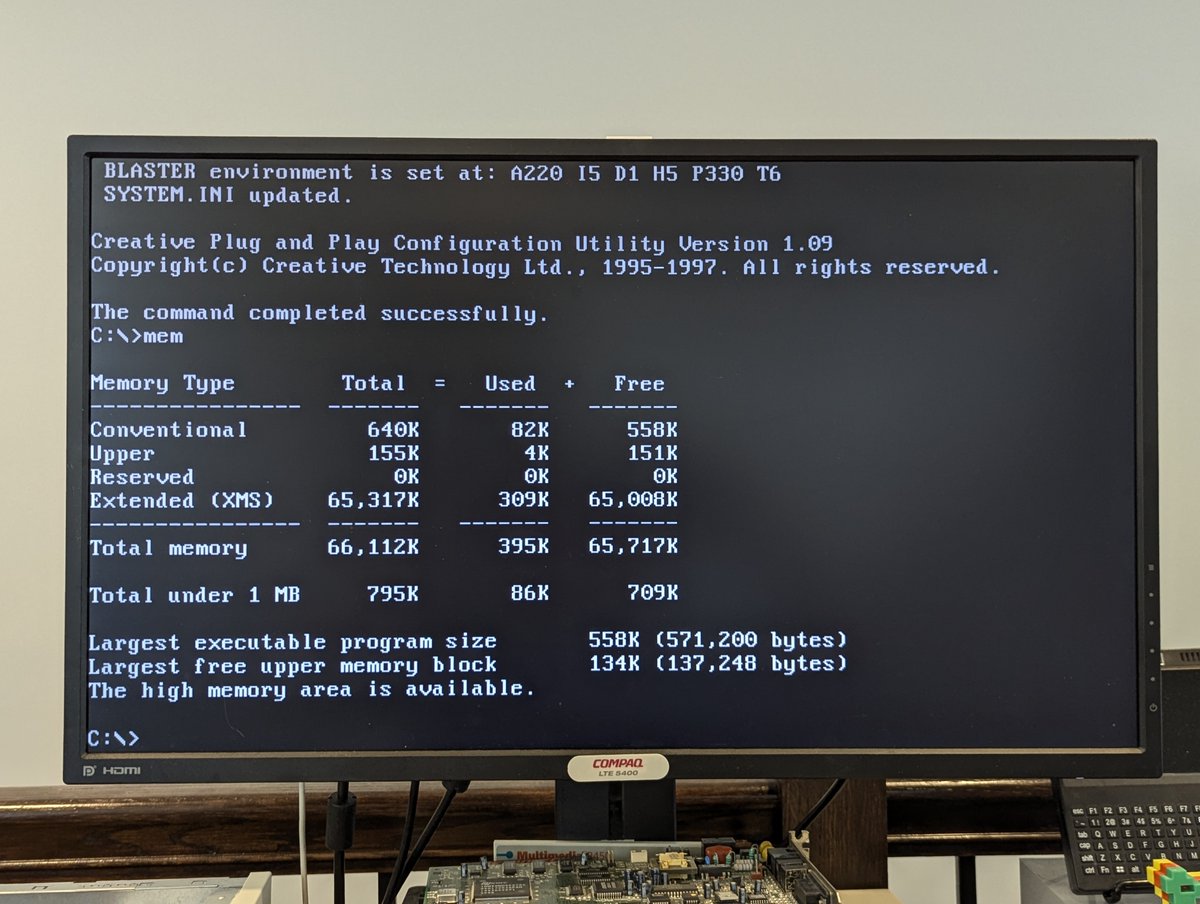
Now, the disadvantage of using a card like this that requires a Plug and Play manager is that it is a memory hog. I did some slicing and dicing to free up convention memory so that we could run Commander Keen.

Here's an audio clip of Commander Keen once again, this time with this Vibra card. Enjoy!
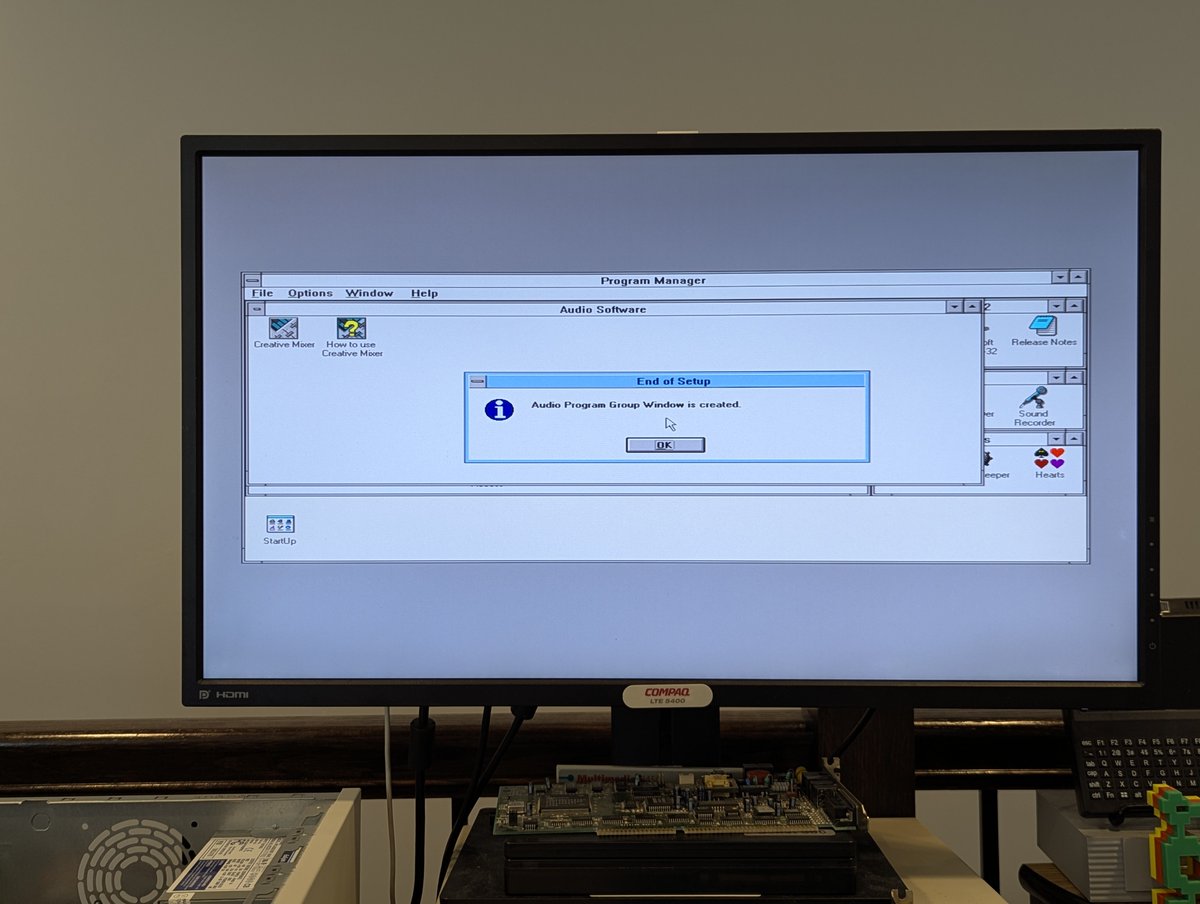
As for Windows 3.11 for Workgroups, the program group for this card got created on first launch. And I figured I would play a bit of canyon.mid again. Enjoy!
Now, this card did present one problem, that I didn't bother to solve. For some reason, on shutdown of Windows 3.11 for Workgroups, the shutdown would "hang." Perhaps updated drivers, or some EMM386 magic would fix it. But going to move on for now!
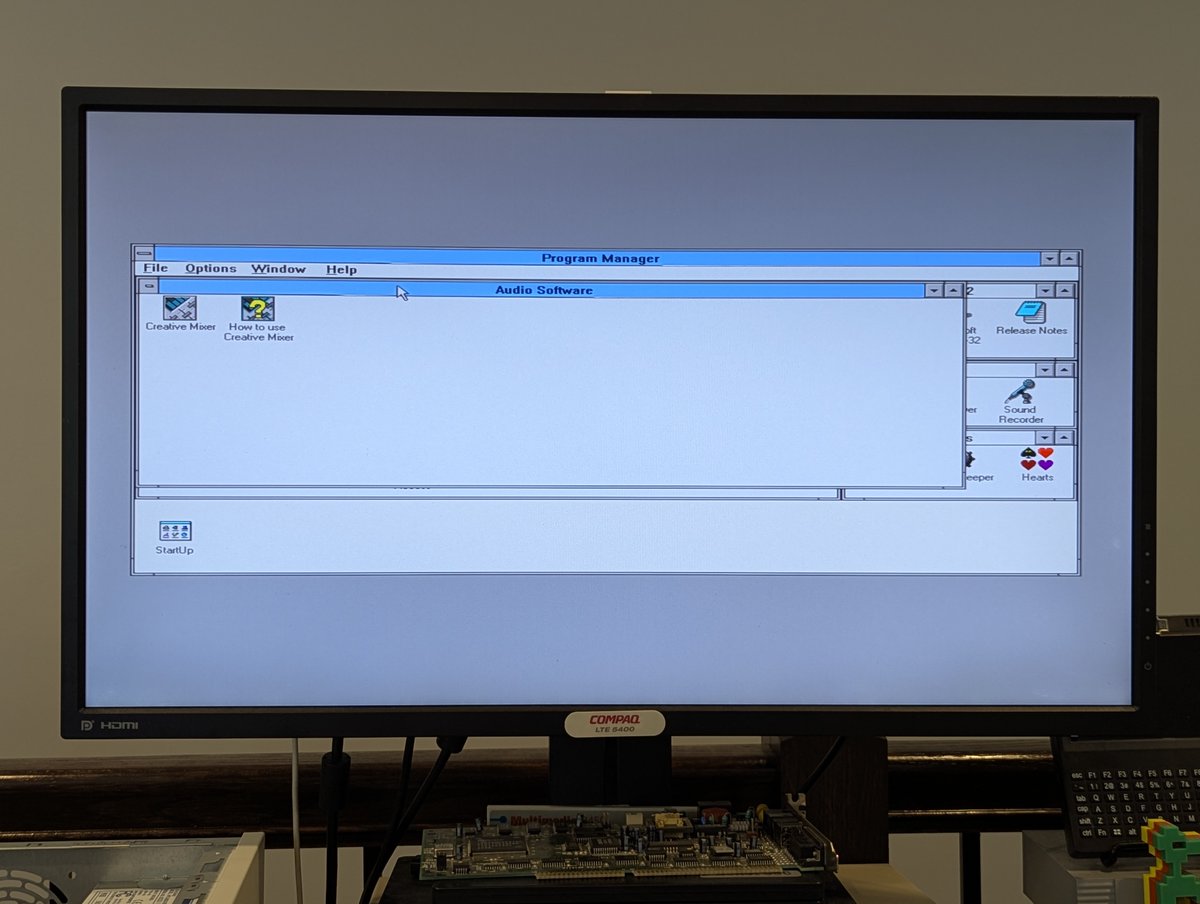
So, with the Vibra 16C drivers installed, I decided to just pop in the SB16 Value card again. And... look! Everything works well. It even shuts down properly from WFW3.11. Go figure!

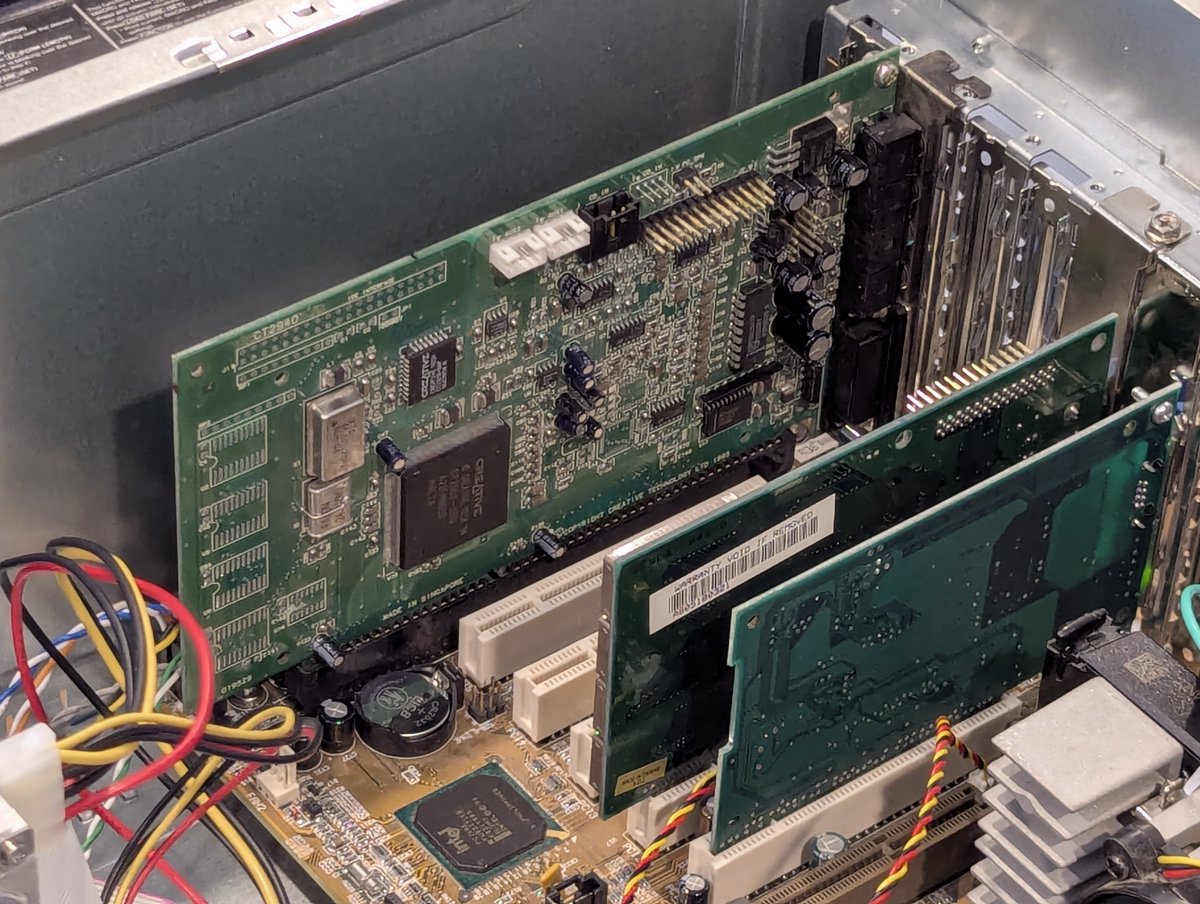
Okay, next up, let's try this Labway Labsound card. Yamaha actually made an identical card called the Audician 32 Plus.

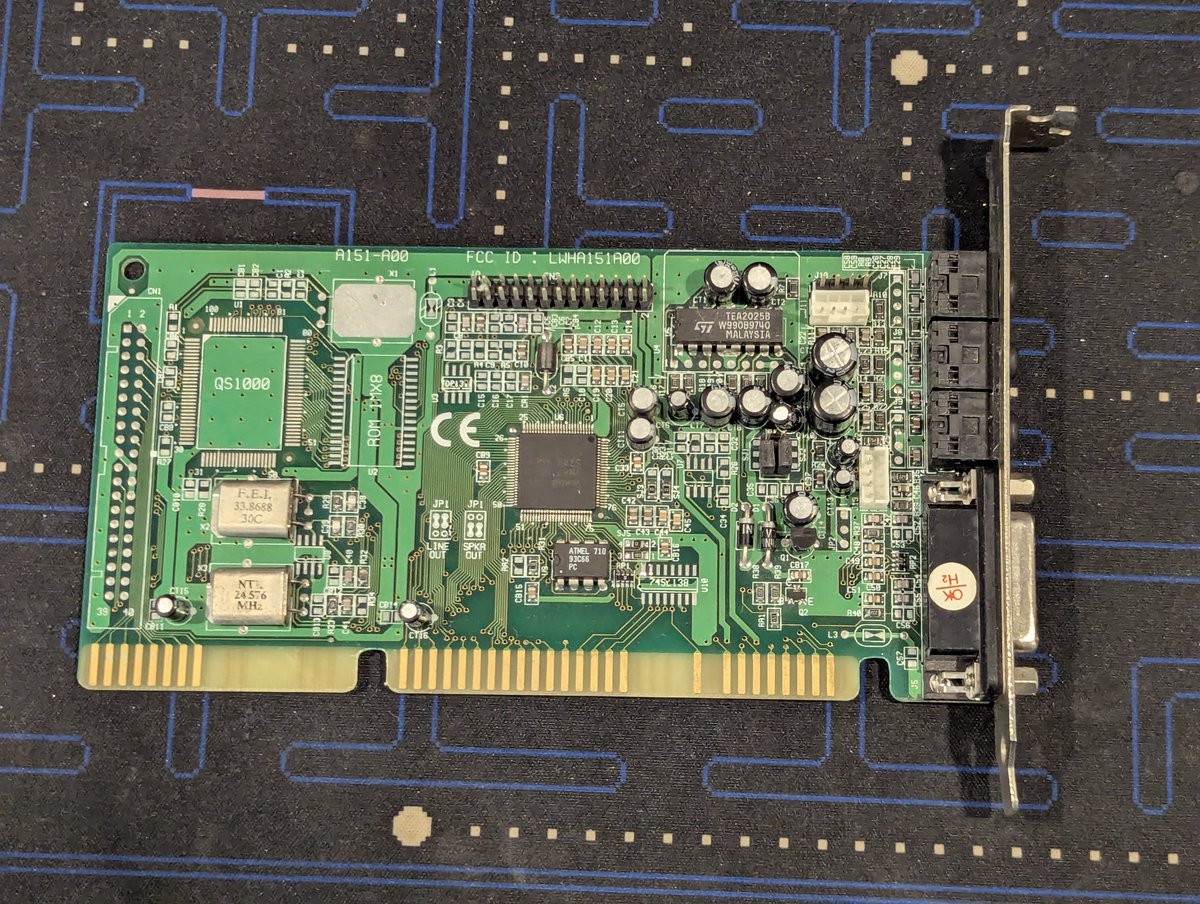
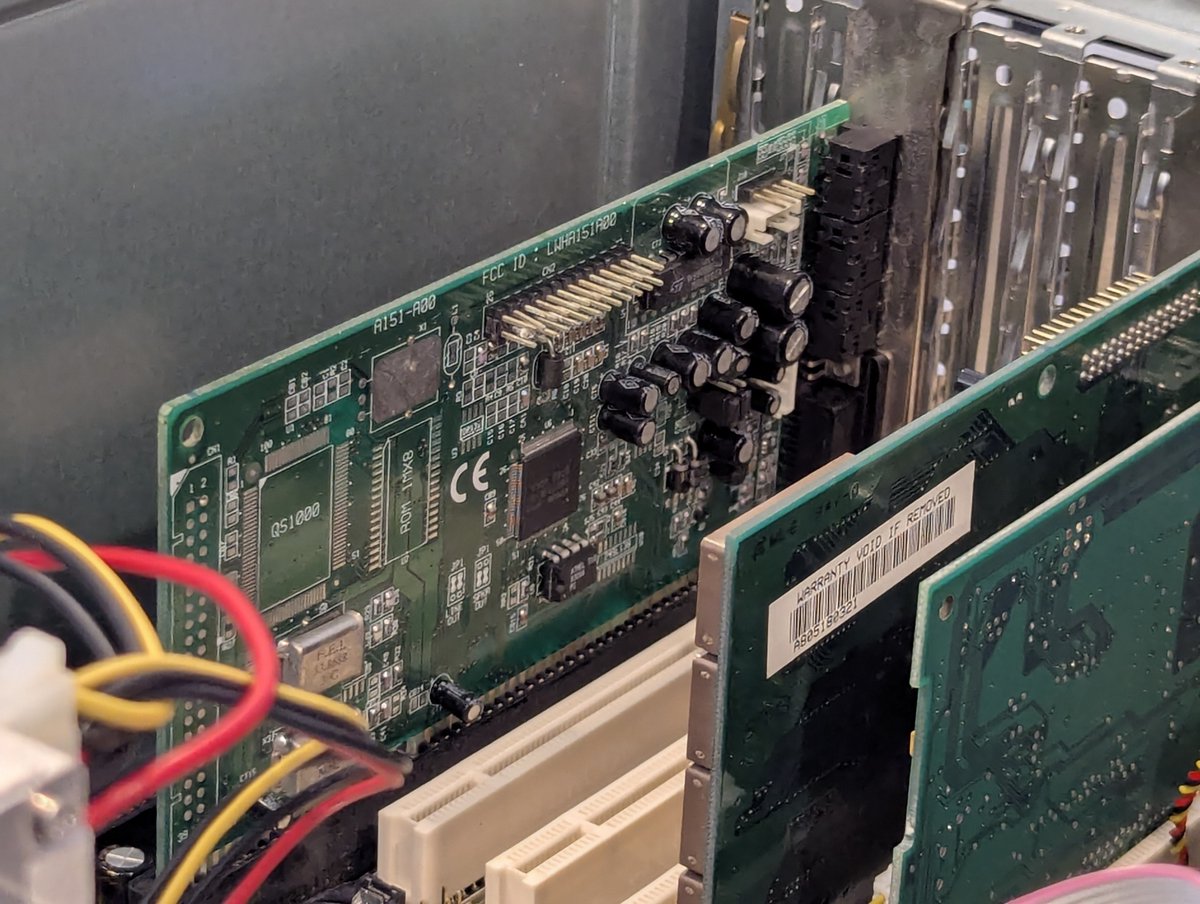
As such, not a surprise that the drivers were Yamaha branded. Installation was easy enough..
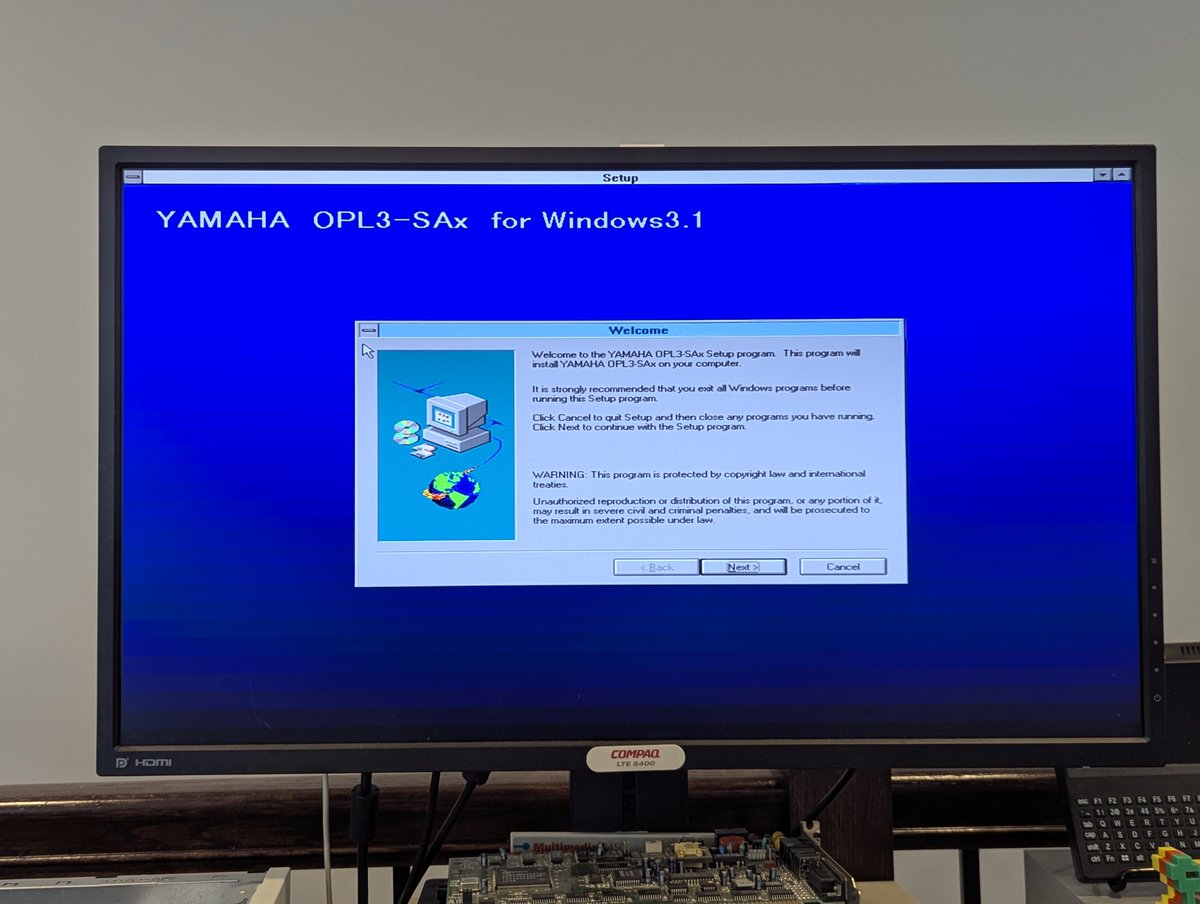
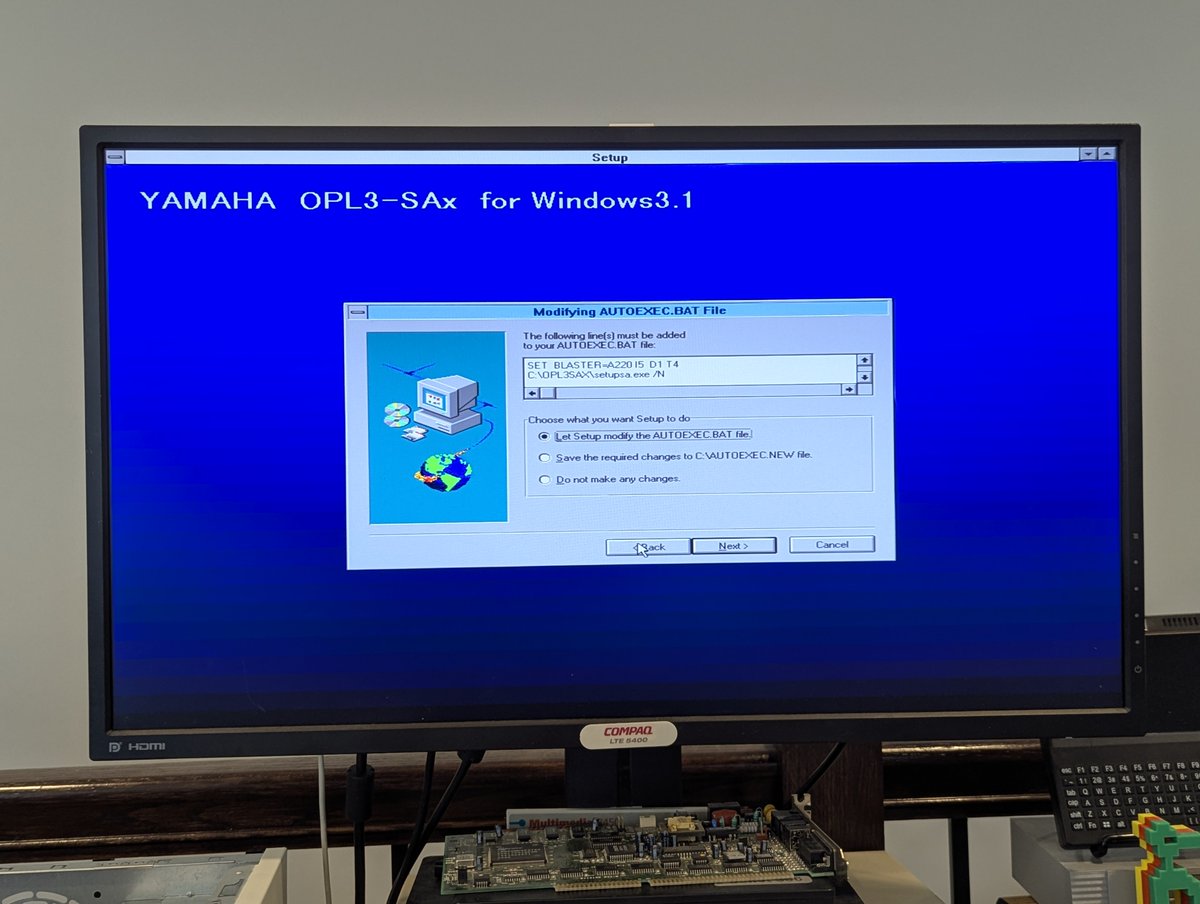

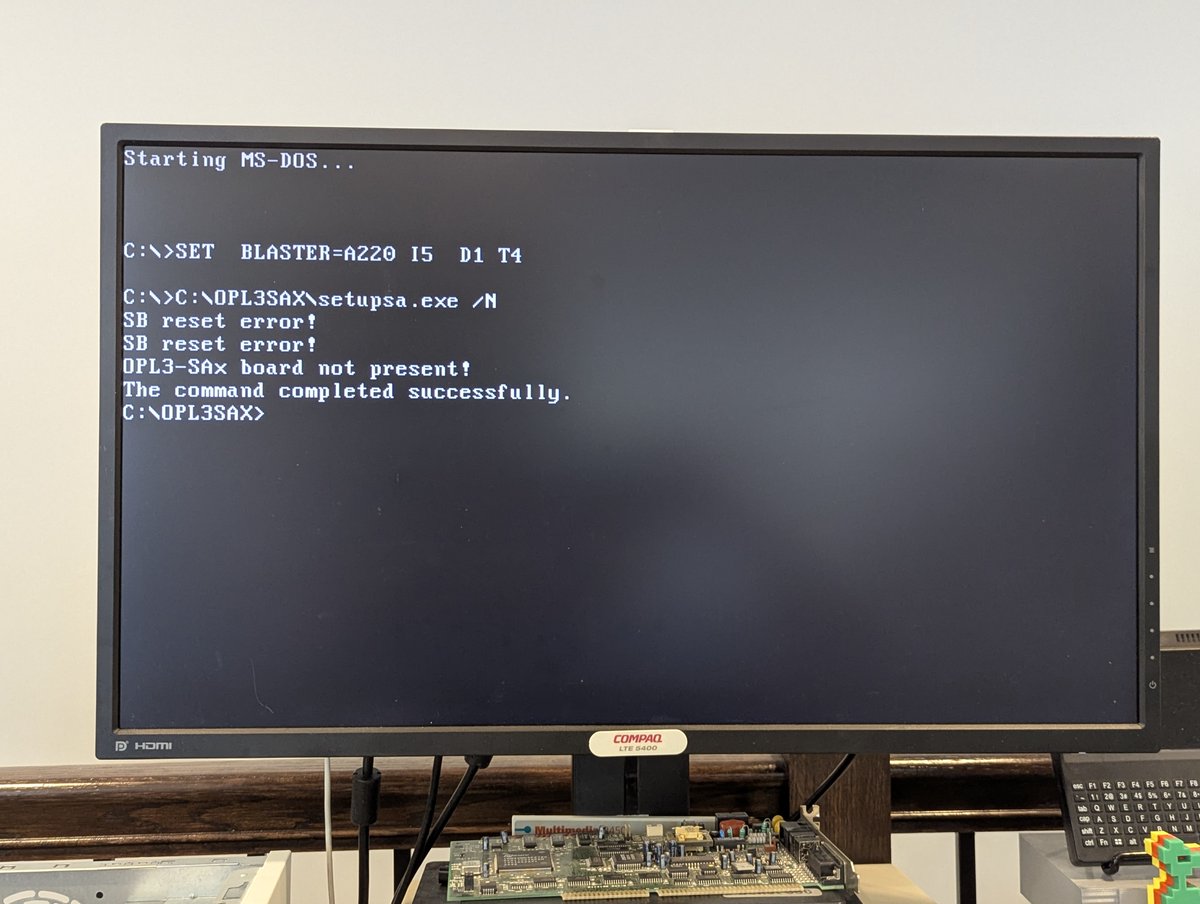
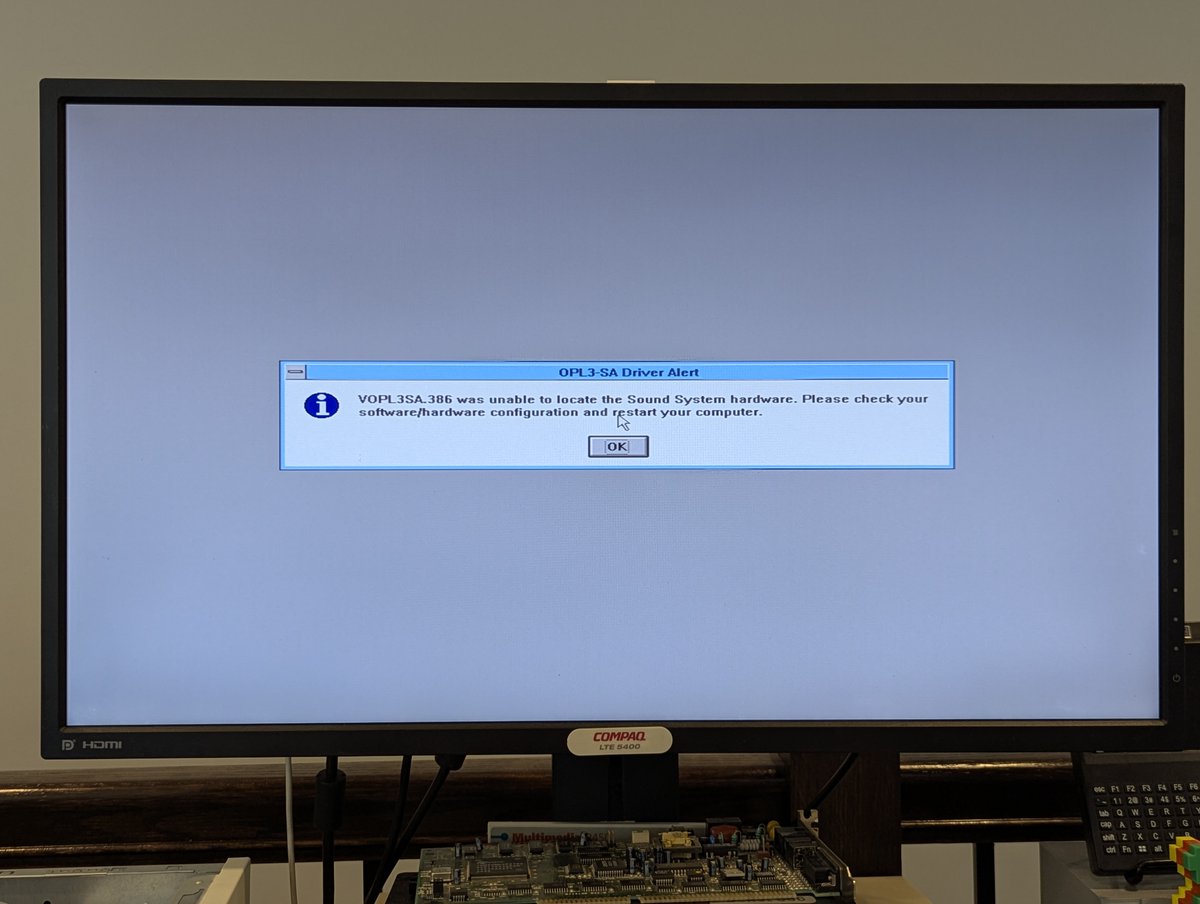
... however, this card refused to cooperate in both DOS and Windows 3.1x. I will try it on a "pure ISA" system later. But for now, fail!
The final card that I am going to test (or least TRY to test) is this MWAVE MDSP2780 card. I think it is called the "Dolphin" in some circles, and was installed in Aptiva systems, or so I hear.
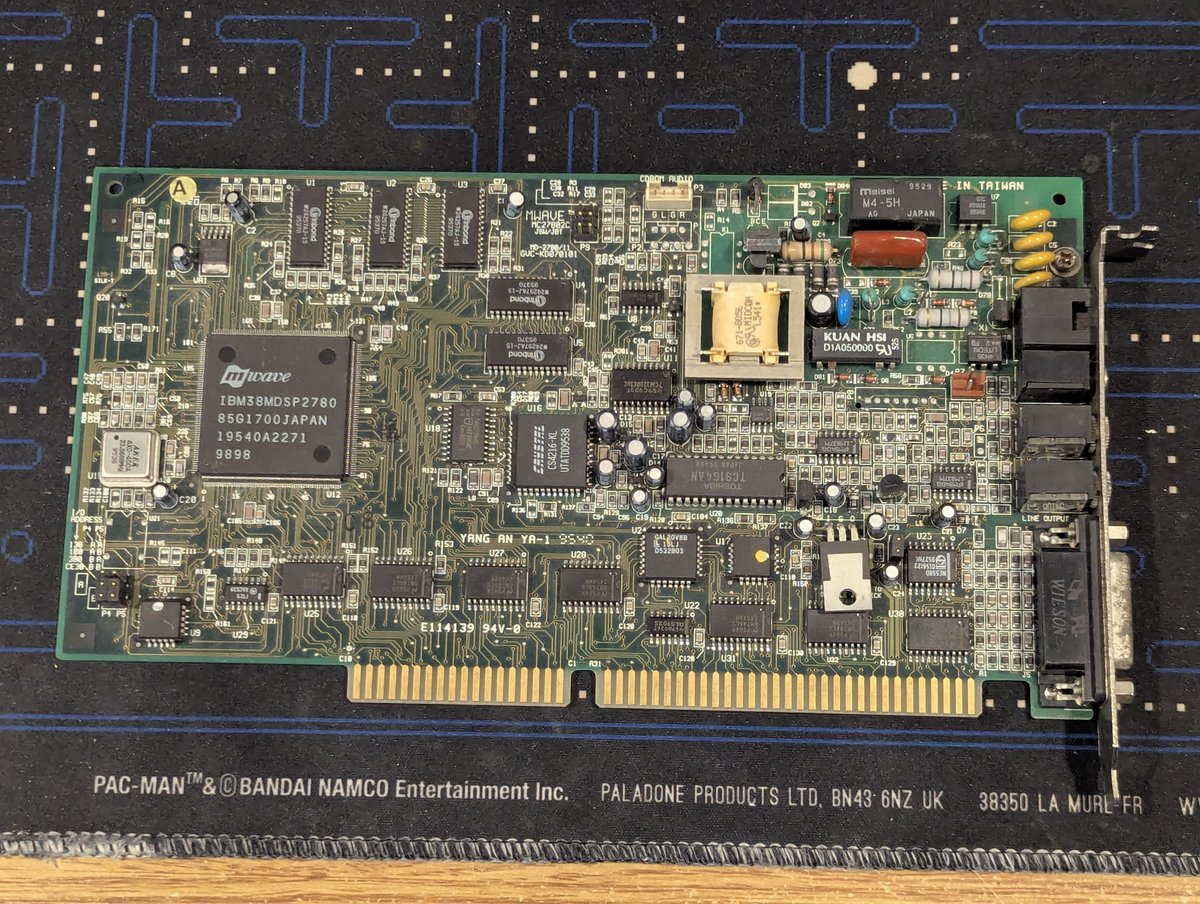
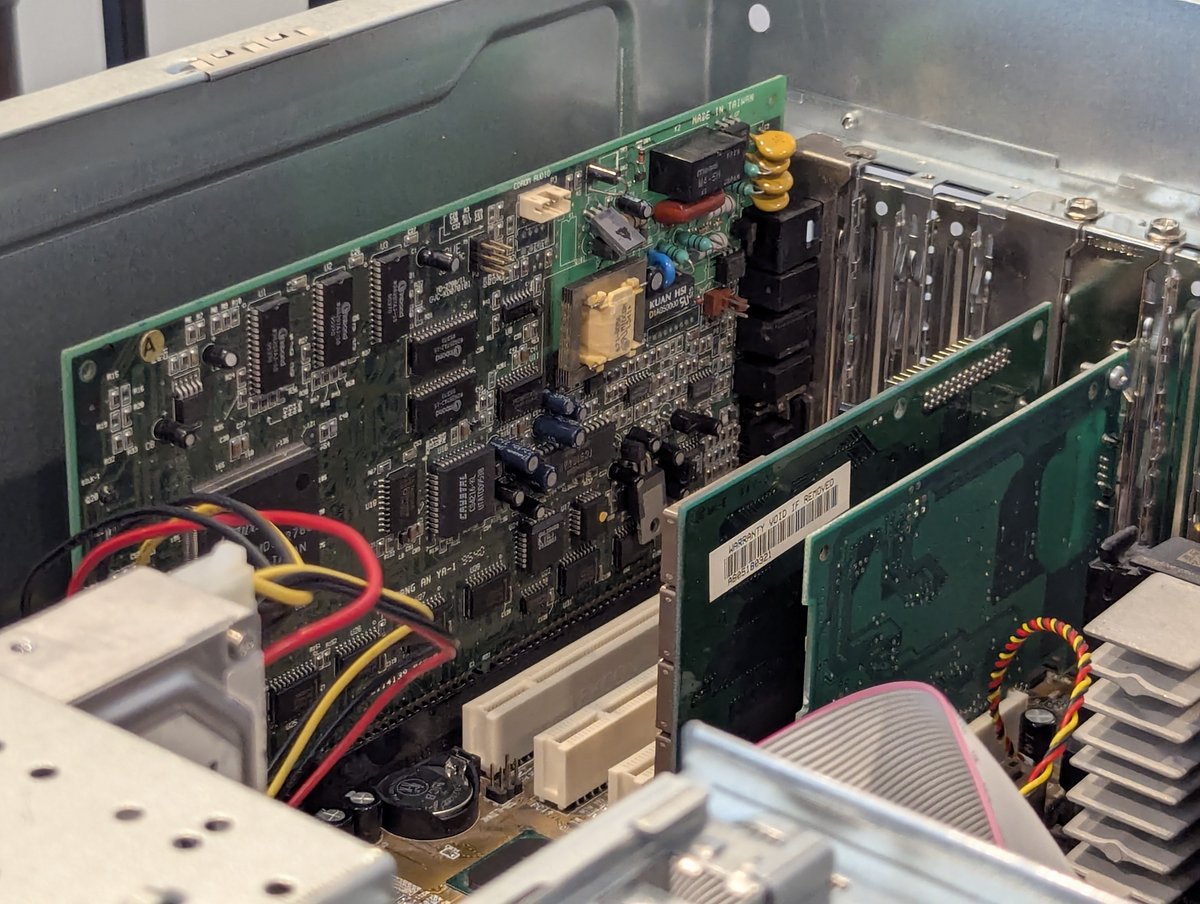
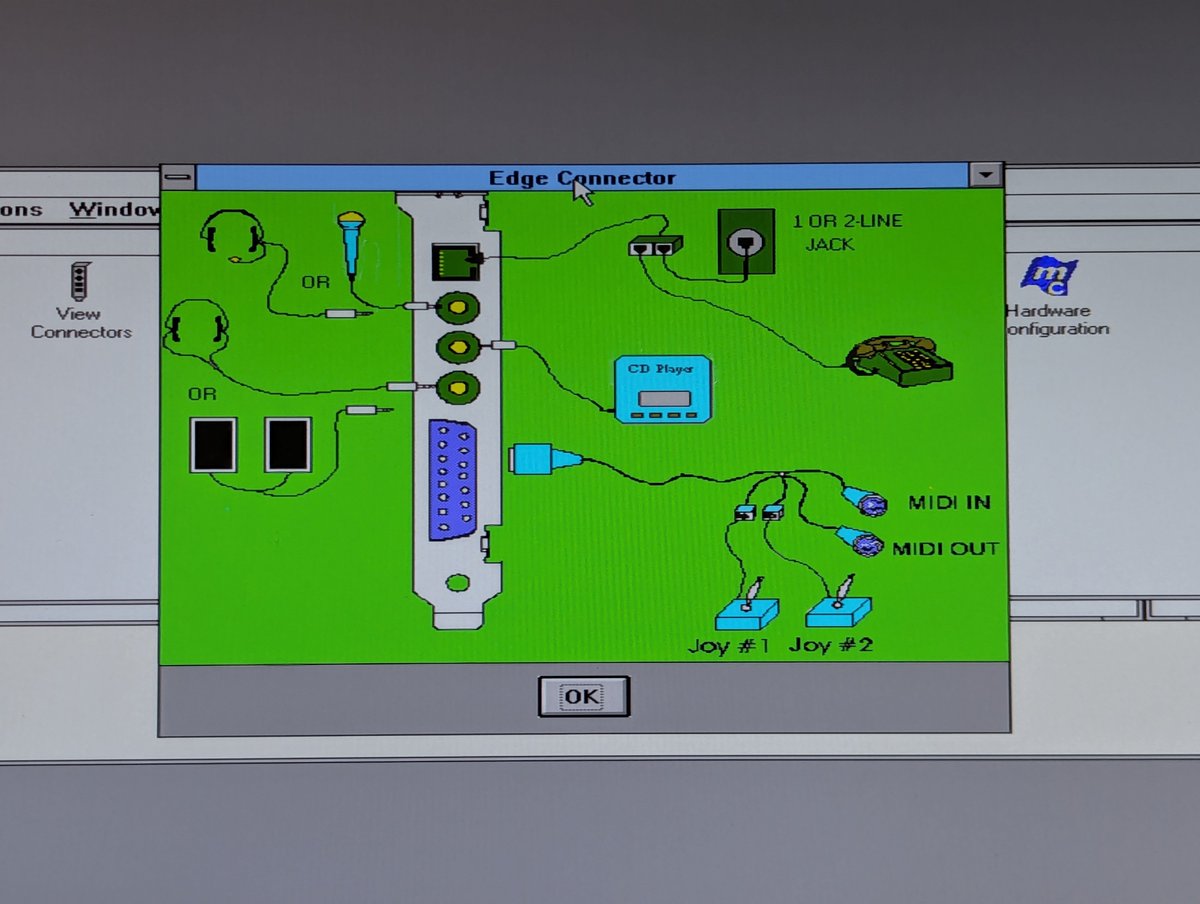
The software install was easy enough, and I am digging this layout graphic that is included as an application!

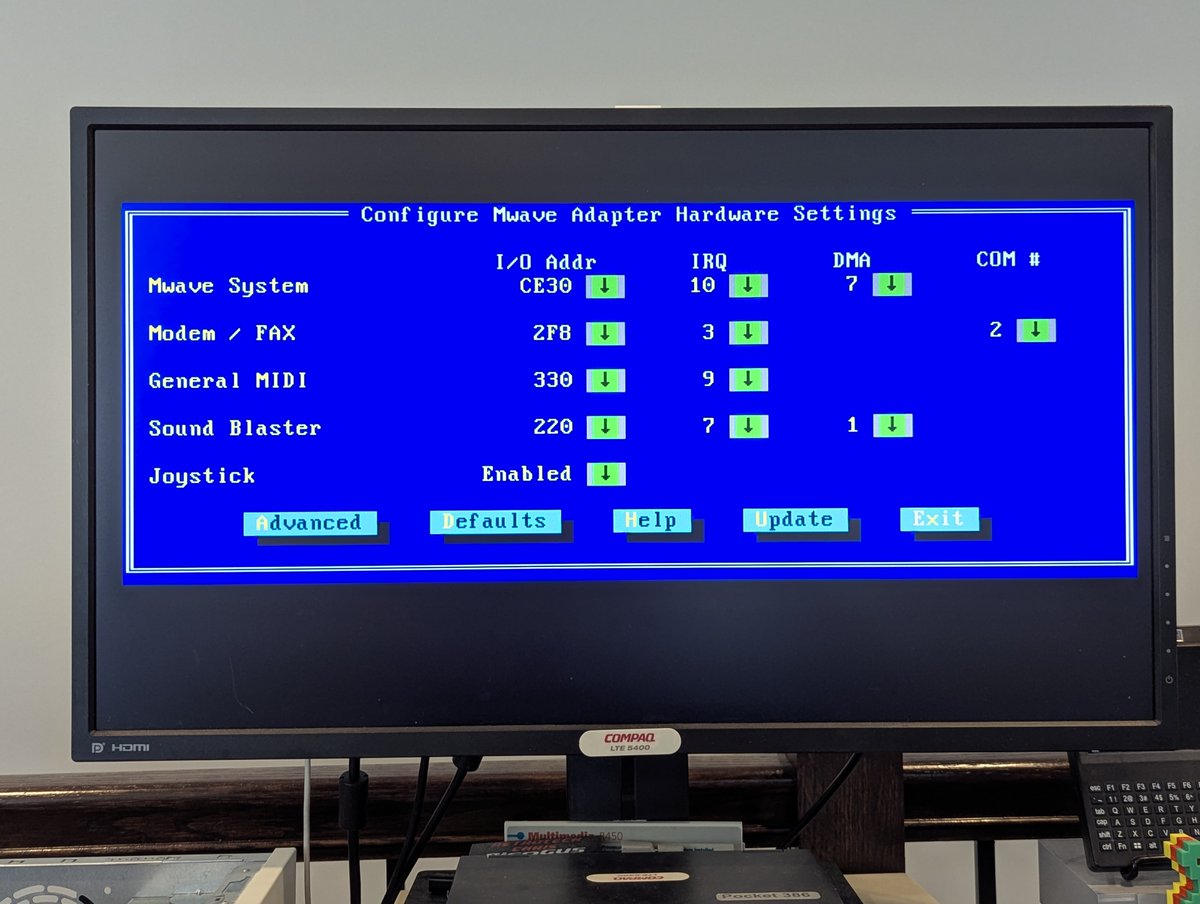
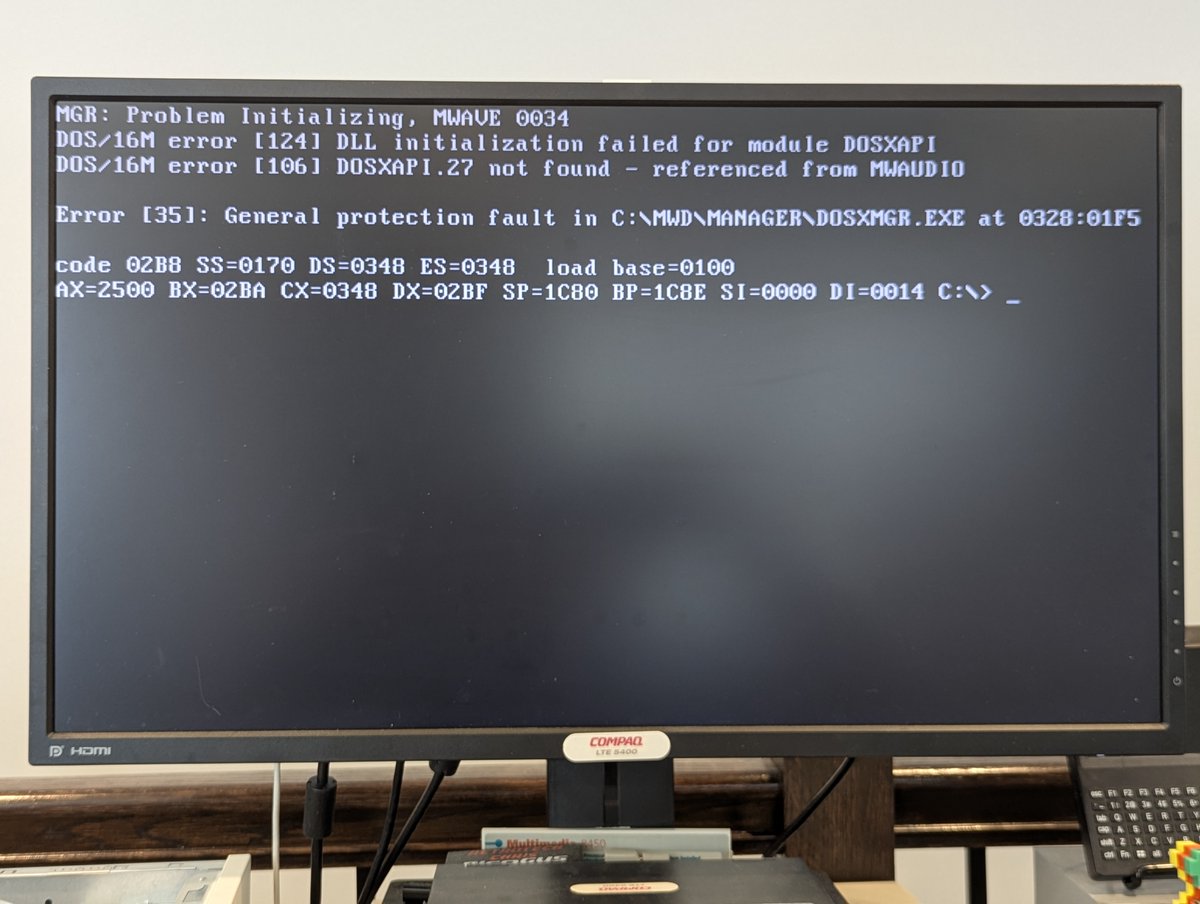
That said, looks can be deceiving. And they were. I have no sound in Windows 3.1x, and the DOS drivers error out with the message below. Geez. I tried several different driver versions, no luck. We'll try this card out in a "pure ISA" system as well later.
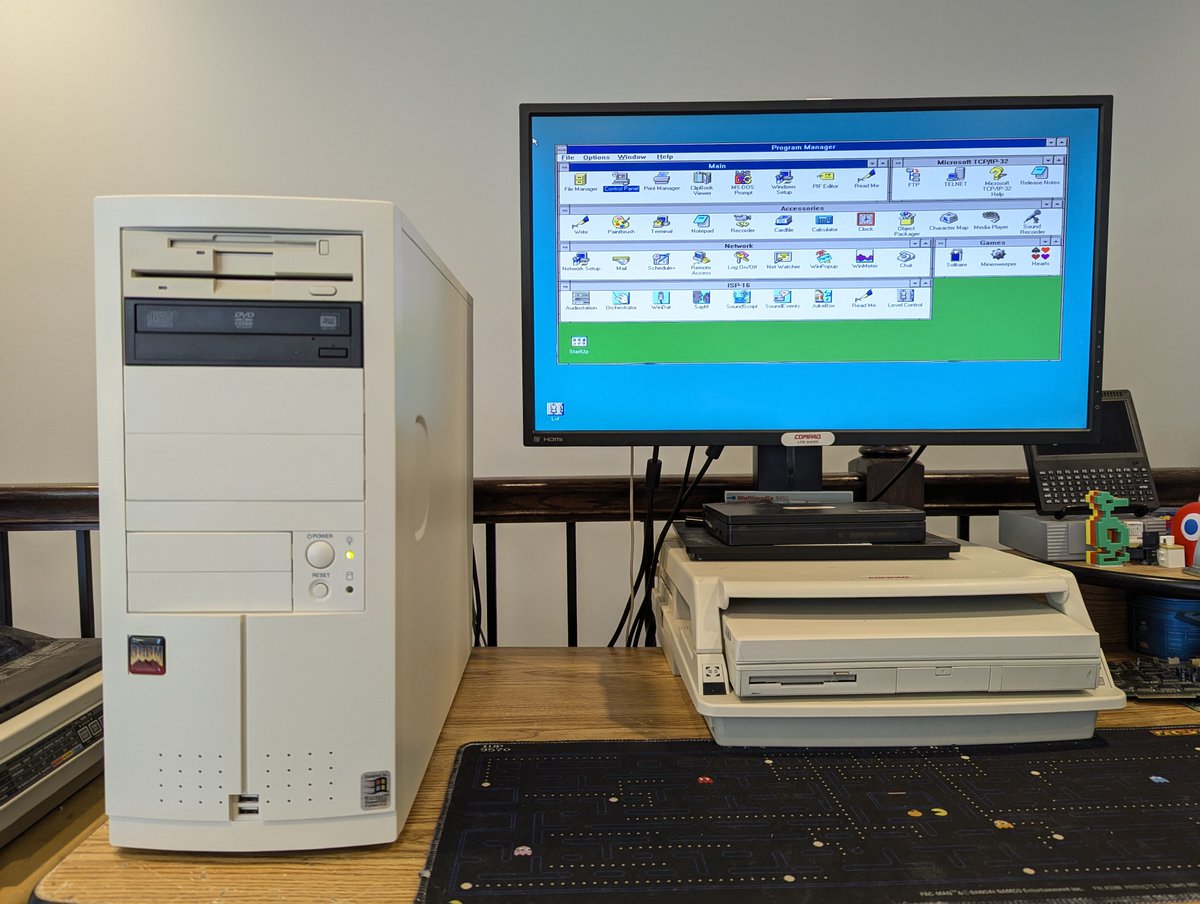
So let's choose a card for Re-Enlightenment. As much as I like Sound Blaster cards, I went with the MediaMagic. It takes less conventional memory, and has some nice utilities too. We'll save the other cards for another build. Thx for following along!
@threadreaderapp unroll
@threadreaderapp unroll
• • •
Missing some Tweet in this thread? You can try to
force a refresh