X just open-sourced their algorithm code, and now you know how to position your content for max visibility.
10 keys to make your posts blow up, in this thread 🧵
1. Video is king, gets a 1.8x boost 👇
10 keys to make your posts blow up, in this thread 🧵
1. Video is king, gets a 1.8x boost 👇
Include videos in your tweets.
Why? The algo auto-boosts them by 1.8x over text.
Use native X uploads, not YouTube links.
Hook in the first 3 secs with a question, bold claim or eye-catching content.
Why? The algo auto-boosts them by 1.8x over text.
Use native X uploads, not YouTube links.
Hook in the first 3 secs with a question, bold claim or eye-catching content.


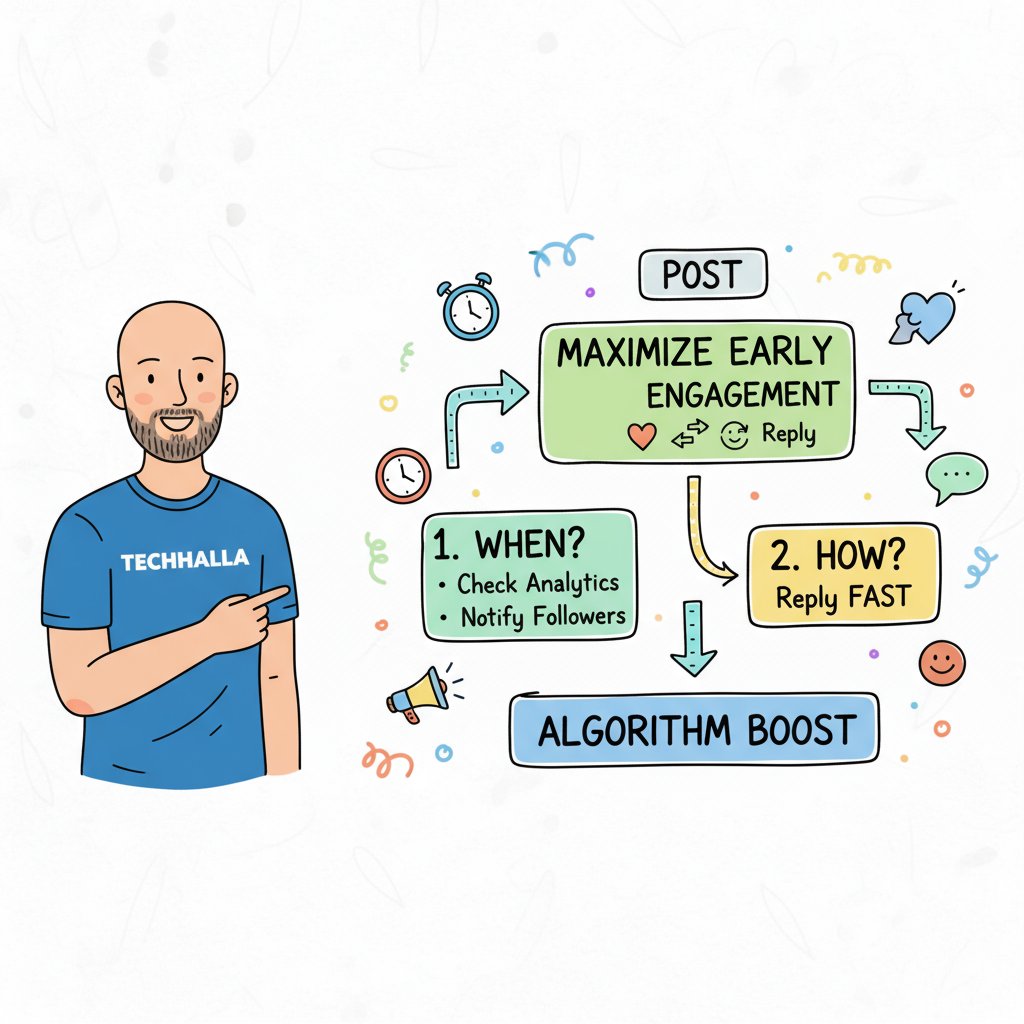
2. Maximize Early Engagement
Aim for likes, RTs, and replies in the first 2 hours.
How?
Post when your audience is active (check analytics), notify loyal followers, and reply to early comments fast.
Aim for likes, RTs, and replies in the first 2 hours.
How?
Post when your audience is active (check analytics), notify loyal followers, and reply to early comments fast.
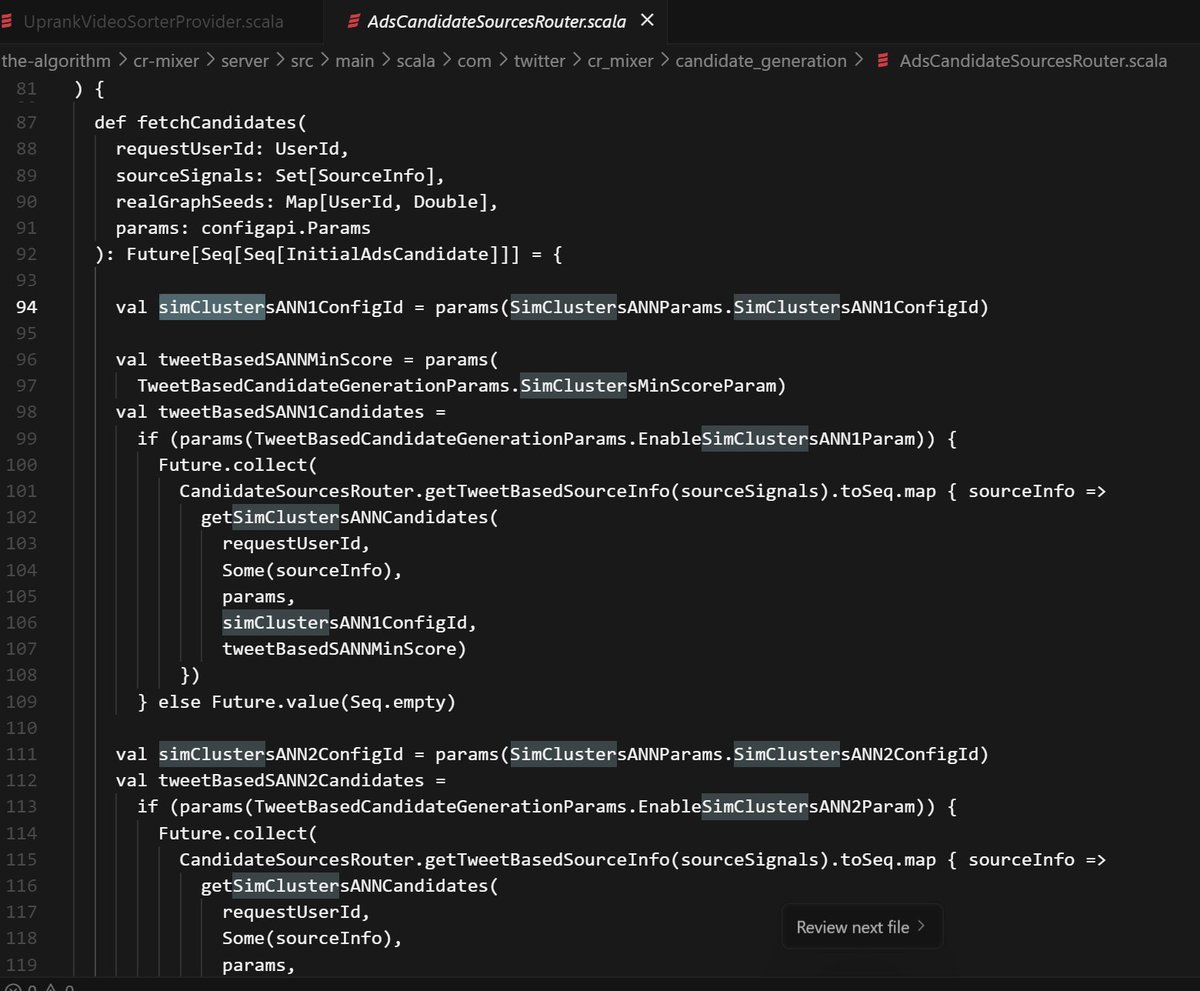
3. Build Coherent Communities (SimClusters):
Keep around 80% of your content focused on your main niche.
The algo assigns you to one of 145k communities based on who you follow and engage with.
Being consistent helps you show up in the right feeds and be seen as an authority.
Keep around 80% of your content focused on your main niche.
The algo assigns you to one of 145k communities based on who you follow and engage with.
Being consistent helps you show up in the right feeds and be seen as an authority.

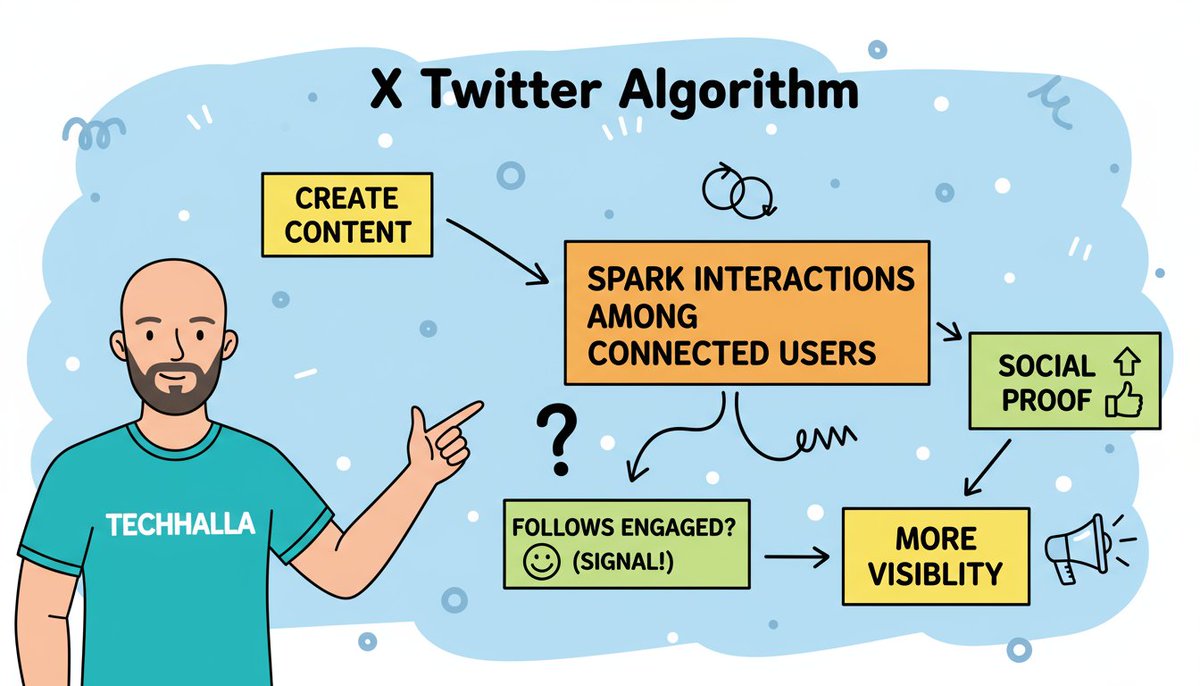
4. Leverage Graph Features
Create content that sparks interactions among connected users. "How many of your follows engaged?" is a huge signal.
More social proof = more visibility.
Create content that sparks interactions among connected users. "How many of your follows engaged?" is a huge signal.
More social proof = more visibility.
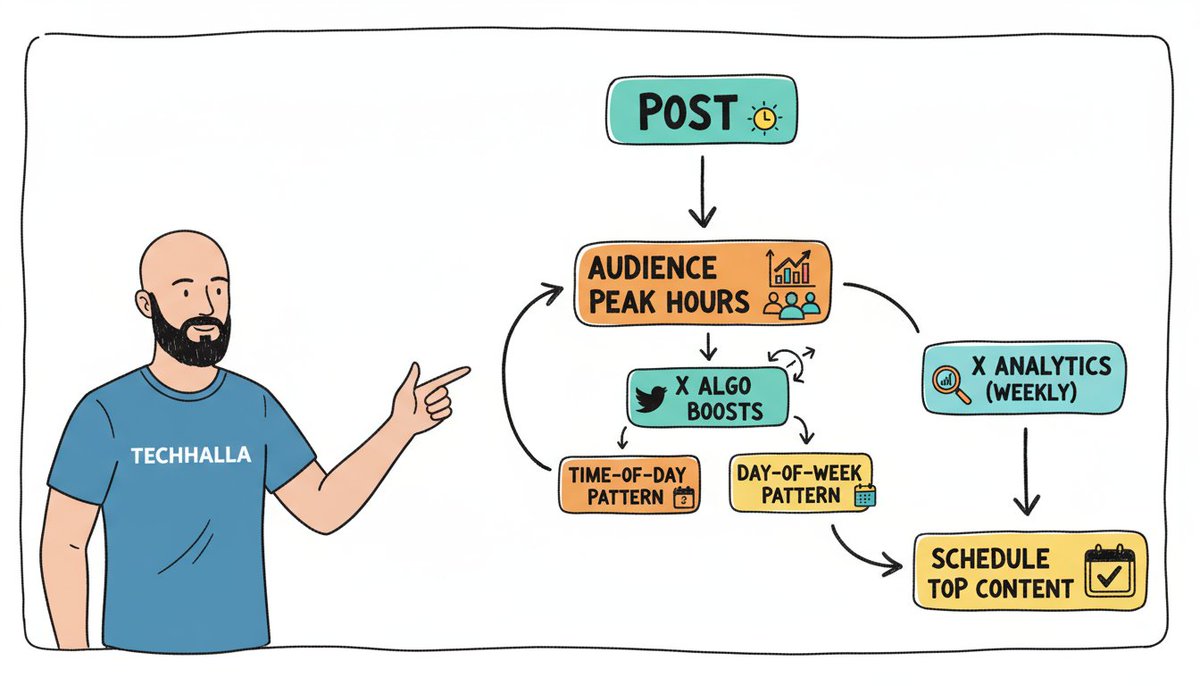
5. Strategic Timing Optimization
Post during your audience's peak hours. Algo boosts match time-of-day and day-of-week patterns.
Check X Analytics weekly and schedule top content there.
Post during your audience's peak hours. Algo boosts match time-of-day and day-of-week patterns.
Check X Analytics weekly and schedule top content there.
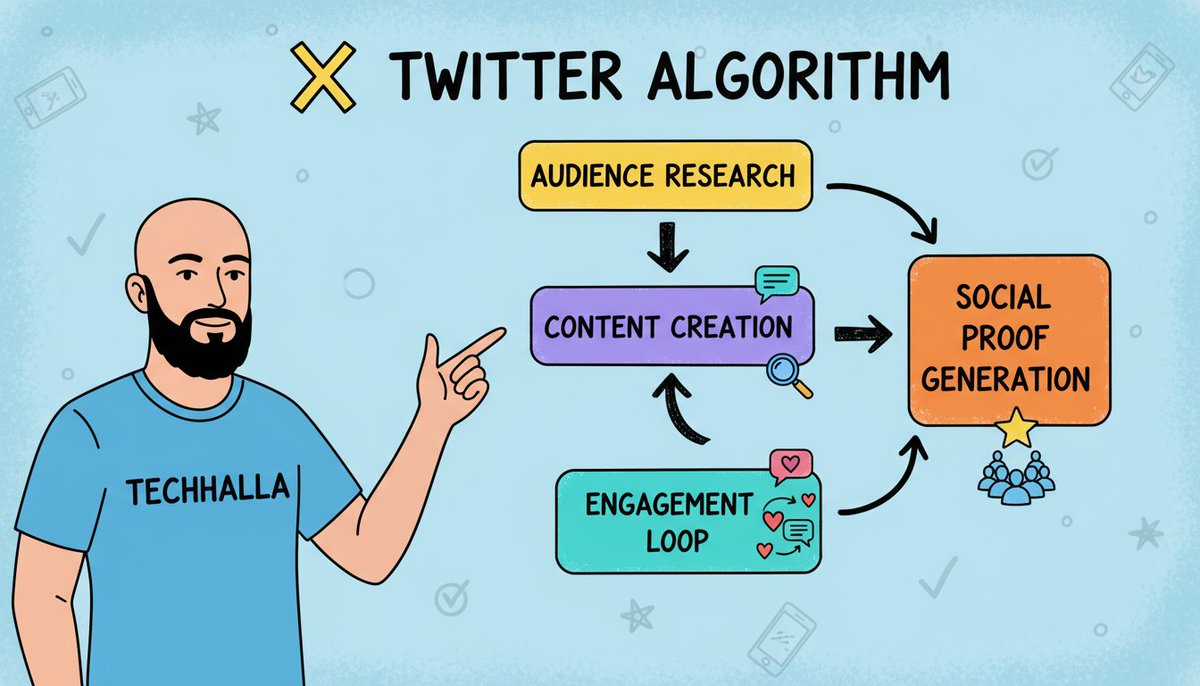
6. Generate Authentic Social Proof
Get to know your audience and learn from them: their comments, their interests, the kind of content they enjoy most...
Focus on that, keep driving engagement, and more and more people from their circles will start doing the same.
Get to know your audience and learn from them: their comments, their interests, the kind of content they enjoy most...
Focus on that, keep driving engagement, and more and more people from their circles will start doing the same.
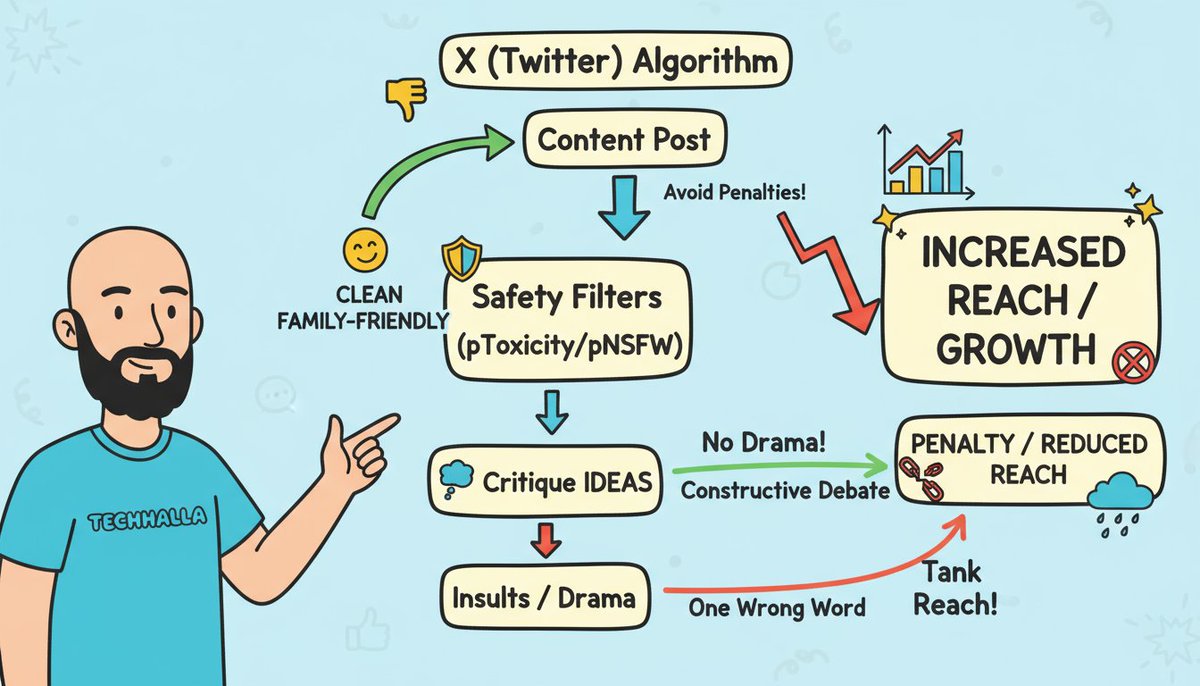
7. Avoid Safety Filters
Stay clean to dodge penalties. Algo's pToxicity/pNSFW models flag insults, edgy stuff.
Critique ideas, not people: "I disagree because..." Keep it family-friendly.
I keep AI debates constructive, no drama, steady growth.
One wrong word tanks reach.
Stay clean to dodge penalties. Algo's pToxicity/pNSFW models flag insults, edgy stuff.
Critique ideas, not people: "I disagree because..." Keep it family-friendly.
I keep AI debates constructive, no drama, steady growth.
One wrong word tanks reach.
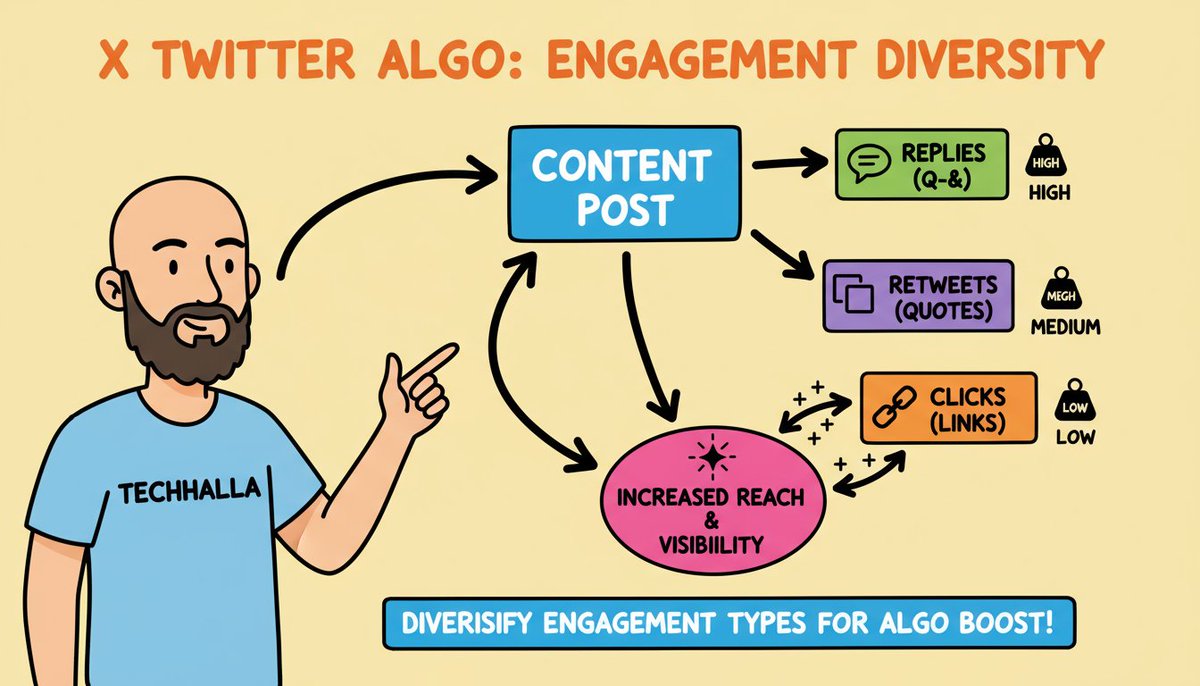
8. Diversify Engagement Types
Don't just chase likes - mix replies, RTs, clicks. Different weights in the algo.
Add specific questions for replies, quotable insights for RTs, value-packed links for clicks.
Don't just chase likes - mix replies, RTs, clicks. Different weights in the algo.
Add specific questions for replies, quotable insights for RTs, value-packed links for clicks.
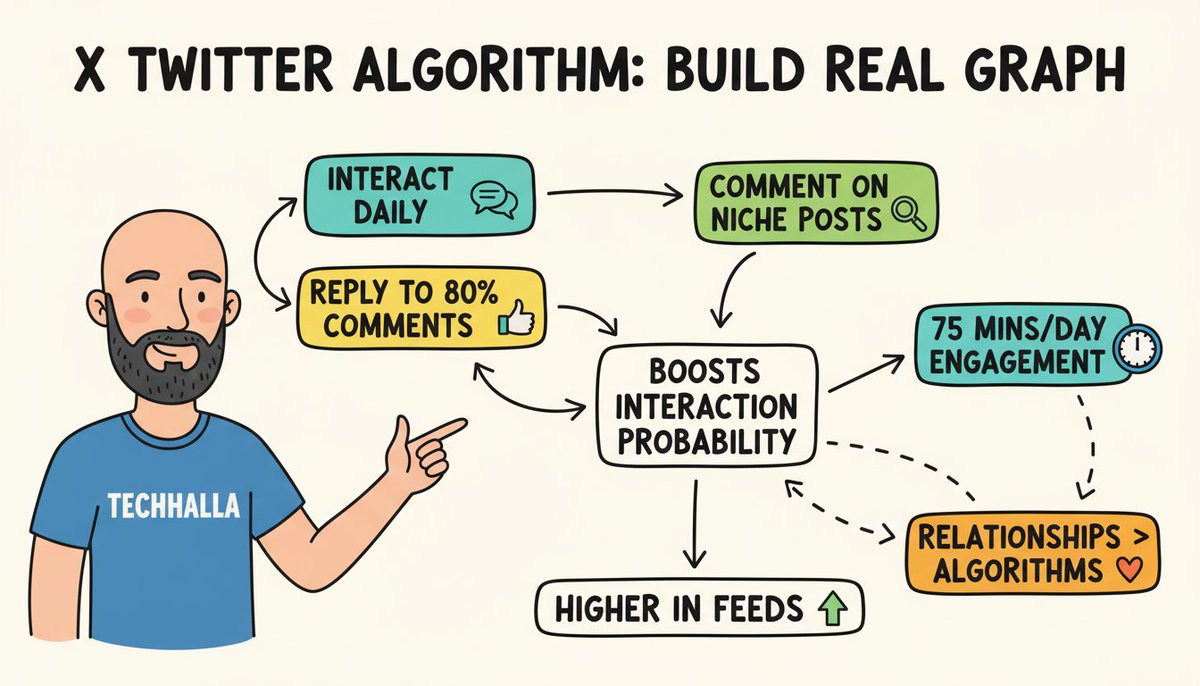
9. Build Real Graph Score
Interact genuinely daily. Reply to 80% of comments, comment on niche peeps' posts.
Boosts future interaction probability, pushing your stuff higher in their feeds.
I spend 75 mins/day engaging AI community, pays off big.
Relationships > algorithms.
Interact genuinely daily. Reply to 80% of comments, comment on niche peeps' posts.
Boosts future interaction probability, pushing your stuff higher in their feeds.
I spend 75 mins/day engaging AI community, pays off big.
Relationships > algorithms.
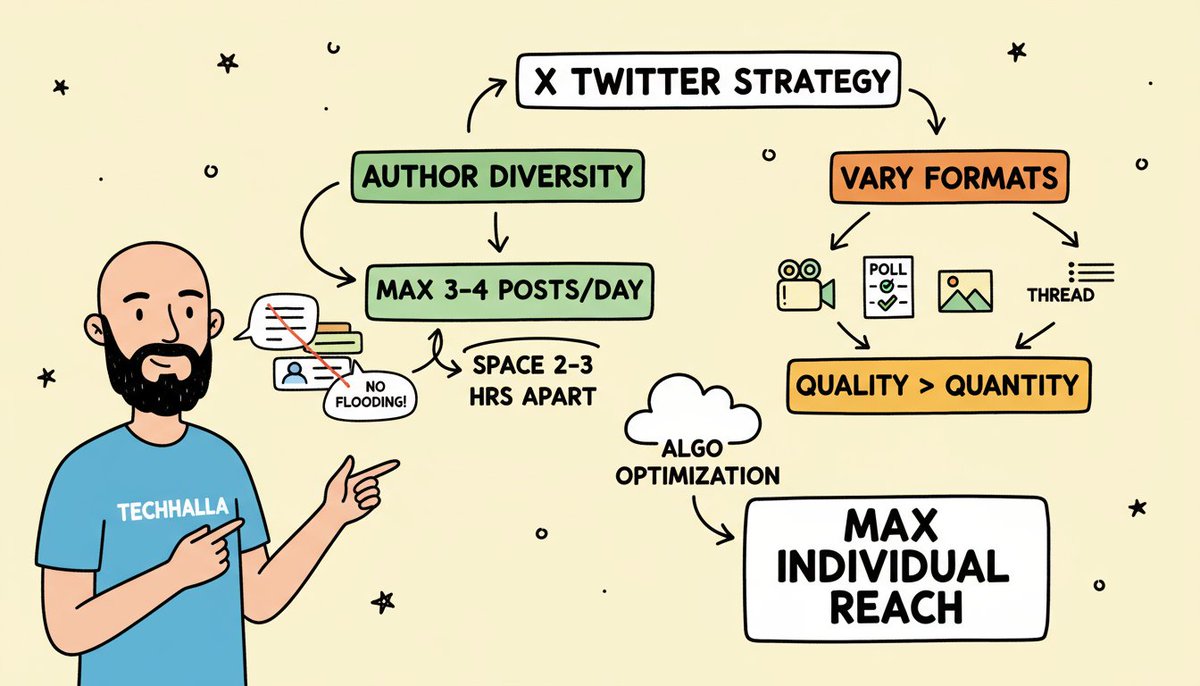
10. Optimize for Author Diversity
Don't flood - max 3-4 tweets/day, spaced 2-3 hours. Algo penalizes same-author overload.
Vary formats: video, poll, image, thread. Each post gets max individual reach.
Quality > quantity
Don't flood - max 3-4 tweets/day, spaced 2-3 hours. Algo penalizes same-author overload.
Vary formats: video, poll, image, thread. Each post gets max individual reach.
Quality > quantity
These 10 steps are a summary of my detailed analysis based on the algorithm code that X just made public.
If you want to dive into all the details, I recommend this article I published recently (5–10 mins):
If you want to dive into all the details, I recommend this article I published recently (5–10 mins):
https://x.com/techhalla/status/1965417579079458950
Hope this helps!
Follow me at @techhalla for more guides on X content creation, generative AI, and much more!
Drop a like, repost, and bookmark on the main post, it really helps me keep sharing this kind of content!
Follow me at @techhalla for more guides on X content creation, generative AI, and much more!
Drop a like, repost, and bookmark on the main post, it really helps me keep sharing this kind of content!
https://x.com/techhalla/status/1965442931801919628
• • •
Missing some Tweet in this thread? You can try to
force a refresh