Introducing shadcn/create – Build your own shadcn/ui
Customize Everything. Pick your component library, icons, base color, theme, fonts and build something that doesn’t look like everything else.
Now available for Next.js, Vite, TanStack Start and v0.
Customize Everything. Pick your component library, icons, base color, theme, fonts and build something that doesn’t look like everything else.
Now available for Next.js, Vite, TanStack Start and v0.
From the very first commit, the goal of shadcn/ui has been to give you solid defaults: spacing, color tokens, animations, accessibility, and let you take it from there.
Tweak the code. Add new components. Change the colors.
We’re making this even easier with npx shadcn create.
Tweak the code. Add new components. Change the colors.
We’re making this even easier with npx shadcn create.
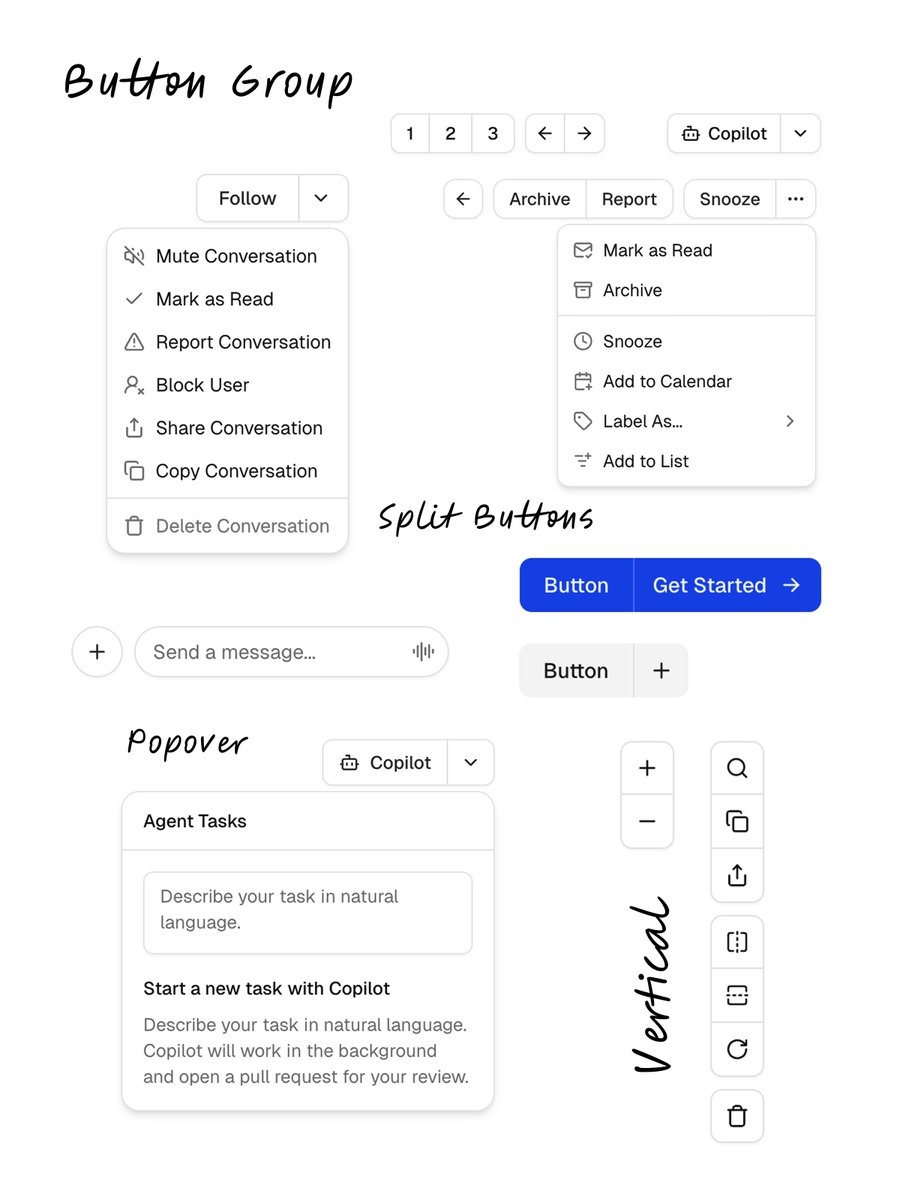
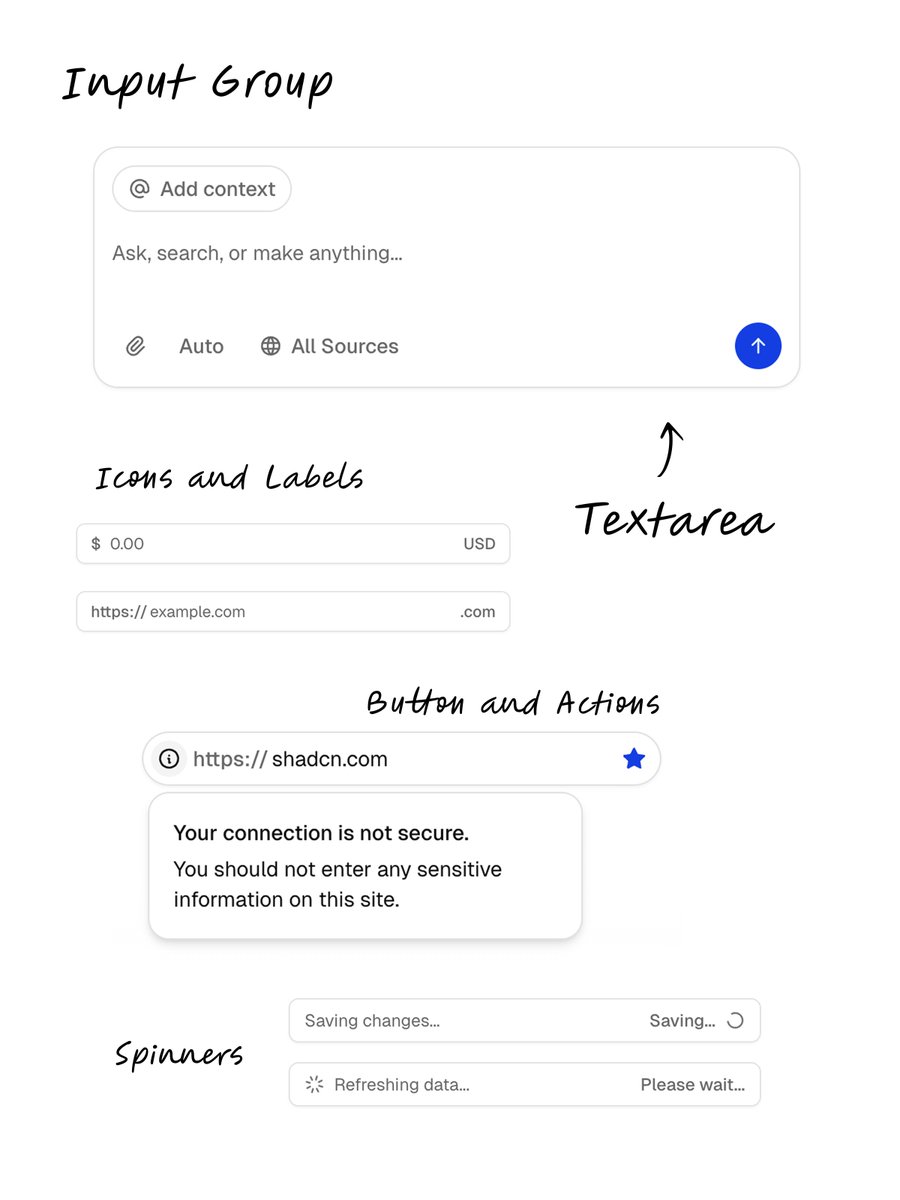
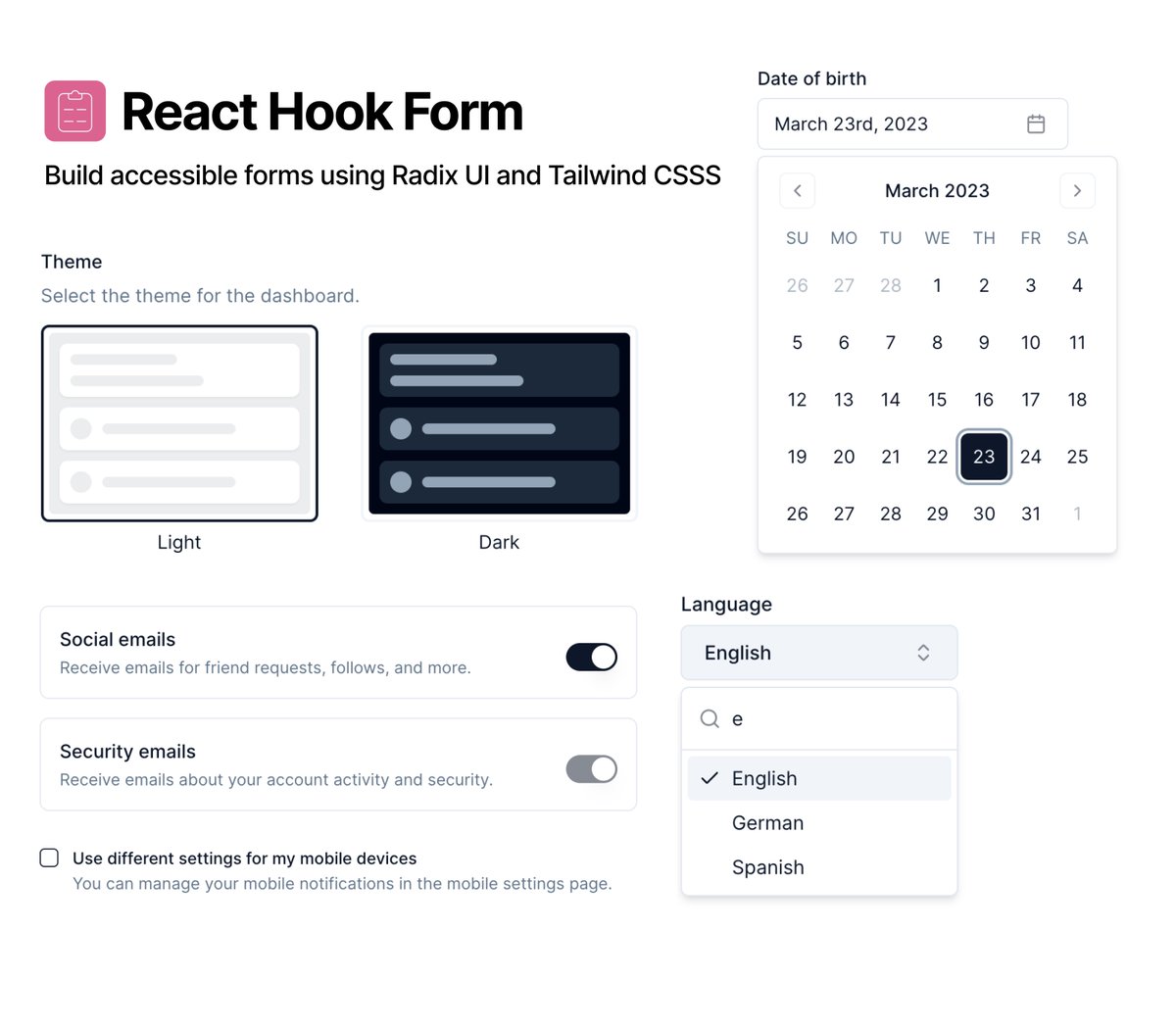
Start with a component library: Radix or Base UI.
We rebuilt every component for Base UI, keeping the same abstraction. They are fully compatible with your existing components, even those pulled from remote registries.
When you add components, we auto-detect your library and apply the right transformations.
We rebuilt every component for Base UI, keeping the same abstraction. They are fully compatible with your existing components, even those pulled from remote registries.
When you add components, we auto-detect your library and apply the right transformations.

We’re also adding 5 new visual styles, designed to help you build something unique.
1. Vega – The classic shadcn/ui look.
2. Nova – Reduced spacing for compact layouts.
3. Maia – Soft and rounded, with generous spacing.
4. Lyra – Boxy and sharp. Pairs well with mono fonts.
5. Mira – Compact. Made for dense interfaces.
1. Vega – The classic shadcn/ui look.
2. Nova – Reduced spacing for compact layouts.
3. Maia – Soft and rounded, with generous spacing.
4. Lyra – Boxy and sharp. Pairs well with mono fonts.
5. Mira – Compact. Made for dense interfaces.
This goes beyond theming.
Your config doesn’t just change colors, it rewrites the component code to match your setup. Fonts, spacing, structure, even the libraries you use, everything adapts to your preferences.
The new CLI takes care of it all.
Your config doesn’t just change colors, it rewrites the component code to match your setup. Fonts, spacing, structure, even the libraries you use, everything adapts to your preferences.
The new CLI takes care of it all.
Go give it a try. Click +New Project on
A special shoutout to the @base_ui team for building an incredible component library. Their work made it easy to build everything without breaking the abstraction. Huge.ui.shadcn.com
A special shoutout to the @base_ui team for building an incredible component library. Their work made it easy to build everything without breaking the abstraction. Huge.ui.shadcn.com
• • •
Missing some Tweet in this thread? You can try to
force a refresh