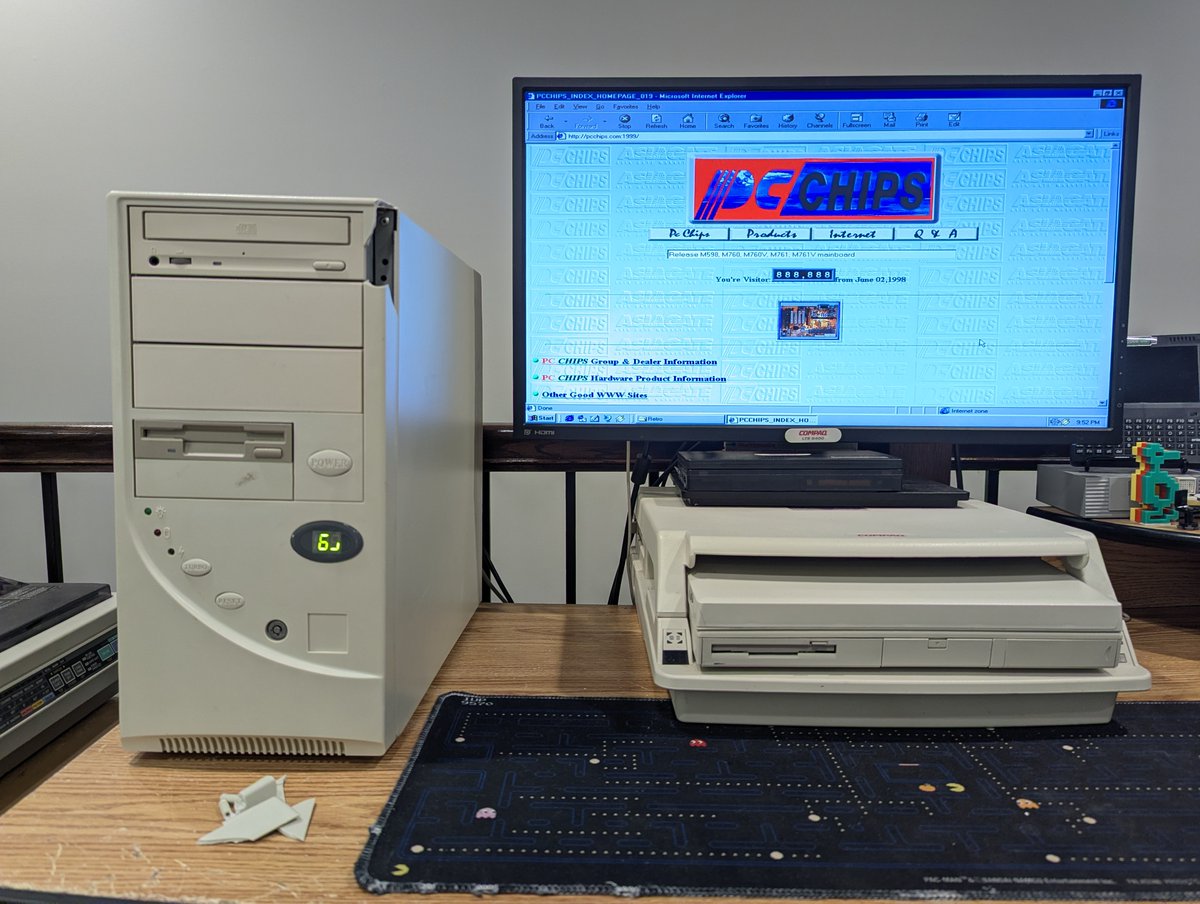
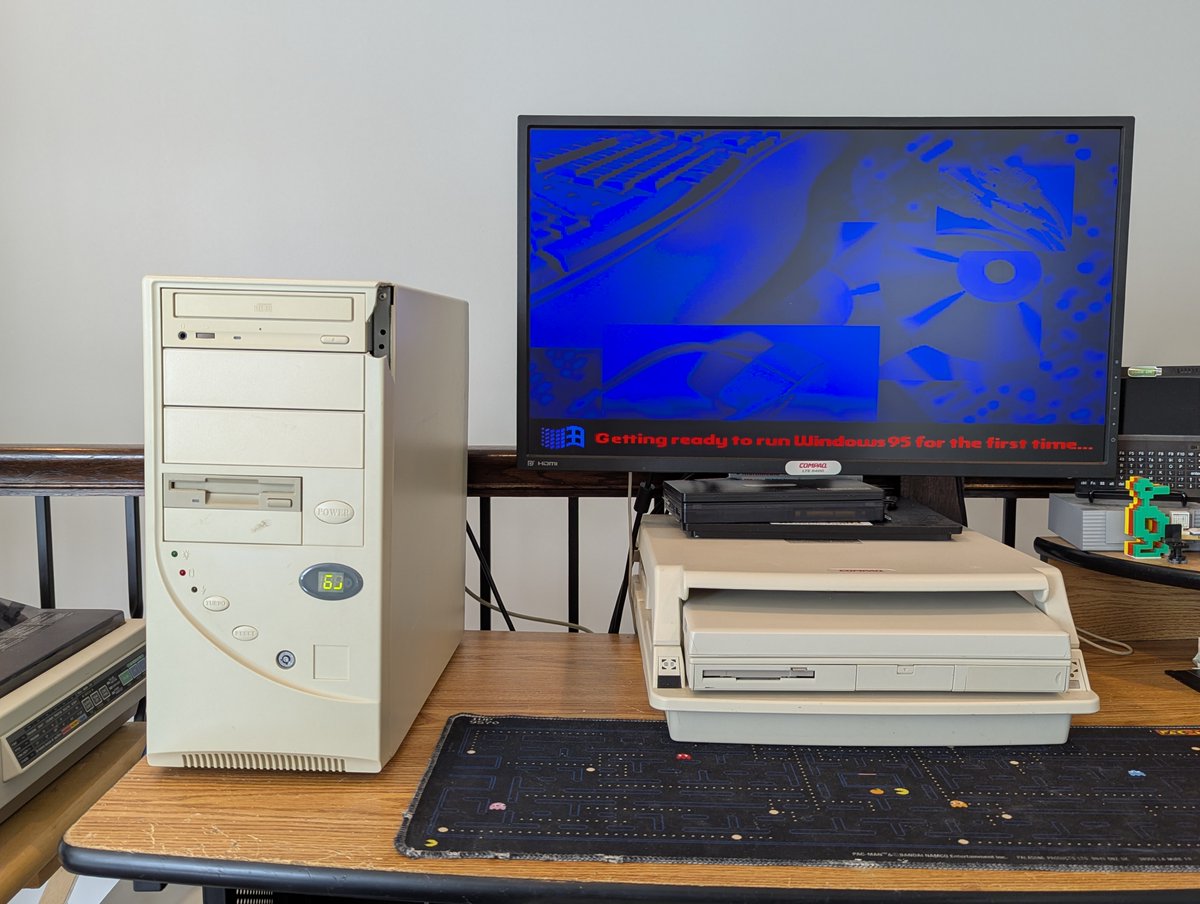
Let's talk about my newest PC acquisition, which might be the most budget build ever 🤣. But there was a reason for buying it. I'll cover that... along with a Windows 95 installation, in a 🧵. Let's go!
First, why did I buy this? Well, the plan was to do a case swap with another system I had, which had some strange "fit" issues. However, that planned got smashed... literally. So, I thought we might as well explore what's left of this PC!
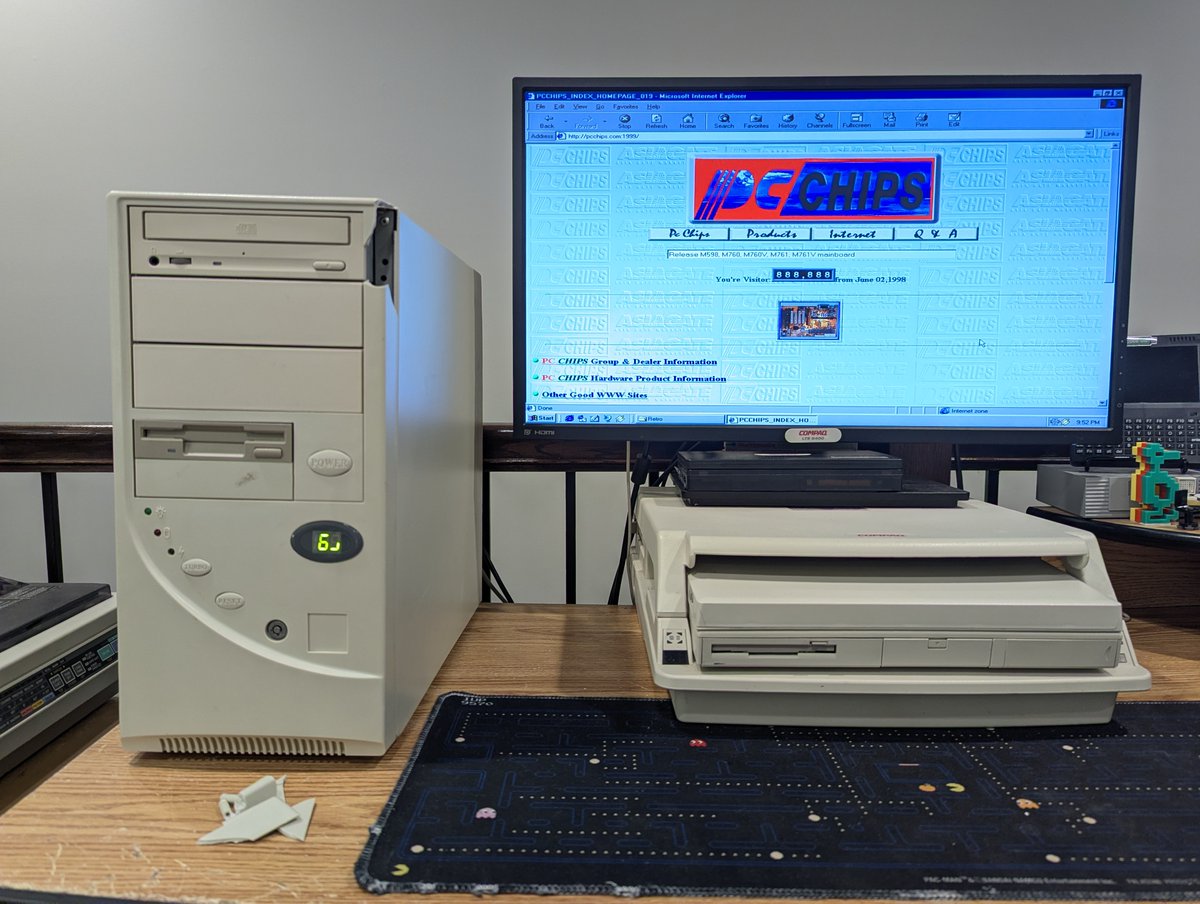
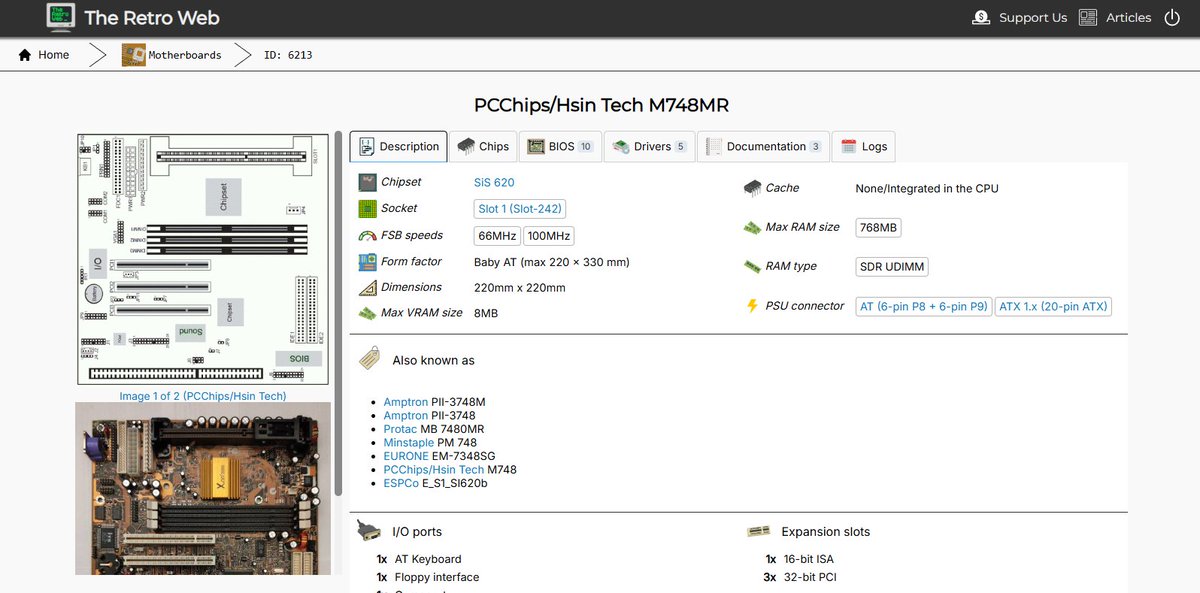
This system has a PC Chips M748MR motherboard, an Intel Celeron 400 MHz processor, and 16MB of RAM. Yikes! And of course the case is nothing fancy, but is nostalgic for me. But yea, this is the most budget build ever, for sure!
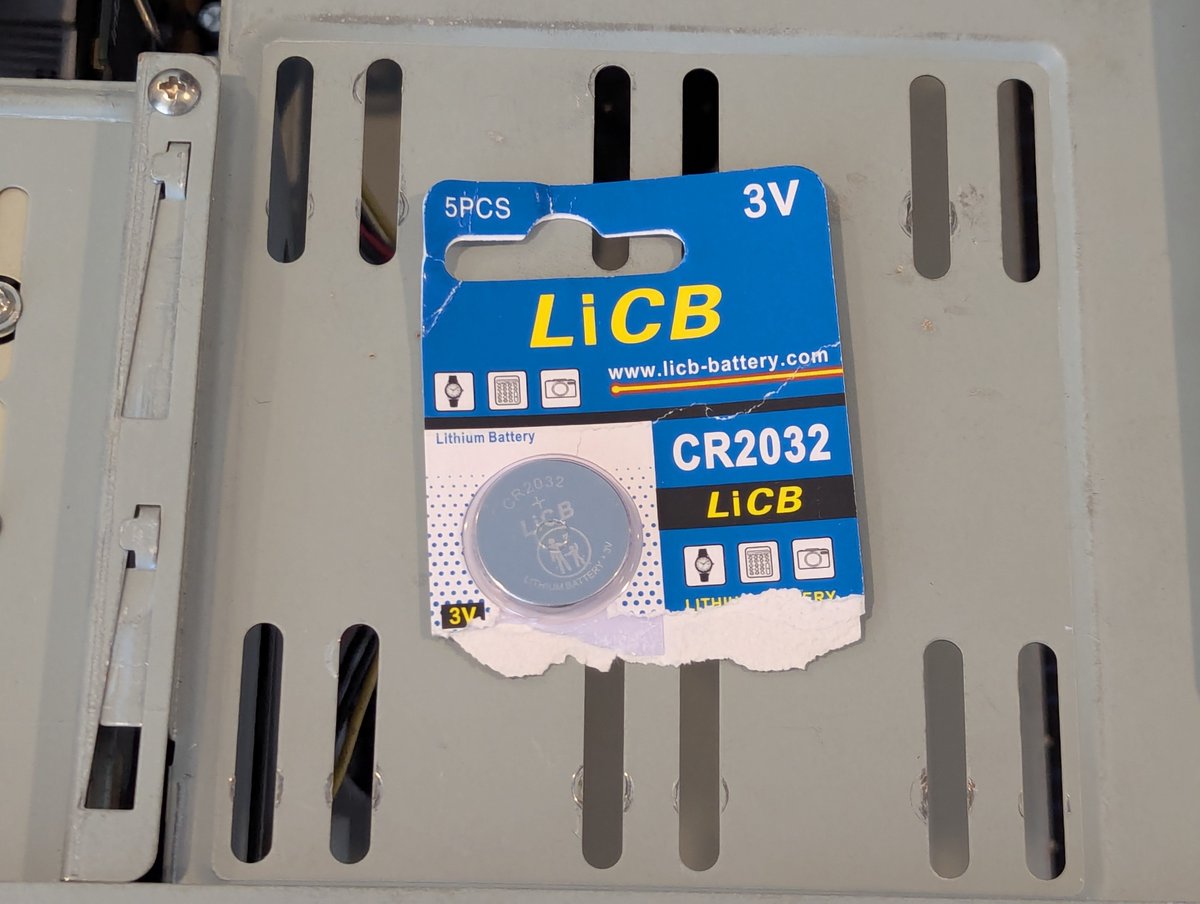
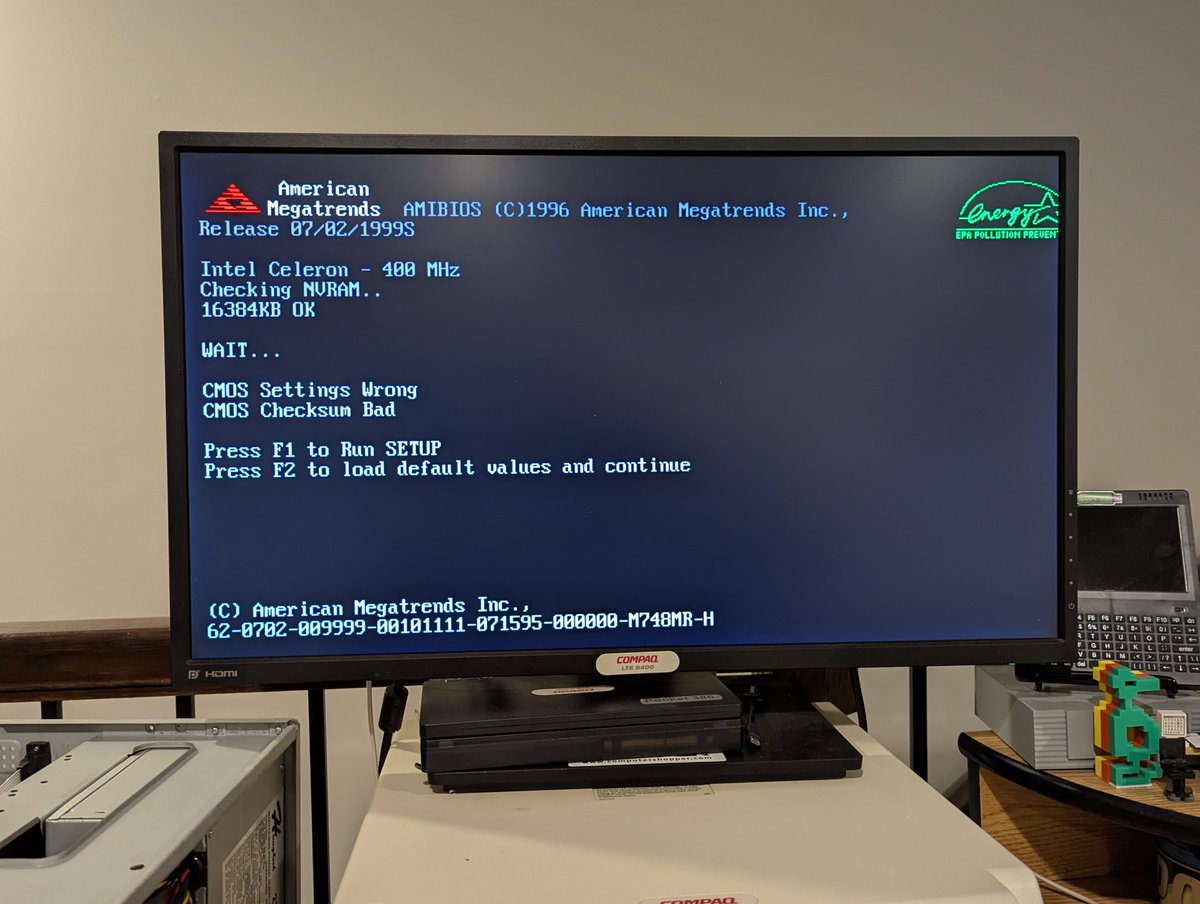
Luckily, this thing powered right up. It had a dead CMOS battery, but that was an easy fix!
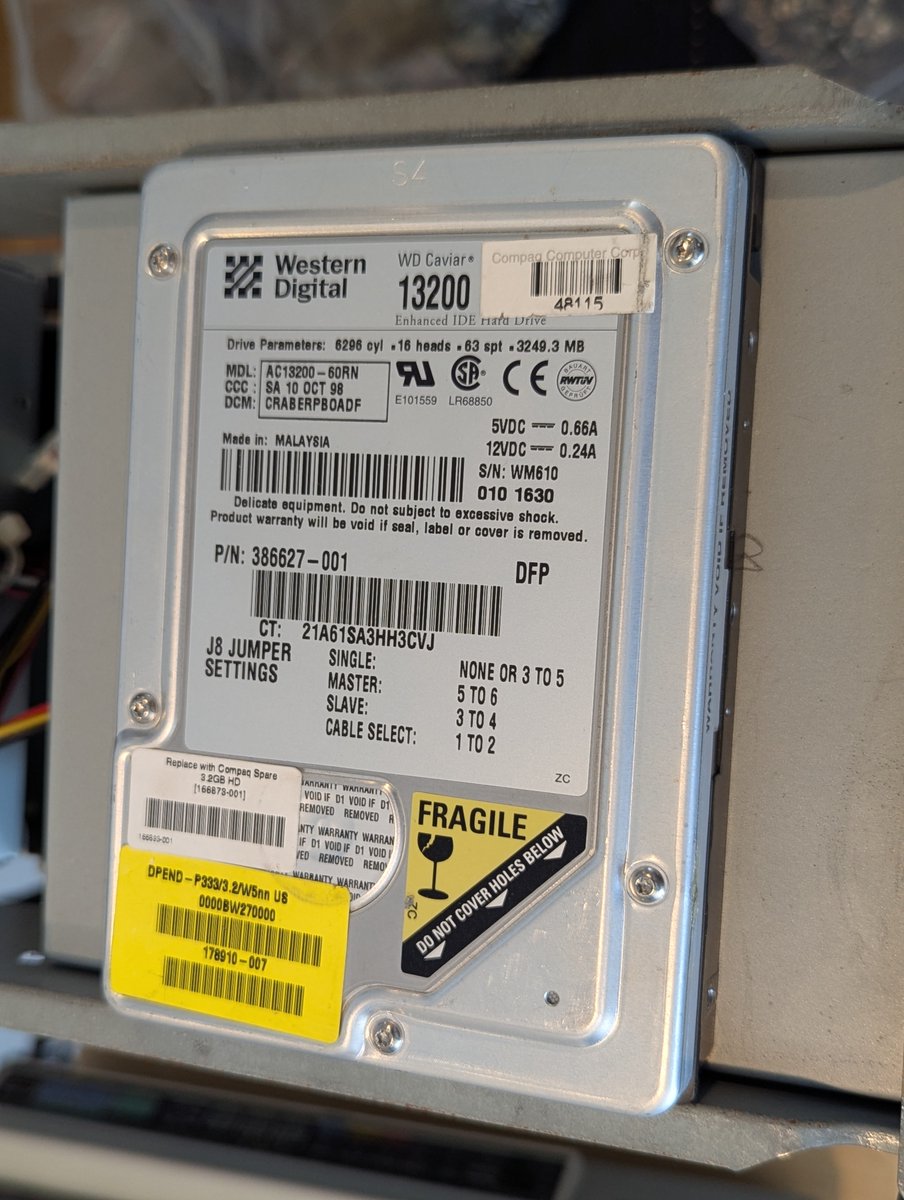
This system didn't have a HDD, so I threw in this 3.2GB Western Digital drive.
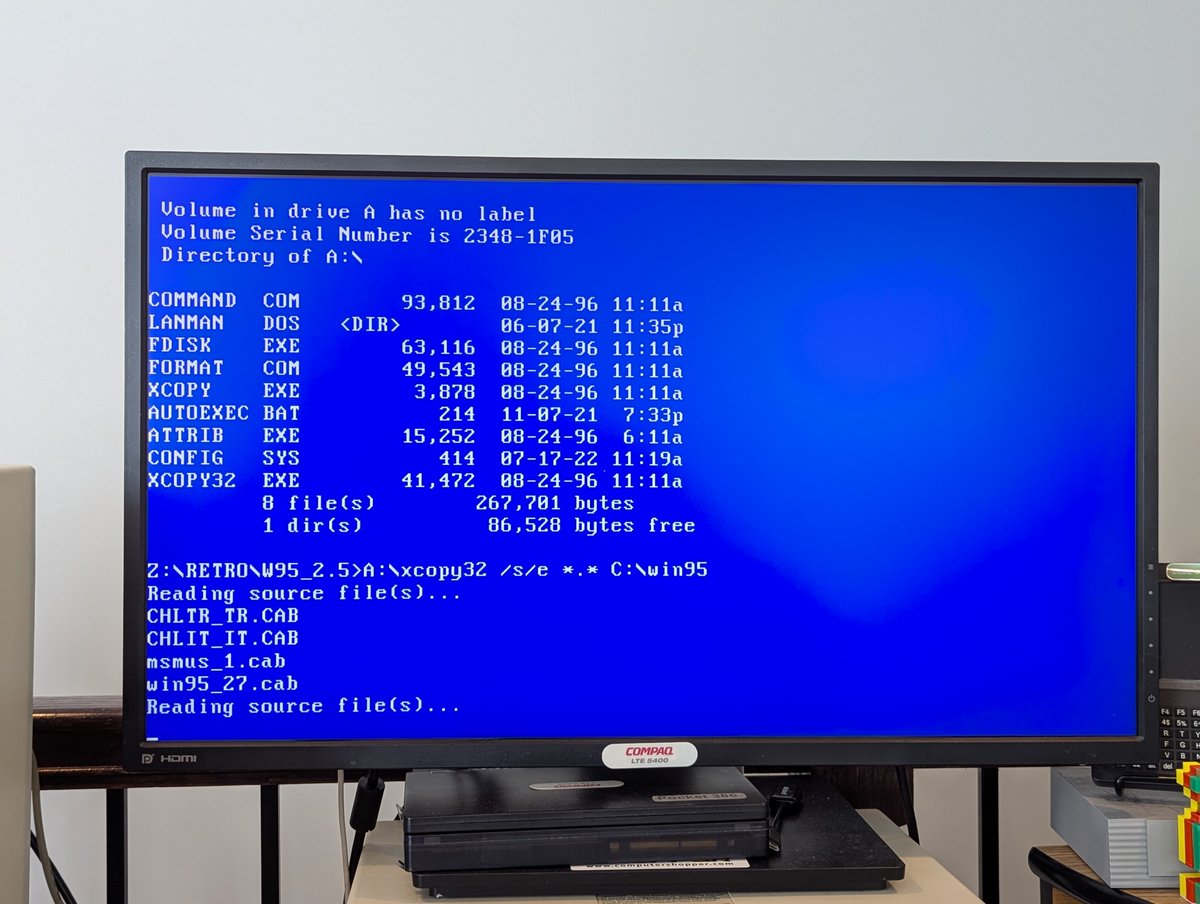
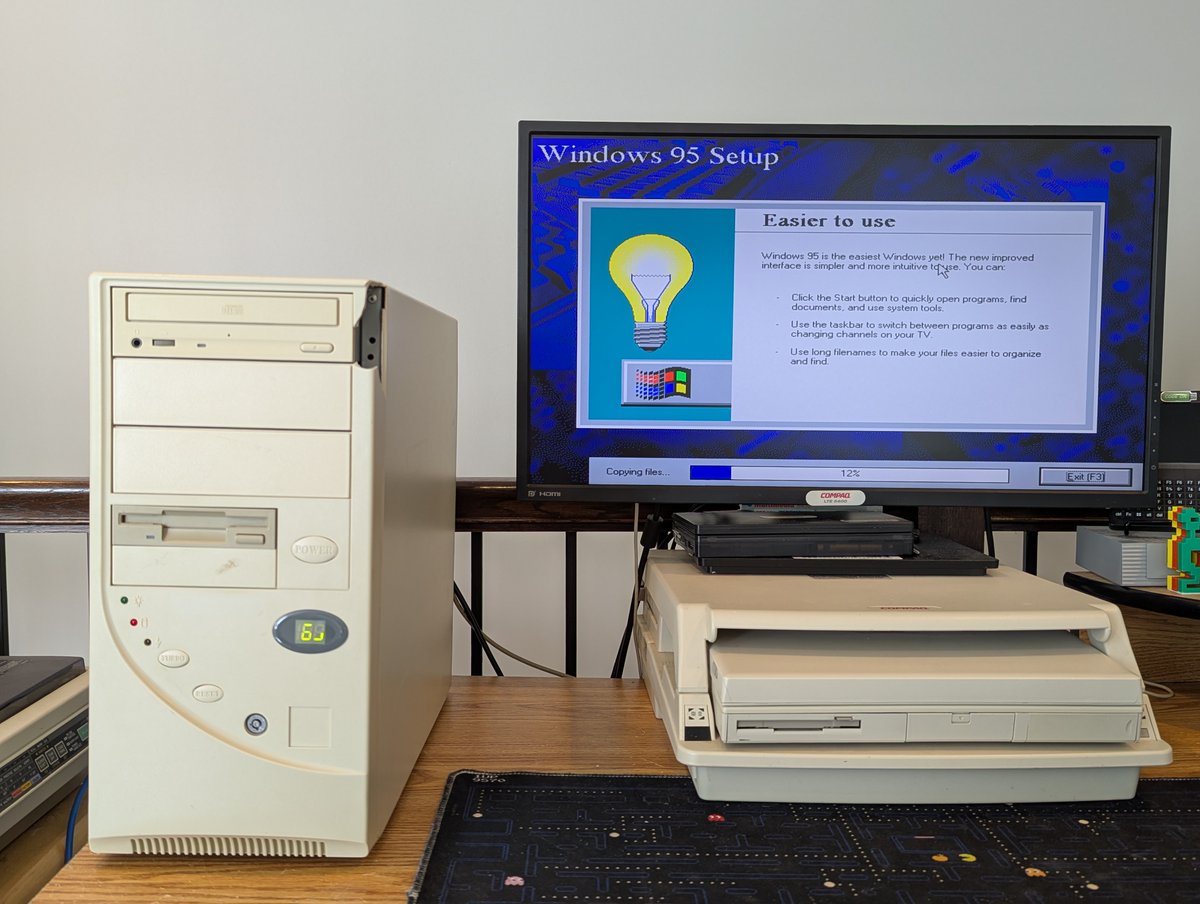
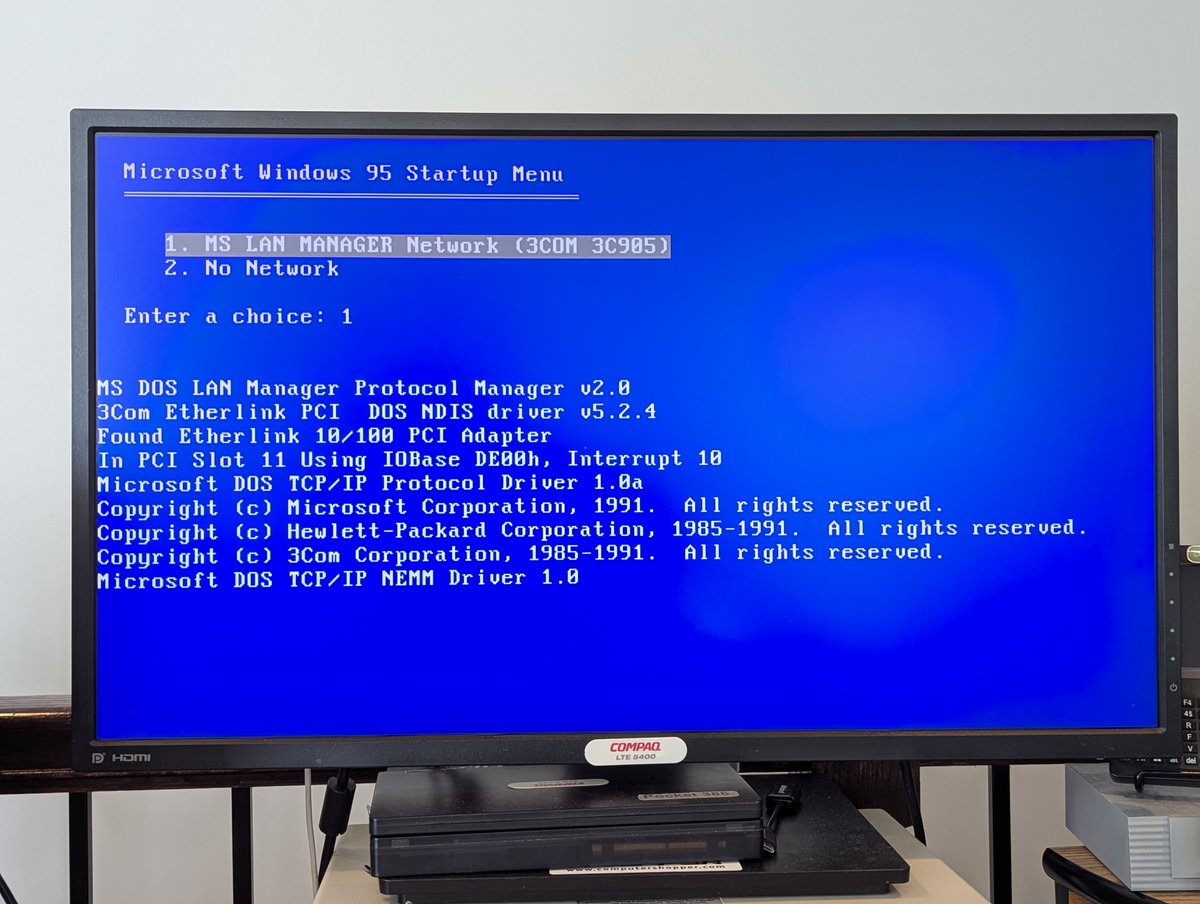
I also put a 3Com 3c905 network card in, and used LAN Manager to copy over files. Before long, we were installing Win95! Oh.. I threw an optical drive in this beast as well, because, why not!
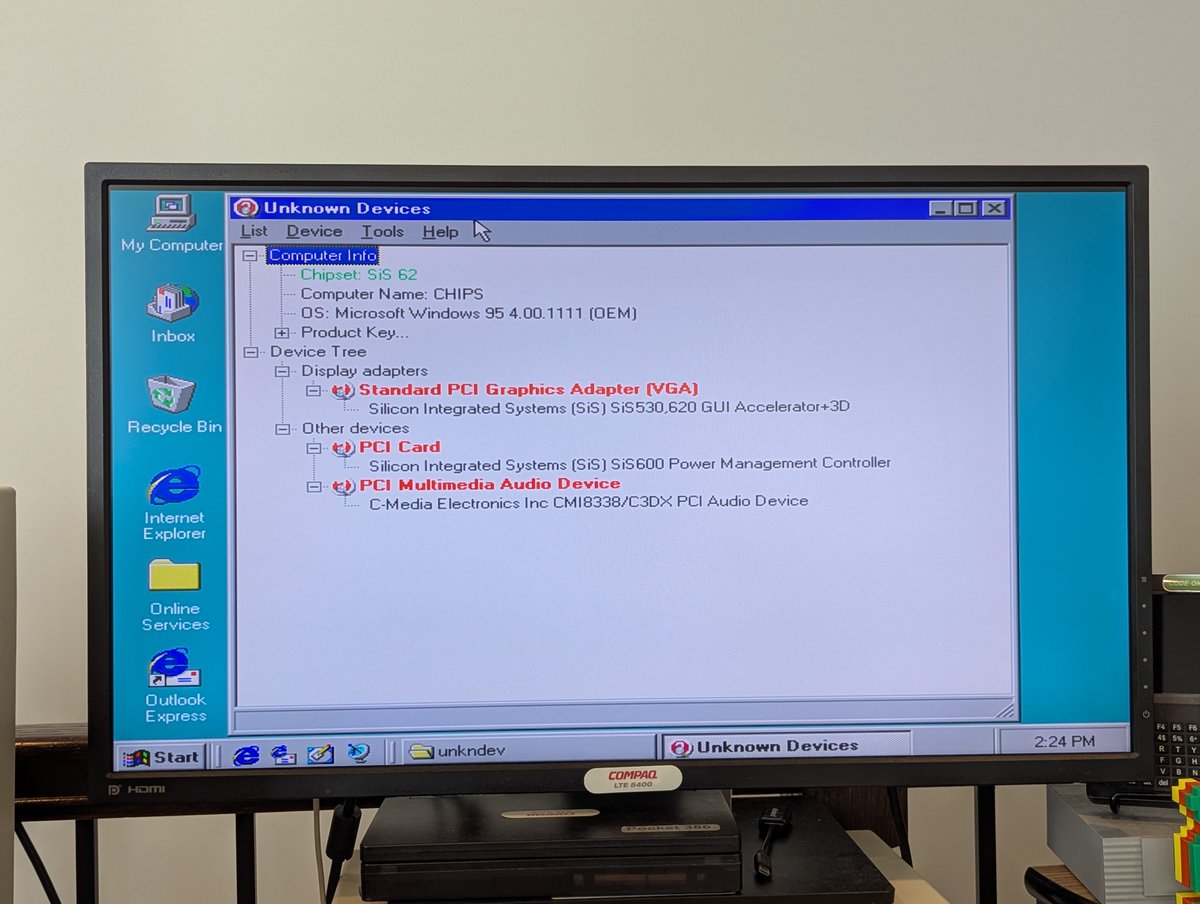
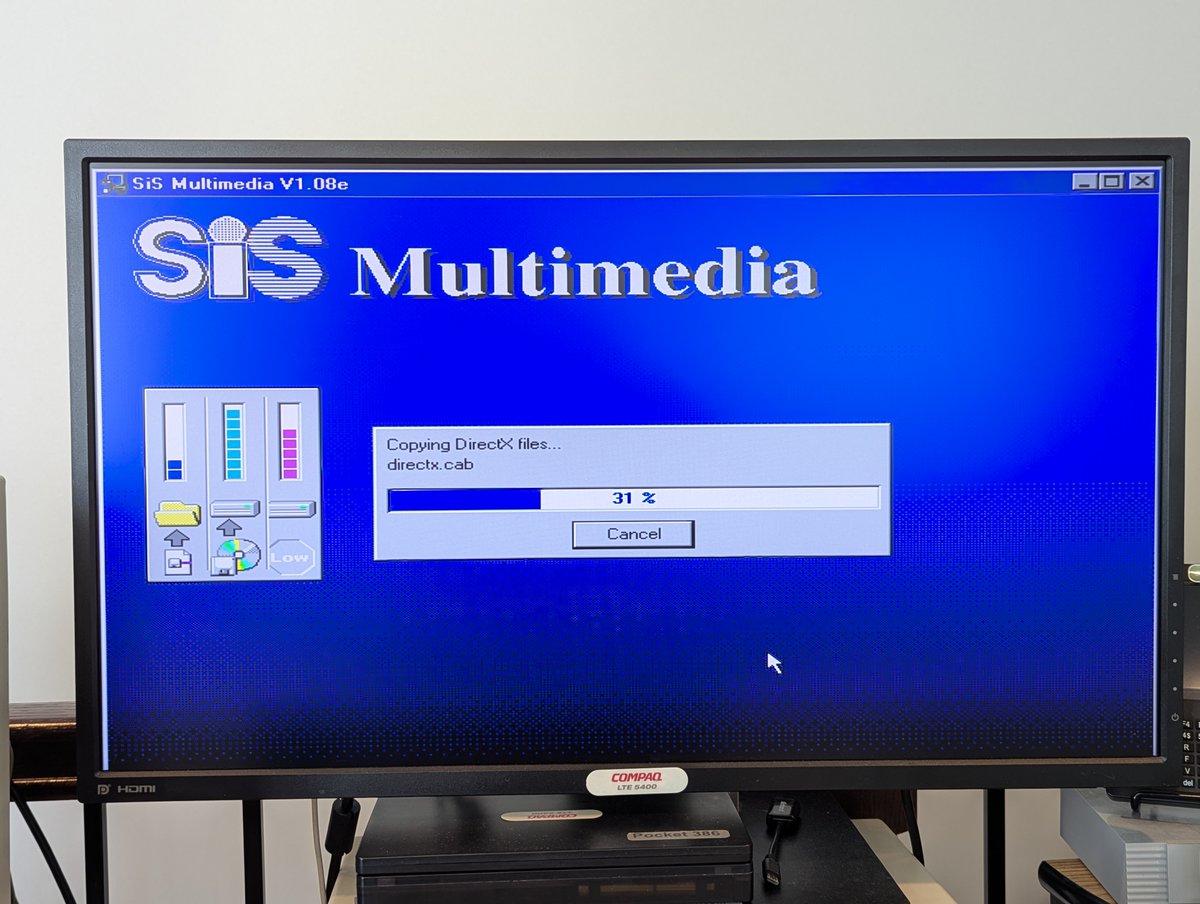
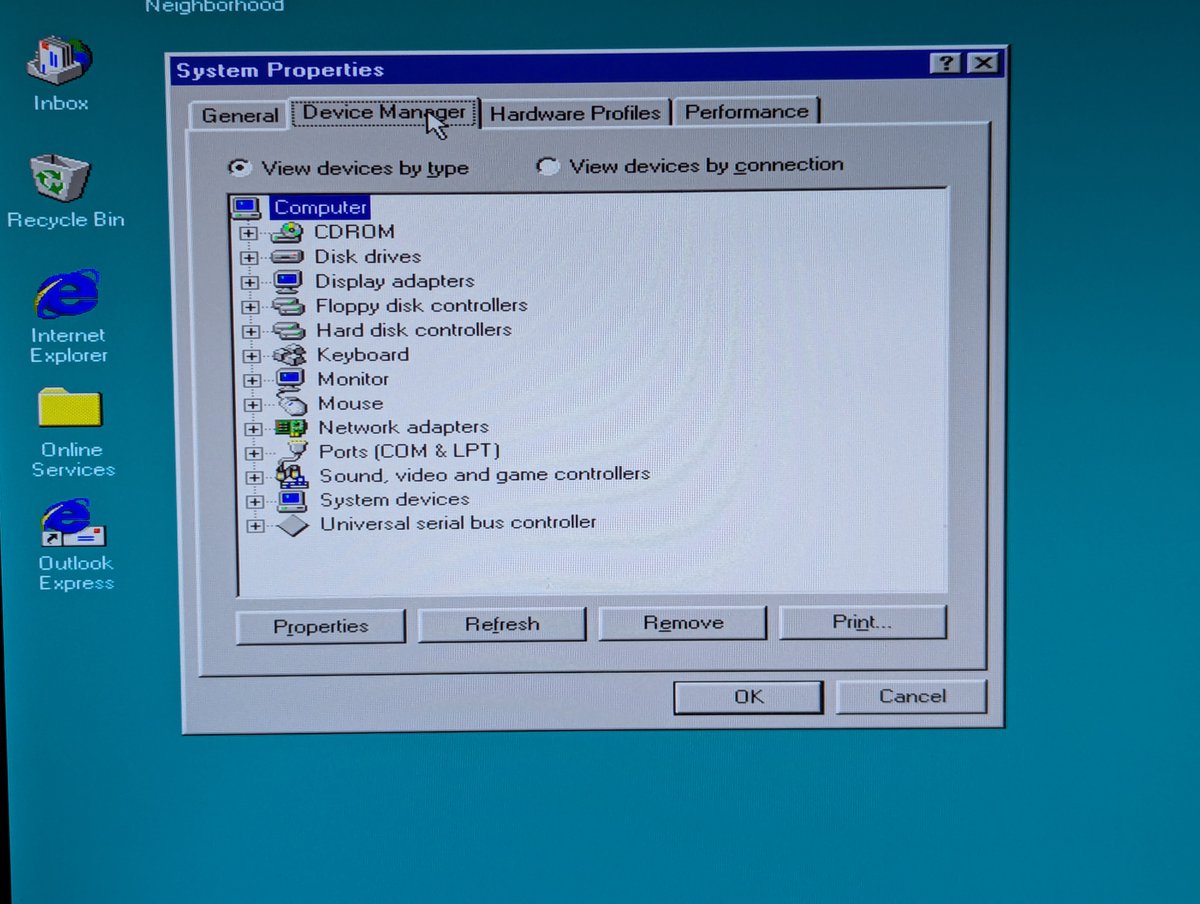
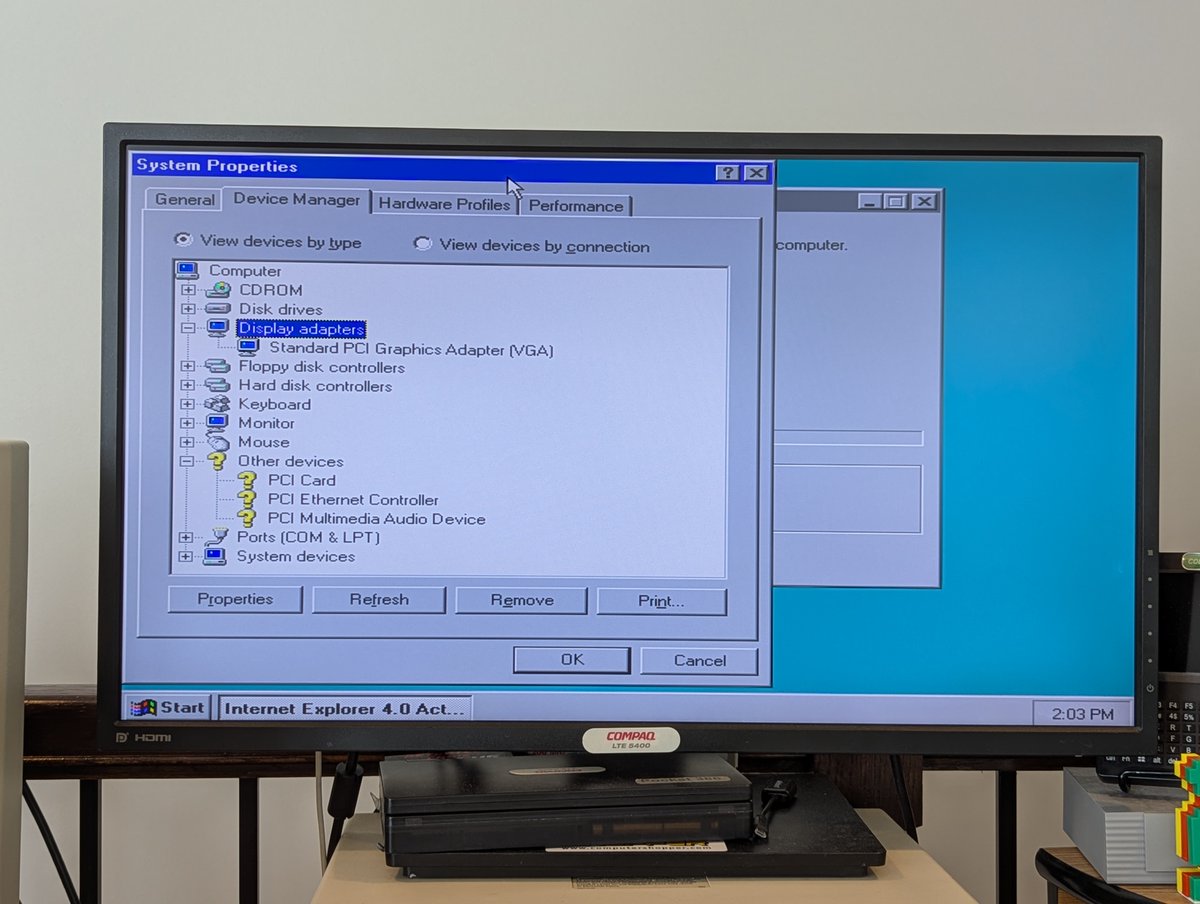
Alright, with Win95 installed, it was time to hunt down drivers. This system has integrated EVERYTHING, including video, so the video drivers is SiS, and looks like the audio is C-Media.
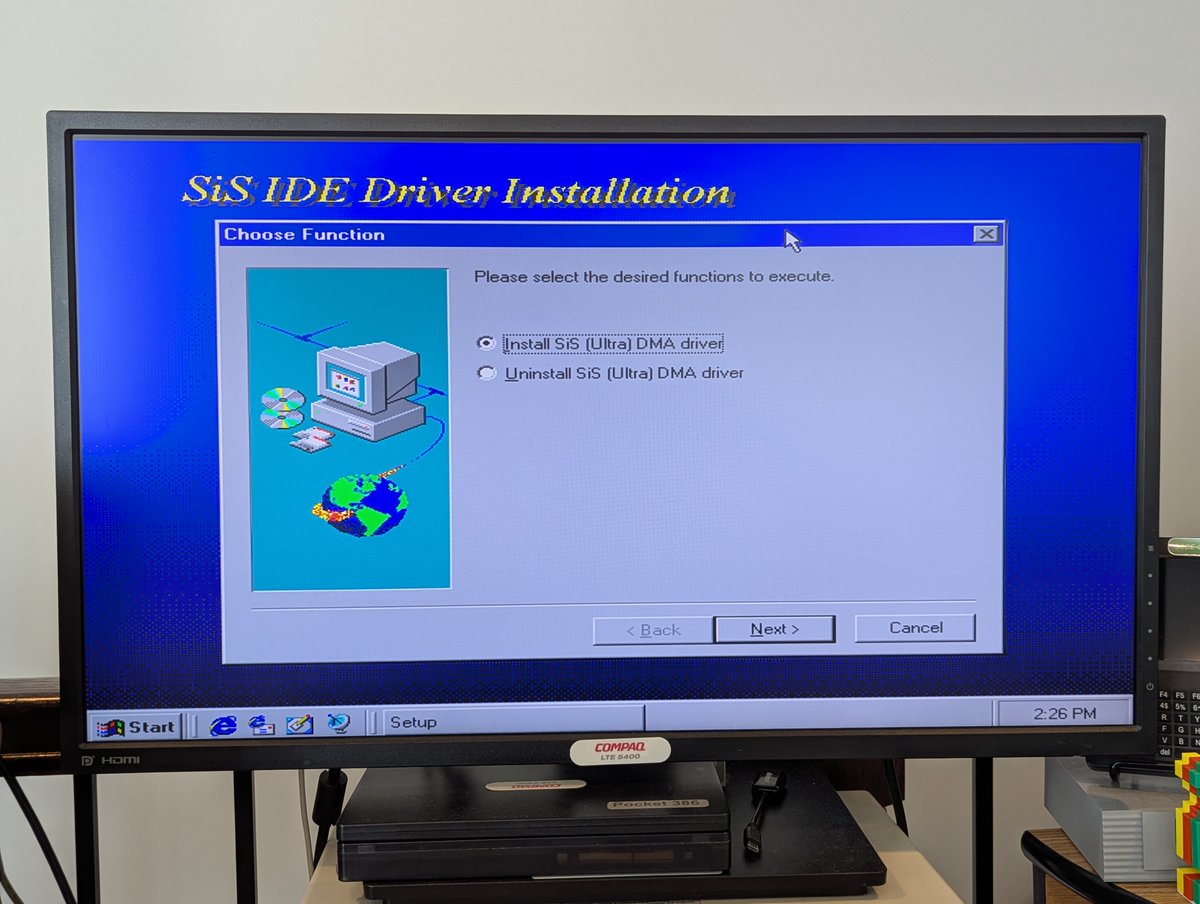
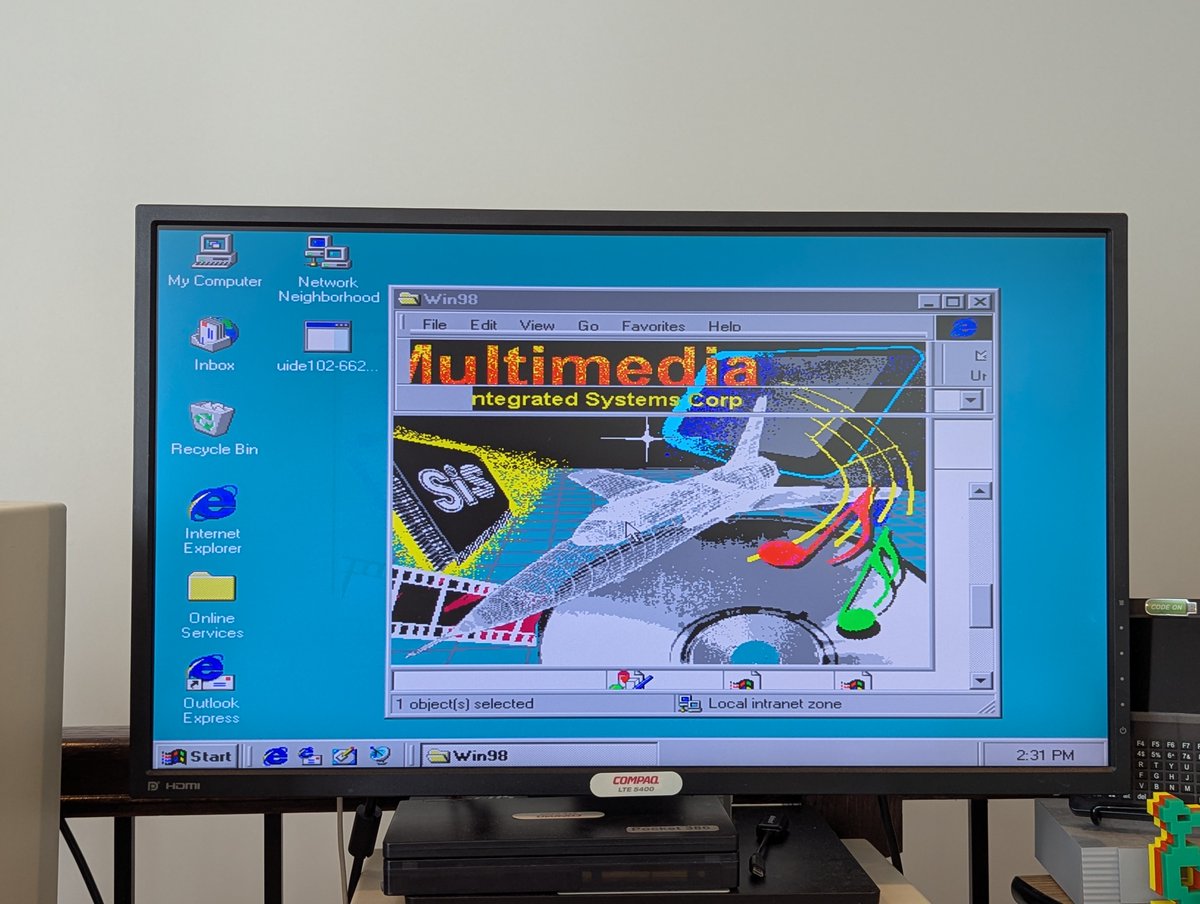
Oh! I also found drivers for Ultra DMA IDE, so I installed those, and actually installed those first!
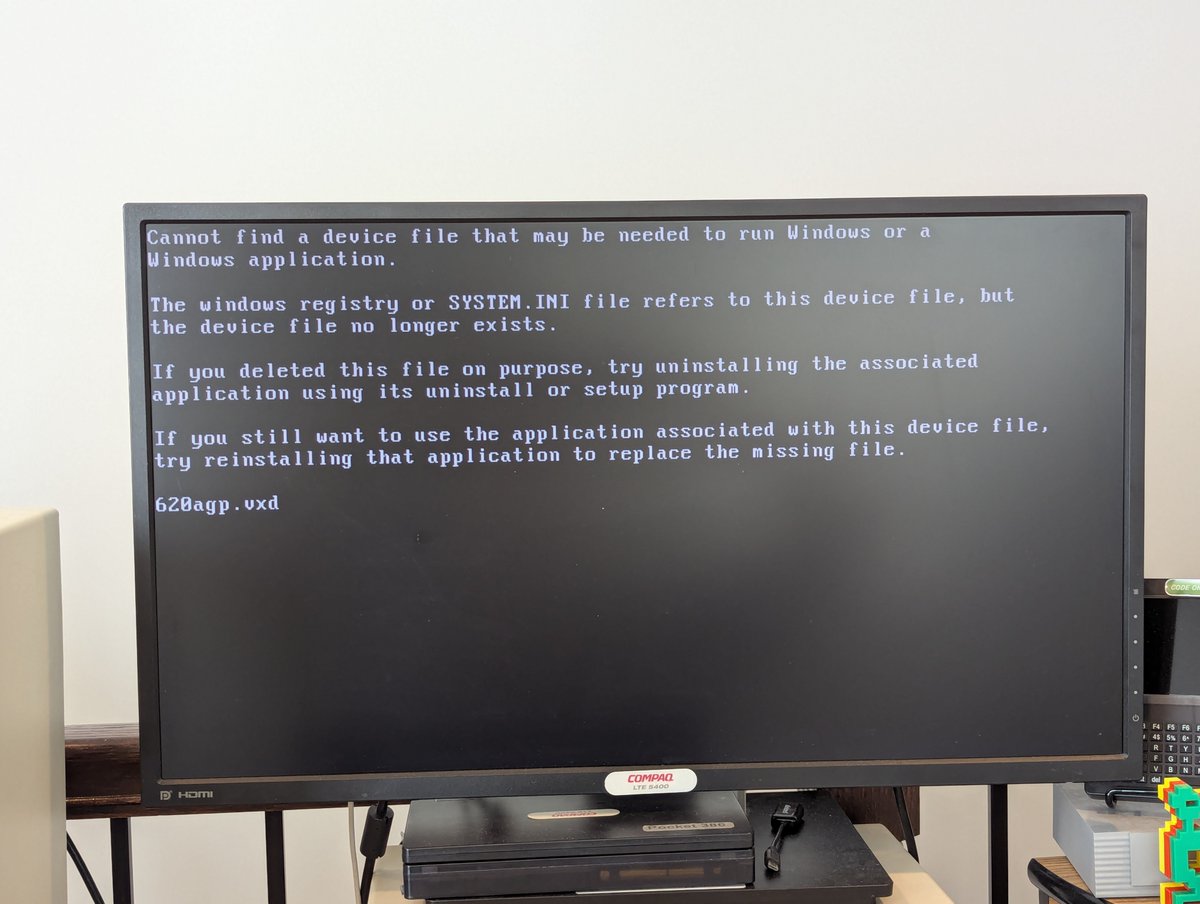
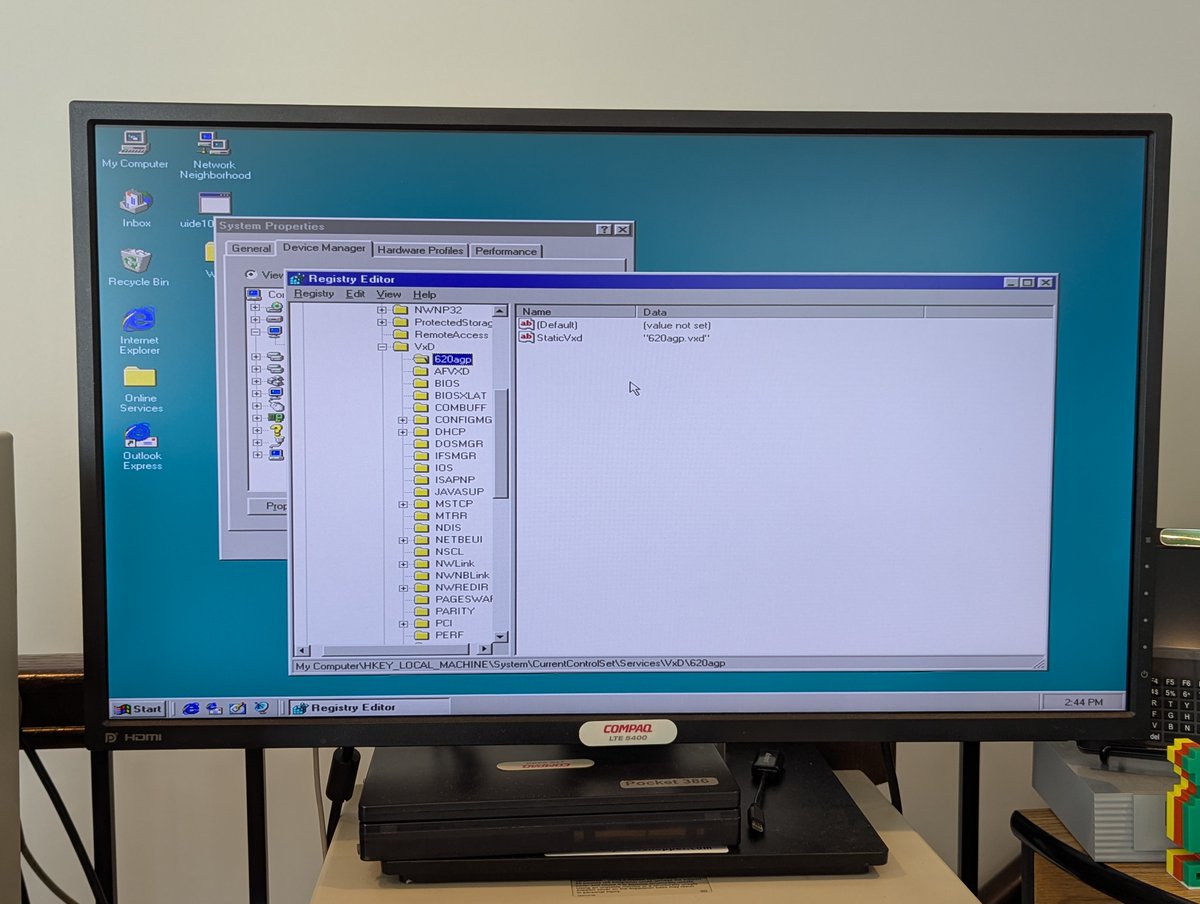
Video drivers worked out fine for the most part... well.. except for referencing a non-existent VxD file. I had to take its reference out of the registry. Such quality 🤣
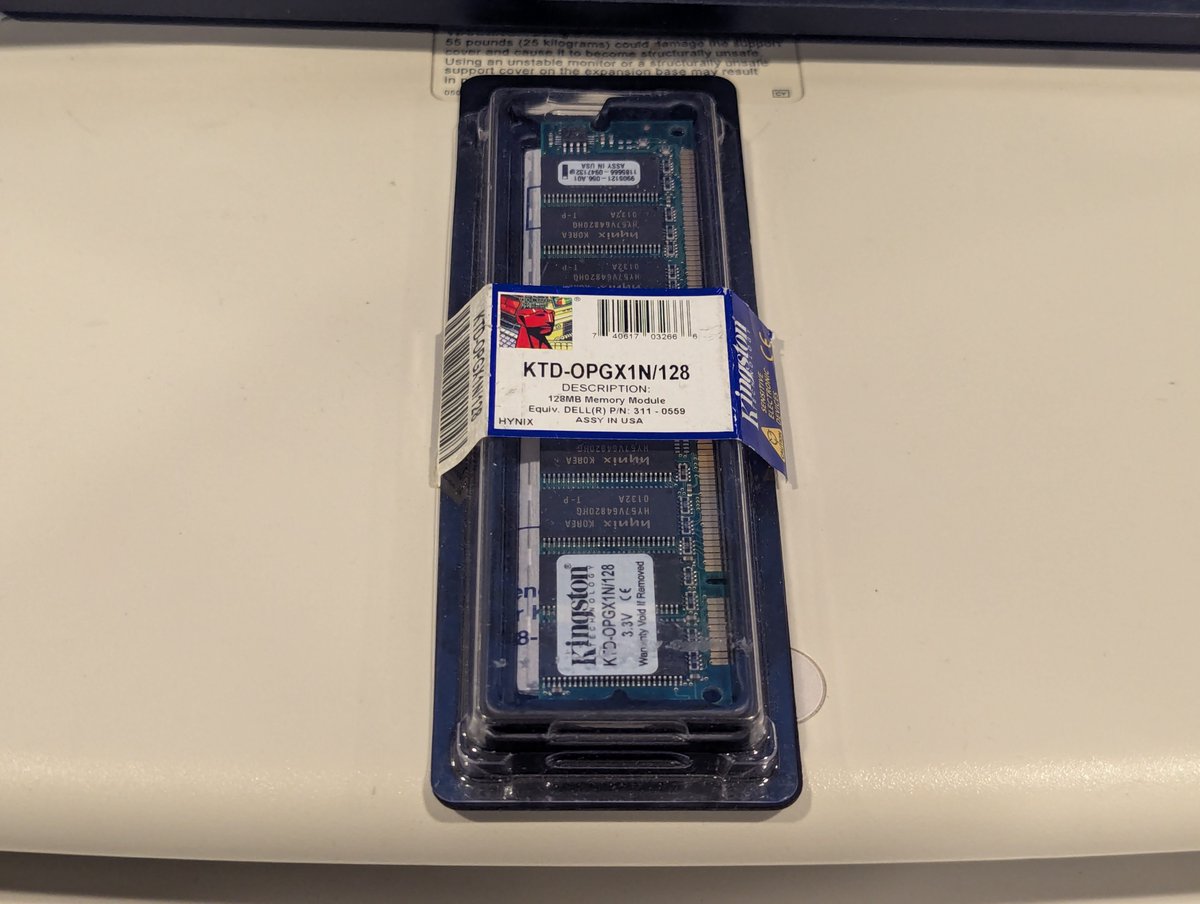
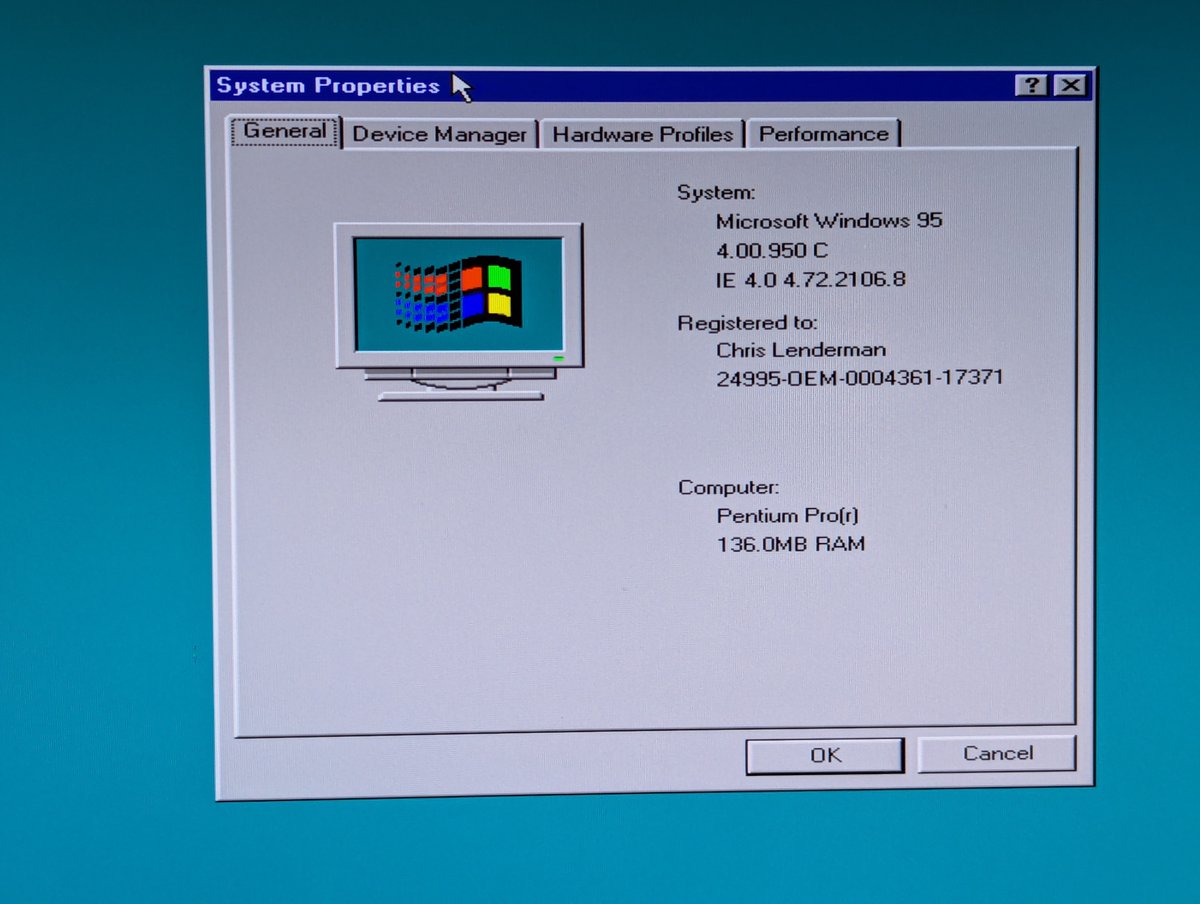
Let's address the memory situation. This system has 16MB of memory, and 8MB is dedicated to onboard video. So, that leaves 8MB for system use. Yikes! I threw a 128MB stick in there, and performance improved a lot! Also, odd that this is detected as a Pentium Pro.
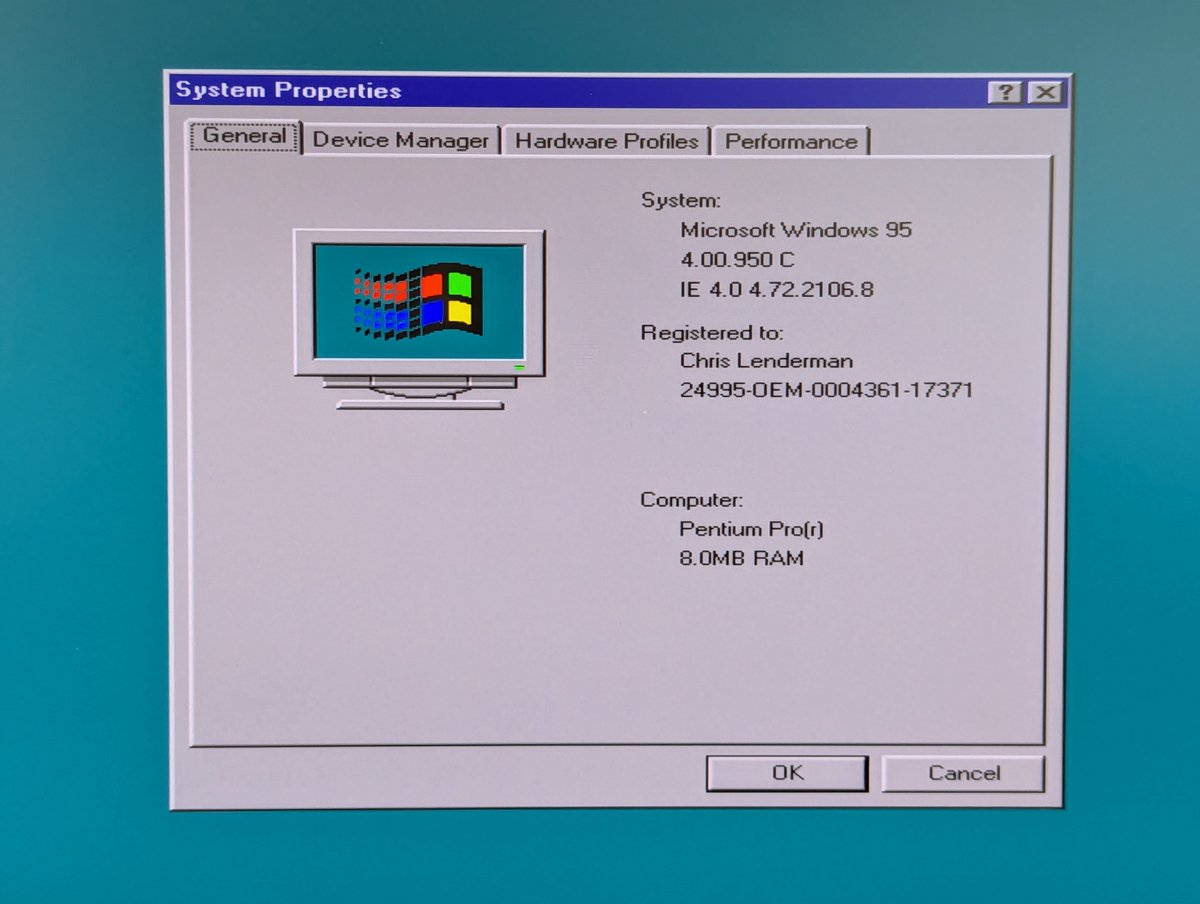
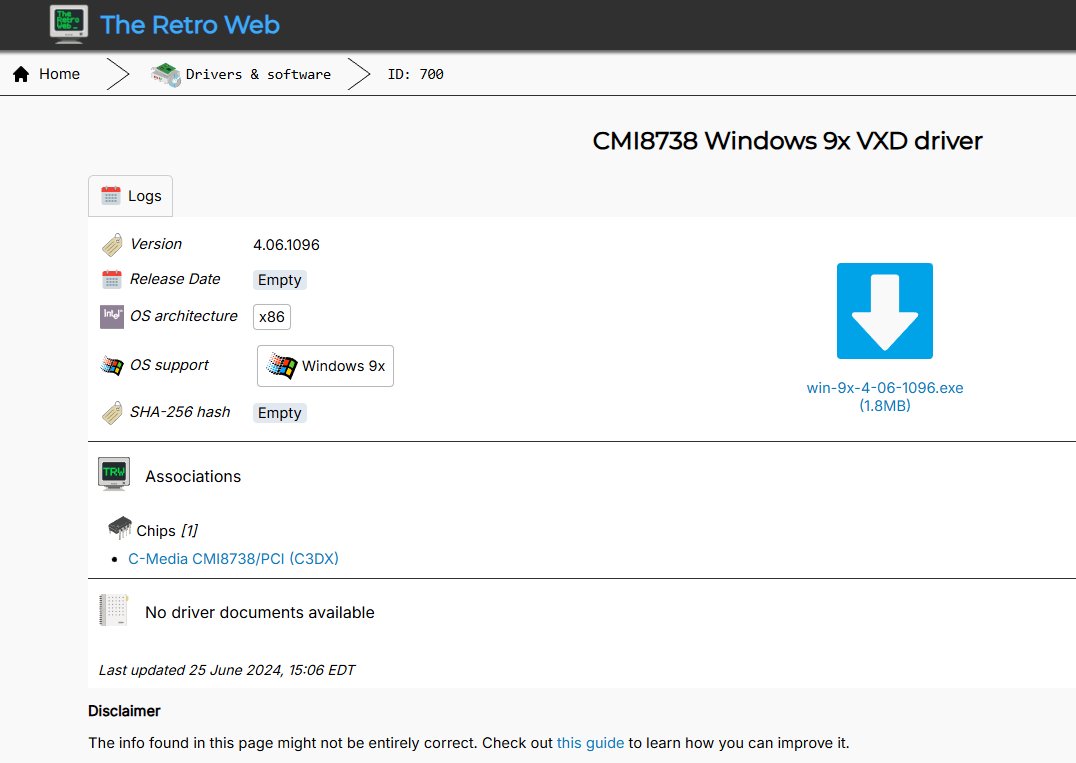
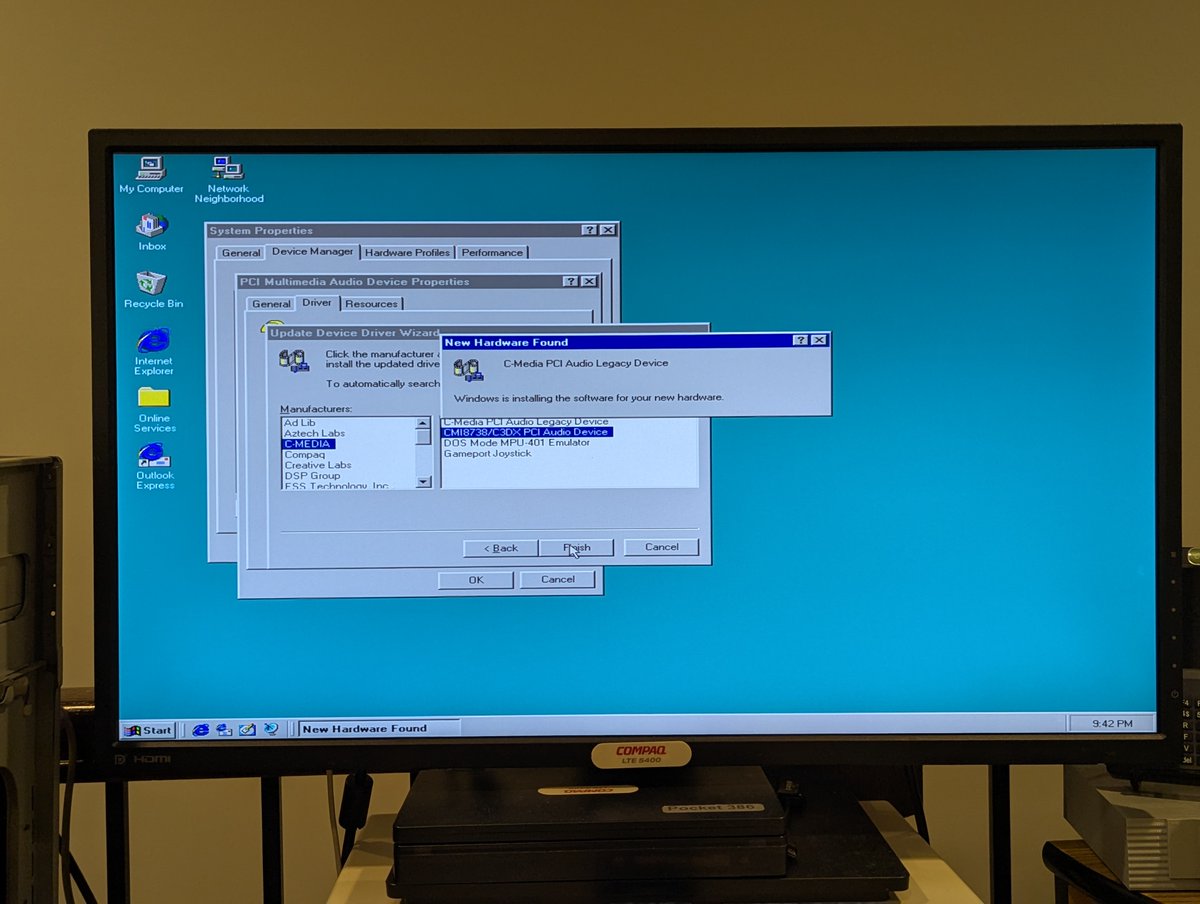
Next up was sound. Ah... sound. I spent SEVERAL HOURS on this. The sound chip is a special PC Chips variant, which is C-Media... and you'd suspect that C-Media 8338 drivers would work. Yea, if only! I ended up using C-Media 8738 drivers instead.
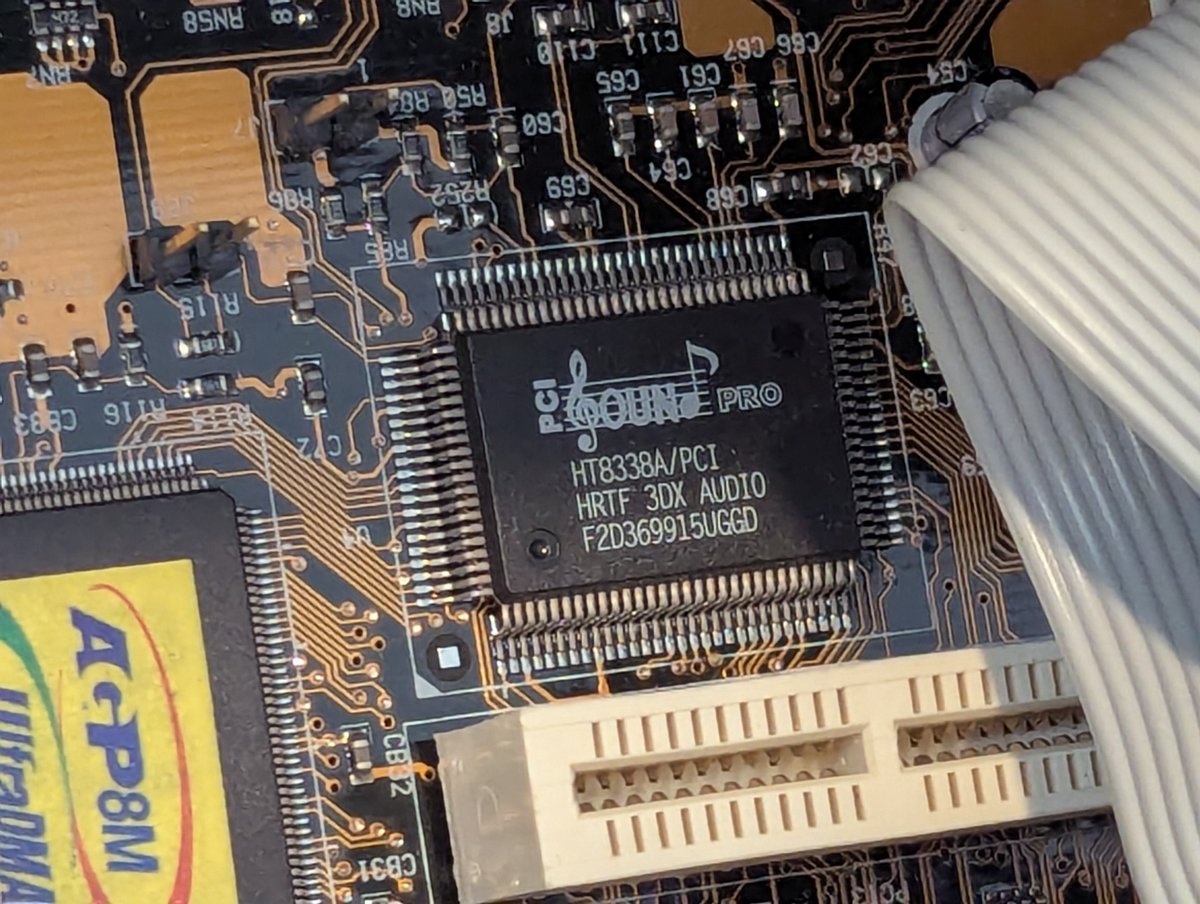
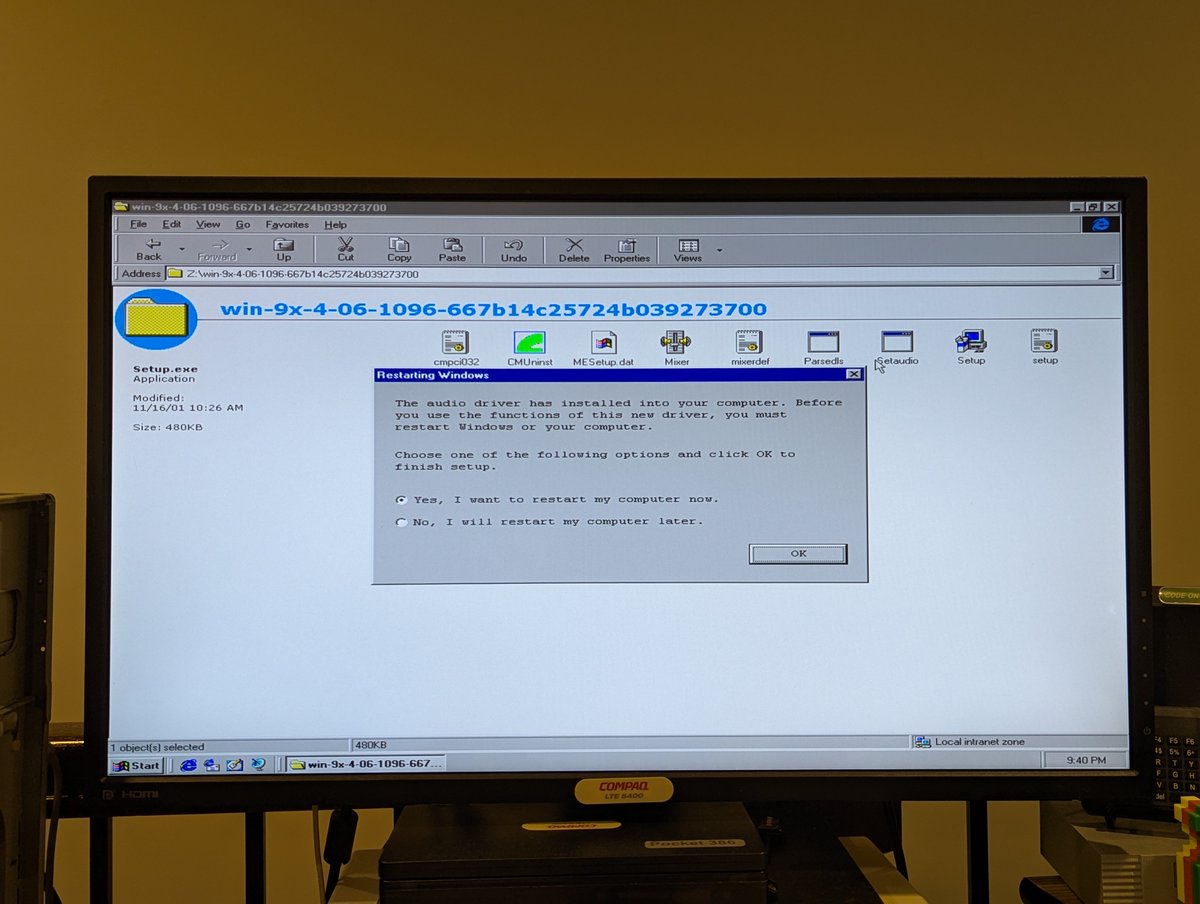
However, that wasn't straightforward either. After running the installer and rebooting, the drivers had to be manually installed for them to get detected. From there, PnP did the rest. This took me more time to figure out than I would like to admit.
Well, anyway, that's it for this. I don't think I'll be keeping this, it'll probably go on the free pile at VCF East, unless I change my mind. It's not a terrible PC, but since my plans didn't work out, I think I'll pass it on. Thx for following along!
@threadreaderapp unroll
• • •
Missing some Tweet in this thread? You can try to
force a refresh

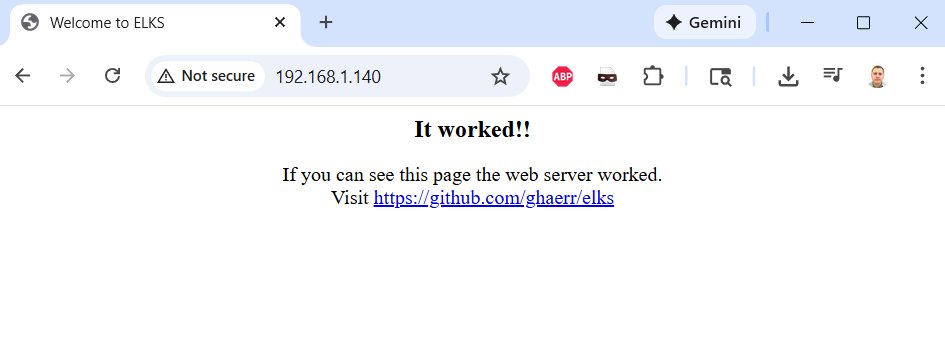
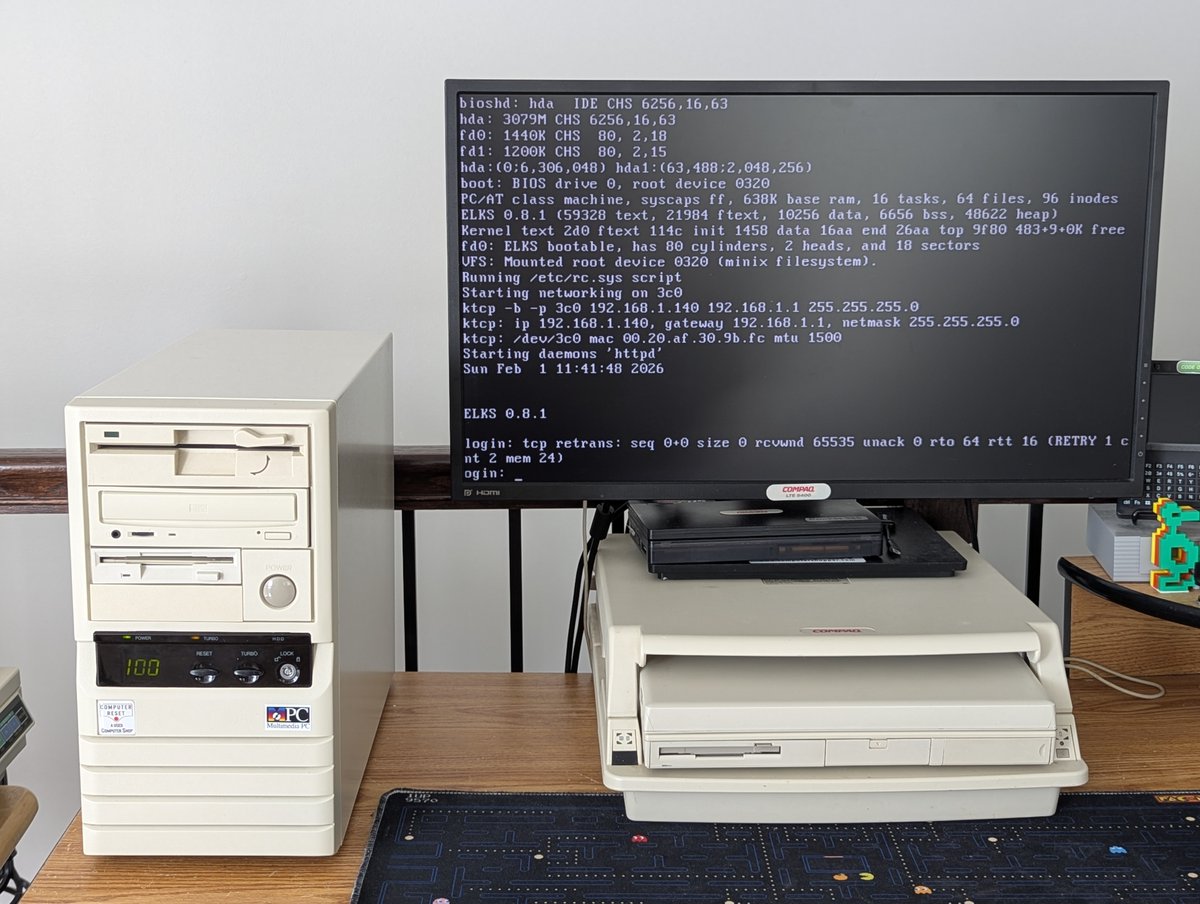
I just watched a video where YouTuber Action Retro set up a web server on a floppy disk using ELKS (the Embeddable Linux Kernel Subset). I thought, I have to try this for myself! Let's talk about it briefly in a 🧵
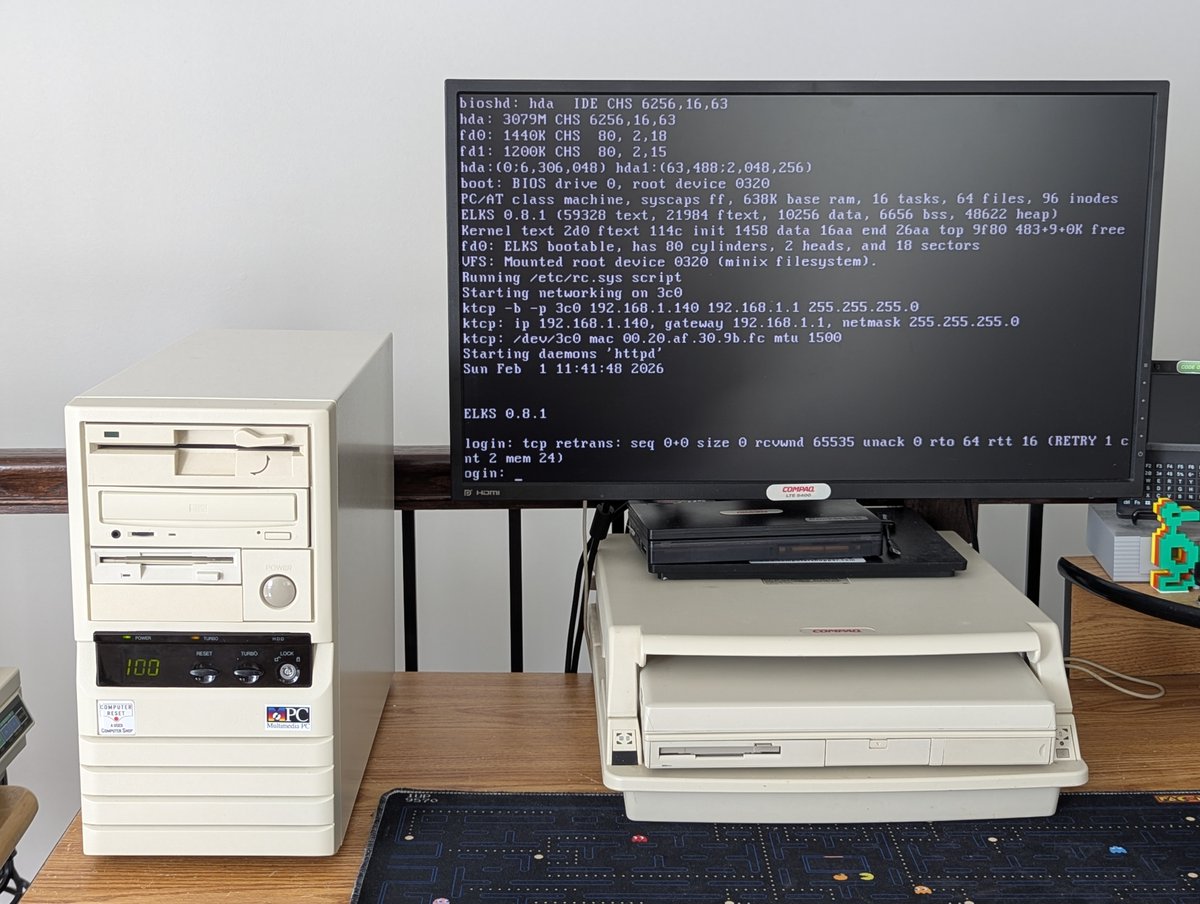
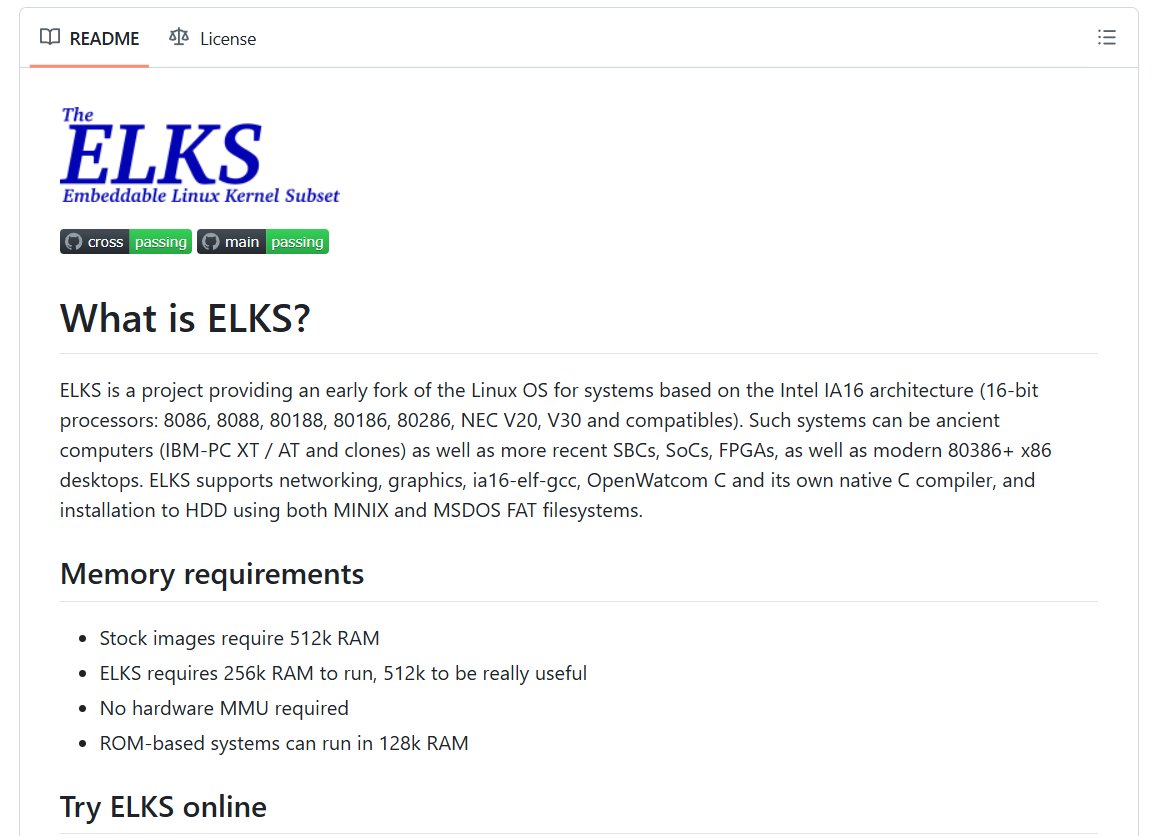
So, first of all, what is ELKS? It's the Embeddable Linux Kernel Subset, and it will run on a wide range of hardware, including 8088 systems. Pretty wild for a modern product! If you want to read more or try it out, GitHub repo is here: github.com/ghaerr/elks
Alright, let's go. I need to choose a system that will support the networking for ELKS. Turning to the Wiki, as of right now, the network cards supported are NE1000, NE2000, Western Digital 8003, Western Digital 8013, and 3com Ethernet III (3c509). My 486 DX4 has a 3Com 3c509!
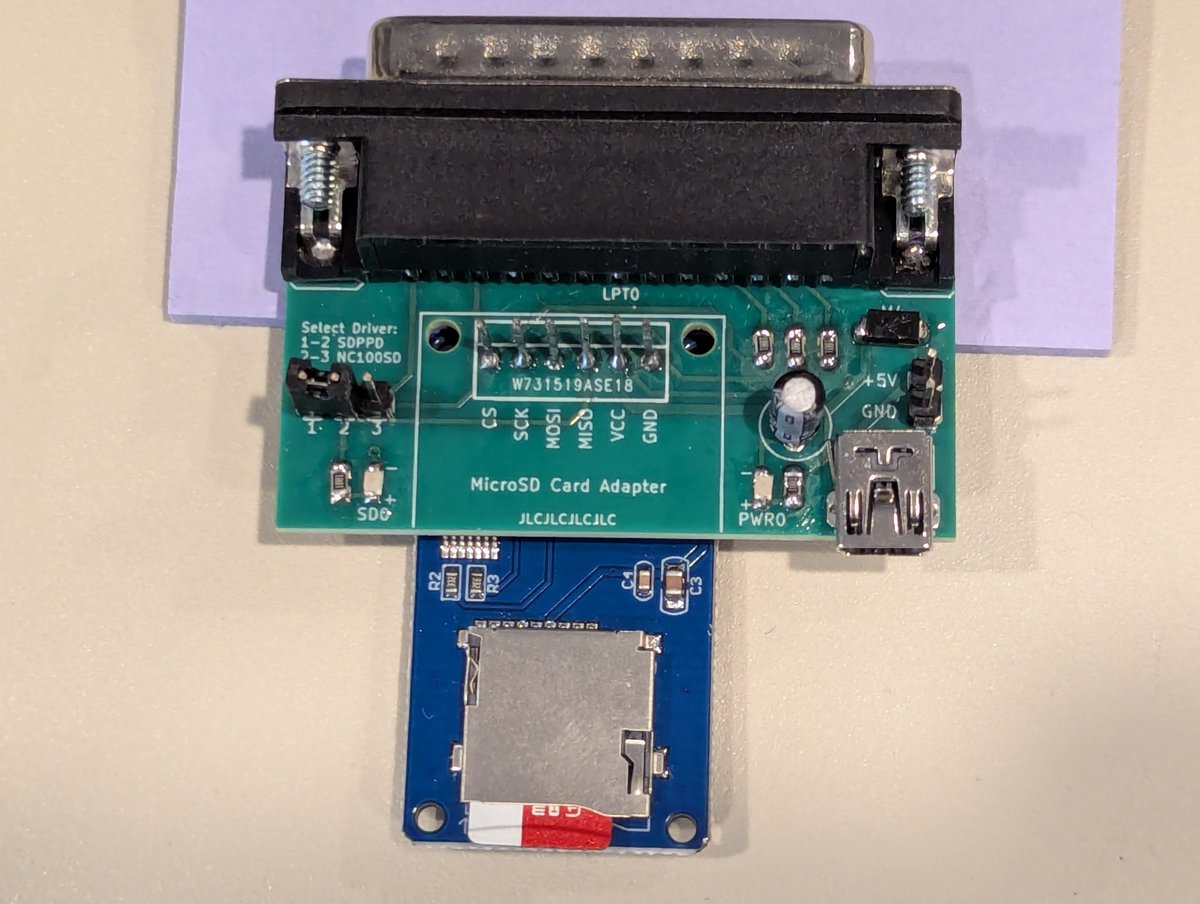
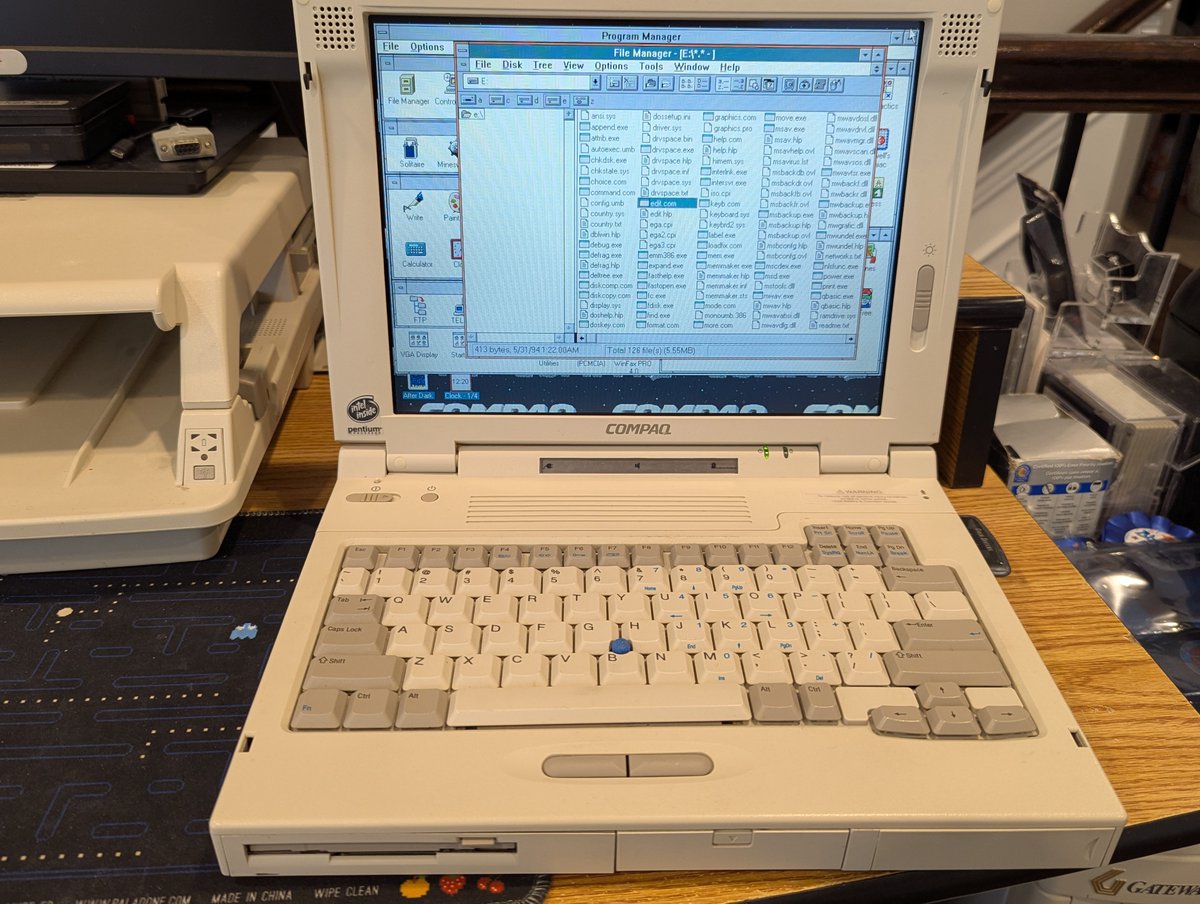
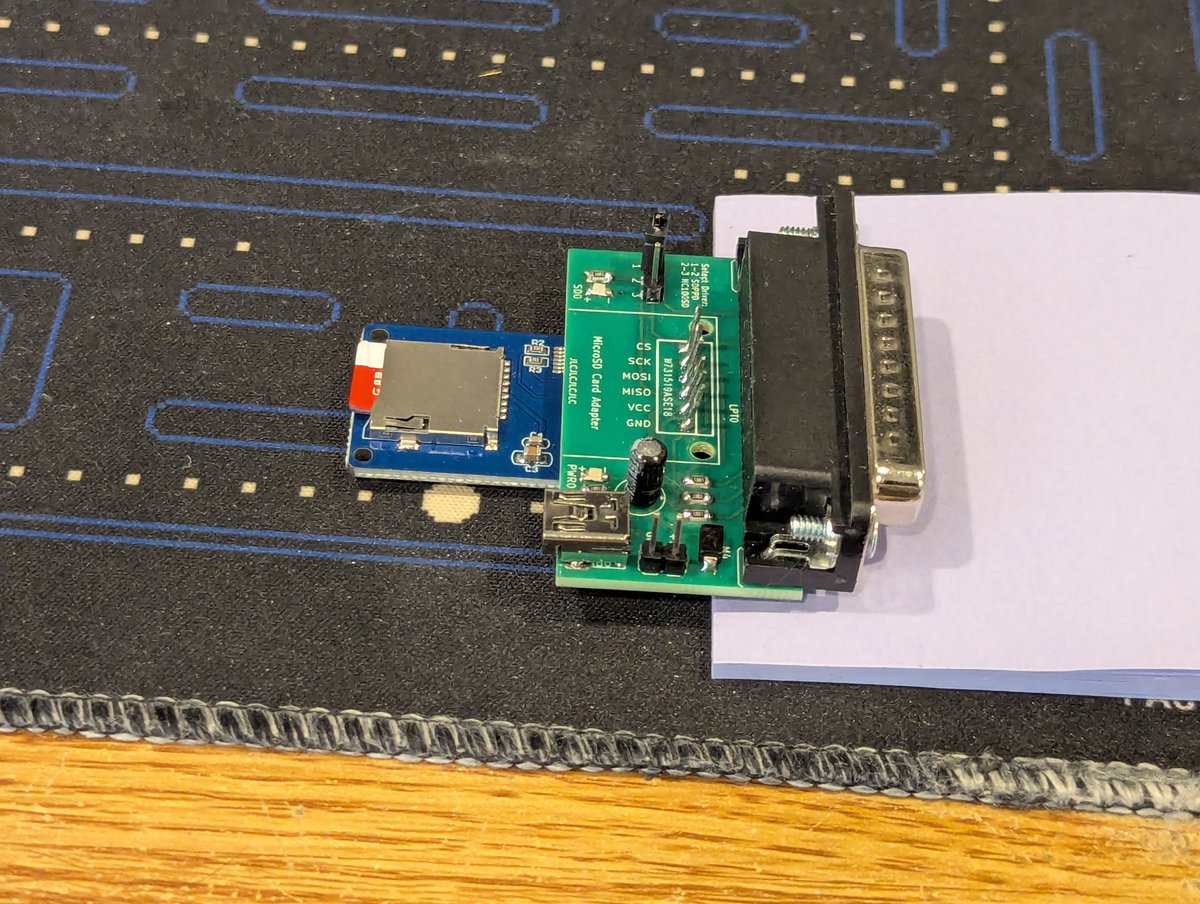
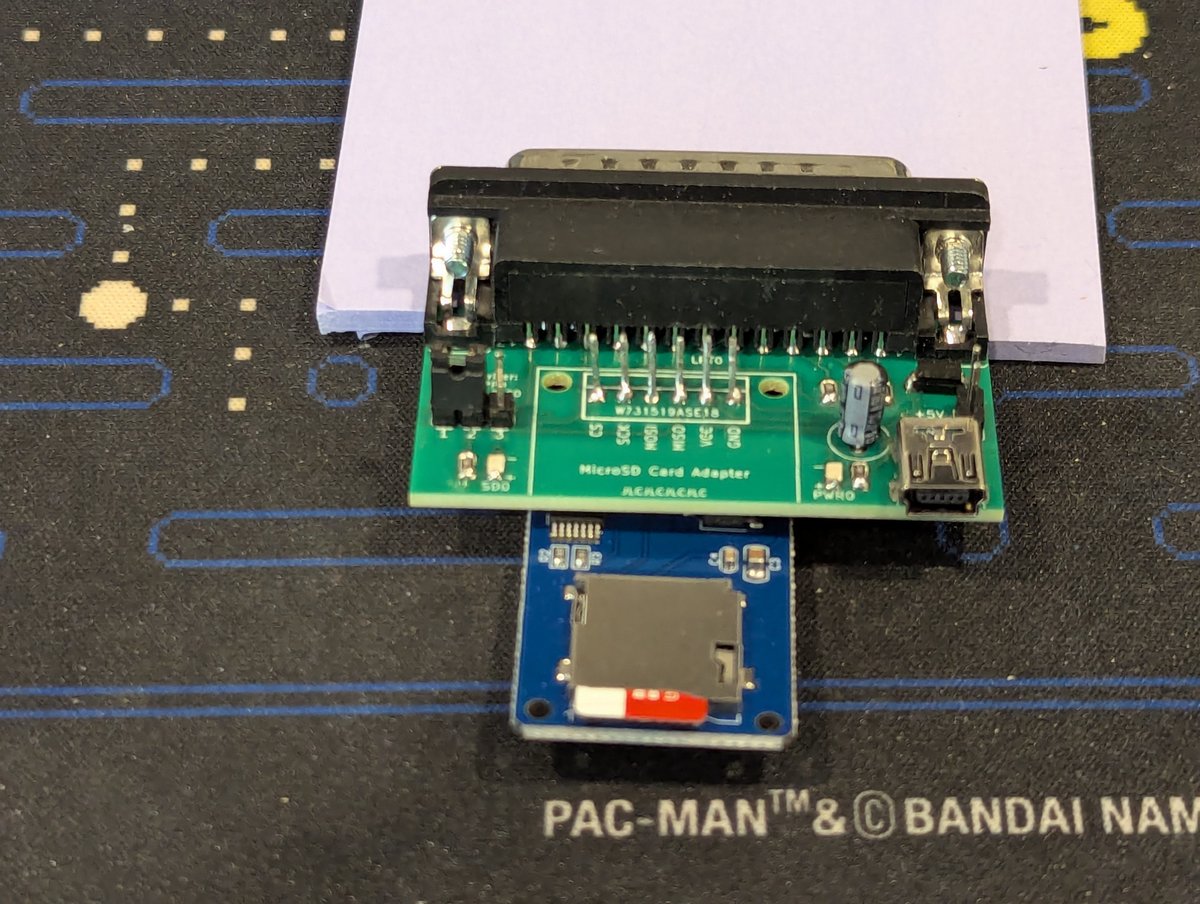
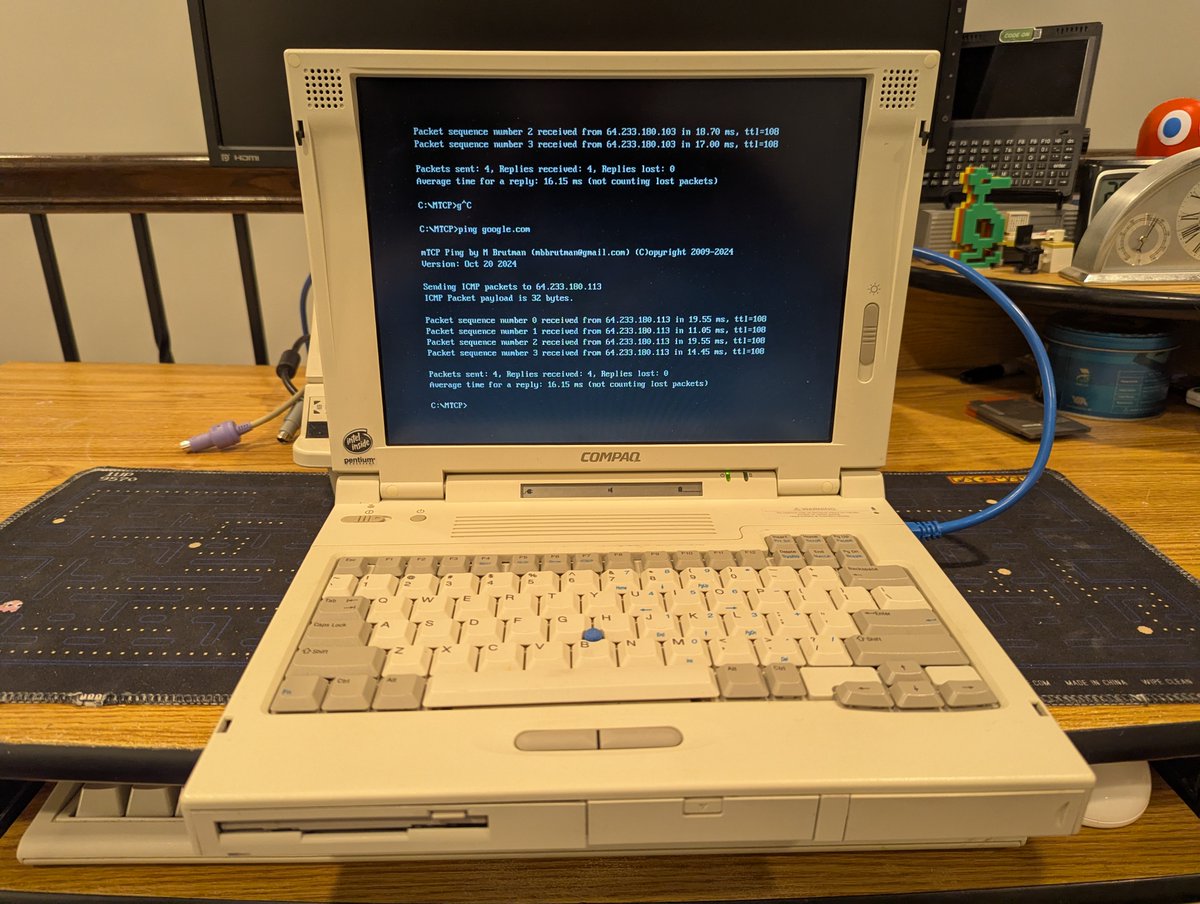
I got a new DOS file transfer toy! Now, these have been around since the dawn of time, but let's talk about it: a MicroSD to LPT Printer Port Adapter. We'll give it a test on my Compaq LTE 5400. Time for a 🧵
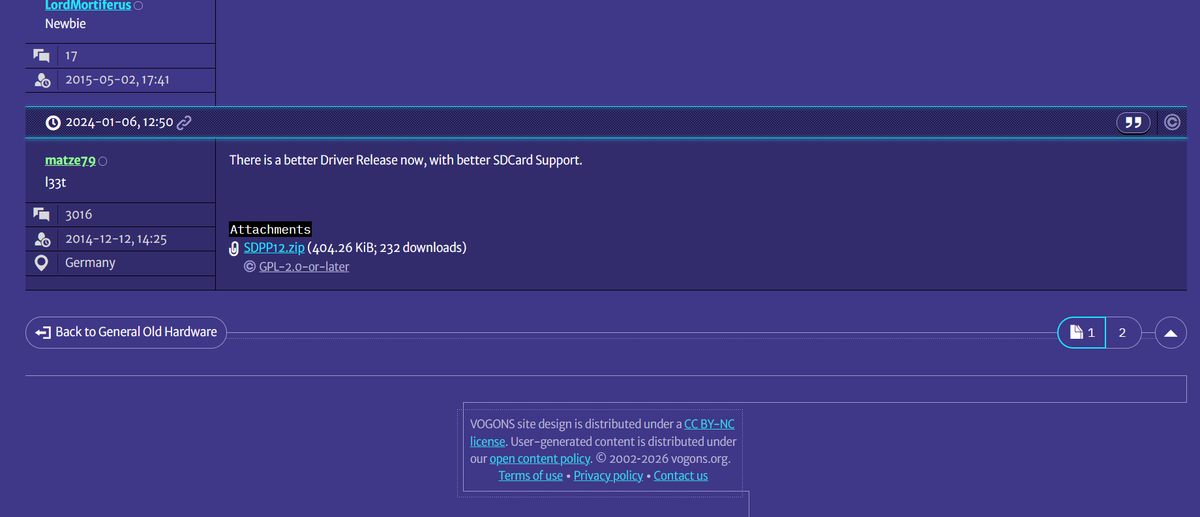
First, if you are interested in reading about these, there is a thread on Vogons! Included in that thread is where I found the DOS drivers for it, you can go here for that, and to read about this device! vogons.org/viewtopic.php?…
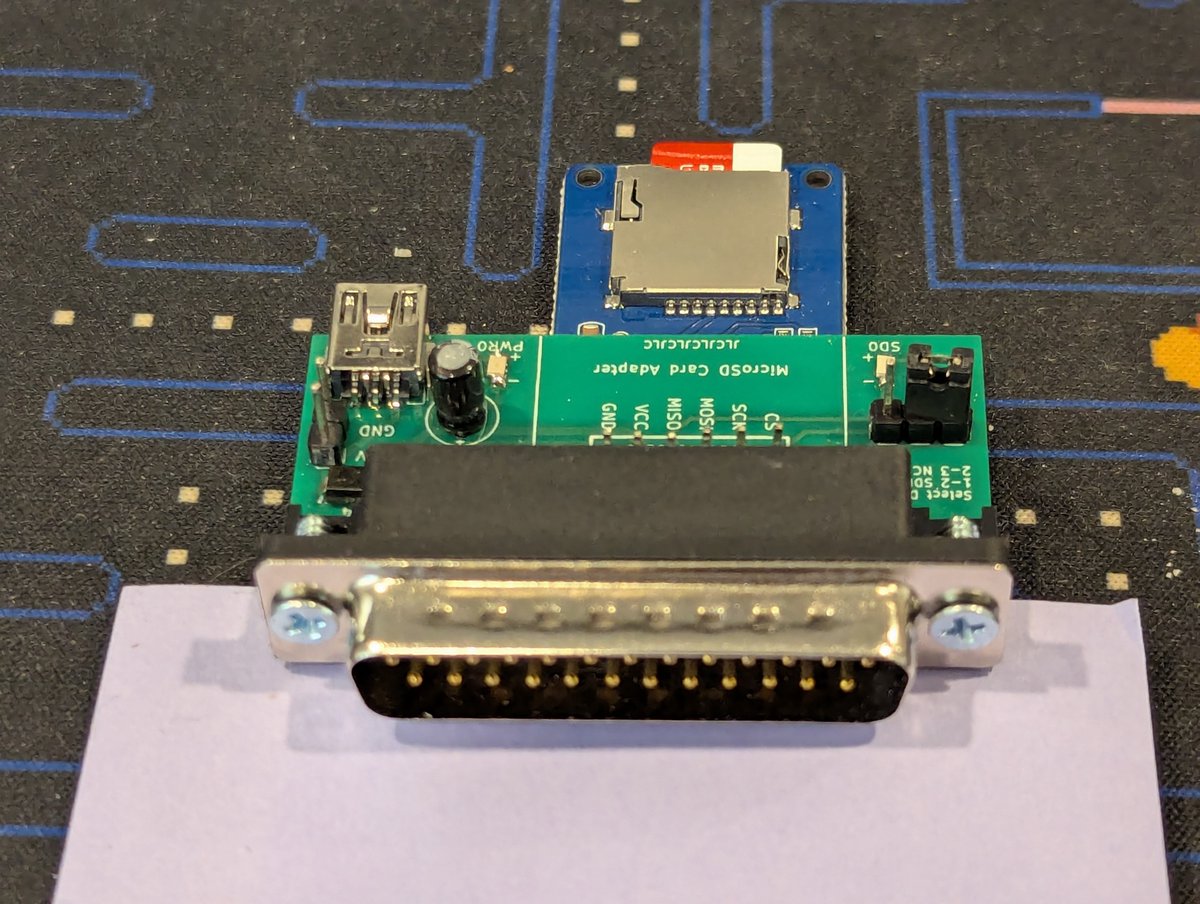
Also, here's a few more perspective shots of it, captured from different angles.
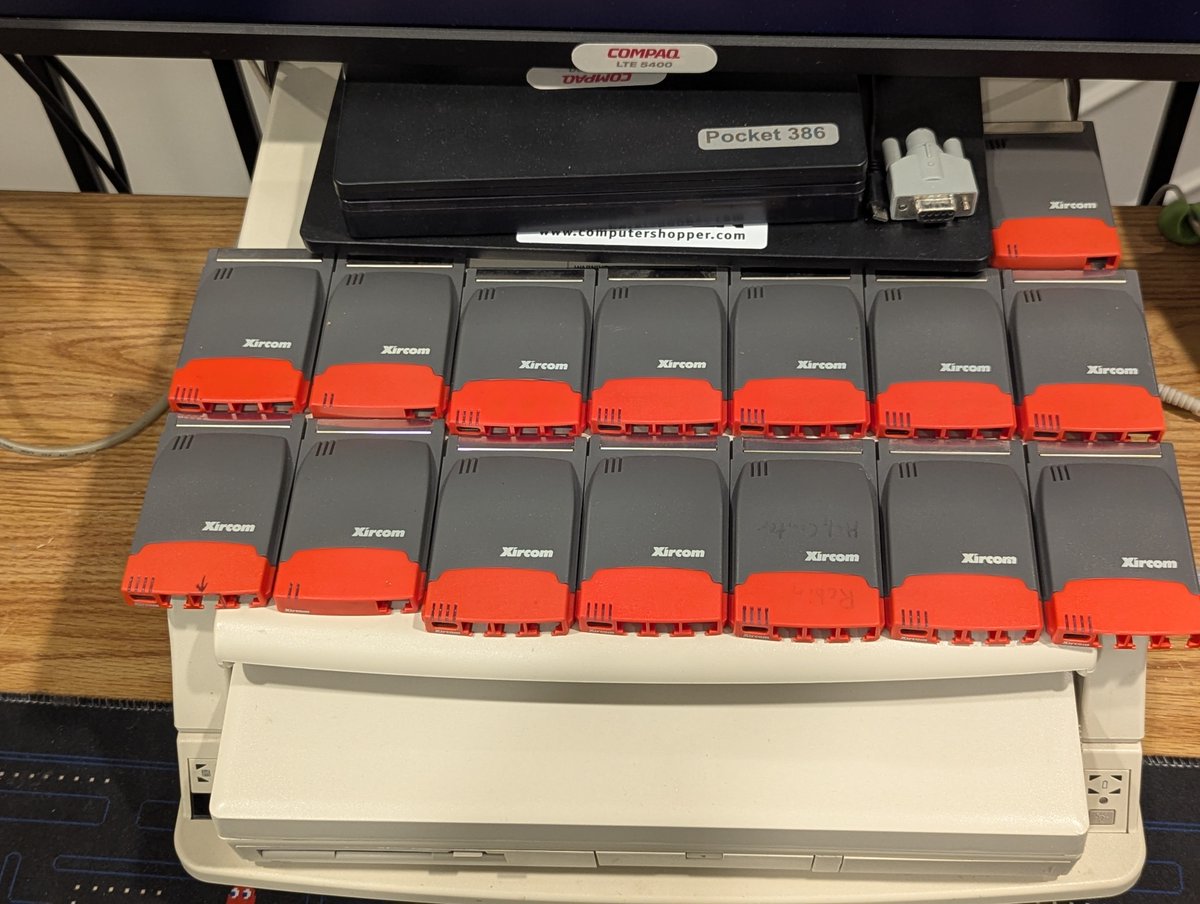
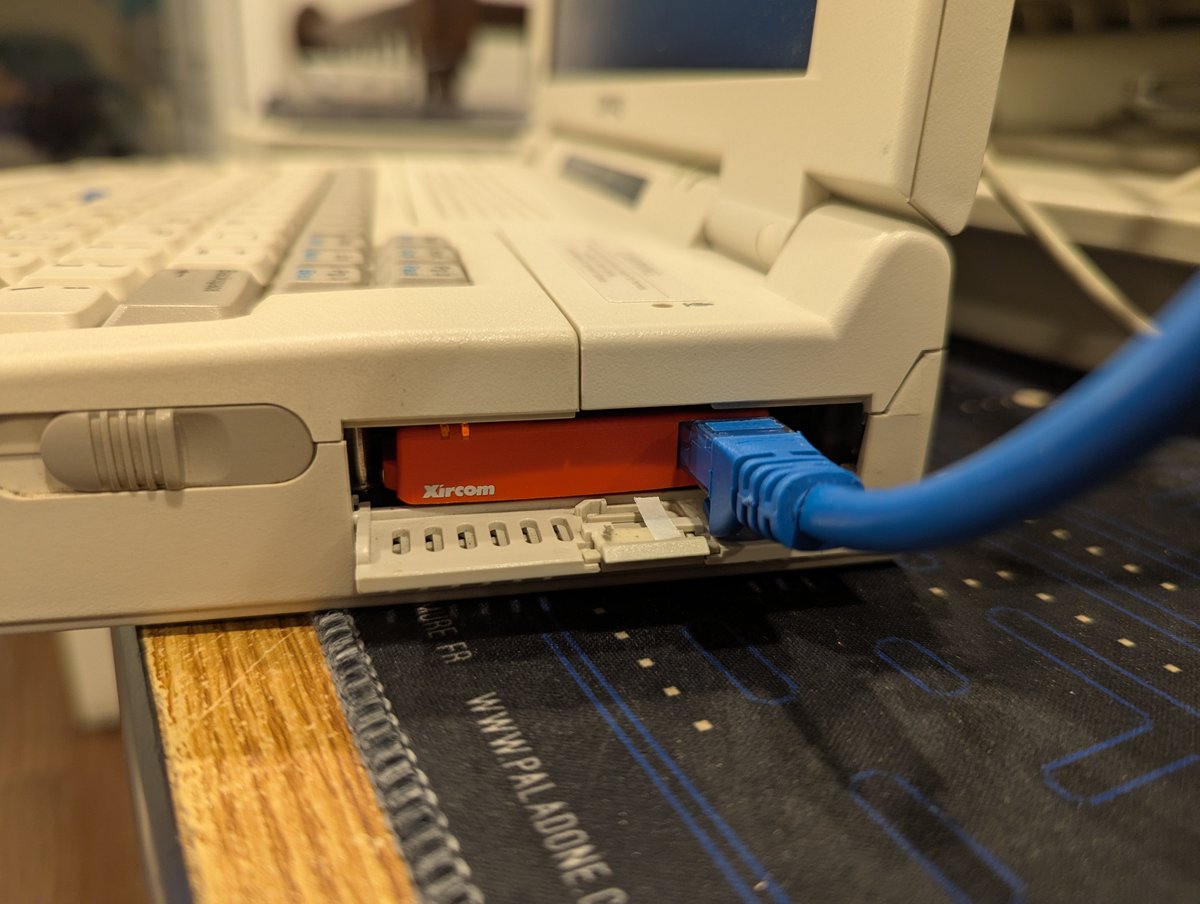
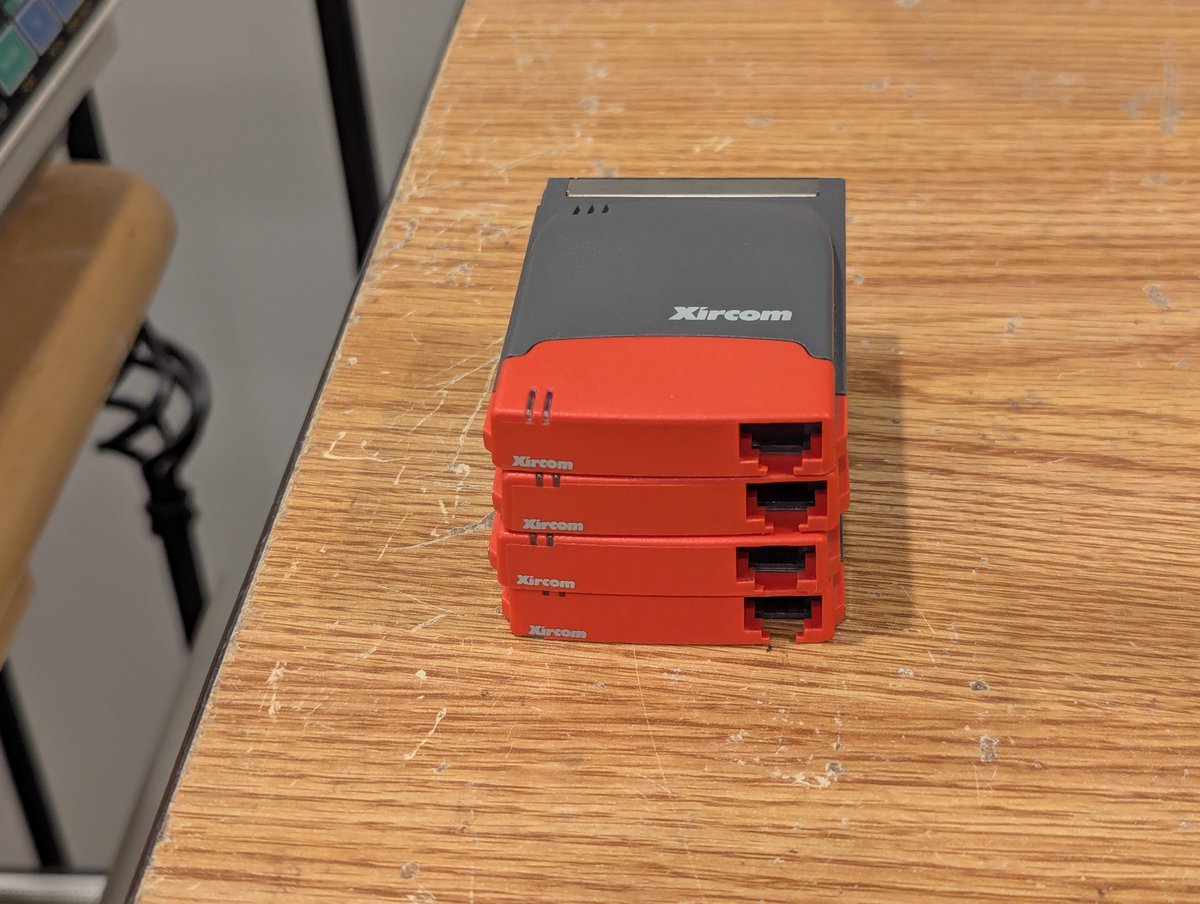
And speaking of the past, here's what I had before today: four cards. These Xircom RealPort Ethernet 10/100 cards are great for getting a laptop without Internet connected to a wired network!
My holiday break is quickly coming to an end. So, I think it's time to power on the retro PCs that I have yet to power on recently. I am sure this will go flawlessly 😂. Let's do most of this, in real time, in a 🧵 here!
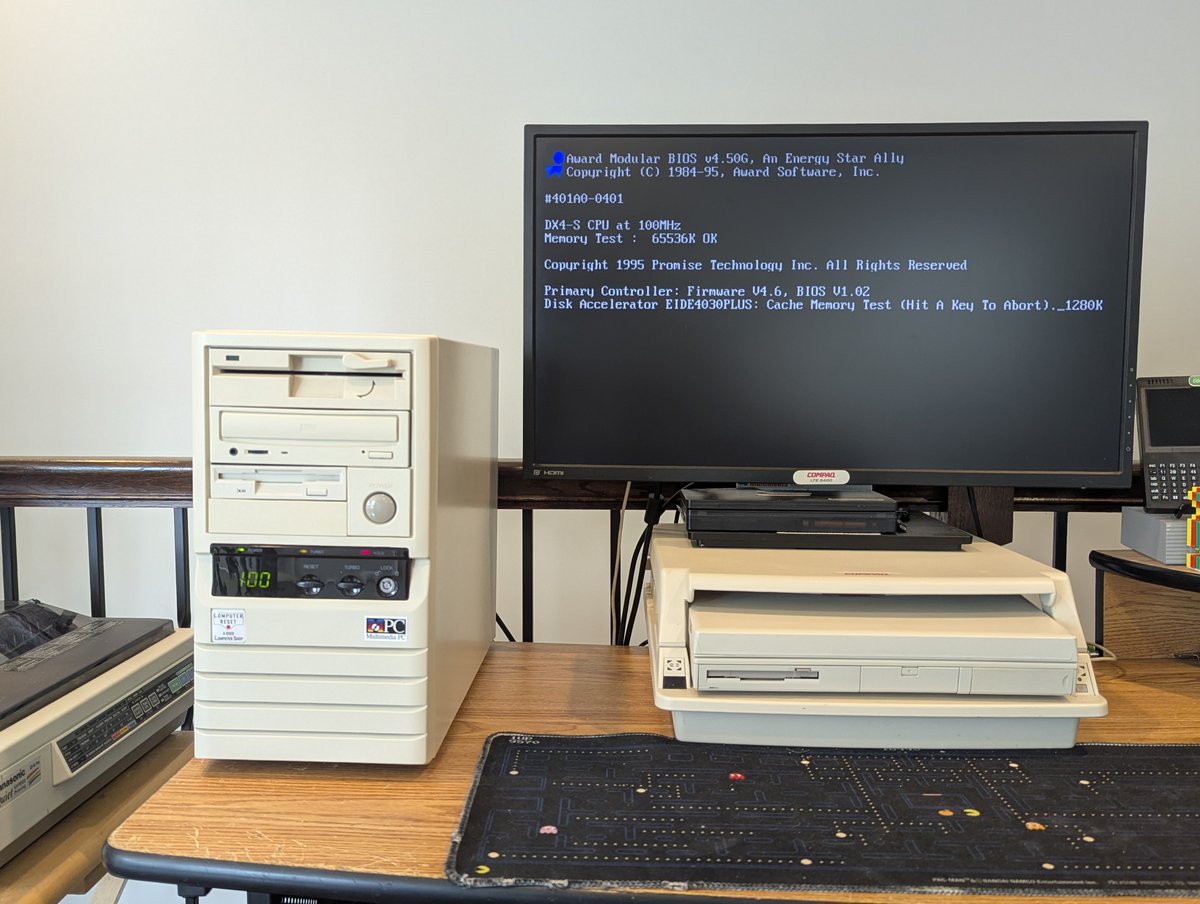
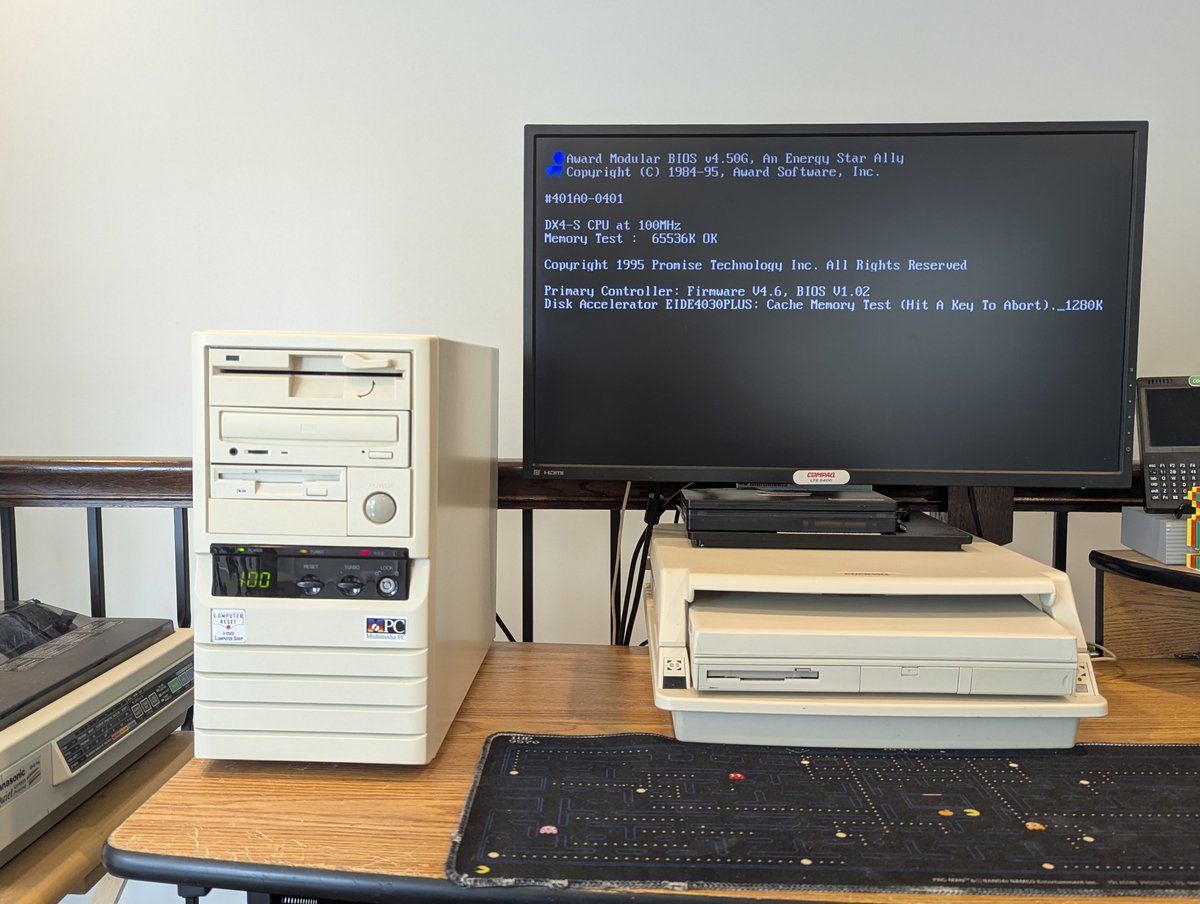
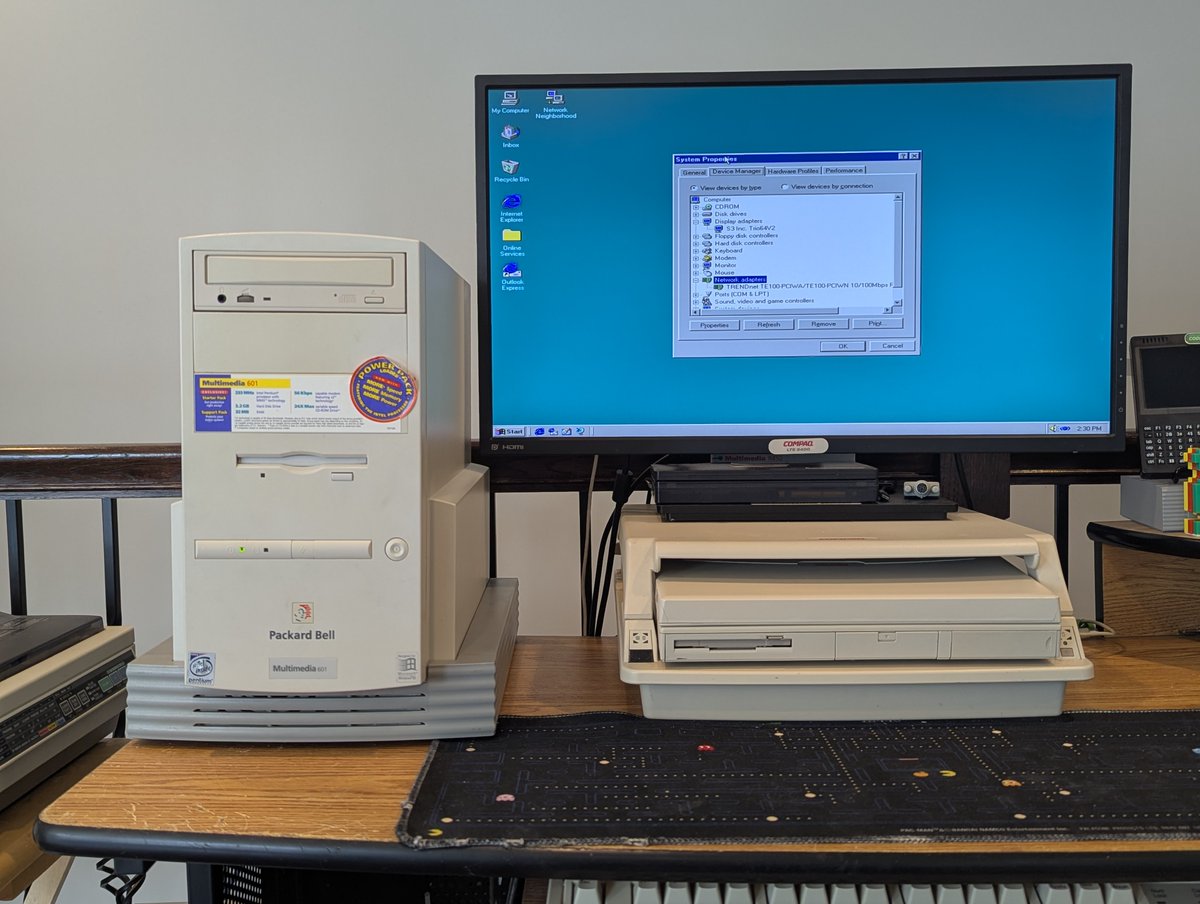
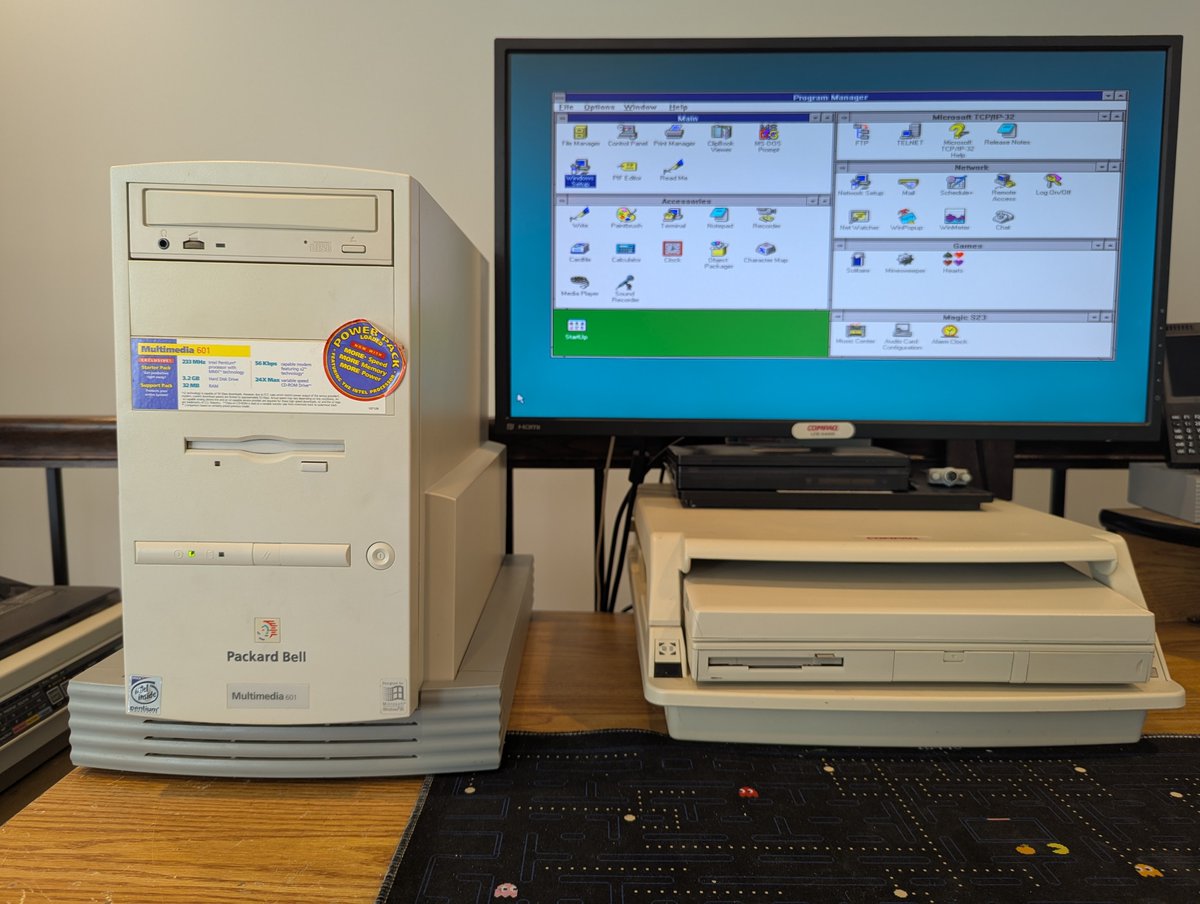
Alright, you've already seen the first three. My trusty, original 486DX4/100 powered right up, as did the Packard Bell Multimedia 601 Pentium 233 MMX
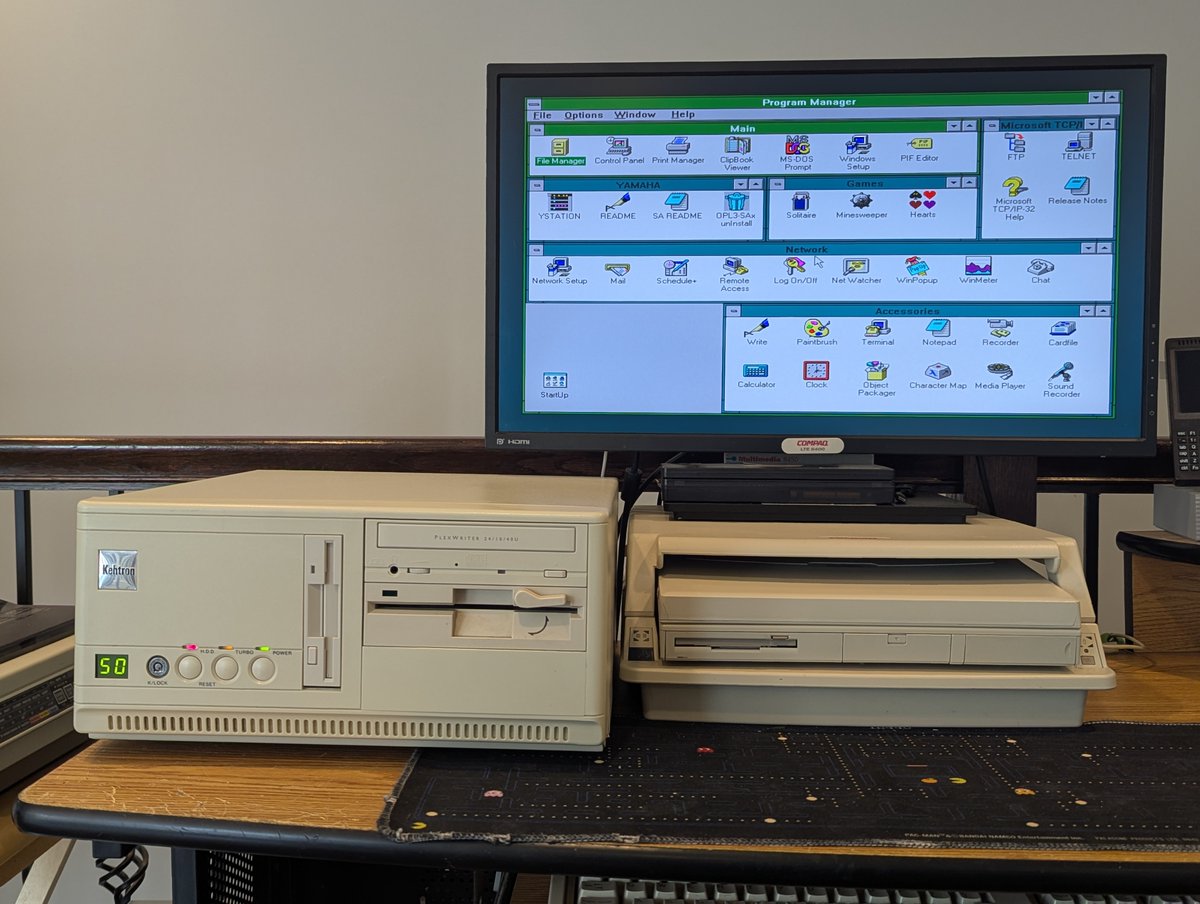
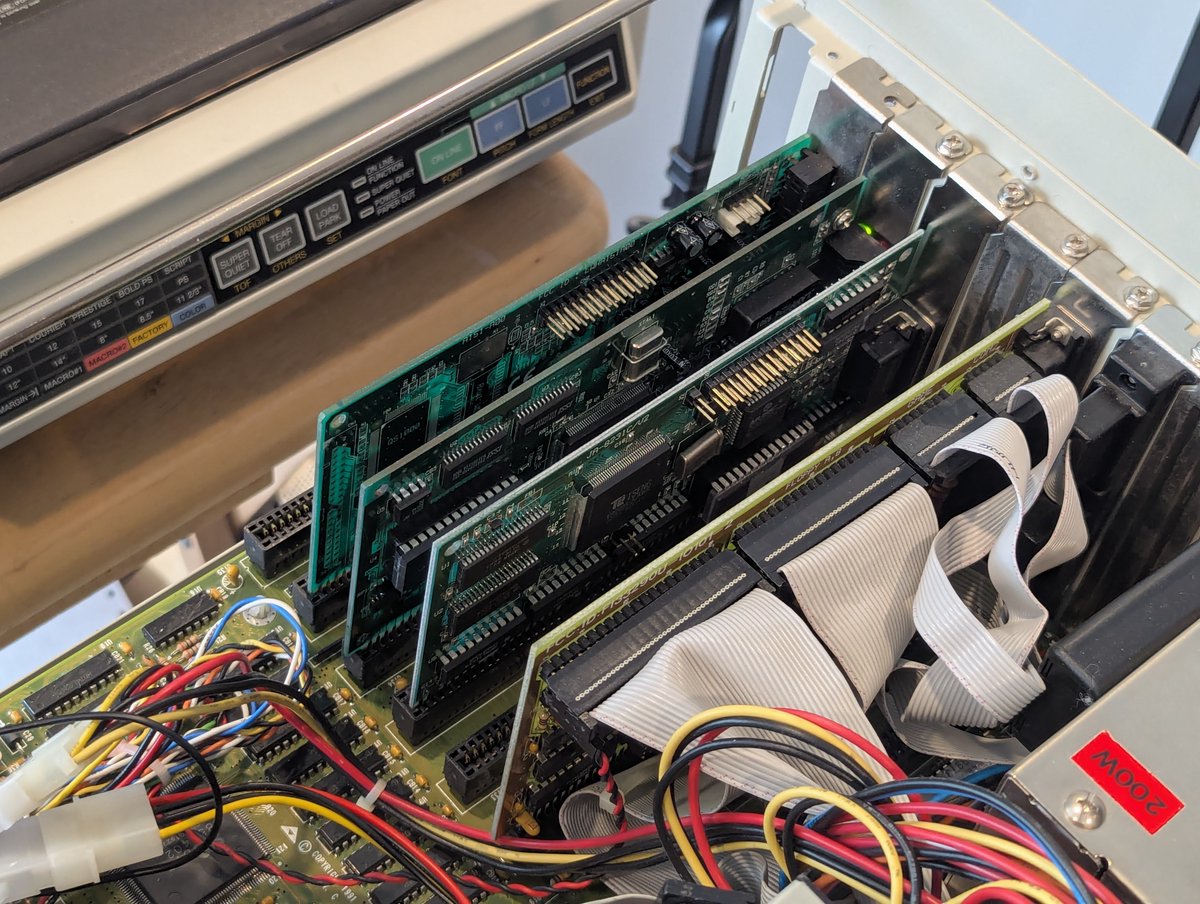
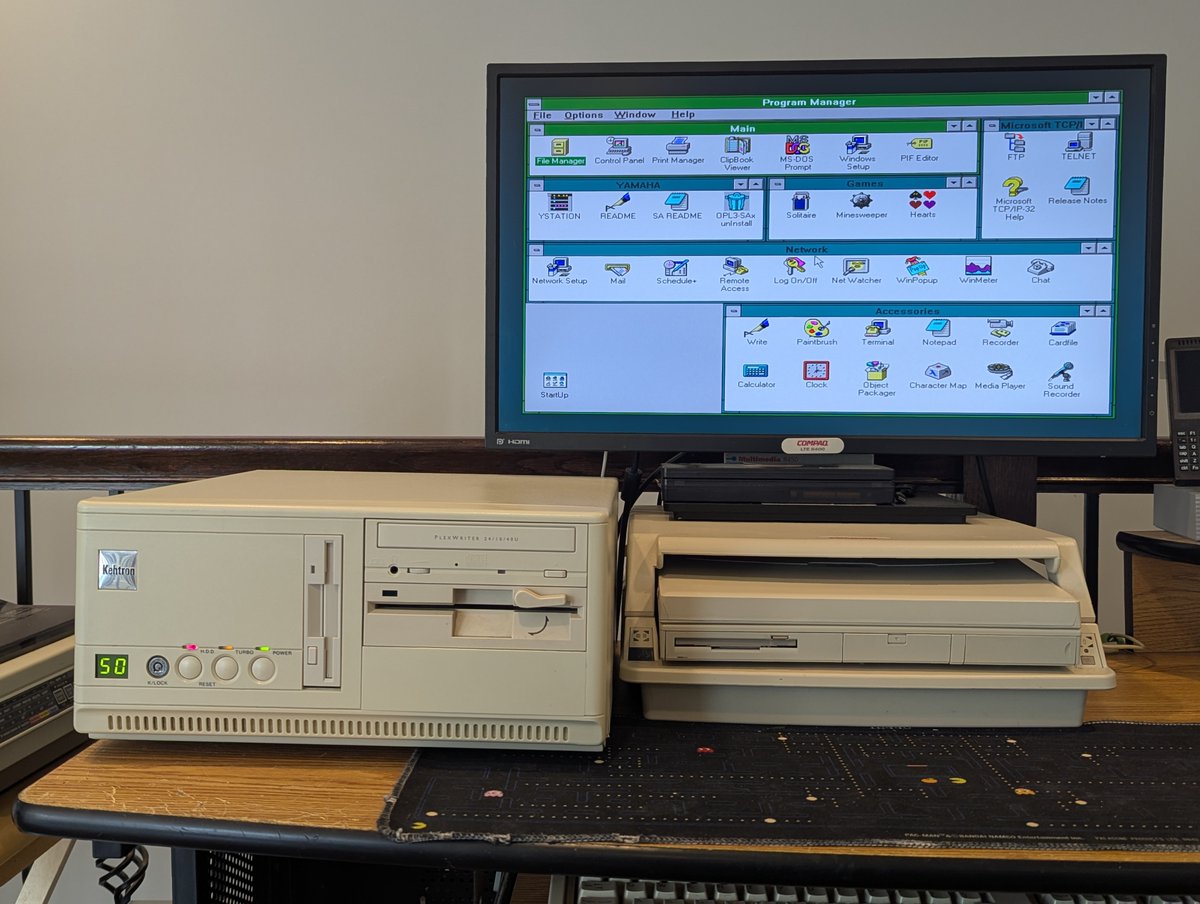
How about the Kehtron 486 DX/50? Weeelll.. the front seven segment display needed reconnected (I really should fix this permanently), and the sound card was being a pain, but I moved it over one slot and it is now working!
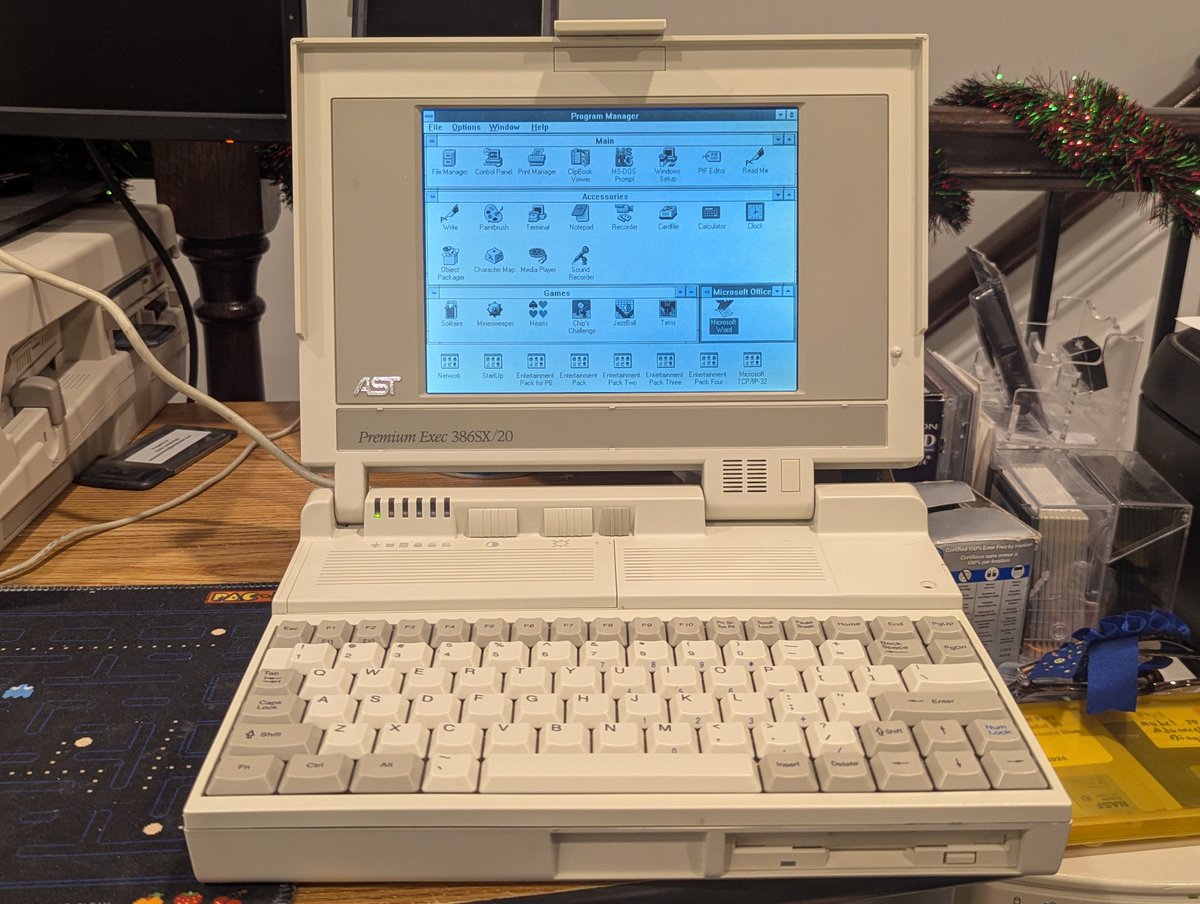
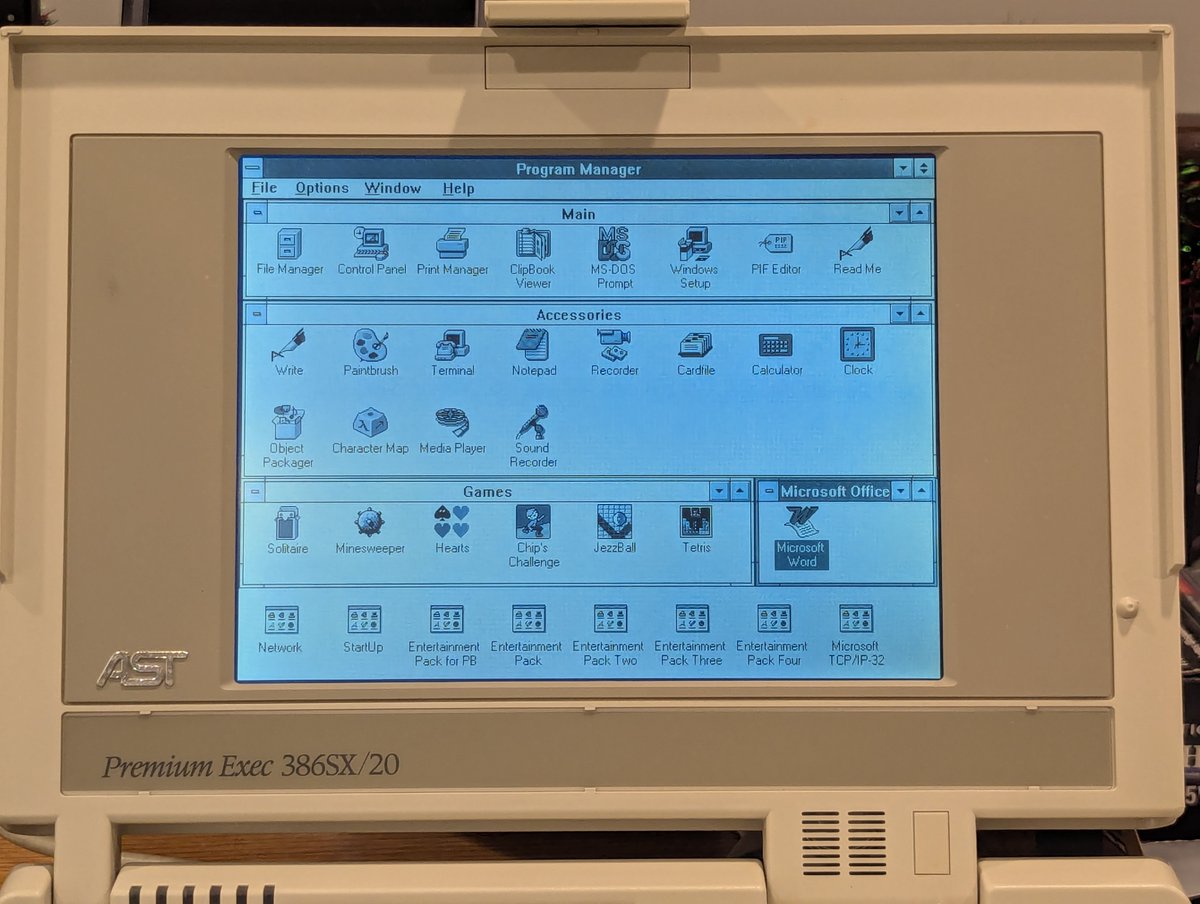
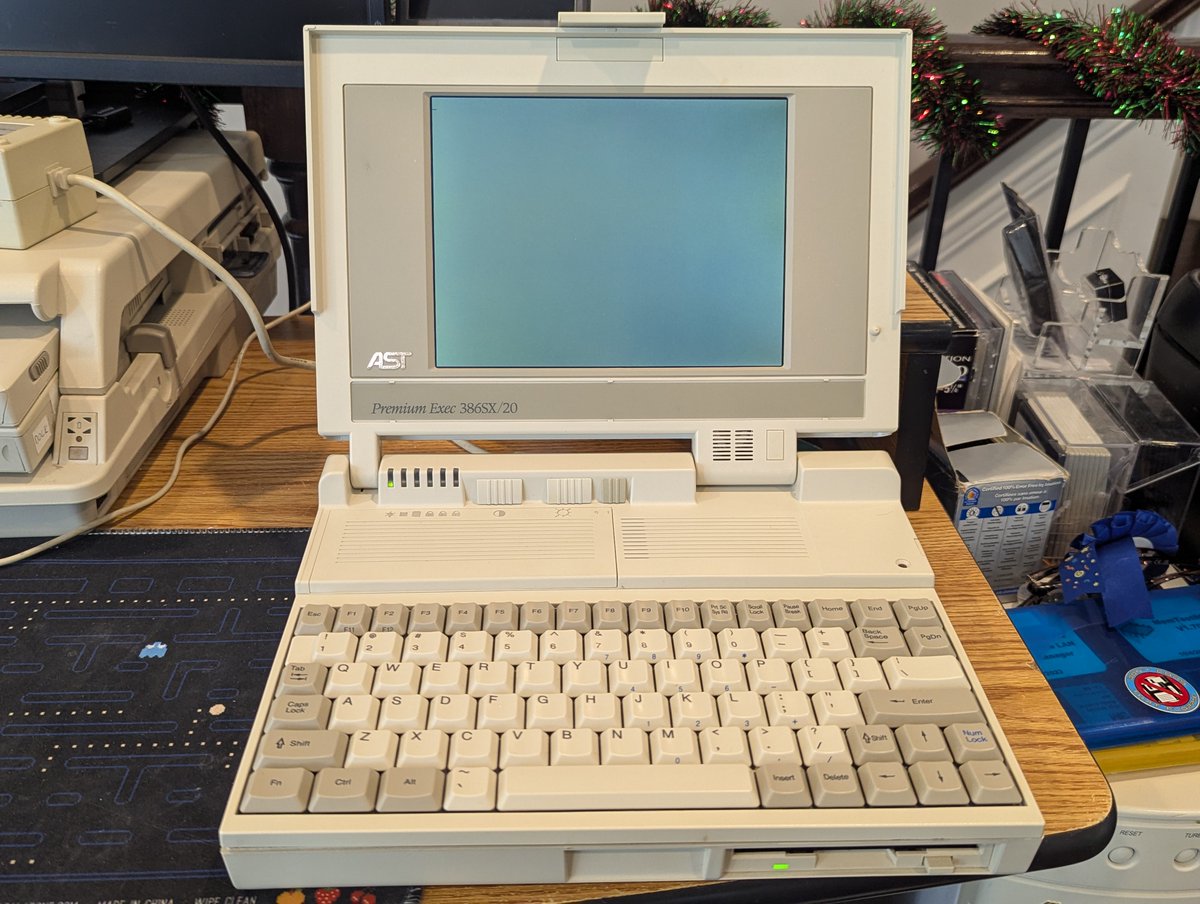
The challenges and solutions in retro computing never cease to amaze me, and today's project is no different. Today's goal was getting working storage in this AST Premium Exec 386 laptop. And fortunately, somewhat against the odds, I found one! Let's talk about it in a 🧵 here!
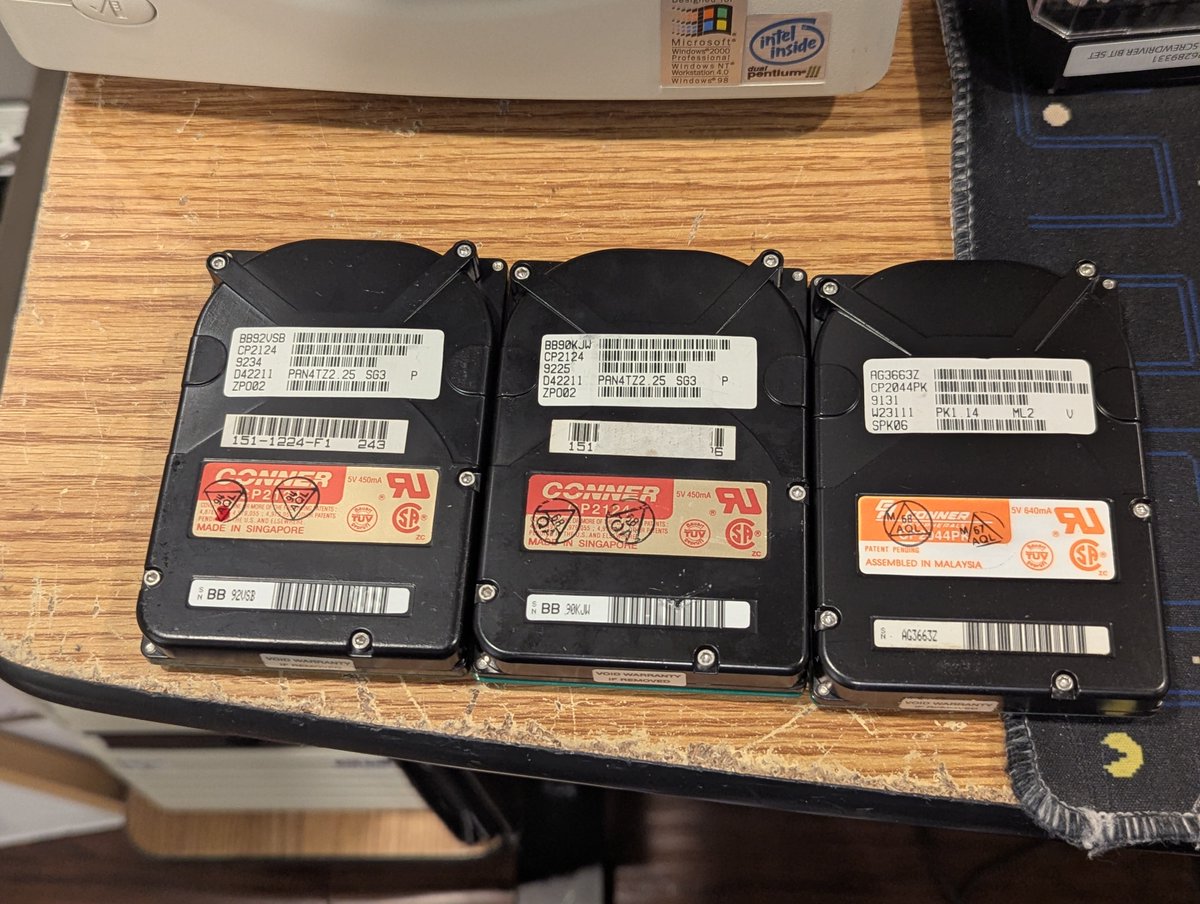
So, anyway, the issue I had with this laptop is that the original 20MB 3.5" IDE hard drive had died. I thought "no problem, I'll pop on eBay and get one." Except they are scarce and expensive. I picked up two 120MB drives and one 40MB drive. None of them worked.
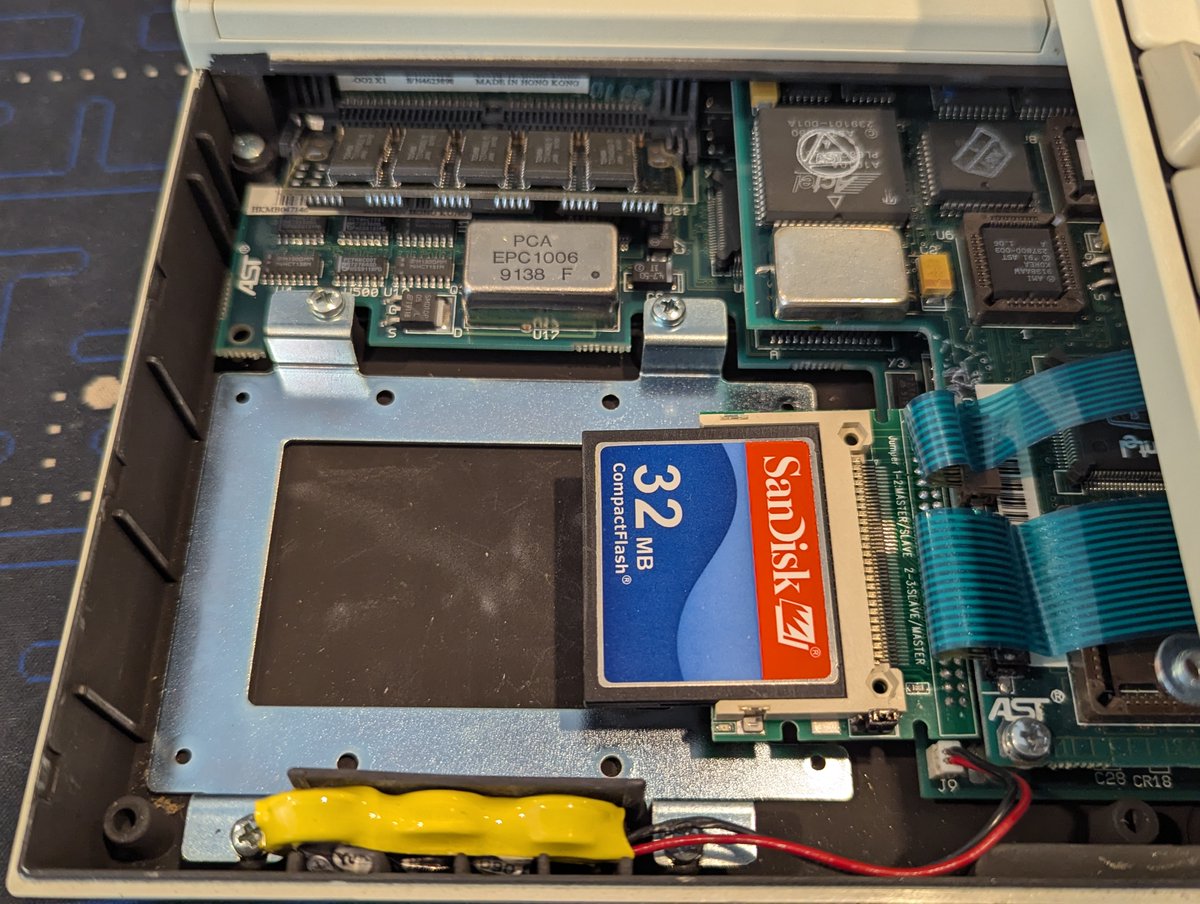
In the past, I had also tried a CF card. I could get the CF cards to a point where they were accessible, but when I go to boot, I get a blinking cursor.. and sometimes a "non system disk or disk error" a few minutes later. Tried multiple CF cards, same result.
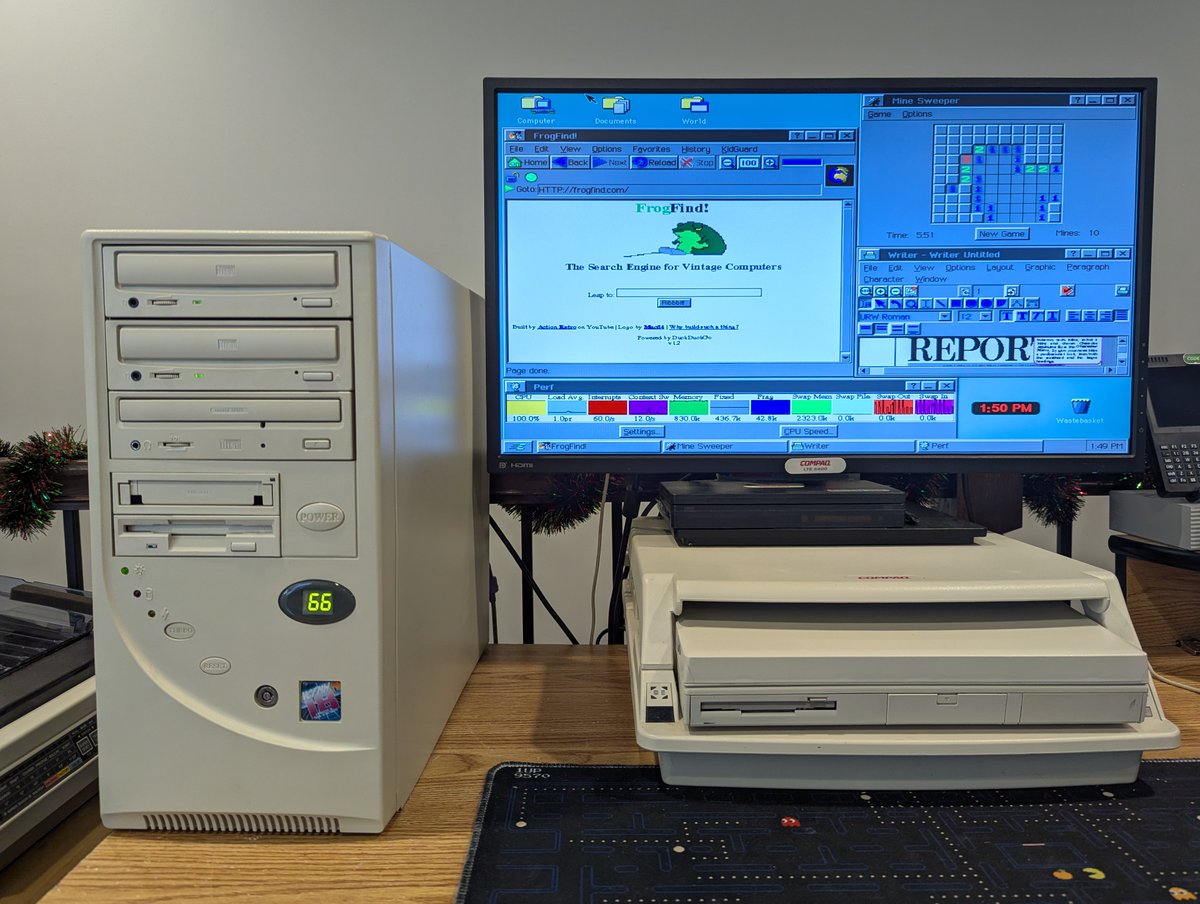
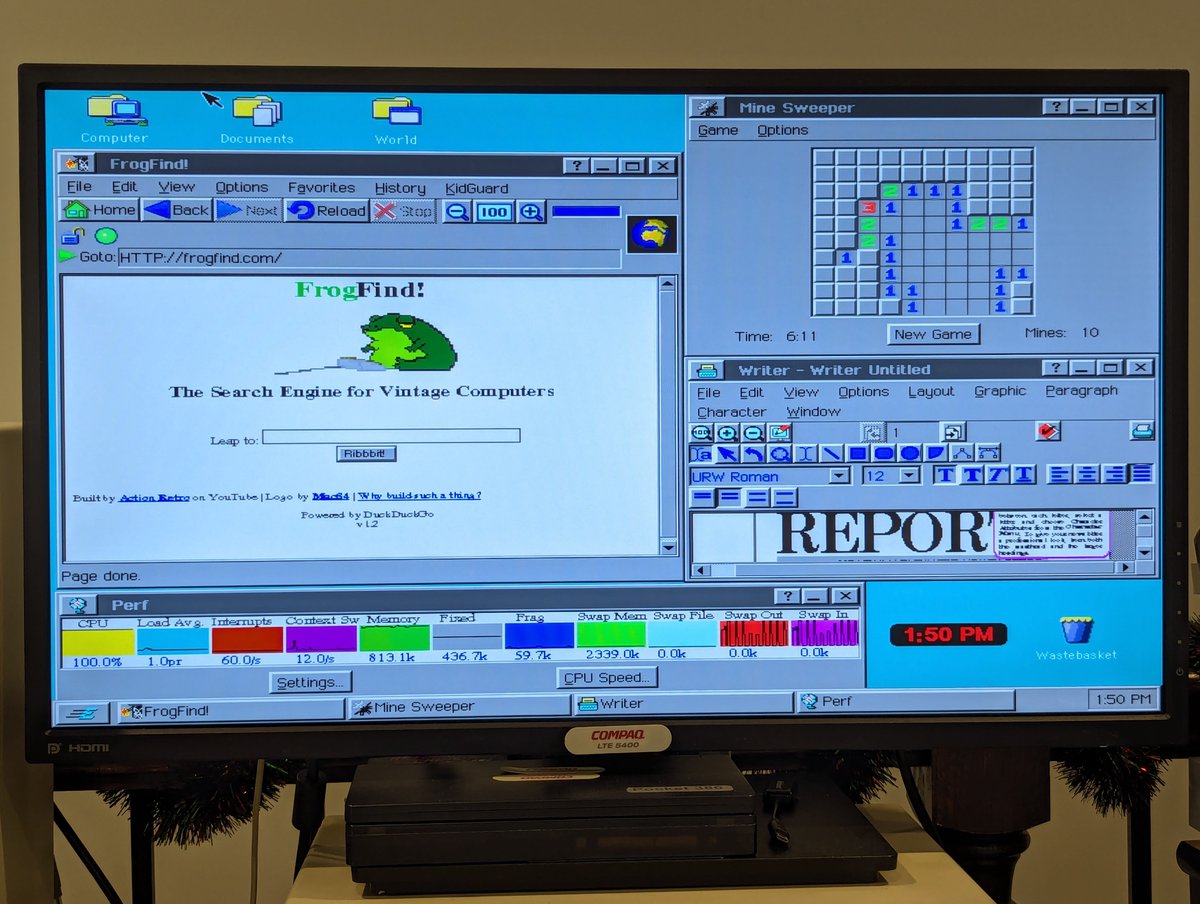
Has anyone ever worked with GEOS, GeoWorks, New Deal Office, or Breadbox Ensemble on a PC? Well, I decided to load it up on one of my 486 systems today and take it for a spin... including getting online! Let's talk about what I discovered in a 🧵 here!
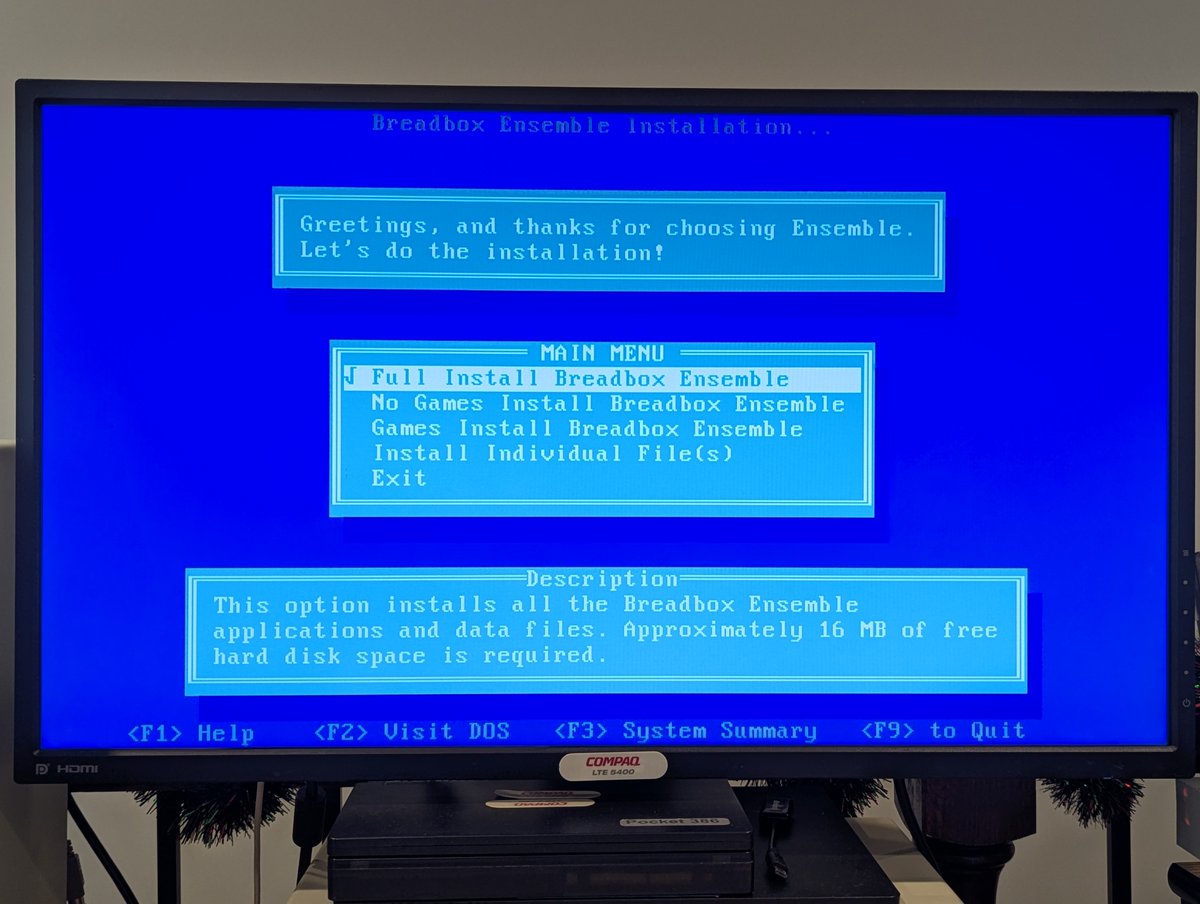
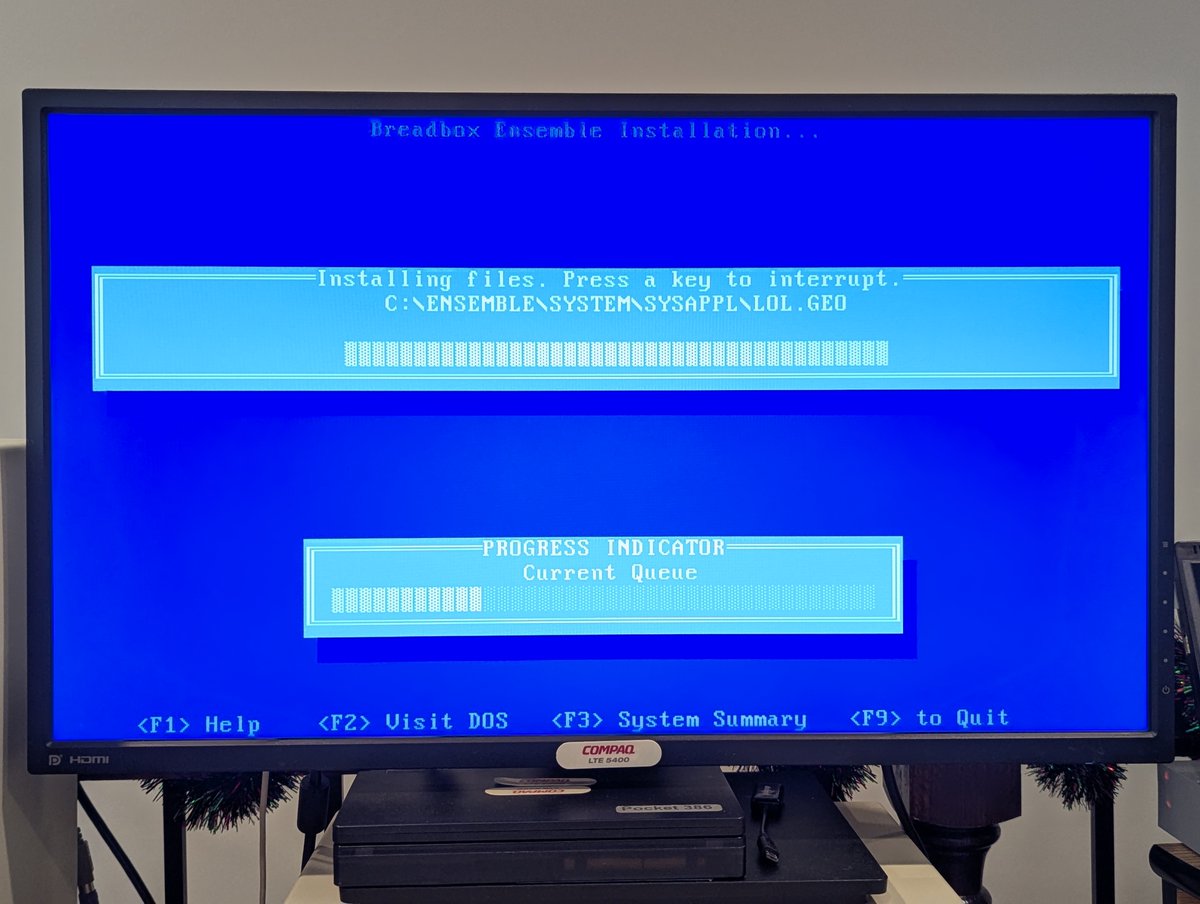
I decided to install Breadbox Ensemble 4.1.3, which was originally released in 2009. Keep in mind that this would be late in the cycle for, say, a 486 PC, that does give some perspective! Install was text based an a cinch!
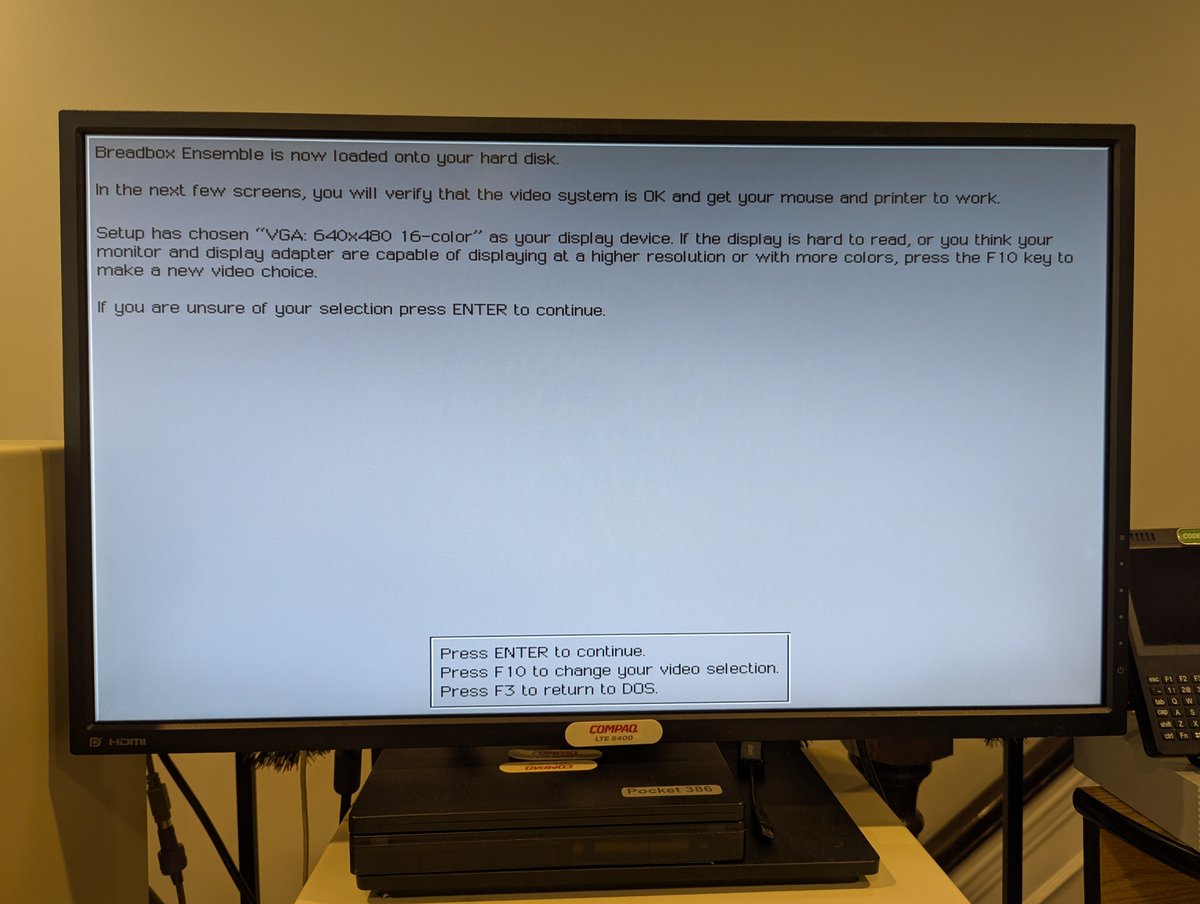
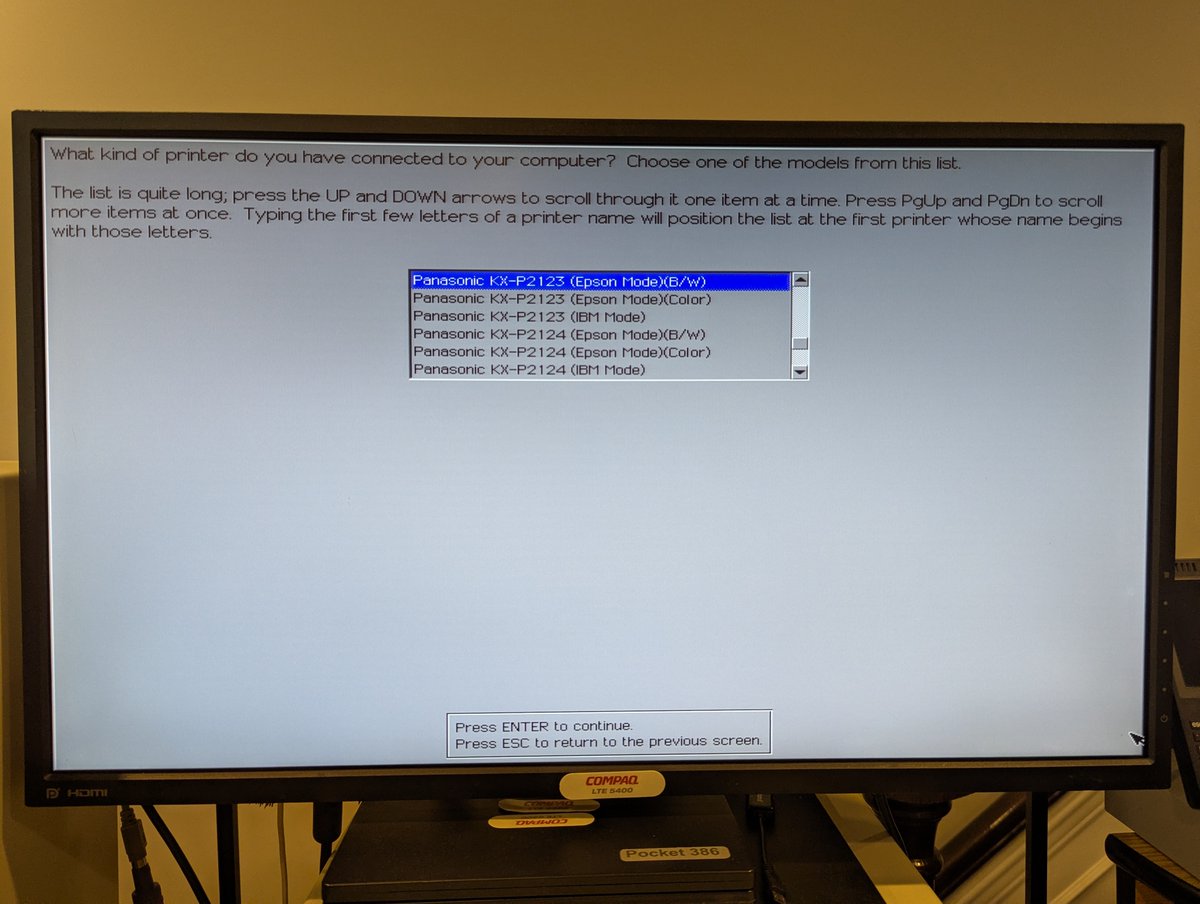
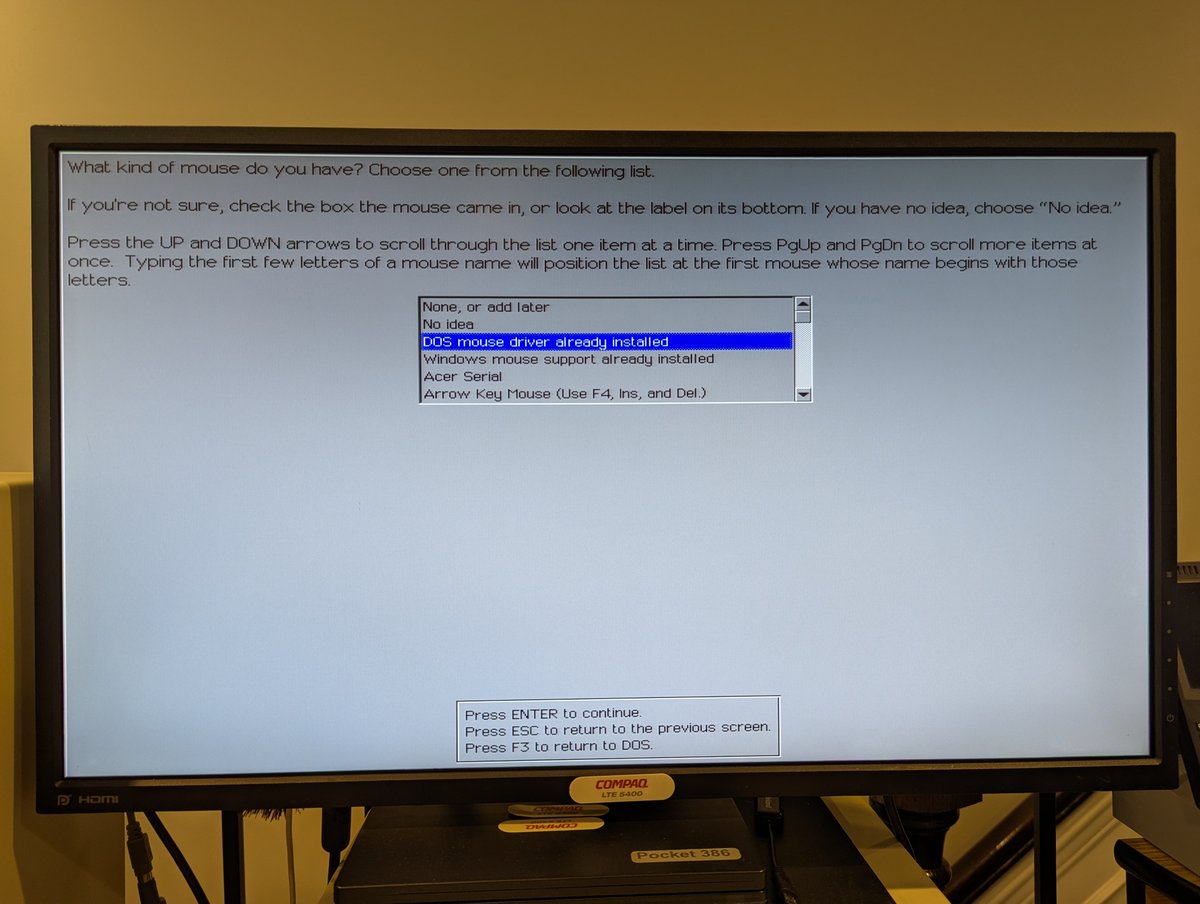
After installation, we get to configure a bit. I bumped up the video to 800x600x256, configured use of a DOS mouse driver, and set up my Panasonic dot matrix printer.