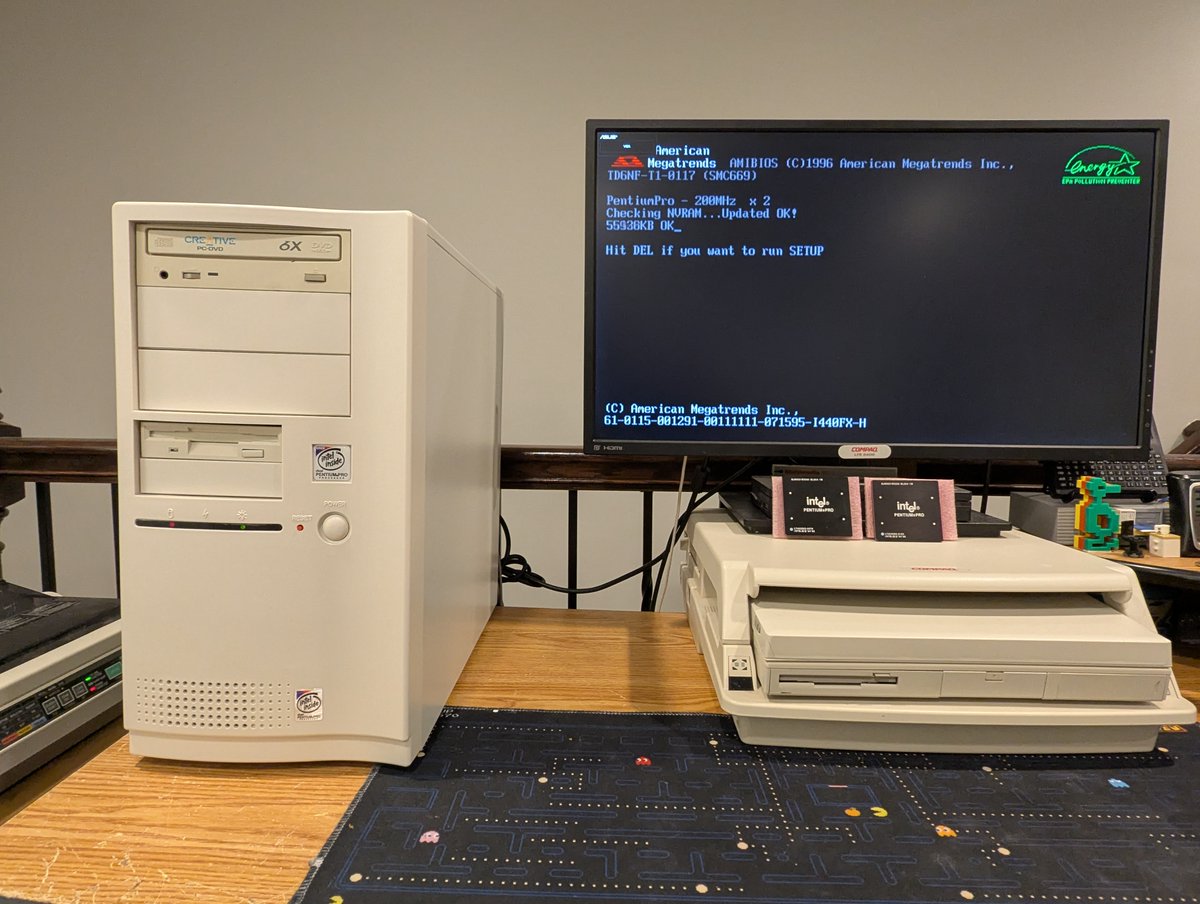
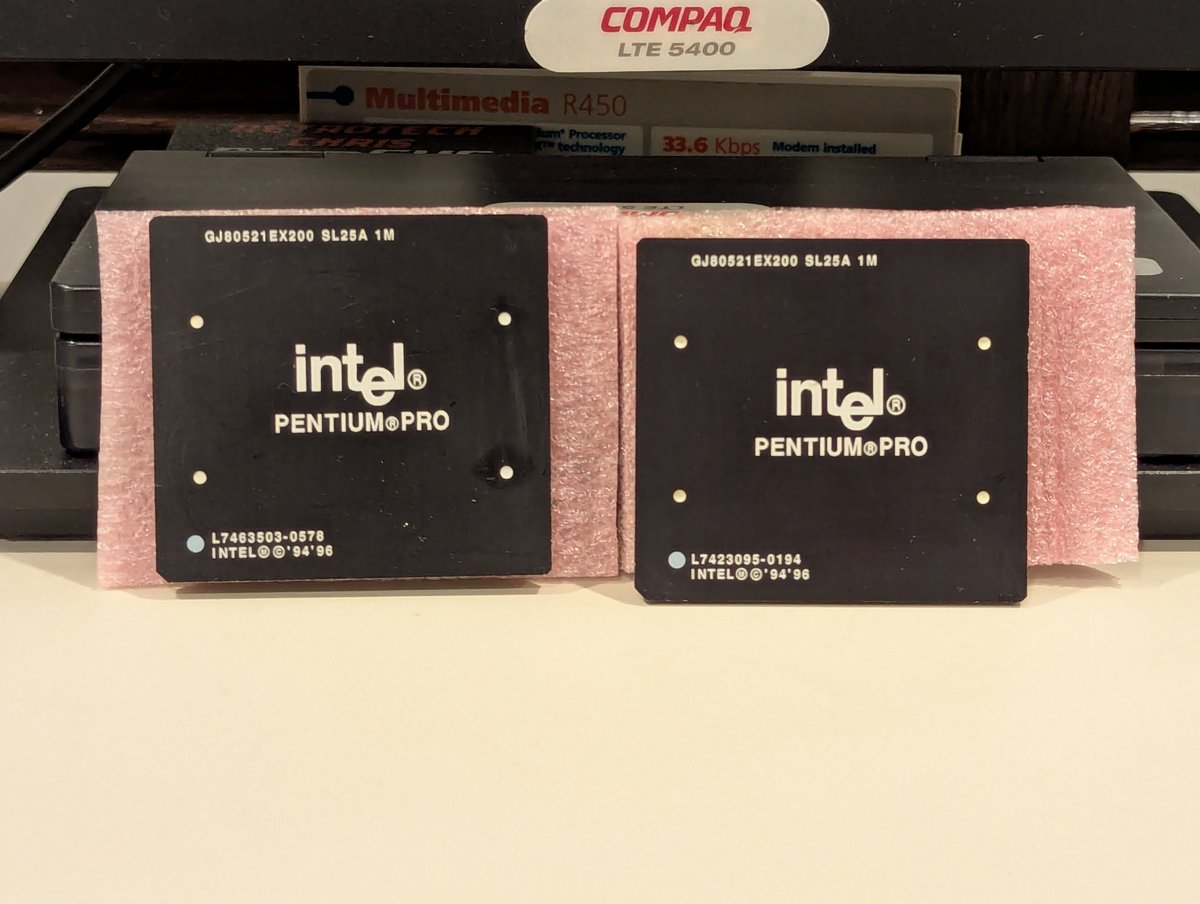
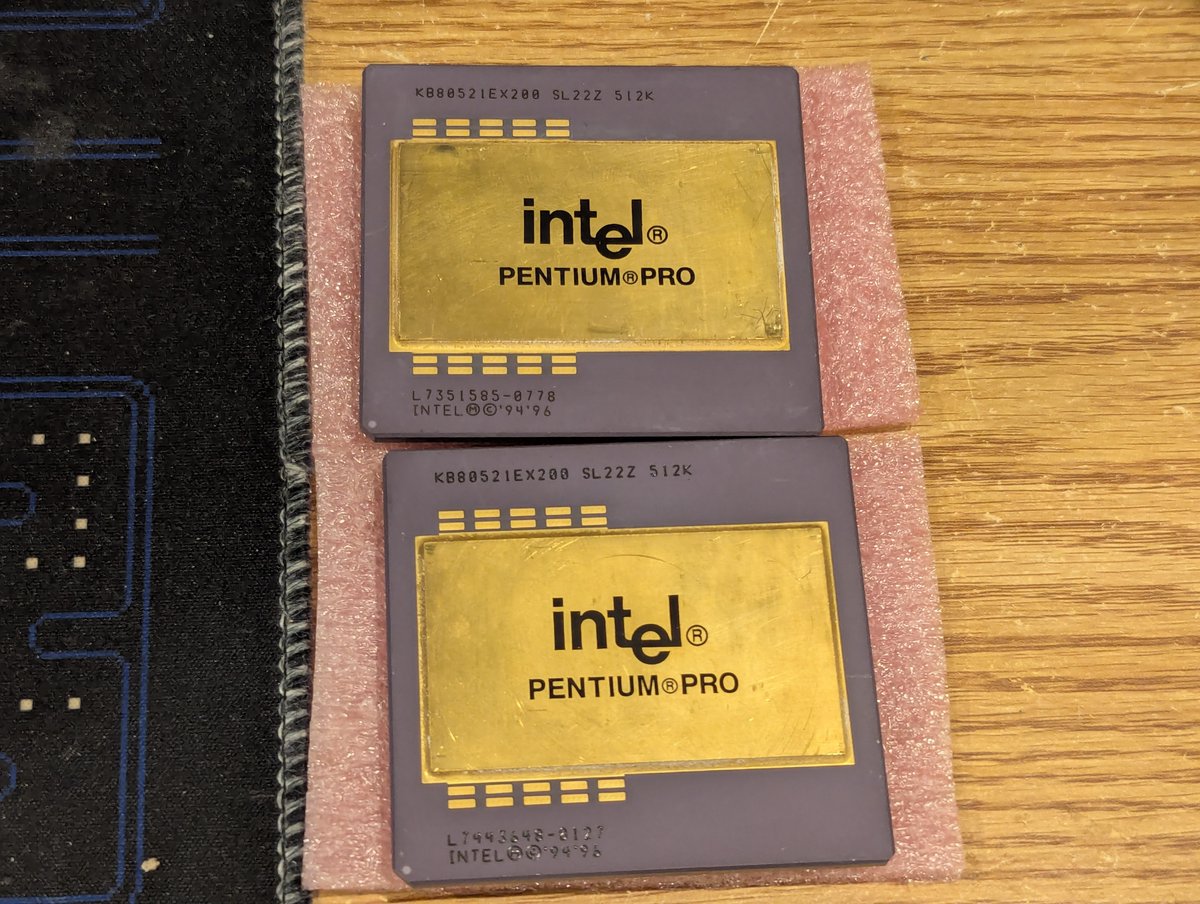
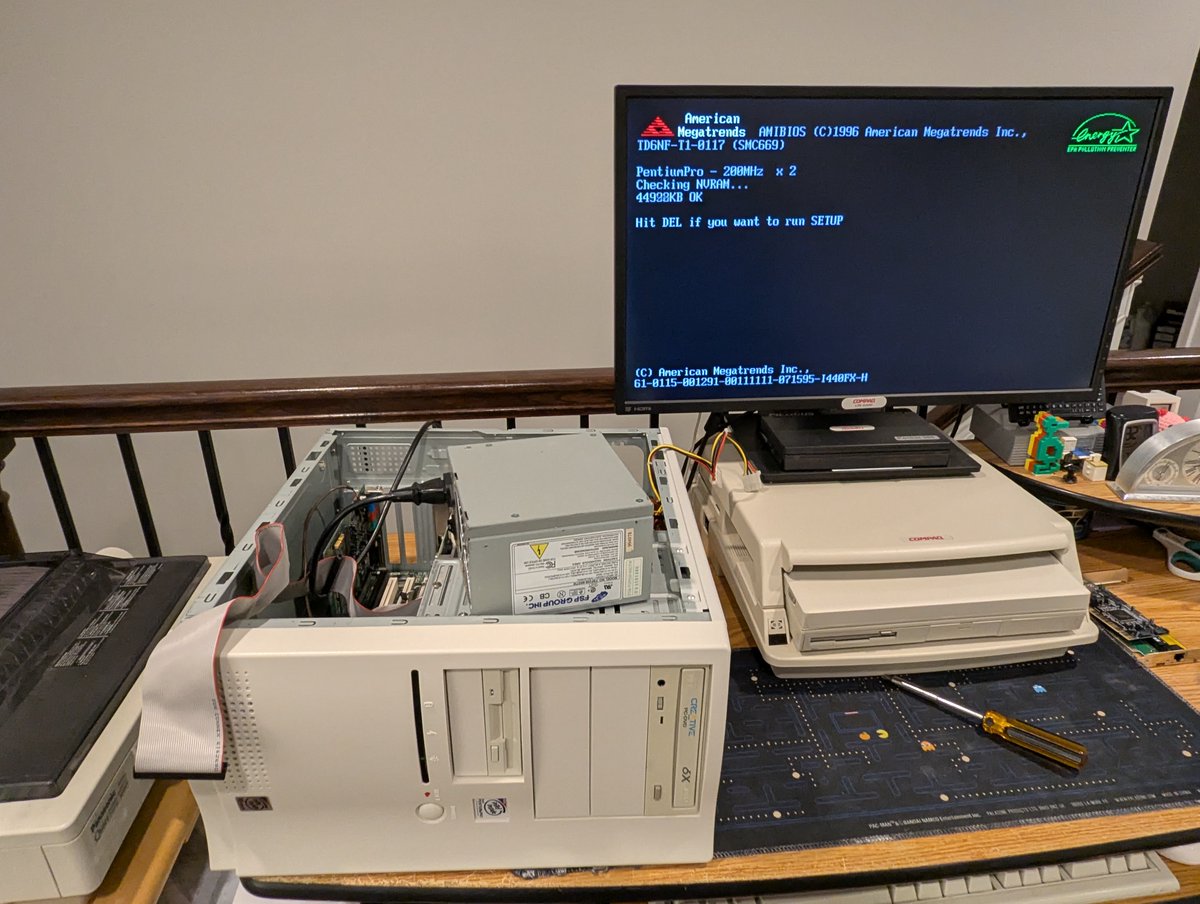
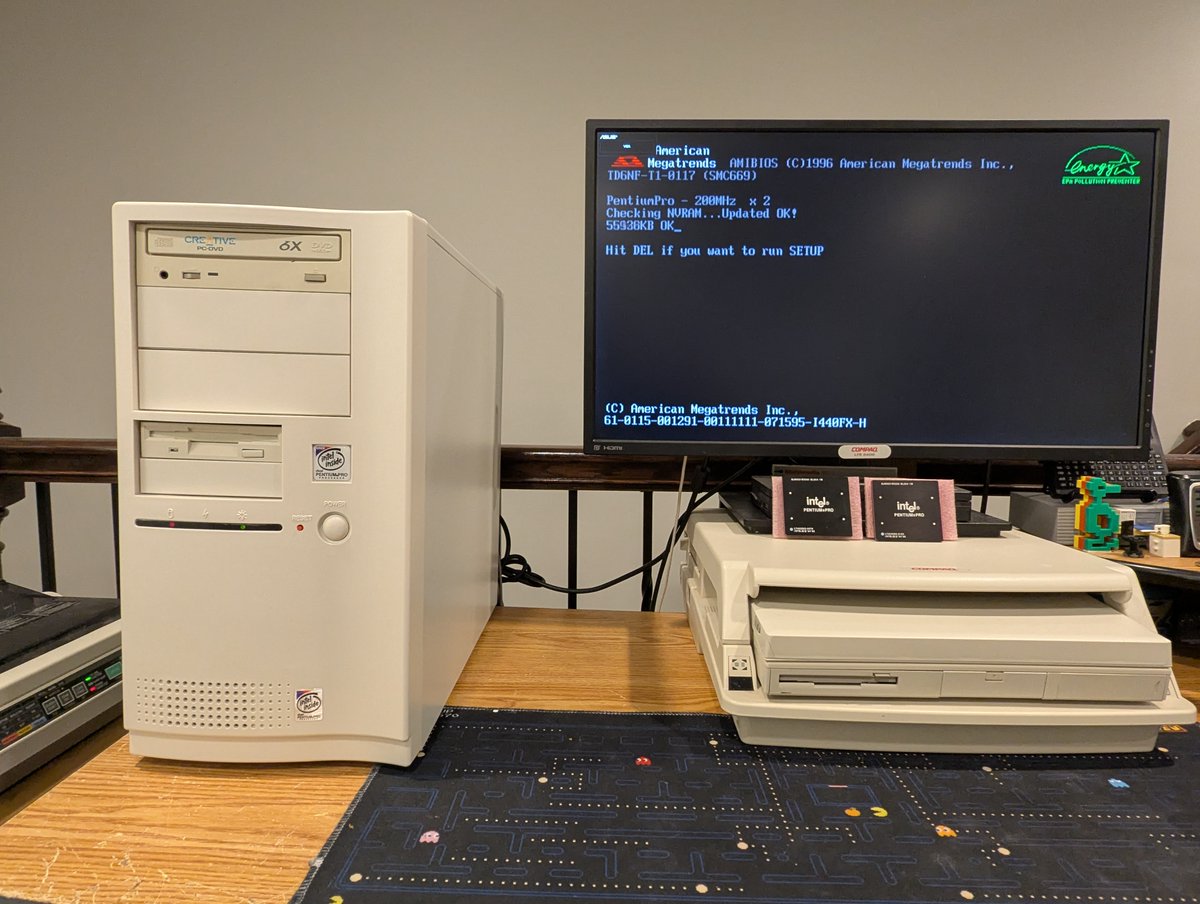
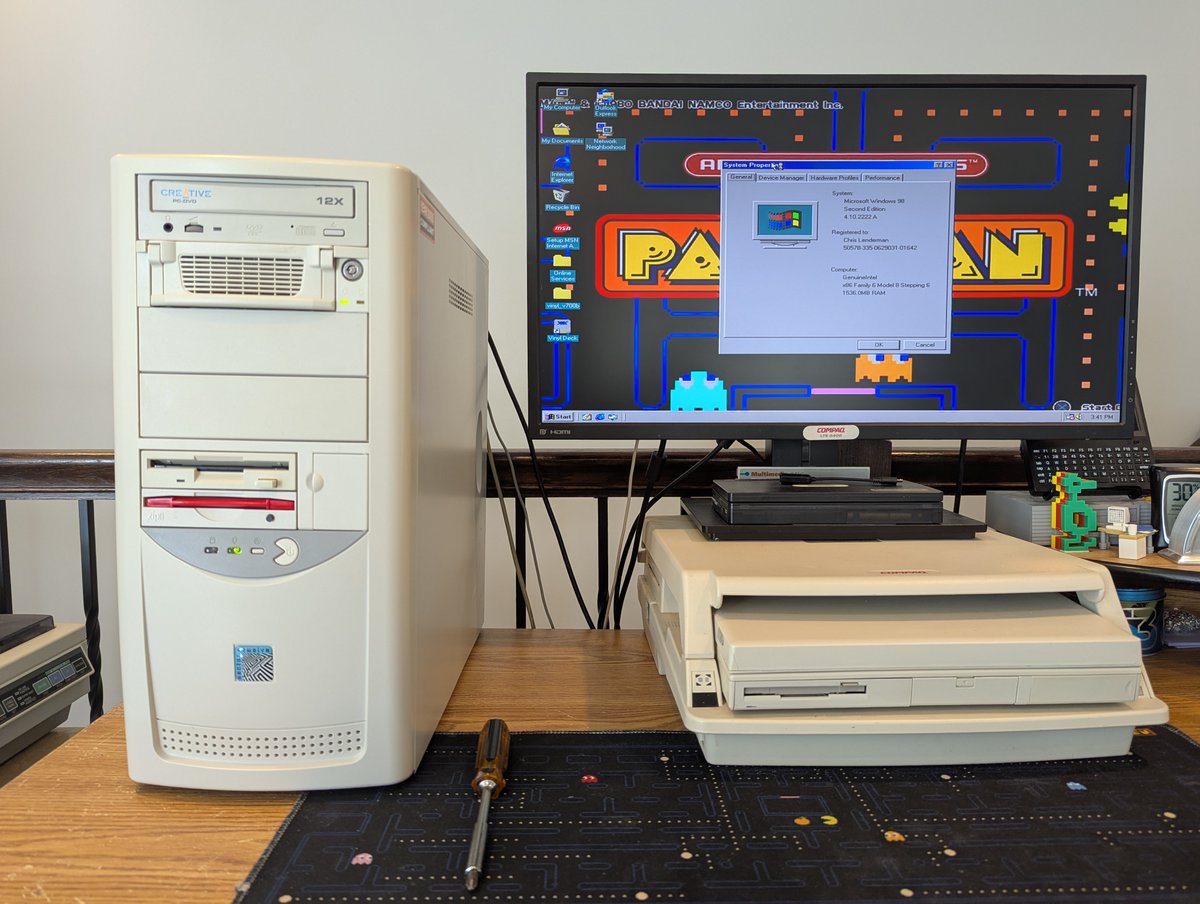
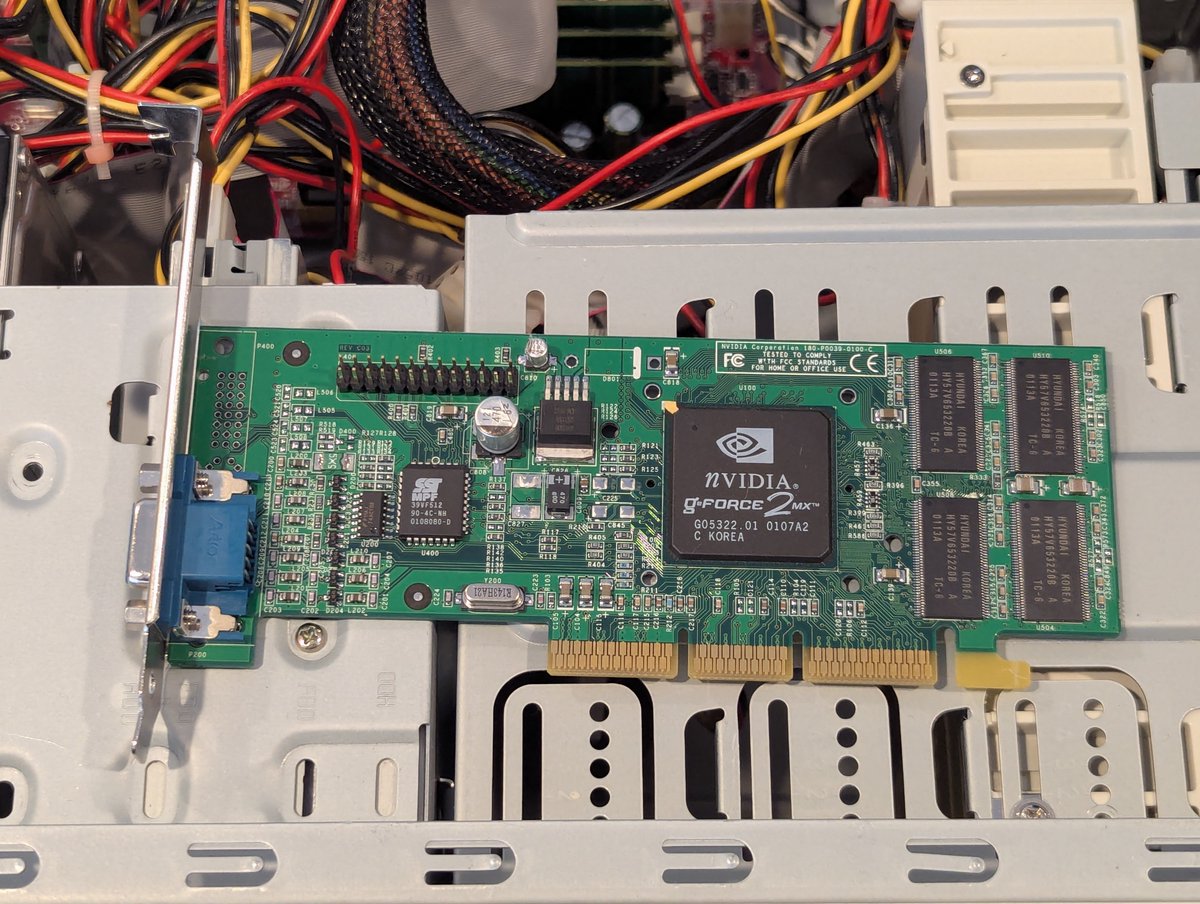
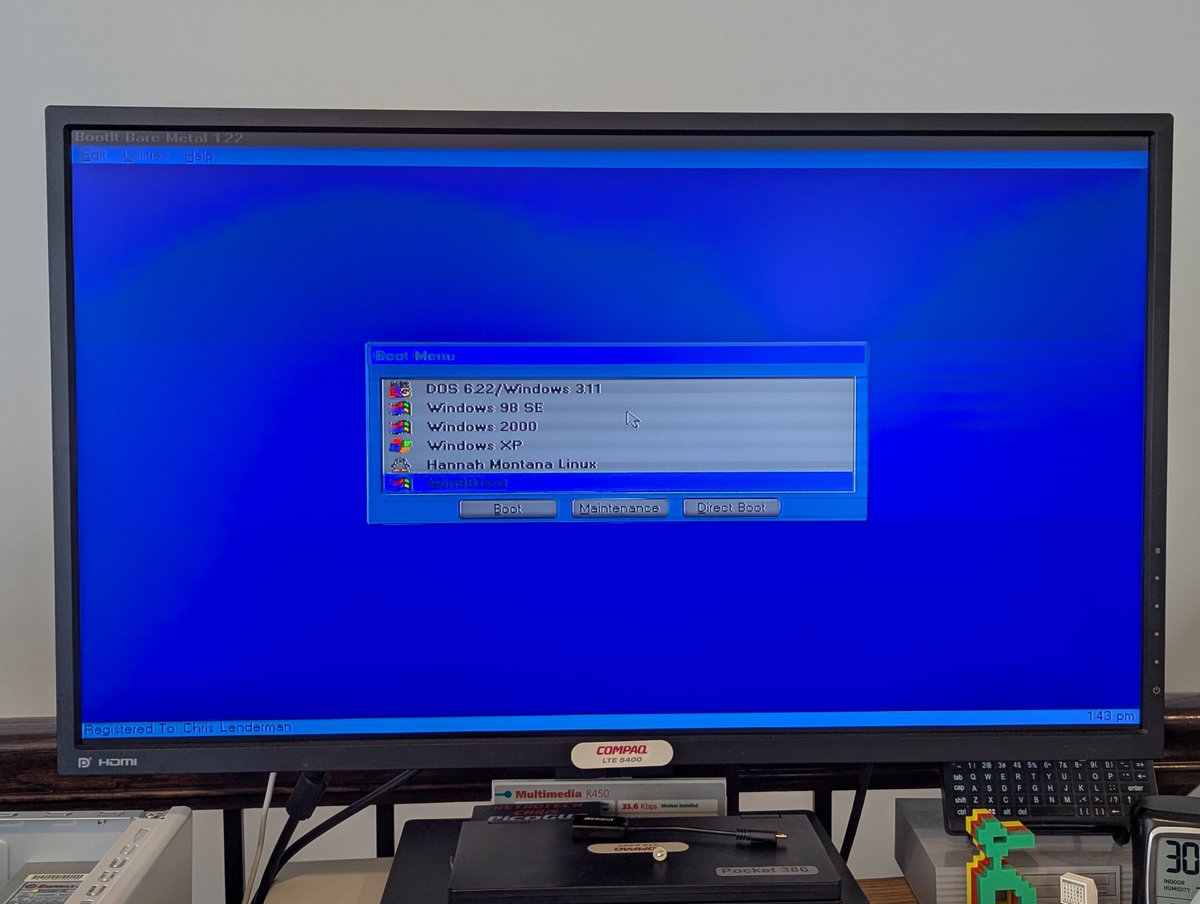
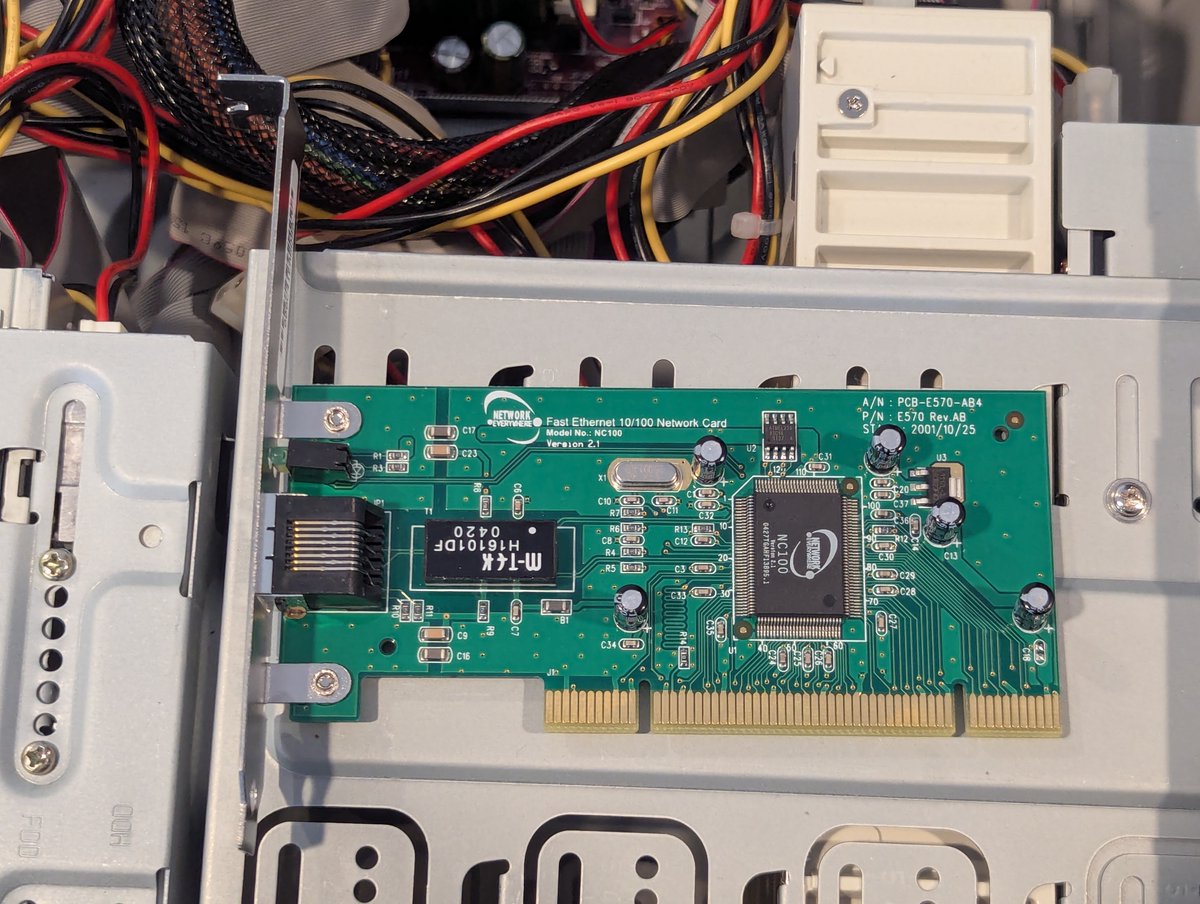
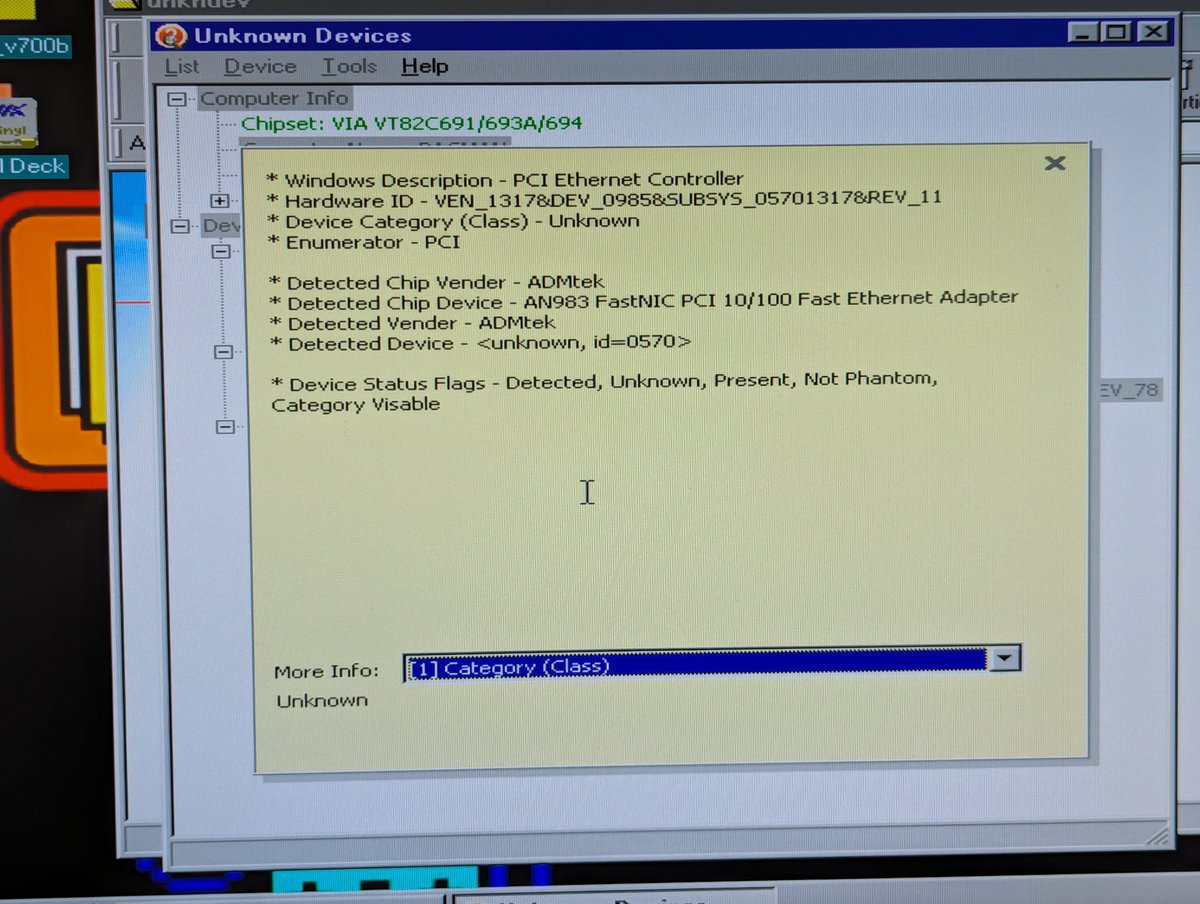
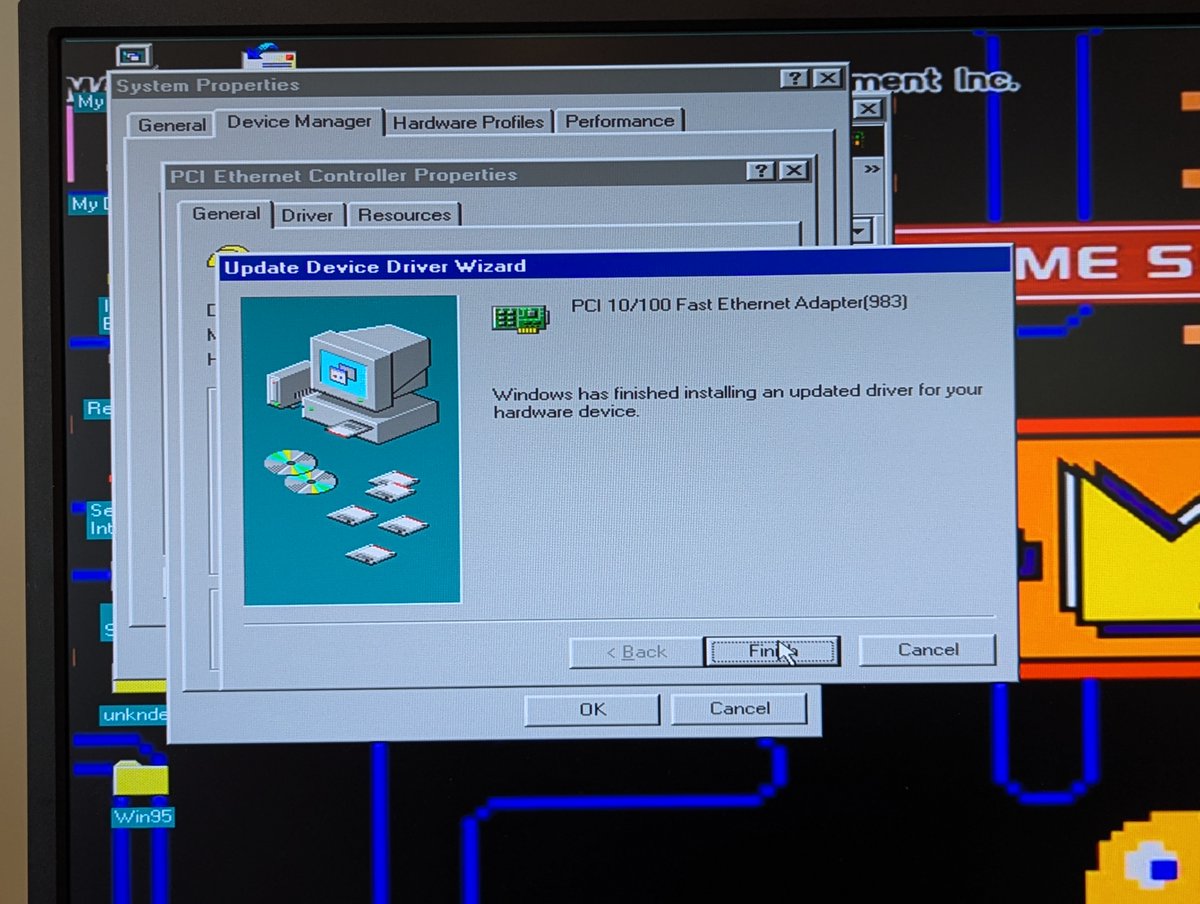
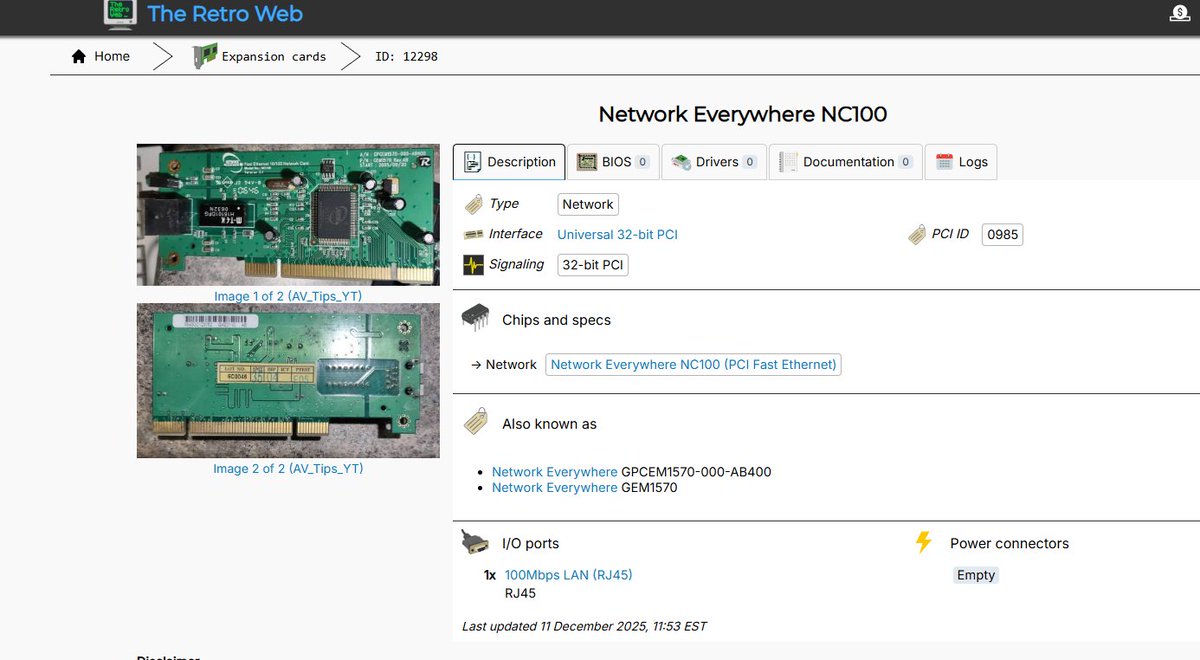
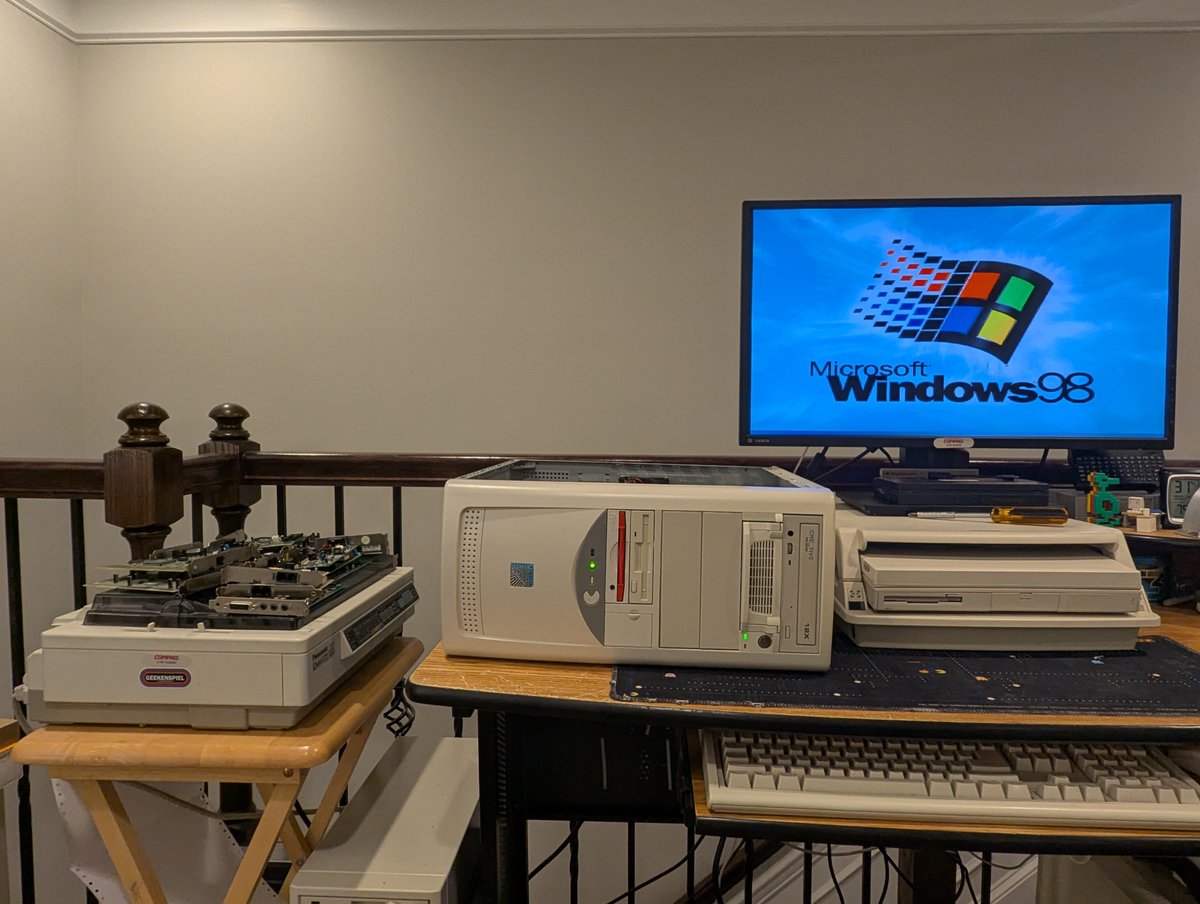
I got my Pentium Pro 200 MHz processors (with 1MB cache!) in the mail today. Thought I would get them installed and do some form of benchmarks. Did everything go off without a hitch? Of course not 😂. So, what happened this time? Let's talk about it! 🧵 time!
So, step 1 was deciding which operating system to use to do the benchmarks. I chose Windows 2000 to start. I thought I would go with SiSoft Sandra 99, but, well, that's too old, and I couldn't find a better version. Alright, no problem. Quick reboot... uh oh...
Yea, this system has a SATA drive, and the connection has always been flaky. Looks like we got some corruption. Bummer. Guess I get to reinstall W2K later! I swapped in a new SATA cable. Drive detected. Good. Certainly this will be the last of our problems...
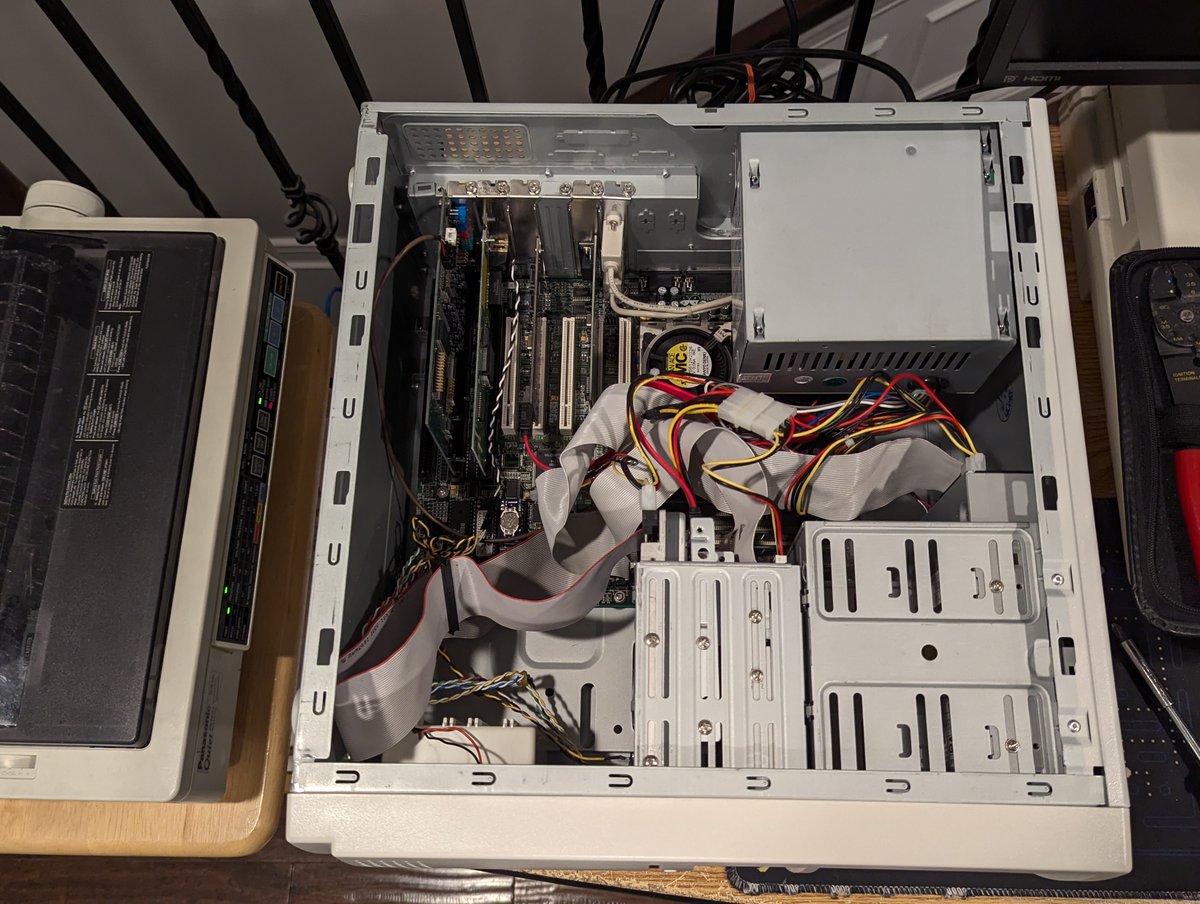
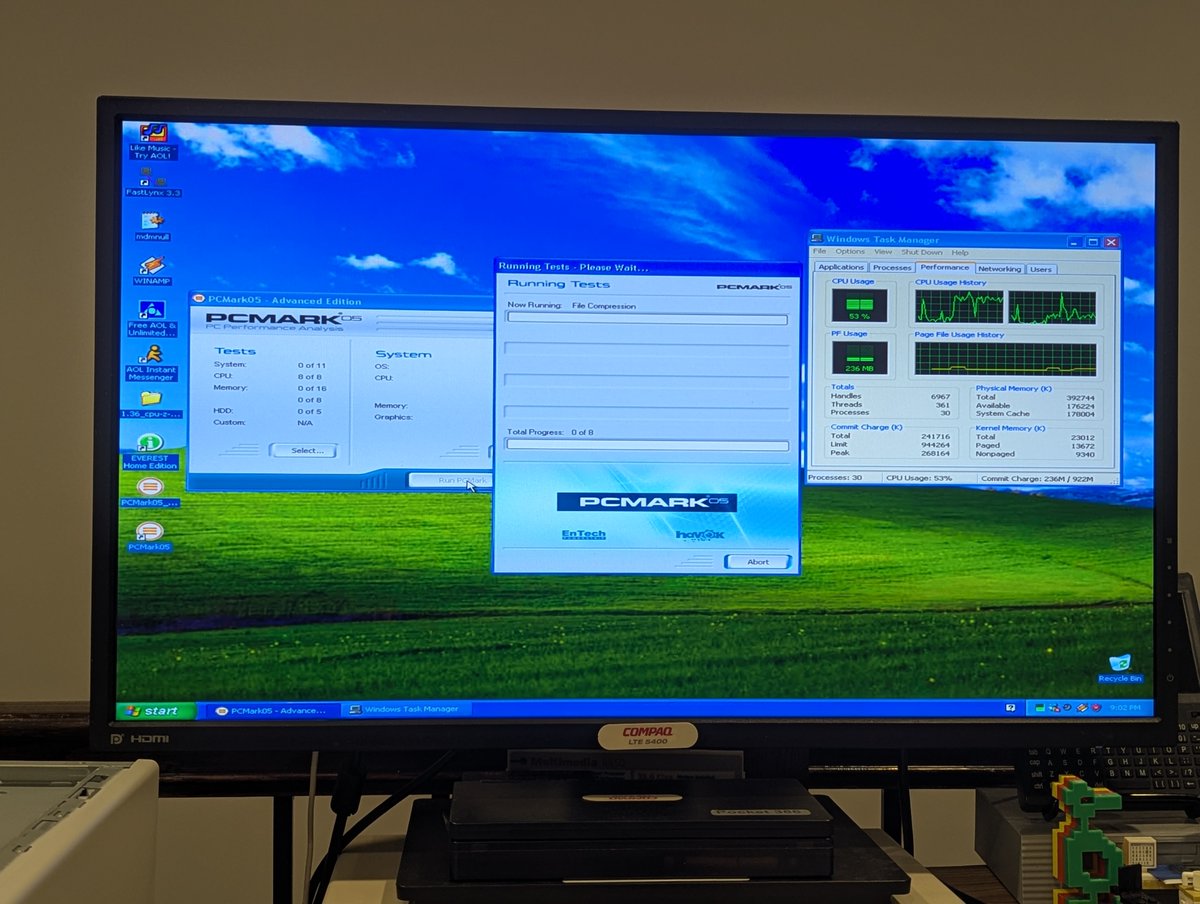
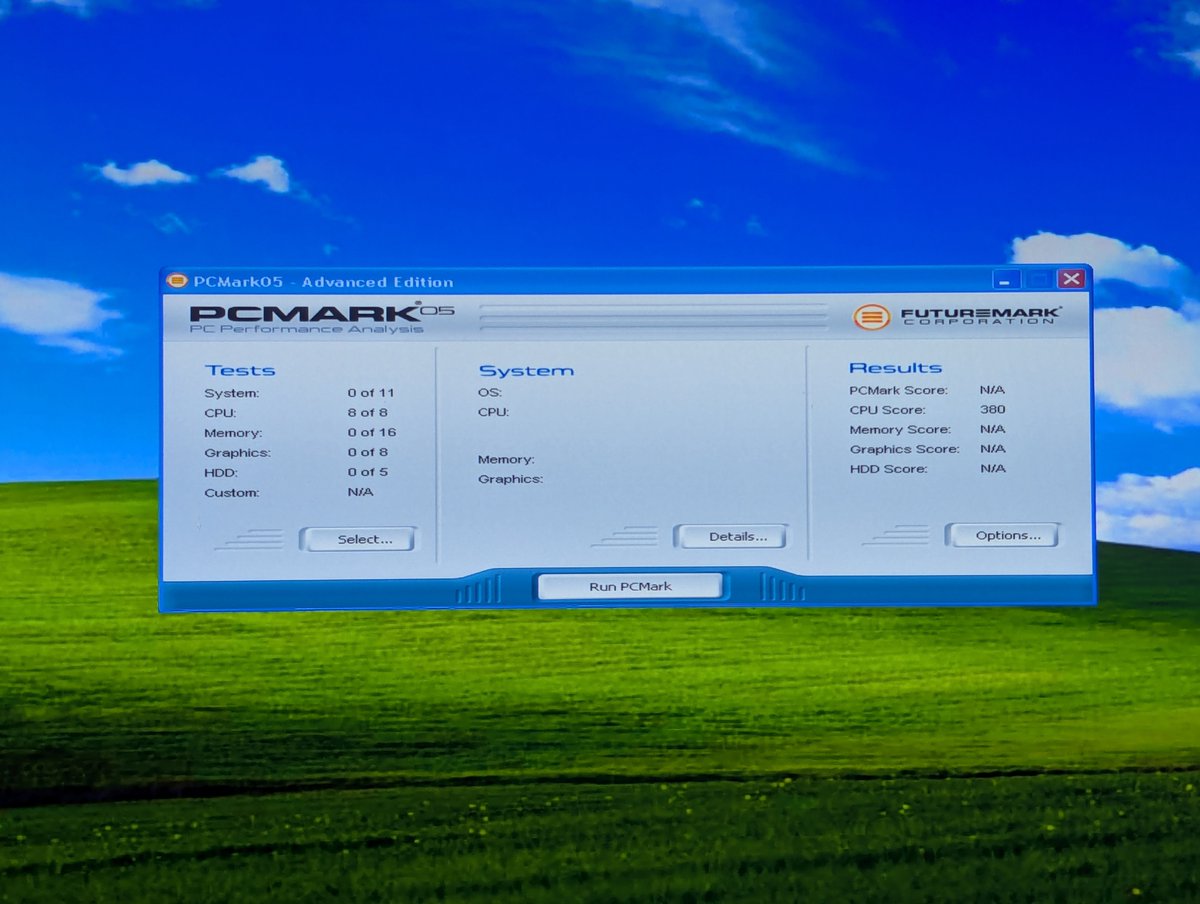
Well, anyway, let's use Windows XP instead, and deal with our W2K problem later. Going to use PCMark '05 to benchmark. We'll start with the currently installed CPUs. Wow, this thing does peg both CPUs. Good! That should make for a good comparison, or so I hope.
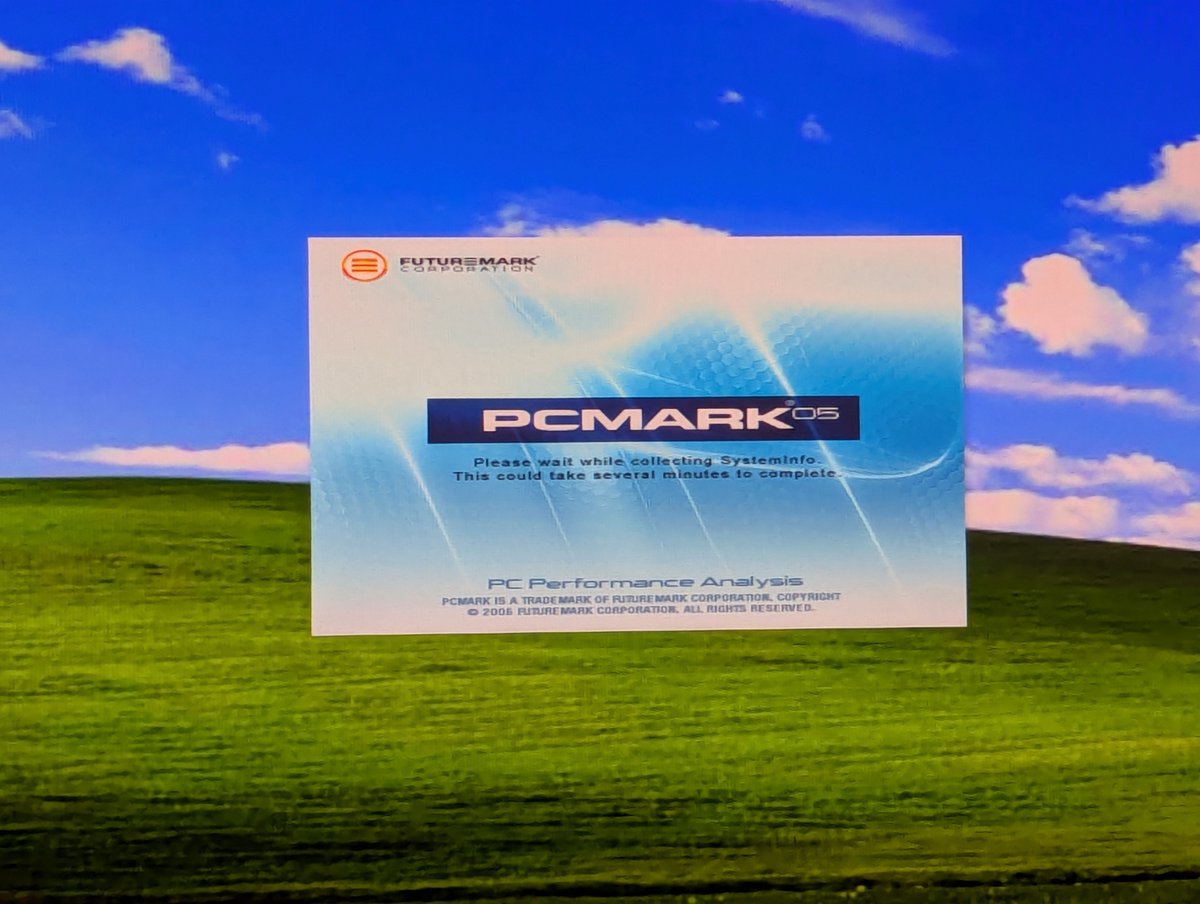
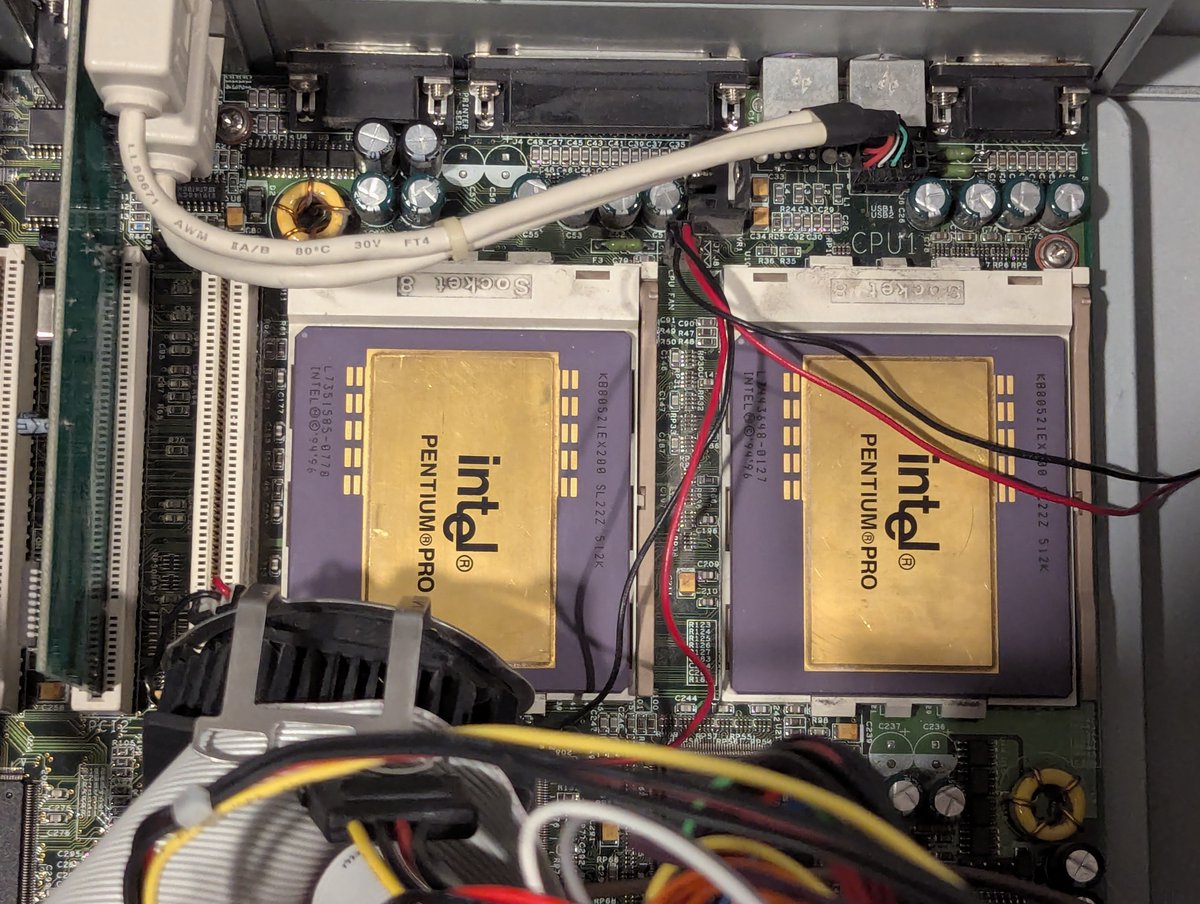
Alright, I ran and saved off some benchmarks and specs. Don't worry, we will see those in a minute as a side-by-side comparison. Let's get those 512KB CPUs out and the 1MB CPUs installed. Out with the old, and in with the... less old!
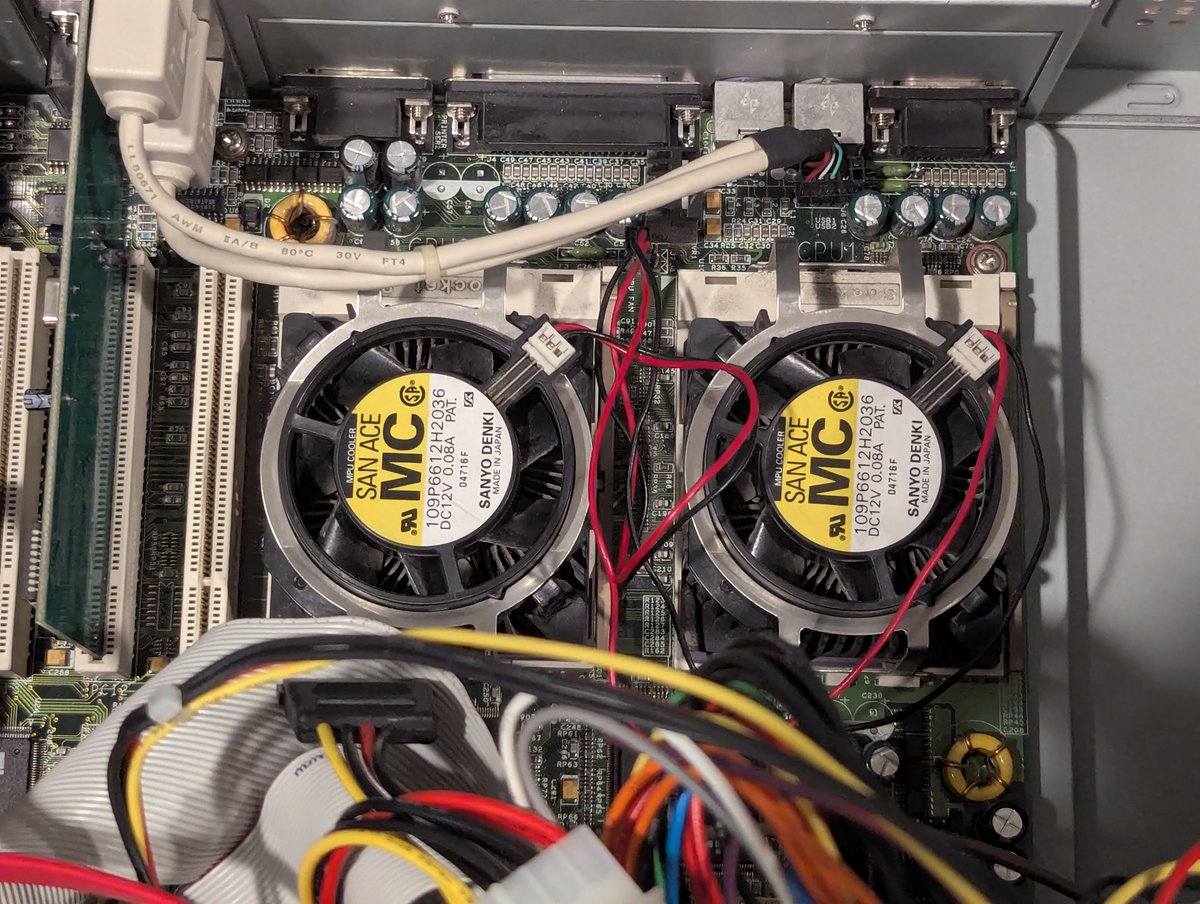
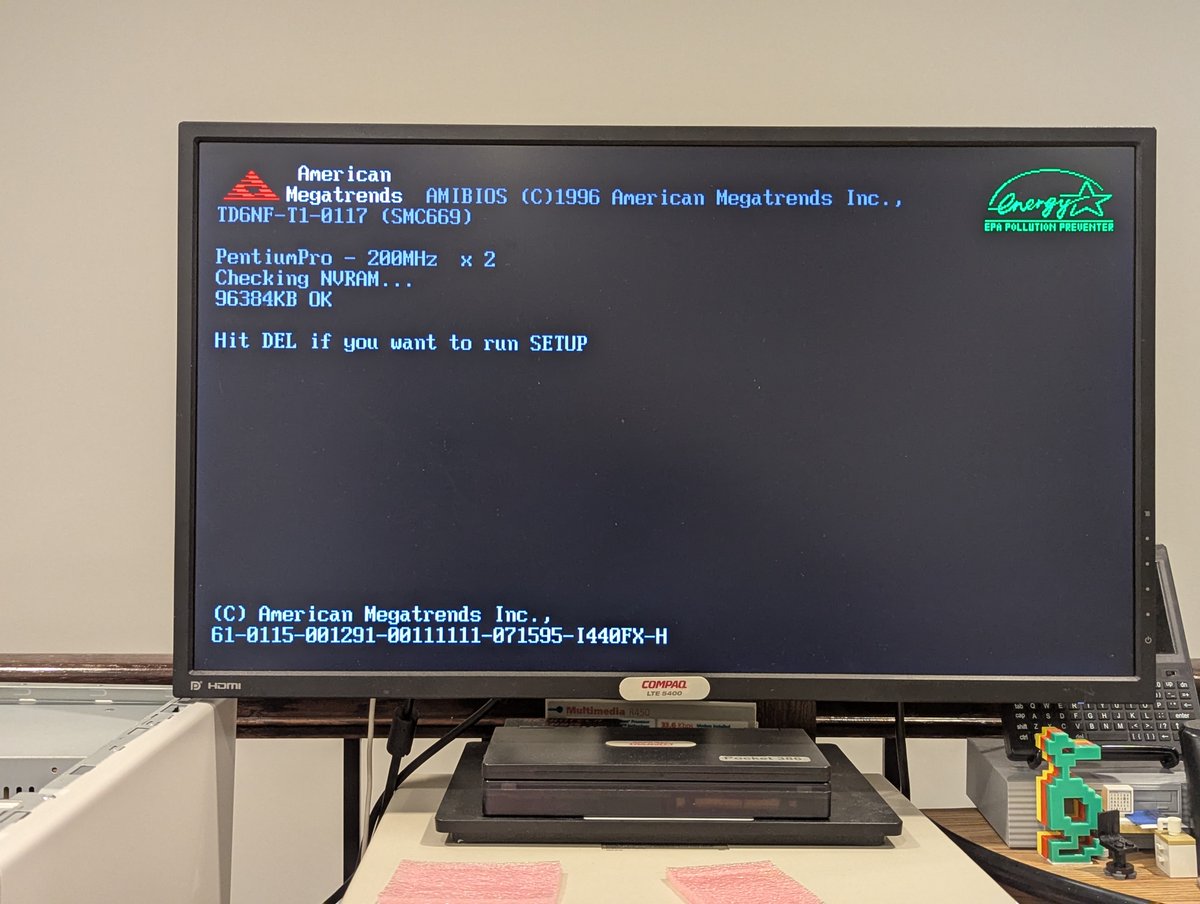
Great! Let's see if this baby boots. Indeed it does! I am sure it is going to run just fine from now. Foreshadowing...
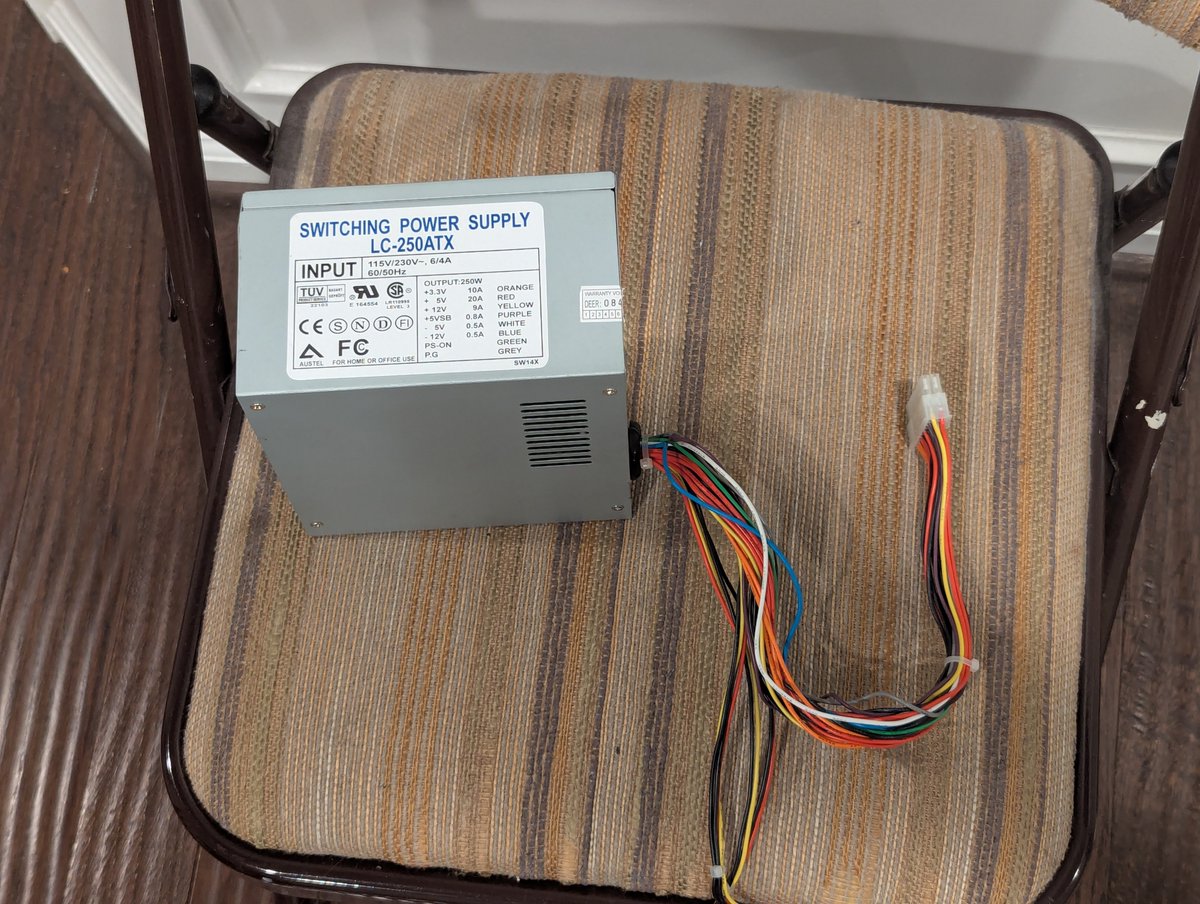
Yea, so, I left the room for a few minutes and returned. The machine was powered off. WHAT?!? Okay, no problem, just power it back on. No. It's dead. Greaaaaat.
What happened??? Well, the power supply gave up the ghost. So I swapped in a new power supply, and we were good to go! I did try swapping back in the old CPUs to see if the system would power on with the old power supply. Nope! It's a goner.
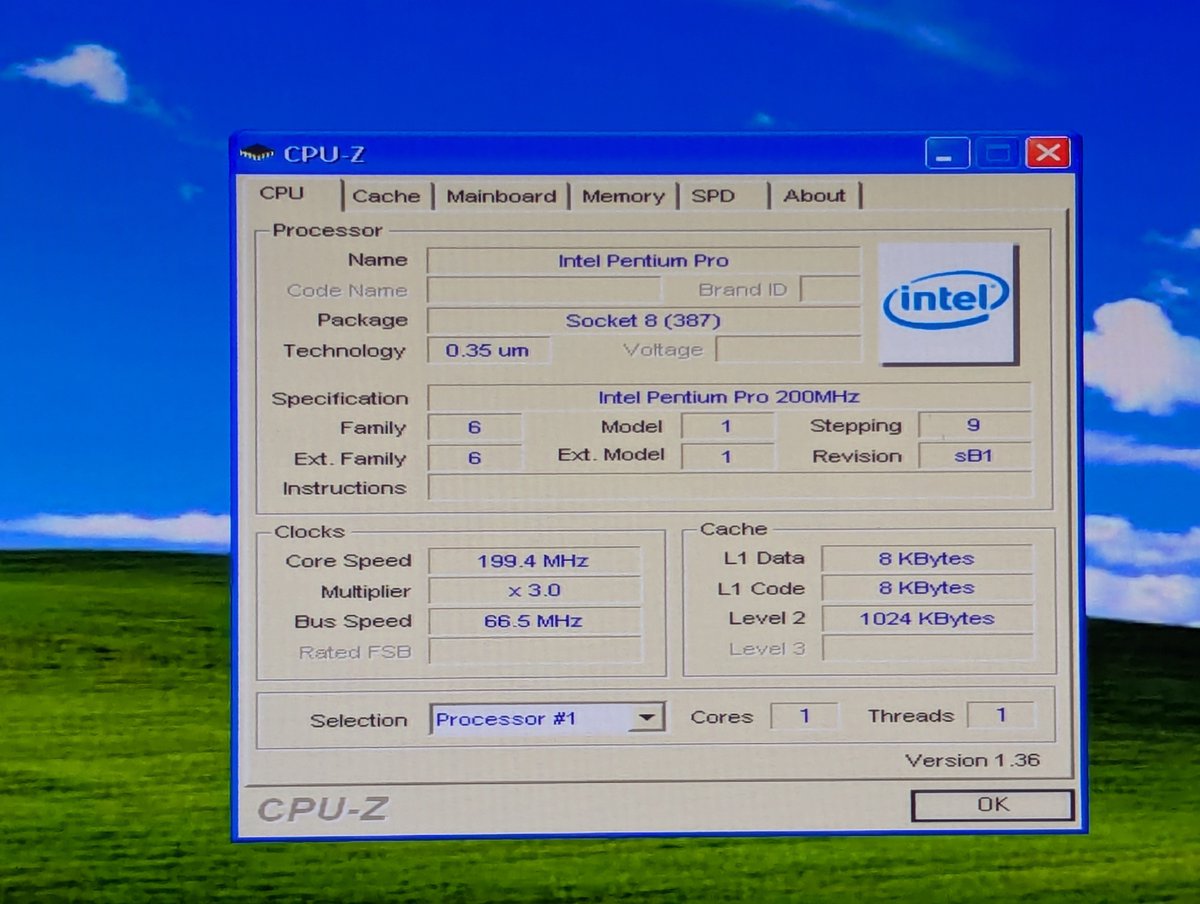
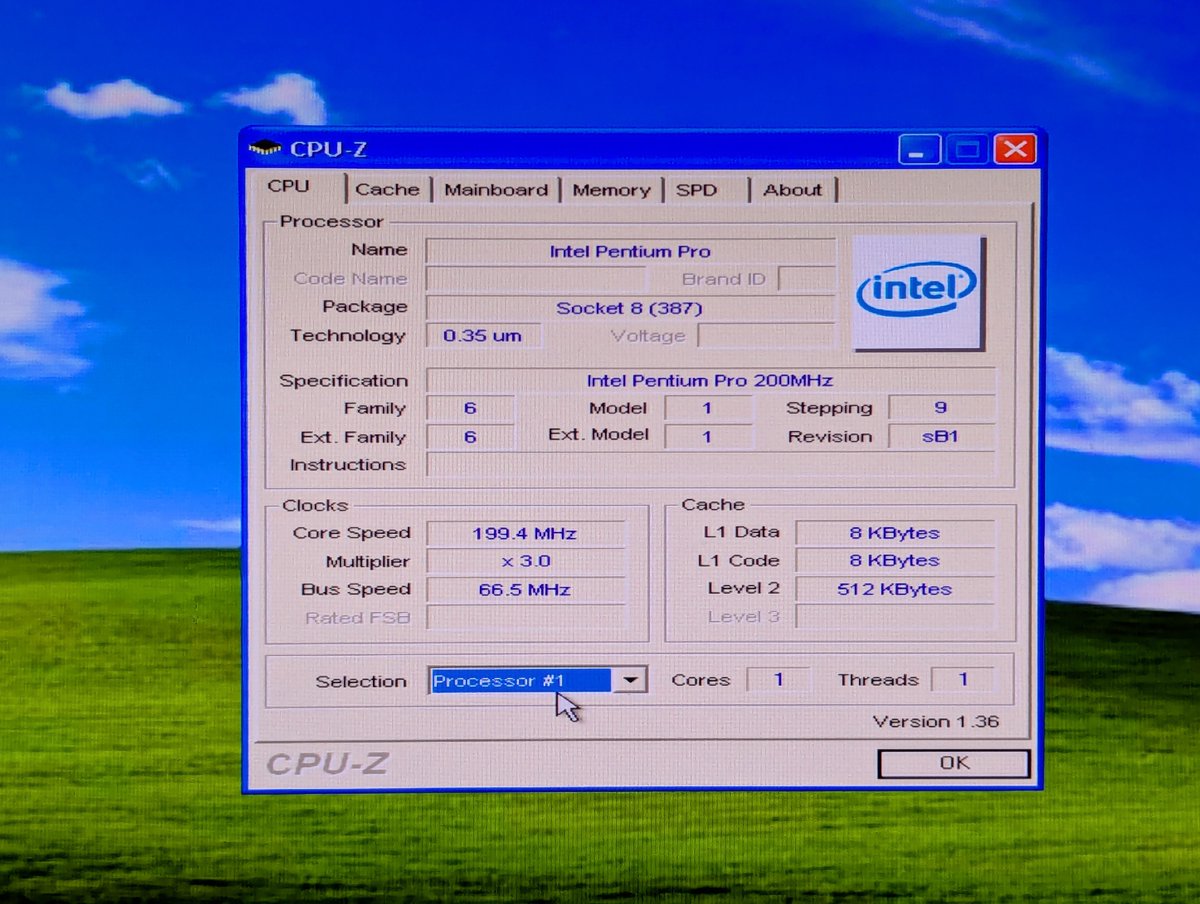
Alright, enough of that. Let's look at some cursory comparisons. First, just for fun, I did run CPU-Z. Ah, look at all of that glorious cache we have now in the "after" photo.
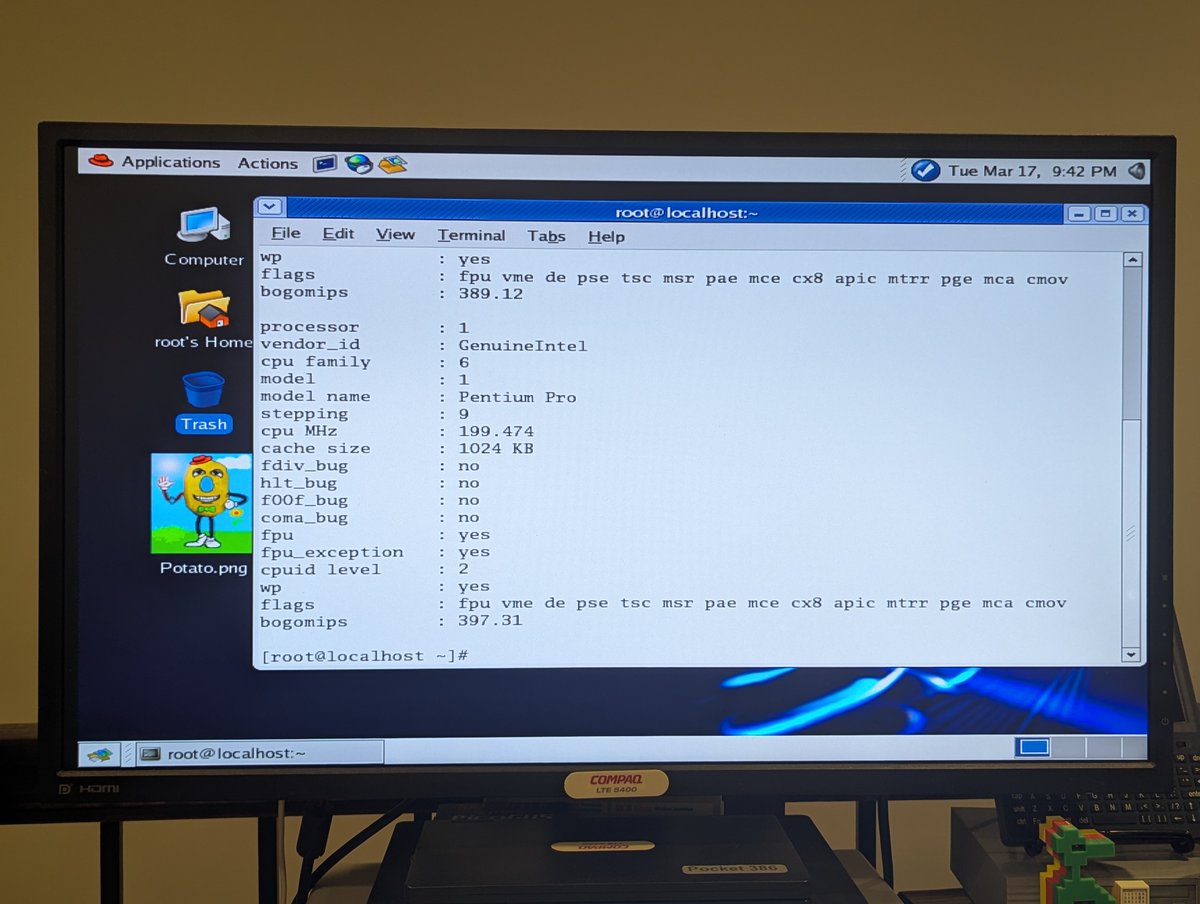
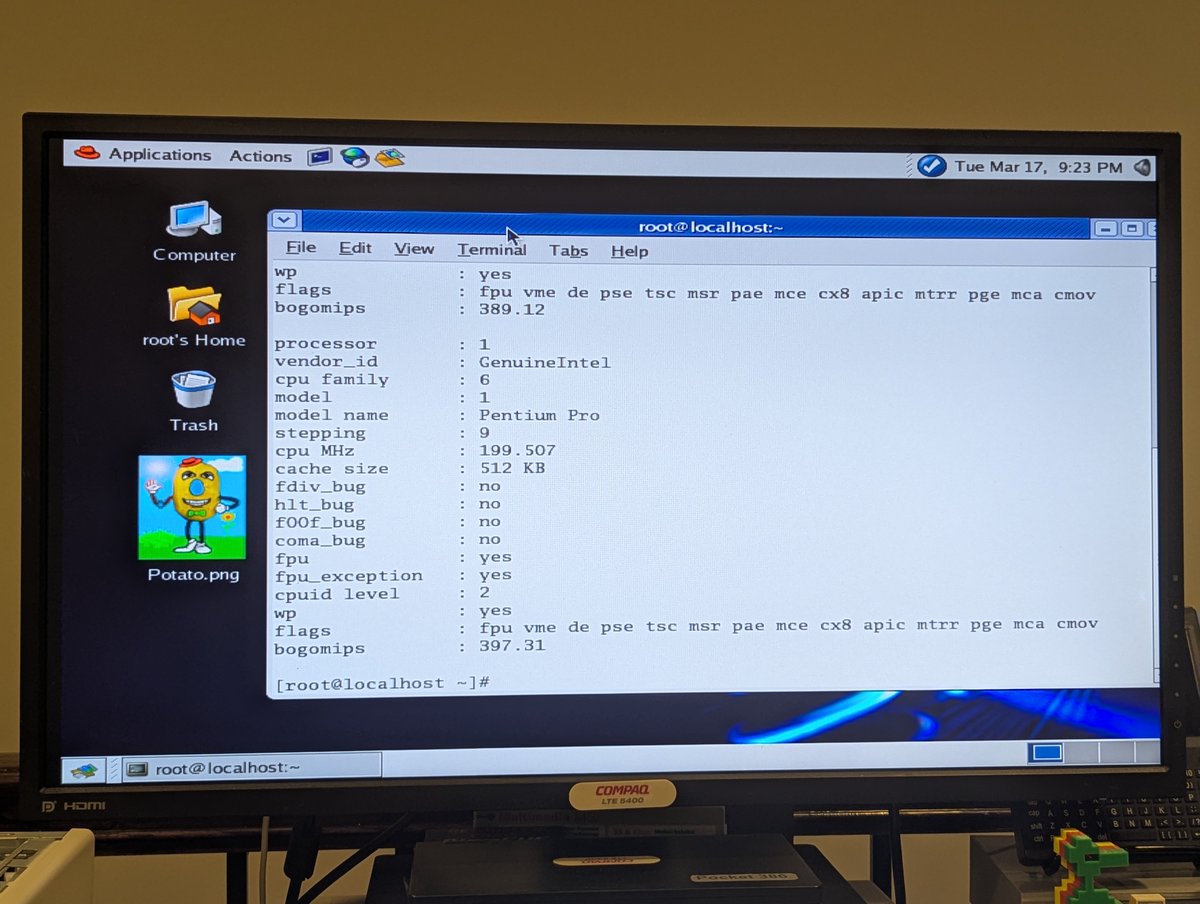
How about a look under Linux? Here it is! Nothing earth shattering here, but fun to see, right? RIGHT!
Okay, so what do we see if we compare PCMark '05? Not much of a difference! We went from a 367 to a 380, and I bet if I ran this a few more times, we'd get different numbers, these are not statistically significant. So, I think I need to find some more benchmarks to run!!
Right.. so after striking out with the hardware issues, and not really finding a satisfying benchmark yet, I decided to call it a night. Next up, on another day, I think we'll run more benchmarks, and reinstall W2K too. Thx for following along!
@threadreaderapp unroll
• • •
Missing some Tweet in this thread? You can try to
force a refresh

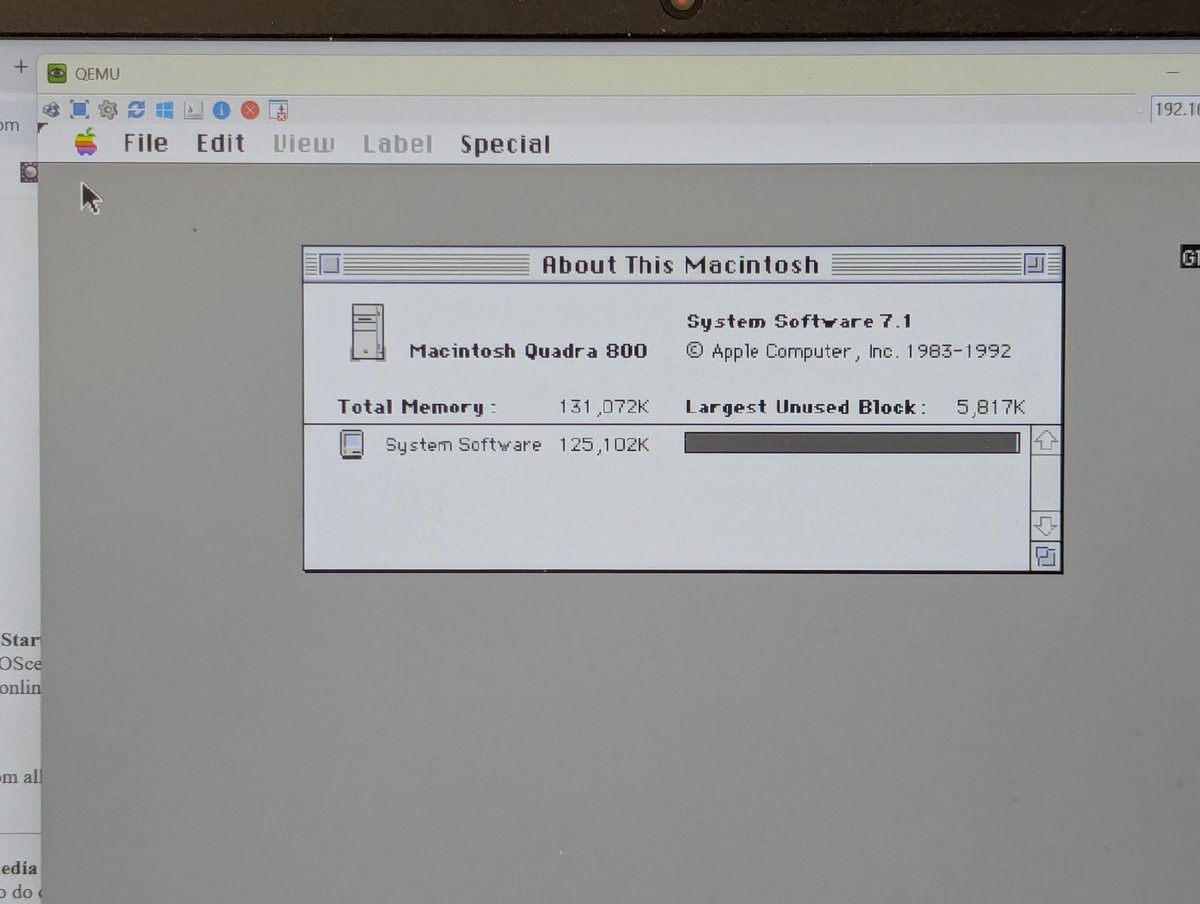
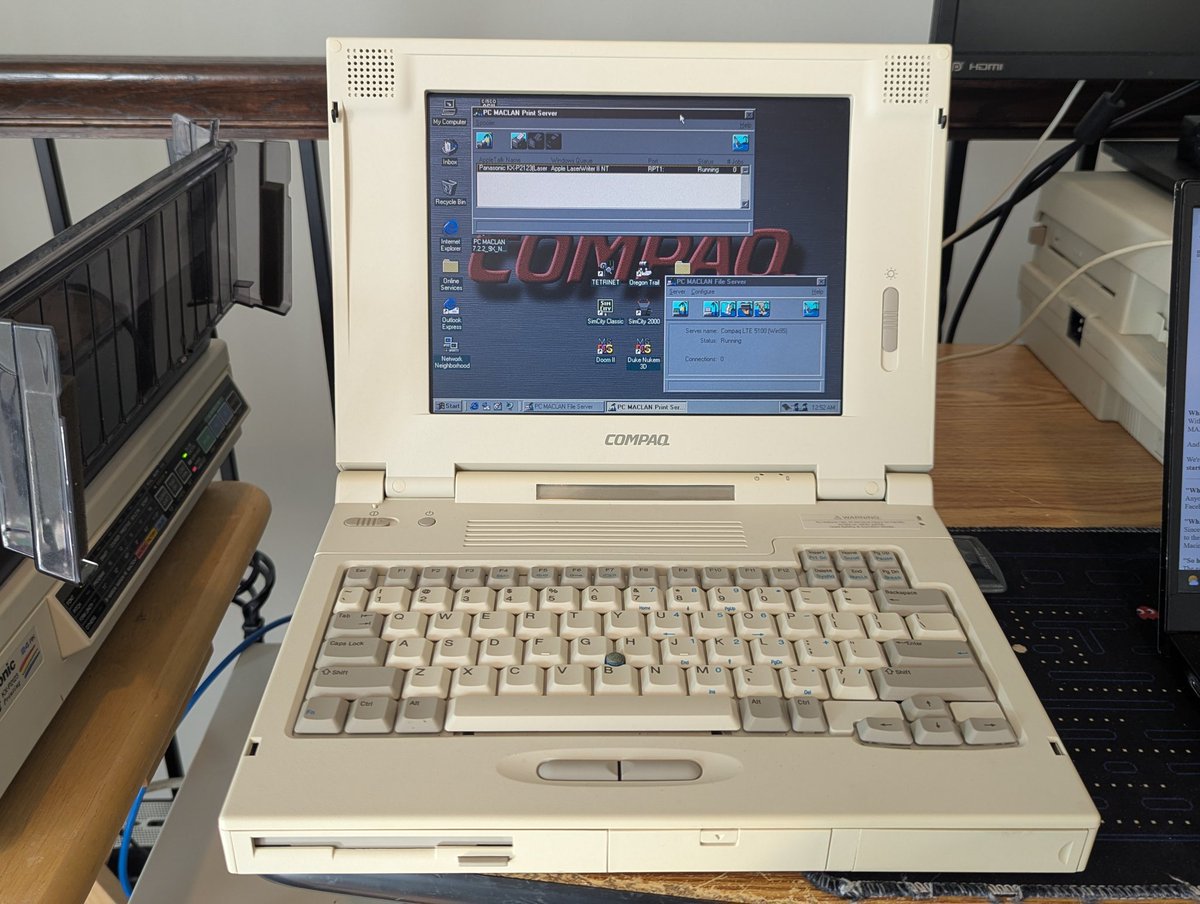
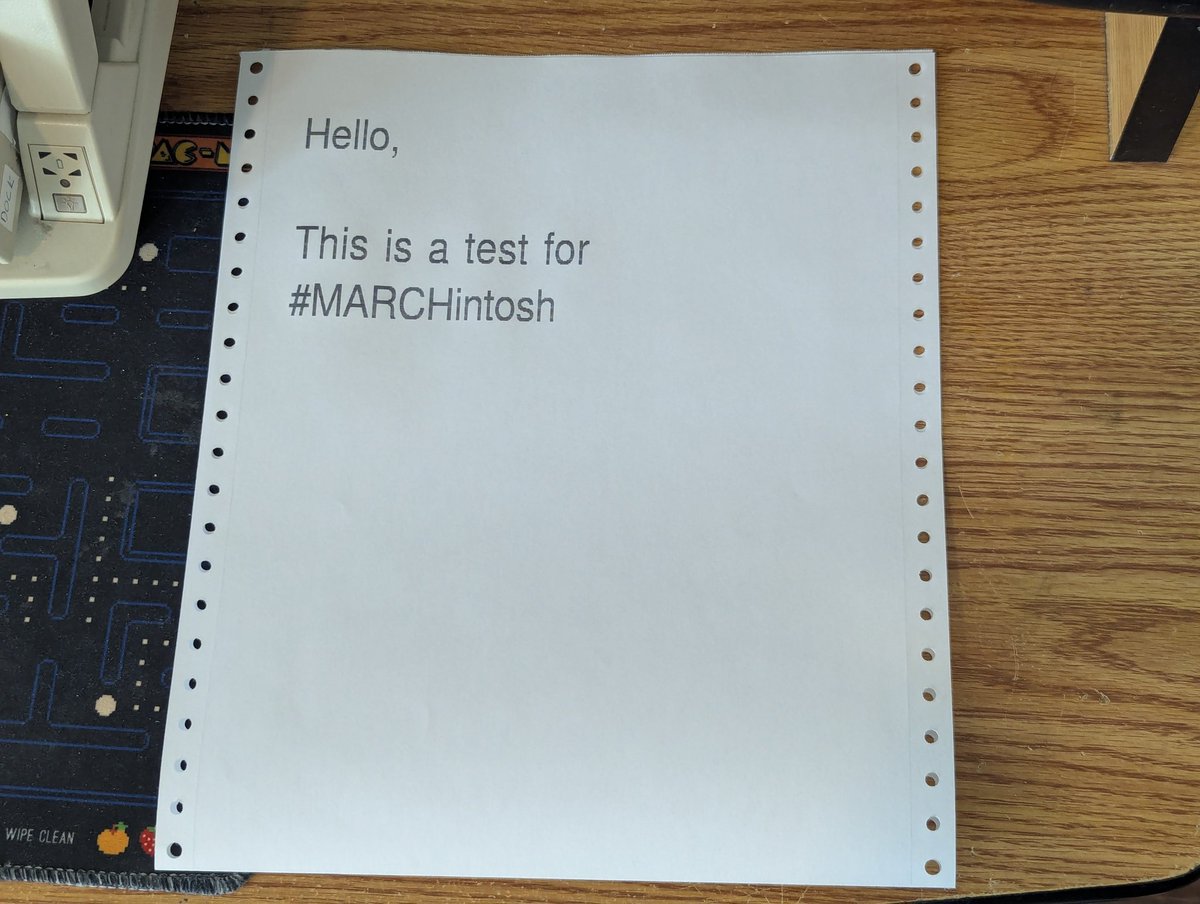
Happy #MARCHintosh! My virtual Quadra 800 and Compaq LTE 5100 (via PC MacLAN for Windows) are once again participating. You can even print to my Panasonic KX-P2123 printer that is "pretending" to be an Apple LaserWriter 😂. All via GlobalTalk!
If you want to join in on the fun virtually:
* Details for joining GlobalTalk here:
* Once you get access to the spreadsheet, see the Instructions/Links tab. See Line 36 for my setup guide for Windows 11, I used that together with the Debian guide!marchintosh.com/globaltalk.html
There is also a way to get a configuration file of all of the participants via AIRConfig, which is also discussed in the guide! Need to get AIRConfig to your virtual Macintosh? Use a FTP server!
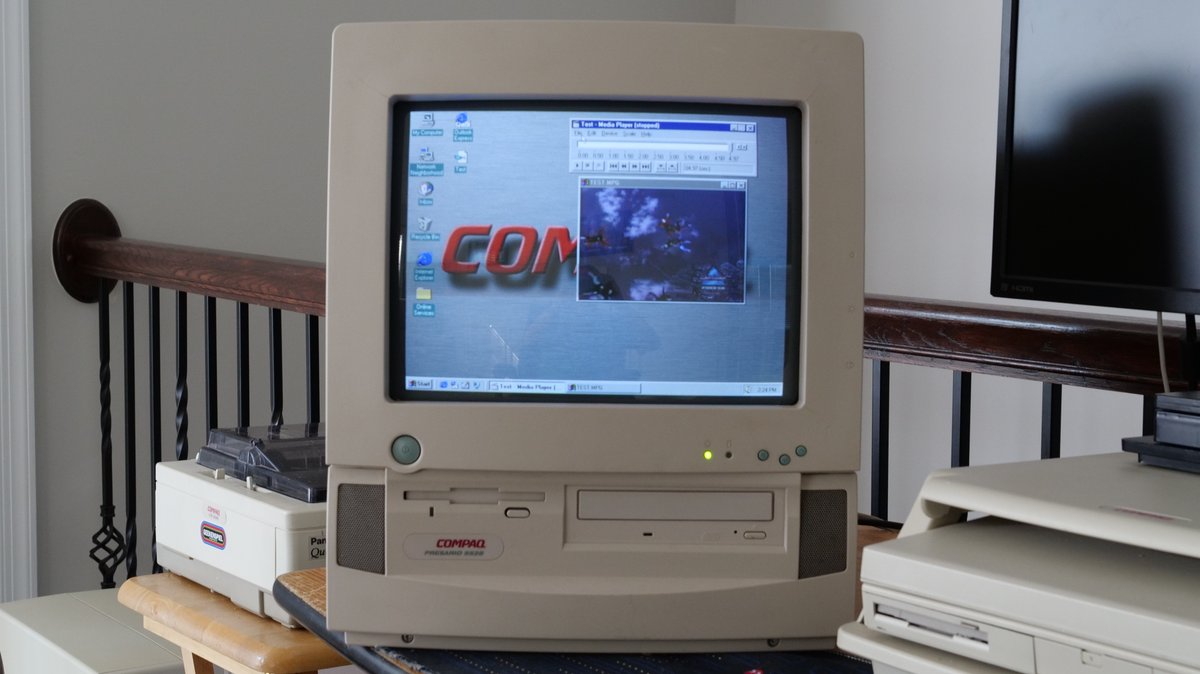
Oookay, the Compaq Presario 5528 is back on the desk! I wanted to spend some more time looking at the MPEG-1 decoder card under Windows 95 OSR 2.5. And I have good news! Time for a quick 🧵
As some may recall, here was the next thing I was going to try: copying over the Windows 95A Media Player to Windows 95 OSR2.5. But as it ends up, that wasn't necessary!! I'll explain.
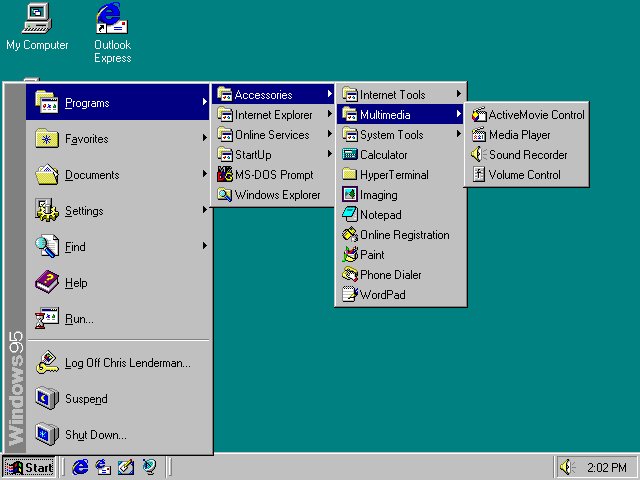
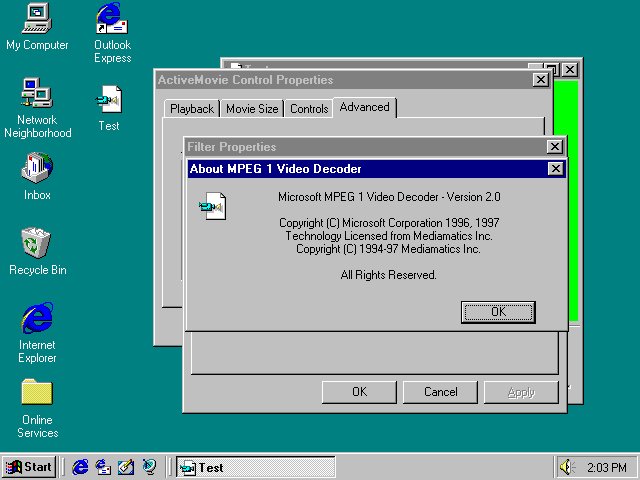
I noticed something on my Win95 OSR 2.5 install. It looks like the Internet Explorer desktop update installed ActiveMovie Control. And it looks like it is using a default Microsoft software decoder. HOWEVER, notice that standard Windows Media Player is also installed!
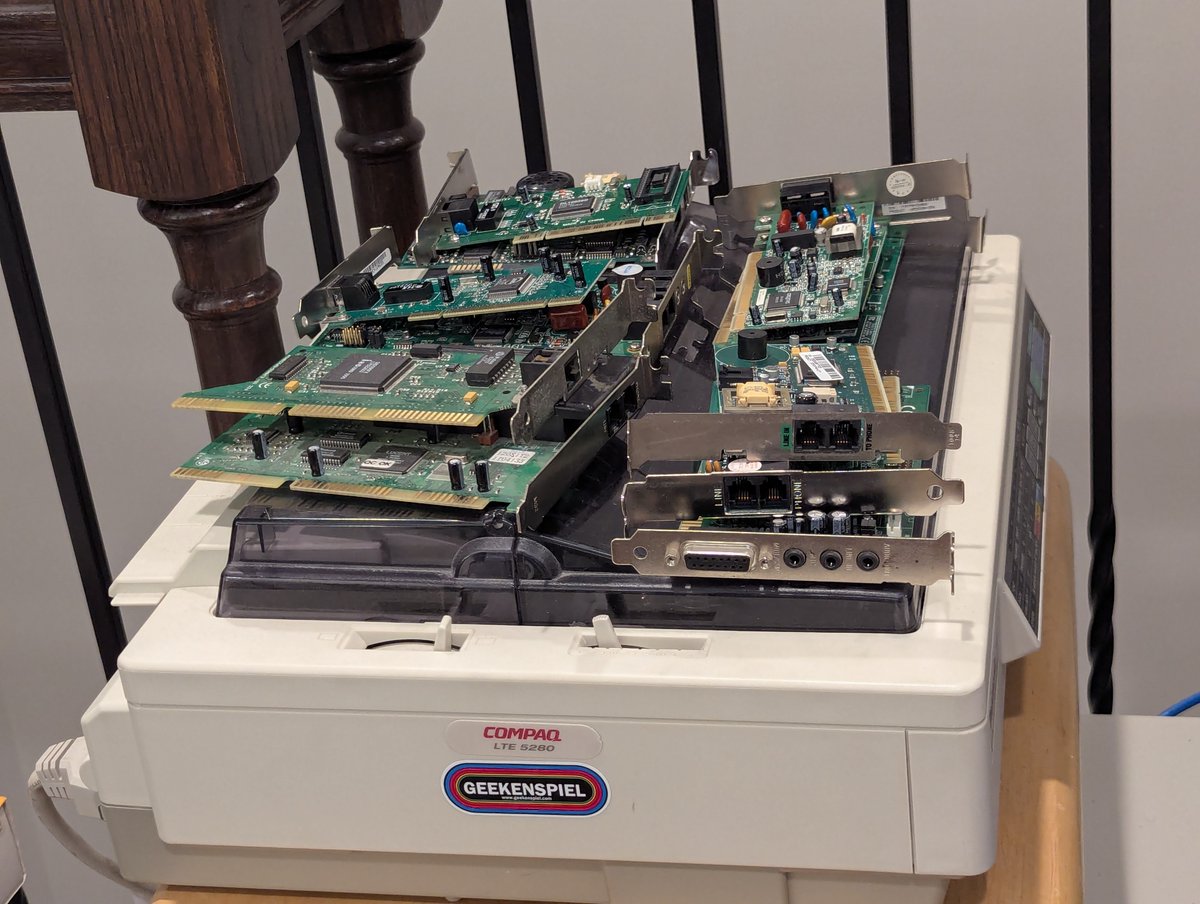
Well, looks like we have some modems to test. We better get going 😂. I'm not going to do a full "dial" test, but we will see if we can at least configure them! Time for a 🧵
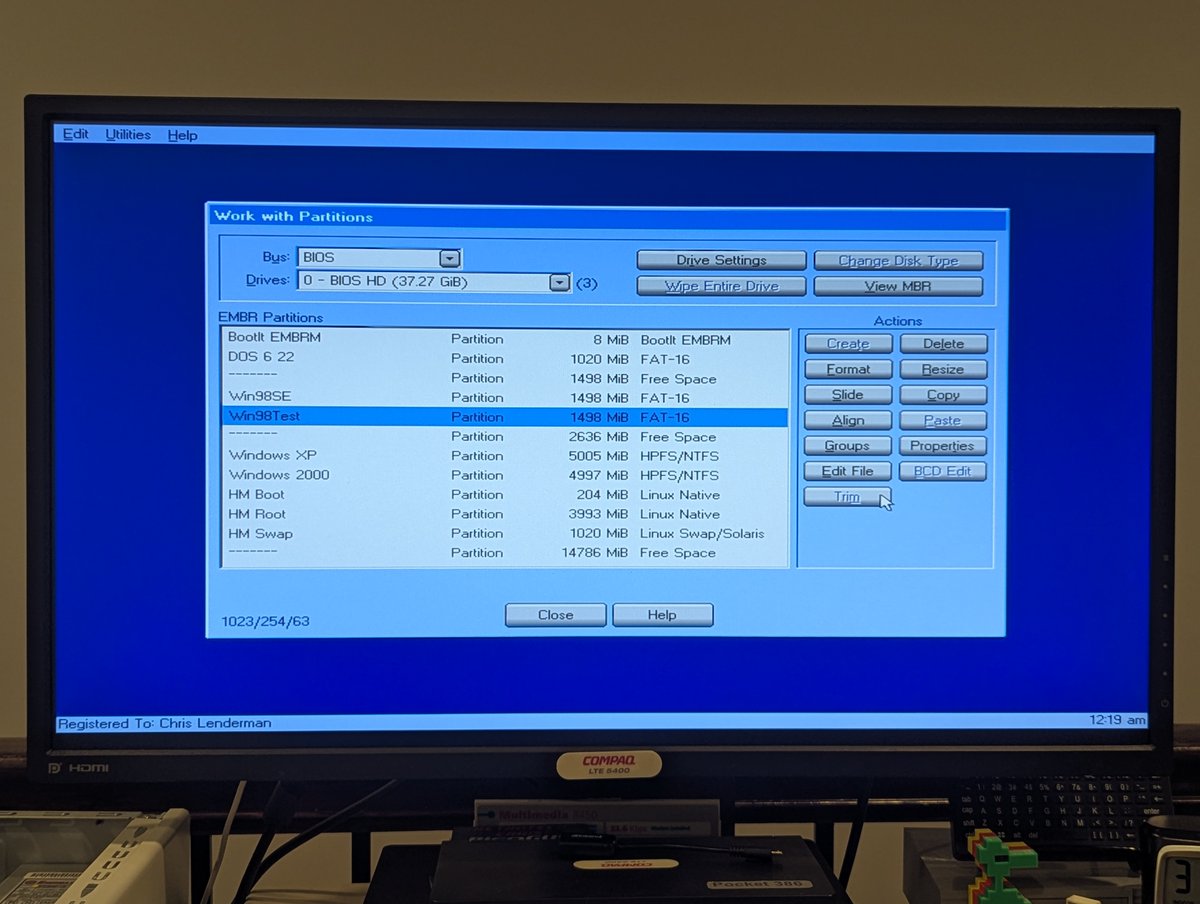
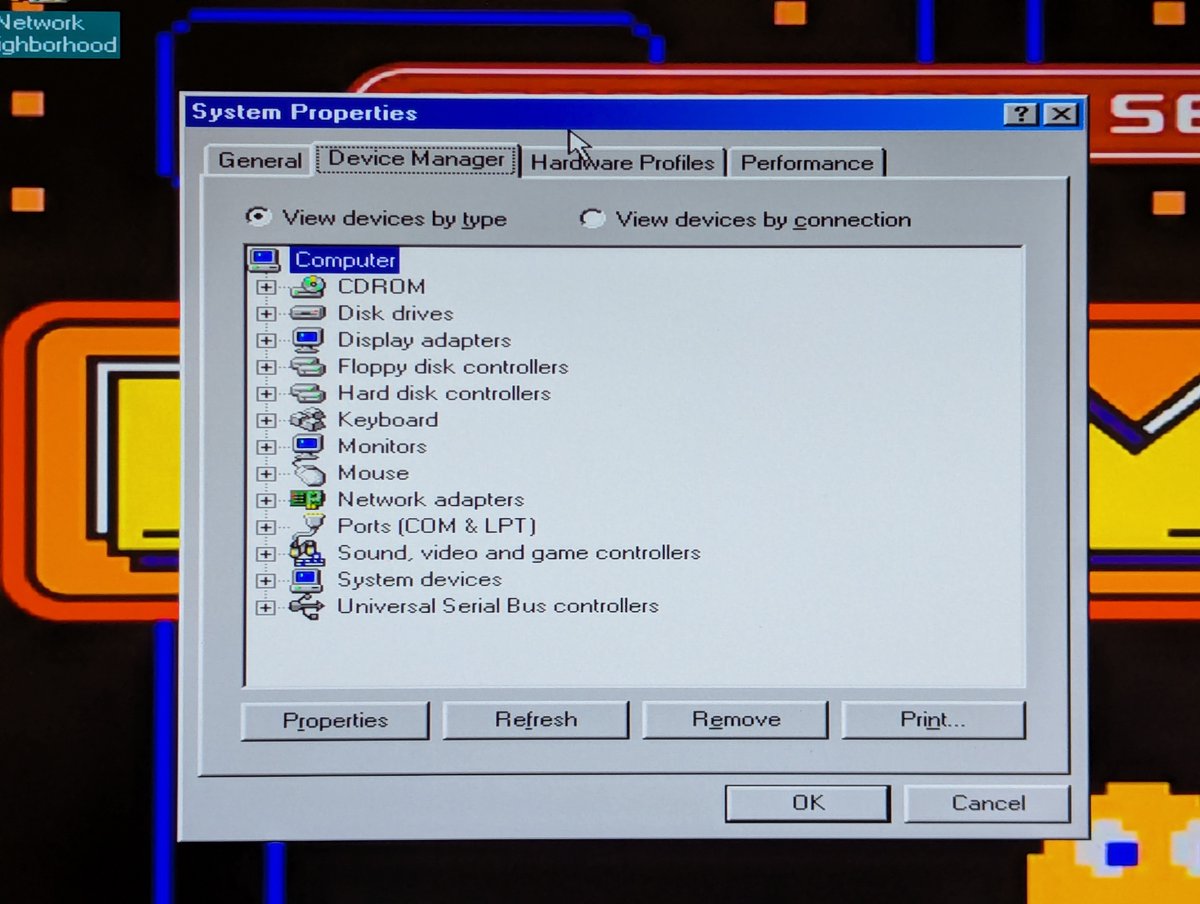
First things first, just like they taught in science class, always start with a baseline! So, I am going to make a copy of my Windows 98 installation so that we don't foul up the main install, and we'll check out device manager. Looking good! Let's roll.
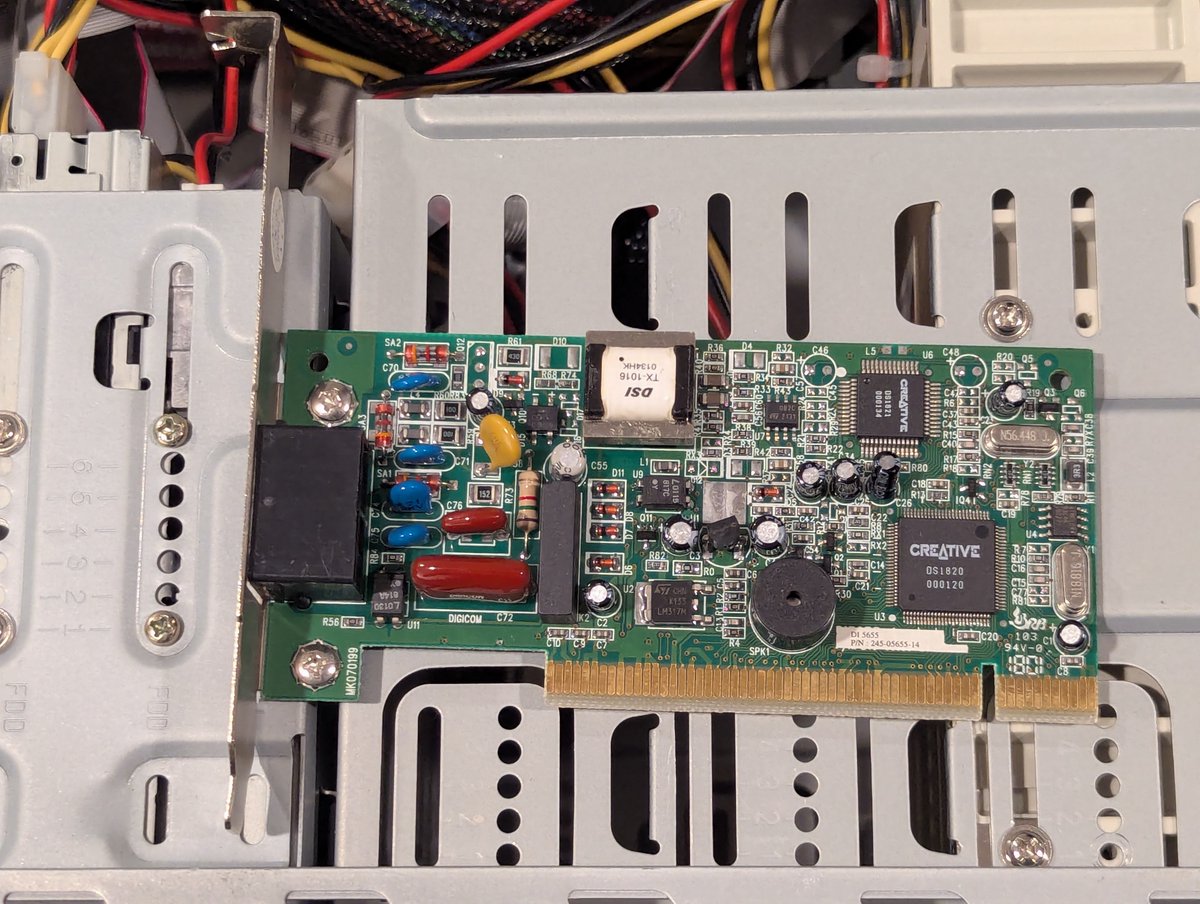
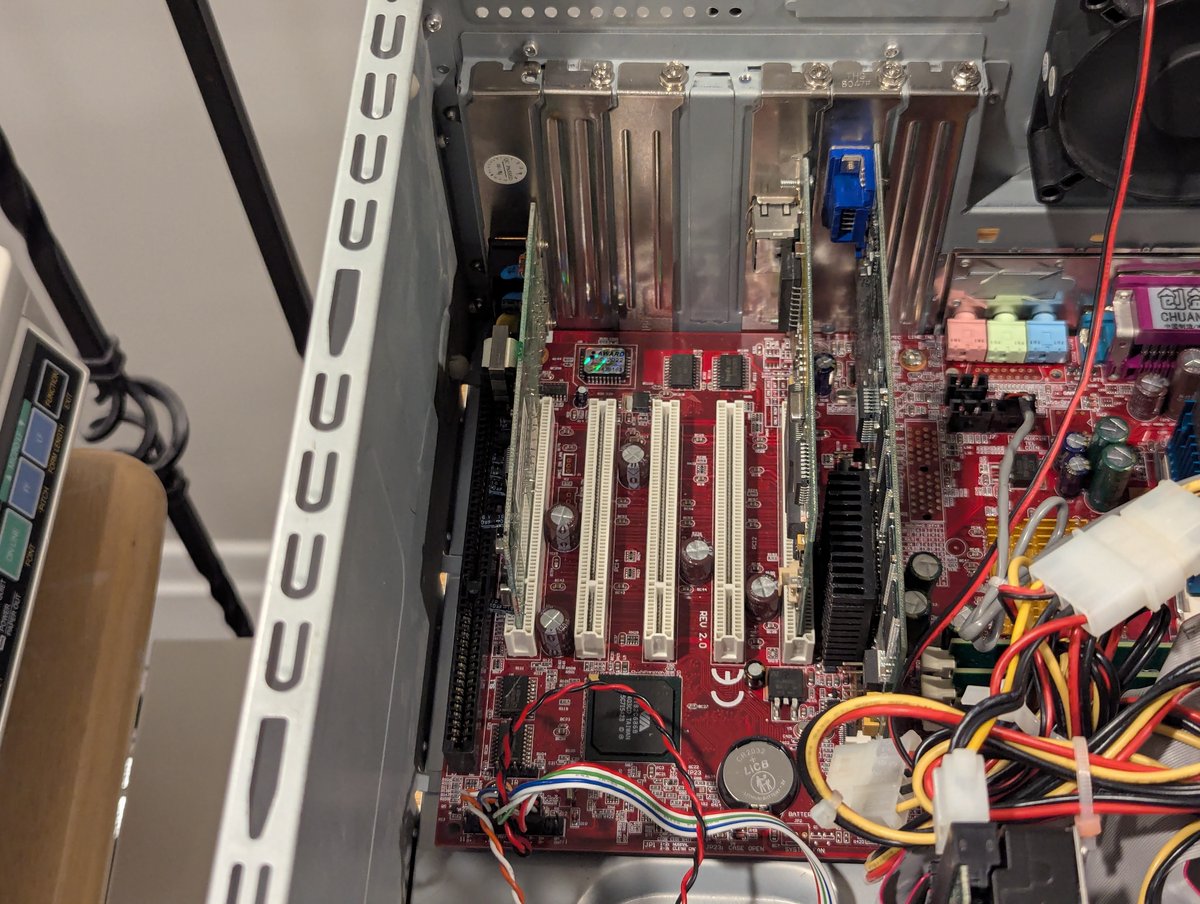
First modem out the gate is this Creative Modem Blaster V.90 PCI DI5655. We are going to use the Pacman PC to do the testing since it has a very convenient shared ISA/PC slot. In it goes!
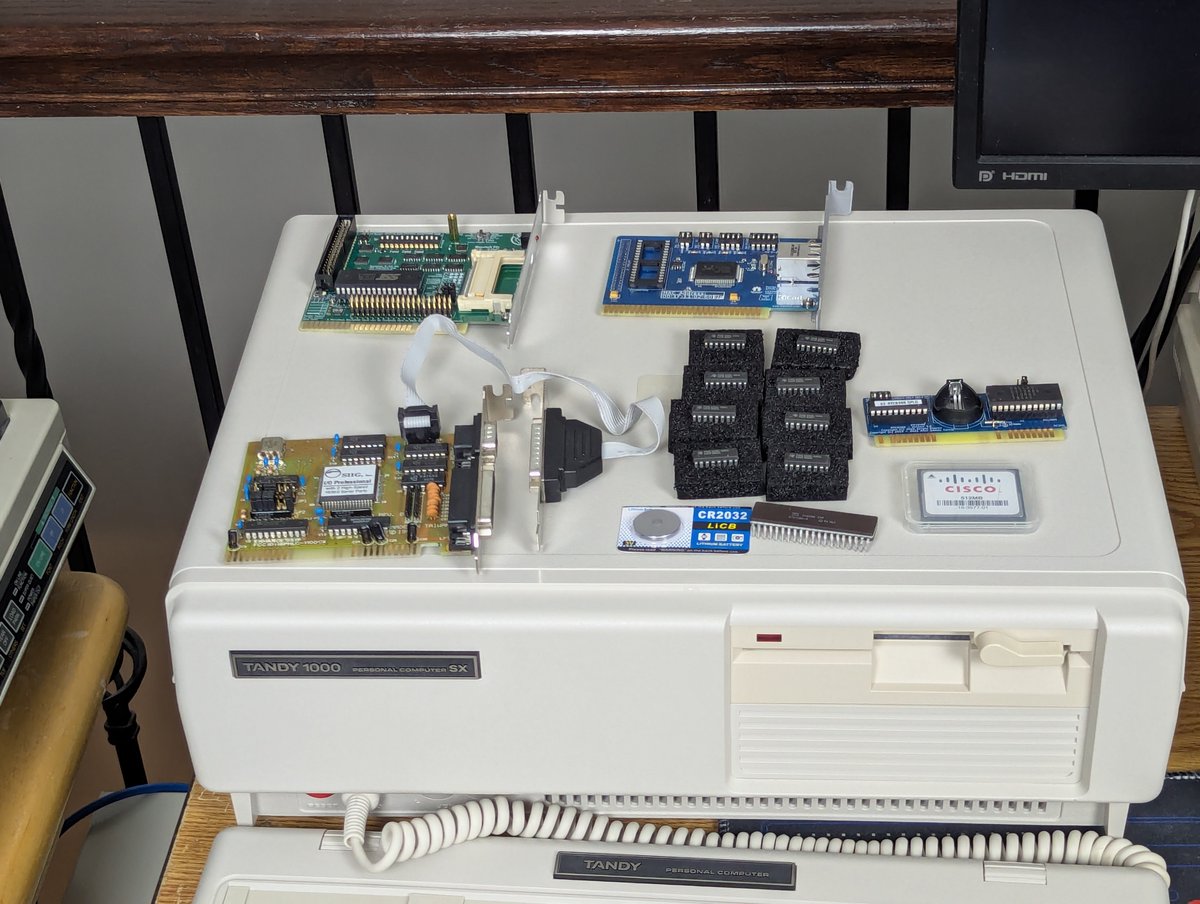
My new old stock Tandy 1000 SX is now all configured! As mentioned earlier, I'm going to made a video about it at SOME point. But let's talk about the fun I had today with getting it set up. Was setup 100% trouble free? No. But was it the Tandy's fault? Also, no. Time for a 🧵
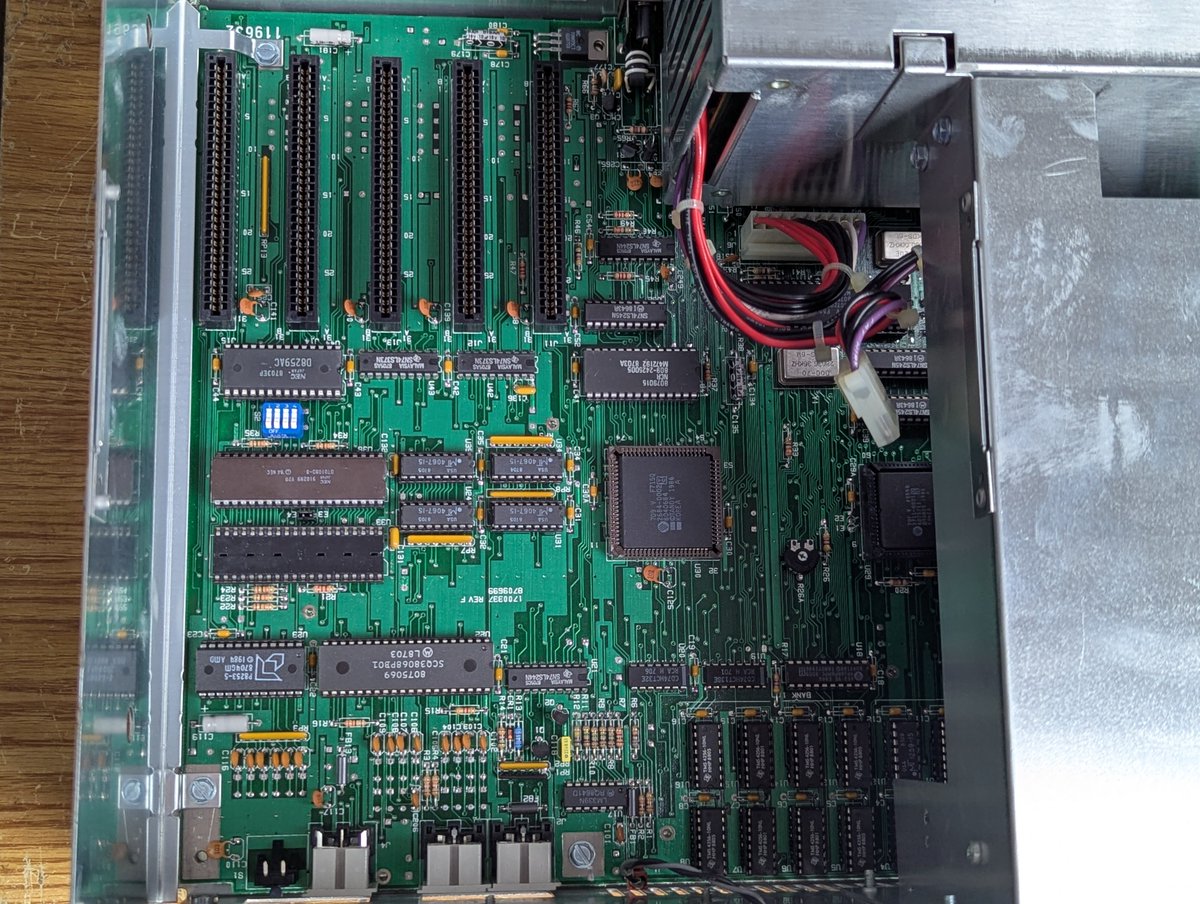
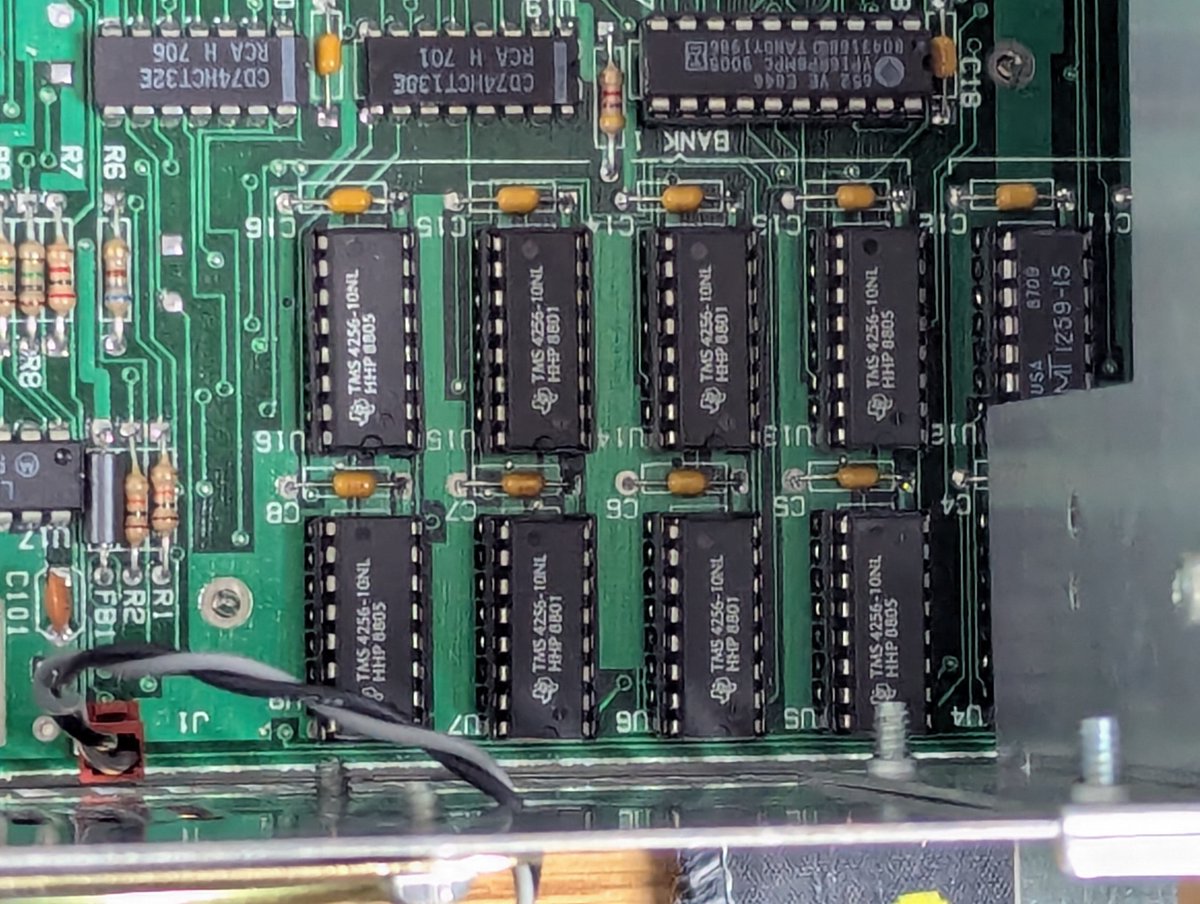
The first thing I did was to populate this gorgeous motherboard with a full 640K RAM, and also popped in a NEC V20 processor for the 8088. Flawless! No issues whatsoever with this!
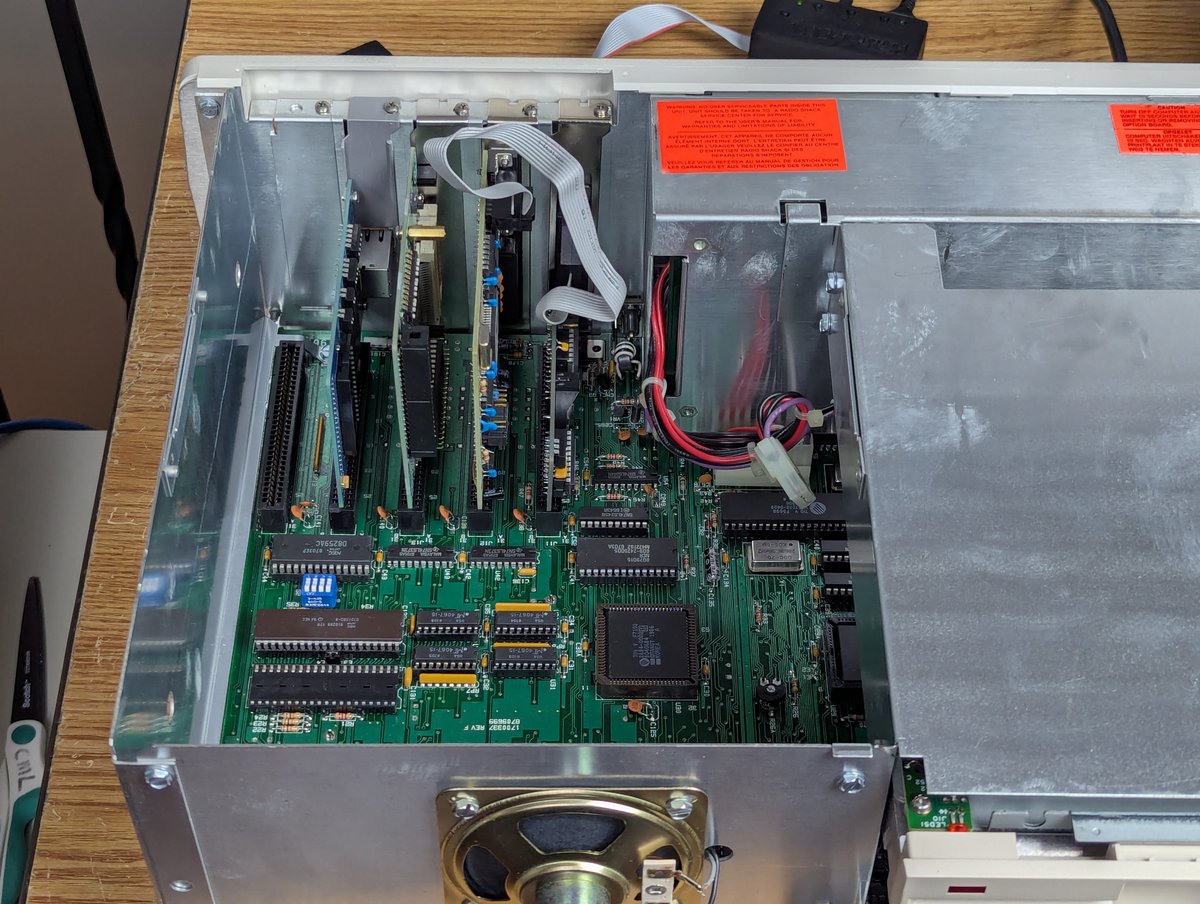
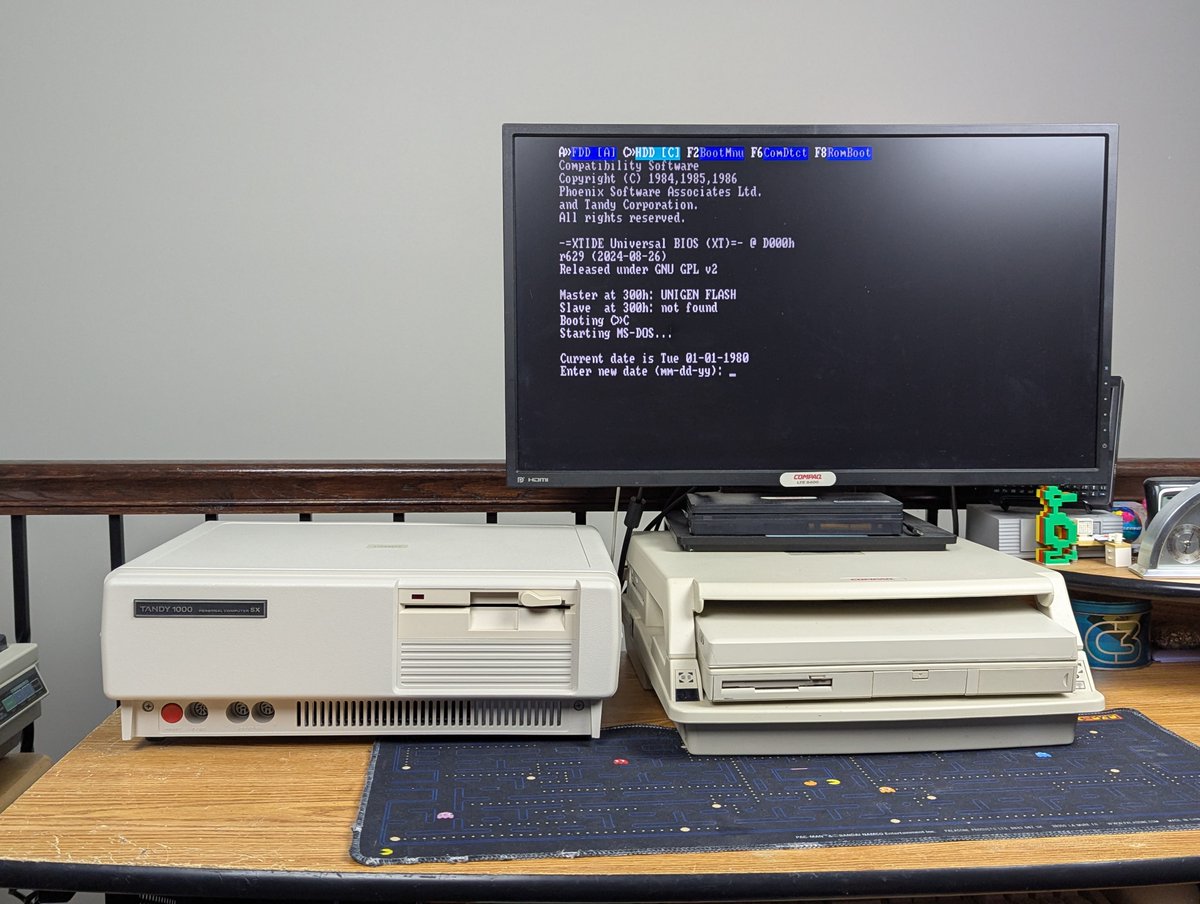
Next up, I jammed in some cards. Network. XTIDE. Multi I/O. Real Time Clock. On boot, we see the XTIDE option ROM screen, so we are now cooking!
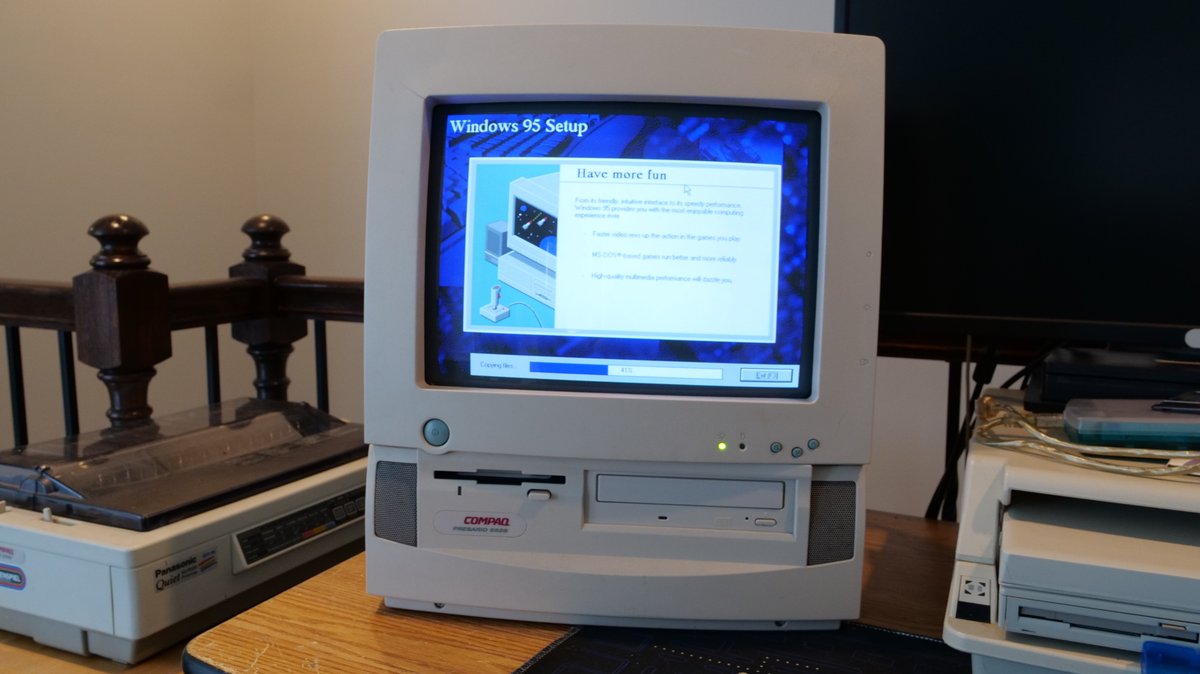
Well, after spending way too much time this weekend trying to get my MPEG-1 decoder working on the Presario 5528 from a fresh Windows 95 install, I finally was successful. Let's talk briefly about it in a 🧵 here!
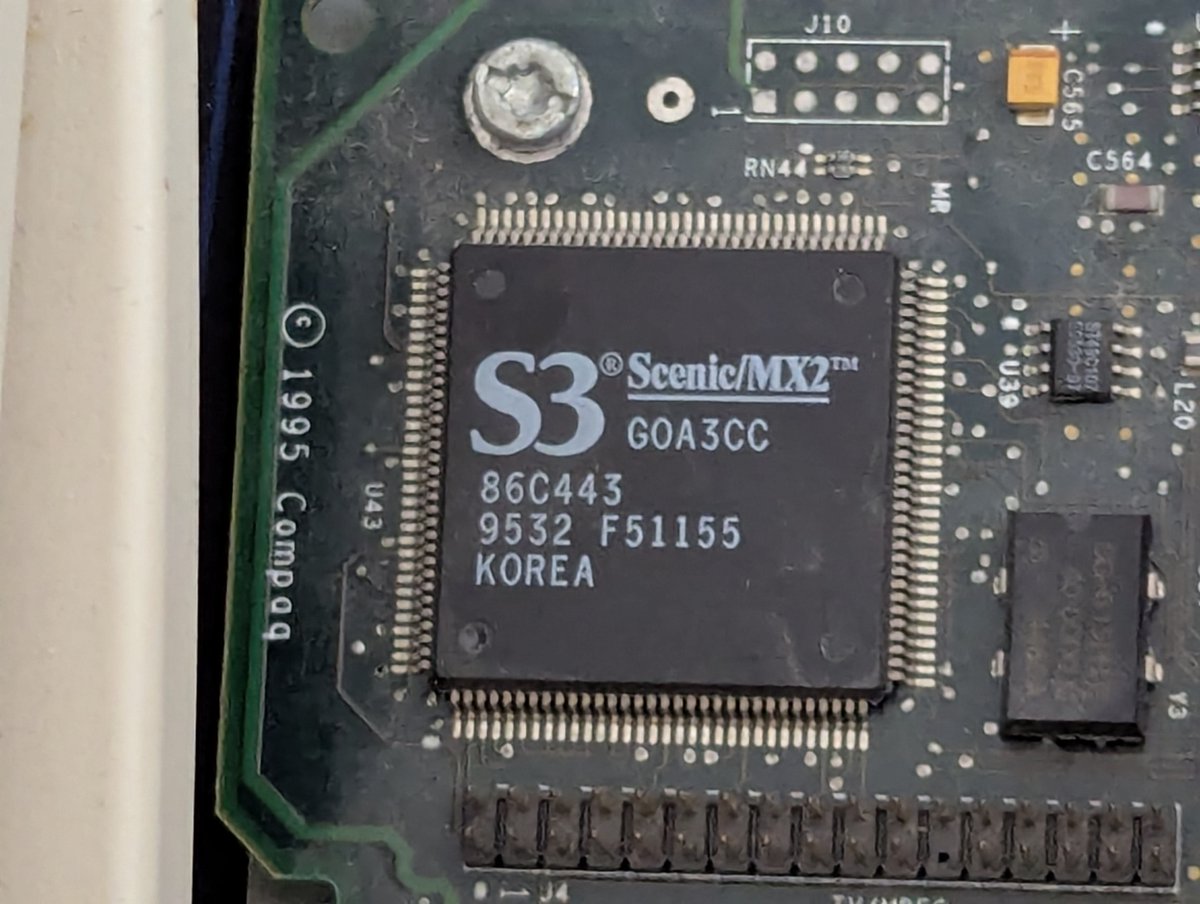
So, first some background: what's the story with MPEG-1 decoders? Well, back when PCs weren't quite powerful enough to play full-motion video, hardware options like this were popular. This machine has a S3 Scenic/MX2 (86C443) chip to do just that.

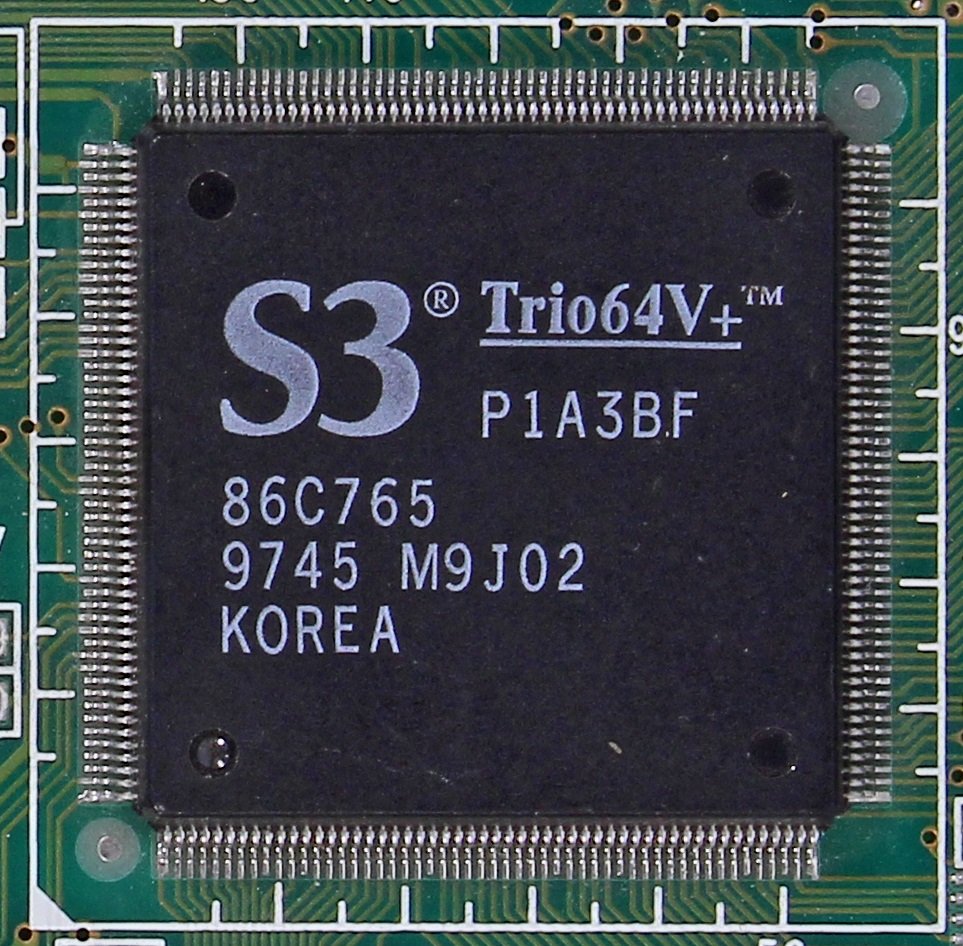
For this particular system, this chip pairs with an S3 Trio64V+ (8C765) via the S3 Scenic Highway bus. That said, it's fair to say that MOST S3 Trio64V+ cards did NOT pair with a Scenic/MX2, as this MPEG-1 option chip seemed to be FAIRLY short lived.