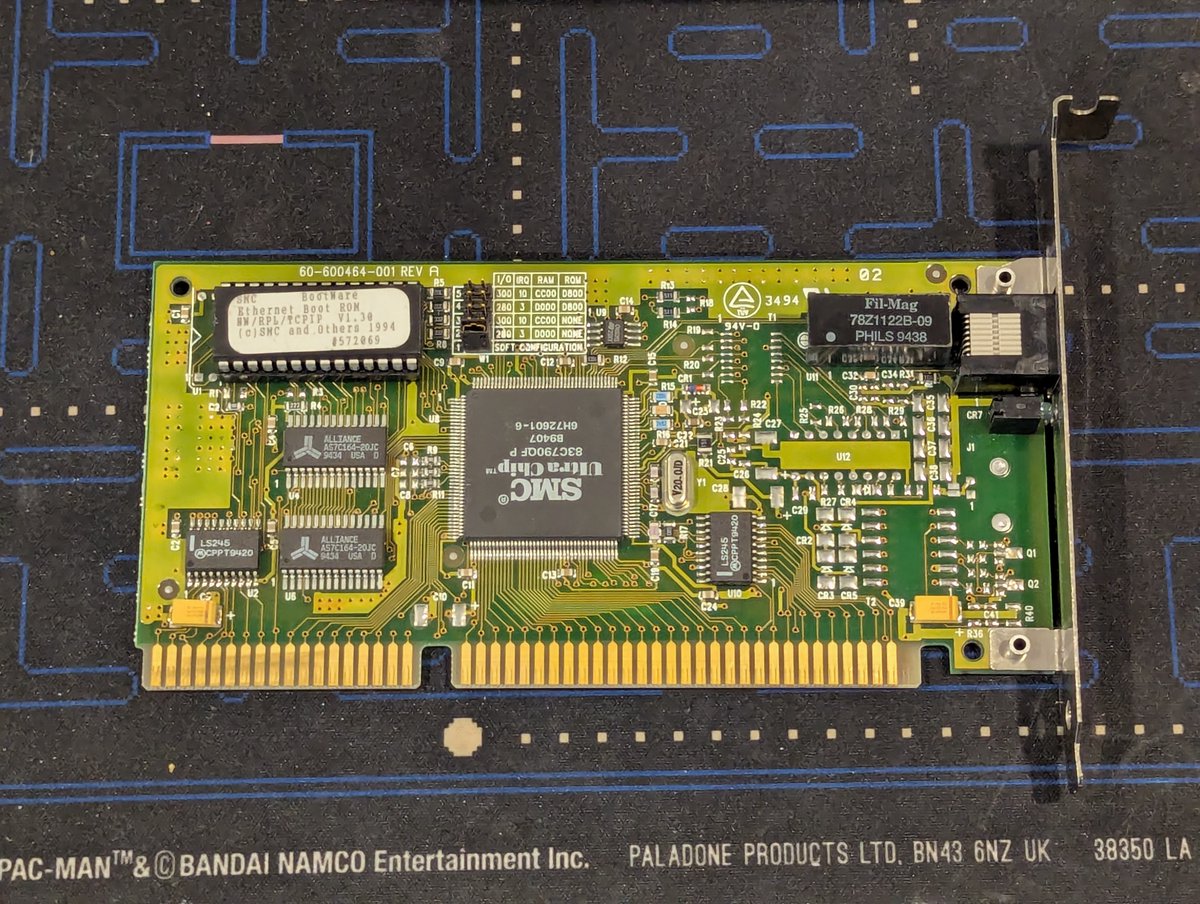
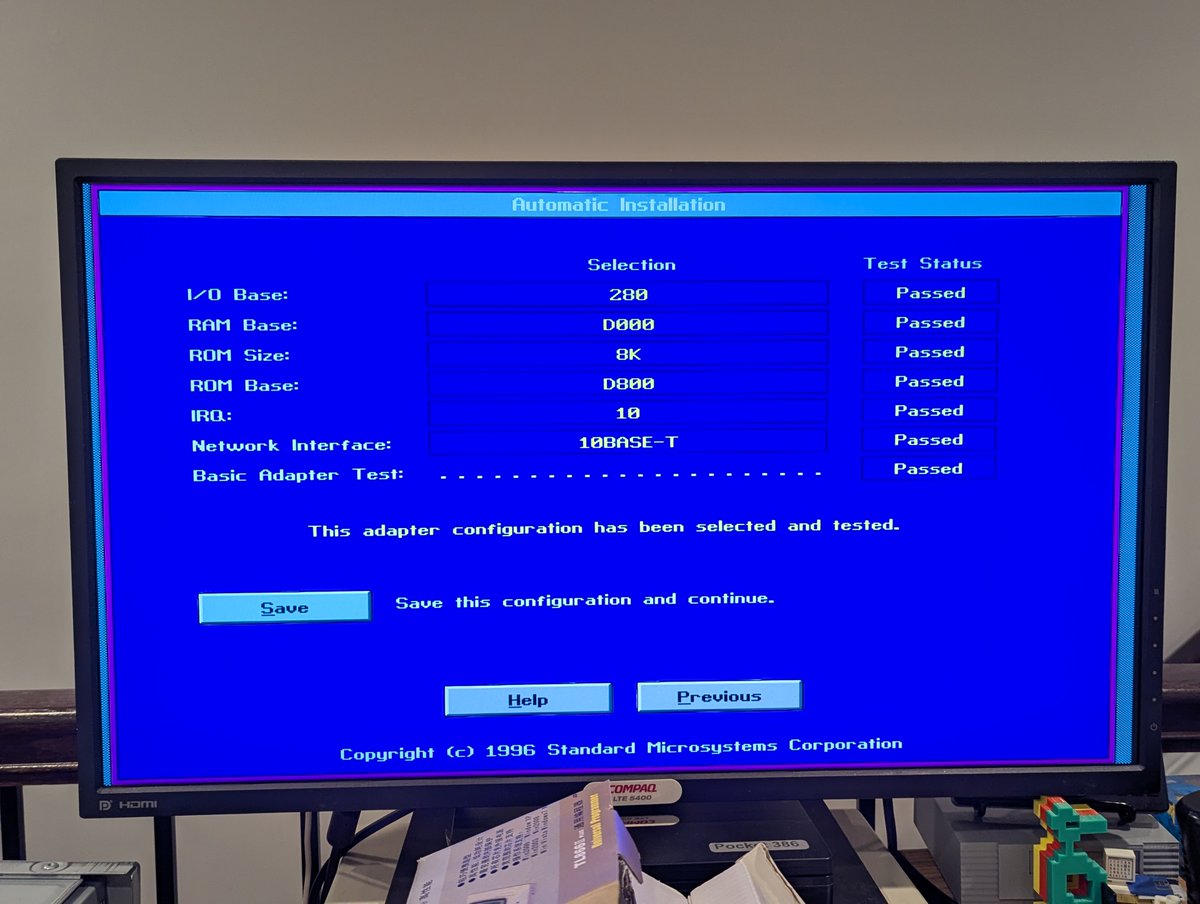
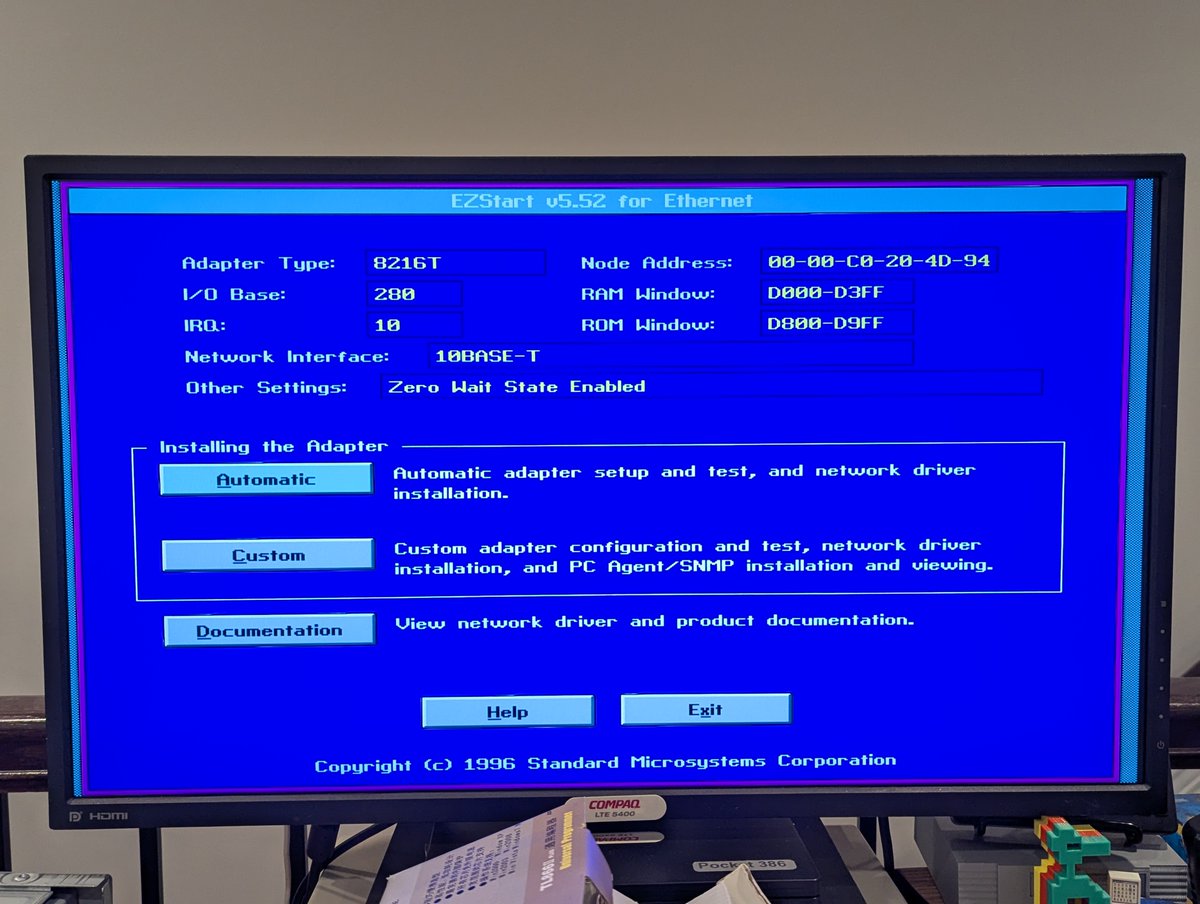
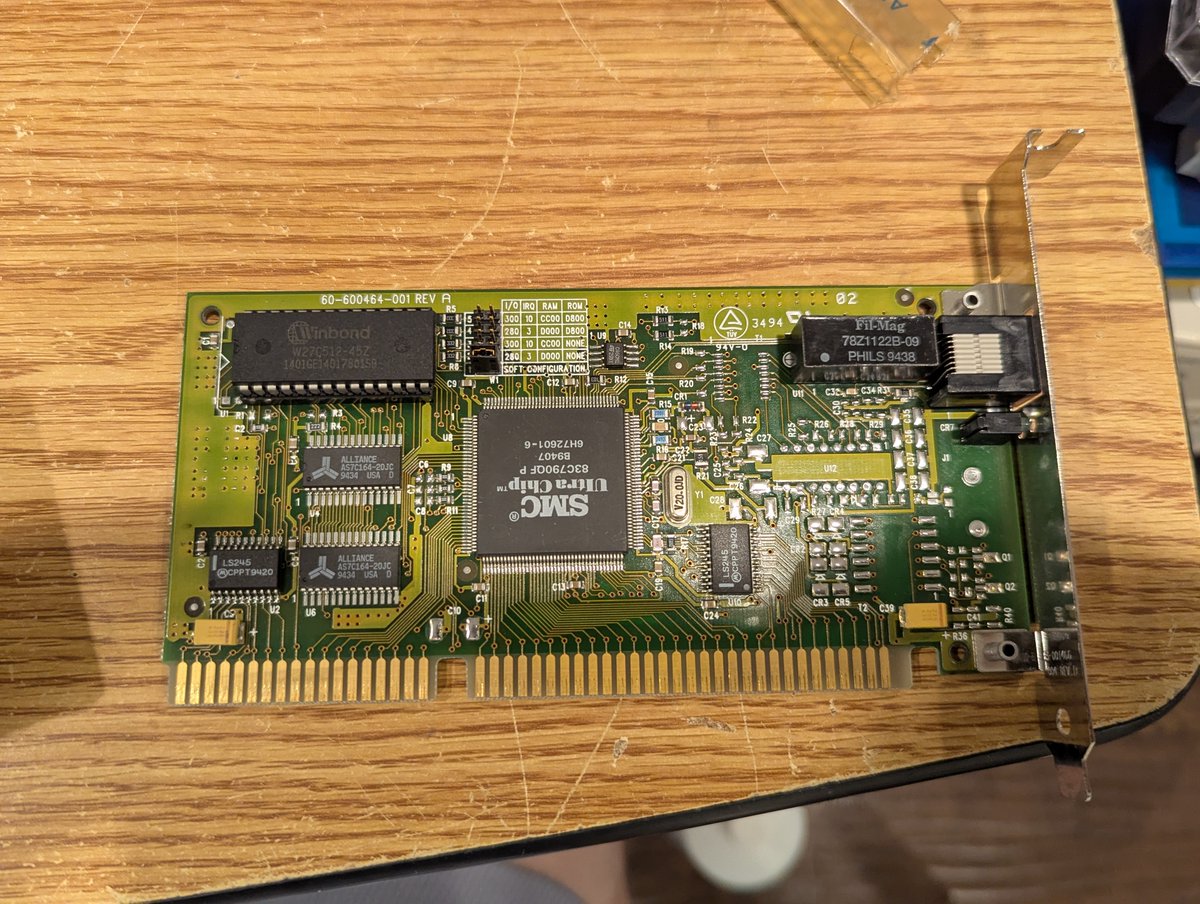
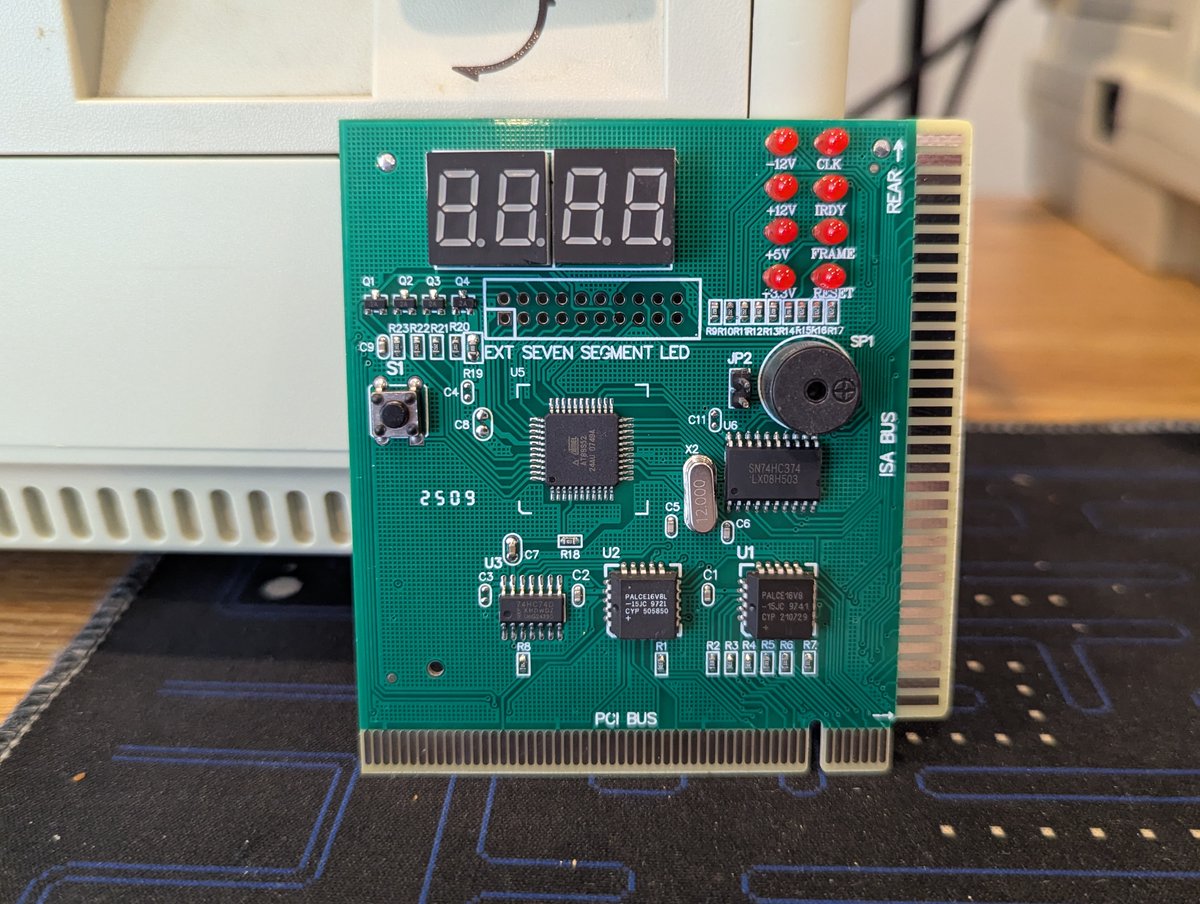
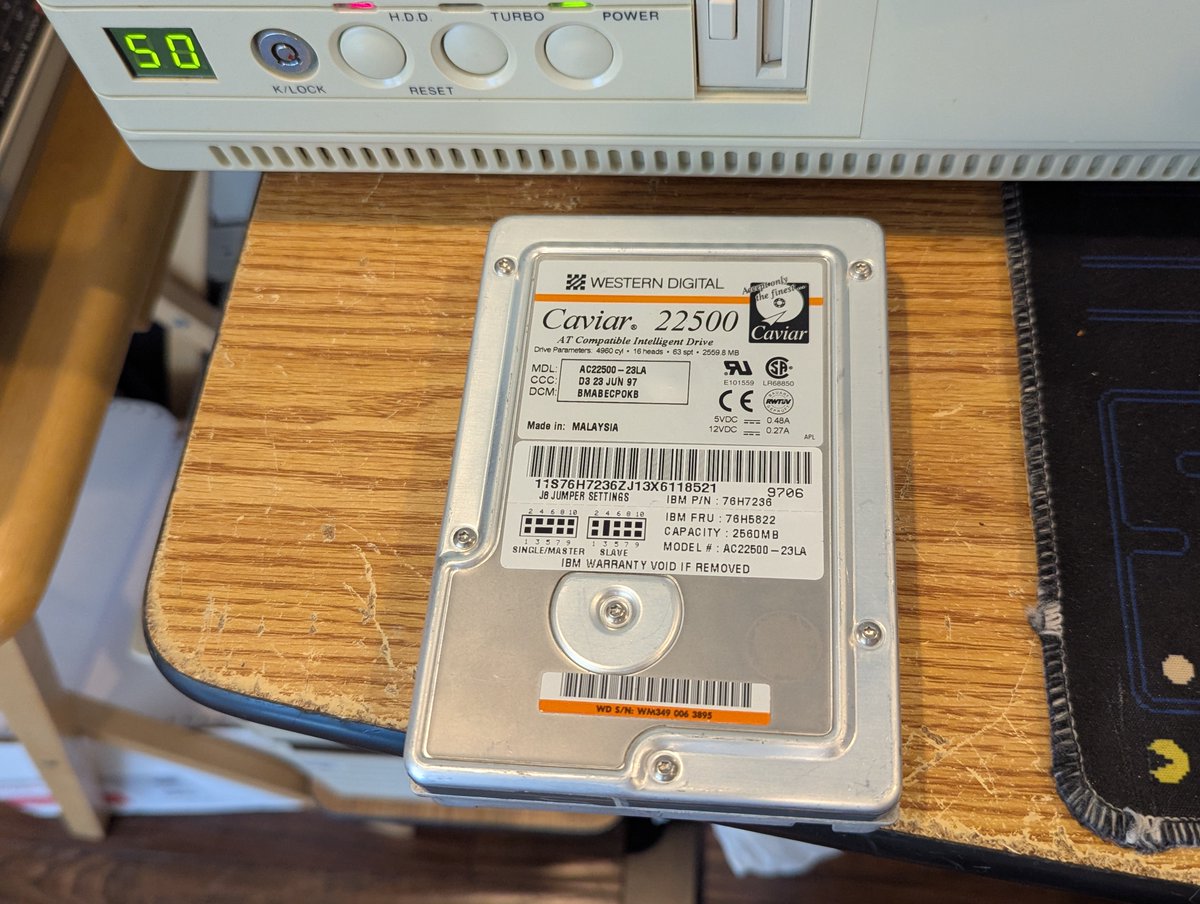
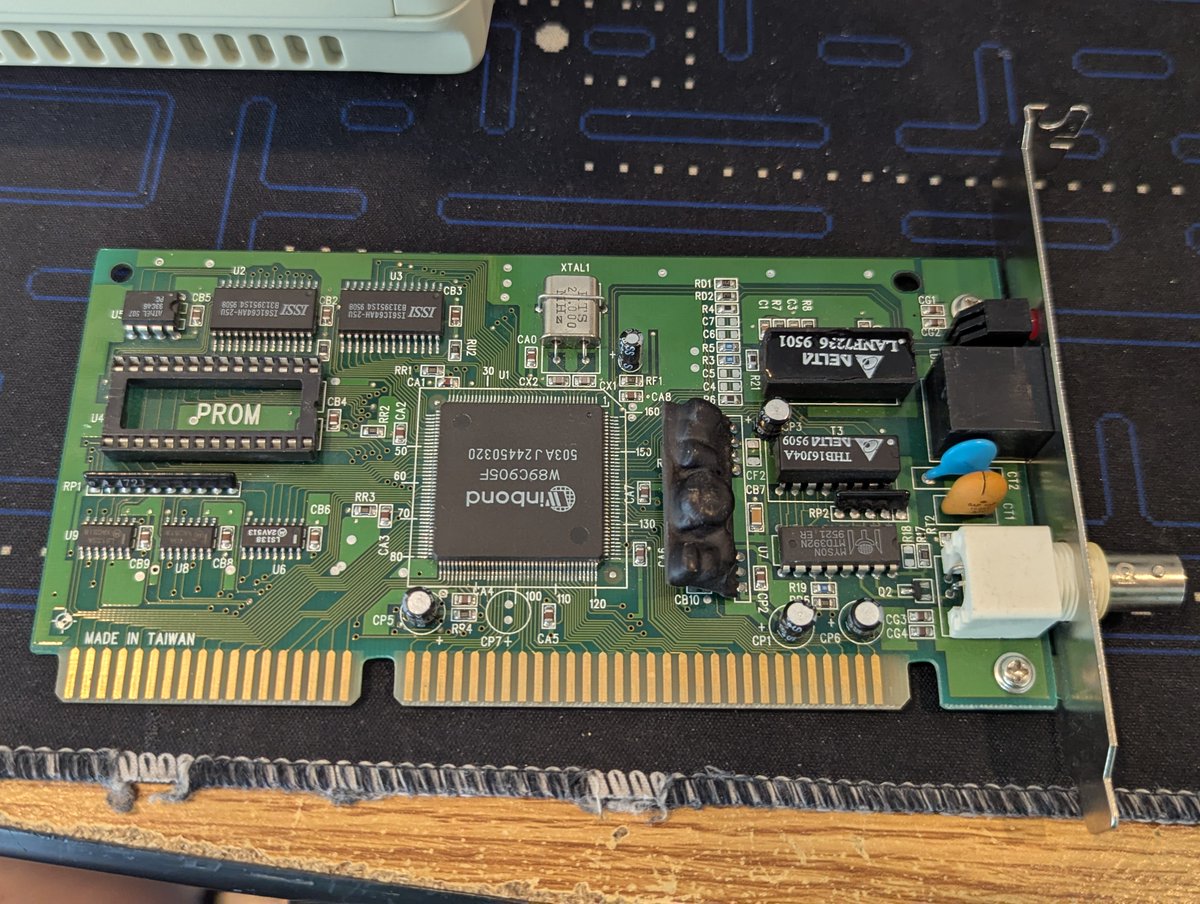
Recently I picked up this SMC network card, that supports network boot via a boot ROM. I spent some time with it, and we had some misadventures together. But it did give me a chance to test out my new POST card too. How could all of this be related? Time for a 🧵
First of all, let's take some time to admire the property sticker on the back! This card was allegedly property of America Online at some point 🤣
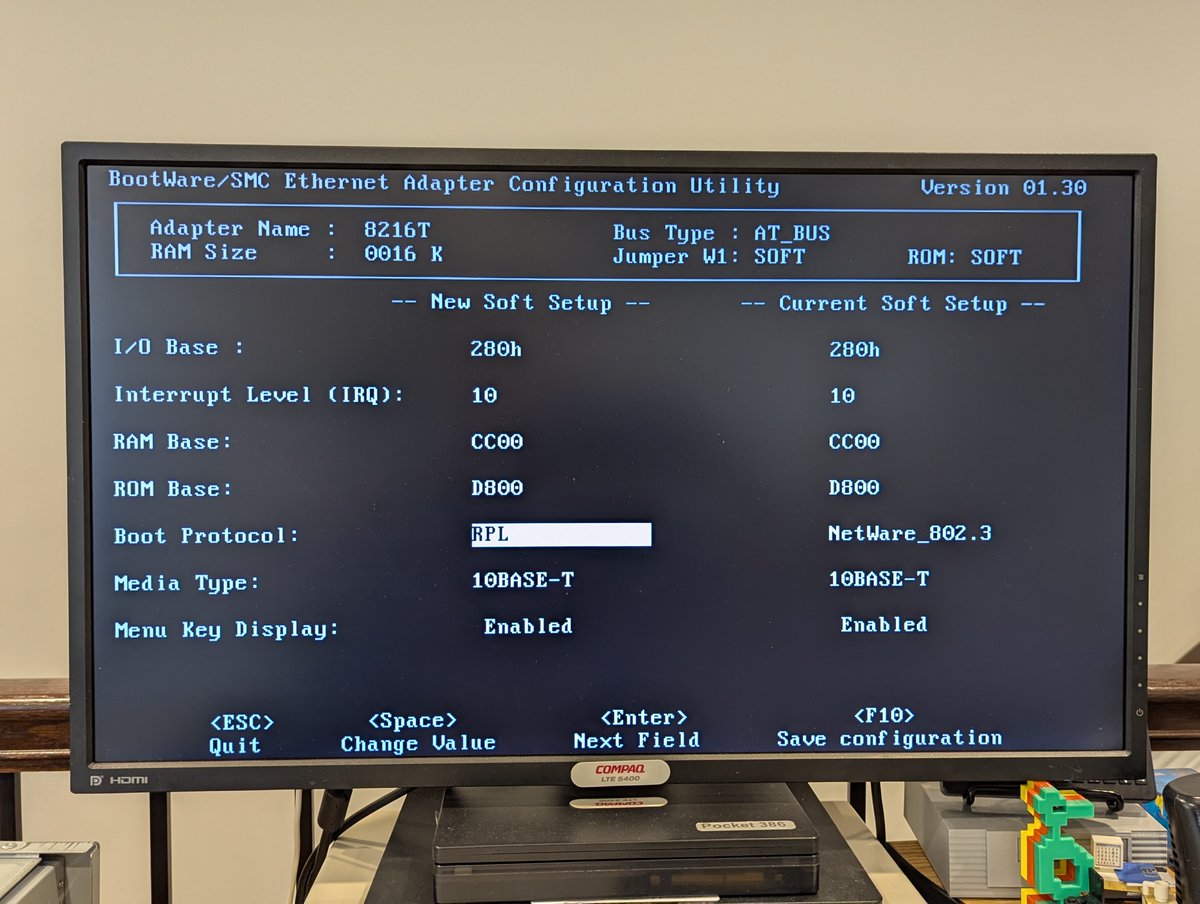
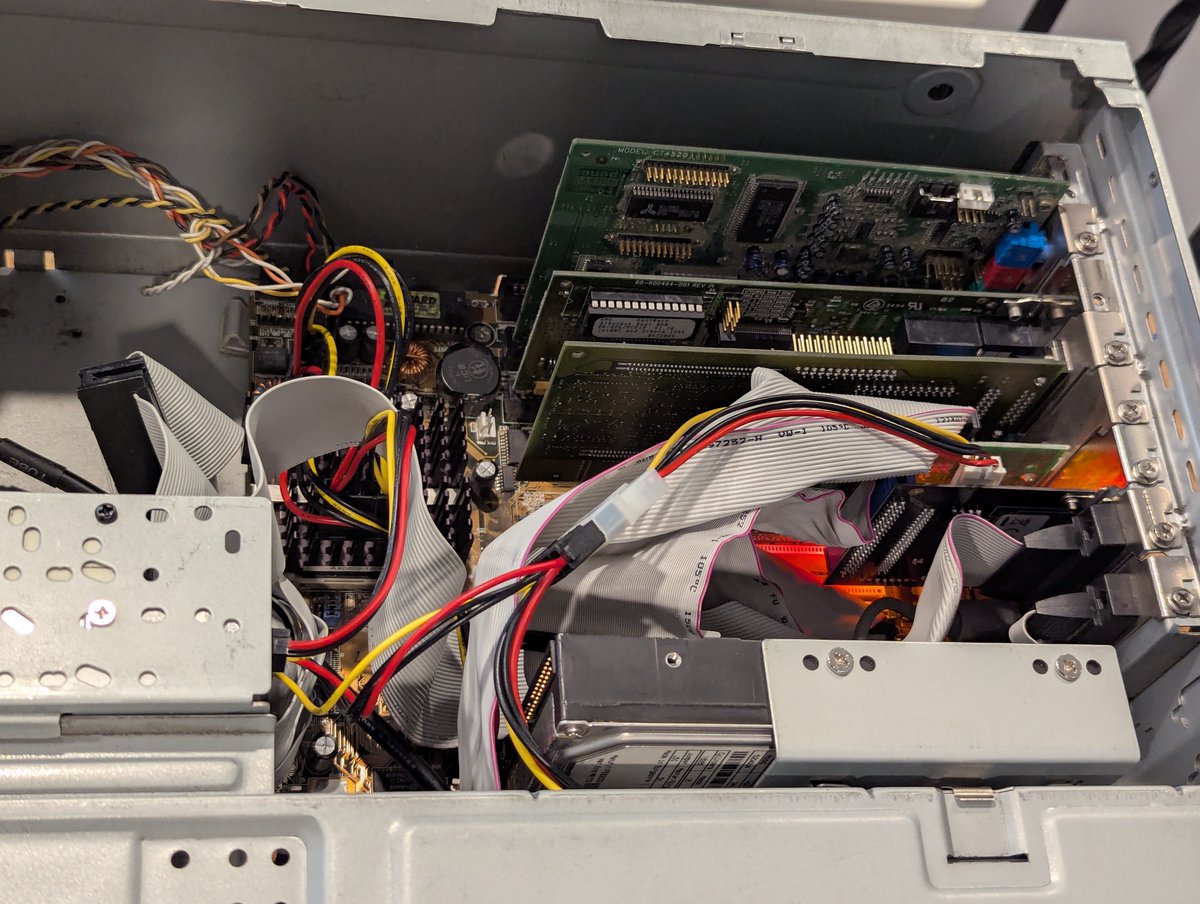
Okay, so I got this SMC Ethercard Elite 8216T (say that five times fast) installed in my Pentium 233 MMX. I was able to pull up the boot ROM configuration page, but savings settings would freeze. That would be a bit of a metaphor for this card...
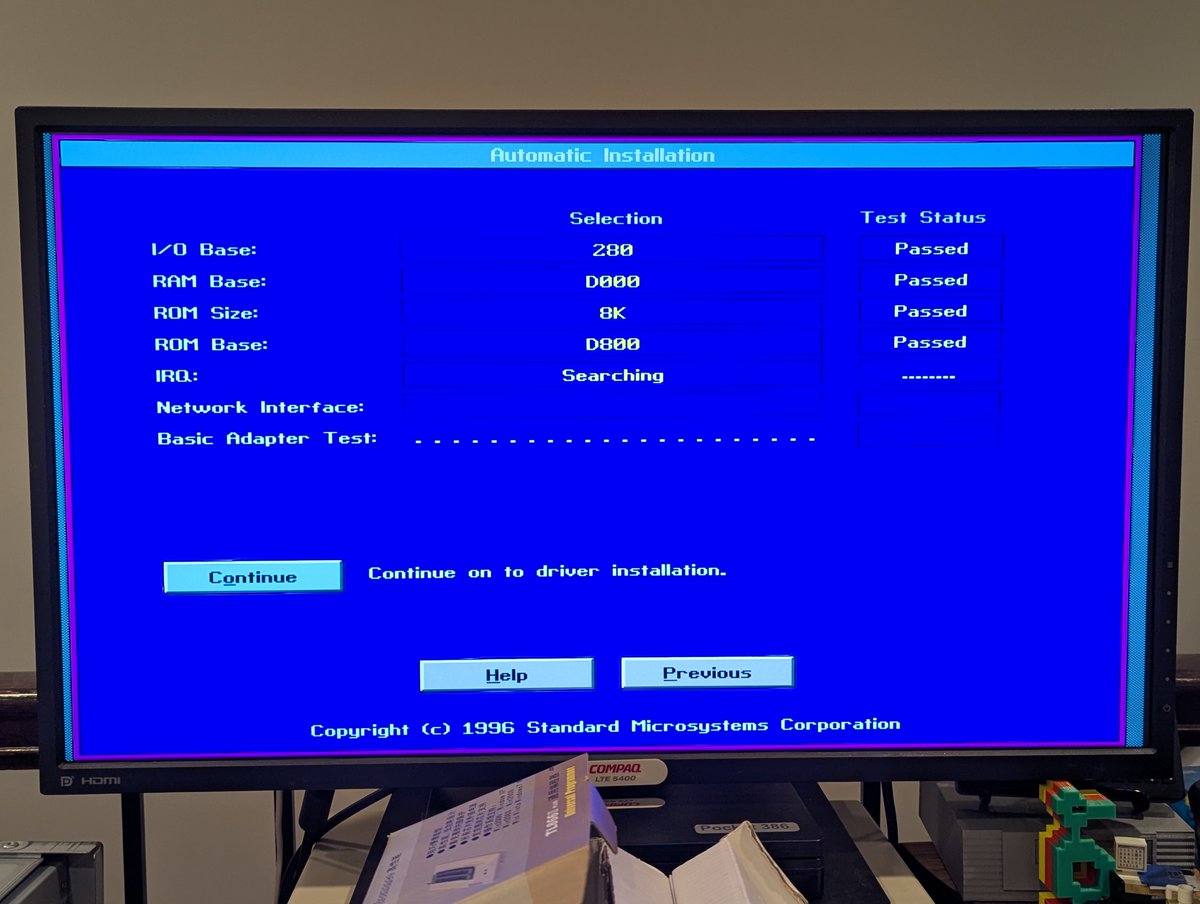
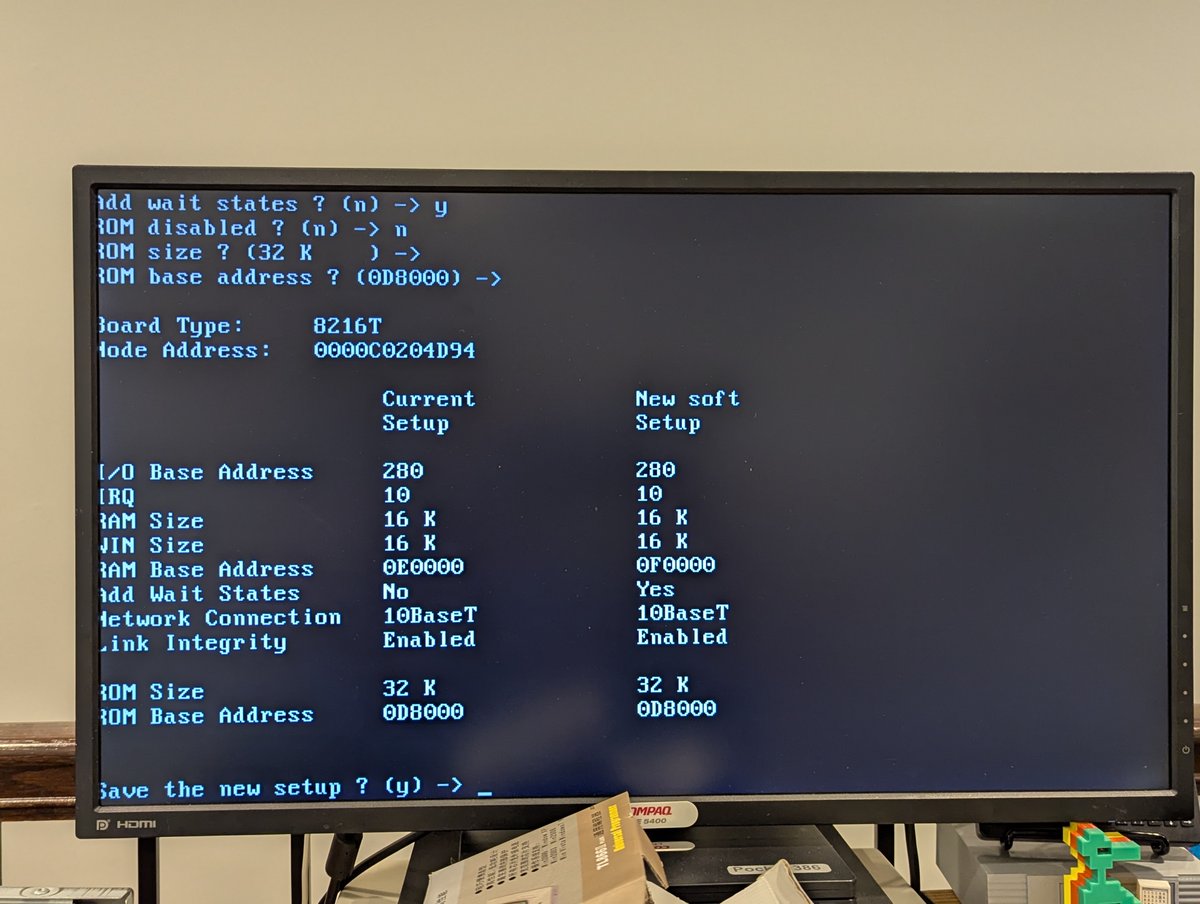
There are also a ton of different ways to configure this thing. You just saw the option ROM method, but there is also "ezsetup" and "ezstart". Did they design this thing via committee or something?? 🤣
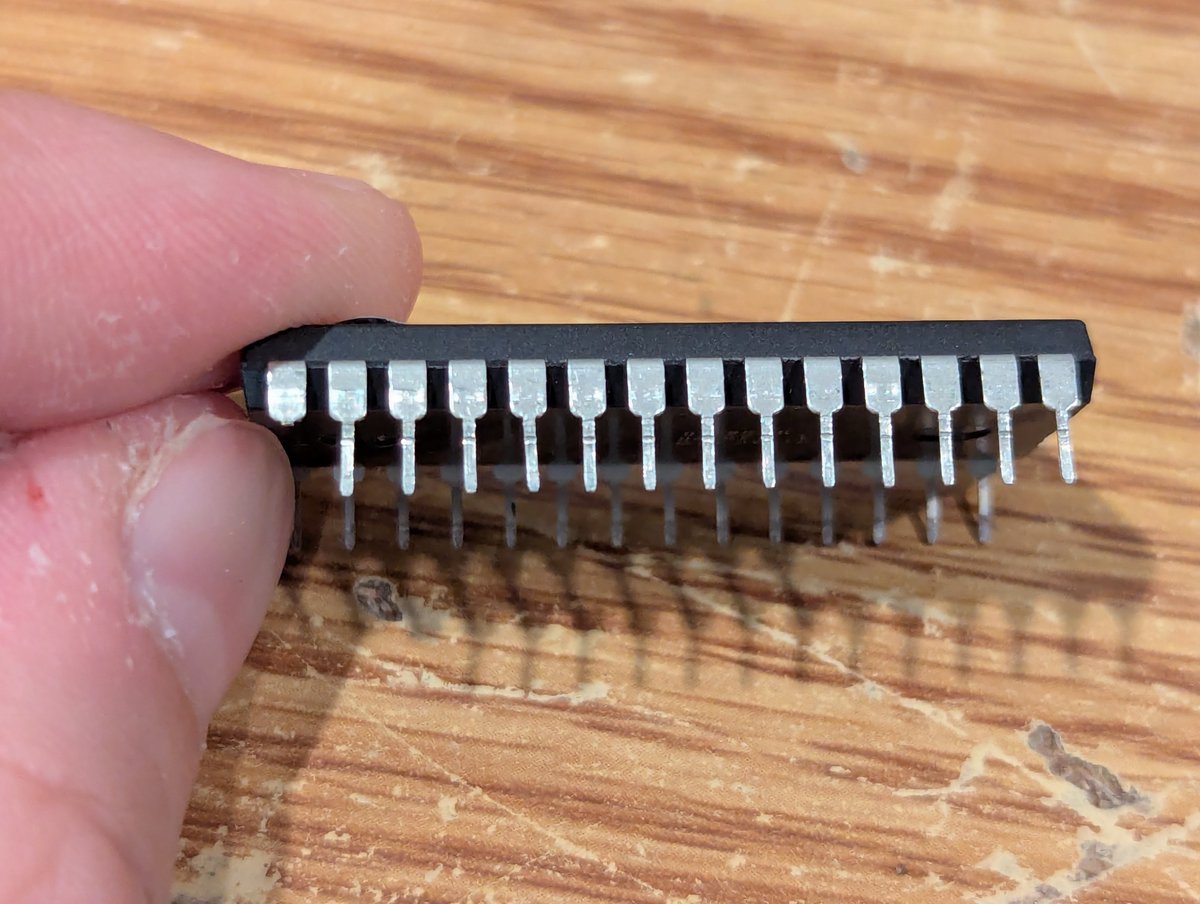
Oh.. I forgot to mention... the first time I put this card in, the option ROM wouldn't detect. One of the pins was bent under, and eventually it broke. Fortunately I dumped the image before that happened.
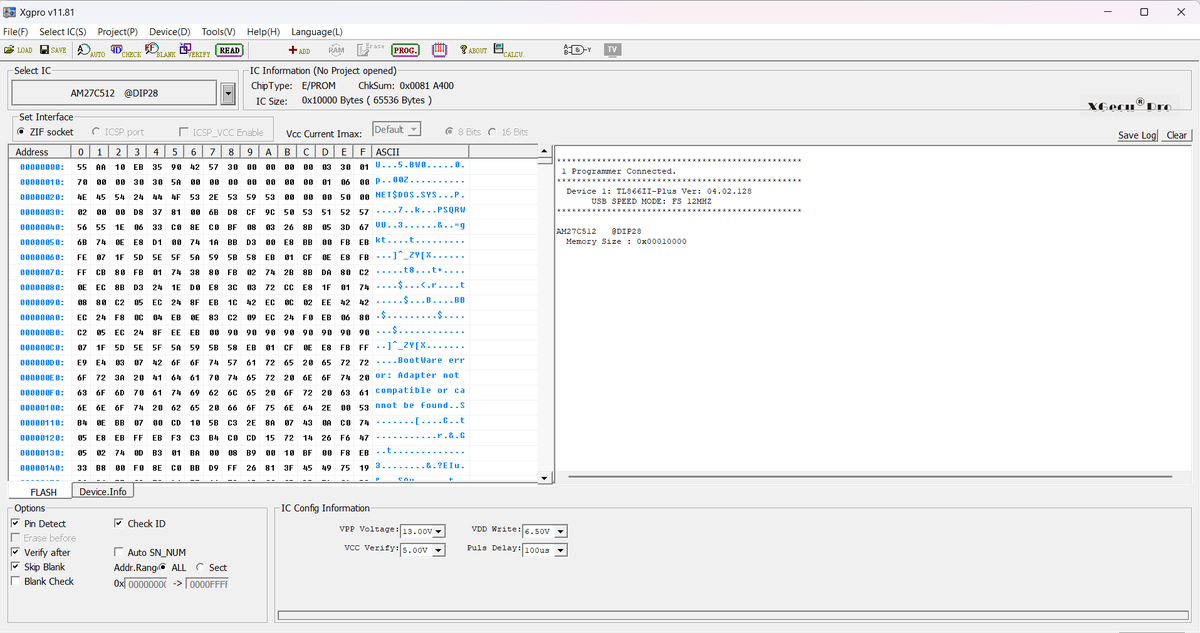
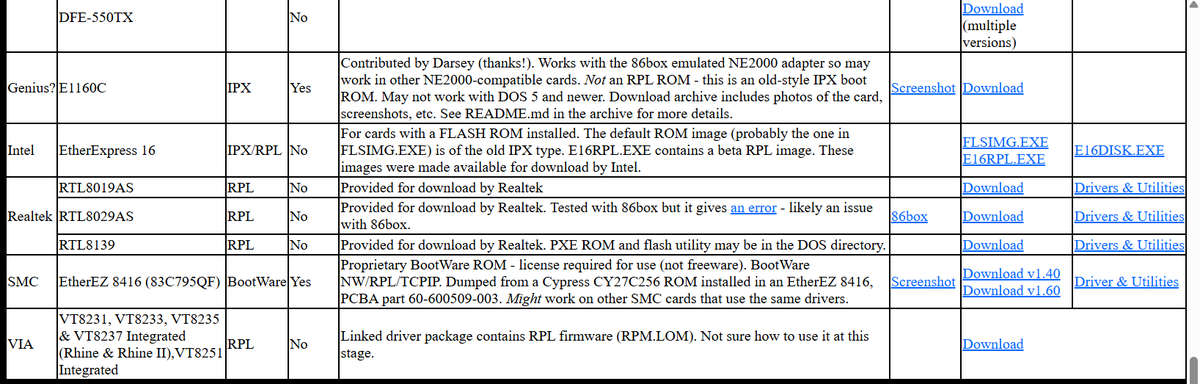
Alright, so I really wanted to use this thing to network boot. I thought to myself, "this option ROM is really flaky." Maybe I can find a newer image out there. Sure enough. Let's load it up.
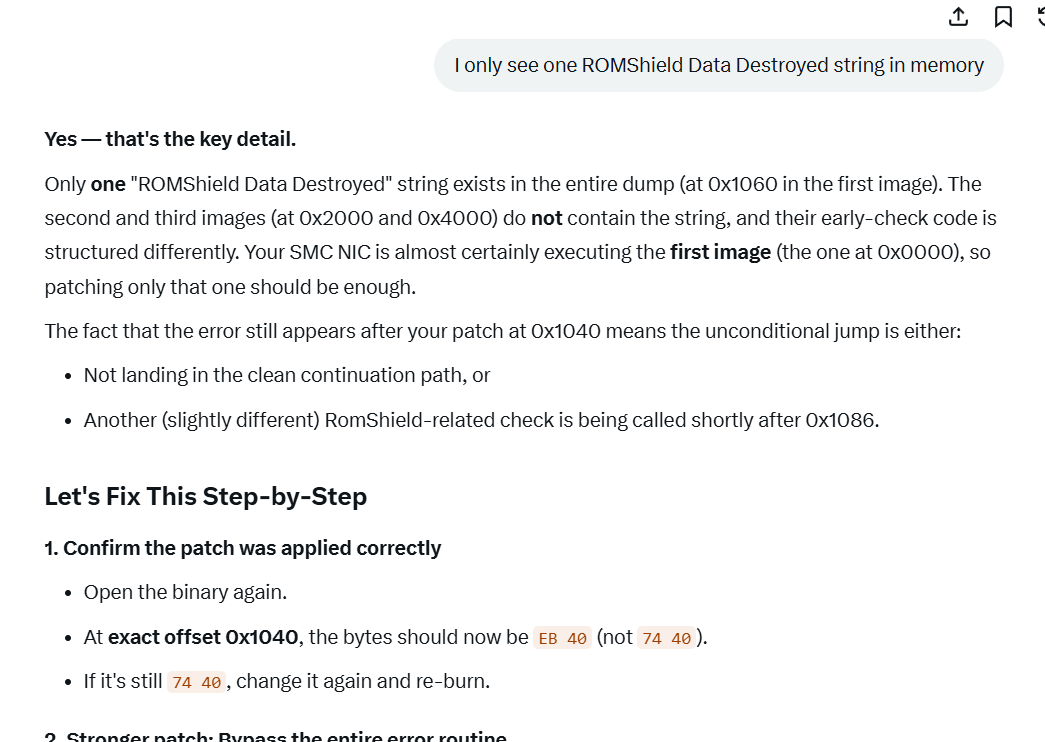
Great! Time to boot. Oh... ROMShield Data Destroyed... and we're stuck. What the hell does that mean? I did spend some time trying to bypass it with the help of Grok and Gemini. Unfortunately, we didn't make it far enough, and I gave up trying further!
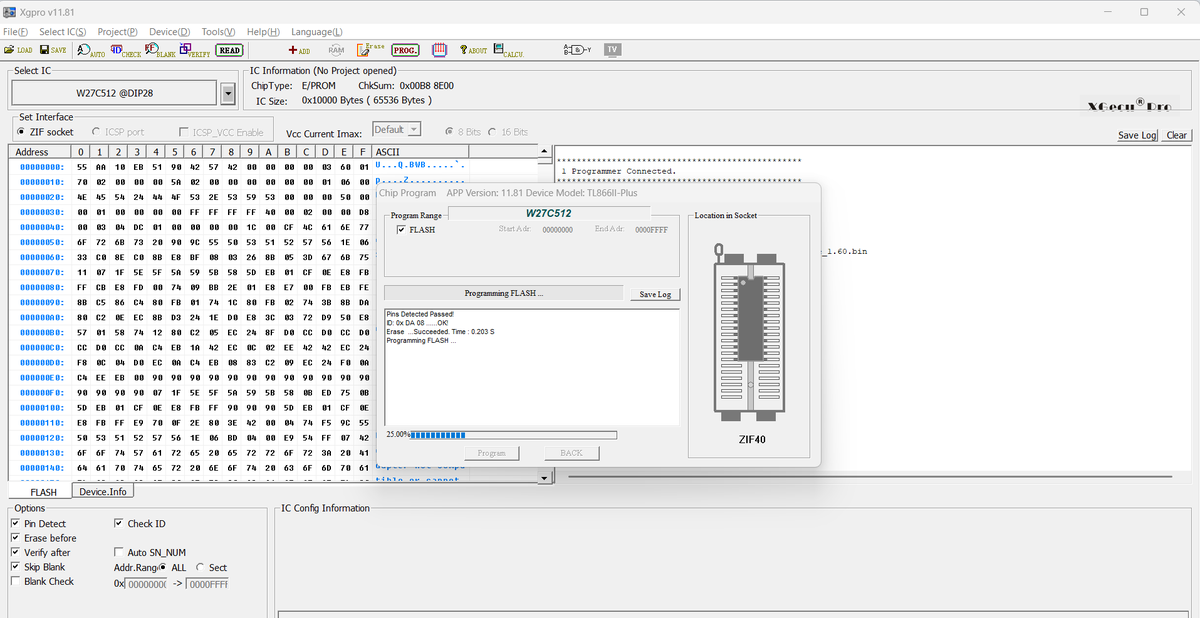
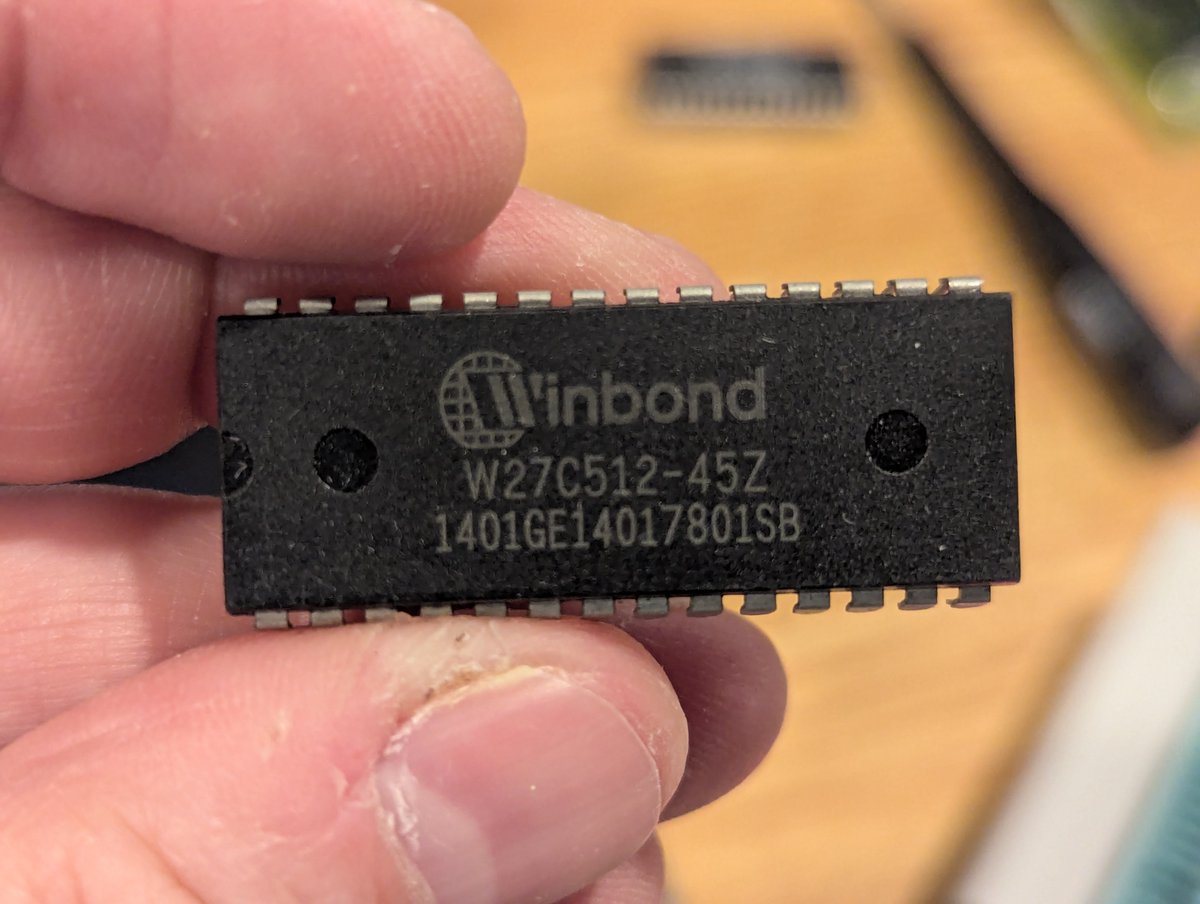
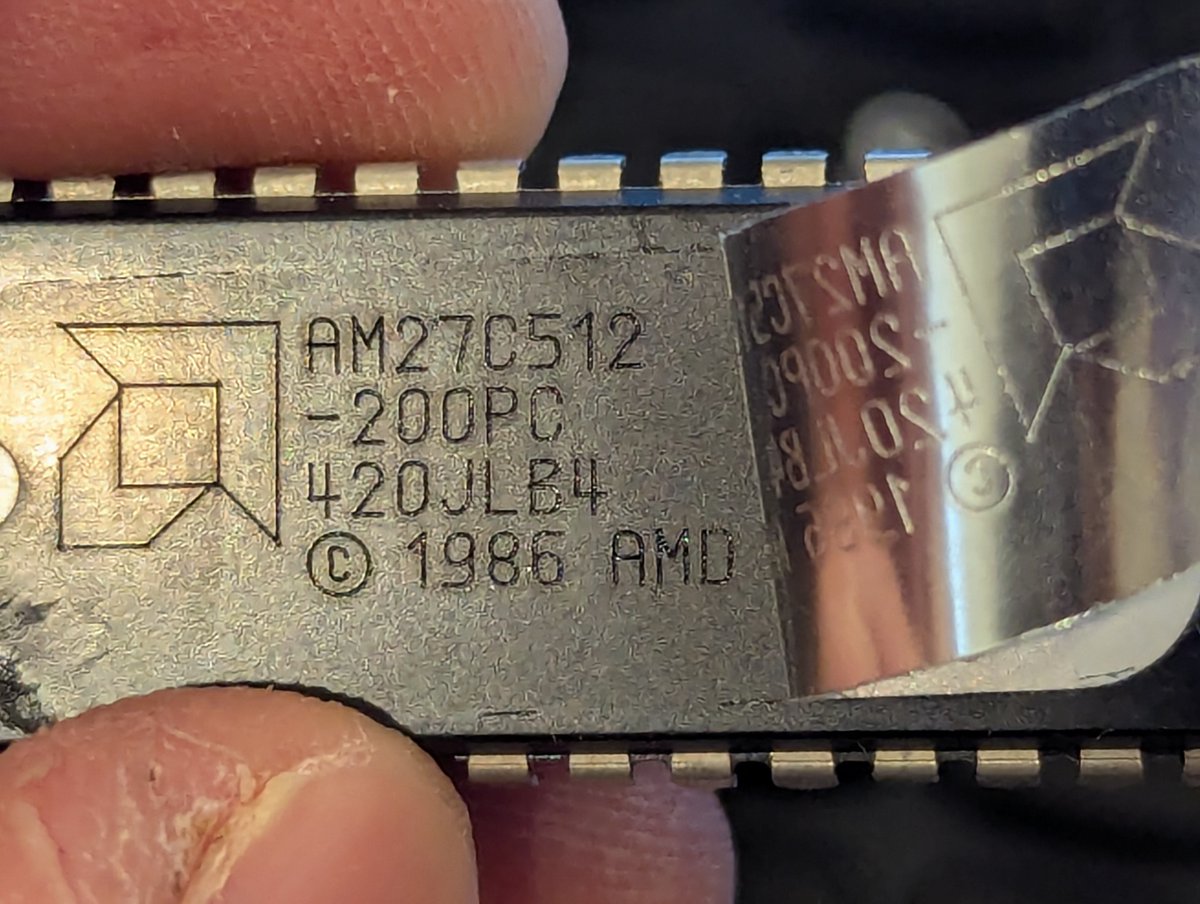
For the curious by the way, this card uses an AM27C512. For my purposes, a Winbond W27C512 or even just a W27C257 is sufficient, since the ROM is only 32KB, I believe.
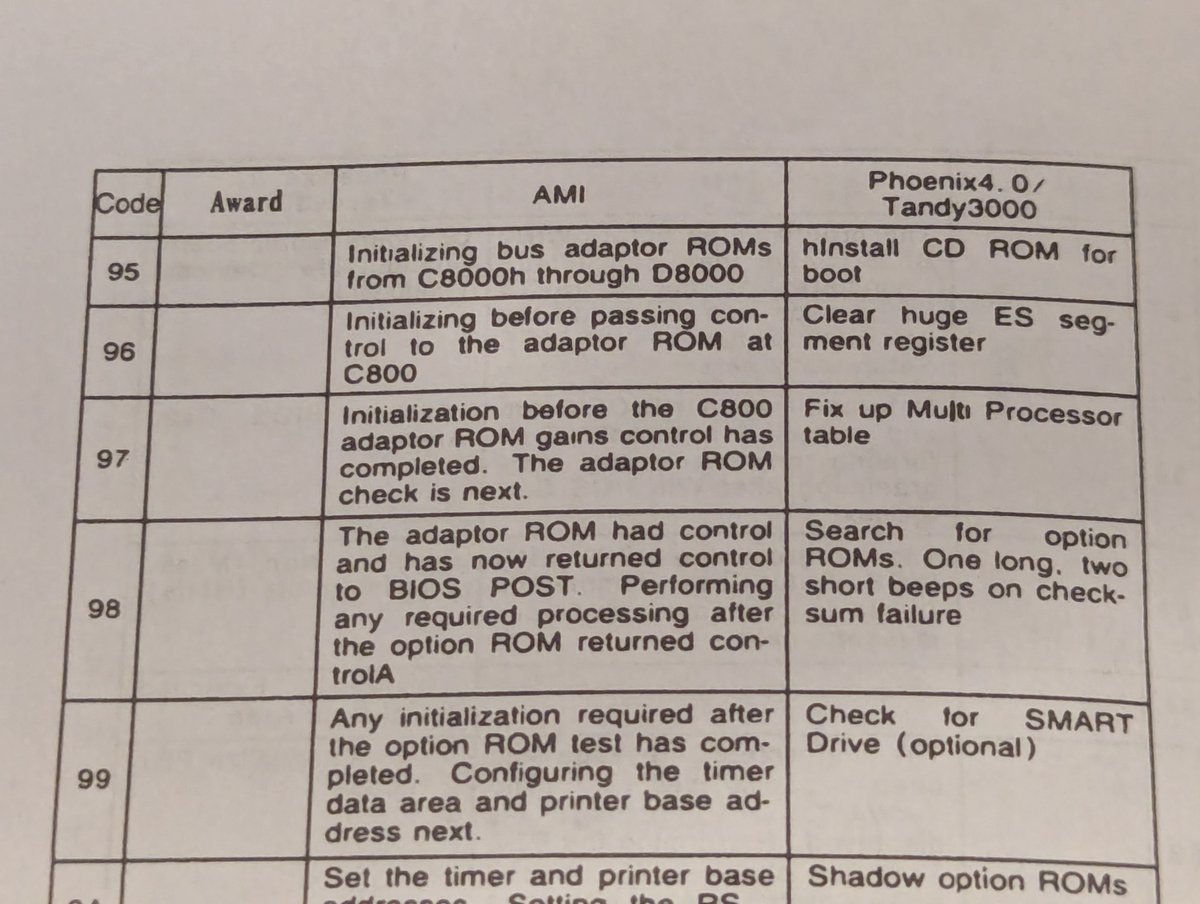
And I should also mention since I alluded to it in the beginning: I used my POST diagnostic card while I was fiddling with the ROM images. It produced a code of 0x97, which pretty much confirmed that my crappy patches were getting us stuck in option ROM code.
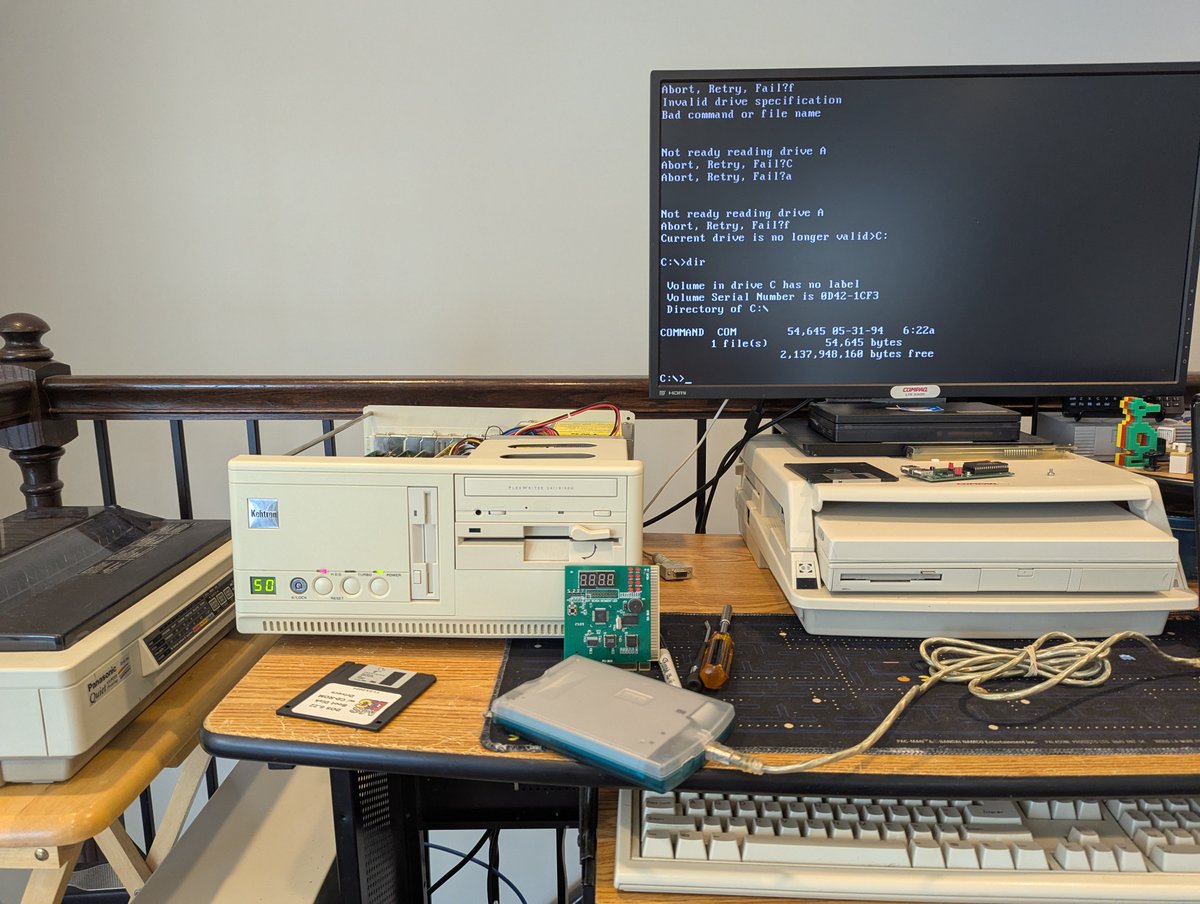
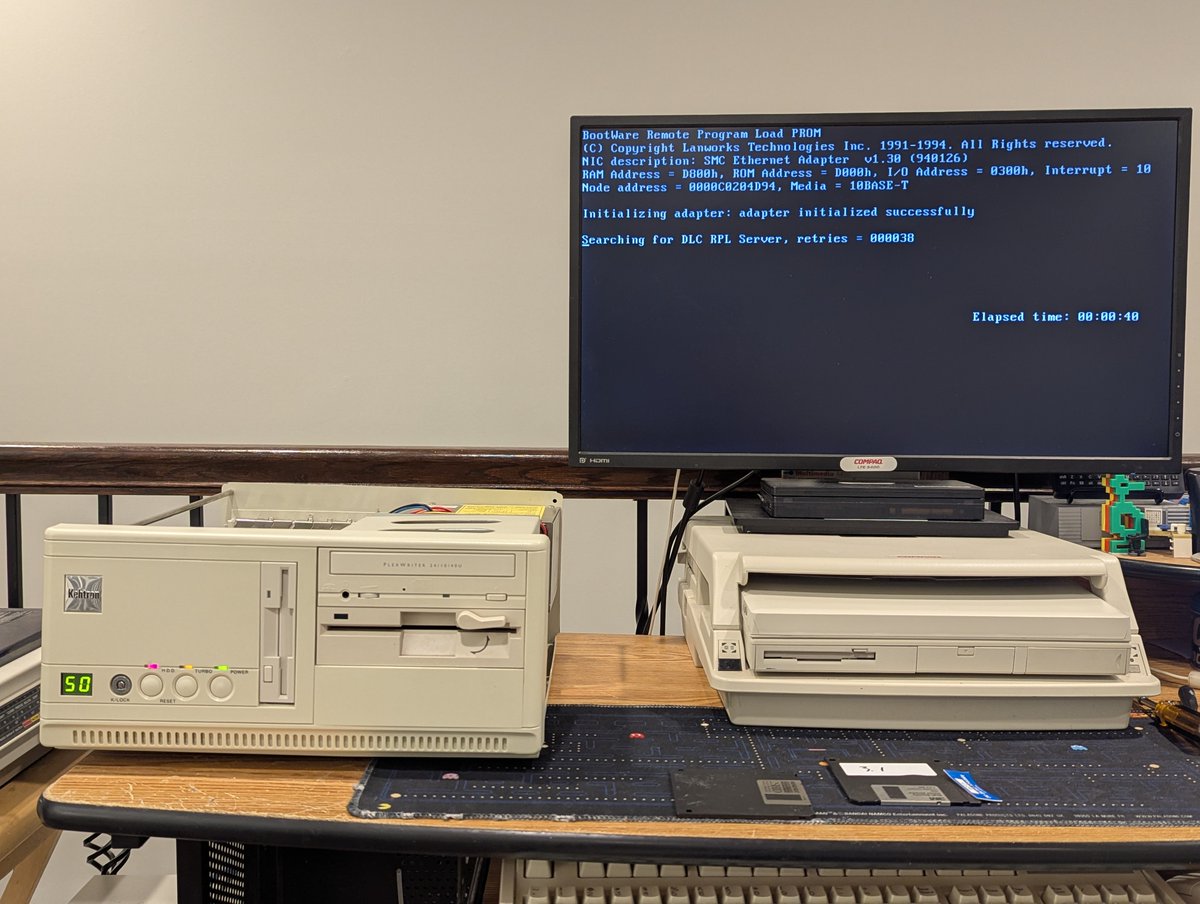
I did switch over to my Kehtron 486 for some more testing. I got the system to boot the original option ROM once without completely locking up! I also might have tried to hot swap the updated option ROM, and my HDD and NE2000 network card died soon after. Coincidence? Maybe😅
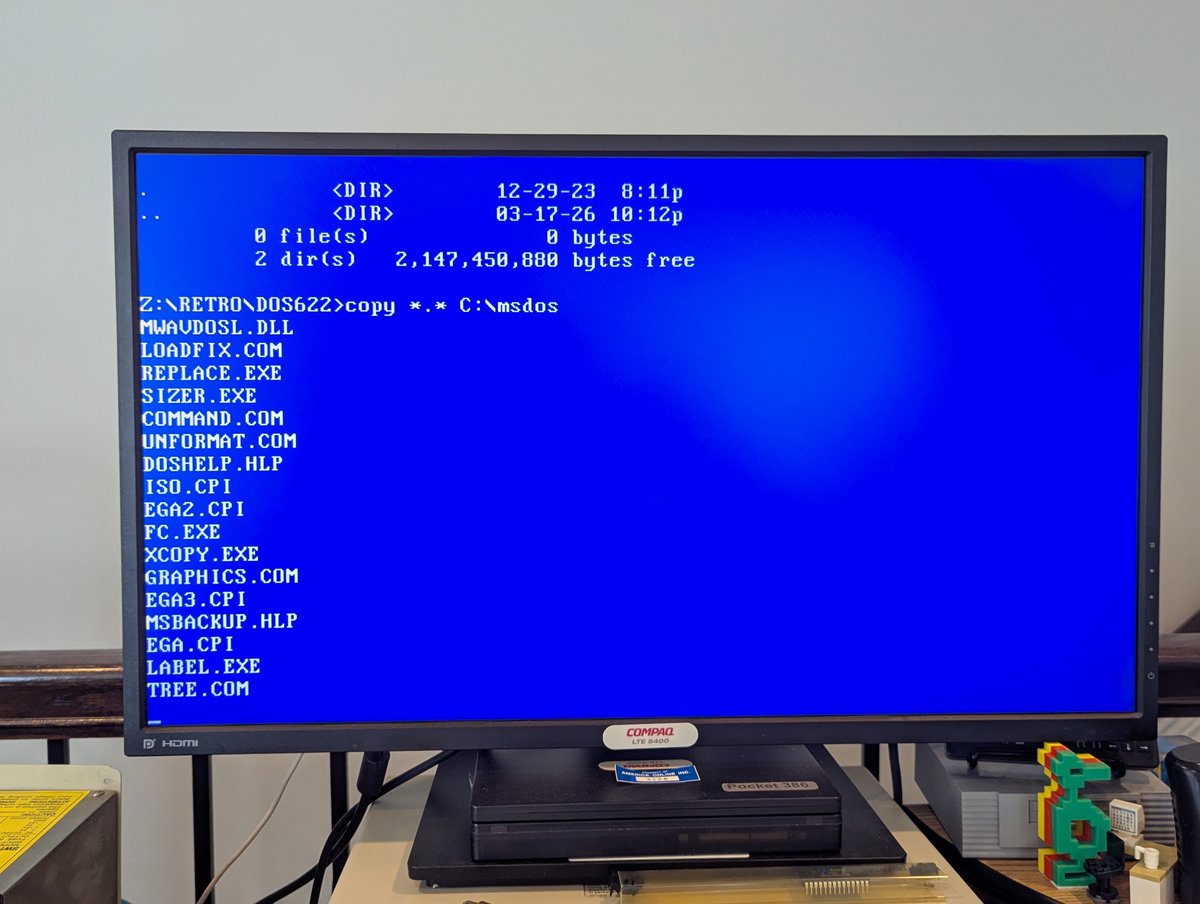
So, with the option ROM flaky and the NE2000 card now dead, I just assume leave this SMC card in the system and reload. I moved my XTIDE option ROM to this card for large disk support as well, installed a 4GB hard drive, and used LAN Manager to copy over files.
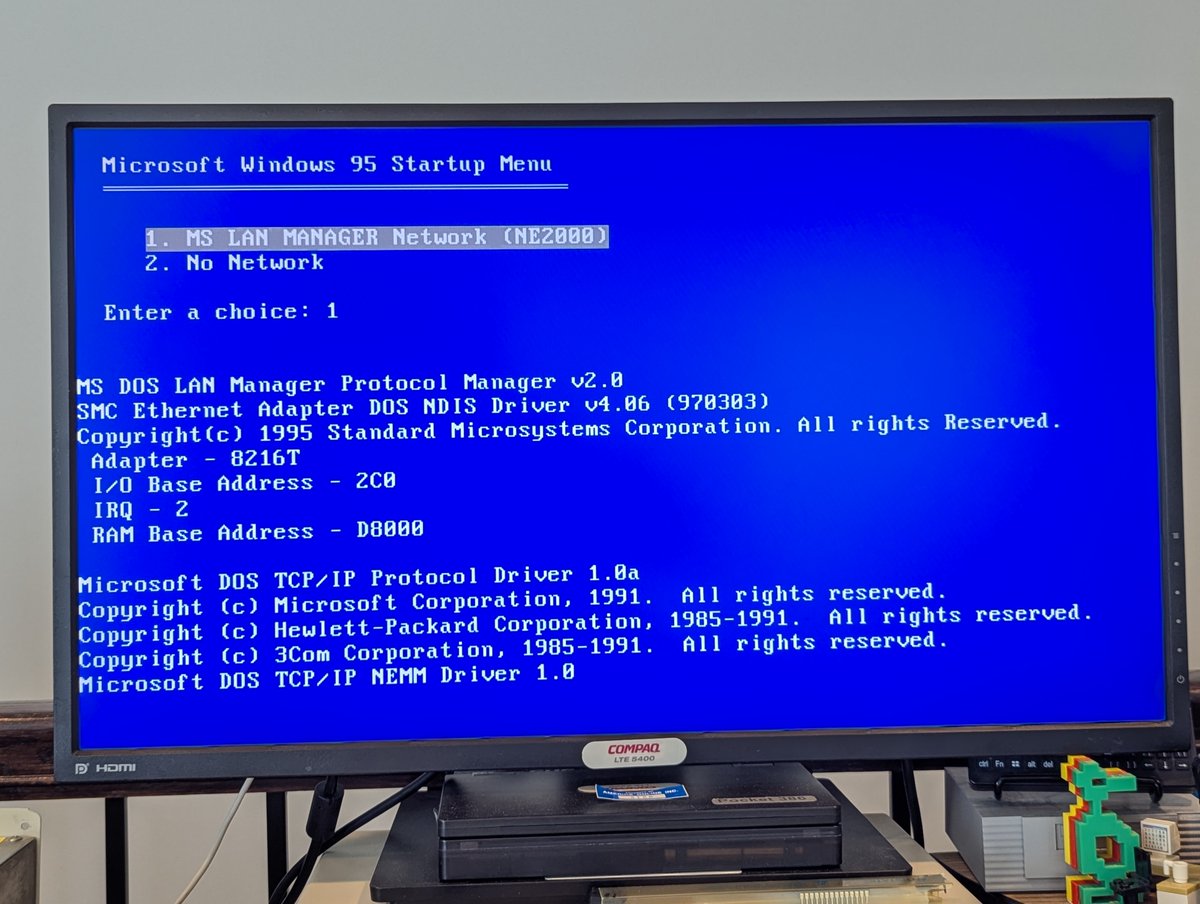
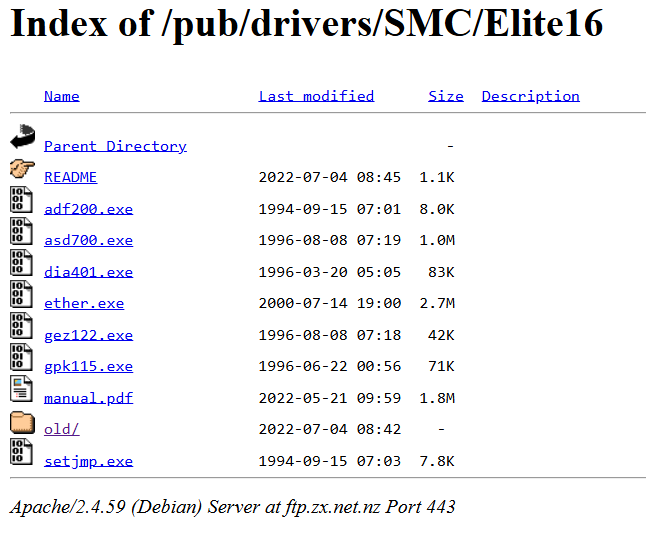
Oh, by the way, if anyone ever needs drivers for this card, here is what to search. Anyway, this system is now reloaded. Had I damaged components back in the day like I did today, I'd be ticked, but oh well! As always, thanks for following along!
@threadreaderapp unroll
• • •
Missing some Tweet in this thread? You can try to
force a refresh

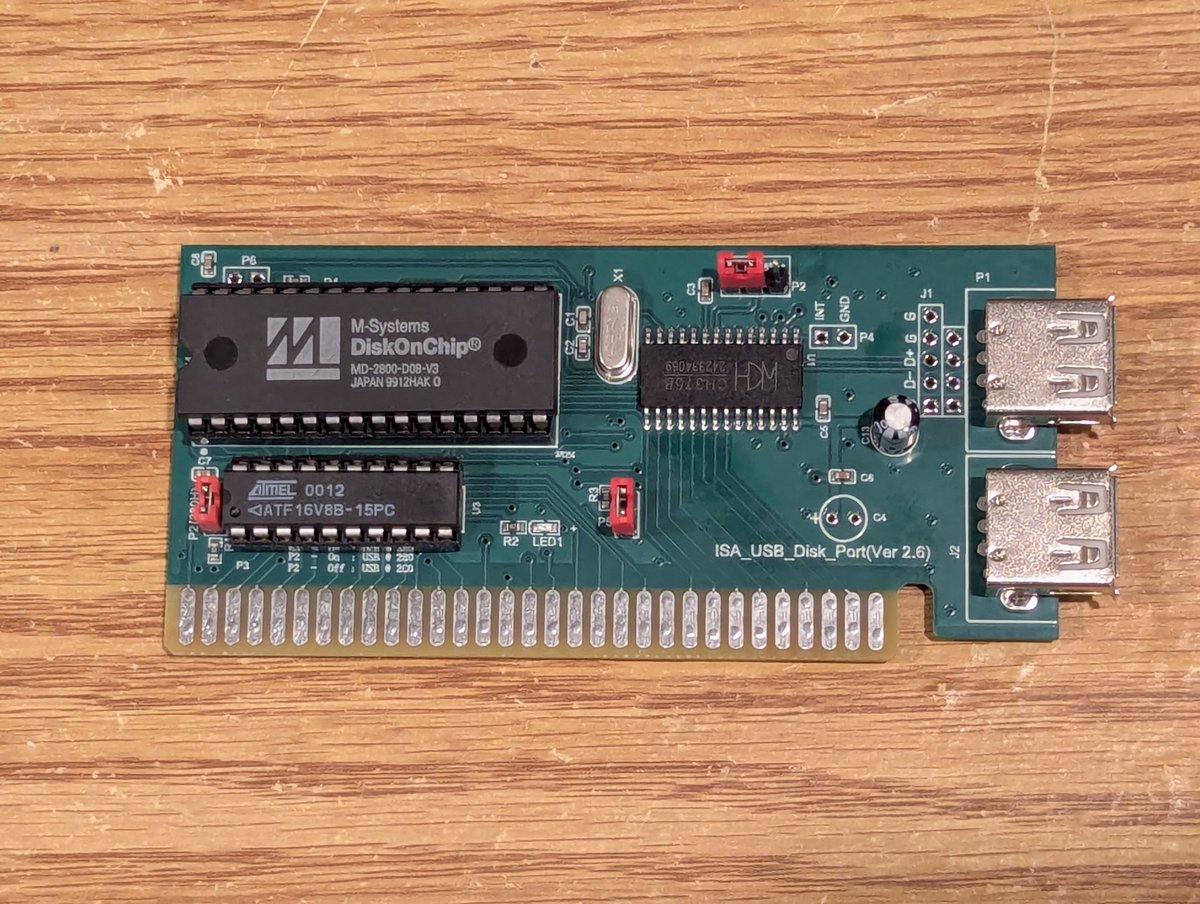
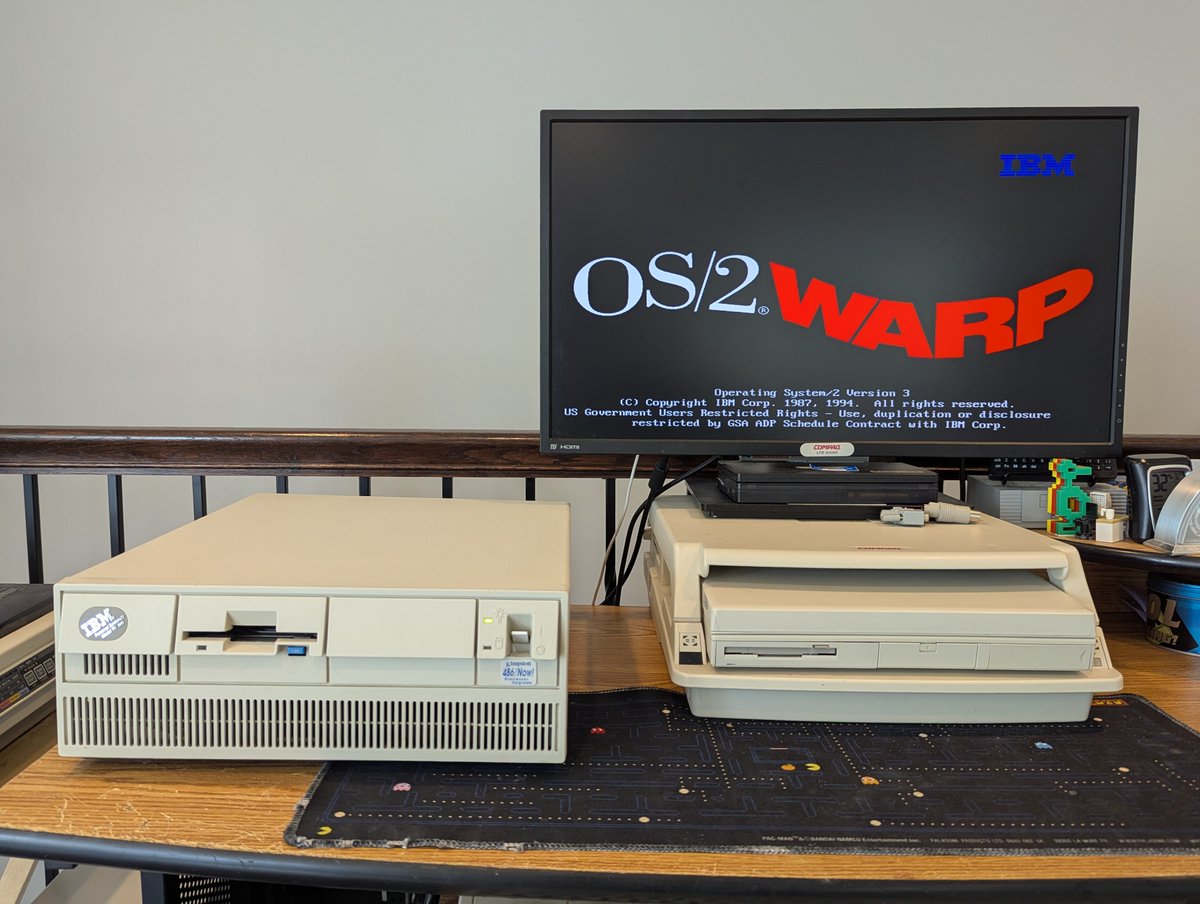
Okay, let's look at one more retro item today: this ISA to USB interface card with an M-Systems Disk On Chip module! Can we use this little device to boot a computer? Absolutely! We'll test this out on the Pacman PC. Time for a 🧵
First, where did I get this, and what does it do? I picked this up from AliExpress, and this device basically lets you access USB drives from DOS systems. And it does support boot ROMs like the M-Systems Disk on Chip. We'll be using that today.
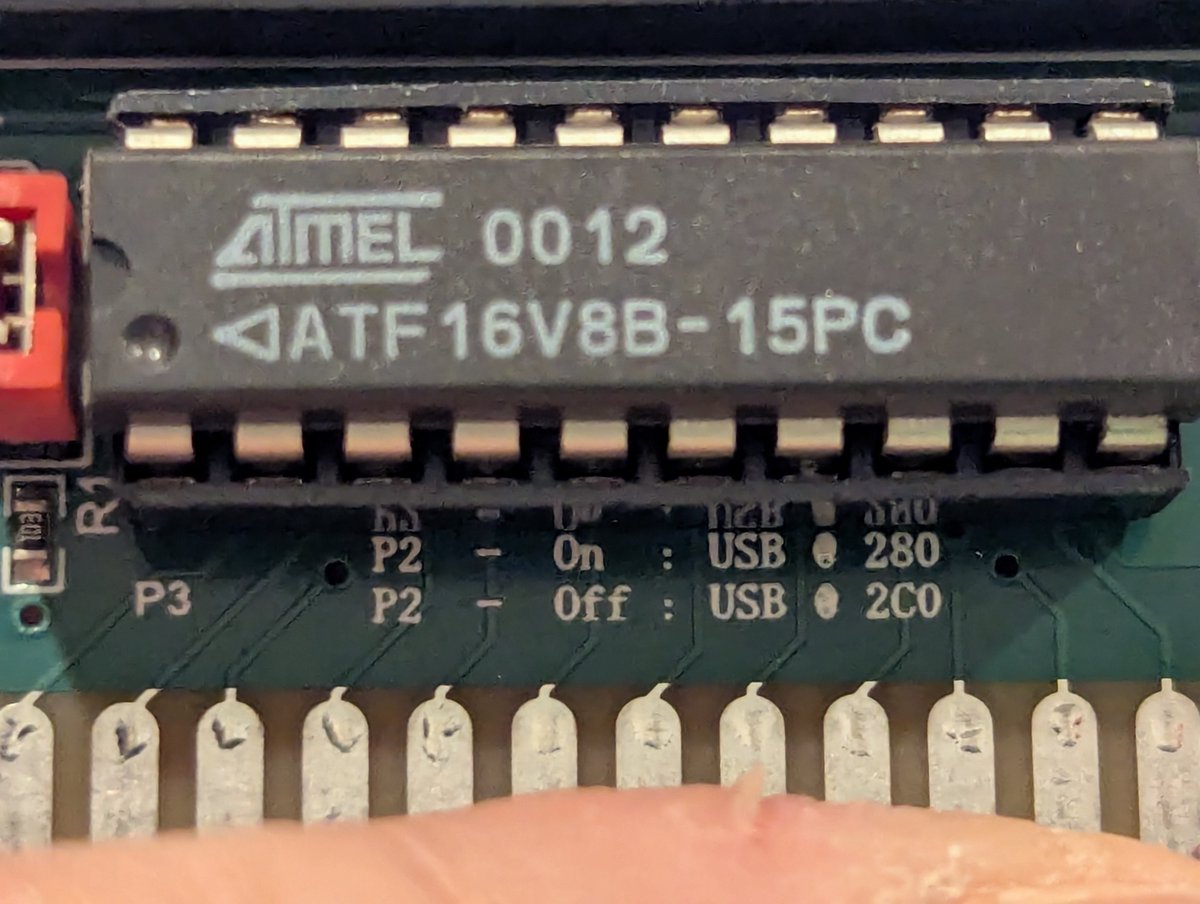
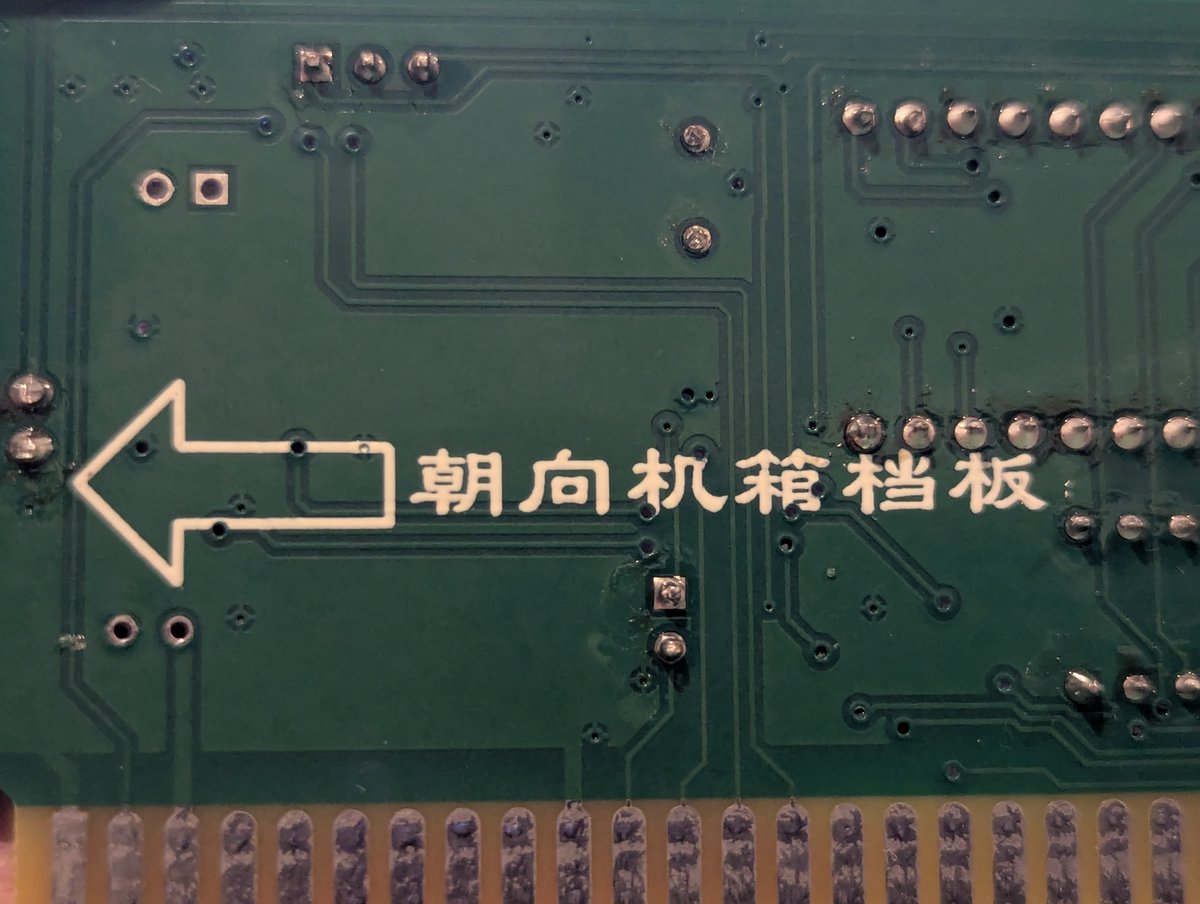
Let's look at some of the settings. We have a jumper to change the I/O address. Another jumper specifies 16 bit or 8 bit system. And the jumper in the middle? It's a mystery. The back of the board has some writing in Chinese that basically says "this end faces PC rear"
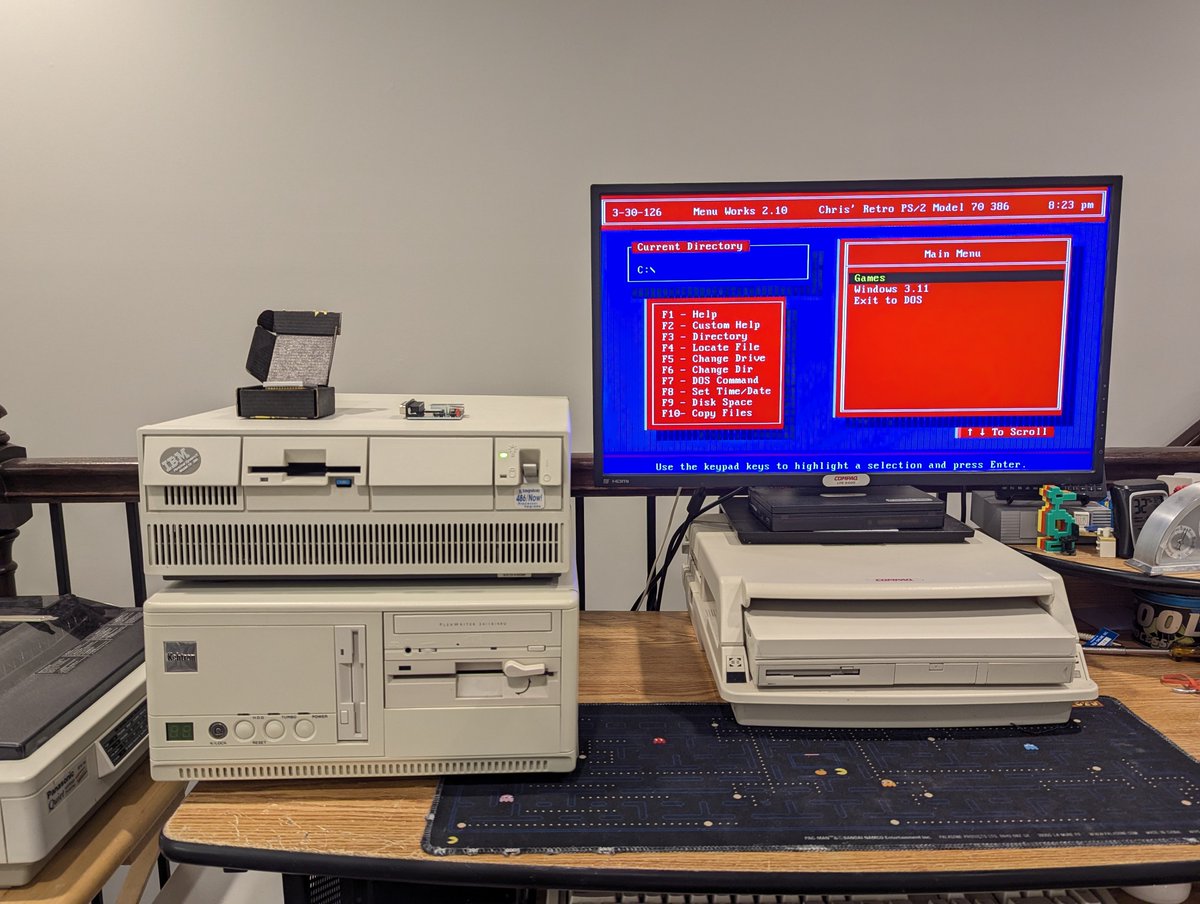
Hooray, my PS/2 Model 70 386 is fixed! No more issues with the system freezing on powerup when a Microsoft mouse is plugged in. How did I fix it? Let's talk about it in a 🧵 here!
In case you missed it, I recently got a device to display BIOS diagnostic codes on powerup, and we learned that the system was getting stuck when it was testing the keyboard controller:
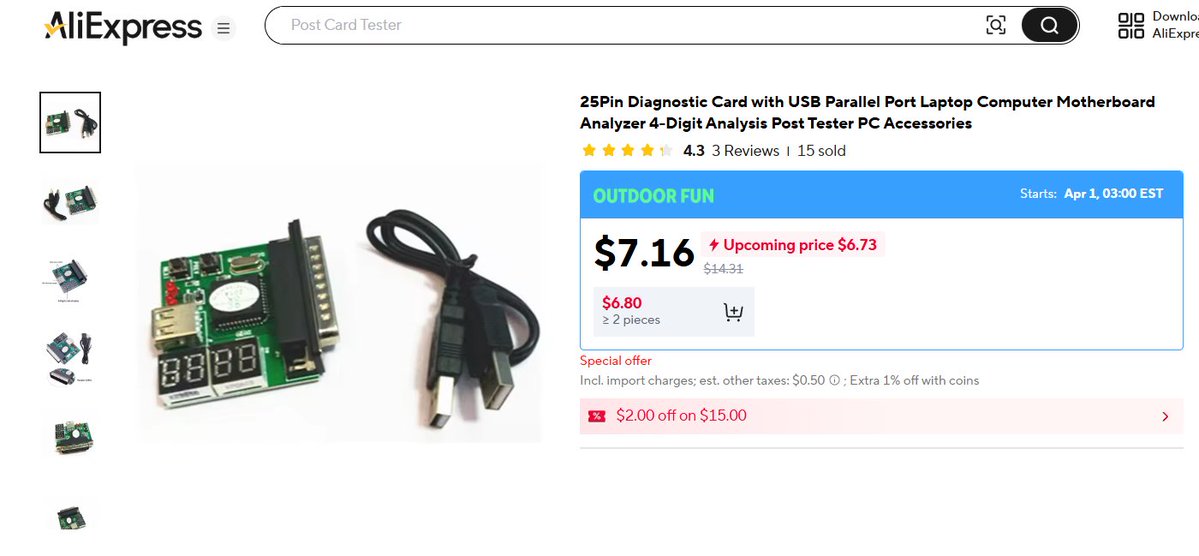
My parallel port POST test card arrived today! Let's test out my IBM PS/2 Model 70 386 to see if we can figure out why it is not powering up when certain types of mice are plugged into it! Time for a quick 🧵
First, a little about the tester card. It's an AliExpress special. That said, it did get here pretty fast. I'm impressed!
Alright, first off, let's try this card out without a mouse plugged in. Looks like the system boots, and we land on code 0x6E. I found this awesome reference manual called The BIOS Companion, and it has this code listed as "Reset page register; boot up system". That tracks!
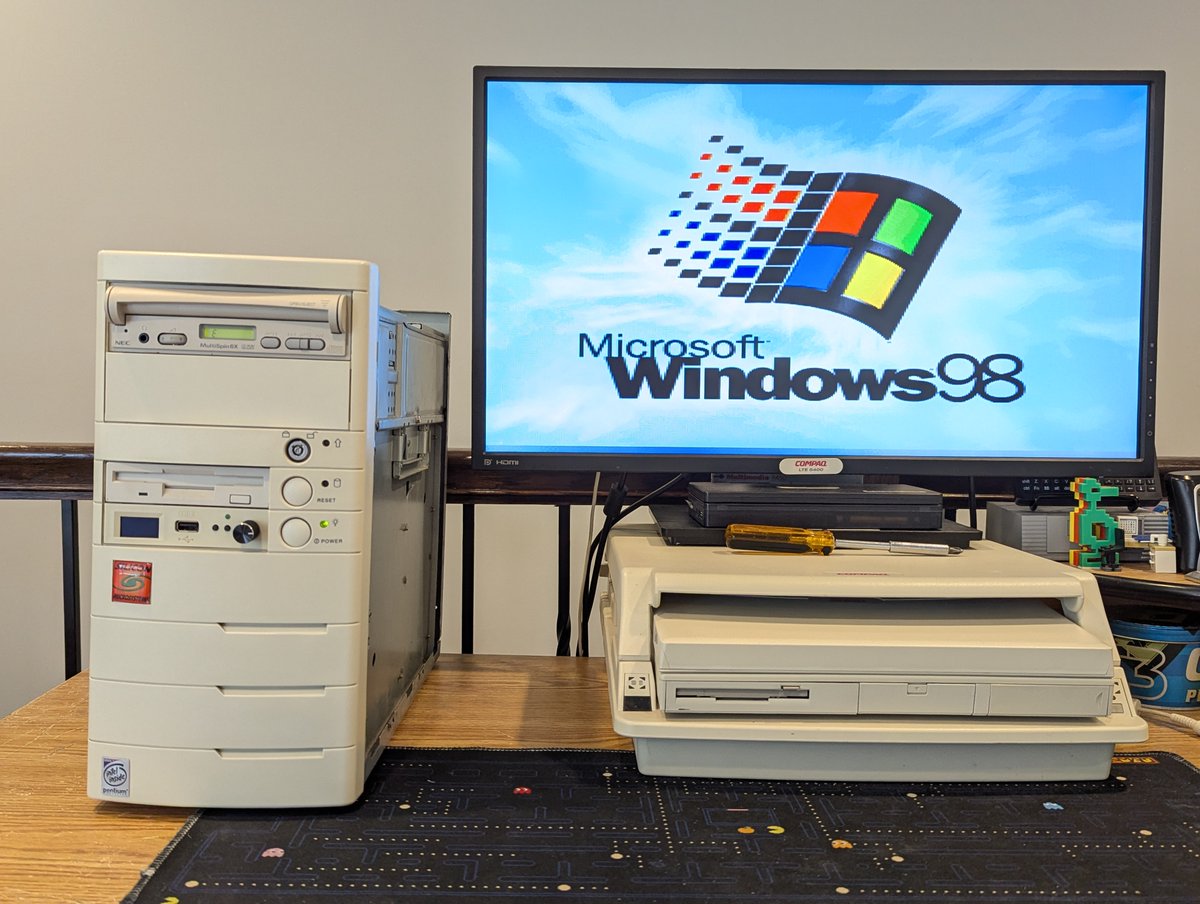
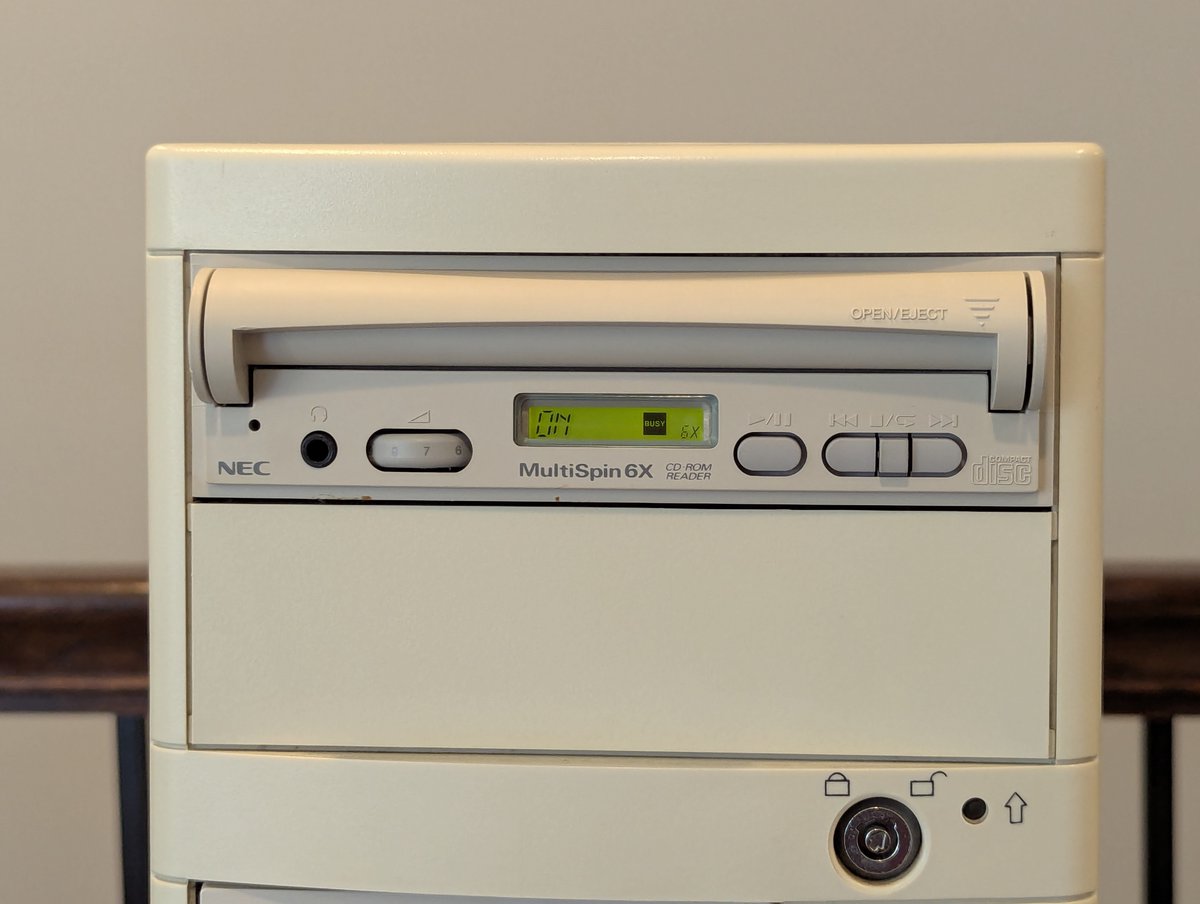
Okay, you all voted, and for NOW, we're going to put this NEC MultiSpin 6X SCSI CD-ROM into my Pentium 233 system. This drive is REALLY cool! Let's talk about it briefly in a 🧵 here!
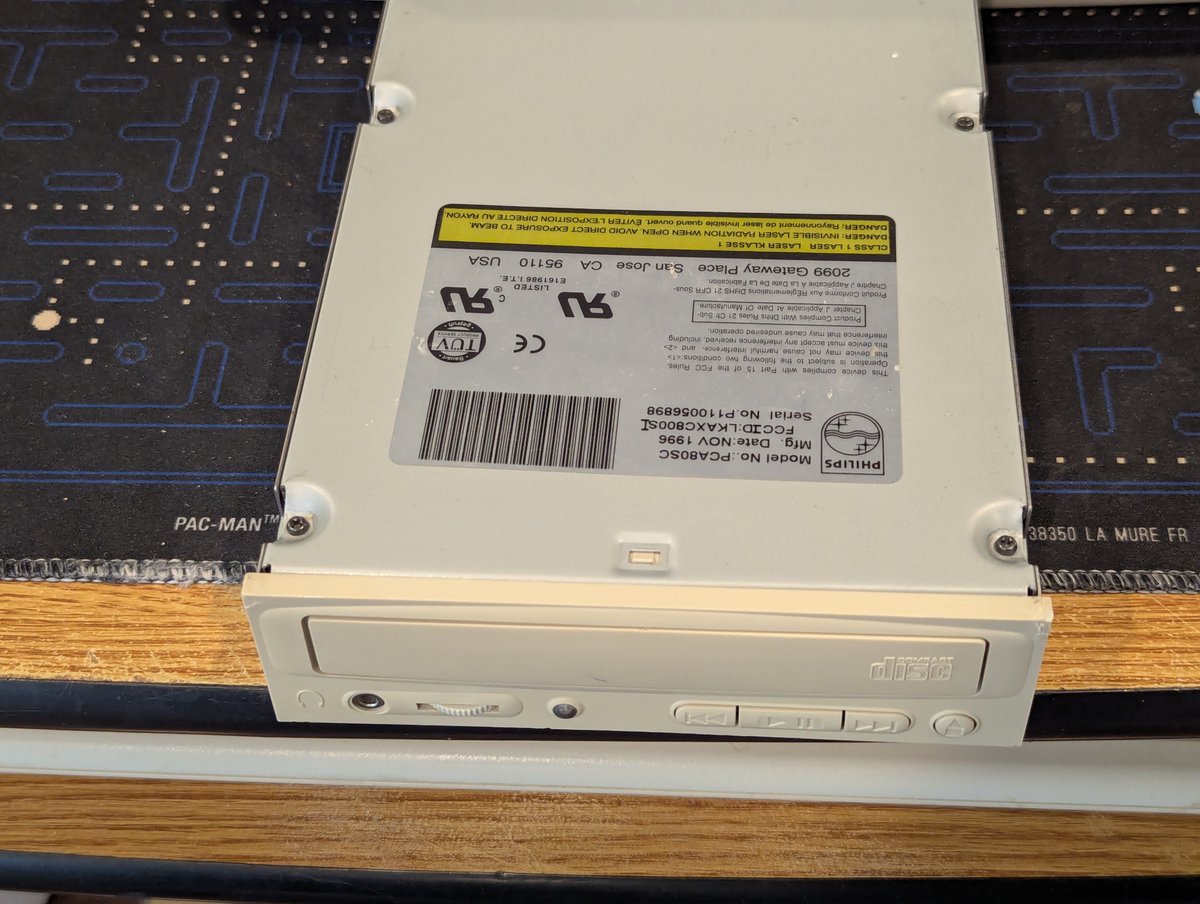
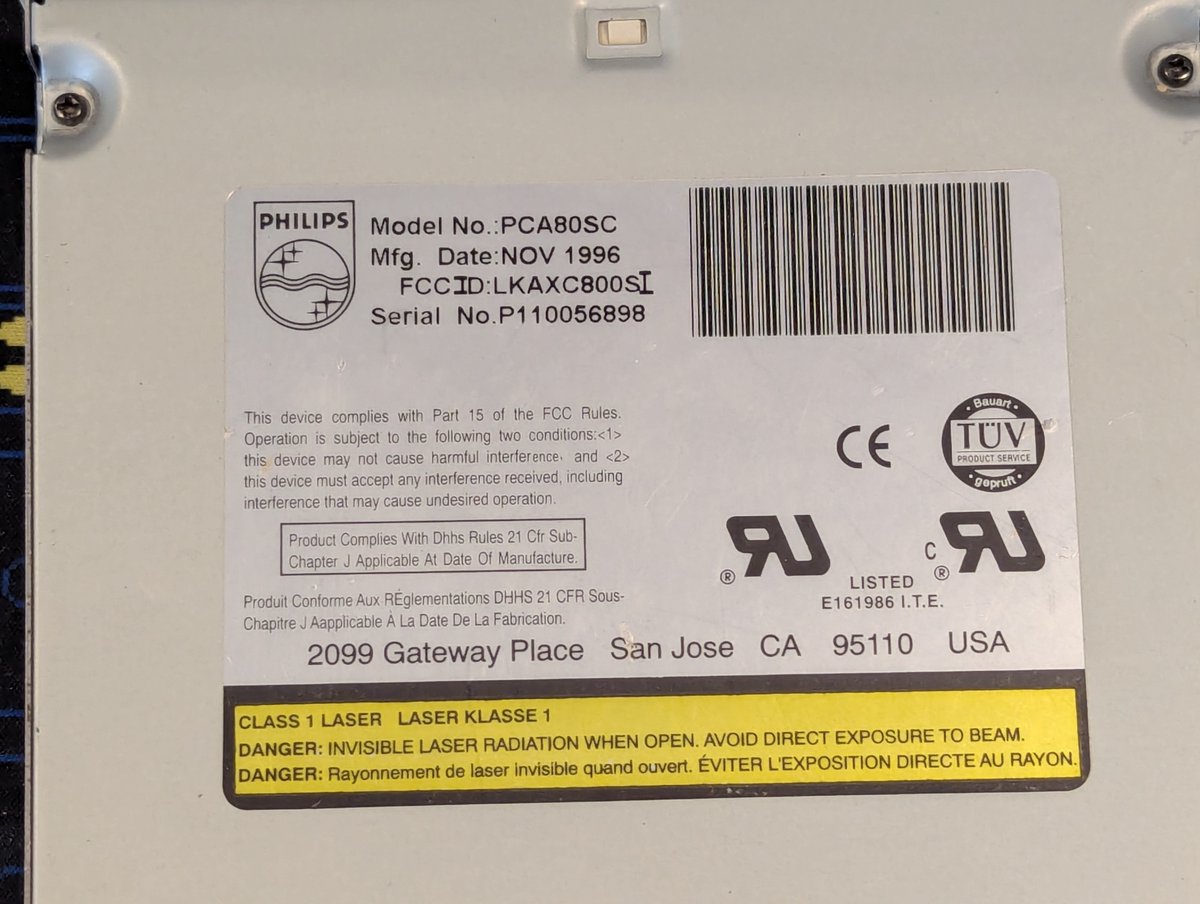
First of all, if this ends up being permanent, I won't be too sad. The Philips drive that was in the system is starting to look a little ratty 😅. Granted, for form over function, it is an 8X drive, so TECHNICALLY this is a downgrade!
Also, before I get too far into this, in case you missed it, I picked up this drive earlier today at a vintage computer sale that was happening a town or two over! I did grab all of the caddies you see here that go with the drive as well!
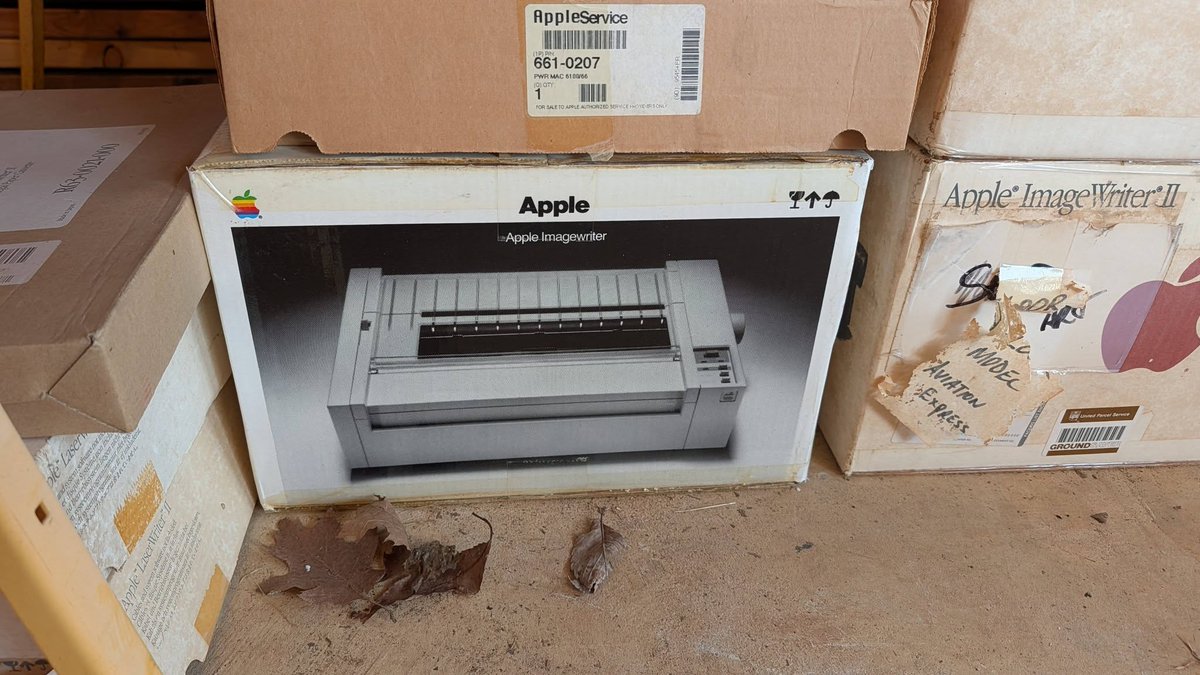
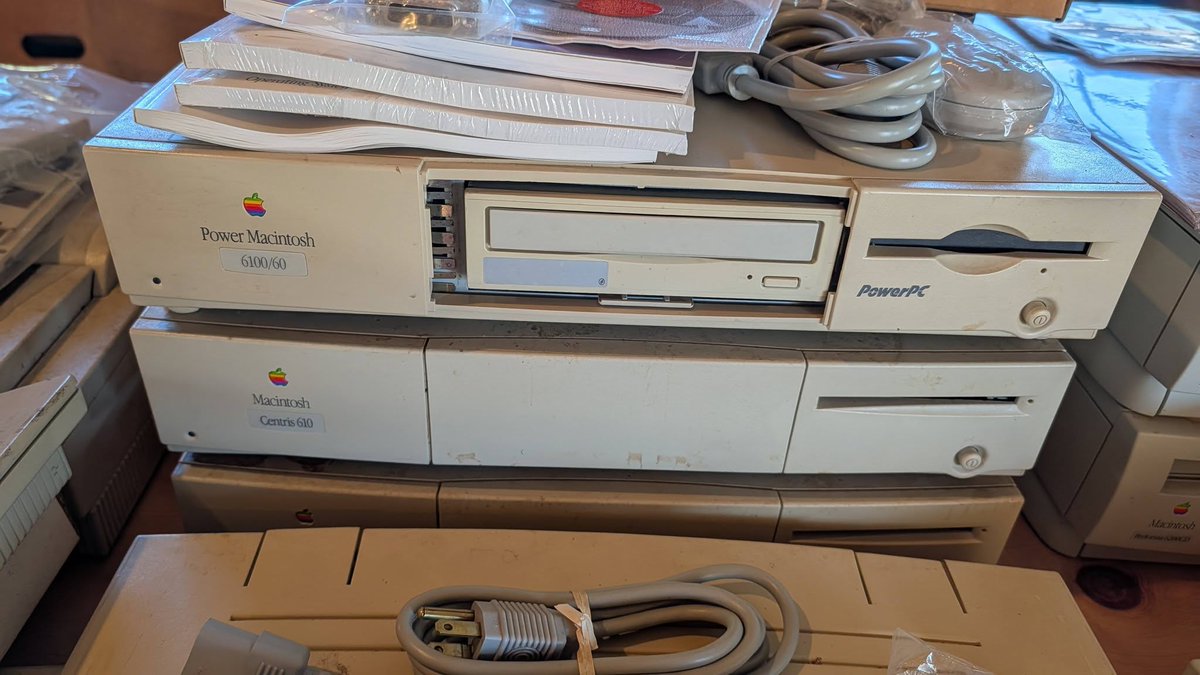
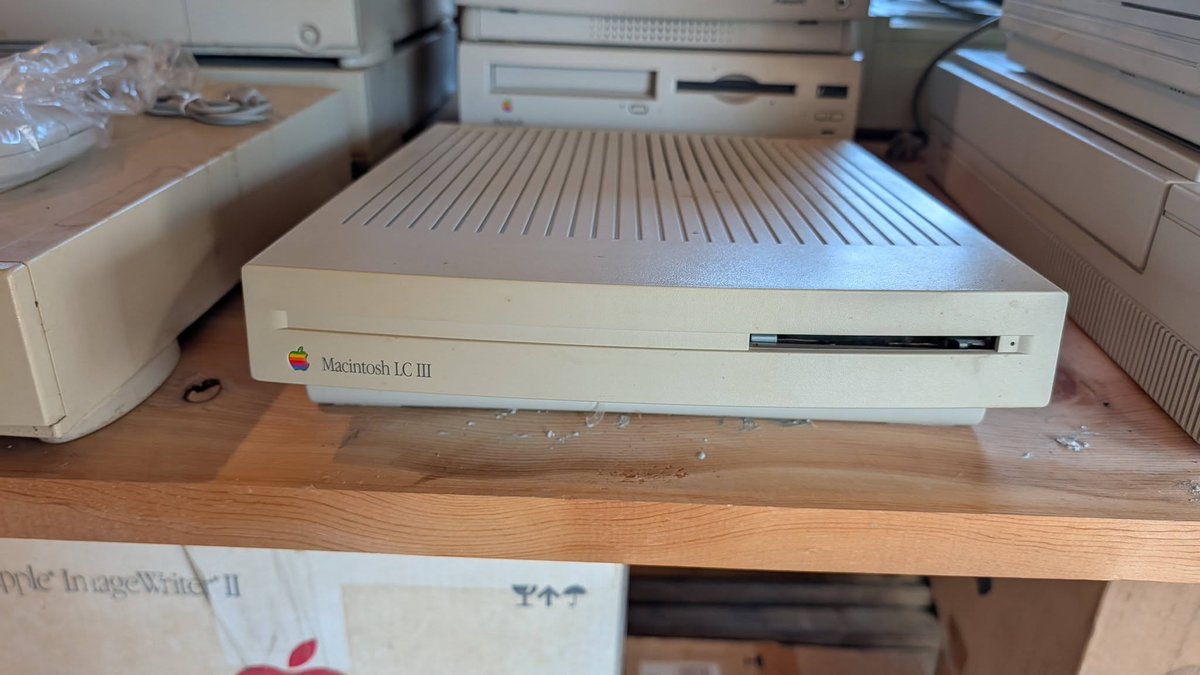
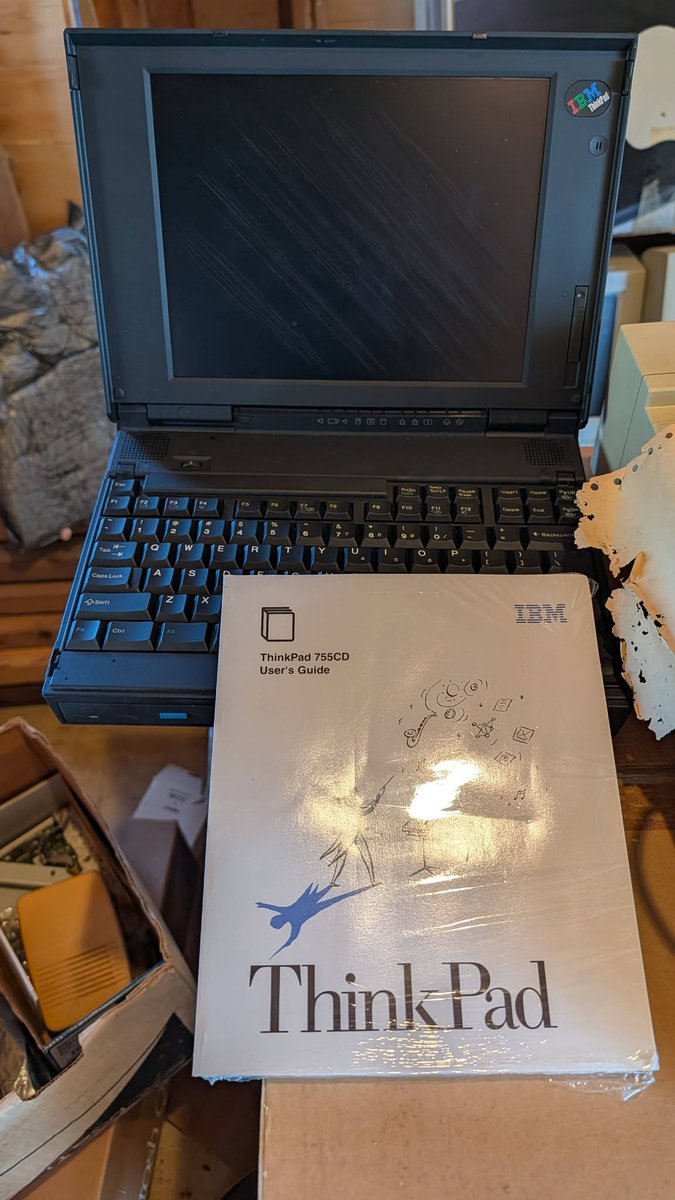
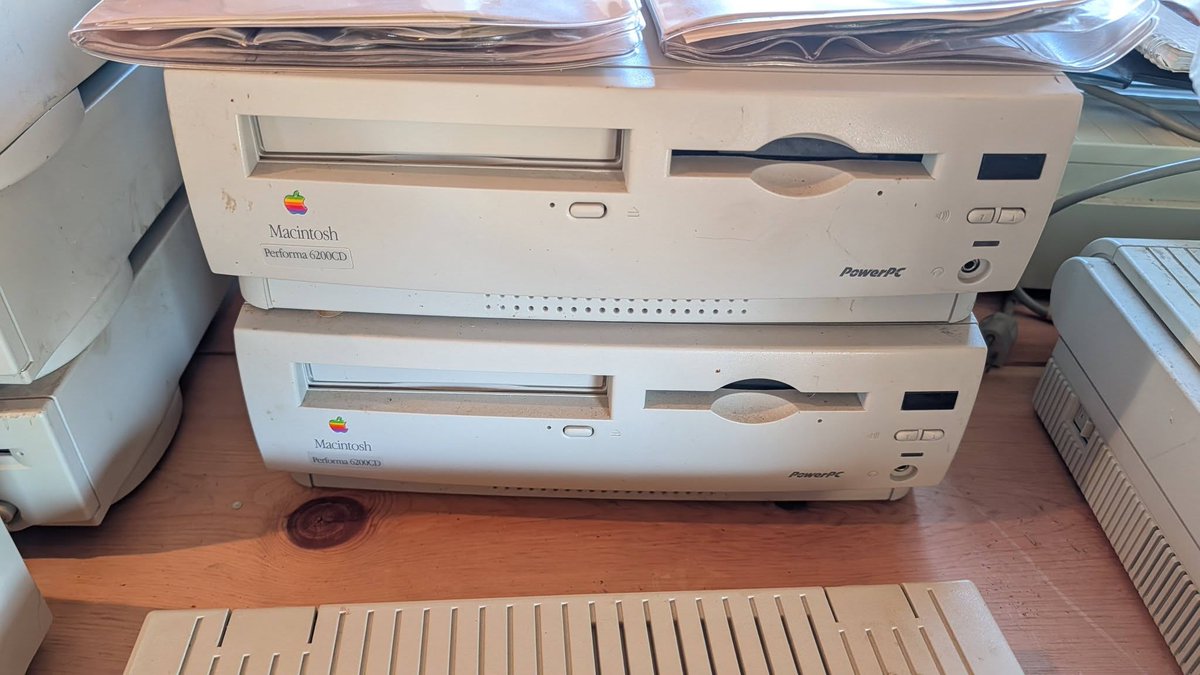
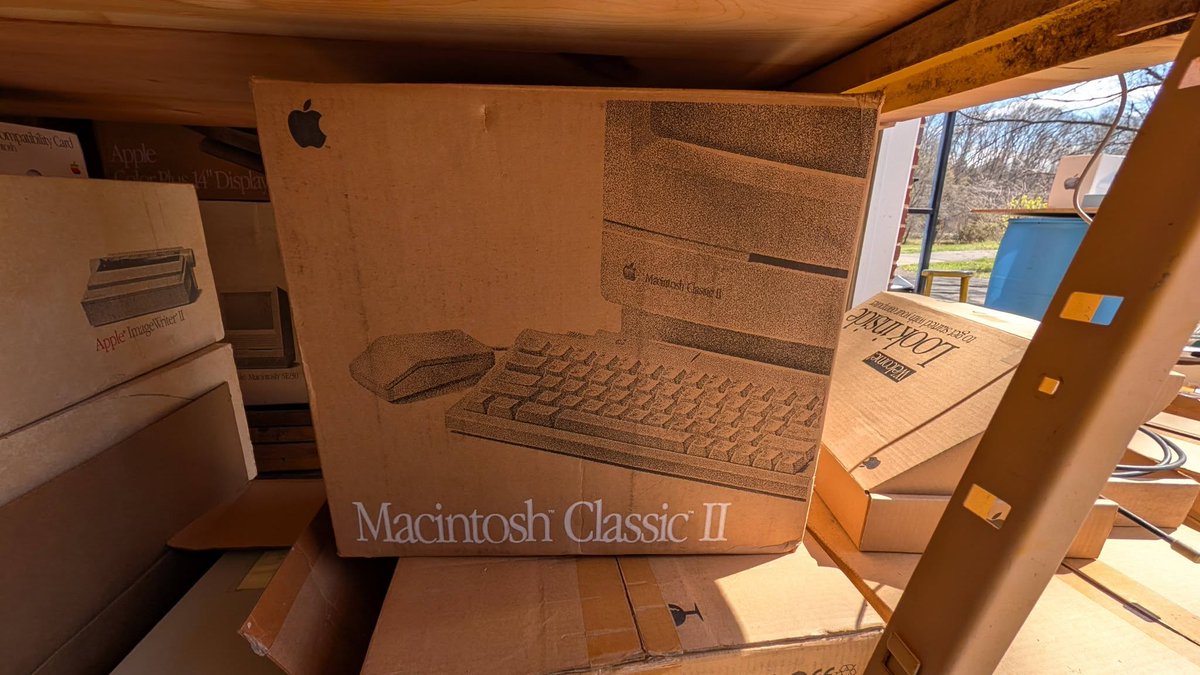
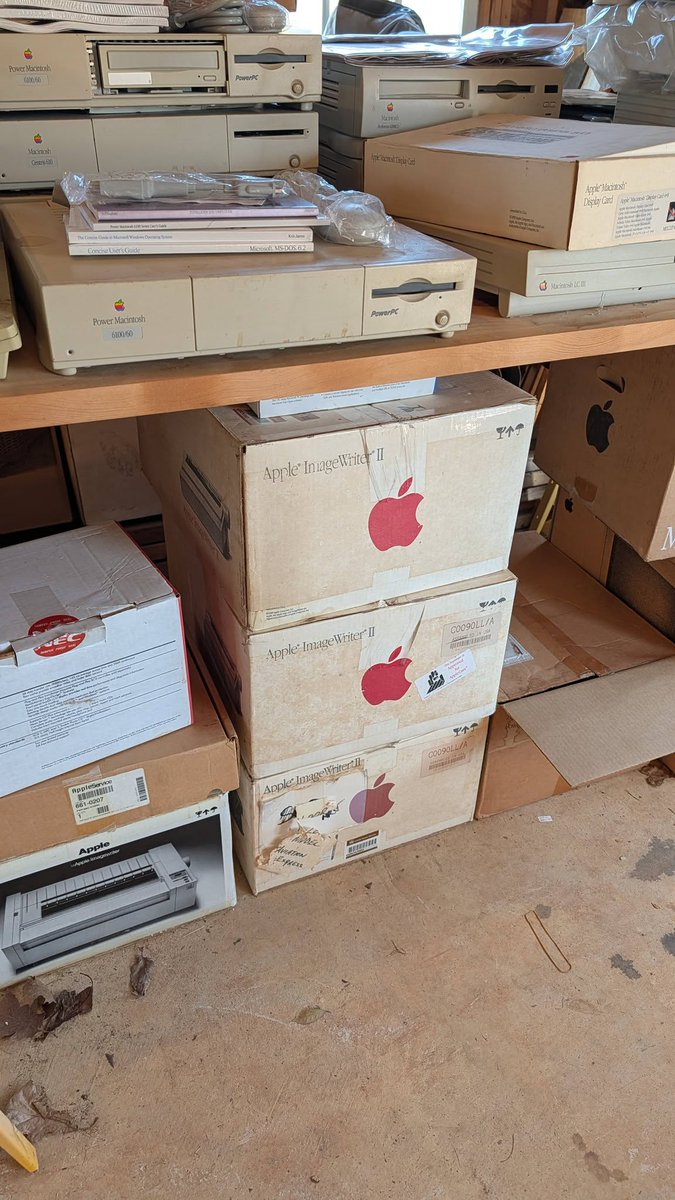
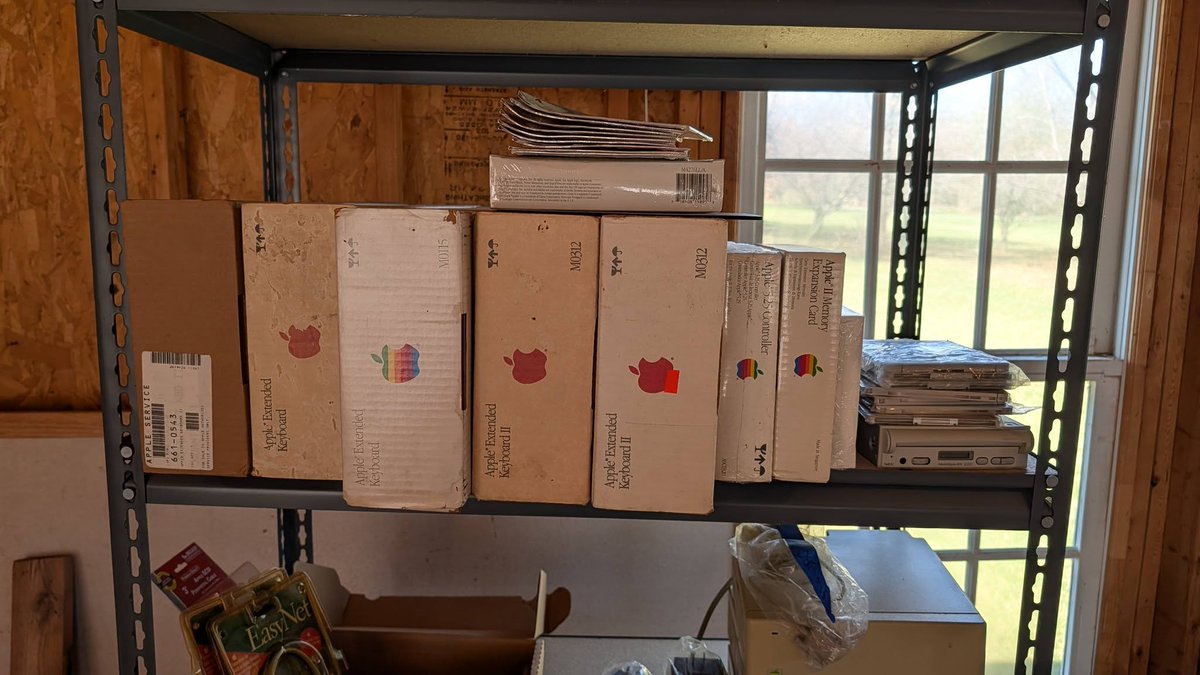
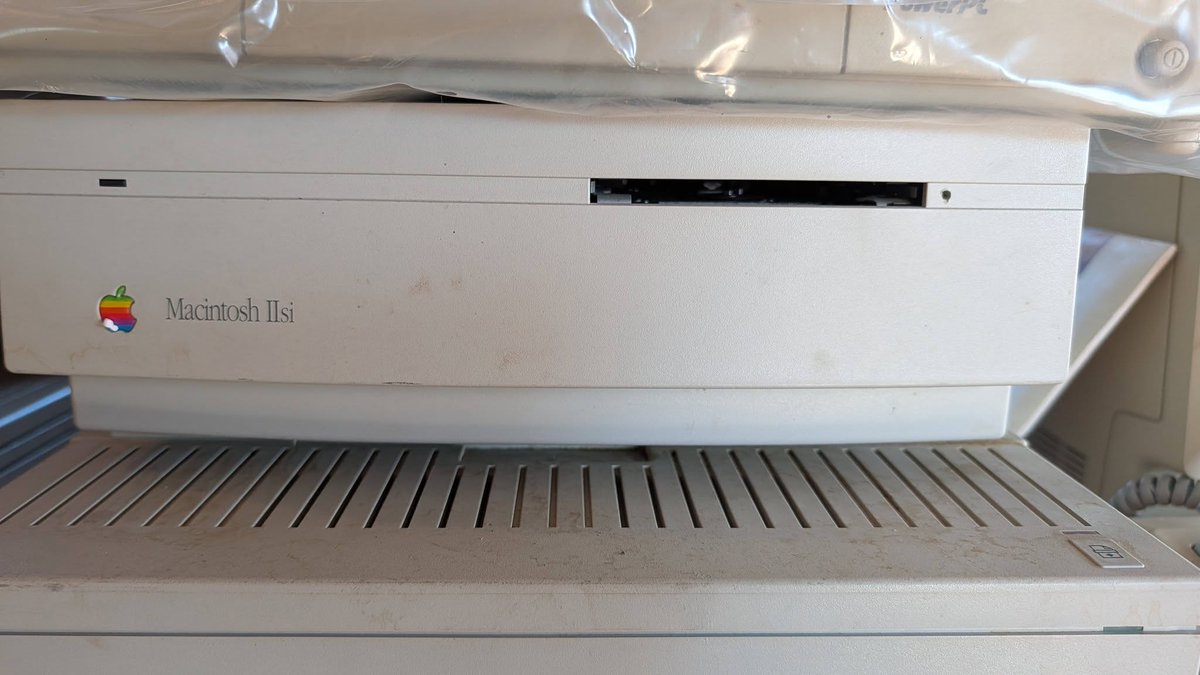
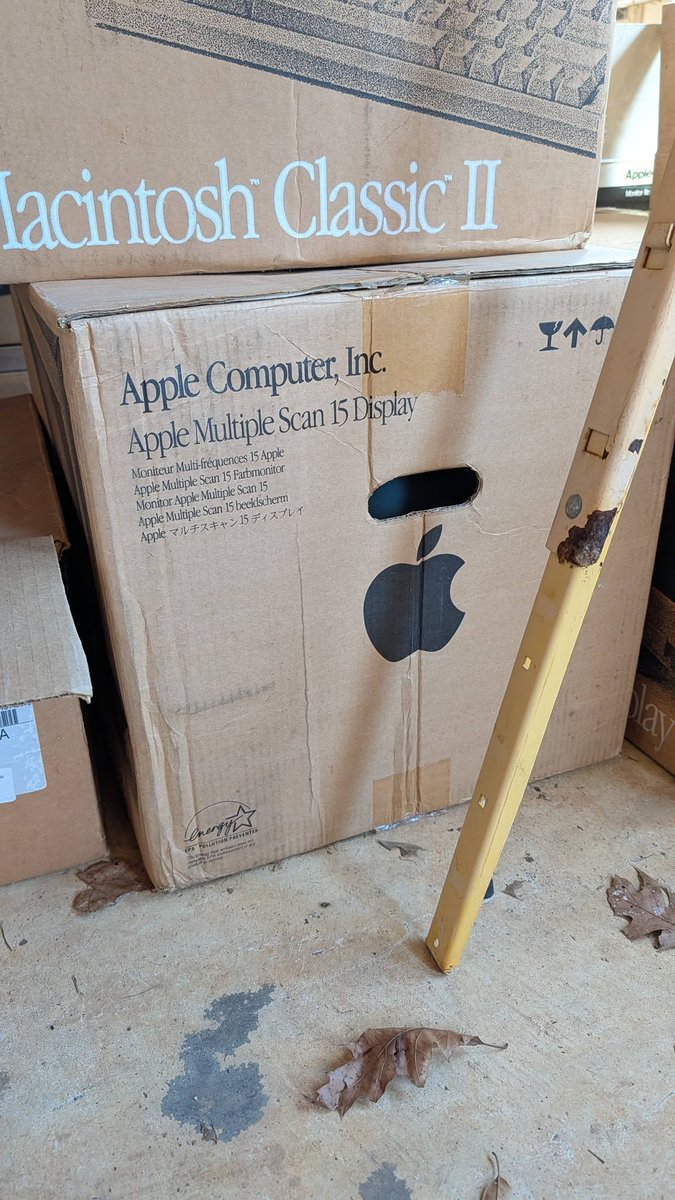
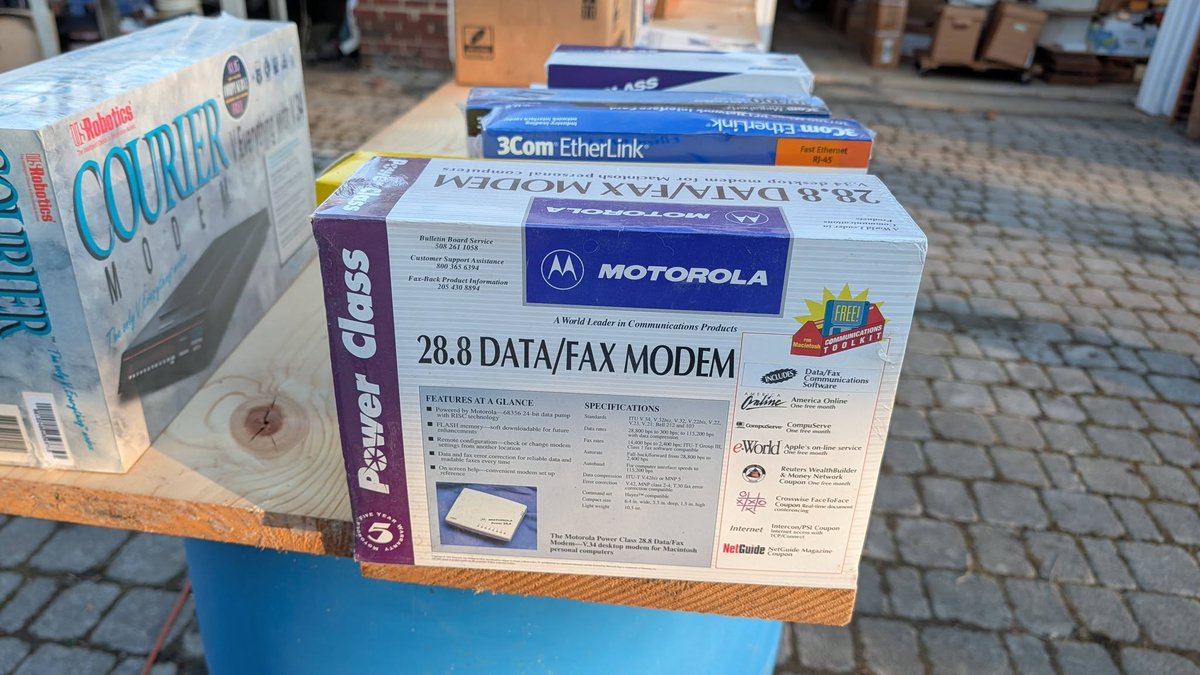
Looks like someone about 20 minutes away from me is selling a massive Macintosh/PC collection. I think I might go have a look, just for fun of course! Some pics. 1/4
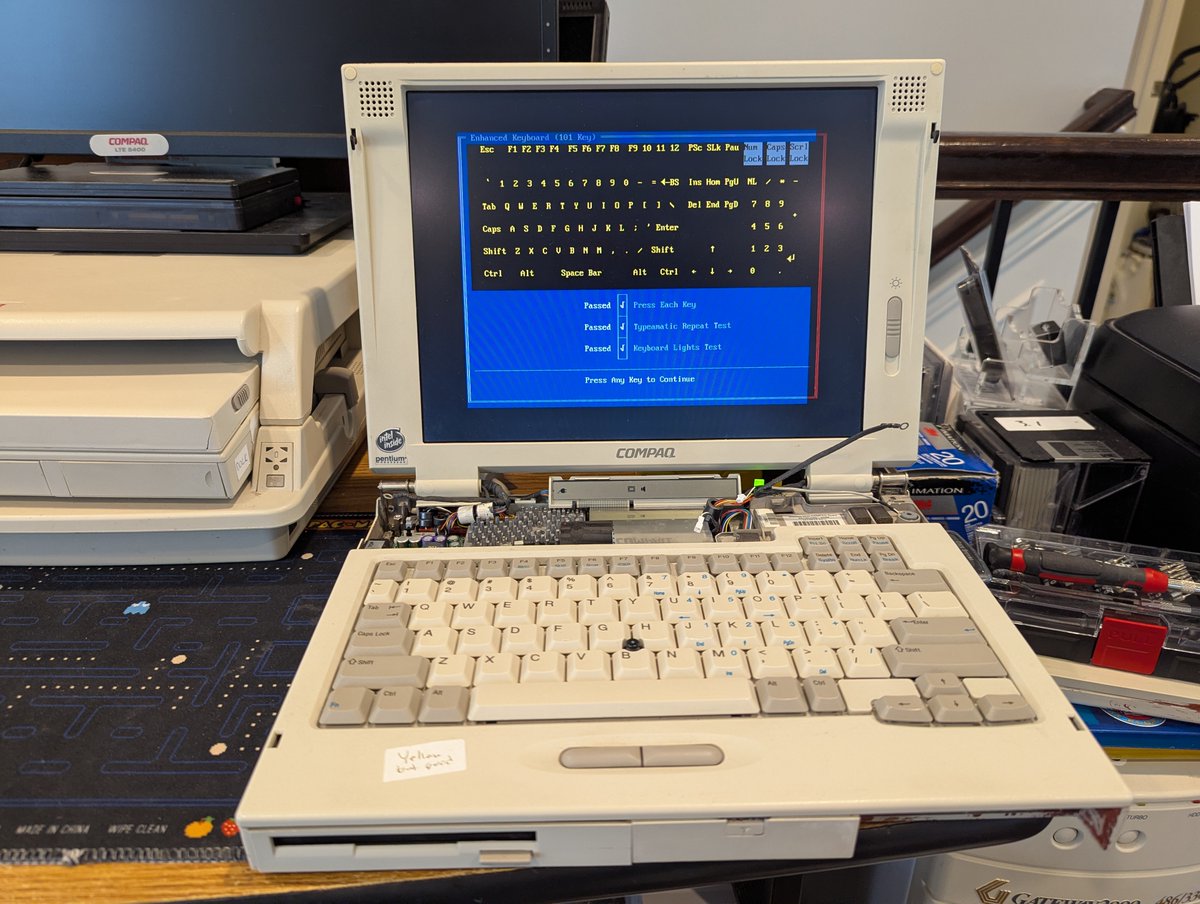
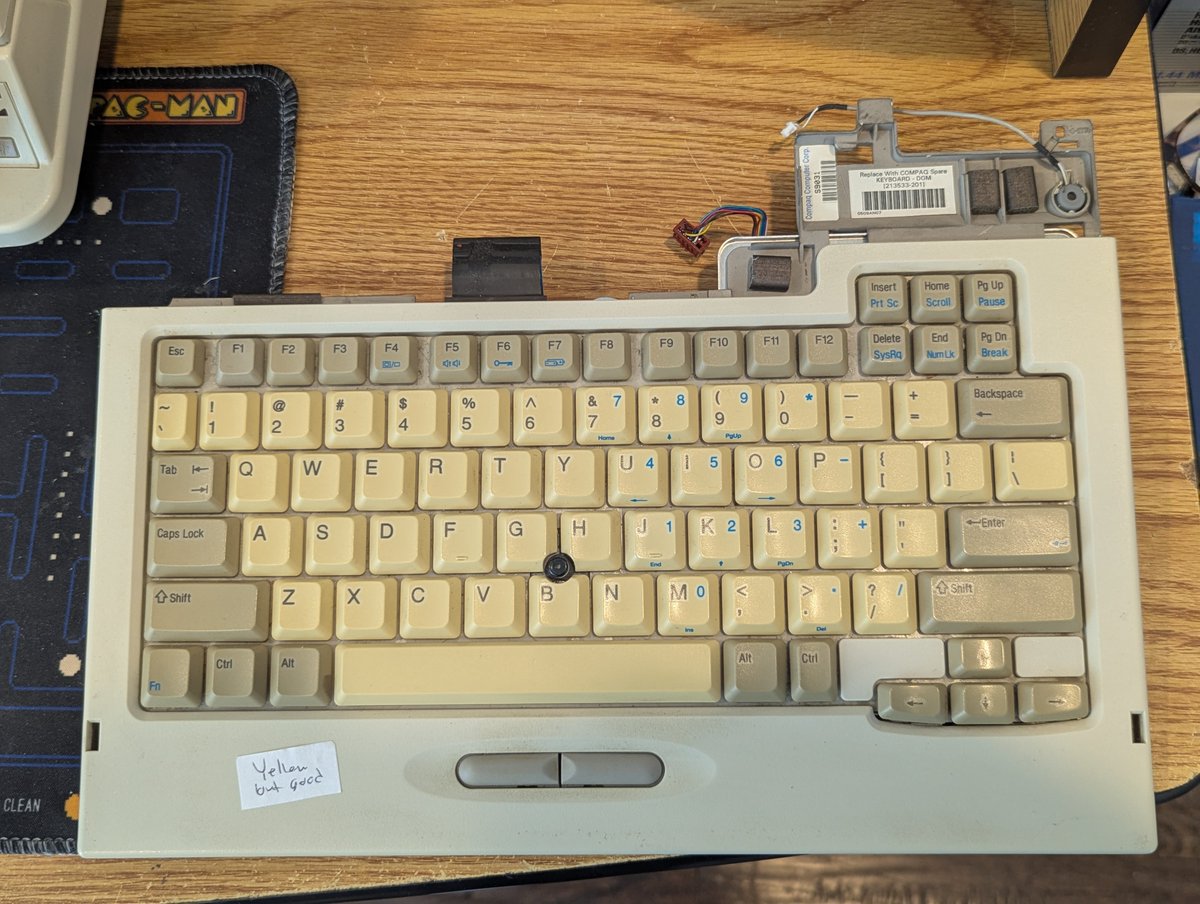
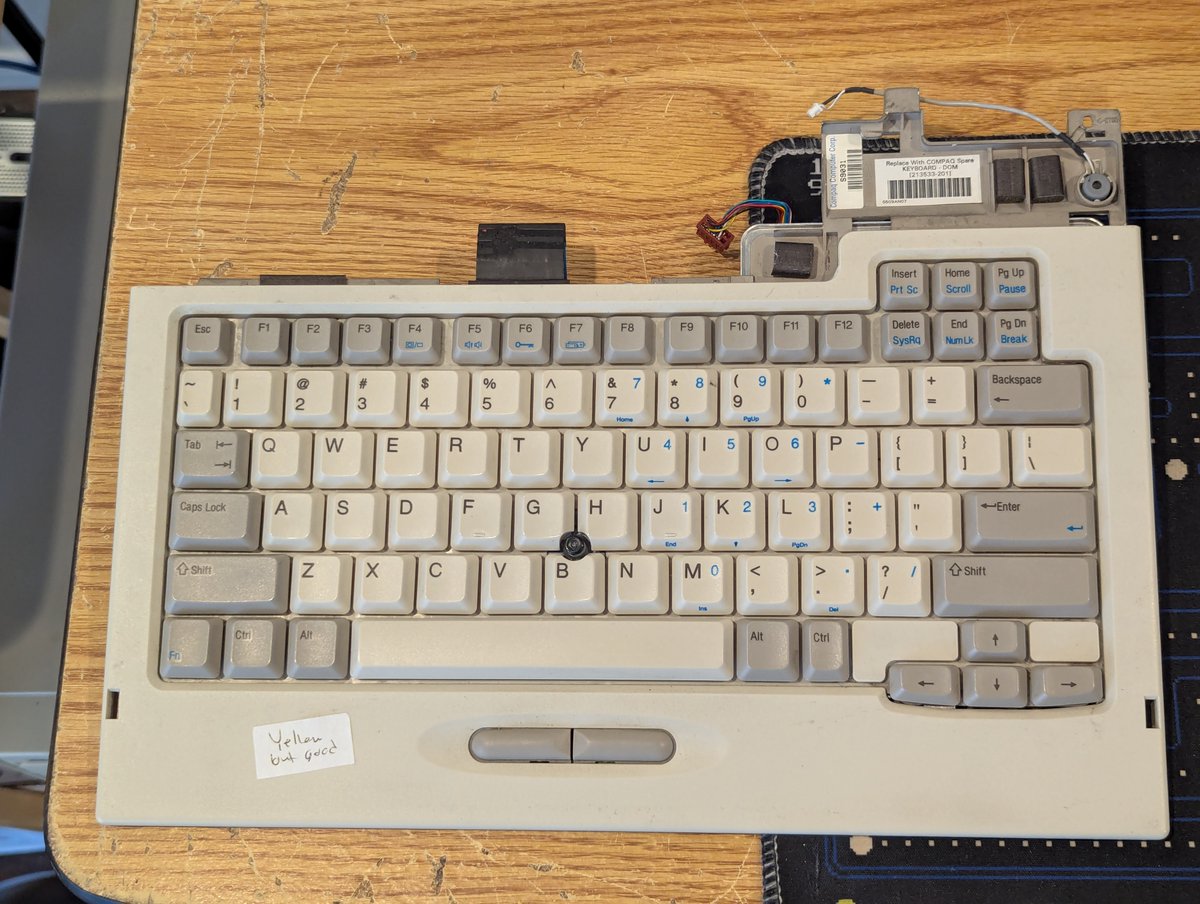
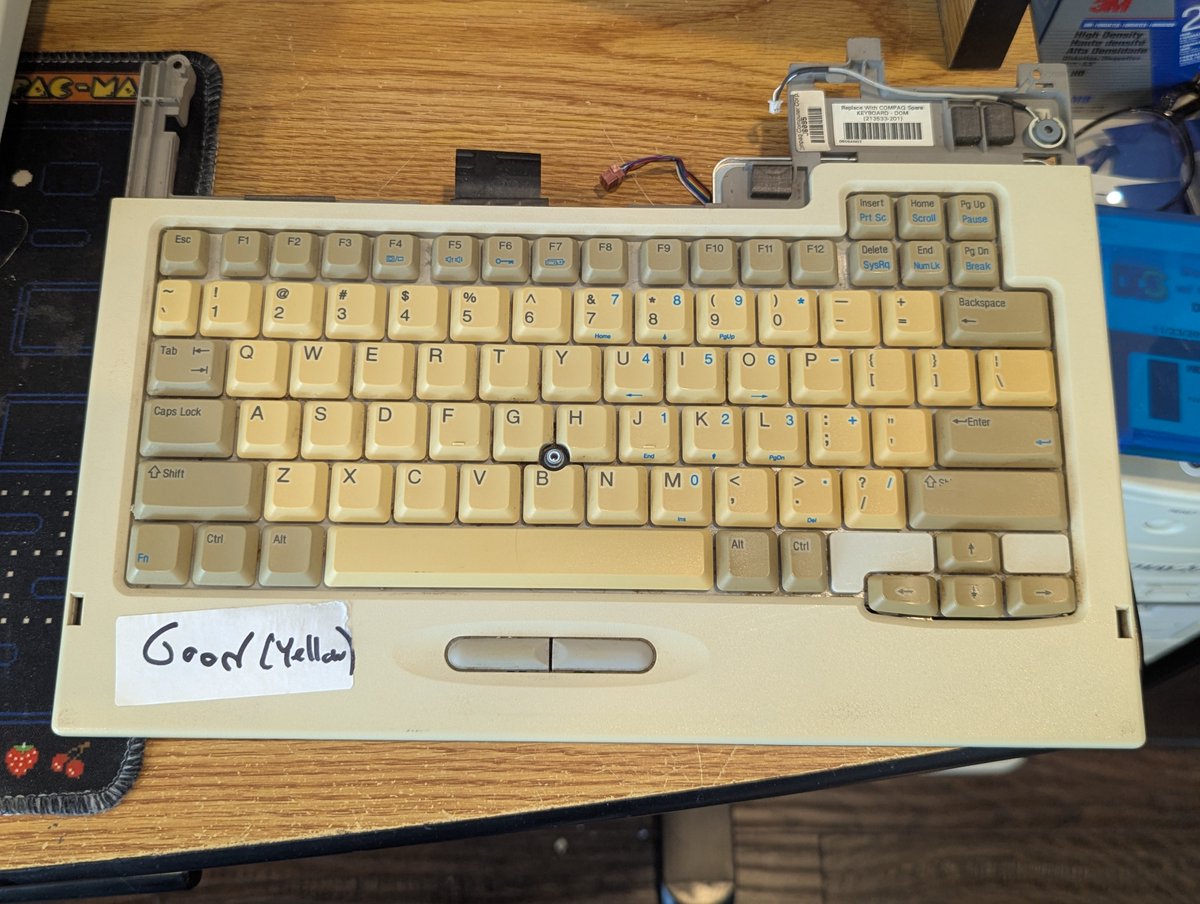
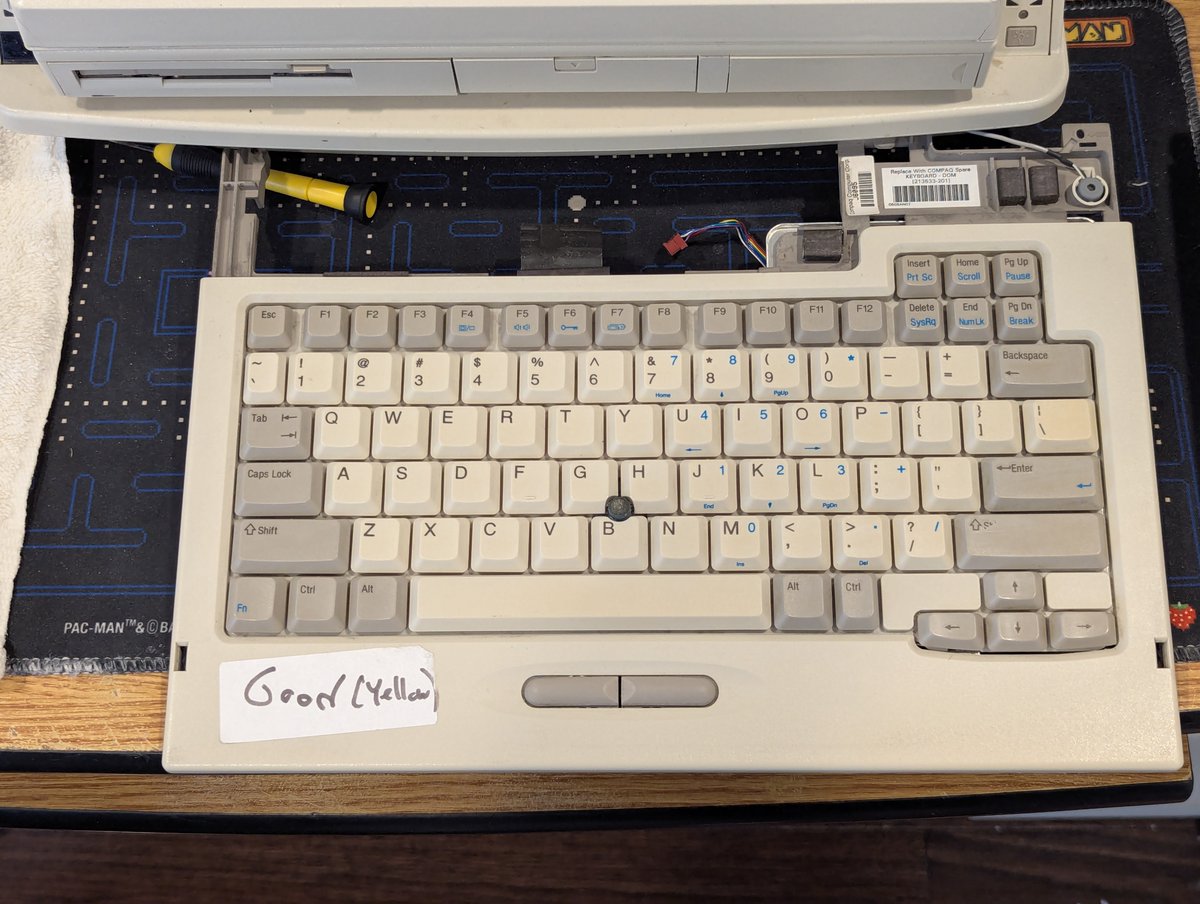
I was going through Compaq parts, and decided to retr0brite some Compaq LTE 5000 keyboards! I always wondered how this would turn out, and, well... I think it did! Let's talk about it in a 🧵 here!
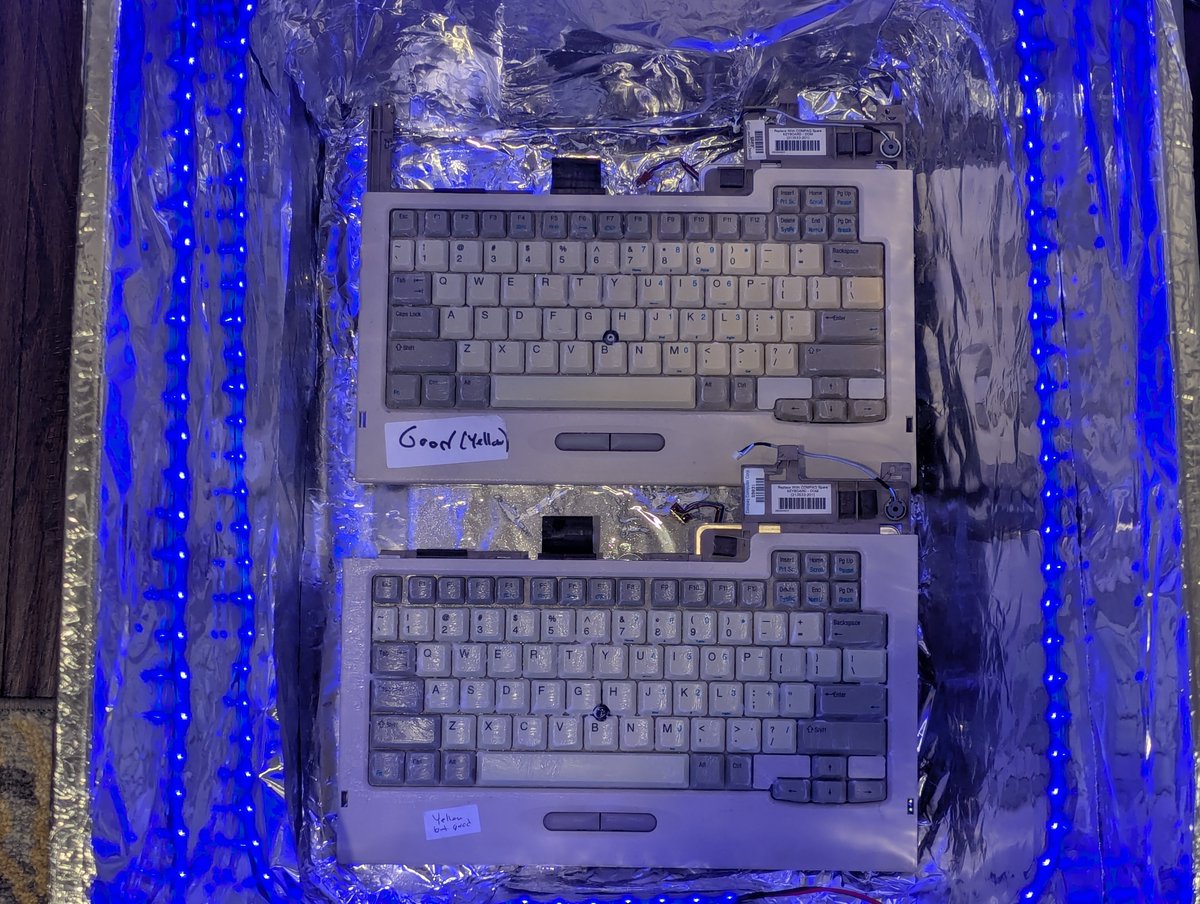
First, I'll cut right to the chase! You saw one keyboard in the opening post, here's the other! This second one didn't turn out "quite as good" (have a look at the "slash" key above the enter key... and the enter key is slightly marbled), but I felt it was good enough!
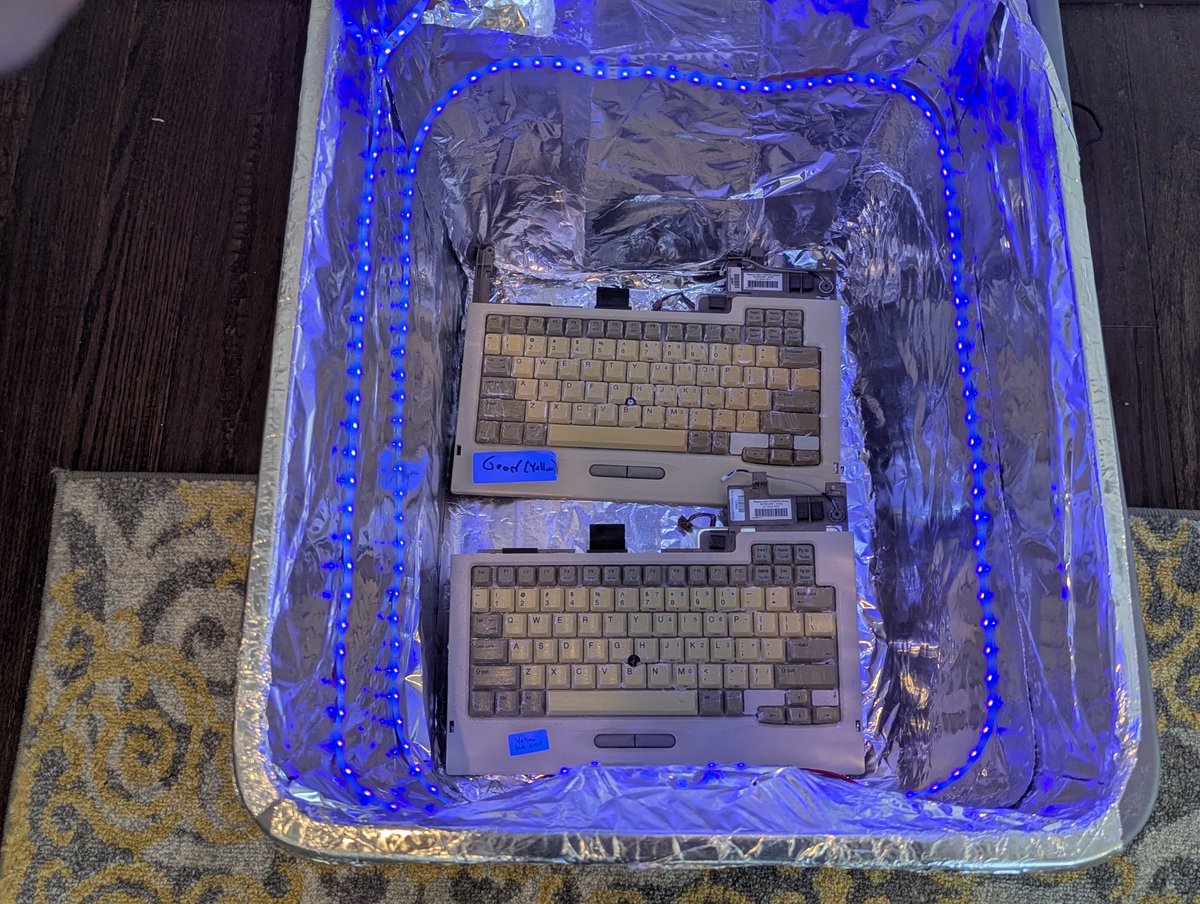
I was very lazy in my technique since this was just an experiment. I literally slathered 40 volume creme developer on the keys directly without removing them and put them in the bin for, say, 16 hours or so. I applied more creme once or twice during the day as well.