RetroTech Chris Profile picture
May 2 • 15 tweets • 11 min read • Read on X
Alright, I'm back home from the System Source Swap Meet and Warehouse Sale. You might have seen my video clips earlier, let's post some pictures! Time for a 🧵 Image
Image
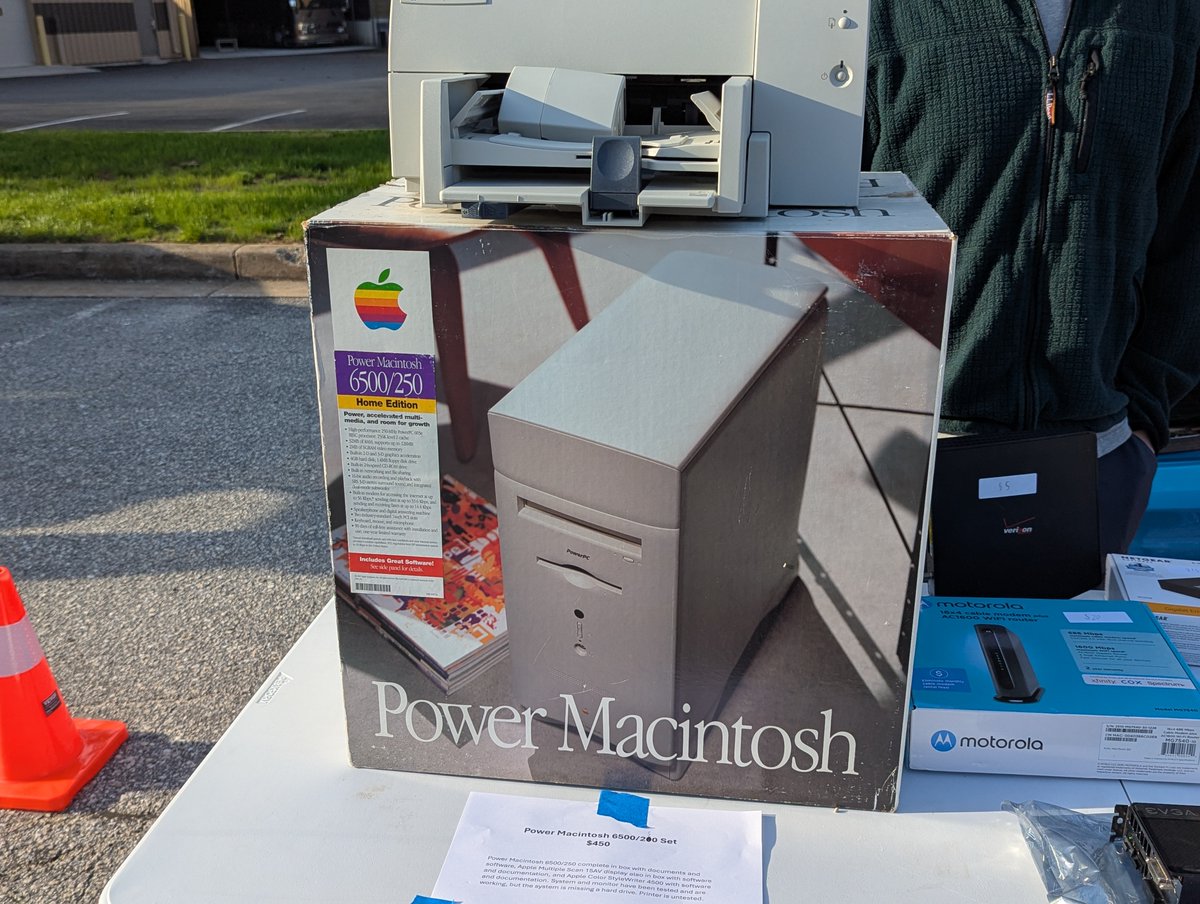
Check out this Power Macintosh in its original box. Now, based on what was in the warehouse, there was some stiff competition for this. I don't think it sold. Image
Image
Image
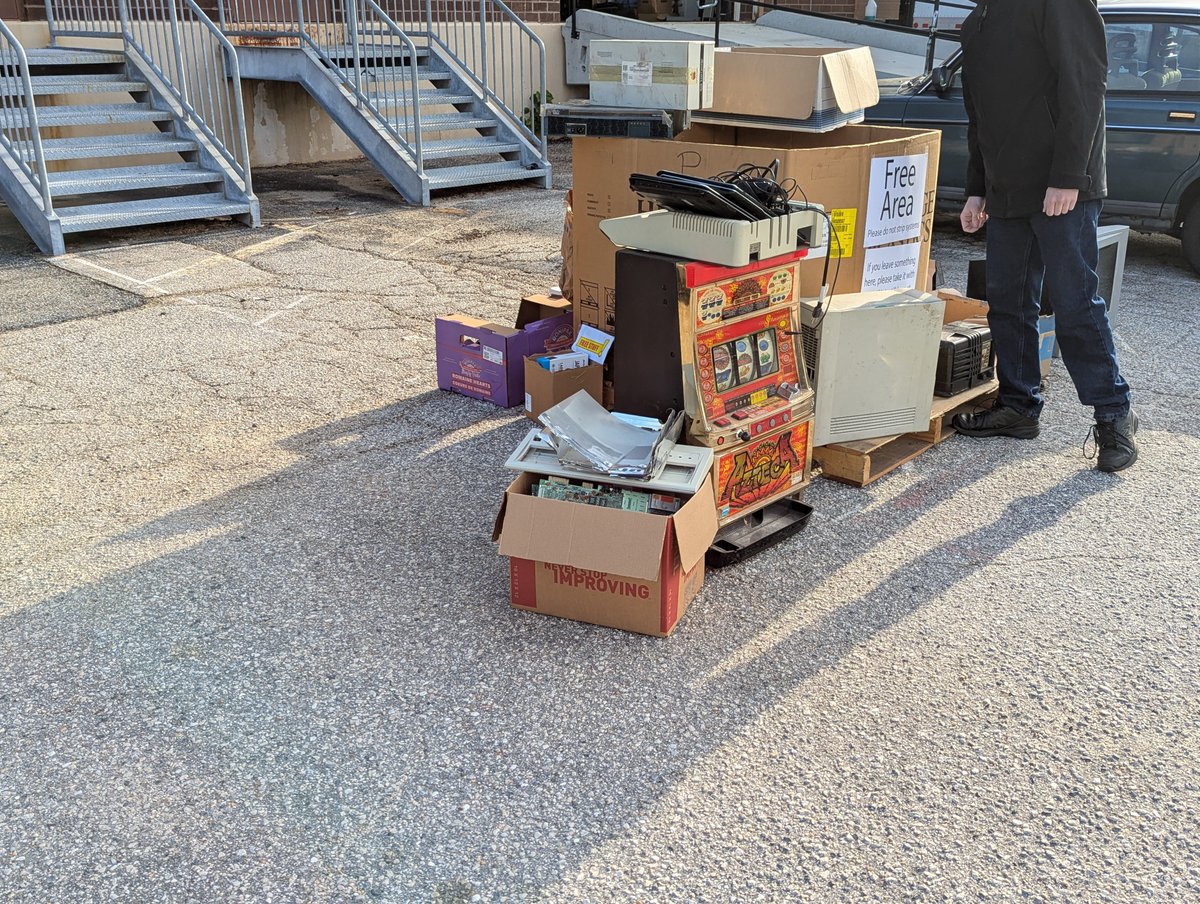
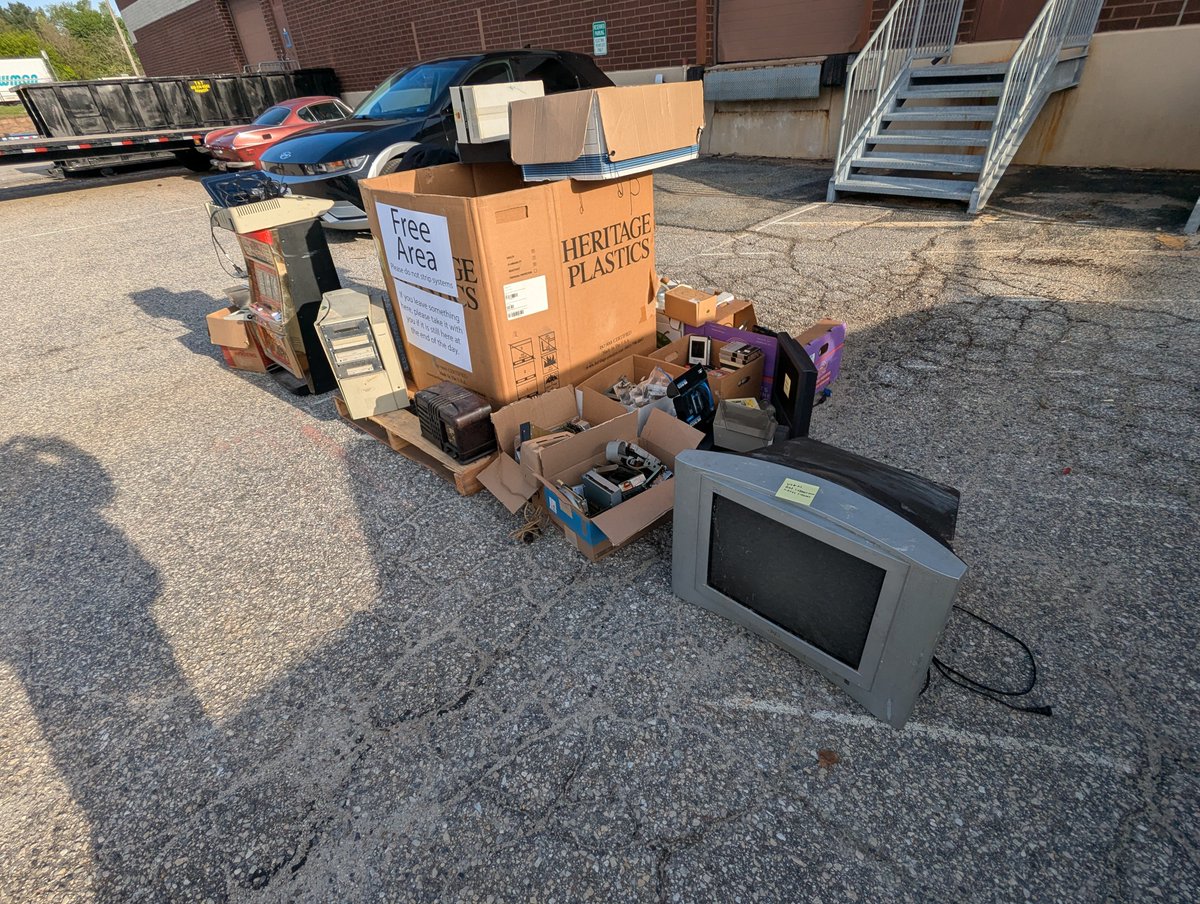
What would a swap meet be without a free pile? The pile did ebb and flow a bit (I think I have more pictures too, we'll get to those), but here is what I saw first thing in the morning! Image
Image
Image
Image
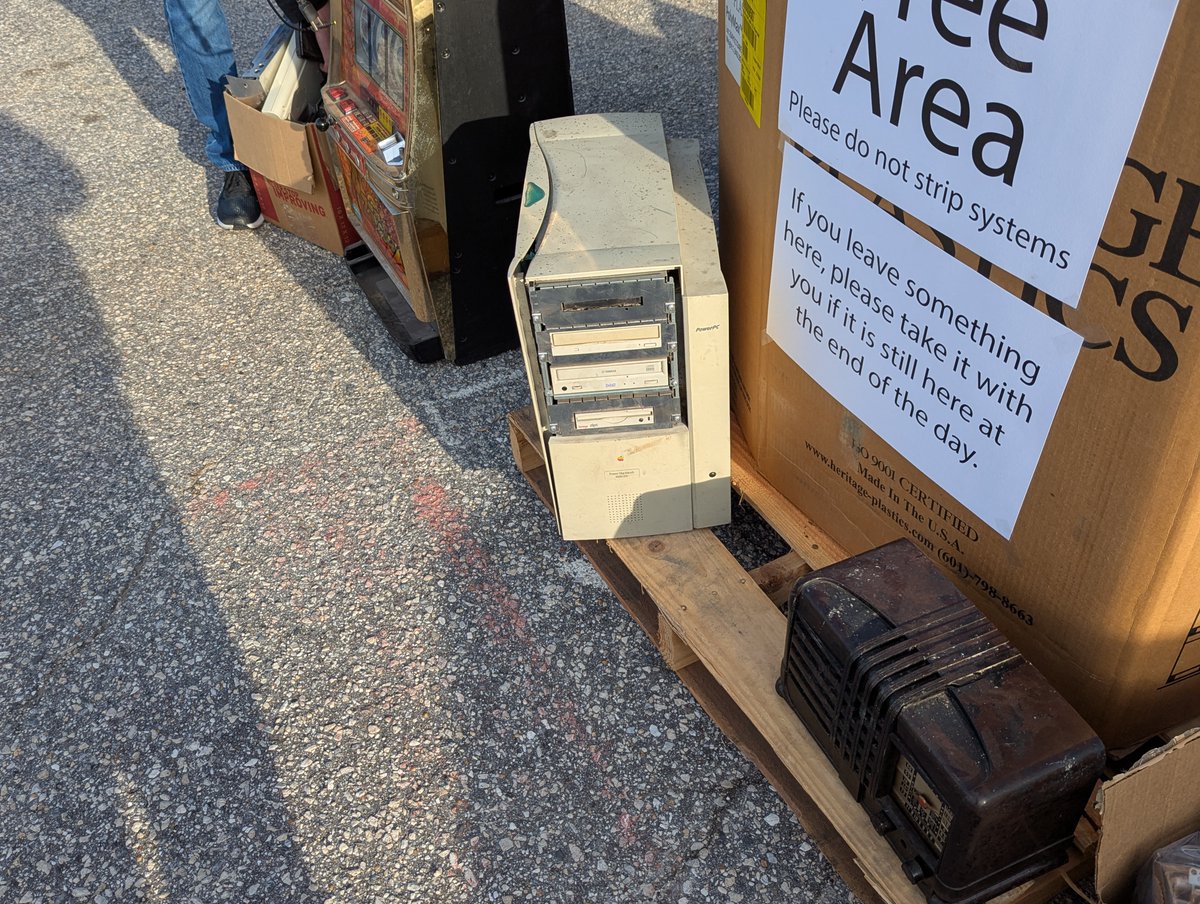
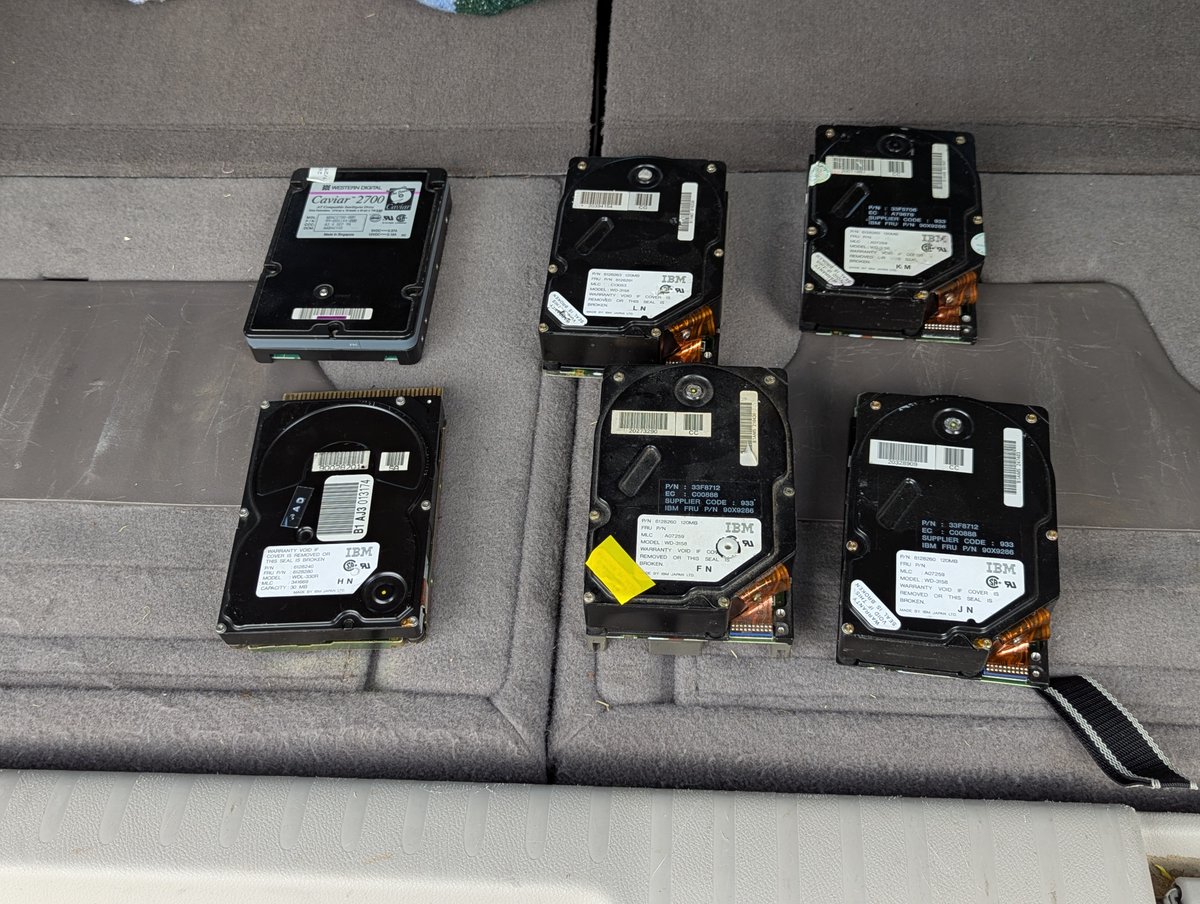
Aaand, weeeeeell, not everything in the free pile was in top shape naturally. But hey, there was some cool stuff there! Can't beat the price, right? Image
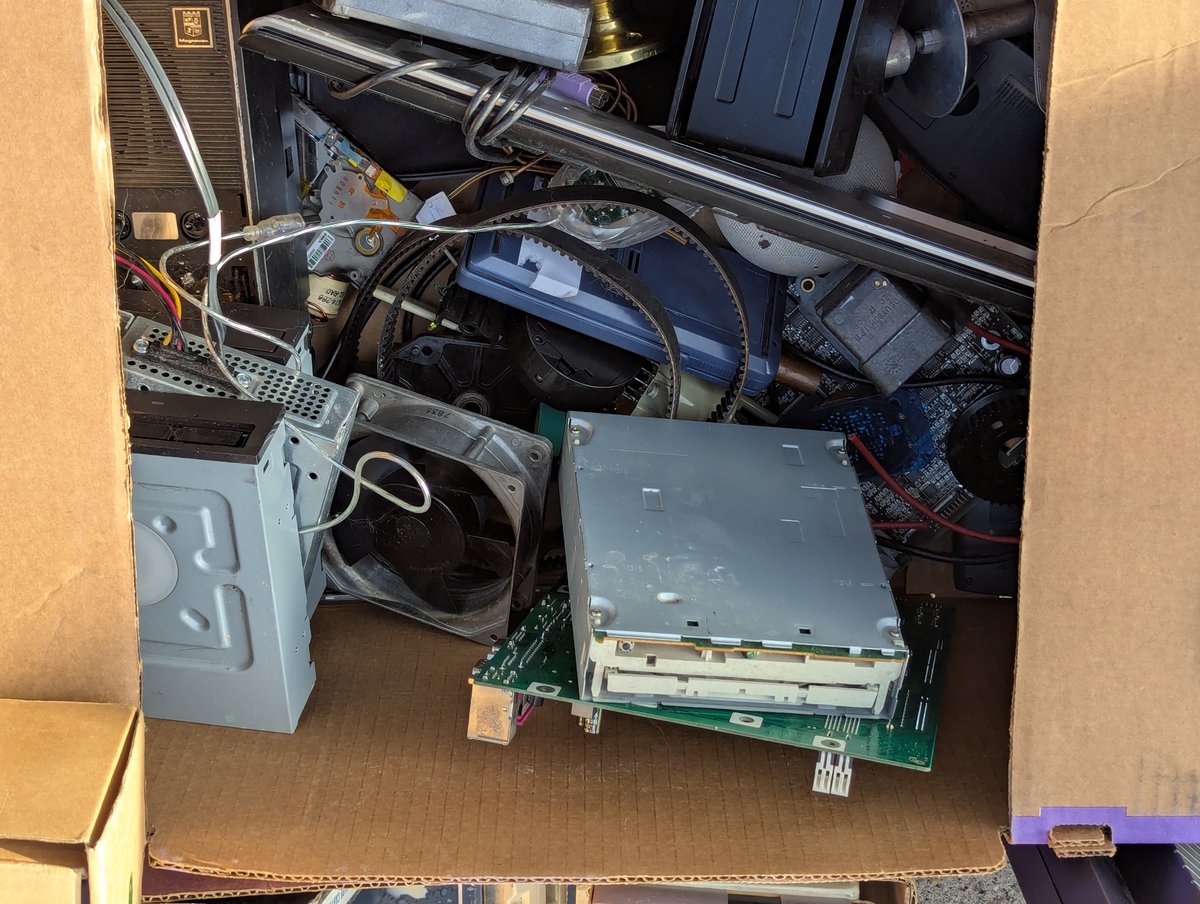
Image
Image
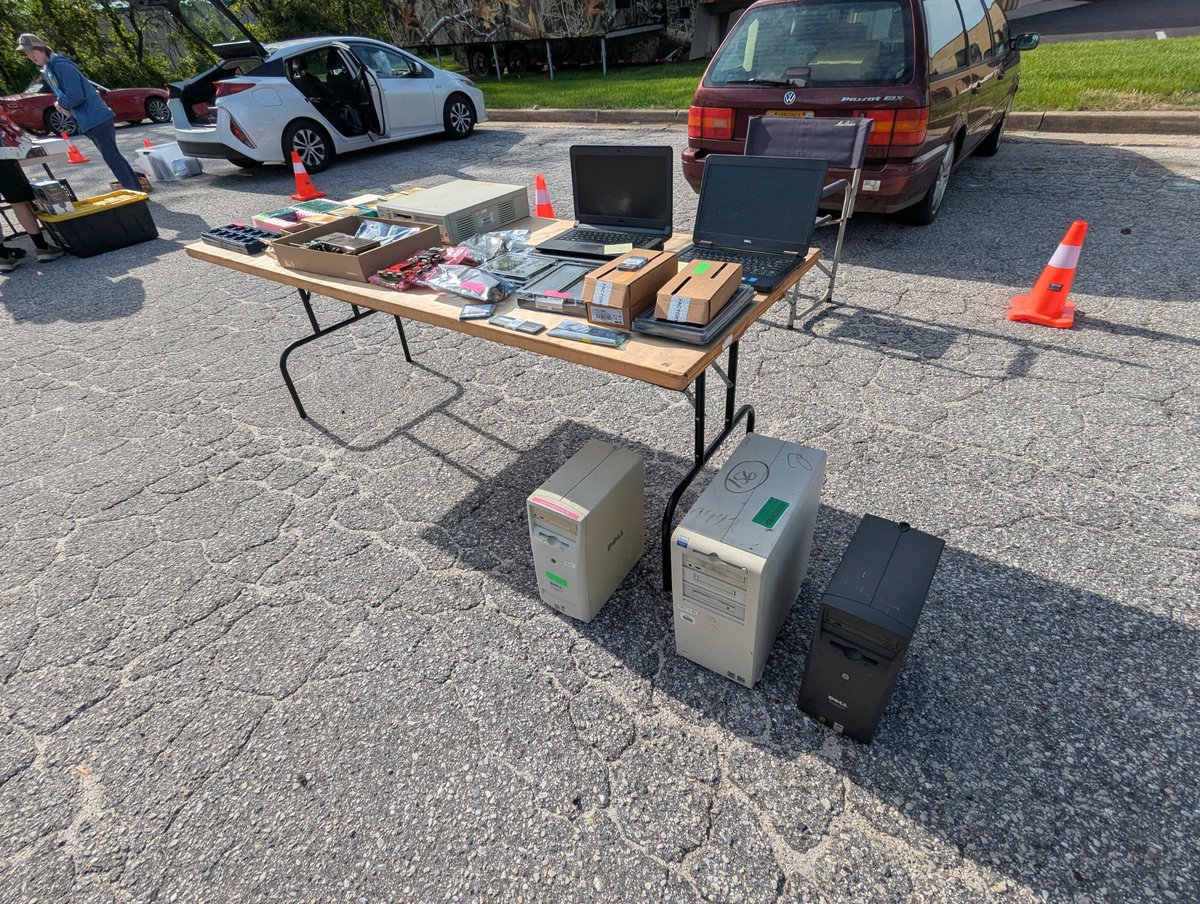
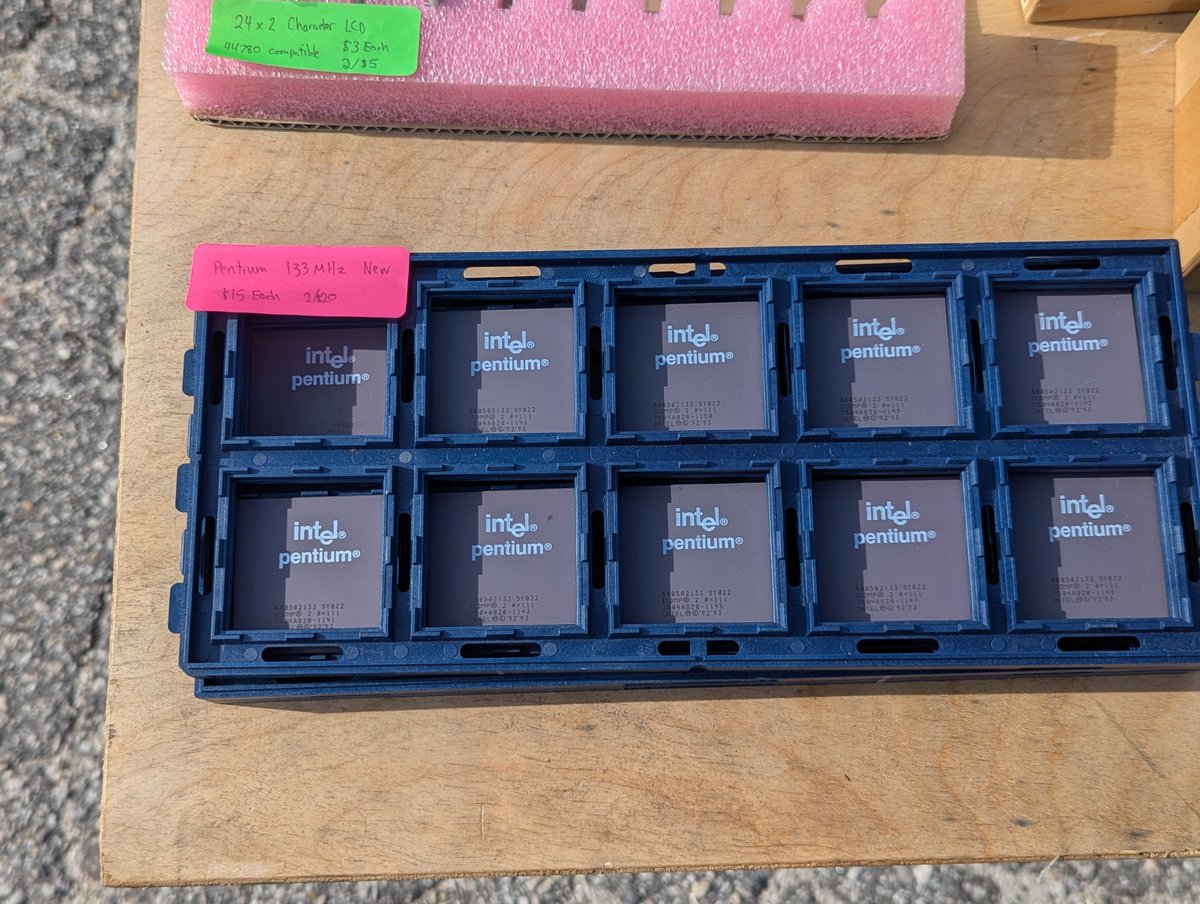
Here are some more vendors, in no apparent order. I love all of those Pentium processors!! Image
Image
Image
Image
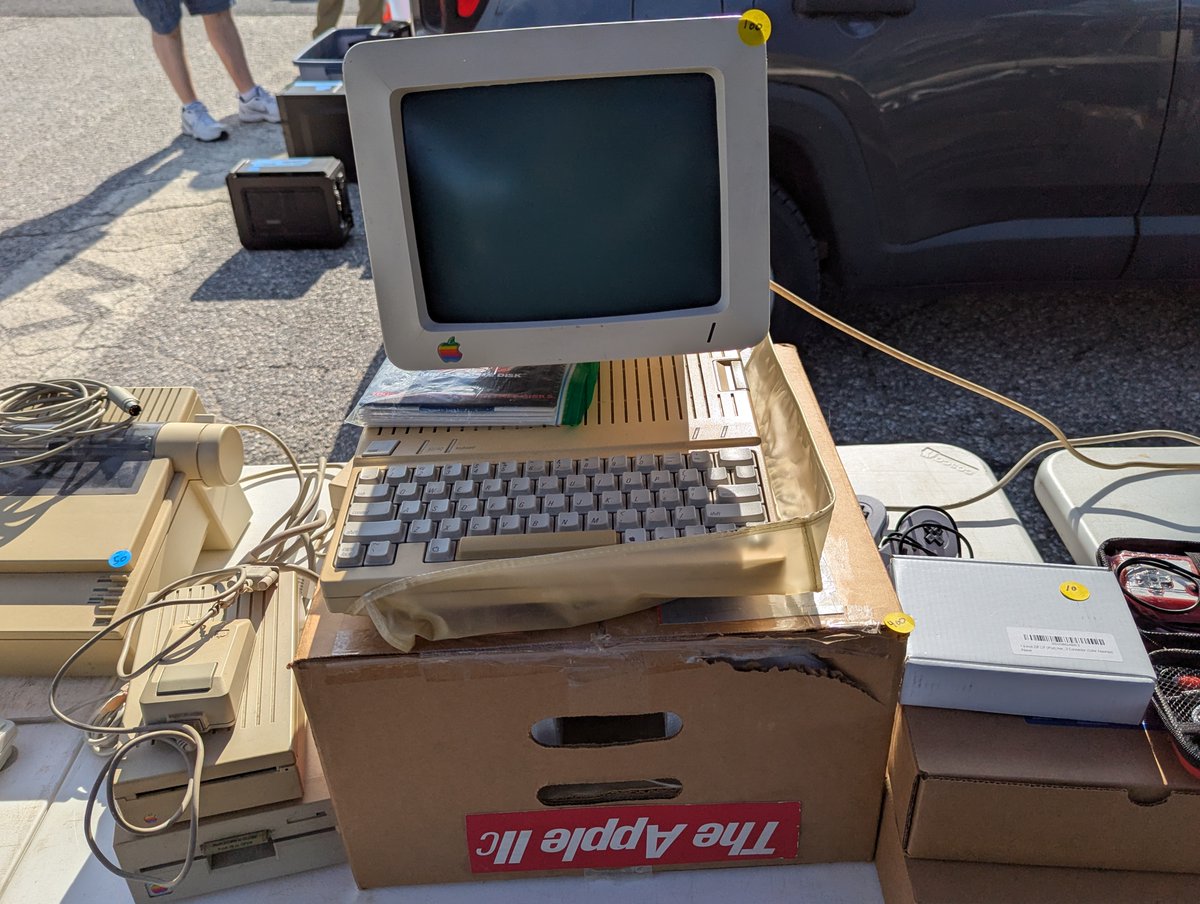
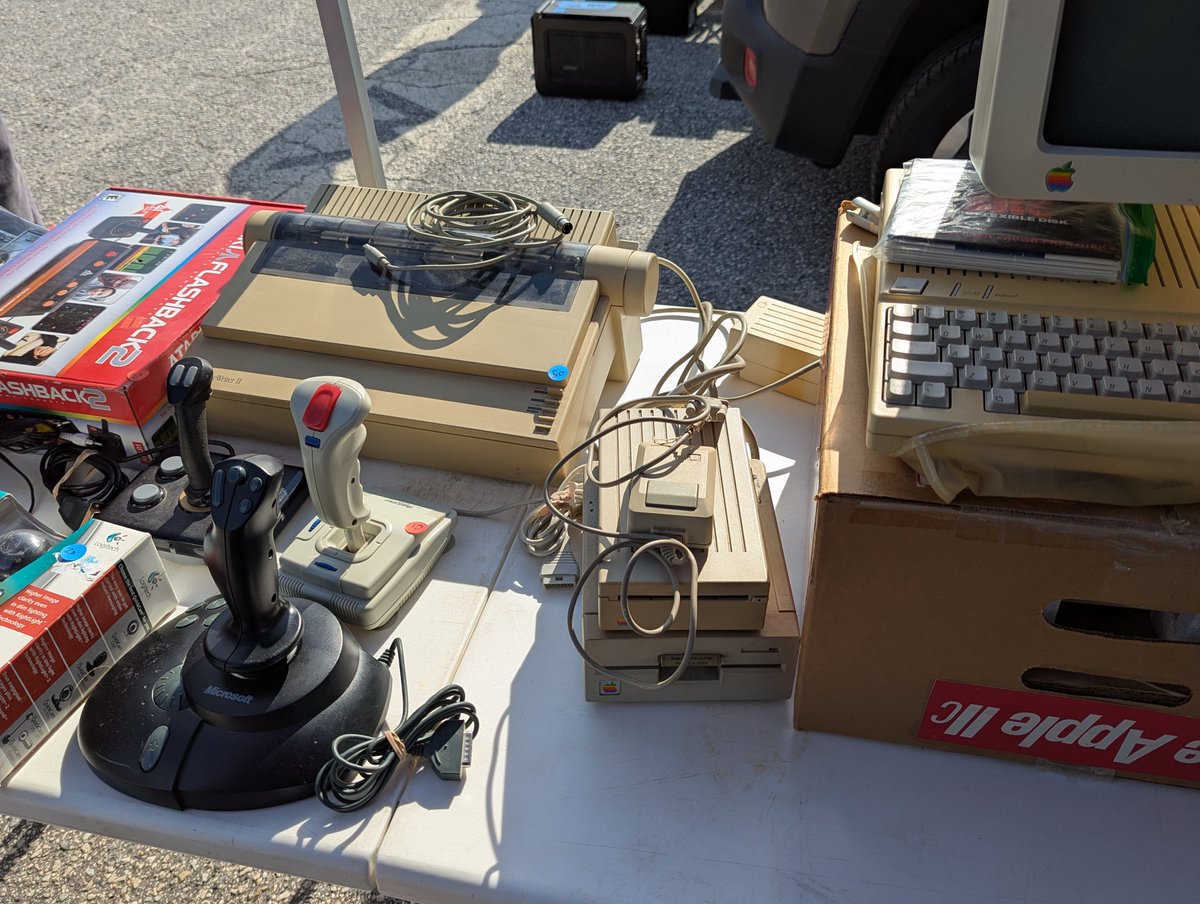
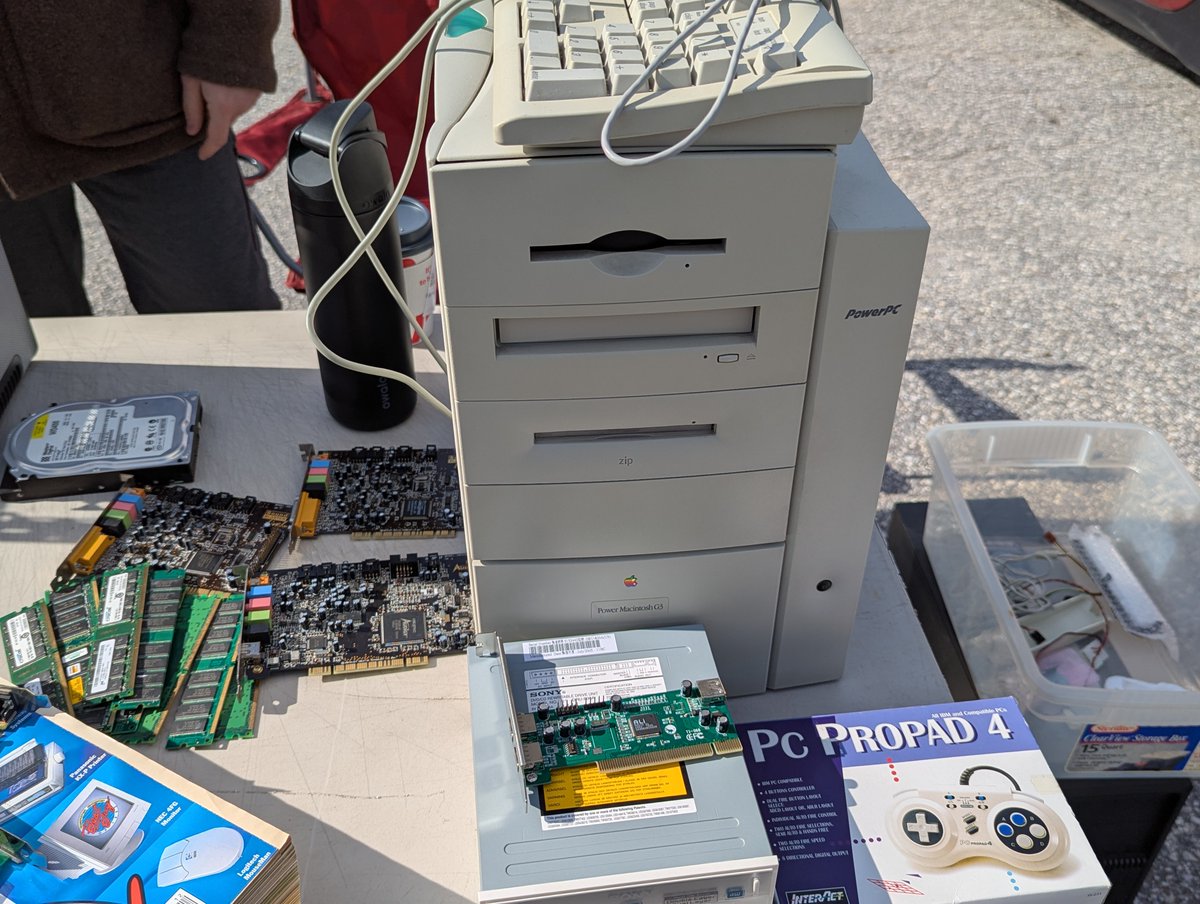
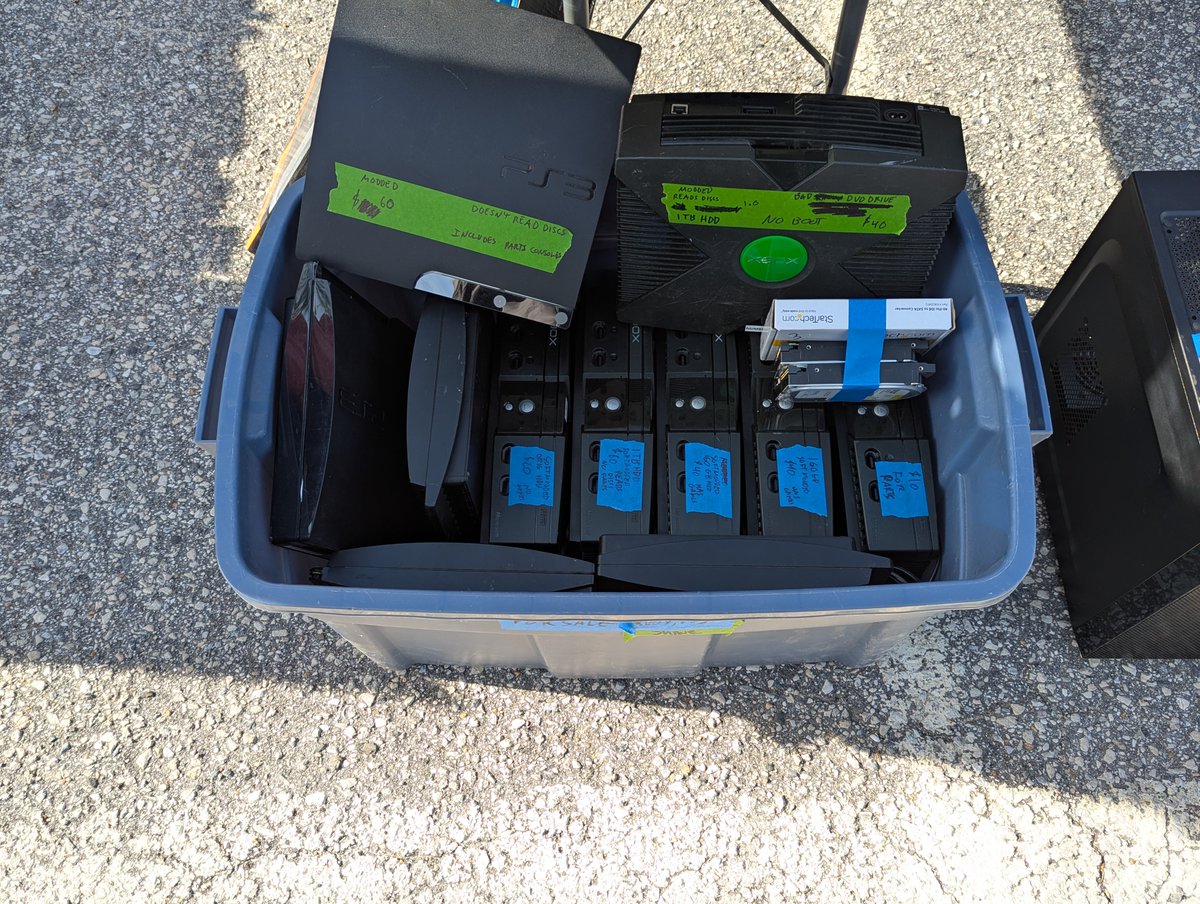
XBox anyone? And check out that cool Apple IIe. And that Power Macintosh? Great shape, and it was going for $20 bucks. I almost brought it home! Image
Image
Image
Image
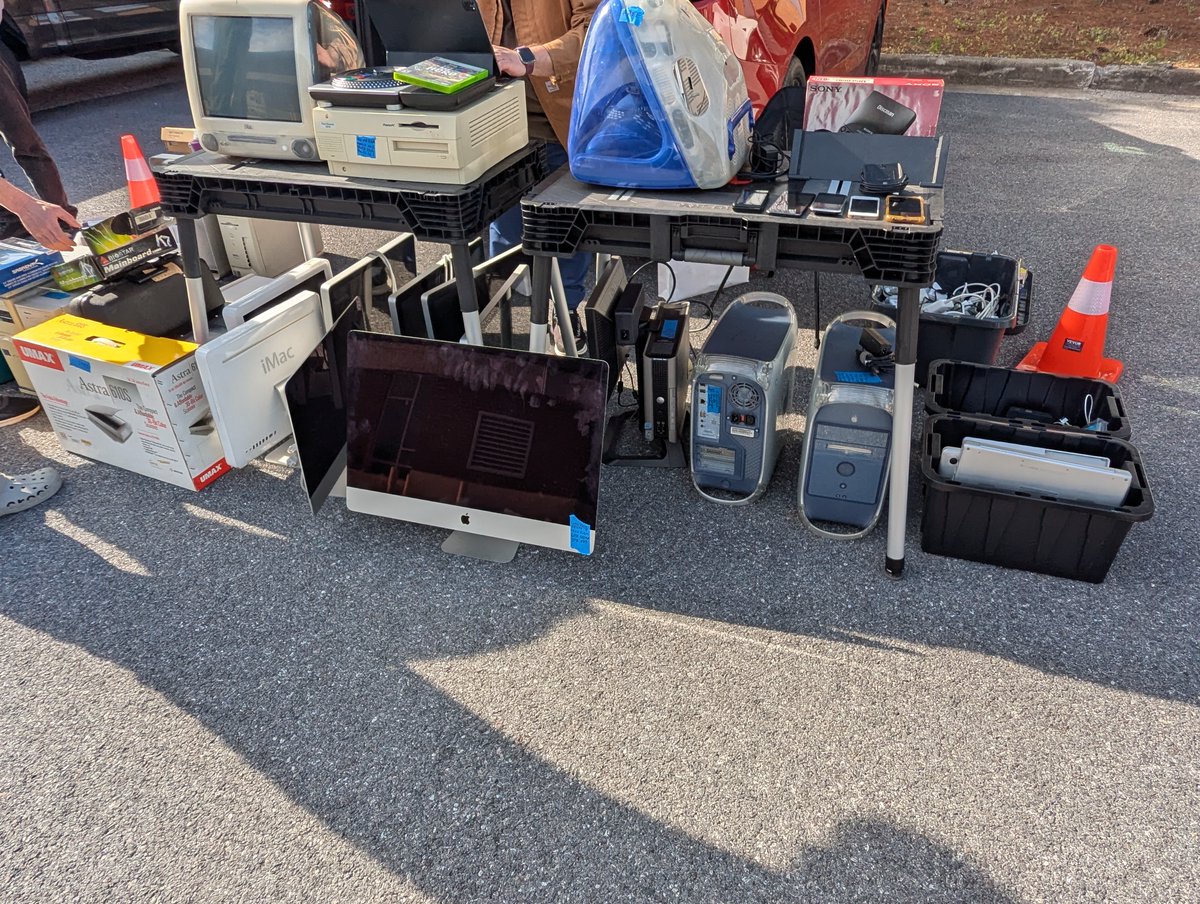
Those Computer Shoppers? They followed me home for $5 bucks a piece!! And those Macs? That's @ActionRetro1 's table! Image
Image
Image
One more pass by the free table, and we see something else that is possibly recognizable! Now, where have we seen this before? šŸ˜‚ Image
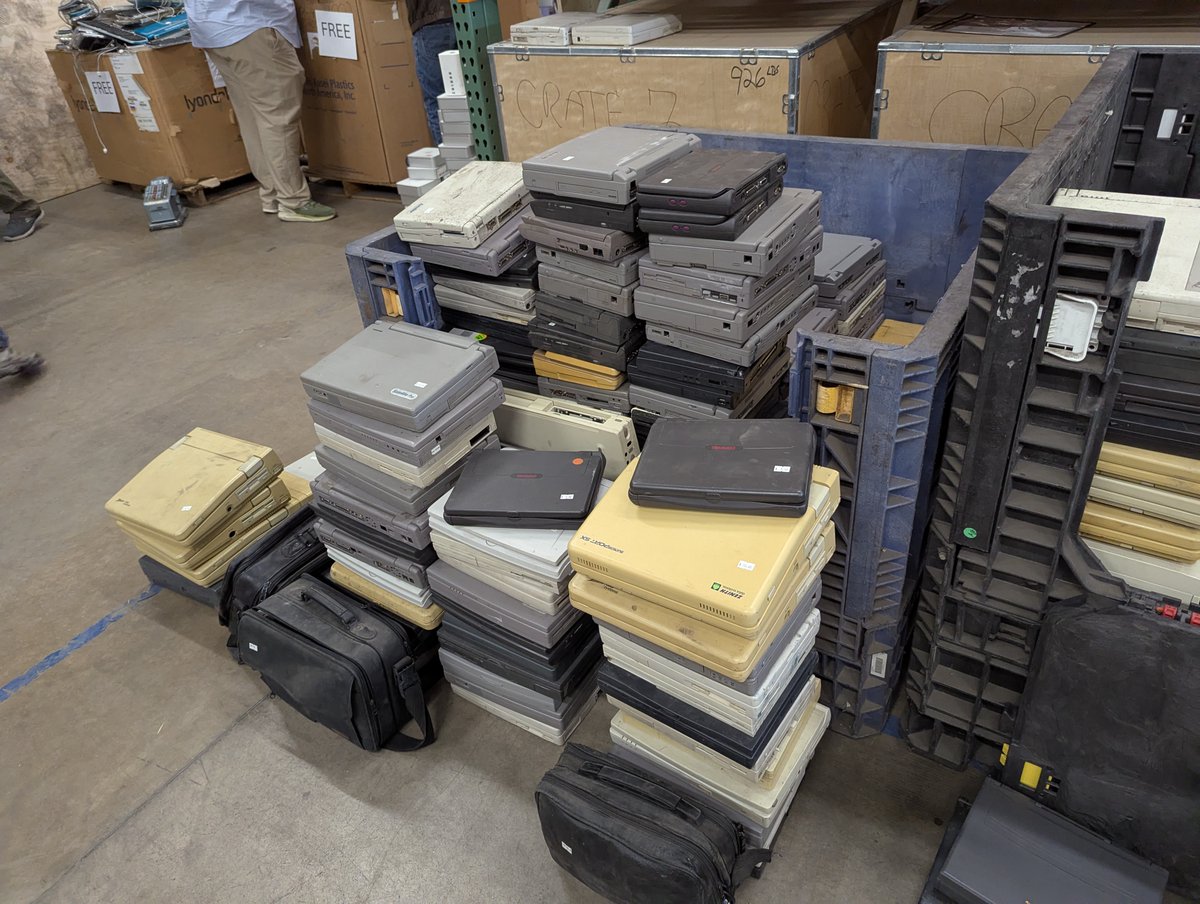
Let's go back into the Warehouse Sale. Oh me, oh my! Laptops galore! Image
Image
Image
Image
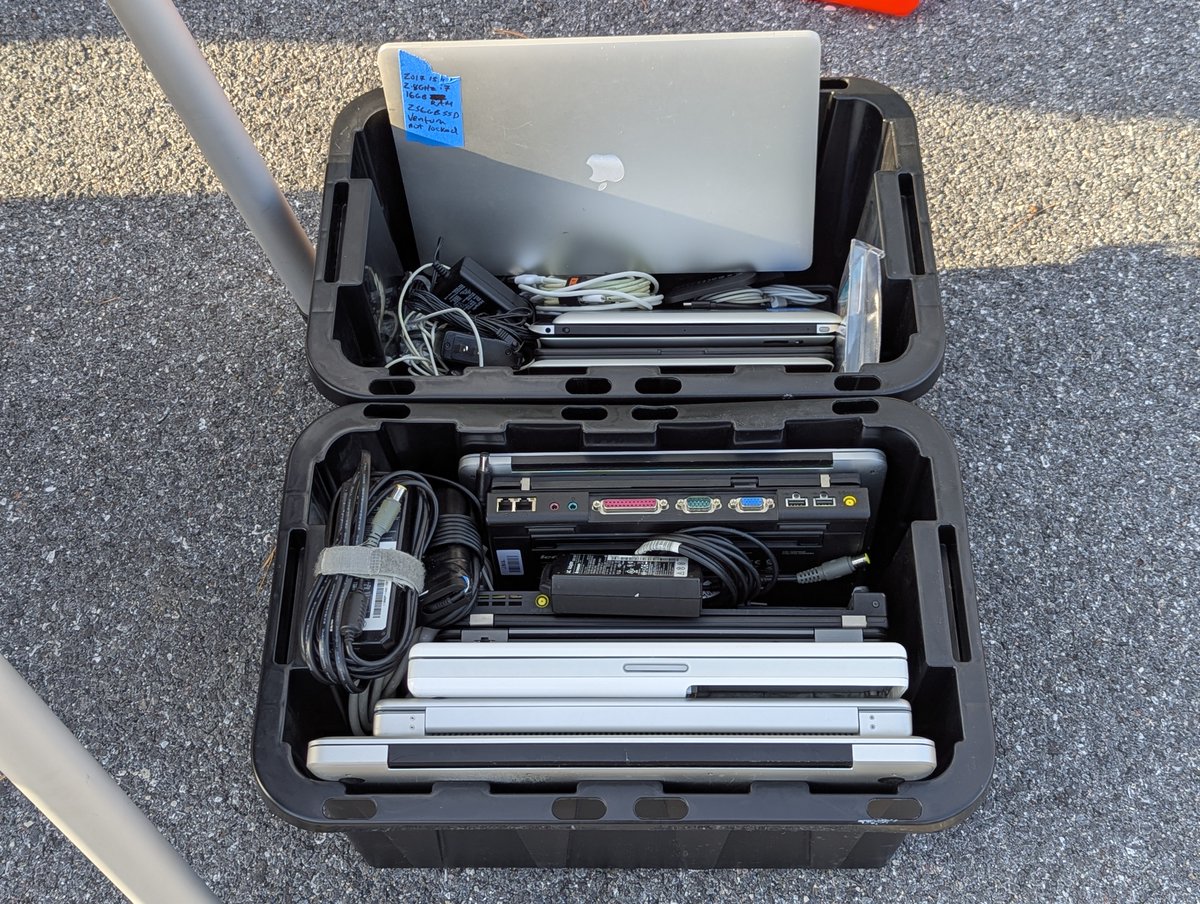
Some laptops were in better shape than others. There was a $5 pile and a $10 pile. But I believe the $5 and $10 items were buy two, get one free!!! Image
Image
Image
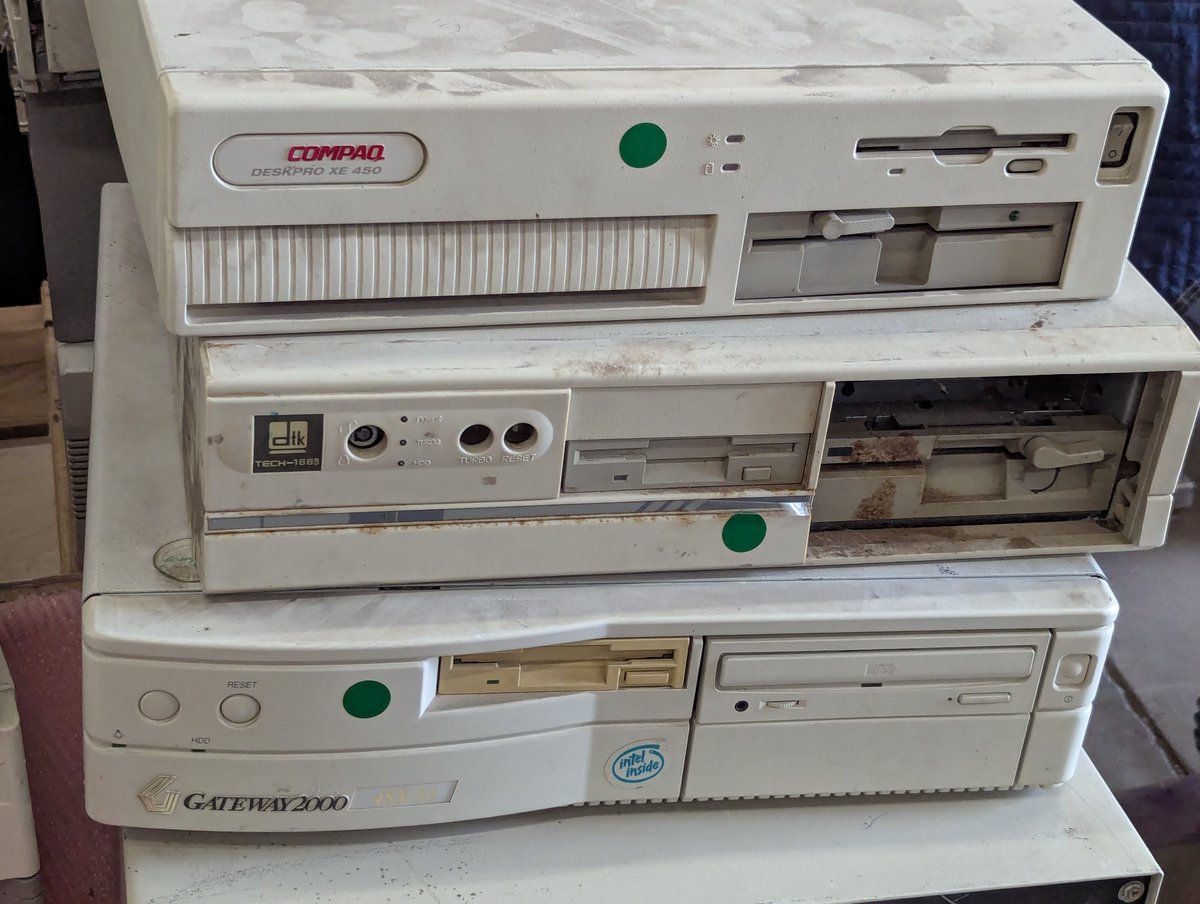
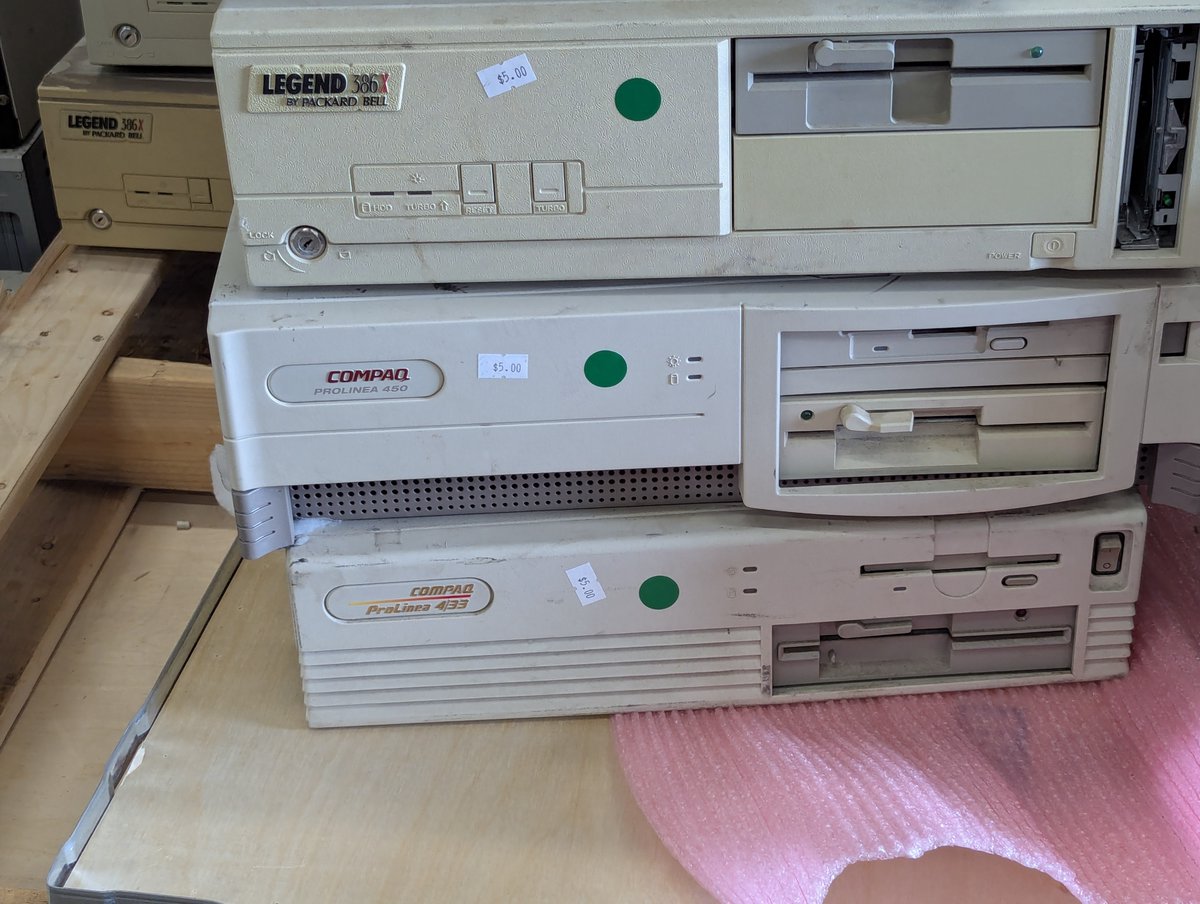
I have to exercise CONSIDERABLE restraint for the PCs. $5 bucks a piece. But don't delay: the same guy who cleared out a lot of Apple stuff last time was back again this time. He bought all remaining PC clones. Image
Image
Image
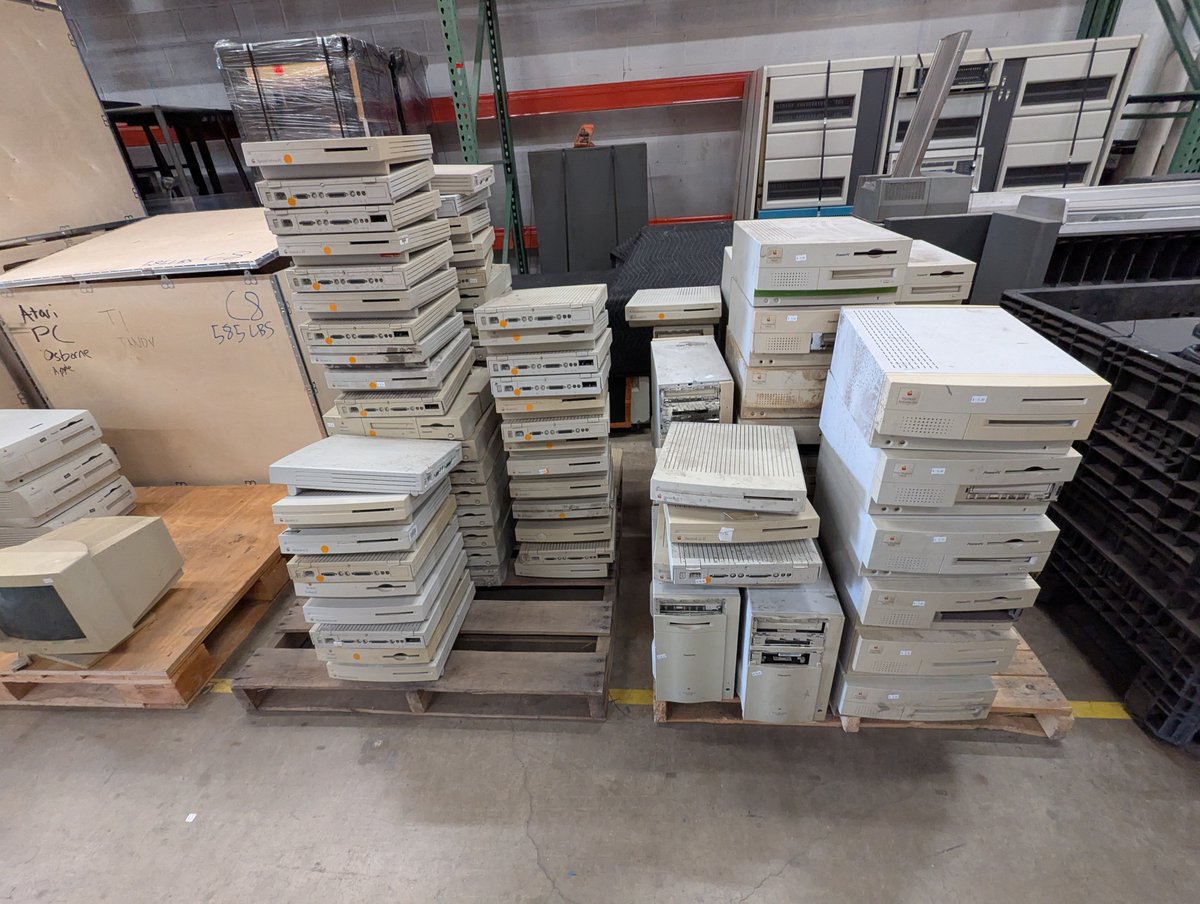
It's like it never ends. $10 Apple monitors? WOW! The PCs were also reasonably priced, I don't remember how much. $40 I think? Image
Image
Image
Image
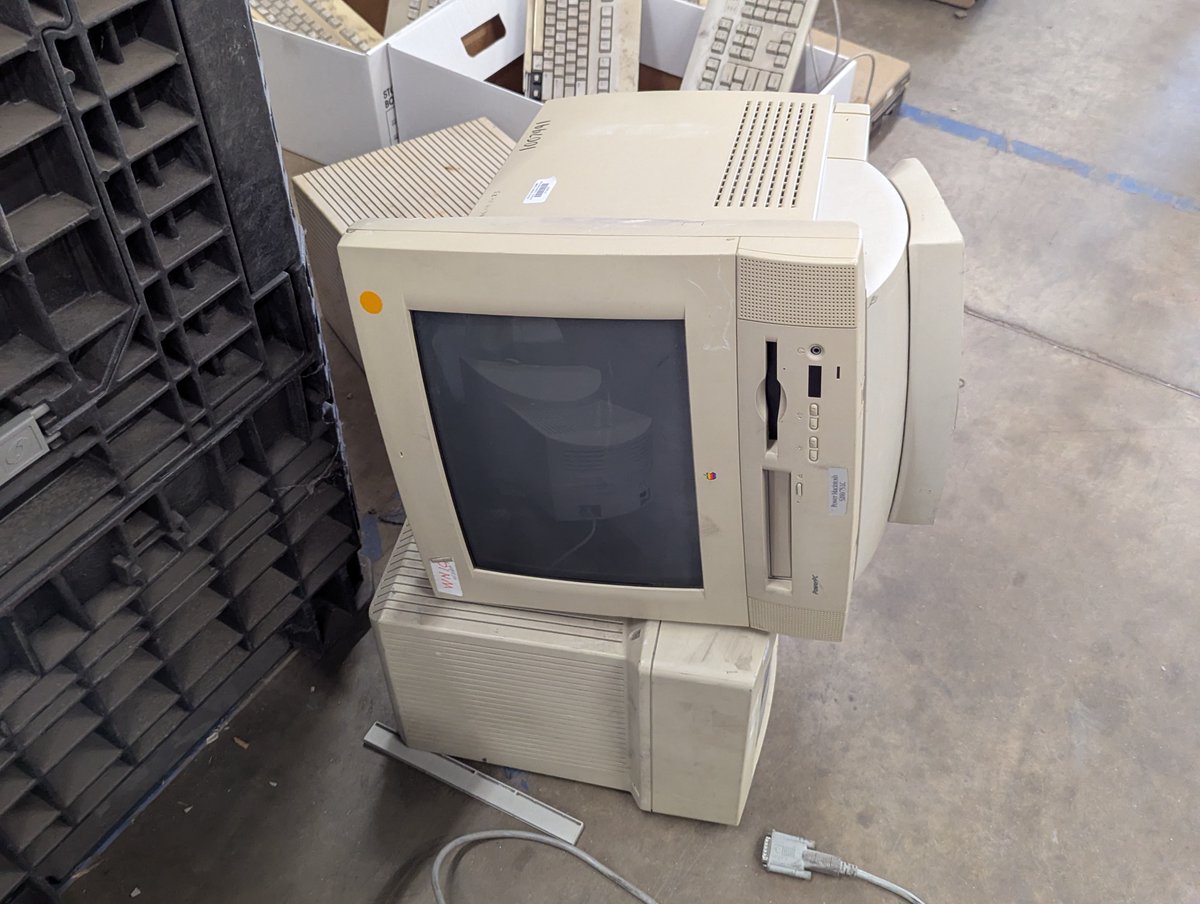
I thought about picking up this Macintosh! But I just don't know about getting into another collecting ecosystem šŸ˜…. But I did see my friends who collect Macs... @torbar and @Mac84tv !! Image
Image
Image
There was even a PCjr or two for sale!! $20 bucks and it could have been yours. Incredible! Image
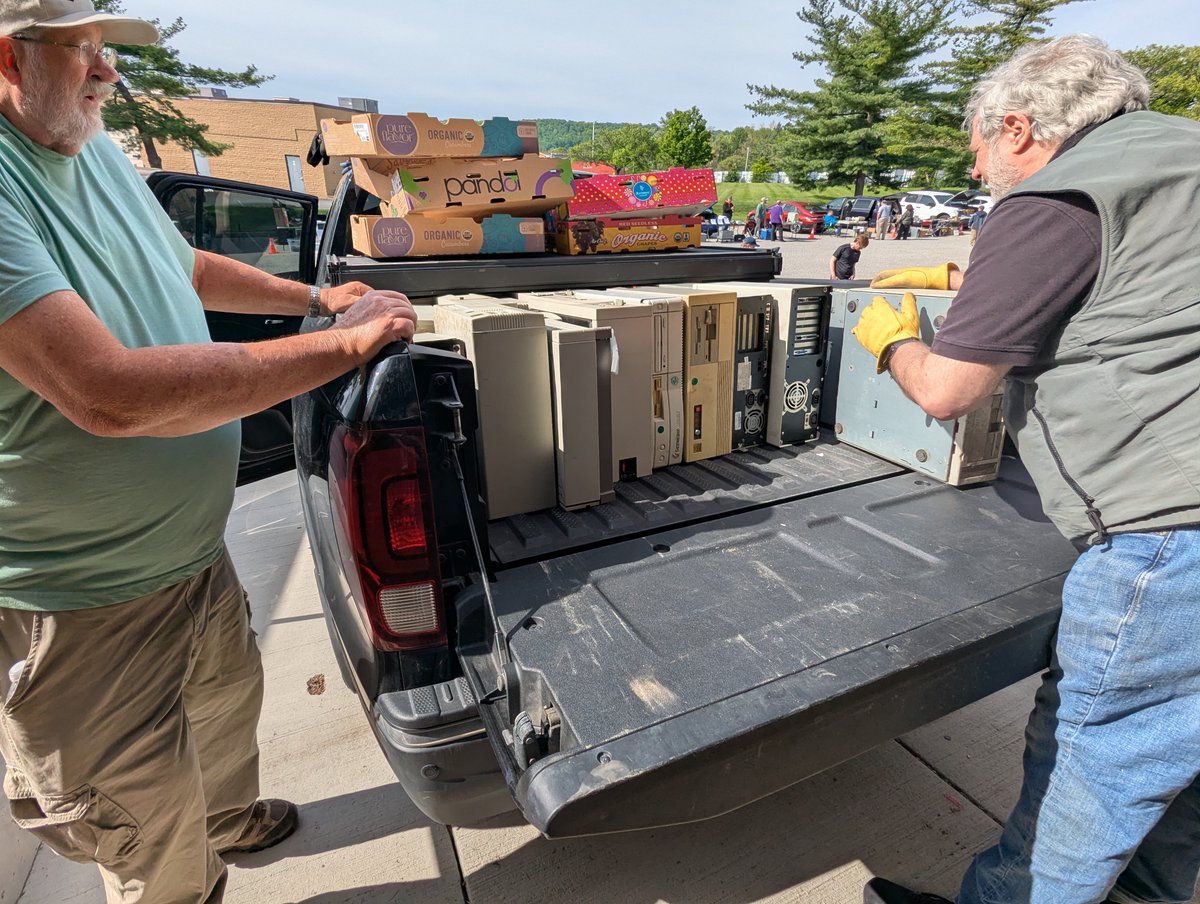
So what did I bring home? Let's watch the back of the van progressively build up šŸ˜‚. This is more than I wanted to bring home, but oh well. Impulse control must not have joined me on this trip! Anyway, thx for reading!! See you soon!

@threadreaderapp unroll Image
Image
Image
Image

• • •

Missing some Tweet in this thread? You can try to force a refresh

怀

Keep Current with RetroTech Chris
RetroTech Chris Profile picture

Stay in touch and get notified when new unrolls are available from this author!

Read all threads

This Thread may be Removed Anytime!

PDF

Twitter may remove this content at anytime! Save it as PDF for later use!

Try unrolling a thread yourself!

how to unroll video
  1. Follow @ThreadReaderApp to mention us!

  2. From a Twitter thread mention us with a keyword "unroll"
@threadreaderapp unroll

Practice here first or read more on our help page!

More from @RetroTechChris

Apr 27
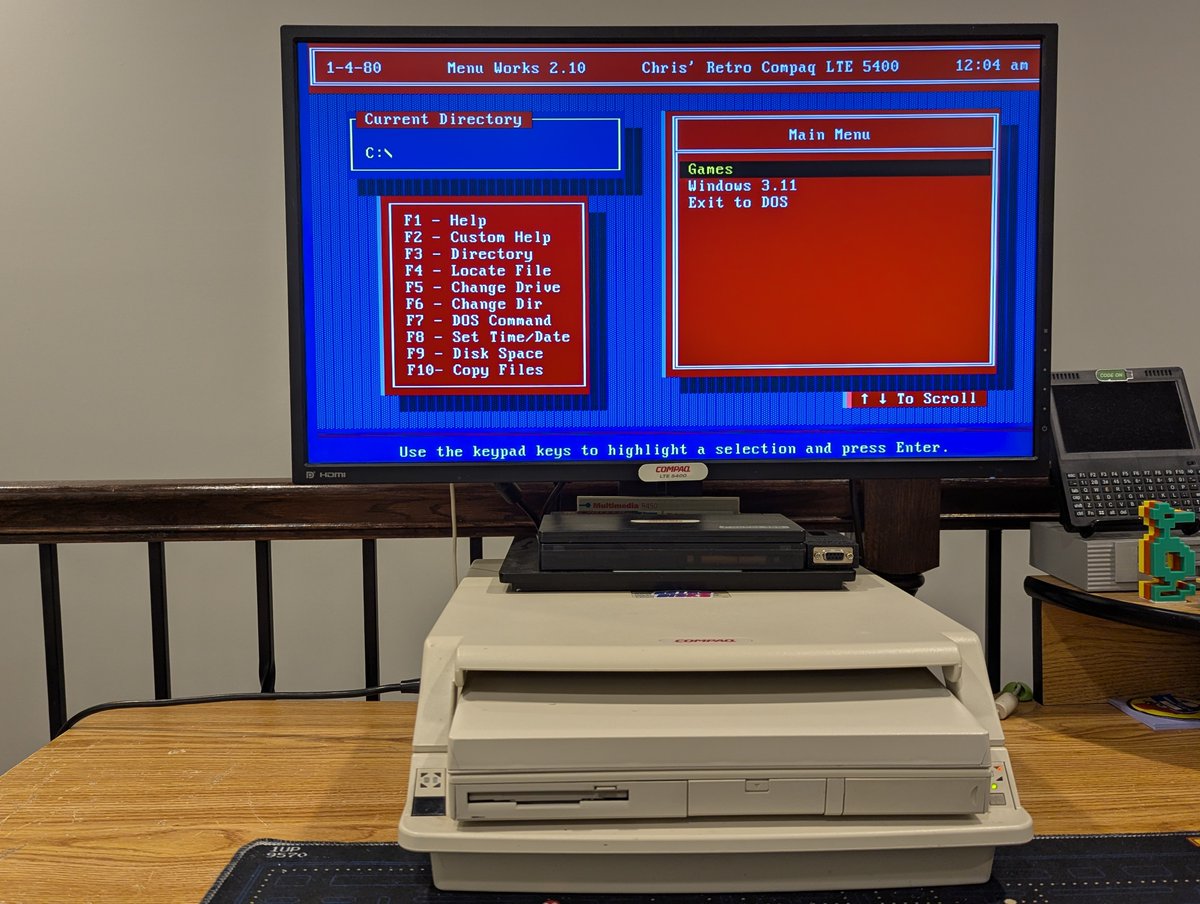
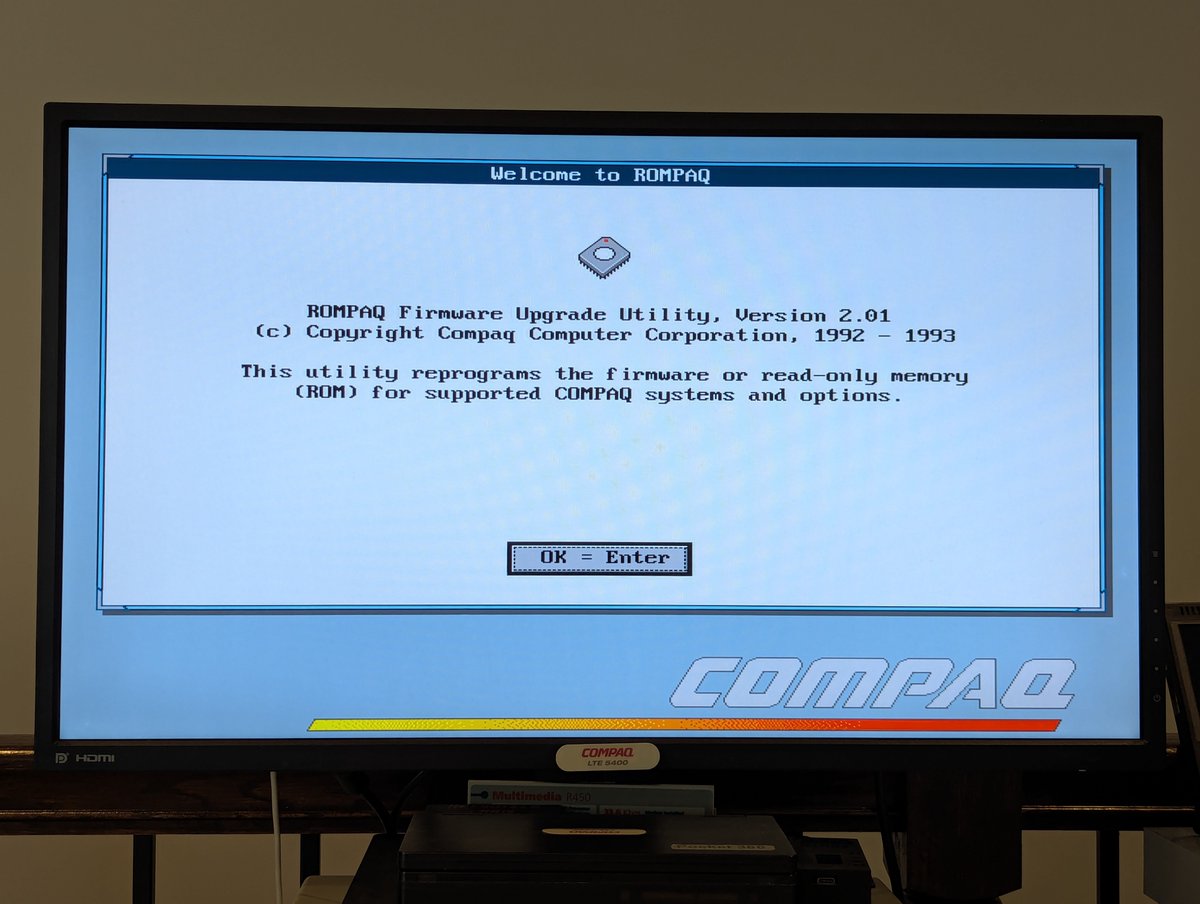
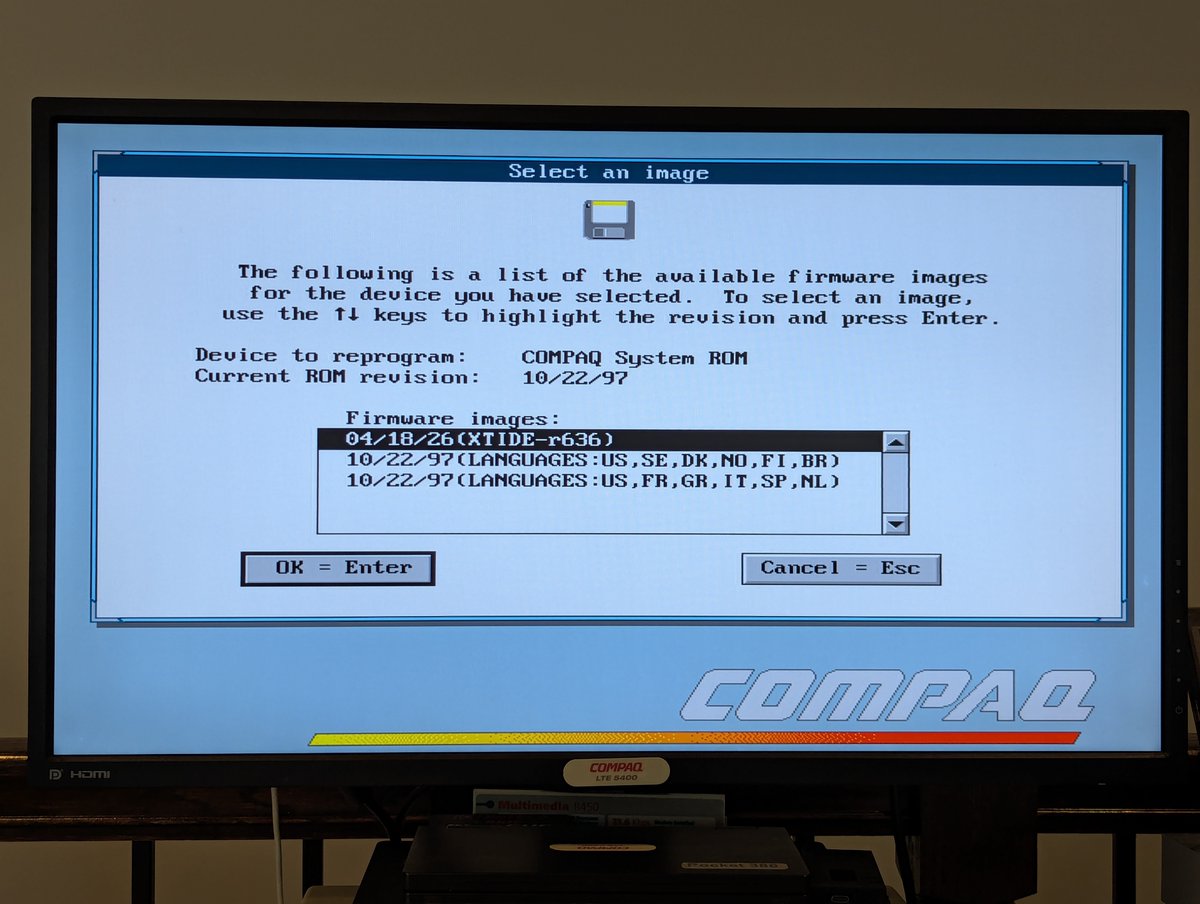
Recently I updated the BIOS on my Compaq LTE 5400 to support large hard drives. However, this ended up causing a few other issues I had to solve. Anyone remember battling with DOS conventional memory and dealing with driver issues? Well... here we go! 🧵 Image
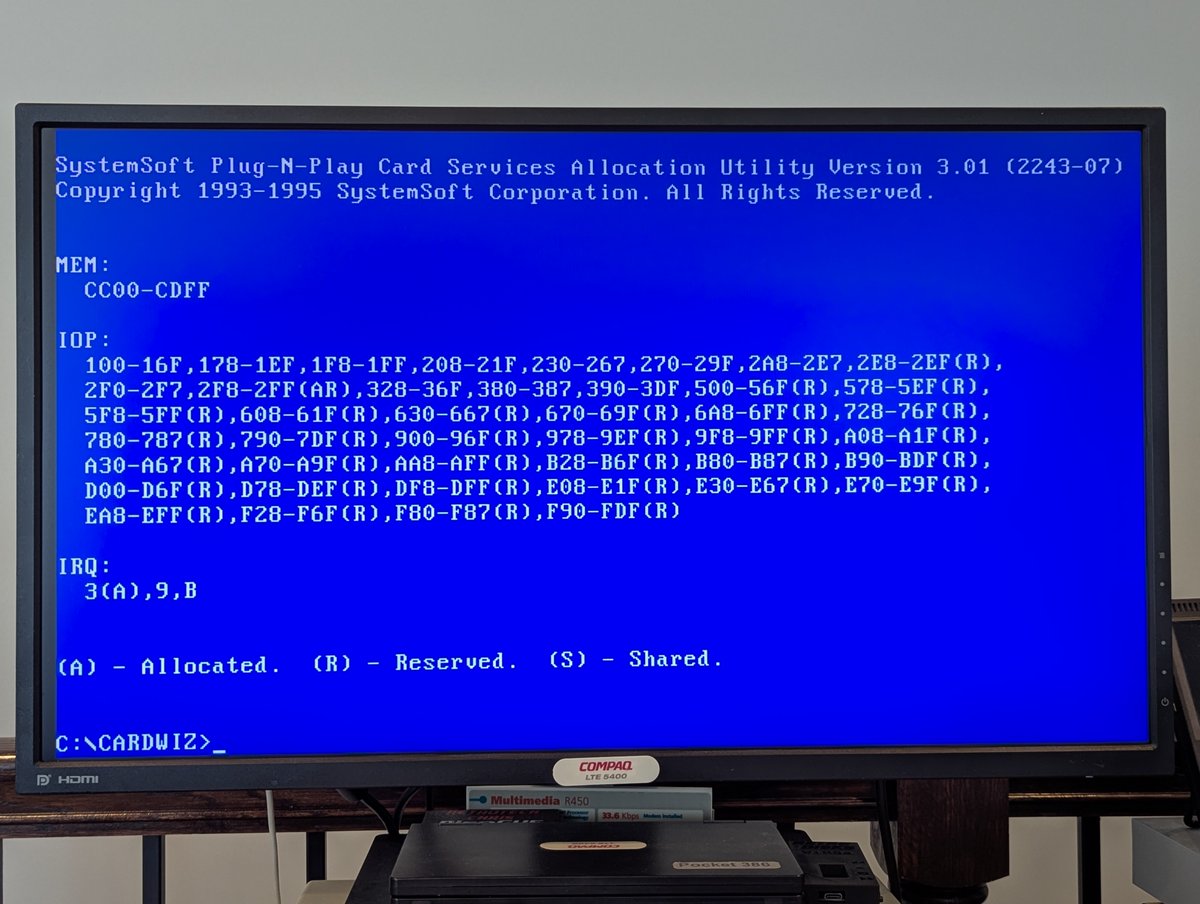
As I noted in the opening post, I upgraded the BIOS. This upgrade basically adds XTIDE to the system to support large hard drives. But, XTIDE is what is known as an option ROM. Which means that it is going to take a slice of the "upper memory area" in order to work. Image
Image
Image
This caused two issues for me. First, my PCMCIA network card tended to "live" in the region that is now used by XTIDE. Okay, no problem. This computer uses SystemSoft software to manage PCMCIA. Through trial and error, I moved its memory region elsewhere. Network card fixed! Image
Image
Image
Read 10 tweets
Apr 25
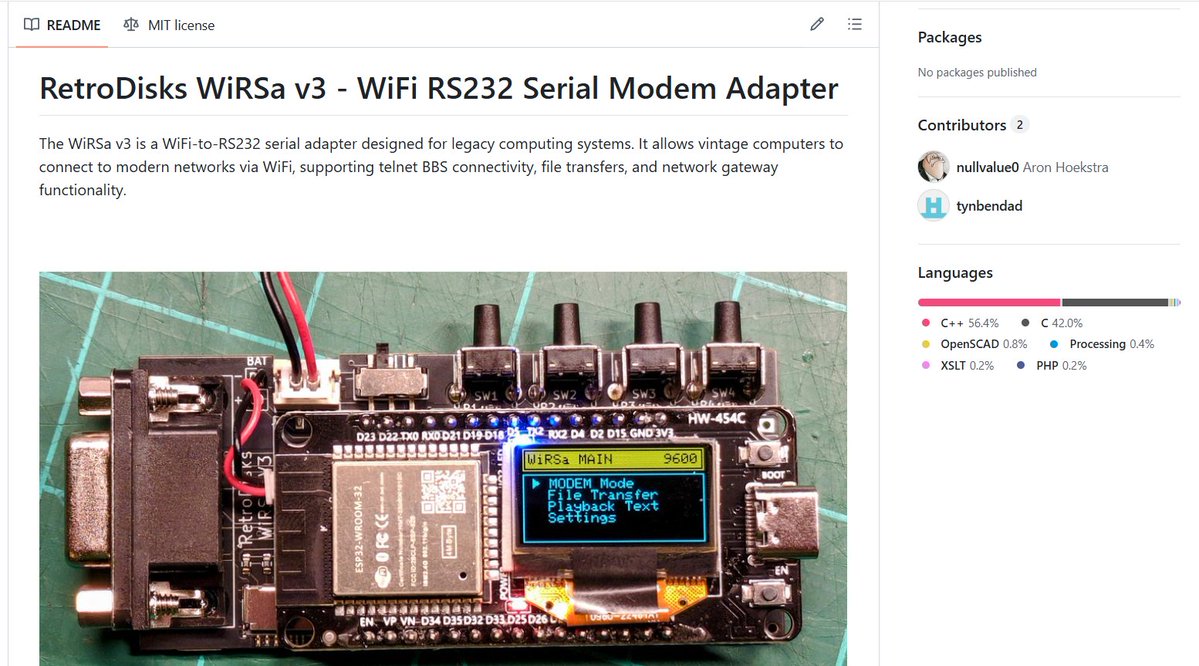
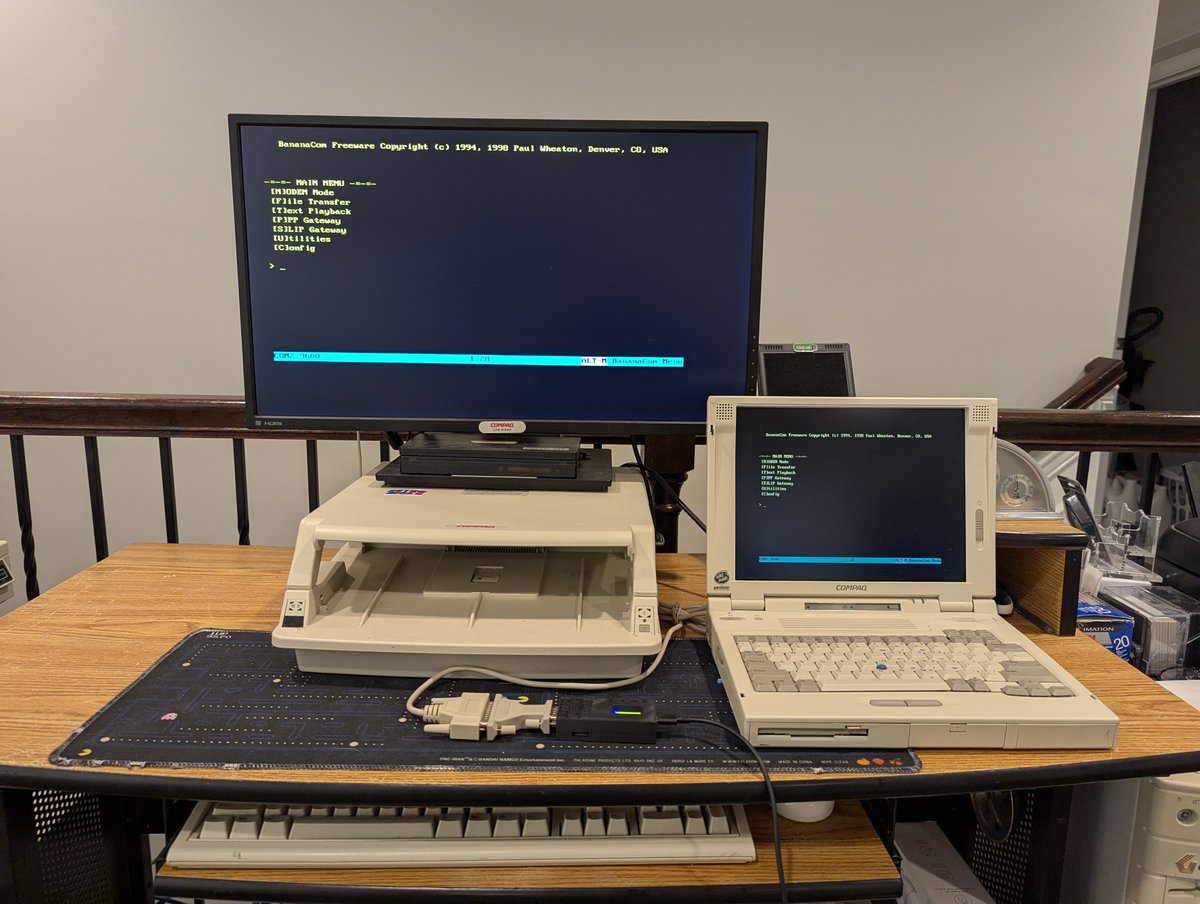
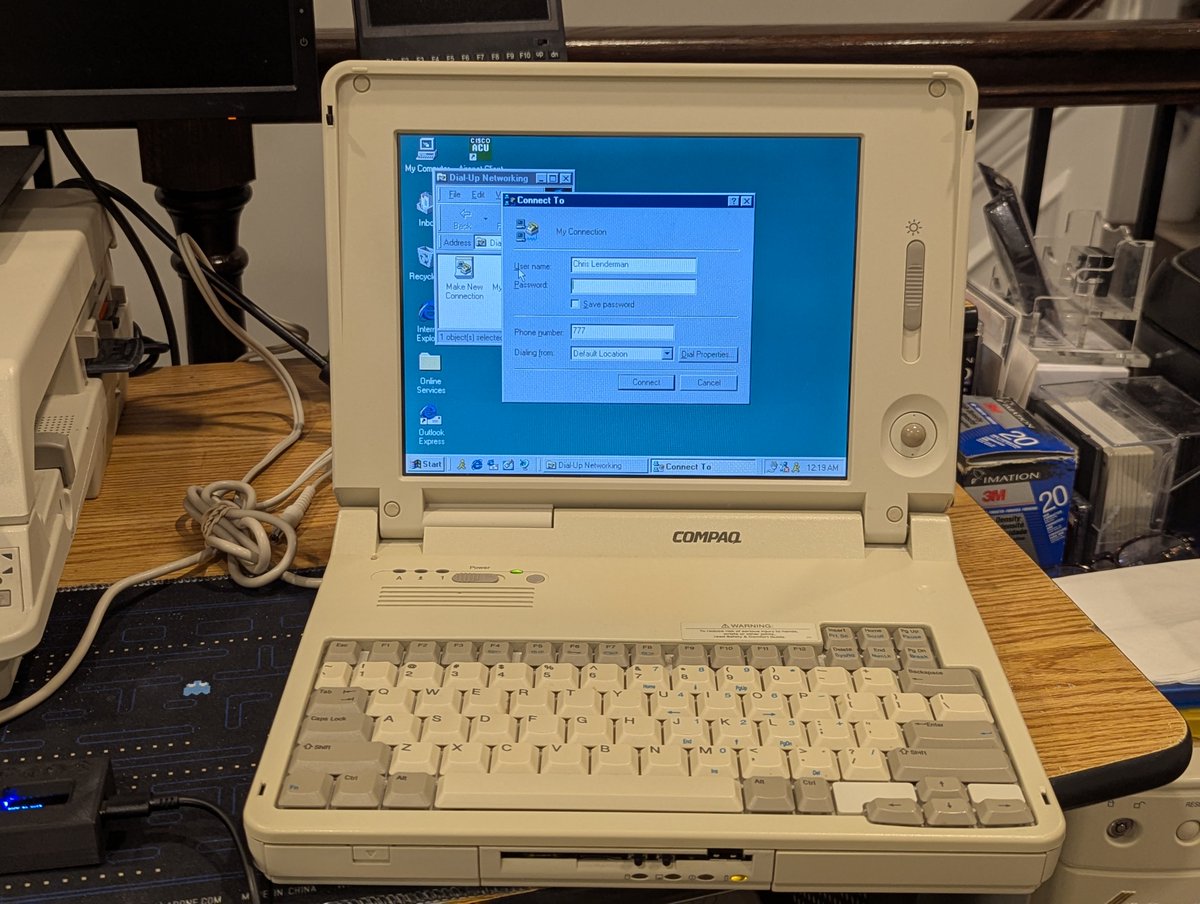
If you know me, you know that I like retro connectivity! Recently I picked up this most excellent WiRSa v3 (WiFi to Serial Adapter) from RetroDisks. It provides many ways to get online. Let's go through them and talk about my experiences with this device in a 🧵 here! Image
Image
Image
Image
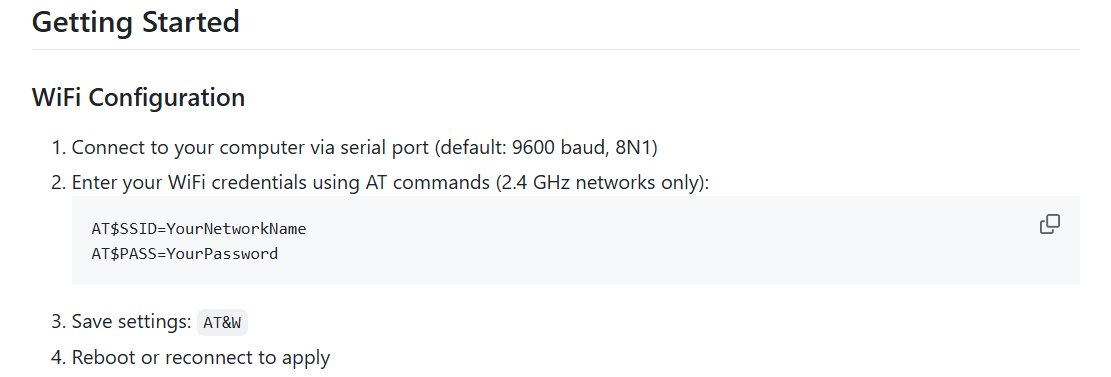
So, first, from the first post, you saw a picture of the device. I pulled that from the GitHub page that explains how to use this thing. You can find it here: github.com/nullvalue0/WiR…Image
Alright, let's explore. So, when you get the device, the first thing you get to do is configure WiFi! You can either do that the manual way, or the automated way. This device is smart enough to detect nearby networks, which is pretty stellar! Image
Image
Read 17 tweets
Apr 21
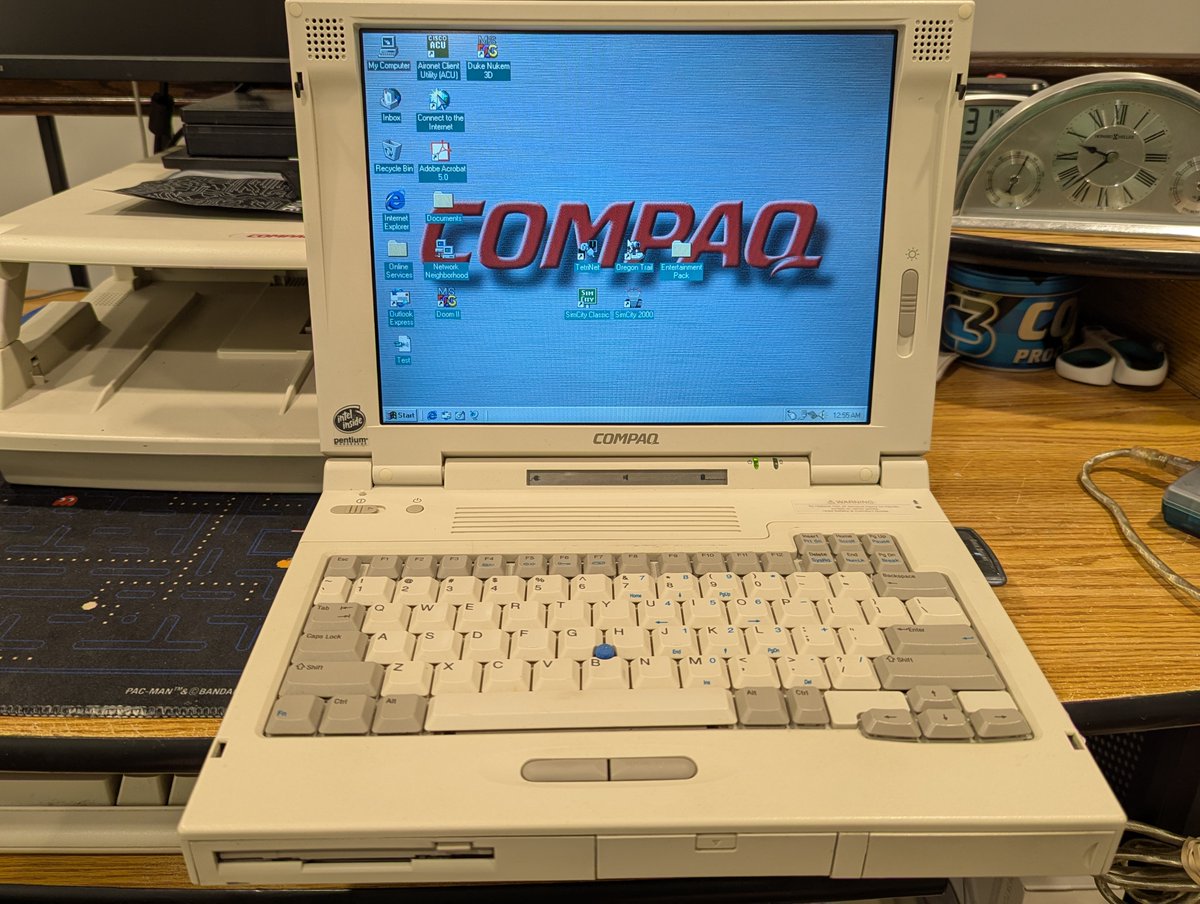
Can we add a 240 GB SSD to this Compaq LTE 5400 laptop from 1996 running Windows 95? Yes, yes we can, and it just got easier with a recent breakthrough! Let's talk about it in a 🧵 here! Image
Image
Image
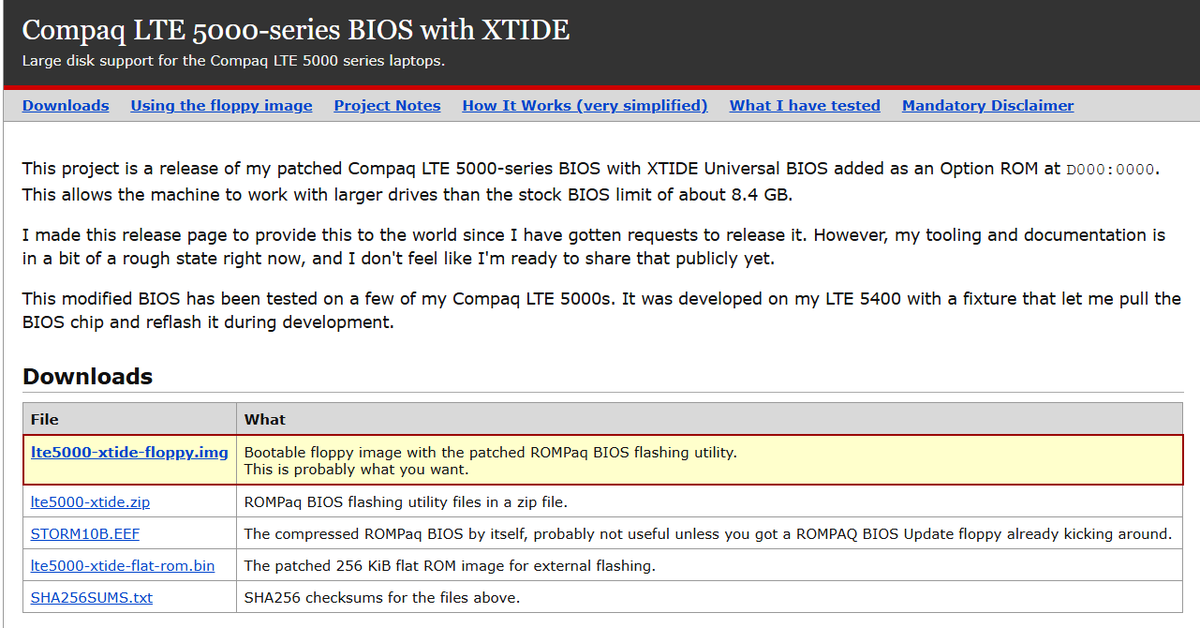
Okay! So, here we have a proprietary laptop with a proprietary BIOS. But we also have a persistent enthusiast who added XTIDE support to the LTE 5000 series BIOS. Wow! You can read about that here: bachler.se/lte5000xtide/Image
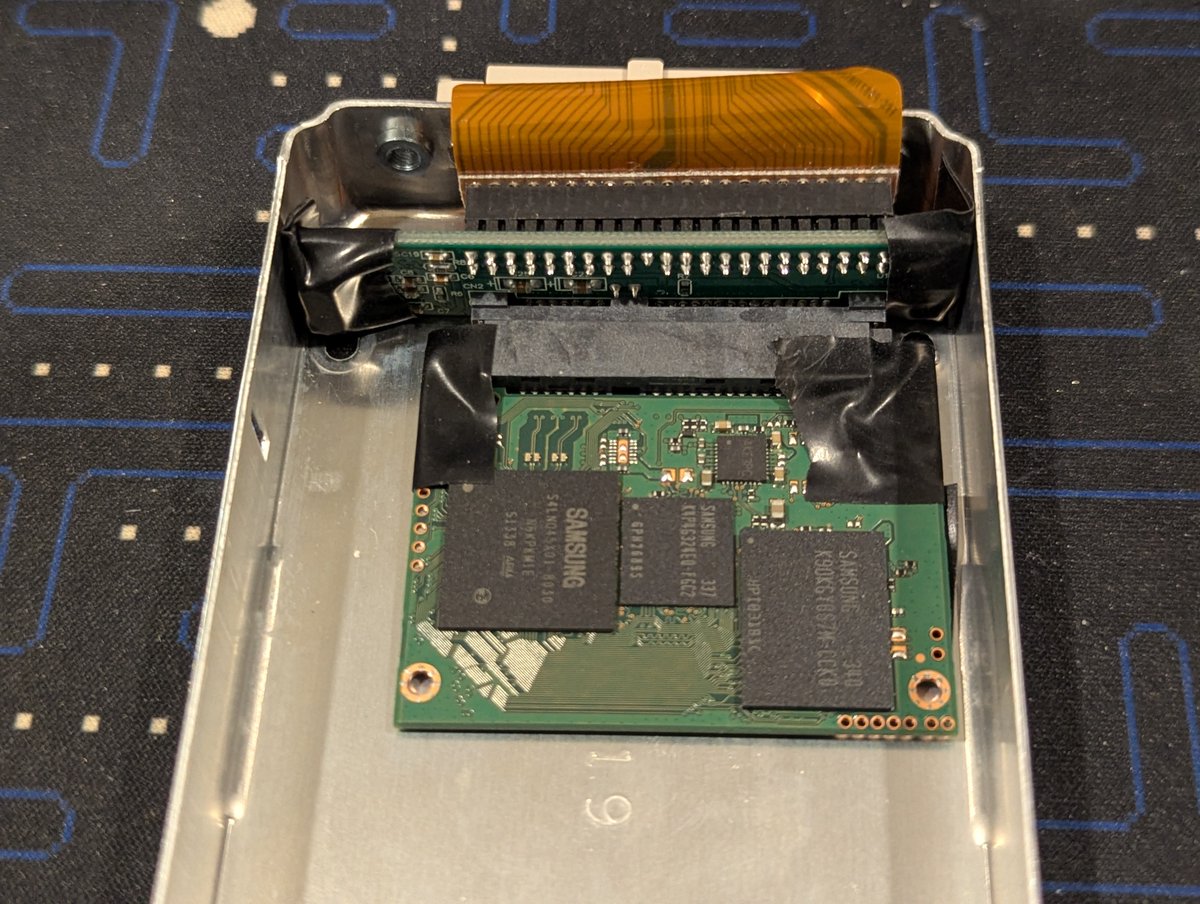
Alright, let's get started. I thought I had a rather large CF card around that I could use, but I think I gave it away. However, as you saw from the intro shot, I have a 240 GB SSD. I took it out of its shell, and fitted it with a SATA to IDE adapter! Image
Image
Read 8 tweets
Apr 20
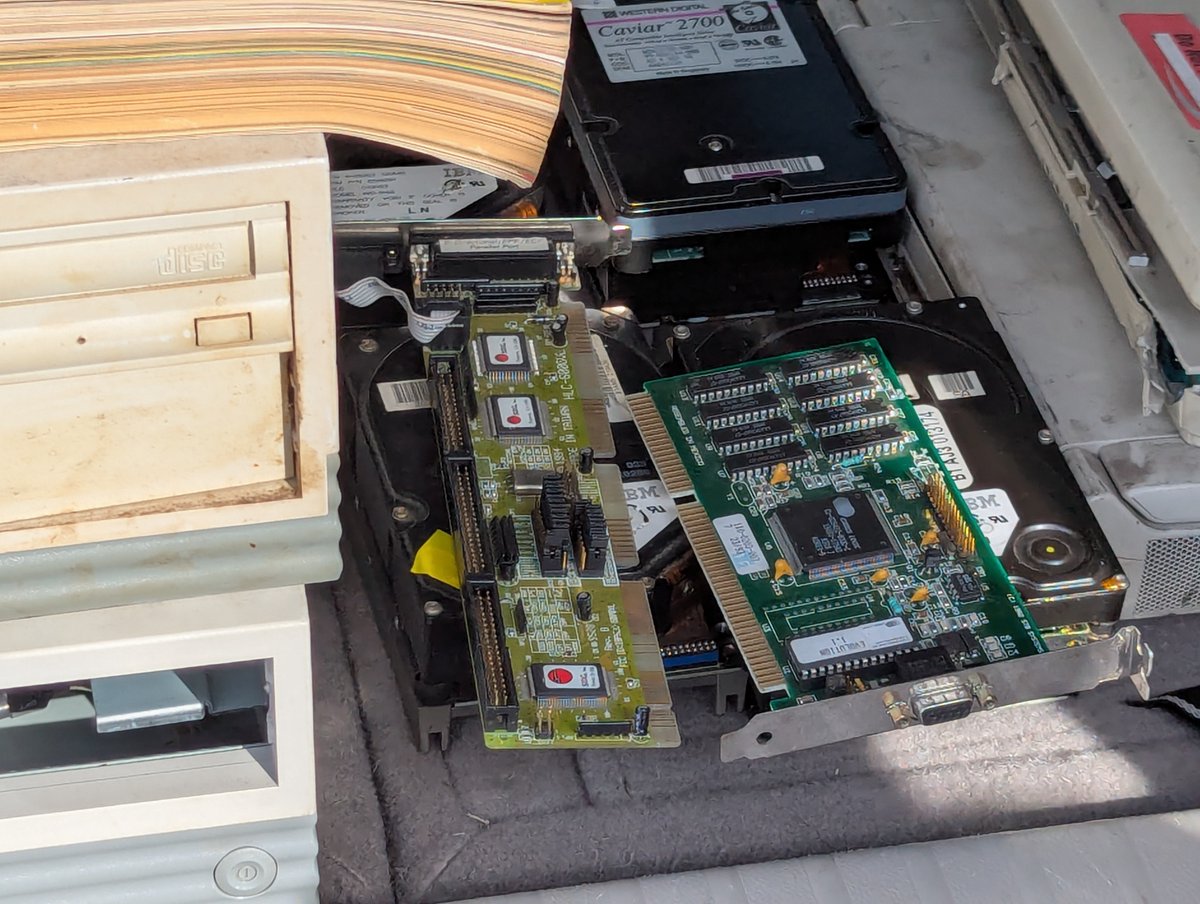
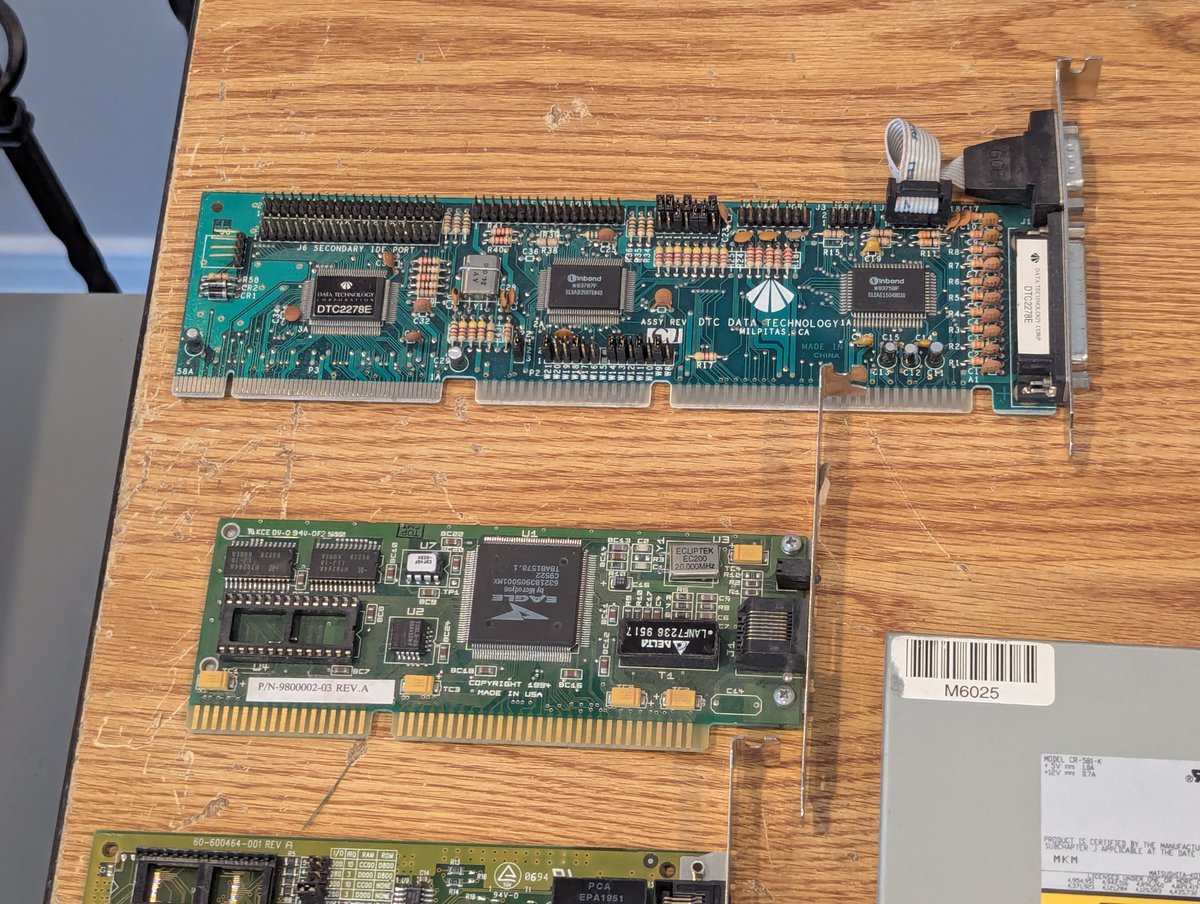
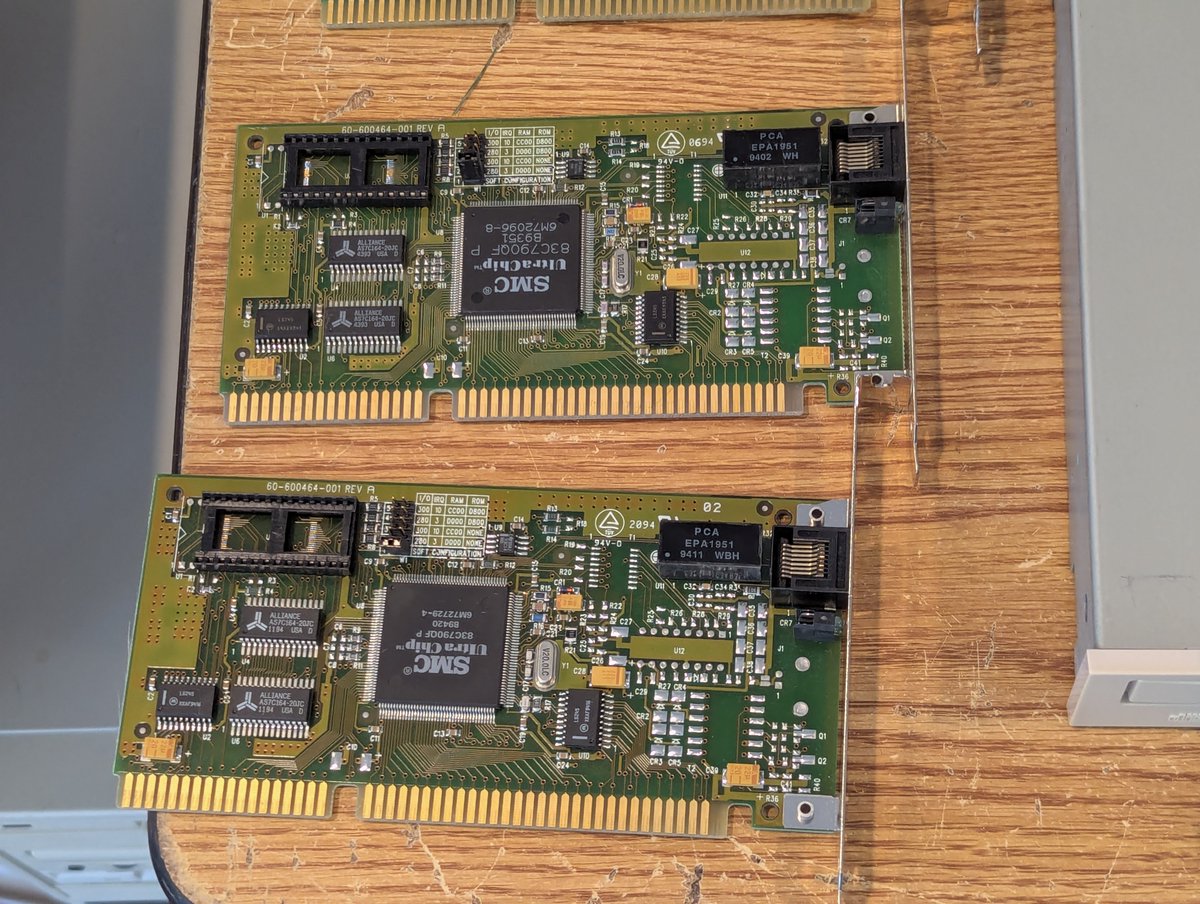
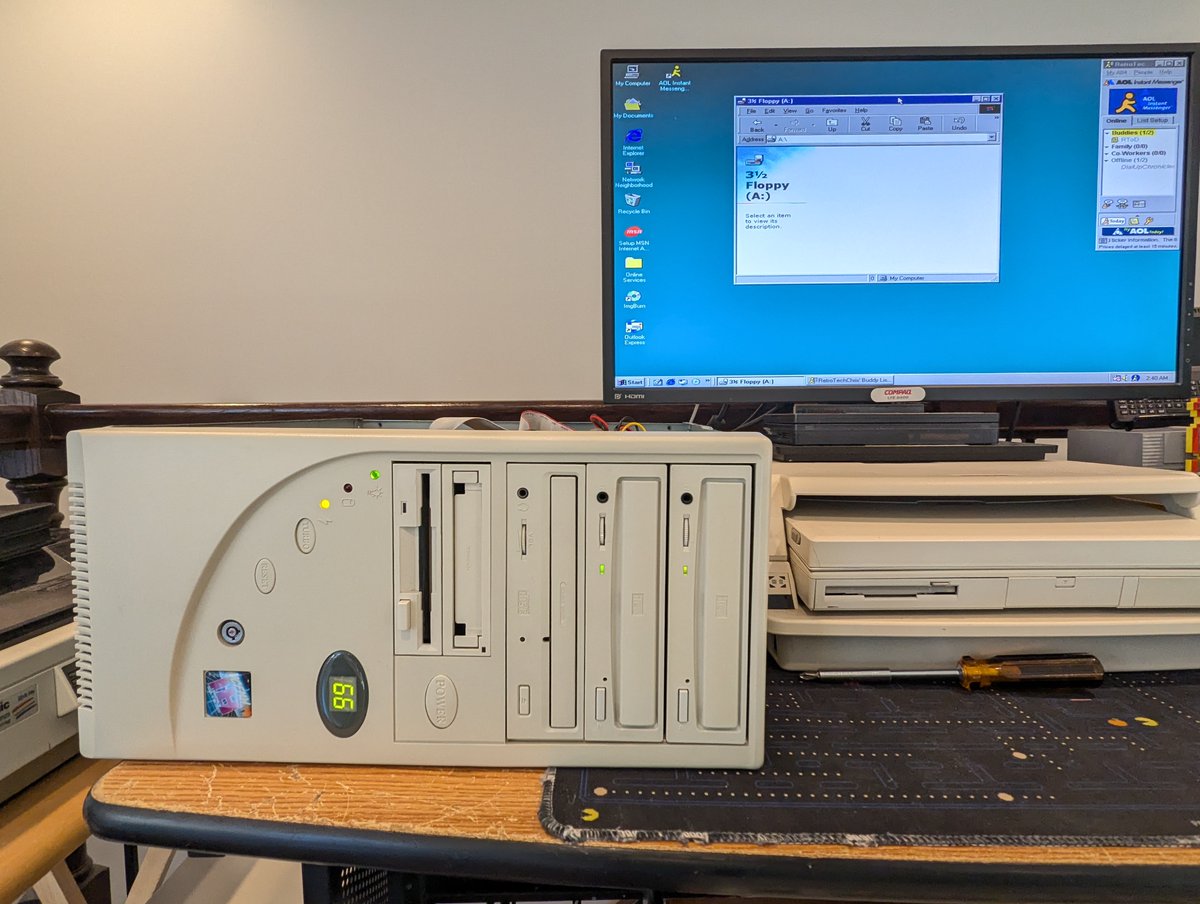
I picked up some interface cards at VCF East, and also found a CD-ROM drive on the free pile. Let's give them a test! We'll use one of my 486 DX2/66 systems. Let's go! Time for a 🧵 Image
Image
Image
Image
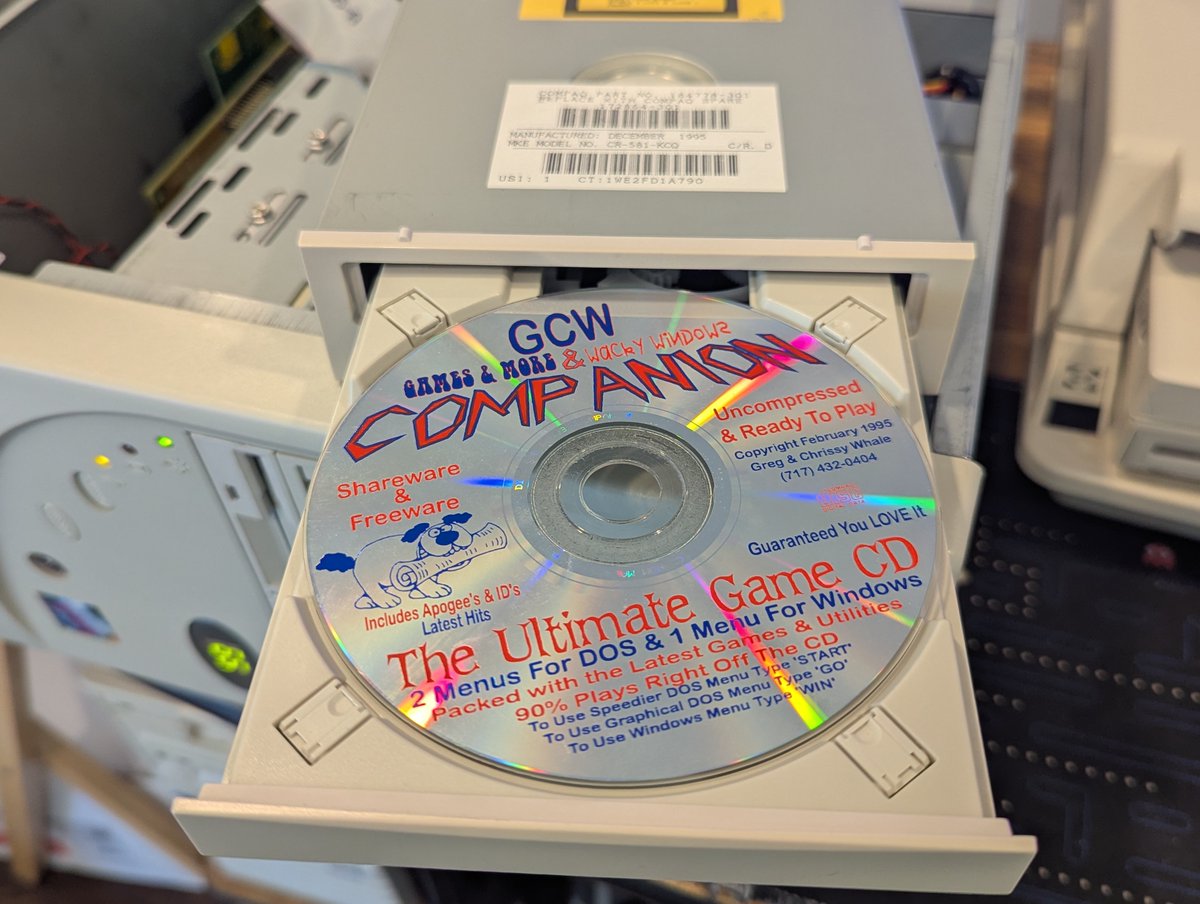
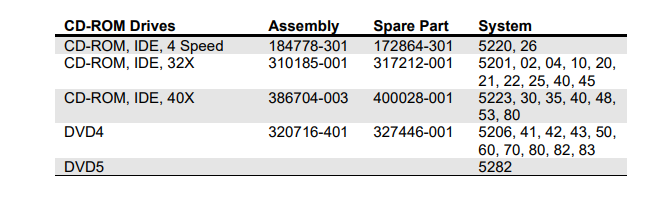
We'll start out with the CD-ROM. Looks like this was in a Compaq originally (allegedly a Presario). It's a model CR-581-KCQ, which I think makes it a 4X Panasonic drive. Anyway, I popped in my GCW Companion CD, and the drive passed! Hooray!! Image
Image
Image
Image
Next we have a DTC 2278E VLB controller. I have one of these, but the HDD pins are broken. It still works, but for $5 I was glad to have another šŸ˜‚. I booted up Windows 98, I have a mouse, the HDD works, and the FDD works, calling it good! Image
Image
Image
Read 8 tweets
Apr 20
Let's explore this AT&T 6300 that I picked up from consignment at VCF East this weekend. It's going to go to a friend soon, but we can at least look at it first! Time for a 🧵 Image
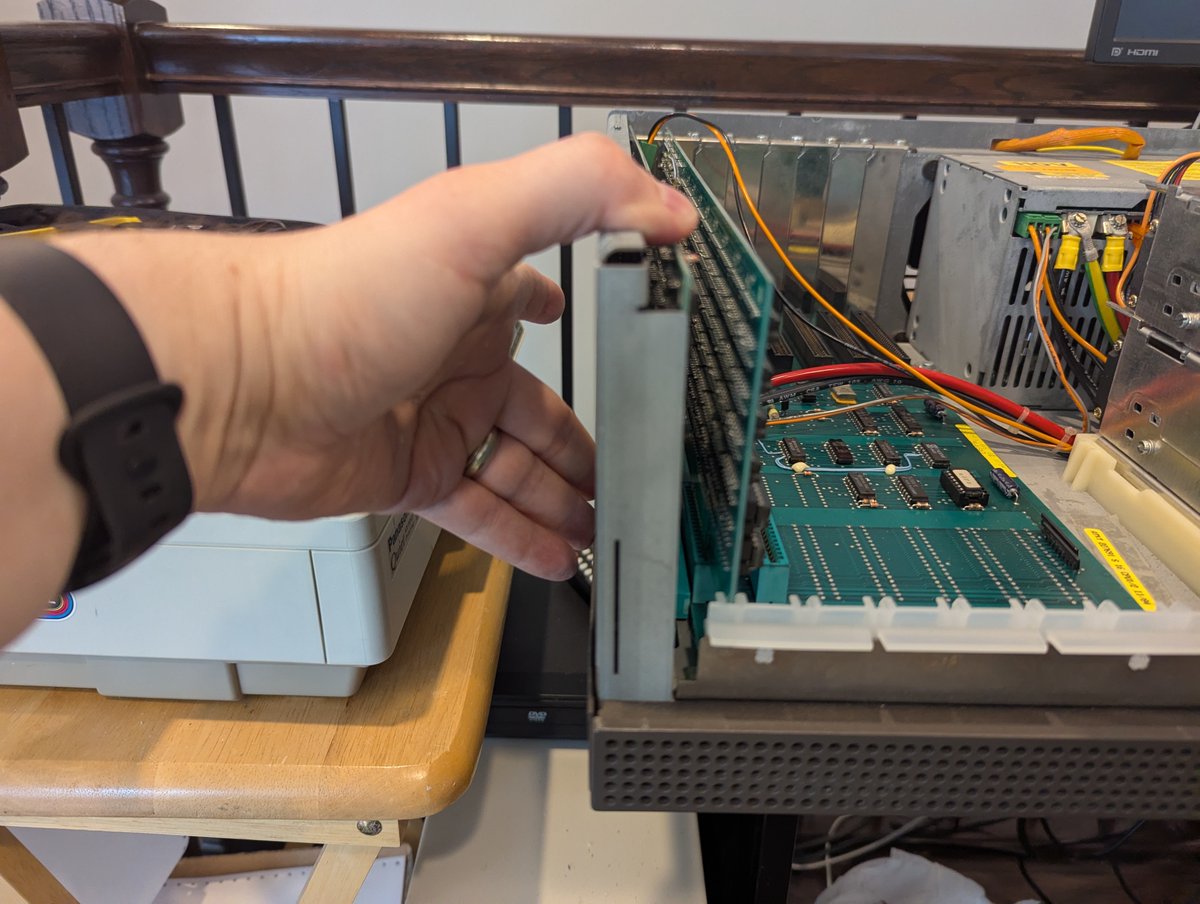
First of all, here it is with the cover removed. What a weird computer!! Two disk drives. Apparently the video card connects the top logic board with the motherboard below. Image
Image
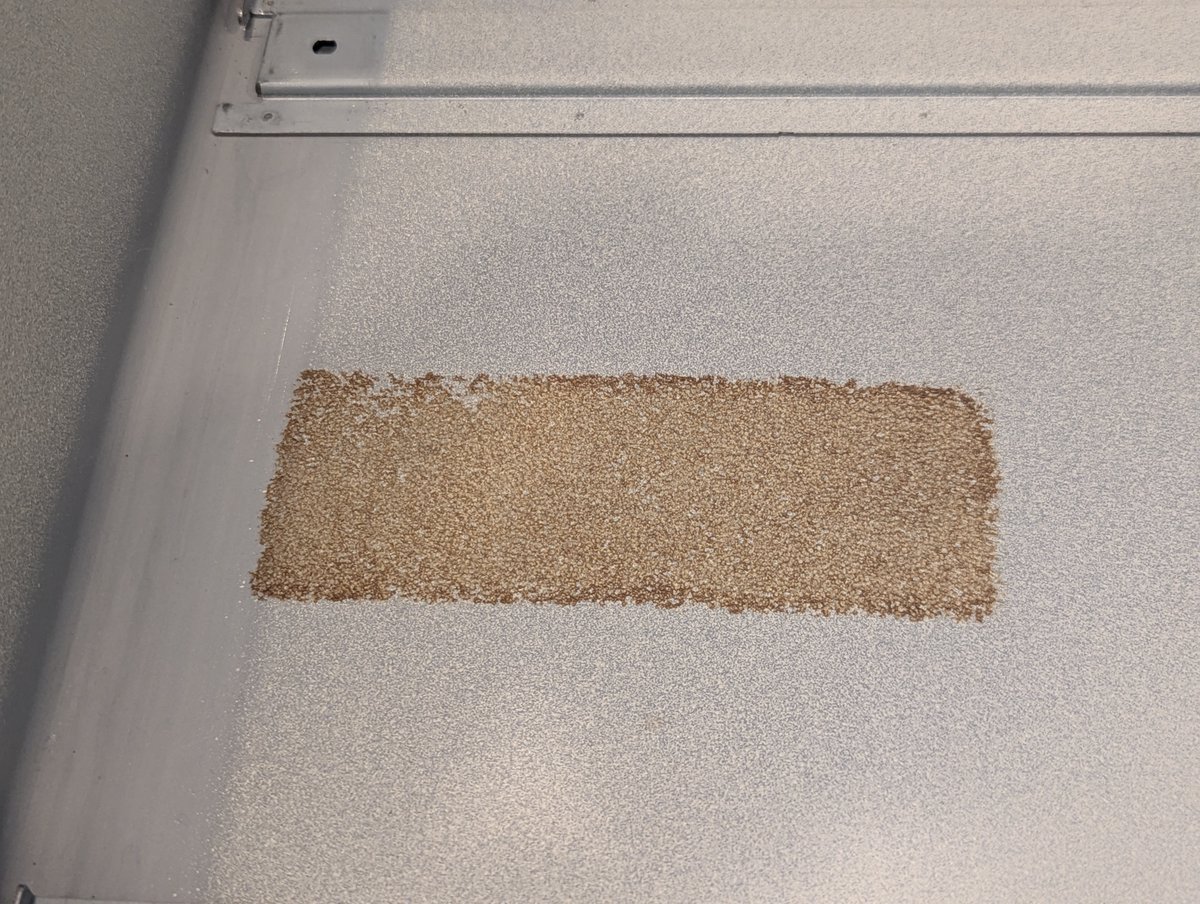
Let's get the cover back on. First, I removed the degraded foam after it made a mess everywhere. And then I learned that I really need to "pull" the left support a little to put it in place so that the case would latch properly. You can see wear marks where it was "hitting." Image
Image
Image
Read 12 tweets
Apr 19
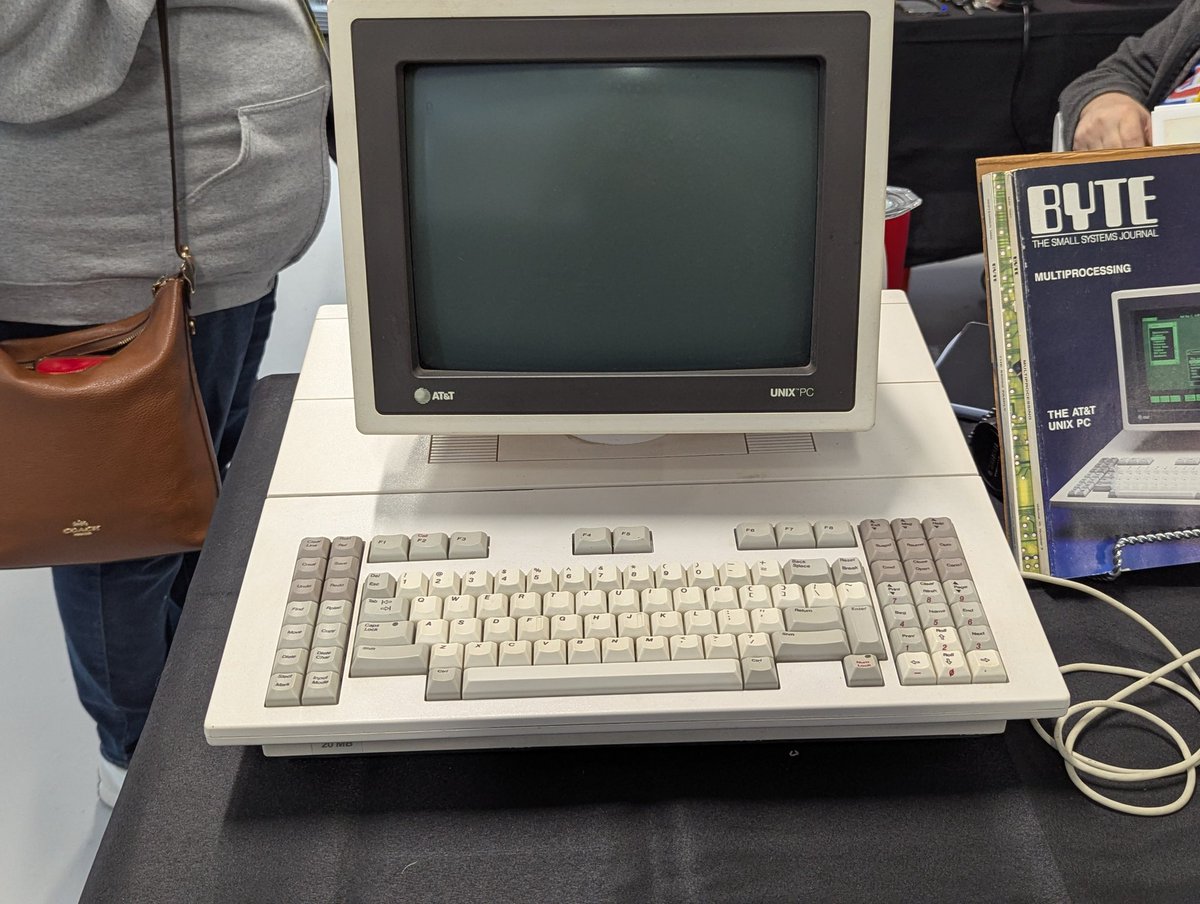
How about some more exhibit pictures from VCF East? Here we have a cool Commodore / Atari accessor, an Amiga featuring me (šŸ˜‚) and a really cool AT&T Unix system Image
Image
Image
Image
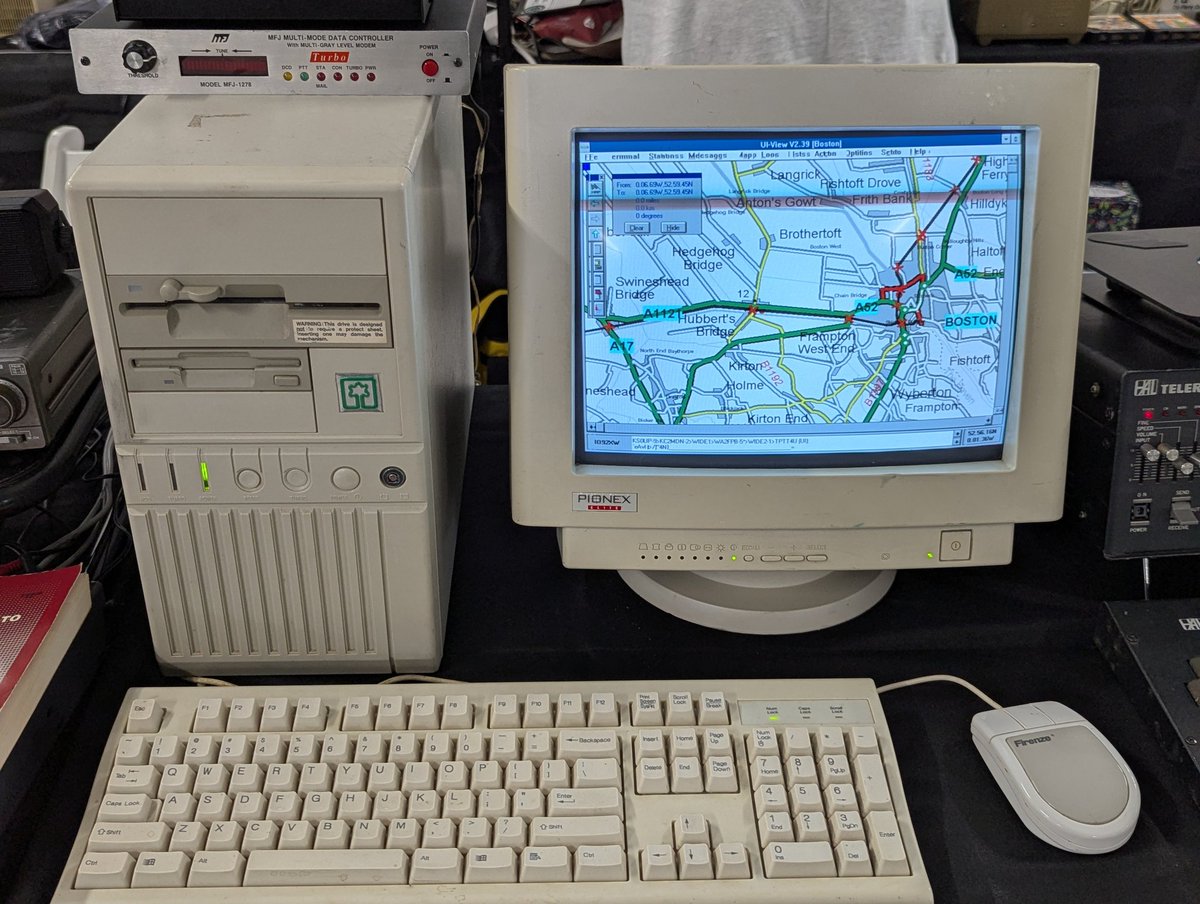
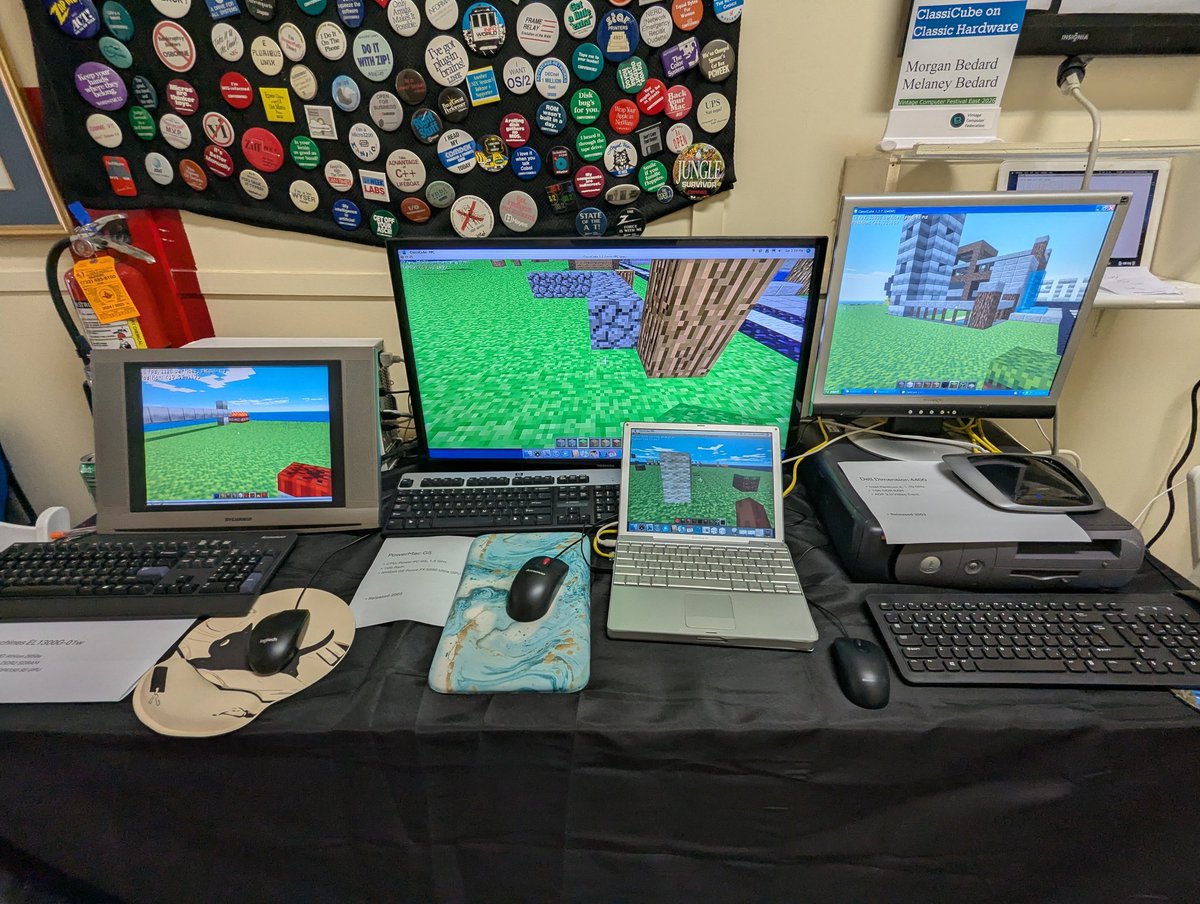
There was a ham radio exhibit with a Win3.1 computer, and a block game on vintage hardware exhibit!! Image
Image
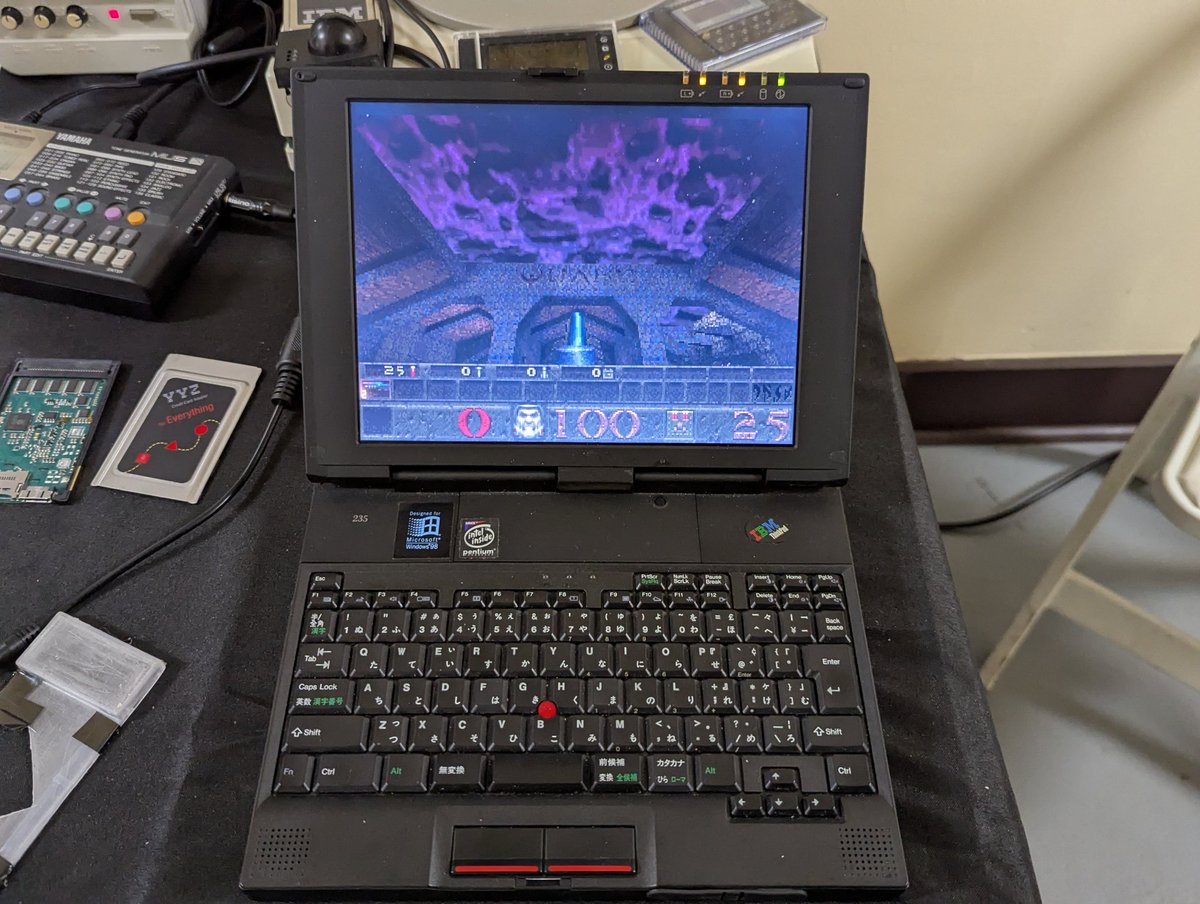
@yyzkevin is always up to something cool. His new PCMCIA cards will bring wireless networking, sound, and more to vintage laptops!! Image
Image
Image
Image
Read 10 tweets

Did Thread Reader help you today?

Support us! We are indie developers!


This site is made by just two indie developers on a laptop doing marketing, support and development! Read more about the story.

Become a Premium Member ($3/month or $30/year) and get exclusive features!

Become Premium

Don't want to be a Premium member but still want to support us?

Make a small donation by buying us coffee ($5) or help with server cost ($10)

Donate via Paypal

Or Donate anonymously using crypto!

Ethereum

0xfe58350B80634f60Fa6Dc149a72b4DFbc17D341E copy

Bitcoin

3ATGMxNzCUFzxpMCHL5sWSt4DVtS8UqXpi copy

Thank you for your support!

Follow Us!

:(