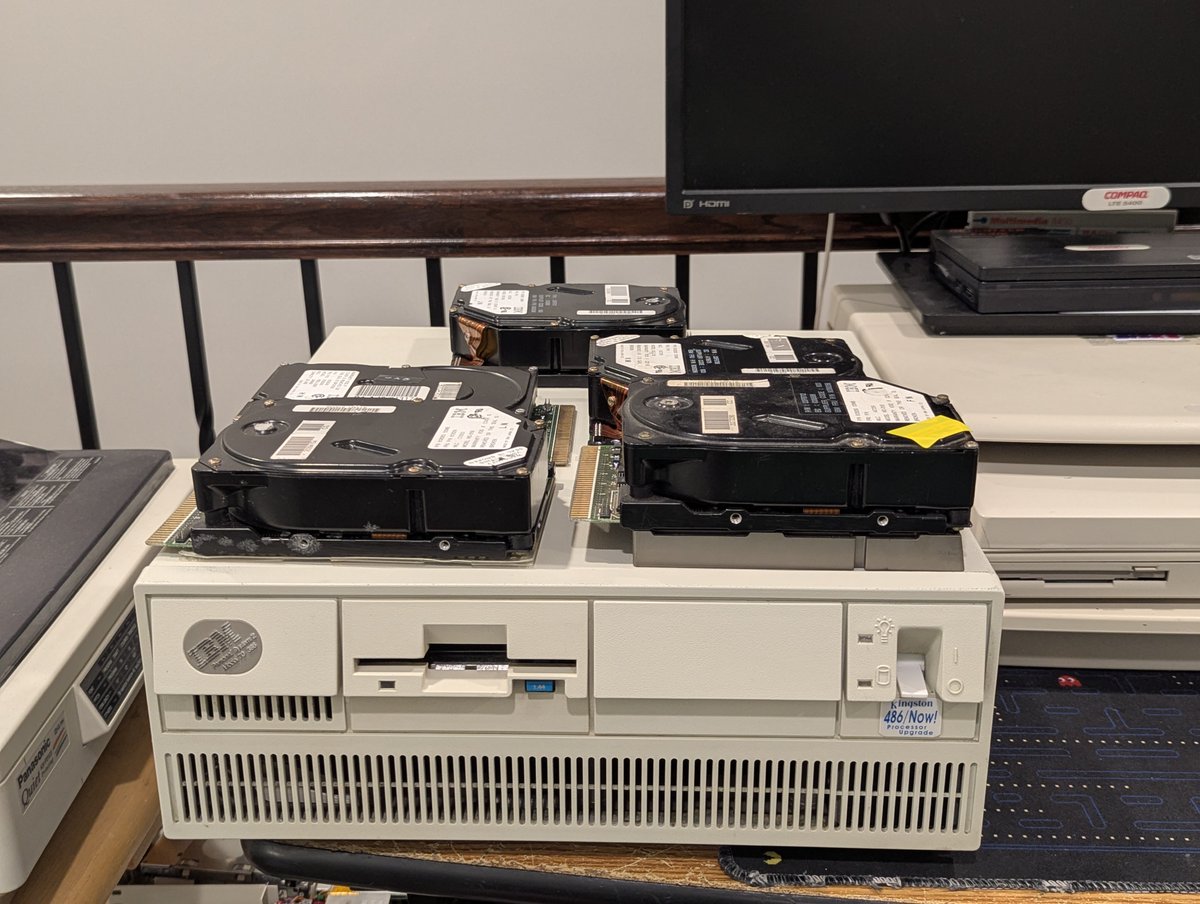
I picked up a bunch of ESDI hard drives at the System Source Swap Meet. These were on the free pile! I figured at least one of them should work in my IBM PS/2 Model 70 386... well, perhaps. Let's find out! 🧵 time!
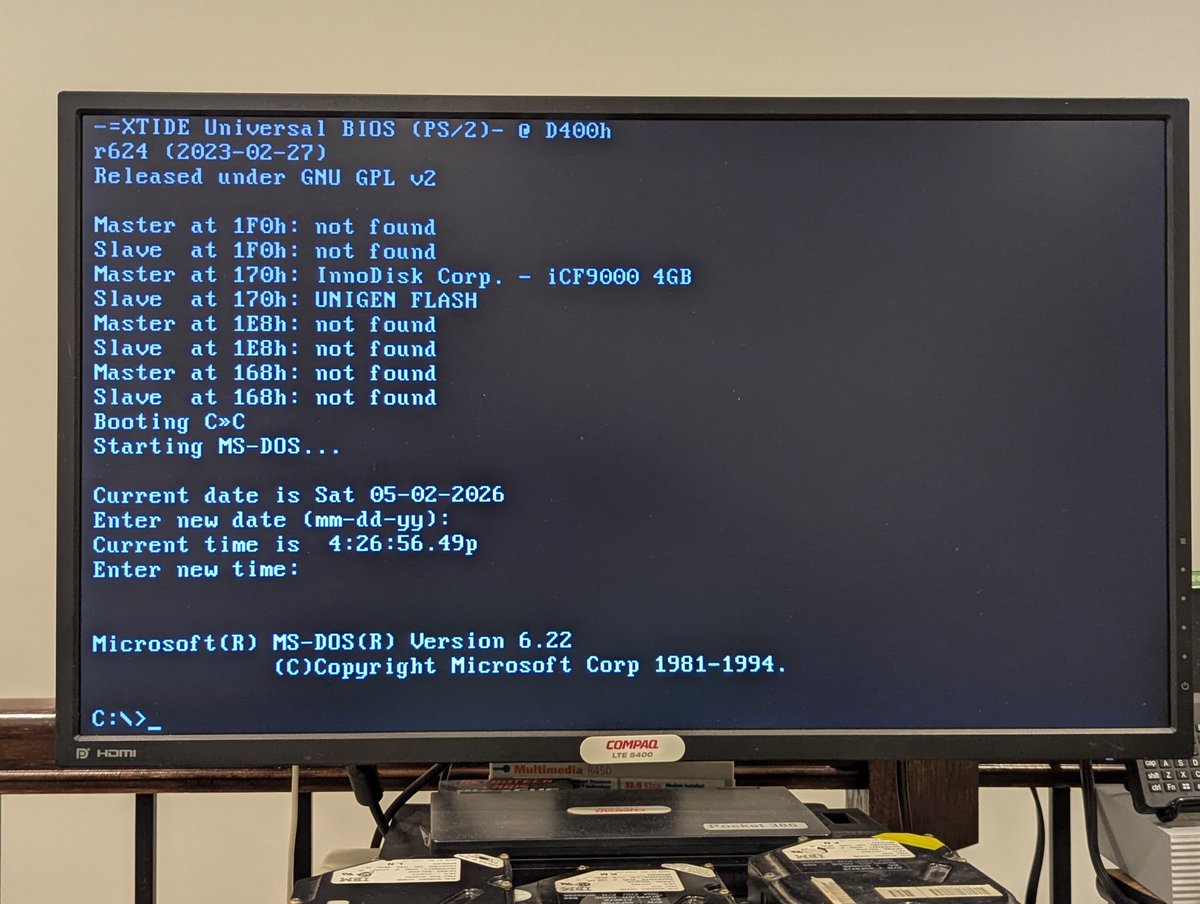
First, we have to start with the base case. Will the system start up with my 60MB ESDI drive in it? Yes. Good! Carry on!!
First drive in, but system is detecting a configuration change. That can't be good. Have a listen to the drive. Yeah, I think this one is a goner. I ran system configuration, and yea, not even detected. Oh well!
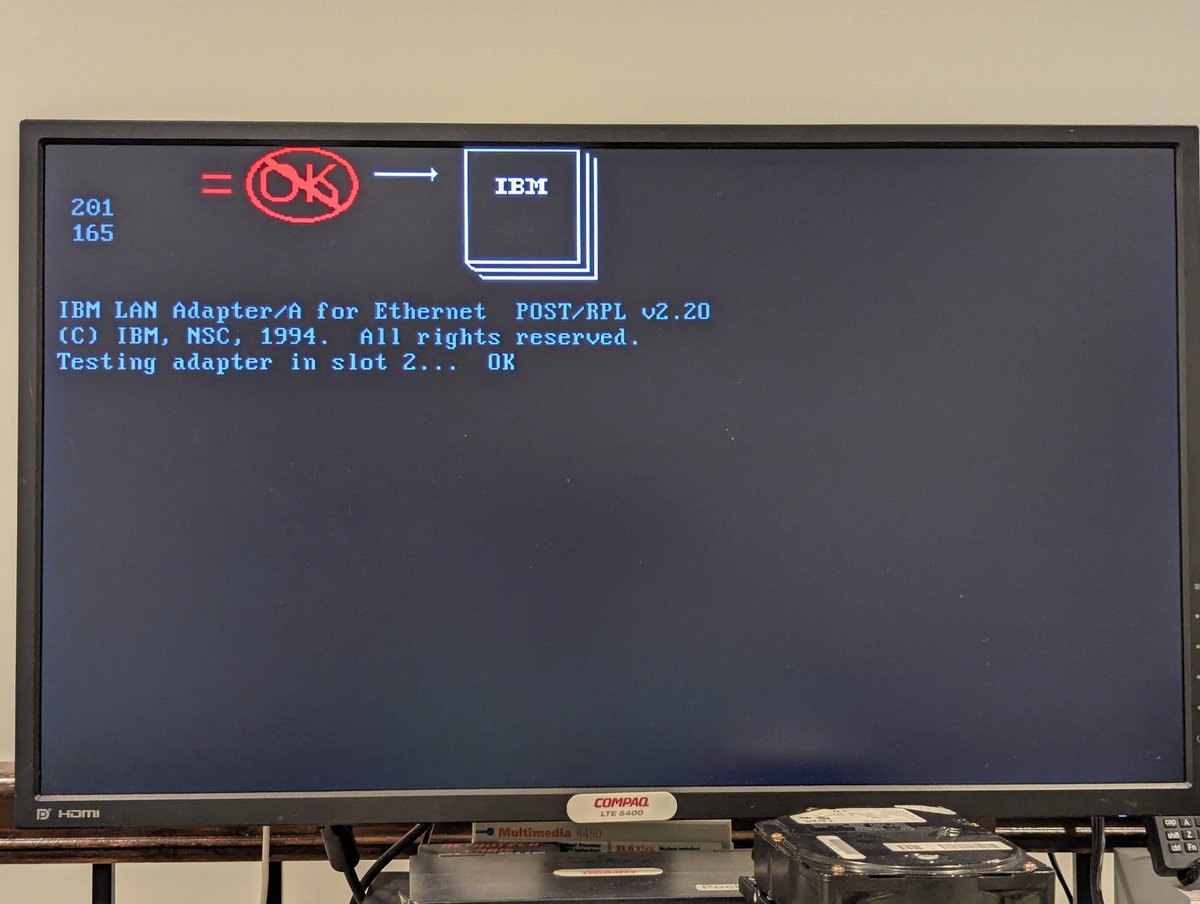
I put the next drive in, and it got detected. After configuring it, the drive started to boot OS/2! Amazing. It did seem to struggle a little.. so I tried formatting it. This drive has one bad block, that's it!! And... after formatting, its boots DOS. Score!!
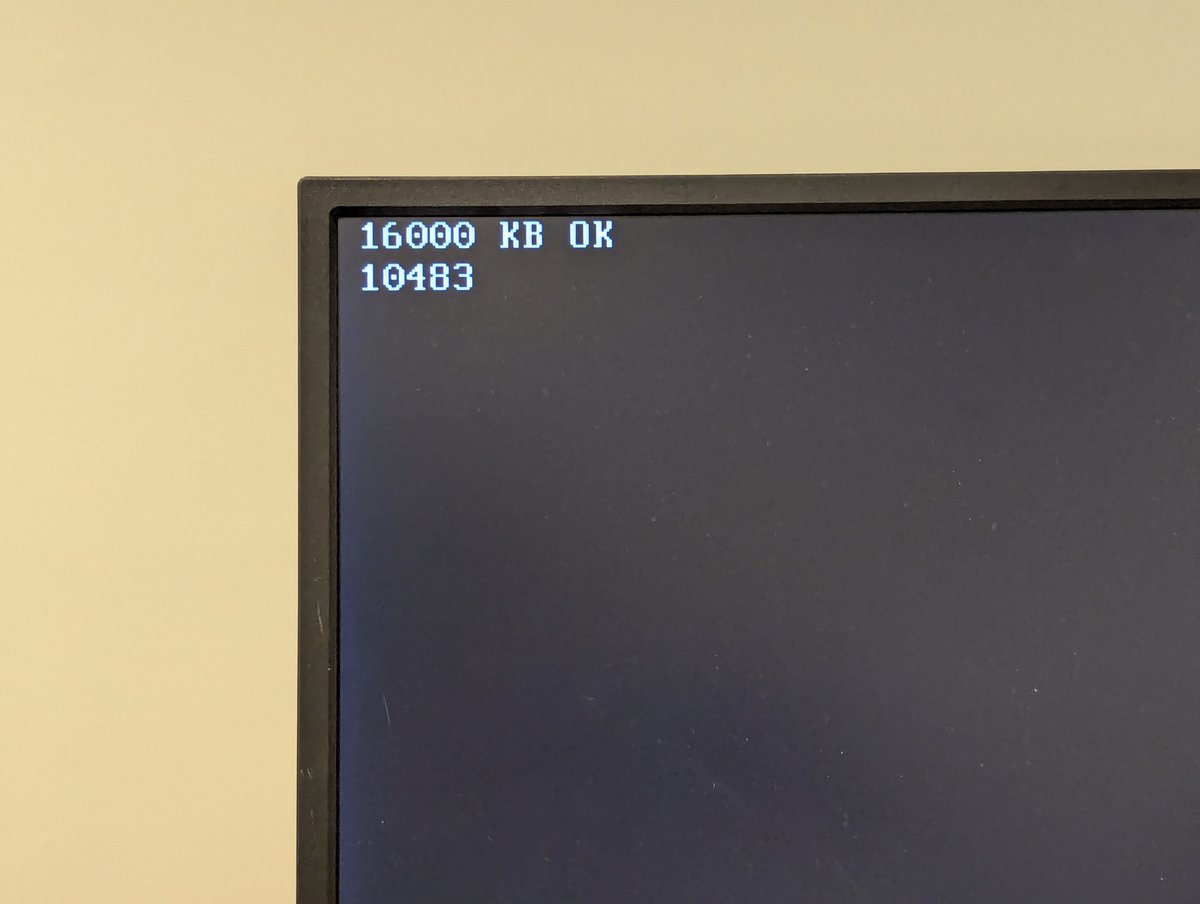
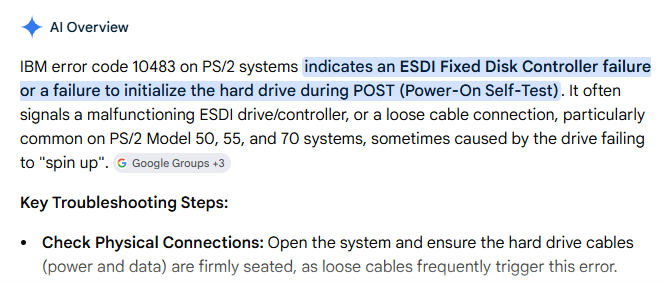
The next drive wasn't as happy. On booting the system, we can hear it try and reset itself over and over. Eventually it fails with a 10483 error. Gemini tells me this is ESDI Fixed Disk Failure. I'll buy that.
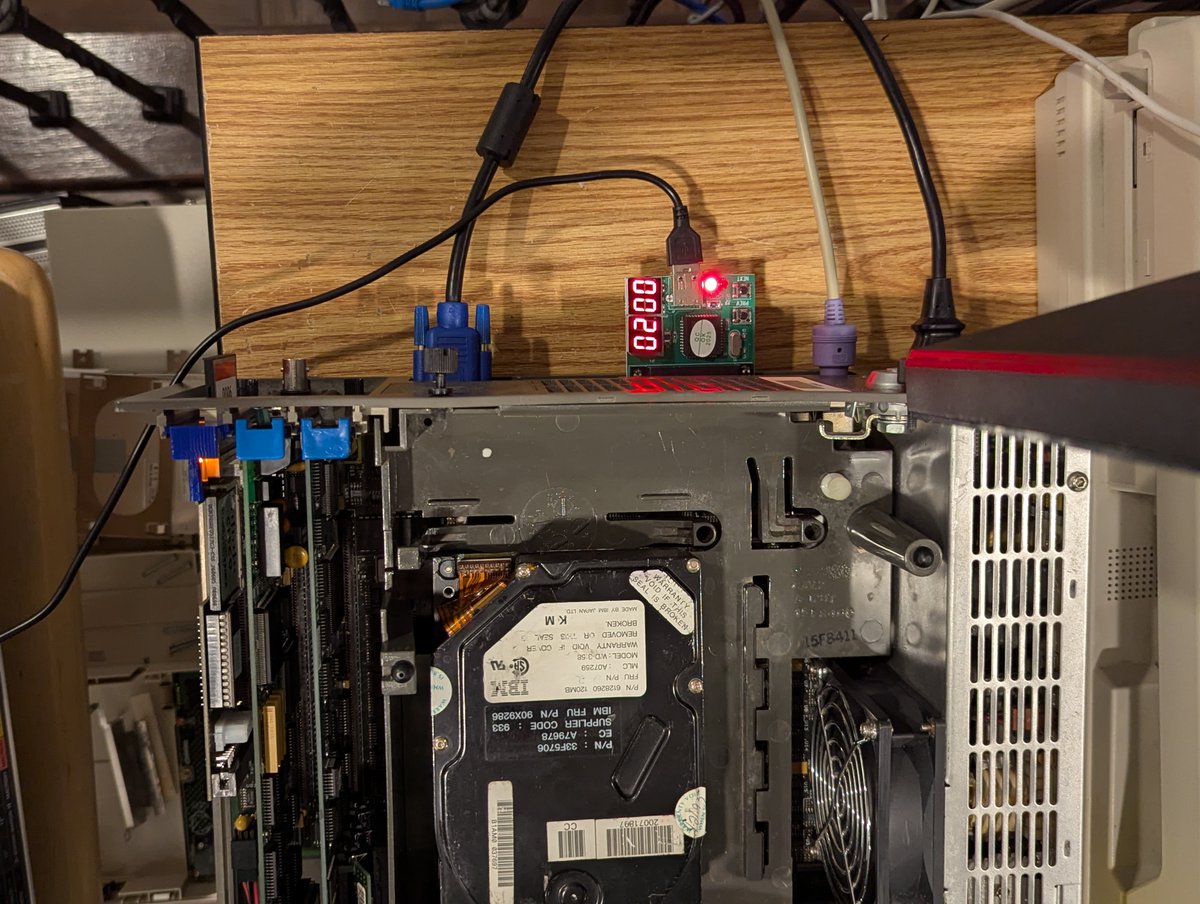
The next drive was so bad that it even prevented the system from going through the bootup process. I even got out my POST code reader. This must be putting out super bad signals on the bus. Next!
The next drive was... odd. First, it claimed to need a special ADF file for detection. And then it just gave 10483 as well. So I gave it some "percussive maintenance", and next thing you know, I was able format it and boot from it. But it didn't last sadly. Oh well.
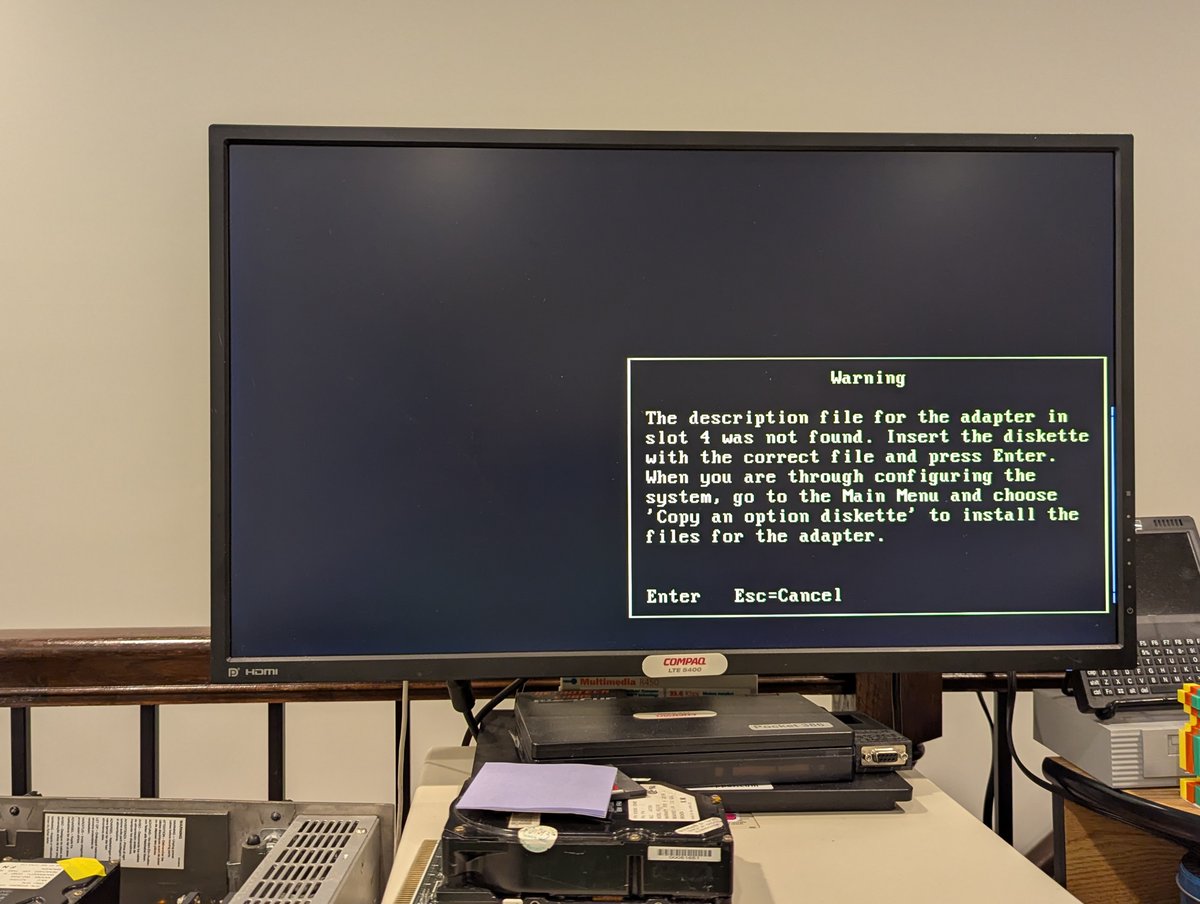
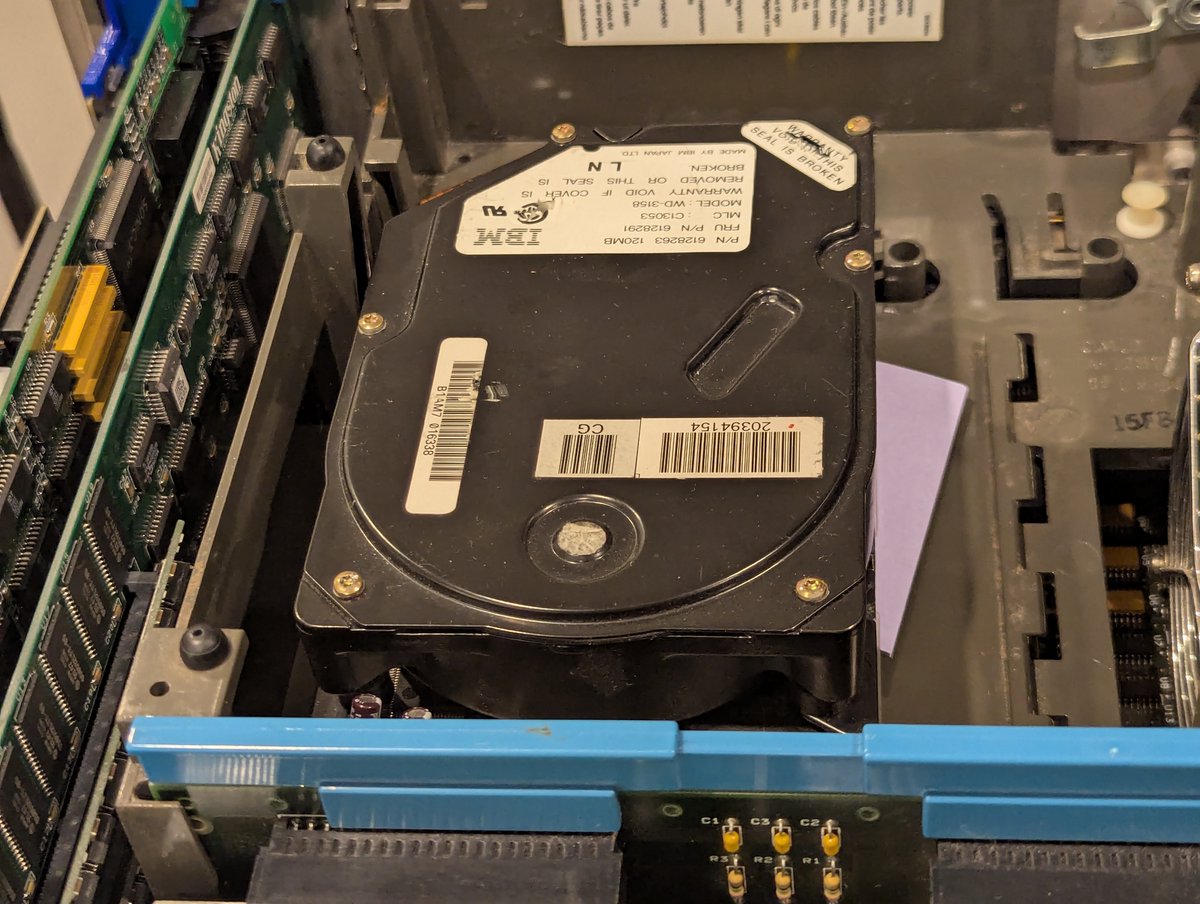
In the end though, we ended up with a fairly decent 120 MB drive. This is bigger than the 60 MB drive I have in the system (granted, I also do have an McIDE-CF, so it doesn't particularly matter). I swapped it in and installed BootIt Bare Metal on it!
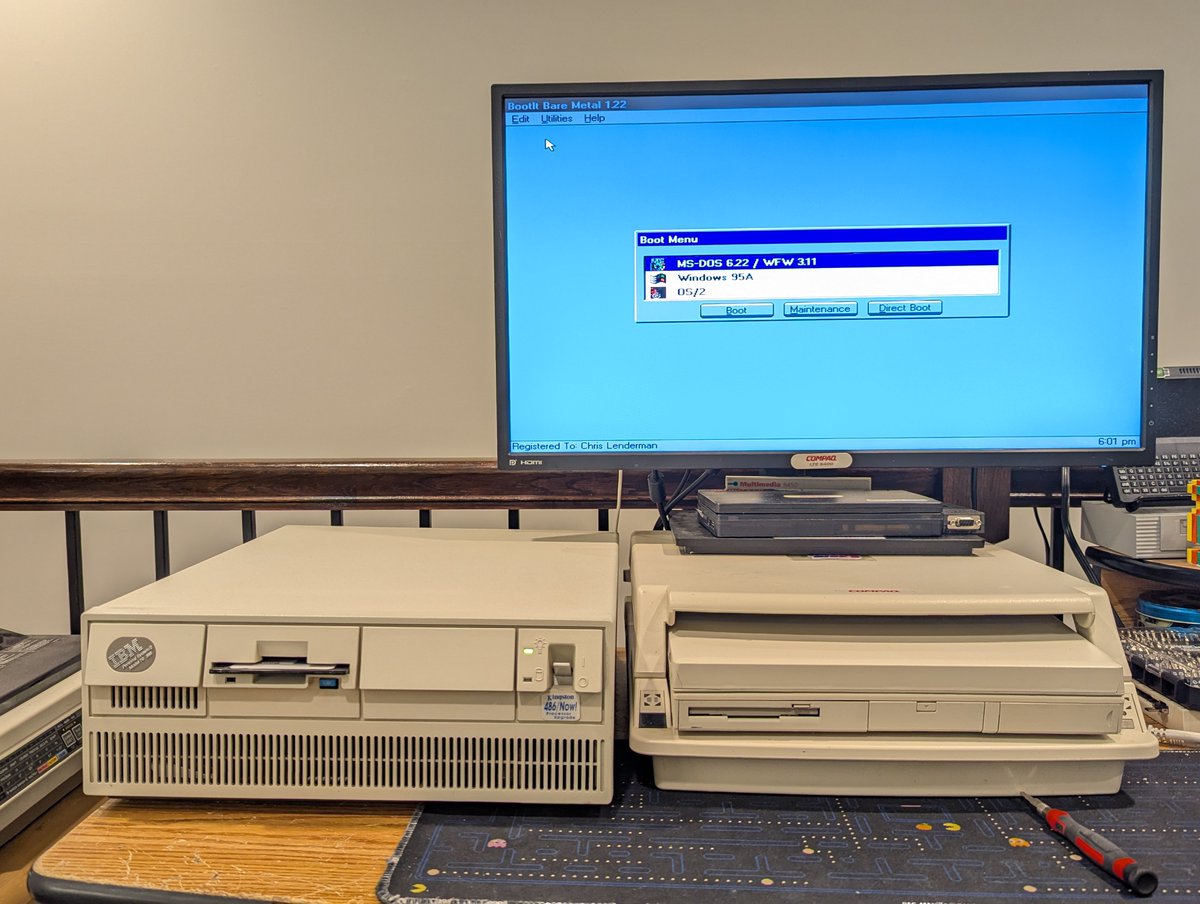
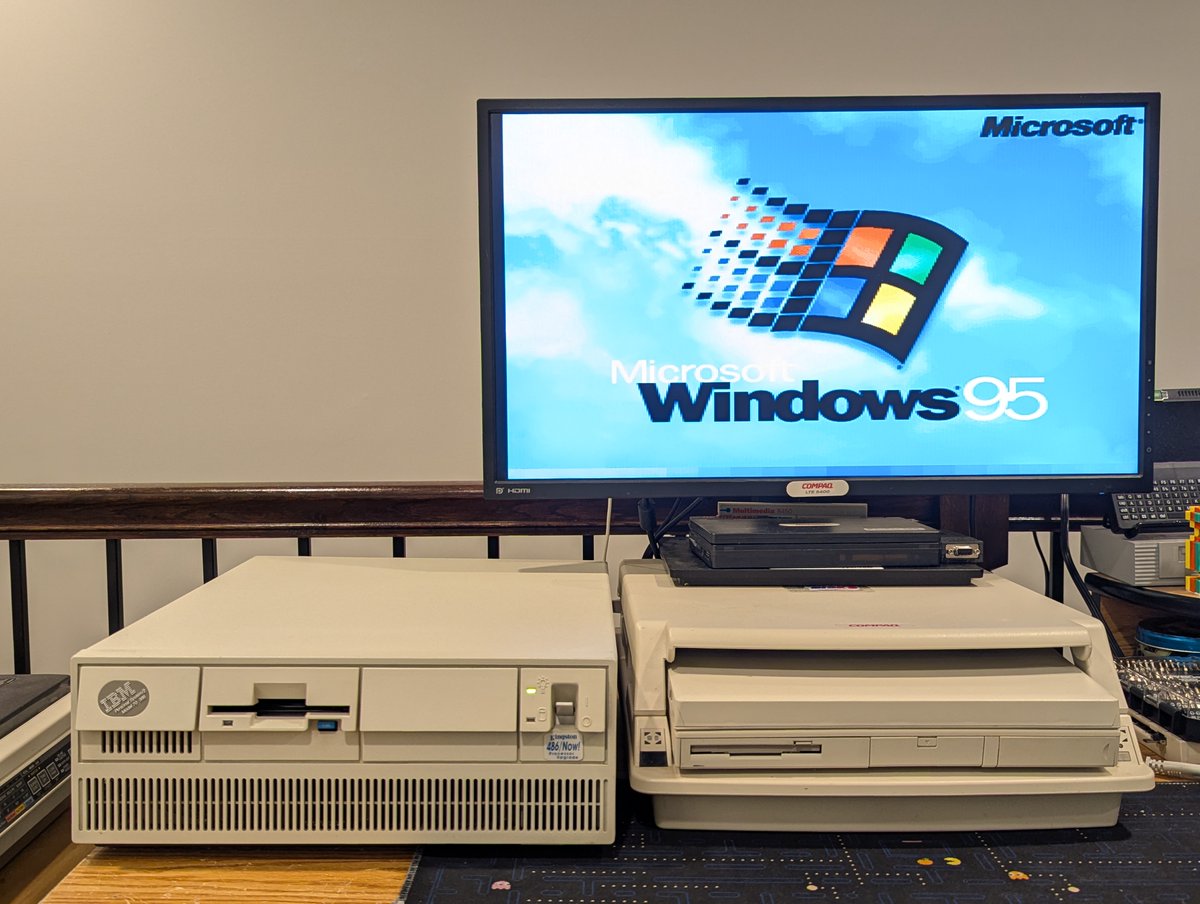
And since we do have that McIDE-CF, which contains a partition with BootIt's settings, I had to recall how to make BootIt use that partition. But after doing that, I saw a very familiar list of operating systems appear on next boot!
Well, anyway, this was fun. I'm going to keep the 60 MB drive in case the 120 MB drive fails in the end. It's nice to have spare parts for this PS/2 since it is... well.. proprietary. Thanks for reading!
@threadreaderapp unroll
• • •
Missing some Tweet in this thread? You can try to
force a refresh

I spent some time swapping around components and upgrading one of my new LTE Elite 4/50CX systems! Let's talk about it! Time for a quick 🧵
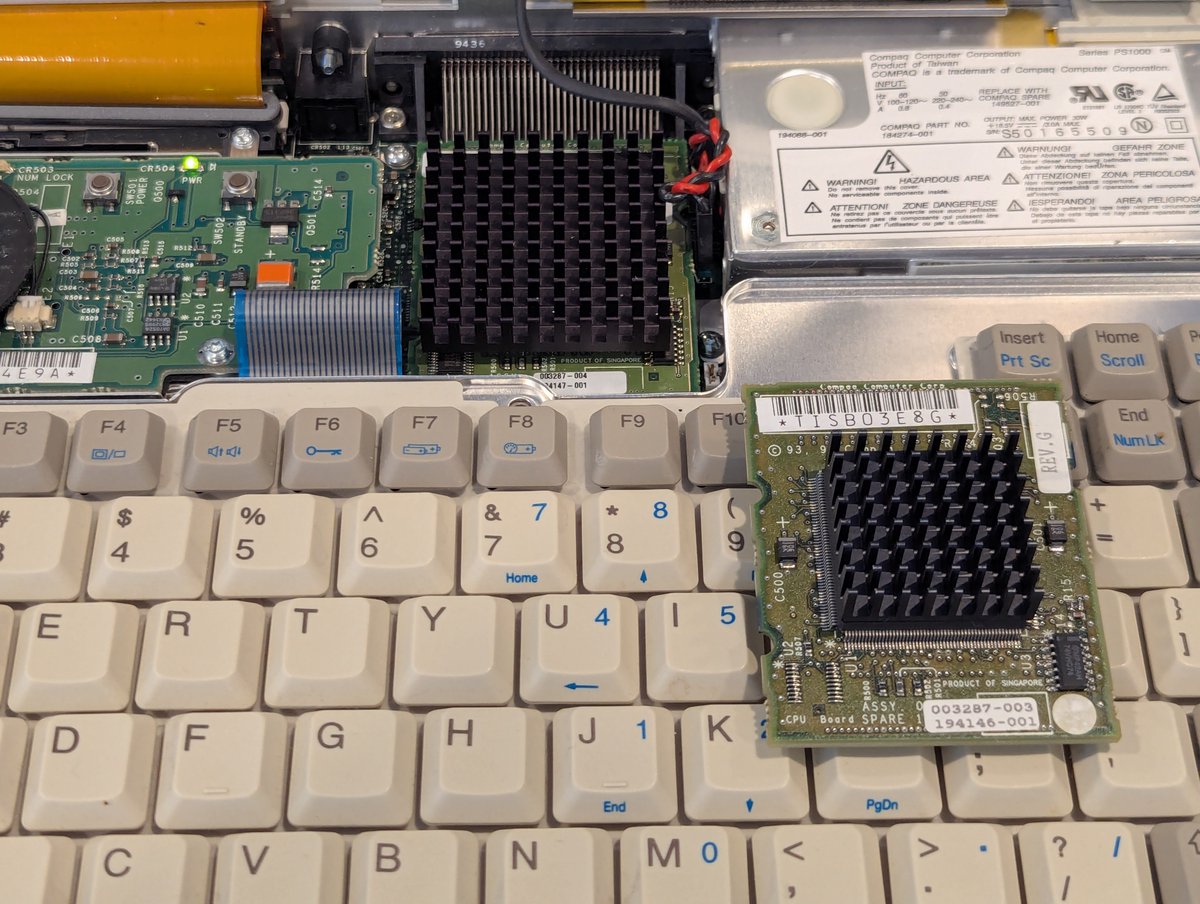
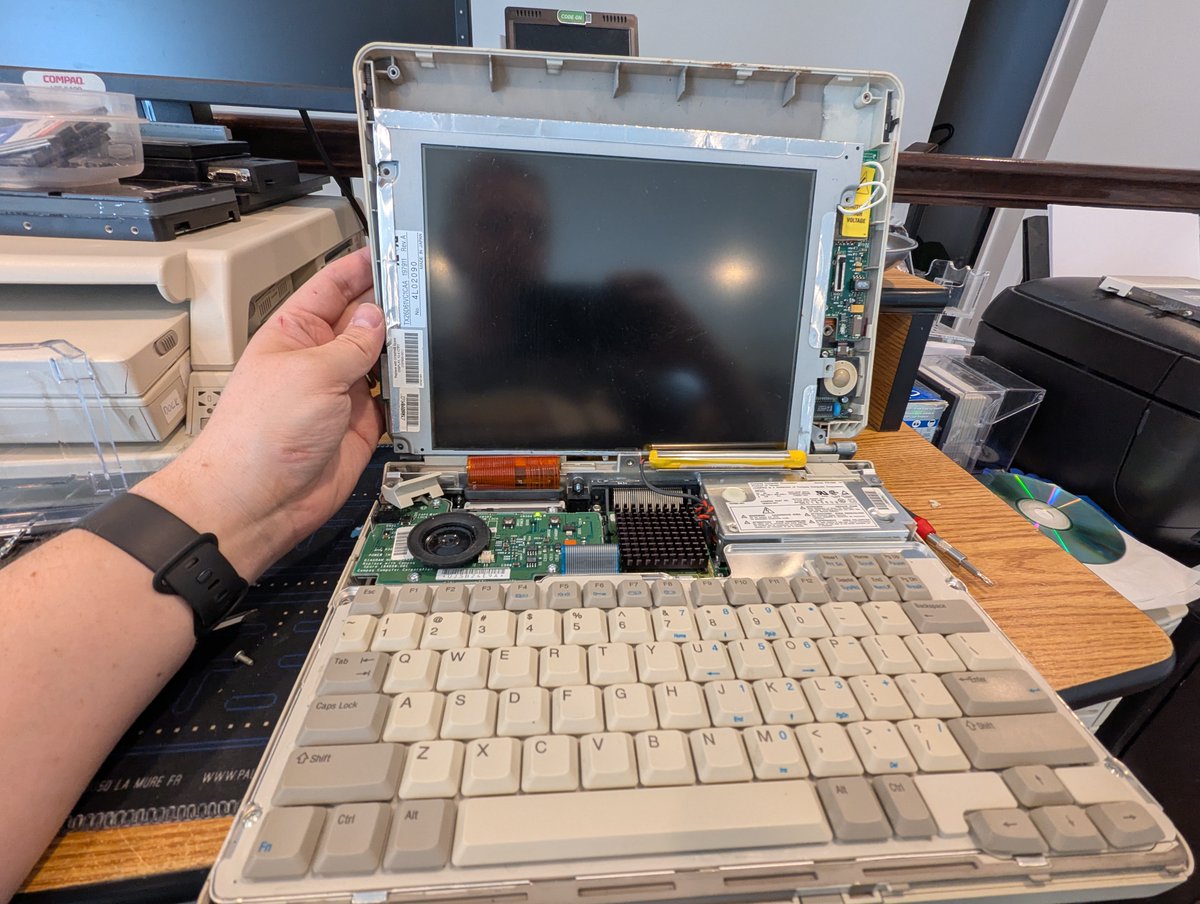
So, first of all, this system has a 486DX2/50 processor. But some of you might recall that I bought a parts system at the System Source Warehouse sale. It's in terrible shape. But.. it has a 486DX4/75 processor! I swapped it in, and now we're cooking with gas!
The next thing I tried was swapping the screen from the doner parts machine to my other LTE 4/50CX since it has a line across the top of the screen . Unfortunately, the backlight is dead. Oh well, we tried!
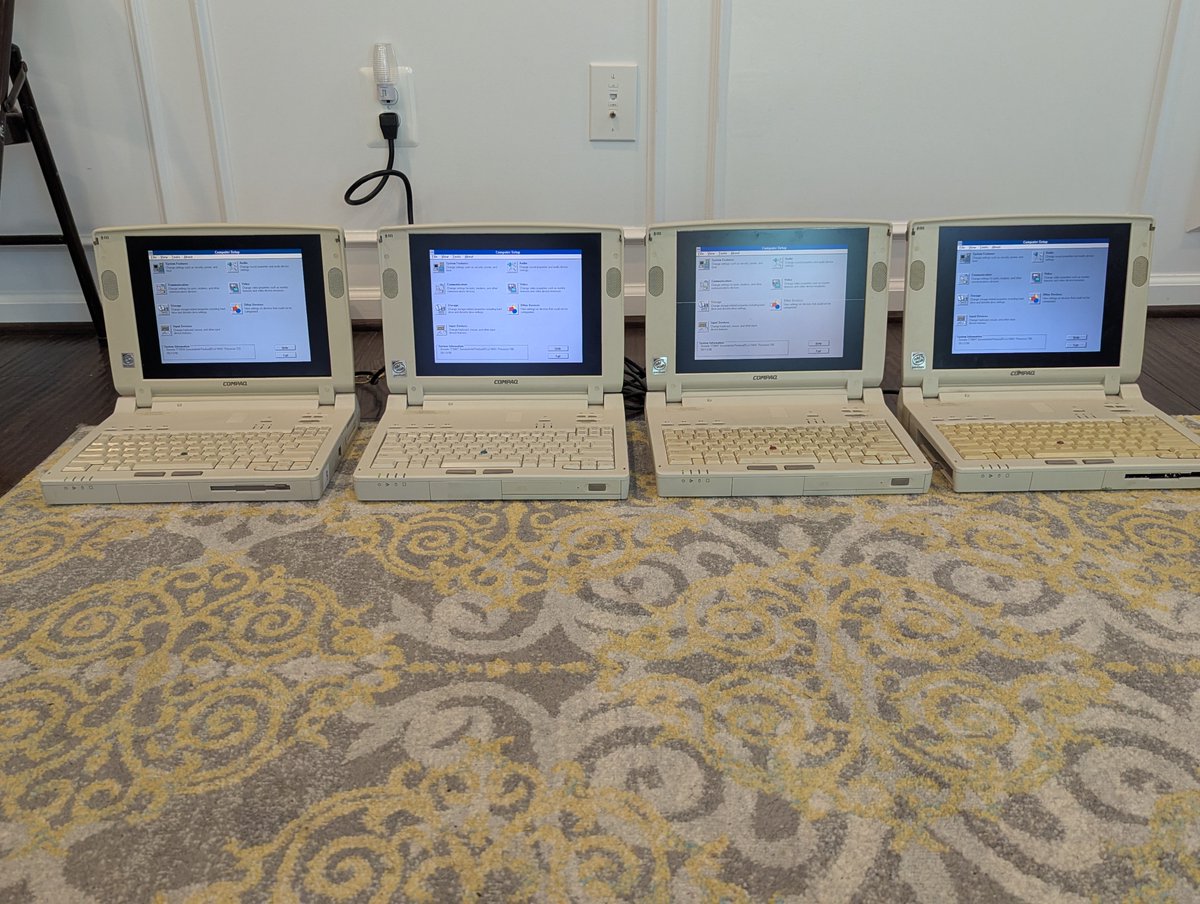
Well, after swapping parts around, I have four decent Armada 7700 series systems! They are not flawless, but some of them are actually pretty decent! Let's talk about this morning's adventure in a 🧵 here!
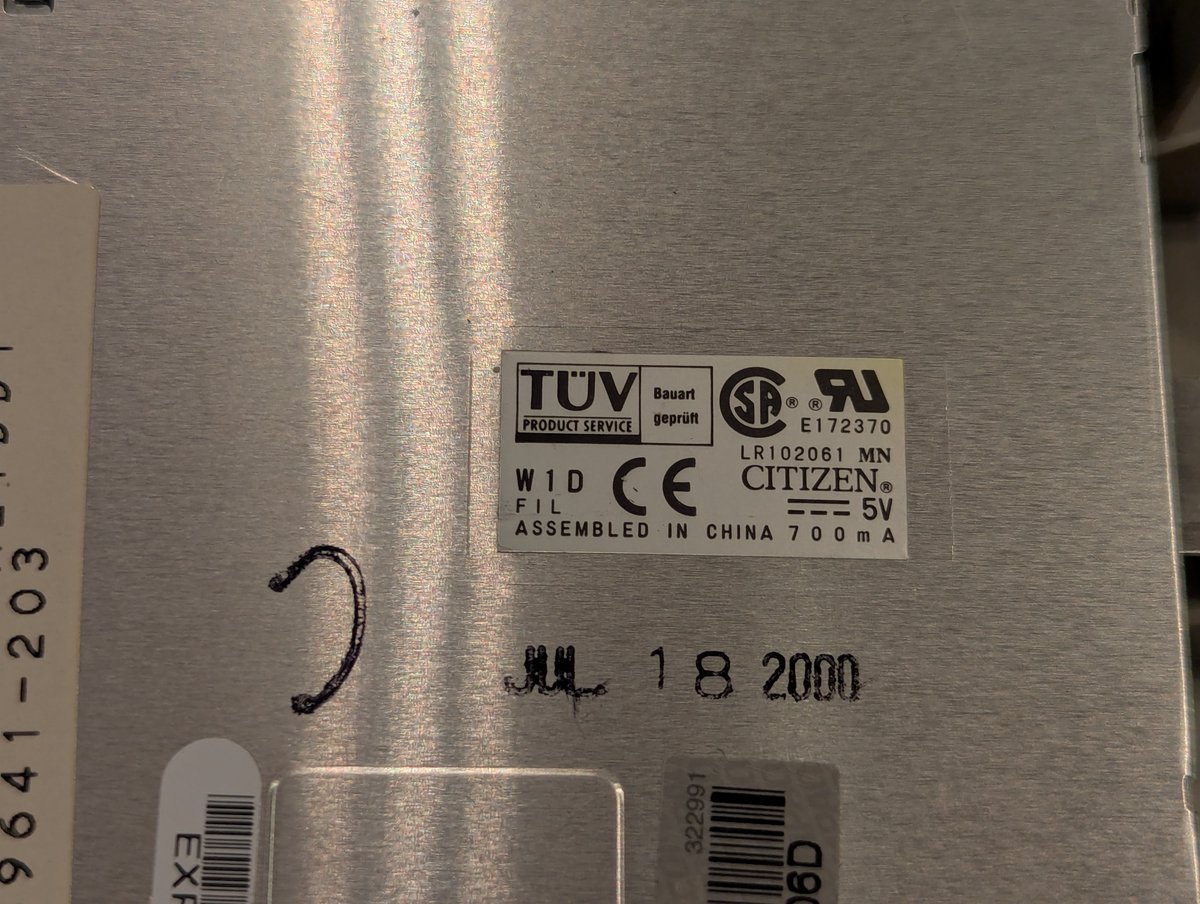
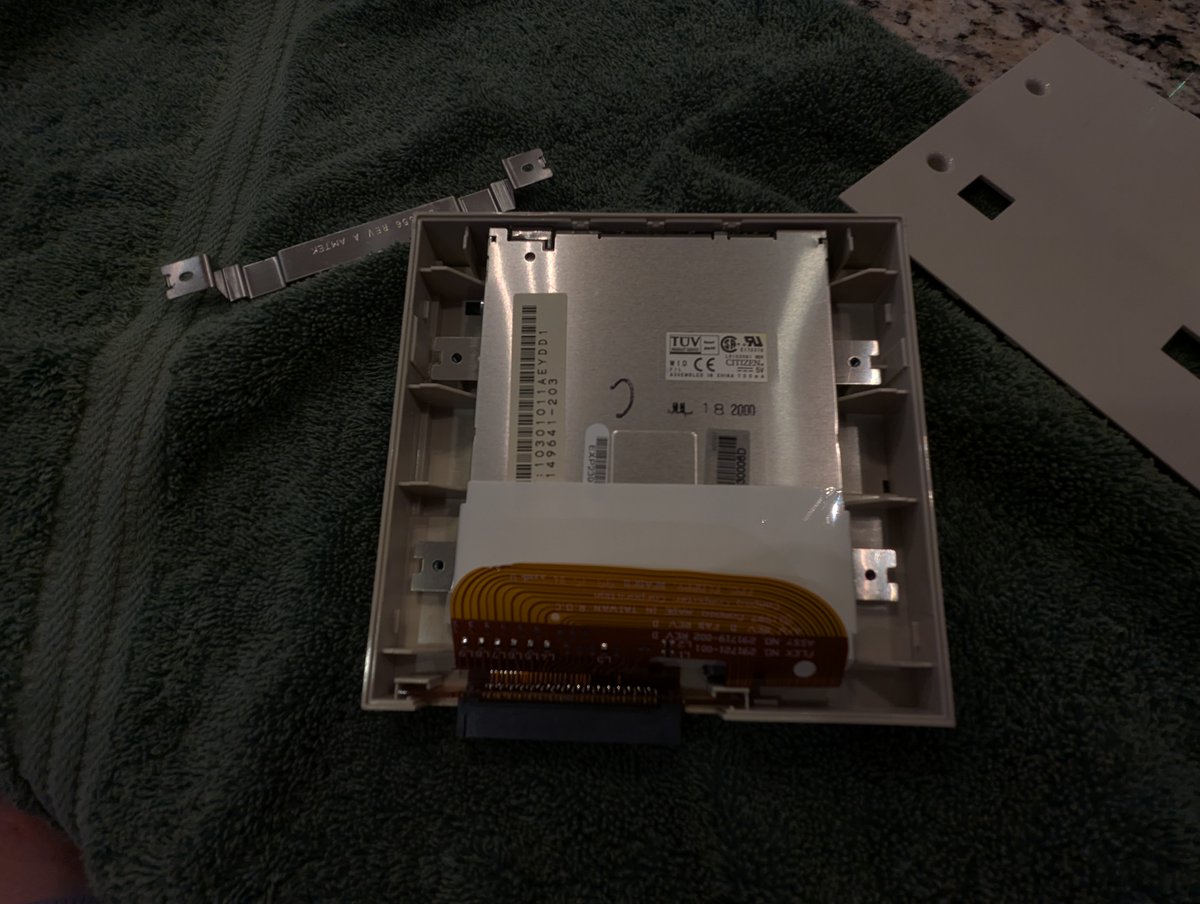
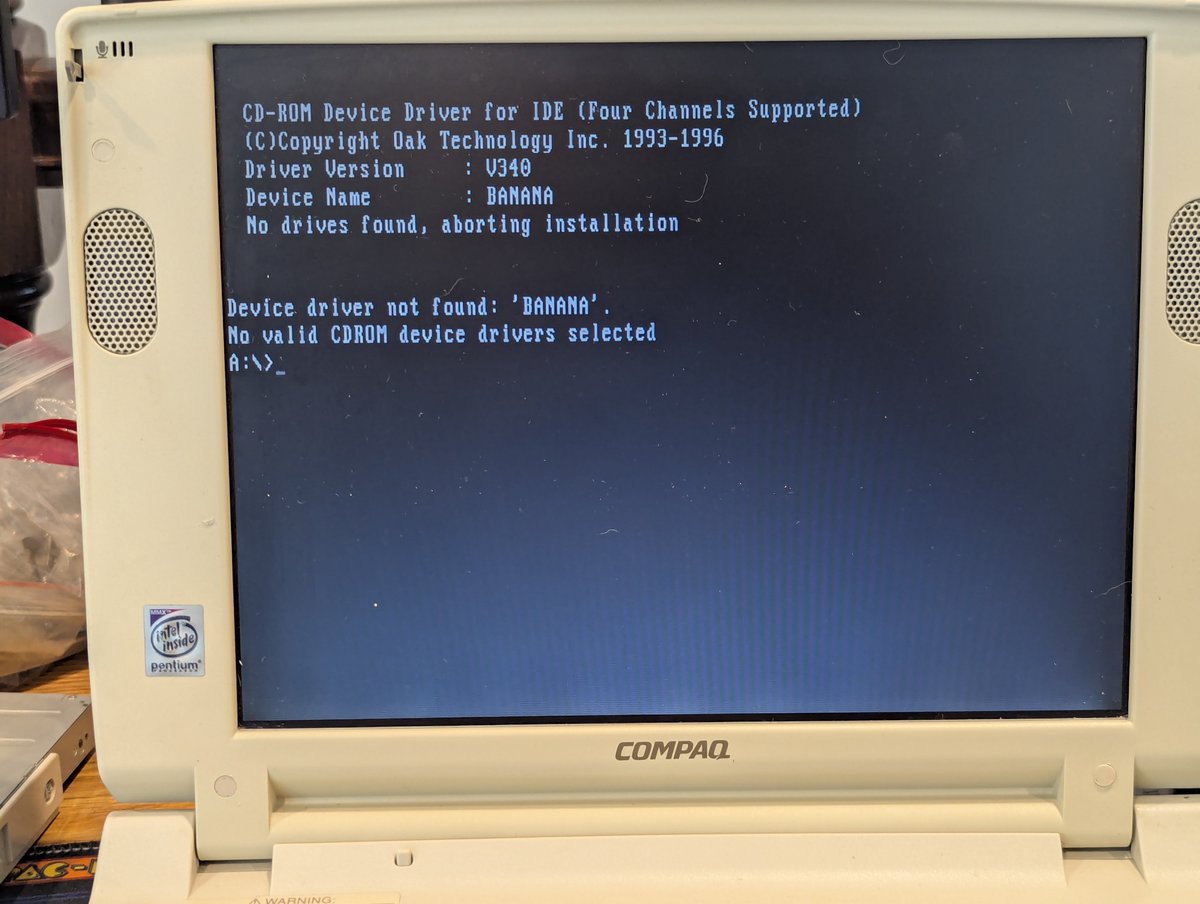
So, my primary goal was to load system setup on these and see what the specs are. I started with the floppy drive. But these have the dreaded Citizen W1D drives. Ugh. Luckily there is a solution!
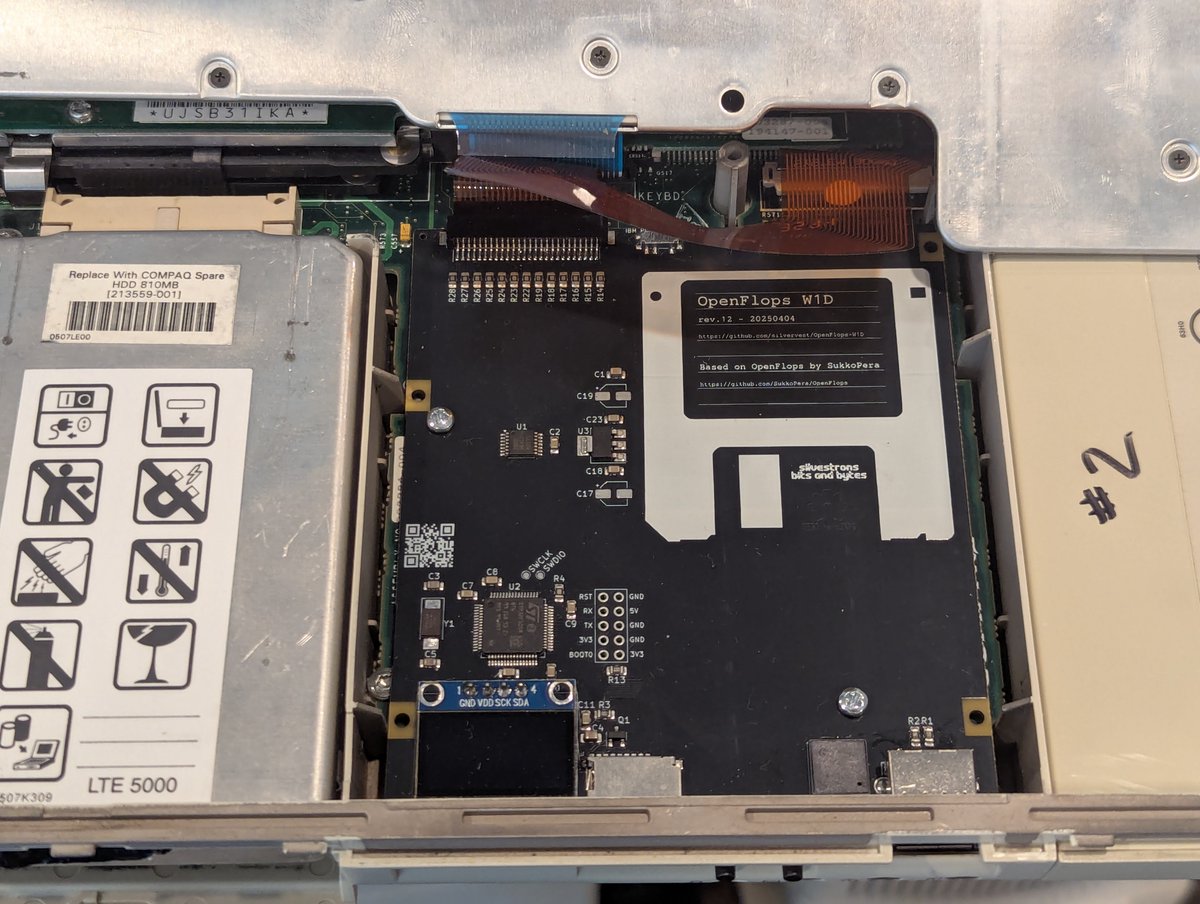
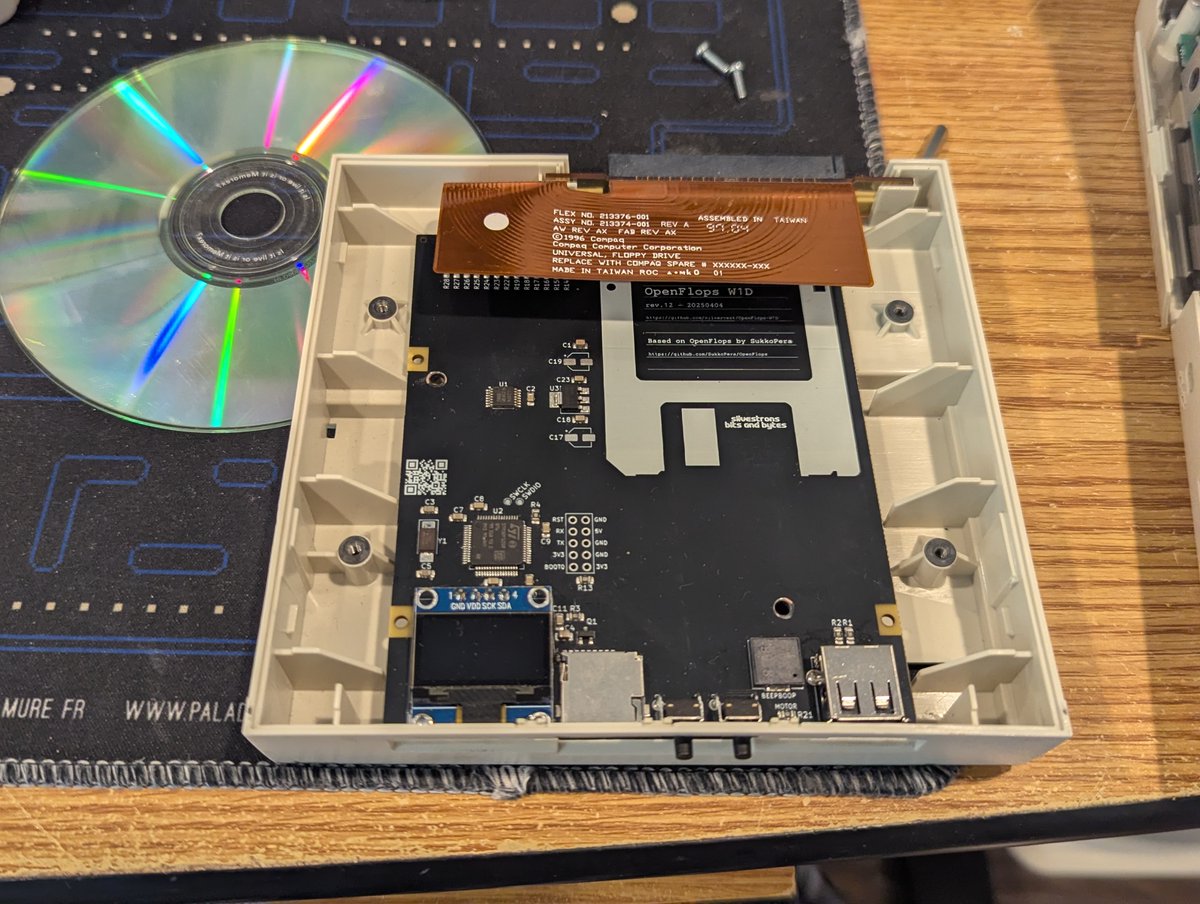
I went over to one of my LTE Elites and popped out a OpenFlops W1D, which is basically a Gotek replacement for the Citizen W1D. And, well, these work seemingly great! I was able to boot DOS off of an image file.
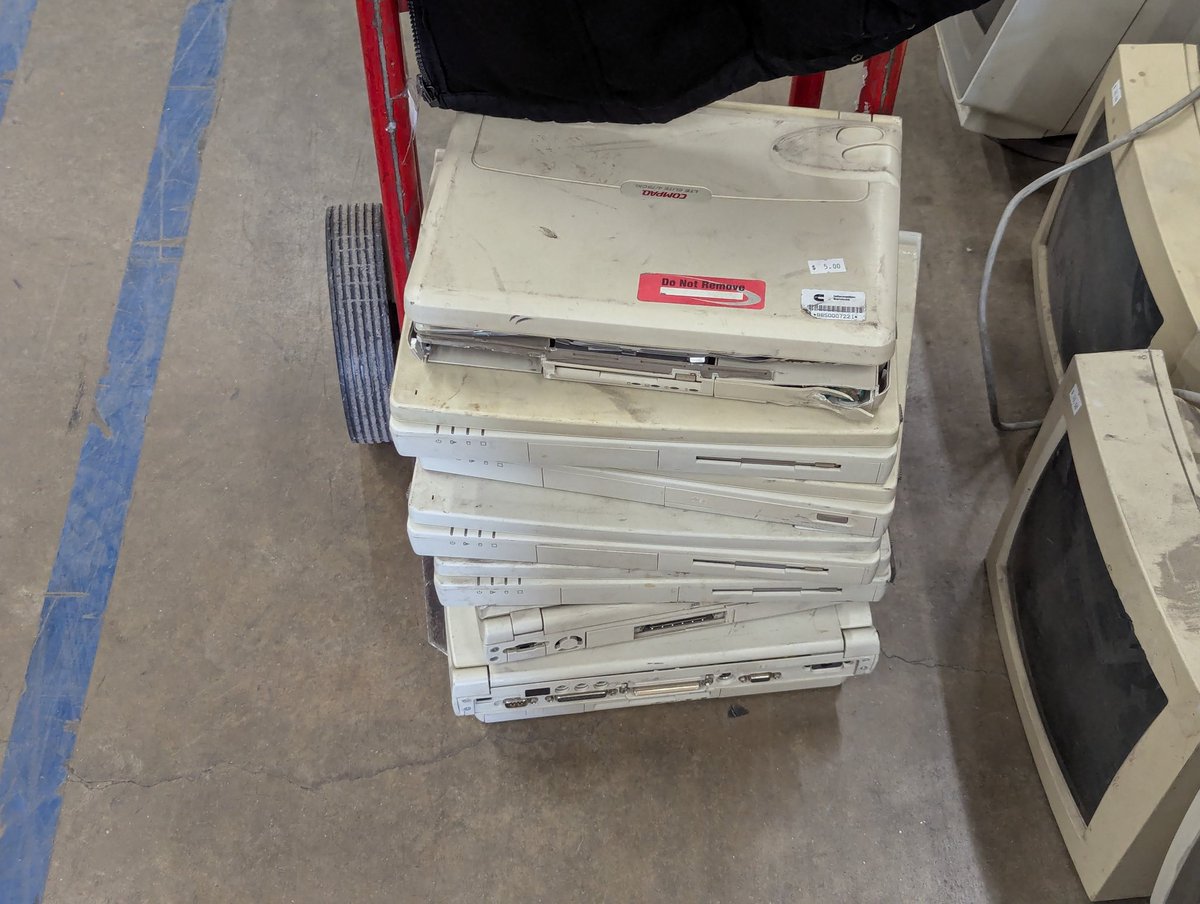
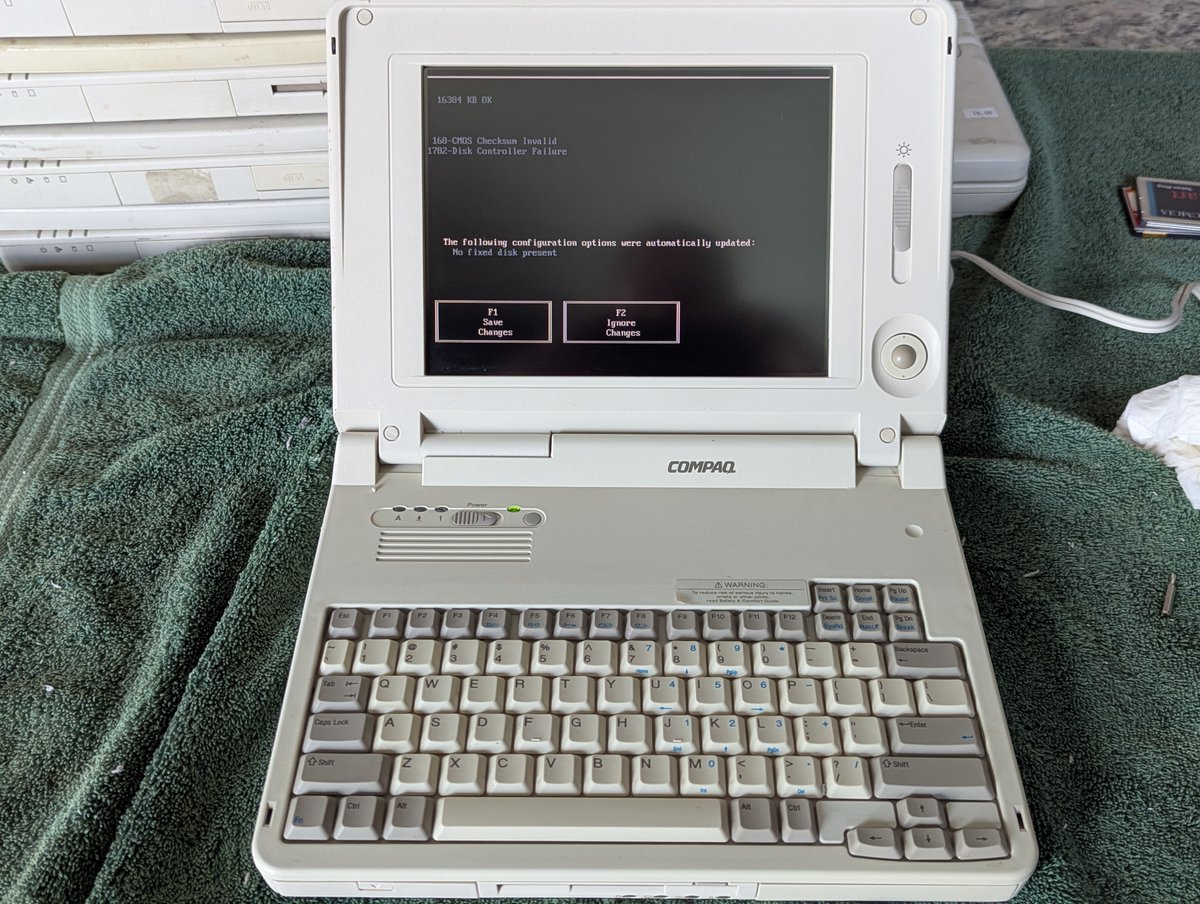
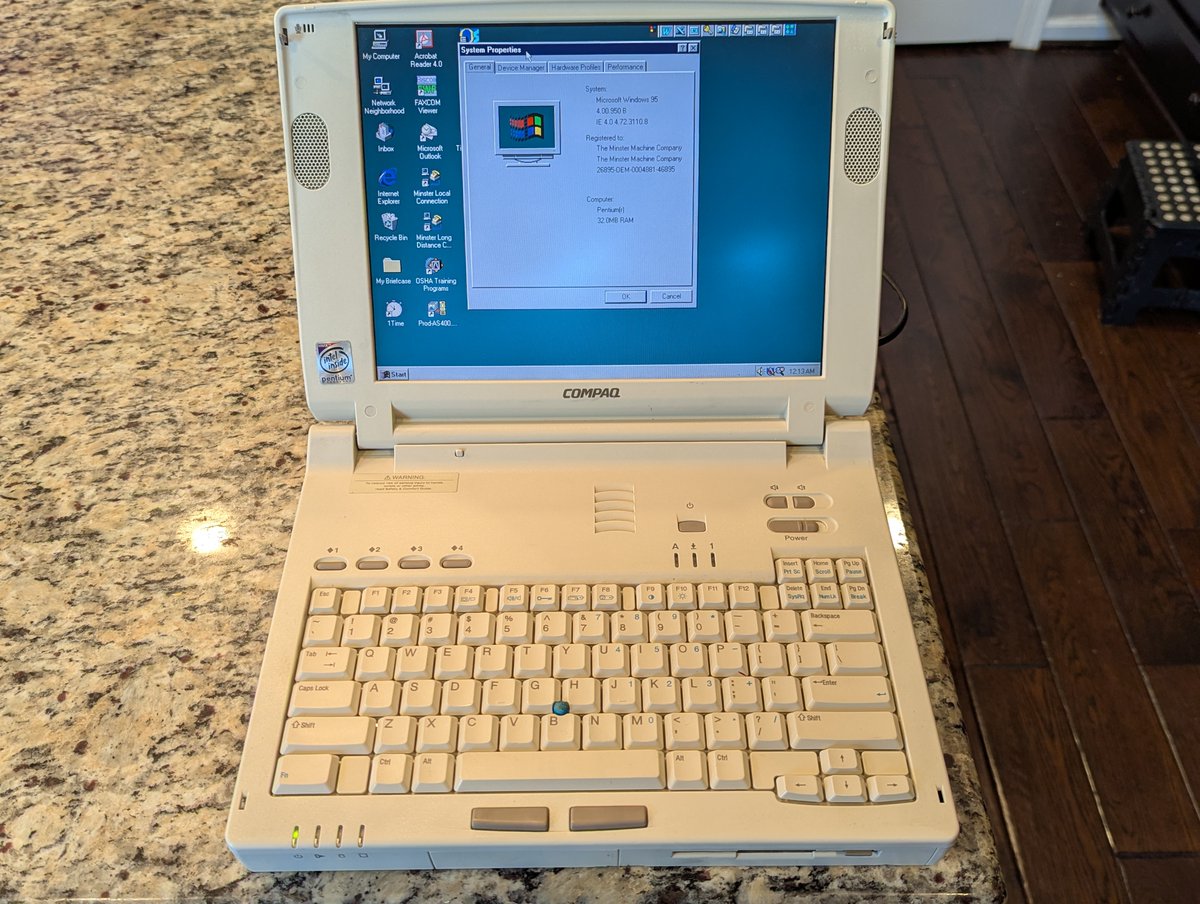
I posted the first picture you see earlier in the day, and promised all of you an explanation. Well, I don't have one 🤣. So, I guess we can just test these Compaq laptops out instead. And... things are going well, except for a couple of my screwups. Time for a 🧵
Alright, here we go, all of the laptops on the desk. Yes, the one LTE Elite on the right is thrashed, I paid $3.33 for it, hoping to get some parts!
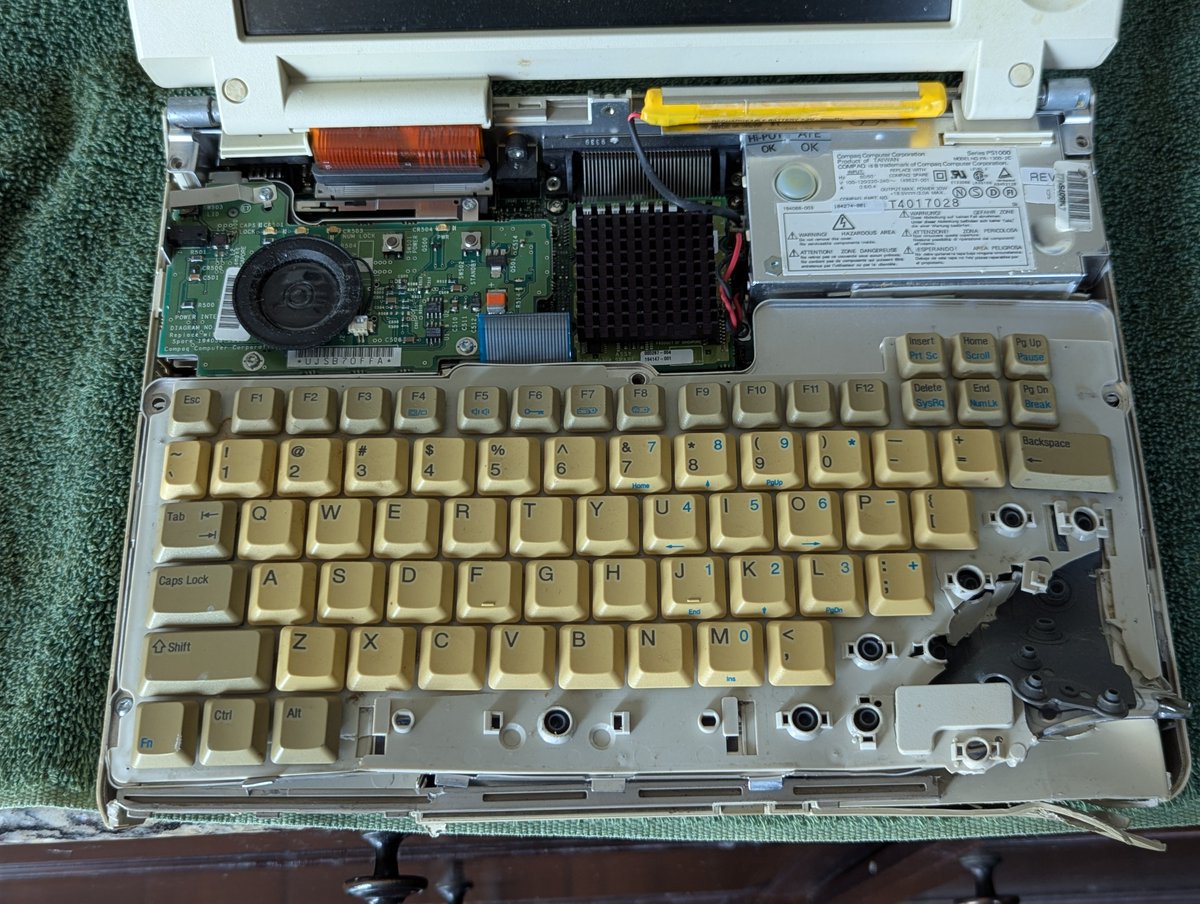
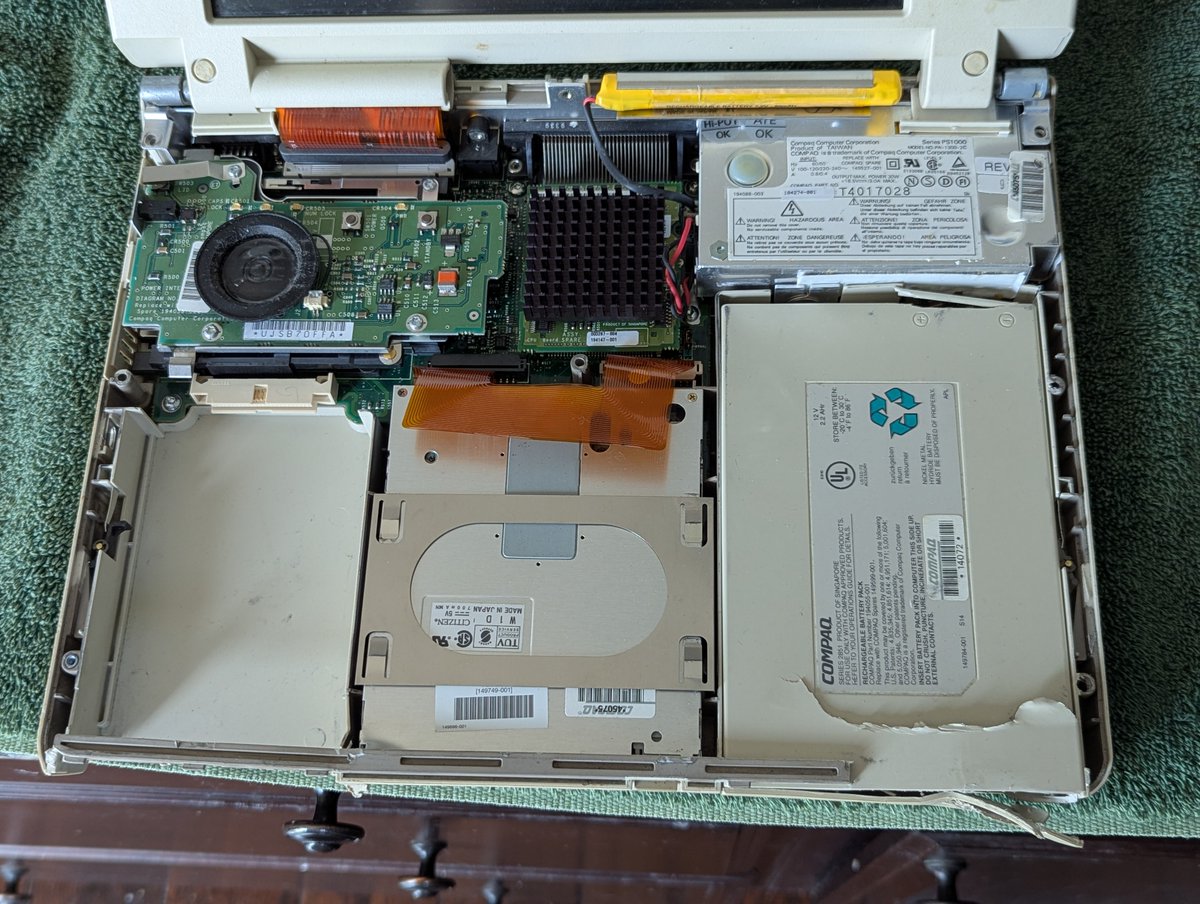
Let's see what we have. Here it is, all torn down. Sadly, it doesn't power on. Oh well. Maybe the screen is good! We'll test that another day.
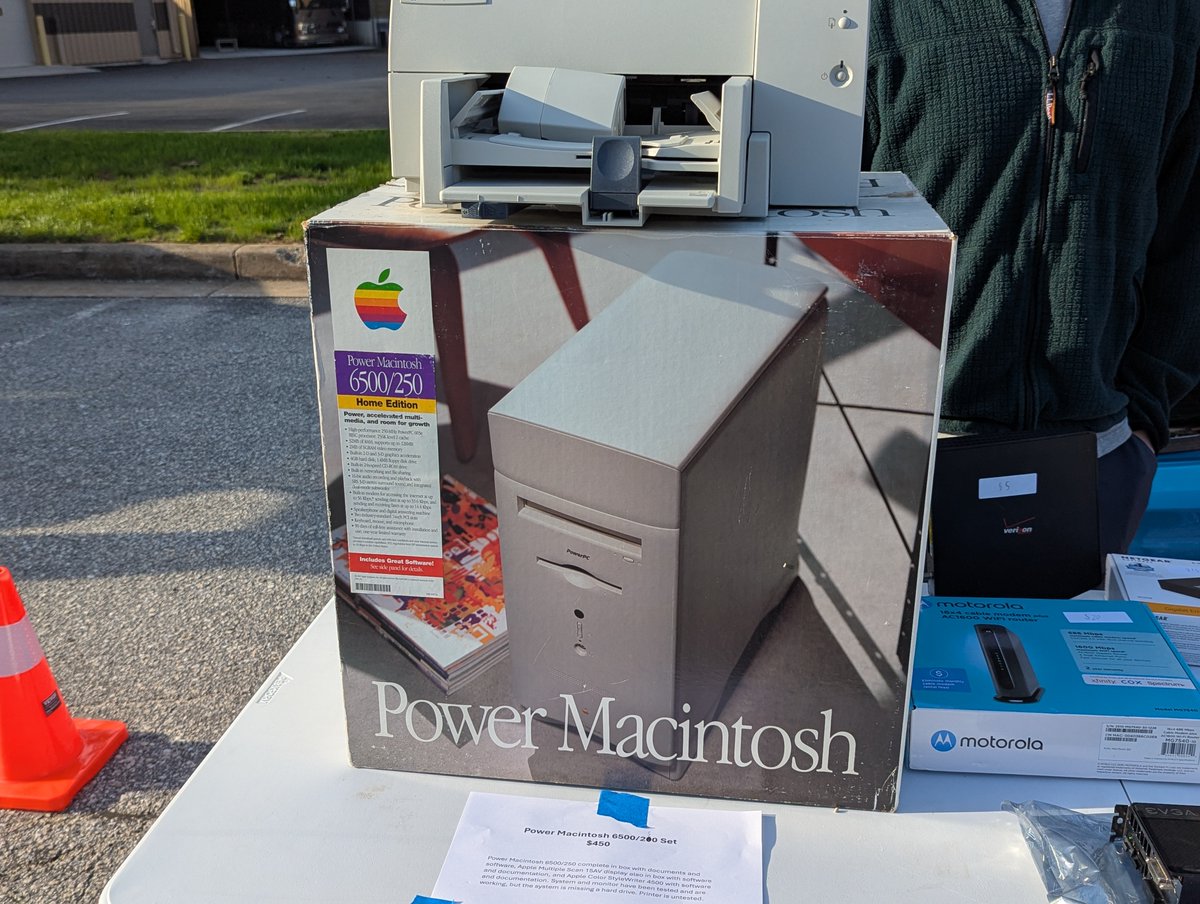
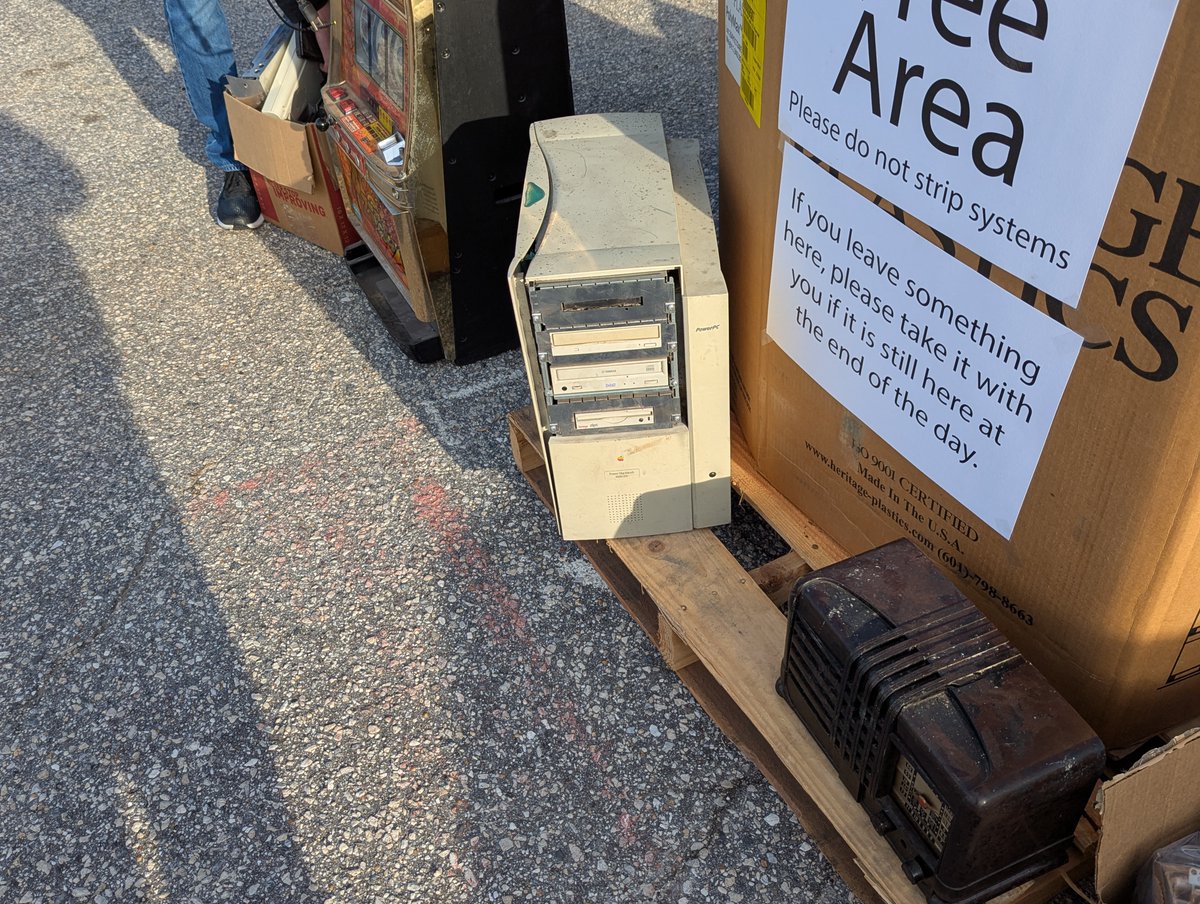
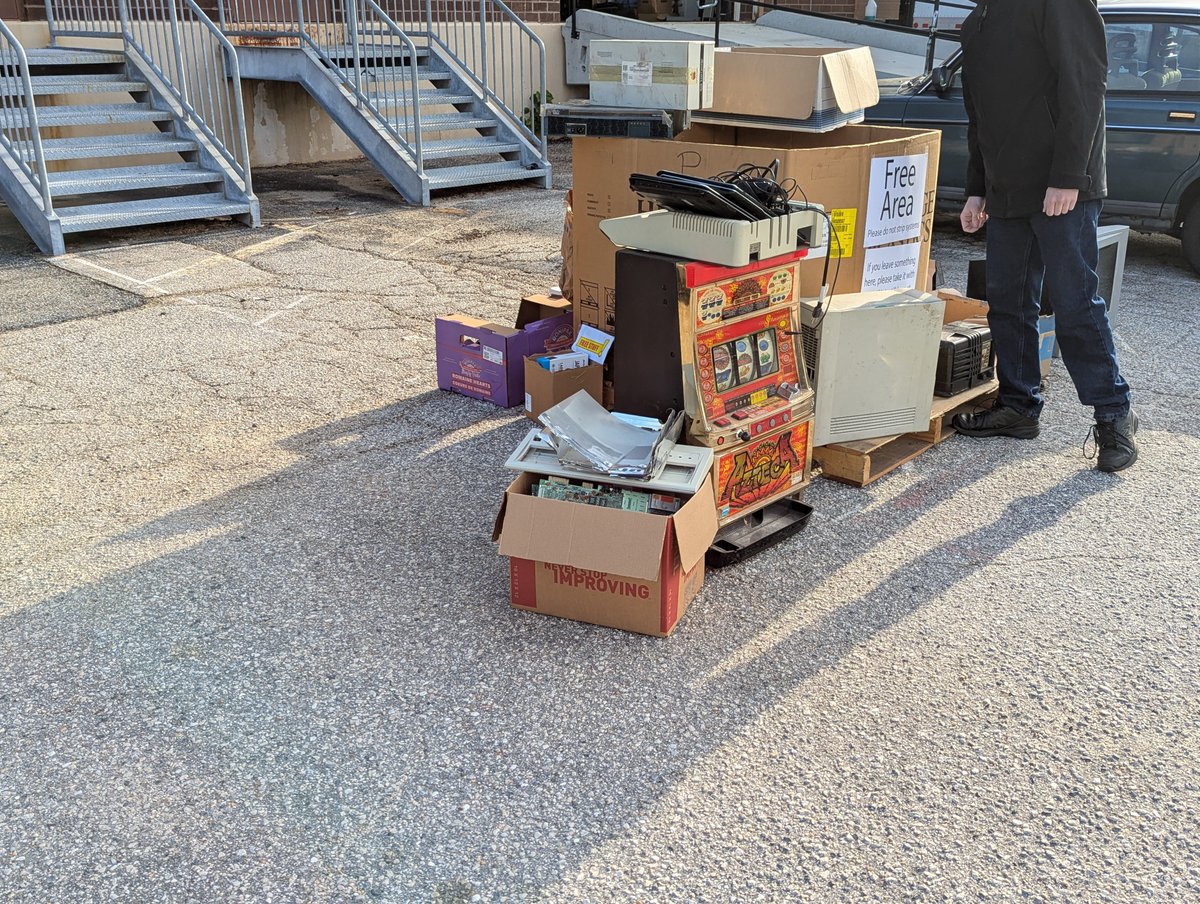
Alright, I'm back home from the System Source Swap Meet and Warehouse Sale. You might have seen my video clips earlier, let's post some pictures! Time for a 🧵
Check out this Power Macintosh in its original box. Now, based on what was in the warehouse, there was some stiff competition for this. I don't think it sold.
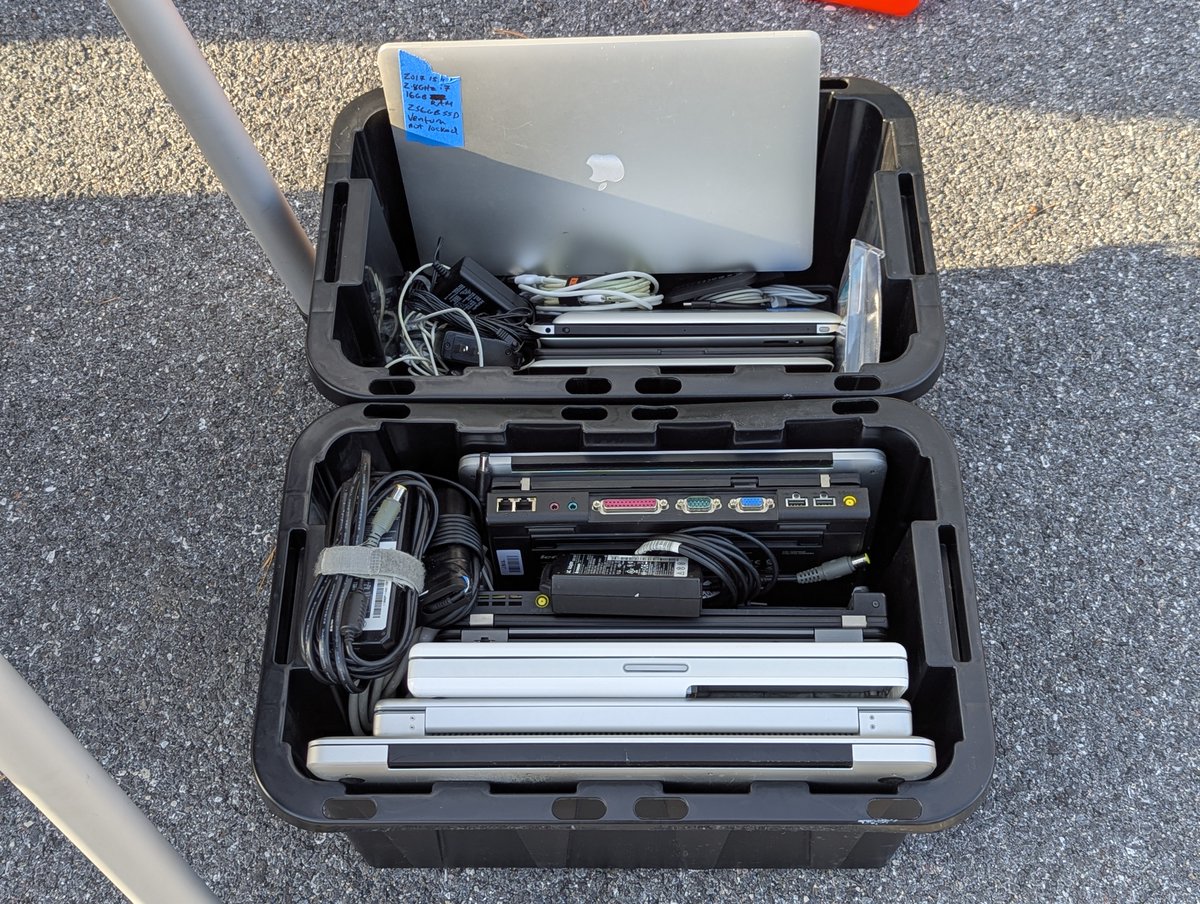
What would a swap meet be without a free pile? The pile did ebb and flow a bit (I think I have more pictures too, we'll get to those), but here is what I saw first thing in the morning!
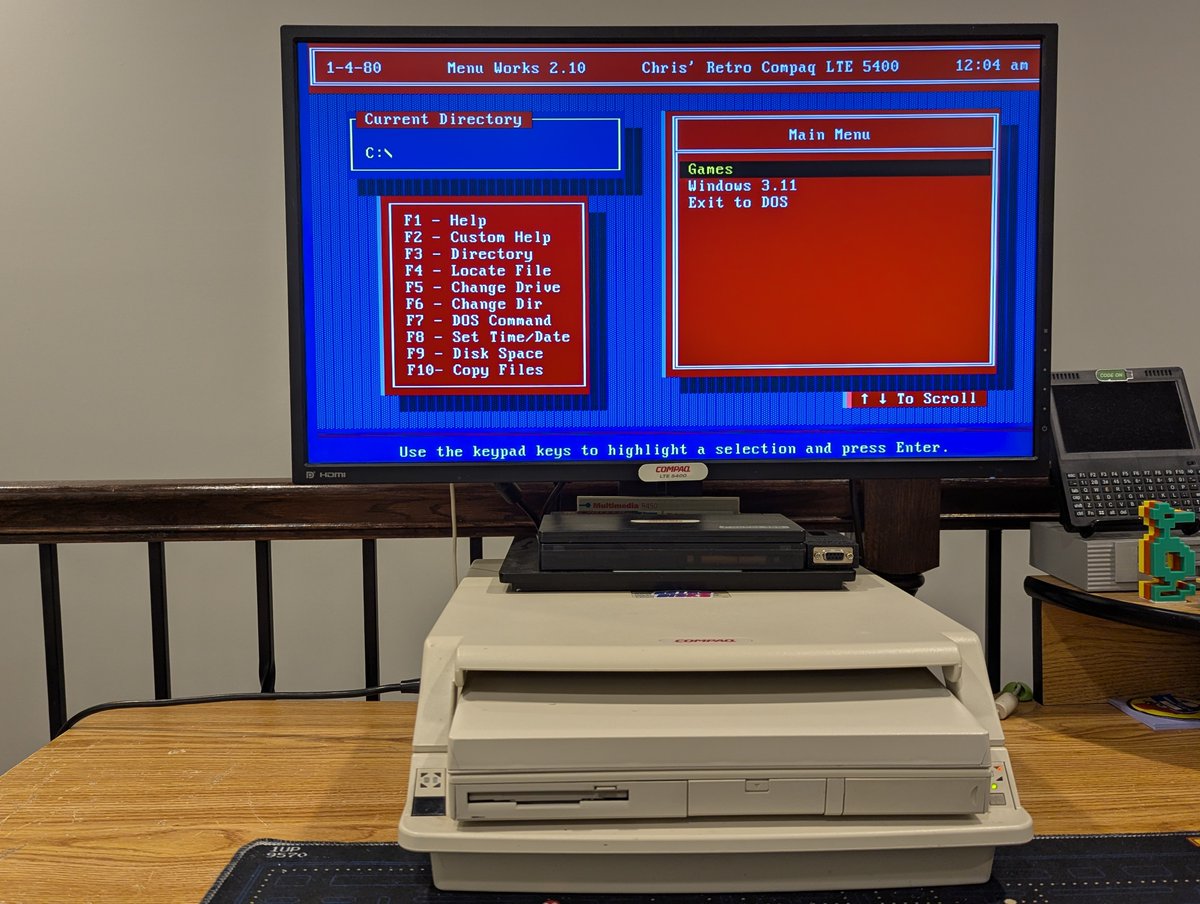
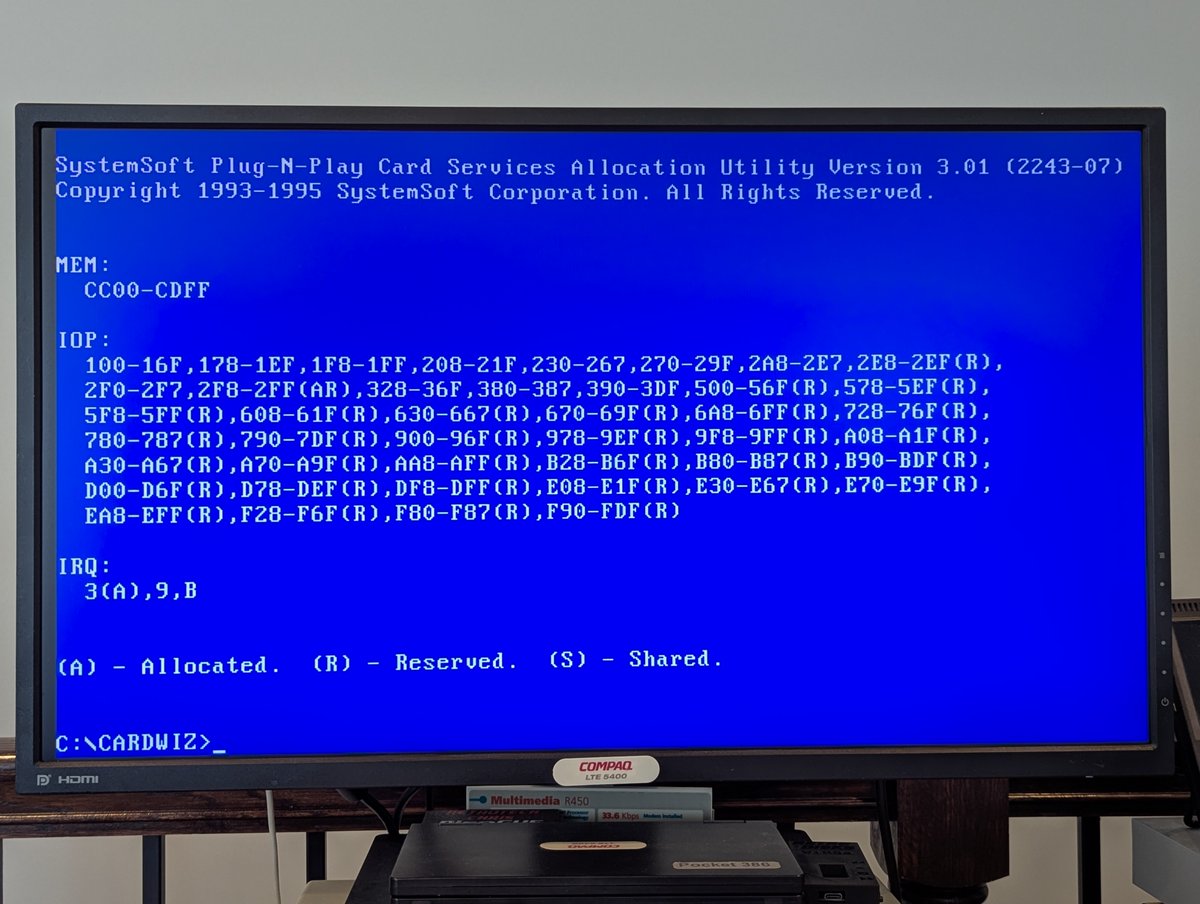
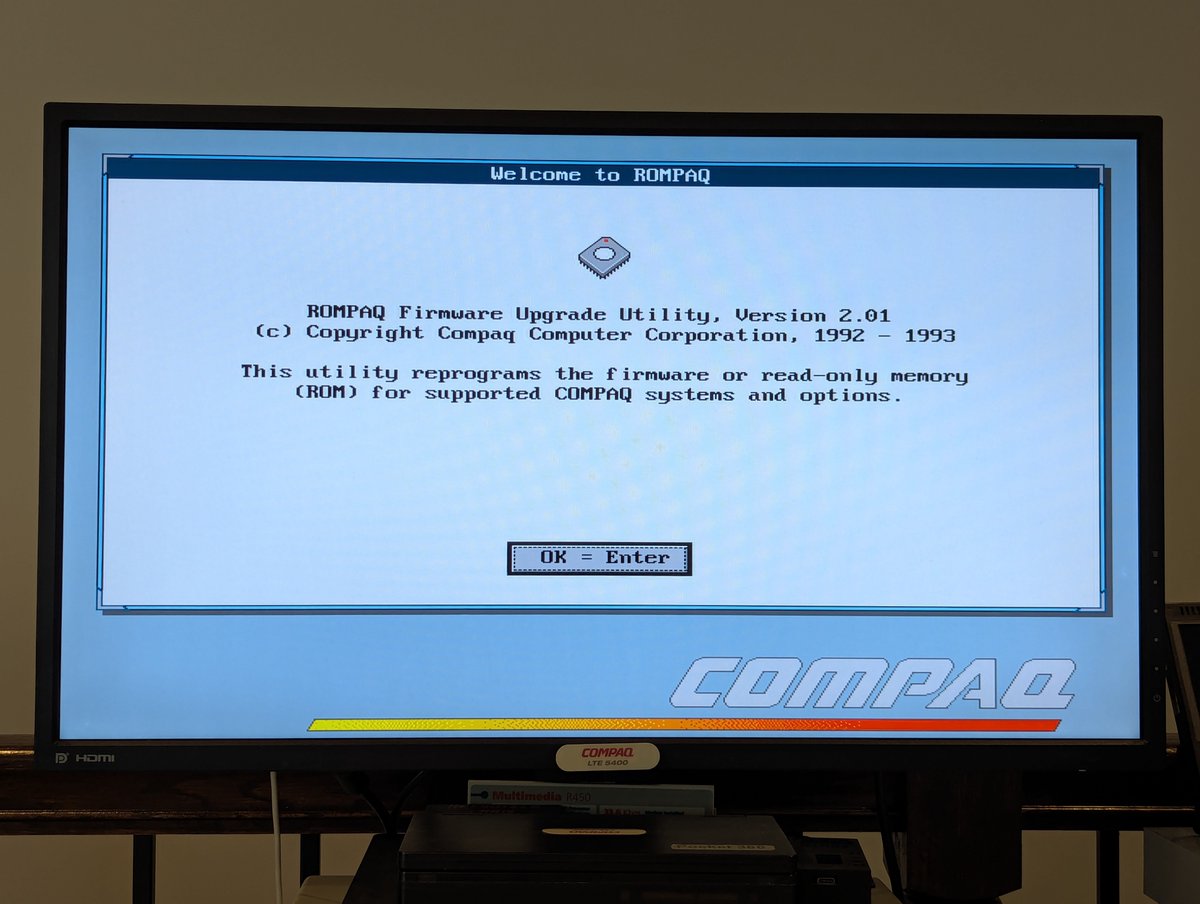
Recently I updated the BIOS on my Compaq LTE 5400 to support large hard drives. However, this ended up causing a few other issues I had to solve. Anyone remember battling with DOS conventional memory and dealing with driver issues? Well... here we go! 🧵
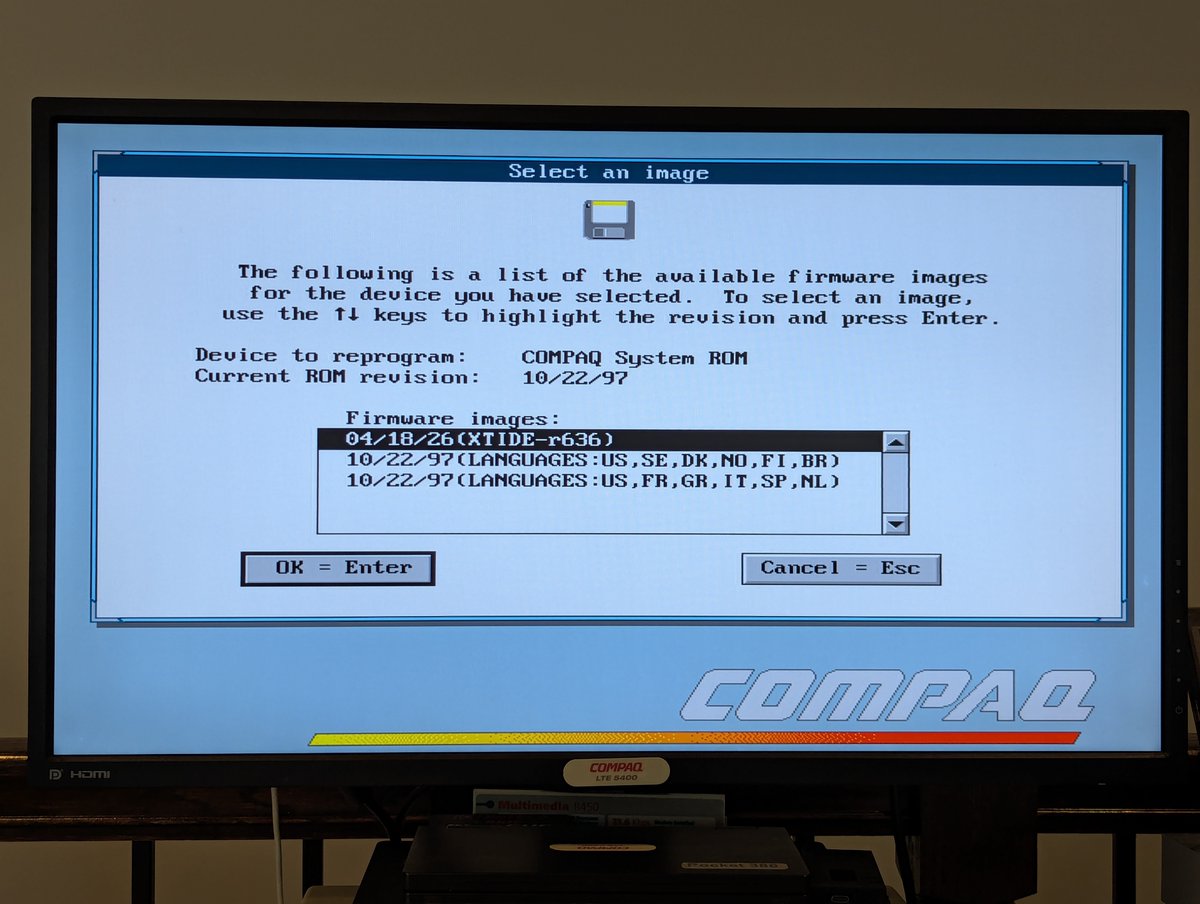
As I noted in the opening post, I upgraded the BIOS. This upgrade basically adds XTIDE to the system to support large hard drives. But, XTIDE is what is known as an option ROM. Which means that it is going to take a slice of the "upper memory area" in order to work.
This caused two issues for me. First, my PCMCIA network card tended to "live" in the region that is now used by XTIDE. Okay, no problem. This computer uses SystemSoft software to manage PCMCIA. Through trial and error, I moved its memory region elsewhere. Network card fixed!
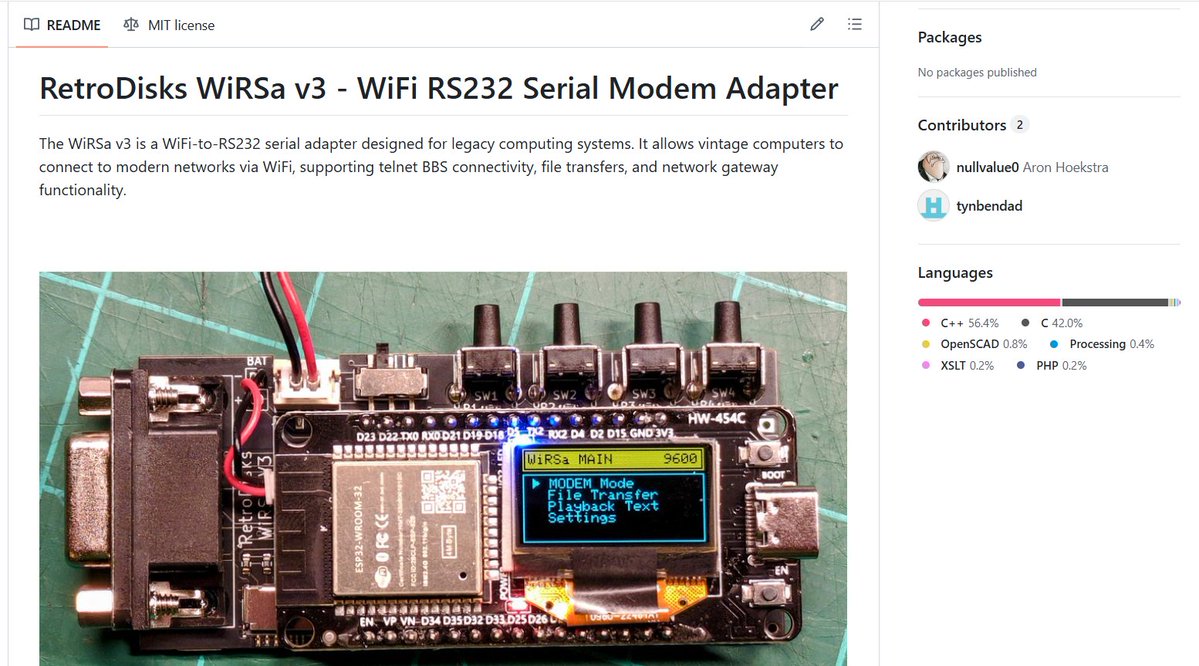
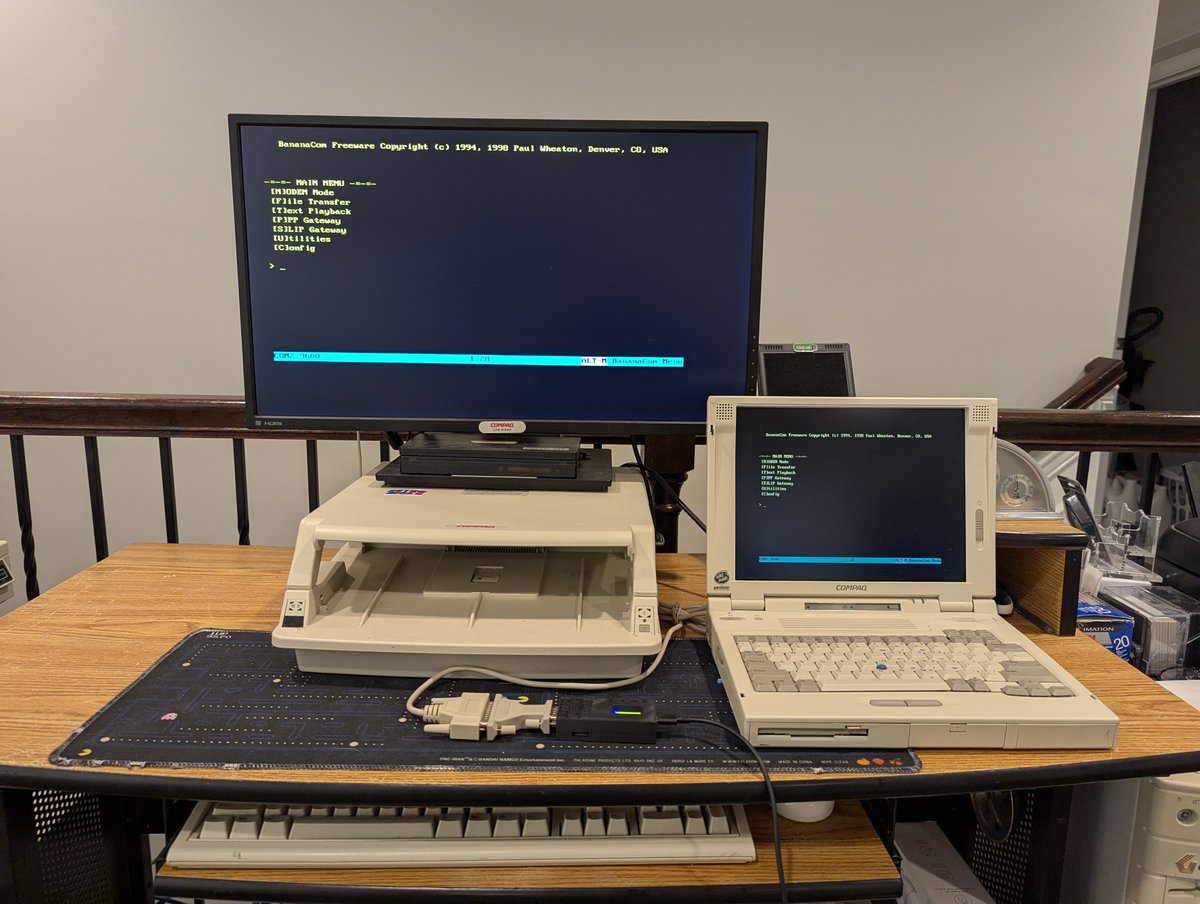
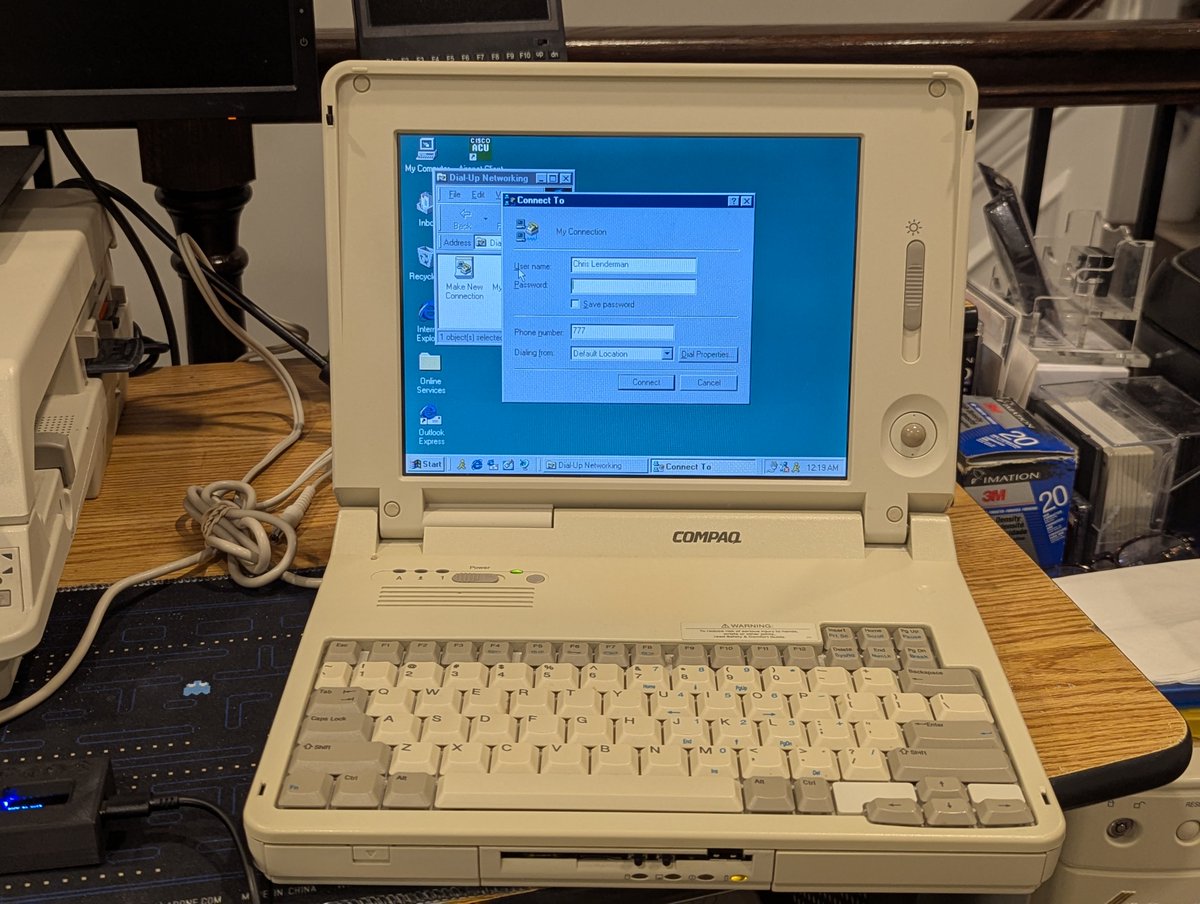
If you know me, you know that I like retro connectivity! Recently I picked up this most excellent WiRSa v3 (WiFi to Serial Adapter) from RetroDisks. It provides many ways to get online. Let's go through them and talk about my experiences with this device in a 🧵 here!
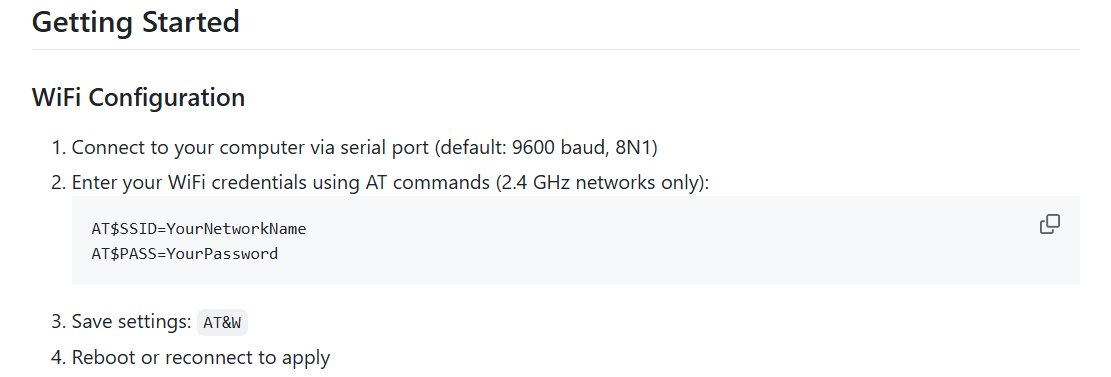
So, first, from the first post, you saw a picture of the device. I pulled that from the GitHub page that explains how to use this thing. You can find it here: github.com/nullvalue0/WiR…
Alright, let's explore. So, when you get the device, the first thing you get to do is configure WiFi! You can either do that the manual way, or the automated way. This device is smart enough to detect nearby networks, which is pretty stellar!