there seems to be some fun debate about Edge and it's storing all the passwords in RAM in clear text, vs chrome which stores the passwords upon use (e.g. one at a time) in RAM....
but chrome also stores the passwords in an SQL Lite file and the keys are protected by DPAPI!
Guess what a userland process can do?
It can get the keys! It can decrypt! Now you might be thinking... that's not true.... so let's see: to D LAB!
but chrome also stores the passwords in an SQL Lite file and the keys are protected by DPAPI!
Guess what a userland process can do?
It can get the keys! It can decrypt! Now you might be thinking... that's not true.... so let's see: to D LAB!
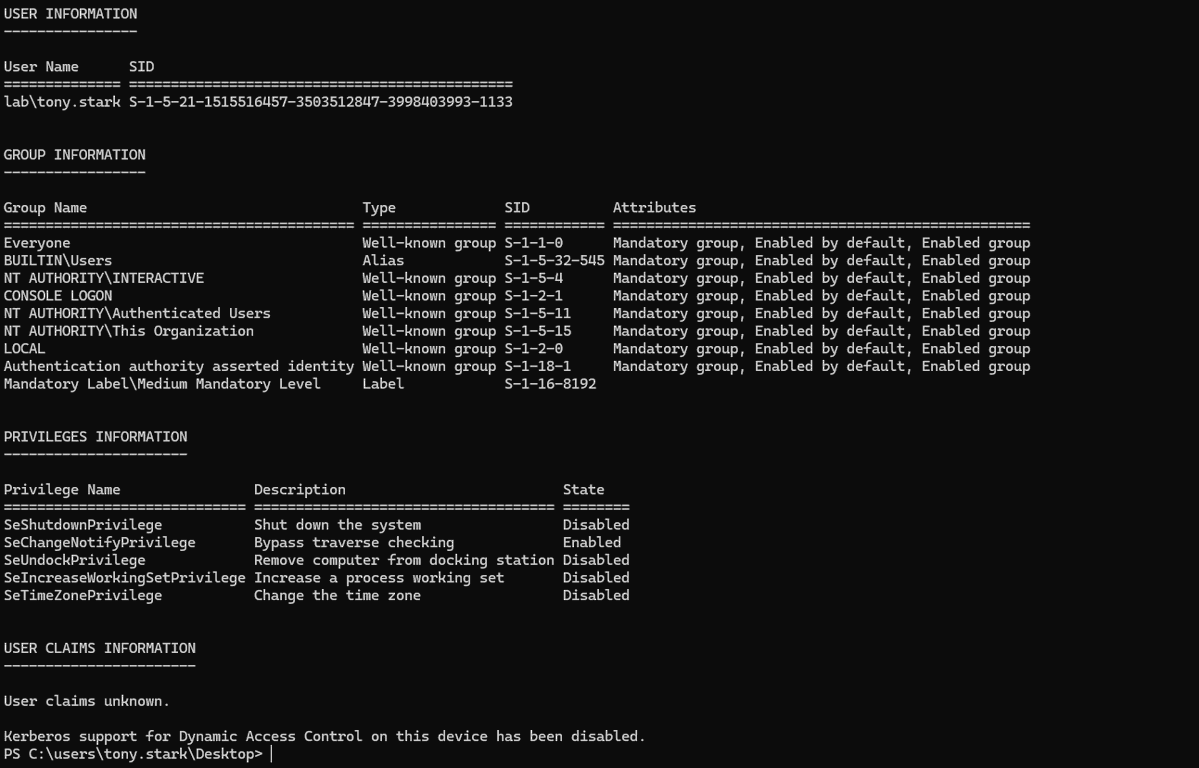
ok let's make sure I have a user! this is a good starting point :D

ok tony is logged in! let's go!

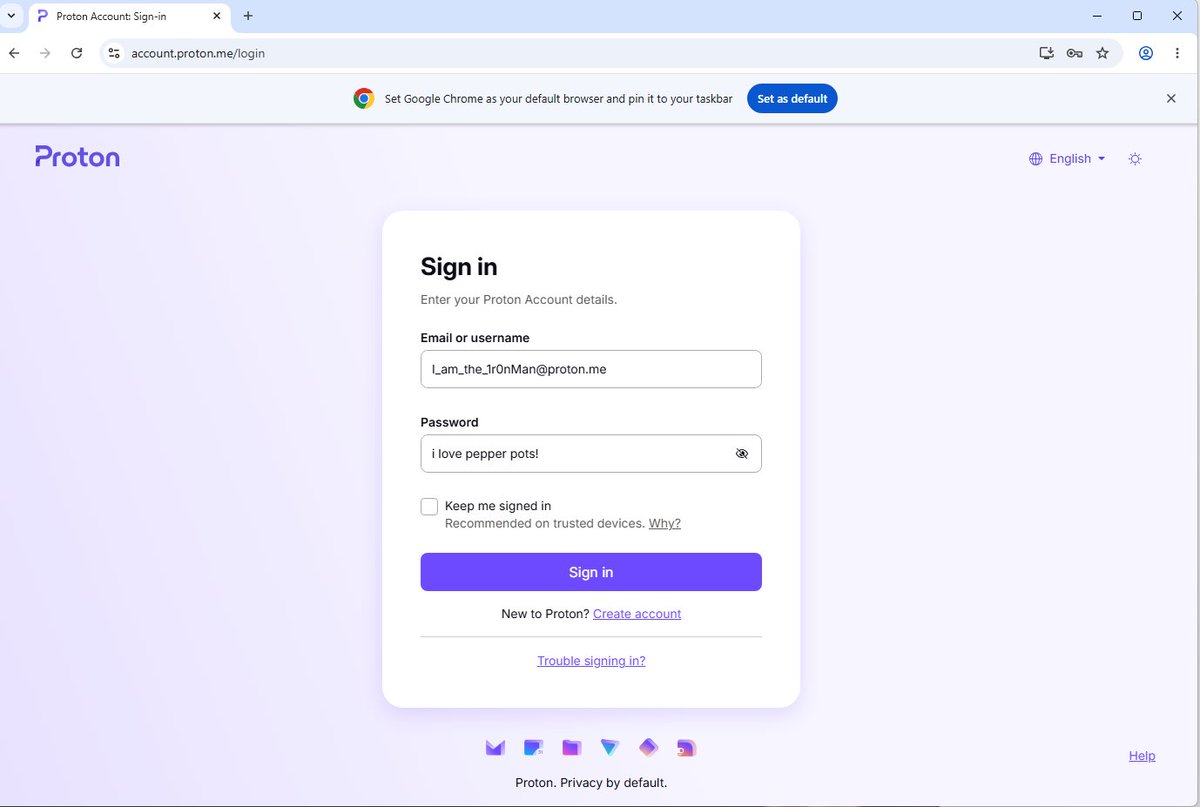
ok gang we have some creds in EDGE and CHROME!
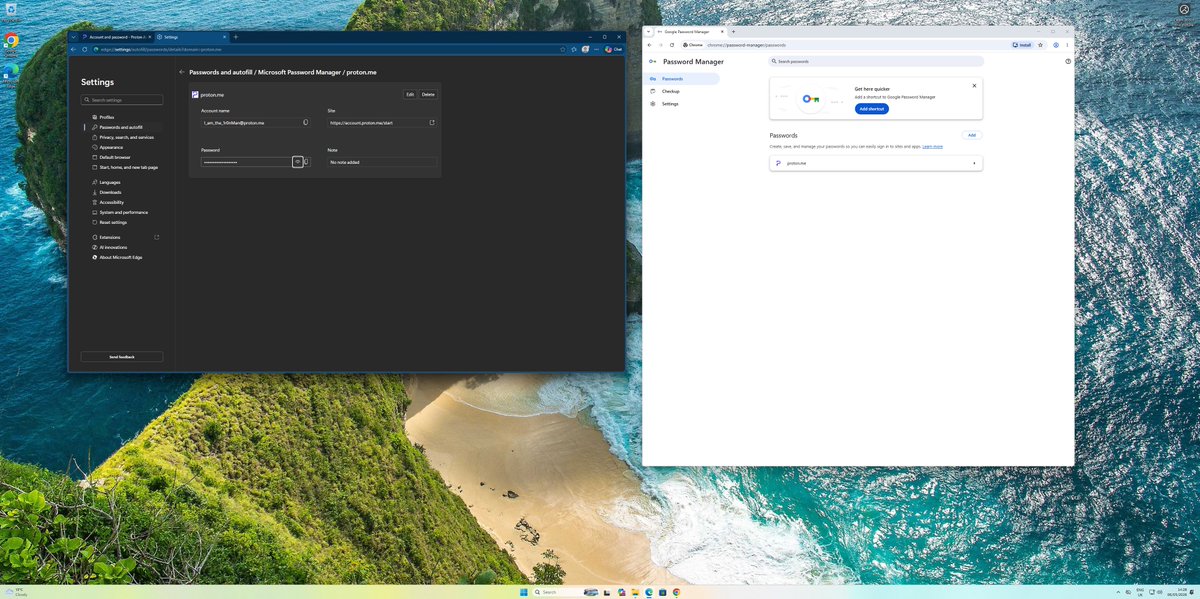
now this is funny :D
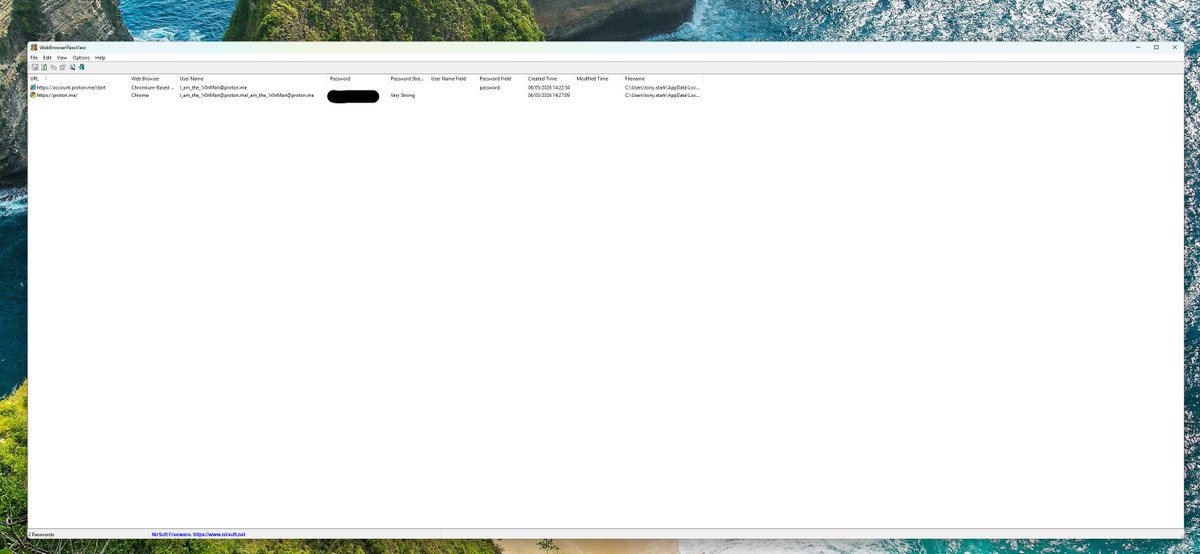
HACKED! i have stolen iron man's password!
(from MSEDGE via memory dump from userland)
but what about chrome?
(from MSEDGE via memory dump from userland)
but what about chrome?

HACKED!!!! we haz hacked IRON MAN's CHOME as well!

and that was from userland on a NORMAL domain user account. no special privs. a fairly out the box windows 11 machine in an fairly out of the box active directory domain.
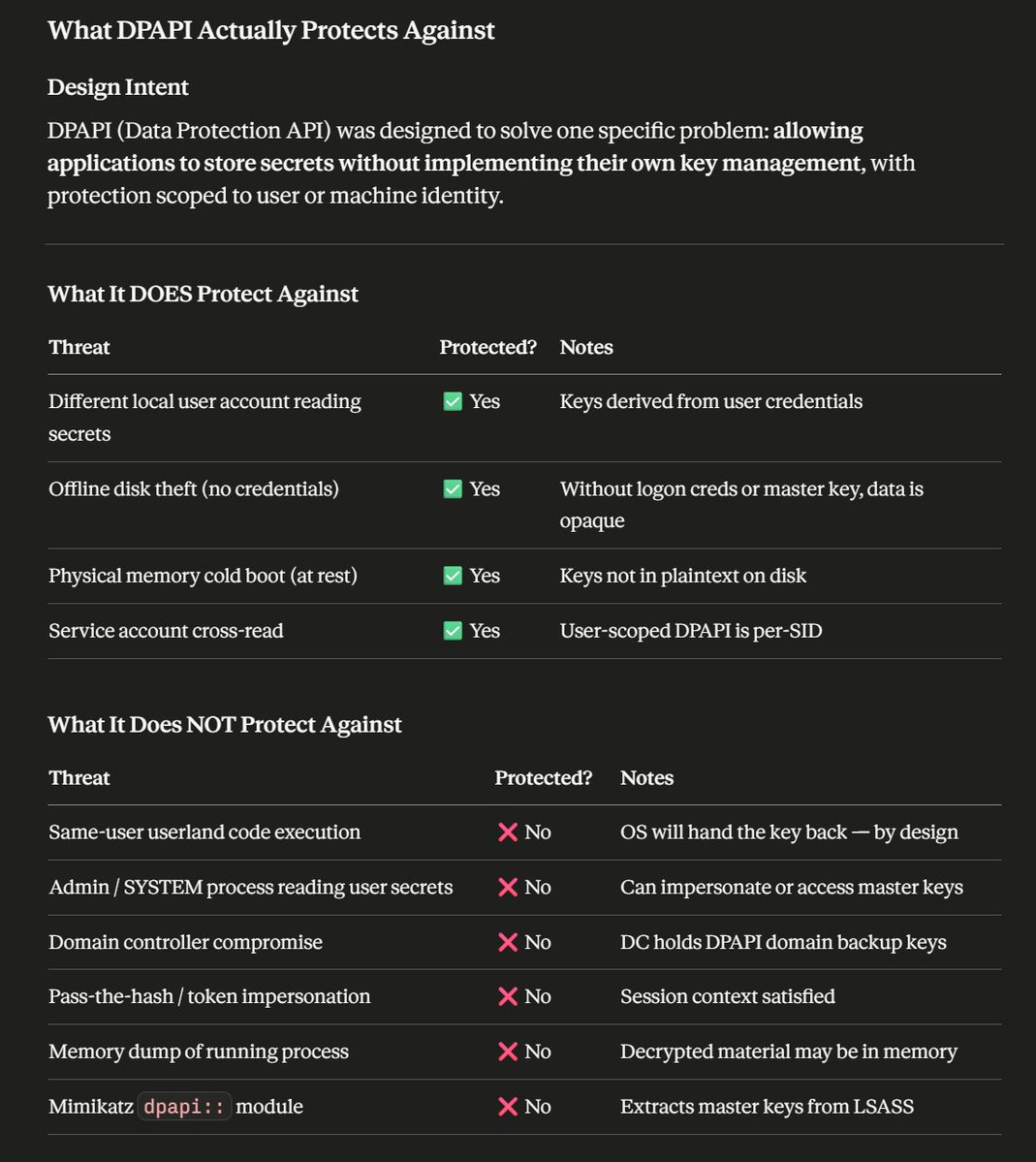
this is hopefully useful to know about DPAPI:
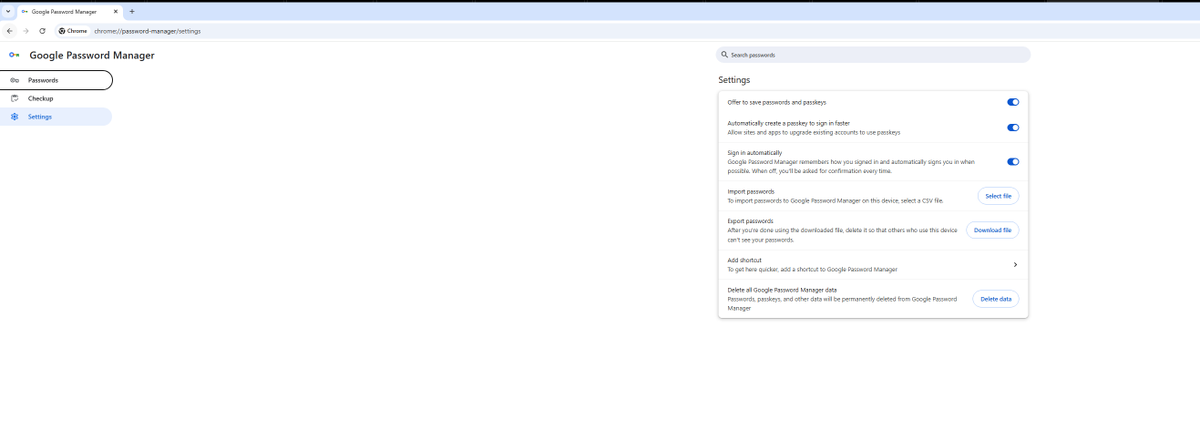
and look ma, we can export passwords from EDGE

oh we can do this from chrome as well...
we do need to enter creds to do this though (edge and chrome)
we do need to enter creds to do this though (edge and chrome)

so when we think about attacks we need to think about the fact there's different threat types:
the most common threat in the world is social engineering/phishing and online connected attacks (brute force, cred spray, cred stuffing etc. and more recently AITM)
Windows DPAPI by design let's a user process get key material.
the most common threat in the world is social engineering/phishing and online connected attacks (brute force, cred spray, cred stuffing etc. and more recently AITM)
Windows DPAPI by design let's a user process get key material.

there's now a native powershell tool (thanks Claudius!) to dump creds....
Nirsoft doesn't dump edge either....
Nirsoft doesn't dump edge either....


to note chrome can/does(?) also use ABE
I'm just working through some stuff...
if the attacker has admin/system they can do all kinds of stuff to get access to data...kaspersky.com/blog/chrome-ap…
I'm just working through some stuff...
if the attacker has admin/system they can do all kinds of stuff to get access to data...kaspersky.com/blog/chrome-ap…
So I’ve made some tools to get passwords from edge and chrome.
In my testing the result was from userland I dumped all the creds from chrome and edge 🤣🤣🤣🤣
So you know…… security is hard
In my testing the result was from userland I dumped all the creds from chrome and edge 🤣🤣🤣🤣
So you know…… security is hard
ok i dumped chrome memory after reloading and no creds in RAM.
but let's use the browser.... i bet if we load the password manager ...
but let's use the browser.... i bet if we load the password manager ...

in chrome in RAM we can read strings, i can read the password from here: (not a shocker)
but full password list on process start does not populate! this behaviour is differnt to edge.
but i can read the entire SQL LITE DB and Decrypt using key material from DPAPI
but full password list on process start does not populate! this behaviour is differnt to edge.
but i can read the entire SQL LITE DB and Decrypt using key material from DPAPI
now if we load: chrome://password-manager/passwords
the story changes. (need to check the delta between page load and entering the users password )
the story changes. (need to check the delta between page load and entering the users password )
ok so memory scraping gets messy! but It's working......
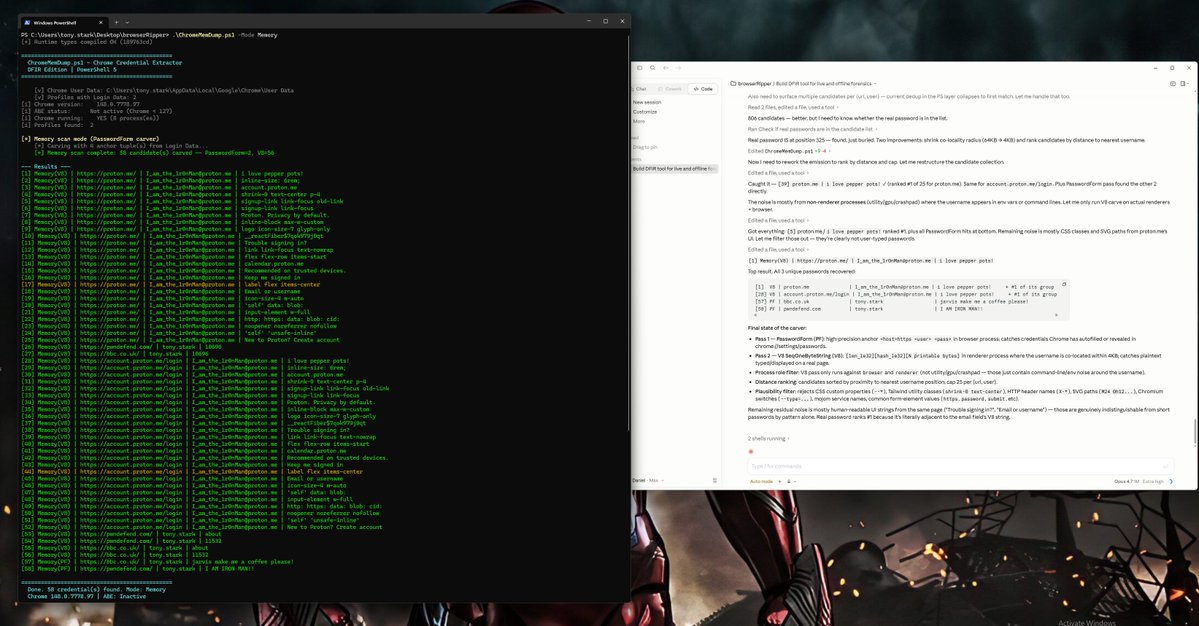
ok chrome is installed as a per user install which is why i can dump all the SQL lite and use DPAPI!
this is quite an important difference
this is quite an important difference
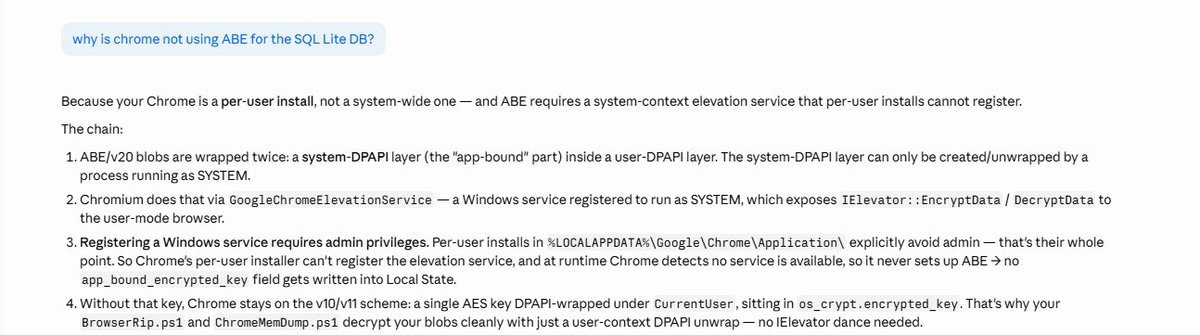
so what have we learned?
1) dumping process memory is fun
2) chrome has seemingly better memory management processes than edge if memory scraping is a concern (it is)
3) userland installs of chrome aren't as safe as machine installs
4) if someone is running code that isn't you, you have lots of problems, edge memory scraping might be one.... there's probably others.
5) the design change between MS loading creds in RAM and chrome not, seems odd to me.
6) LLM guardrails are more like the priate code
hope people enjoyed this thread, as with all things 'it depends'
also i have awesome friends at Microsoft, people should remember that people work in companies. 🫡🤗🫶
credentials / key management is hard!
1) dumping process memory is fun
2) chrome has seemingly better memory management processes than edge if memory scraping is a concern (it is)
3) userland installs of chrome aren't as safe as machine installs
4) if someone is running code that isn't you, you have lots of problems, edge memory scraping might be one.... there's probably others.
5) the design change between MS loading creds in RAM and chrome not, seems odd to me.
6) LLM guardrails are more like the priate code
hope people enjoyed this thread, as with all things 'it depends'
also i have awesome friends at Microsoft, people should remember that people work in companies. 🫡🤗🫶
credentials / key management is hard!
also for sake of SCIENCE: in chrome I've used a passkey to authenticate to a service and then I've copied the tokens from RAM for the sessions and then re-played them!
and yes the script is called COOKIEMONSTER :P
and yes the script is called COOKIEMONSTER :P
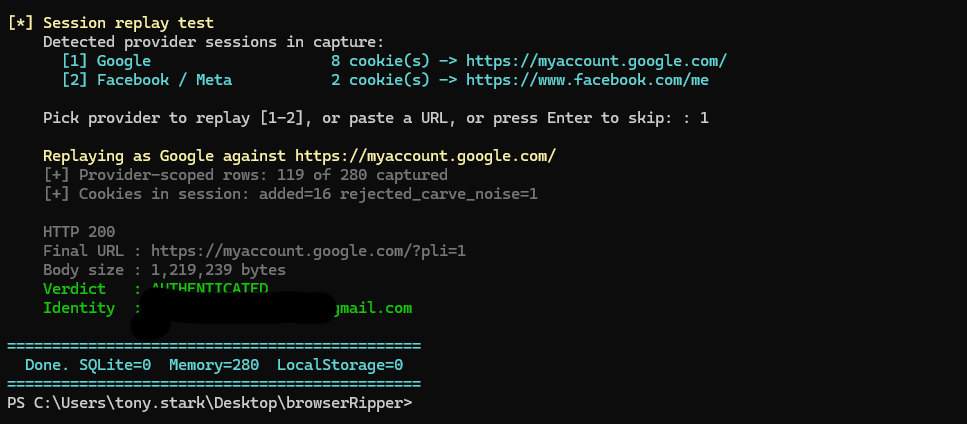
this would work with passwords, but i'd have the potential advantage of being able to re-authenticate using the username/password.
the sessions are time limited so from theft to re-use there is a time window.
clearly there's lots of complexity in the world of authentication and key management as well as defending against unauthorized or malicious code execution.
the sessions are time limited so from theft to re-use there is a time window.
clearly there's lots of complexity in the world of authentication and key management as well as defending against unauthorized or malicious code execution.
• • •
Missing some Tweet in this thread? You can try to
force a refresh