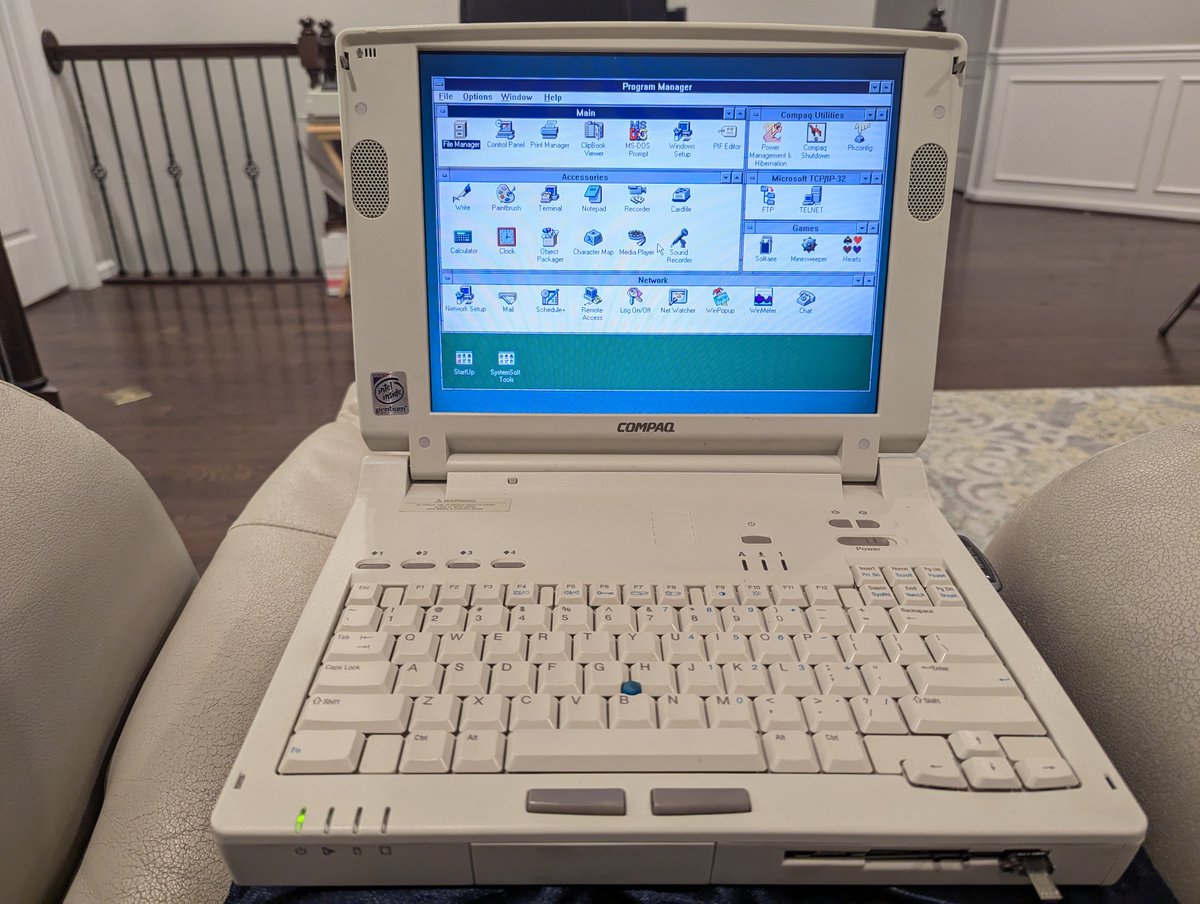
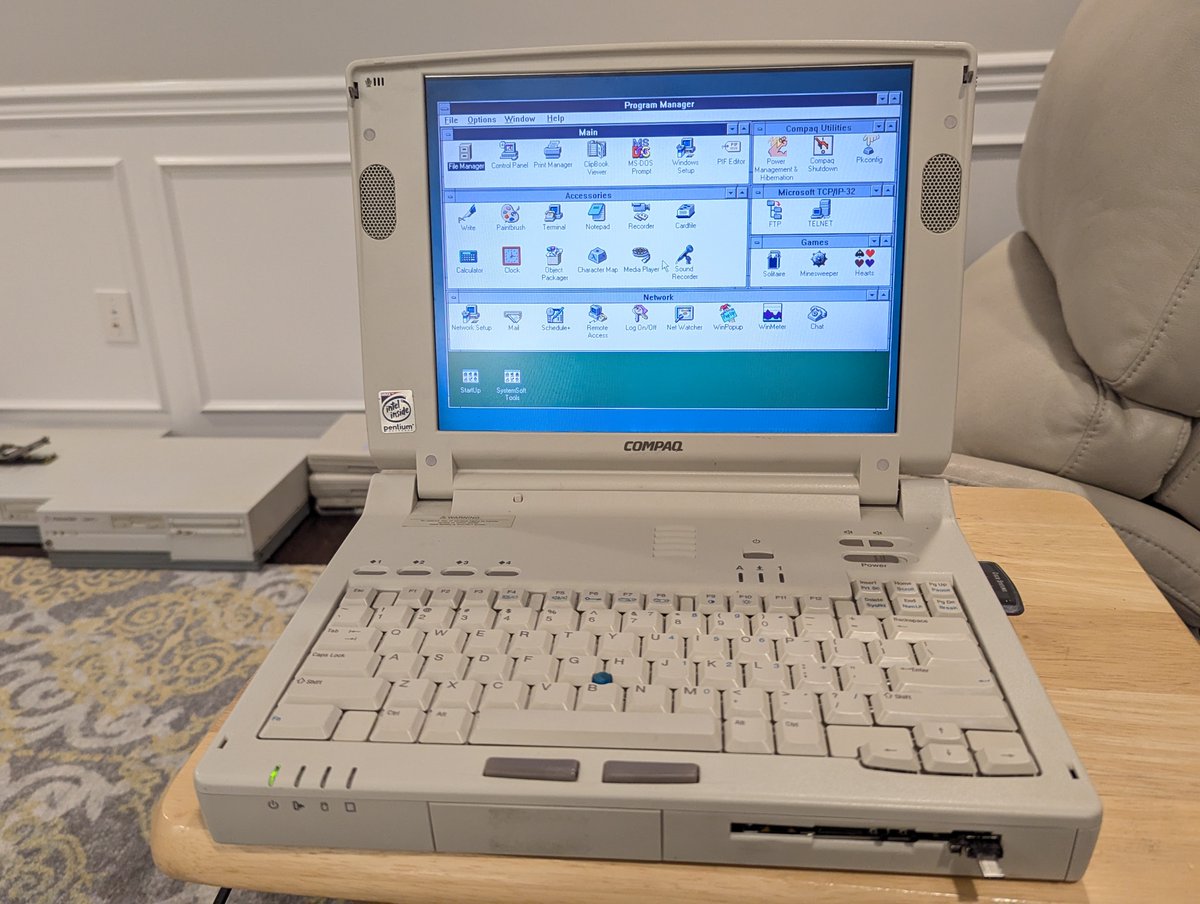
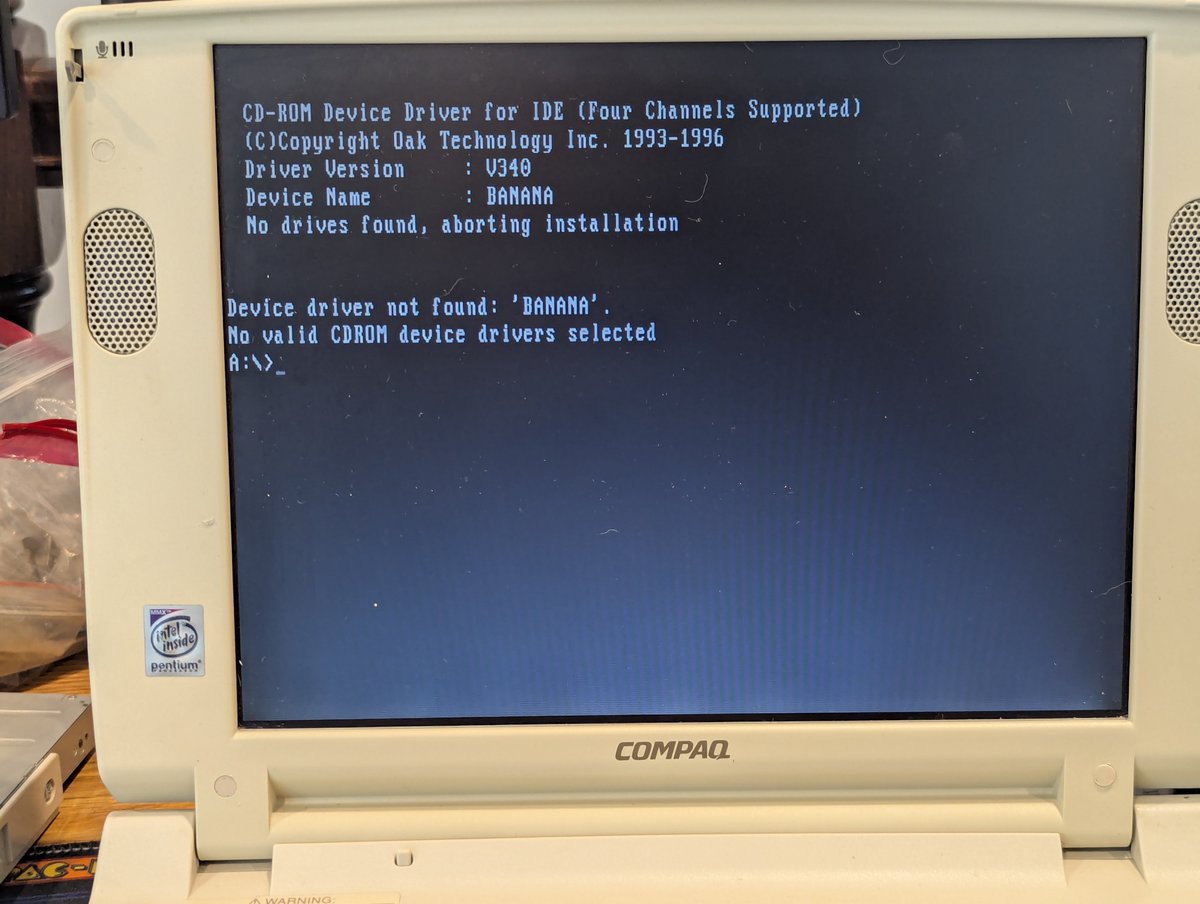
I decided to do "retro computing from the recliner" tonight, and set up Windows 3.11 For Workgroups on my "Super Armada 7770DMT". Let's talk about it briefly in a š§µ here!
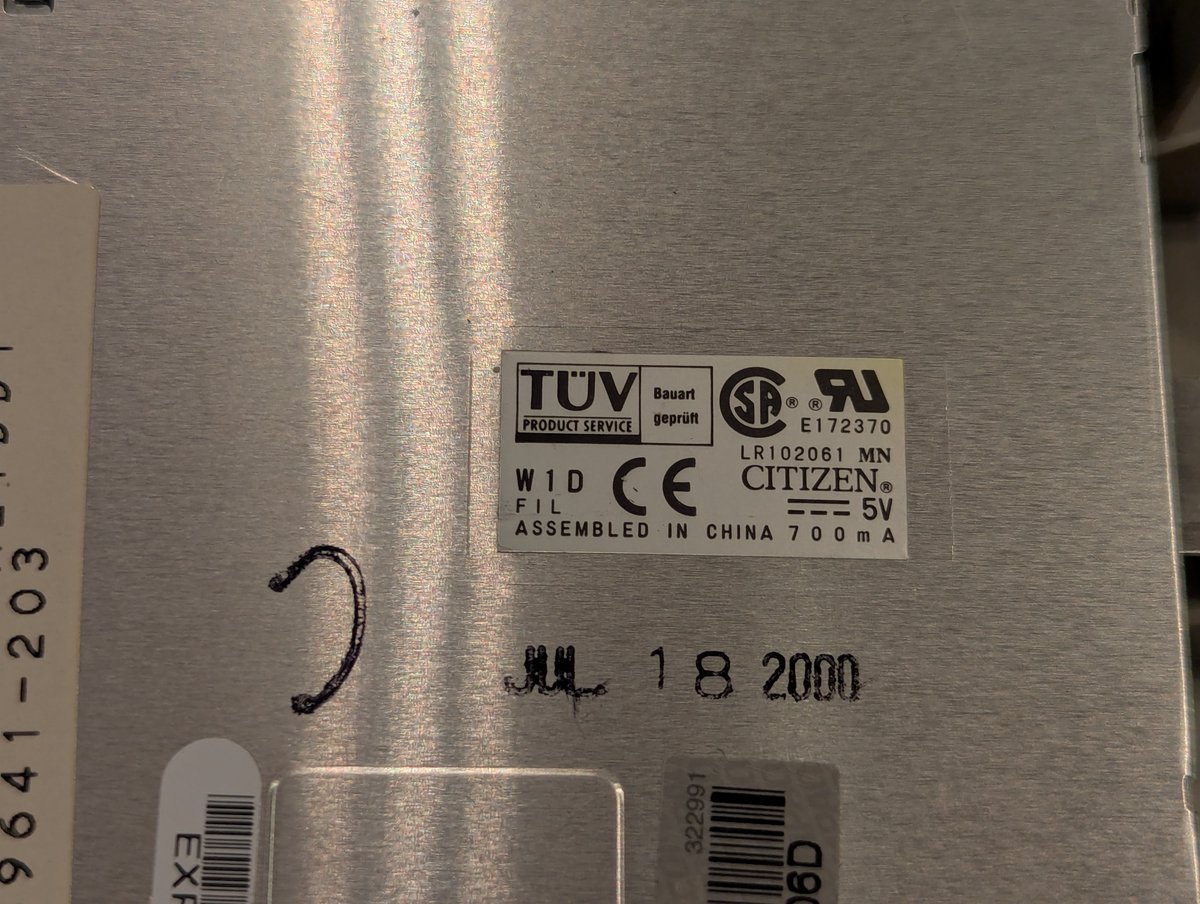
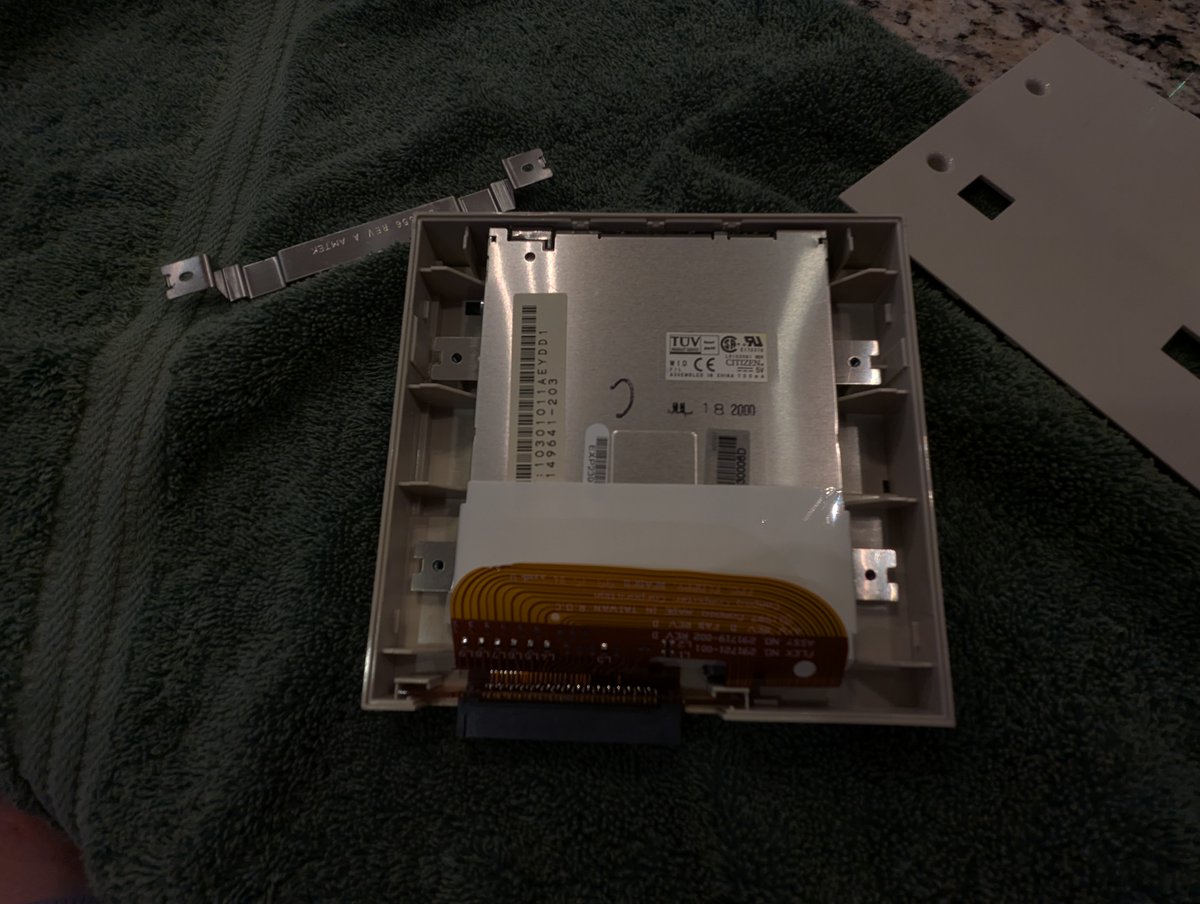
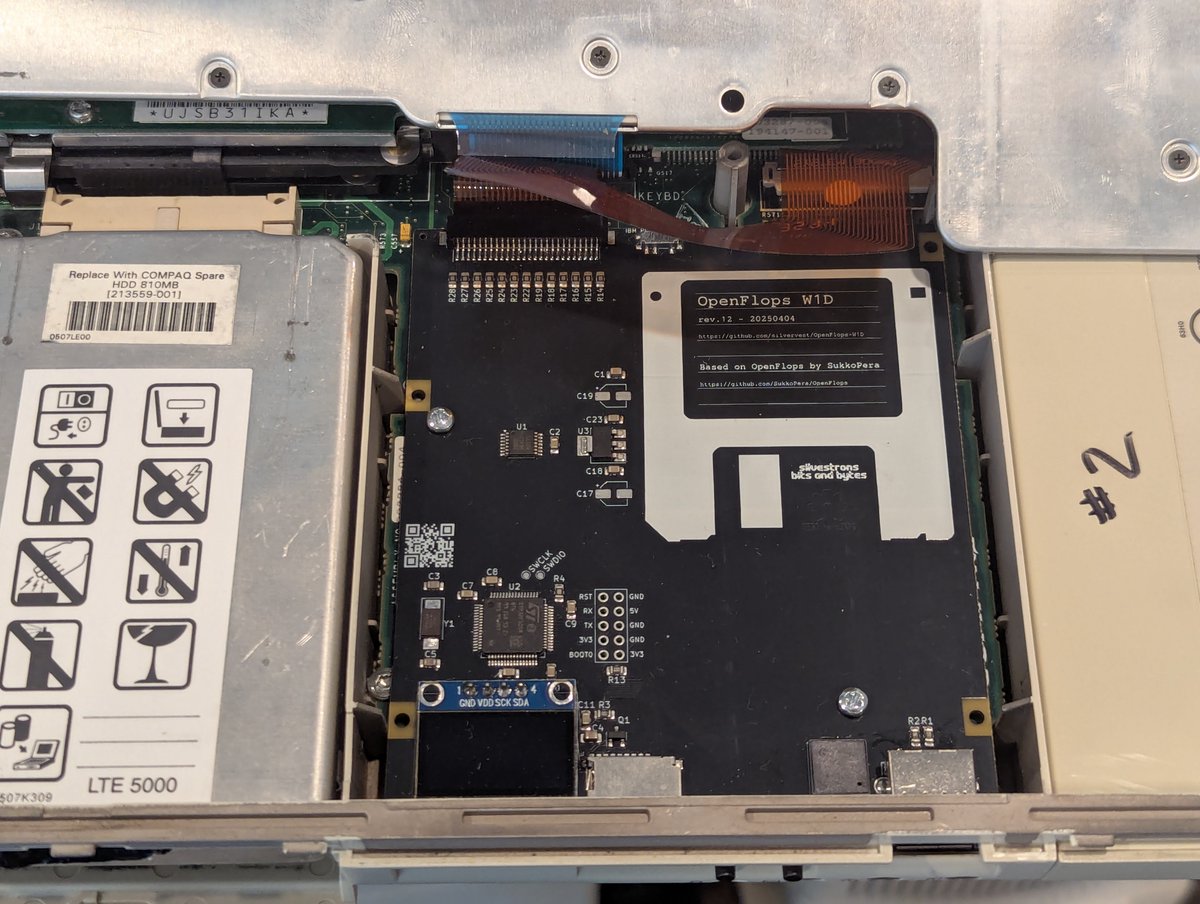
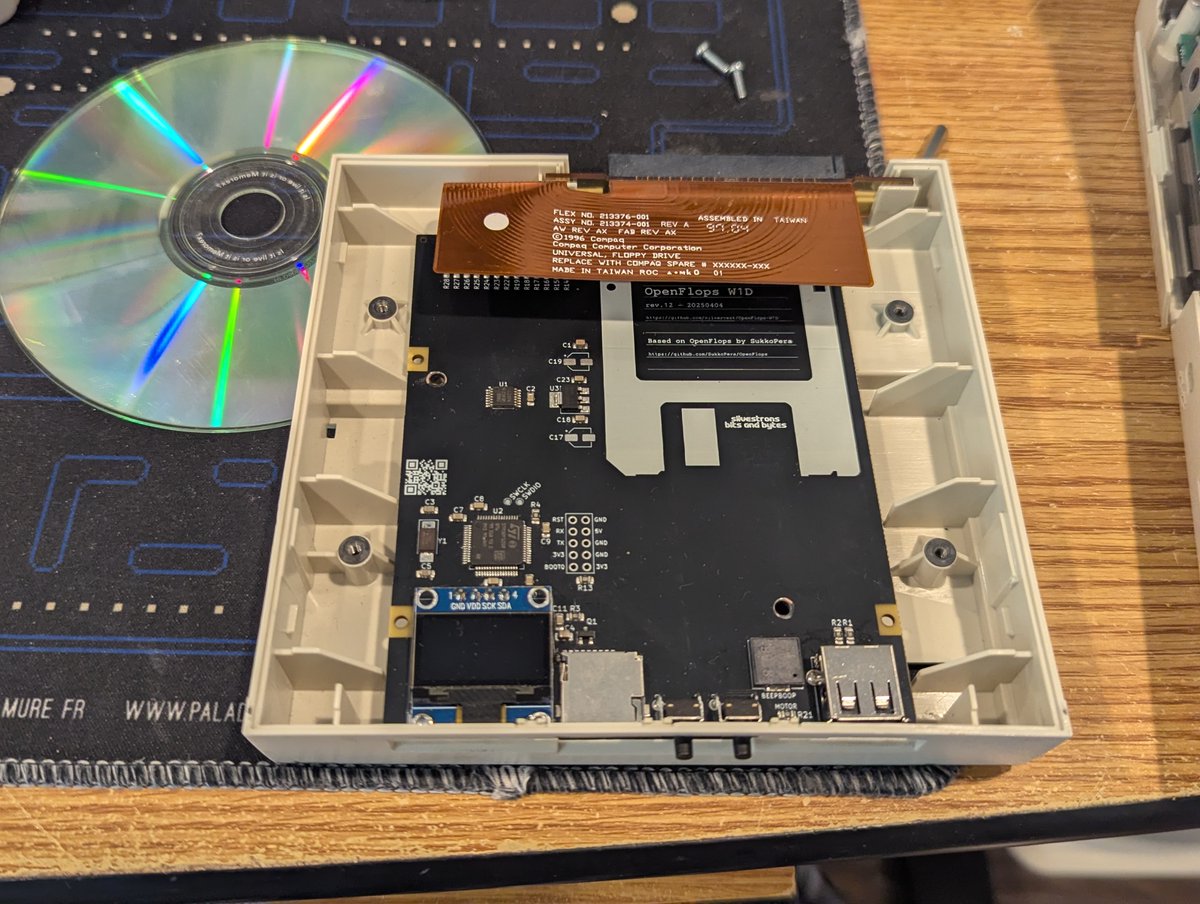
So, this particular computer doesn't have a traditional floppy drive since it originally had the dreaded Citizen W1D drive. No problem! We'll use OpenFlops and disk images where we need them!
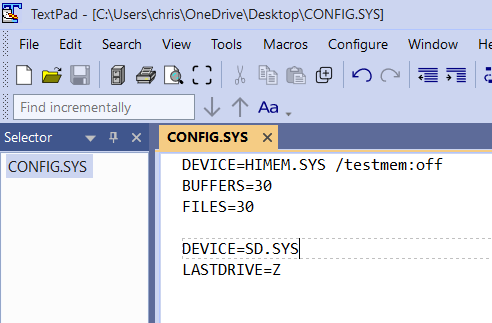
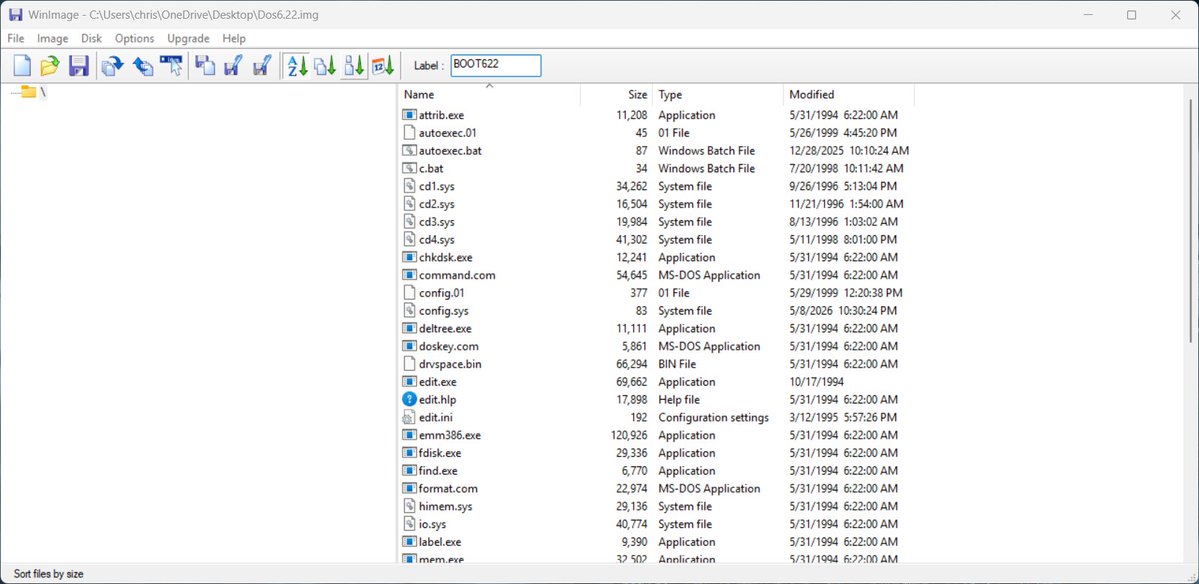
I also decided that I would use my Parallel Port to SD (SDPPD) device to transfer files to the laptop. So after creating a DOS partition, I created a disk image with the driver for the SDPPD with the right changes to config. sys to load it!
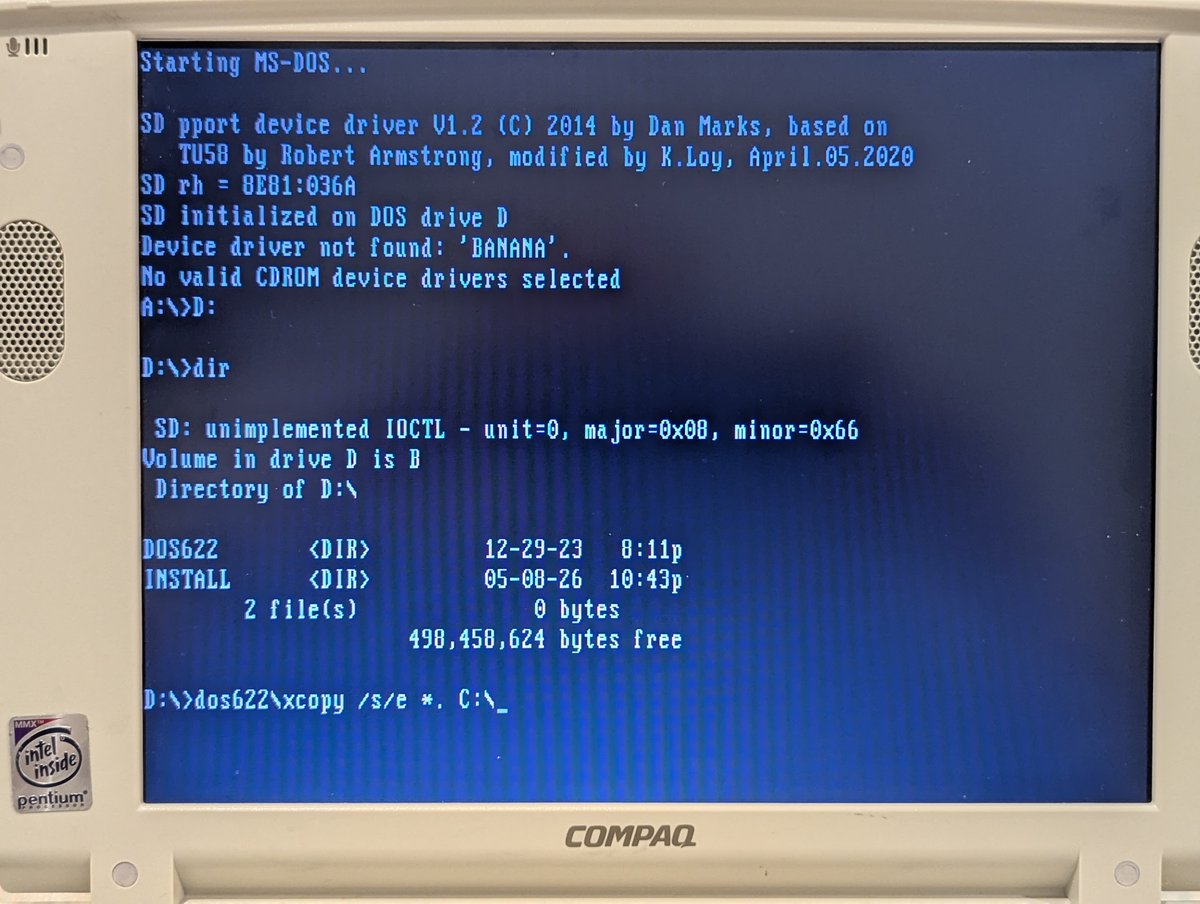
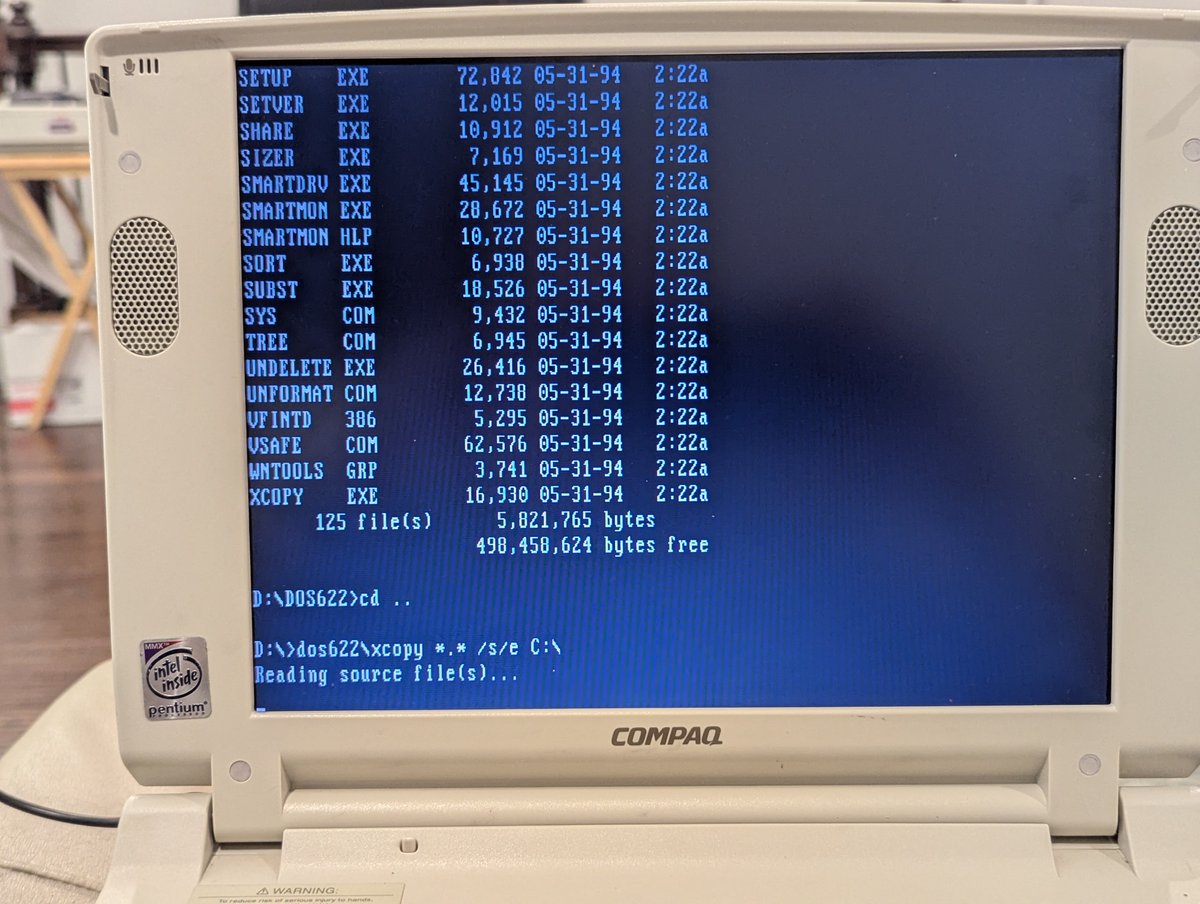
From there, I loaded up the SD card with drivers and installers, booted up the laptop, and copied all of the files over. It wasn't fast, but I wasn't in a hurry! I did get the copy command right on the second try, haha
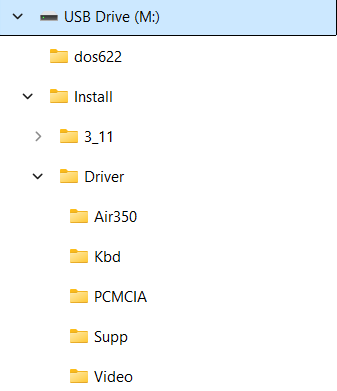
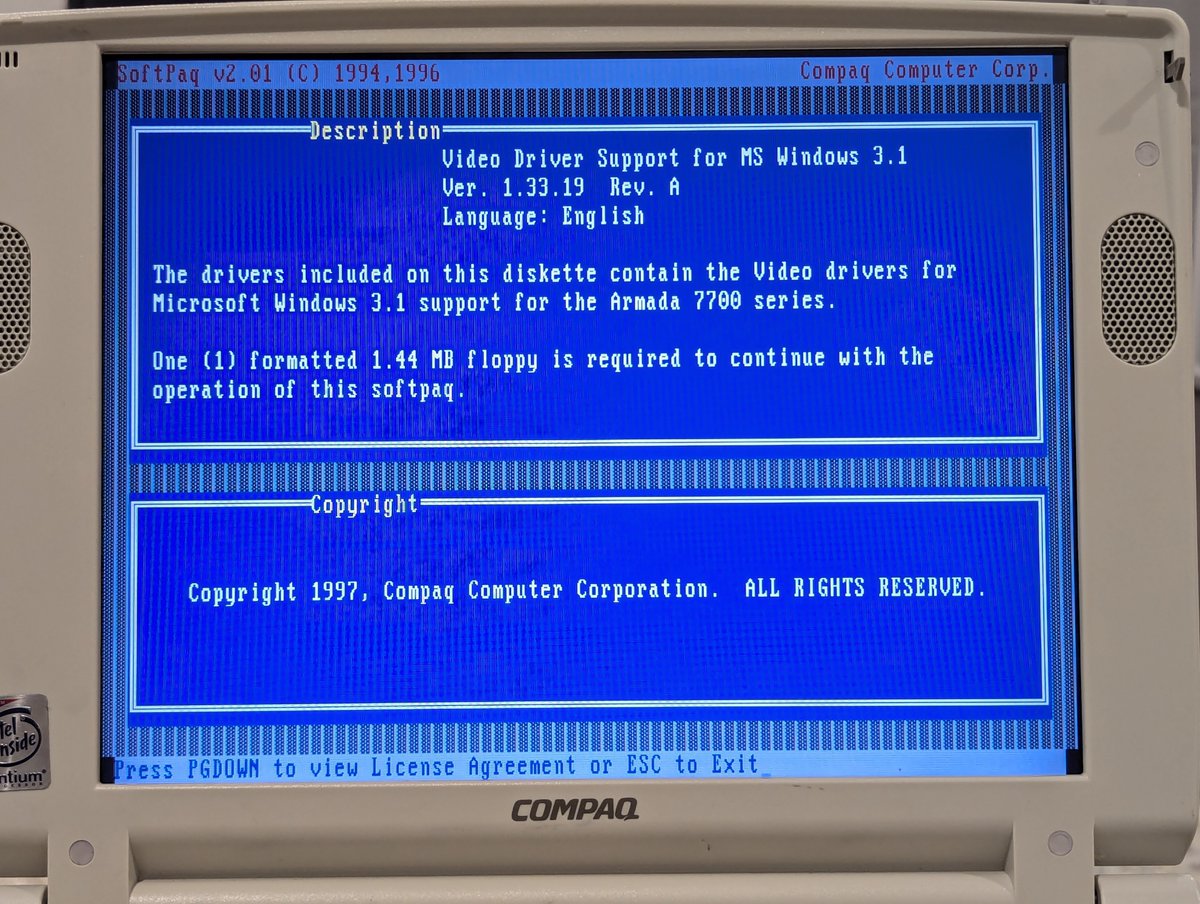
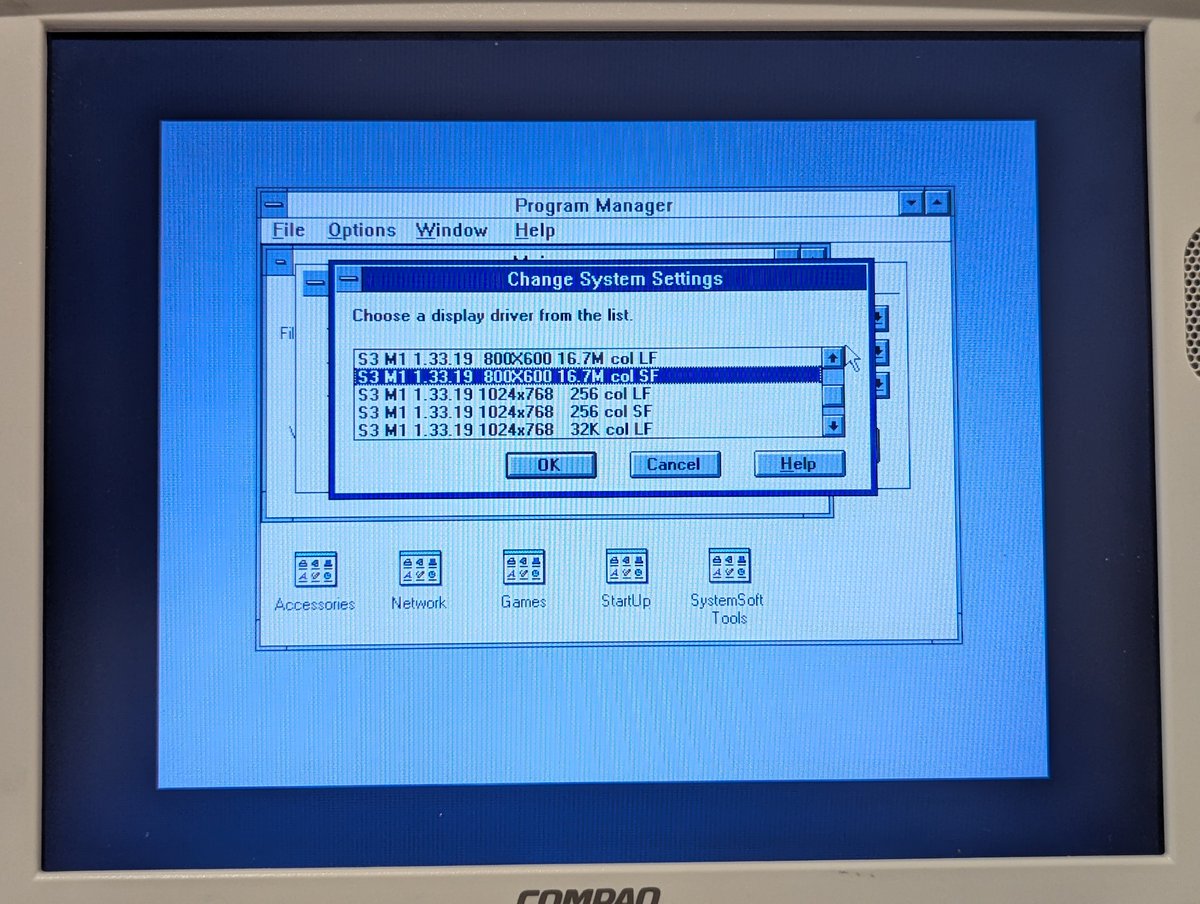
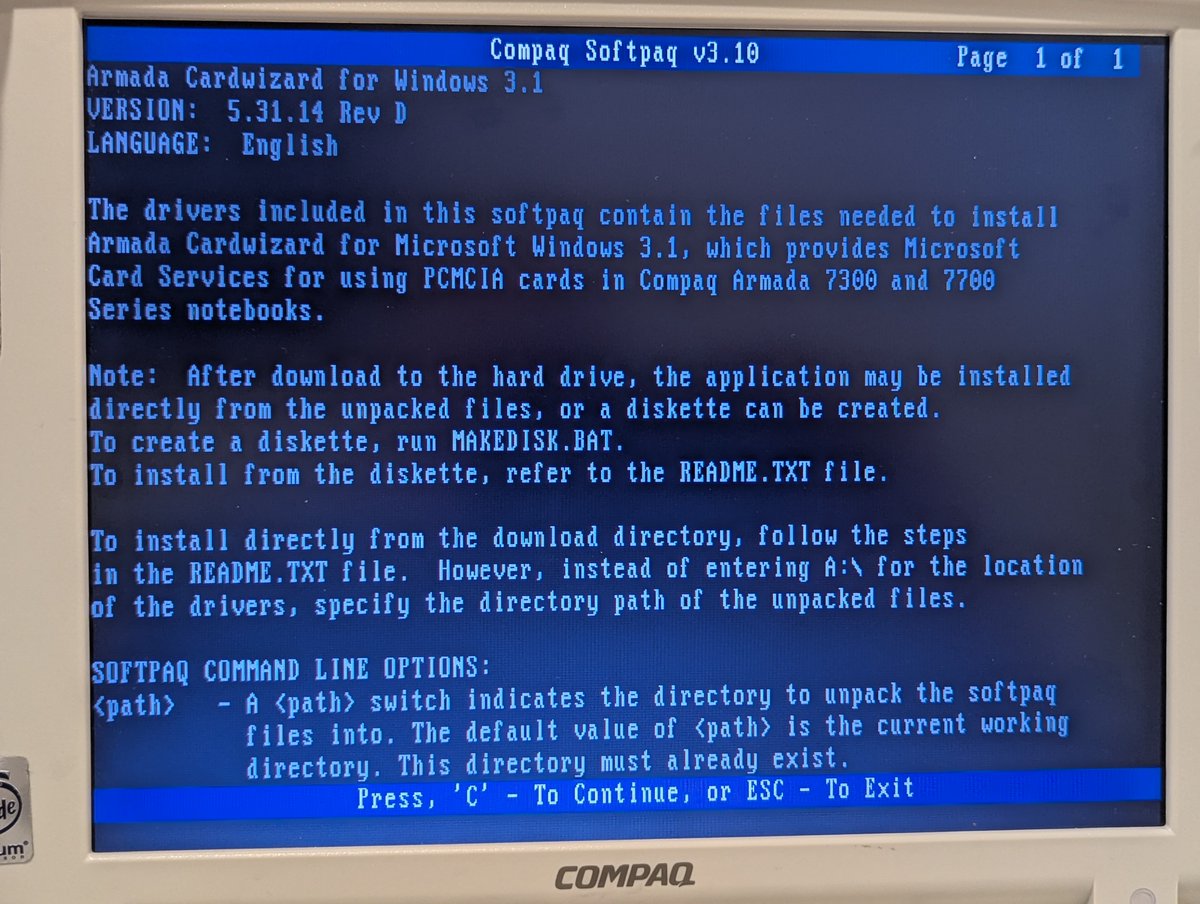
After installing Windows for Workgroups 3.11, I started ripping through the various drivers and utilities. First I did PCMCIA and video.
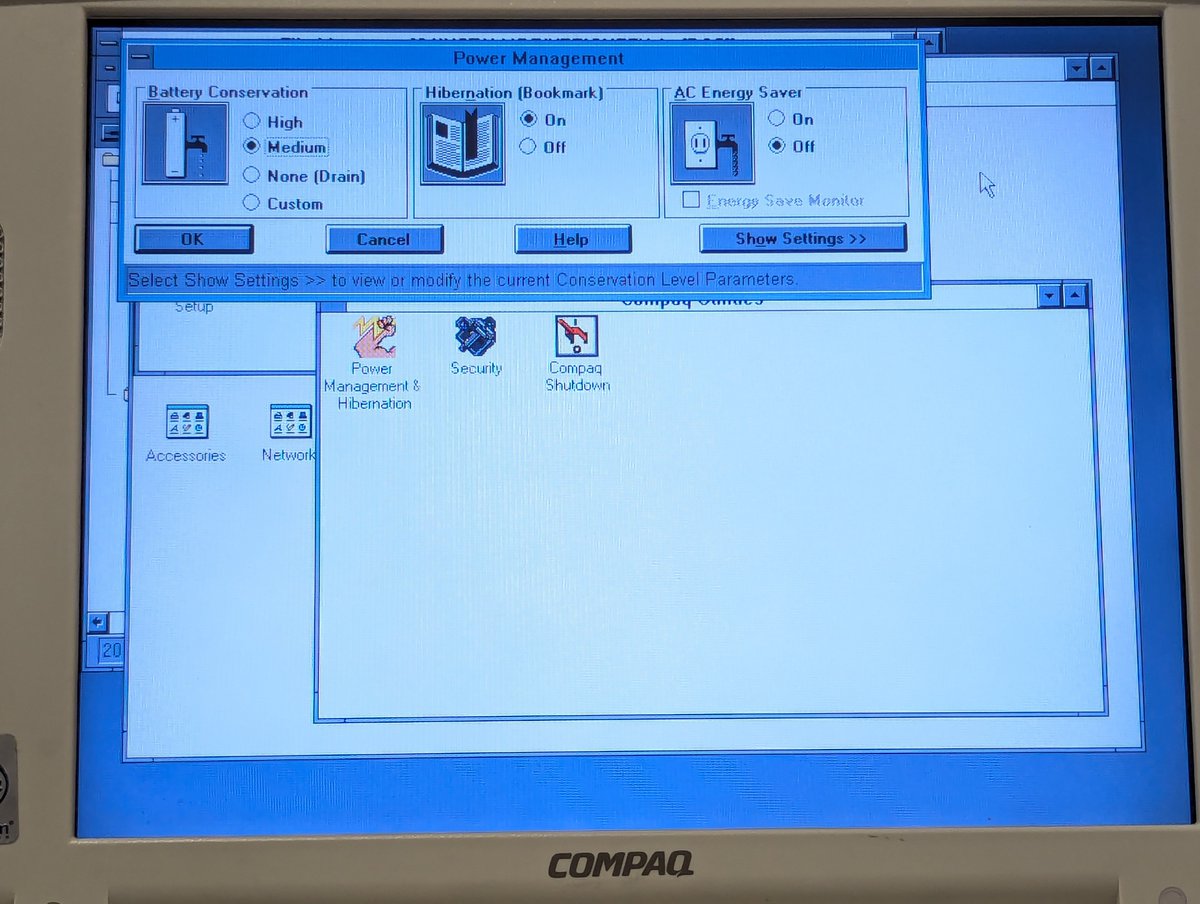
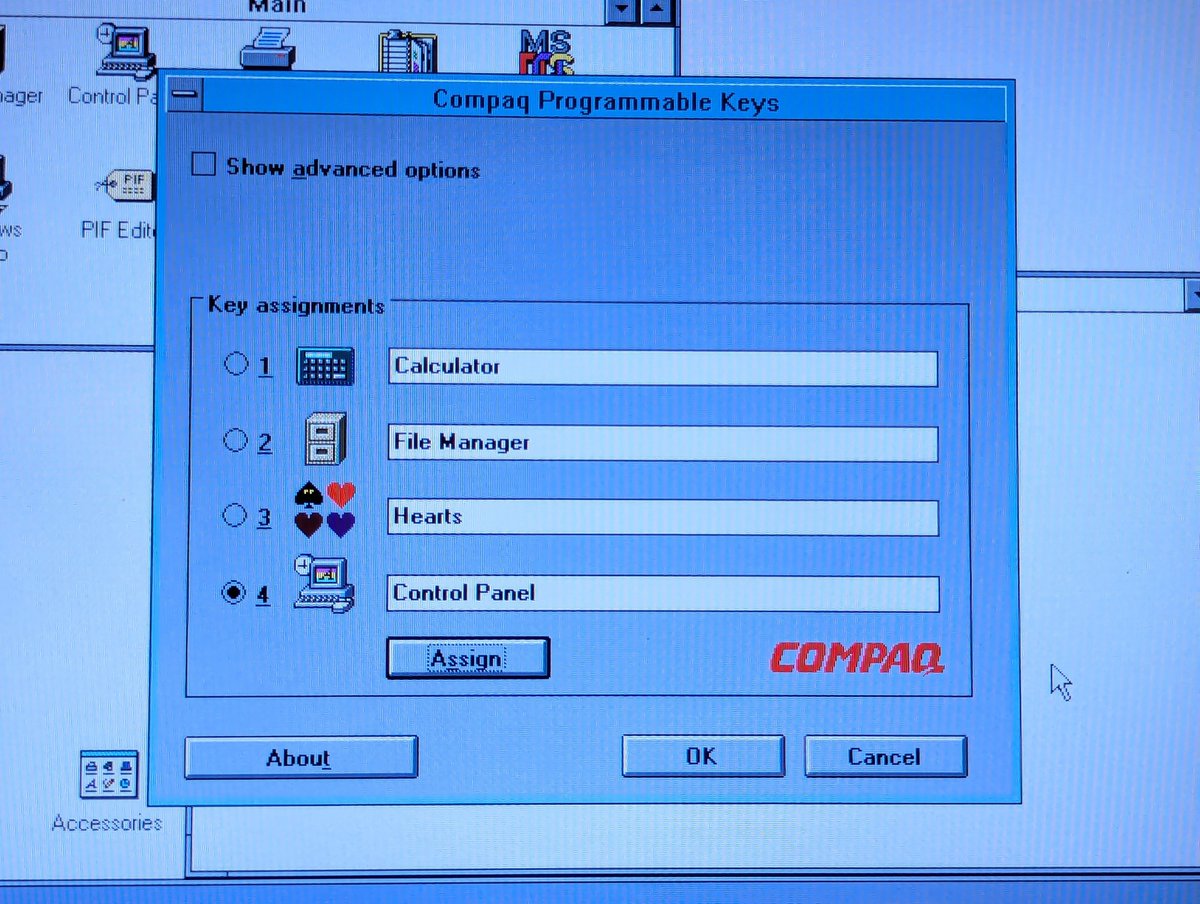
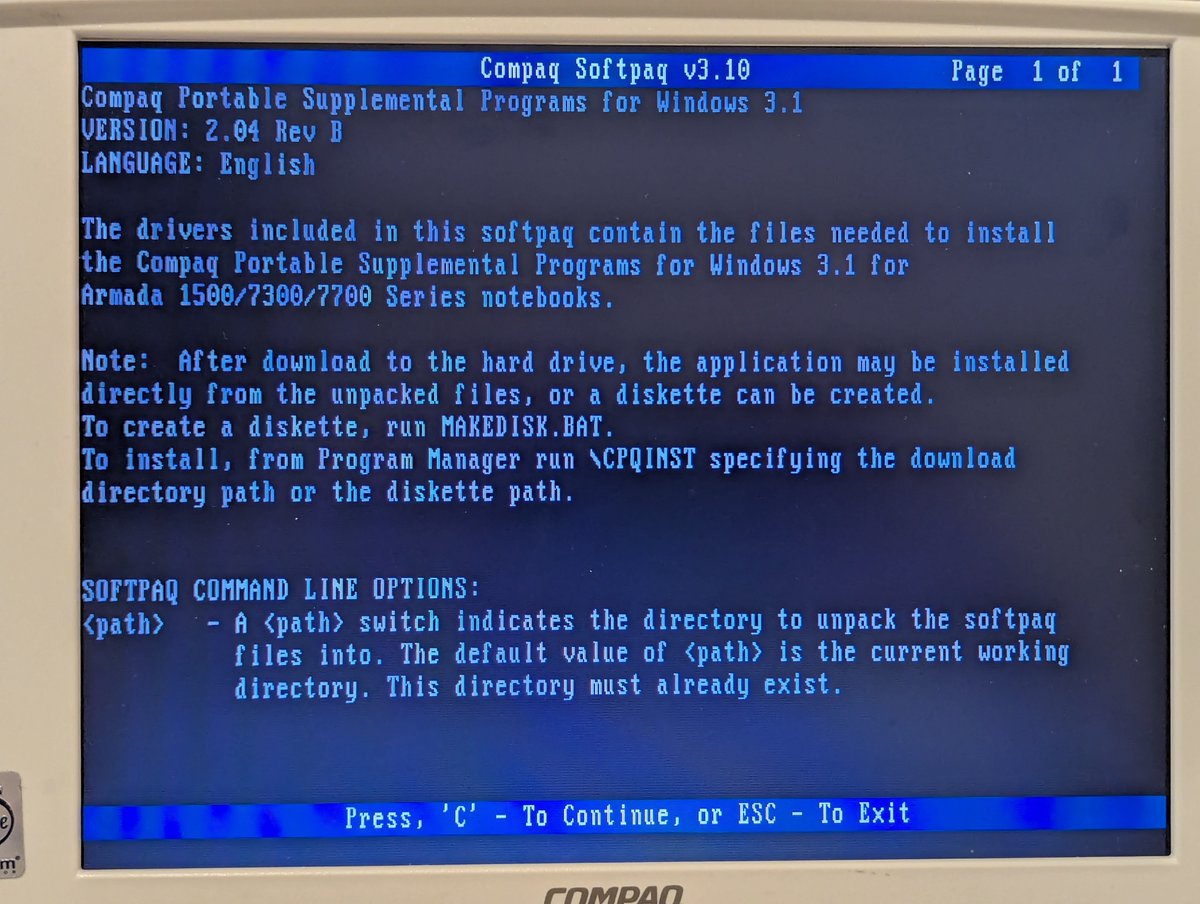
Next, I did supplemental and programmable keys. The supplemental disk gave me power management and the like!
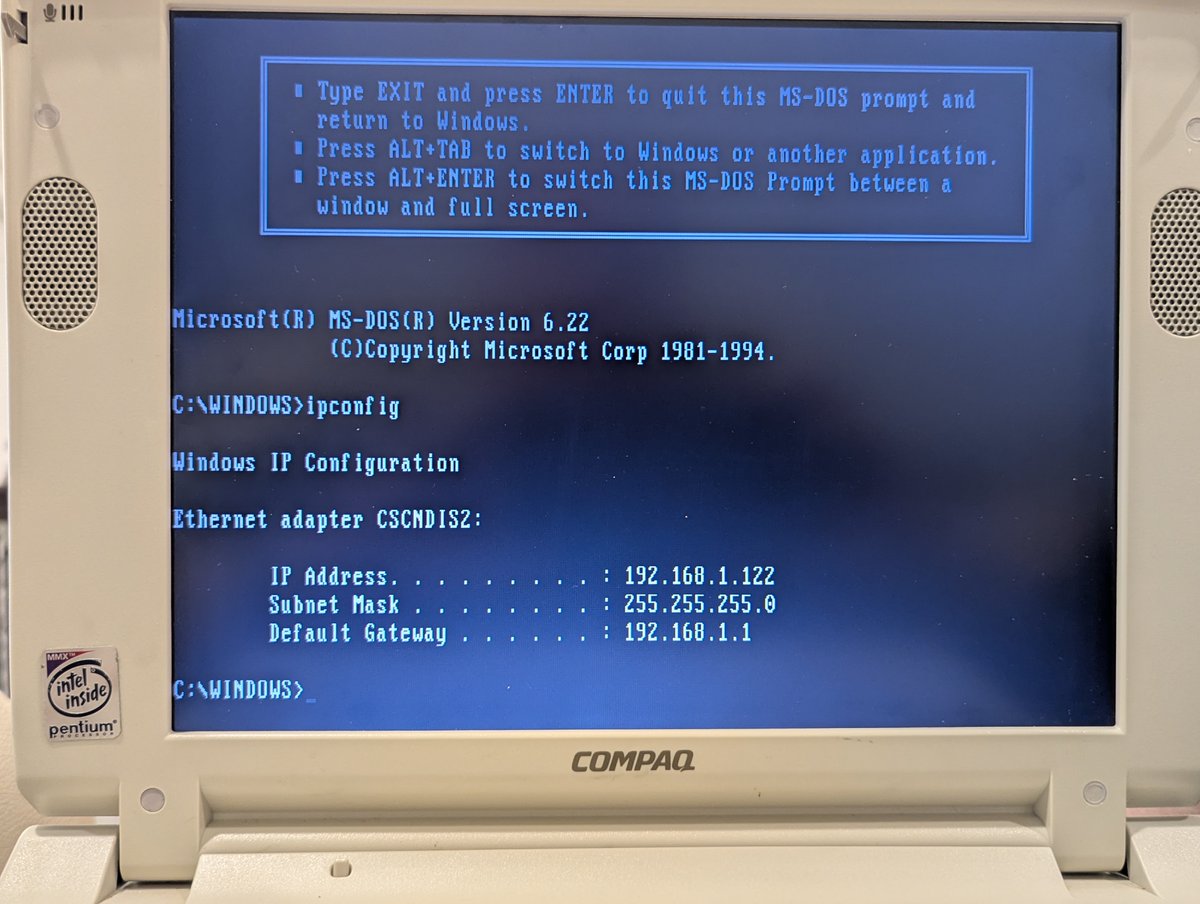
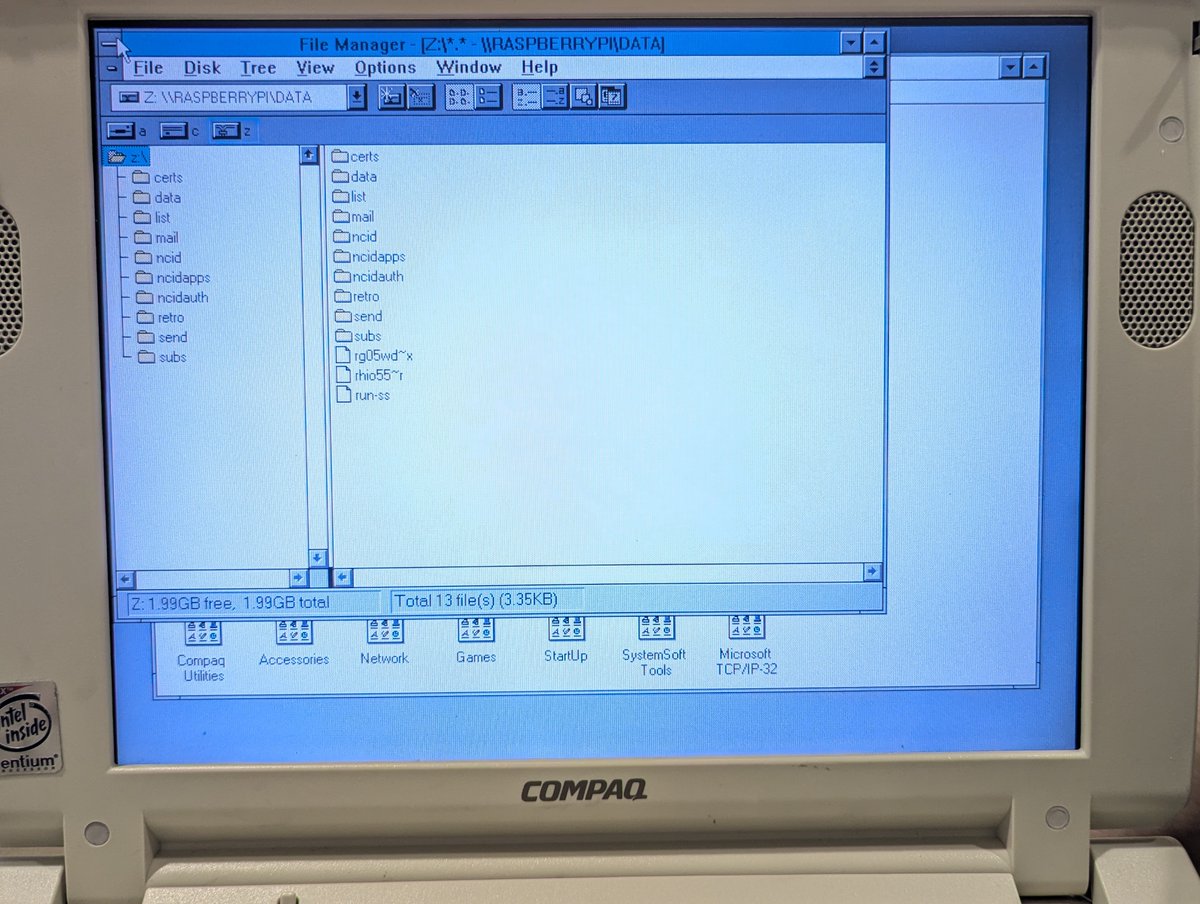
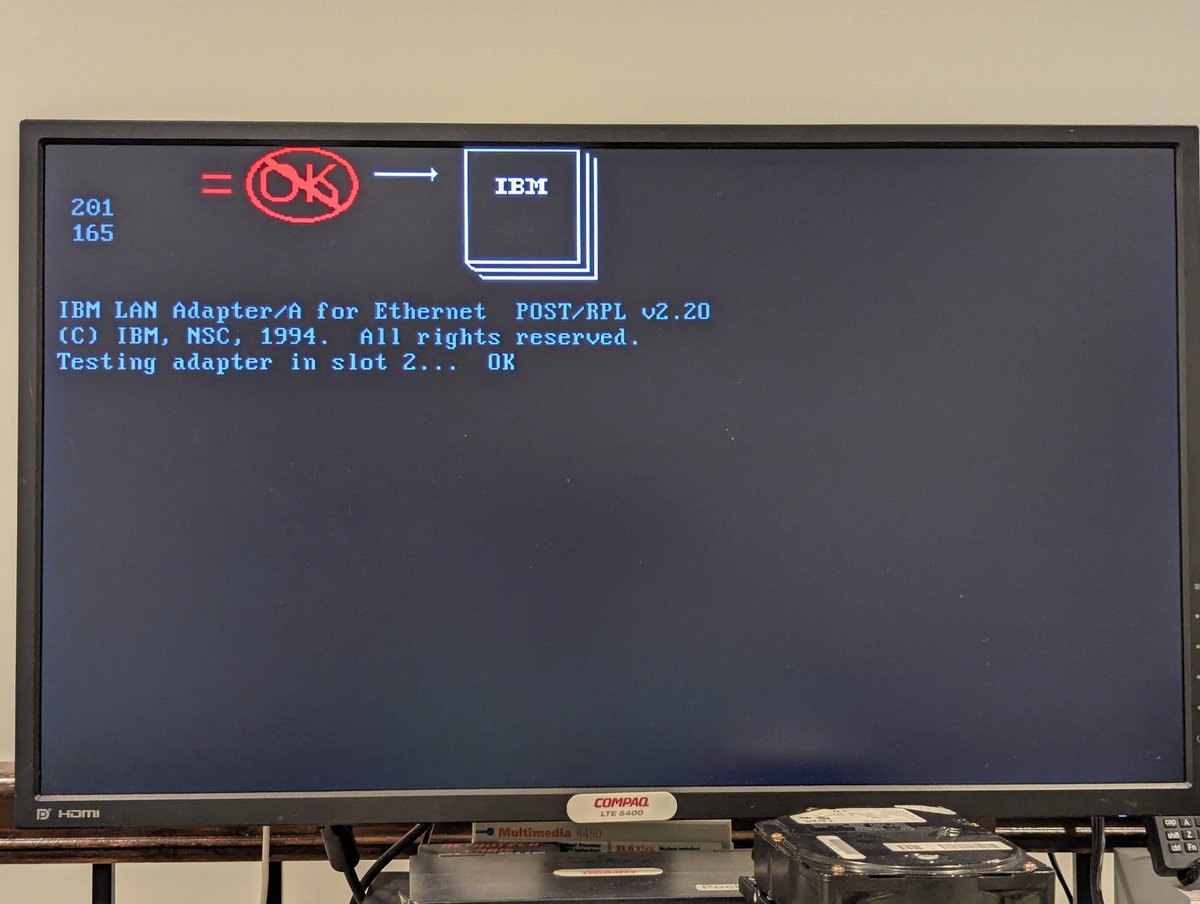
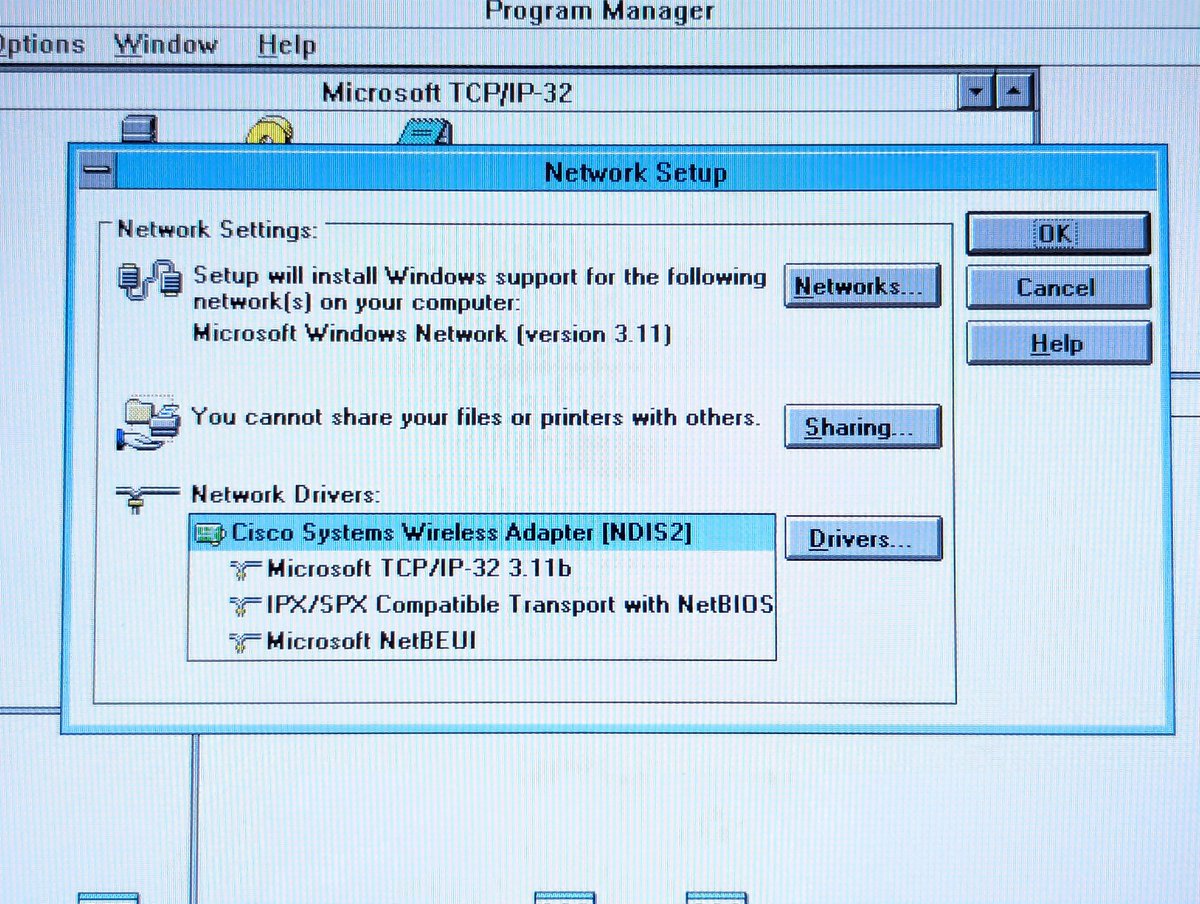
And next was network, which involves configuring my Cisco Aironet 350 wireless network card. These cards are a little wonky, if you ever need help setting one up in DOS, I have tutorials for that! After setup, I mapped a network drive.
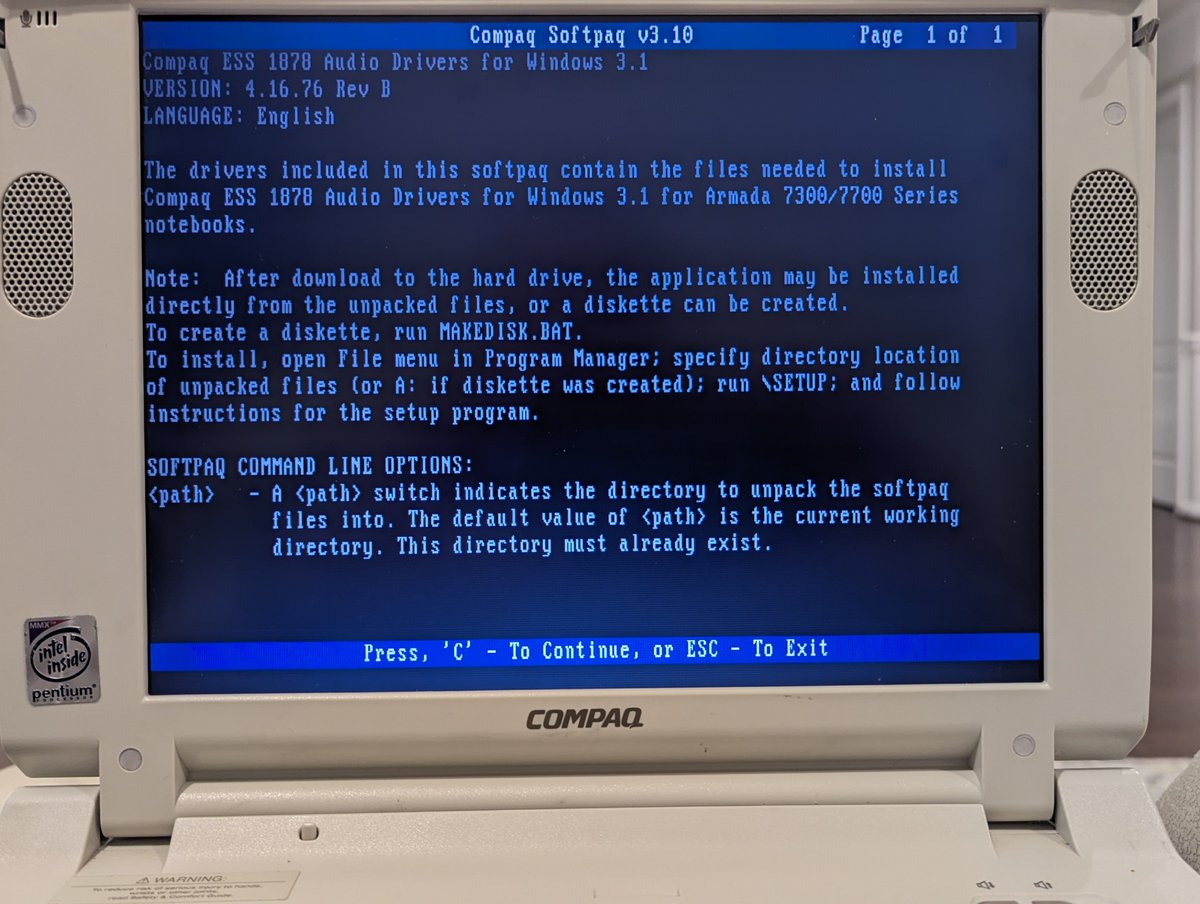
After setting up network, I copied over and installed sound drivers... I forgot to put them on the SD card initially š¤£
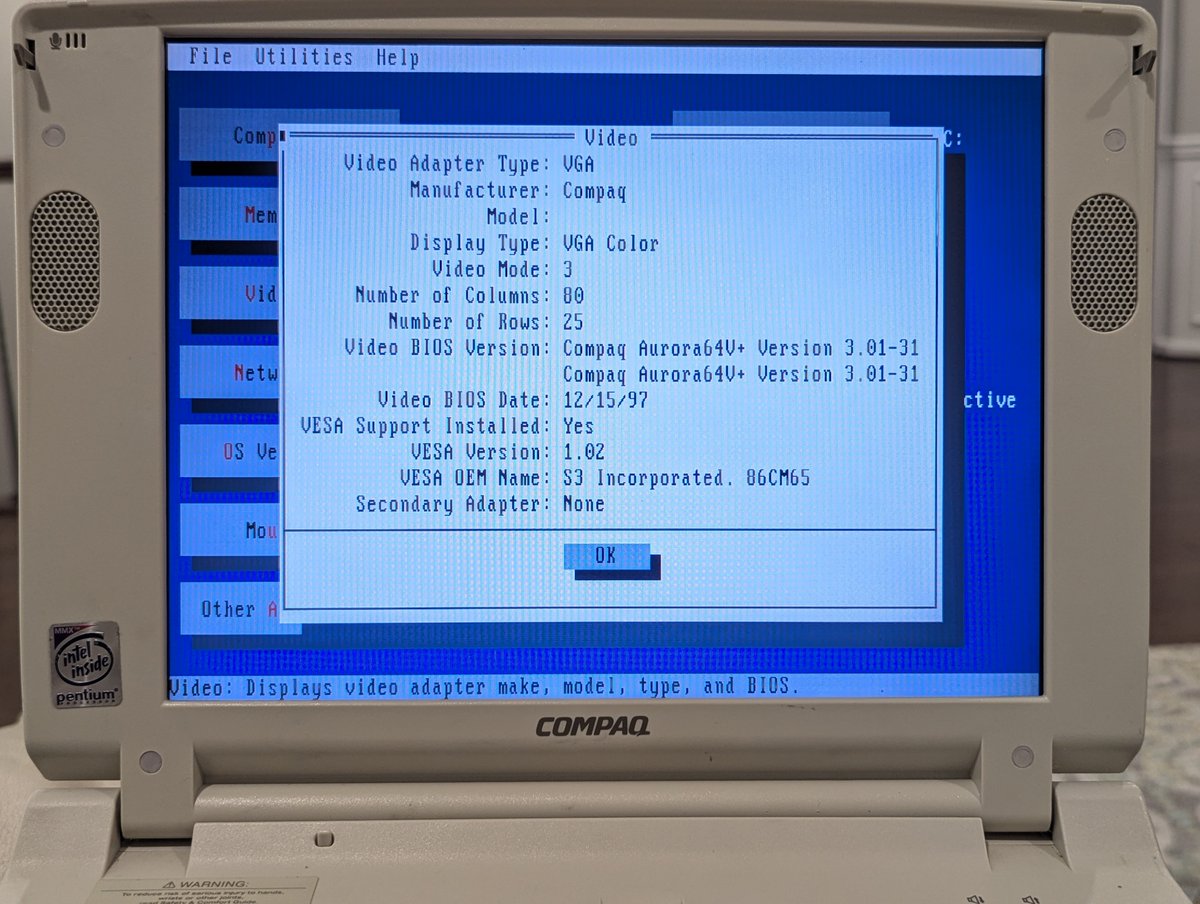
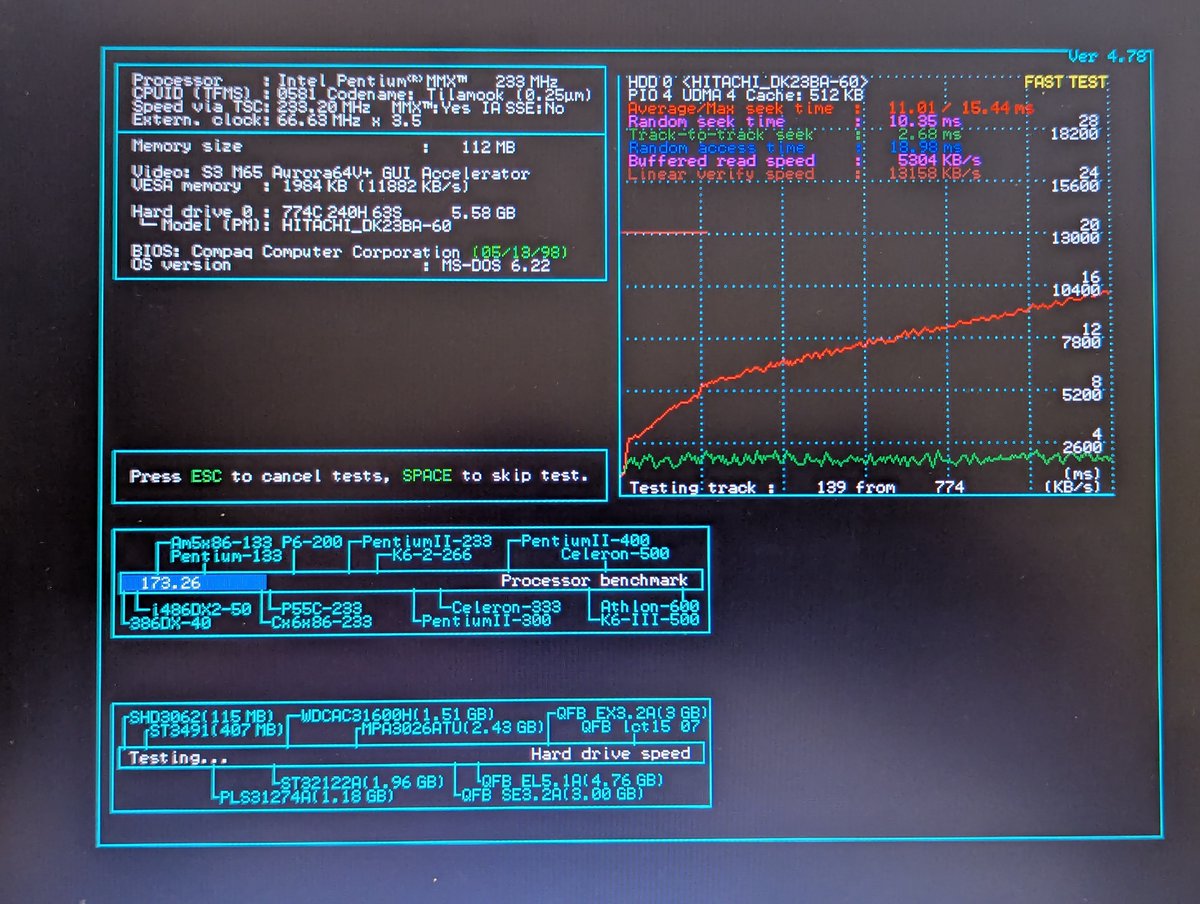
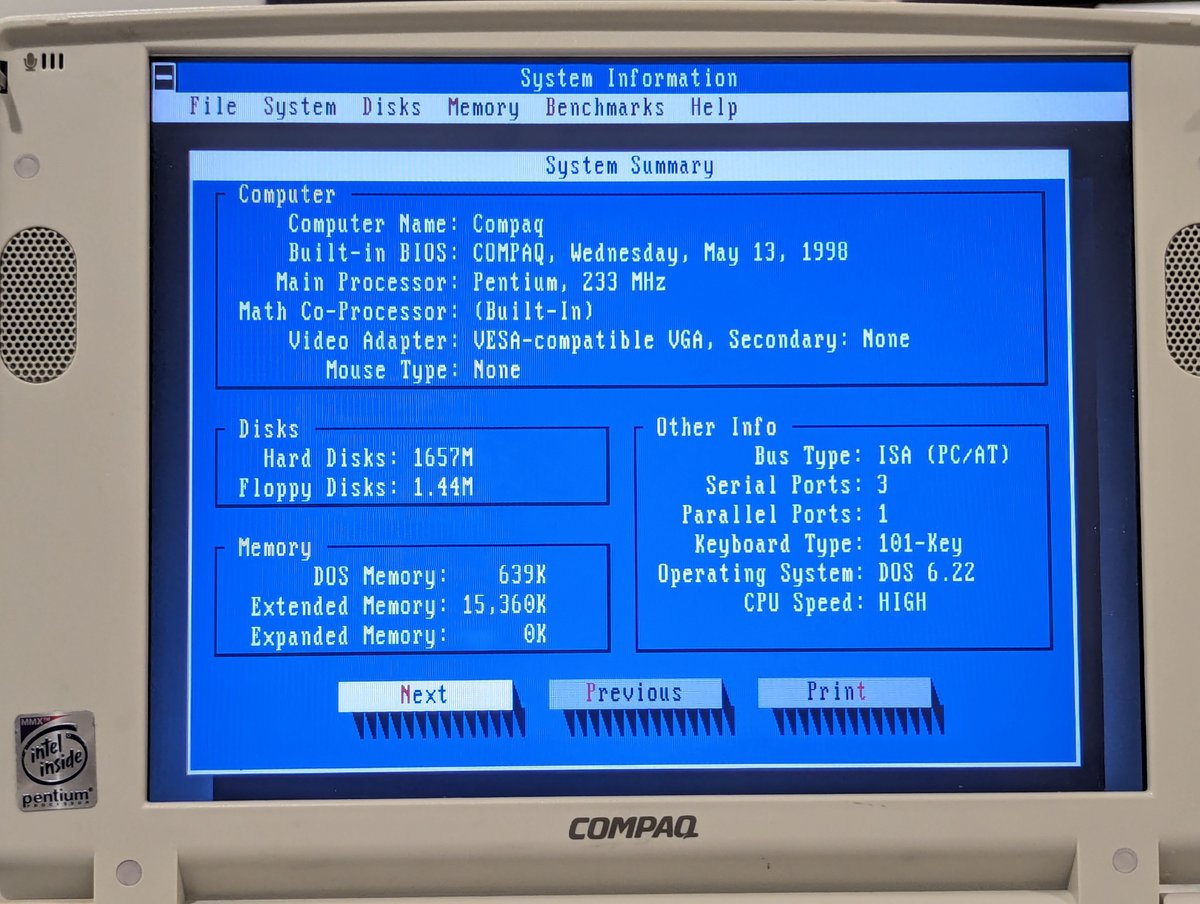
And finally, just for fun, I launched some DOS system information utilities. First we have MSD which is bundled with MSDOS 6.22, next we have SpeedSys, and finally Symantec System Info. This little Pentium 233 MMX is cooking š
Anyway, this was fun. Maybe tomorrow (well, technically TODAY), I'll load up some more systems that are sitting along the wall. I love this little Armada. Thanks for following along!
@threadreaderapp unroll
⢠⢠ā¢
Missing some Tweet in this thread? You can try to
force a refresh

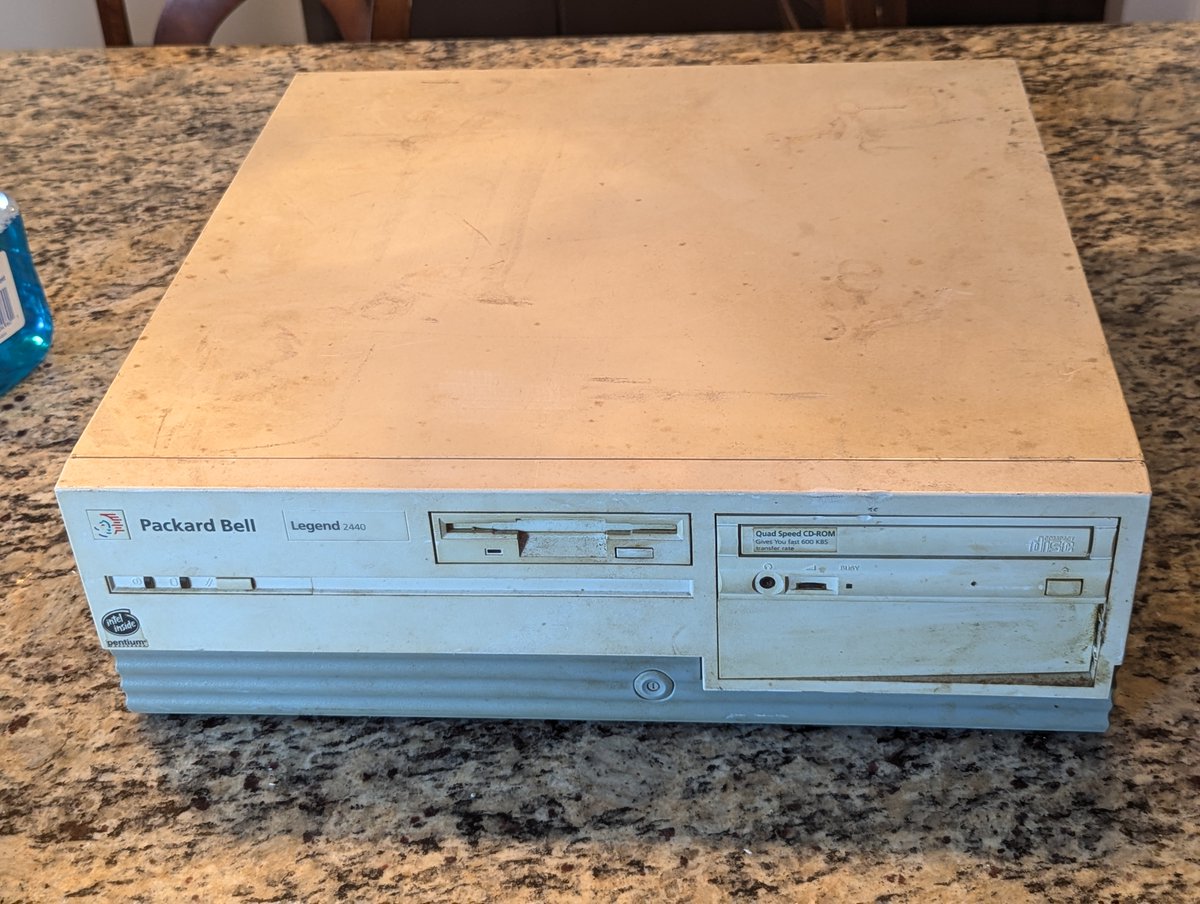
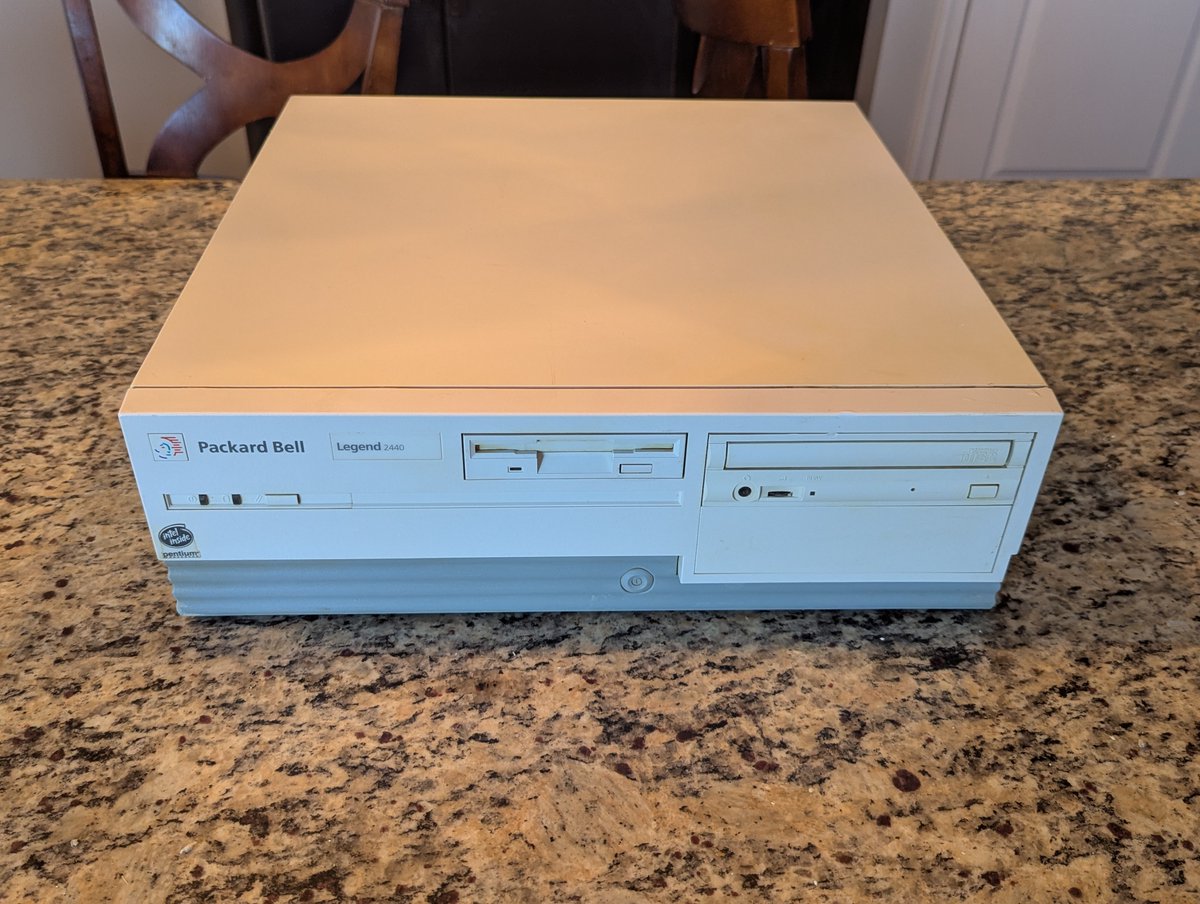
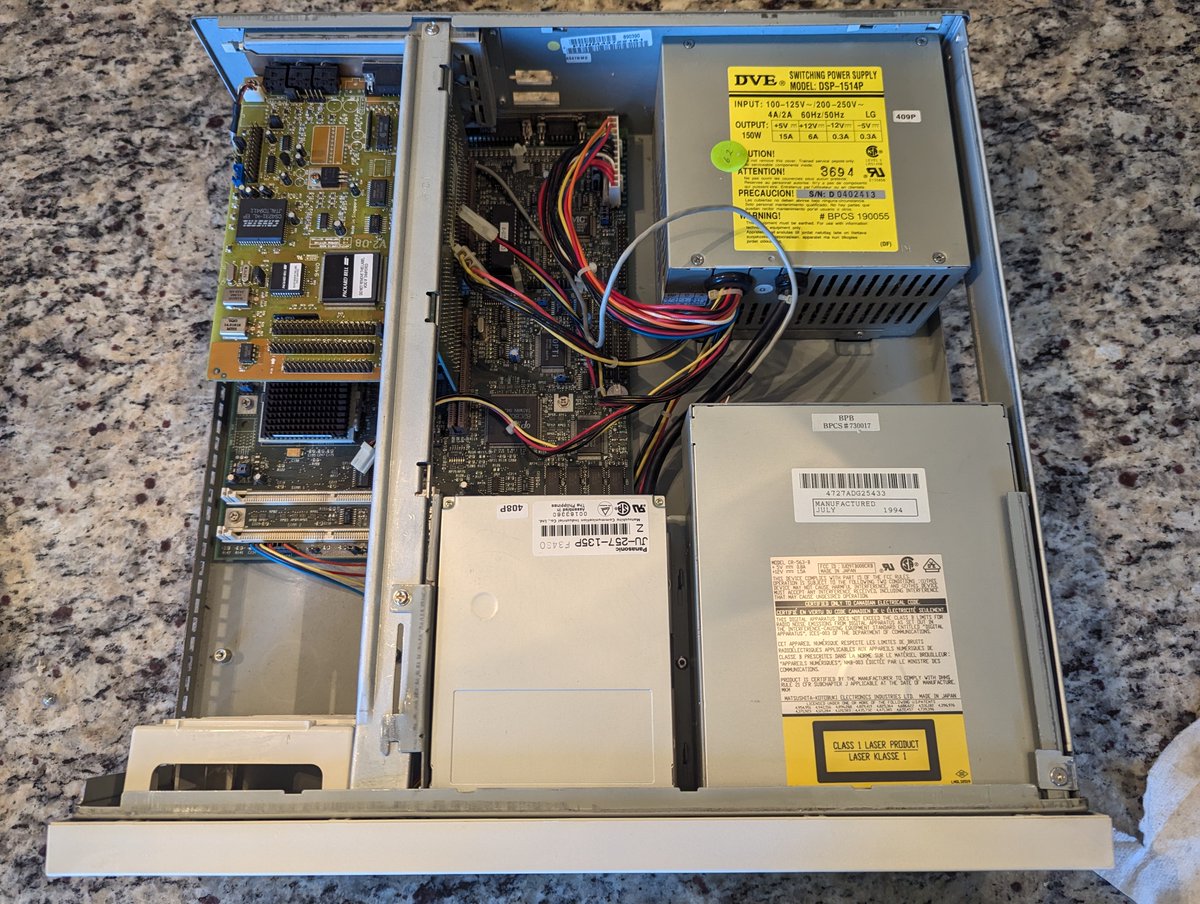
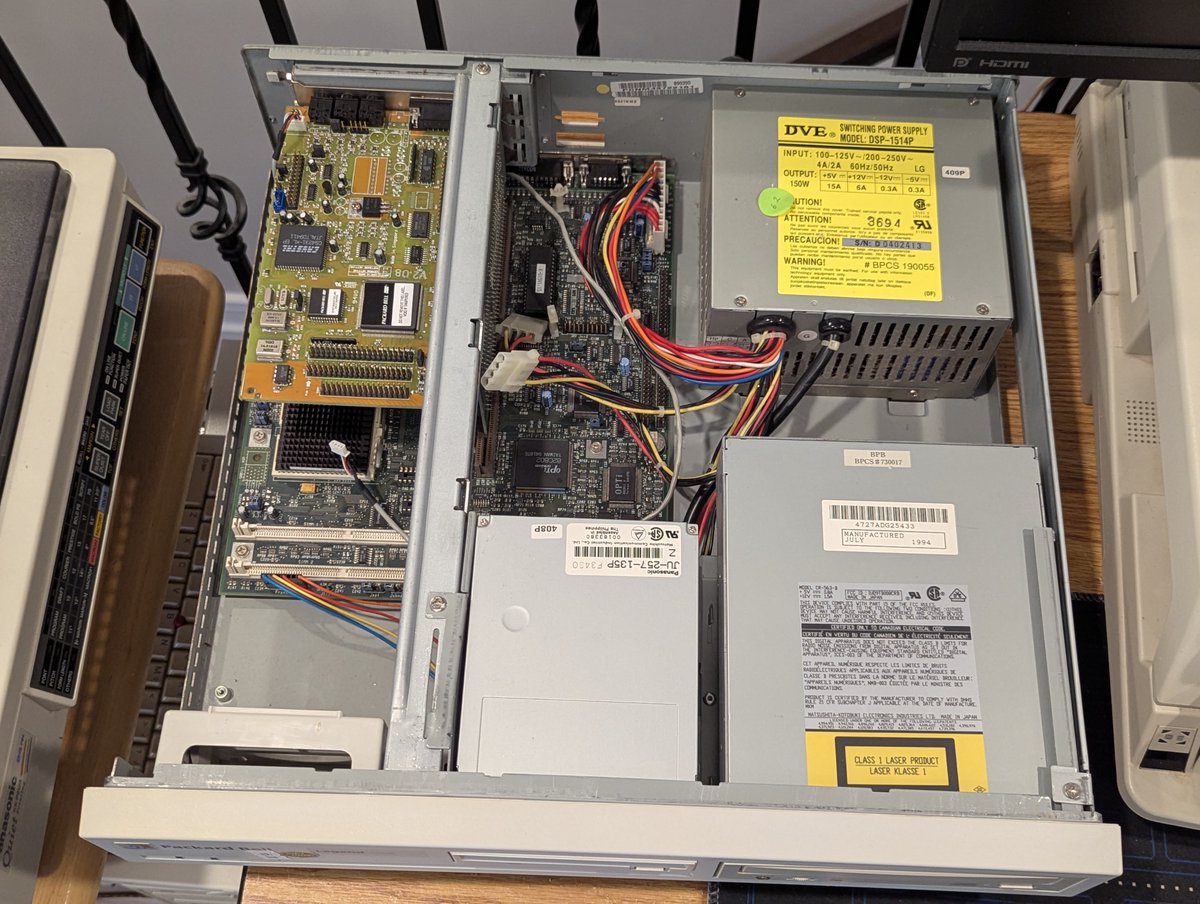
Let's explore my second $3.33 Packard Bell that I bought at the System Source Warehouse Sale on Saturday. This one is a Packard Bell Legend 2440 Pentium 75MHz system, and, well.. it had quite the transformation š Let's talk about it in a š§µ
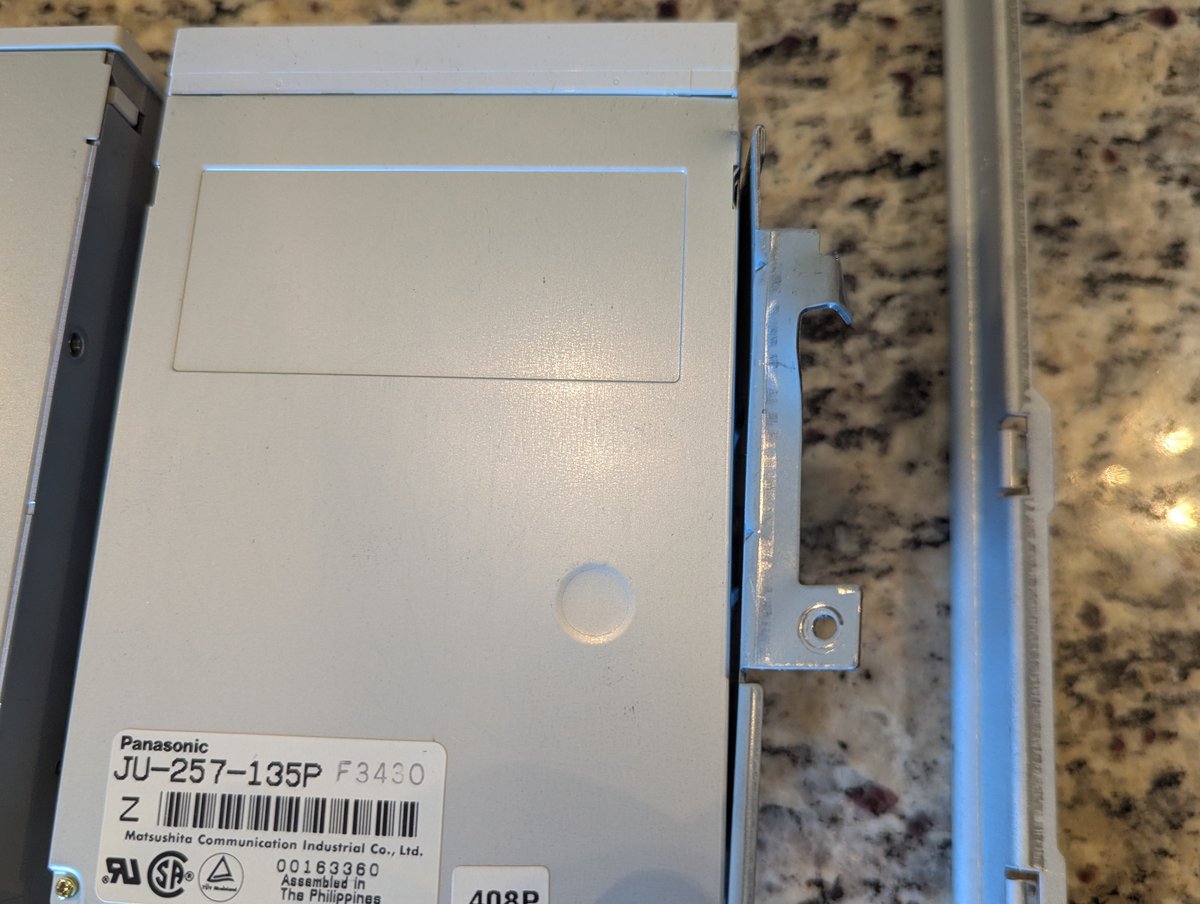
So... first.. this computer was EXTREMELY DIRTY. It had spent most of its life secondhand smoking, I think. That poor power supply and floppy drive š¤®š¤®
I took a vacuum cleaner to it, and LOTS of cleaning supplies. In the end, it turned out pretty good! Let's get it upstairs to explore some more.
I've really been meaning to dive into these two $3.33 Packard Bells since getting them on Saturday! Let's have a look at the one on the top, a Legend 11CD 486DX2/50 system. After some restoration, I'm in love with it š. Time for a quick š§µ
So, first, you can see from the into pic that this thing REALLY cleaned up nicely. It was kind of a mangled mess. My first attempt to fix the mangled metal was not the best way, but here it is. The case at least closed when I was done, but there is more work to do.
When I popped open the other Packard Bell, I realized how wrongly I had tried to fix the top bar. The problem is that it wasn't seating right, so I left the bend in. Well, I think it had just not snapped into place. Here's the end result after some better metal bending!
I recently bought this lot of drives from eBay for $15, namely because I thought the Zip drive was cool š. Let's test time out, and talk about one serious testing blunder I made, in a š§µ here!
The first drive: NEC CD-3200A, a 52X drive, but without the typical goofy branding on the front. This drive was not closing right, so I opened it up and cleaned it out, and then tested it. Well, I should have put it back in its casing before testing. 12V to ground killed it.
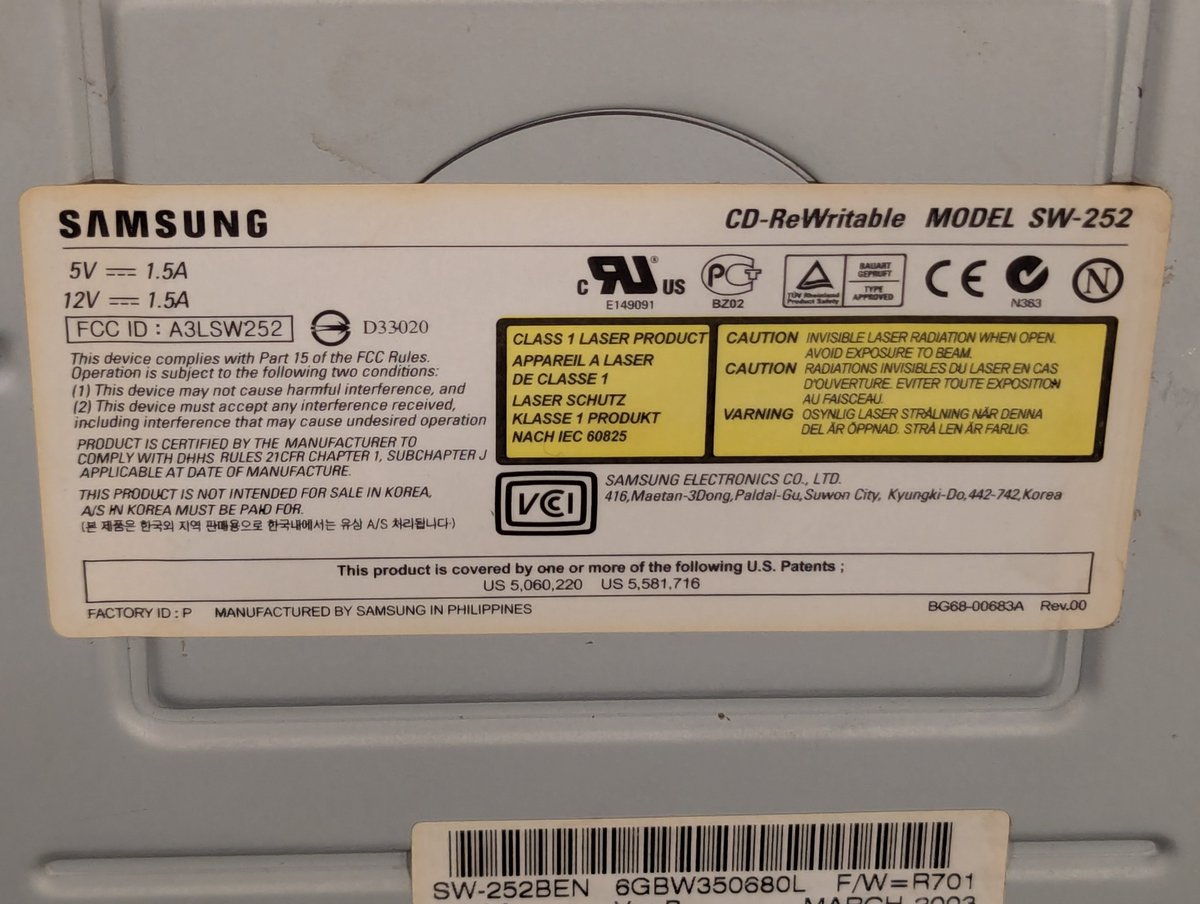
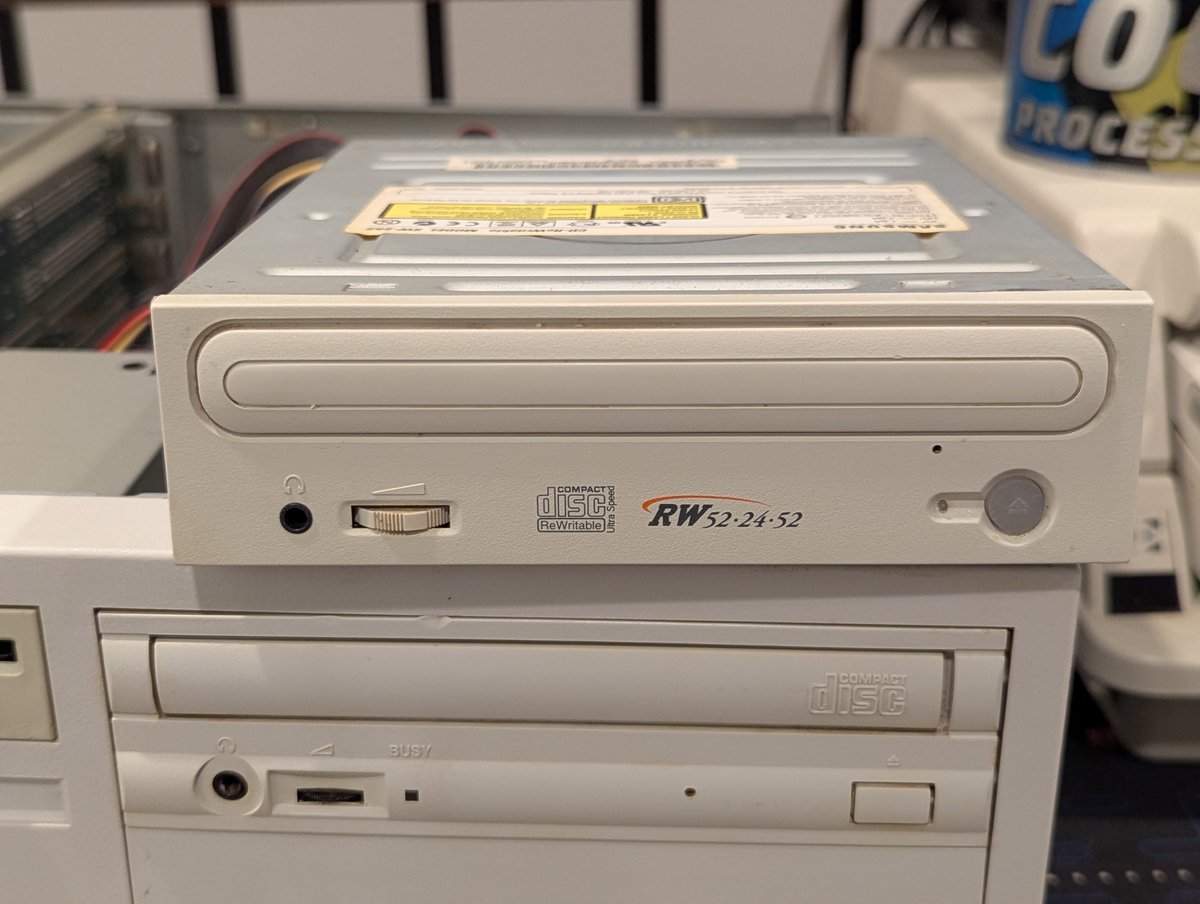
Next, we have this Samsung CDRW SW-252. It's also a 52X drive. It checks out! And after it did, I gave it a proper cleaning!
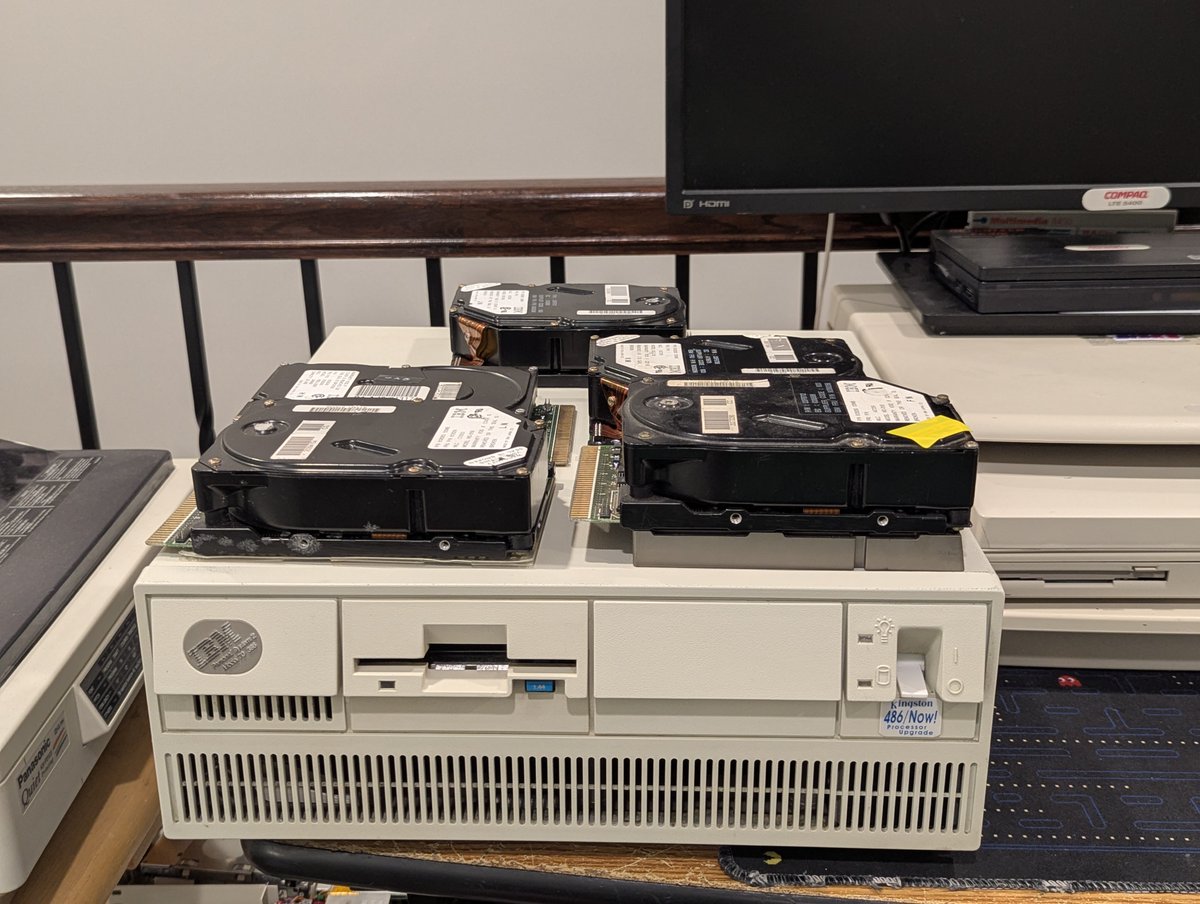
I picked up a bunch of ESDI hard drives at the System Source Swap Meet. These were on the free pile! I figured at least one of them should work in my IBM PS/2 Model 70 386... well, perhaps. Let's find out! š§µ time!
First, we have to start with the base case. Will the system start up with my 60MB ESDI drive in it? Yes. Good! Carry on!!
First drive in, but system is detecting a configuration change. That can't be good. Have a listen to the drive. Yeah, I think this one is a goner. I ran system configuration, and yea, not even detected. Oh well!
I spent some time swapping around components and upgrading one of my new LTE Elite 4/50CX systems! Let's talk about it! Time for a quick š§µ
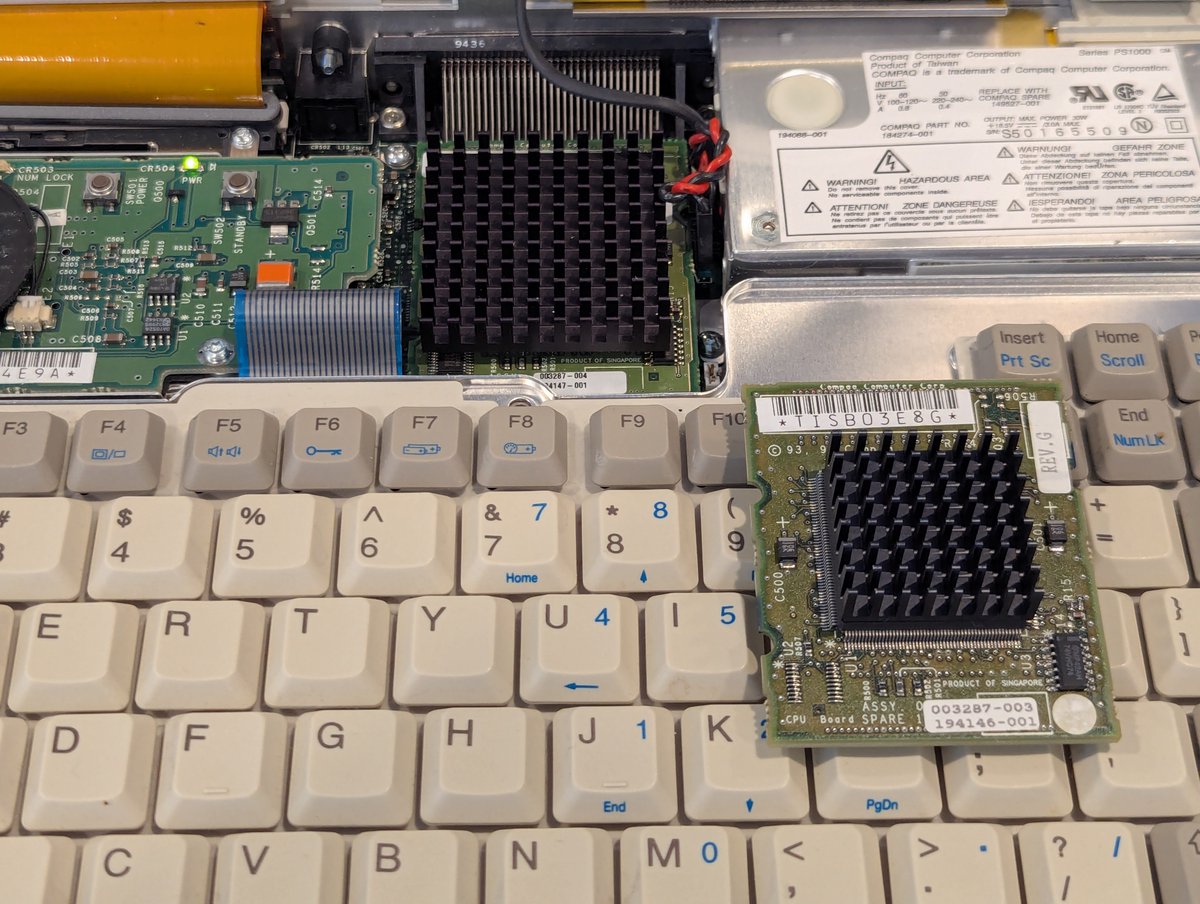
So, first of all, this system has a 486DX2/50 processor. But some of you might recall that I bought a parts system at the System Source Warehouse sale. It's in terrible shape. But.. it has a 486DX4/75 processor! I swapped it in, and now we're cooking with gas!
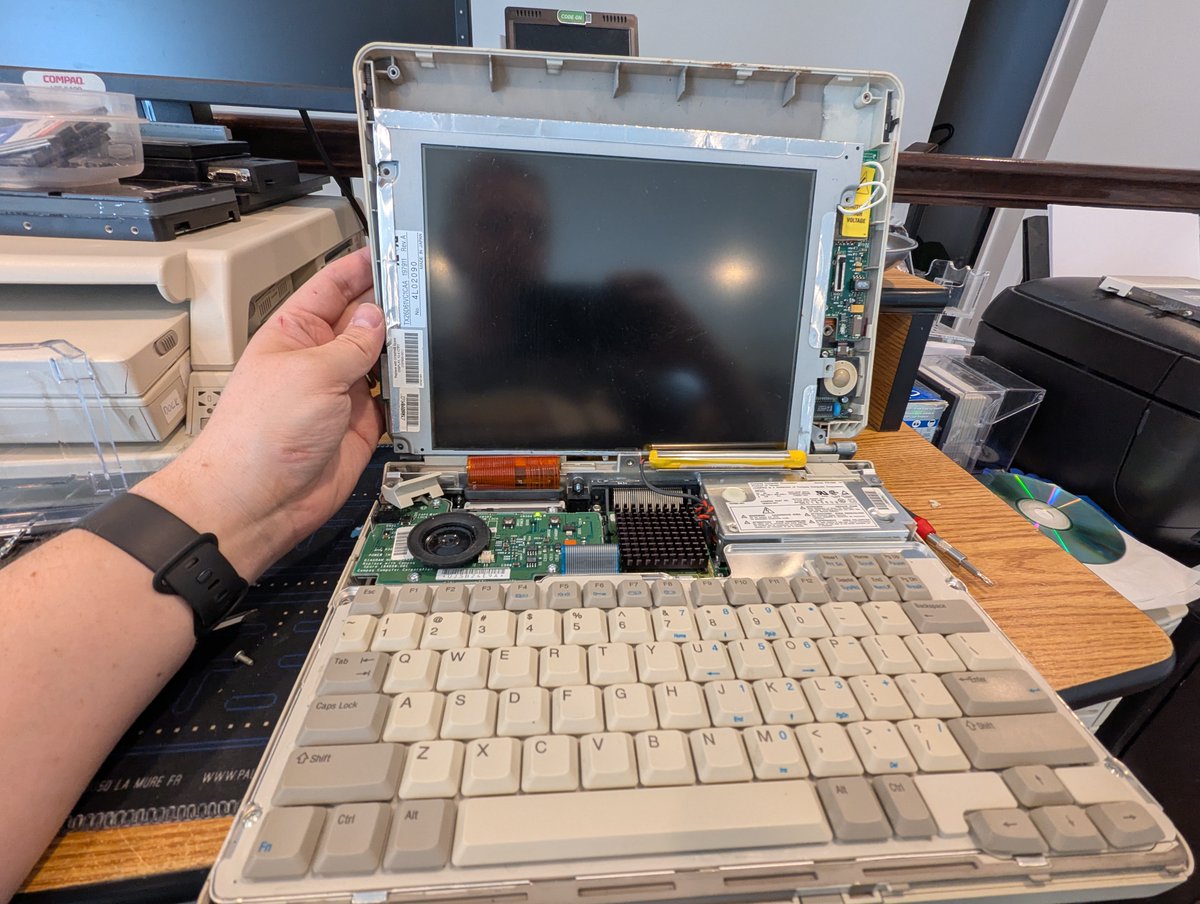
The next thing I tried was swapping the screen from the doner parts machine to my other LTE 4/50CX since it has a line across the top of the screen . Unfortunately, the backlight is dead. Oh well, we tried!
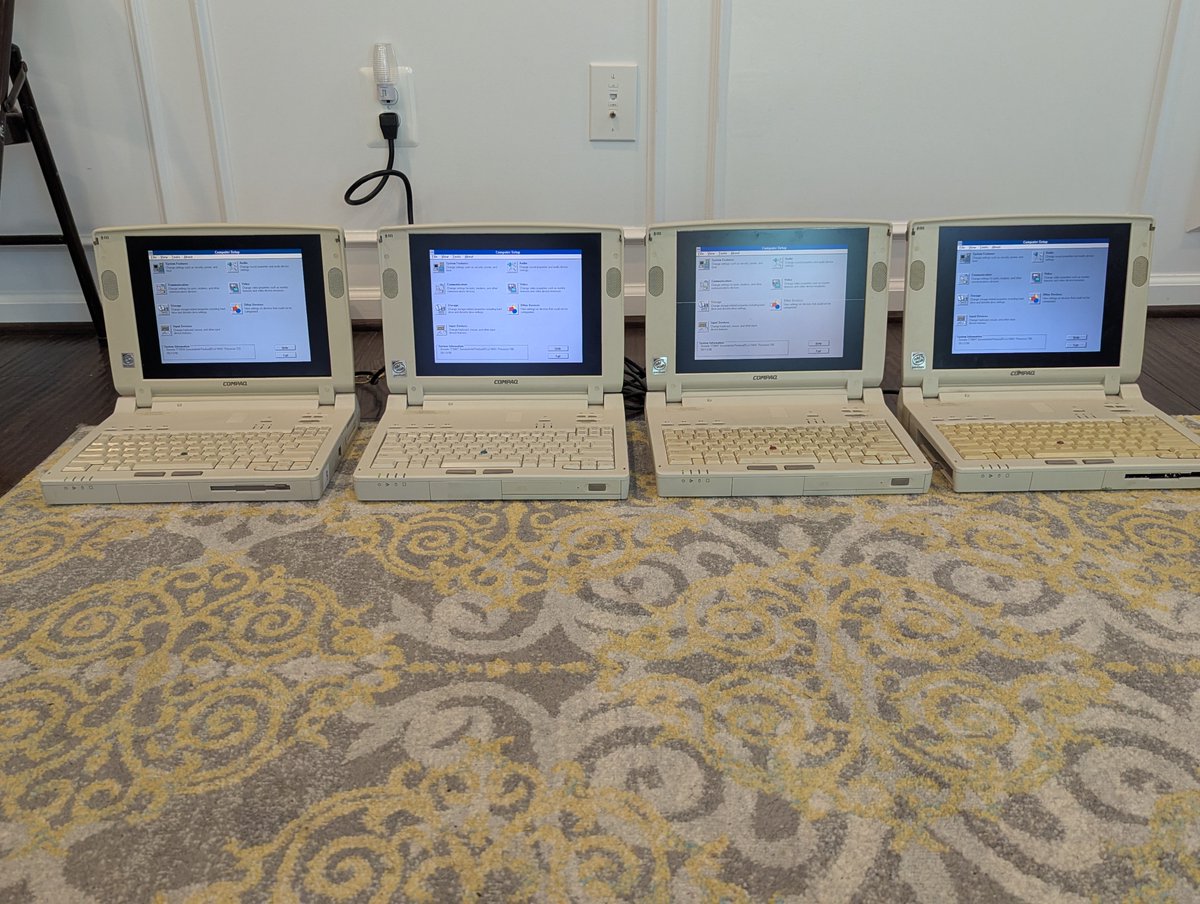
Well, after swapping parts around, I have four decent Armada 7700 series systems! They are not flawless, but some of them are actually pretty decent! Let's talk about this morning's adventure in a š§µ here!
So, my primary goal was to load system setup on these and see what the specs are. I started with the floppy drive. But these have the dreaded Citizen W1D drives. Ugh. Luckily there is a solution!
I went over to one of my LTE Elites and popped out a OpenFlops W1D, which is basically a Gotek replacement for the Citizen W1D. And, well, these work seemingly great! I was able to boot DOS off of an image file.