Saidul Profile picture
May 20 10 tweets 3 min read Read on X
YOUR ANDROID PHONE IS SLOW BECAUSE OF A DEFAULT SETTING.

Not old hardware.

Most people buy a new phone before they ever find this:

Takes 90 SECONDS TO FIX. Here is exactly how ⤵️ Image
I have been using this trick since 2012 on my first smartphone.

It made a single-core budget phone feel noticeably faster.

It still works on every Android in 2026. Most people have no idea it exists.
Here is what is actually happening.

Every time you open an app, switch screens, or tap a button your phone plays a small animation.

By default that animation runs at 1x speed. Around 300 milliseconds per transition.

That wait adds up every single time you use your phone.
There are three settings buried inside Developer Options that control this:

↳ Window Animation Scale
↳ Transition Animation Scale
↳ Animator Duration Scale

Set all three to 0.5x and every animation on your phone runs in 150 milliseconds instead of 300.

Your phone does not get faster. It just stops making you wait.
Step 1: Unlock Developer Options

Go to Settings > About Phone > Software Information

Find "Build Number" and tap it 7 times in a row

You will see a message that says "You are now a developer"

Do not worry. This is just a hidden settings menu. Nothing breaks.
Step 2: Find the animation settings

Go back to your main Settings page

Look for "Developer Options" (on some phones it is under Additional Settings)

Use the search bar if you cannot find it quickly
Step 3: Update all three animation scales

In Developer Options, search for “Animation scale.”
You’ll see three animation settings—open each one and set it to 0.5x.

That’s it. You’re done.
Your phone can feel twice as snappy, no purchases, no downloads.

Want it even faster? Set all three animation scales to 0x and the animations vanish entirely.

Some people love the instant feel. Others find it a bit jarring. Start with 0.5x first.

What Android version are you on? I’m curious how well this works on older phones.
🚀 Ready to level up with AI?

Subscribe to my FREE newsletter and get instant access to:

✅ 50+ expert-led AI courses
✅ 1200+ high-impact ChatGPT prompts
✅ Actionable cheatsheets, tools & resources

No spam. No cost. Just pure value.

Grab it now → brainbuzz.tech/subscribe
I hope you've found this thread helpful.

Follow me @saidul_dev for more.

Like/Repost the quote below if you can:

• • •

Missing some Tweet in this thread? You can try to force a refresh

 

Keep Current with Saidul

Saidul Profile picture

Stay in touch and get notified when new unrolls are available from this author!

Read all threads

This Thread may be Removed Anytime!

PDF

Twitter may remove this content at anytime! Save it as PDF for later use!

Try unrolling a thread yourself!

how to unroll video
  1. Follow @ThreadReaderApp to mention us!

  2. From a Twitter thread mention us with a keyword "unroll"
@threadreaderapp unroll

Practice here first or read more on our help page!

More from @saidul_dev

May 17
Google has a recording of every search you've ever made.

Every place you've ever been.

Every YouTube video you've ever watched.

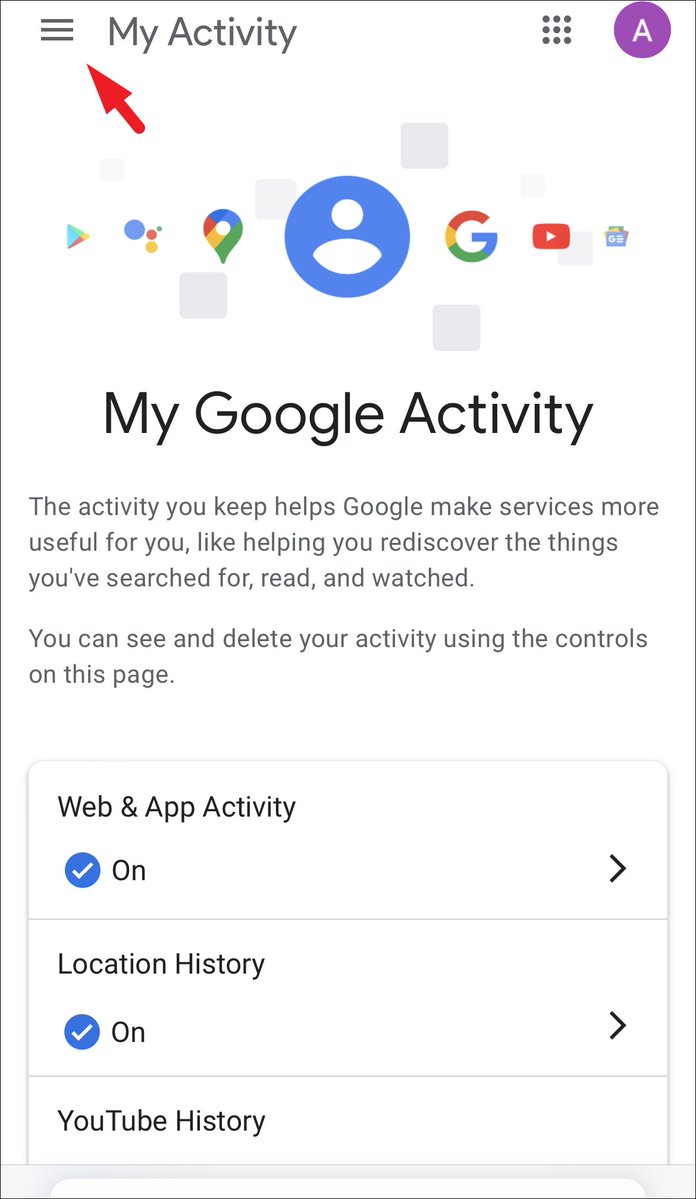
Go to myactivity.google.com right now.

You'll find searches from 2015. Voice recordings. GPS coordinates.

All stored. All linked to your name.

A decade of your life is sitting in one file. Here's how to see it and delete it:Image
This isn't a conspiracy theory.

A peer-reviewed study from Trinity College Dublin found that your Android phone contacts Google's servers every 4.5 minutes.

Even when you're not touching it. Even when the screen is off.

It sends your device ID, your phone number, your SIM serial number, and your location.

Even if you never signed into a Google account.

Source: Professor Douglas Leith, Trinity College Dublin, 2021.
How much data does Google have on you?

People who downloaded their full Google data reported files of 30, 60, even 150+ gigabytes.

That's the equivalent of tens of thousands of books. All about one person. You.

Go to . Download yours. See for yourself.

Warning: it can take hours to process. That should tell you something.takeout.google.com
Read 22 tweets
May 16
Your Android phone's storage is full.

You delete photos, videos, apps. It's still full.

Because the real culprit is HIDDEN junk Android never shows you.

I got 23GB back yesterday without deleting a single photo.

Here's how 👇 Image
Let’s start simple.

Every app on your phone quietly hoards temporary files called cache. Scroll TikTok for two hours and it saves chunks of every video you fly past. Open Shopee and it stores product photos. Day after day, it stacks up, and most of it doesn’t clear itself.

Want proof?
Settings > Apps > select an app > Storage

On my phone: TikTok is sitting on 4.7GB of cache. Instagram: 2.1GB. Shopee: 1.8GB. Chrome: 1.2GB.
That’s 10GB gone, just from four apps.
Tap “Clear Cache.” This is SAFE. You won’t be logged out, your chats won’t be lost, and your data won’t be lost. Only temporary files will be deleted.

What you should NOT press: “Clear Data.” This will do a complete reset, logging you out of everything.
Read 12 tweets
May 14
Breaking: Apple keeps your deleted files and still charges you for the space they take up.

Deleting something on an iPhone does not mean it is gone.

It means Apple holds it and charges you rent:

Here is exactly where the rest is hiding and how to clear it in 20 minutes ⤵️ Image
iPhone or iPad: Files > iCloud Drive > sort by size
Mac: Finder > iCloud Drive > sort by size

Old video exports. Zip archives. Presentation decks from two years ago. Stuff you downloaded once and never opened again.

Sort by size and the worst offenders show up fast.

I found a 1.8GB file I’d completely forgotten was even there.
iPhone: Settings > Photos > Optimize iPhone Storage
Mac: Photos > Settings > iCloud > Optimize Mac Storage

Your phone doesn’t need the full‑resolution version of every photo you’ve ever taken. Turn this on to keep smaller, space‑saving versions on your device while the originals stay safely in iCloud. It frees up storage now and helps prevent the problem from coming back.
Read 7 tweets
May 11
If you've owned an iPhone in the last 10 years, Apple recorded you.

Medical visits. Bedroom moments. Drug deals. Apple contractors listened to the clips.

They just paid $95 million to settle it. Checks up to $100 are in the mail right now.

Most iPhone users have no idea this happened to them.

Here's how to stop it in 30 seconds:Image
Start here. The story is real.

In 2019, The Guardian broke a report on Apple. A whistleblower named Thomas Le Bonniec worked for an Apple contractor in Ireland. His job? Listen to Siri recordings.

What he heard made him quit
He said workers "regularly" heard:

- Private medical talks between doctors and patients
- Business deals
- Drug deals
- People having sex
- A recording of a pedophile

Le Bonniec flagged it to his bosses. They did nothing. He quit.
Read 16 tweets
May 1
Don't change the iPhone if the battery starts to drain.

Apple intentionally set the default settings so that the battery drains quickly.

After I played around with the settings myself, the battery now lasts from 6 hours to 10 hours.

Most people will buy a new phone before they ever find this.

Here is the method: 👇Image
1/ First thing, check who's the main culprit.

- Settings → Battery

- Scroll down and see which app is consuming your battery the most.

- Usually it's not the app you use a lot. But the problematic app is the one running hidden in the background.
2/ Background App Updates.

- This feature ain't useful but it's on by default.

- Settings → General → Background App

- Updates → Turn it off

- The whole point is that every app on your phone "updates itself" even if you haven't opened it.

- Instagram downloads the vid, Shopee updates the prices.

- Why, you ask? You can still open the app manually anyway.
Read 11 tweets
Apr 25
After 3 years using Claude, I can say it's the technology that has revolutionized my life.

Not because it is smart. Because I learned how to use it right.

Here are 18 prompts I use daily that have transformed my day to day:

(Save this 🔖) Image
1. Daily Strategic Planning

Turn chaos into a clear execution plan.

Prompt: Act as an executive productivity coach.

Help me organize my day with the following information:

Goals for today: [list of goals]
Tasks: [list of tasks]
Meetings: [list of meetings]
Deadlines: [list of deadlines]

Then:

1. Identify my top 3 priorities
2. Suggest a structured schedule
3. Highlight tasks that can be automated or delegated
4. Recommend the highest impact activities for today
2. Research Assistant

Get structured information in minutes.

Prompt: Act as a professional research analyst.

Research the following topic: [topic]

Provide:

1. Key information
2. Current trends
3. Important statistics
4. Main companies or market players
5. Opportunities and risks in this sector
Read 19 tweets

Did Thread Reader help you today?

Support us! We are indie developers!


This site is made by just two indie developers on a laptop doing marketing, support and development! Read more about the story.

Become a Premium Member ($3/month or $30/year) and get exclusive features!

Become Premium

Don't want to be a Premium member but still want to support us?

Make a small donation by buying us coffee ($5) or help with server cost ($10)

Donate via Paypal

Or Donate anonymously using crypto!

Ethereum

0xfe58350B80634f60Fa6Dc149a72b4DFbc17D341E copy

Bitcoin

3ATGMxNzCUFzxpMCHL5sWSt4DVtS8UqXpi copy

Thank you for your support!

Follow Us!

:(