RetroTech Chris Profile picture
May 28 10 tweets 6 min read Read on X
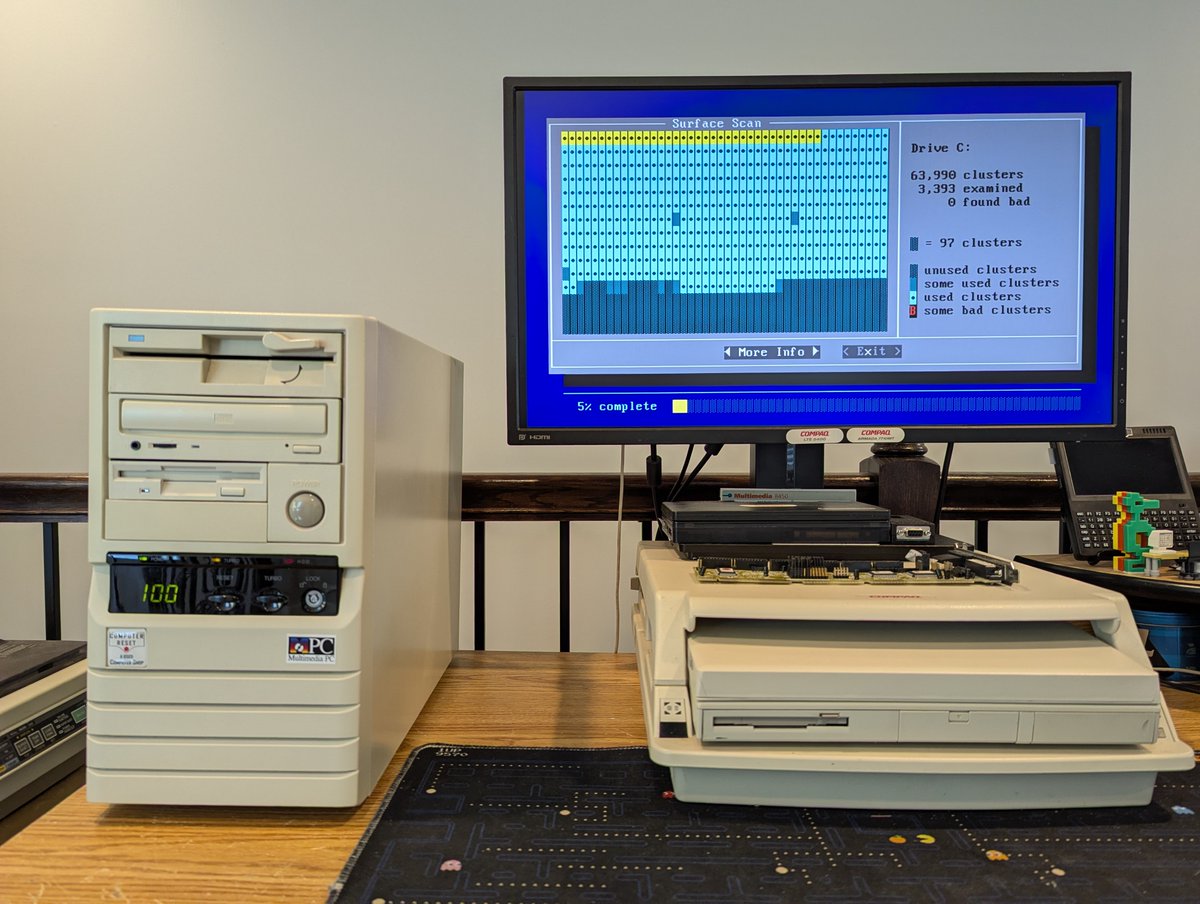
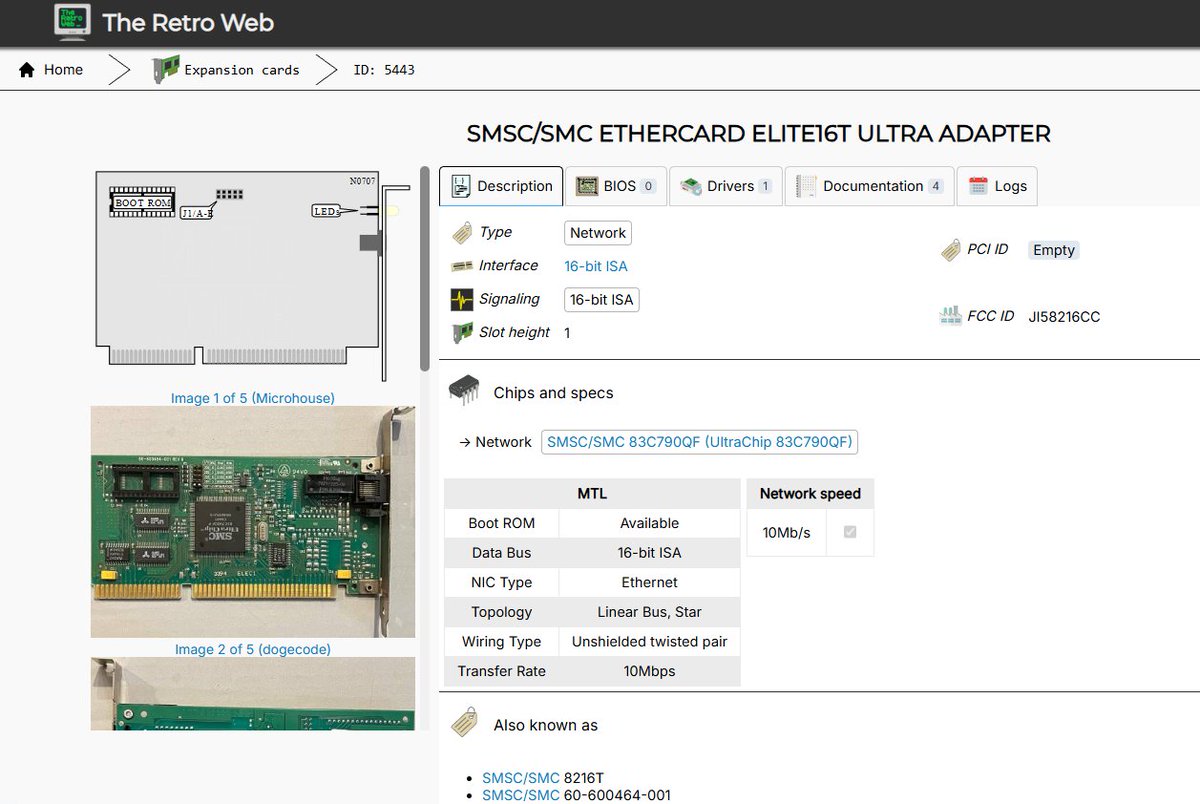
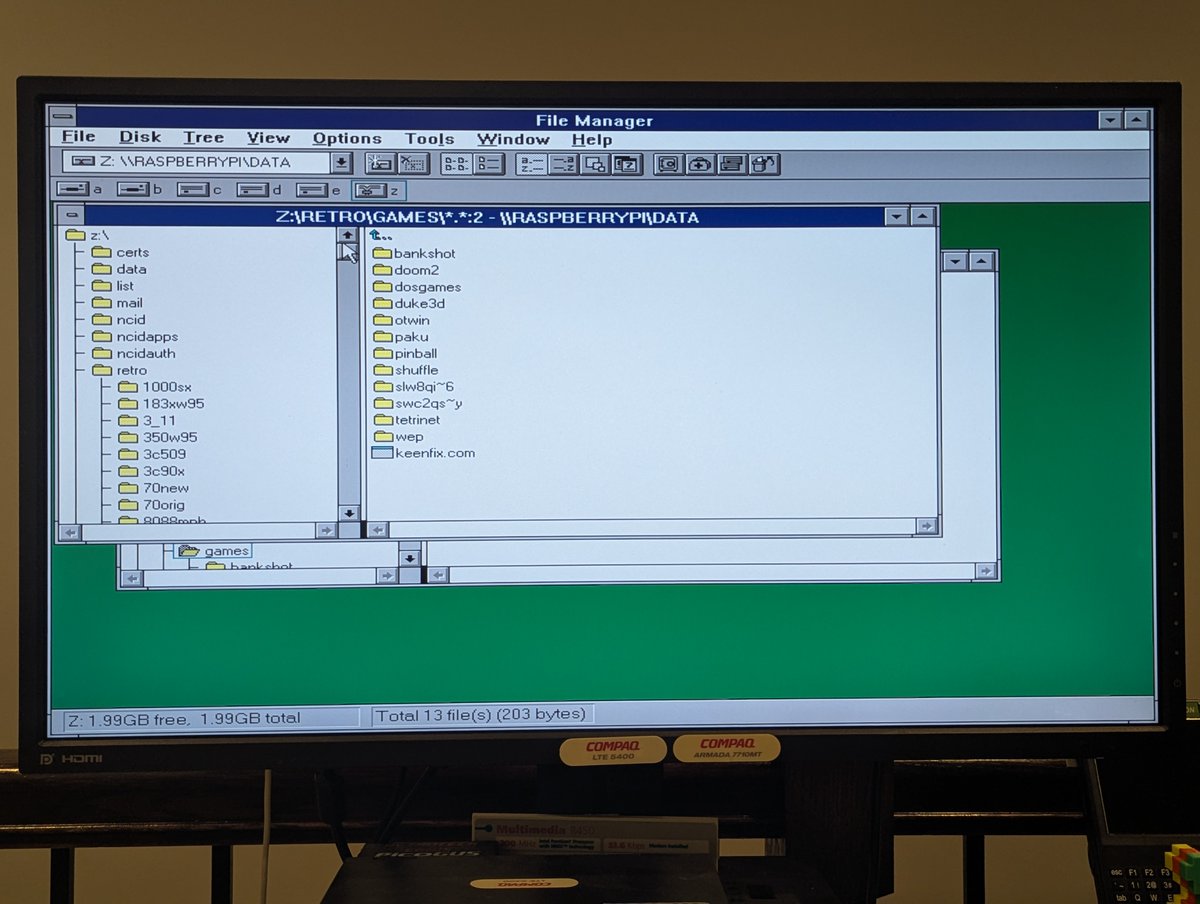
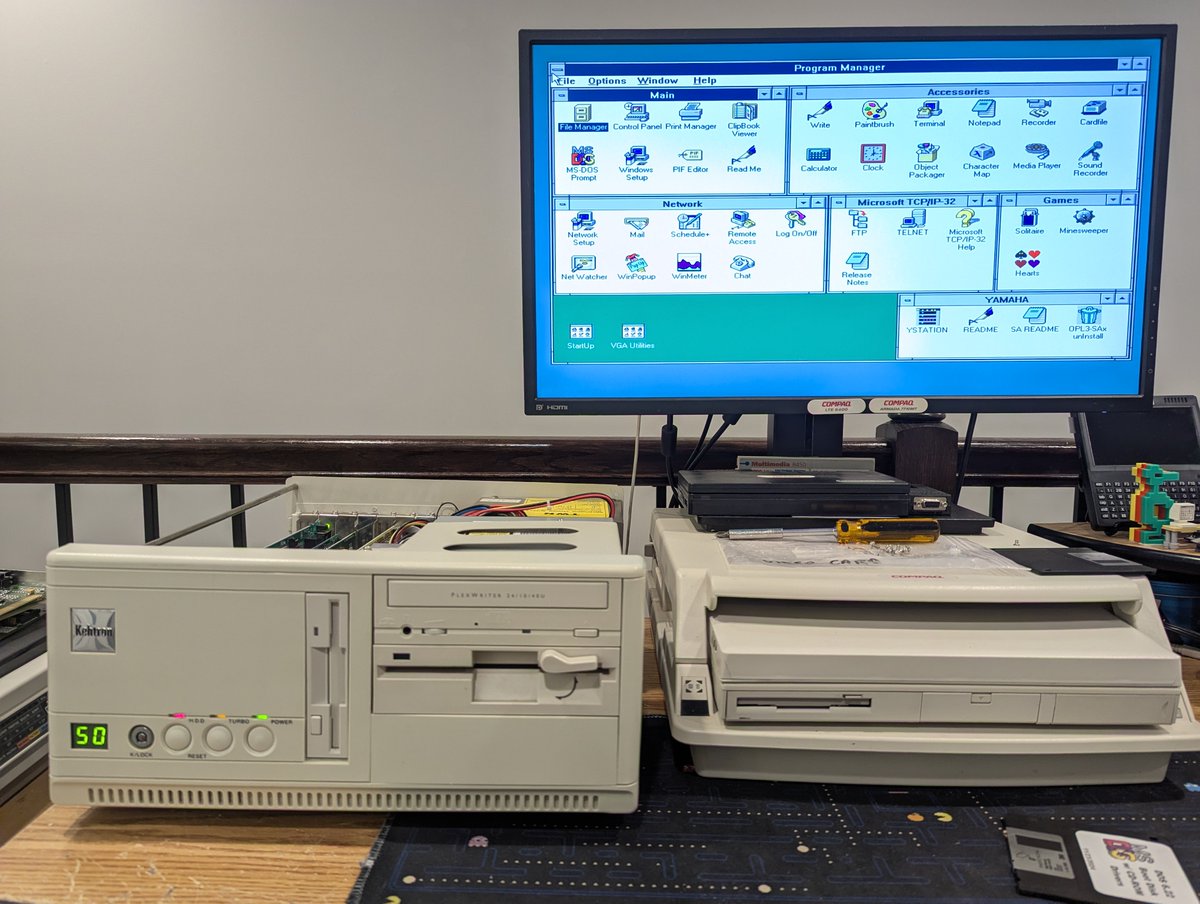
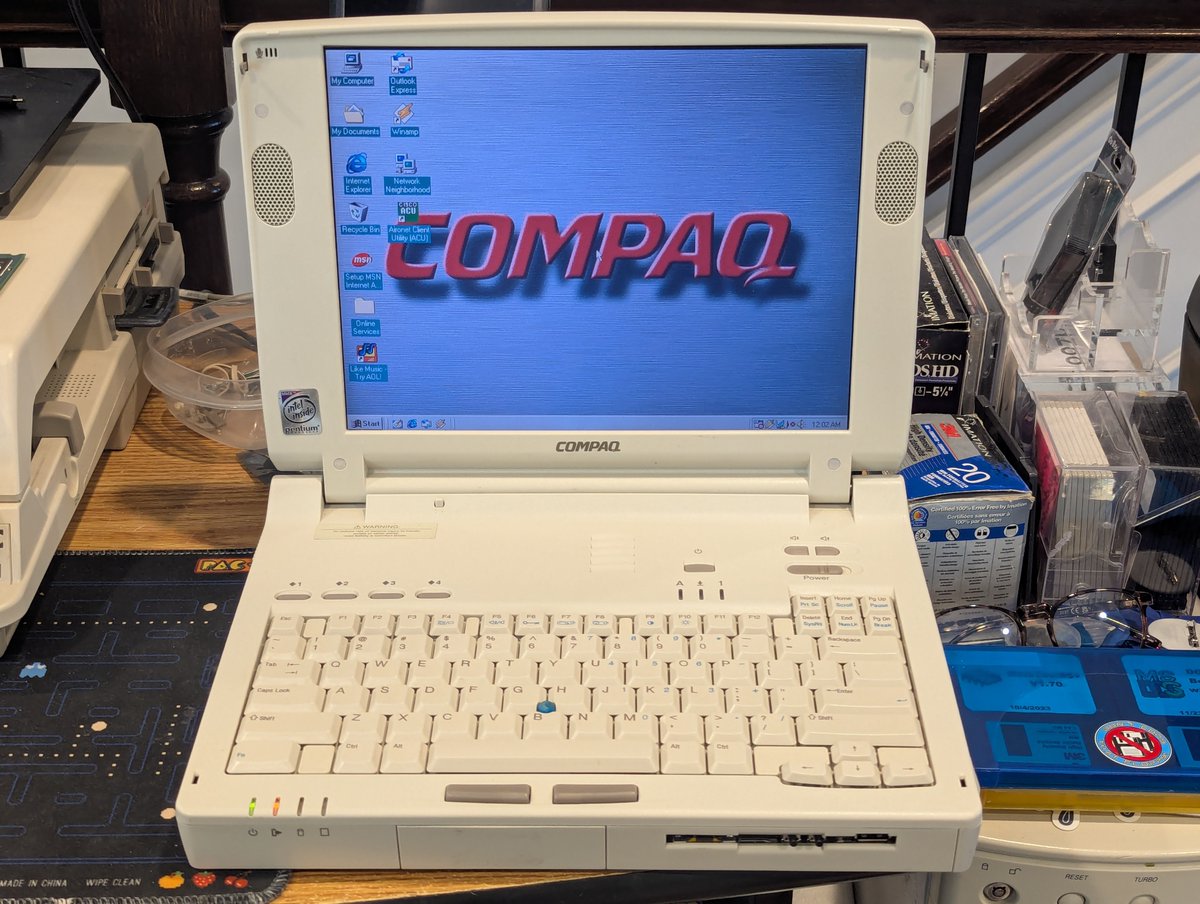
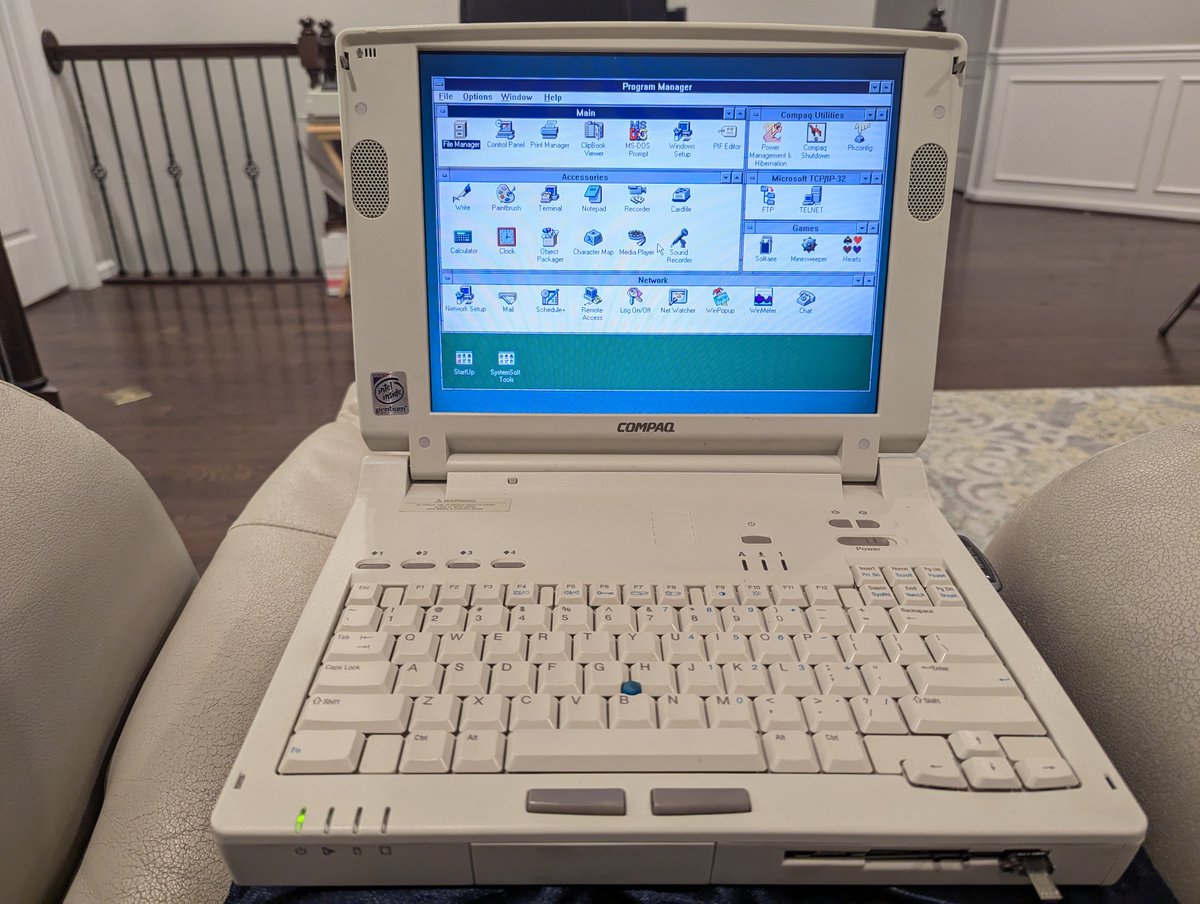
A few days ago, I had the Compaq laptop fleet out! Recently, I had "redone" my DOS/Win3.11 setup. I wanted to copy this new setup to all of my LTE 5000 laptops, but didn't want to completely reload them! Let's talk about what I did! Time for a quick 🧵 Image
Image
Image
Image
So, first question, why redo the setup? Recently, I loaded an XTIDE patch on my Compaq LTE 5400 to allow large drive support. I ended up having to really optimize conventional memory. I also simplified the boot process to always load network drivers:
Alright, great! So, what's a good optimal way to "patch" the existing laptops with the old setup? How about a batch file on a floppy disk? Also, I discovered a few things about the new setup I wanted to fix too in the process. Let's handle both cases! Image
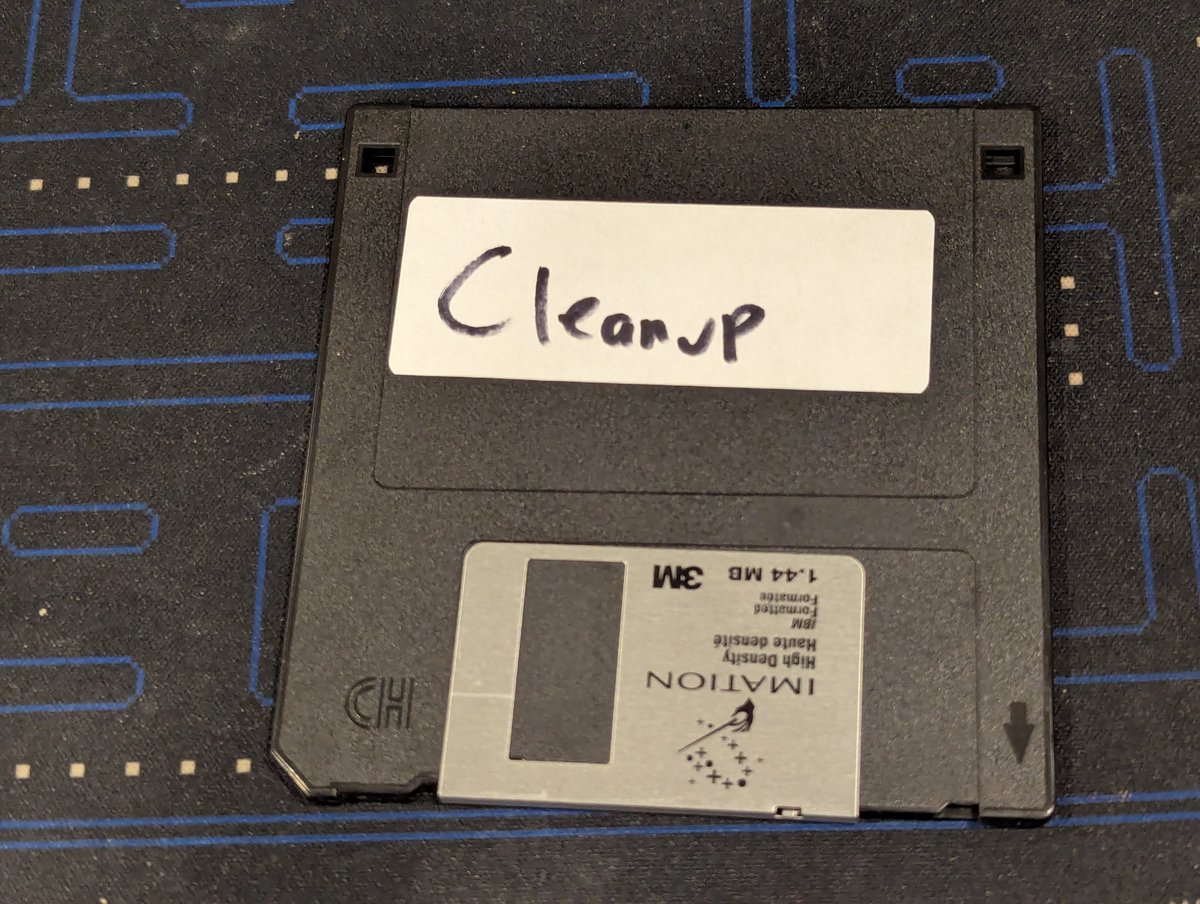
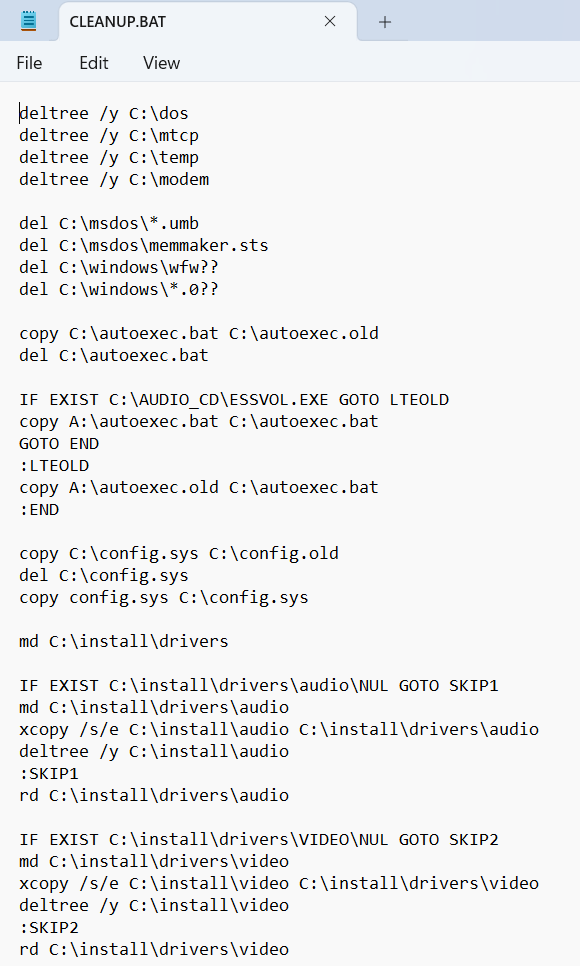
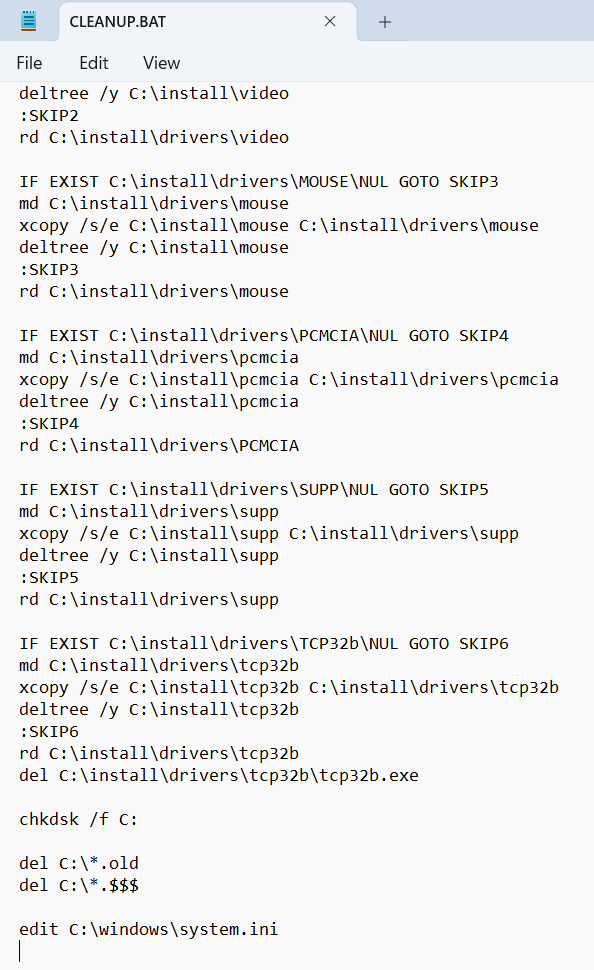
I split this process into two rounds. For Round 1, I ran a batch file that would delete directories that I didn't want (at least for now), copy over an optimized config. sys depending on the sound card type, move drivers around, remove stray files... Image
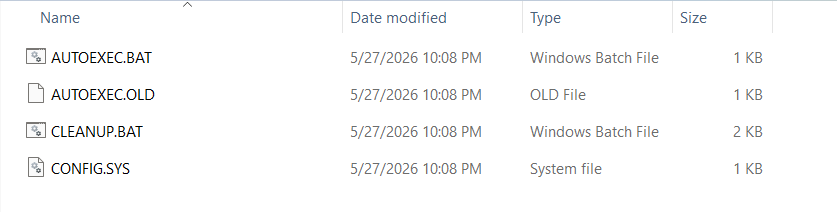
Image
...and also run chkdsk and load up an editor for me to make a few manual edits to system.ini. Some may ask "why are you trying to remove directories after you create them?" Well, Round 2 does a directory check, and if they are truly empty, I want them gone. Plus, I was lazy 😂 Image
Oh, here is Round 1 in action!
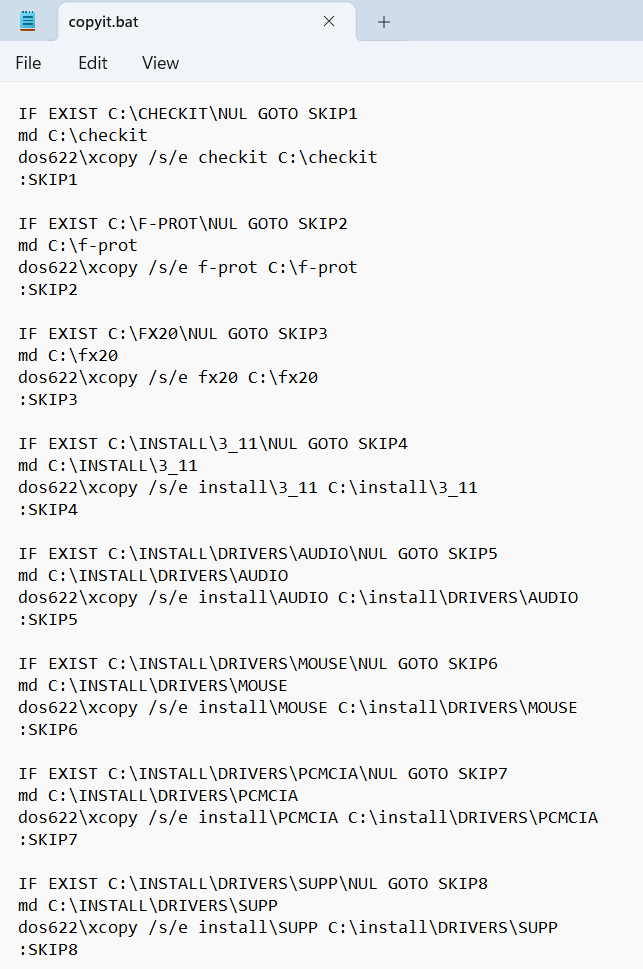
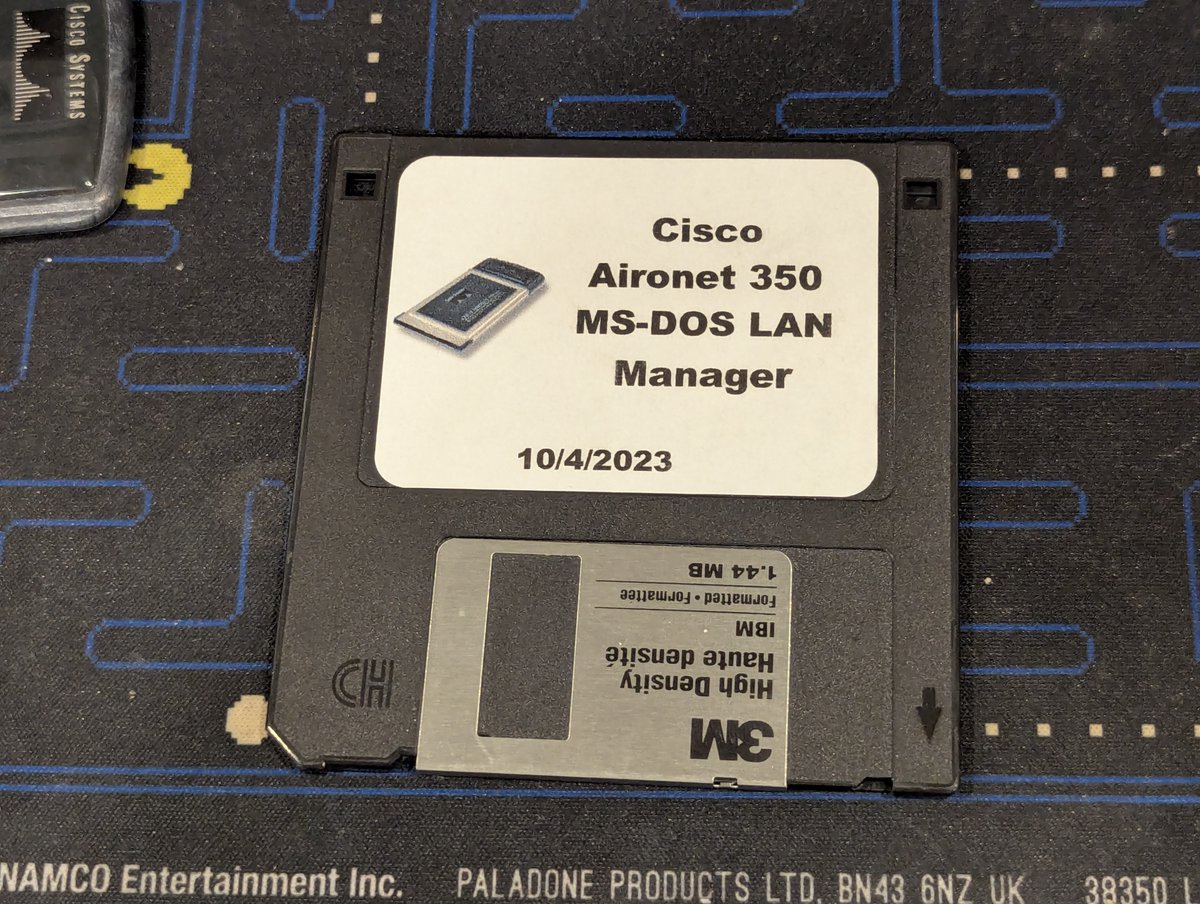
Now for Round 2, where I wanted to copy over a few applications and bigger files. I was going to use my MicroSD to LPT adapter, but network is faster! So, I booted up my Cisco Aironet 350 LAN Manager disk to copy files from a network share with another batch file! Image
So for Round 2, I did try to optimize and not copy directories if already present. I also copied over an optimized Card Services allocation file for my PCMCIA configuration, as well as SHSUCDX for my CD-ROM drives, since it is more memory efficient than MSCDEX Image
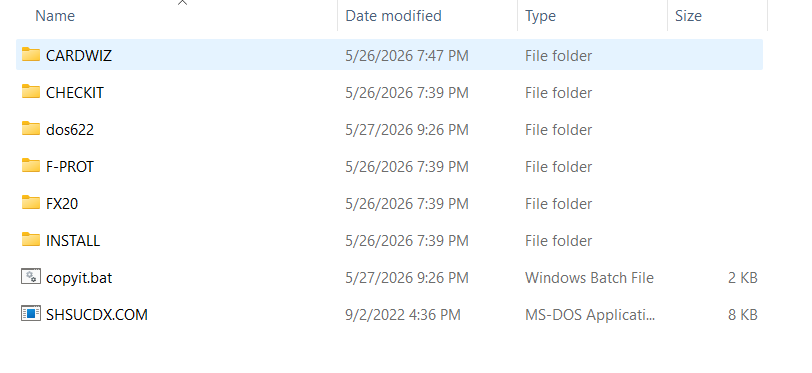
Image
Image
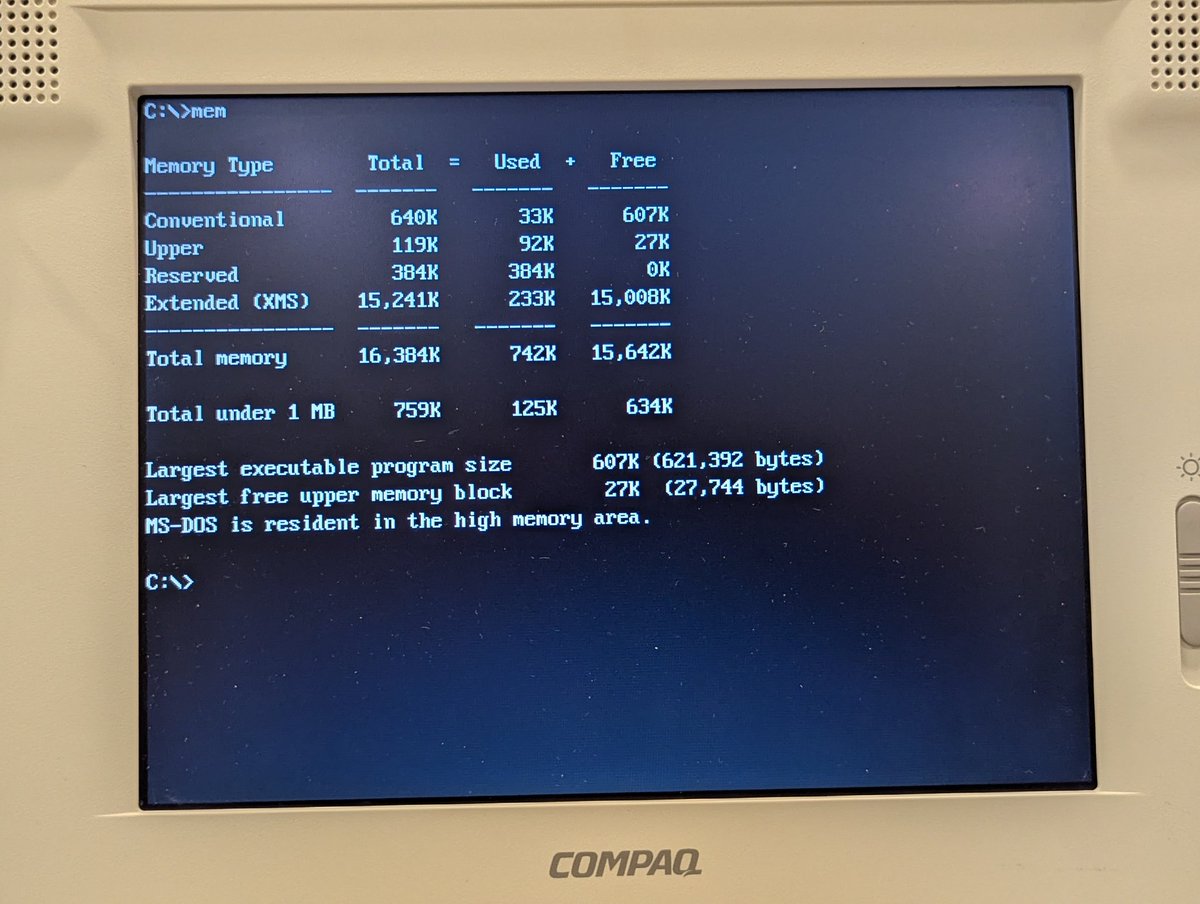
So how did we do? Not too bad! Looking at conventional memory, on the systems with XTIDE we have 562K of conventional memory free (without CD-ROM drivers loaded) and the non XTIDE systems have 607K free. That's enough to run Commander Keen! Image
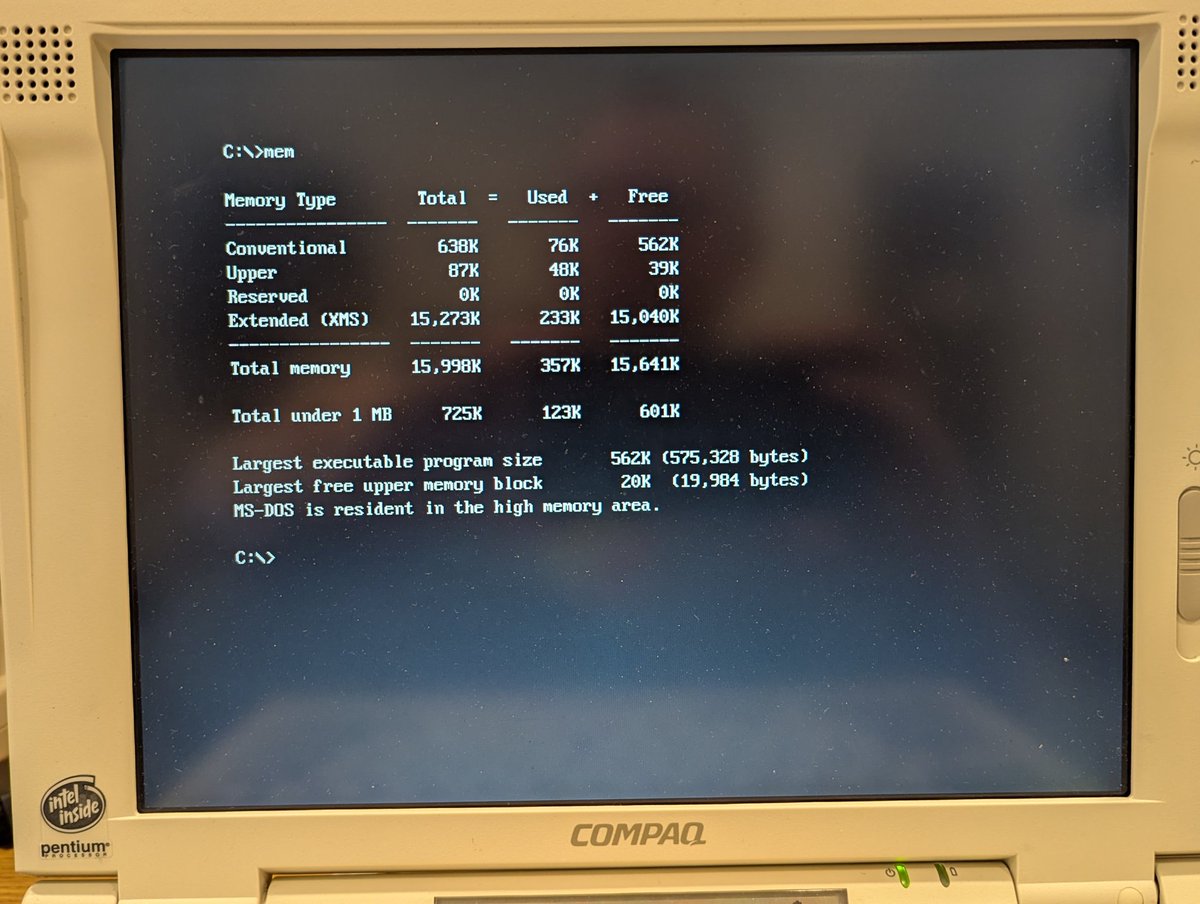
Image
Well, anyway, that was fun. But I most go now, I have more systems to configure 🤣. All kidding aside, I do need to finish packing for VCFSW, I head to Texas tomorrow! Thanks for following along.

@threadreaderapp unroll Image

• • •

Missing some Tweet in this thread? You can try to force a refresh

 

Keep Current with RetroTech Chris

RetroTech Chris Profile picture

Stay in touch and get notified when new unrolls are available from this author!

Read all threads

This Thread may be Removed Anytime!

PDF

Twitter may remove this content at anytime! Save it as PDF for later use!

Try unrolling a thread yourself!

how to unroll video
  1. Follow @ThreadReaderApp to mention us!

  2. From a Twitter thread mention us with a keyword "unroll"
@threadreaderapp unroll

Practice here first or read more on our help page!

More from @RetroTechChris

May 15
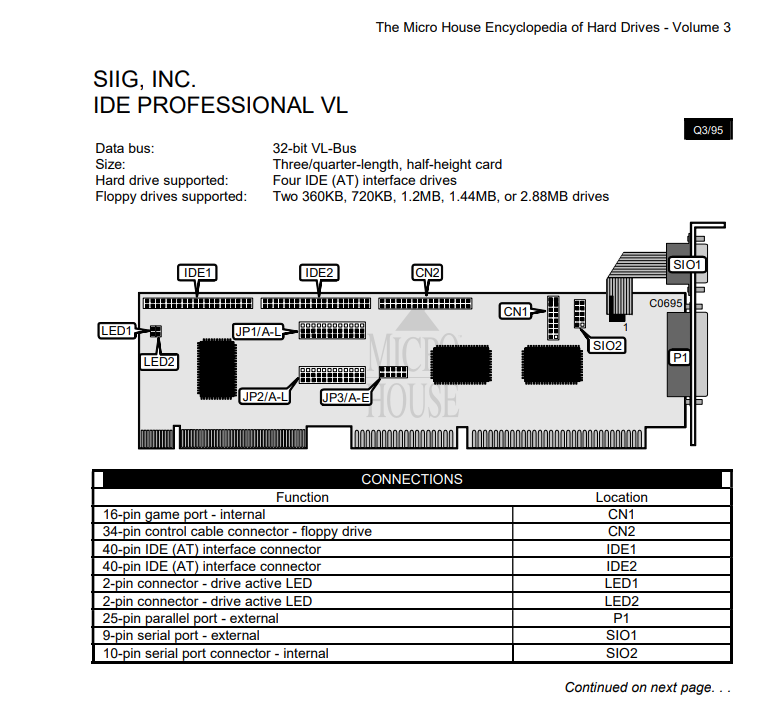
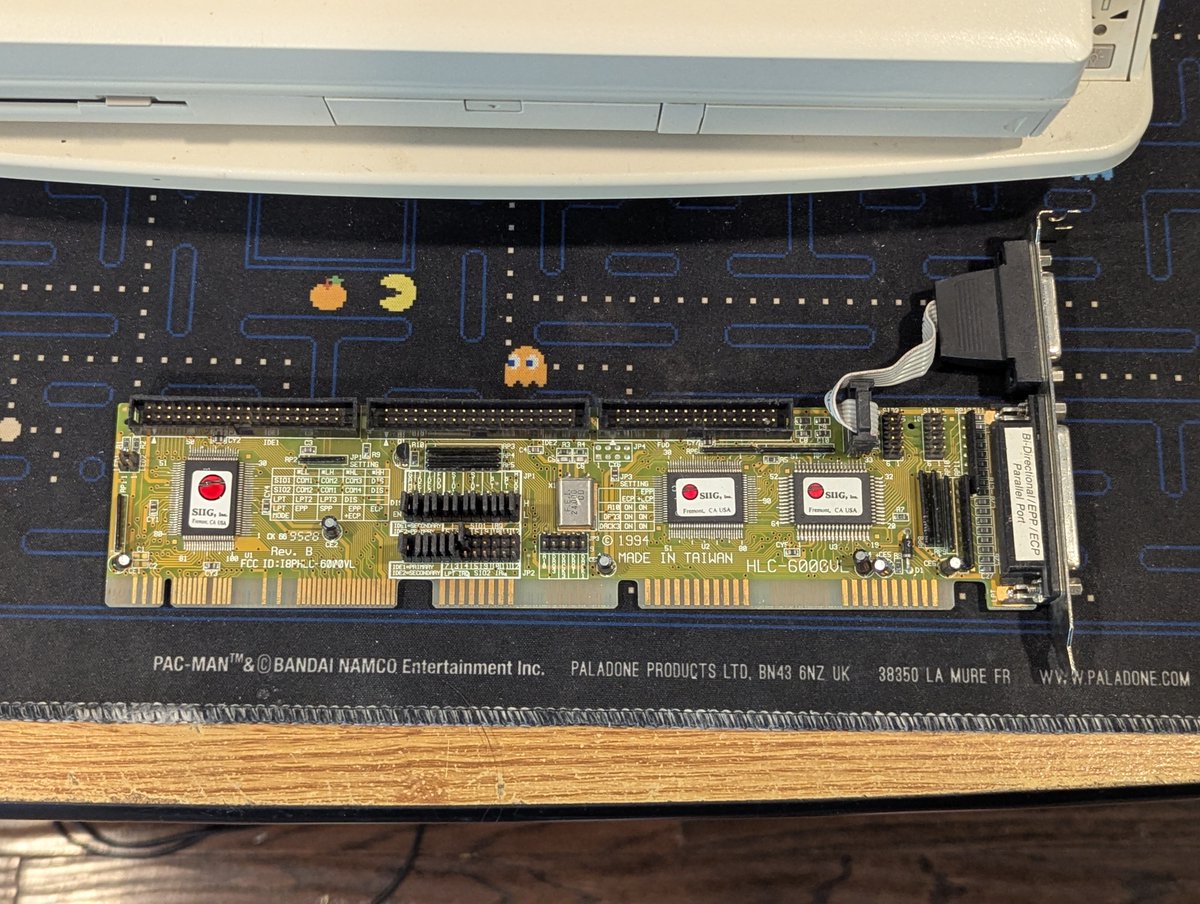
I picked up this $5 VESA Local Bus I/O card at the System Source Swap Meet. Let's test it out! Time for a 🧵 Image
Image
This card is a SIIG Professional VL. And it has your typical I/O as you can see here: dual IDE, FDD, 2 serial, 1 parallel, and 1 game Image
Image
We'll start out with a base case, which includes the Promise EIDE 4030 card that is installed. I did do a quick bootup with this card installed, and it was successful. Image
Image
Read 11 tweets
May 14
Who here believes in redemption? The other day, I was cursing these SMC Elite 16 ISA network cards as they were giving me all sorts of trouble. Let's give them another chance since I have so many of them 😂. Time for a 🧵 Image
Image
Image
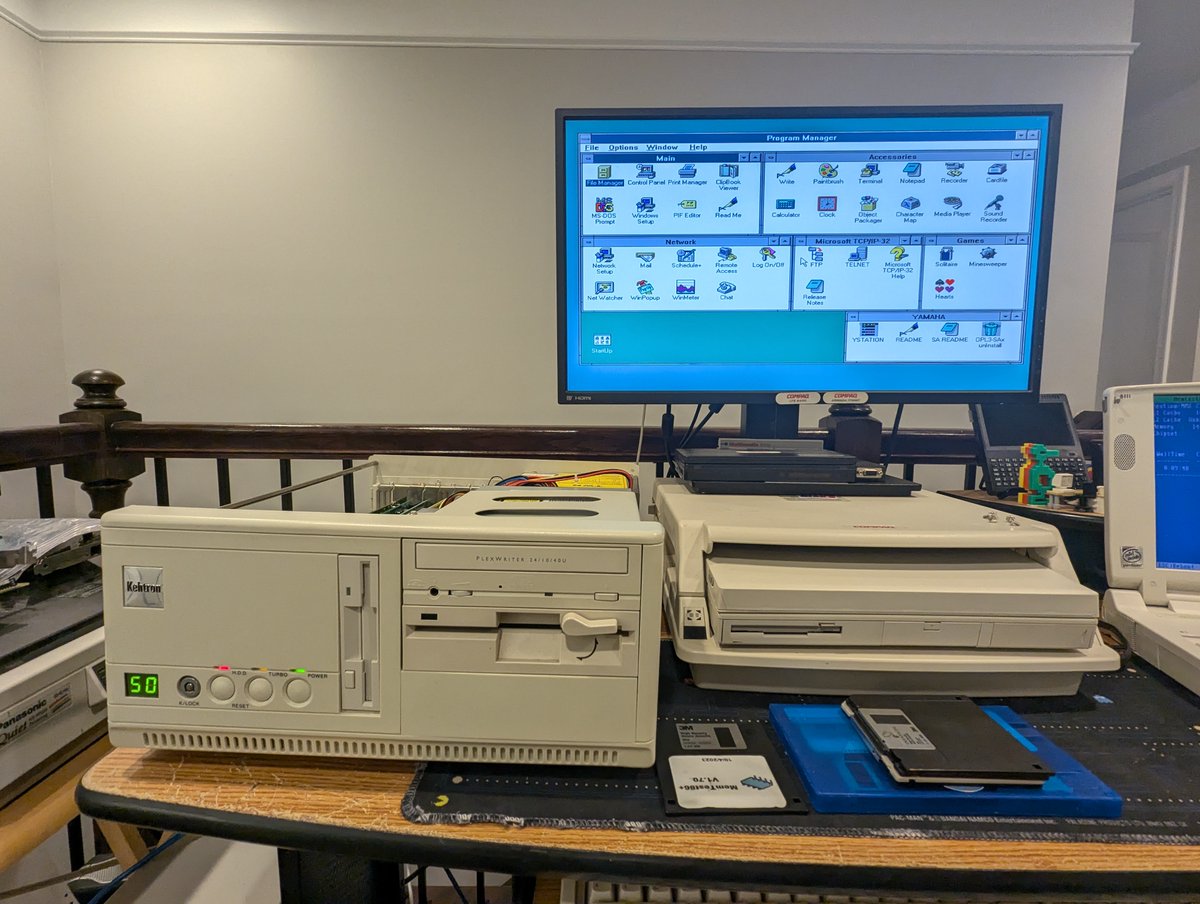
Anyway, this thread starts out with a funny story. I grabbed a PC at random, and it happened to be the Kehtron PC. Guess what kind of card was already installed and operational in it? Yep, a SMC Elite 16 😂. Well, good, this problem should be solvable then! Image
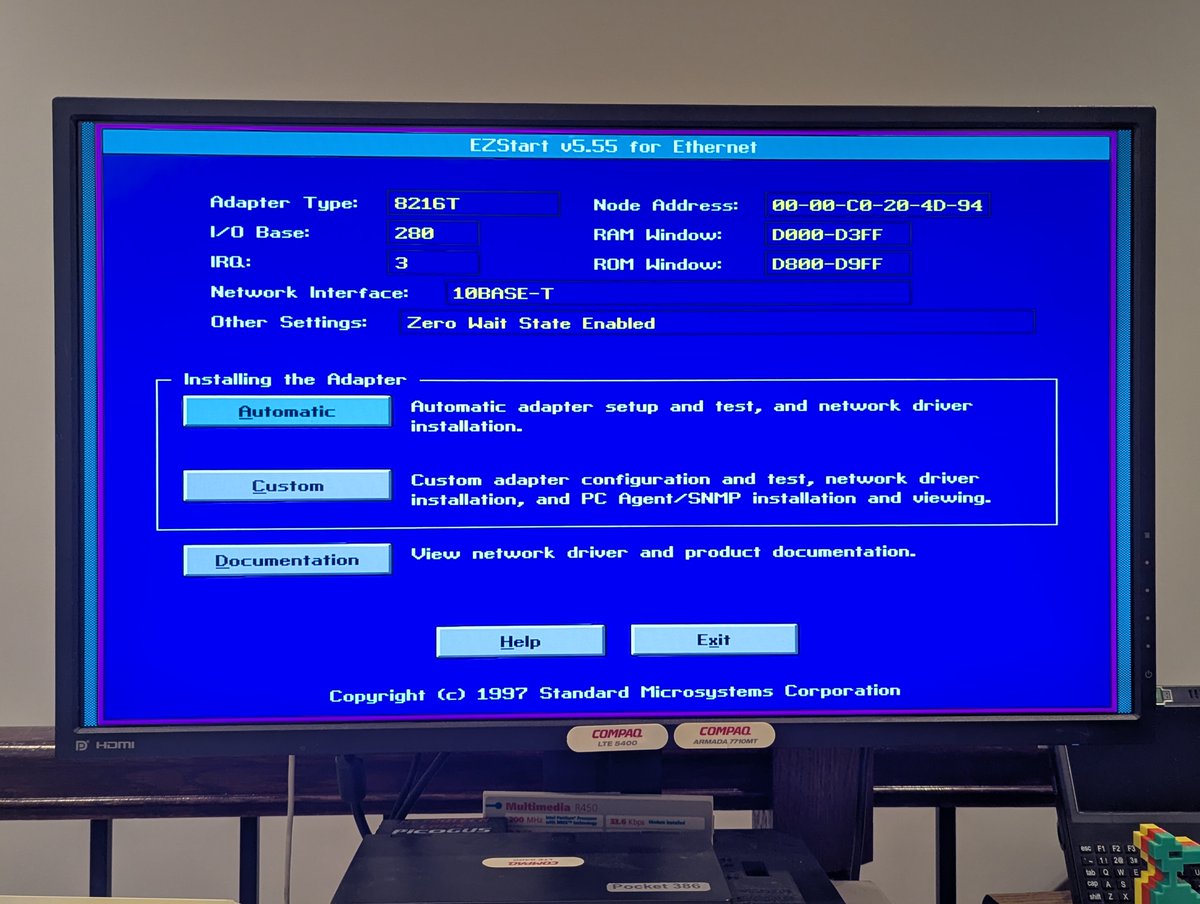
As science teaches us, always start with a control group, and we lucked out in this case. So I booted up Windows for Workgroups, and the card is working great. Looks like we are set to 0x280 and IRQ 3 per the DOS EZStart utility. Image
Image
Image
Read 11 tweets
May 14
I picked up a $5 ISA video card (!) at the System Source Swap Meet! Let's test it out. Time for a 🧵 Image
Image
So this card is based on the Cirrus Logic GD-5422 chipset. It looks to be a STB System Horizon card. I didn't count the memory, but looks to be 1MB Image
Image
Image
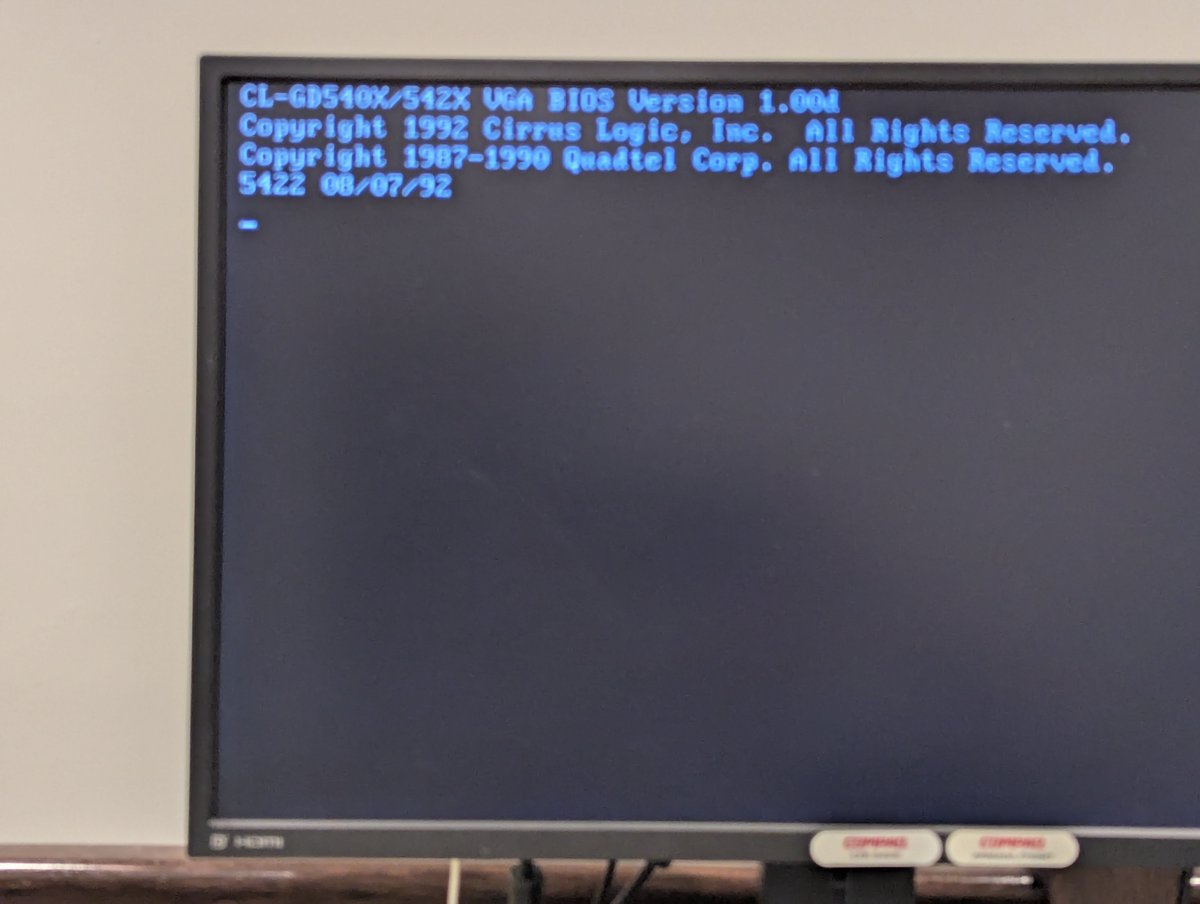
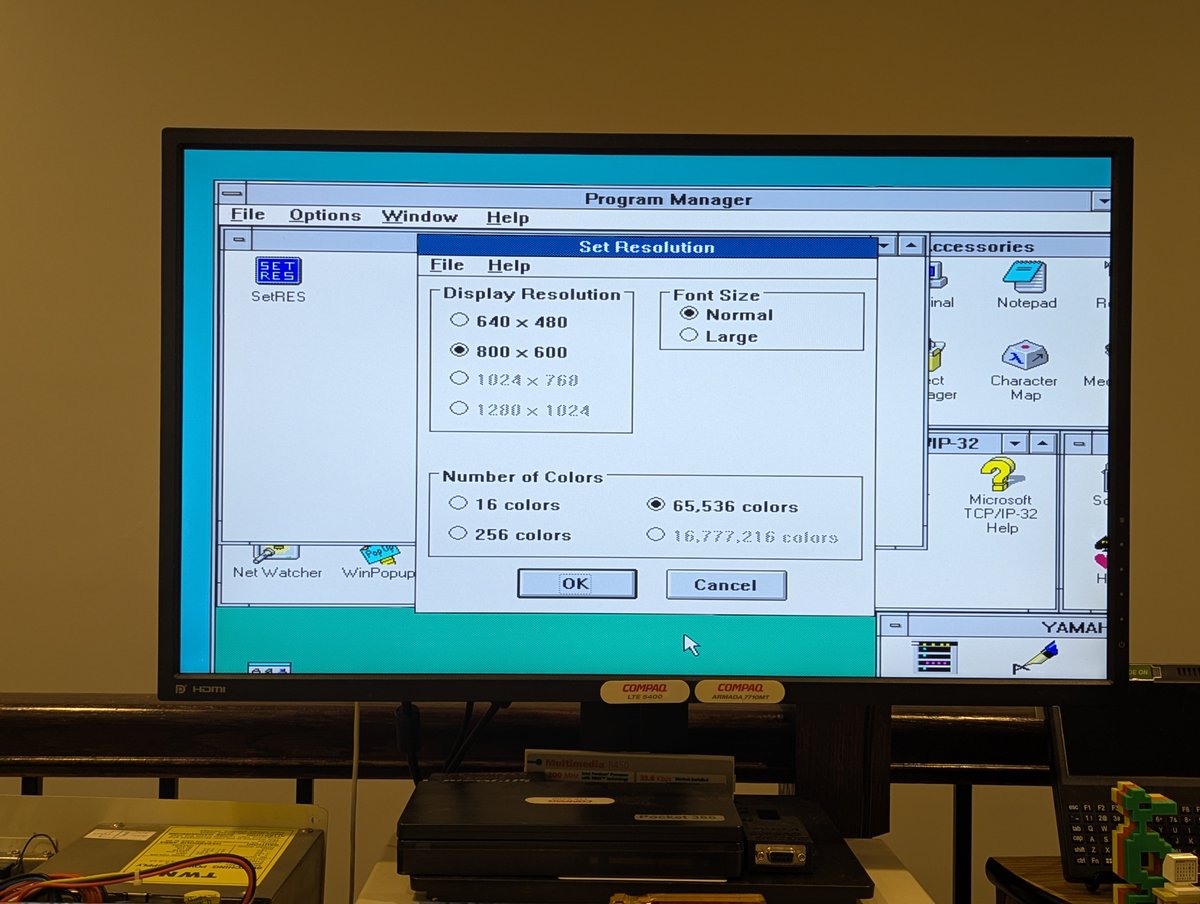
I installed it in the system, and we can see the BIOS splash screen for it (sorry for the blurry picture). From there, I installed some drivers that I found on Vogons, and bumped up the resolution. Looking good! Image
Image
Image
Image
Read 5 tweets
May 14
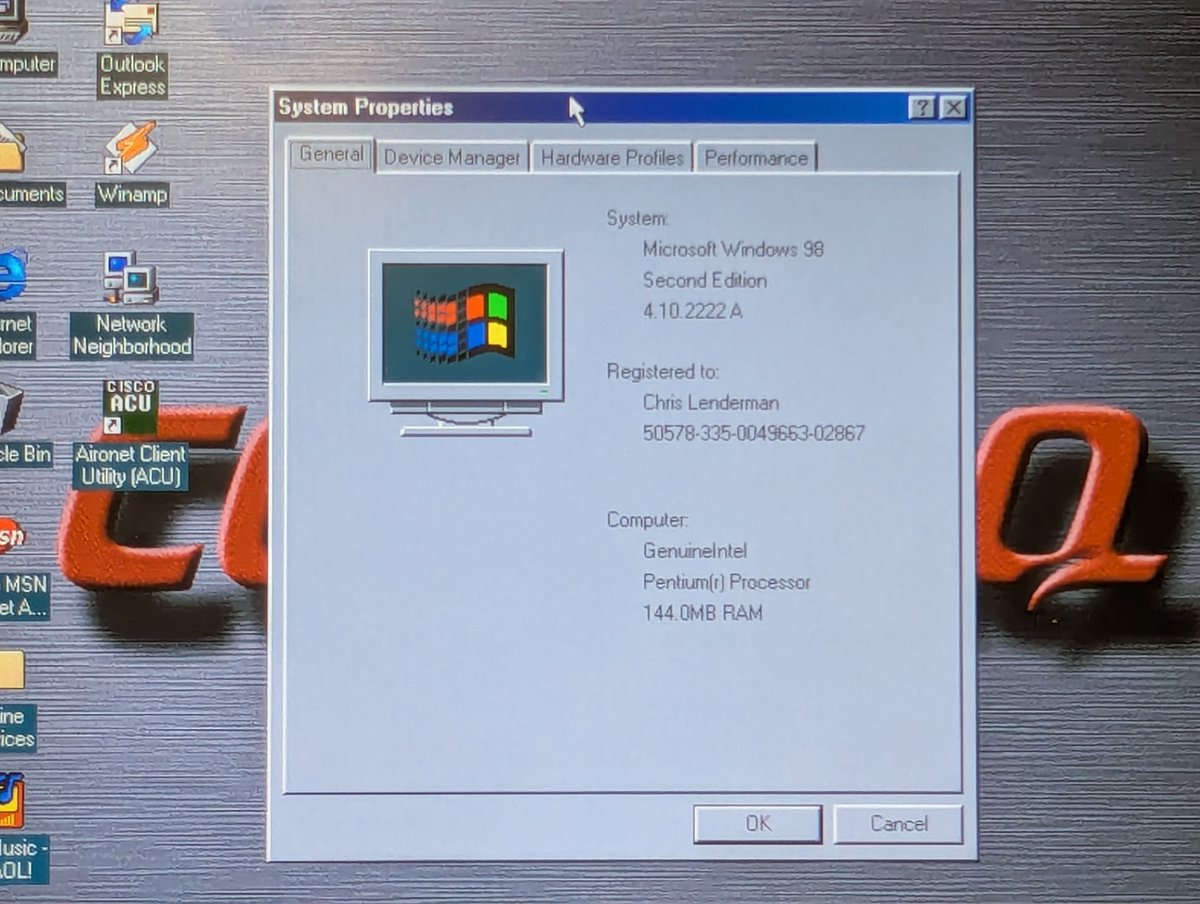
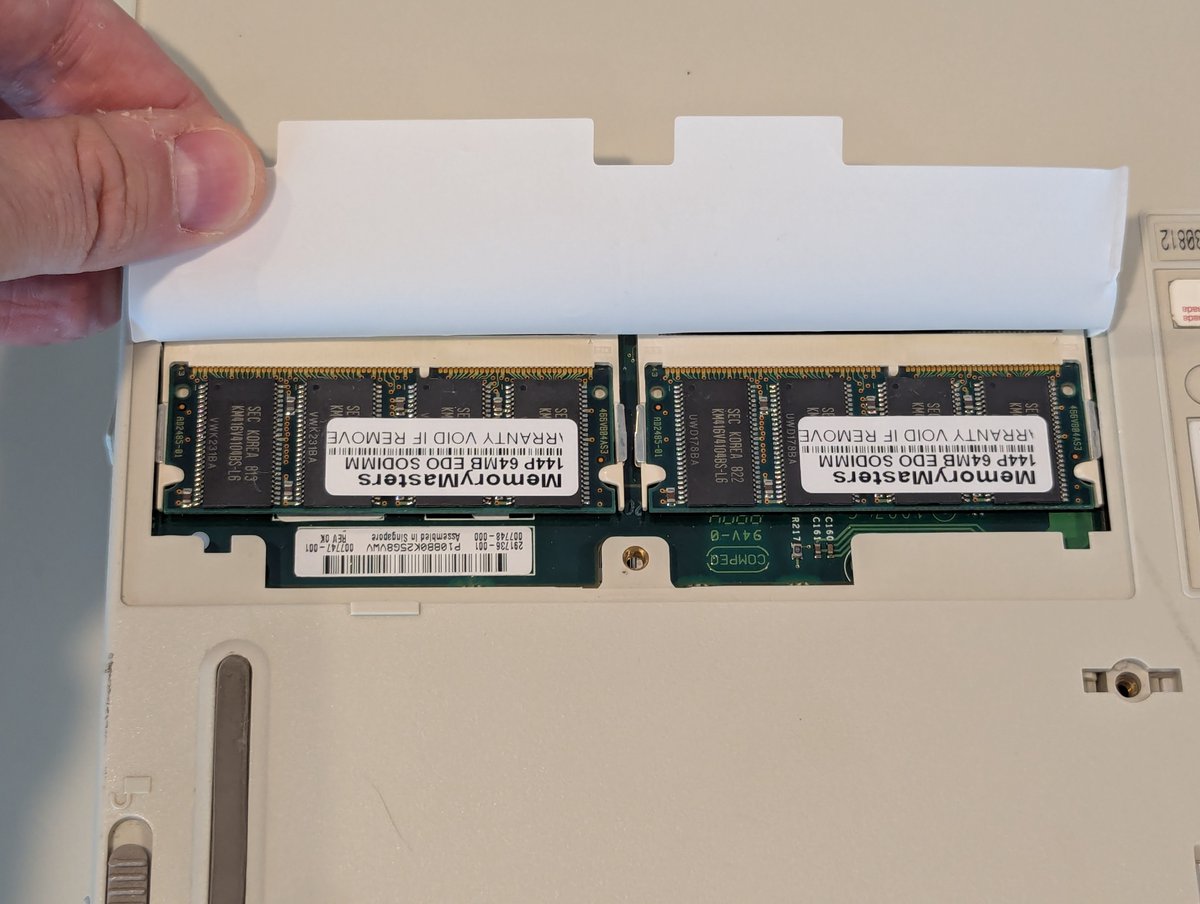
I got a memory upgrade in the mail yesterday for my Compaq Armada 7770MT! And, well... OF COURSE this was an adventure. Let's talk about it briefly in a 🧵 here! Image
Image
So, why was this an adventure? After all, it's a simple memory upgrade, right? Well, for whatever reason, the display wasn't lighting up, so I went with an external monitor. Okay, fine. Image
Image
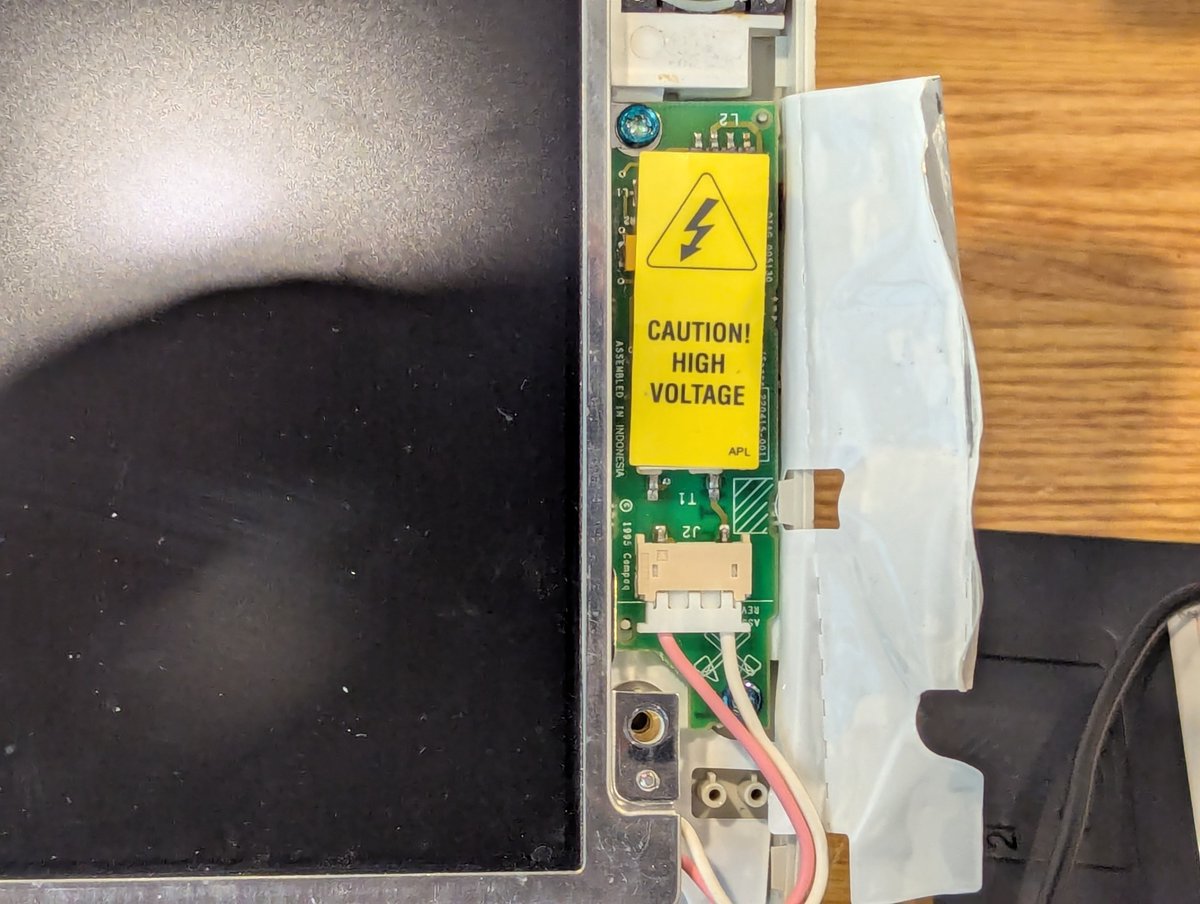
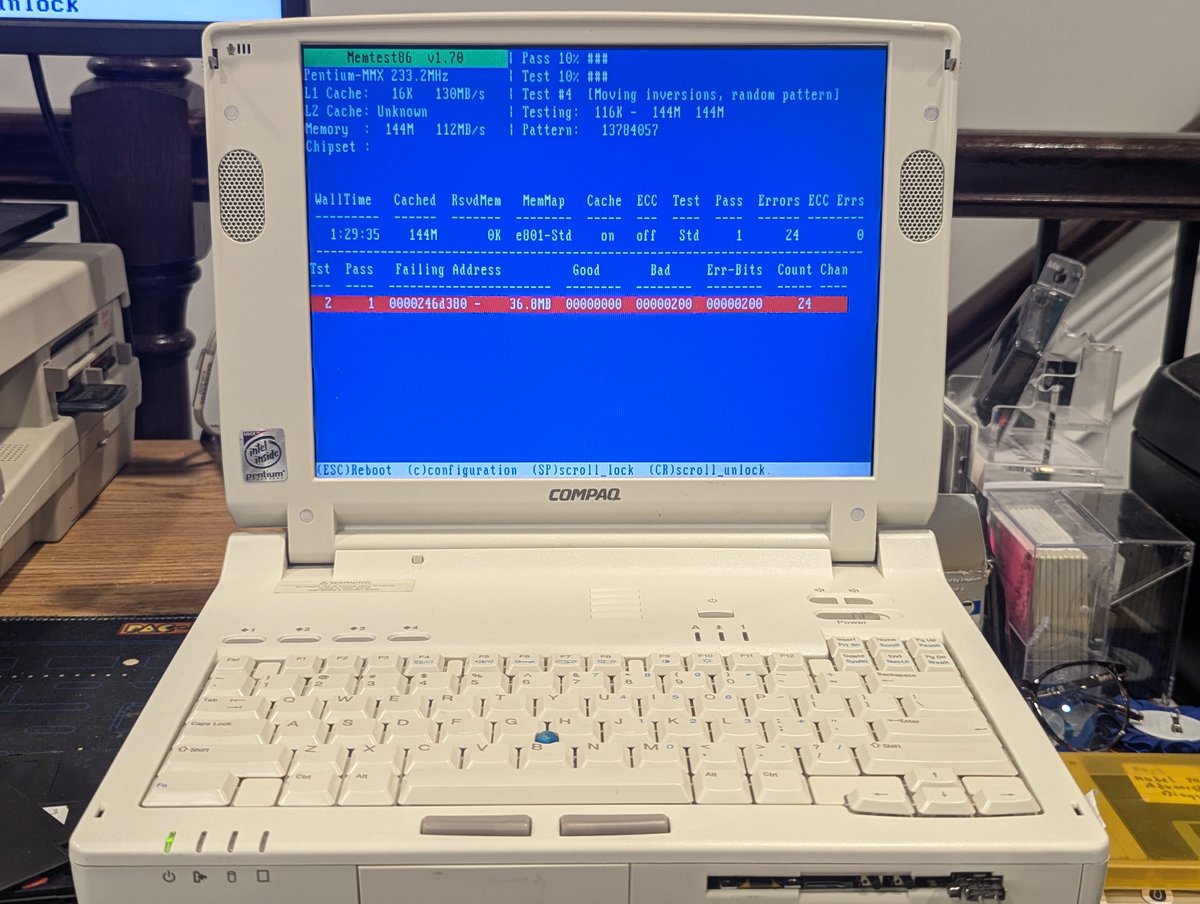
I did troubleshoot and solve that. Bad LCD inverter. That's a first! I swapped it out of a parts laptop. Okay, let's continue MemTest. Ah geez! We have a bad module. Image
Image
Read 5 tweets
May 13
I did a system restore on my $3.33 Packard Bell Legend 11CD. This is a GREAT little 486DX2/50 system. Let's talk about the restore process, in a 🧵 of course! Image
The first thing that I did was to write out track 0 of the hard drive with Packard Bell System Credentials. I found credentials for a Packard Bell Legend 10CD, which is similar. I tweaked them a bit and then wrote them out! The HDD in this system is a 730MB Western Digital. Image
Image
Image
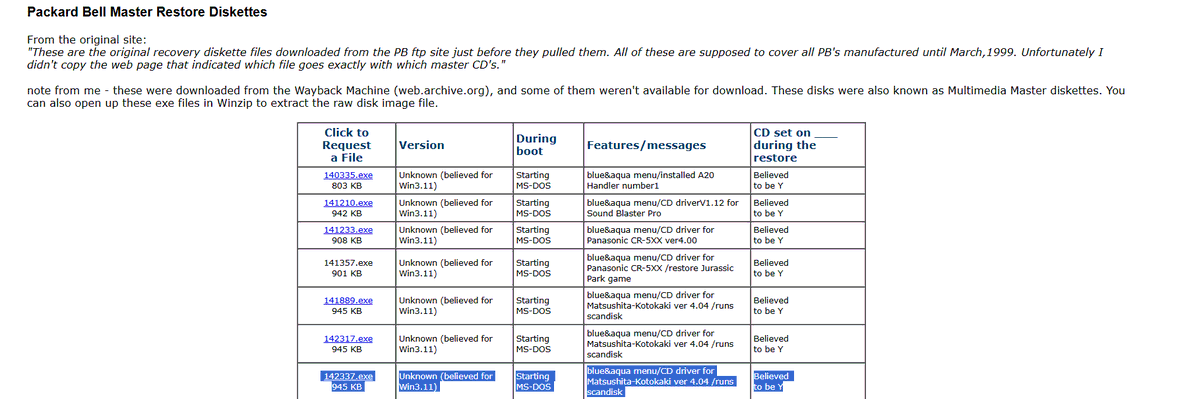
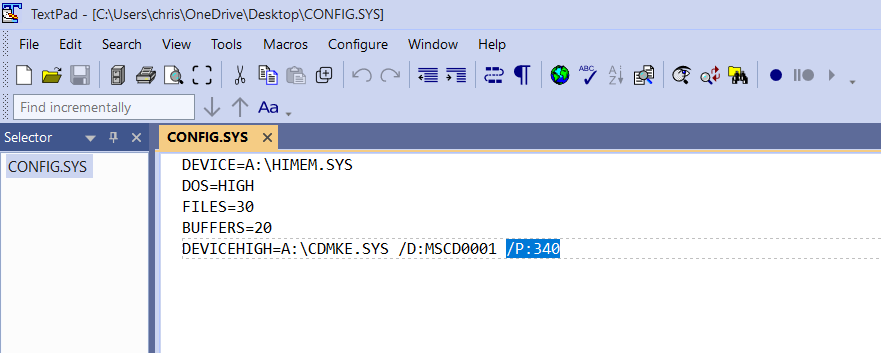
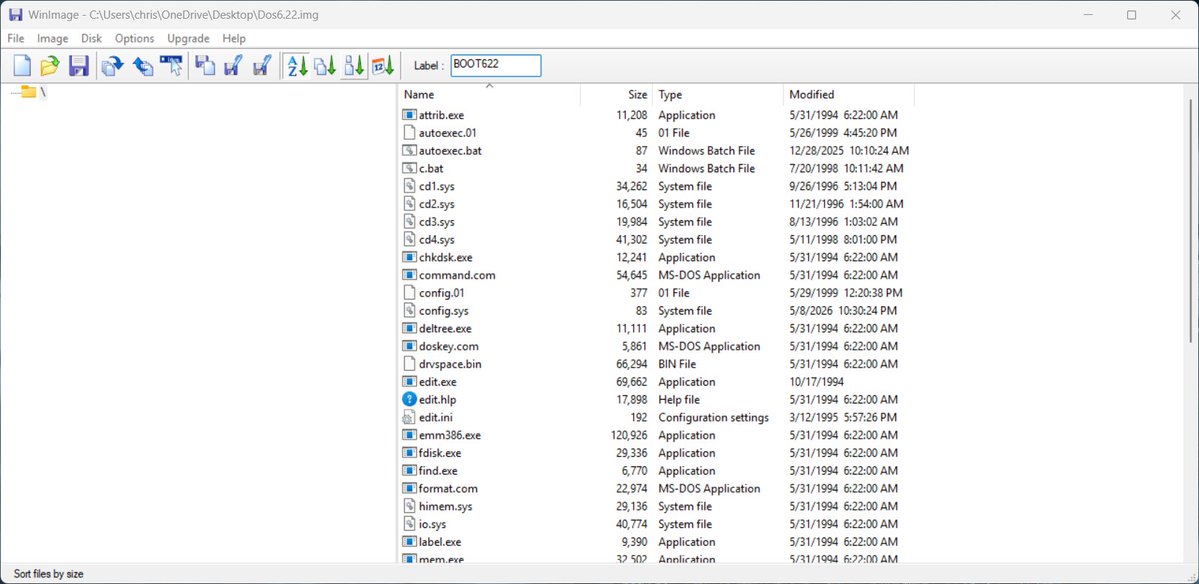
From there, I needed to track down a boot disk and Master CD. I found a boot disk that was close enough (thank you, ), and from there, changed the port in config. sys for the Panasonic 2X CD-ROM drive in my system. From there I wrote this image to a disk. ryan.thoryk.com/pb-restore/Image
Image
Image
Read 13 tweets
May 9
I decided to do "retro computing from the recliner" tonight, and set up Windows 3.11 For Workgroups on my "Super Armada 7770DMT". Let's talk about it briefly in a 🧵 here! Image
Image
So, this particular computer doesn't have a traditional floppy drive since it originally had the dreaded Citizen W1D drive. No problem! We'll use OpenFlops and disk images where we need them!
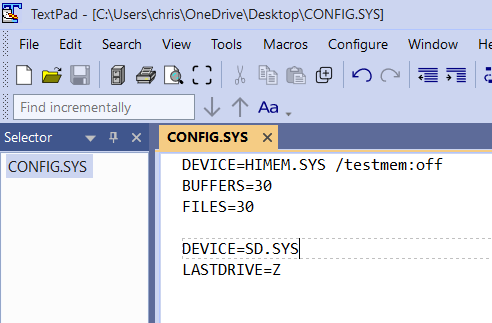
I also decided that I would use my Parallel Port to SD (SDPPD) device to transfer files to the laptop. So after creating a DOS partition, I created a disk image with the driver for the SDPPD with the right changes to config. sys to load it! Image
Image
Image
Read 10 tweets

Did Thread Reader help you today?

Support us! We are indie developers!


This site is made by just two indie developers on a laptop doing marketing, support and development! Read more about the story.

Become a Premium Member ($3/month or $30/year) and get exclusive features!

Become Premium

Don't want to be a Premium member but still want to support us?

Make a small donation by buying us coffee ($5) or help with server cost ($10)

Donate via Paypal

Or Donate anonymously using crypto!

Ethereum

0xfe58350B80634f60Fa6Dc149a72b4DFbc17D341E copy

Bitcoin

3ATGMxNzCUFzxpMCHL5sWSt4DVtS8UqXpi copy

Thank you for your support!

Follow Us!

:(