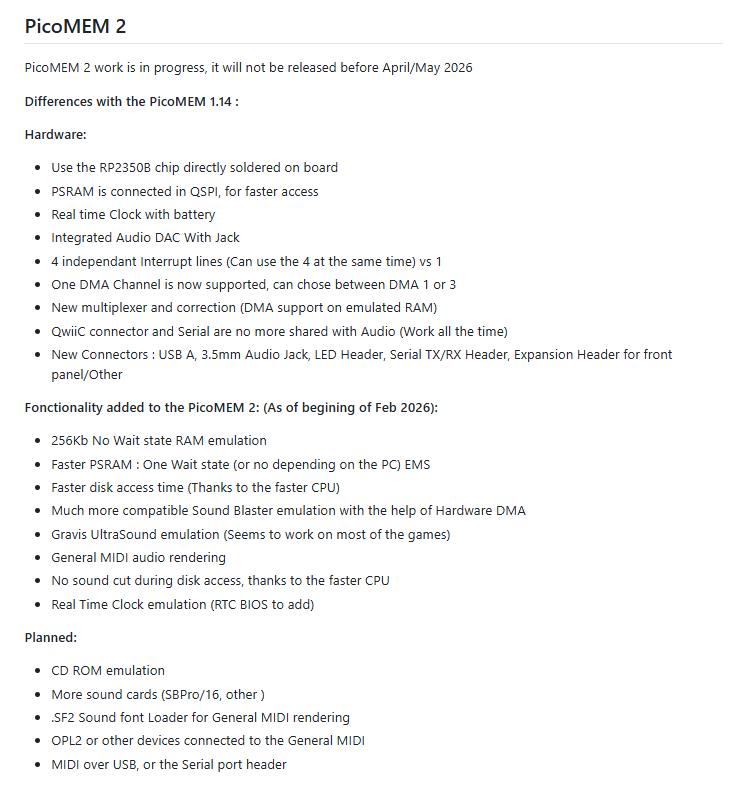
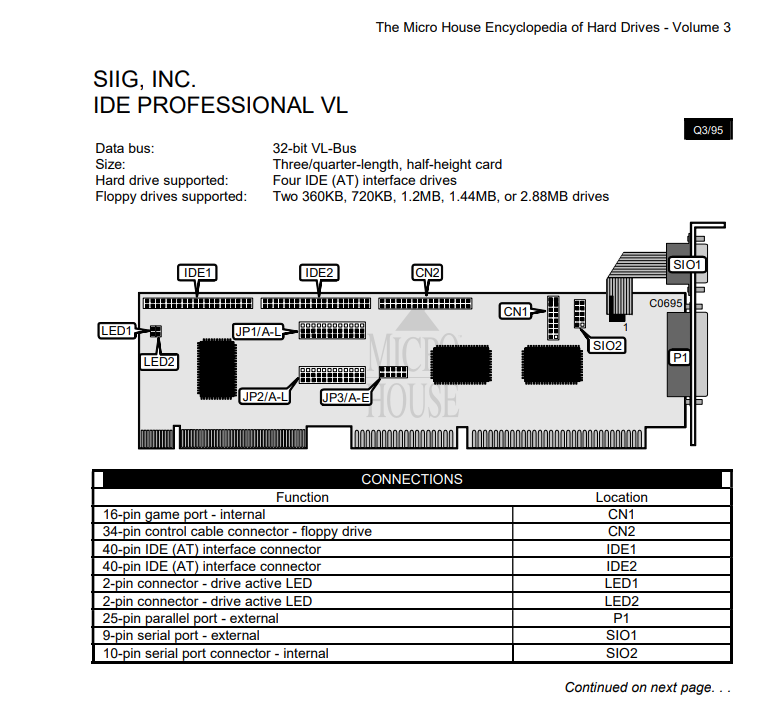
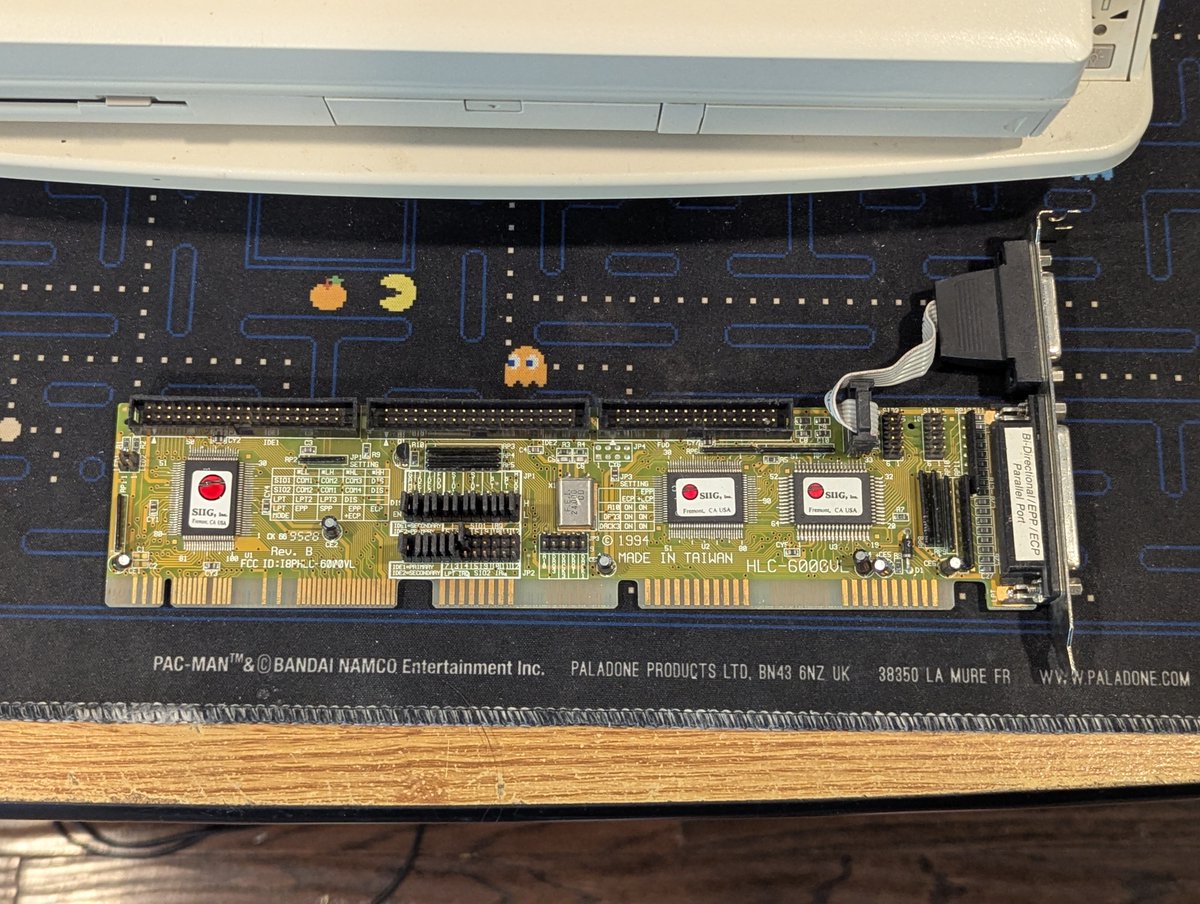
I decided to play with Tandy 3-voice sound on the PicoMEM 2 today. There's a bit of a nuance with using Tandy sound on non Tandys, but this is a problem that has been solved. Let's explore a bit in a 🧵 here!
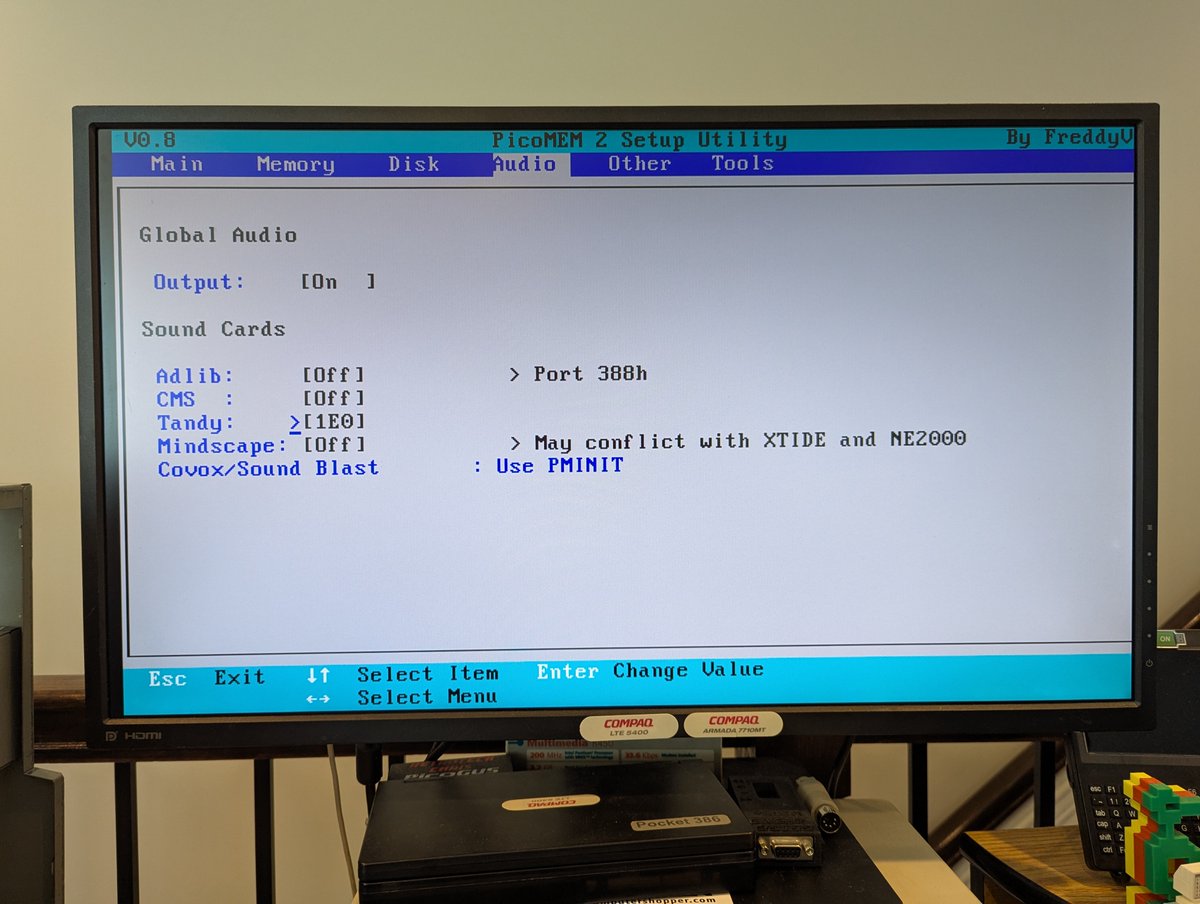
First of all, the PicoMEM 2 does a FANTASTIC job at emulating Tandy sound. You can go into configuration and set the appropriate port settings, or you can use the "PMINIT" program to initialize whatever you need! I am just going to set the settings via the configuration util.
Next up, we need to get some patched games. Fortunately, the hard work was already done years ago, and @TheOldskoolPC very generously continues to host the patches online! We'll grab a patch for Lemmings and copy it over to our system! Thanks @FreddyVETELE for the tip here!
And as you saw from the intro post, this sounds great! Prior to launch, we get presented with a menu of what to select, and the rest is history as they say.
For Arkanoid II, we have to copy over one file, and from there it just works! And I think it sounds great! Sorry that my game play is terrible 🤣
Anyway, how exciting! I think my next PC for PicoMEM 2 testing is going to be my Tandy 1000 SX, because why not! Thanks for following along!
@threadreaderapp unroll
• • •
Missing some Tweet in this thread? You can try to
force a refresh

I've been playing with the PicoMEM 2 today. I love it! I've been using my Packard Bell Multimedia 601 Pentium PC to test it, but this will work with 8 bit PCs as well. Let's look at sound (including Gravis!), HDD, wireless network, and real time clock capabilities! Time for a 🧵
First of all, if you are not familiar with PicoMEM, it's an amazing little all in one card that brings you lots of capabilities. This card will be available for sale soon I believe. The functionality is strong and capable. You can read more about it here: github.com/FreddyVRetro/I…
First, let's start with some screenshots of the configuration page. This is designed to look like a system BIOS, and is incredibly well done!
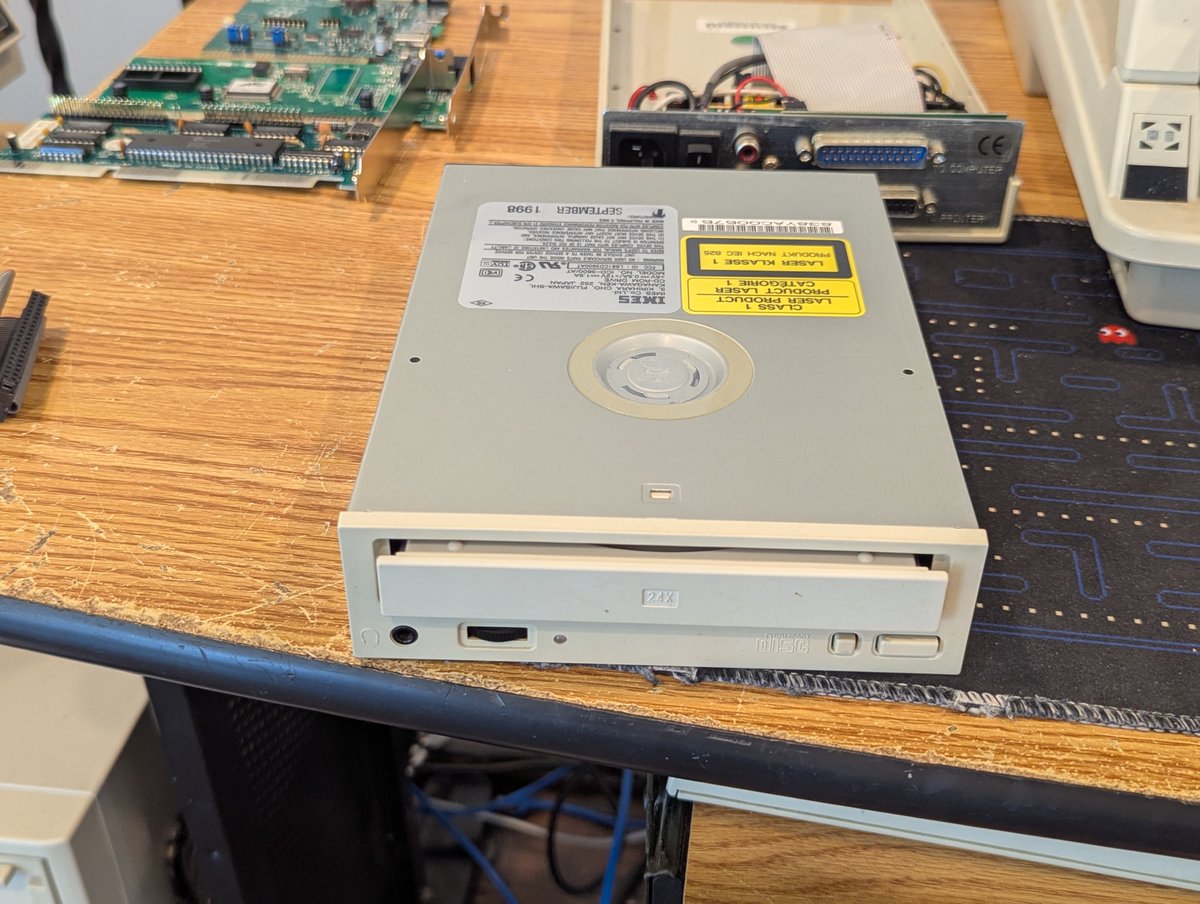
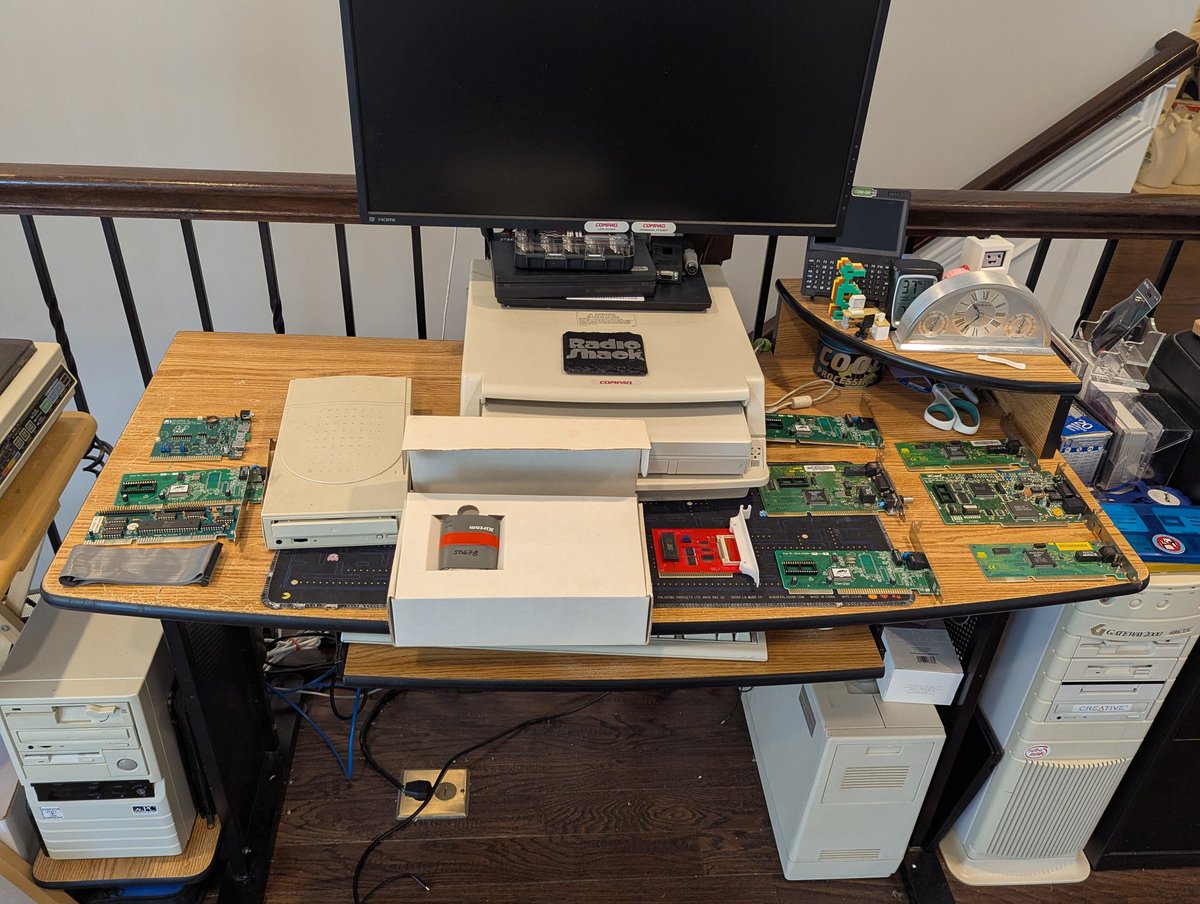
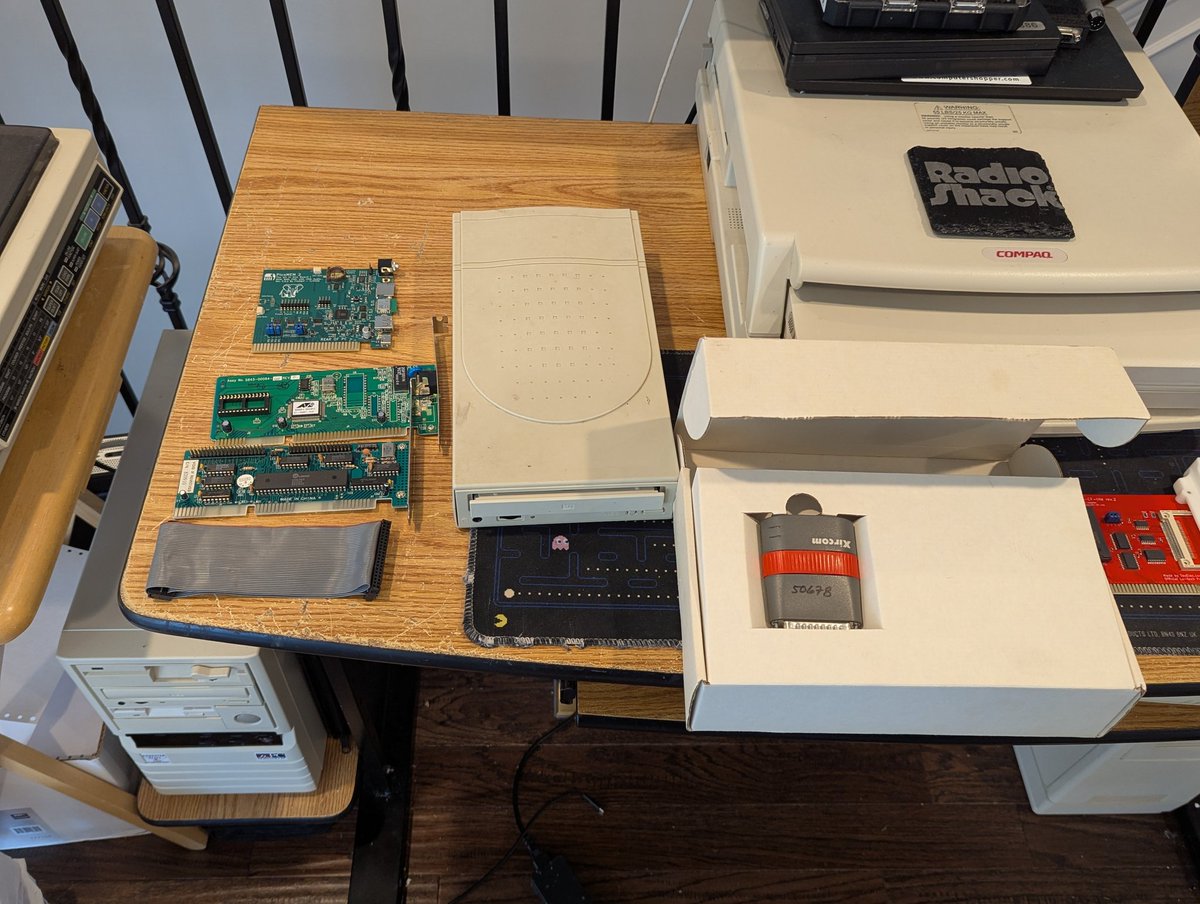
I picked up this parallel to IDE CD-ROM thing off of the free table at VCFSW. I got it to work!! Let's talk about it in a quick 🧵
So, first of all, the drive in it is completely toast. Let's swap it out for another IDE drive. Ahh, that's better!
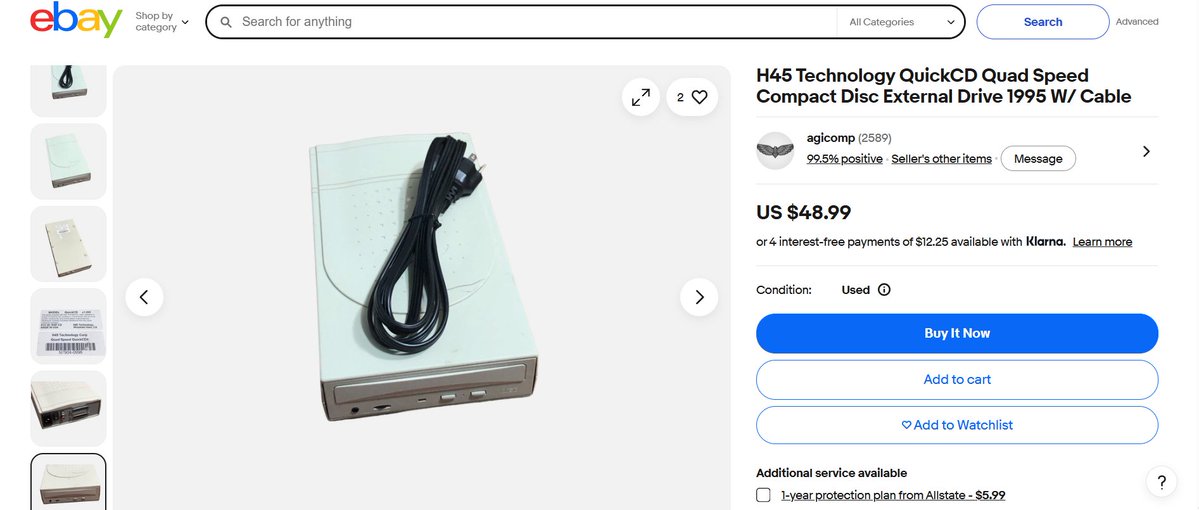
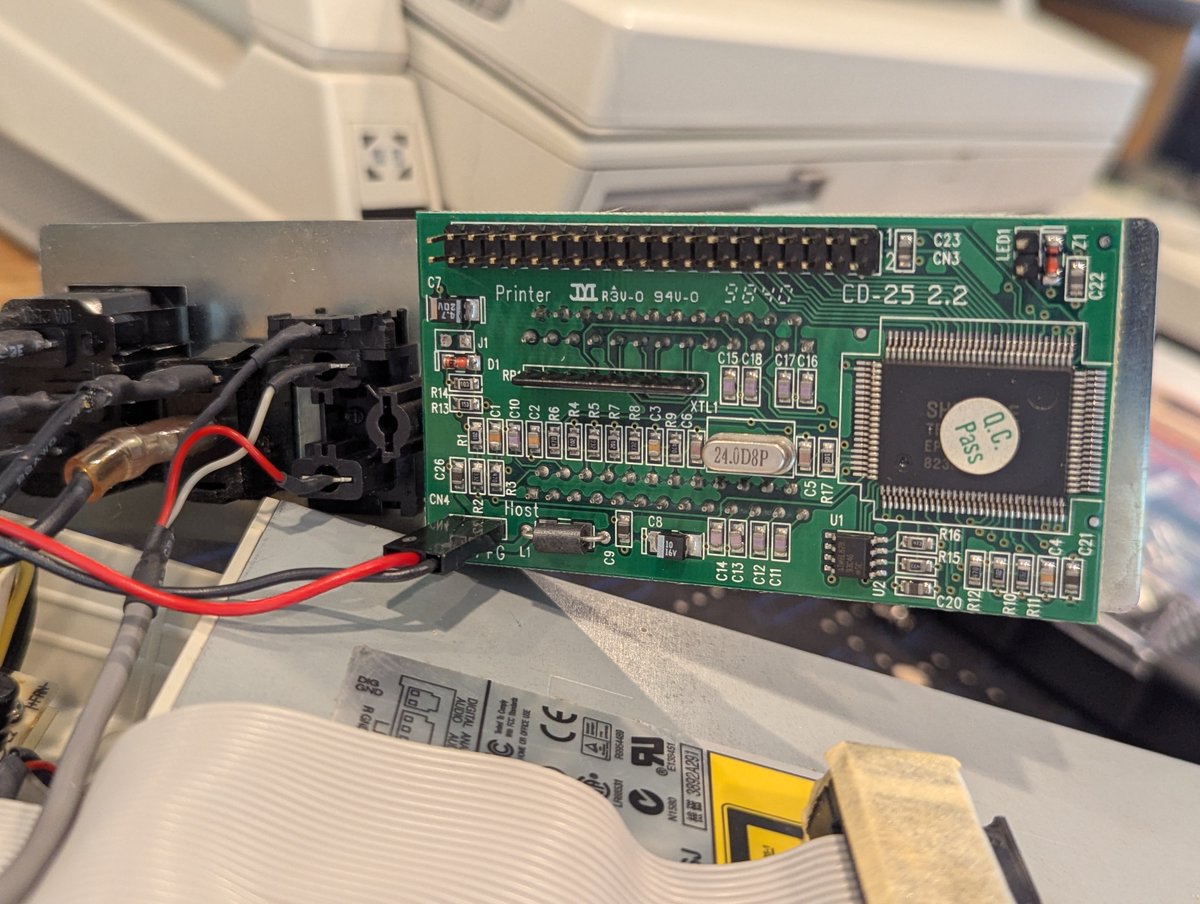
So, let's identify this. First, looks like at least one is available for sale on FleaBay. This looks to be a H45 Technology QuickCD 24x. Can we find drivers for it? I did grab a picture of the controller board in case we needed it.
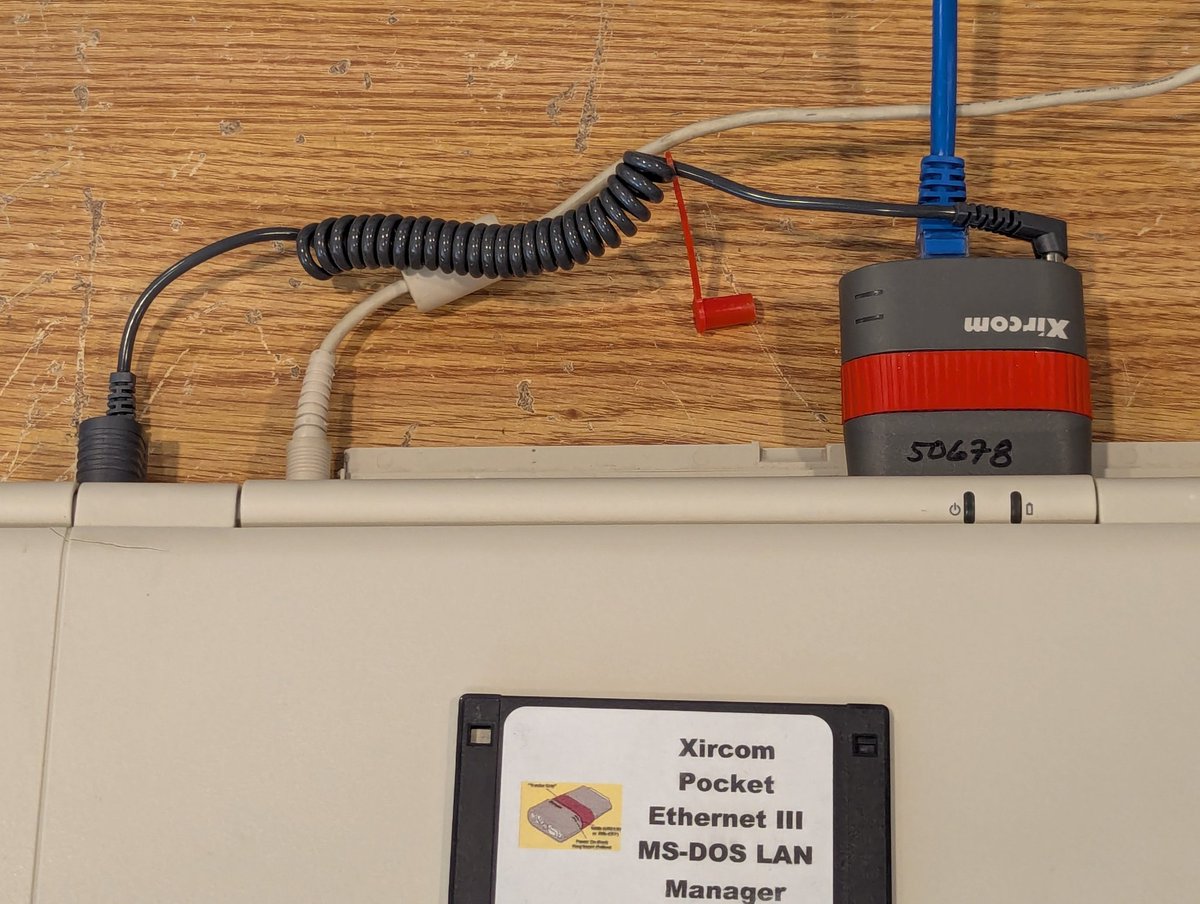
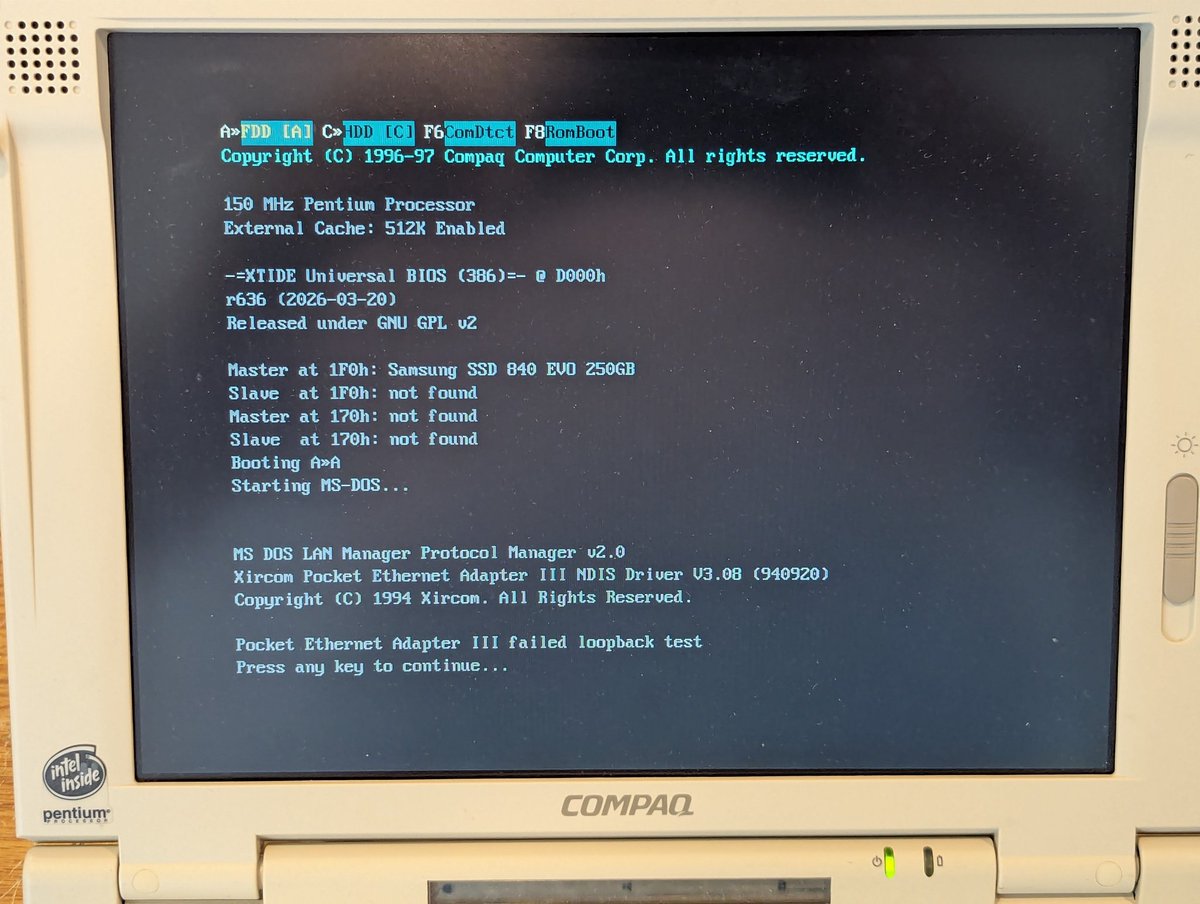
Okay let's test out the Xircom. Yes I have a ton of these, but I always like to pick up those phantom power cords! First boot was perilous. Let's reseat it and try again.
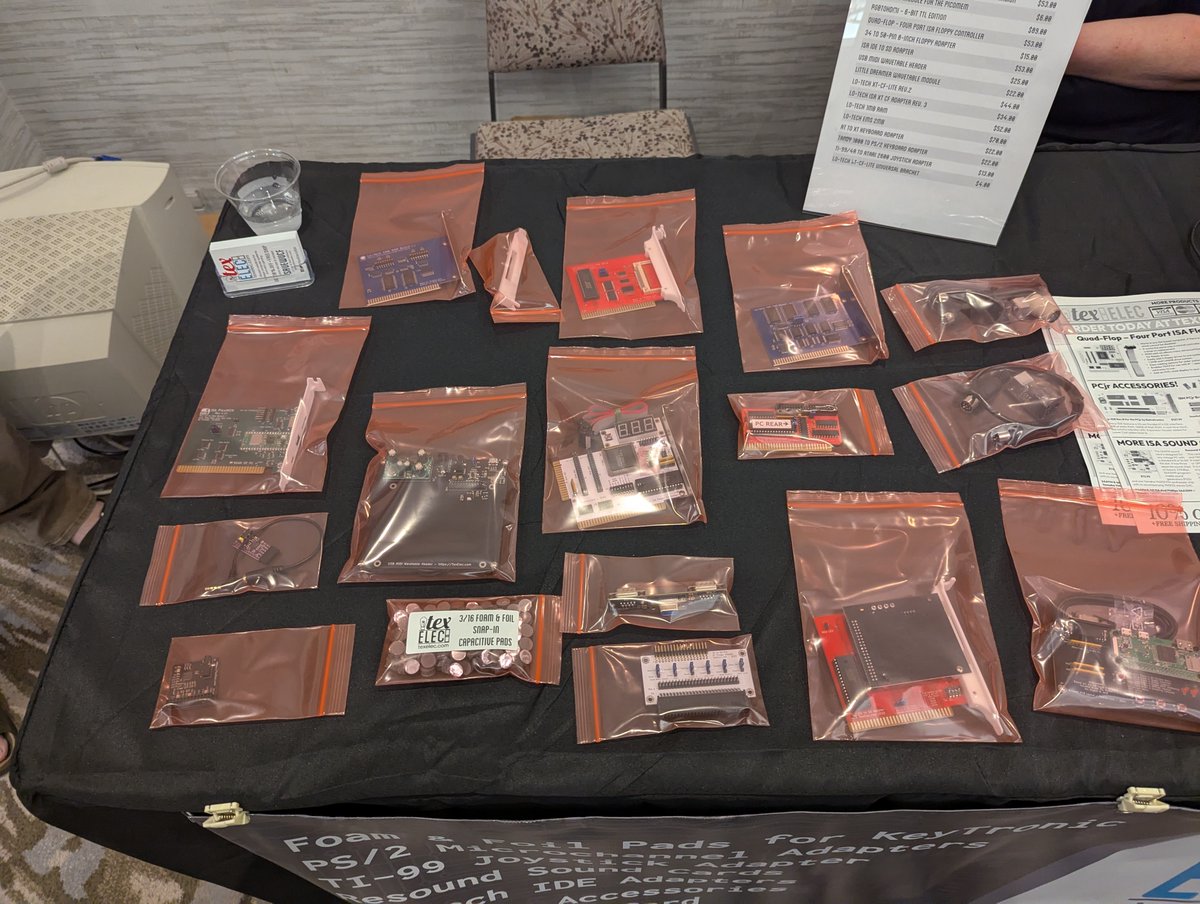
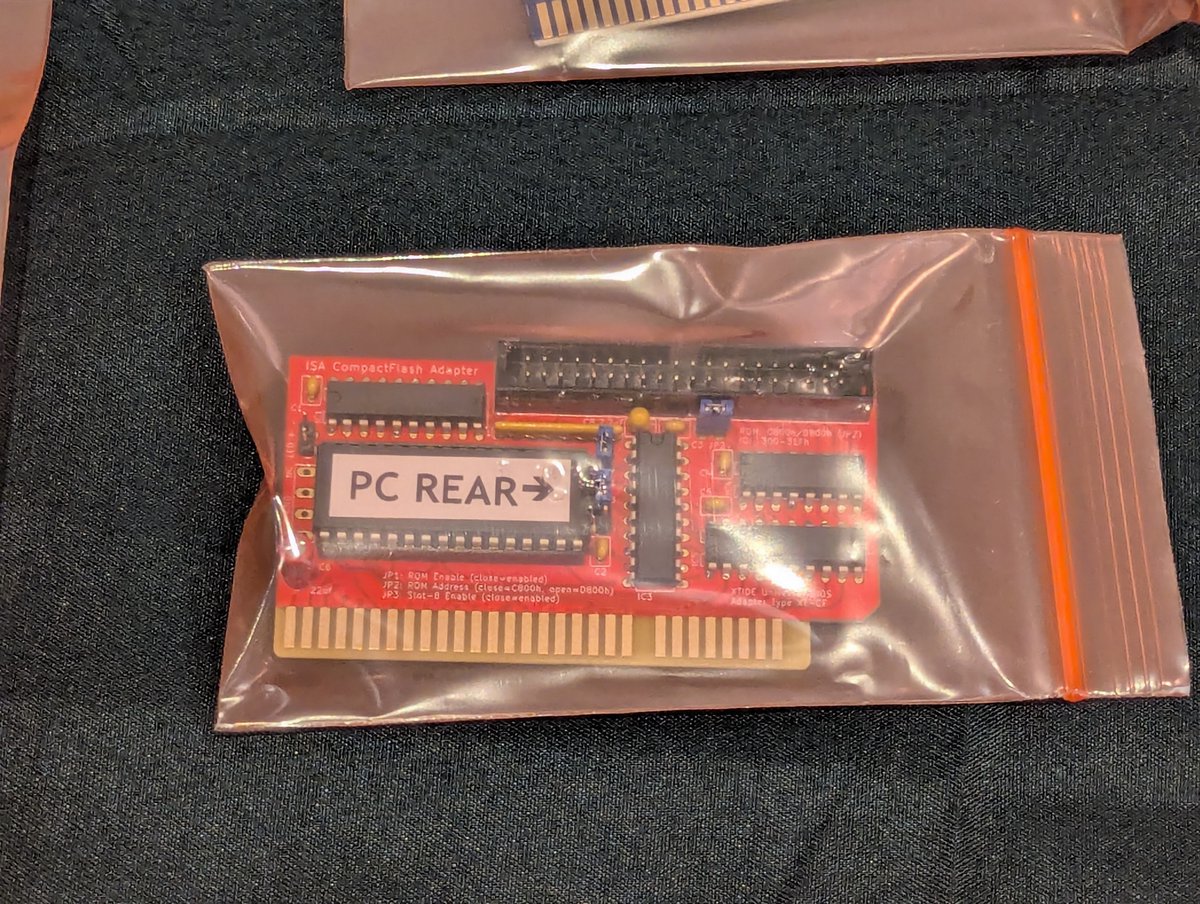
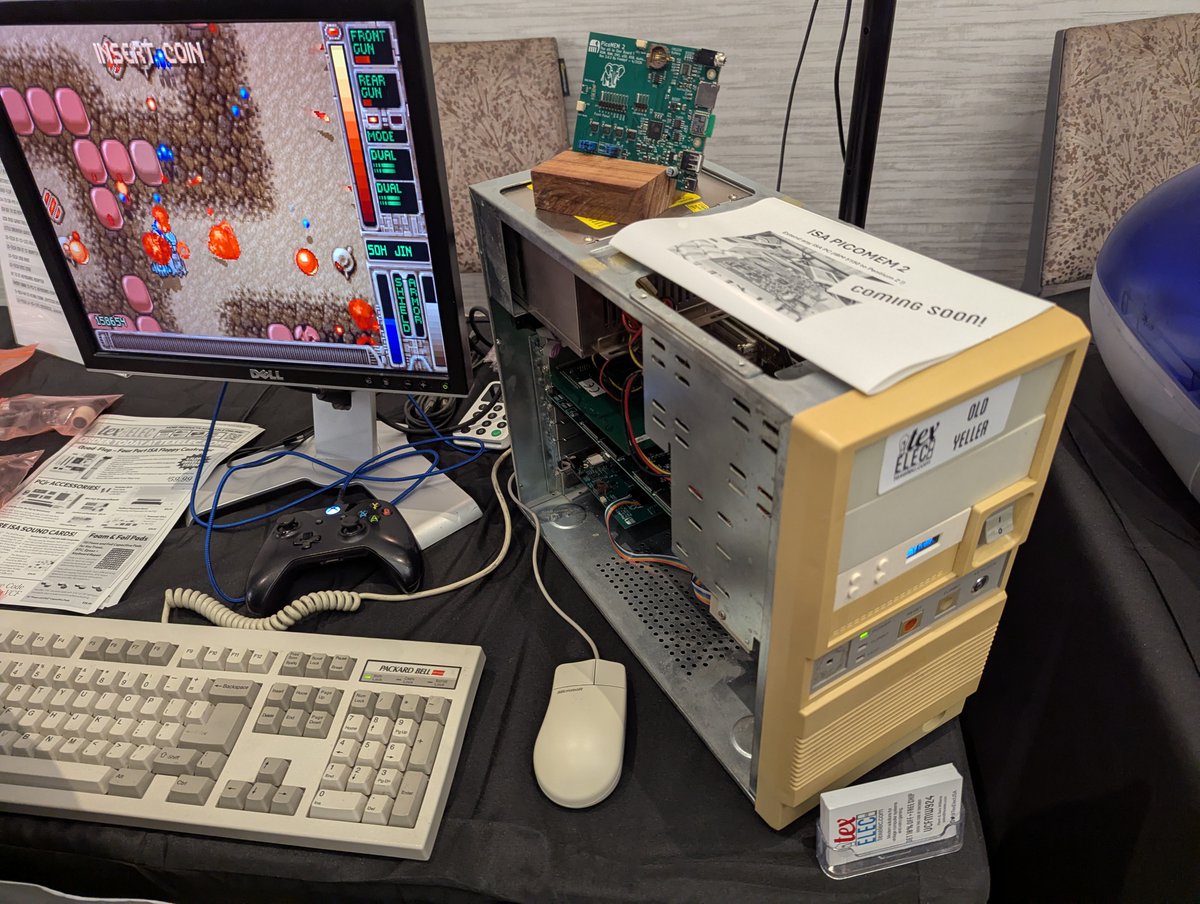
Okay, now that I wrapped the day and had some dinner, let's post some more pictures from #VCFSW. How about a 🧵 since that might be less chaotic than the way I posted earlier 🤣? Let's go! First, some items for sale from TexElec! We can see his test/demo computer here too!!
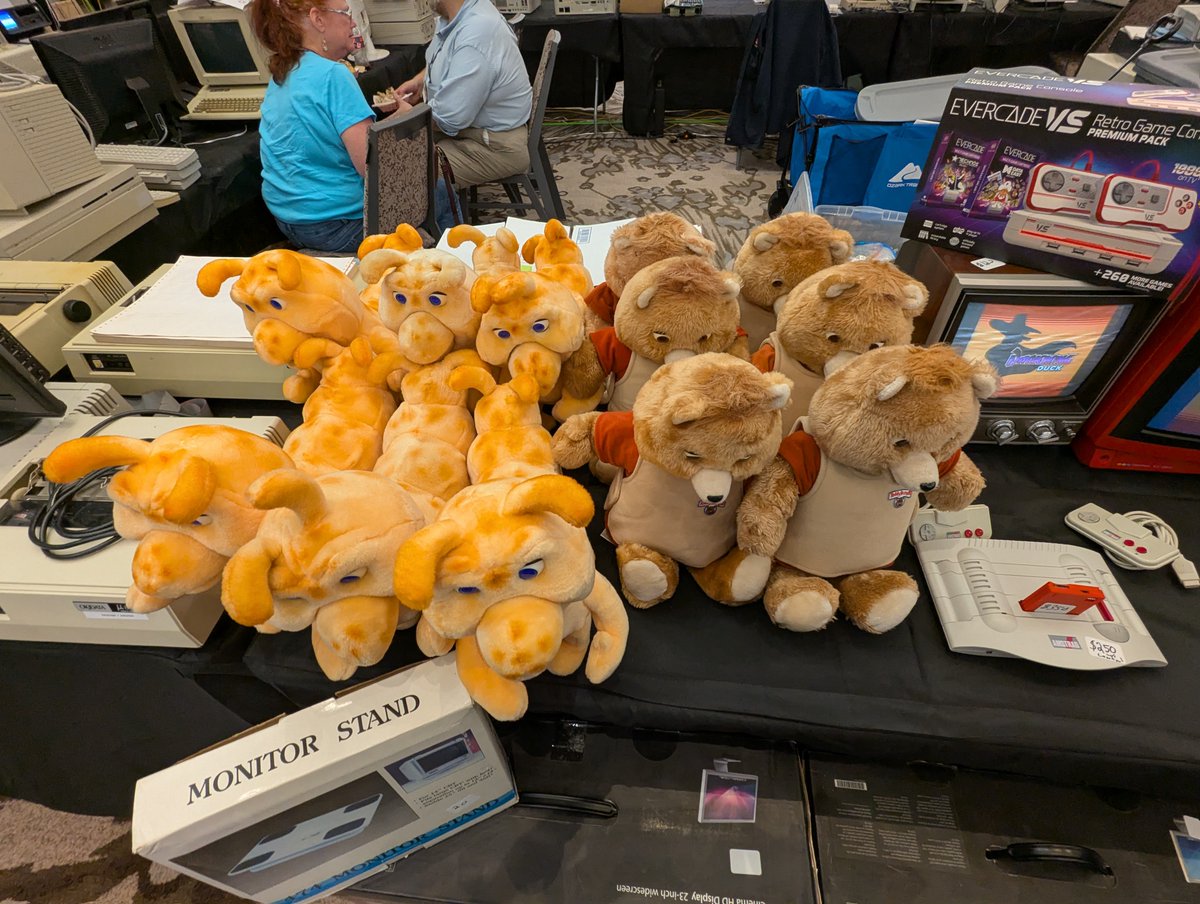
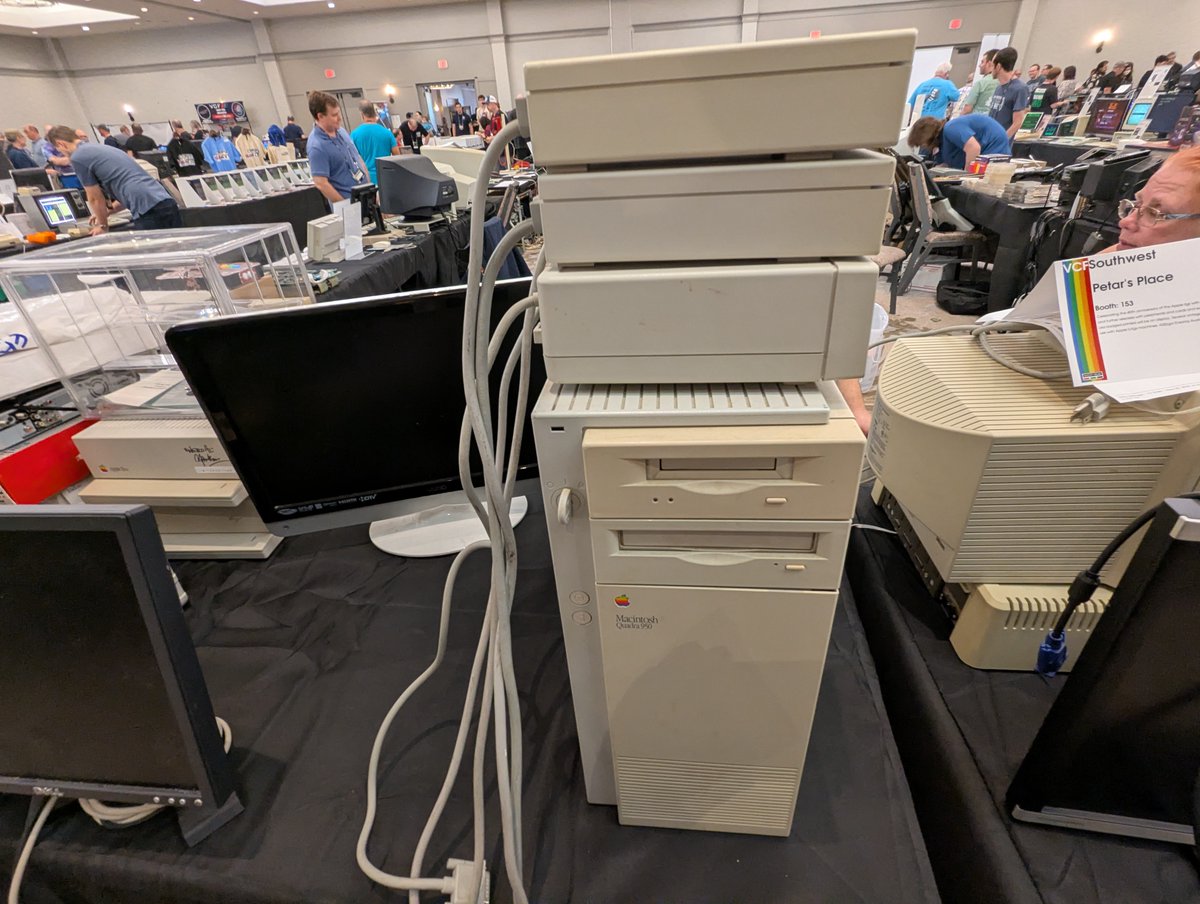
Next, Macintoshes, Macintoshes, and more Macintoshes. And look at that Kaypro sign! And the Teddy Ruxpins 😂
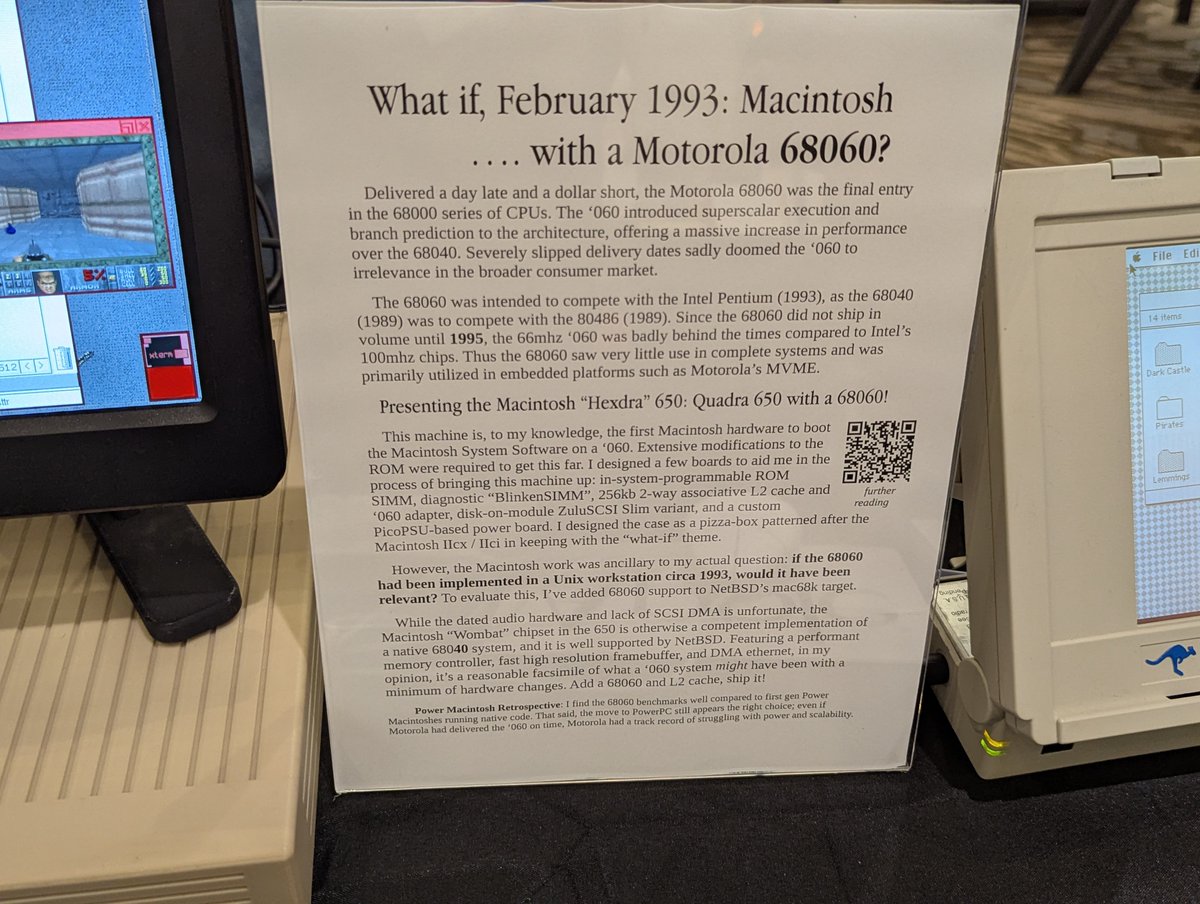
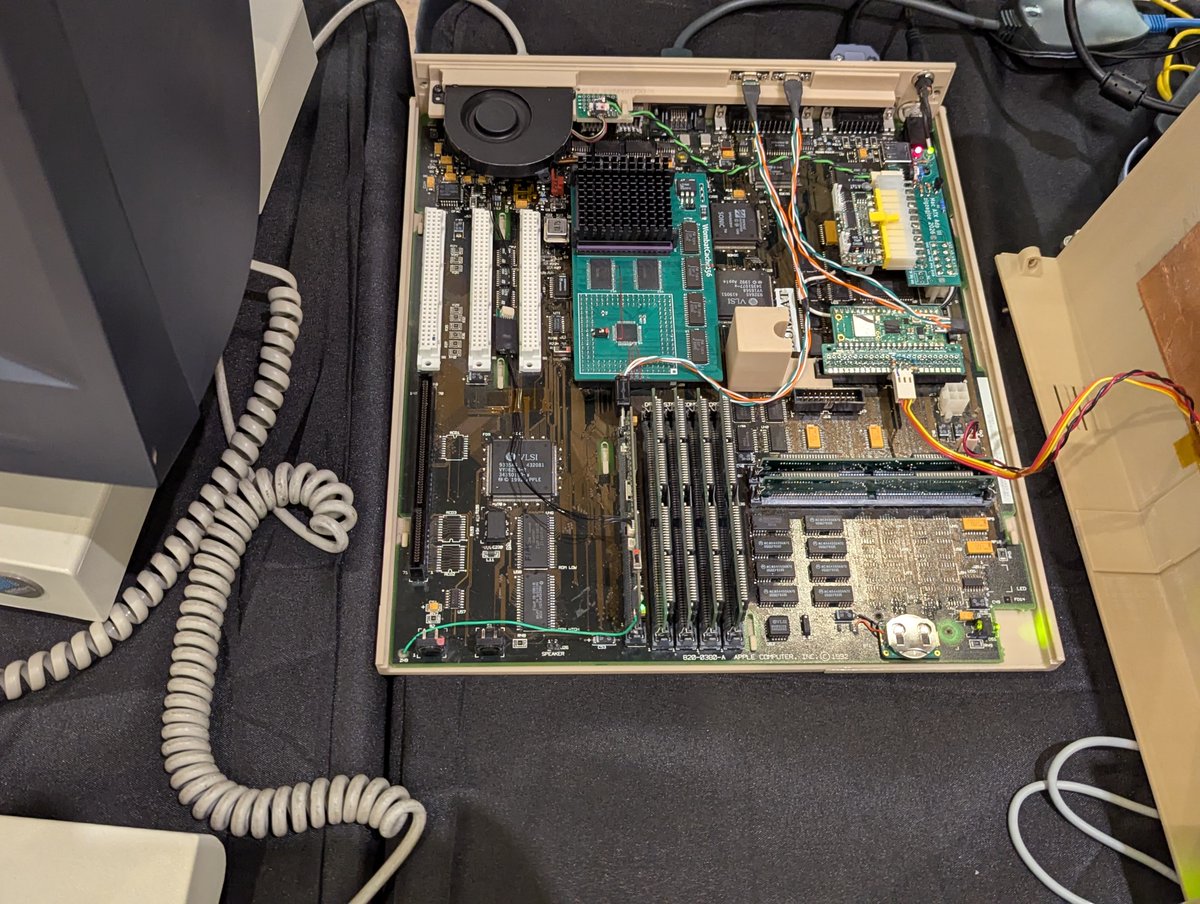
Okay, now let's look at a really cool project! Here we have the Macintosh Hexdra 650. This system has a 608060 CPU! It's currently running FreeBSD. What a cool project!!
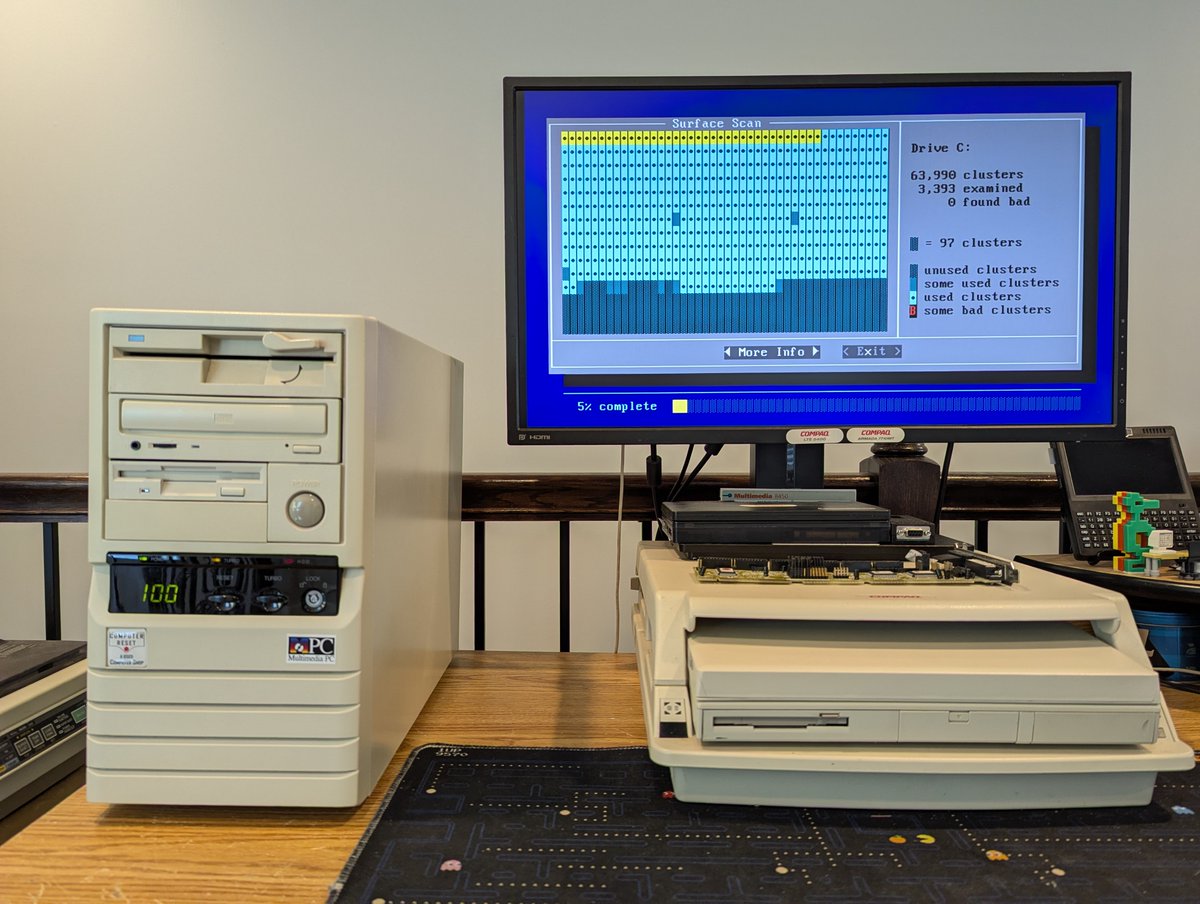
A few days ago, I had the Compaq laptop fleet out! Recently, I had "redone" my DOS/Win3.11 setup. I wanted to copy this new setup to all of my LTE 5000 laptops, but didn't want to completely reload them! Let's talk about what I did! Time for a quick 🧵
So, first question, why redo the setup? Recently, I loaded an XTIDE patch on my Compaq LTE 5400 to allow large drive support. I ended up having to really optimize conventional memory. I also simplified the boot process to always load network drivers:
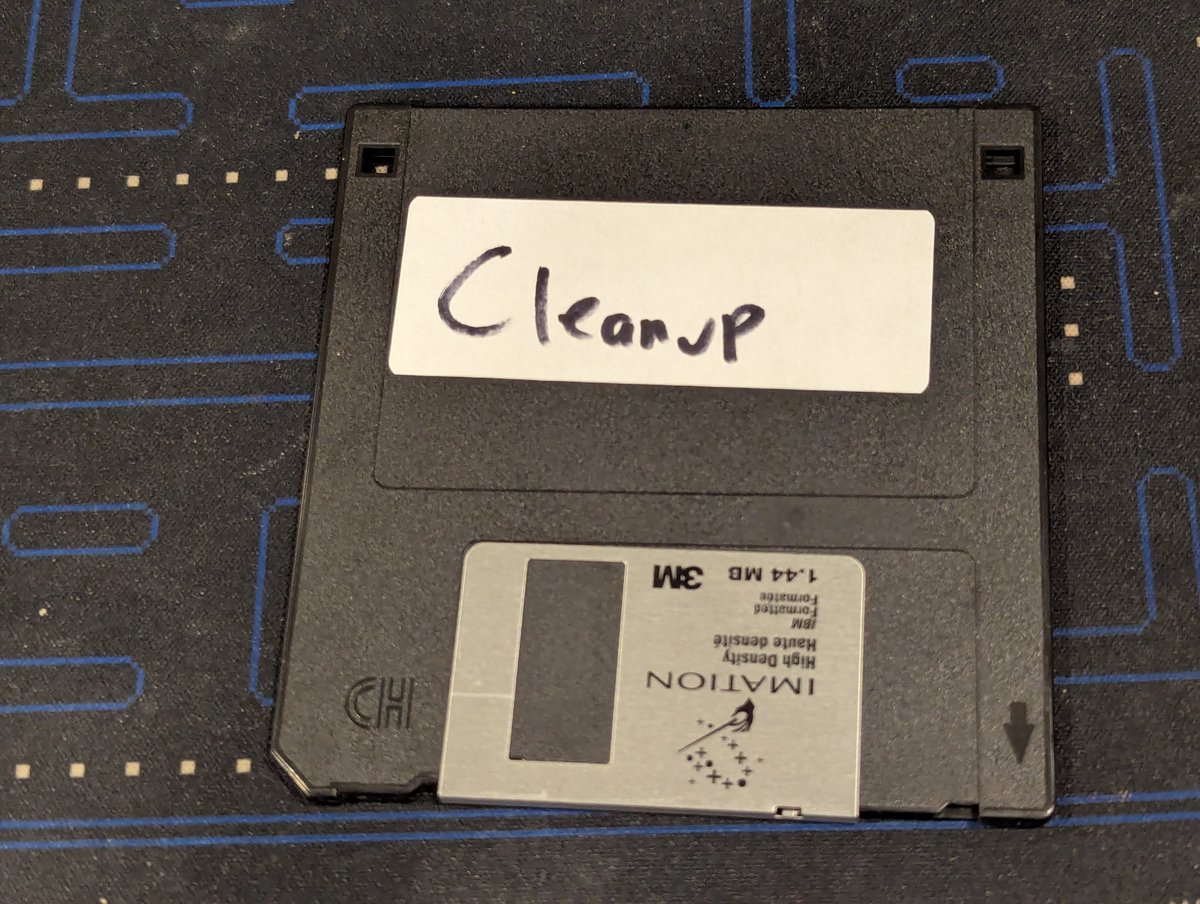
Alright, great! So, what's a good optimal way to "patch" the existing laptops with the old setup? How about a batch file on a floppy disk? Also, I discovered a few things about the new setup I wanted to fix too in the process. Let's handle both cases!
I picked up this $5 VESA Local Bus I/O card at the System Source Swap Meet. Let's test it out! Time for a 🧵
This card is a SIIG Professional VL. And it has your typical I/O as you can see here: dual IDE, FDD, 2 serial, 1 parallel, and 1 game
We'll start out with a base case, which includes the Promise EIDE 4030 card that is installed. I did do a quick bootup with this card installed, and it was successful.