Morgan Profile picture
Jun 16 1 tweets 1 min read Read on X
And here’s the full video of @mntruell announcing Cursor’s new model at Compile.

• • •

Missing some Tweet in this thread? You can try to force a refresh
 

Keep Current with Morgan

Morgan Profile picture

Stay in touch and get notified when new unrolls are available from this author!

Read all threads

This Thread may be Removed Anytime!

PDF

Twitter may remove this content at anytime! Save it as PDF for later use!

Try unrolling a thread yourself!

how to unroll video
  1. Follow @ThreadReaderApp to mention us!

  2. From a Twitter thread mention us with a keyword "unroll"
@threadreaderapp unroll

Practice here first or read more on our help page!
More from @morganlinton

Mar 26
I’ve found myself explaining LLMs to more and more friends and family.

One component I’ve been covering a lot lately is model weights.

If you aren’t totally clear on what these are, here’s a simple(ish) overview - no calculus knowledge required.

A “what the heck are model weights” 🧵
First - what is a weight.

I like analogies so what I usually tell people is - imagine you’re trying to predict the chance that you are going to get to the airport on time.

We’ve all been in this situation.

There’s some key inputs you’d use to understand you’ll make it to the airport on time - things like how much traffic there is, how early you left your house, distance from the airport.

Now, instead of asking - what’s the most likely to happen, you assign a strength or influence to each.

So traffic, yeah that sucks, and it can really influence if you make it on time, same with leaving early. Distance from the airport might be more of a medium influence, etc.

Now for the magical mathematical part where I’ll leave the math out and keep it high level.

You essentially multiply each input by how important they are and get a final score.

The importance values you just calculated, yup - that’s the weight.

Boom - you now understand in super simple terms, what model weights are.

But this is a thread, so now let’s go deeper.
In LLMs, the weights are numbers, and those numbers are stored in - bingo, you guessed it, a file.

These numbers are stored as floats, just think - numbers with decimals and the ability to have more numbers after the decimal, like 18.23 vs just 18.

Now here’s the kinda wild part that blows some people’s minds.

The file, with all these numbers - that’s the model.

Load weights into memory, send in tokens, get outputs.

Got it? Let’s go even deeper then.
Read 7 tweets
Mar 6
Every day since @perplexity_ai released Computer, I have built something new.

It has been an awesome experience, and as I've said many times, I'm not one-shotting something, showing a screenshot, and calling it done.

The first prompt, and initial build, is the start, not the end, and definitely not a finished product.

So, now that I've got a bunch of projects I'm refining the code on, I thought I'd share how I'm refining them, and some prompts and workflows you can use to go beyond the first shot.

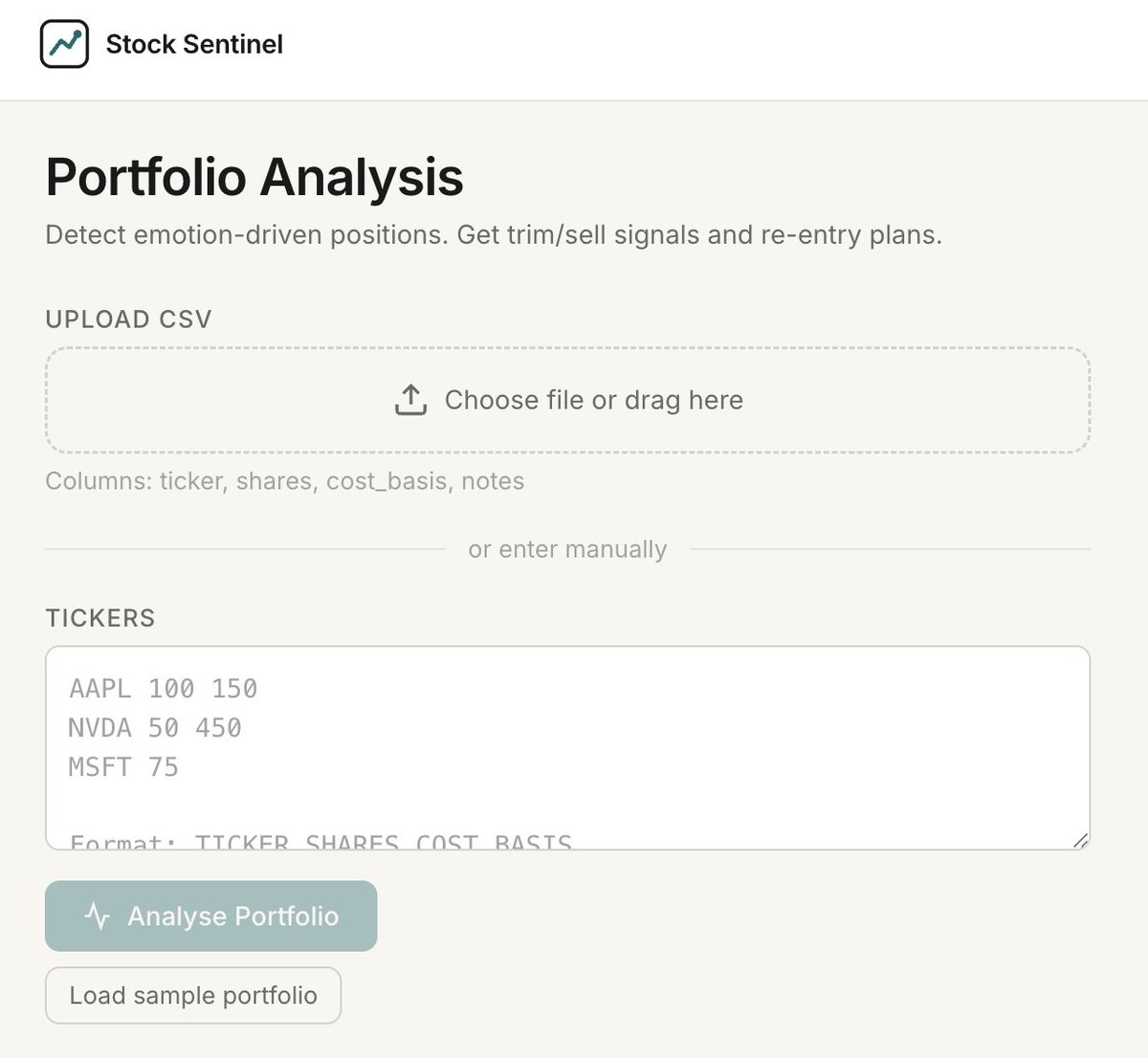
I'm going to use this fun little stock portfolio analyzer someone suggested I build as an example.

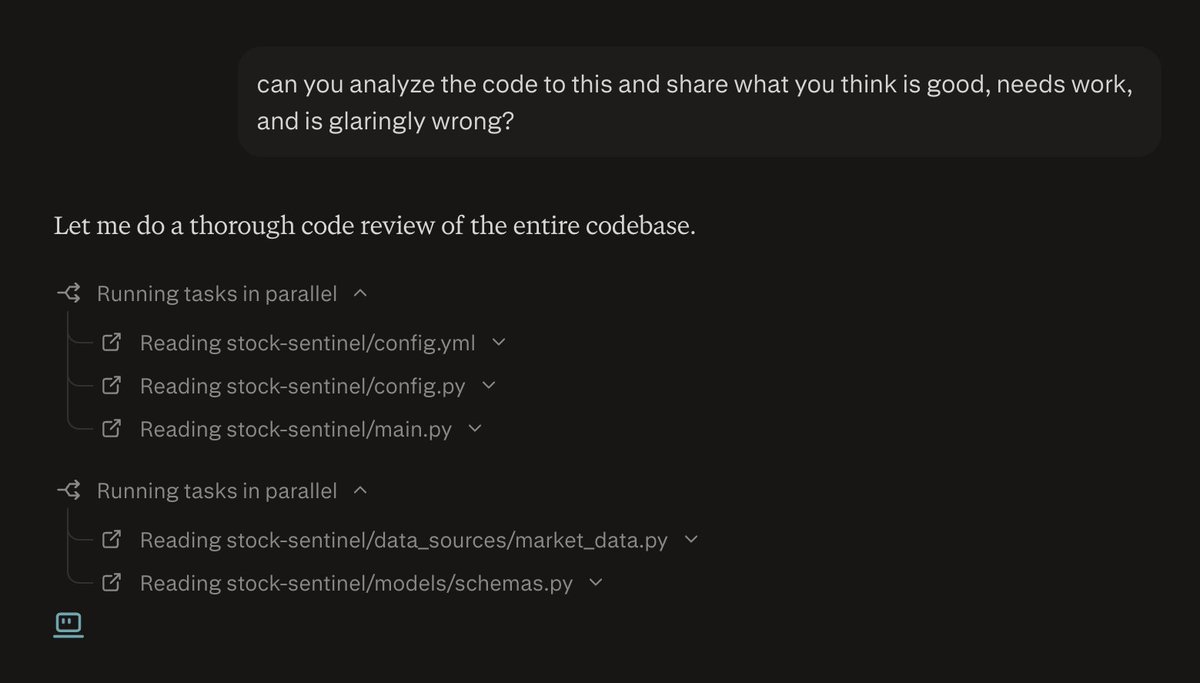
A Perplexity Computer code optimization thread 🧵Image
The first thing I do after the initial build is evaluate the codebase, and you don't have to leave Perplexity Computer, you can do this right in there with a prompt like this. Image
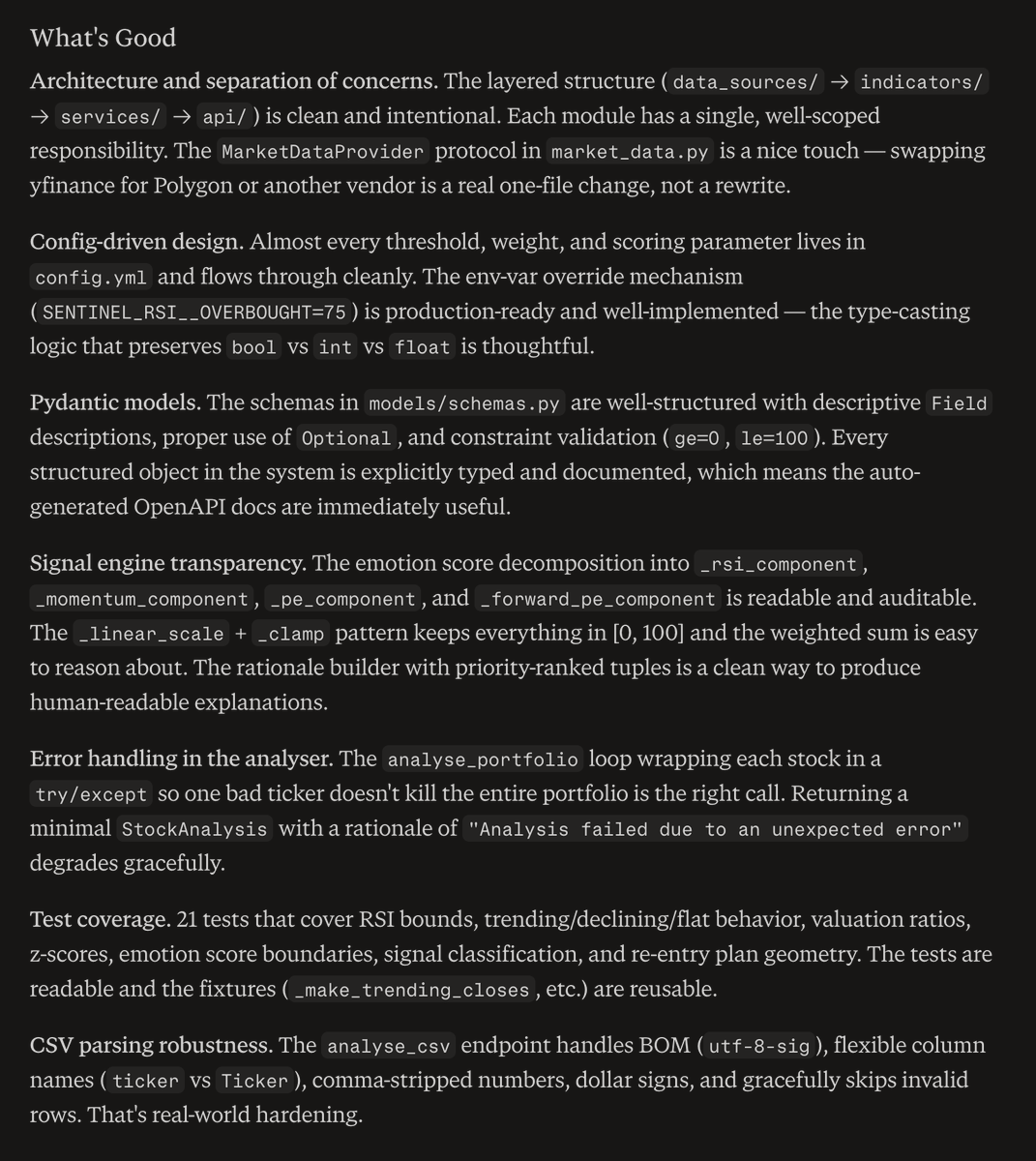
And you'll get back some really nice detailed analysis, broken down into sections like I specified in the prompt, i.e. what's good, needs work, and my favorite - glaringly wrong.

So let's start with what came back as good: Image
Read 11 tweets
Feb 26
Whoa, it did it. @perplexity_ai Computer just one-shotted a ful-stack fund in a box.

Over 4,500 lines of code, and it works.

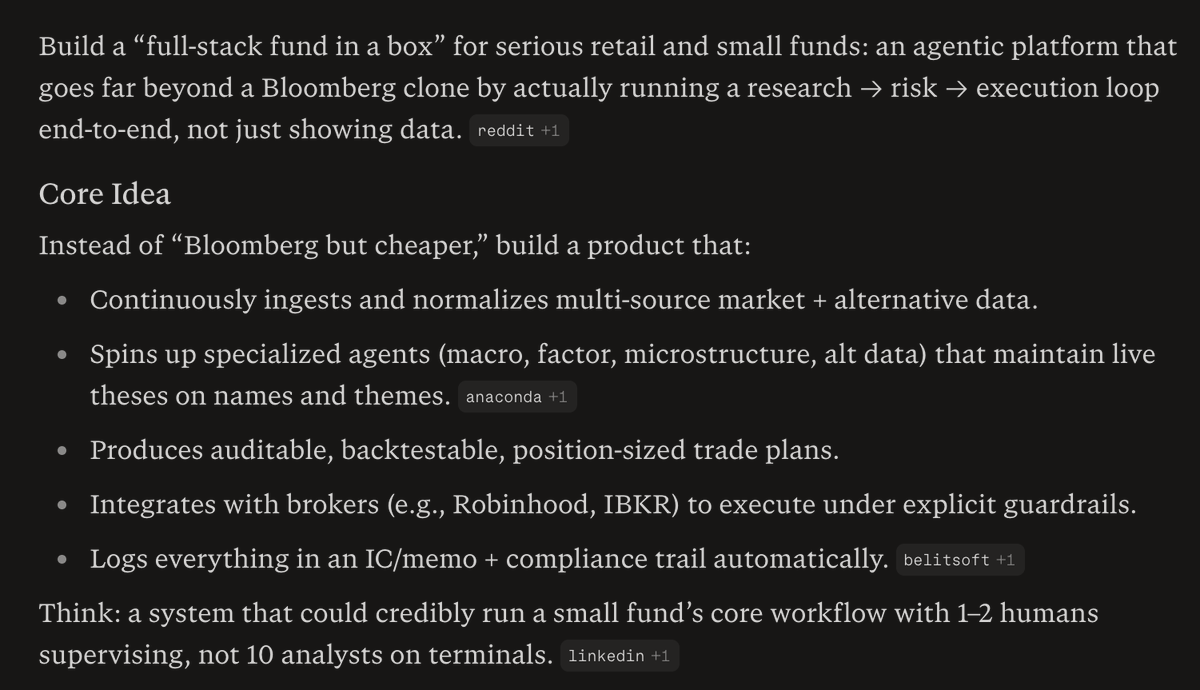
The goal was to build a system that could credibly run a small fund's core workflow with 1-2 humans vs. the current model which is 10 analysts on terminals.

I came up with the idea by asking what could I build with computer that would be more valuable than a $30,000/year Bloomberg terminal.

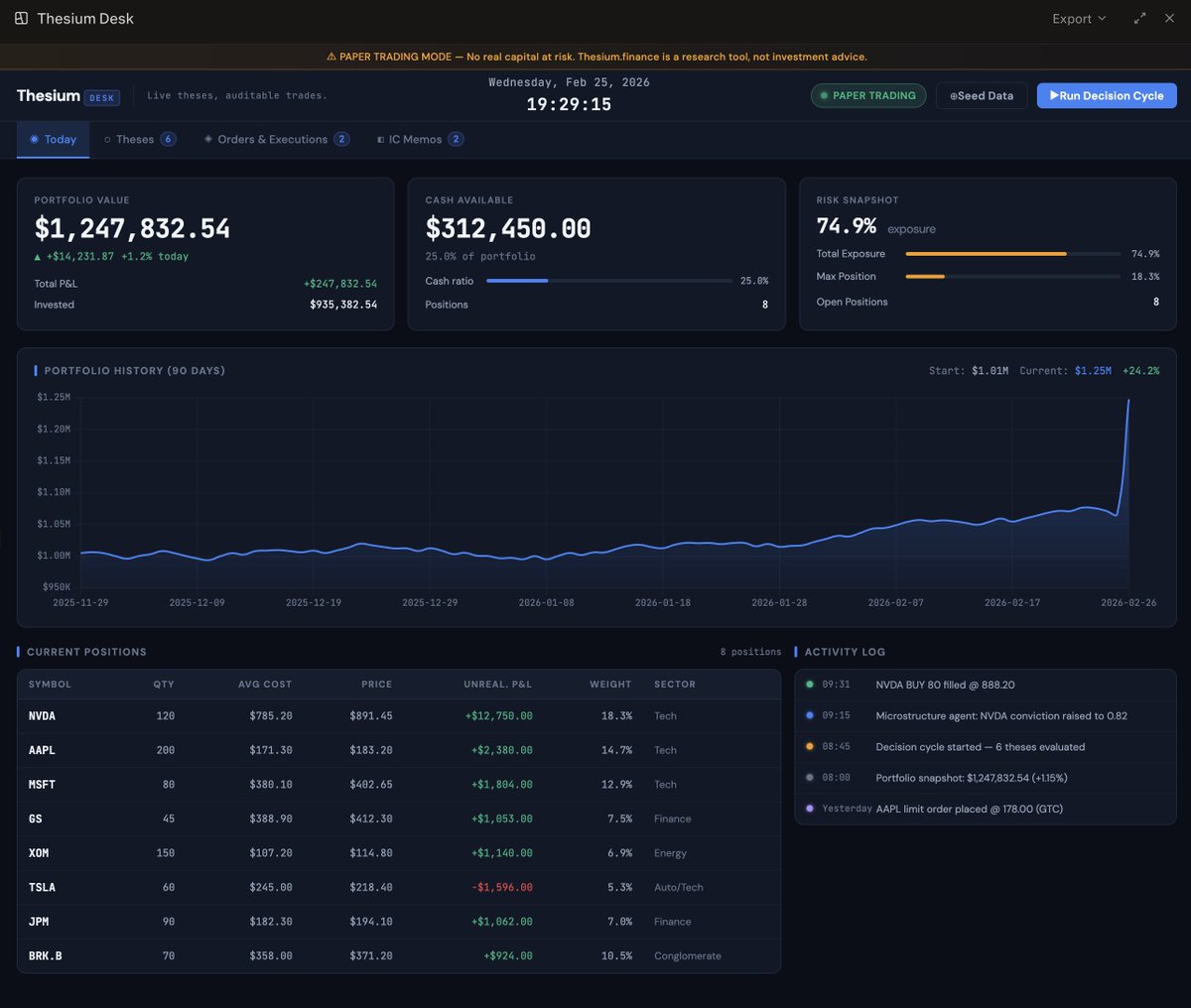
Here's a screenshot of the fully working web app.

More details below, in what I think my might be the world's first Perplexity Computer Thread 🧵Image
First, here's the idea I worked on with Perplexity. Image
I then had it build me a prompt, and it build a monster prompt, I'll share it in a few segments because to one shot this, I needed a serious prompt.

Prompt Part 1:

You are an autonomous engineering, product, and research team building Thesium(.)finance, an AI‑native fund operating system where agents maintain live theses on every name and theme, and humans supervise a workstation called Thesium Desk.
Your goal is to design and implement an MVP of Thesium(.)finance that can credibly run a small fund’s core workflow end‑to‑end (research → risk → execution), with 1–2 humans supervising instead of a floor of analysts.
Read 18 tweets
Feb 16
I’ve had a lot of people ask me about running models locally lately.

So here’s essentially what I keep sending to all my friends, and thought why not share with all of you.

And you honestly don’t need to know anything about how LLMs work under-the-hood to follow this.

A running LLMs locally thread 🧵
First things first. I’m heavily biased towards Macs, and you should be too.

Most software engineering today is done on a Mac, and all the cool new stuff comes out for Mac first, like the Codex Desktop app.

When it comes to running LLMs locally, Apple Silicon changed everything.

The unified memory architecture means the CPU and GPU share the same memory pool. For LLMs, that’s gold.

Models need big contiguous memory. On a Mac with 64–128GB unified memory, you can run models that would choke on many consumer GPUs.

If you’re choosing hardware, a Mac Studio with 64GB+ unified memory opens far more doors than a base Mac mini. Once you hit 128GB unified memory, you’re in serious territory. That’s when 70B-parameter class models become playable with quantization.
Now the software stack. There are lots of options, but I just recommend easy mode to all my friends.

And the easiest entry point is Ollama.

It’s basically “Docker for LLMs.” You install it, then:

ollama run llama3

And suddenly you have a local model chatting with you.

It handles:
– Model downloads
– Quantized builds
– Metal acceleration
– Simple REST API

It uses llama.cpp under the hood, which is highly optimized for Apple’s Metal GPU framework.

This is the smoothest path for:
– Llama models
– Mistral
– Mixtral
– Code models
– Small 7B–13B experimentation
Read 12 tweets
Jan 25
ClawdBot is amazing - it absolutely deserves all the attention it’s getting.

But, a lot of people are going to get hacked.

And that’s because way too many people are diving in without thinking about security.

Security researchers have already shown how prompt injection can be used to delete ALL of your email 😳

So there’s a few things you should know about ClawdBot security before you let it lose - it won’t take too long, but yes, it’s worth the time.

A ClawdBot security 🧵Image
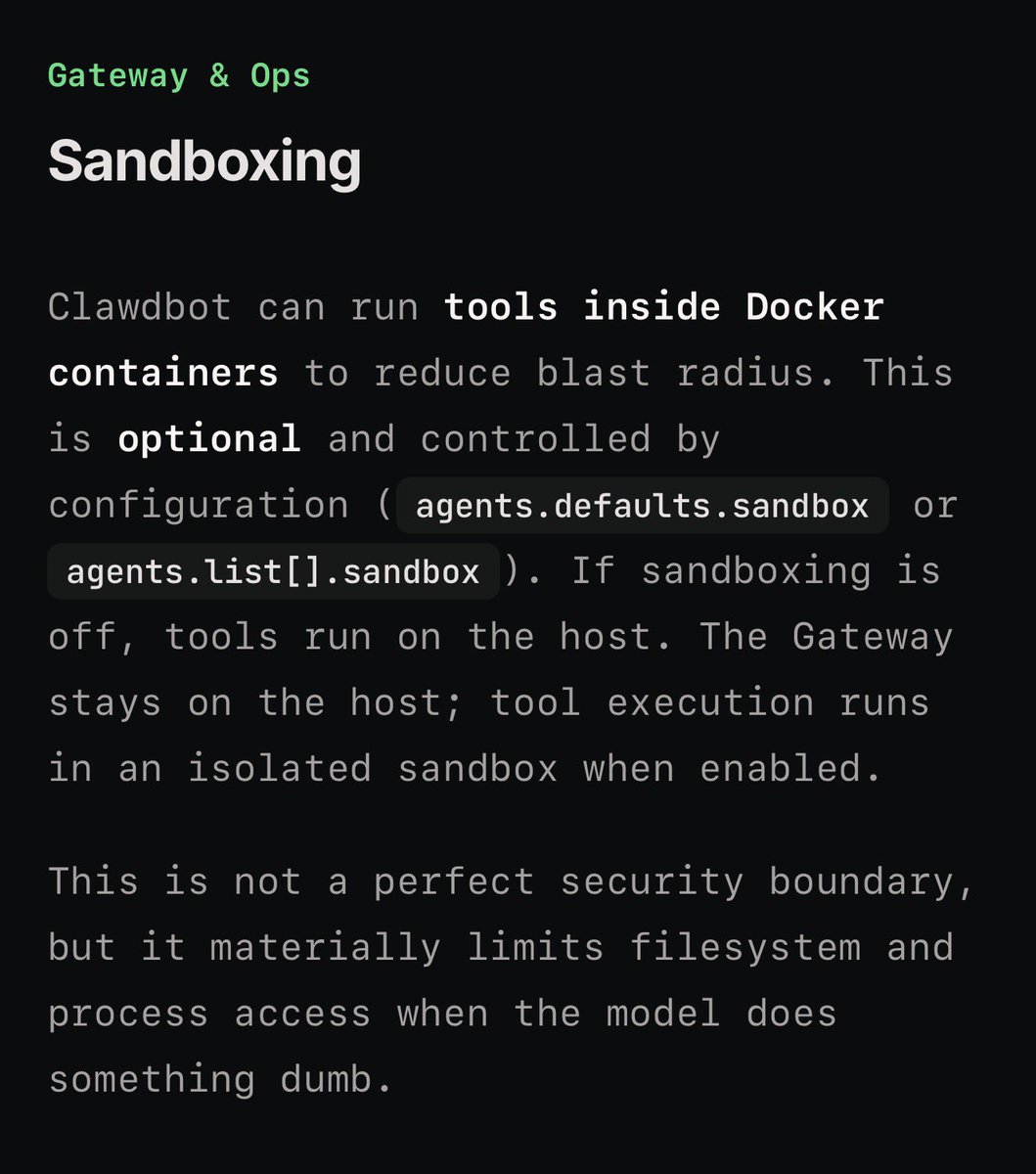
First, there’s a Sandbox Mode - enable it. Image
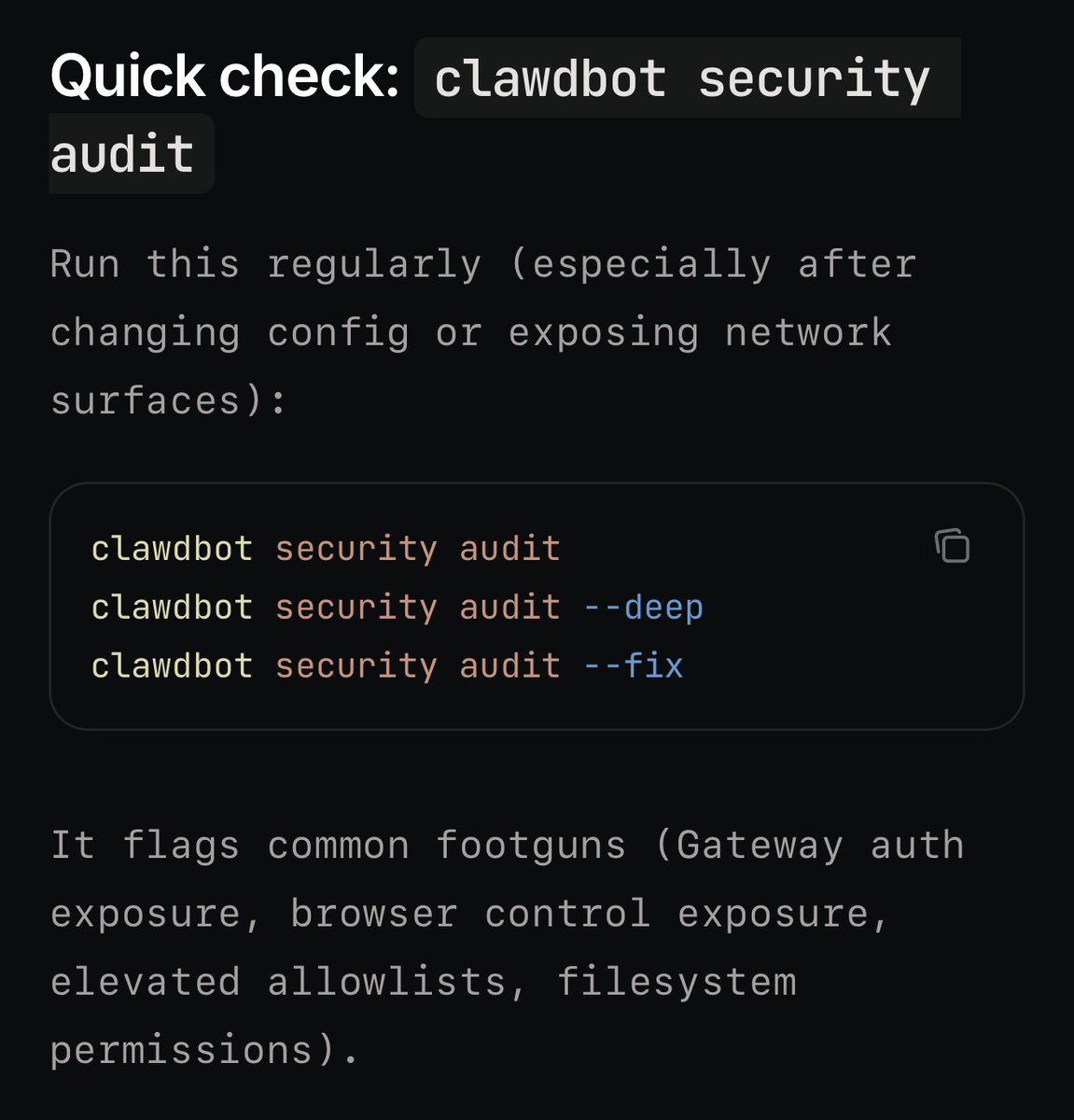
Second, run a security audit, just type this in your terminal: clawdbot security audit Image
Read 7 tweets
Jul 2, 2025
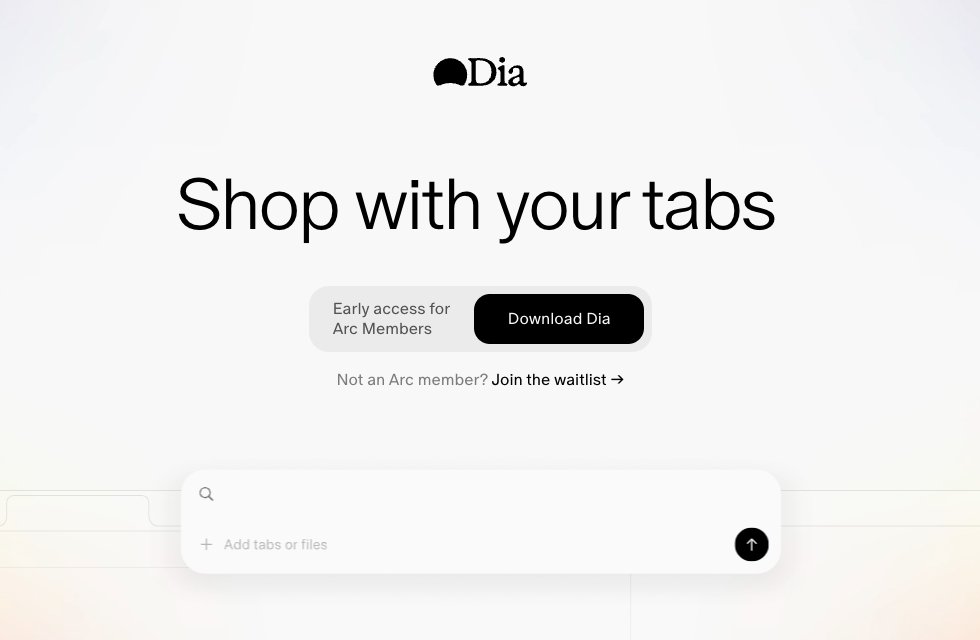
I've been using @diabrowser for a few weeks now and it's become one of those rare products I become completely fanatical about.

My timeline lately has been wild, so many people having the same experience. I thought I'd share my top ten favs in a 🧵 Image
Read 11 tweets

Did Thread Reader help you today?

Support us! We are indie developers!


This site is made by just two indie developers on a laptop doing marketing, support and development! Read more about the story.

Become a Premium Member ($3/month or $30/year) and get exclusive features!

Become Premium

Don't want to be a Premium member but still want to support us?

Make a small donation by buying us coffee ($5) or help with server cost ($10)

Donate via Paypal

Or Donate anonymously using crypto!

Ethereum

0xfe58350B80634f60Fa6Dc149a72b4DFbc17D341E copy

Bitcoin

3ATGMxNzCUFzxpMCHL5sWSt4DVtS8UqXpi copy

Thank you for your support!

Follow Us!

:(