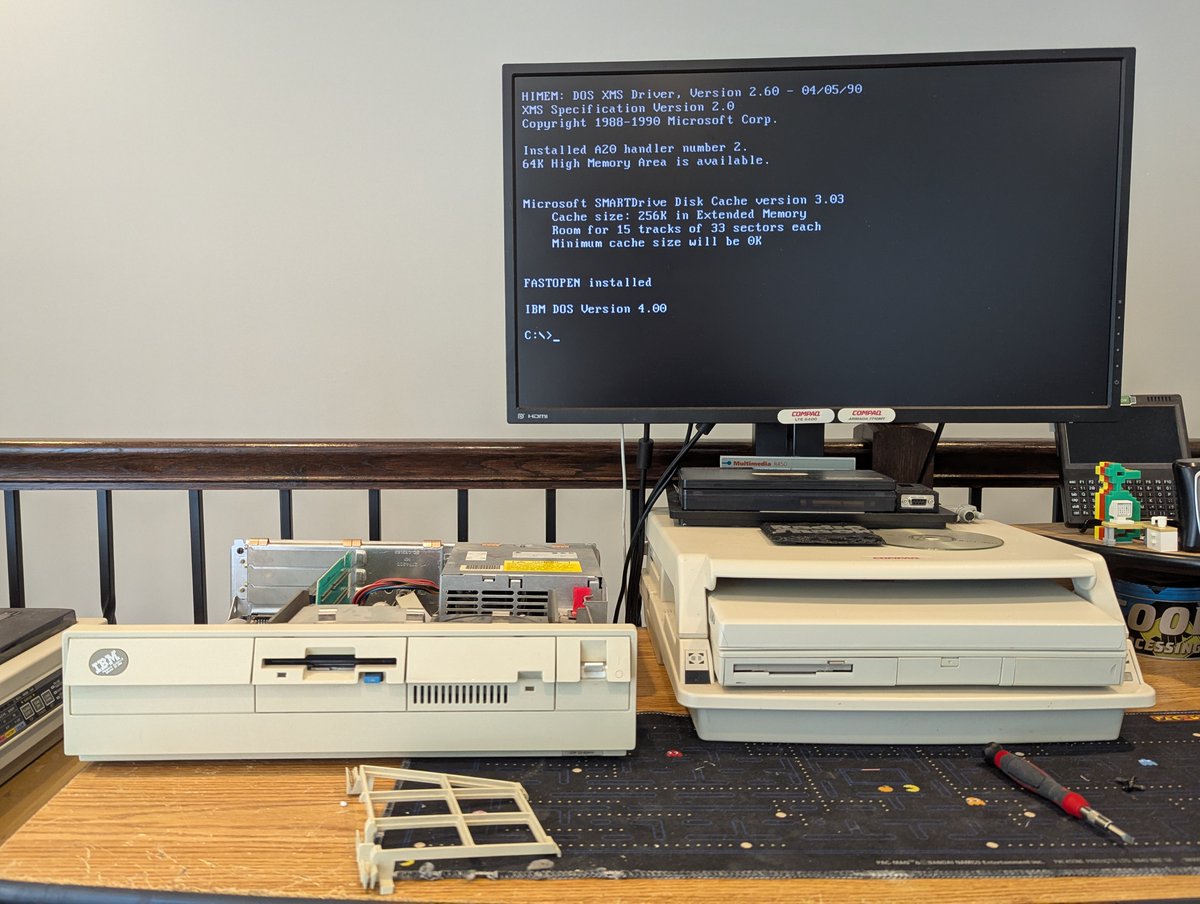
No need to adjust your television set, I promise you are not seeing double! But the error message on the screen is a "clue" as to why I now have two IBM PS/2 Model 30 286 systems. Let's talk about what I did this time... I guess we need to do a 🧵
Well, first, let's clean up the new one. Oh boy, it is ever dirty!! Here's a before an after... I failed at getting a clear after picture. Sorry, no refunds 🤣
Let's test out the HDD. Woah!! It WORKS!! It does have a bad sector or two, but that's pretty incredible.
How about the FDD? It didn't work right off the bat. But after a cleaning, it is good to go!!
Alright, sorry, I got sidetracked again. So, let's talk about why I bought this. I powered up my one and only PS/2 Model 30 286 a week or so ago to test out PicoMEM 2. But, prior to my testing, the memory test was failing. What I didn't know at the time is I had a bad SIMM.
Usually when this happens, due to the nature of these SIMMs, I have to take a volt meter probe and adjust the pins a bit like I am doing here. But stupid me used a screwdriver and broke one of the pins (not shown). Ugh
So, my solution was to get a new planar, but getting a complete system was cheaper. Now I regret not getting one at the System Source Swap Meet a few weeks back. They were like $20 bucks. My best offer of $75 was accepted though from eBay!
Alright, so, let's keep going. I swapped over my GlitchWorks Dallas replacement chip and popped in the two working SIMMs I have. We at least have 2MB which is a lot for a 286 really!
Next up, since I do have an XTIDE-CF in here, and I like the capacity, I wanted to configure it to boot from the CF card, which is drive D. We can do that by hand, but it is a pain.
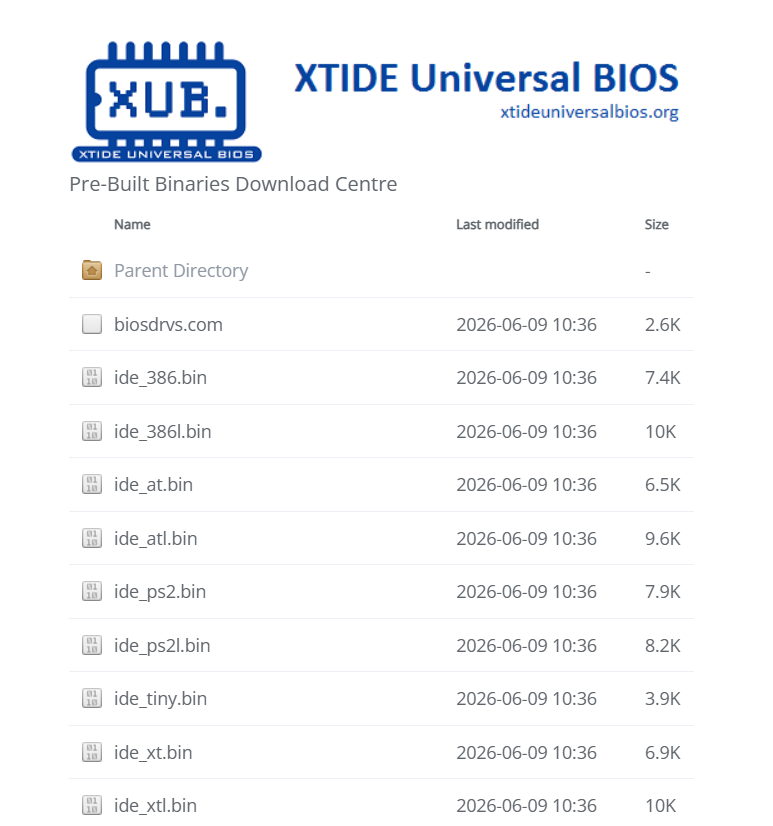
I grabbed the AT "Long" version of the latest XTIDE BIOS, and once I recalled the type of EEPROM in this, I configured it and flashed it, with a default boot device of 0x81
Fortunately all of that was a success. I didn't grab a picture of the boot screen, so here's a nice picture of the cover off the system instead 😂. Oh, another thing I did: I swapped the power supply from the "old" system since the one in this one was filthy!!
With all of this out of the way, I finally did test the PicoMEM 2. After configuring it to only use one IRQ, it worked pretty good! Unfortunately my networking didn't work, but I am sure Freddy will get that fixed soon 🤣
Anyway, this is fun. So, what will be the fate of the other PS/2 Model 30 286? Either parts.. or I'll give it to someone who is more skilled than me and can solder in new 30 pin SIMM sockets. But that is it for now, thx for following along!
@threadreaderapp unroll
• • •
Missing some Tweet in this thread? You can try to
force a refresh

I've been playing around with my SCSI emulators, in particular, the wireless networking on them a bit. I think we have done this before, but it's been a hot minute, so let's talk about it anyway 😂. Time for a 🧵
So, first of all, these SCSI emulators (BlueSCSI V2 and ZuluSCSI Blaster) were predominantly designed for Macintosh systems, which also tended to use DayaPort SCSI network cards like this one here.


As such, when I first got my BlueSCSI V2, there wasn't any DOS support for its DaynaPort emulation. I wrote a very basic and crude DOS Packet driver, and Mike Brutman greatly improved it! If you ever need it, you can find it here: github.com/mbbrutman/dayn…
Let's do a factory restore on this Packard Bell Multimedia 601. It's a Pentium 233MMX system. I've got some things on the table to help us out with the process. Let's explore a bit. Time for a 🧵
First and foremost, we're going to need a Master CD. Which one? Well, recently I found an eBay listing with some "System Credentials" that match my PC. And I saved them off for this very reason! We can grab 175710-05 from the Internet Archive and get this going!
We're also going to need to make a floppy disk. Fortunately, the contents of it are also on the CD. Great! I wrote that out to a disk image, and also burned a CD for our usage.
I've got one of my Tandy 1000 SX systems on the desk, let's check out some of the PicoMEM 2 capabilities on it! Time to get it installed. Let's explore together in a 🧵 here!
First, we'll see that we're doing a good job of using up the expansion slots in this beast 😂. Oh, and before I forget, when installing any PicoMEM in a Tandy 1000, you do have to update the configuration and add Tandy to it!
Alight, first stop is going to be checking out that NE2000 compatible wireless networking. And I am happy to report that it works just fine, I'm using MS LAN Manager here!
I decided to play with Tandy 3-voice sound on the PicoMEM 2 today. There's a bit of a nuance with using Tandy sound on non Tandys, but this is a problem that has been solved. Let's explore a bit in a 🧵 here!
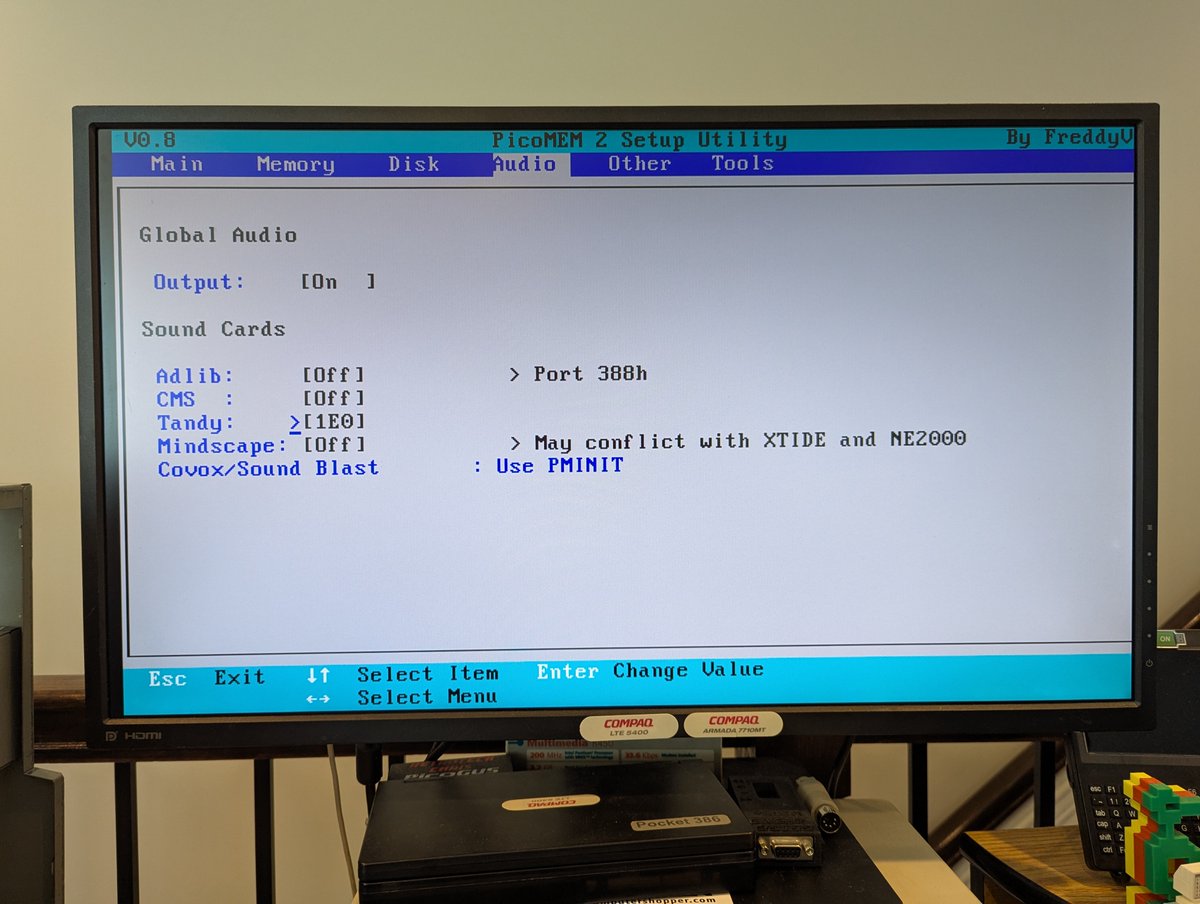
First of all, the PicoMEM 2 does a FANTASTIC job at emulating Tandy sound. You can go into configuration and set the appropriate port settings, or you can use the "PMINIT" program to initialize whatever you need! I am just going to set the settings via the configuration util.
Next up, we need to get some patched games. Fortunately, the hard work was already done years ago, and @TheOldskoolPC very generously continues to host the patches online! We'll grab a patch for Lemmings and copy it over to our system! Thanks @FreddyVETELE for the tip here!
I've been playing with the PicoMEM 2 today. I love it! I've been using my Packard Bell Multimedia 601 Pentium PC to test it, but this will work with 8 bit PCs as well. Let's look at sound (including Gravis!), HDD, wireless network, and real time clock capabilities! Time for a 🧵
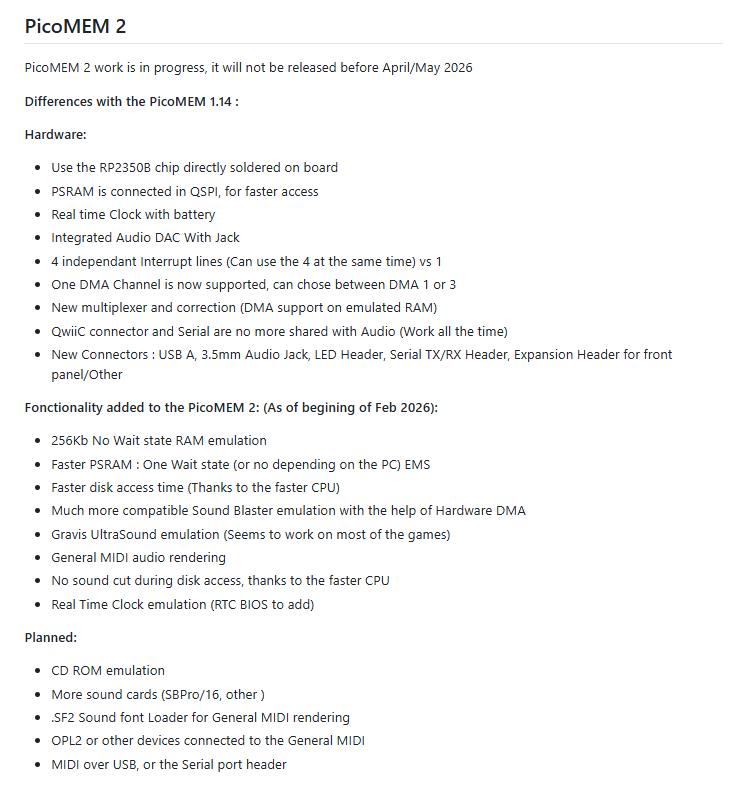
First of all, if you are not familiar with PicoMEM, it's an amazing little all in one card that brings you lots of capabilities. This card will be available for sale soon I believe. The functionality is strong and capable. You can read more about it here: github.com/FreddyVRetro/I…
First, let's start with some screenshots of the configuration page. This is designed to look like a system BIOS, and is incredibly well done!
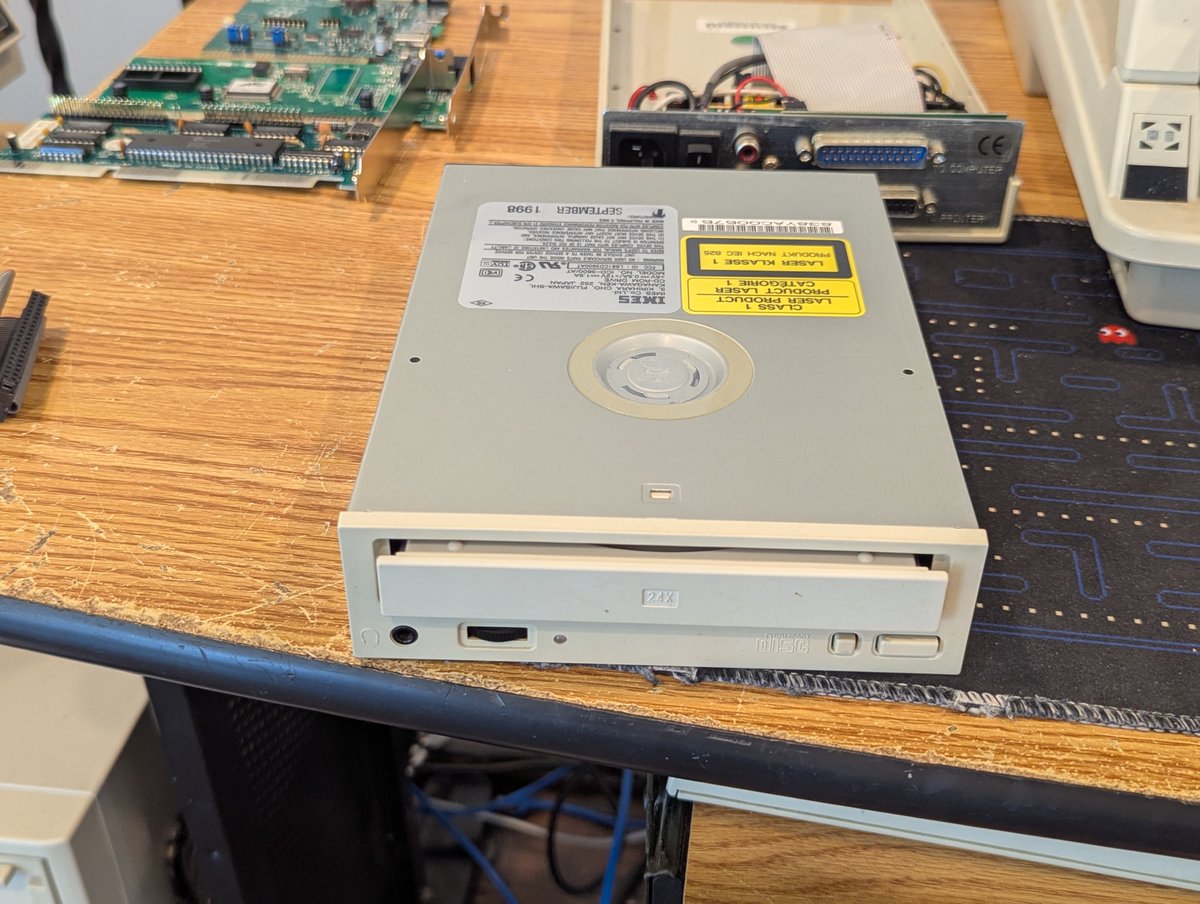
I picked up this parallel to IDE CD-ROM thing off of the free table at VCFSW. I got it to work!! Let's talk about it in a quick 🧵
So, first of all, the drive in it is completely toast. Let's swap it out for another IDE drive. Ahh, that's better!
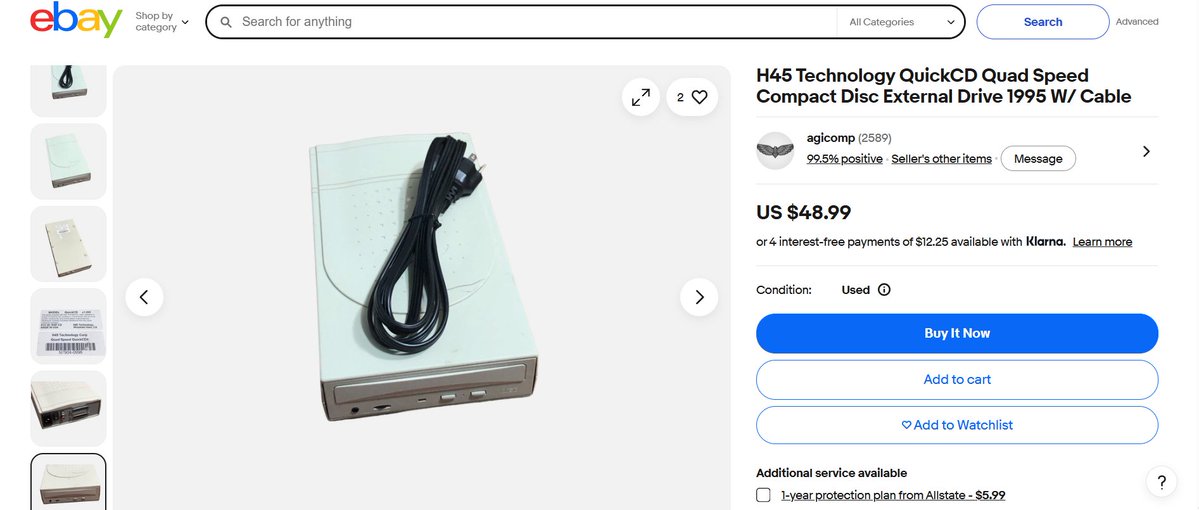
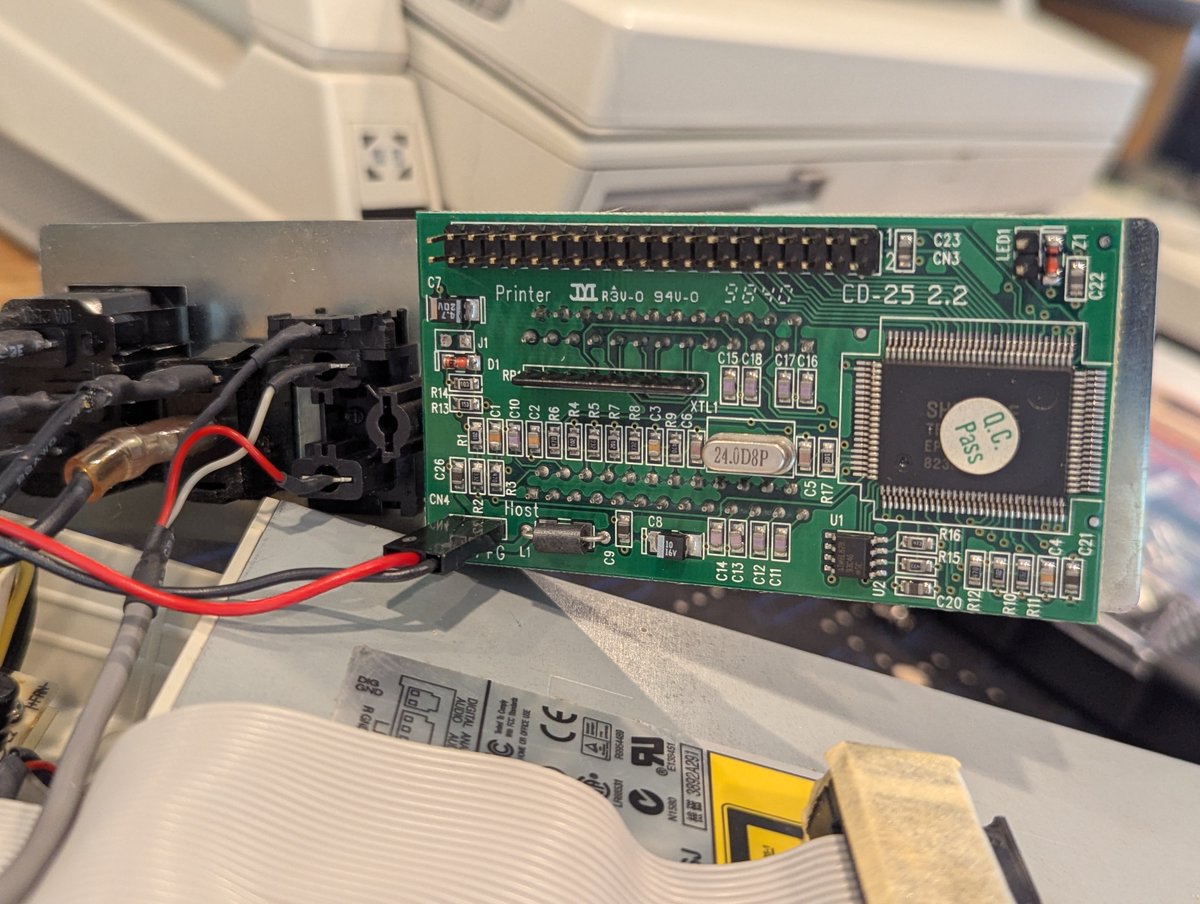
So, let's identify this. First, looks like at least one is available for sale on FleaBay. This looks to be a H45 Technology QuickCD 24x. Can we find drivers for it? I did grab a picture of the controller board in case we needed it.