Since people have been asking forever, I finally decided to give ReactOS a try! Let's...see...how...it...went. Buckle up, things are about to get a little chaotic. Time for a looong 🧵 

So, first of all, I decided to go with the nightly debug version, so take that for what it is worth! Second, I promise I am not being critical, what has been done here represents a lot of great work, and the software is still considered to be alpha.

Okay! So, step 1, after downloading the debug ISO, I burned a CD. As we can see, this is version 0.4.17-dev.


I decided to start out with my Compaq Armada 7790DMT, which is a Pentium 233 MMX system with 144 MB of memory. I created a FAT16 partition to get things rolling.


After configuring the Armada to boot from CD, I got to work, progressing through the first stage of installation. Pretty cool that ReactOS supports multi processors! This laptop has a single one however.


Install proceeded on, finished the first stage and proceeded to first boot. Uh oh, this isn't good...


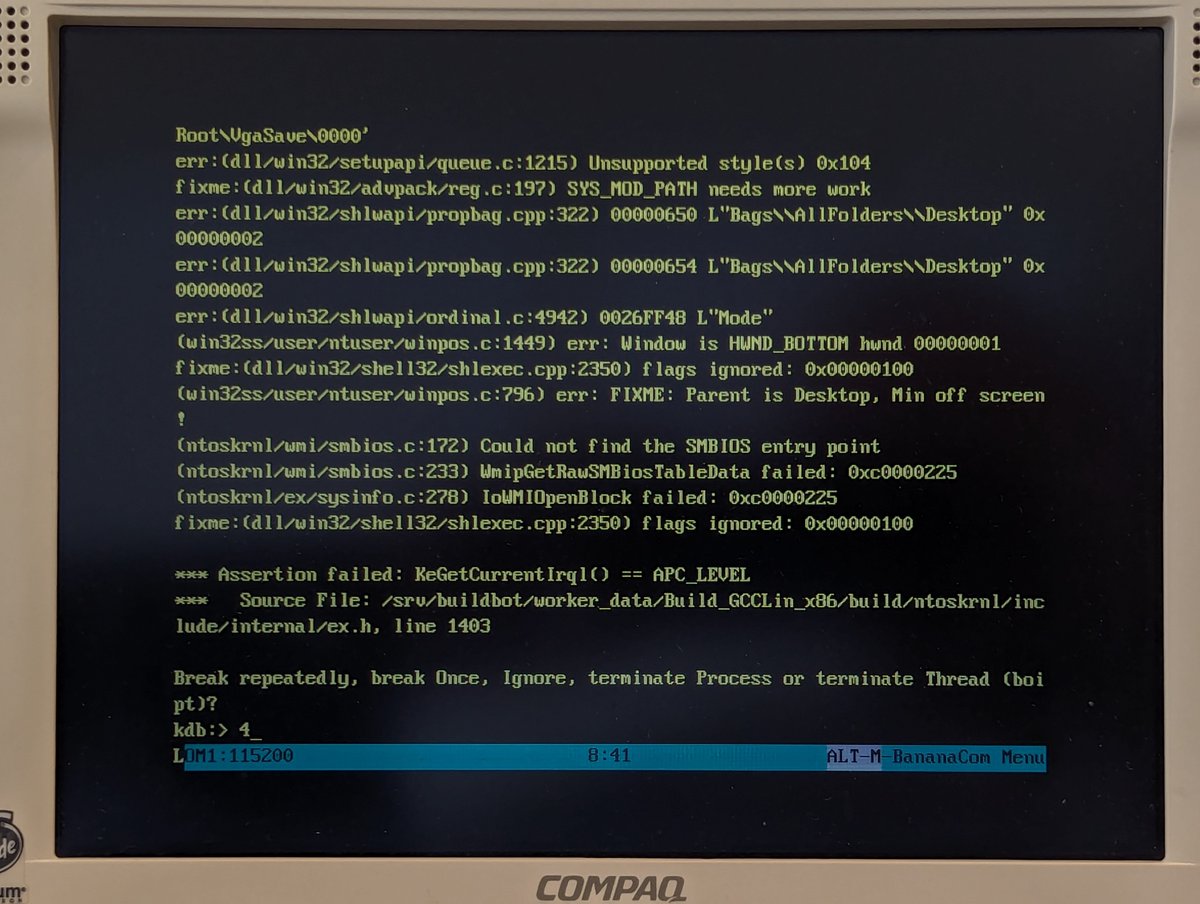
Alright, no problem, we can connect up a serial console and do some debugging. I downloaded Bananacom to my LTE 5400 and set it up for 115,200 baud and used a null modem cable to connect to the Armada. Indeed something is wrong here.


Since the error was "hard drive" in nature, I tried a different hard drive that was completely empty except for one FAT16 partition. And, well... no difference.


Alright, well, let's try my Armada 1750. It's a Pentium II system. I set up a partition, and it looks like we are making it further this time!


I should mention, I love how debug info prints out to the console as we install!!
When it was all said and done, I launched device manager. But as soon as I started expanding tabs, we hit an assertion and the system froze. I did later try to install some Cardbus drivers in hopes of getting network going, but I kept getting assertions. Alright, that's enough.


Let's try another PC, my eMachines T2341. This is an AMD Athlon XP 2400+ system. Well, I got through install, but got stuck on boot similar to the Armada 7790DMT. Abort mission on this PC.

Let's try the Pacman PC. It's a PIII system with 1.5GB memory. Hey, lookie lookie, progress!


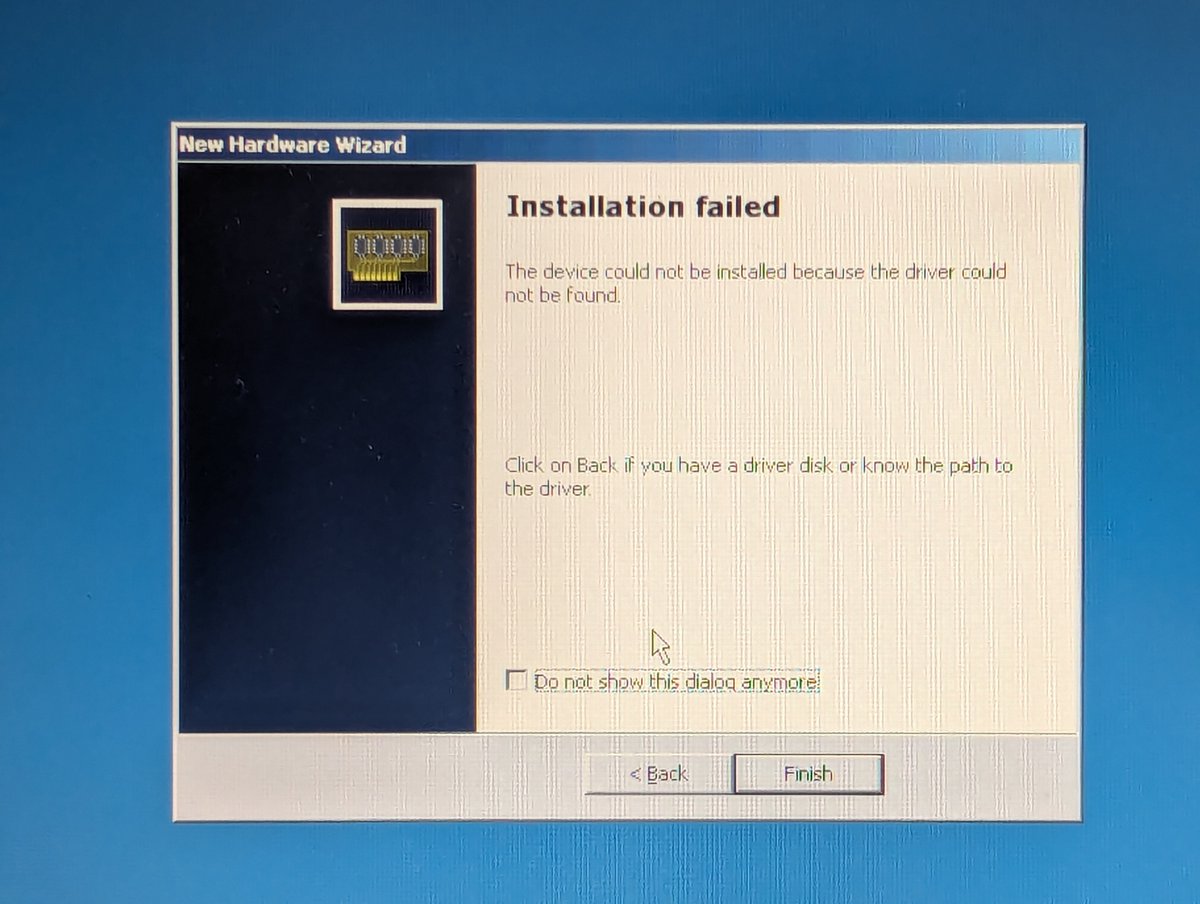
I really like the setup process, very similar to Windows. For the Pacman PC, we are missing some sort of bridge driver. I wasn't able to reconcile it, but that seemed to be ok.


Also, I don't know why, but the floppy controller seems to be unrecognized. This seems to be a bit of a theme for some strange reason. I also need drivers for my Ethernet controller and sound card.


Fortunately, I was able to get the network card installed and working! Support is limited for protocols and non existent for clients, but we do have TCP/IP which is the most important.


Let's try to browse the web. I couldn't get the stock Internet Explorer to display anything. Chrome wasn't supported due to missing CPU instructions. And K-Meleon didn't want to install.


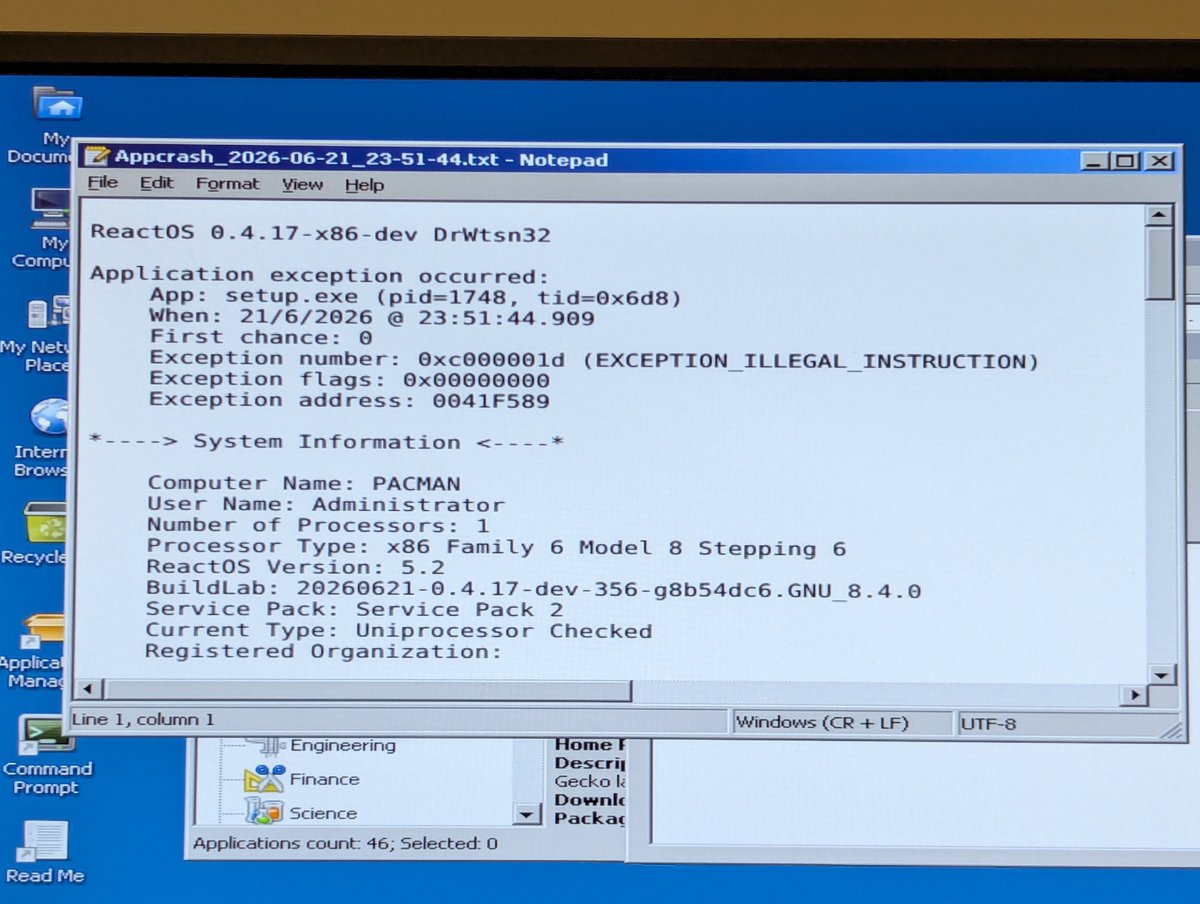

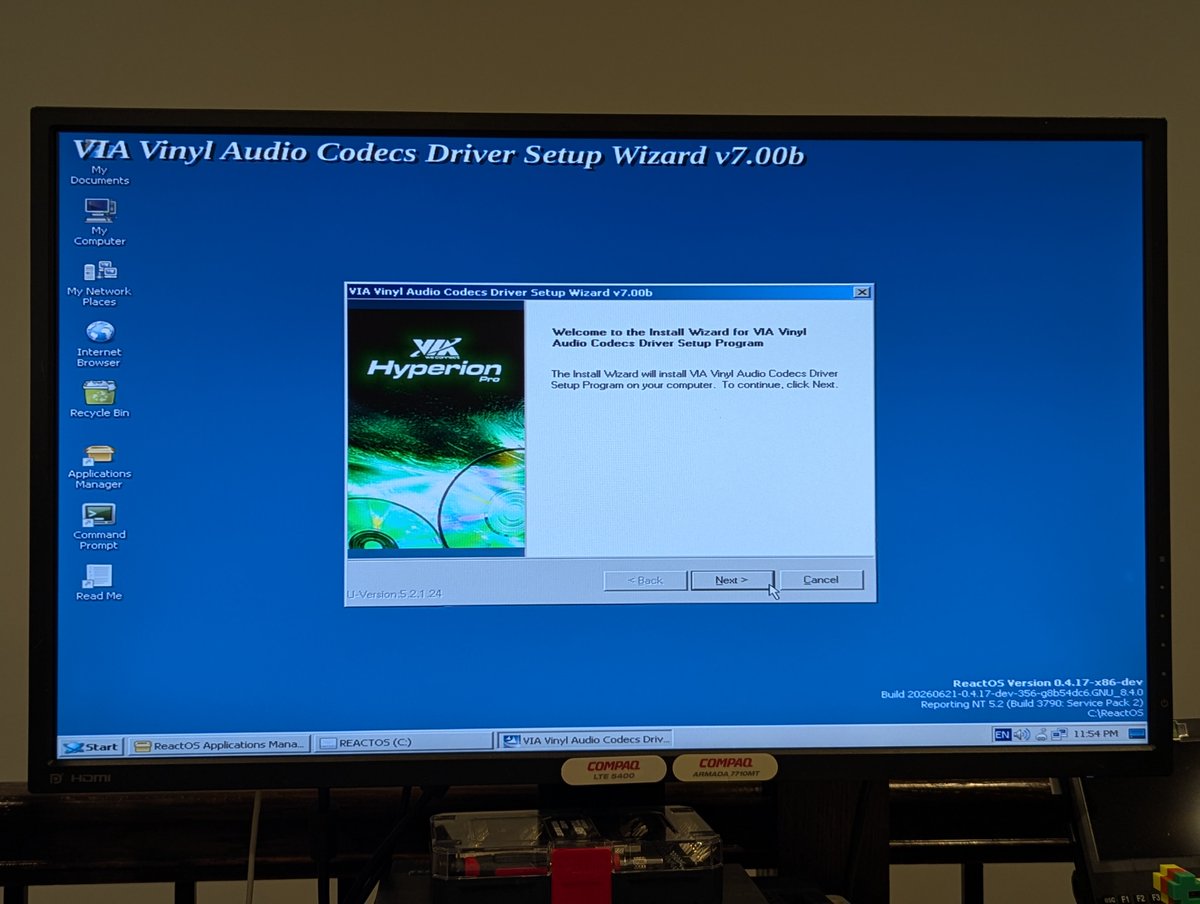
Alright, we'll get back to that. Let's try to install audio drivers. This kindof worked... but not really. I got a startup sound after installing them, but got no mixer settings, and no additional audio. Granted device management did crash, maybe we will try this again.


Let's try to install Firefox 52 ESR. I'm not 100% sure, but based on the succession of photos I took here, I think I ended up with an immediate bluescreen and another on restart.


How about an older Firefox? Yep, that worked. We can browse the web, granted the certificates are way out of date. But hey, it's something!


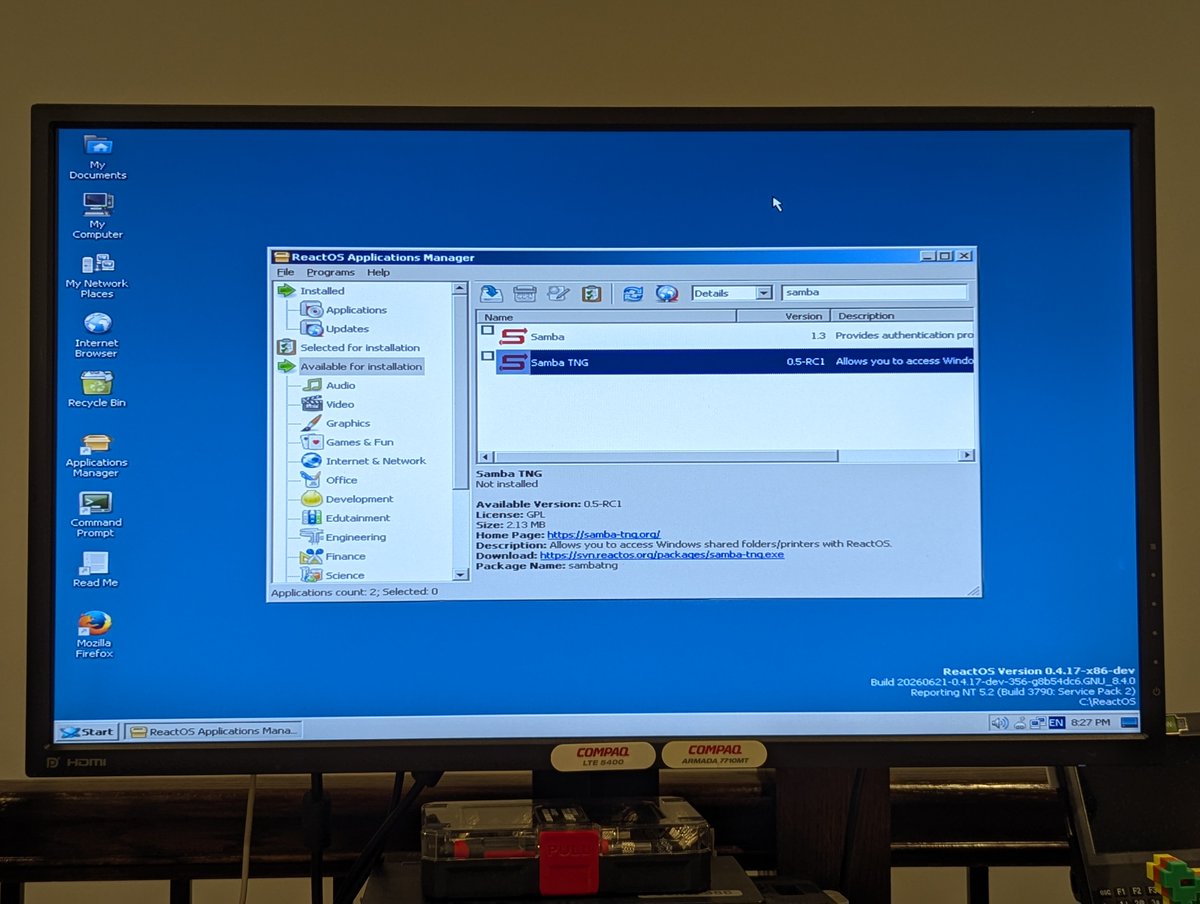
Now, if you know me, you know I like my network shares. Let's try to install Samba. Also, can we configure our workgroup? Kindof.. the settings don't stick because I don't think it is supported. Also, I think you can use the smbclient for file shares, but that's tedious.

I figured I'd install Wine Gecko and WineVDM since the installer wanted to install the former but couldn't due to me needing to configure network, and the latter comes in handy for running 16 bit applications, I believe.


Let's try to install the sound card drivers one more time. I launched the installer a few times, it conked out, and then the system froze. Okay, I've had enough with this, this experiment is over 😅


So, that's where we landed! I hope I gave this a fair shake, and I'm willing to try this again if I get additional guidance. But yea, this is a little too alpha for my taste. But it's an impressive body of work, and I am excited to try it again someday!
@threadreaderapp unroll
@threadreaderapp unroll

• • •
Missing some Tweet in this thread? You can try to
force a refresh