AI & Web Dev Enthusiast | Helping you to make money with AI & Tech 🚀| Exploring Tech and AI 🎯 |Let's connect aarivkhanna971@gmail.com📩
Jun 26 • 7 tweets • 2 min read
ChatGPT has a hidden mode called Infinite Personal Tutor. It teaches you any skill from zero in 4 hours.
Here are 6 prompts:
1/ Learning Curve Destroyer
Paste to ChatGPT: "You are a teacher who only has 4 hours with me and will never see me again. Your only goal is to make me functional in [skill] before time runs out. No theory without practical use. No lists. Tell me what to learn first, what to completely ignore, and the one exercise that will already put me ahead of most people who have been studying this for months."
Jun 1 • 7 tweets • 3 min read
Deleting your internet history from your browser is never enough.
Every click, every search, is still saved.
Here's how to completely delete your internet history and turn yourself into a digital ghost:
Step 1:
NIKOLA TESLA SAID "3-6-9 IS THE KEY TO THE UNIVERSE."
I tested it for 90 days on 500 people.
What happened will reshape how you manifest forever.
Here's the REAL 369 method nobody's teaching:
What most people teach:
Write your affirmation 3 times in the morning.
6 times in the afternoon.
9 times at night.
That's the surface version.
It works sometimes.
But Tesla wasn't talking about writing sentences.
He was talking about FREQUENCY PATTERNS.
Here's what he actually meant and how to use it properly.
May 29 • 16 tweets • 3 min read
Your cell phone does not listen to you “by accident.” It's a feature, not a bug.
I talked about traveling to Rome just once and 10 minutes later I started getting flight ads.
It's called “Shadow-Logging” and it happens through 5 settings you've never touched.
Here's how to remove eavesdropping once and for all:
The illusion of silence
Most believe that “Hey Siri” or “OK Google” only work when you say the phrase.
The reality is different.
To detect the keyword, the device has to constantly analyze sound in a low power mode.
You cannot “wake up” if you are not listening first.
May 27 • 5 tweets • 2 min read
Your iPhone has been stolen. The thief turned it off. Find My shows “Offline.”
Your data, your photos, your mobile banking—it’s all in his hands.
But if you’ve set up these three things beforehand, the thief is just holding an $880 piece of metal that can’t be touched.
First: Stolen Device Protection.
This is a new feature in iOS 17.3 and above. When it’s active, anyone who has your iPhone CANNOT change your Apple ID password, turn off Find My, or reset your phone without Face ID, even if they know your passcode.
Settings > Face ID & Passcode > Stolen Device Protection > Turn On.
If you haven’t turned this on yet, stop reading and do it now. This is the most powerful anti-theft feature Apple has ever created.
May 26 • 8 tweets • 2 min read
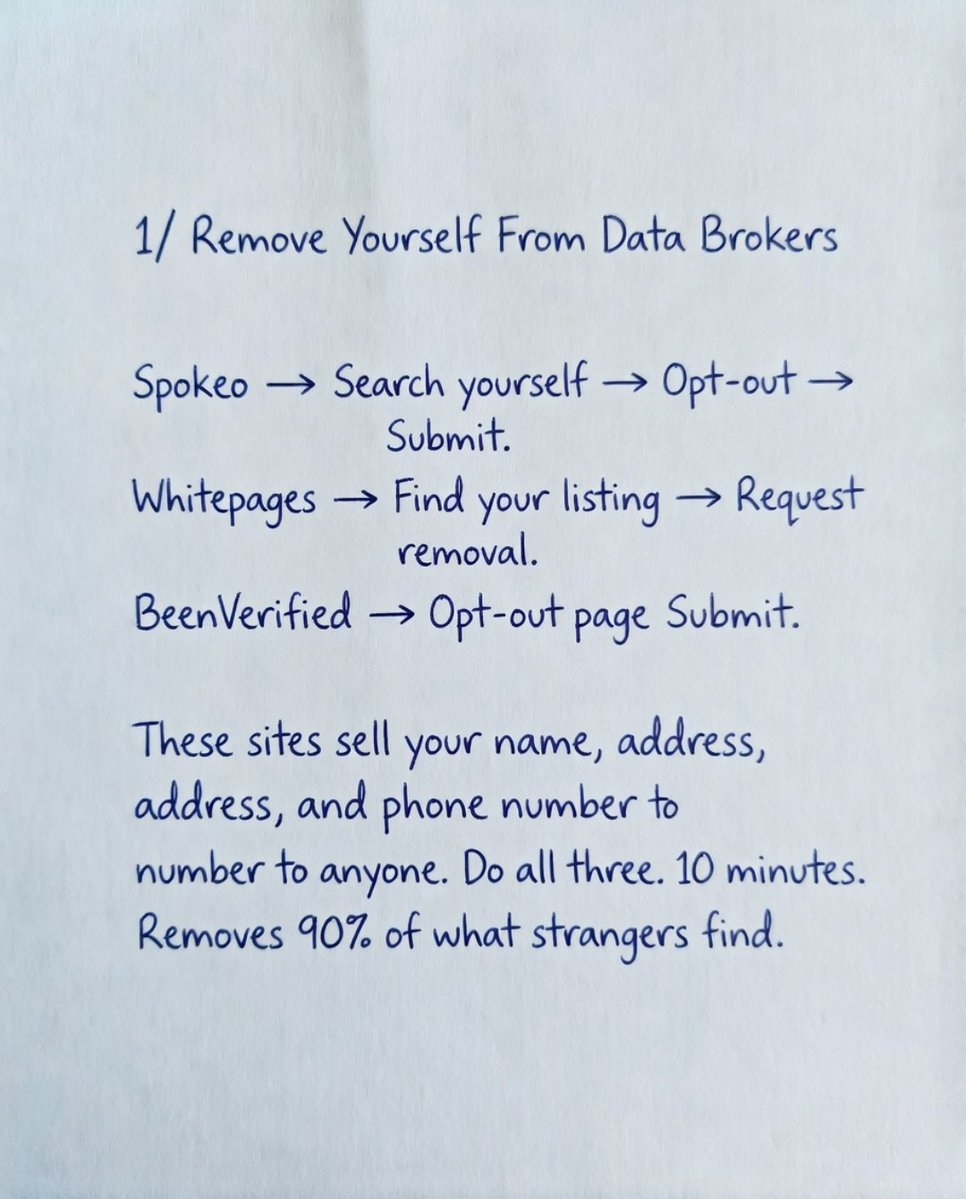
Breaking: Your name, address, and phone number are sitting on the internet right now available to anyone who searches.
Three sites are actively selling it to strangers today and most people have no idea.
Here is how to remove most of it:
1/ Data Brokers
Three sites sell your personal information to strangers and removing yourself takes about 10 minutes total.
Spokeo: Search your name > Opt-out > Submit
Whitepages: Find your listing > Request removal
BeenVerified: Opt-out page > Submit
Do all three. This alone clears out roughly 90% of what people find when they search you.
May 24 • 9 tweets • 3 min read
If you died tomorrow your family could not access a single thing you own digitally.
Bank accounts. Crypto. Passwords. Cloud storage. All of it locked permanently.
Here is how to fix that in 30 minutes:
1/ iPhone Users
Settings > your name > Sign-In & Security > Legacy Contact
Assign someone you trust. Apple generates an access key tied to them. The moment they show that key alongside a death certificate, your entire iCloud opens up. Photos, files, emails, notes. Everything.
Skip this and your family spends months fighting Apple's bureaucracy with no guarantee it works.
May 21 • 8 tweets • 2 min read
Your Android says storage full. You delete everything. Still full.
It is not your photos. Android has been quietly hiding gigabytes of junk you never see.
23GB cleared yesterday without deleting a single thing that mattered.
Here is where it is hiding:
1/ App Cache
Every app silently stacks temporary files. Settings > Apps > pick any app > Storage. TikTok alone was sitting at 4.7GB on my phone. Instagram 2.1GB. Chrome 1.2GB. Four apps, 10GB gone.
Tap Clear Cache. Not Clear Data. Clear Cache only removes temp files. You stay logged in, nothing gets wiped.
May 20 • 15 tweets • 3 min read
Your iPhone is dying by 2 PM every day.
It's not the battery.
It's 14 settings Apple turned ON by default that are silently draining it in the background.
I changed all of them and gained 4+ hours of daily battery life.
Steal them
1. Kill Background App Refresh (the #1 silent killer)
Settings → General → Background App Refresh
Switch it to "Wi-Fi" or OFF entirely.
Every app you've ever downloaded is checking for updates in the background. Instagram. News apps. That game you played once in 2023.
This alone can save 15-25% daily drain.
May 19 • 13 tweets • 3 min read
Breaking: Your phone is sending data to Google every 4.5 minutes.
Screen off. Phone untouched.
Trinity College Dublin confirmed it in a peer reviewed study.
Here are 12 settings to cut it off:
1/ WiFi Scanning
You turned WiFi off. Android kept it scanning. Google tracks your location through nearby networks even when the toggle is off.
Samsung adds an extra step under Improve Accuracy.
May 18 • 8 tweets • 2 min read
NIKOLA TESLA SAID "3-6-9 IS THE KEY TO THE UNIVERSE."
I tested it for 90 days on 500 people.
What happened will reshape how you manifest forever.
Here's the REAL 369 method nobody's teaching:
What most people teach:
Write your affirmation 3 times in the morning.
6 times in the afternoon.
9 times at night.
That's the surface version.
It works sometimes.
But Tesla wasn't talking about writing sentences.
He was talking about FREQUENCY PATTERNS.
Here's what he actually meant and how to use it properly.
May 13 • 6 tweets • 2 min read
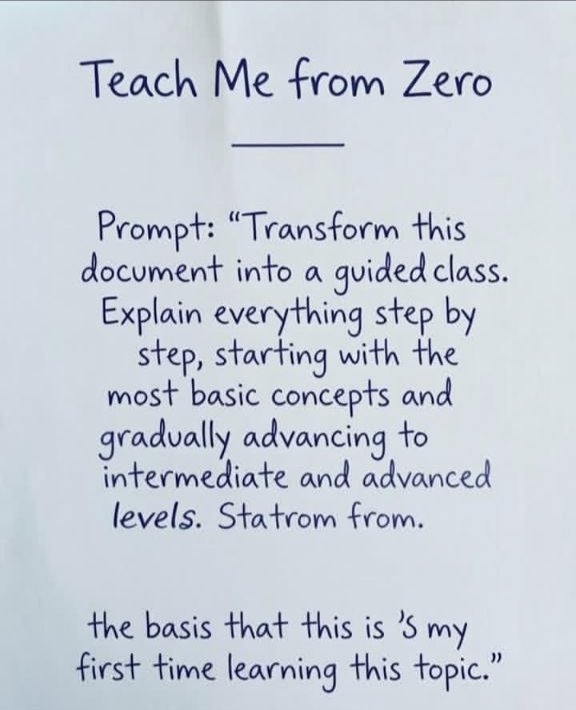
5 PROMPTS THAT TURN FILES INTO REAL CLASSES
(Save for later)
May 13 • 4 tweets • 1 min read
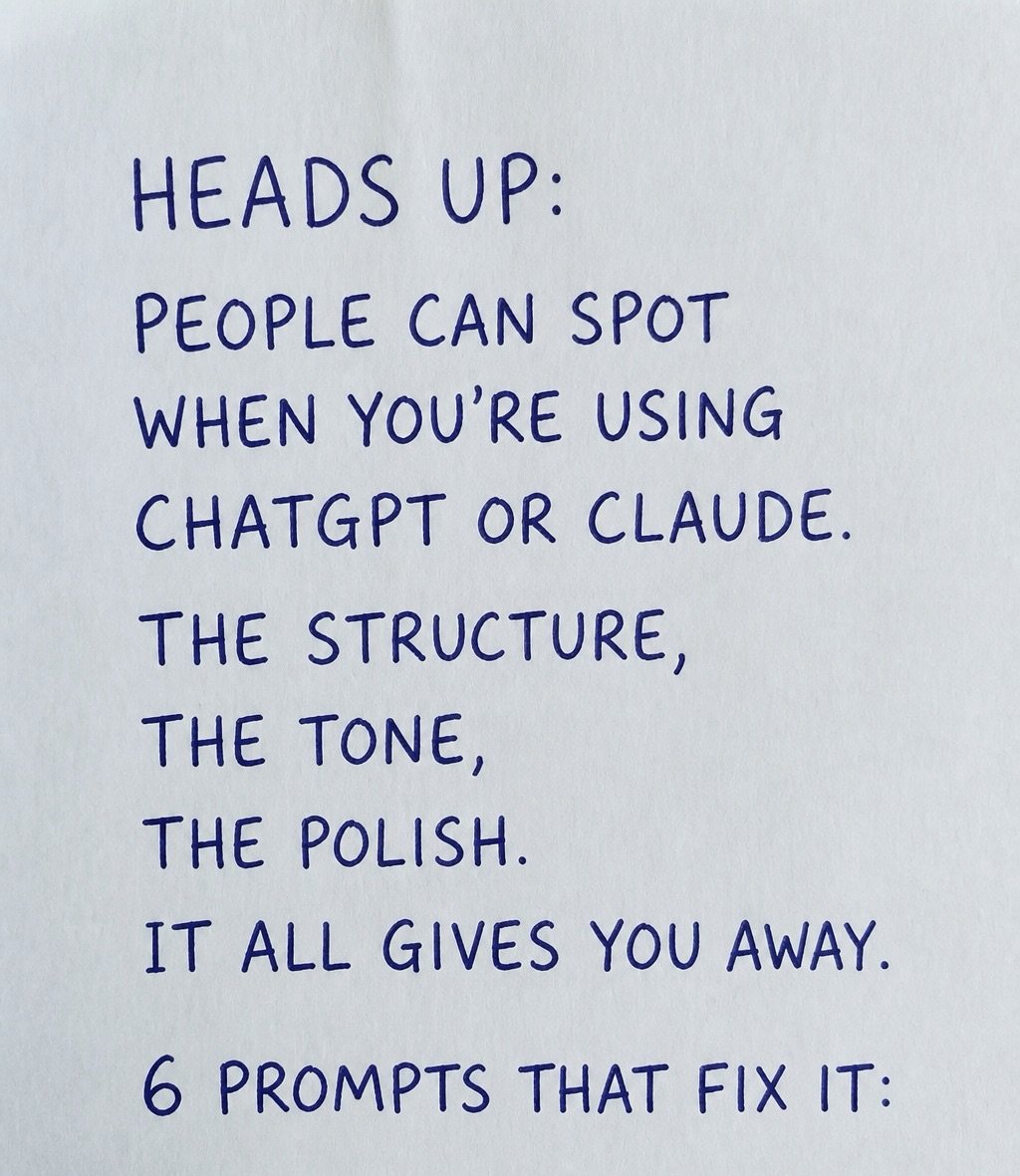
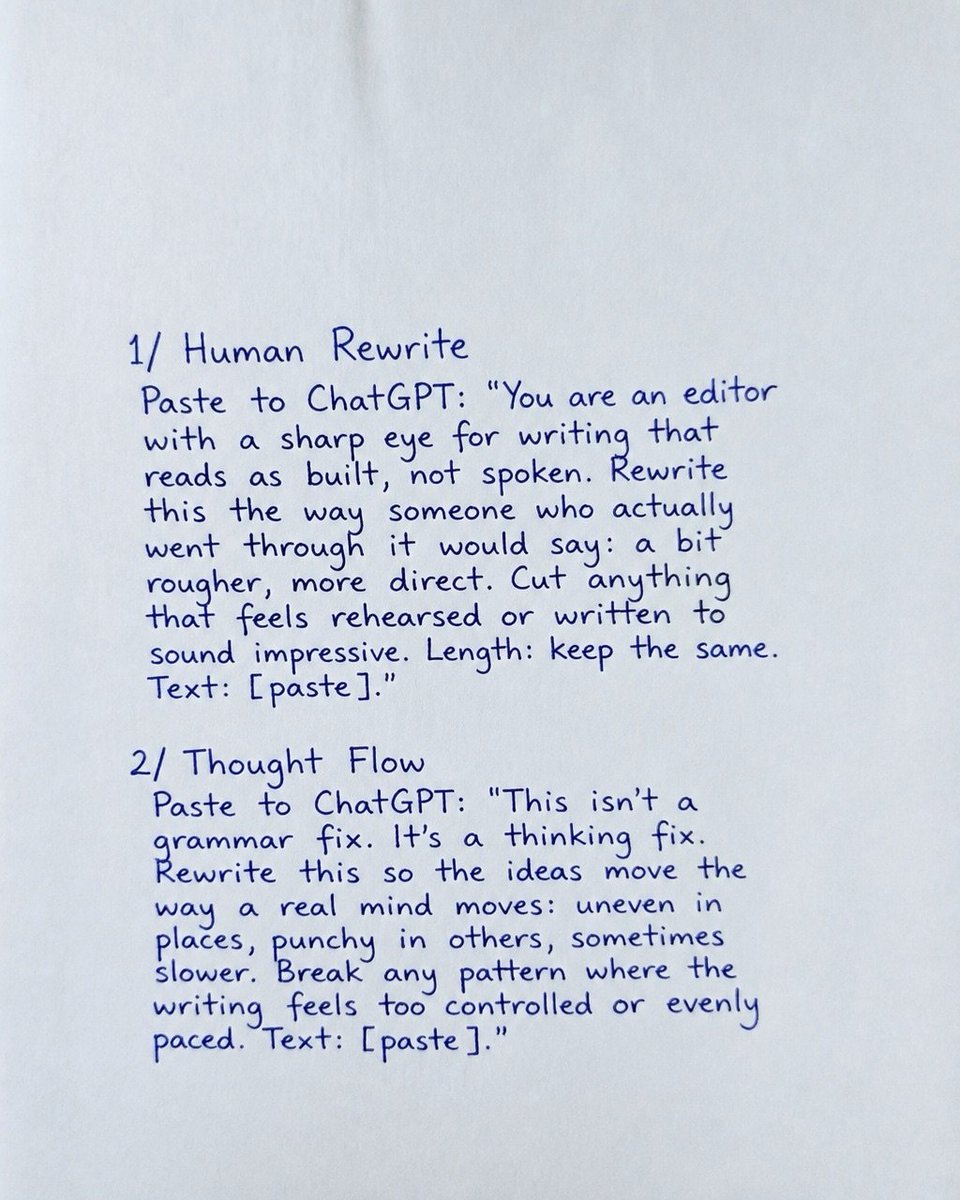
PEOPLE CAN SPOT WHEN YOU'RE USING CHATGPT OR CLAUDE.
6 PROMPTS THAT FIX IT:
May 12 • 4 tweets • 1 min read
EVERY PRODUCT ON AMAZON HAS A CHEAPER IDENTICAL VERSION.
CHATGPT CAN FIND THEM IN SECONDS.
COPY THESE 5 PROMPTS BEFORE YOU BUY ANYTHING ONLINE:
May 10 • 6 tweets • 2 min read
Delete 99.87% of your digital footprint from the internet.
Here is a step -by -step guide:
May 3 • 6 tweets • 2 min read
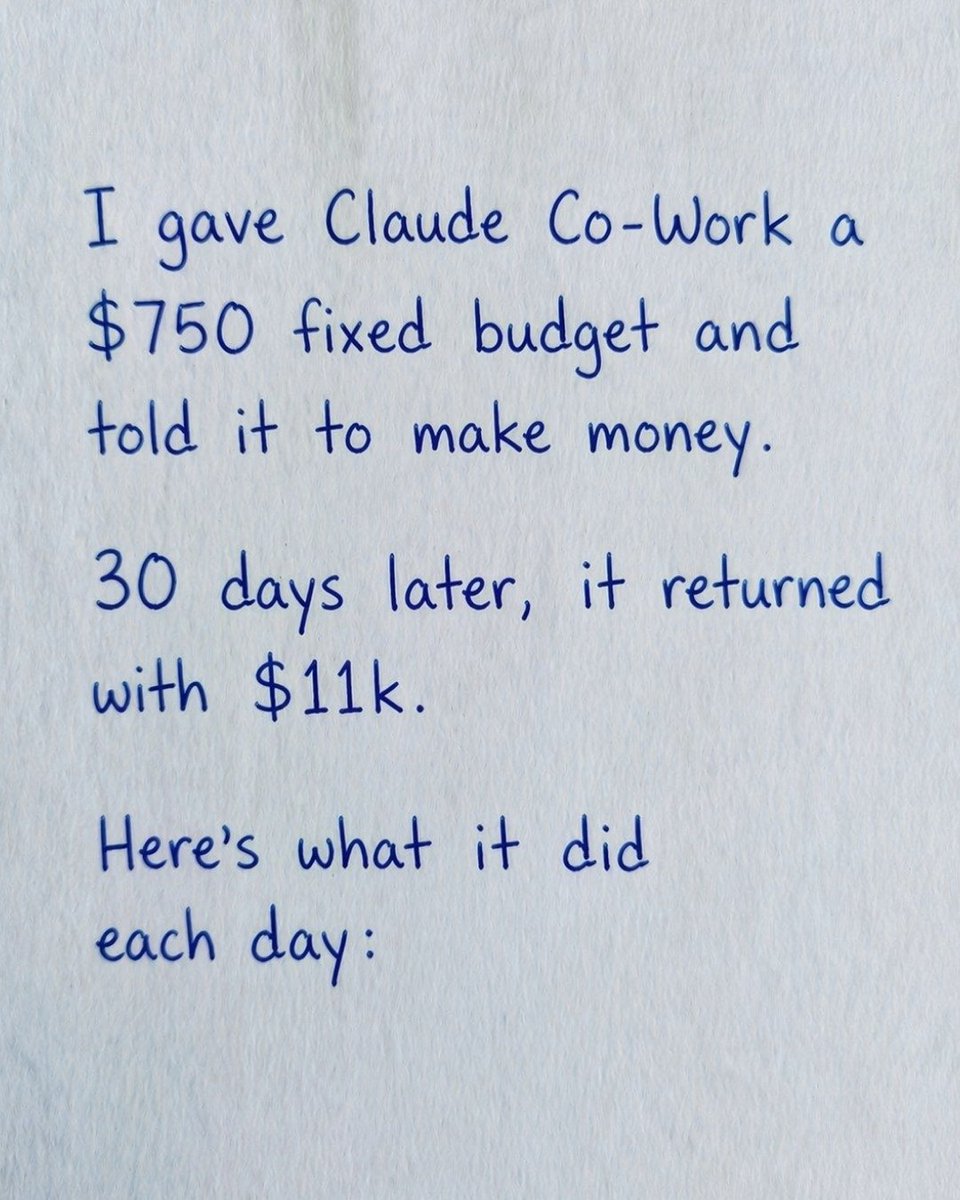
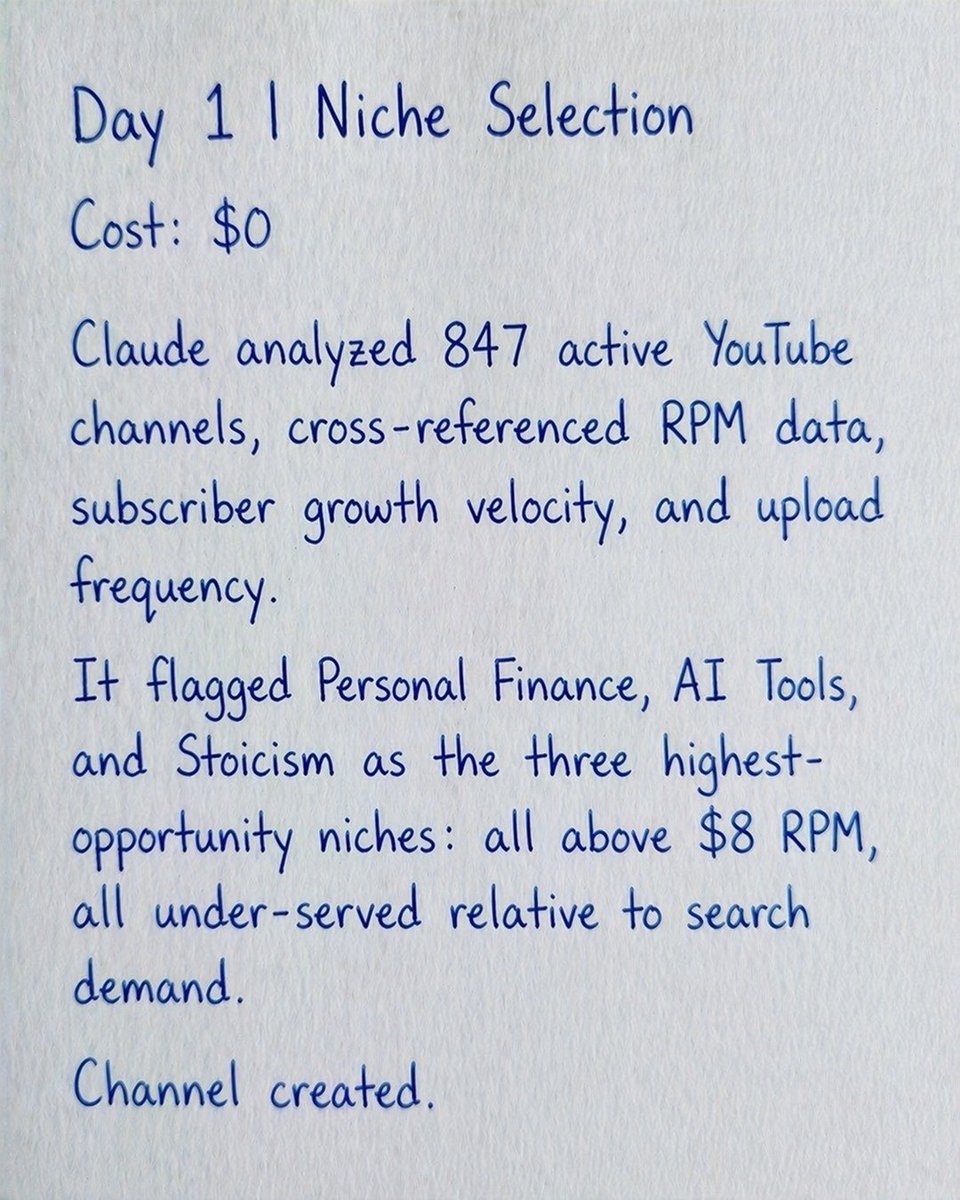
Most people use AI to write emails. I used it to build a bank account.
Budget: $750
Timeline: 30 Days
Result: $11,000 profit
I documented every single move it made so you can replicate the workflow.
The 30-day breakdown: ⚡️
May 2 • 8 tweets • 2 min read
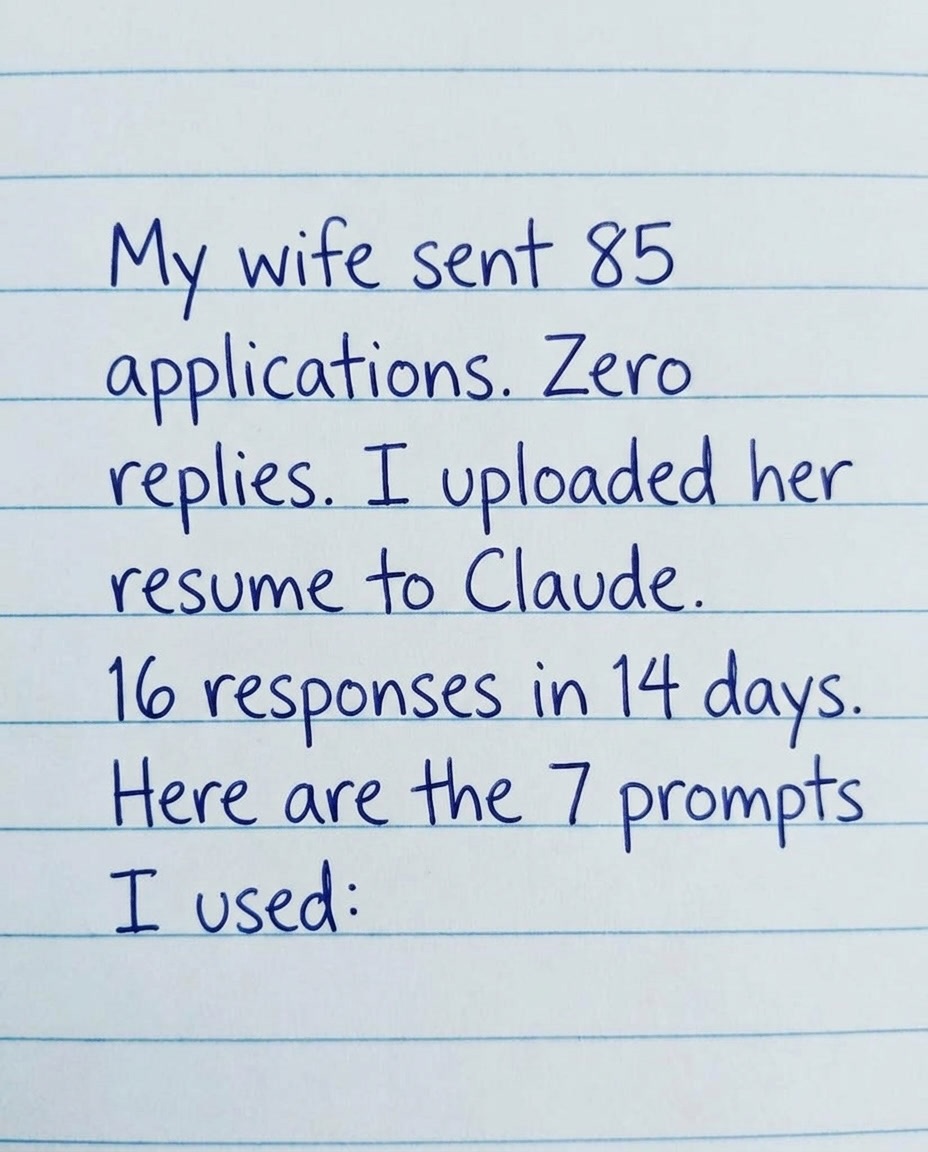
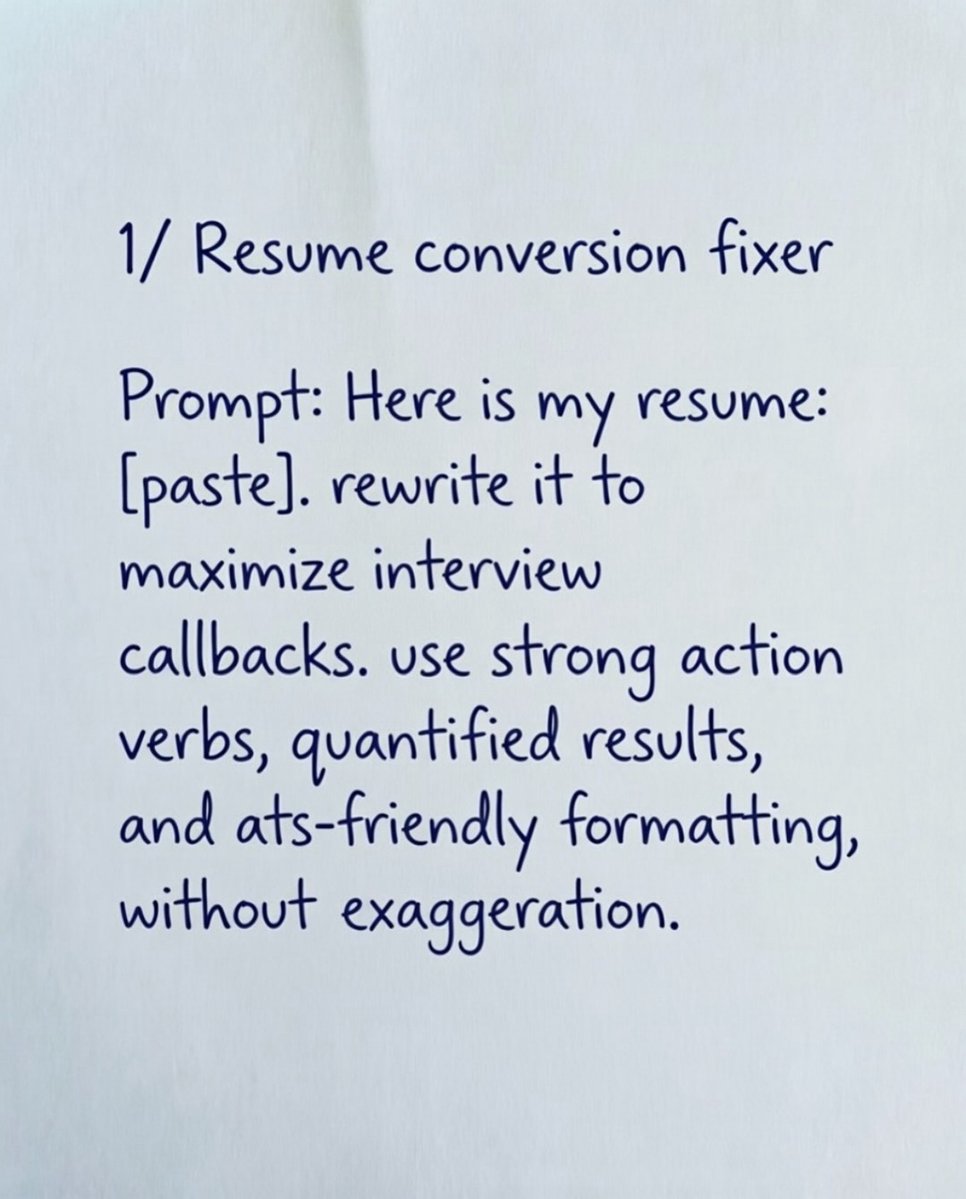
My wife sent 85 applications. Zero replies.
I uploaded her resume to Claude. 16 responses in 14 days.
Here are the 7 prompts I used:
Apr 30 • 4 tweets • 1 min read
Airlines are lying to you about ticket prices.
I found a flight for $1,190.
I used 7 AI prompts and paid only $141.
Same seat. Same day. $1,049 saved.
Here are the exact prompts I used (Save this before it’s taken down): 🧵
Apr 29 • 6 tweets • 2 min read
Delete 99.87% of your digital footprint from the internet.
Here is a step -by -step guide:
Apr 22 • 16 tweets • 2 min read
15 careers that will quietly dominate the next 10 years:
Al Systems Engineers
They design, train, deploy, and maintain Al infrastructure.
The world is moving from software → intelligent software.
Companies will pay heavily for builders who understand this shift.
Apr 20 • 5 tweets • 2 min read
Your iPhone has been stolen. The thief turned it off. Find My shows “Offline.”
Your data, your photos, your mobile banking—it’s all in his hands.
But if you’ve set up these three things beforehand, the thief is just holding an $880 piece of metal that can’t be touched.
First: Stolen Device Protection.
This is a new feature in iOS 17.3 and above. When it’s active, anyone who has your iPhone CANNOT change your Apple ID password, turn off Find My, or reset your phone without Face ID, even if they know your passcode.
Settings > Face ID & Passcode > Stolen Device Protection > Turn On.
If you haven’t turned this on yet, stop reading and do it now. This is the most powerful anti-theft feature Apple has ever created.