AI | AIpreneur | Mentor | Helping Entrepreneurs & Creators Scale With AI
Jun 29 • 8 tweets • 2 min read
ChatgGPT is building a file on you. You've never seen most of it.
Every conversation adds to it. It studies your patterns to profile your personality, habits, and situation. Even things you never said.
Here are 6 prompts to see the full file and erase what you didn't agree to: 👇
1/ Open the File
The length is what shocks people.
Paste to ChatGPT: "Go through every conversation we've had. Tell me everything you've figured out about me: personality, priorities, fears, habits, income range, where I likely live, what I'm probably dealing with right now. Use what I've said and what I've avoided. Be specific."
Jun 23 • 11 tweets • 3 min read
Stop writing your passwords on paper.
Stop saving passwords in your notes app.
Stop panicking when you log in on a new phone.
Google already built tools to help you stop doing that.
Most people just don’t use them.
Here is how Google helps you save, protect, and use your passwords safely. 👇
1. Google Password Manager
This saves your passwords in your Google Account.
So when you use Chrome or Android, your passwords can follow you to your new device.
How to use it:
- Open @googlechrome
- Go to Settings
- Tap Password Manager
- Turn on password saving
Jun 22 • 5 tweets • 2 min read
🚨BREAKING: Google just dropped “Google skills,”
A new platform where anyone can learn ai, coding, and tech from scratch with certificates.
- Learn through 700+ hands-on labs with real google cloud tools
- Earn google skill badges to show your expertise recruiters look for these
- Work toward certifications that rank among the highest paying in it
Jun 21 • 10 tweets • 3 min read
🚨BREAKING: Claude has a hidden mode called Infinite Personal Tutor. It teaches you any skill from zero in 4 hours.
Here is how to set it up + 5 prompts to try 👇
Getting started is simple:
Open Claude on the web or app start a conversation, and select Learning style.
Then, just ask a question or upload a document, and Claude takes over, guiding you through concepts with no setup, no plugins, and nothing complicated.
Jun 17 • 13 tweets • 5 min read
🚨 BREAKING: Google Gemini can now completely edit your videos for you so you can create polished content at lightning speed.
Here are 10 Gemini prompts to edit videos 10x faster: 👇
Step-by-Step Setup Guide 👇
Step 1: Open @GeminiApp.
Step 2: Sign in to your account.
Step 3: Check that video tools are available.
Step 4: Open the video tool.
Step 5: Upload your video.
Step 6: Choose your video size.
Step 7: Write your editing prompt.
Step 8: Generate the edited video.
Step 9: Review the result.
Step 10: Ask Gemini to fix anything wrong.
Jun 14 • 10 tweets • 3 min read
Your Gmail says 15GB out of 15.
Google is betting you'll just pay $1.99 a month.
That 15GB is shared across Gmail, Drive, and Photos. It's stuffed with junk you never cleared. Google built a free tool that fixes it in minutes but never told you about it. Do not pay.
Do these 8 steps first: 👇
1/ Turn Off Photo Sync FIRST
Do this before you delete anything or you will lose photos from your phone.
Open Google Photos → tap your profile picture → Photos Settings → Backup → turn off Backup.
When sync is on and you delete a photo from Google Photos, it deletes from your phone too. Turn backup off first. Now you can safely delete photos from Google Photos to free storage without losing a single photo from your device.
Jun 9 • 9 tweets • 2 min read
🚨BREAKING: Claude has a feature called ADHD Executive Function Mode.
You can use it to hack your brain’s dopamine and finish a week’s worth of work in 4 hours.
Here are 7 prompts to access it: 👇
1. The Task Paralysis Shatterer
Prompt: "I am staring at [Task] and can't start. Break this down into 'Ridiculously Small' steps that take less than 1 minute each. Give me the first step and tell me exactly where to put my hands to begin."
Jun 8 • 12 tweets • 6 min read
Learning Claude now is like buying Bitcoin in 2011.
Most people will realize it way too late.
Here are 10 Free courses to master the entire Claude Ecosystem in one week 👇
1. Claude Code in Action
Accelerate development workflows using Claude Code
🚨BREAKING: NotebooKLM + Gemini is literally a Cheatcode for exploding on YouTube.
Here are 6 ways + Prompts to reverse engineer any successful YouTube channel
(step by step guide) 👇
First, Connect NotebookLM to Gemini
Here is how 👇
- Open @GeminiApp
- From the drop down menu, select NotebookLM
- Choose the Notebook (Up to 50 YT links)
- Paste the prompts below 👇
May 26 • 13 tweets • 5 min read
🚨 BREAKING: Google Gemini can now completely edit your videos for you so you can create polished content at lightning speed.
Here are 10 Gemini prompts to edit videos 10x faster: 👇
Step-by-Step Setup Guide 👇
Step 1: Open @GeminiApp.
Step 2: Sign in to your account.
Step 3: Check that video tools are available.
Step 4: Open the video tool.
Step 5: Upload your video.
Step 6: Choose your video size.
Step 7: Write your editing prompt.
Step 8: Generate the edited video.
Step 9: Review the result.
Step 10: Ask Gemini to fix anything wrong.
May 22 • 12 tweets • 3 min read
🚨BREAKING: Claude can now completely rewire your brain so you can learn anything at lightning speed.
Here are 7 prompts to learn anything 10x faster: 👇
Before prompting Claude, we uploaded 3 files 👇
1. learning_profile. md
Contains the raw truth about the person learning:
- Current knowledge level
- Subjects they already understand
- Subjects they struggle with
- Preferred learning style
- Attention span and study habits
- Available time per day or week
- Past learning attempts
- Tools they already use
- Weaknesses, blockers, and bad habits
- Examples of explanations that helped them before
Purpose: give Claude a clear picture of the learner before it creates advice or study prompts.
Without this, Claude gives generic learning advice.
May 17 • 7 tweets • 2 min read
🚨BREAKING: PEOPLE CAN TELL YOU'RE USING CHATGPT & CLAUDE
The structure, the tone, the polish. It all gives it away.
5 prompts that fix it: 👇
1. The Real Person Rewrite
"You are an editor with a sharp eye for writing that reads as constructed, not spoken. Rewrite this the way someone who actually lived it would say it: a little rougher, more direct. Cut anything that feels rehearsed, overbuilt, or written to sound impressive. Text: [paste]."
May 16 • 10 tweets • 3 min read
🚨 BREAKING: Claude has a feature called ADHD Executive Function Mode.
You can use it to hack your brain’s dopamine and finish a week’s worth of work in 4 hours.
Here are 7 prompts to access it: 👇
1. The Task Paralysis Shatterer
Prompt: "I am staring at [Task] and can't start. Break this down into 'Ridiculously Small' steps that take less than 1 minute each. Give me the first step and tell me exactly where to put my hands to begin."
May 11 • 10 tweets • 5 min read
🚨 BREAKING: Claude can now turn any skill you have into a digital product.
Here are 7 prompts to package your knowledge and sell it: 👇
Before you paste any of these prompts into Claude, upload 3 files first:
1. Anti-Writing dot md
This file should tell Claude how not to write.
Include things like:
* Words and phrases to avoid
* Writing style you hate
* Phrases that sound too AI-generated
* Tone you do not want
* Examples of bad writing
* Rules Claude must follow when writing for you
2. About-You dot md
This file should tell Claude who you are.
Include:
* Your name
* What you do
* Your skills
* Your experience
* Your audience
* Your goals
* Your values
* Your personal story
* Your tone of voice
3. Business dot md
This file should tell Claude about your business.
Include:
* What your business does
* Who you help
* The problem you solve
* Your offer
* Your pricing
* Your products or services
* Your brand voice
* Your target customer
* Your competitors
* Your unique angle
Apr 25 • 18 tweets • 5 min read
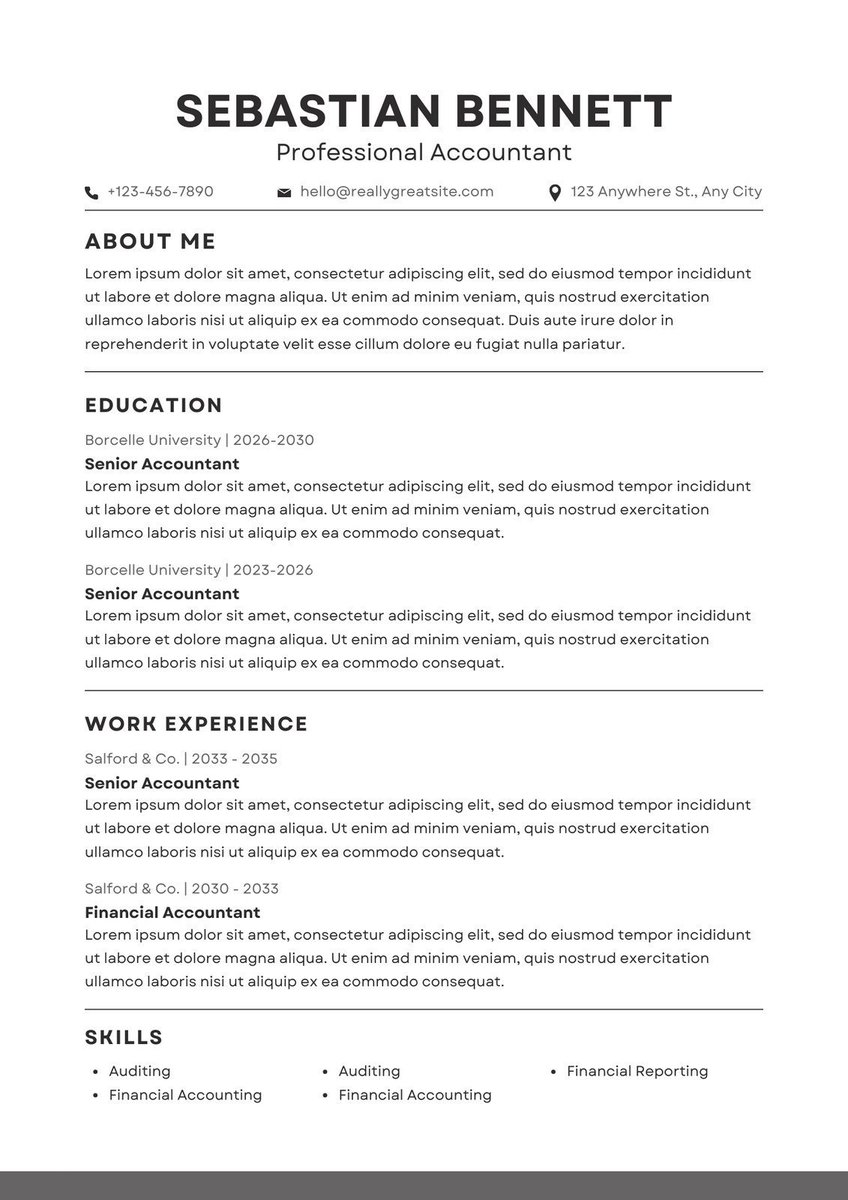
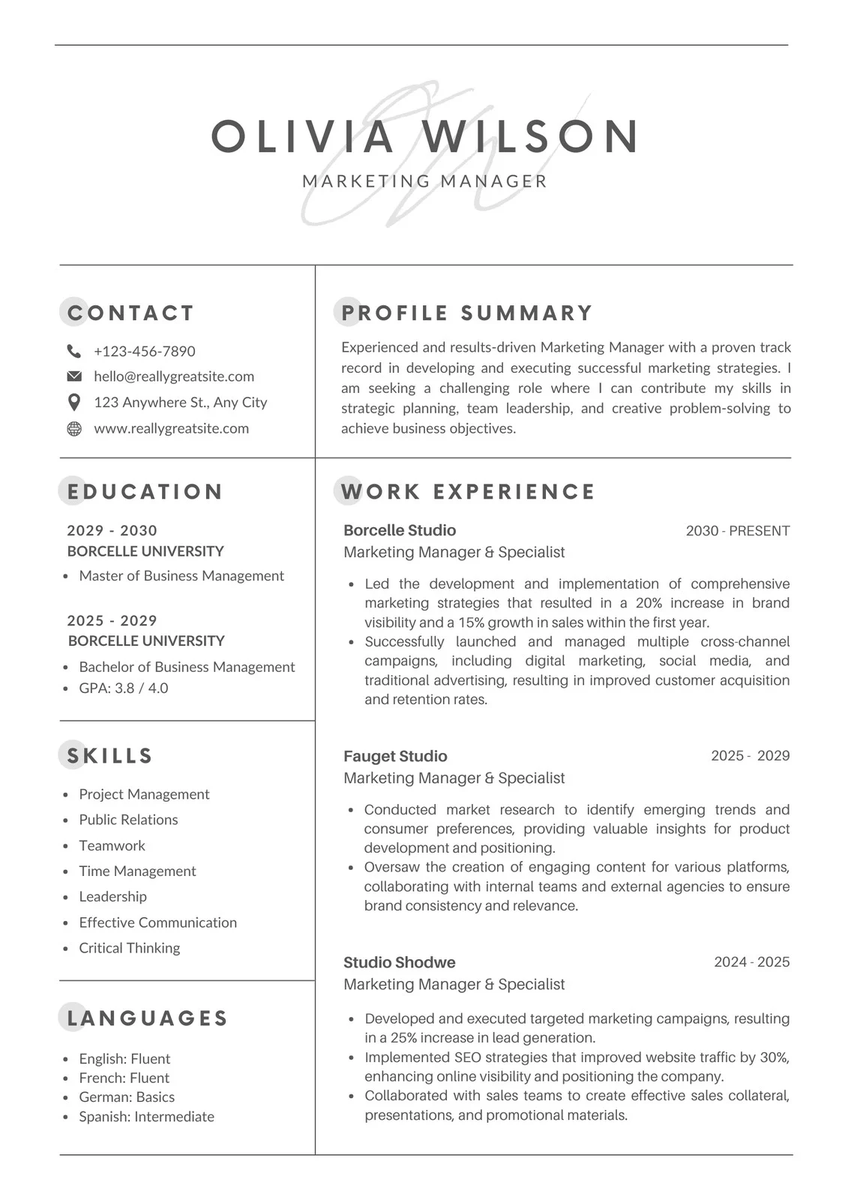
🚨BREAKING: ChatGPT 5.5 can now write your entire job application like a top recruiter.
Here are 15 prompts that turn a job description into a tailored CV, cover letter, and interview prep guide in under 2 minutes (Save this) 1. The "Salary Negotiation Script" Prompt
"Act as a senior career coach. I've received an offer of {salary} for {role}. Based on market rates and my experience: {summary}, write me a negotiation script that's confident, professional, and positions me to counter at {target salary} without risking the offer."
Most people leave $10K–$30K on the table. This closes that gap.
Apr 14 • 10 tweets • 4 min read
🚨BREAKING: NotebooKLM + Gemini is literally a Cheatcode for exploding on YouTube.
Here are 6 ways + Prompts to reverse engineer any successful YouTube channel
(step by step guide) 👇
First, Connect NotebookLM to Gemini
Here is how 👇
- Open @GeminiApp
- From the drop down menu, select NotebookLM
- Choose the Notebook (Up to 50 YT links)
- Paste the prompts below 👇
Apr 4 • 12 tweets • 5 min read
Don’t upgrade your Claude plan yet.
Don’t upgrade your Claude plan yet.
Don’t upgrade your Claude plan yet.
Anthropic is counting on you hitting the limit before you ever fix the way you use it even with a Max plan
Most people think they need more usage.
A few small changes can make your account last far longer, often the same day.
DO THESE 10 THINGS NOW👇
1. Edit your prompt. Don't send a follow-up
When @claudeai doesn't get your thoughts right, you might feel tempted to send:
"No, I meant [your message]"
"Ugh, that's not what I wanted [your message]"
Don't do that!
Every subsequent message is added to the conversation history. Claude re-reads ALL of it every turn - burning tokens on context that didn't even help.
Token cost per message = all previous messages + your new one.
Total = S × N(N+1) / 2 (S = avg tokens per exchange, N = message count)
🚨BREAKING: Claude has a feature called ‘Learning Mode’
You can use it to learn literally anything, step by step, like a personal tutor.
Here’s how to access it. 👇
Getting started is simple:
Open Claude on the web or app start a conversation, and select Learning style.
Then, just ask a question or upload a document, and Claude takes over, guiding you through concepts with no setup, no plugins, and nothing complicated.
Mar 13 • 8 tweets • 3 min read
🚨BREAKING: Goodbye Canva
Google’s new tool Pomelli is impressive.
It functions like a full marketing department in one dashboard.
- Creates Photoshoots from any photo
- Learns your brand’s tone
- Generates complete social campaigns in seconds
And the best part, it is completely FREE
Here’s what it can do and how to use it. 👇
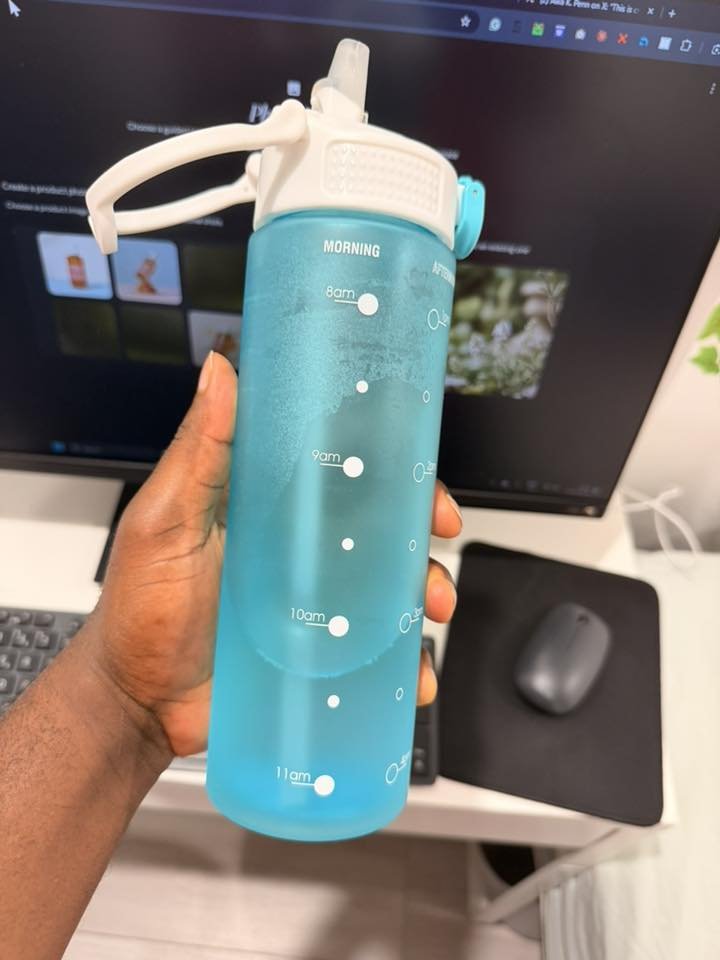
Go to
- Click on let’s get started
- Click on Photoshoot
- Upload any product image
- Select aspect Ratio then generate labs.google.com/pomelli/about/


 1. The "Salary Negotiation Script" Prompt