Boris Cherny Profile picture
Claude Code @anthropicai
40 subscribers
Feb 28 4 tweets 1 min read
In the next version of Claude Code..

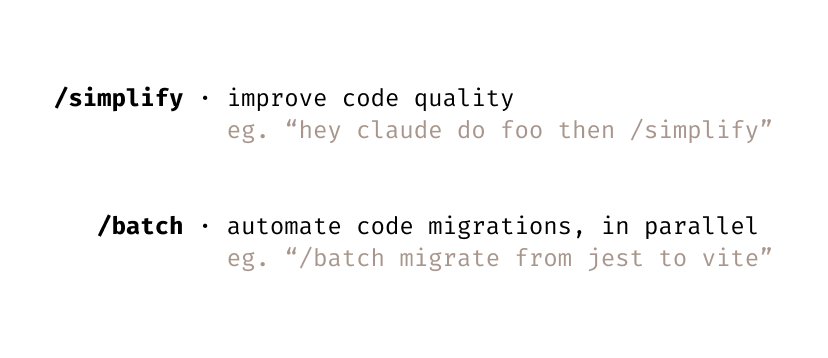
We're introducing two new Skills: /simplify and /batch. I have been using both daily, and am excited to share them with everyone.

Combined, these kills automate much of the work it used to take to (1) shepherd a pull request to production and (2) perform straightforward, parallelizable code migrations.Image /simplify

Use parallel agents to improve code quality, tune code efficiency, and ensure CLAUDE.md compliance.

Usage: "hey claude make this code change then run /simplify"
Feb 21 7 tweets 3 min read
Introducing: built-in git worktree support for Claude Code

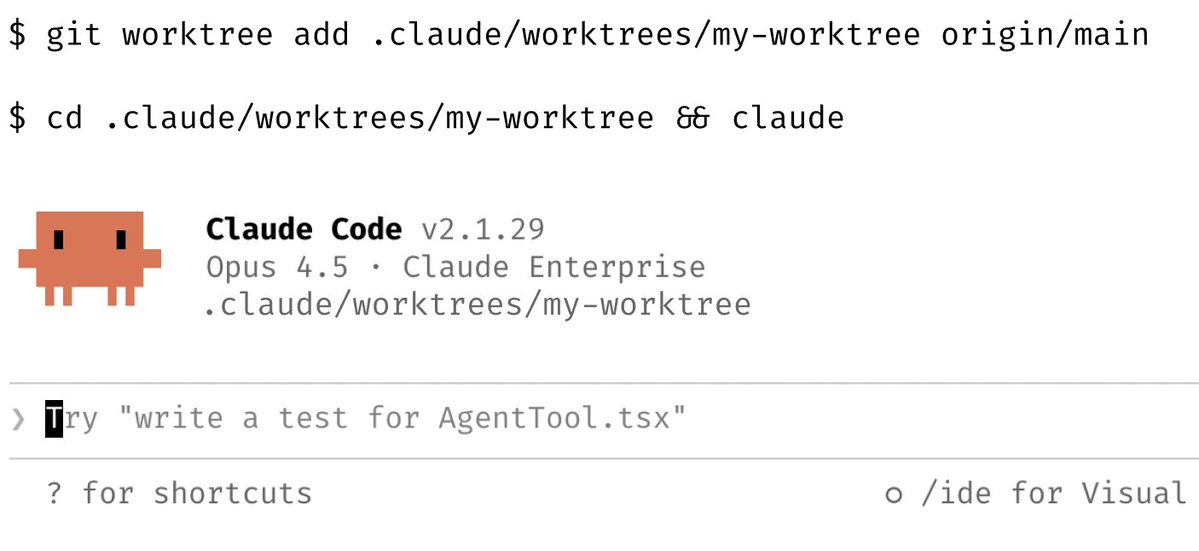
Now, agents can run in parallel without interfering with one other. Each agent gets its own worktree and can work independently.

The Claude Code Desktop app has had built-in support for worktrees for a while, and now we're bringing it to CLI too.

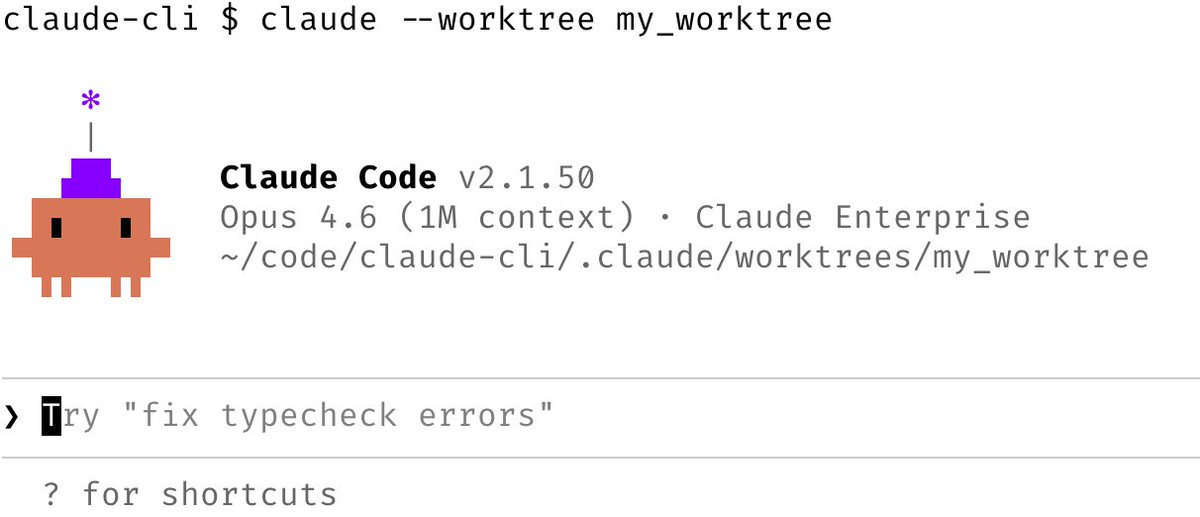
Learn more about worktrees: git-scm.com/docs/git-workt…Image 1/ Use claude --worktree for isolation
To run Claude Code in its own git worktree, just start it with the --worktree option. You can also name your worktree, or have Claude name it for you.

Use this to run multiple parallel Claude Code sessions in the same git repo, without the code edits clobbering each other.

You can also pass the --tmux flag to launch Claude in its own Tmux session.Image
Feb 11 13 tweets 7 min read
Reflecting on what engineers love about Claude Code, one thing that jumps out is its customizability: hooks, plugins, LSPs, MCPs, skills, effort, custom agents, status lines, output styles, etc.

Every engineer uses their tools differently. We built Claude Code from the ground up to not just have great defaults, but to also be incredibly customizable. This is a reason why developers fall in love with the product, and why Claude Code's growth continues to accelerate.

I wanted to share a few ways we're seeing people and teams customize their Claudes. 1/ Configure your terminal

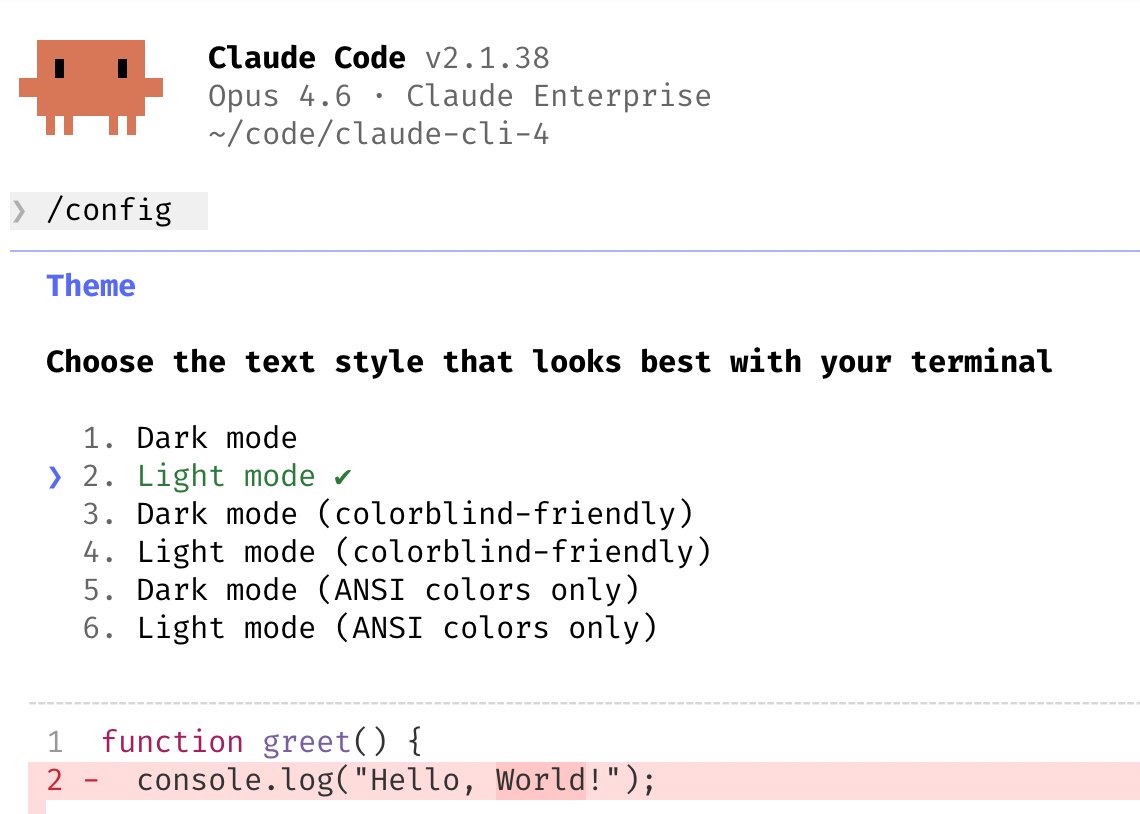
- Theme: Run /config to set light/dark mode
- Notifs: Enable notifications for iTerm2, or use a custom notifs hook
- Newlines: If you use Claude Code in an IDE terminal, Apple Terminal, Warp, or Alacritty, run /terminal-setup to enable shift+enter for newlines (so you don't need to type \)
- Vim mode: run /vim

code.claude.com/docs/en/termin…Image
Jan 31 12 tweets 6 min read
I'm Boris and I created Claude Code. I wanted to quickly share a few tips for using Claude Code, sourced directly from the Claude Code team. The way the team uses Claude is different than how I use it. Remember: there is no one right way to use Claude Code -- everyones' setup is different. You should experiment to see what works for you! 1. Do more in parallel

Spin up 3–5 git worktrees at once, each running its own Claude session in parallel. It's the single biggest productivity unlock, and the top tip from the team. Personally, I use multiple git checkouts, but most of the Claude Code team prefers worktrees -- it's the reason @amorriscode built native support for them into the Claude Desktop app!

Some people also name their worktrees and set up shell aliases (za, zb, zc) so they can hop between them in one keystroke. Others have a dedicated "analysis" worktree that's only for reading logs and running BigQuery

See code.claude.com/docs/en/common…Image
Jan 13 4 tweets 2 min read
It's late 2024, a few days after I launched the first version of Claude Code (then called Claude CLI) to team dogfooding. I walked into the office and saw my coworker Robert with a terminal up on his computer, Claude CLI running and a red/green diff view on screen.

I was surprised. This was back in the Sonnet 3.5 days, before the model was good at agentic coding. I had just given it a FileEdit tool the day before. Claude CLI was a prototype that I thought it wasn't useful for anything yet. But Robert was already starting to use it to write code & use git for him. I was still using the CLI as a note taker mostly, but I also started making it my go-to tool for using git as a result. A couple months later, many engineers & researchers at Anthropic were using Claude daily. There was one day I remember walking into the office and saw a Claude Code terminal up on our data scientist's computer monitor! I asked if he was trying out Claude Code, and was shocked to learn that he was using it to do his work, to write and run SQL queries for an analysis, and to make little ascii plots in the terminal and using matplotlib.

We built Claude Code for engineers, and here was a data scientist using it to do his work too. The next week, the entire row of data scientists had Claude Code up on their screens.
Jan 2 15 tweets 8 min read
I'm Boris and I created Claude Code. Lots of people have asked how I use Claude Code, so I wanted to show off my setup a bit.

My setup might be surprisingly vanilla! Claude Code works great out of the box, so I personally don't customize it much. There is no one correct way to use Claude Code: we intentionally build it in a way that you can use it, customize it, and hack it however you like. Each person on the Claude Code team uses it very differently.

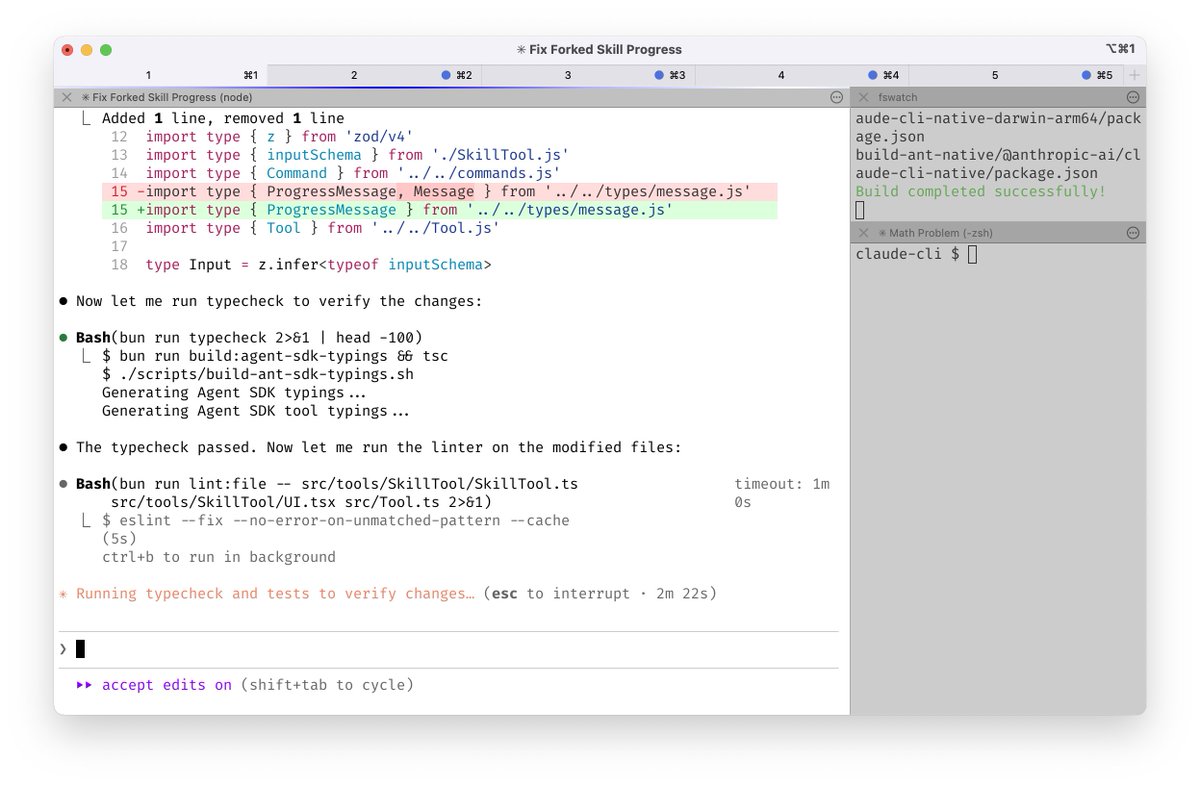
So, here goes. 1/ I run 5 Claudes in parallel in my terminal. I number my tabs 1-5, and use system notifications to know when a Claude needs input code.claude.com/docs/en/termin…Image