damien Profile picture
Designing software with AI, Co-founder at https://t.co/6KamDQi4Ck Build an app ↓
Jan 14 9 tweets 3 min read
Here's everything I know about building with Lovable

Scroll below Image @Lovable 1/ How to Prompt

This is a curated document that includes prompt strategies and examples for everything from Interactions, UI Components, Integrations, Workflows, and more.

damiens-prompt-directory.lovable.app
Dec 26, 2025 20 tweets 4 min read
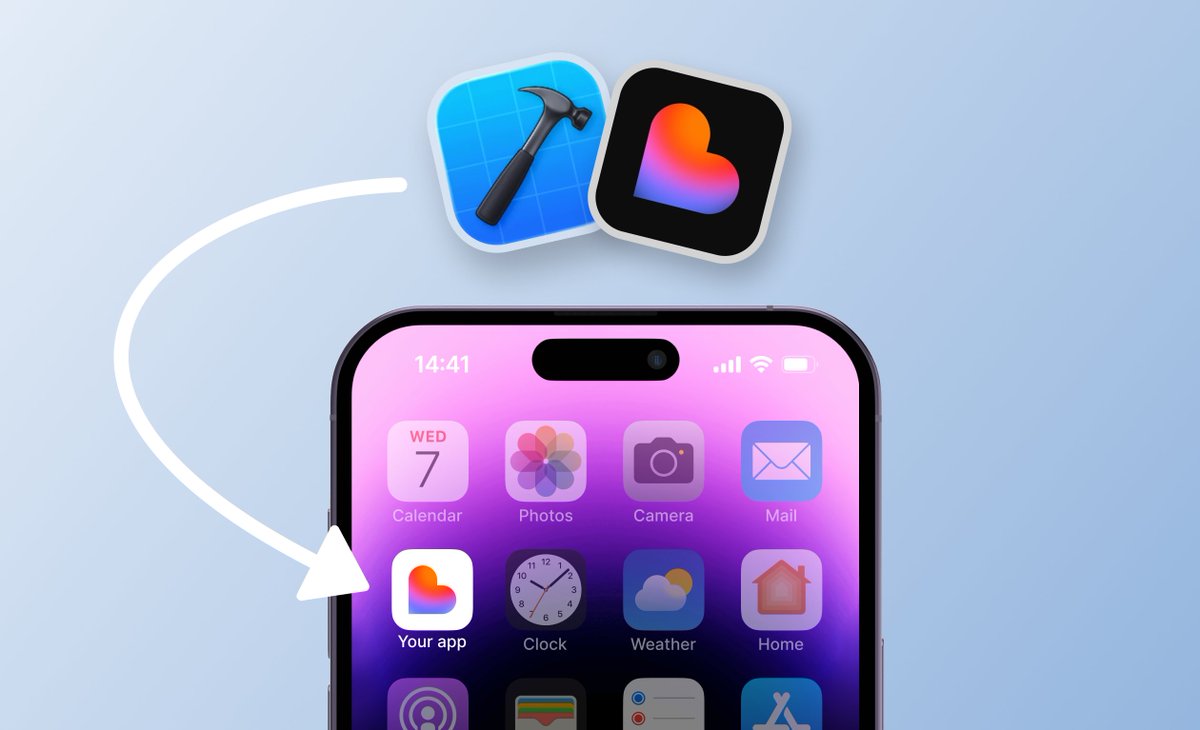
Testing Lovable apps on iPhone is a MUST.

Optimize your mobile experience using @Xcode.

( Step-by-step ) ↓ Image What you need (nothing fancy)

• A Mac
• An iPhone
• A finished Lovable app
• A GitHub account
• About 1 hour for a first timer

That’s it.
Nov 5, 2025 9 tweets 3 min read
𝗣𝗿𝗼𝗺𝗽𝘁 𝗵𝗮𝗰𝗸𝘀 𝗳𝗼𝗿 𝗯𝗲𝗮𝘂𝘁𝗶𝗳𝘂𝗹 𝗨𝗜.

From a designer with 100+ @Lovable projects.

( Steps + prompts ↓) Image 𝟭/ 𝗨𝗻𝗶𝗳𝘆 𝘆𝗼𝘂𝗿 𝘀𝗽𝗮𝗰𝗶𝗻𝗴 𝘀𝘆𝘀𝘁𝗲𝗺

Most Lovable apps look “AI” because spacing is random.

Pick a grid (8px system is best).

Your whole app snaps into visual rhythm instantly. Image
Oct 3, 2025 12 tweets 3 min read
Turn your Lovable app → Native (App Store–ready).

Follow this exact process.

(Prompts + Step-by-step ↓) Image 1/ — Some solid tools:

React Native (Expo) — fastest, best DX, easy OTA updates.

Capacitor — web app wrapped in native shell; great for content apps.

Despia — your Lovable app can be exported cleanly into a React Native codebase.

SwiftUI — full native, longest path, best perf/custom APIs.
Most Lovable builds → Expo RN wins for speed.
Sep 16, 2025 6 tweets 2 min read
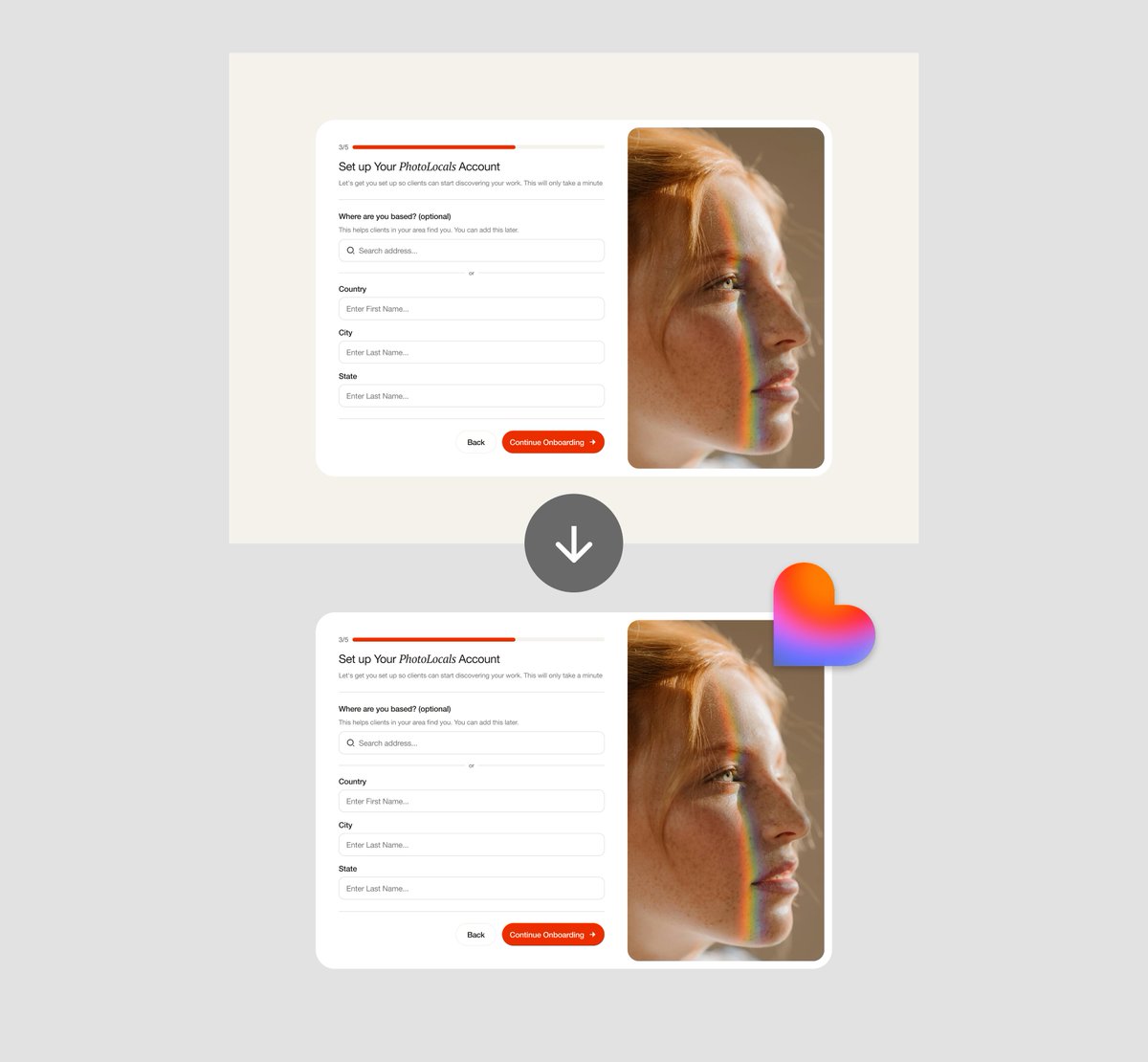
Get Figma → Lovable pixel-perfect.

Here’s how to hit true 1:1 fidelity with AI.

(Examples + prompts ↓) Image Start with core building blocks.

Don’t drop full pages.

Break down your Figma into reusable elements:
• Buttons
• Cards
• Inputs
• Modals

Dial in these first → they will scale cleanly across layouts. Image
Sep 2, 2025 6 tweets 2 min read
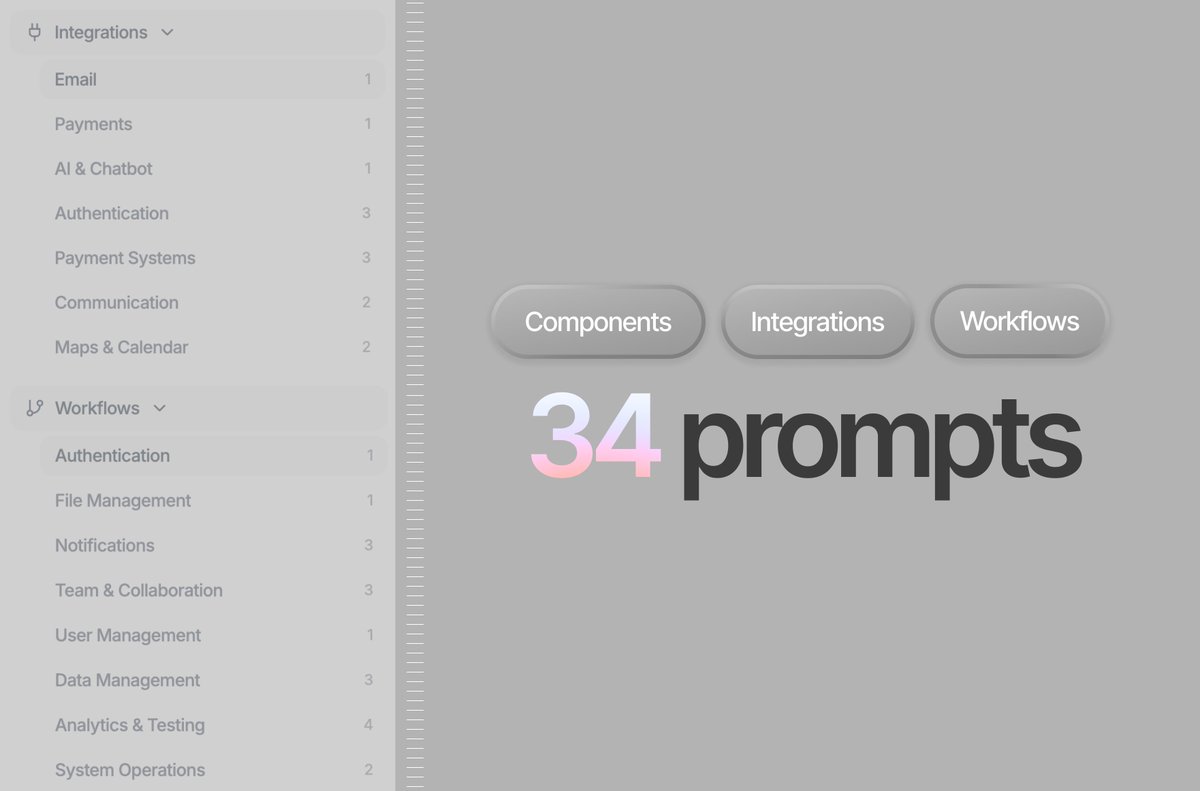
34 of the most important prompts you need to build apps with @lovable_dev.

From Auth → Stripe → AI Chatbots.

(Prompts + full library linked below) ↓ Image 1/ Authentication Flow

Add authentication with Supabase to your Lovable app with the following prompt.

"Add authentication with Supabase to my Lovable app.

Requirements:
– Frontend: login + signup + forgot password pages (minimal, Inter –6, greys + blues).
– Backend: Supabase Auth (email + password).
– Add protected route `/dashboard` visible only when logged in.
– Store user profiles in `profiles (id, email, role, created_at)`.
– Show error + success states with clean UI micro-animations.
– Output: working auth flow integrated with Supabase, styled premium, responsive."
Aug 12, 2025 6 tweets 1 min read
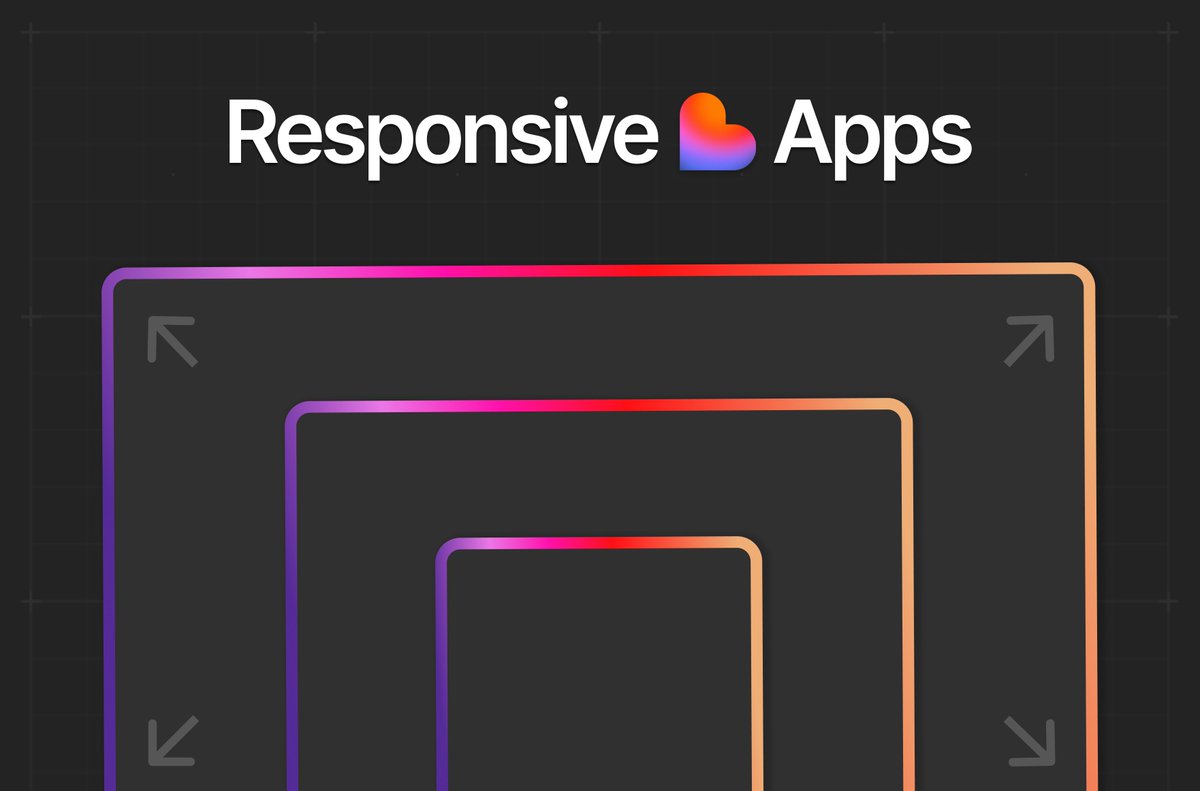
Pixel Perfect Responsive Apps w/ @lovable_dev.

(How-to + Prompts ↓) Image 1/ Why breakpoints matter (especially with AI tools)

Most AI tools generate one screen by default — often desktop.

Without clear breakpoint rules:
→ Buttons overlap
→ Text breaks
→ UX dies on mobile

Set your breakpoints before prompting your UI.

This will save you a lot of time.
Jul 2, 2025 7 tweets 3 min read
Create custom components w/ @lovable_dev.

Process + Result Prompt in thread 🧵 Image 1/ Let's break down the process into 6 steps.

👇#6 for the full ready-to-use prompt.
Jun 17, 2025 7 tweets 2 min read
Custom design systems in @lovable_dev.

How-to + Prompt playbook in thread 🧵 Image 1. Don’t prompt full pages. Design systems start with components.

Start small: buttons, cards, modals.

Attach Figma screenshots of these components—not full pages.

Focus on the structure, spacing, and vibe. Image
Jun 2, 2025 8 tweets 3 min read
AI Prompt Hacks pt.2

Beautiful website design w/ @lovable_dev

A step-by-step guide 🧵 Image 1. Use Real Brand References

Hack: Reference popular design aesthetics

Here is an example of using a prompt as simple as “Apple-style UI” for a sleek onboarding
May 30, 2025 7 tweets 3 min read
How-to easily use @hiunicornstudio animations

For your @lovable_dev projects

Step-by-step in 🧵 Image 1/ First off, choose your template at

I chose "Raycast" 🔴unicorn.studio
May 26, 2025 5 tweets 3 min read
How-to create Nike-style UI

with @lovable_dev

Steps + Prompts in thread 🧵 1/ Starting Prompt

"Design a modern, Nike-branded landing page for a new high-performance foam running shoe called “The Pod.” The page should follow Nike’s iconic visual style: bold, minimal, futuristic, and athletic.

Key Elements to Include: Nike branding throughout: Use the Nike logo in top-left, Nike font (Futura Condensed Extra Bold or similar), bold typography, black/white theme with strong accent colors (Volt green, red, or metallic silver).

Ultra futuristic pill style/ toggle navigation bar.

Hero Section: Centred Header, Sub heading and CTA's. Full-width product shot in background of The Pod shoe.
(Image attached).

Add dynamic headline like: “Meet The Pod: Bounce Beyond Limits.” Subtext: "Next-gen foam. Infinite momentum."

Athlete Quote/Testimonial Section: Add a bold quote from an athlete (can be fictional placeholder): “It doesn’t feel like running. It feels like flying.”

Below that have a Nike-style shoe order, size selector, customization and add-to-cart component. Transform this section to a world class product showcase and checkout section with sizes, colors and product details.

Use blue/teal accent colors throughout the site. Testimonial & Show customization sections should be primarily light mode while the hero section will have more of a dark mode theme."
May 5, 2025 10 tweets 2 min read
How-to 10x your UI with @boltdotnew

A step by step guide 🧵 Image 1/ Use Real Brand Inputs

Hack: Start with a real product name, value prop, or user scenario in your prompt.

Example: "Design a pricing card for a startup called Nova AI, with clean icons, three tiers, and modern fonts."

This gives Bolt context for tone, spacing, and visual structure.
Apr 27, 2025 8 tweets 2 min read
How-to Prompt AI for beautiful design

A step by step guide 🧵 Image Lets separate the general prompt structure into
5 steps👇

1) High-level description
2) Look & Feel (buzzwords)
3) Brand (colors, font)
4) UI Library
5) Page/Component Details
Apr 18, 2025 6 tweets 2 min read
4 AI's. One prompt.

Who did it best?

Prompt and results in thread 🧵 Image Prompt:
Build a sleek, modern "create account" onboarding flow. With the following pages as separate steps: Name and Email, Business Name and Description, Business type (Marketing Agency , Software Developer, Graphic Designer), Address (Include map), Business Size, Choose a username and set password.

For the visual ui follow the following details: A cosmic dark blue to black gradient background with subtle star elements.

Clean, minimalist typography with large bold headlines A professional navigation bar.

Elegant spacing and layout.

A circular badge/emblem design For an agency website.

A gradient background similar to the cosmic effect> shown.

Modern, professional typography with impactful headlines.

Responsive navigation that works on all devices Clear sections showcasing services and value proposition The same overall aesthetic and brand positioning.

With color palette of deep blues, blacks, whites, and subtle accents.