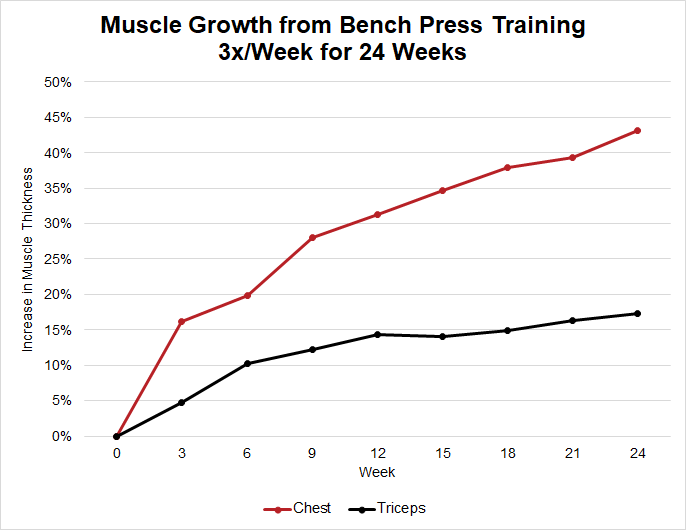
Lifting heavier weights or doing more reps than last workout is the basis for getting bigger and stronger. 📈
Here are four ways to do that using the StrengthLog app 👇
Here are four ways to do that using the StrengthLog app 👇
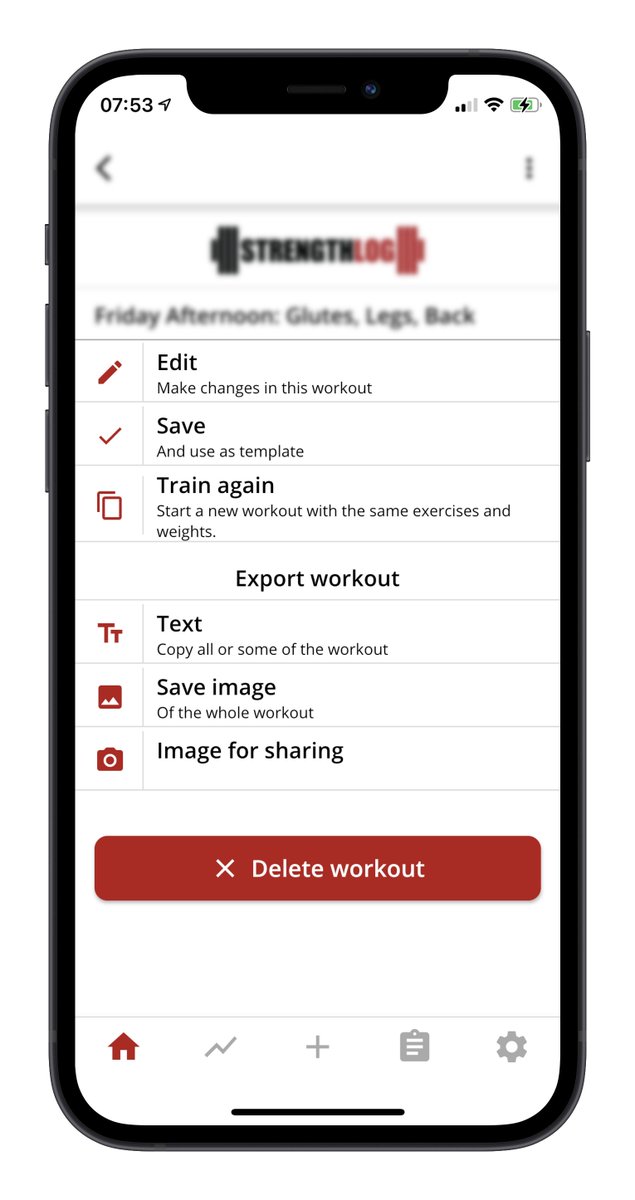
1. The training log
- Go to the training log,
- Scroll down and select the last similar workout
- Hit "Train again"
- Choose if you want to train an identical workout, or modify weight/reps
- Go to the training log,
- Scroll down and select the last similar workout
- Hit "Train again"
- Choose if you want to train an identical workout, or modify weight/reps

2. The exercise history
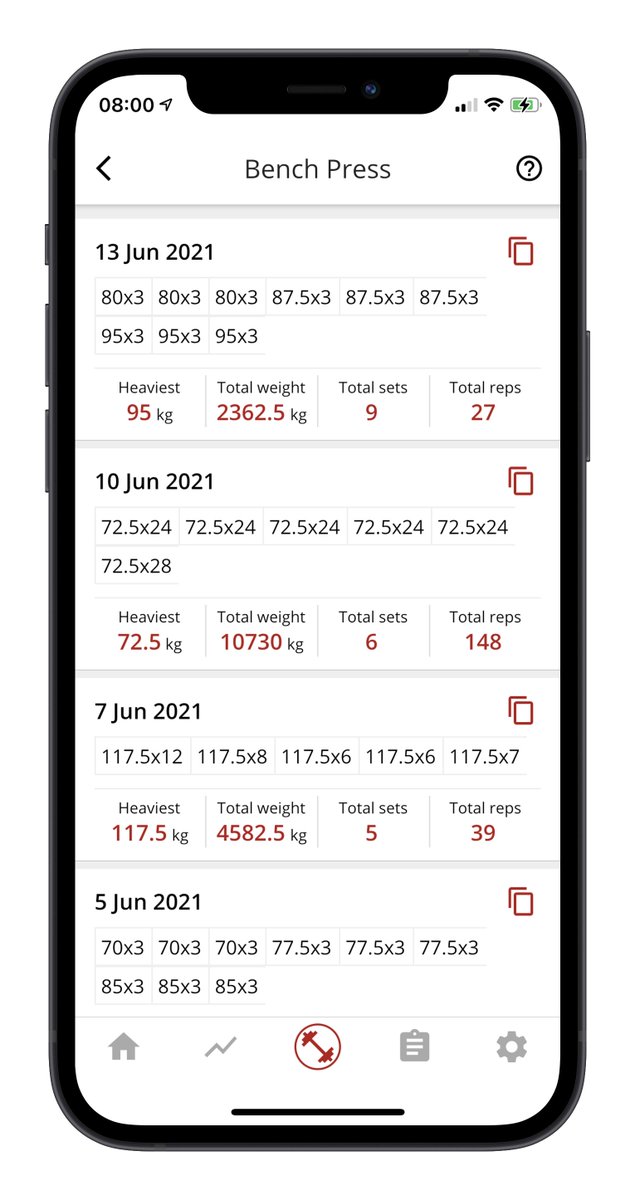
Want to see previous workouts for a specific exercise?
- Start a new workout
- Add an exercise
- Tap the “…” to the right of the exercise name
- Tap History
Here, you will see all previous workouts with that exercise.
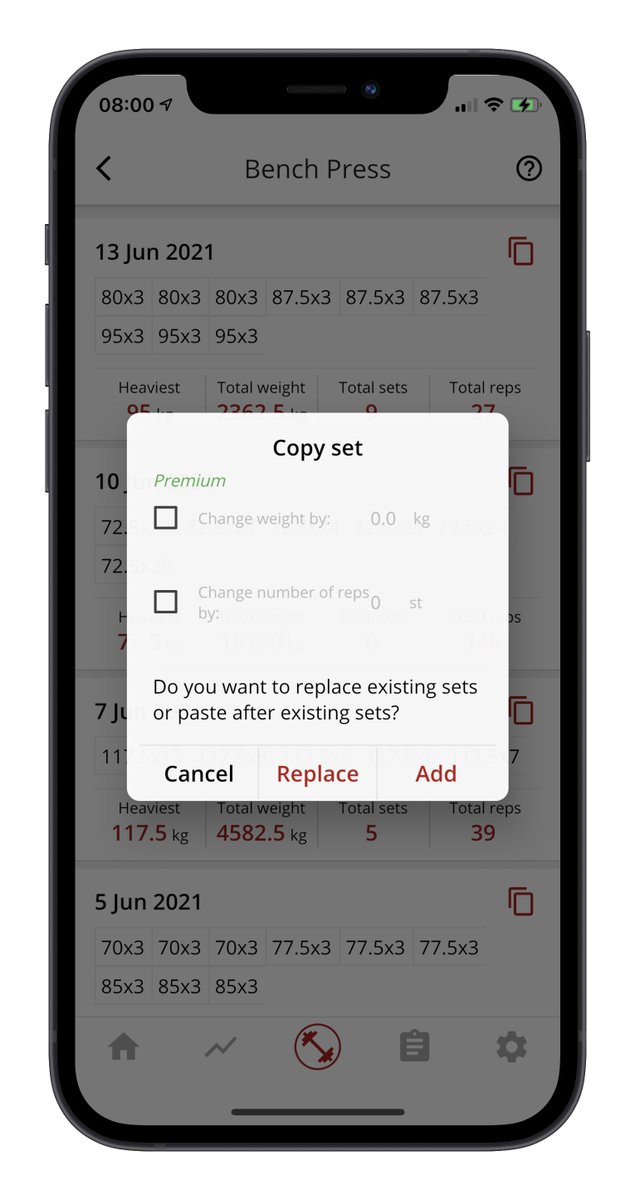
Again: copy or modify!
Want to see previous workouts for a specific exercise?
- Start a new workout
- Add an exercise
- Tap the “…” to the right of the exercise name
- Tap History
Here, you will see all previous workouts with that exercise.
Again: copy or modify!
3. Break your PR's!
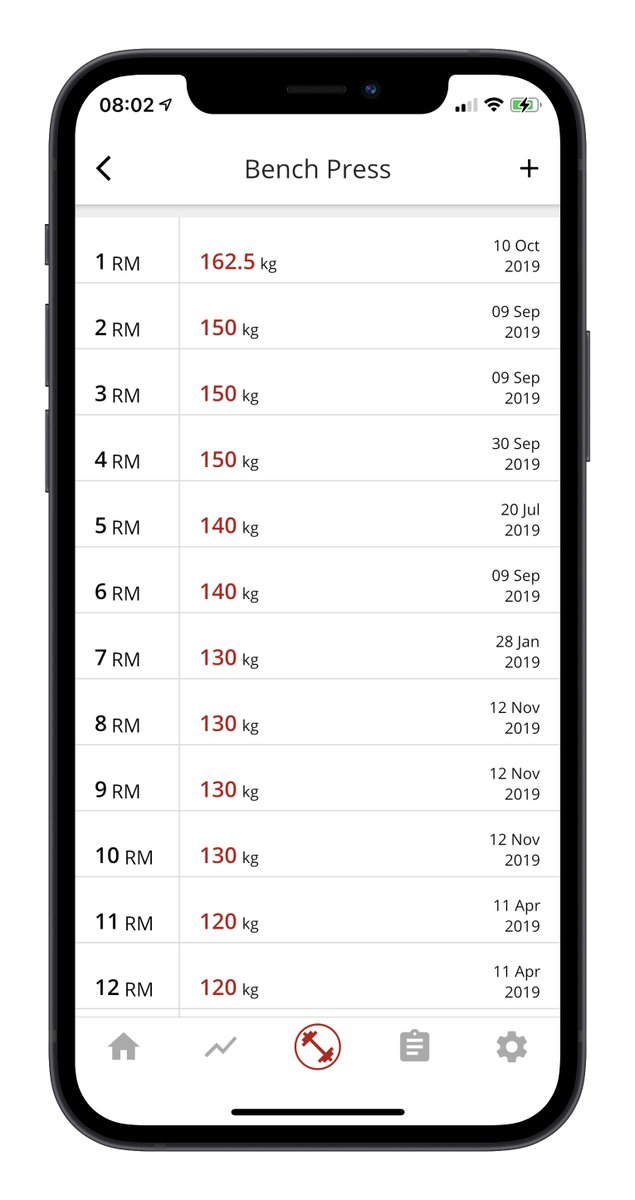
StrengthLog keeps track of your 1RM, 2RM, 3RM, 10RM, 20RM, etc.
When working out, tap the “…” next to the exercise name and then tap Records.
Regularly beat these and you are getting stronger.
StrengthLog keeps track of your 1RM, 2RM, 3RM, 10RM, 20RM, etc.
When working out, tap the “…” next to the exercise name and then tap Records.
Regularly beat these and you are getting stronger.
4. Prefill last workouts weight automatically
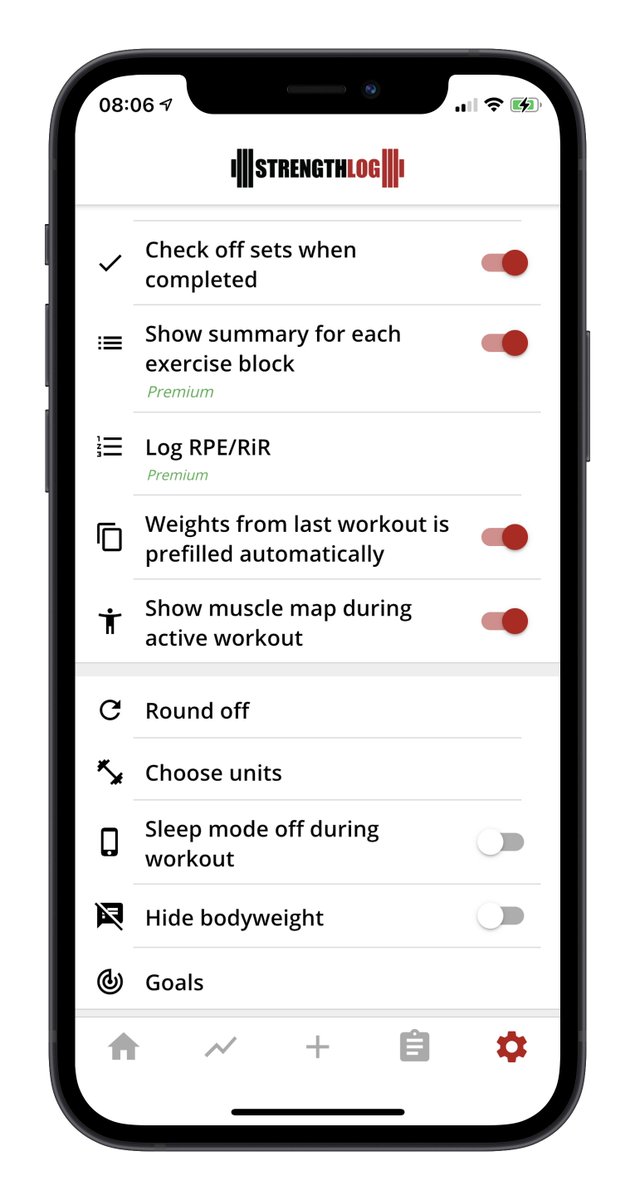
Lastly, you can go to settings and opt-in to prefill weights from the last workout.
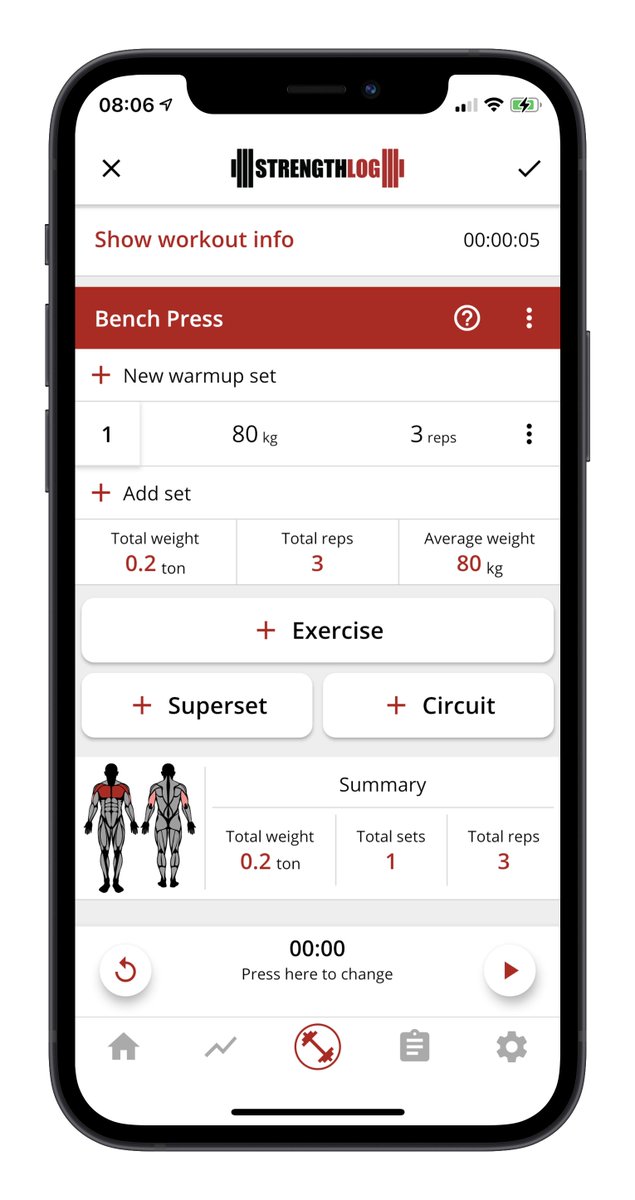
That way, the weight and reps from last time will appear when you add a new set.
Try to make a small improvement every time!
Lastly, you can go to settings and opt-in to prefill weights from the last workout.
That way, the weight and reps from last time will appear when you add a new set.
Try to make a small improvement every time!
• • •
Missing some Tweet in this thread? You can try to
force a refresh