

1/ So psyched to get the RHR shoutout today from @MartyBent and @ODELL!
Tons of fun stuff happening in @SeedSigner. Here's a quick walkthrough:
First, quickly generate a brand new seed w/high entropy via the onboard camera! (coming in the next release). RIP dice rolls.
Tons of fun stuff happening in @SeedSigner. Here's a quick walkthrough:
First, quickly generate a brand new seed w/high entropy via the onboard camera! (coming in the next release). RIP dice rolls.
https://twitter.com/surfacePlasmon/status/1420876327381524482

2/ The full 720x480 image is run through SHA-256 to generate your 24-word mnemonic. The full image is never displayed (only the center crop). The image is never saved.
@SeedSigner is stateless so everything goes away when you turn it off.
@SeedSigner is stateless so everything goes away when you turn it off.


3/ Next you can do the manual QR code transcription using the dedicated UI and our grid template.
This one took me 13 minutes. You can be way sloppier and go much faster than this. QR codes are amazingly resilient to errors.
This one took me 13 minutes. You can be way sloppier and go much faster than this. QR codes are amazingly resilient to errors.
https://twitter.com/MartyBent/status/1420876538229235715


4/ I print the template on 110# cardstock paper to give it some stiffness. Then cut and prep it for the thermal laminator.
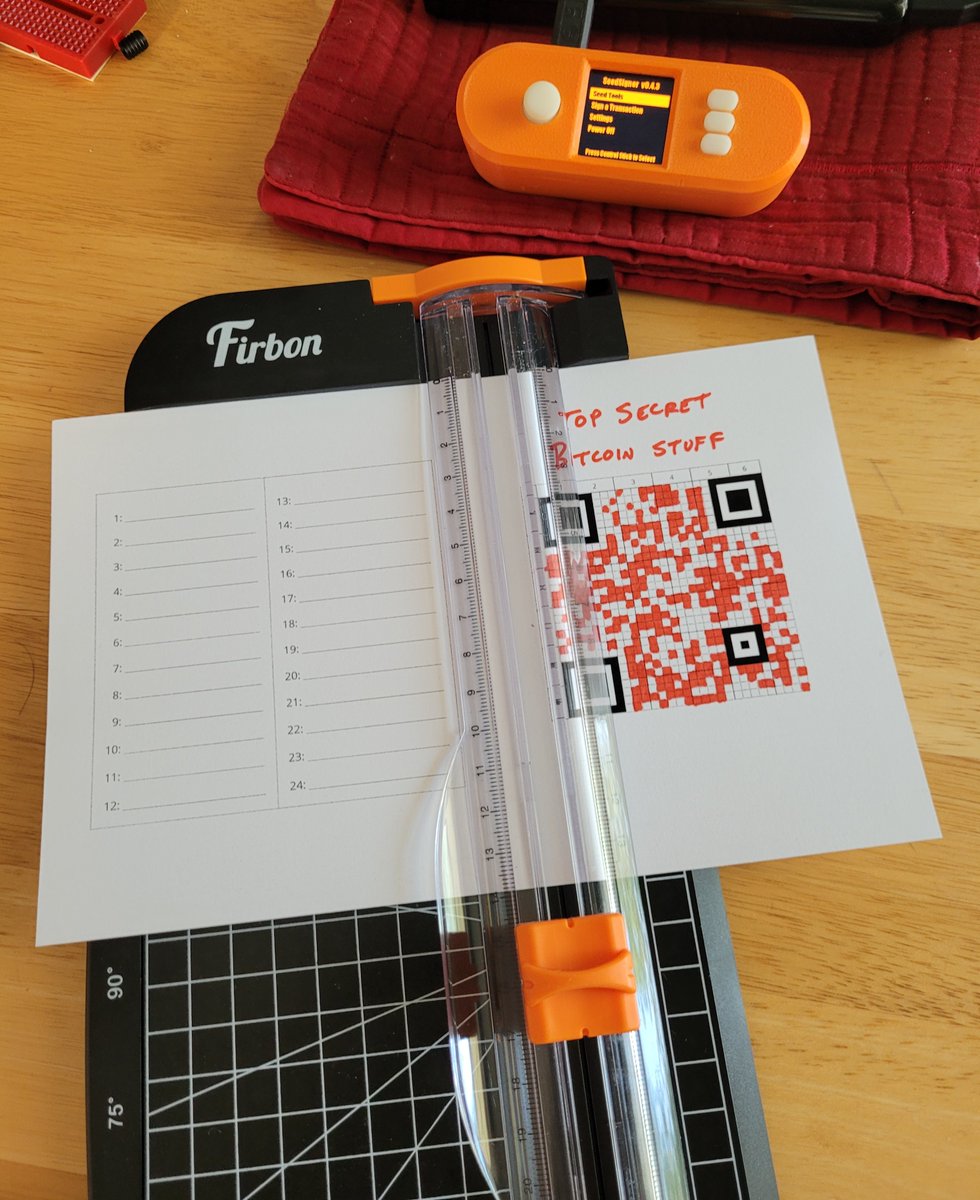
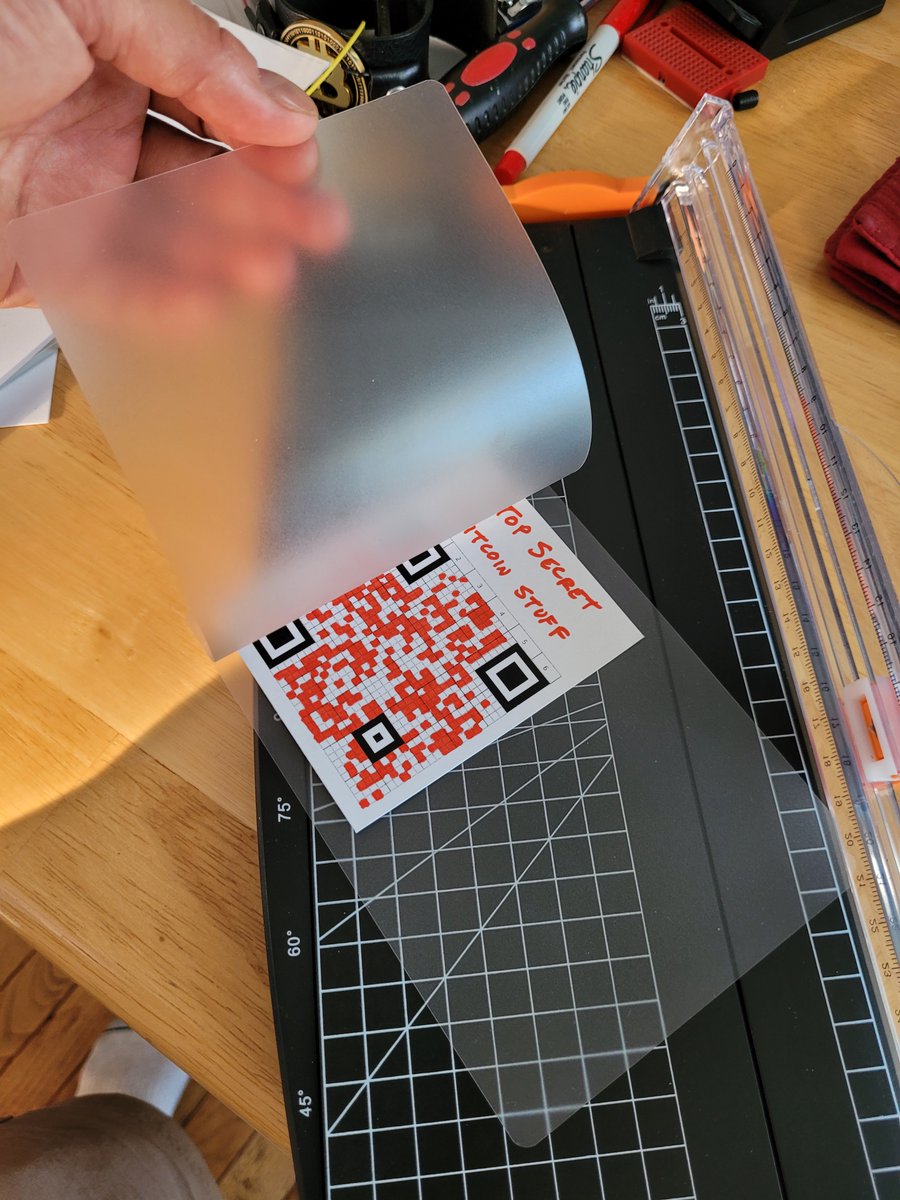
5/ Thermal laminators are f'n cool.
6/ But your real backup should be metal. Hello, @blockmit_com!
Badass self-sovereignty group photo right here!
Badass self-sovereignty group photo right here!

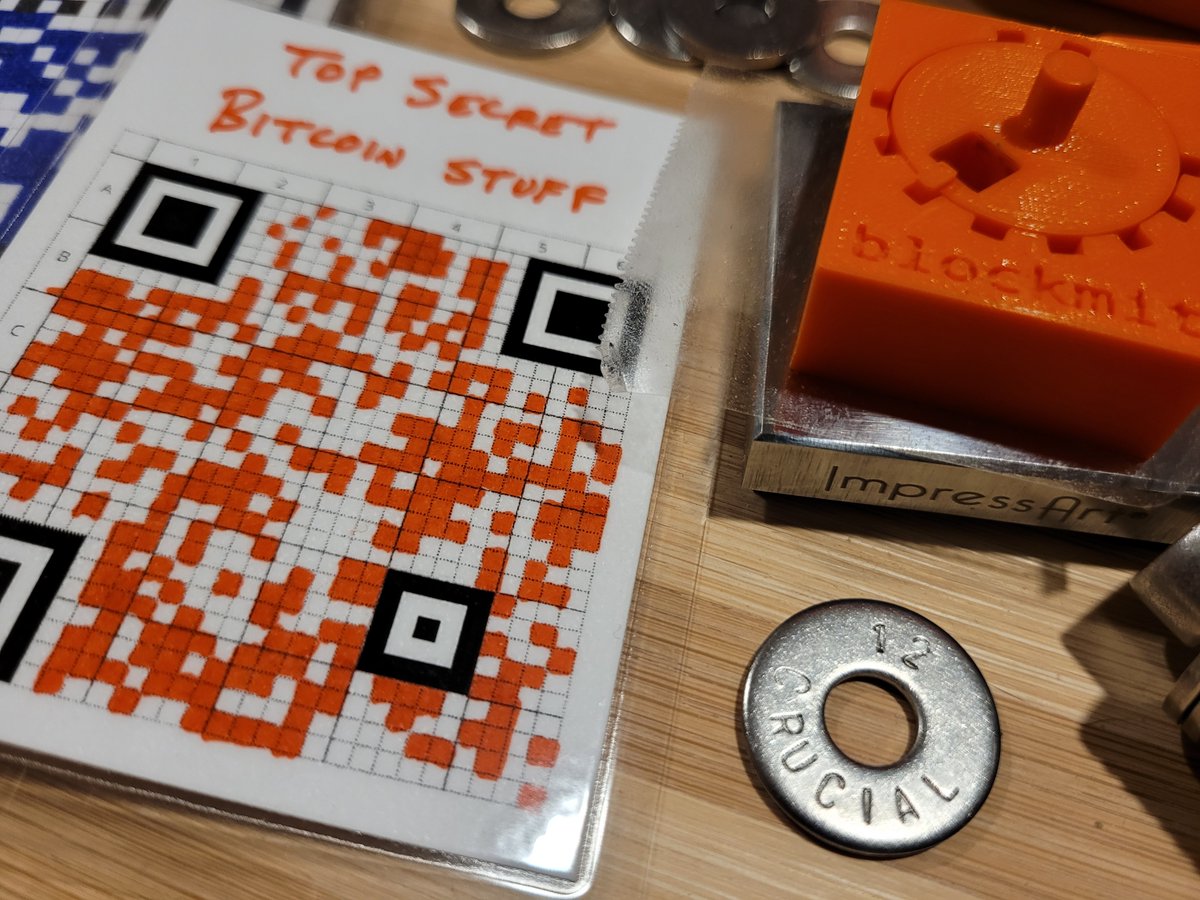
7/ Give it a try. Scan this with your phone. The stream of numbers you get back are the four-digit indices of the BIP-39 wordlist for each word, in order.
1364 pride
0098 arrange
0811 grace
etc
1364 pride
0098 arrange
0811 grace
etc

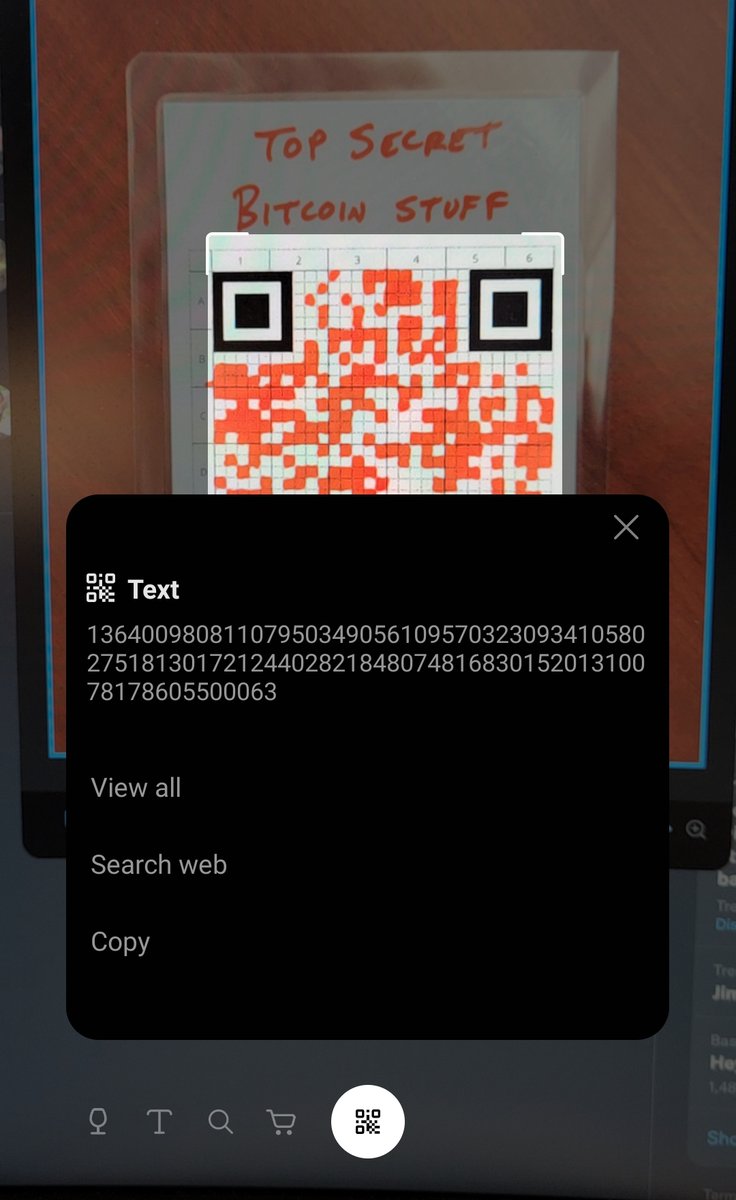
8/ Biggest criticism: But now it's too easy for someone to snap a pic of your seed QR!
* What, are you doing this in a coffee shop?! Um, private spaces only.
* Always use a BIP-39 passphrase (implemented in @SeedSigner by @newtonick!)
* Multisig so each key is less important.
* What, are you doing this in a coffee shop?! Um, private spaces only.
* Always use a BIP-39 passphrase (implemented in @SeedSigner by @newtonick!)
* Multisig so each key is less important.
• • •
Missing some Tweet in this thread? You can try to
force a refresh





