shot-scraper is my new tool for automating screenshots, primarily for documentation but with some devious scraping applications too
simonwillison.net/2022/Mar/10/sh…
simonwillison.net/2022/Mar/10/sh…
It's built on top of @playwrightweb - shot-scraper provides a CLI tool for taking a screenshot of a page (or a portion of a page):
shot-scraper datasette.io -o datasette.png
shot-scraper datasette.io -o datasette.png

Or of a portion of a page, specified using a CSS selector
shot-scraper simonwillison.net \
-s '#bighead' -o bighead.png
shot-scraper simonwillison.net \
-s '#bighead' -o bighead.png

You can also define a YAML file with a sequence of screenshots and run them all using:
shot-scraper multi shots.yml
shot-scraper multi shots.yml
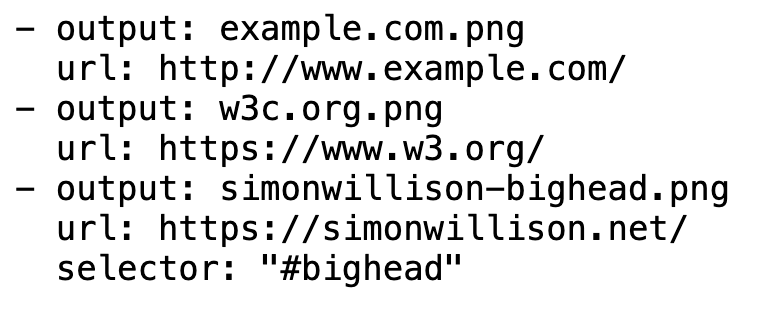
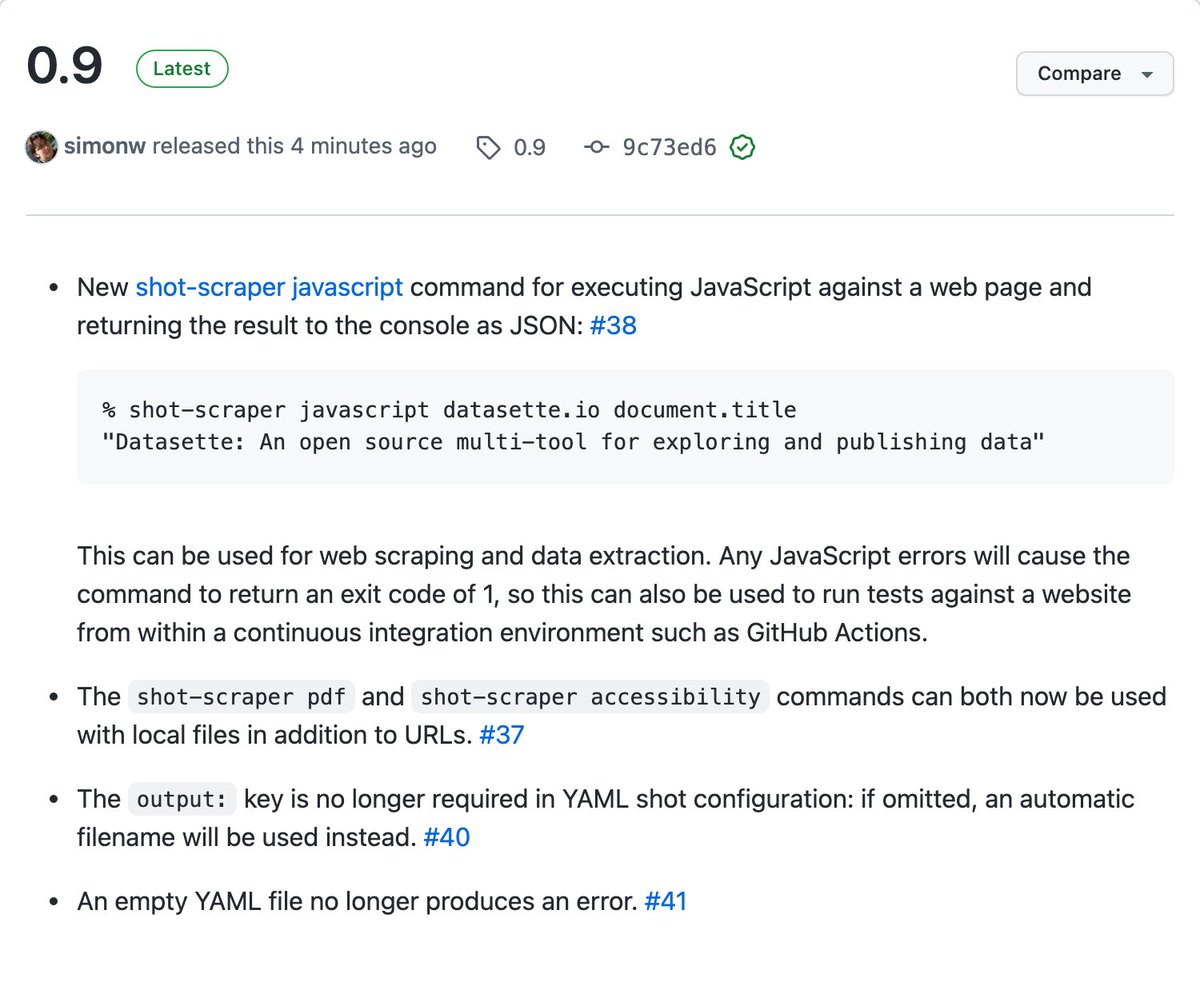
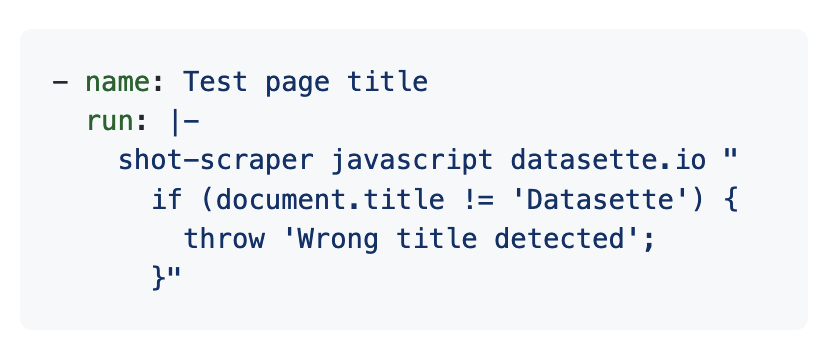
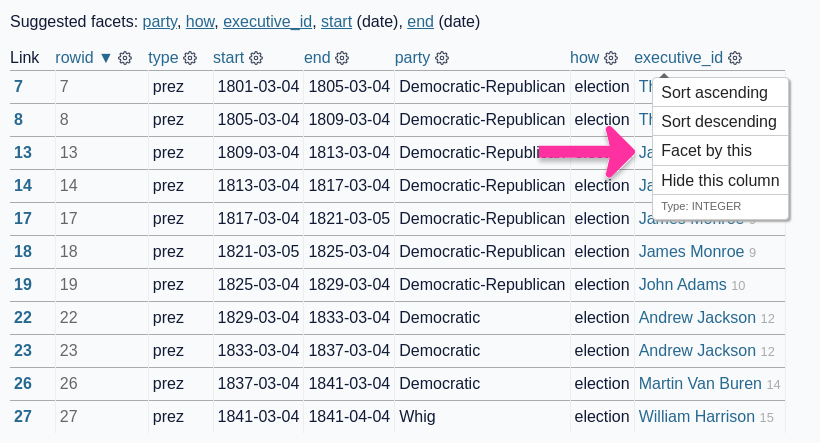
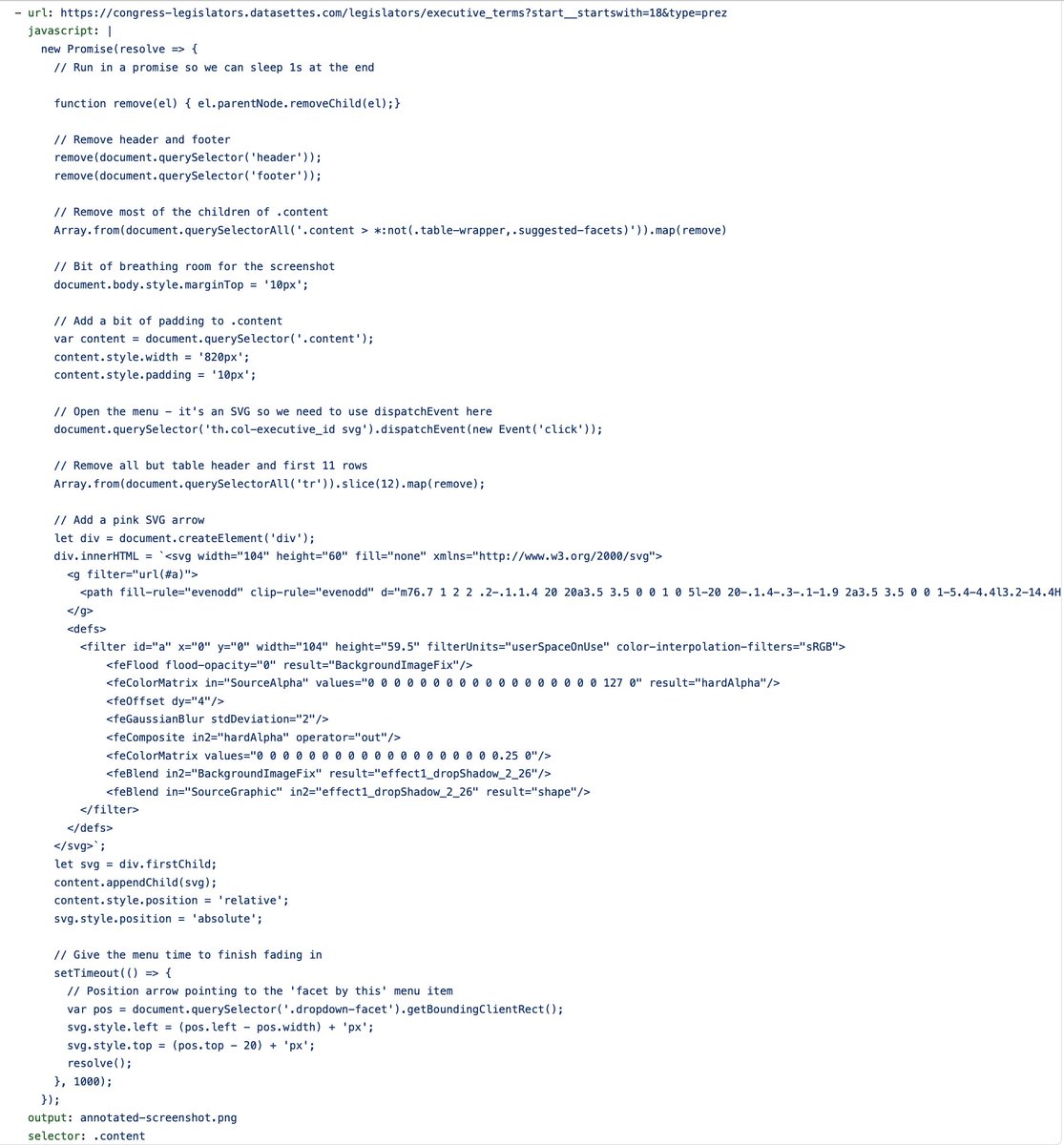
But the real fun comes when you combine the ability to snapshot a CSS selector with the ability to run extra JavaScript on the page
This annotated image (suitable for inclusion in a tutorial) is created by this YAML configuration - which drops in and positions a SVG pink arrow!
This annotated image (suitable for inclusion in a tutorial) is created by this YAML configuration - which drops in and positions a SVG pink arrow!
More details on shot-scraper in the GitHub repo here: github.com/simonw/shot-sc…
This is my first time using @playwrightweb for browser automation and it's /amazing/ - my entire implementation of shot-scraper is just 180 lines of Python! github.com/simonw/shot-sc…
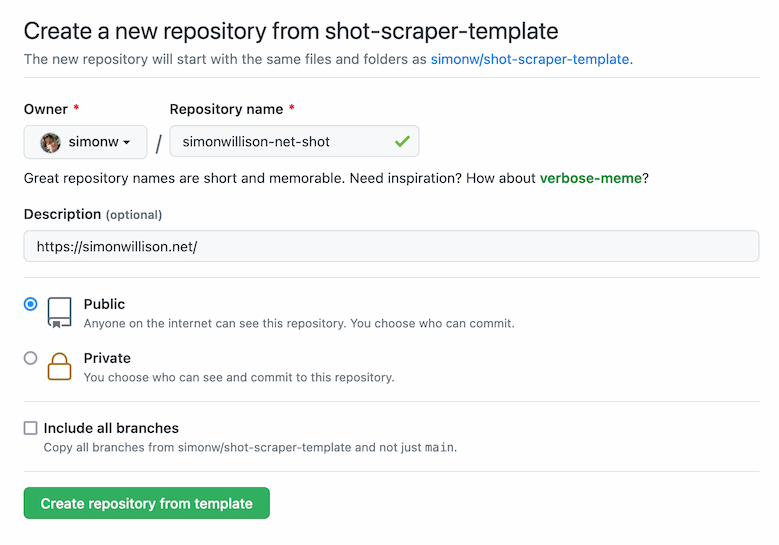
I think my favourite thing about shot-scraper is how it works with GitHub Actions. This demo repo defines a couple of screenshot generation procedures in a YAML file, then runs them in GitHub Actions and writes the generated images back to the same repo github.com/simonw/shot-sc…
I really enjoy building tools that treat GitHub Actions as a platform - it's great knowing the software can deliver value running entirely within their stable, well documented infrastructure - protecting users from worrying about if it will work correctly on their own machines
shot-scraper now being discussed on Hacker News: news.ycombinator.com/item?id=306218…
Anyone tried this out yet? I'm really looking forward to seeing what people use it for!
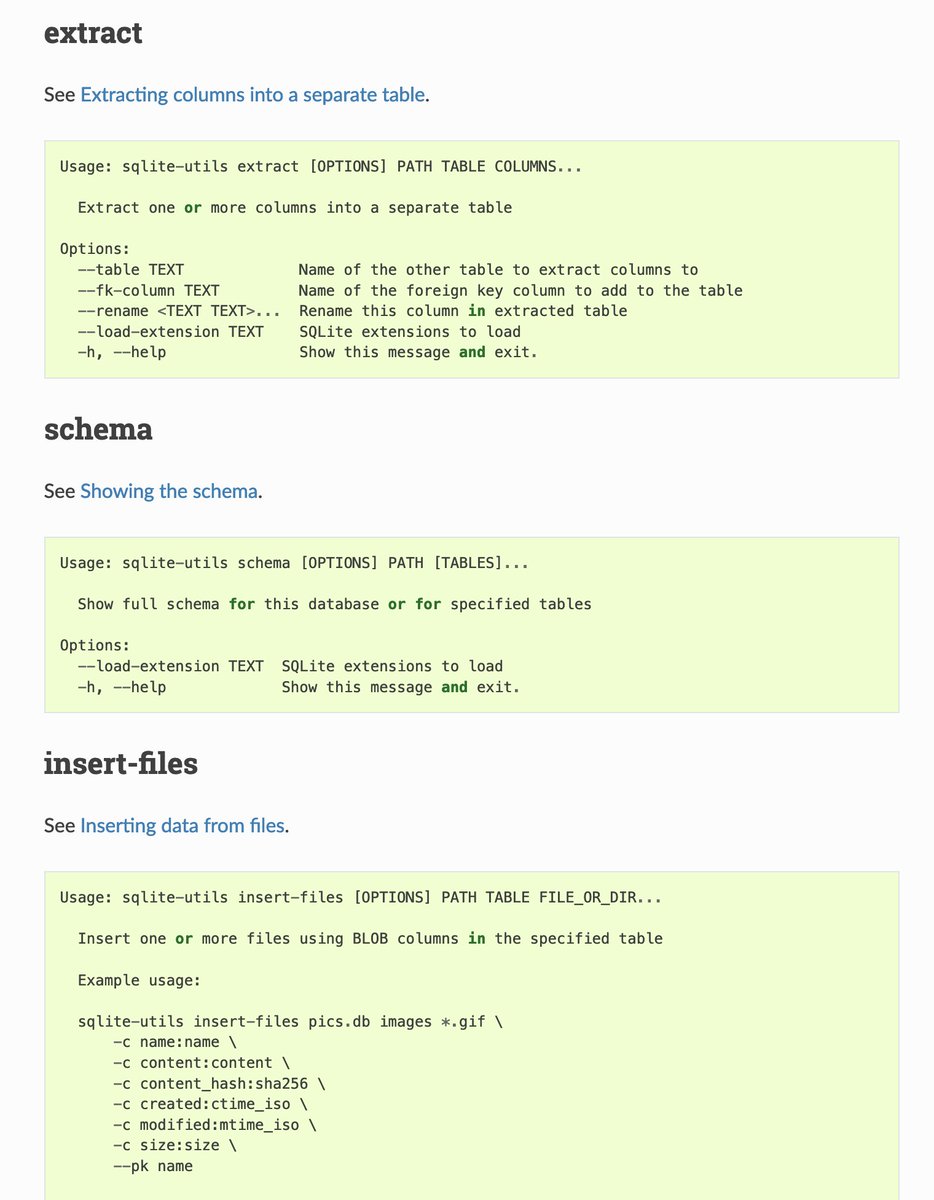
Just released shot-scraper 0.4 with a new "shot-scraper accessibility URL" command, for scraping the accessibility tree of a page
https://twitter.com/simonw/status/1502050418628644866
Just made a tiny change to my owlsnearme.com shot-scraper demo - I added code to hide the "taken 5 hours ago" text, so that it wouldn't result in every scrape being a different image just because time had passed since the last scrape github.com/simonw/shot-sc…
First live example of something someone else built with shot-scraper, and it is golden!
https://twitter.com/simonw/status/1502683381078769664
shot-scraper 0.5 is out, with a new "shot-scraper pdf" command for grabbing PDFs of web pages
shot-scraper pdf datasette.io \
--landscape -o datasette-landscape.pdf
Release notes: github.com/simonw/shot-sc…
shot-scraper pdf datasette.io \
--landscape -o datasette-landscape.pdf
Release notes: github.com/simonw/shot-sc…

shot-scraper 0.6 is out: github.com/simonw/shot-sc…
Three really neat new features:
- Authentication! You can auth with a website and reuse the saved cookies
- Option to interact with a page manually before taking the shot
- Partial shots can now encompass multiple CSS selectors
Three really neat new features:
- Authentication! You can auth with a website and reuse the saved cookies
- Option to interact with a page manually before taking the shot
- Partial shots can now encompass multiple CSS selectors
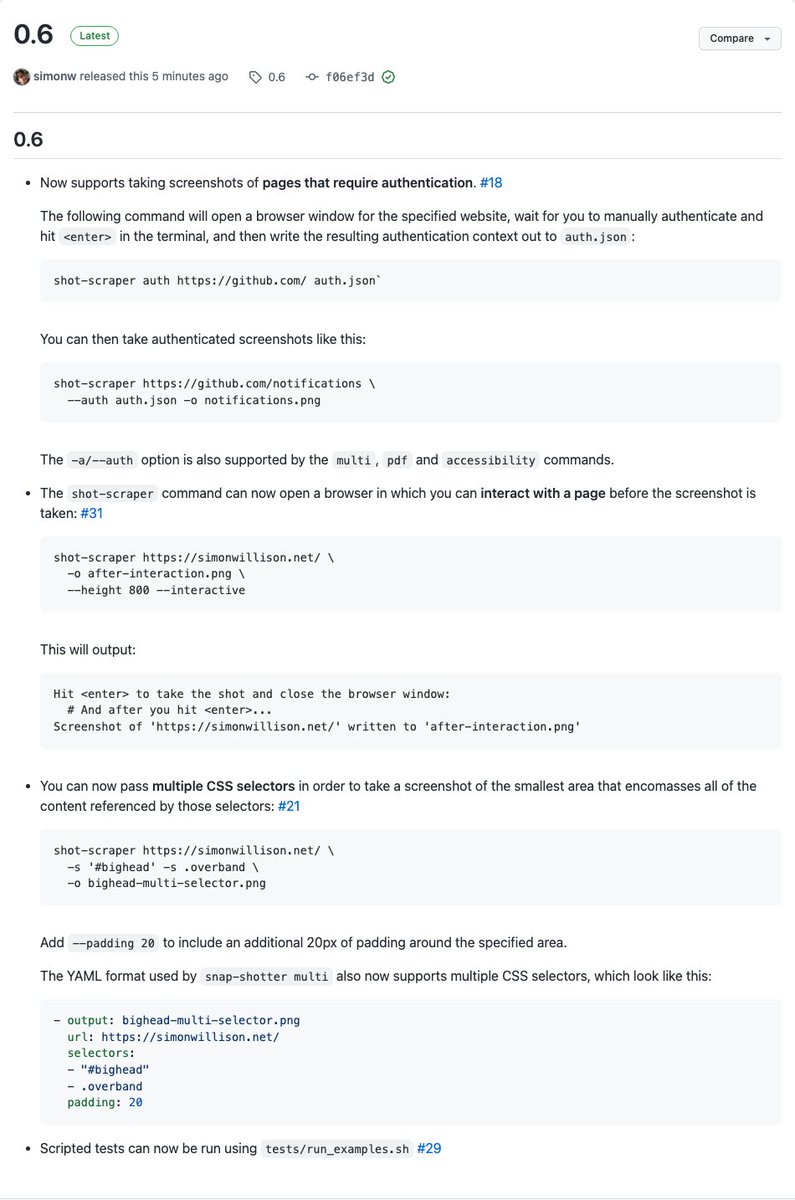
And I used shot-scraper to take the screenshot of the release notes that I included in that tweet!
shot-scraper github.com/simonw/shot-sc… \
--selector '.Box-body' --width 1000 -o box.png
shot-scraper github.com/simonw/shot-sc… \
--selector '.Box-body' --width 1000 -o box.png
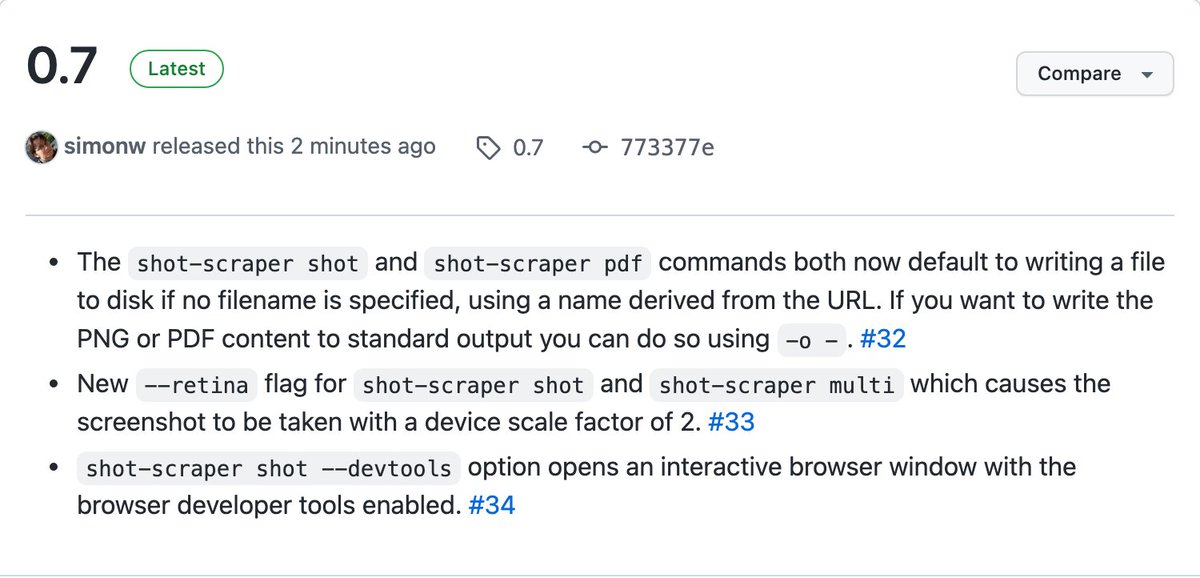
shot-scraper 0.7 adds --retina mode for double the image resolution, and the tool now defaults to writing files to disk - rather than dumping binary PNG/PDF data to your terminal if you forgot to give it a "-o screenshot.png" filename
github.com/simonw/shot-sc…
github.com/simonw/shot-sc…
shot-scraper 0.8 can now take screenshots of files on local disk:
shot-scraper index.html -o index.png
The URL protocol is also no longer required:
shot-scraper datasette.io -o datasette.png
github.com/simonw/shot-sc…
shot-scraper index.html -o index.png
The URL protocol is also no longer required:
shot-scraper datasette.io -o datasette.png
github.com/simonw/shot-sc…
To avoid confusion between these two new modes, in checks for the existence of a local file called "datasette.io" before assuming that the text entered is a URL that needs to have http:// prepended to it
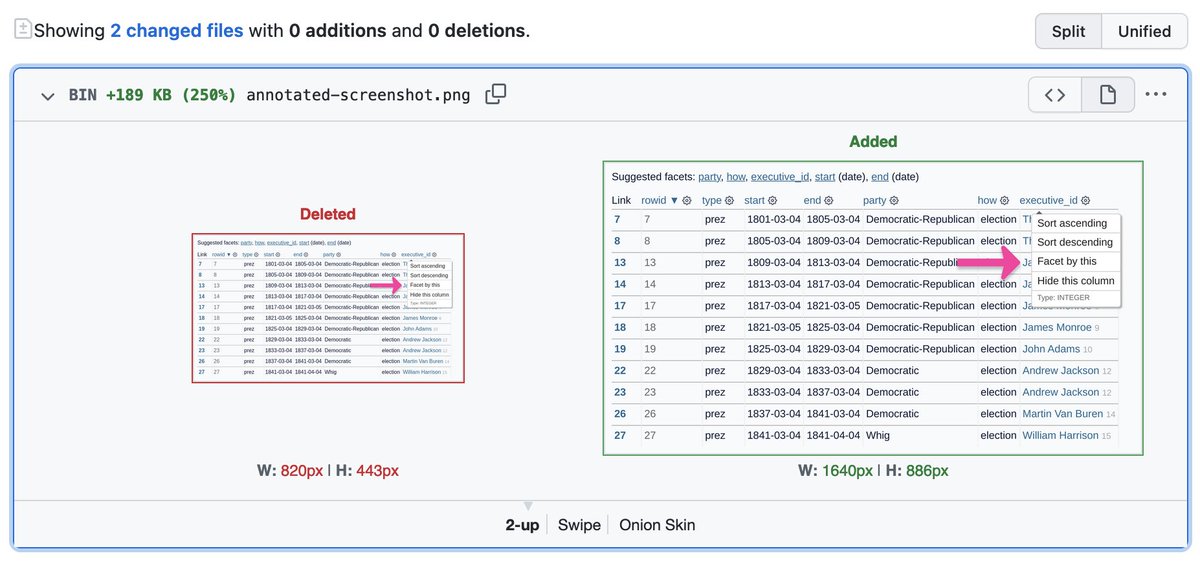
I also upgraded the shot-scraper demo repository to use the new --retina mode from 0.7 when generating the annotated screenshot - diff illustrating that here: github.com/simonw/shot-sc…
Started a new thread
https://twitter.com/simonw/status/1503161608389861379
• • •
Missing some Tweet in this thread? You can try to
force a refresh