"Slot" components are one of the best ways to save time as a product designer
They can be tricky at first, but once you wrap your head around the right way to use them...
They become one of the most powerful tactics in @figmadesign👇
They can be tricky at first, but once you wrap your head around the right way to use them...
They become one of the most powerful tactics in @figmadesign👇

What are "Slots"?
They're placeholder components that are part of larger organisms or templates.
They are intentionally empty so that they can be replaced with a local component.
They're placeholder components that are part of larger organisms or templates.
They are intentionally empty so that they can be replaced with a local component.

Why use "Slots"?
1. They minimize sources of truth
2. They allow you to integrate local UI into your design system components
3. They eliminate a ton of manual work
1. They minimize sources of truth
2. They allow you to integrate local UI into your design system components
3. They eliminate a ton of manual work
Example 👇
In my UI Kit, I'll create a "Modal" component that contains a single "Slot".
This way I can define all of the variants for my modals once, and insert any UI seamlessly into the existing system
In my UI Kit, I'll create a "Modal" component that contains a single "Slot".
This way I can define all of the variants for my modals once, and insert any UI seamlessly into the existing system

Then when I import my modal into a new file...
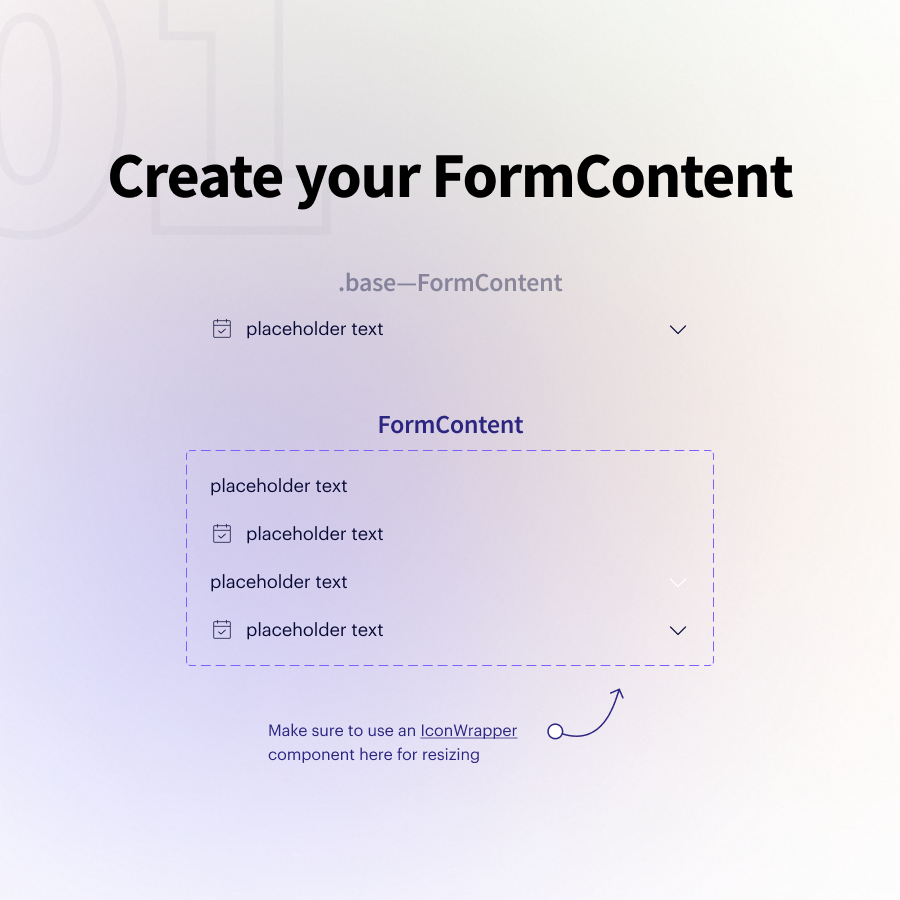
I create a new "Modal Content" component that includes any UI I want to insert into my modal.
It's the perfect way to integrate local designs with a component imported from one of your libraries.
I create a new "Modal Content" component that includes any UI I want to insert into my modal.
It's the perfect way to integrate local designs with a component imported from one of your libraries.

And the best part? If you use auto layout to create your modal content and set it to "fill container"...
All of your local UI will work perfectly with your pre-defined modal variants!
All of your local UI will work perfectly with your pre-defined modal variants!
It's important to note... I used to do this the wrong way...
Don't create multiple slot components and swap them for individual components (like buttons or inputs). Re-ordering is a HUGE pain and I now only use a single "Slot".
It's infinitely more flexible 💪
Don't create multiple slot components and swap them for individual components (like buttons or inputs). Re-ordering is a HUGE pain and I now only use a single "Slot".
It's infinitely more flexible 💪

Currently working on a lesson for @figmaacademy that shows how Slot components can be used to power entire templates for a web app 🤯


If you made it this far, click into the first tweet and share with someone else who you think might enjoy using "Slots"!
https://twitter.com/Ridderingand/status/1435094399143137281?s=20
Lastly, this is a great way to get Figma closer to code.
Because engineers will have consistent logic for how modals display, what they look like on mobile, what the default padding is, etc.
"Slots" allow you to define those rules once, and then easily insert any UI ✌️
Because engineers will have consistent logic for how modals display, what they look like on mobile, what the default padding is, etc.
"Slots" allow you to define those rules once, and then easily insert any UI ✌️
• • •
Missing some Tweet in this thread? You can try to
force a refresh