A quick rundown on what the buttons are for! Thread for now, but we will properly make a google doc for everything.
•Story and shop is self-explanatory
•"A.R.B pass" will direct you to shop
•Clear missions to get items!
•"My Room" is what you are seeing right now.
•Story and shop is self-explanatory
•"A.R.B pass" will direct you to shop
•Clear missions to get items!
•"My Room" is what you are seeing right now.

•Running out of energy means you can't play the rhythm game until you replenish it with items
•View your collected cards in "My Men"!
•Gacha pulls/scout is in "G Collect"
•Announcements for events and etc. is shown in "Info"
•Get obtained items in "Present Box"
•View your collected cards in "My Men"!
•Gacha pulls/scout is in "G Collect"
•Announcements for events and etc. is shown in "Info"
•Get obtained items in "Present Box"
Menu Translation:

•Profile - this is where you can share your game ID to twitter directly.
•In-game name - you can change it anytime.
•Collected items - where you can view your obtained items.
•Friends - Where you can view your friends list.
•Collected gem confirmation - in case you bought 1.
•In-game name - you can change it anytime.
•Collected items - where you can view your obtained items.
•Friends - Where you can view your friends list.
•Collected gem confirmation - in case you bought 1.
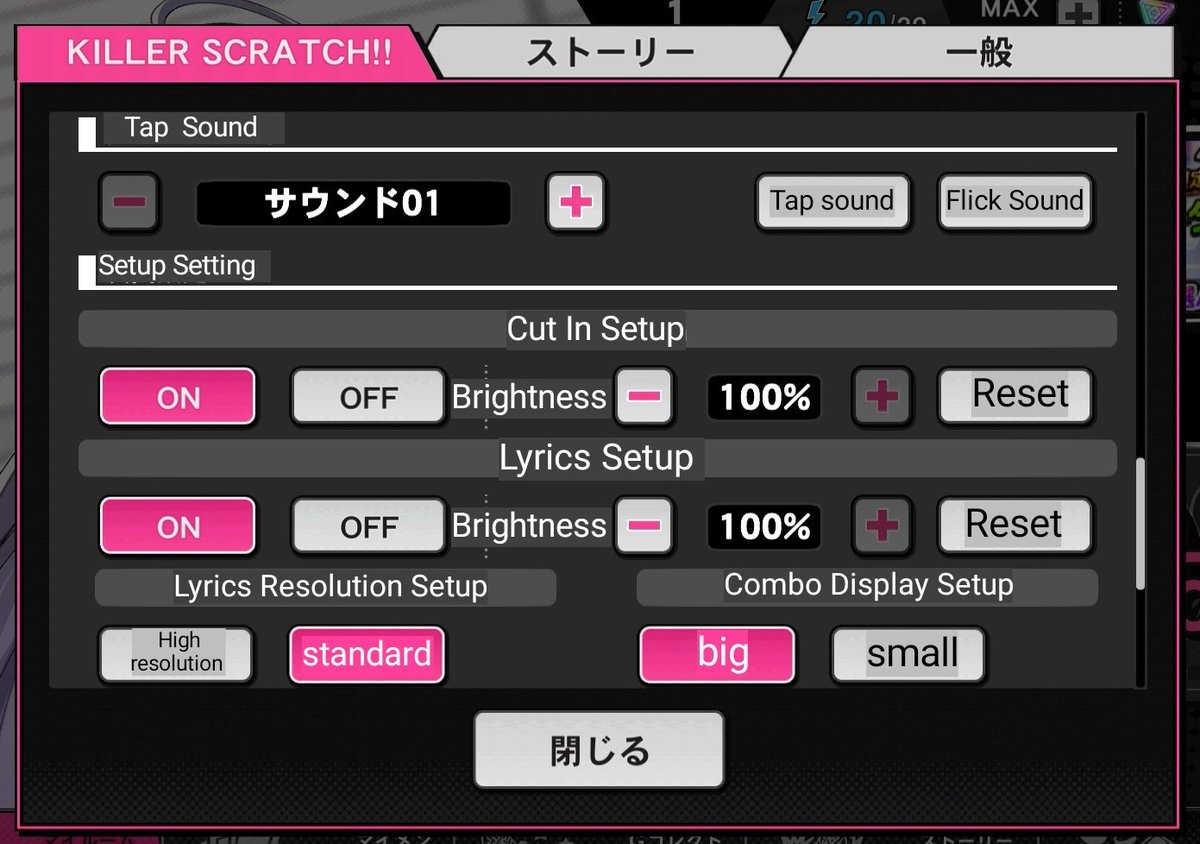
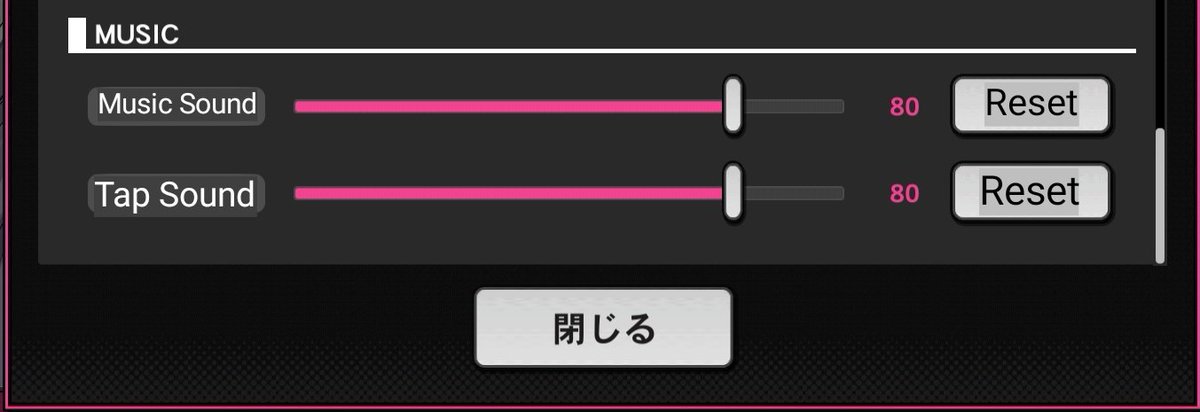
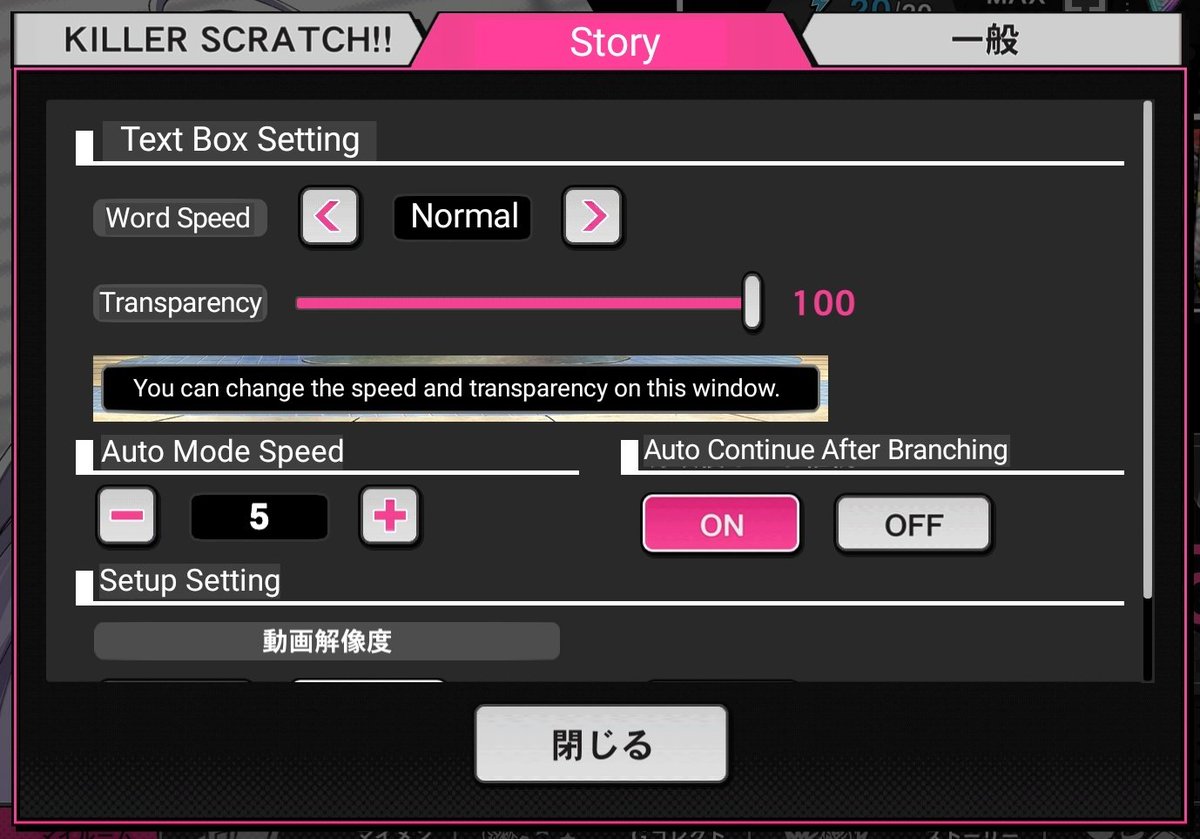
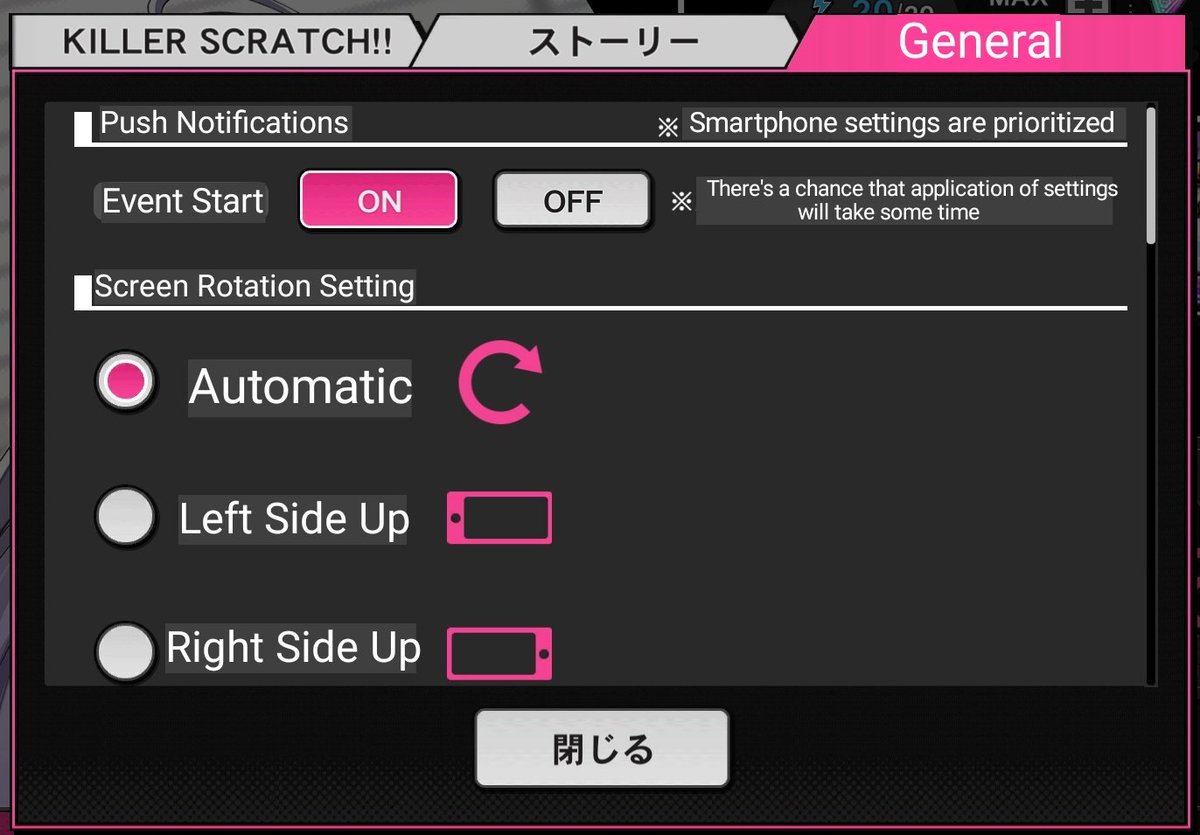
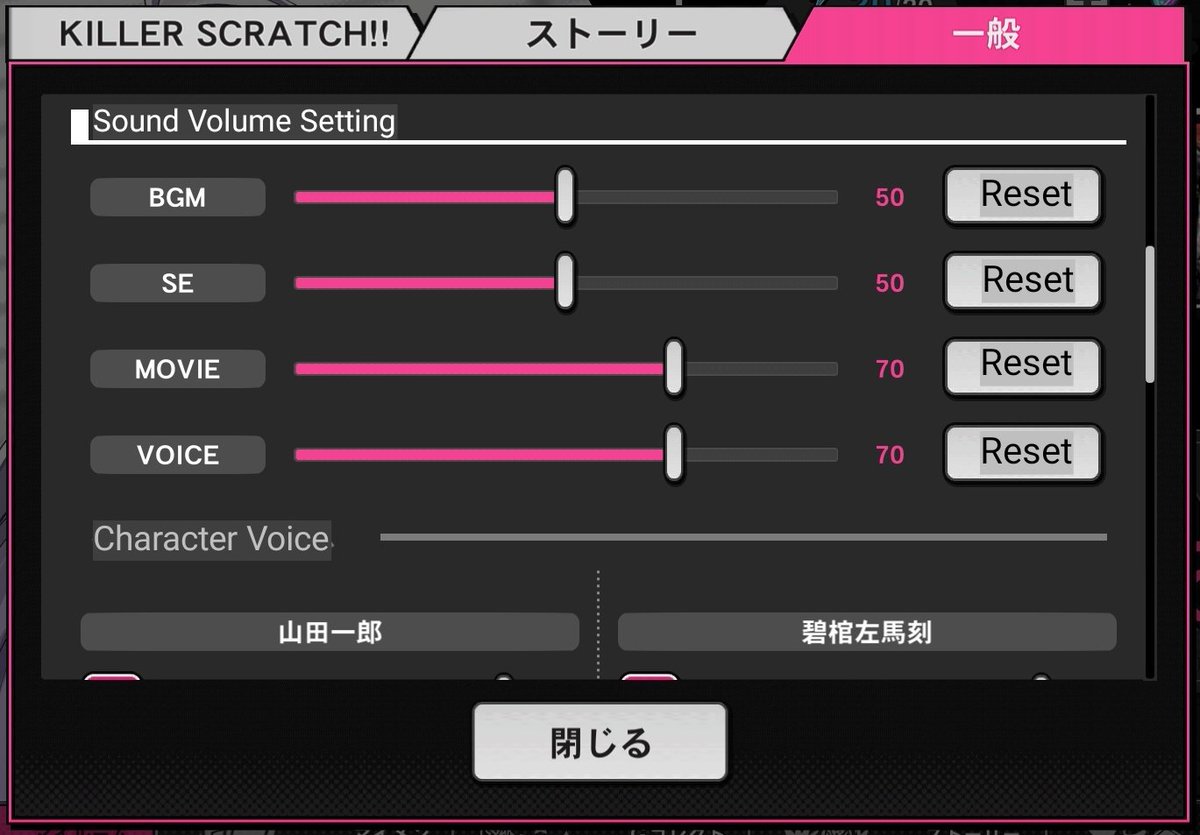
•Settings - where you can adjust to better game experience. (We will be translating this soon.)
•Data Transfer - for data transferring in another device.
•Batch download - the game lets you choose if you want to download it fully voiced (additional phone space needed).
•Data Transfer - for data transferring in another device.
•Batch download - the game lets you choose if you want to download it fully voiced (additional phone space needed).
My Men Translation:

•Organize - this is where you can choose which card to add in your team. Who you choose as a leader will automatically make your main profile character.
•Evolution* - where you can turn your card into a higher rank
•Level Up Enhancement* - where you can level up your cards
•Evolution* - where you can turn your card into a higher rank
•Level Up Enhancement* - where you can level up your cards
•Auto Skill Enhancement* - where you can raise your card's auto skill level
•Leader Skill Enhancement* - higher level cards have special skills, and this is where you can level them up
•Break up - where you can exchange cards you don't want for tickets/coins.
•Leader Skill Enhancement* - higher level cards have special skills, and this is where you can level them up
•Break up - where you can exchange cards you don't want for tickets/coins.
Additional Notes:
*Please note that in order to level up your cards in any way (for example in Level Up, Auto Skill, and Leader Skill,)
you can only use items obtained from playing KILLER SCRATCH (the rhythm game) and/or events.
*You can level your cards up to its limits.
*Please note that in order to level up your cards in any way (for example in Level Up, Auto Skill, and Leader Skill,)
you can only use items obtained from playing KILLER SCRATCH (the rhythm game) and/or events.
*You can level your cards up to its limits.
*In "Evolution", you can evolve your cards and it will raise its level, and basically, this is where you can bloom your cards.
Story Menu Translation:

Shop Menu Translation:
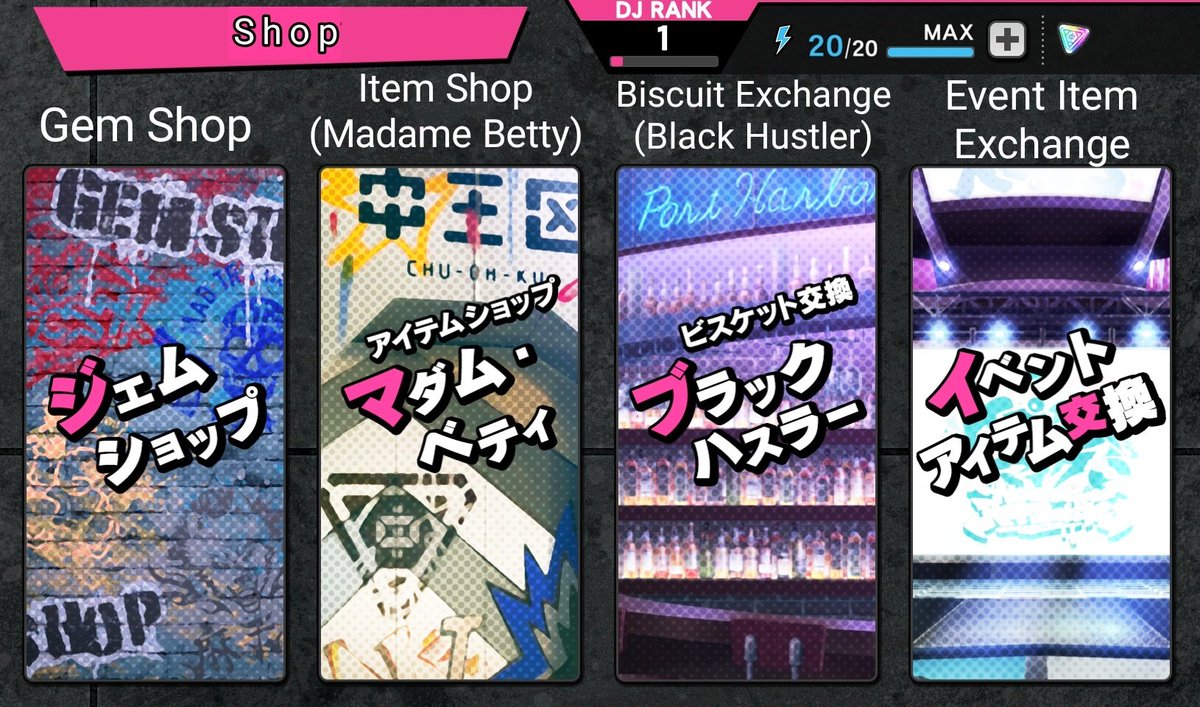
•Gem Shop - where you can buy gems for gachas or items
•Item Shop - where you can exchange gems for items
•Biscuit Exchange - you can exchange the silver and gold looking tickets here for items that can help you level up
•Event Item Exchange - exchange coins for event items
•Item Shop - where you can exchange gems for items
•Biscuit Exchange - you can exchange the silver and gold looking tickets here for items that can help you level up
•Event Item Exchange - exchange coins for event items